
Summarizer vs. Content Shortener: Which Is Better for Customizing Long Documents?

Uyen Hoang
November 5, 2026
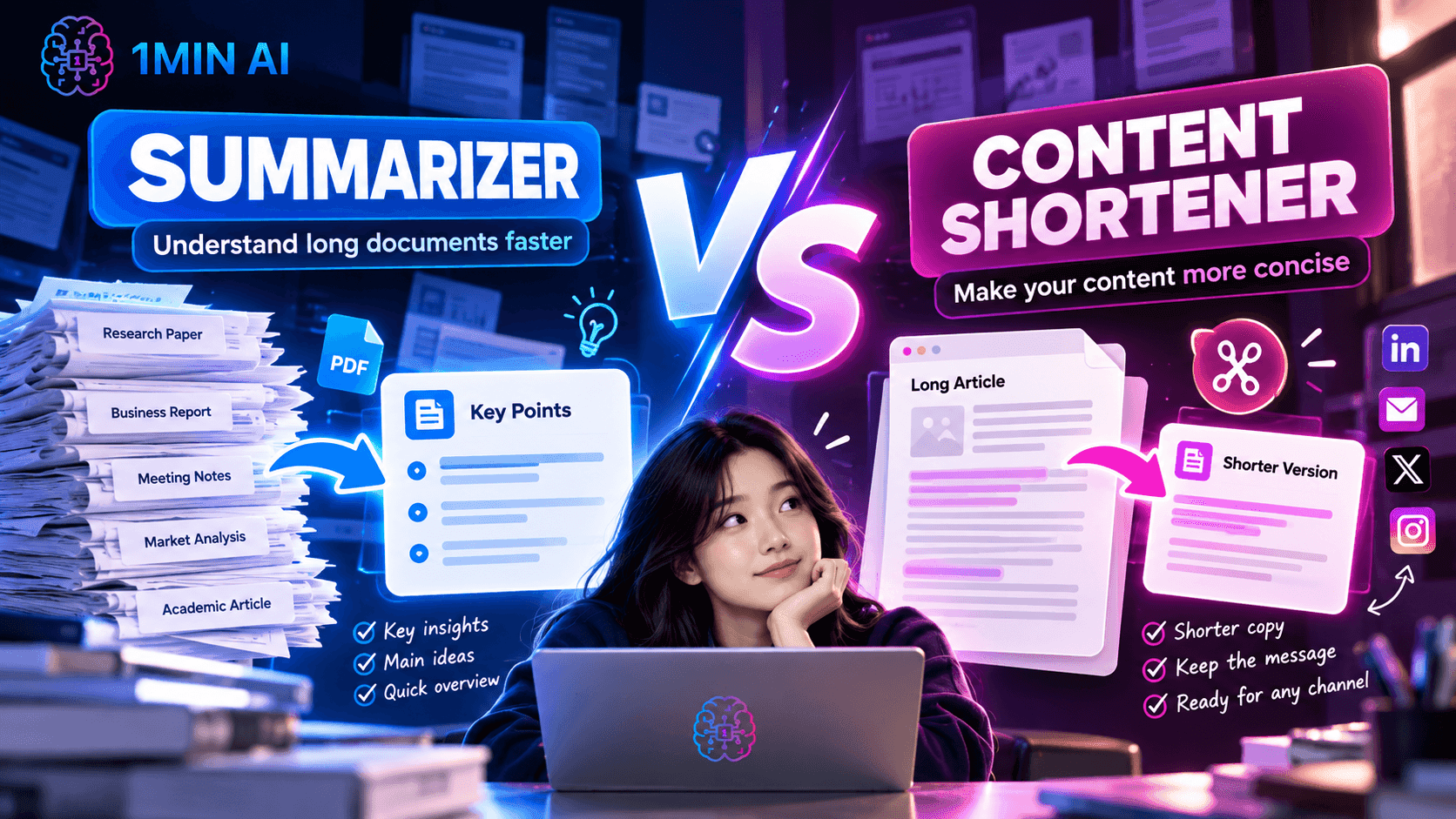
Compare AI Summarizer vs. Content Shortener to find the right tool for long documents, concise writing, and faster content customization with 1minAI.
Summarizer vs. Content Shortener: Which Is Better for Customizing Long Documents?
Long documents can contain useful information, but not every reader needs to go through every paragraph to find it. Research papers, business reports, meeting notes, articles, internal documents, and lengthy drafts can all become difficult to process when the amount of information grows faster than the time available to read it.
AI can make long documents easier to work with, but the right tool depends on what you actually want to do with the content. A Summarizer helps you understand a long document by extracting its main points, while a Content Shortener helps you reduce the length of existing content while keeping the important message.
So which one should you use when working with long documents? The simplest way to think about it is: use Summarizer when you need to understand the document, and use Content Shortener when you need to make the document shorter.
Summarizer vs. Content Shortener at a Glance
| Summarizer | Content Shortener | |
|---|---|---|
| Primary purpose | Condense a document into its key points | Reduce the length of existing content |
| Main goal | Make information easier to understand | Make content more concise |
| Input | Long document or large amount of text | Existing text that is too long |
| What you control | The level of information you want to retain | How much the content should be shortened |
| Focus | Key ideas and essential information | Concise wording and reduced length |
| Best for | Reports, research, meeting notes, long documents | Articles, emails, posts, drafts, business copy |
| Typical output | A condensed overview | A shorter version of the original content |
| Best question to ask | “What do I need to know?” | “How can I say this in fewer words?” |
The important difference is that these two features solve different stages of the content workflow. A Summarizer helps you process information, while a Content Shortener helps you transform information you already have into a more concise version.
That distinction matters because shortening a document is not always the same as summarizing it. If you need to understand a 20-page report before deciding what matters, a summary may be more useful. If you already know what the document says but need to turn a long paragraph into concise copy, shortening the content is usually the more direct approach.
What Is an AI Summarizer?
An AI Summarizer is designed to reduce a large amount of information into a more manageable overview. Instead of requiring you to read an entire document from beginning to end, it identifies the main ideas and presents the information in a shorter format.
For example, imagine you receive a long market research report containing background information, research findings, statistics, analysis, and recommendations. You may not need every detail immediately. A summarizer can help you quickly understand the document's main points before deciding which sections deserve a closer read.
This makes summarization particularly useful when the volume of information is the main problem.
You might use a Summarizer to:
- Understand a long report before a meeting
- Review research material more quickly
- Extract the main points from meeting notes
- Get an overview of a long article
- Review a lengthy business document
- Understand the key findings of research without reading every paragraph first
The main advantage is therefore information compression. Instead of rewriting every sentence, the goal is to identify what matters most and remove information that is less important to the overall understanding of the document.
What Is a Content Shortener?
A Content Shortener approaches the problem from a different direction. Instead of primarily asking, “What are the most important ideas in this document?”, it asks, “How can I communicate the same content more concisely?”
This distinction becomes important when you already have content that works but is simply too long for its intended format.
For example, you may have a 500-word product description that needs to become a shorter social media caption. Or you may have a long email that contains useful information but needs to be made more concise before sending it to a client.
In these situations, you are not necessarily trying to understand the content. You already understand it. The problem is that the content needs to be shorter.
A Content Shortener can therefore be useful for:
- Shortening long emails
- Condensing articles or blog sections
- Creating shorter social media copy
- Reducing lengthy product descriptions
- Making internal communication more concise
- Turning long drafts into more readable versions
The main advantage is controlled reduction. Instead of creating an entirely new overview, the workflow starts with existing content and makes that content more concise.
The Key Difference: Understanding vs. Rewriting
The easiest way to distinguish the two features is to ask:
“Do I need to understand this document, or do I need to make this document shorter?”
If you need to understand a long document, use a Summarizer.
If you already understand the content but need a shorter version, use a Content Shortener.
Consider a 3,000-word industry report.
If your goal is to prepare for a meeting and quickly understand its major findings, you could use a Summarizer to create an overview of the report.
But if you wrote a 3,000-word article and need to turn it into a 500-word version for another channel, you are not simply trying to understand the article. You are adapting existing content to a shorter format. That is where a Content Shortener becomes more relevant.
In other words:
Summarizer asks: “What matters?” Content Shortener asks: “What can I say with fewer words?”
This difference can save time because it prevents you from using a broad information-processing tool when what you actually need is a focused rewriting task.
Which One Is Better for Long Documents?
There is no single answer because “working with a long document” can mean very different things.
Use Summarizer When You Need to Understand a Long Document
A Summarizer is useful when the document contains information you need to process but do not necessarily need to read word for word.
For example, imagine a Talent Acquisition team receives a lengthy industry report about hiring trends. The team may want to understand the major findings, relevant statistics, and key recommendations before deciding whether to read the complete report.
In this situation, shortening every paragraph would not necessarily solve the problem. The team needs a structured understanding of the document, not simply a shorter version of every section.
The same applies to students reviewing research papers, managers preparing for meetings, or business teams reviewing long internal documents.
The question is not “Can this document be shorter?”
It is:
“What do I need to know from this document?”
That is a summarization task.
Use Content Shortener When You Need to Reuse Existing Content
Content Shortener becomes more useful when you already have a piece of content but need to adapt it for a different format, audience, or length.
Imagine a marketing team has written a detailed product announcement. The original version may work well for a website, but it may be too long for LinkedIn, an email preview, or a social media post.
The team does not necessarily need a summary of the announcement. They need a shorter version that can still communicate the original message.
That is where a Content Shortener can reduce unnecessary wording and make the content easier to use in another context.
This makes it particularly useful for teams that regularly repurpose existing content across multiple channels.
What About Customizing Long Documents?
This is where the difference between the two features becomes especially important.
“Customizing” a long document can mean two different things.
You may want to customize the information you consume by deciding how much of the document you need to understand. In that case, summarization helps you turn a large document into a more accessible overview.
Or you may want to customize the content you publish by reducing a long piece of writing to fit a specific format. In that case, a Content Shortener can help you create a more concise version.
For example:
| Situation | Better workflow |
|---|---|
| “I need to know what this 30-page report is about.” | Summarizer |
| “I need the key findings before my meeting.” | Summarizer |
| “This email is too long to send.” | Content Shortener |
| “Turn this article into a shorter version.” | Content Shortener |
| “I need to understand this research paper quickly.” | Summarizer |
| “This product description needs to be more concise.” | Content Shortener |
| “I want to review a long document before deciding what to read.” | Summarizer |
| “I want to reuse this content in a shorter format.” | Content Shortener |
The key is to identify whether the bottleneck is information overload or excessive wording.
Which One Is Faster?
For simply understanding a long document, Summarizer is usually the more direct workflow because the feature is designed specifically to reduce a large amount of information into its essential points.
You provide the document and let AI condense the information, rather than manually scanning every section to identify what matters.
For rewriting content that is already understood, Content Shortener can be the faster option because it focuses directly on reducing the length of the existing text.
Trying to use a Summarizer for every shortening task can create an unnecessary step. Likewise, shortening every long document does not necessarily give you the information you actually need.
Speed therefore depends less on the number of clicks and more on choosing the feature that matches the problem.
What About Content Quality?
Another important difference is what happens to the original structure and information.
A summary is designed to create a condensed representation of the source. As a result, some supporting details, examples, and secondary information may not appear in the final output because the purpose is to highlight the main ideas.
A Content Shortener starts from the existing content and focuses on making it more concise. This makes it more suitable when you still want the shortened version to function as the same piece of content, just with less unnecessary wording.
For example, if you are working with a product announcement, you may want to preserve the product's value proposition, key benefits, and call to action while reducing the amount of explanation around them.
In that situation, you are not asking:
“What is this announcement about?”
You are asking:
“How can I communicate this announcement more efficiently?”
That is a different editing objective.
What About Marketing Teams?
Marketing teams often work with both types of tasks.
A marketer may receive a 20-page market research report and need to understand the main consumer insights before developing a campaign. Summarizer can help reduce the research into a more manageable overview.
Later, the same marketer may have a long campaign description that needs to become a short LinkedIn post, email introduction, or social caption. Content Shortener can help transform the existing copy into a more concise format.
This means the two tools can support different stages of the same workflow:
Research → Summarize → Understand → Create → Shorten → Publish
Instead of treating them as competing features, marketing teams can use them according to the stage of the content process.
What About Sales and Business Development Teams?
Sales and business development teams also deal with large amounts of information, from company reports and market research to product documentation and client communications.
A Summarizer can help when a salesperson needs to quickly understand a long document before a client call. Rather than spending significant time reading every section, they can start with a condensed overview and then return to the original document for details that require closer attention.
Content Shortener becomes useful when the team needs to communicate information more concisely. A long client email, product explanation, or follow-up message can often be reduced without requiring the salesperson to rewrite the entire message manually.
The distinction is simple:
Summarizer helps you process information. Content Shortener helps you communicate information more efficiently.
Can You Use Summarizer and Content Shortener Together?
Yes. In fact, they can work well as two steps in the same document workflow.
Imagine your team receives a lengthy industry report before a strategy meeting.
First, use Summarizer to understand the major findings and identify the sections that matter most.
Then, after the team develops its own conclusions, use Content Shortener to turn longer explanations into concise internal updates, presentation copy, emails, or social content.
The workflow could look like this:
Long Document → Summarize → Understand → Select Relevant Information → Shorten → Reuse
This is particularly useful when a long document contains more information than you need for the final output. Instead of trying to turn the entire document directly into short copy, you first understand the source and then decide what information should remain.
Summarizer vs. Content Shortener: Which One Should You Choose?
Choose Summarizer when your main problem is the amount of information you need to process. It is useful for reports, research papers, meeting notes, business documents, and other long-form material where you need to quickly identify the key ideas.
Choose Content Shortener when your main problem is the length of the content you already have. It is useful when an email, article, product description, social post, or other piece of copy contains the right information but needs to become more concise.
You do not necessarily need to choose one feature permanently. The better approach is to decide what you are trying to accomplish before you start:
Need to understand? Summarize it. Need to shorten it? Condense it. Need to understand first and then create shorter content? Use both.
The Bigger Difference: Information vs. Communication
The distinction between Summarizer and Content Shortener ultimately comes down to the role of the document in your workflow.
A Summarizer helps you move from a large amount of information to a clear overview. Its value comes from reducing the effort required to understand what a document contains.
A Content Shortener helps you move from detailed communication to concise communication. Its value comes from reducing unnecessary length while keeping the content useful for its intended purpose.
That is why neither feature needs to be treated as a universal replacement for the other. The right choice depends on whether you are processing information or refining communication.
Customize Long Documents Faster with 1minAI
Long documents do not always need the same kind of editing. Sometimes you need to understand the information inside them. Other times, you already know what the document says and simply need to turn it into shorter, more usable content.
With 1minAI, you can choose the workflow based on that difference. Use Summarizer when you need to quickly process long-form information, and use Content Shortener when you need to make existing content more concise.
When the workflow requires both, start with a summary to identify what matters, then shorten the content you actually need to communicate.
When the problem is too much information, summarize it. When the problem is too many words, shorten it.
Alternatives
Discover the best alternatives to 1minAI and compare features, pricing, and use cases.

1min.AI vs OpenRouter
1min.AI vs. OpenRouter: Compare the ready-to-use AI creation product against the technical API tool. Find out if you need a zero-code creative studio or a coding infrastructure hub.
 Ngoc Hong
1minAI vs Postbeam for LinkedIn Content
Looking for a Postbeam alternative? Compare 1minAI vs Postbeam for AI LinkedIn content creation, research, image generation, scheduling, and B2B workflows.
 Tram Ta
1minAI vs Buffer for LinkedIn Content Creation
Looking for a Buffer alternative? Compare 1minAI vs Buffer for LinkedIn content creation, AI writing, image generation, scheduling, and automation.
Tram TaAI Tools
Discover the best AI tools to boost productivity, creativity, and everyday work.
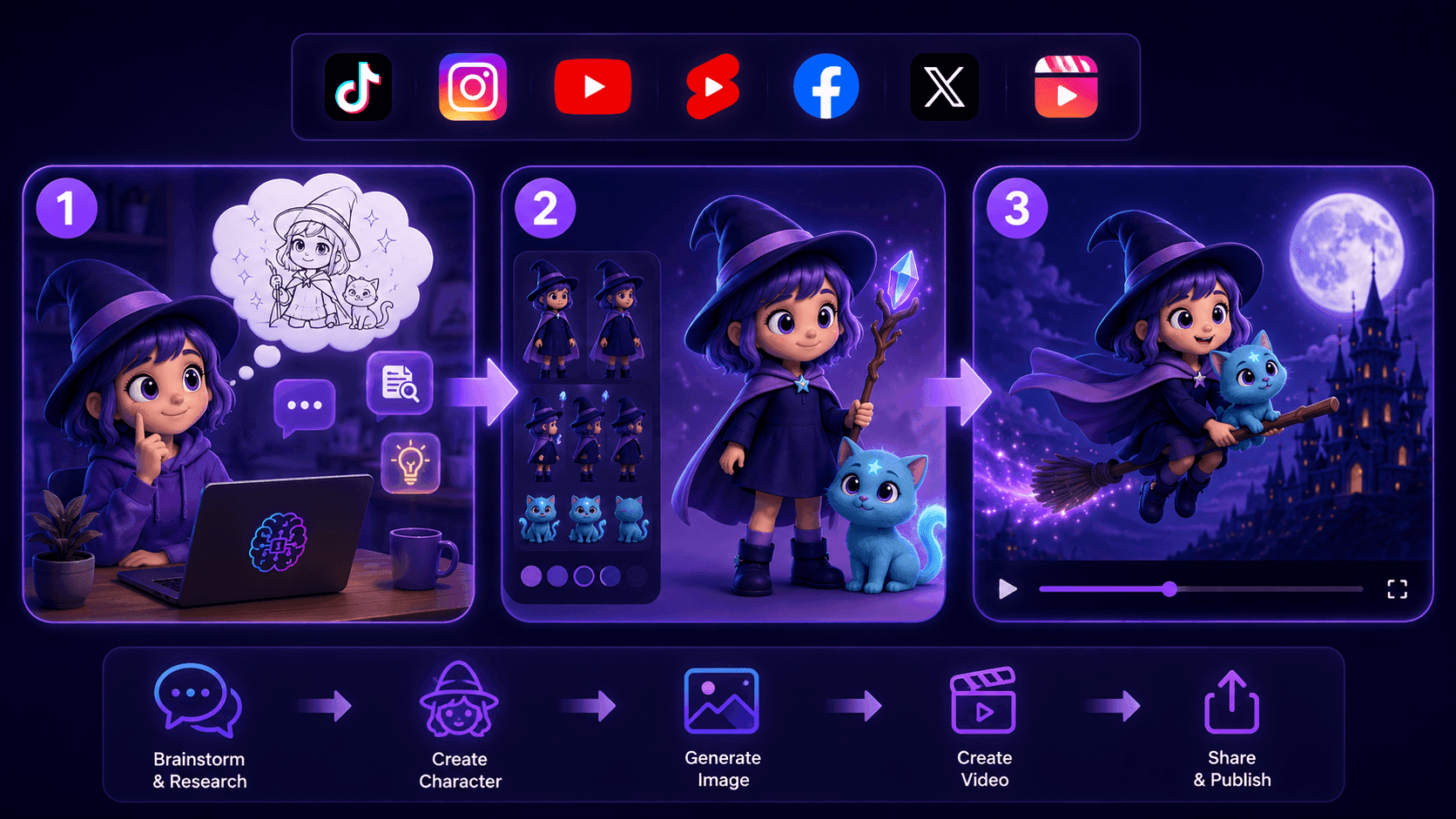
Create Consistent Cartoon Content in Just a Few Steps
Create engaging cartoon videos for TikTok and Reels with 1min.AI. Research ideas, create characters, and turn images into animated videos in 3 simple steps.
 Lien Anh Vu
One Product, 10 UGC Creatives: How AI Makes Content Testing Easier
Create more authentic UGC with an AI UGC video generator, test more creative angles and scale affiliate content without filming every version.
Lien Anh Vu
Top 4 Affordable AI Tools for Startup Founders
Discover the top 4 affordable AI tools for startup founders to validate ideas, build products, create content, and launch faster without overspending.
Tram TaAI Features
Comprehensive AI features that streamline workflows, improve efficiency, and empower teams to achieve more.
Create Consistent Cartoon Content in Just a Few Steps
Create engaging cartoon videos for TikTok and Reels with 1min.AI. Research ideas, create characters, and turn images into animated videos in 3 simple steps.
Lien Anh VuOne Product, 10 UGC Creatives: How AI Makes Content Testing Easier
Create more authentic UGC with an AI UGC video generator, test more creative angles and scale affiliate content without filming every version.
Lien Anh Vu
1minAI: Free AI Grammar Checker
Check grammar for free with 1minAI’s AI grammar checker. Find grammar, spelling, and writing mistakes, improve clarity, and polish your content in seconds.
Tram TaAI Use Cases
A curated collection of AI use cases for business, productivity, and industry-specific applications.
Create Consistent Cartoon Content in Just a Few Steps
Create engaging cartoon videos for TikTok and Reels with 1min.AI. Research ideas, create characters, and turn images into animated videos in 3 simple steps.
Lien Anh VuOne Product, 10 UGC Creatives: How AI Makes Content Testing Easier
Create more authentic UGC with an AI UGC video generator, test more creative angles and scale affiliate content without filming every version.
Lien Anh Vu
Best Time to Post on Instagram: A Practical Guide for Better Engagement
Discover the best time to post on Instagram, including the best days and times for different audiences, plus tips to find the ideal posting schedule for your account.
Tram TaAI Tutorials
Learn how to use AI with practical, step-by-step tutorials.

Black Friday AI Tool Deals in 2026
Discover what Black Friday AI tool deals 2026 has to offer. Find out how to secure the 1min.AI lifetime deal via AppSumo, Dealify, Stack Social, and verify on Trustpilot, Slashdot, and Software Advice.
 Hang Nguyen
Create Consistent Cartoon Content in Just a Few Steps
Create engaging cartoon videos for TikTok and Reels with 1min.AI. Research ideas, create characters, and turn images into animated videos in 3 simple steps.
Lien Anh Vu
[Seedance 2.5 New] Better AI Product Videos, Less Rework in 1min.AI
Use Seedance 2.5 image to video on 1min.AI to create more consistent AI product videos, reduce failed generations, save credits, and improve UGC workflows.
Lien Anh VuAI Guides
Learn AI faster with practical guides, real-world examples, and actionable best practices.

Safely Buy AI Tools Online: 2026 Black Friday Guide
Discover how to find and secure the best Black Friday AI deals online. Learn expert strategies to avoid scams, combat subscription fatigue, and verify software.
Hang NguyenCreate Consistent Cartoon Content in Just a Few Steps
Create engaging cartoon videos for TikTok and Reels with 1min.AI. Research ideas, create characters, and turn images into animated videos in 3 simple steps.
Lien Anh Vu[Seedance 2.5 New] Better AI Product Videos, Less Rework in 1min.AI
Use Seedance 2.5 image to video on 1min.AI to create more consistent AI product videos, reduce failed generations, save credits, and improve UGC workflows.
Lien Anh VuAI Solutions
Browse the best AI solutions for automation, coding, research, productivity, customer support, marketing, and business workflows.
Safely Buy AI Tools Online: 2026 Black Friday Guide
Discover how to find and secure the best Black Friday AI deals online. Learn expert strategies to avoid scams, combat subscription fatigue, and verify software.
Hang NguyenCreate Consistent Cartoon Content in Just a Few Steps
Create engaging cartoon videos for TikTok and Reels with 1min.AI. Research ideas, create characters, and turn images into animated videos in 3 simple steps.
Lien Anh VuOne Product, 10 UGC Creatives: How AI Makes Content Testing Easier
Create more authentic UGC with an AI UGC video generator, test more creative angles and scale affiliate content without filming every version.
Lien Anh VuAI Models
Explore the world's leading AI models in one place.
Create Consistent Cartoon Content in Just a Few Steps
Create engaging cartoon videos for TikTok and Reels with 1min.AI. Research ideas, create characters, and turn images into animated videos in 3 simple steps.
Lien Anh VuOne Product, 10 UGC Creatives: How AI Makes Content Testing Easier
Create more authentic UGC with an AI UGC video generator, test more creative angles and scale affiliate content without filming every version.
Lien Anh Vu[Seedance 2.5 New] Better AI Product Videos, Less Rework in 1min.AI
Use Seedance 2.5 image to video on 1min.AI to create more consistent AI product videos, reduce failed generations, save credits, and improve UGC workflows.
Lien Anh VuAI Comparisons
Compare AI tools, models, and platforms to find the best fit for your needs.
Kling AI Vs Veo 3: Which Model Wins?
Kling AI vs Veo 3: compare motion, native audio, pricing & free tiers to see which AI video generator wins for your project - try both on 1min.AI.
 Trang Tran
[Seedance 2.5 New] Better AI Product Videos, Less Rework in 1min.AI
Use Seedance 2.5 image to video on 1min.AI to create more consistent AI product videos, reduce failed generations, save credits, and improve UGC workflows.
Lien Anh Vu
DeepSeek V4 Pro vs Flash Comparison
Compare DeepSeek V4 Pro vs DeepSeek V4 Flash metrics. Optimize your agentic apps and improve AI fact checking on 1min.ai today.
Ngoc HongAI Integrations
Seamlessly integrate AI with the tools you already use to automate work and boost productivity.
POV: You Have 10+ Posts to Make Every Day
Learn how to build an AI content workflow that helps content creators produce 10+ social media posts a day faster with AI brainstorming, image generation, and content creation.
Lien Anh Vu
How to Use an AI Fashion Video Generator for Fashion Week 2026
Turn Fashion Week 2026 ideas into stunning fashion videos with AI. Learn how to brainstorm, create visuals, and transform images into videos with one simple workflow.
Lien Anh Vu
Stop Switching Between AI Apps: How AI Integration Transforms Employer Branding
Discover how AI integration helps HR teams streamline employer branding by combining AI writing, documents, images, video, and multiple AI models into one workspace.
Tram TaAI for Industries
Find the best AI tools and workflows for healthcare, finance, education, legal, manufacturing, retail, real estate, and more
Text To Video AI Free Without Watermark Online
Create text to video AI free without watermark online with 1min.AI. Pick top models, turn prompts into HD clips, and download clean videos fast. Try it free.
Trang Tran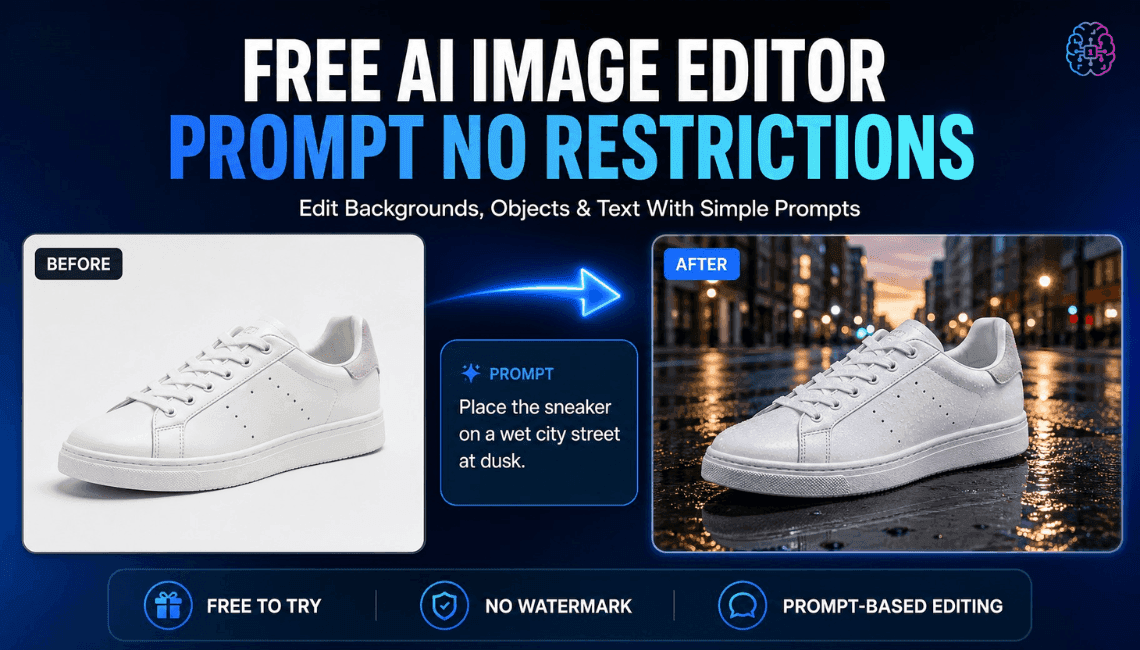
Free AI Image Editor With Prompt No Restrictions
Looking for a free AI image editor with prompt no restrictions? Edit backgrounds, objects and text by typing, no watermark. Try 1min.AI’s flexible editor now.
Trang Tran
Claude Personal Finance Setup and Safety Guide
Claude personal finance explained: how Personal Finance in Claude works and what Claude finance can see. Plus a safe CSV method for non-US users.
Trang TranAI Agents
Discover and run AI agents to automate tasks across your work and daily life.
1minAI: Free AI Grammar Checker
Check grammar for free with 1minAI’s AI grammar checker. Find grammar, spelling, and writing mistakes, improve clarity, and polish your content in seconds.
Tram Ta
AI Agents for Facebook
Use an AI Agent for Facebook to create content, generate images, schedule posts, and publish from your documents and conversations.
Ngoc Hong
AI Agent vs AI Assistant: Which One Actually Saves Designers More Time?
Learn the difference between AI Agent vs AI Assistant and discover which solution helps designers automate repetitive work, reduce revisions, and save more time.
Lien Anh VuAI Workflows
Explore ready-to-use AI workflows for productivity, marketing, sales, support, and more.
Create Consistent Cartoon Content in Just a Few Steps
Create engaging cartoon videos for TikTok and Reels with 1min.AI. Research ideas, create characters, and turn images into animated videos in 3 simple steps.
Lien Anh VuOne Product, 10 UGC Creatives: How AI Makes Content Testing Easier
Create more authentic UGC with an AI UGC video generator, test more creative angles and scale affiliate content without filming every version.
Lien Anh VuPOV: You Have 10+ Posts to Make Every Day
Learn how to build an AI content workflow that helps content creators produce 10+ social media posts a day faster with AI brainstorming, image generation, and content creation.
Lien Anh VuNewsletter
Weekly AI Innovations with 1minAI

🔮 Weekly AI Innovations #144: LinkedIn Content Agent: Complete B2B Publishing Pipeline
Scale B2B influence with the LinkedIn Content Agent on 1min.ai. Discover an end-to-end 4-stage pipeline with zero redundant token burn and 1-click publishing.
Hang Nguyen
🔮 Weekly AI Innovations #143: Update GPT-6, GPT-6.1 & Ideogram 4.0
Access GPT-6 Sol, Luna, GPT-6.1 Sol, and Ideogram 4.0 on 1min.ai. Boost typography accuracy to 98.4% and cut reasoning latency by 45% in one platform.
Hang Nguyen
🔮 Weekly AI Innovations #142: Grok 4.7, Opus 5.5 & Sonnet 5.5 on 1min.ai
Access Grok 4.7, Claude Opus 5.5, and Sonnet 5.5 on 1min.ai. Cut subscription costs by up to 70% and process millions tokens in a single unified workspace.
Hang Nguyen