
AI Agent vs AI Assistant: Which One Actually Saves Designers More Time?

Lien Anh Vu
September 6, 2026

Learn the difference between AI Agent vs AI Assistant and discover which solution helps designers automate repetitive work, reduce revisions, and save more time.
Content creators have more AI tools than ever before. You can brainstorm ideas with ChatGPT, refine copy with Claude, research topics using Perplexity, generate visuals with AI image tools, and edit videos in just a few clicks. On paper, content creation has never been easier.
So why do so many creators still feel overwhelmed?
The answer isn't a lack of AI—it's a lack of structure. As your toolkit grows, so does the number of tabs, prompts, files, and platforms you have to manage. Instead of creating faster, you spend more time switching between tools than actually making content.
If that sounds familiar, you're not alone.
The creators who publish consistently aren't necessarily using more AI than everyone else. They've simply built a workflow where every step connects naturally, allowing them to stay focused from the first idea to the final upload.
In this guide, you'll learn why collecting more AI tools isn't the answer, how an AI workflow solves the problem of context switching, and how to build a streamlined content creation process that saves time without sacrificing quality.
Why Using More AI Tools Can Hurt Your Productivity
AI tools are incredibly powerful, but they're designed to solve individual problems—not manage your entire creative process. One tool helps you write, another researches information, another generates images, and another edits videos. Each one works well on its own, but using too many often creates a workflow that's more complicated than productive.
Imagine you're creating a YouTube Short. You research a topic in one AI platform, move your notes into another chatbot to generate ideas, rewrite the script elsewhere, design visuals in a separate application, export those assets into a video editor, and finally switch again to create captions and hashtags.
None of these tasks are difficult. The challenge comes from constantly moving between them.
This constant back-and-forth is known as context switching—the mental effort required to shift your attention from one task or application to another. While each interruption only takes a few seconds, the cumulative effect can significantly reduce productivity and make creative work feel more exhausting than it should.
Over time, this fragmented process creates unnecessary friction. You lose track of prompts, duplicate files, repeat instructions, and spend more time organizing your work than producing it. That's why many creators feel busy all day without making meaningful progress.
The problem isn't that you need another AI tool.
The problem is that your workflow has become disconnected.
AI Tools Help You Complete Tasks. AI Workflows Help You Create Content
An AI tool helps you complete one specific task.
An AI workflow helps you complete the entire project.
Think of it like building a house. Owning the best hammer, drill, and saw won't build the house by themselves. What makes the project successful is having a clear blueprint that connects every step from the foundation to the finished result.
Content creation works exactly the same way.
Instead of asking, "Which AI tool should I use next?", successful creators ask a more valuable question:
"What's the next step in my workflow?"
That small mindset shift changes how you approach every project.
Rather than focusing on individual features, you begin designing a repeatable system that takes you from research to publishing with as little friction as possible. The result is a process that's easier to manage, easier to repeat, and much more sustainable over time.
| AI Tool | AI Workflow |
|---|---|
| Solves one task | Connects every stage of content creation |
| Focuses on features | Focuses on outcomes |
| Requires manual switching | Creates a seamless process |
| Saves time on one activity | Saves time across the entire workflow |
Ultimately, creators don't need more tools—they need a better system for using the tools they already have.
A Simple AI Workflow Every Content Creator Can Follow
The most successful creators rarely rely on inspiration alone. Instead, they follow a repeatable workflow that removes unnecessary decisions and keeps production moving forward.
A practical AI workflow might look like this:
- Research trending topics to understand what your audience is searching for.
- Generate multiple content ideas instead of settling for the first suggestion.
- Write stronger hooks that capture attention within the first few seconds.
- Develop a complete script with a clear structure and message.
- Create visuals that reinforce your story, from thumbnails to supporting graphics.
- Produce and edit your video while keeping your assets organized.
- Optimize your title, caption, and hashtags before publishing.
- Review performance data and use those insights to improve your next piece of content.
Each step naturally leads to the next, making the creative process feel intentional instead of chaotic. Rather than wondering what to do next, you simply follow your workflow.
Why an AI Workspace Makes More Sense Than More AI Tools
As your content production grows, managing multiple standalone tools becomes increasingly difficult. Files end up scattered across different platforms, prompts get lost, and repetitive tasks start consuming more time than they should.
An AI Workspace addresses this problem by bringing multiple stages of the creative process into one connected environment. Instead of jumping between different applications for research, writing, visuals, video creation, and optimization, you can manage everything from a single workspace.
This doesn't mean you should abandon every specialized tool you use. It means your everyday workflow should be as simple as possible, allowing you to spend more time creating and less time managing software.
For creators who publish consistently, reducing friction is often more valuable than adding another feature.
Build a Workflow That Grows With You
The AI landscape will continue to evolve, and new tools will appear every week. Chasing every release isn't a sustainable strategy, especially if each new platform adds another layer of complexity to your creative process.
Instead of asking which AI tool to try next, evaluate whether it genuinely improves your workflow. If it creates more switching, more copy-and-paste, or more manual work, it may not be the productivity upgrade you're looking for.
The creators who achieve long-term success aren't the ones with the largest collection of AI subscriptions. They're the ones who have built workflows that are simple, repeatable, and easy to improve over time.
A better workflow doesn't just help you create faster.
It helps you create consistently.
🚀 Turn ideas into content faster with 1min.AI, your all-in-one AI workspace: https://app.1min.ai/
Alternatives
Discover the best alternatives to 1minAI and compare features, pricing, and use cases.

1min.AI vs OpenRouter
1min.AI vs. OpenRouter: Compare the ready-to-use AI creation product against the technical API tool. Find out if you need a zero-code creative studio or a coding infrastructure hub.
 Ngoc Hong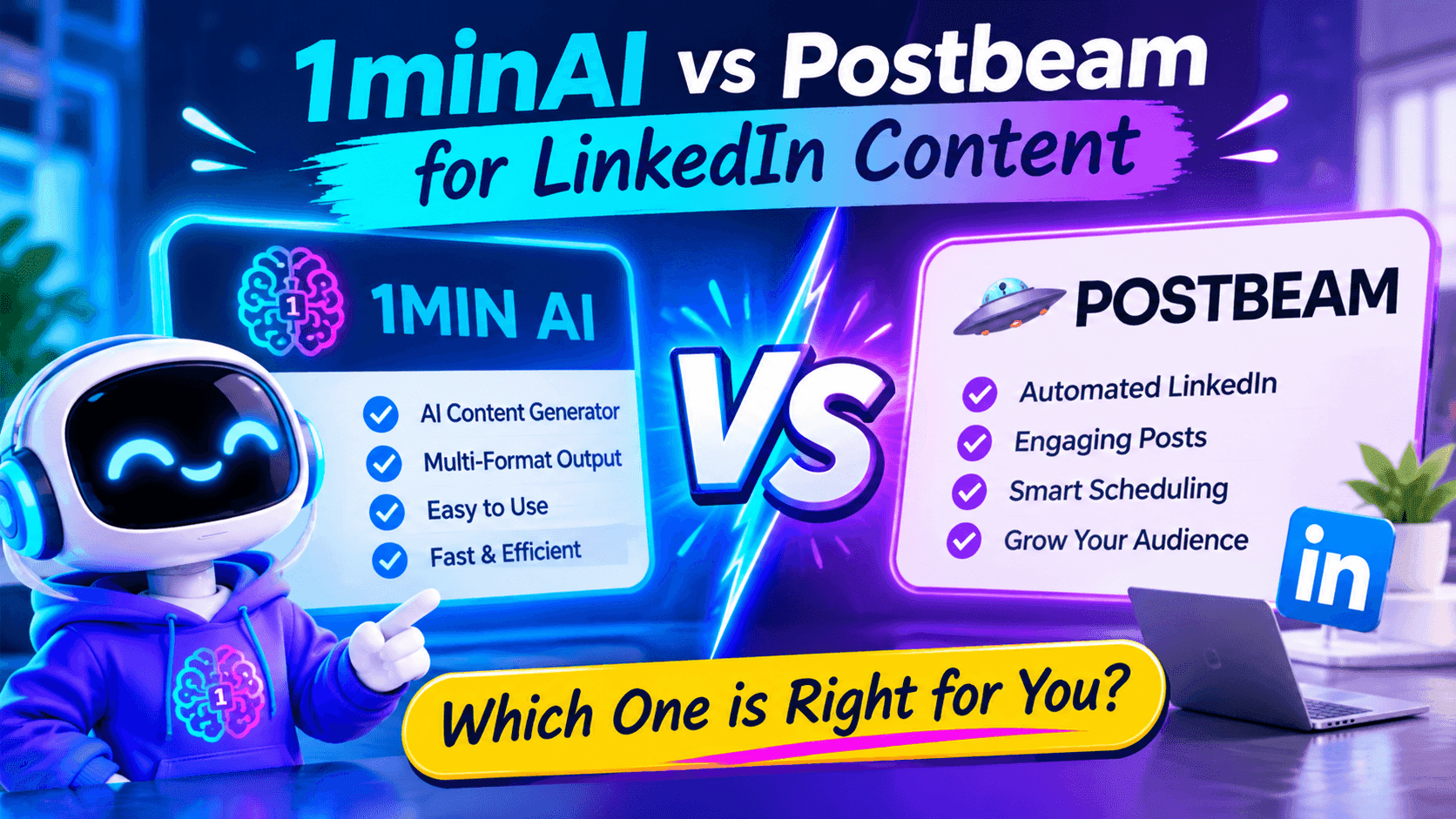
1minAI vs Postbeam for LinkedIn Content
Looking for a Postbeam alternative? Compare 1minAI vs Postbeam for AI LinkedIn content creation, research, image generation, scheduling, and B2B workflows.
 Tram Ta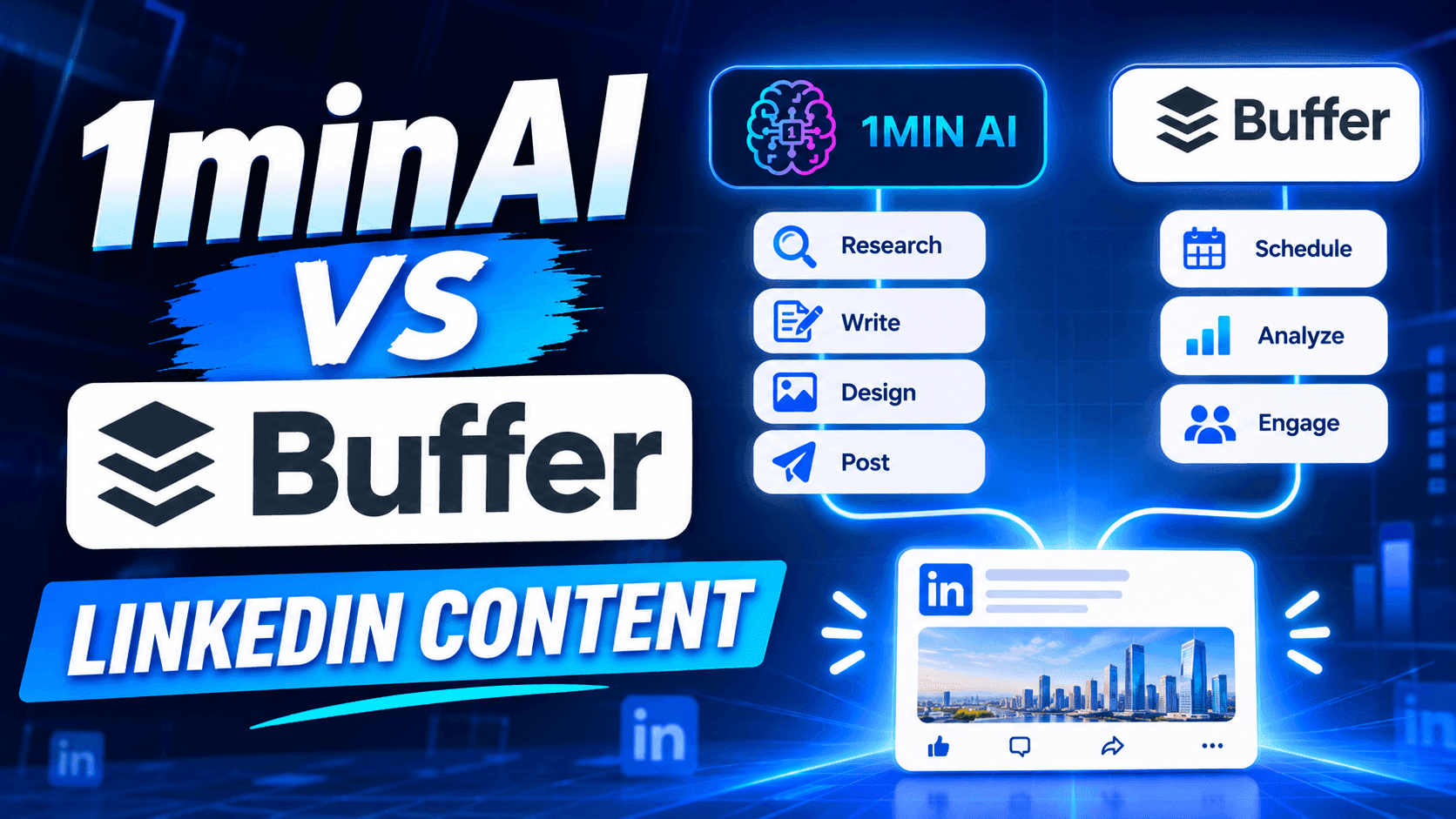
1minAI vs Buffer for LinkedIn Content Creation
Looking for a Buffer alternative? Compare 1minAI vs Buffer for LinkedIn content creation, AI writing, image generation, scheduling, and automation.
Tram TaAI Tools
Discover the best AI tools to boost productivity, creativity, and everyday work.

Create Consistent Cartoon Content in Just a Few Steps
Create engaging cartoon videos for TikTok and Reels with 1min.AI. Research ideas, create characters, and turn images into animated videos in 3 simple steps.
 Lien Anh Vu
One Product, 10 UGC Creatives: How AI Makes Content Testing Easier
Create more authentic UGC with an AI UGC video generator, test more creative angles and scale affiliate content without filming every version.
Lien Anh Vu
Top 4 Affordable AI Tools for Startup Founders
Discover the top 4 affordable AI tools for startup founders to validate ideas, build products, create content, and launch faster without overspending.
Tram TaAI Features
Comprehensive AI features that streamline workflows, improve efficiency, and empower teams to achieve more.
Create Consistent Cartoon Content in Just a Few Steps
Create engaging cartoon videos for TikTok and Reels with 1min.AI. Research ideas, create characters, and turn images into animated videos in 3 simple steps.
Lien Anh VuOne Product, 10 UGC Creatives: How AI Makes Content Testing Easier
Create more authentic UGC with an AI UGC video generator, test more creative angles and scale affiliate content without filming every version.
Lien Anh Vu
1minAI: Free AI Grammar Checker
Check grammar for free with 1minAI’s AI grammar checker. Find grammar, spelling, and writing mistakes, improve clarity, and polish your content in seconds.
Tram TaAI Use Cases
A curated collection of AI use cases for business, productivity, and industry-specific applications.
Create Consistent Cartoon Content in Just a Few Steps
Create engaging cartoon videos for TikTok and Reels with 1min.AI. Research ideas, create characters, and turn images into animated videos in 3 simple steps.
Lien Anh VuOne Product, 10 UGC Creatives: How AI Makes Content Testing Easier
Create more authentic UGC with an AI UGC video generator, test more creative angles and scale affiliate content without filming every version.
Lien Anh Vu
Best Time to Post on Instagram: A Practical Guide for Better Engagement
Discover the best time to post on Instagram, including the best days and times for different audiences, plus tips to find the ideal posting schedule for your account.
Tram TaAI Tutorials
Learn how to use AI with practical, step-by-step tutorials.

Black Friday AI Tool Deals in 2026
Discover what Black Friday AI tool deals 2026 has to offer. Find out how to secure the 1min.AI lifetime deal via AppSumo, Dealify, Stack Social, and verify on Trustpilot, Slashdot, and Software Advice.
 Hang Nguyen
Create Consistent Cartoon Content in Just a Few Steps
Create engaging cartoon videos for TikTok and Reels with 1min.AI. Research ideas, create characters, and turn images into animated videos in 3 simple steps.
Lien Anh Vu
[Seedance 2.5 New] Better AI Product Videos, Less Rework in 1min.AI
Use Seedance 2.5 image to video on 1min.AI to create more consistent AI product videos, reduce failed generations, save credits, and improve UGC workflows.
Lien Anh VuAI Guides
Learn AI faster with practical guides, real-world examples, and actionable best practices.

Safely Buy AI Tools Online: 2026 Black Friday Guide
Discover how to find and secure the best Black Friday AI deals online. Learn expert strategies to avoid scams, combat subscription fatigue, and verify software.
Hang NguyenCreate Consistent Cartoon Content in Just a Few Steps
Create engaging cartoon videos for TikTok and Reels with 1min.AI. Research ideas, create characters, and turn images into animated videos in 3 simple steps.
Lien Anh Vu[Seedance 2.5 New] Better AI Product Videos, Less Rework in 1min.AI
Use Seedance 2.5 image to video on 1min.AI to create more consistent AI product videos, reduce failed generations, save credits, and improve UGC workflows.
Lien Anh VuAI Solutions
Browse the best AI solutions for automation, coding, research, productivity, customer support, marketing, and business workflows.
Safely Buy AI Tools Online: 2026 Black Friday Guide
Discover how to find and secure the best Black Friday AI deals online. Learn expert strategies to avoid scams, combat subscription fatigue, and verify software.
Hang NguyenCreate Consistent Cartoon Content in Just a Few Steps
Create engaging cartoon videos for TikTok and Reels with 1min.AI. Research ideas, create characters, and turn images into animated videos in 3 simple steps.
Lien Anh VuOne Product, 10 UGC Creatives: How AI Makes Content Testing Easier
Create more authentic UGC with an AI UGC video generator, test more creative angles and scale affiliate content without filming every version.
Lien Anh VuAI Models
Explore the world's leading AI models in one place.
Create Consistent Cartoon Content in Just a Few Steps
Create engaging cartoon videos for TikTok and Reels with 1min.AI. Research ideas, create characters, and turn images into animated videos in 3 simple steps.
Lien Anh VuOne Product, 10 UGC Creatives: How AI Makes Content Testing Easier
Create more authentic UGC with an AI UGC video generator, test more creative angles and scale affiliate content without filming every version.
Lien Anh Vu[Seedance 2.5 New] Better AI Product Videos, Less Rework in 1min.AI
Use Seedance 2.5 image to video on 1min.AI to create more consistent AI product videos, reduce failed generations, save credits, and improve UGC workflows.
Lien Anh VuAI Comparisons
Compare AI tools, models, and platforms to find the best fit for your needs.

Kling AI Vs Veo 3: Which Model Wins?
Kling AI vs Veo 3: compare motion, native audio, pricing & free tiers to see which AI video generator wins for your project - try both on 1min.AI.
 Trang Tran
[Seedance 2.5 New] Better AI Product Videos, Less Rework in 1min.AI
Use Seedance 2.5 image to video on 1min.AI to create more consistent AI product videos, reduce failed generations, save credits, and improve UGC workflows.
Lien Anh Vu
DeepSeek V4 Pro vs Flash Comparison
Compare DeepSeek V4 Pro vs DeepSeek V4 Flash metrics. Optimize your agentic apps and improve AI fact checking on 1min.ai today.
Ngoc HongAI Integrations
Seamlessly integrate AI with the tools you already use to automate work and boost productivity.

POV: You Have 10+ Posts to Make Every Day
Learn how to build an AI content workflow that helps content creators produce 10+ social media posts a day faster with AI brainstorming, image generation, and content creation.
Lien Anh Vu
How to Use an AI Fashion Video Generator for Fashion Week 2026
Turn Fashion Week 2026 ideas into stunning fashion videos with AI. Learn how to brainstorm, create visuals, and transform images into videos with one simple workflow.
Lien Anh Vu
Stop Switching Between AI Apps: How AI Integration Transforms Employer Branding
Discover how AI integration helps HR teams streamline employer branding by combining AI writing, documents, images, video, and multiple AI models into one workspace.
Tram TaAI for Industries
Find the best AI tools and workflows for healthcare, finance, education, legal, manufacturing, retail, real estate, and more
Claude Opus 5.5 as an AI Writing Assistant for Designers
Discover how designers can use Claude Opus 5.5 on 1min.AI to write portfolio descriptions and social media captions with a simple AI writing workflow.
Lien Anh Vu
Free AI Video Generator From Image No Restrictions
Try a free AI video generator from image with no watermark. Turn photos into videos with audio using Kling, Veo 3.1 and Seedance in 1min.AI. Start now.
Trang Tran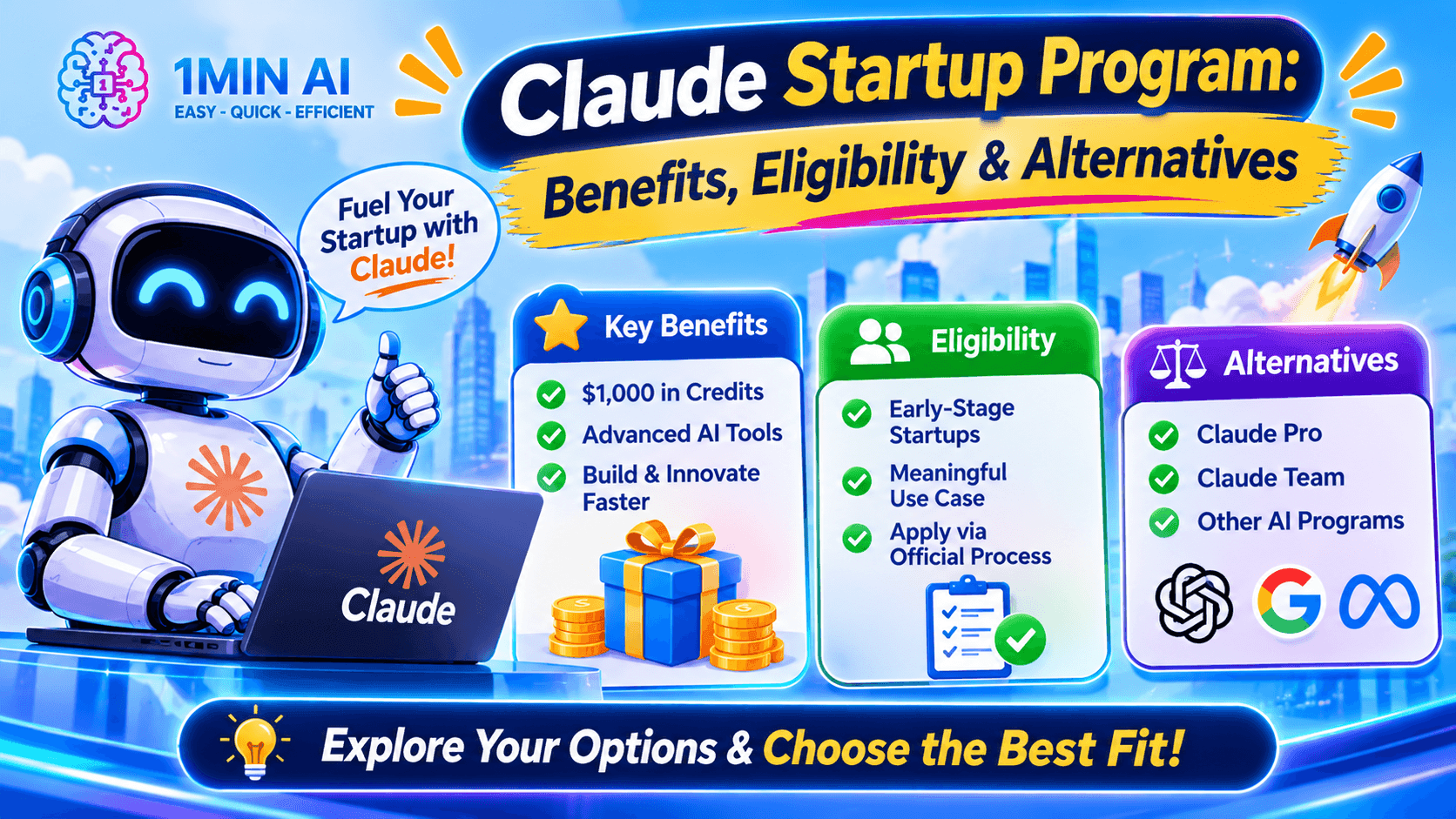
Claude Startup Program: Benefits, Eligibility, and How Startups Can Build with Claude
Learn about the Claude Startup Program, including API credits, Claude Team benefits, eligibility, application steps, and AI tools startups can explore with 1minAI.
Tram TaAI Agents
Discover and run AI agents to automate tasks across your work and daily life.
1minAI: Free AI Grammar Checker
Check grammar for free with 1minAI’s AI grammar checker. Find grammar, spelling, and writing mistakes, improve clarity, and polish your content in seconds.
Tram Ta
AI Agents for Facebook
Use an AI Agent for Facebook to create content, generate images, schedule posts, and publish from your documents and conversations.
Ngoc HongAI Agent vs AI Assistant: Which One Actually Saves Designers More Time?
Learn the difference between AI Agent vs AI Assistant and discover which solution helps designers automate repetitive work, reduce revisions, and save more time.
Lien Anh VuAI Workflows
Explore ready-to-use AI workflows for productivity, marketing, sales, support, and more.
Create Consistent Cartoon Content in Just a Few Steps
Create engaging cartoon videos for TikTok and Reels with 1min.AI. Research ideas, create characters, and turn images into animated videos in 3 simple steps.
Lien Anh VuOne Product, 10 UGC Creatives: How AI Makes Content Testing Easier
Create more authentic UGC with an AI UGC video generator, test more creative angles and scale affiliate content without filming every version.
Lien Anh VuPOV: You Have 10+ Posts to Make Every Day
Learn how to build an AI content workflow that helps content creators produce 10+ social media posts a day faster with AI brainstorming, image generation, and content creation.
Lien Anh VuNewsletter
Weekly AI Innovations with 1minAI

🔮 Weekly AI Innovations #144: LinkedIn Content Agent: Complete B2B Publishing Pipeline
Scale B2B influence with the LinkedIn Content Agent on 1min.ai. Discover an end-to-end 4-stage pipeline with zero redundant token burn and 1-click publishing.
Hang Nguyen
🔮 Weekly AI Innovations #143: Update GPT-6, GPT-6.1 & Ideogram 4.0
Access GPT-6 Sol, Luna, GPT-6.1 Sol, and Ideogram 4.0 on 1min.ai. Boost typography accuracy to 98.4% and cut reasoning latency by 45% in one platform.
Hang Nguyen
🔮 Weekly AI Innovations #142: Grok 4.7, Opus 5.5 & Sonnet 5.5 on 1min.ai
Access Grok 4.7, Claude Opus 5.5, and Sonnet 5.5 on 1min.ai. Cut subscription costs by up to 70% and process millions tokens in a single unified workspace.
Hang Nguyen