
Image-to-Video vs. Text-to-Video: Which Is Better for Product Content?

Uyen Hoang
November 6, 2026
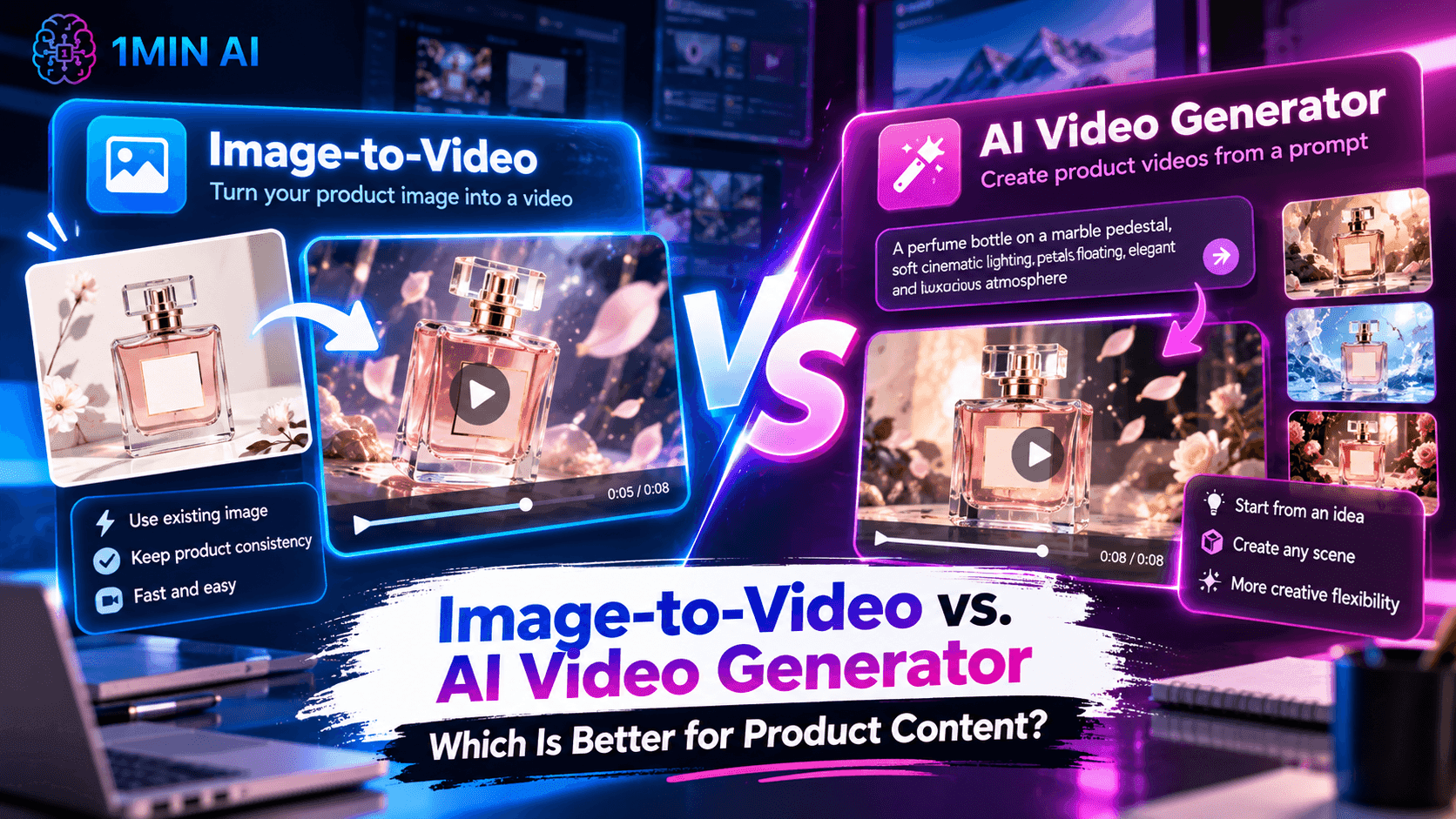
Compare Image-to-Video and Text-to-Video to see which workflow is better for product videos, ads, social content, and e-commerce campaigns.
Creating product videos no longer requires a full production setup. With AI video tools, marketers, e-commerce teams, and content creators can turn product ideas or existing visuals into short-form videos for ads, social media, product pages, and campaigns.
However, not every AI video workflow starts from the same place. Image-to-Video transforms an existing image into a video, while Video Generator creates a video from a concept or text prompt. The better option therefore depends on what you already have and what you want the final product video to achieve.
So, Image-to-Video vs. Video Generator: which is better for product content? The answer depends on whether you want to bring an existing product visual to life or create an entirely new product scene.
Image-to-Video vs. AI Video Generator at a Glance
| Image-to-Video | Text-to-Video | |
|---|---|---|
| Primary purpose | Turn an existing image into a video | Create a video from a concept or prompt |
| Main input | Image + motion instructions | Text prompt |
| Starting point | Existing visual asset | Creative idea |
| Main focus | Animate the existing visual | Generate a new visual scene |
| Best for | Product showcases, catalog content, social posts | Ads, creative concepts, lifestyle scenes |
| Product consistency | High, because the original image is used | Depends on the generated result |
| Creative flexibility | Focused on the existing image | Broader scene creation |
| Workflow | Image → Video | Prompt → Video |
| Best question to ask | “How can I bring this product image to life?” | “What product video do I want to create?” |
The key difference is the starting point. Image-to-Video assumes you already have a visual asset worth keeping, while an AI Video Generator starts with an idea and creates the visual environment around it.
This distinction becomes especially important for product content. A brand may already have high-quality product photography that only needs movement, while another campaign may require a completely new lifestyle scene that does not exist in the current asset library.
What Is Image-to-Video?
Image-to-Video is an AI workflow that transforms a static image into a moving video. Instead of generating the entire scene from scratch, the existing image acts as the visual foundation, while AI introduces motion or other video elements based on the desired direction.
For example, an e-commerce brand may already have a clean product photograph of a pair of sneakers. Rather than recreating the sneaker in a completely new video, the team can use that image as the starting point and turn it into a short product video with movement and visual effects.
This makes Image-to-Video particularly useful when the product image is already right, but the format needs to become more engaging. Existing product photography, promotional graphics, packaging visuals, and other static assets can become starting points for social videos, product showcases, and advertising creatives.
The main advantage is asset reuse. Instead of creating a new visual every time you need video content, you can extend the value of an image that your team has already created and approved.
What Is Text-to-Video?
An Text-to-Video takes a more generative approach. Instead of starting with an existing image, you describe the video you want through a prompt, and AI creates the visual scene based on that description.
Imagine a skincare brand wants to show its product sitting on a marble surface surrounded by water droplets, soft lighting, and a premium studio atmosphere. If the brand does not already have that exact visual, an AI Video Generator can create the scene based on the desired product setting and creative direction.
This makes AI Video Generator useful when the scene itself needs to be created. It can support product advertisements, lifestyle concepts, promotional videos, storytelling, and other creative situations where an existing product image is not enough.
The main advantage is creative flexibility. Instead of being limited by an existing composition, you can start with the concept and build the visual environment around it.
The Key Difference: Existing Asset vs. New Creative Concept
The easiest way to choose between these workflows is to ask one question:
“Do I already have the visual I want to use?”
If you already have a strong product image, Image-to-Video provides a direct path from that image to a video. You can focus on how the product should move or be presented instead of spending time recreating the product and its surrounding composition.
If you do not have a suitable visual, an AI Video Generator gives you the freedom to start with a concept. You can describe the product, environment, action, mood, and visual direction and use those instructions as the foundation for the video.
The difference can therefore be summarized as:
Image-to-Video: Start with the product visual and create movement. AI Video Generator: Start with the product idea and create the scene.
Neither workflow is automatically better for every product video. The better choice depends on whether your production process starts with an existing asset or a new creative idea.
Which Is Better for Product Content?
For brands that already have high-quality product photography, Image-to-Video can provide a more direct workflow. The product has already been photographed, approved, and positioned correctly, so there is no need to recreate that visual from scratch simply to produce a video version.
This can be particularly useful for e-commerce teams with large product catalogs. A single product image can become the foundation for additional video content, allowing the team to expand its content library without organizing a completely new production process for every product.
Text-to-Video becomes more useful when the existing product image cannot communicate the desired concept. For example, a campaign might require the product to appear in a specific environment, demonstrate a particular scenario, or become part of a visual story that does not exist in the current asset library.
In that situation, generating the scene from a prompt may be more practical than trying to adapt an existing image to something it was never designed to show.
Product Content Workflow: What Do You Already Have?
The best workflow often becomes obvious when you look at the assets available before production begins.
| Your starting point | Better fit | Why |
|---|---|---|
| High-quality product image | Image-to-Video | Turn an existing visual into video |
| Product catalog with many images | Image-to-Video | Repurpose existing assets efficiently |
| Static product image that needs more engagement | Image-to-Video | Add motion without rebuilding the visual |
| No suitable product image | Text-to-Video | Create the visual from a concept |
| Product lifestyle concept | Text-to-Video | Build the surrounding scene |
| Creative advertising idea | Text-to-Video | Start directly from the concept |
| Existing product image + new environment | Both | Combine an existing asset with a new creative direction |
This is why the more useful question is not simply “Which AI video tool is better?” Instead, ask “What do I already have, and what needs to change?”
If your product visual is already suitable and only needs movement, Image-to-Video can reduce unnecessary production steps. If the visual environment needs to be created from scratch, AI Video Generator gives you a more direct route from concept to video.
Image-to-Video for E-Commerce Product Content
E-commerce teams often have plenty of product photography but relatively fewer video assets. Product pages, social channels, and advertising campaigns can all benefit from motion, but creating individual videos through traditional production can require additional time and resources.
Image-to-Video provides a way to extend existing product photography into another content format. Instead of treating product images and videos as completely separate assets, teams can use an approved product visual as the foundation for additional video content.
This is especially useful when product consistency matters. If the product already looks correct in the source image, keeping that visual as the starting point can help the team build video content around an asset that has already been approved for the brand.
Text-to-Video for Product Advertising
Product advertising often requires more than simply showing what a product looks like. A campaign may need to demonstrate how the product fits into a particular lifestyle, environment, or creative concept, which can be difficult to achieve with a standard product photograph.
An Text-to-Video can help create these scenarios from a prompt. A marketer could start with an idea such as a product being used in a modern home, displayed in a premium studio, or integrated into a particular lifestyle scene, then build the video around that concept.
This makes Text-to-Video useful when the surrounding story is just as important as the product itself. Instead of adapting an existing image, the team can explore different environments and creative directions from the beginning.
Which One Gives You More Creative Control?
The answer depends on what kind of control you need.
Image-to-Video gives you stronger control over the starting product visual because the source image has already defined the product's appearance, composition, and visual presentation. This can be valuable for brands that need to maintain consistency across multiple pieces of content.
AI Video Generator gives you more flexibility over the overall scene. You can describe the environment, action, composition, and visual context rather than being limited to what already exists in the source image.
So the difference is not simply about one workflow having more control than the other. They provide different types of creative control: Image-to-Video gives you a stable visual foundation, while Video Generator gives you more freedom to construct the scene.
Which One Is Better for Social Media Content?
Social media teams often need to turn the same product into multiple creative formats. A static product image that works for an online store may not be enough for a short-form video feed, where movement and visual variation can play an important role in how the content is presented.
Image-to-Video can help when the team already has approved product assets and wants to turn them into short-form content. Instead of starting every video from a blank prompt, the team can reuse the existing image and focus on creating a more dynamic presentation.
AI Video Generator is useful when social content needs a stronger creative concept. If the team wants to test different environments, scenarios, or visual stories around the same product, starting from a prompt can provide a broader range of creative directions.
Which Workflow Is Better for Creative Testing?
Creative testing often means producing multiple variations rather than one final video. A marketing team may want to test different product presentations, environments, visual hooks, or campaign concepts before deciding which direction to develop further.
Image-to-Video is useful when the team wants to keep the core product visual consistent while experimenting with how it is presented in motion. This can make it easier to create variations from an existing asset without changing the product itself.
AI Video Generator supports a different kind of testing. Teams can explore multiple creative concepts from the same product idea by changing the environment, action, or visual direction described in the prompt.
The distinction is therefore useful for testing strategy: Image-to-Video can help test variations around an existing asset, while Text-to-Video can help test entirely different creative concepts.
Can You Use Image-to-Video and Text-to-Video Together?
Yes. The two workflows can complement each other when a product campaign needs both consistency and creative exploration.
For example, a brand could start with an approved product photograph and use Image-to-Video to create a straightforward product showcase. At the same time, the marketing team could use AI Video Generator to explore additional lifestyle scenes or advertising concepts that go beyond the original photograph.
The resulting workflow might look like this:
Existing Product Image → Image-to-Video → Product Showcase
Product Concept → Text-to-Video → Creative Product Scene
Using both approaches means the team does not have to force every video into the same production process. Existing assets can be reused where appropriate, while new scenes can be generated when the campaign requires something that the existing asset library cannot provide.
Image-to-Video vs. Text-to-Video: Which Should You Choose?
Choose Image-to-Video when you already have a product image that you want to turn into a dynamic video. It is particularly useful for e-commerce teams, marketers, and social media creators who already have approved product assets and want to create more content from them.
Choose Text-to-Video when the product video requires a new scene, environment, or creative concept that does not already exist as an image. It is useful when the idea itself is the starting point and the surrounding visual needs to be created around it.
If you regularly create product content, you may need both workflows. Image-to-Video helps you get more value from existing product assets, while AI Video Generator helps you create new visual concepts when those assets are not enough.
The Bigger Difference: Asset Reuse vs. Creative Generation
The difference between Image-to-Video and AI Video Generator ultimately comes down to where your creative process begins.
Image-to-Video starts with an asset. You already have something useful and want to transform it into motion. This makes the workflow particularly practical when product consistency, asset reuse, and efficient production are important.
Text-to-Video starts with an idea. You may know what kind of product video you want to create without having a suitable image or scene to begin with. AI can then generate the visual environment based on your creative direction.
Create Product Videos with 1minAI
Product content does not always require the same production workflow. When you already have a strong product image, Image-to-Video can help turn that static asset into a more dynamic piece of content. When you need to create a new visual concept, AI Video Generator can help you move from an idea to a generated video.
With 1minAI, you can choose the approach that matches the creative task instead of rebuilding your workflow for every video. Start with an existing image when asset reuse is the priority, or start with a prompt when you need to create a new product scene.
For marketers, e-commerce teams, and content creators producing product content regularly, understanding this difference can make it easier to decide how to turn each product idea into the right video format.
Alternatives
Discover the best alternatives to 1minAI and compare features, pricing, and use cases.

1min.AI vs OpenRouter
1min.AI vs. OpenRouter: Compare the ready-to-use AI creation product against the technical API tool. Find out if you need a zero-code creative studio or a coding infrastructure hub.
 Ngoc Hong
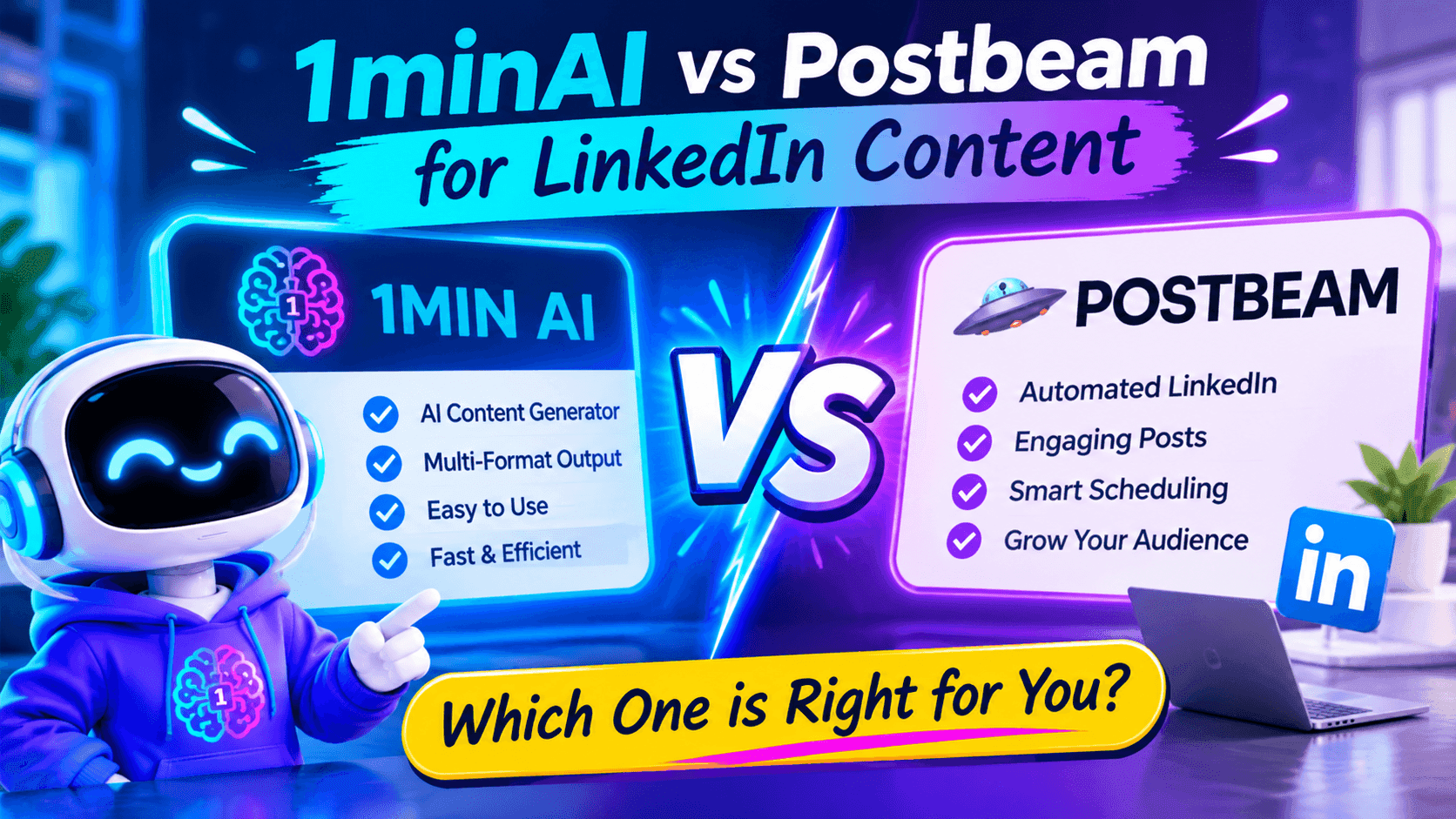
1minAI vs Postbeam for LinkedIn Content
Looking for a Postbeam alternative? Compare 1minAI vs Postbeam for AI LinkedIn content creation, research, image generation, scheduling, and B2B workflows.
 Tram Ta
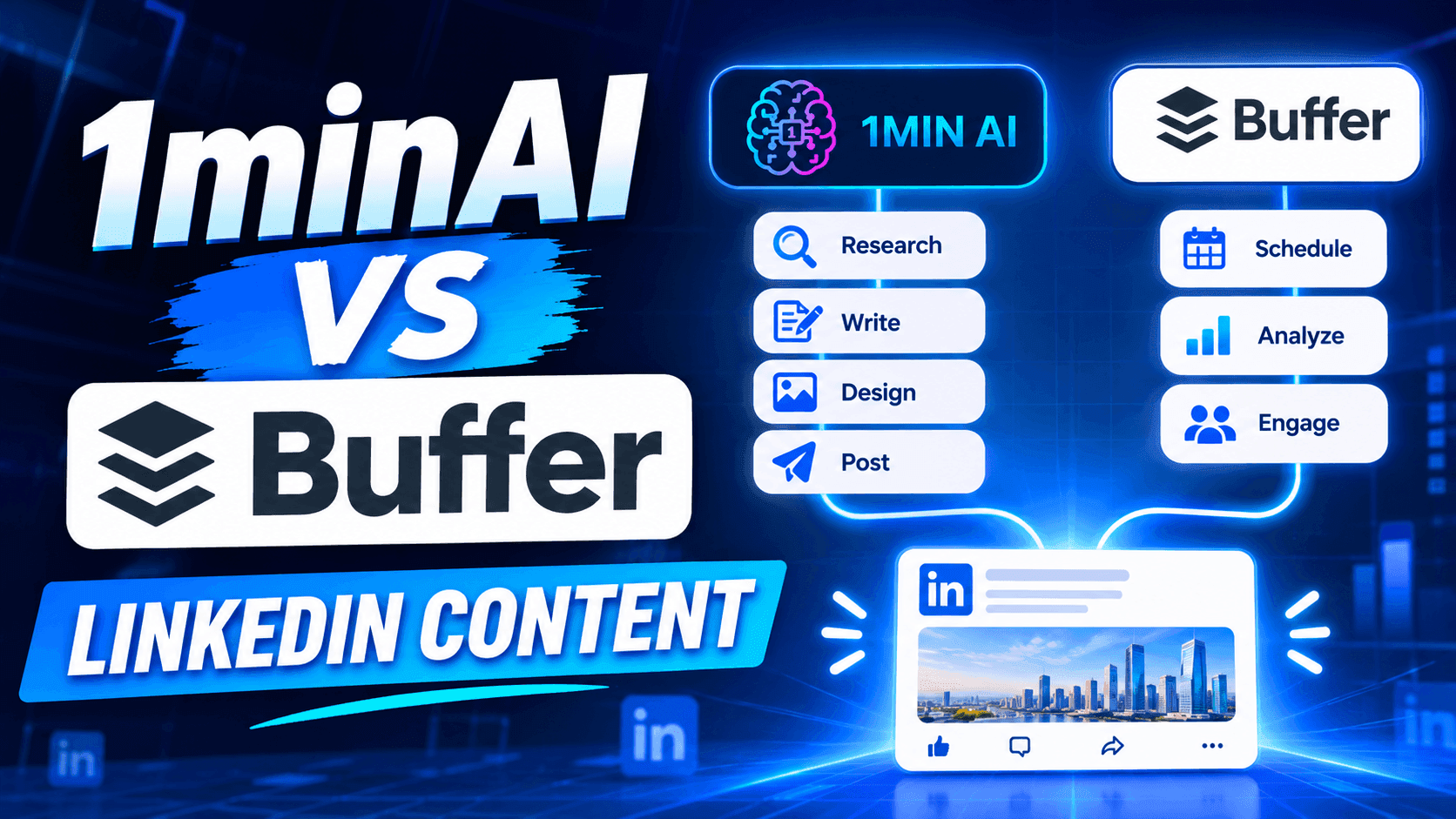
1minAI vs Buffer for LinkedIn Content Creation
Looking for a Buffer alternative? Compare 1minAI vs Buffer for LinkedIn content creation, AI writing, image generation, scheduling, and automation.
Tram TaAI Tools
Discover the best AI tools to boost productivity, creativity, and everyday work.
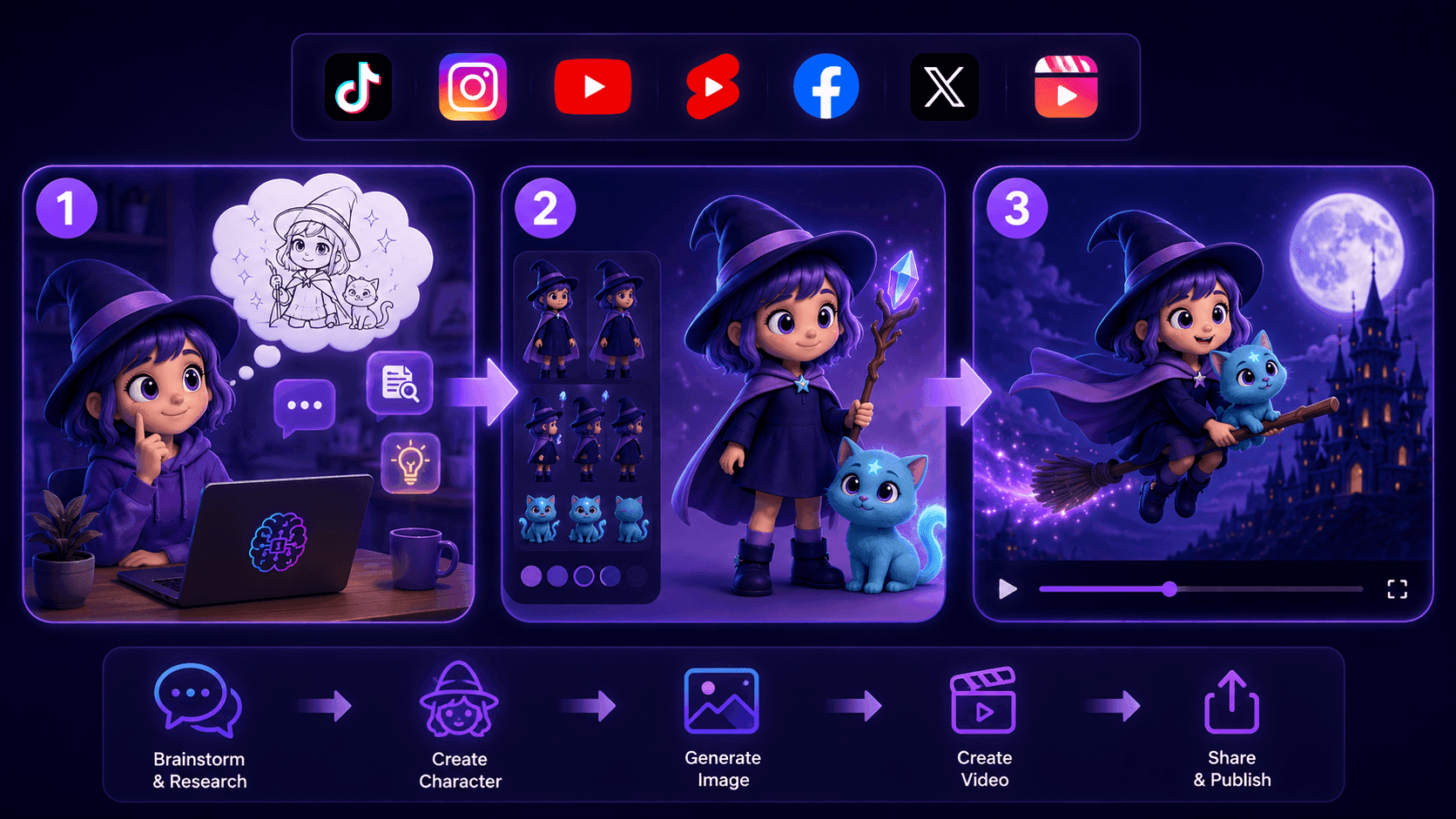
Create Consistent Cartoon Content in Just a Few Steps
Create engaging cartoon videos for TikTok and Reels with 1min.AI. Research ideas, create characters, and turn images into animated videos in 3 simple steps.
 Lien Anh Vu
One Product, 10 UGC Creatives: How AI Makes Content Testing Easier
Create more authentic UGC with an AI UGC video generator, test more creative angles and scale affiliate content without filming every version.
Lien Anh Vu
Top 4 Affordable AI Tools for Startup Founders
Discover the top 4 affordable AI tools for startup founders to validate ideas, build products, create content, and launch faster without overspending.
Tram TaAI Features
Comprehensive AI features that streamline workflows, improve efficiency, and empower teams to achieve more.
Create Consistent Cartoon Content in Just a Few Steps
Create engaging cartoon videos for TikTok and Reels with 1min.AI. Research ideas, create characters, and turn images into animated videos in 3 simple steps.
Lien Anh VuOne Product, 10 UGC Creatives: How AI Makes Content Testing Easier
Create more authentic UGC with an AI UGC video generator, test more creative angles and scale affiliate content without filming every version.
Lien Anh Vu
1minAI: Free AI Grammar Checker
Check grammar for free with 1minAI’s AI grammar checker. Find grammar, spelling, and writing mistakes, improve clarity, and polish your content in seconds.
Tram TaAI Use Cases
A curated collection of AI use cases for business, productivity, and industry-specific applications.
Create Consistent Cartoon Content in Just a Few Steps
Create engaging cartoon videos for TikTok and Reels with 1min.AI. Research ideas, create characters, and turn images into animated videos in 3 simple steps.
Lien Anh VuOne Product, 10 UGC Creatives: How AI Makes Content Testing Easier
Create more authentic UGC with an AI UGC video generator, test more creative angles and scale affiliate content without filming every version.
Lien Anh Vu
Best Time to Post on Instagram: A Practical Guide for Better Engagement
Discover the best time to post on Instagram, including the best days and times for different audiences, plus tips to find the ideal posting schedule for your account.
Tram TaAI Tutorials
Learn how to use AI with practical, step-by-step tutorials.
Black Friday AI Tool Deals in 2026
Discover what Black Friday AI tool deals 2026 has to offer. Find out how to secure the 1min.AI lifetime deal via AppSumo, Dealify, Stack Social, and verify on Trustpilot, Slashdot, and Software Advice.
 Hang Nguyen
Create Consistent Cartoon Content in Just a Few Steps
Create engaging cartoon videos for TikTok and Reels with 1min.AI. Research ideas, create characters, and turn images into animated videos in 3 simple steps.
Lien Anh Vu
[Seedance 2.5 New] Better AI Product Videos, Less Rework in 1min.AI
Use Seedance 2.5 image to video on 1min.AI to create more consistent AI product videos, reduce failed generations, save credits, and improve UGC workflows.
Lien Anh VuAI Guides
Learn AI faster with practical guides, real-world examples, and actionable best practices.

Safely Buy AI Tools Online: 2026 Black Friday Guide
Discover how to find and secure the best Black Friday AI deals online. Learn expert strategies to avoid scams, combat subscription fatigue, and verify software.
Hang NguyenCreate Consistent Cartoon Content in Just a Few Steps
Create engaging cartoon videos for TikTok and Reels with 1min.AI. Research ideas, create characters, and turn images into animated videos in 3 simple steps.
Lien Anh Vu[Seedance 2.5 New] Better AI Product Videos, Less Rework in 1min.AI
Use Seedance 2.5 image to video on 1min.AI to create more consistent AI product videos, reduce failed generations, save credits, and improve UGC workflows.
Lien Anh VuAI Solutions
Browse the best AI solutions for automation, coding, research, productivity, customer support, marketing, and business workflows.
Safely Buy AI Tools Online: 2026 Black Friday Guide
Discover how to find and secure the best Black Friday AI deals online. Learn expert strategies to avoid scams, combat subscription fatigue, and verify software.
Hang NguyenCreate Consistent Cartoon Content in Just a Few Steps
Create engaging cartoon videos for TikTok and Reels with 1min.AI. Research ideas, create characters, and turn images into animated videos in 3 simple steps.
Lien Anh VuOne Product, 10 UGC Creatives: How AI Makes Content Testing Easier
Create more authentic UGC with an AI UGC video generator, test more creative angles and scale affiliate content without filming every version.
Lien Anh VuAI Models
Explore the world's leading AI models in one place.
Create Consistent Cartoon Content in Just a Few Steps
Create engaging cartoon videos for TikTok and Reels with 1min.AI. Research ideas, create characters, and turn images into animated videos in 3 simple steps.
Lien Anh VuOne Product, 10 UGC Creatives: How AI Makes Content Testing Easier
Create more authentic UGC with an AI UGC video generator, test more creative angles and scale affiliate content without filming every version.
Lien Anh Vu[Seedance 2.5 New] Better AI Product Videos, Less Rework in 1min.AI
Use Seedance 2.5 image to video on 1min.AI to create more consistent AI product videos, reduce failed generations, save credits, and improve UGC workflows.
Lien Anh VuAI Comparisons
Compare AI tools, models, and platforms to find the best fit for your needs.
Kling AI Vs Veo 3: Which Model Wins?
Kling AI vs Veo 3: compare motion, native audio, pricing & free tiers to see which AI video generator wins for your project - try both on 1min.AI.
 Trang Tran
[Seedance 2.5 New] Better AI Product Videos, Less Rework in 1min.AI
Use Seedance 2.5 image to video on 1min.AI to create more consistent AI product videos, reduce failed generations, save credits, and improve UGC workflows.
Lien Anh Vu
DeepSeek V4 Pro vs Flash Comparison
Compare DeepSeek V4 Pro vs DeepSeek V4 Flash metrics. Optimize your agentic apps and improve AI fact checking on 1min.ai today.
Ngoc HongAI Integrations
Seamlessly integrate AI with the tools you already use to automate work and boost productivity.
POV: You Have 10+ Posts to Make Every Day
Learn how to build an AI content workflow that helps content creators produce 10+ social media posts a day faster with AI brainstorming, image generation, and content creation.
Lien Anh Vu
How to Use an AI Fashion Video Generator for Fashion Week 2026
Turn Fashion Week 2026 ideas into stunning fashion videos with AI. Learn how to brainstorm, create visuals, and transform images into videos with one simple workflow.
Lien Anh Vu
Stop Switching Between AI Apps: How AI Integration Transforms Employer Branding
Discover how AI integration helps HR teams streamline employer branding by combining AI writing, documents, images, video, and multiple AI models into one workspace.
Tram TaAI for Industries
Find the best AI tools and workflows for healthcare, finance, education, legal, manufacturing, retail, real estate, and more
Text To Video AI Free Without Watermark Online
Create text to video AI free without watermark online with 1min.AI. Pick top models, turn prompts into HD clips, and download clean videos fast. Try it free.
Trang Tran
Free AI Image Editor With Prompt No Restrictions
Looking for a free AI image editor with prompt no restrictions? Edit backgrounds, objects and text by typing, no watermark. Try 1min.AI’s flexible editor now.
Trang Tran
Claude Personal Finance Setup and Safety Guide
Claude personal finance explained: how Personal Finance in Claude works and what Claude finance can see. Plus a safe CSV method for non-US users.
Trang TranAI Agents
Discover and run AI agents to automate tasks across your work and daily life.
1minAI: Free AI Grammar Checker
Check grammar for free with 1minAI’s AI grammar checker. Find grammar, spelling, and writing mistakes, improve clarity, and polish your content in seconds.
Tram Ta
AI Agents for Facebook
Use an AI Agent for Facebook to create content, generate images, schedule posts, and publish from your documents and conversations.
Ngoc Hong
AI Agent vs AI Assistant: Which One Actually Saves Designers More Time?
Learn the difference between AI Agent vs AI Assistant and discover which solution helps designers automate repetitive work, reduce revisions, and save more time.
Lien Anh VuAI Workflows
Explore ready-to-use AI workflows for productivity, marketing, sales, support, and more.
Create Consistent Cartoon Content in Just a Few Steps
Create engaging cartoon videos for TikTok and Reels with 1min.AI. Research ideas, create characters, and turn images into animated videos in 3 simple steps.
Lien Anh VuOne Product, 10 UGC Creatives: How AI Makes Content Testing Easier
Create more authentic UGC with an AI UGC video generator, test more creative angles and scale affiliate content without filming every version.
Lien Anh VuPOV: You Have 10+ Posts to Make Every Day
Learn how to build an AI content workflow that helps content creators produce 10+ social media posts a day faster with AI brainstorming, image generation, and content creation.
Lien Anh VuNewsletter
Weekly AI Innovations with 1minAI
🔮 Weekly AI Innovations #144: LinkedIn Content Agent: Complete B2B Publishing Pipeline
Scale B2B influence with the LinkedIn Content Agent on 1min.ai. Discover an end-to-end 4-stage pipeline with zero redundant token burn and 1-click publishing.
Hang Nguyen
🔮 Weekly AI Innovations #143: Update GPT-6, GPT-6.1 & Ideogram 4.0
Access GPT-6 Sol, Luna, GPT-6.1 Sol, and Ideogram 4.0 on 1min.ai. Boost typography accuracy to 98.4% and cut reasoning latency by 45% in one platform.
Hang Nguyen
🔮 Weekly AI Innovations #142: Grok 4.7, Opus 5.5 & Sonnet 5.5 on 1min.ai
Access Grok 4.7, Claude Opus 5.5, and Sonnet 5.5 on 1min.ai. Cut subscription costs by up to 70% and process millions tokens in a single unified workspace.
Hang Nguyen