Free YouTube Transcript Generator: Create Video Transcripts in 1min with 1minAI

Tram Ta
November 6, 2026
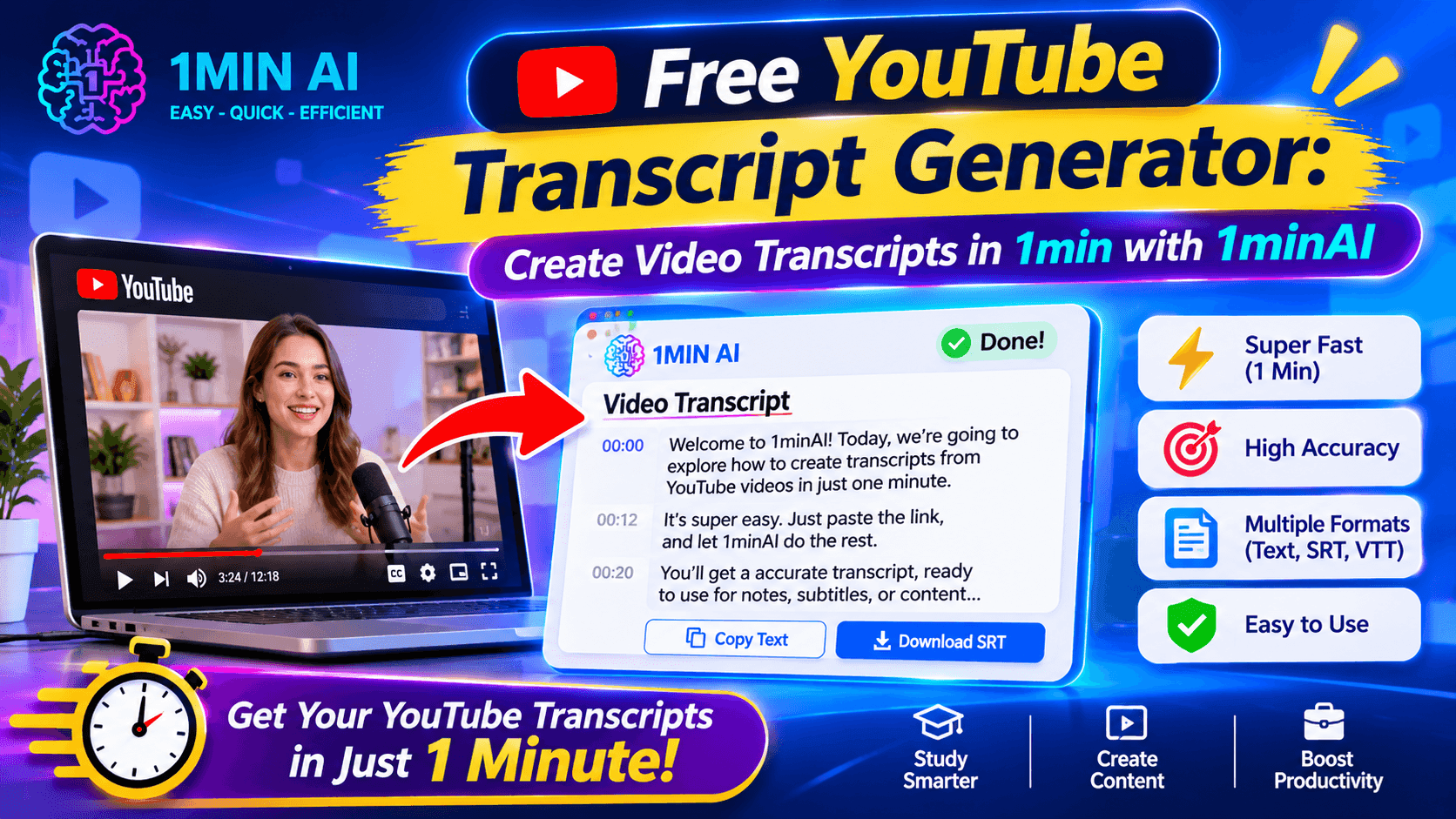
Need a free YouTube transcript generator? Turn YouTube videos into readable text with 1minAI in minutes. Transcribe, review, and reuse video content easily.
A YouTube transcript generator can turn spoken content into text, making it easier to review information, find important details, take notes, and repurpose video content.
Whether you're a student researching a topic, a marketer analyzing competitors, or a content creator turning videos into blog posts, having a text version of a video can save valuable time.
With 1minAI, you can use AI-powered YouTube transcription tools to convert video content into text and make the information easier to work with. Here's how to get started.
What Is a YouTube Transcript Generator?
A YouTube transcript generator is a tool that converts the spoken words in a YouTube video into written text.
Instead of manually typing everything you hear, you provide a video link or supported video input, and the tool processes the audio to generate a transcript.
Depending on the tool, the transcript may include:
- Spoken dialogue: The words and sentences from the video.
- Timestamps: Time markers that help you locate specific parts of the video.
- Speaker information: Labels that distinguish speakers when supported.
- Translated text: A version of the transcript in another language when translation is available.
A transcript is useful because it makes video content searchable, skimmable, and easier to reuse.
For example, imagine you find a 40-minute YouTube tutorial about digital marketing. Rather than replaying the entire video to find one specific strategy, you can generate a transcript and search the text for the topic you need.
Why Use a Free YouTube Transcript Generator?
Manually transcribing a long video takes time. A YouTube transcript generator helps automate that process so you can focus on understanding and using the information.
Here are some practical benefits.
1. Save Time on Note-Taking
Students and researchers often need information from lectures, interviews, webinars, and educational videos.
A transcript gives you a text reference that you can review at your own pace. You can highlight important explanations, copy useful notes, and organize information without repeatedly replaying the video.
. Make Video Content Easier to Search
Finding a particular sentence in a long video can be frustrating.
With a transcript, you can use text search to locate relevant terms, names, examples, or explanations. This is especially helpful when researching a topic across multiple videos.
3. Repurpose Videos into Other Content
A video transcript can become the starting point for many content formats, including:
- Blog posts and articles.
- Social media captions.
- LinkedIn posts.
- Email newsletters.
- Video summaries.
- Study guides and learning materials.
For content marketers and creators, transcription helps turn one video into multiple content assets.
4. Understand Videos in Other Languages
Some YouTube transcription tools also support translation. This can help users understand video content in a language they are more comfortable with.
For example, you might transcribe an English-language interview and translate the text into Vietnamese for easier review.
Keep in mind that automated transcription and translation may contain errors, especially with accents, technical terms, background noise, or overlapping speech.
How to Generate a YouTube Transcript with 1minAI
You don't need to type out every sentence yourself. 1minAI offers an AI-powered YouTube transcription tool that helps convert video content into text.
Follow these steps to get started.
Step 1: Open the 1minAI YouTube Transcriber
Visit the 1minAI AI YouTube Transcriber.
This tool is designed to help you turn YouTube video content into a text transcript.
Step 2: Prepare Your YouTube Video
Find the YouTube video you want to transcribe.
Copy its URL and prepare it for the tool. Make sure the video is accessible and that its link or input format is supported.
Step 3: Submit the Video for Transcription
Follow the tool's on-screen instructions to provide the video input and start the transcription process.
The AI processes the spoken content and generates text, helping you avoid the repetitive work of manually typing the dialogue.
Step 4: Review and Use Your Transcript
Once the transcript is ready, review it for accuracy.
Pay particular attention to:
- Names and specialized terminology.
- Numbers, dates, and statistics.
- Product names and technical expressions.
- Sentences that may have been affected by unclear audio.
You can then use the transcript as a reference for research, notes, content planning, or other writing tasks.
If you're using a transcript for an article or report, don't simply copy the entire text. Extract the useful ideas, verify important claims, and create an original piece that adds your own analysis.
5 Ways to Use YouTube Transcripts More Effectively
Generating a transcript is only the first step. You can get more value from it by turning the text into something useful.
1. Turn a Long Video into Short Notes
Long tutorials and lectures often contain more information than you need.
Use the transcript to identify the main ideas, then organize them into concise notes.
Example prompt:
"Summarize the following YouTube transcript into clear study notes. Organize the key ideas into sections, explain important terms, and list the main takeaways. Do not add information that is not in the transcript."
. Create a Blog Post from Video Content
If you're a content creator, a transcript can provide a starting point for an article.
Instead of copying the transcript, identify its central topic and develop an original article with a new structure, additional context, and useful examples.
Example prompt:
"Analyze this YouTube transcript and create an original blog post outline. Identify the main topic, supporting ideas, and useful examples. Suggest an SEO-friendly title and H2 headings. Avoid copying the speaker's wording."
3. Extract Quotes and Key Insights
Transcripts make it easier to find memorable statements and useful explanations.
You can extract potential quotes, statistics, and key insights for further review. Always verify the original video and timestamps before publishing a direct quotation.
Example prompt:
"Review this transcript and identify 10 important insights. For each insight, provide a short explanation and the relevant transcript passage. Do not invent quotations or statistics."
4. Create Social Media Content
One video can inspire multiple social media posts.
For example, a business interview could become a series of LinkedIn posts, short educational captions, or discussion questions.
Example prompt:
"Based on this transcript, suggest five LinkedIn post ideas for a professional audience. Give each idea a strong opening hook, one key takeaway, and a short call to action. Keep the wording original."
5. Translate and Review Learning Materials
If you study from international videos, translated transcripts can help you review the content in your preferred language.
You can also use the text to create bilingual vocabulary lists or discussion questions.
Example prompt:
“Translate this transcript into Vietnamese while preserving the original meaning. Keep technical terms accurate and include the original English term in parentheses when necessary.”
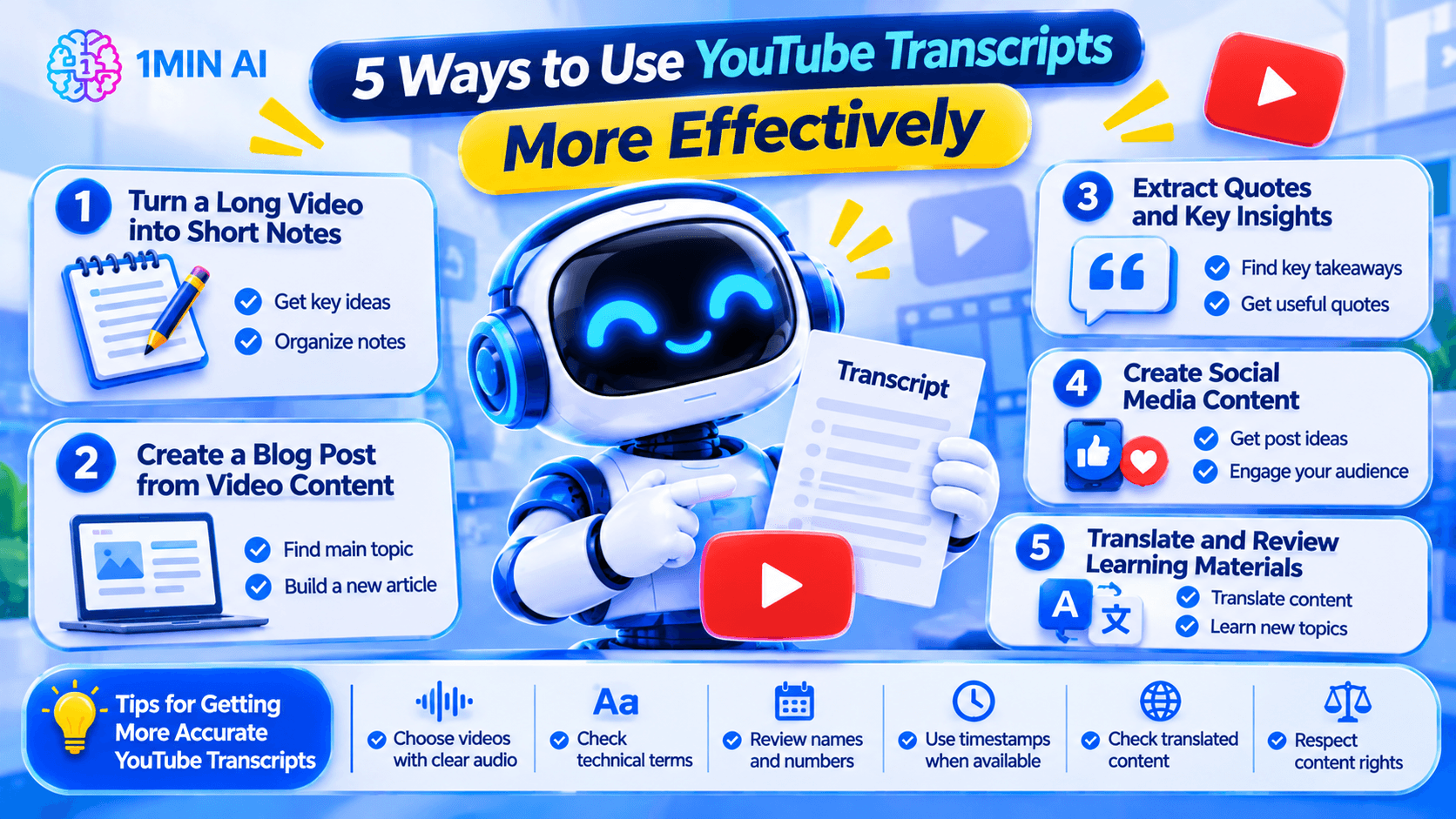
Tips for Getting More Accurate YouTube Transcripts
AI transcription can save time, but the quality of the output depends on the source audio and the transcription process.
Use these tips to improve your results:
- Choose videos with clear audio: Background music, noise, and overlapping speakers can reduce transcription accuracy.
- Check technical terms: Industry-specific vocabulary, product names, and acronyms may be transcribed incorrectly.
- Review names and numbers: Always verify important figures, dates, and proper nouns against the original video.
- Use timestamps when available: They help you return to the exact section when checking a statement.
- Check translated content: Automated translation should be reviewed before being used in important documents.
- Respect content rights: A transcript does not automatically give you permission to republish someone else's video content. Follow the creator's licensing terms and applicable copyright rules.
Who Can Benefit from a YouTube Transcript Generator?
A YouTube transcript generator is useful for more than just people who want to read instead of watch videos.
| User | How They Can Use It |
|---|---|
| Students | Convert lectures and tutorials into review notes |
| Researchers | Search interviews, talks, and educational videos for relevant information |
| Content creators | Repurpose video ideas into original content |
| Digital marketers | Analyze competitor videos and industry discussions |
| Business professionals | Review webinars, presentations, and training materials |
| Language learners | Study spoken language and review translated text |
Whether you're learning a new skill or building a content strategy, transcripts make video information easier to organize and revisit.
Frequently Asked Questions
1. Is there a free YouTube transcript generator?
Yes. You can try the 1minAI AI YouTube Transcriber to generate text from YouTube video content. Check the tool page for current access requirements, supported inputs, and usage limits.
. How do I get a transcript from a YouTube video?
You can use a YouTube transcription tool. Open the video, copy its URL, provide the link to a supported transcription tool, and follow the instructions to generate the text. Review the result for accuracy before using it.
3. Can AI convert a YouTube video to text?
Yes. AI-powered transcription tools process the audio in a video and convert spoken words into written text. The accuracy can vary depending on audio quality, accents, background noise, and specialized vocabulary.
4. Can I translate a YouTube transcript into another language?
Yes. Some tools support both transcription and translation. You can try 1minAI WAI-56 AI YouTube Transcriber & Translator for a workflow focused on transcribing and translating YouTube content.
. Are AI-generated YouTube transcripts always accurate?
No. AI transcription can make mistakes with unclear audio, accents, multiple speakers, technical vocabulary, and background noise. Review important details against the original video before relying on the transcript.
Create YouTube Transcripts Faster with 1minAI
YouTube videos contain useful information, but finding and reusing that information can take time. A YouTube transcript generator makes the process easier by converting spoken content into text you can search, review, and repurpose.
With 1minAI, you can explore the AI YouTube Transcriber for video-to-text workflows or try the WAI-56 AI YouTube Transcriber & Translator when working across languages.
Turn videos into useful text, spend less time taking notes, and make more of the content you watch.
- #Commerce
- #Information
Alternatives
Discover the best alternatives to 1minAI and compare features, pricing, and use cases.

1min.AI vs OpenRouter
1min.AI vs. OpenRouter: Compare the ready-to-use AI creation product against the technical API tool. Find out if you need a zero-code creative studio or a coding infrastructure hub.
 Ngoc Hong
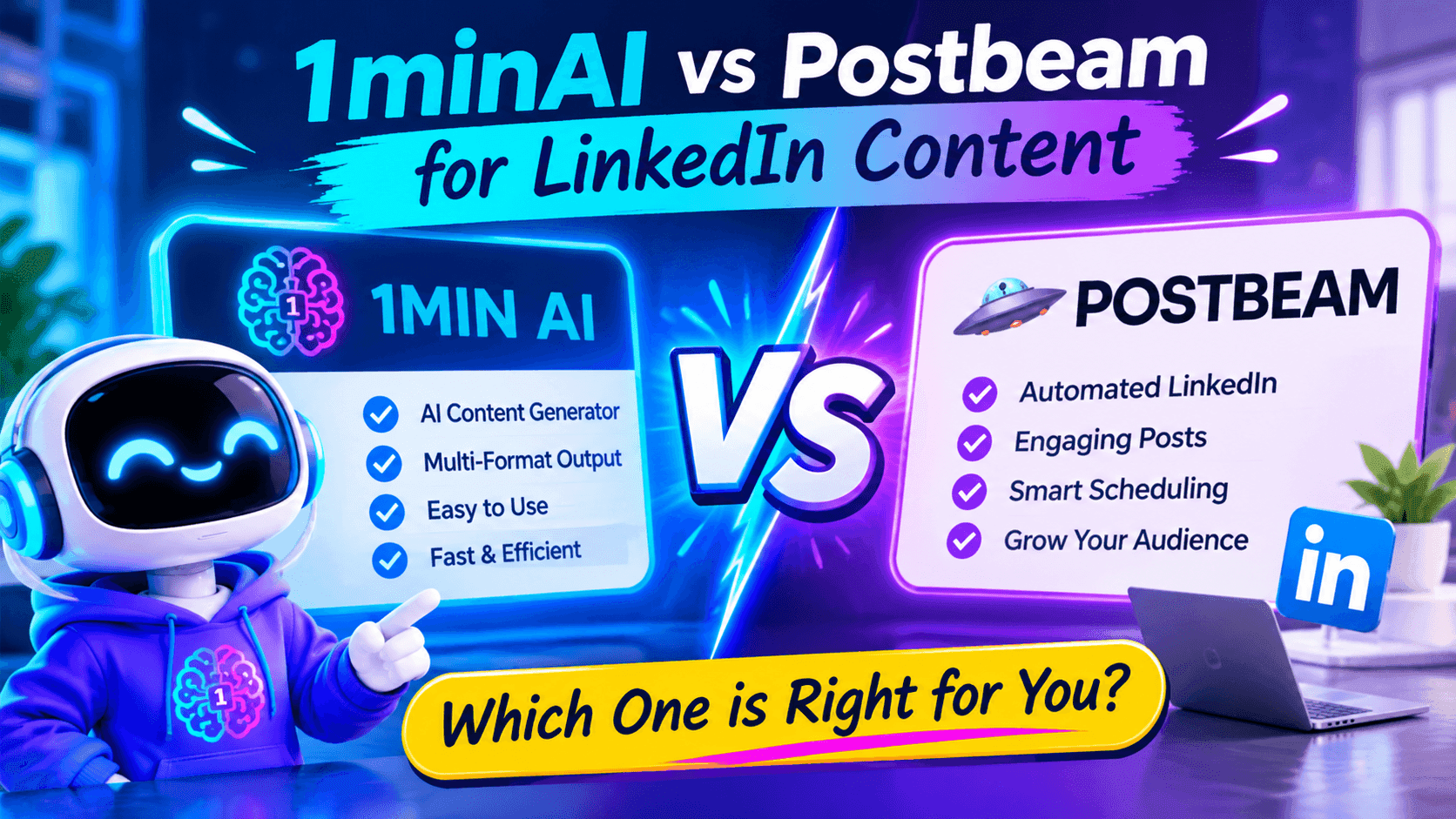
1minAI vs Postbeam for LinkedIn Content
Looking for a Postbeam alternative? Compare 1minAI vs Postbeam for AI LinkedIn content creation, research, image generation, scheduling, and B2B workflows.
 Tram Ta
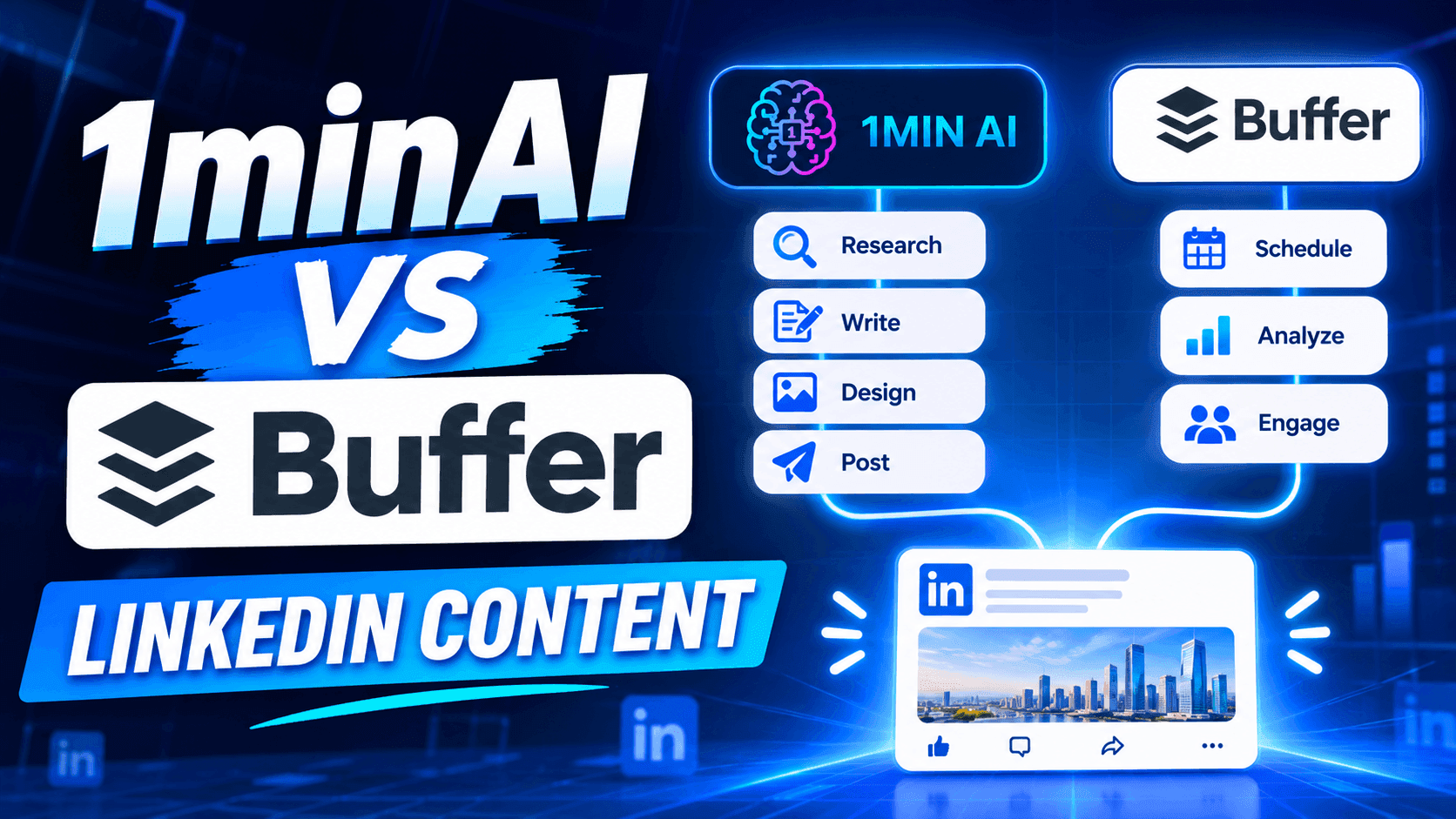
1minAI vs Buffer for LinkedIn Content Creation
Looking for a Buffer alternative? Compare 1minAI vs Buffer for LinkedIn content creation, AI writing, image generation, scheduling, and automation.
Tram TaAI Tools
Discover the best AI tools to boost productivity, creativity, and everyday work.
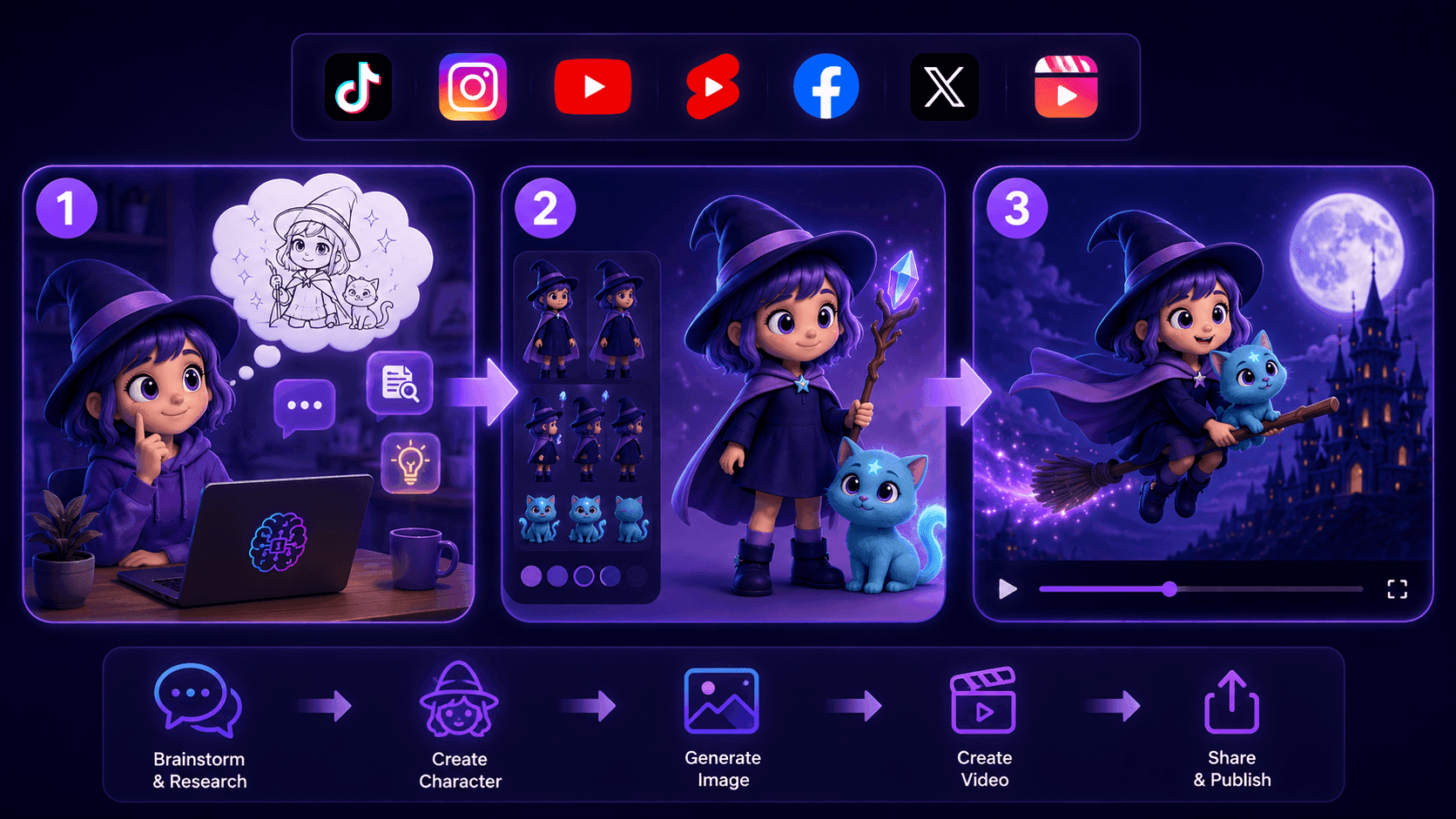
Create Consistent Cartoon Content in Just a Few Steps
Create engaging cartoon videos for TikTok and Reels with 1min.AI. Research ideas, create characters, and turn images into animated videos in 3 simple steps.
 Lien Anh Vu
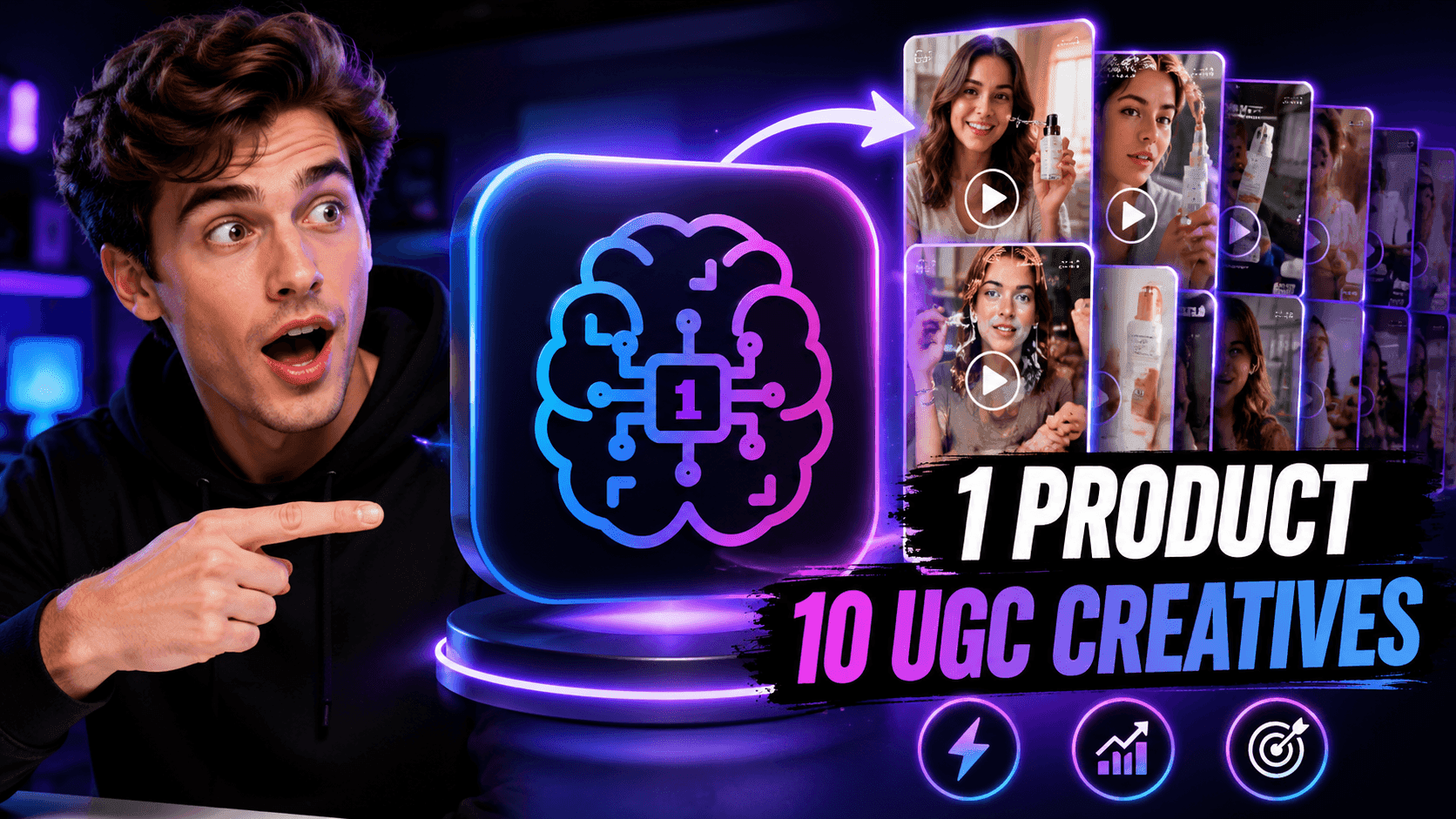
One Product, 10 UGC Creatives: How AI Makes Content Testing Easier
Create more authentic UGC with an AI UGC video generator, test more creative angles and scale affiliate content without filming every version.
Lien Anh Vu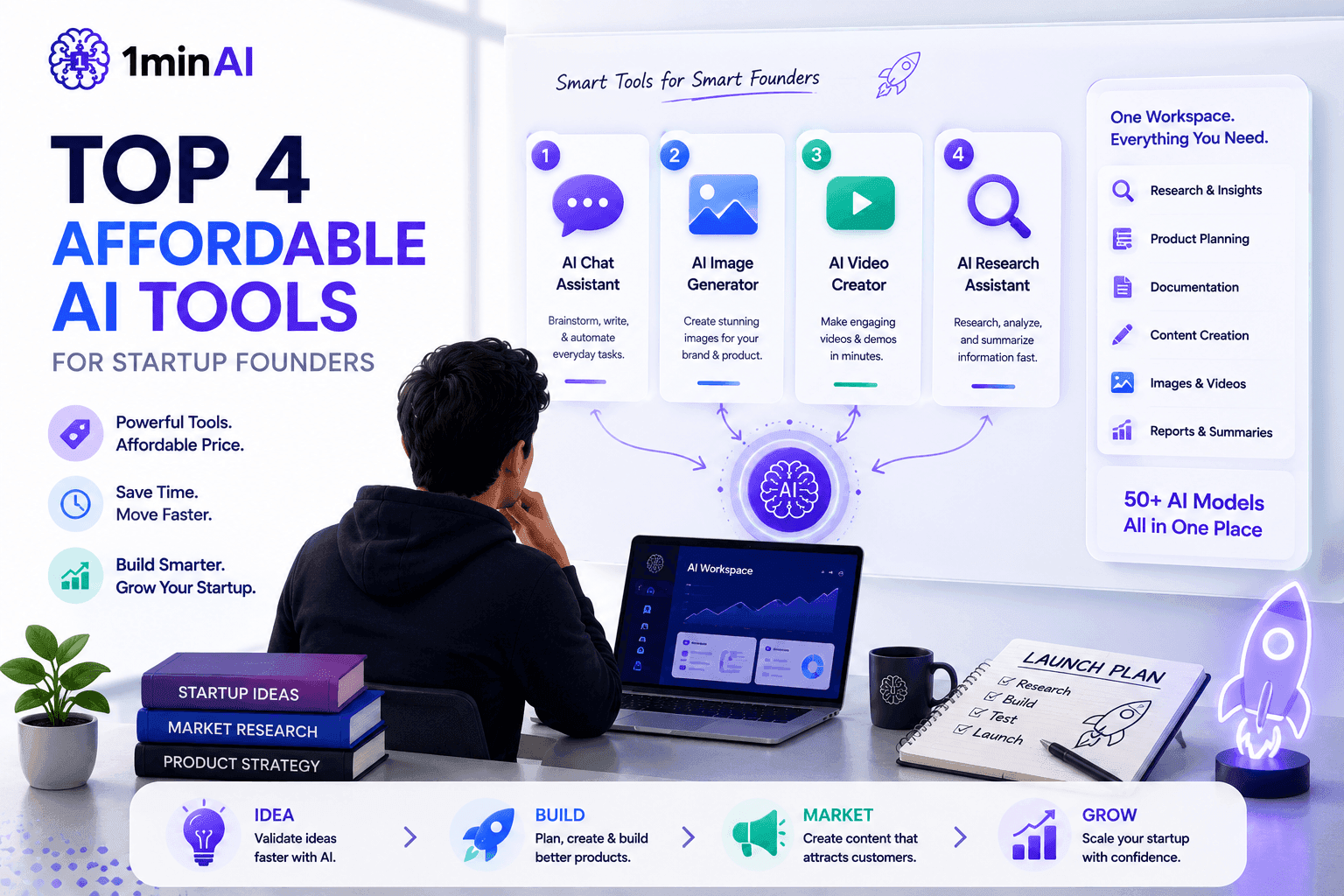
Top 4 Affordable AI Tools for Startup Founders
Discover the top 4 affordable AI tools for startup founders to validate ideas, build products, create content, and launch faster without overspending.
Tram TaAI Features
Comprehensive AI features that streamline workflows, improve efficiency, and empower teams to achieve more.
Create Consistent Cartoon Content in Just a Few Steps
Create engaging cartoon videos for TikTok and Reels with 1min.AI. Research ideas, create characters, and turn images into animated videos in 3 simple steps.
Lien Anh VuOne Product, 10 UGC Creatives: How AI Makes Content Testing Easier
Create more authentic UGC with an AI UGC video generator, test more creative angles and scale affiliate content without filming every version.
Lien Anh Vu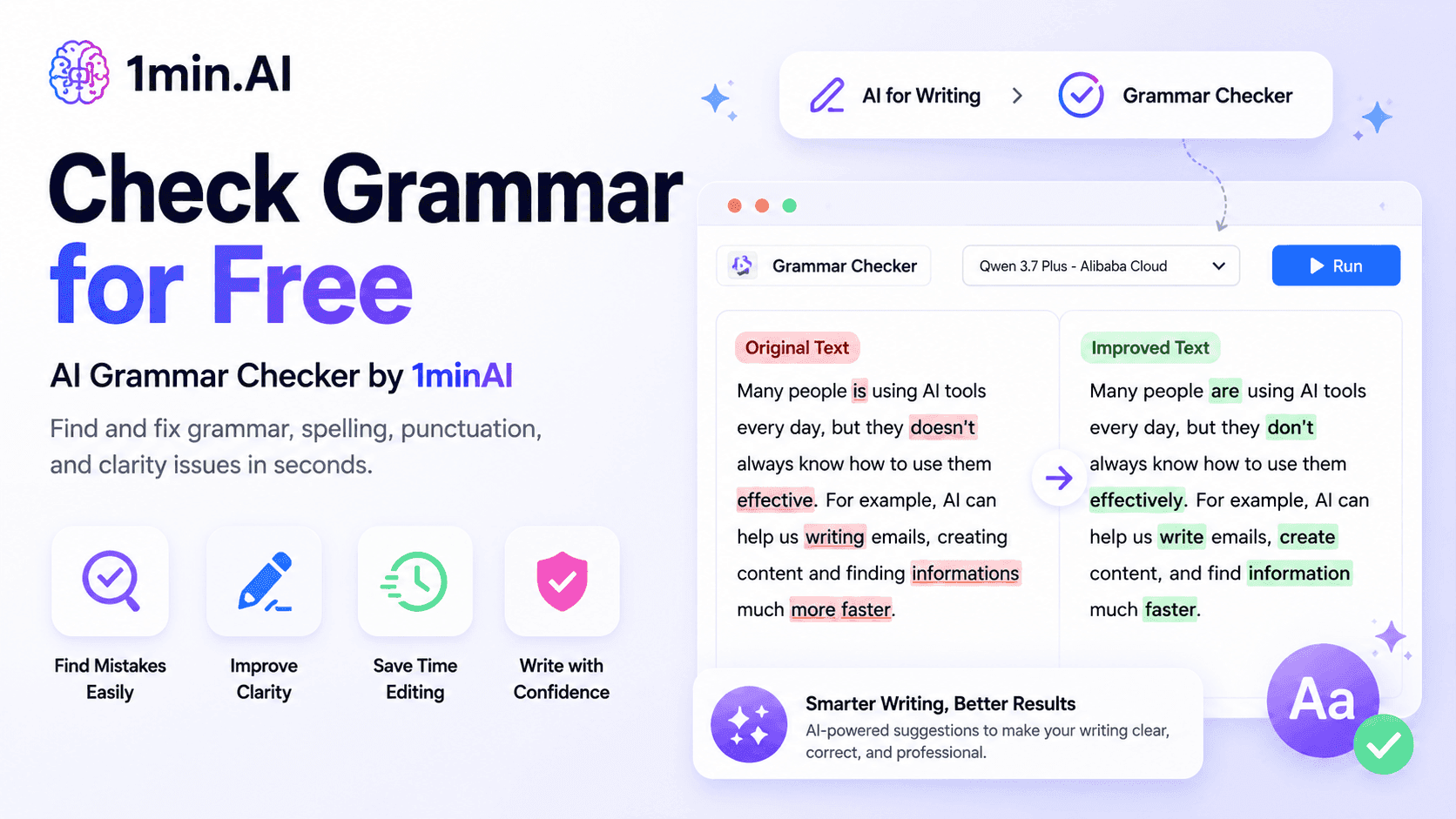
1minAI: Free AI Grammar Checker
Check grammar for free with 1minAI’s AI grammar checker. Find grammar, spelling, and writing mistakes, improve clarity, and polish your content in seconds.
Tram TaAI Use Cases
A curated collection of AI use cases for business, productivity, and industry-specific applications.
Create Consistent Cartoon Content in Just a Few Steps
Create engaging cartoon videos for TikTok and Reels with 1min.AI. Research ideas, create characters, and turn images into animated videos in 3 simple steps.
Lien Anh VuOne Product, 10 UGC Creatives: How AI Makes Content Testing Easier
Create more authentic UGC with an AI UGC video generator, test more creative angles and scale affiliate content without filming every version.
Lien Anh Vu
Best Time to Post on Instagram: A Practical Guide for Better Engagement
Discover the best time to post on Instagram, including the best days and times for different audiences, plus tips to find the ideal posting schedule for your account.
Tram TaAI Tutorials
Learn how to use AI with practical, step-by-step tutorials.
Black Friday AI Tool Deals in 2026
Discover what Black Friday AI tool deals 2026 has to offer. Find out how to secure the 1min.AI lifetime deal via AppSumo, Dealify, Stack Social, and verify on Trustpilot, Slashdot, and Software Advice.
 Hang Nguyen
Create Consistent Cartoon Content in Just a Few Steps
Create engaging cartoon videos for TikTok and Reels with 1min.AI. Research ideas, create characters, and turn images into animated videos in 3 simple steps.
Lien Anh Vu
[Seedance 2.5 New] Better AI Product Videos, Less Rework in 1min.AI
Use Seedance 2.5 image to video on 1min.AI to create more consistent AI product videos, reduce failed generations, save credits, and improve UGC workflows.
Lien Anh VuAI Guides
Learn AI faster with practical guides, real-world examples, and actionable best practices.

Safely Buy AI Tools Online: 2026 Black Friday Guide
Discover how to find and secure the best Black Friday AI deals online. Learn expert strategies to avoid scams, combat subscription fatigue, and verify software.
Hang NguyenCreate Consistent Cartoon Content in Just a Few Steps
Create engaging cartoon videos for TikTok and Reels with 1min.AI. Research ideas, create characters, and turn images into animated videos in 3 simple steps.
Lien Anh Vu[Seedance 2.5 New] Better AI Product Videos, Less Rework in 1min.AI
Use Seedance 2.5 image to video on 1min.AI to create more consistent AI product videos, reduce failed generations, save credits, and improve UGC workflows.
Lien Anh VuAI Solutions
Browse the best AI solutions for automation, coding, research, productivity, customer support, marketing, and business workflows.
Safely Buy AI Tools Online: 2026 Black Friday Guide
Discover how to find and secure the best Black Friday AI deals online. Learn expert strategies to avoid scams, combat subscription fatigue, and verify software.
Hang NguyenCreate Consistent Cartoon Content in Just a Few Steps
Create engaging cartoon videos for TikTok and Reels with 1min.AI. Research ideas, create characters, and turn images into animated videos in 3 simple steps.
Lien Anh VuOne Product, 10 UGC Creatives: How AI Makes Content Testing Easier
Create more authentic UGC with an AI UGC video generator, test more creative angles and scale affiliate content without filming every version.
Lien Anh VuAI Models
Explore the world's leading AI models in one place.
Create Consistent Cartoon Content in Just a Few Steps
Create engaging cartoon videos for TikTok and Reels with 1min.AI. Research ideas, create characters, and turn images into animated videos in 3 simple steps.
Lien Anh VuOne Product, 10 UGC Creatives: How AI Makes Content Testing Easier
Create more authentic UGC with an AI UGC video generator, test more creative angles and scale affiliate content without filming every version.
Lien Anh Vu[Seedance 2.5 New] Better AI Product Videos, Less Rework in 1min.AI
Use Seedance 2.5 image to video on 1min.AI to create more consistent AI product videos, reduce failed generations, save credits, and improve UGC workflows.
Lien Anh VuAI Comparisons
Compare AI tools, models, and platforms to find the best fit for your needs.
Kling AI Vs Veo 3: Which Model Wins?
Kling AI vs Veo 3: compare motion, native audio, pricing & free tiers to see which AI video generator wins for your project - try both on 1min.AI.
 Trang Tran
[Seedance 2.5 New] Better AI Product Videos, Less Rework in 1min.AI
Use Seedance 2.5 image to video on 1min.AI to create more consistent AI product videos, reduce failed generations, save credits, and improve UGC workflows.
Lien Anh Vu
DeepSeek V4 Pro vs Flash Comparison
Compare DeepSeek V4 Pro vs DeepSeek V4 Flash metrics. Optimize your agentic apps and improve AI fact checking on 1min.ai today.
Ngoc HongAI Integrations
Seamlessly integrate AI with the tools you already use to automate work and boost productivity.
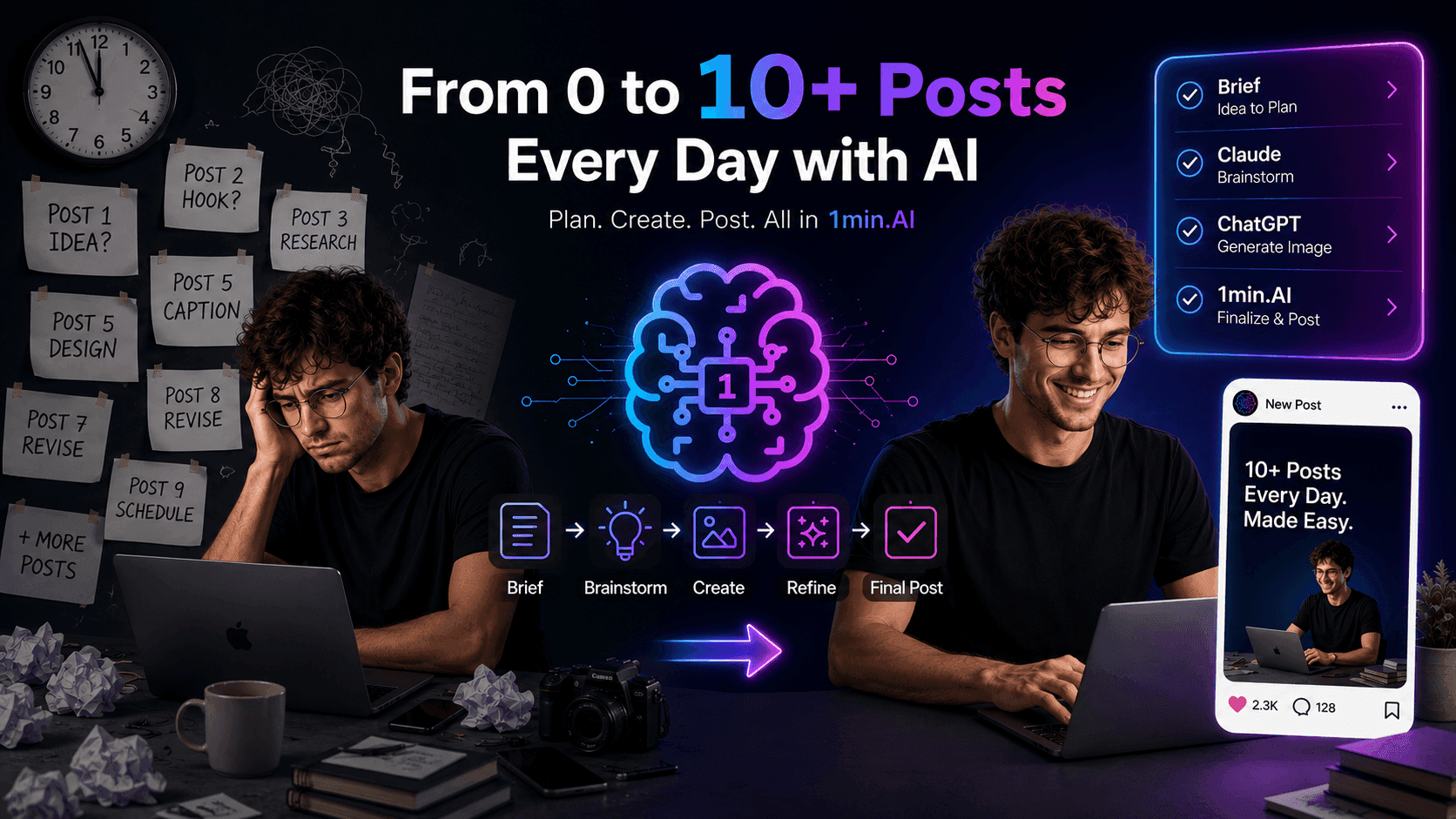
POV: You Have 10+ Posts to Make Every Day
Learn how to build an AI content workflow that helps content creators produce 10+ social media posts a day faster with AI brainstorming, image generation, and content creation.
Lien Anh Vu
How to Use an AI Fashion Video Generator for Fashion Week 2026
Turn Fashion Week 2026 ideas into stunning fashion videos with AI. Learn how to brainstorm, create visuals, and transform images into videos with one simple workflow.
Lien Anh Vu
Stop Switching Between AI Apps: How AI Integration Transforms Employer Branding
Discover how AI integration helps HR teams streamline employer branding by combining AI writing, documents, images, video, and multiple AI models into one workspace.
Tram TaAI for Industries
Find the best AI tools and workflows for healthcare, finance, education, legal, manufacturing, retail, real estate, and more
Text To Video AI Free Without Watermark Online
Create text to video AI free without watermark online with 1min.AI. Pick top models, turn prompts into HD clips, and download clean videos fast. Try it free.
Trang Tran
Free AI Image Editor With Prompt No Restrictions
Looking for a free AI image editor with prompt no restrictions? Edit backgrounds, objects and text by typing, no watermark. Try 1min.AI’s flexible editor now.
Trang Tran
Claude Personal Finance Setup and Safety Guide
Claude personal finance explained: how Personal Finance in Claude works and what Claude finance can see. Plus a safe CSV method for non-US users.
Trang TranAI Agents
Discover and run AI agents to automate tasks across your work and daily life.
1minAI: Free AI Grammar Checker
Check grammar for free with 1minAI’s AI grammar checker. Find grammar, spelling, and writing mistakes, improve clarity, and polish your content in seconds.
Tram Ta
AI Agents for Facebook
Use an AI Agent for Facebook to create content, generate images, schedule posts, and publish from your documents and conversations.
Ngoc Hong
AI Agent vs AI Assistant: Which One Actually Saves Designers More Time?
Learn the difference between AI Agent vs AI Assistant and discover which solution helps designers automate repetitive work, reduce revisions, and save more time.
Lien Anh VuAI Workflows
Explore ready-to-use AI workflows for productivity, marketing, sales, support, and more.
Create Consistent Cartoon Content in Just a Few Steps
Create engaging cartoon videos for TikTok and Reels with 1min.AI. Research ideas, create characters, and turn images into animated videos in 3 simple steps.
Lien Anh VuOne Product, 10 UGC Creatives: How AI Makes Content Testing Easier
Create more authentic UGC with an AI UGC video generator, test more creative angles and scale affiliate content without filming every version.
Lien Anh VuPOV: You Have 10+ Posts to Make Every Day
Learn how to build an AI content workflow that helps content creators produce 10+ social media posts a day faster with AI brainstorming, image generation, and content creation.
Lien Anh VuNewsletter
Weekly AI Innovations with 1minAI

🔮 Weekly AI Innovations #144: LinkedIn Content Agent: Complete B2B Publishing Pipeline
Scale B2B influence with the LinkedIn Content Agent on 1min.ai. Discover an end-to-end 4-stage pipeline with zero redundant token burn and 1-click publishing.
Hang Nguyen
🔮 Weekly AI Innovations #143: Update GPT-6, GPT-6.1 & Ideogram 4.0
Access GPT-6 Sol, Luna, GPT-6.1 Sol, and Ideogram 4.0 on 1min.ai. Boost typography accuracy to 98.4% and cut reasoning latency by 45% in one platform.
Hang Nguyen
🔮 Weekly AI Innovations #142: Grok 4.7, Opus 5.5 & Sonnet 5.5 on 1min.ai
Access Grok 4.7, Claude Opus 5.5, and Sonnet 5.5 on 1min.ai. Cut subscription costs by up to 70% and process millions tokens in a single unified workspace.
Hang Nguyen