How to integrate 1minAI: Combining Text-to-Speech and Text-to-Video to create a quick and easy solution introduction video
Uyen Hoang
July 6, 2026
Stop spending days editing sales pitches. Learn how 1min.AI integrates text-to-speech and text-to-video tools into a single, high-converting workflow.
If you are a Business Development Rep or Account Manager looking at a cold pipeline, you already know the brutal reality of 2026: text-only emails are hitting a wall of silence. Best ai tools tell you to switch to video pitching, but they hide the real cost that the hours wasted writing scripts, dealing with camera shyness, setting up microphones, and wrestling with complex editing software.
What if you could turn a raw client discovery brief into a studio-grade, fully captioned solution introduction video without ever turning on a camera? This guide breaks down how combining **text to speech **with a native text to video ai generator inside a single workspace eliminates the friction, allowing you to scale hyper-personalized video pitches in minutes.
Why Traditional Sales Video Production Fails to Scale
Across high-performing B2B sales teams, video has proven to increase reply rates by up to 3x compared to static text. Yet, most sales pipelines suffer from a massive video bottleneck. While lead generation software helps you find targets at lightning speed, the actual creation of customized visual assets moves at a snail's pace. The problem isn’t a lack of effort, it’s the mechanical complexity of traditional content creation.
The On-Camera Bottleneck: The Hidden Drag on Sales Velocity: Creating a bespoke product intro video manually is an operational nightmare for a busy sales rep. A single 60-second video requires an explicit script, an environment free of background noise, perfect verbal delivery, and multiple retakes to fix inevitable stumbles.
If a prospect requests a quick solution breakdown, they want it while their interest is peaked. Forcing a sales closer to spend two hours filming and editing a single clip means they are acting as a full-time video producer instead of talking to active buyers.
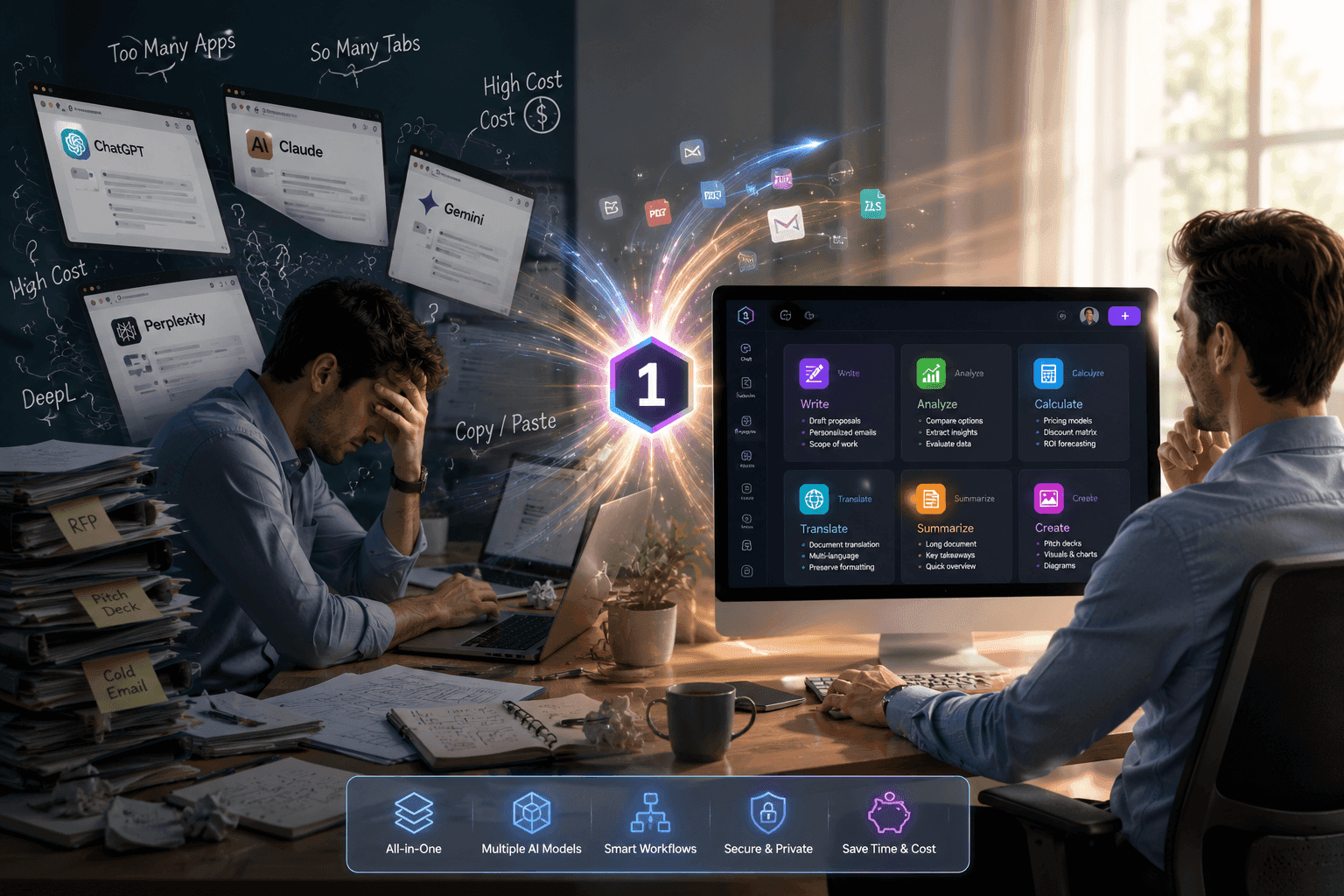
Why Fragmented Tool Stacks Break the Creative Workflow: Many teams attempt to solve this by purchasing separate AI tools: one app for scriptwriting, another for voiceovers, and a third for video generation.
The strategy breaks down instantly. Copying text back and forth across disconnected dashboards causes data loss, mismatches between voice timing and visual clips, and forces you to manage multiple expensive software subscriptions. This is exactly the gap that a unified multi model ai workspace closes, not by taking human strategy out of the loop, but by consolidating your creative assets into a streamlined, automated pipeline.
The 1min.AI Blueprint: Merging Audio and Video in One Continuous Workspace
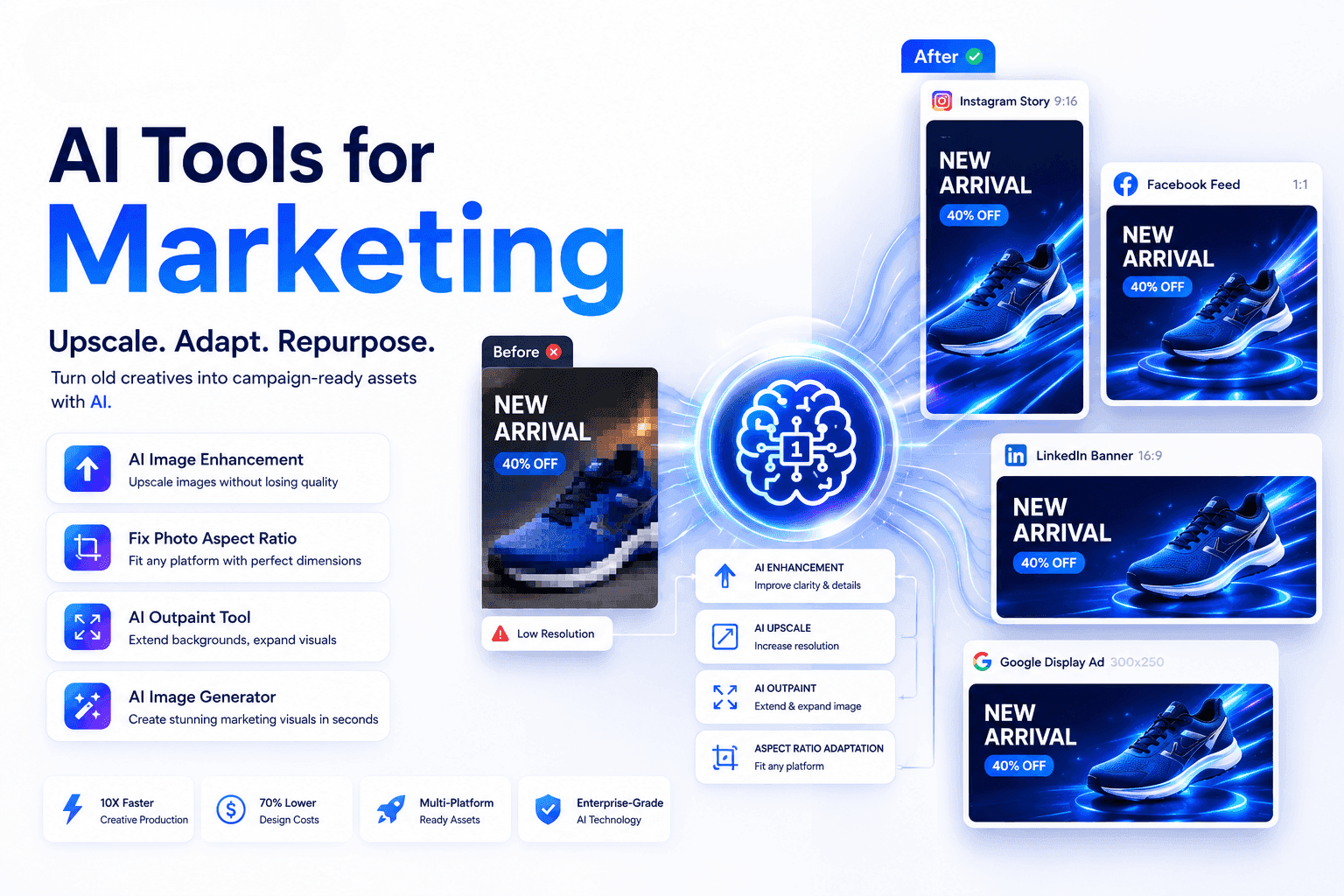
The advantage of 1min.AI lies in its absolute consolidation. Instead of forcing your sales team into a one-size-fits-all model or a single-media format, the platform links its advanced Text, Audio, and Video engines into a synchronized system.
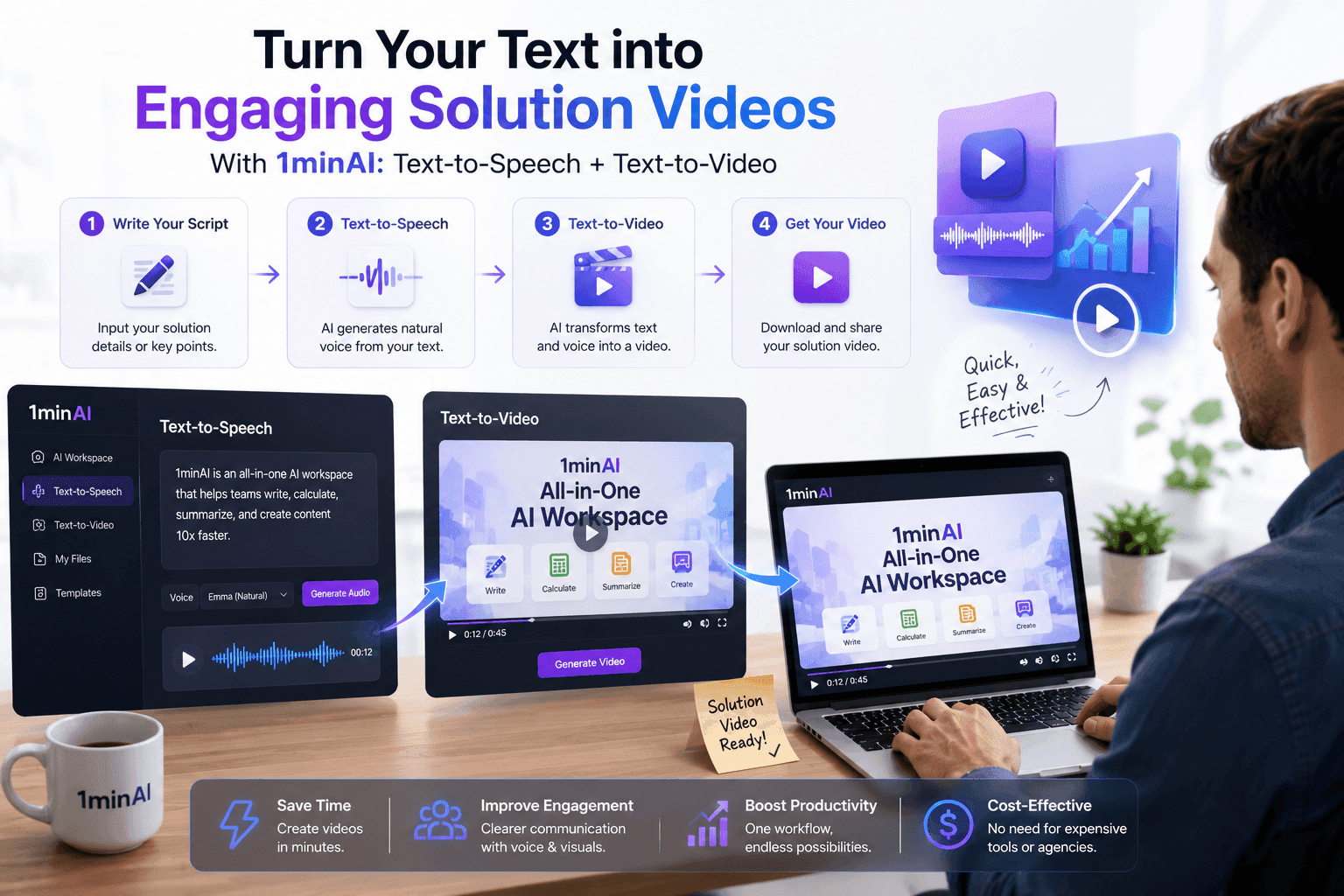
Here is the exact step-by-step framework high-growth BD teams use to generate a custom automated product introduction video from scratch in under 5 minutes.
** THE 1MIN.AI VIDEO PIPELINE **
** [1. TEXT STAGE] --> [2. AUDIO STAGE] --> [3. VIDEO STAGE] **
Content Generator Text to Speech Text to Video
Extracts raw notes Converts script to Transforms audio
into a punchy script elite voice or clone into clean visuals`
Step 1: Architecting the Script (The Foundation)
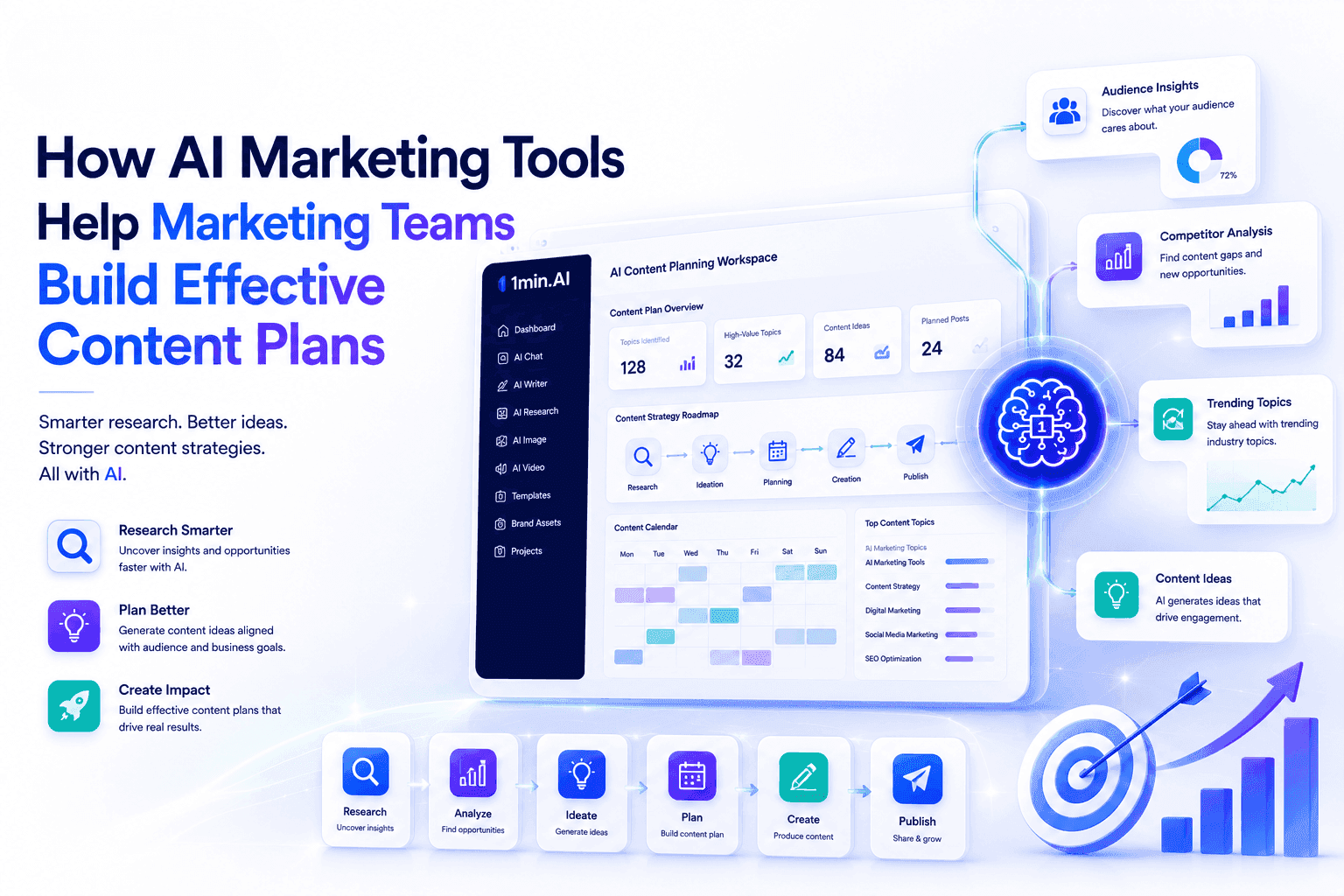
Before you generate a single frame, you need a high-converting message. Inside 1min.AI, you drop your raw client discovery notes, LinkedIn profile text, or your company's generic slide copy directly into the chat.
-
Use the Content Generator or Rewriter to structure a punchy, 60-second value proposition.
-
If your source material is a dense corporate PDF or case study, leverage the Summarizer to instantly isolate the absolute core pain points and metrics your prospect cares about.
Step 2: Giving the Pitch a Premium Voice (The Audio Layer)
Once your script is locked, you don't pick up a microphone. You move directly to 1min.AI's AI for Audio suite.
-
Text to Speech: Paste your generated script and choose from an array of elite, human-sounding voice profiles.
-
Voice Design & Voice Cloning: For enterprise deals where trust is everything, you can clone your own voice or your CEO's voice once. From that point forward, you can generate hundreds of personalized audio intros instantly, sounding perfectly natural without ever speaking aloud.
Step 3: Visualizing the Solution (The Video Layer)
With your premium audio track ready, you instantly transition to the AI for Video tools to map out the visual narrative.
-
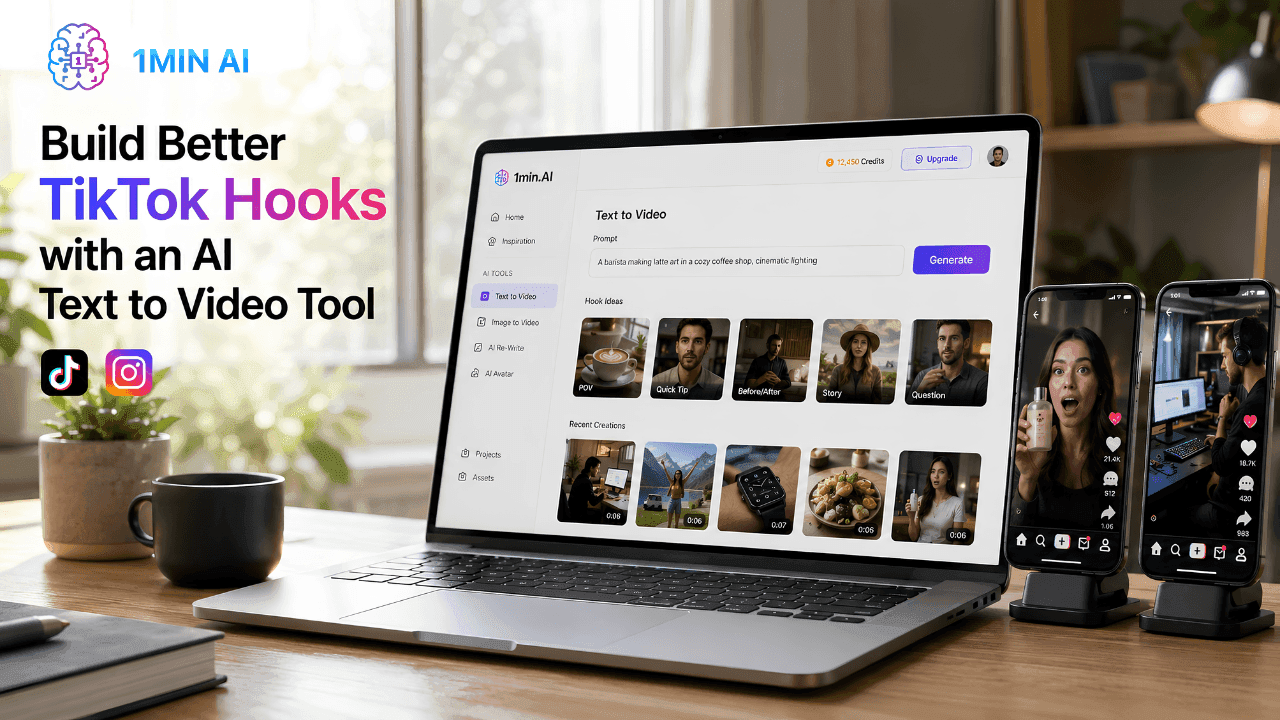
Text to Video & Image to Video: Input your script markers or upload conceptual product screenshots (polished via the Image Upscaler or Background Replacer) to generate cinematic, relevant background video sequences.
-
Captions Generator: Because over 80% of B2B decision-makers watch sales videos on mute (especially on LinkedIn), run the final output through the native caption engine to overlay clean, engaging subtitles automatically.
Unified Power: How 1min.AI Eradicates Multi-App Tool Fatigue
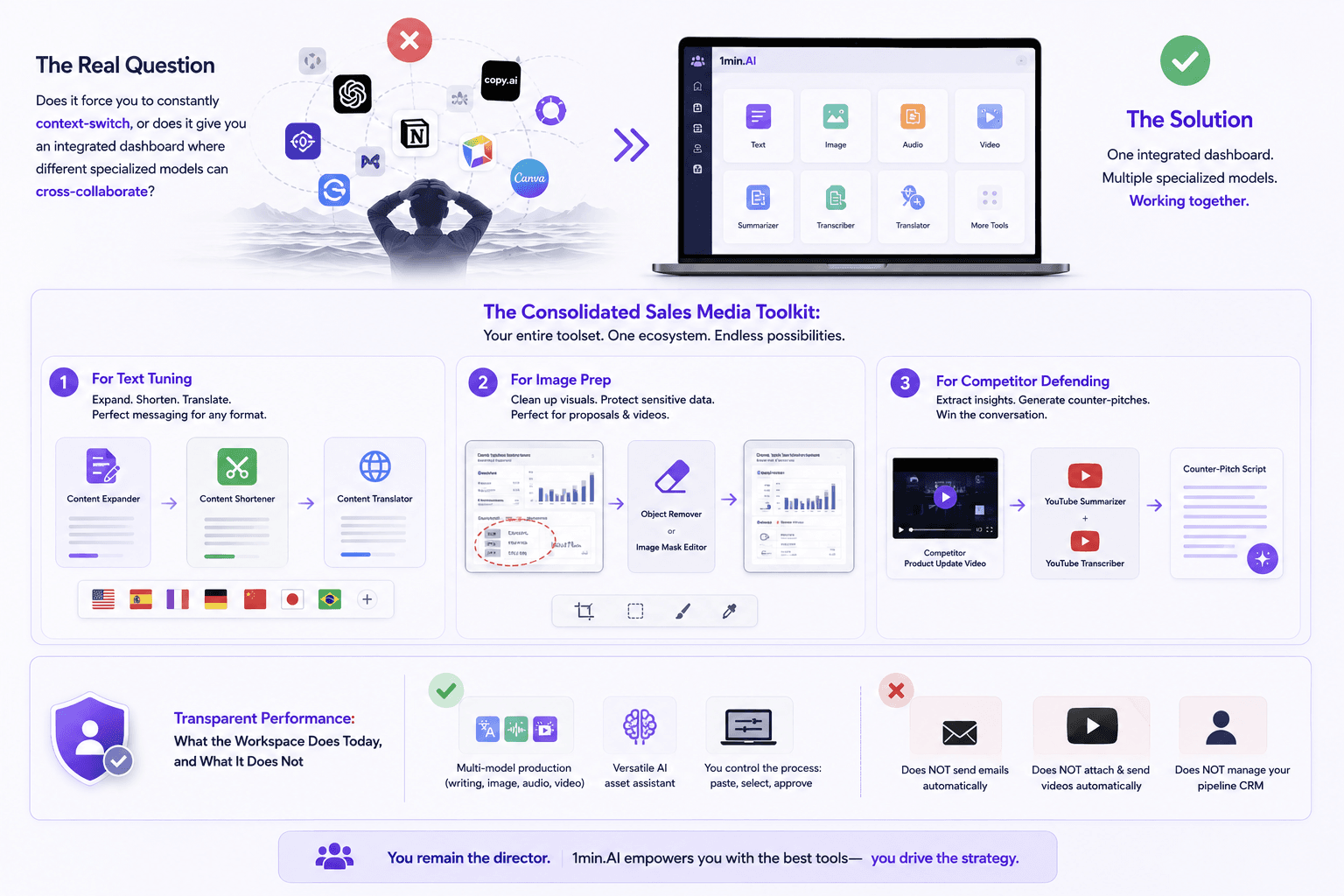
Choosing among the sea of point-solution AI tools comes down to verifying a simple reality: does it force you to constantly context-switch, or does it give you an integrated dashboard where different specialized models can cross-collaborate?
The Consolidated Sales Media Toolkit:1min.AI doesn't just give you a single AI reviewer or standard text bot; it gives you an entire multi-media agency in one tab. Look at how easily your sales admin tasks shrink when your entire toolset lives in one ecosystem:
-
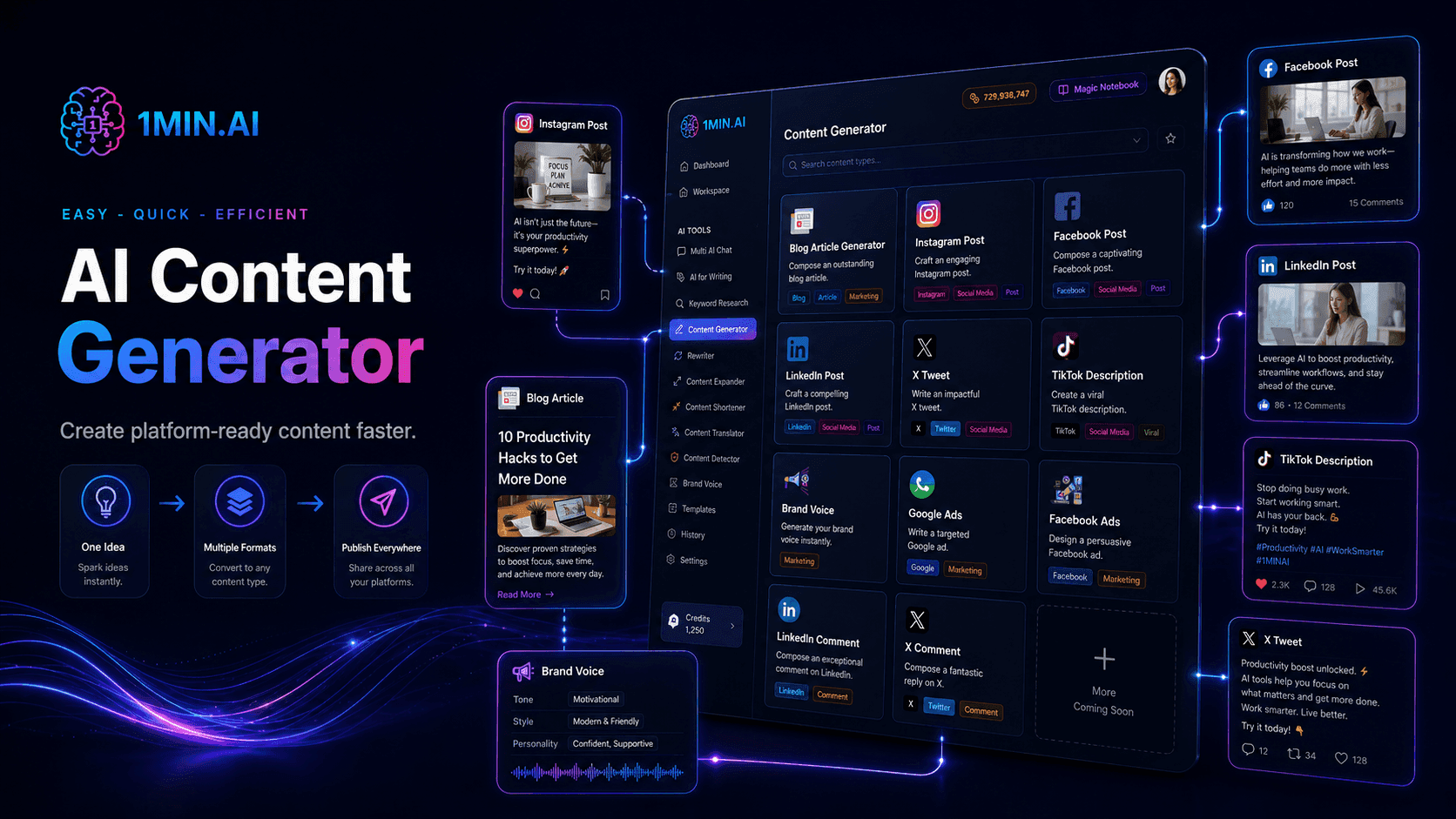
For Text Tuning: Fluidly hop between the **Content Expander **to flesh out product features, the Content Shortener to hit strict character limits for video formats, and the Content Translator to localize your pitch across global boundaries.
-
For Image Prep: Use the **Object Remover **or **Image Mask Editor **to clean up sensitive client data from product screenshots before embedding them into an automated proposals video template.
-
For Competitor Defending: Use the YouTube Summarizer and YouTube Transcriber to scrape a competitor's product update video, drop the raw insights into 1min.AI's text chat, and instantly generate a counter-pitch script tailored to your prospect's precise objections.
Transparent Performance:** What the Workspace Does Today, and What It Does Not: **Let's maintain complete peer-to-peer honesty: 1min.AI is a highly versatile, multi-model production, writing, audio, and video asset assistant workspace. It is not an autonomous sales robot that logs into your email client, sends cold video attachments automatically, or manages your pipeline CRM without human overview. You remain the director and you paste the raw inputs, select the models, and approve the output.
What it eliminates completely is the manual friction that stalls sales pipelines: the hours spent editing audio, formatting text, and syncing timelines across 5 different expensive app bills. It delivers premium multi-media asset generation fast, in one dashboard, at a cost that scales with your exact usage rather than a flat, overpriced per-seat subscription. For a sales leader looking to scale customized outreach this quarter, that is a usable superpower today.
Start a free trial today and see how many personalized video pitches your team can deploy this week.
Have enterprise workflow or integration questions? Reach out to our solution experts at 1min.AI, and we will help you map our multi-model workspace directly into your team's sales playbook.