Build Better TikTok Hooks with an AI Text-to-Video Tool
Lien Anh Vu
July 7, 2026
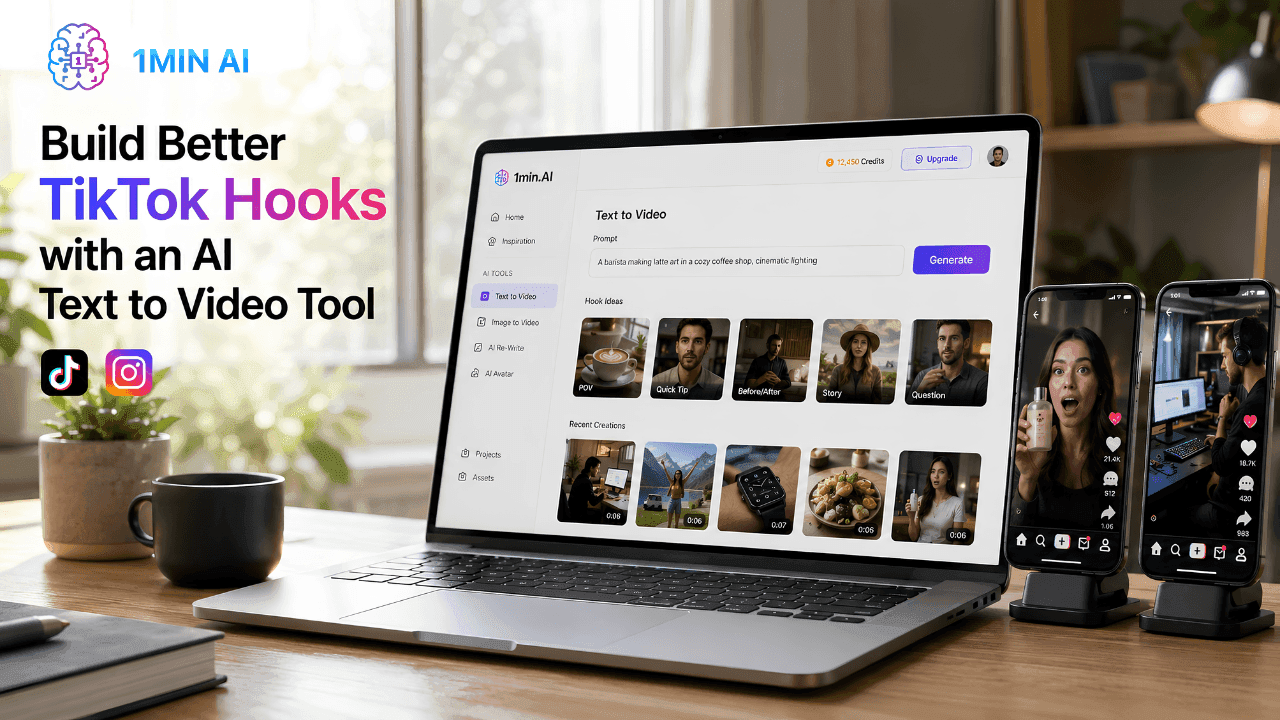
Create scroll-stopping video hooks faster with 1min.AI Text to Video. Turn text prompts into engaging short videos for TikTok, Reels, ads, and product showcases.
In short-form content, the first few seconds decide whether viewers keep watching or scroll away. On TikTok and Reels, if the opening scene is not strong enough, your video may lose attention before the message is even clear.
However, creating multiple engaging video hooks is not easy. Creators often need to plan ideas, shoot footage, edit clips, test different concepts, and spend a lot of time just to find one effective opening.
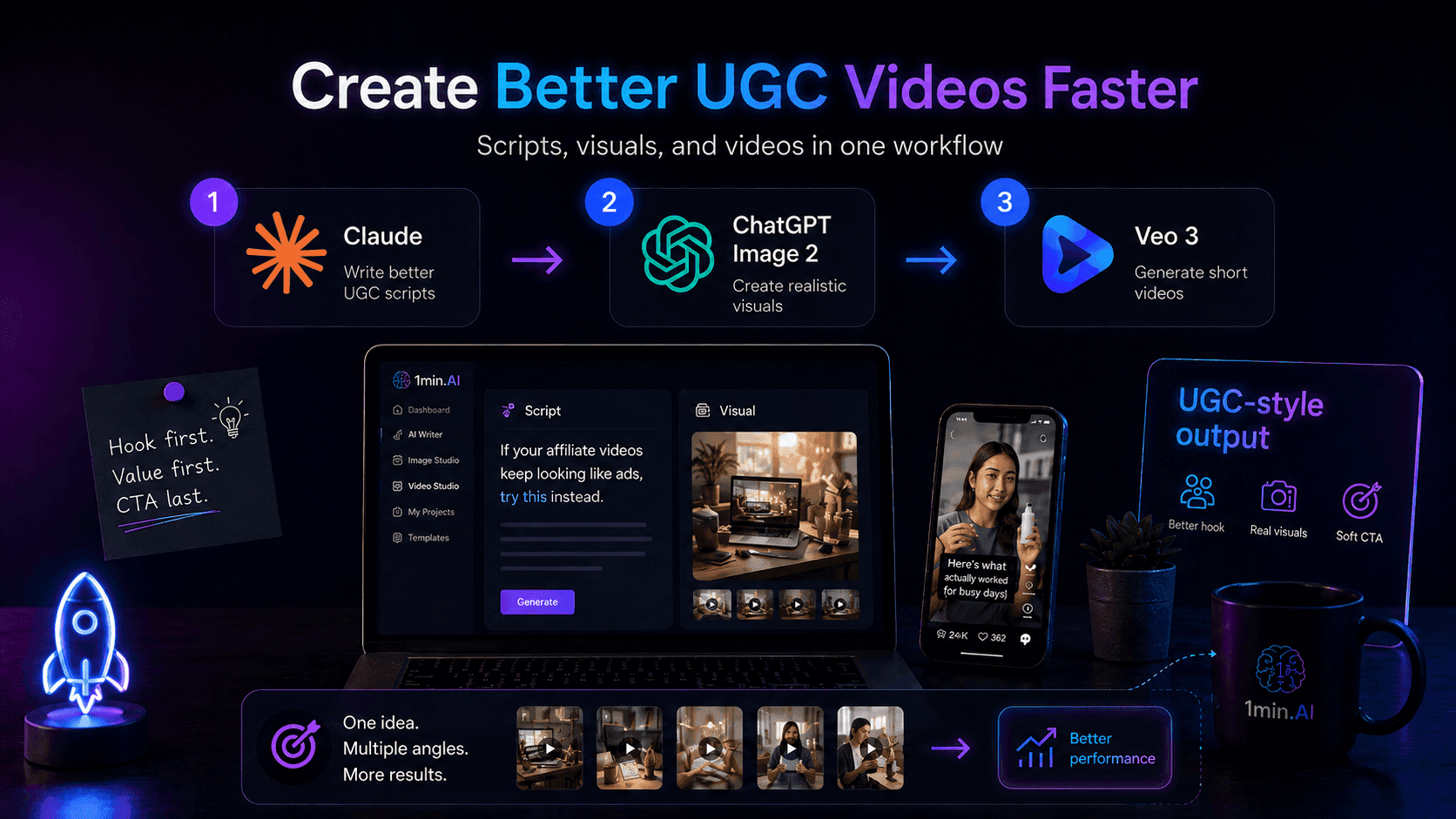
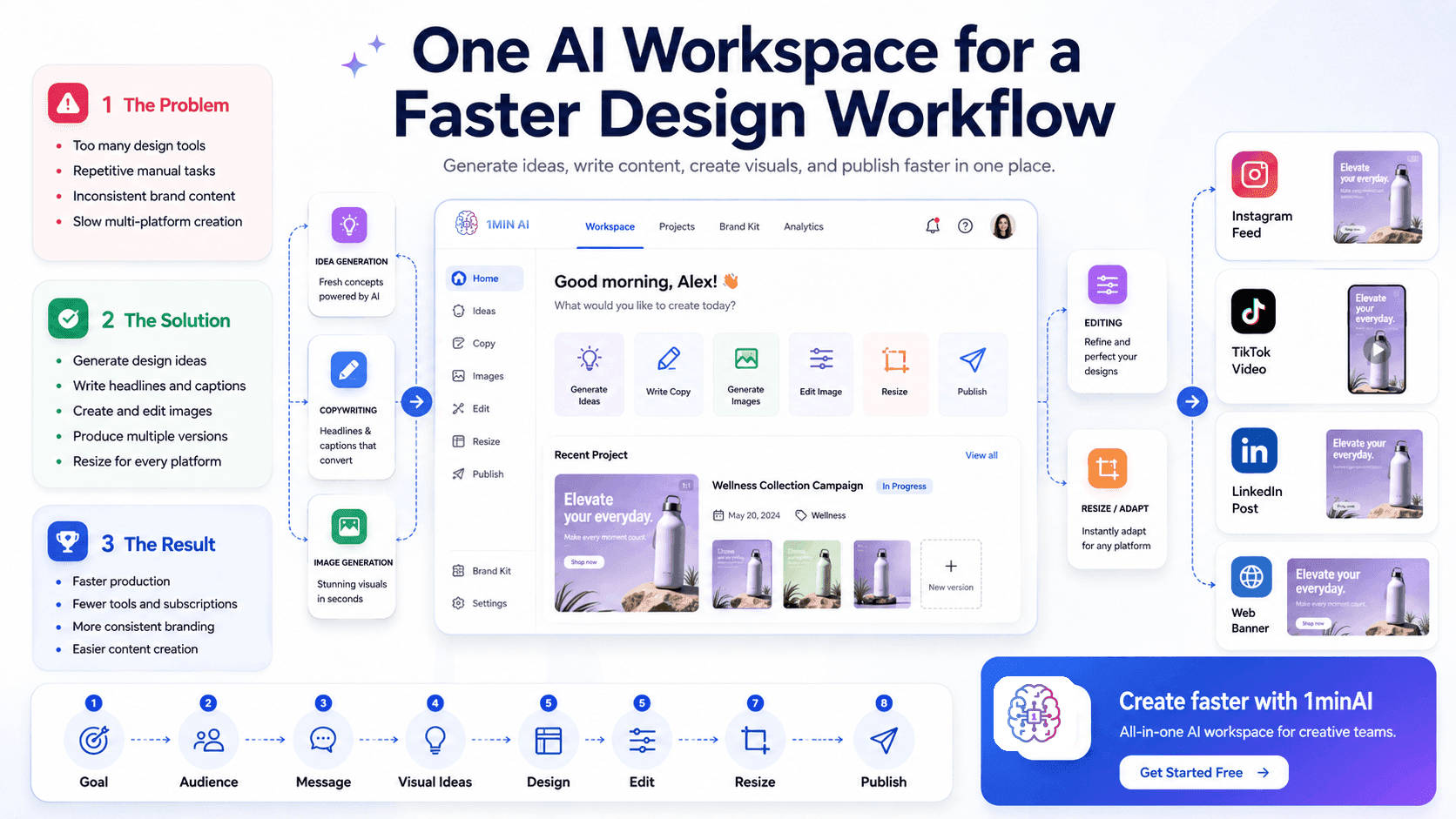
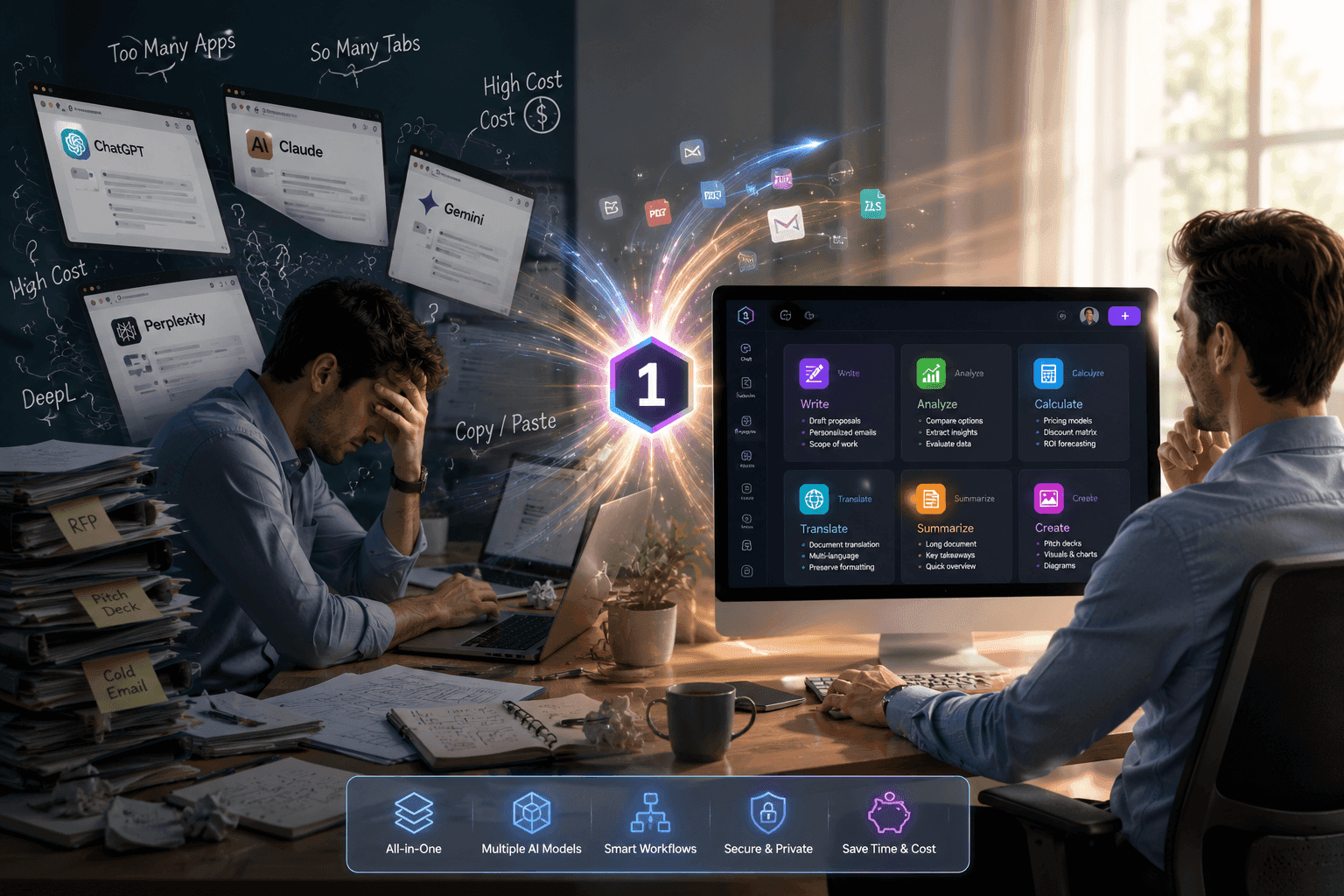
With text-to-video, creators can turn text prompts into short visual videos faster. 1min.AI helps content creators and solo creators create video hooks from ideas, prompts, or product concepts while also supporting image and audio needs in one platform.
Why Video Hooks Are Hard to Create but So Important
The first few seconds decide whether viewers stop scrolling
TikTok and Reels users scroll quickly. If a video does not catch attention in the first few seconds, viewers may skip it before they understand the main message.
A strong video hook needs clear visuals, eye-catching motion, and an easy-to-understand concept. It can be a product reveal, an impressive close-up, an unexpected movement, or a visual mood strong enough to make viewers stop.
Creating hooks manually takes too much time
With a traditional workflow, creators need time to plan the concept, prepare the scene, shoot footage, edit clips, and test multiple versions.
This is especially difficult for solo creators, social media marketers, and small brands that need to create content consistently for TikTok, Reels, ads, or product showcases.
One idea often needs multiple hook versions
A single idea can be turned into many different hooks. This applies not only to product ads, but also to TikTok videos, Reels, storytelling content, tutorials, personal brands, and social campaigns.
For example, creators may want to test the following:
-
A shock hook: Open with a surprising visual or bold statement.
-
A transformation hook: Show a before-and-after moment.
-
A product reveal hook: Reveal the product in a visually satisfying way.
-
A POV hook: Make the viewer feel like they are inside the scene.
-
A lifestyle hook: Show a relatable moment or everyday situation.
-
A problem-solution hook: Start with the pain point, then show the solution.
-
A cinematic hook: Use mood, lighting, and camera movement to create curiosity.
Testing each hook manually can take too much time. Creators may need to film new footage, edit different versions, and compare which opening works best. Text to video helps speed up this process by letting creators test different hook directions directly from prompts.
How Text to Video Helps Creators Build Hooks Faster with 1min.AI
Turn text prompts into visual hooks
Text-to-video helps creators turn written ideas into short visual videos. Instead of starting with a blank timeline or filming everything from scratch, creators can describe the scene, mood, camera movement, and visual style in a prompt.
Examples of hook-focused prompts:
-
A shocking opening shot of a person dropping their phone, then the screen freezes with dramatic lighting.
-
A before-and-after room transformation shown with a fast cinematic camera move.
-
A luxury perfume bottle revealed through red cherry splashes, glossy reflections, and cinematic red lighting.
-
A POV shot of someone walking into a neon-lit street at night, with fast motion and glowing reflections.
-
A close-up skincare routine scene with water droplets, soft natural light, and a fresh beauty mood.
-
A dramatic sneaker close-up stepping onto a wet street with neon reflections.
A good text-to-video prompt should be clear and visual. It should tell the AI:
-
What to show
-
How the scene should move
-
What mood or style the video should have
-
What kind of hook it should create
Create video hooks without a complex production setup
With 1min.AI, creators can create video hooks from text prompts for TikTok, Reels, product ads, product showcases, social media campaigns, and brand teasers without needing a studio, filming team, or advanced editing skills.
This helps creators move from idea to video faster, especially when they need to create content regularly for multiple platforms.
Test more hook variations before choosing the best one
One major benefit of text-to-video is faster testing. Creators can create multiple prompt variations for the same product or campaign, then compare the results and choose the version with the strongest visual impact. This helps creators find the hook that best fits their audience, platform, and content goal.
How to Create a Text-to-Video Hook with 1min.AI
-
Step 1: Write a detailed prompt that describes the scene, main subject, action, camera movement, mood, and visual style.
-
Step 2: Choose your preferred tool or model.
-
Step 3: Customise the available settings based on your goal.
-
Step 4: Once the prompt and settings are ready, click “Run” to generate the video.
-
Step 5: Review the result.
-
Step 6: Download the video.
💡 Try 1min.AI Text to Video turns your prompts into scroll-stopping hooks for TikTok, Reels, ads, and social content: https://app.1min.ai/image-to-video