One AI Workspace for a Faster Design Workflow
Lien Anh Vu
July 7, 2026
Discover how an AI design workspace helps you generate ideas, create visuals, write content, and manage your creative workflow faster in one place.
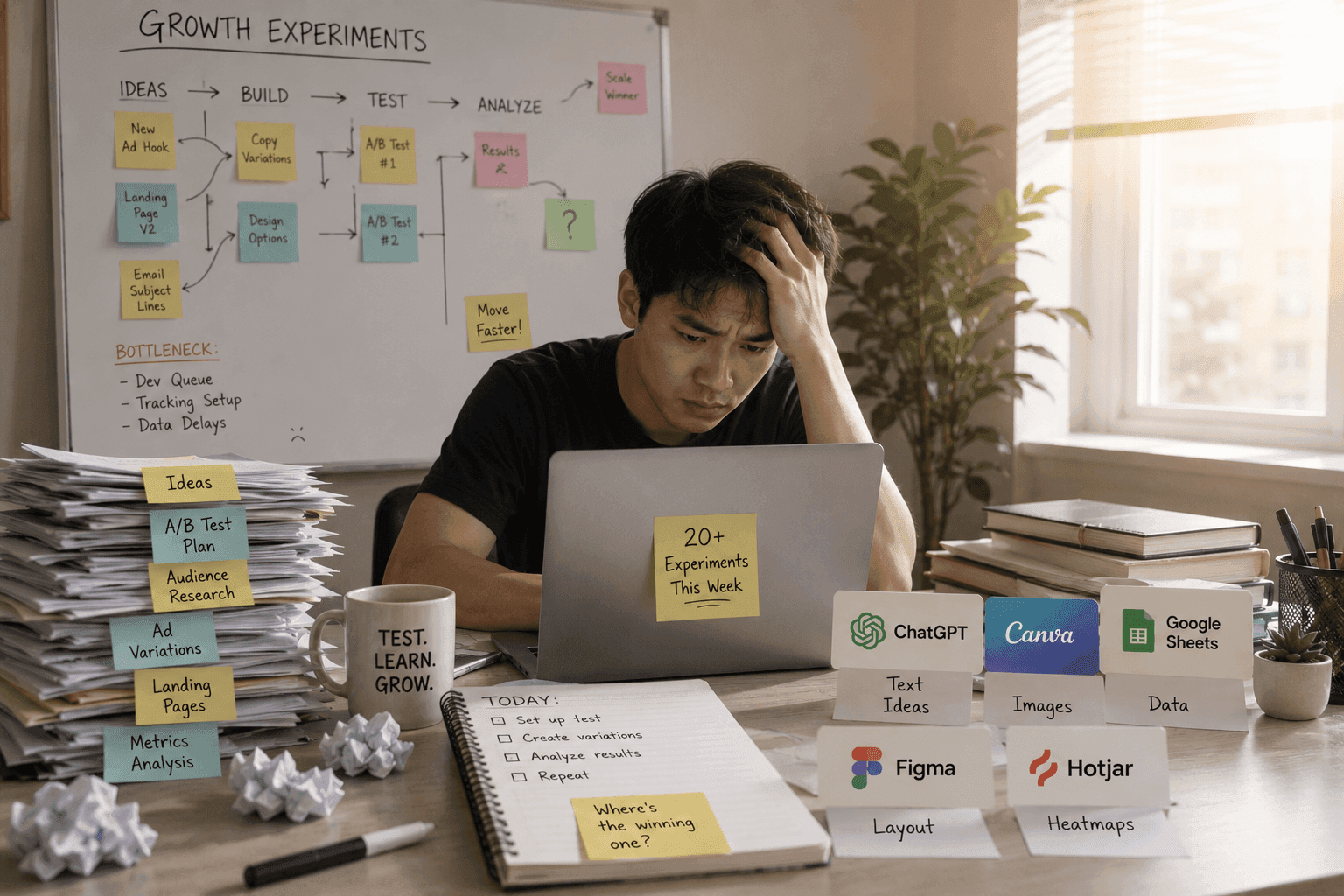
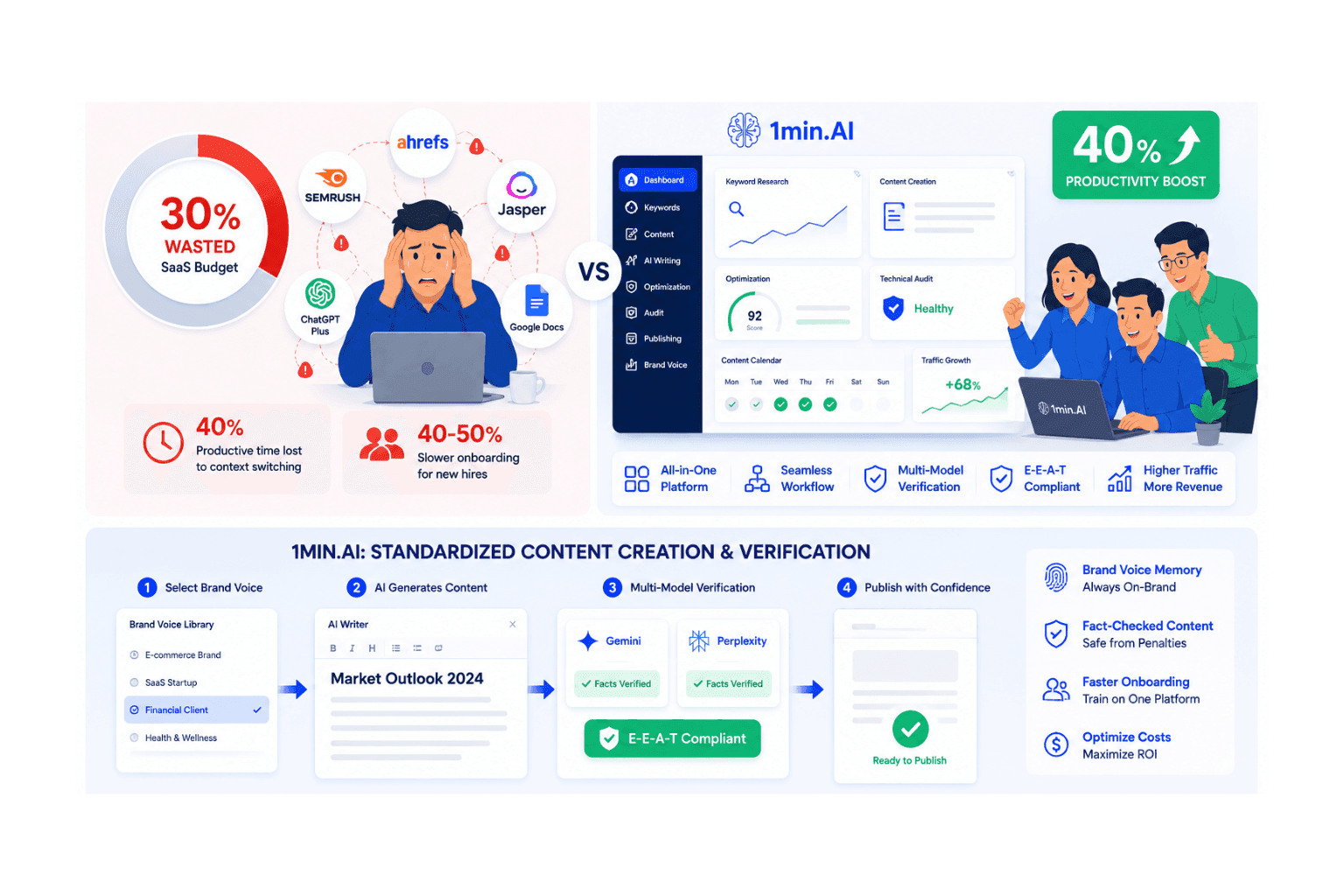
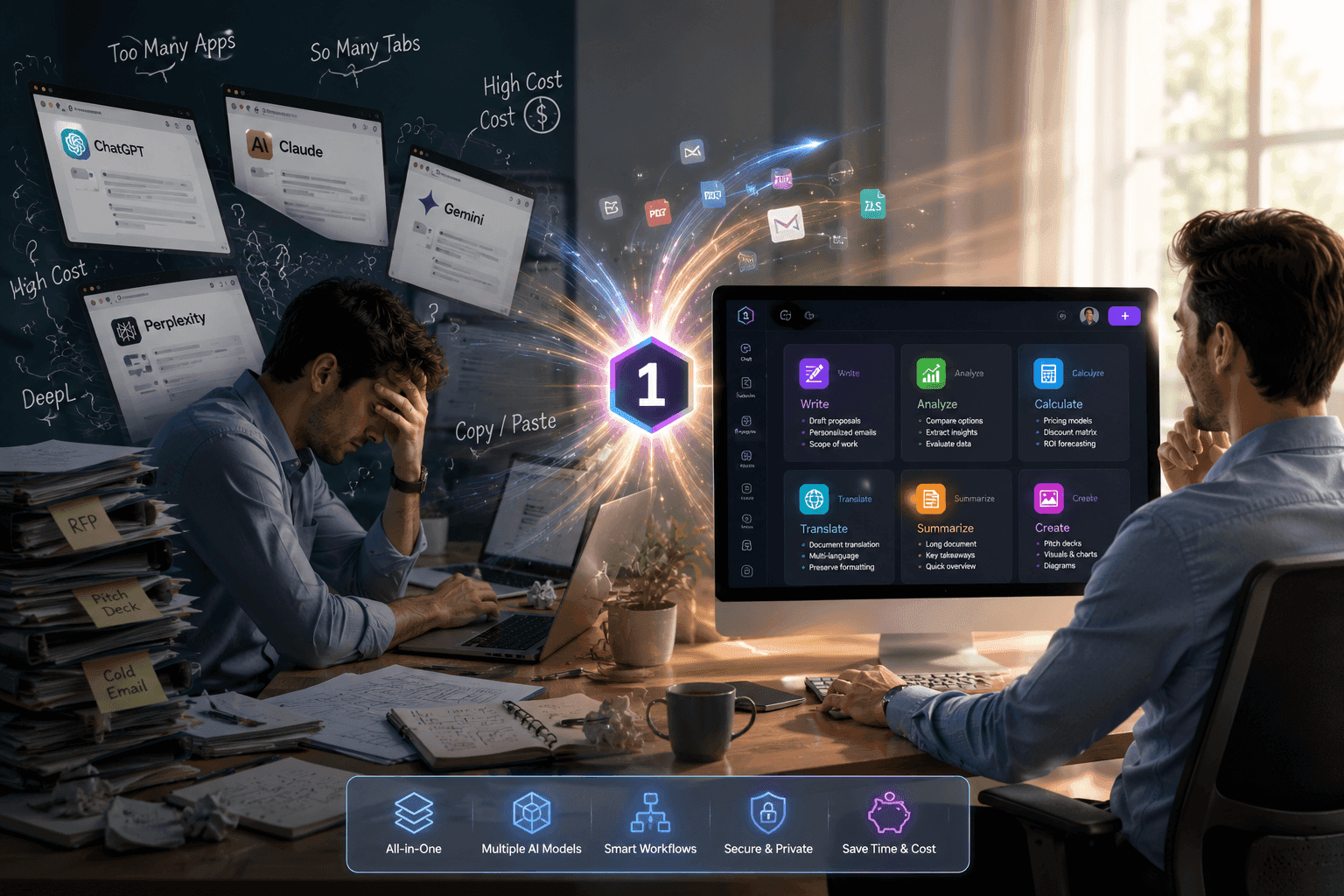
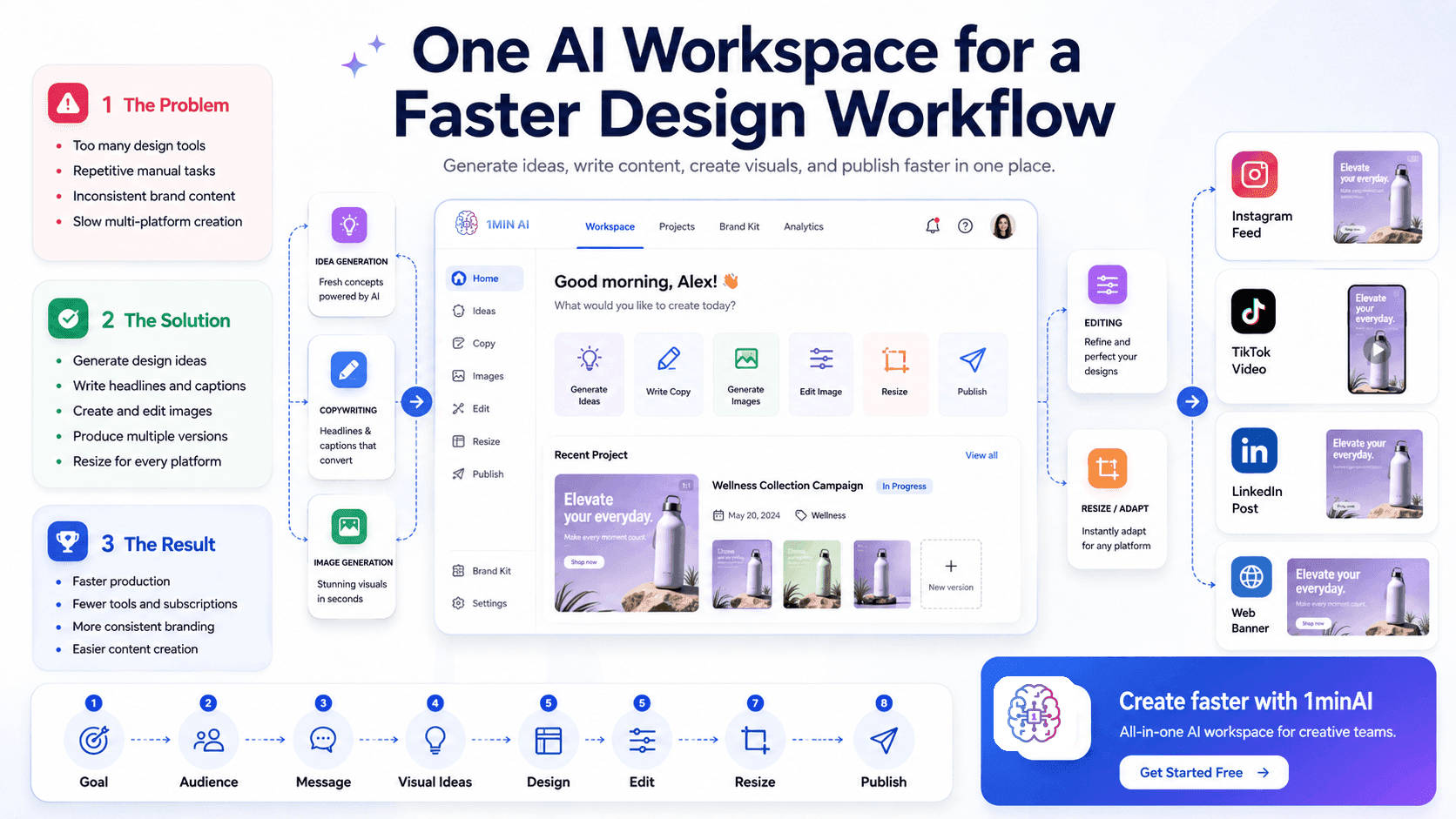
Design work often becomes slower because creators have to switch between too many tools. One platform is used for brainstorming, another for writing copy, another for generating images, and another for editing or resizing content.
This fragmented process takes time, interrupts creative focus, and makes it harder to maintain a consistent brand style.
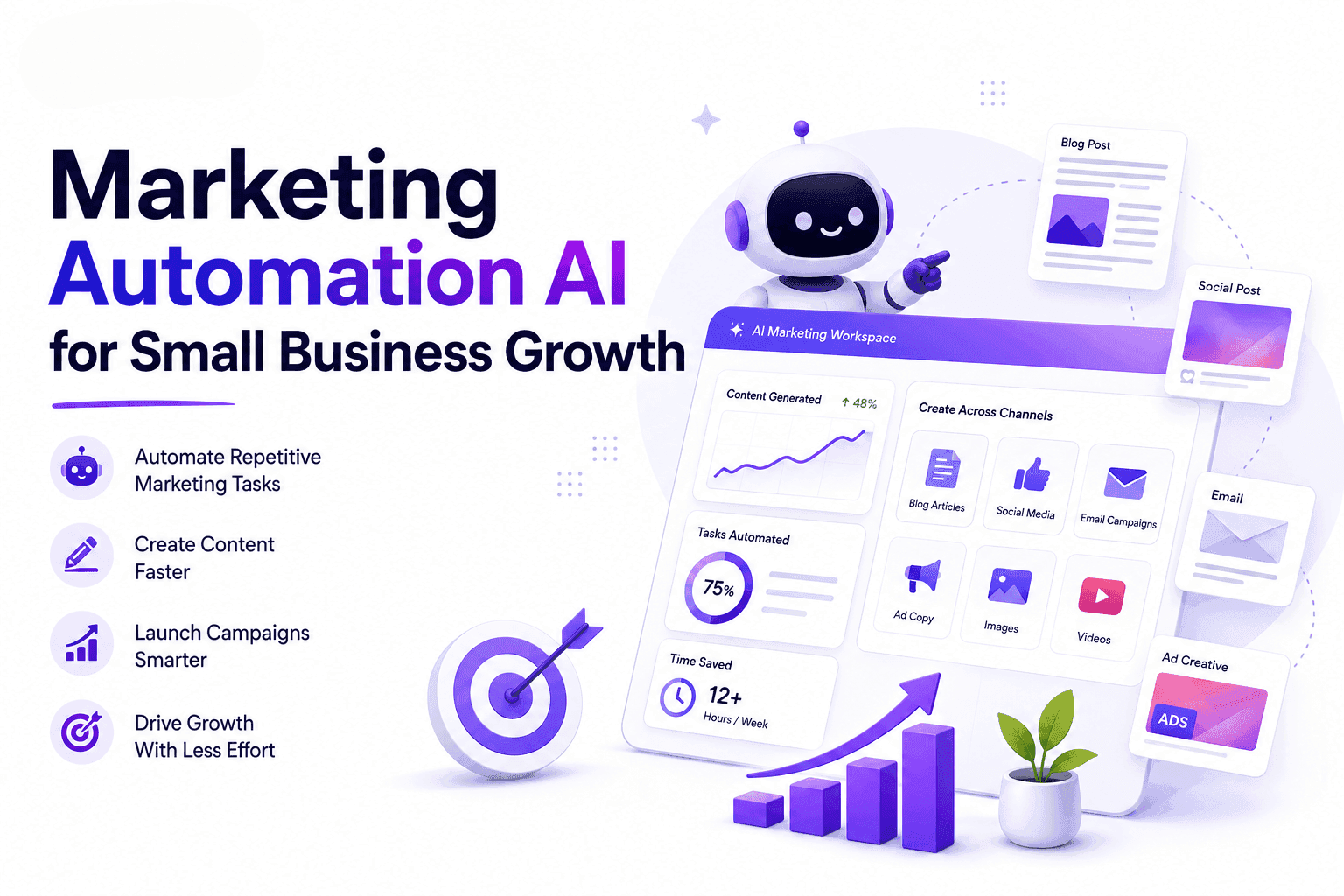
An AI design workspace solves this problem by bringing essential AI design tools into one connected platform. Users can develop ideas, create visuals, write supporting content, and prepare assets for different channels without constantly moving between applications.
Why Traditional Design Workflows Are Inefficient
A single design project may involve many different tasks, including:
- Brainstorming concepts.
- Writing headlines and captions.
- Generating images.
- Editing visual assets.
- Creating multiple design versions.
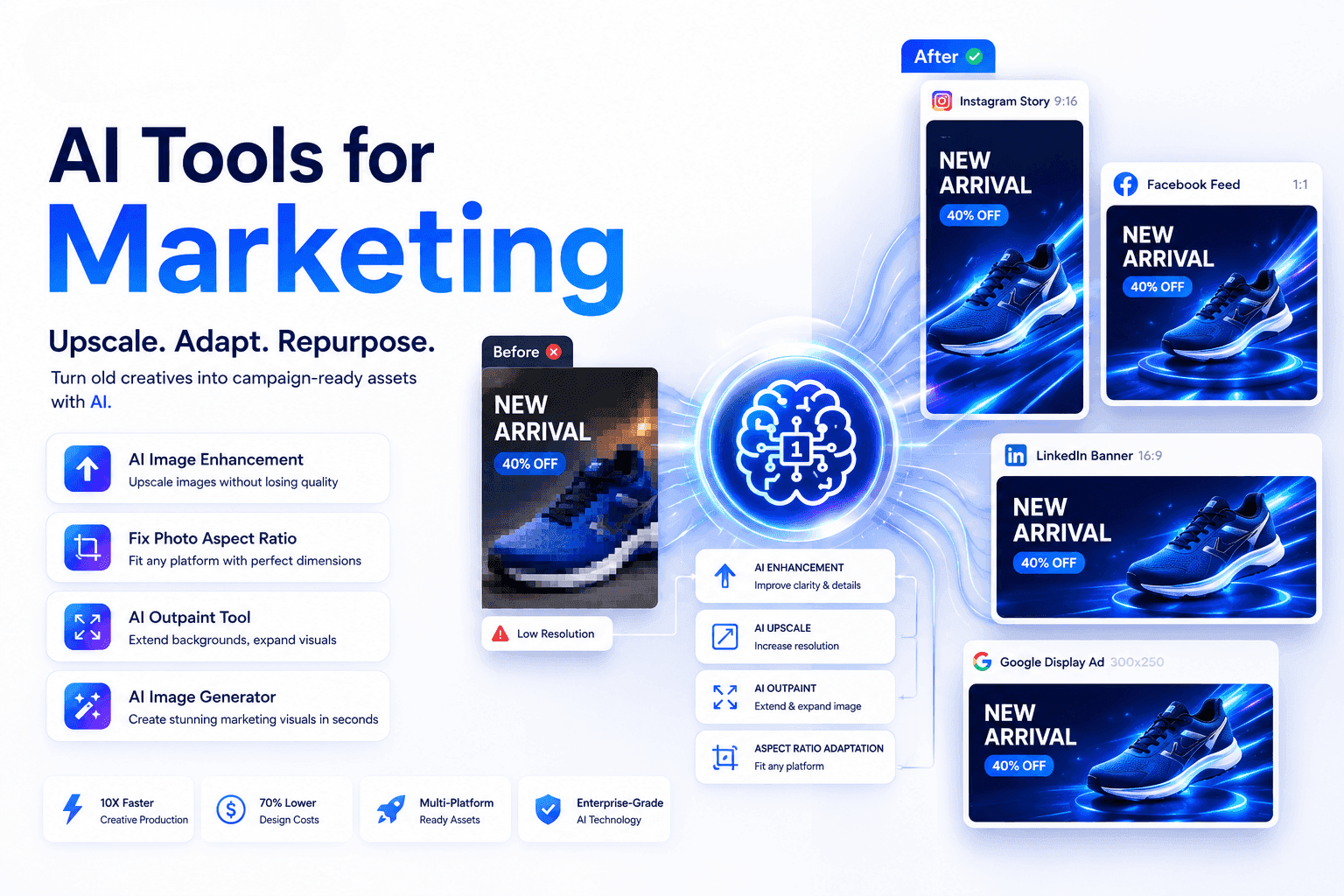
- Resizing content for different platforms.
- Organising files and project outputs.
When each task requires a separate tool, the workflow becomes difficult to manage.
Too Many Disconnected Tools
Switching between applications breaks concentration and creates unnecessary steps. Users may need to download files, upload them again, repeat prompts, and reorganise assets several times during one project.
Repetitive Manual Work
Simple tasks such as rewriting captions, resizing visuals, generating variations, or adapting content for each platform can take up a large amount of time.
Inconsistent Brand Content
When copy and visuals are created separately, the final content may not share the same tone, message, or visual direction. This can weaken brand consistency.
Higher Software Costs
Using several specialised tools often means managing multiple subscriptions. This can be expensive for freelancers, content creators, and small businesses.
How an AI Design Workspace Solves These Problems
An all-in-one AI design platform connects different parts of the creative process in one environment.
Users can:
- Generate campaign and design ideas.
- Write headlines, captions, and marketing copy.
- Create images and graphics.
- Produce multiple creative variations.
- Refine and edit visual assets.
- Adapt content for different audiences and platforms.
- Keep creative tasks organised in one workspace.
This allows users to move from an initial idea to a finished design with fewer interruptions.
AI does not replace human creativity. It supports the creative process by reducing repetitive work and helping users explore ideas faster.
Generate Creative Ideas Faster
Starting a project is often one of the most difficult stages of the design process.
An AI design workspace can help users turn a simple brief into several creative directions. By providing information about the product, audience, platform, and campaign goal, users can generate:
- Design concepts.
- Visual themes.
- Content angles.
- Headline ideas.
- Image prompts.
- Calls to action.
Instead of starting from a blank page, users receive several ideas that they can review and refine.
Connect Copywriting and Visual Creation
Strong visual content needs both a clear design and an effective message.
An AI workspace can help users create supporting content such as:
- Headlines.
- Social media captions.
- Product descriptions.
- Advertising copy.
- Campaign messages.
- Calls to action.
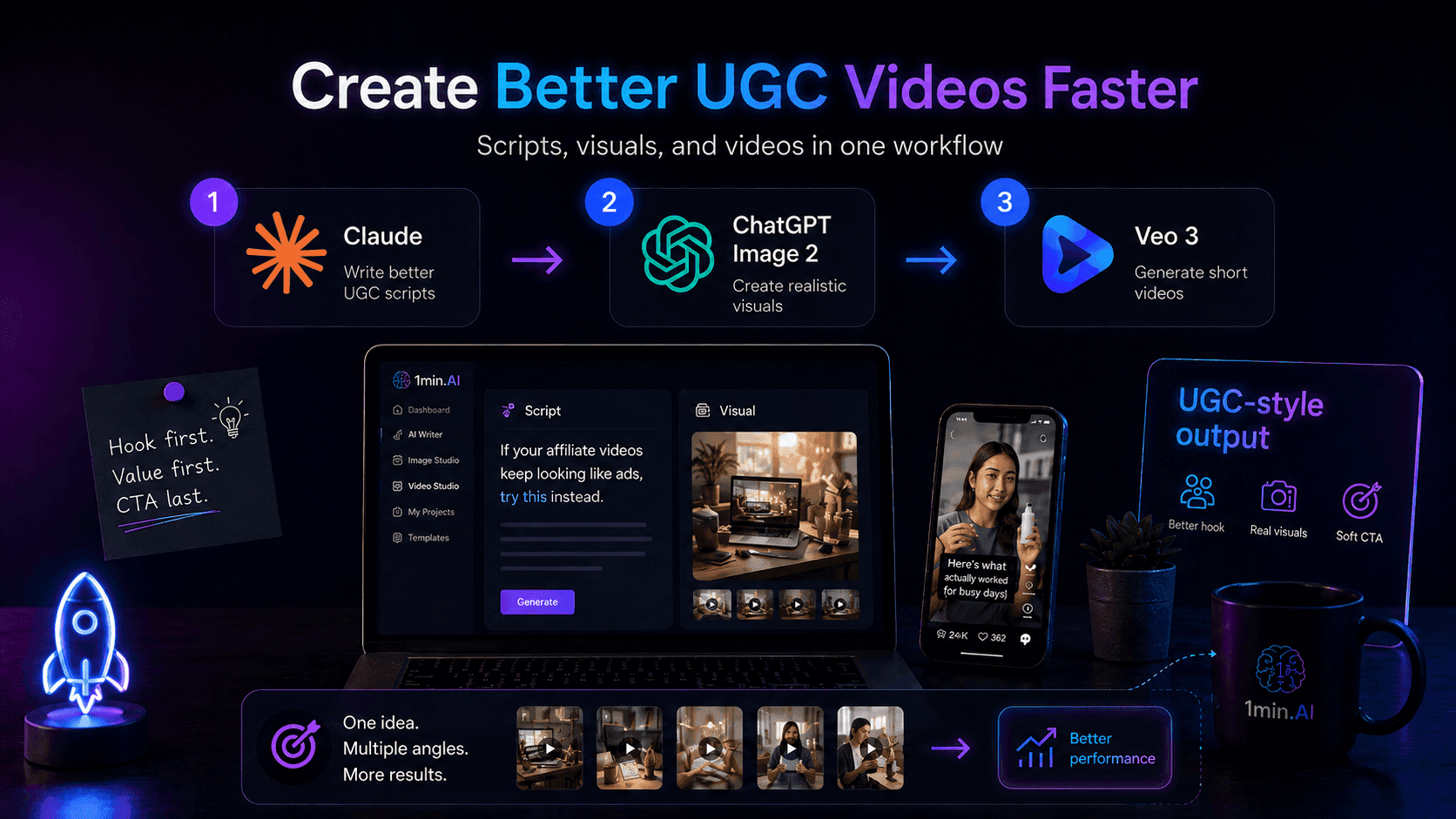
- Short video scripts.
Users can then generate visuals based on the same audience, message, and campaign goal.
Connecting copywriting and visual creation in one workflow helps produce content that feels more consistent and relevant.
Create Visuals with AI Design Tools
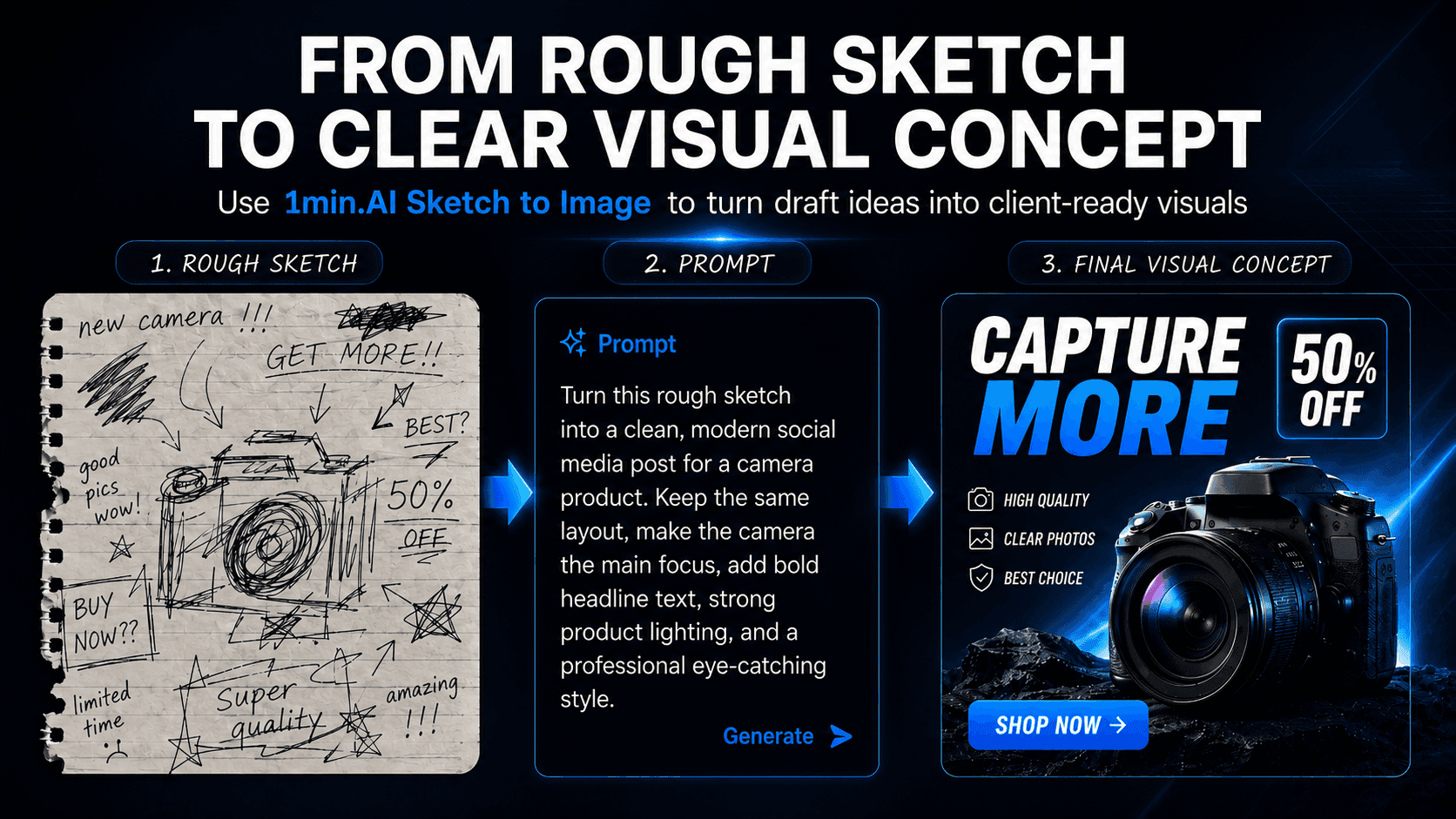
An AI graphic design generator or AI image generator can turn written instructions into visual concepts.
Users can describe the type of content they need, such as:
- A social media advertisement.
- A product promotion.
- A website banner.
- A blog image.
- A presentation graphic.
- A TikTok cover.
- An Instagram post.
The AI can generate multiple options for users to compare.
These outputs can be used as final assets, early concepts, design references, or starting points for further editing.
Generating multiple versions quickly also makes it easier to test different styles and creative directions before choosing the strongest option.
Maintain a Consistent Brand Style
Brand consistency helps customers recognise and trust a business.
An AI design workspace can use clear brand instructions to generate more consistent outputs. These instructions may include:
- Target audience.
- Brand tone.
- Visual style.
- Key messages.
- Product benefits.
- Preferred colours.
- Writing style.
- Calls to action.
- Words or styles to avoid.
By using the same guidelines across different tasks, users can create visuals and written content that feel more connected.
Human review is still important, but AI can provide a more consistent starting point.
Adapt Content for Different Platforms
Each platform requires a different content style and format.
For example:
- Instagram often focuses on polished visuals and engaging captions.
- TikTok needs short hooks and fast, direct messaging.
- LinkedIn usually requires a more professional tone.
- Websites need clear information and strong calls to action.
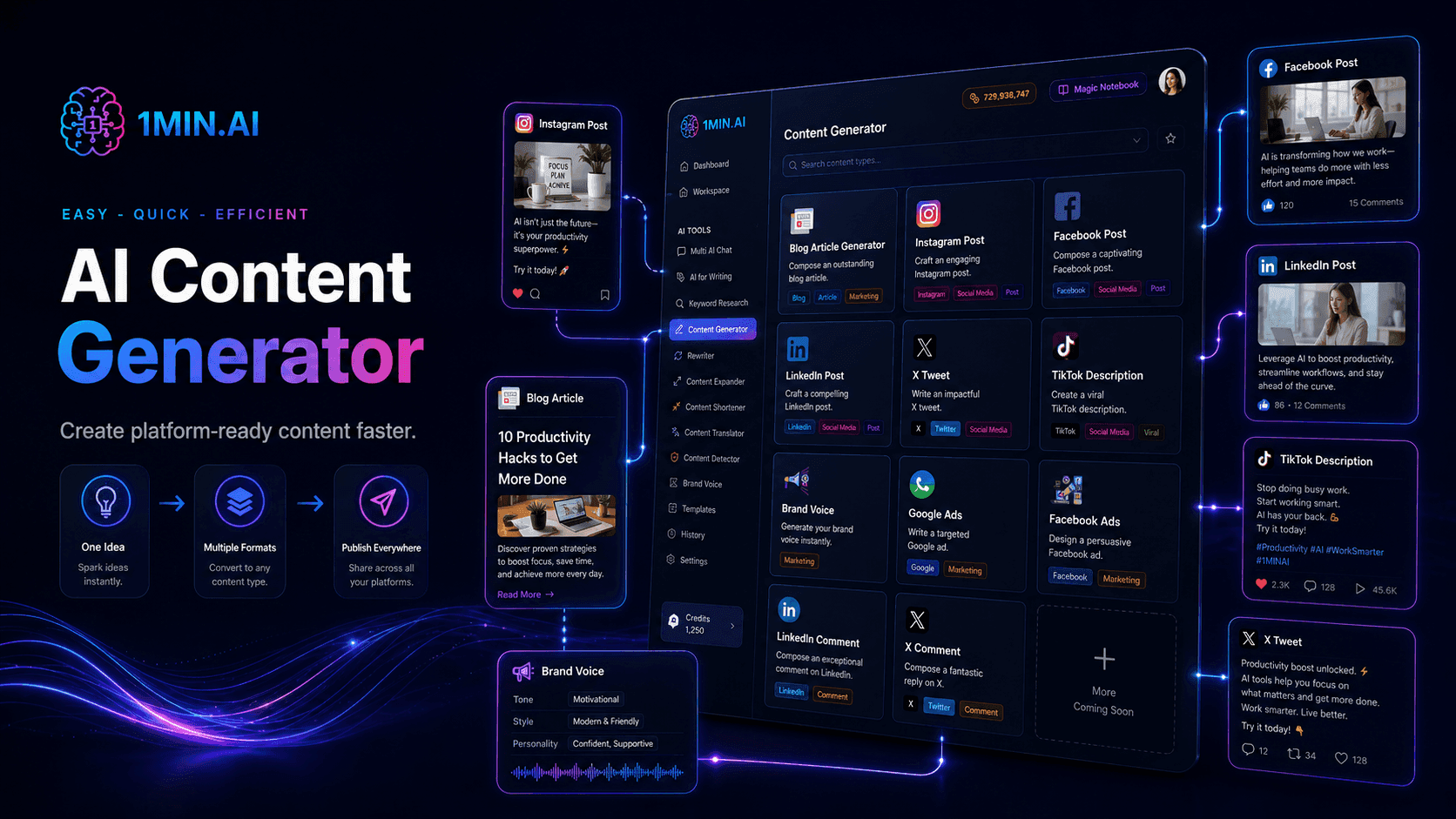
An AI design workspace can help transform one campaign idea into several platform-specific versions.
A single concept can be adapted into:
- An Instagram post.
- A TikTok cover.
- A LinkedIn graphic.
- A website banner.
- A product advertisement.
- A presentation slide.
- A blog header.
This saves time while keeping the central message consistent.
A Simple AI-Assisted Design Workflow
Step 1: Define the Goal
Identify what the design should achieve.
The goal may be to promote a product, increase engagement, generate leads, explain a feature, or build brand awareness.
Step 2: Describe the Audience
Provide information about the target audience, including their interests, needs, problems, and preferred communication style.
Step 3: Generate the Message
Use AI writing tools to create headlines, hooks, supporting copy, captions, benefits, and calls to action.
Generate several options and select the clearest version.
Step 4: Create Visual Directions
Ask the AI to suggest visual styles, layouts, compositions, backgrounds, and image concepts that match the message.
Step 5: Generate the Design
Use an AI image generator or AI graphic design generator to create multiple design options.
Step 6: Edit and Refine
Review the selected design and improve its layout, text placement, image quality, and brand consistency.
Step 7: Adapt for Each Platform
Resize the design and adjust the text for Instagram, TikTok, LinkedIn, websites, or other channels.
Step 8: Review and Publish
Before publishing, check:
- Spelling and grammar.
- Image quality.
- Platform dimensions.
- Brand consistency.
- Message clarity.
- Factual accuracy.
- Call-to-action strength.
Key Benefits of an AI Design Workspace
Faster Content Production
AI helps users move from idea to first draft faster and reduces the time spent on repetitive tasks.
Fewer Tools and Subscriptions
An all-in-one workspace reduces the need to manage many separate platforms and subscriptions.
More Creative Variations
Users can generate several visual and copy options without recreating each version manually.
Better Brand Consistency
Keeping content and visuals in one workflow helps maintain a more consistent message and style.
Easier Multi-Platform Creation
One campaign idea can be adapted into multiple formats more efficiently.
More Time for Strategic Work
By reducing manual tasks, users can focus more on creative direction, storytelling, audience understanding, and final quality.
Who Can Use an AI Design Workspace?
An AI design workspace can support:
- Content creators.
- Graphic designers.
- Freelance marketers.
- Social media managers.
- Small business owners.
- Startup teams.
- Marketing departments.
- Users without advanced design skills.
It is especially useful for people who need to create content regularly but do not want to manage several disconnected tools.
Why Use 1minAI for Your Design Workflow?
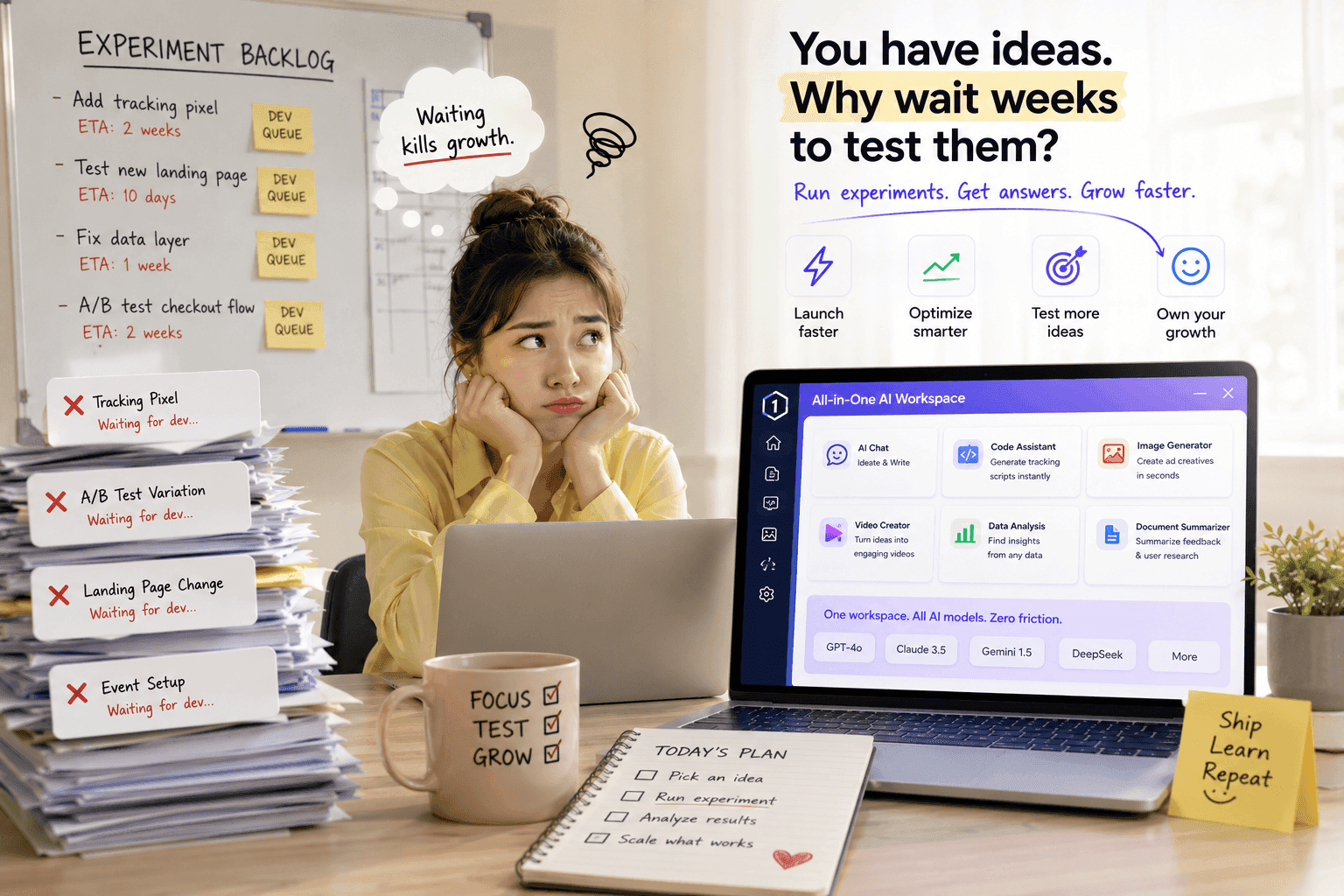
1minAI is an all-in-one AI workspace that brings different creative capabilities into one platform.
Users can use 1minAI to:
- Brainstorm creative ideas.
- Write headlines and captions.
- Generate marketing content.
- Create images.
- Explore visual variations.
- Prepare content for different platforms.
- Access multiple AI models.
- Manage creative tasks more efficiently.
Instead of switching between separate writing, image, and design tools, users can build a more connected workflow from idea to final output.
1minAI does not replace professional skills. It helps users work more efficiently by reducing unnecessary steps and supporting faster creative production.
Final Thoughts
Traditional design workflows are often slowed down by disconnected tools, repetitive tasks, and inconsistent processes.
An AI design workspace offers a simpler approach by connecting idea generation, copywriting, image creation, editing, and multi-platform content preparation in one place.
The result is a faster workflow, fewer tools, more consistent branding, and more time for creative and strategic work.
Create Faster with 1minAI
Stop switching between disconnected creative tools.
Use 1minAI to generate ideas, write content, create visuals, and prepare designs for different platforms in one all-in-one AI workspace.
Start creating with 1minAI today and build your next design faster: https://app.1min.ai/