Turn Client Calls into Content Ideas with 1min.AI Speech to Text
Lien Anh Vu
July 7, 2026
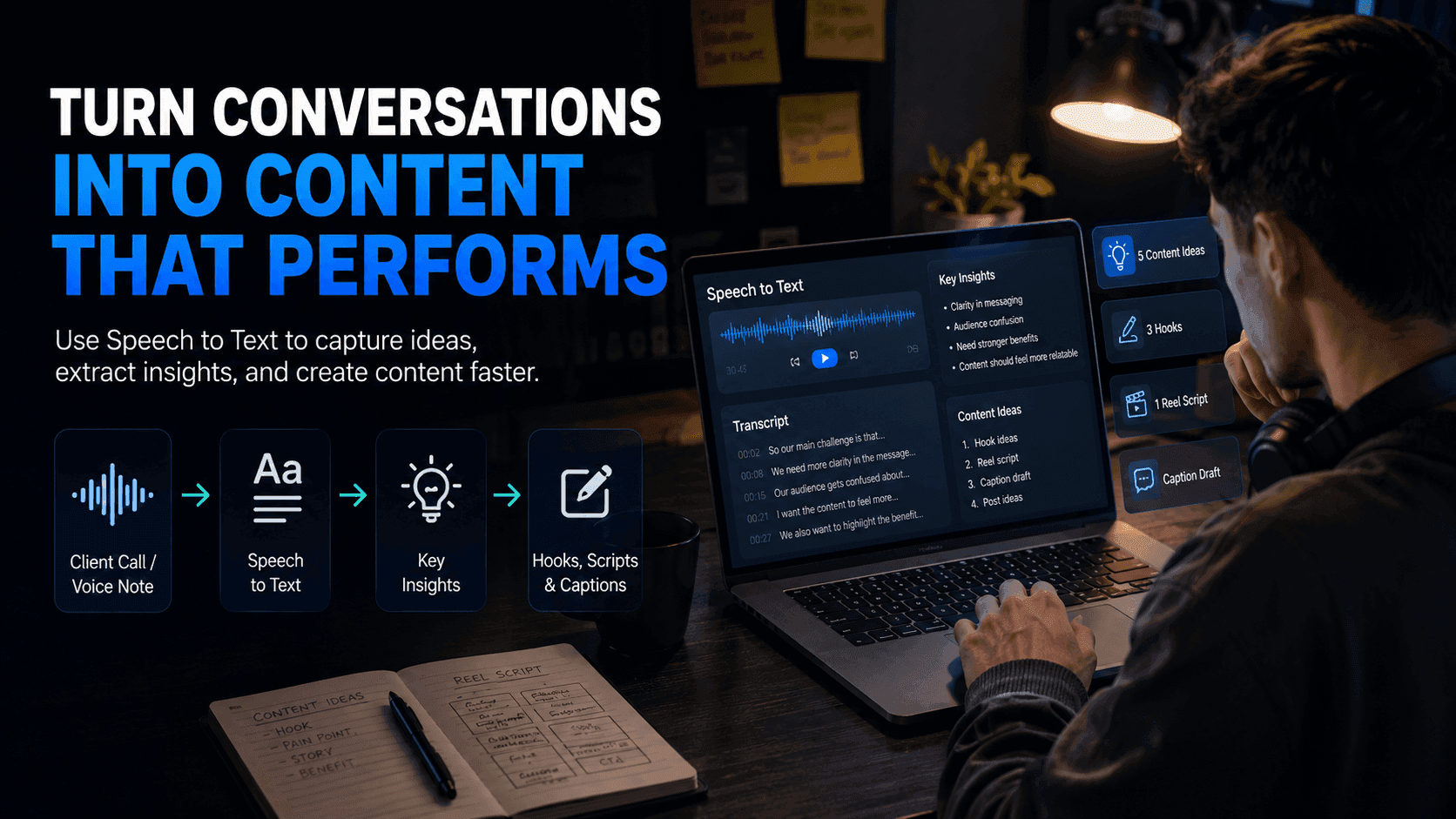
Use 1min.AI Speech to Text to turn client calls, voice notes, and interviews into clear content ideas, hooks, scripts, and captions faster.
Some of the best content ideas do not come from a blank page. They come from real conversations.
For content creators, freelance creators, and creator-led businesses, valuable ideas are often hidden inside client calls, brainstorm sessions, voice notes, interviews, or feedback meetings. The problem is that these insights are easy to forget and time-consuming to organize manually.
With 1min.AI Speech to Text, creators can turn audio conversations into written transcripts, extract key ideas, and transform them into usable content faster.
Why Creators Lose Good Ideas After Client Calls
Good ideas are often buried in conversations
A client call can contain many useful insights: customer pain points, product benefits, campaign angles, objections, stories, and real phrases from the client.
But after the call ends, creators often return to scattered notes like:
- “good hook?”
- “customer pain”
- “campaign idea”
- “use this later”
- “ask again?”
The ideas are there, but they are not organized enough to become content.
Manual note-taking slows down the creative process
During a client call, creators need to listen, ask questions, understand the brief, and think creatively at the same time.
Trying to take perfect notes while staying engaged is difficult. As a result, many useful moments are missed or only half-written down.
Later, the creator has to listen back to the recording, pause, replay, and manually extract ideas. This makes content planning slower than it needs to be.
Valuable client language gets lost
Clients often describe their problems in a very natural way. Those exact words can become strong hooks, captions, or messaging angles.
For example:
- “Our audience still does not understand why this matters.”
- “We want the product to feel premium but still approachable.”
- “People think this is complicated, but it is actually simple.”
These phrases are powerful because they sound real. But if the creator does not capture them properly, the content may become generic.
How 1min.AI Speech to Text Helps Creators Capture Better Ideas
Turn audio into a written transcript
Instead of relying only on memory or messy notes, creators can upload a client call, voice note, meeting recording, or interview into 1min.AI Speech to Text.
The tool turns spoken audio into written text, making it easier to review, organize, and repurpose.
Once the conversation is transcribed, creators can clearly see what was said and identify the most useful parts for content creation.
Extract key insights from real conversations
After the audio becomes text, creators can use the transcript to find:
- customer pain points
- product benefits
- client objections
- content angles
- audience questions
- campaign messages
- strong quotes
- story ideas
This helps creators stop guessing what to write about and start creating from real client input.
Turn one call into multiple content assets
A single client call can become much more than meeting notes. With the right workflow, one conversation can turn into:
- TikTok/Reels hooks
- short video scripts
- caption drafts
- carousel ideas
- LinkedIn posts
- content calendar topics
- FAQ content
- client summary notes
This helps creators produce more content from the material they already have.
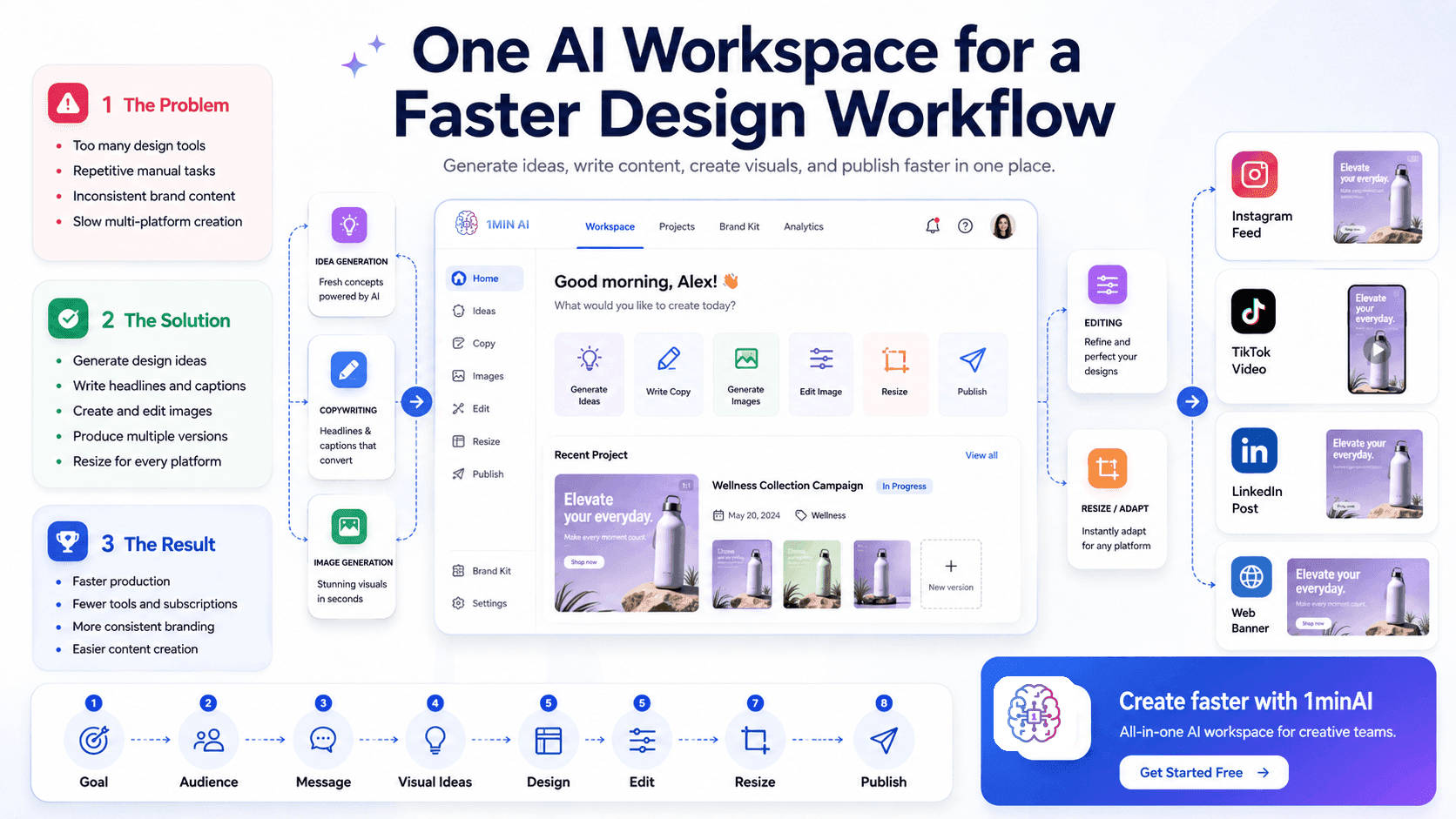
Simple Workflow on 1min.AI
**Step 1: Upload the audio **Upload a client call, meeting recording, voice note, interview, or brainstorm session.
**Step 2: Convert speech to text **Use 1min.AI Speech to Text to generate a written transcript.
**Step 3: Review the transcript **Look for pain points, useful phrases, repeated ideas, objections, and story moments.
**Step 4: Extract content angles **Turn the strongest insights into content topics, hooks, and key messages.
**Step 5: Create scripts and captions **Use the transcript as raw material for Reel scripts, TikTok hooks, social captions, or posts.
**Step 6: Save ideas for future content **Build an idea bank from real conversations instead of starting from zero every time.
Example: From Client Call to Content Plan
Imagine a creator just finished a 30-minute call with a camera brand.
During the call, the client explains that their customers often want better video quality but feel overwhelmed by technical camera features.
Instead of writing a generic post like:
- “This camera helps you create better videos.”
The creator can pull a stronger content angle from the transcript:
- “You do not need to understand every camera setting to create professional-looking content.”
- From that one insight, the creator can create:
Hook:
“Still confused by camera settings? This is for you.”
Reel script:
“Most beginner creators think better video means learning every technical setting. But the real goal is simpler: clear footage, stable shots, and lighting that makes your content look professional.”
Caption:
“Better content does not always start with more complicated gear. Sometimes, it starts with making the camera easier to use.”
This is why Speech to Text is useful: it helps creators turn real client language into stronger content.
Why This Matters for Content Creators
Faster content planning
Creators no longer need to start from a blank page after every client meeting. The transcript becomes a source of ideas, angles, and messaging.
More accurate client messaging
Because the content is based on what the client actually said, the final output is more aligned with the brand, product, and campaign direction.
Stronger hooks and captions
Real conversations often contain natural, relatable phrases. These can become hooks that feel more human and less generic.
Better repurposing
A single call can be repurposed into multiple formats: short-form video, captions, carousels, newsletters, and client reports.
Less wasted time
Instead of spending extra time listening back to recordings manually, creators can quickly scan the transcript and move into content creation faster.
Your next content idea may already be inside your last client call.
Use 1min.AI Speech to Text to turn conversations, voice notes, and interviews into clear transcripts, content angles, hooks, scripts, and captions: https://app.1min.ai/text-to-video