How 1min.AI Helps You Build a Professional Portfolio Website Faster, Even Without Coding Skills
Lien Anh Vu
July 7, 2026
Learn how freelance creatives can use 1min.AI to plan, write, design, and generate a professional portfolio website faster, even without strong coding skills.
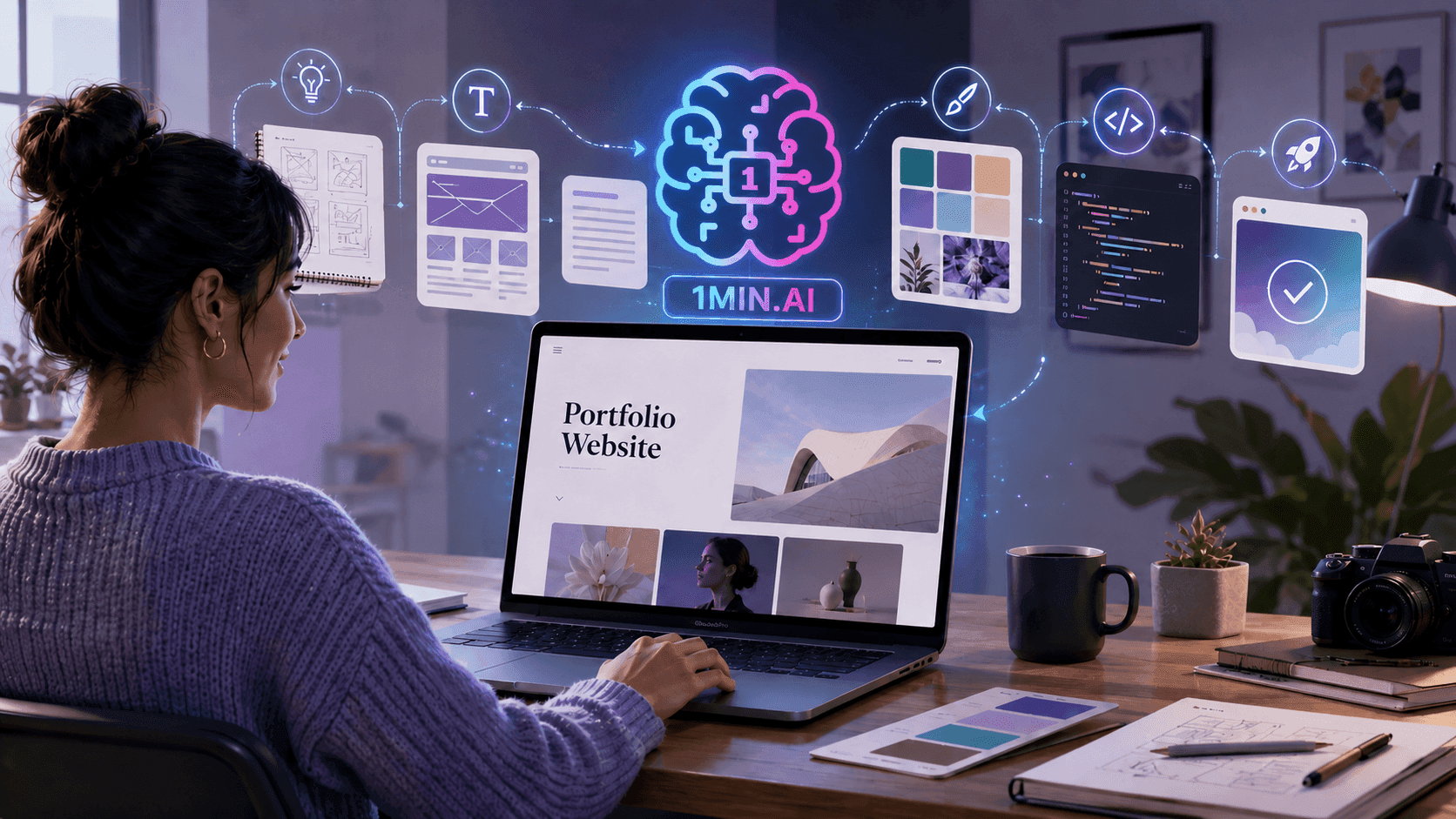
For freelance creatives, a portfolio website is more than an online profile. It is a digital space that shows potential clients who you are, what you do, how you think, and why your work is worth trusting. But building one from scratch can feel overwhelming when you are not confident with coding, website structure, or copywriting. 1min.AI helps simplify this process by supporting each step: brainstorming ideas, writing website content, exploring design direction, generating code, and creating a polished first version faster.
Why Building a Portfolio Website Feels Difficult for Freelance Creatives
A portfolio website needs to communicate your value clearly
A strong portfolio is not just a collection of project images or links. It needs to explain who you are, what services you provide, what kind of clients you help, and what makes your creative approach different.
Many freelancers have strong work, but their websites fail to show the value behind that work. Without clear structure and messaging, potential clients may not understand why they should reach out.Coding can become a major technical barrier
For creatives who are not confident with HTML, CSS, or JavaScript, building a website can take too much time. Even simple features like responsive layouts, navigation, project cards, buttons, forms, and animations can feel complicated.
This technical friction often delays the launch. Instead of publishing a portfolio, many freelancers keep postponing it because the website feels unfinished or too difficult to improve.
Writing portfolio content is harder than expected
A portfolio website also needs strong copy. Freelancers have to write their bio, service descriptions, project summaries, case studies, testimonials, and calls to action.
This can be difficult because writing about your own work requires clarity and positioning. Without the right words, even a beautiful website can feel generic or incomplete.
How 1min.AI Helps You Build a Portfolio Website Faster
Start with a clear portfolio concept
Before writing code, freelance creatives need a clear direction. 1min.AI can help brainstorm the overall concept, target clients, website tone, visual style, and personal brand angle.
For example, a photographer may want a cinematic portfolio, while a copywriter may need a clean and text-focused website. A designer may prefer a bold visual layout, while a video editor may need a portfolio that highlights motion and project results.
Generate the website structure and copy
1min.AI can help create a complete portfolio structure, including the hero section, about section, services, selected work, case studies, testimonials, and contact section.
It can also help draft the copy for each section, such as headlines, bios, service descriptions, project summaries, and CTA lines. The freelancer can then edit the content to match their real experience, tone, and client focus.
Turn the idea into HTML, CSS, and JavaScript
After the concept and content are ready, 1min.AI can help generate the first version of the website code. Users can request a single-file portfolio website with responsive design, project cards, smooth scrolling, hover effects, mobile navigation, and a contact form.
The first version does not need to be perfect. Its value is that it gives freelancers a working foundation they can test, edit, and improve instead of starting from zero.
The Benefits of Using 1min.AI for Portfolio Website Creation
Save time with a connected workflow
1min.AI helps connect the key steps of portfolio creation into one smoother process:
Prompt → Generate with 1min.AI → Copy Code → Check → Paste into Visual Studio Code → Create Website
This helps freelancers avoid switching between too many tools and makes it easier to move from concept to a working website draft:
Step 1: Write a clear prompt
Start by telling 1min.AI what kind of portfolio website you want, including your field, style, sections, and features.
Step 2: Let 1min.AI generate the code
1min.AI can create the first version of your website with HTML, CSS, and JavaScript based on your prompt.
Step 3: Copy the code
After the code is generated, copy it and save it as an index.html file.
Step 4: Check and refine
Preview the website in a browser. If something looks wrong, ask 1min.AI to fix the layout, colors, text, responsiveness, or animations.
Step 5: Paste into Visual Studio Code
Paste the final code into Visual Studio Code, save it, and open it with Live Server or your browser to see the portfolio website.
Create a website that feels personal and professional
Many portfolio templates look polished but generic. With 1min.AI, freelancers can explore different design styles that better match their creative identity, such as minimal, cinematic, modern, bold, editorial, or artistic.
This helps the portfolio feel less like a template and more like a personal brand experience.
Focus more on your best work and client value
1min.AI does not replace the freelancer’s creativity or judgment. The user still decides which projects to feature, what results to highlight, and how the final website should represent their brand.
The main benefit is speed. 1min.AI helps create the first draft faster, so freelancers can spend more time refining their message, improving their case studies, and showing their value clearly.
👉 Do not wait until you become a developer to launch your portfolio. Start building a professional portfolio website faster with 1min.AI: https://app.1min.ai/code-generator