Create AI voiceovers with more tools, voices, and audio options in 1min.AI
Lien Anh Vu
July 7, 2026
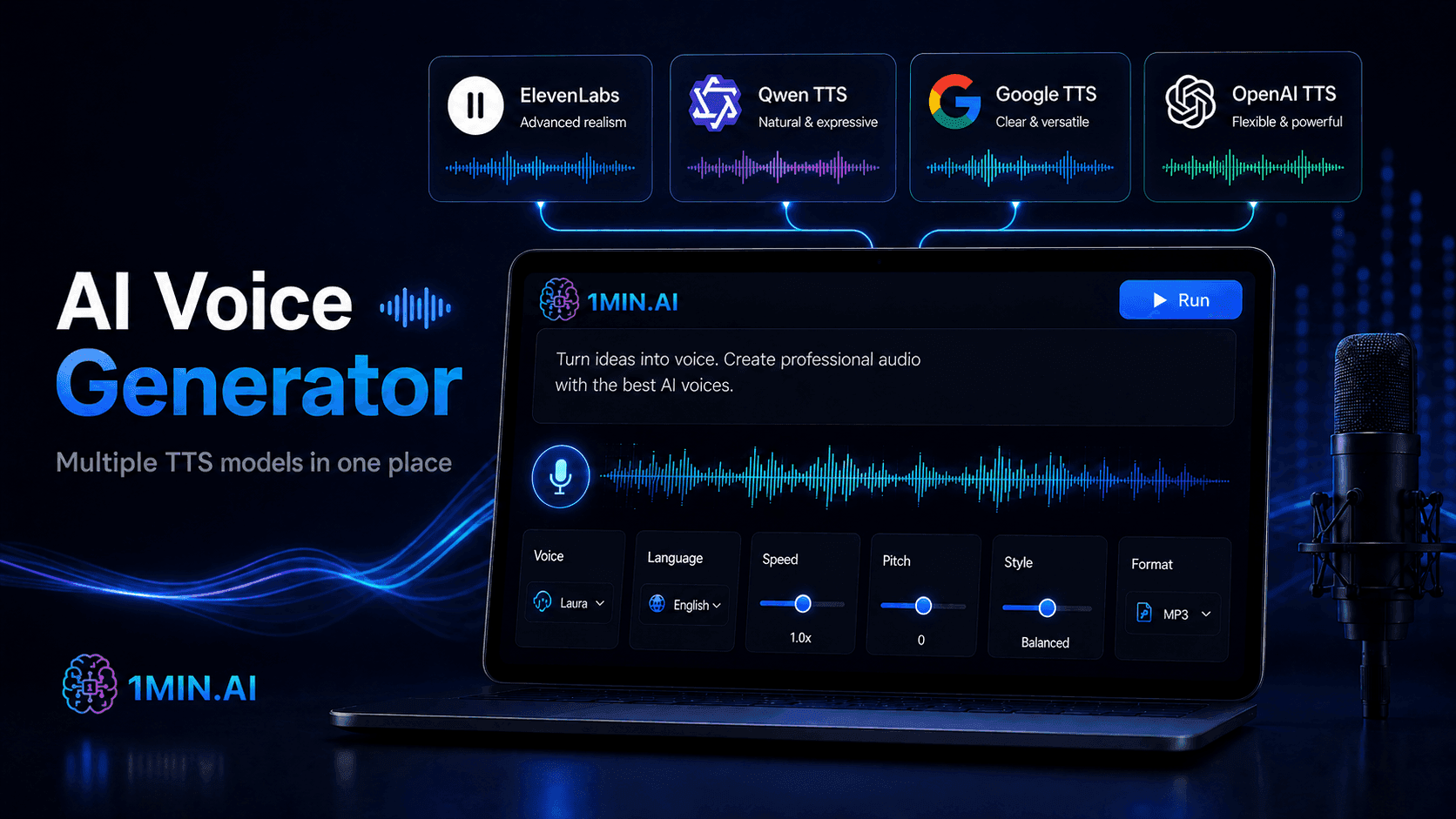
Generate AI voiceovers from text with 1min.AI. Choose from multiple TTS tools, voices, languages, speed settings, audio formats, and supporting AI audio tools in one place.
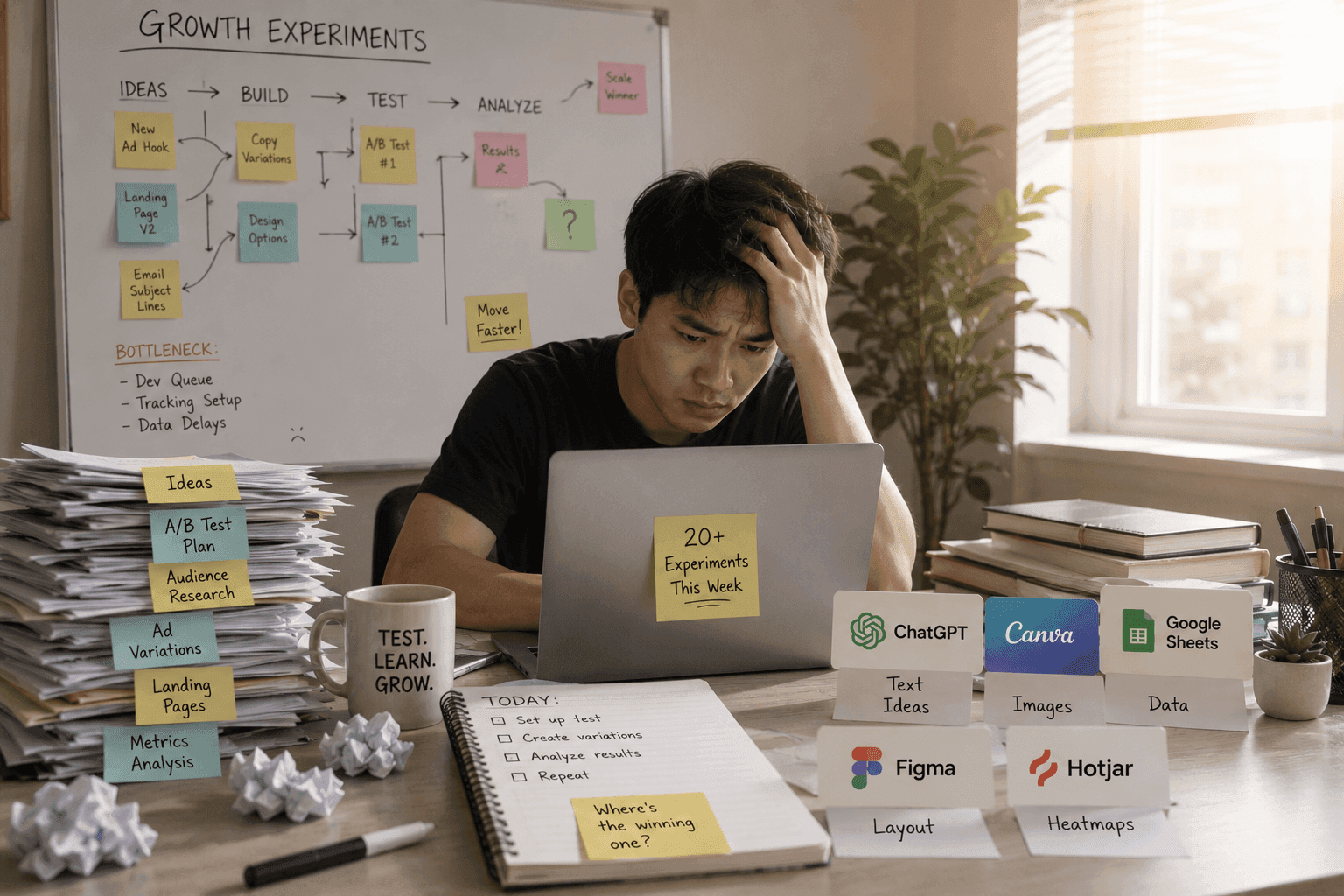
Creating a good voiceover is not always as simple as recording a script once. You may need to repeat the same line many times, adjust the tone, fix pronunciation, or create different versions for different languages and platforms.
For creators making videos, ads, tutorials, product demos, or podcasts, this process can quickly become time-consuming.
1min.AI helps simplify voiceover creation by bringing multiple AI voice tools into one place. You can turn text into voice, choose different TTS engines, test voice styles, adjust audio settings, and export ready-to-use voiceovers faster.
Why Conventional AI Voice Tools Fall Short
Recording Takes More Effort Than Expected
A one-minute voiceover may sound simple, but recording it manually can take much longer. You may need multiple takes to get the right pacing, emotion, pronunciation, and clarity.
If the script changes, you have to record again. If you need another language version, the process becomes even more complicated.
One Voice Does Not Fit Every Content Type
Different content needs different voice styles. An ad needs energy. A tutorial needs clarity. A product demo needs confidence. A global campaign may need several languages and native-sounding delivery.
Using only one voice or one text-to-speech tool can limit the quality and flexibility of your final content.
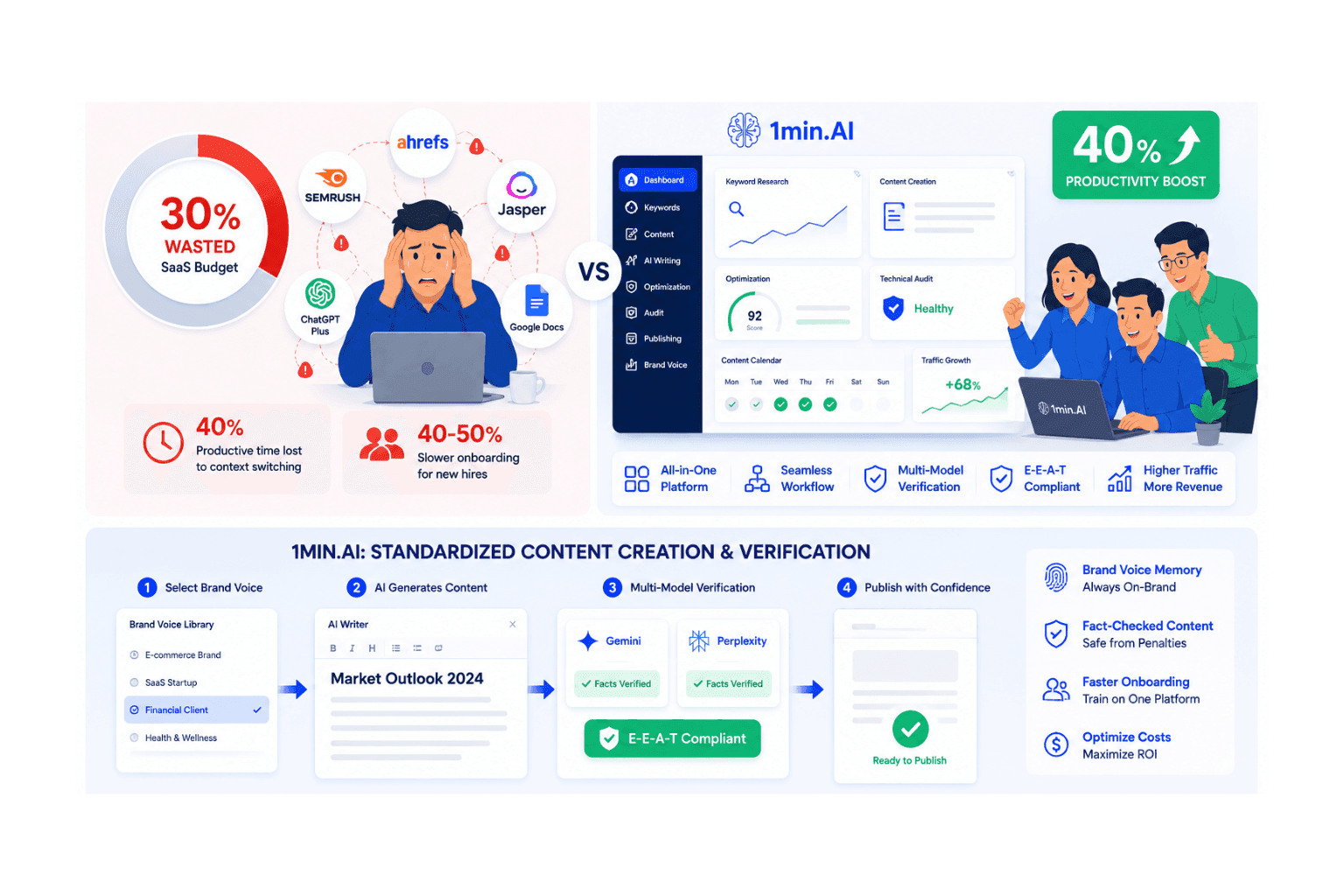
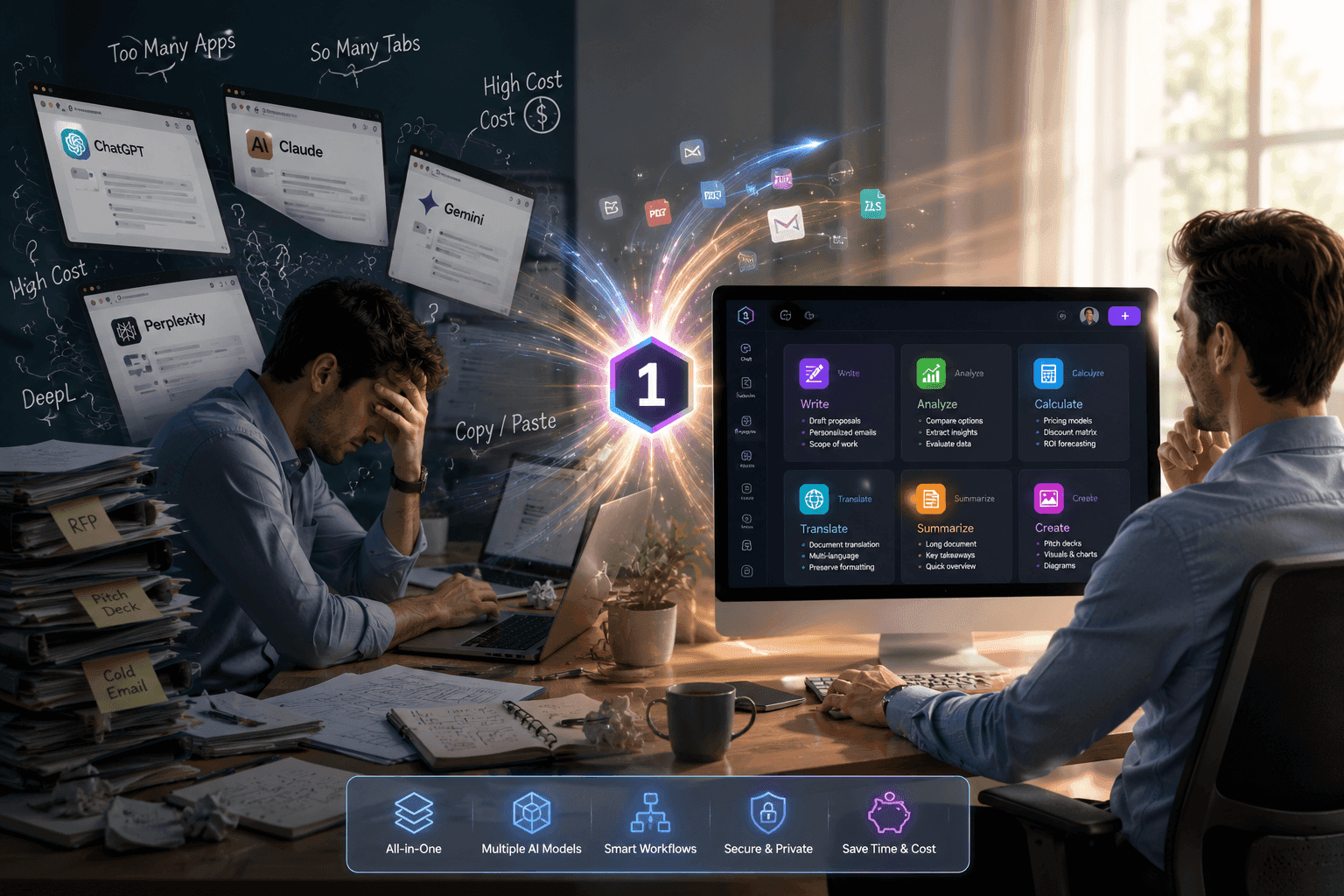
Switching Between Tools Slows Everything Down
Many creators test several platforms before finding the right voice. One tool may sound natural but offer limited languages. Another may support more languages but lack control over speed, pitch, or output format.
This constant switching between tools makes the workflow slower and harder to manage.
How 1min.AI Makes AI Voiceover Creation Easier
Select Your Voiceover Flavor
With 1min.AI, you do not have to rely on just one text-to-speech tool. You can choose from multiple AI voice models in one place and select the “flavor” that best fits your content.
For example, you can choose:
- ElevenLabs for premium, natural-sounding voice quality.
- **OpenAI **for flexible and high-quality AI voice generation.
- Google AI for reliable text-to-speech performance.
- Alibaba Cloud Qwen for specific language and voice needs.
This makes it easier to compare outputs and find the right voice for each project.
Adjust the Voice to Match Your Content
A good AI voiceover should match the mood, pace, and purpose of your content. Depending on the selected model, 1min.AI lets you adjust settings such as speed, pitch, volume gain, stability, similarity, speaker boost, and output format.
This gives you more control over how the final voiceover sounds, instead of accepting a fixed result from a basic TTS tool.
Create Voiceovers for Different Use Cases
1min.AI can help you create voiceovers for many types of content, including YouTube videos, TikTok and Reels, product demos, online courses, explainer videos, ads, podcasts, training materials, and multilingual campaigns.
Whether you need a professional narrator, an energetic ad voice, or a clear tutorial voice, you can test different options and choose the one that fits best.
How to Create an AI Voiceover with 1min.AI
The Smarter Workflow
Stop struggling with multiple subscriptions. With 1min.AI, the process is streamlined:
**1. Input: **Paste your script into the text box.
2. Select: Choose the TTS engine that fits your goal.
3. Refine: Adjust voice settings like speed, pitch, style, language, and output format.
4. Run: Click 'Run’ to let 1min.AI generates the audio.
5. Finalise: Review the generated voiceover and add music or sound effects if needed.
6. Download: Export your ready-to-use audio file and move to the next project.
Match the Voice, Own the Message
Every piece of content needs the right voice. A product demo needs clarity. An ad needs energy. A tutorial needs trust. A global campaign needs language flexibility.
1min.AI helps you create AI voiceovers that match your message, so your content can sound more polished, consistent, and professional.
👉 Try 1min.AI Voice Generator and create text-to-voice audio with multiple AI voice models in one place: https://app.1min.ai/text-to-speech