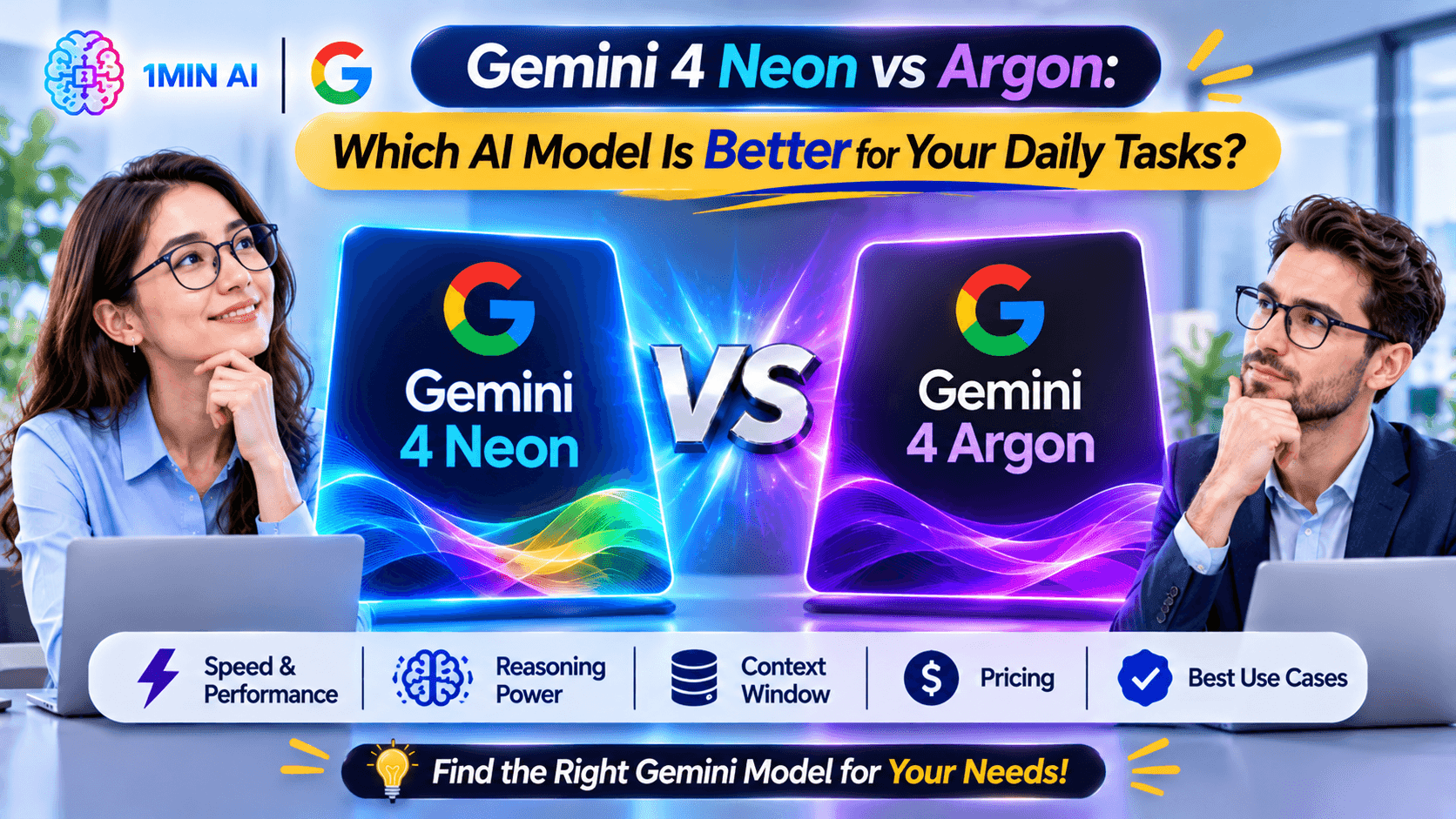
Gemini 4 Neon vs Argon: Which AI Model Is Better for Your Daily Tasks?

Tram Ta
November 27, 2026
Compare Gemini 4 Neon vs Argon for coding, research, and daily tasks. Explore benchmarks, pricing, and how to test both AI models on 1minAI.
Google's Gemini 4 family includes several AI models designed for different levels of speed, reasoning, and workload complexity. Two models attracting attention are Gemini 4 Neon and Gemini 4 Argon.
Both are built for demanding tasks, including coding, research, document analysis, and multi-step problem-solving. However, they offer different trade-offs.
So, which one should you use?
The most practical approach is to test both models on the tasks you actually perform.
With 1minAI Multi AI Chat, you can access different AI models in one workspace, compare their responses, and decide which one delivers the best balance of quality and cost for your workflow.
Gemini 4 Neon vs Argon: Quick Comparison
Let's start with the main differences.
| Comparison | Gemini 4 Neon | Gemini 4 Argon |
|---|---|---|
| Developer | Google DeepMind | Google DeepMind |
| Announcement / release | November 18, 2026 | Announced September 30, 2026; broader API availability followed |
| Main focus | Balanced reasoning, speed, and complex workflows | Frontier reasoning and demanding multi-step tasks |
| Coding | Strong agentic coding and iterative development | Complex software engineering and long-horizon coding |
| Reasoning | High-level reasoning with additional Xhigh setting | Advanced reasoning with configurable thinking effort |
| Context window | 1,048,576 tokens | 1,048,576 tokens |
| Thinking levels | Low, medium, high, xhigh | Low, medium, high |
| Input price | $3 / 1M tokens | $2 / 1M tokens during introductory pricing |
| Output price | $15 / 1M tokens | $10 / 1M tokens during introductory pricing |
| Cached input | $0.15 / 1M tokens | $0.10 / 1M tokens during introductory pricing |
| 1minAI availability | Available | Available |
Pricing note: Argon's introductory API rates are scheduled to end November 30, 2026. The standard rates listed by the provider are scheduled to become $4 per million input tokens, $0.20 per million cached input tokens, and $20 per million output tokens from December 1, 2026. These are API prices, not 1minAI credit rates.
The biggest differences are in performance, speed, thinking options, and cost.
Neon is the more recent model and scores higher on several current benchmark comparisons. Argon remains useful for users who want to compare its reasoning and output quality while its introductory API pricing is available.
What Is Gemini 4 Neon?
Gemini 4 Neon is Google's newer model for complex coding, analytical reasoning, and production-grade workflows.
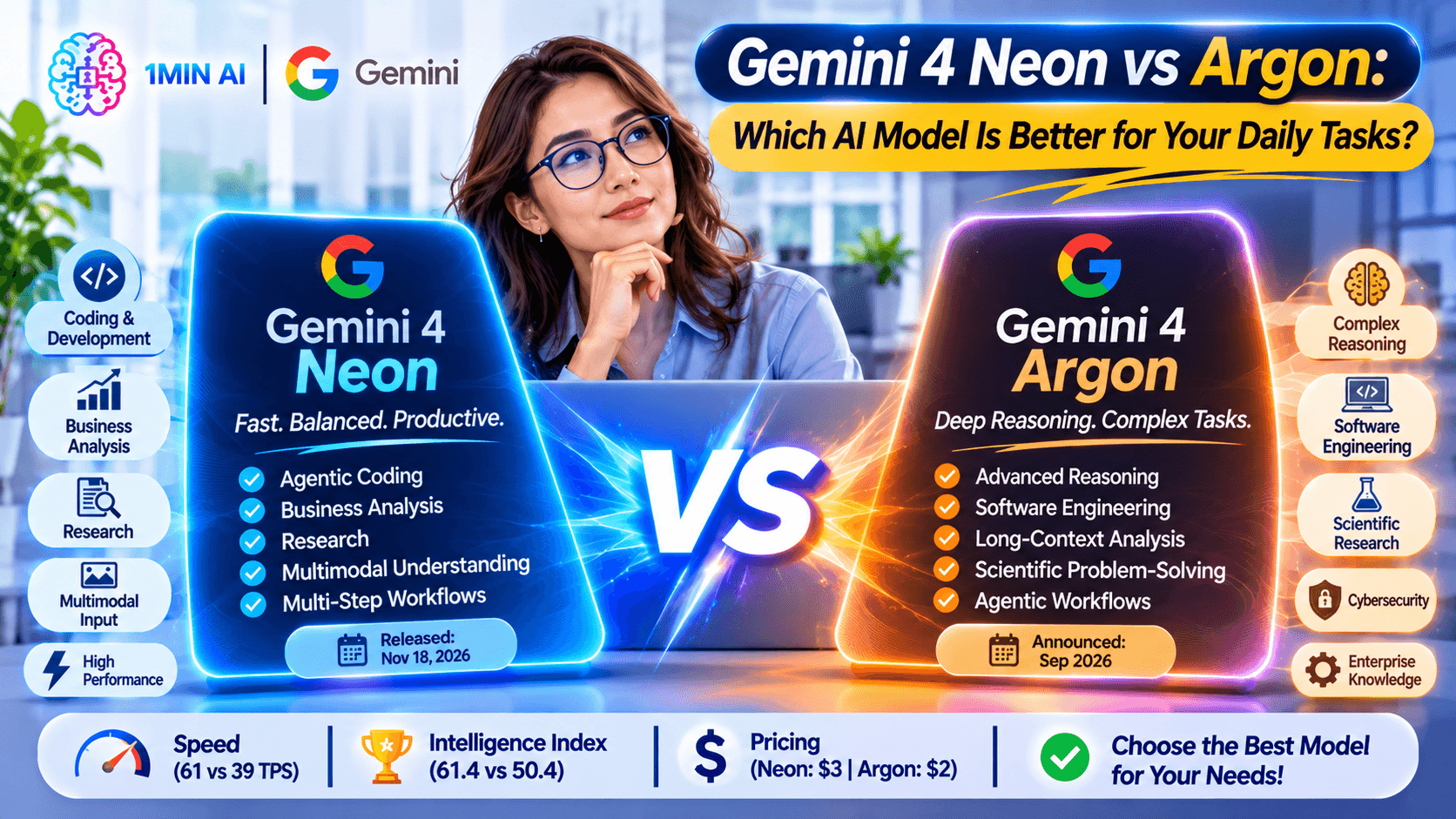
Released on November 18, 2026, Neon was designed to balance reasoning capability and execution speed. It is adapted from Gemini 4 Carbon and aims to deliver strong results on demanding tasks without requiring the same approach as a slower, more intensive model.
Google highlights several areas where Neon is particularly useful:
- Agentic coding: Work through repository-level coding tasks, debugging, and iterative software development.
- Business analysis: Analyze documents, spreadsheets, charts, and other business information.
- Research: Organize information, evaluate complex questions, and produce structured findings.
- Multimodal understanding: Process supported text, images, audio, and video inputs.
- Multi-step workflows: Follow detailed instructions and complete tasks involving multiple stages.
Why Is Gemini 4 Neon Getting Attention?
One reason is its performance in independent benchmark comparisons.
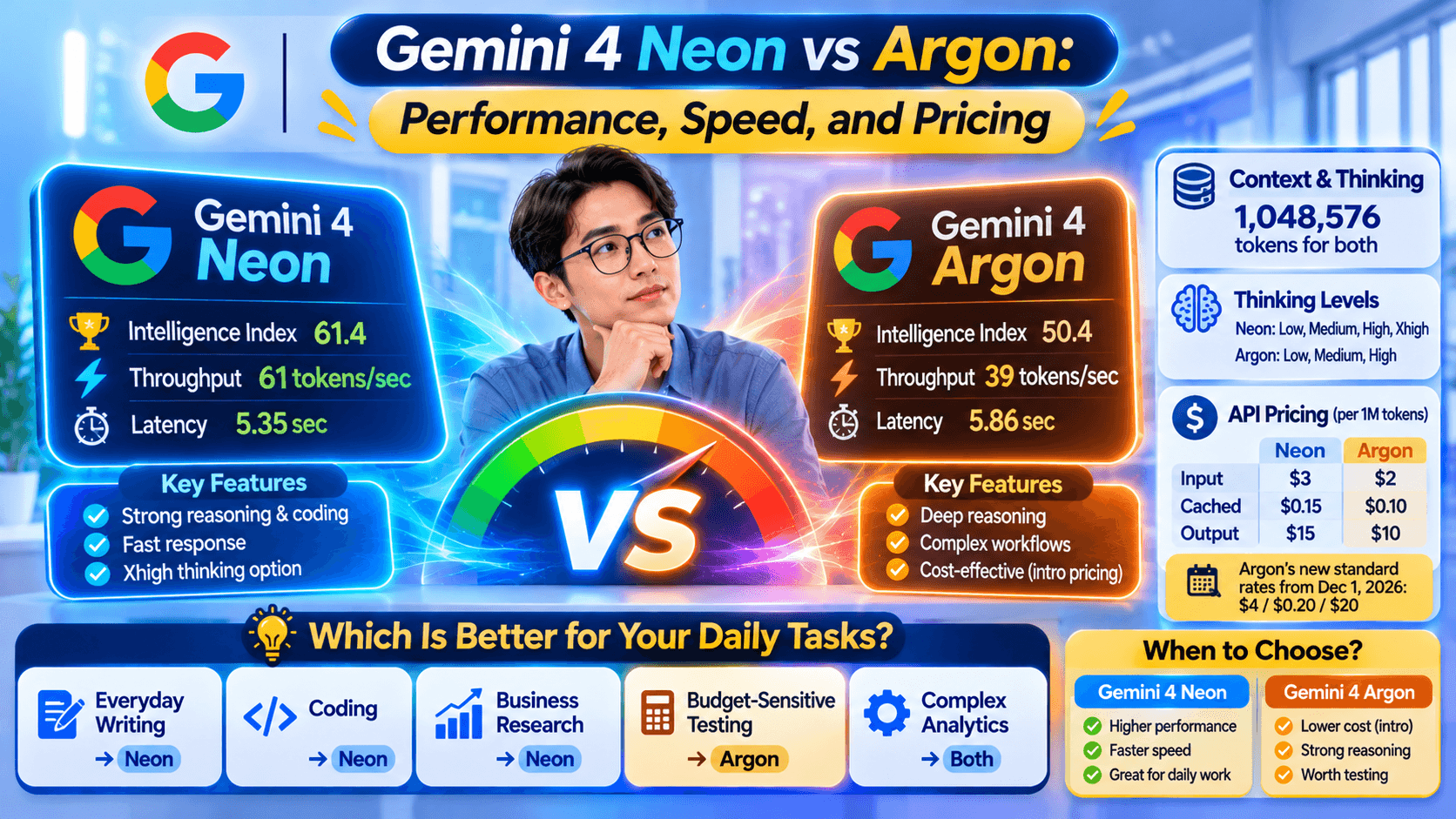
In the OpenRouter comparison using Artificial Analysis data, Neon records an Intelligence Index score of 61.4, compared with 50.4 for Argon.
Neon also reports higher median throughput in that comparison:
- Gemini 4 Neon: 61 tokens per second.
- Gemini 4 Argon: 39 tokens per second.
These figures suggest that Neon can deliver stronger benchmark performance and faster generation in the evaluated configurations.
However, benchmark scores are not guarantees. Results depend on the evaluation, thinking configuration, provider, and task. A model that scores higher overall may not always produce the better response for your particular request.
What Can You Use Gemini 4 Neon For?
Neon is a practical option for users who regularly work with AI.
For example:
Content creation: Generate article drafts, organize marketing campaigns, and improve written material.
Software development: Review code, explain errors, and help implement new features.
Business research: Analyze reports, compare information, and organize findings into actionable recommendations.
Document analysis: Extract key points from long documents and identify important information.
Productivity: Turn complicated instructions into structured plans, summaries, and deliverables.
If you want to try it, visit Gemini 4 Neon on 1minAI and test it with a task from your daily workflow.
What Is Gemini 4 Argon?
Gemini 4 Argon is an advanced reasoning model from Google's Gemini 4 family.
Announced in September 2026, Argon was developed for complex, multi-step workflows that require sustained reasoning. Its intended applications include software engineering, scientific research, cybersecurity defense, and enterprise knowledge work.
Unlike a model designed primarily for quick everyday responses, Argon focuses on solving demanding problems that may involve multiple stages and large amounts of information.
Its main capabilities include:
- Advanced reasoning: Analyze complicated questions and develop multi-step solutions.
- Software engineering: Investigate bugs, understand codebases, and support complex development tasks.
- Long-context analysis: Work with large documents and extensive technical information.
- Scientific problem-solving: Support mathematical, scientific, and technical reasoning.
- Agentic workflows: Assist with tasks involving tools and multiple execution steps in supported environments.
Why Is Gemini 4 Argon Still Worth Trying?
Even though Neon is newer, Argon should not be dismissed.
First, Argon remains a capable model for complex reasoning and software engineering. Second, its current introductory API pricing is lower than Neon's listed rates.
Third, different models can behave differently on specific tasks. A benchmark ranking does not tell you exactly how a model will perform on your company's documents, codebase, or research questions.
For example, you may prefer Argon's response when drafting a concise legal document or reviewing a particular technical problem, even if Neon performs better on a broader benchmark.
The best way to know is to compare both models using the same information and evaluation criteria.
You can explore Gemini 4 Argon on 1minAI and test its reasoning capabilities with available credits.
Gemini 4 Neon vs Argon: Performance, Speed, and Pricing
Now let's compare the numbers to understand where each model stands.
Intelligence and Benchmark Performance
According to the OpenRouter comparison using Artificial Analysis results, Gemini 4 Neon scores higher than Argon across several published evaluation categories.
| Benchmark category | Gemini 4 Neon | Gemini 4 Argon |
|---|---|---|
| Intelligence Index | 61.4 | 50.4 |
| Finance & Accounting Index | 65.1 | 55.9 |
| Strategy & Operations Index | 63.8 | 57.2 |
| Legal Index | 63.8 | 54.6 |
| Healthcare & Medical Index | 60.1 | 51.3 |
| Engineering Index | 66.8 | 57.3 |
| Economics Index | 61.9 | 52.6 |
| FrontierCode-AA 2.0 | 44.4% | 25.7% |
These figures indicate that Neon has a substantial advantage across the displayed benchmark categories.
However, there are two important qualifications.
First, these are the best published results for each model across the evaluated configurations. They are not necessarily results from identical thinking settings.
Second, benchmark performance is not the same as real-world performance. A model's usefulness depends on the task, prompt quality, available tools, and the accuracy requirements of your workflow.
For that reason, treat the numbers as a starting point for comparison rather than a final purchasing decision.
Speed and Throughput
Speed matters when you use AI throughout the day.
Based on the OpenRouter comparison:
| Performance metric | Gemini 4 Neon | Gemini 4 Argon |
|---|---|---|
| Median latency | 5.35 seconds | 5.86 seconds |
| Median throughput | 61 tokens/second | 39 tokens/second |
Neon has higher reported throughput and slightly lower median latency in this comparison.
This can make a difference when you're:
- Generating multiple content drafts.
- Reviewing code through several iterations.
- Asking follow-up questions.
- Working with AI-assisted development workflows.
- Processing frequent business requests.
However, actual response time can vary depending on the provider, prompt length, model settings, and server conditions.
Context Window and Thinking Levels
Both models support a context window of 1,048,576 tokens.
This gives them the ability to process large amounts of information in supported workflows, including long documents, technical materials, and extensive project context.
Their thinking settings differ:
| Setting | Gemini 4 Neon | Gemini 4 Argon |
|---|---|---|
| Low | Available | Available |
| Medium | Available | Available |
| High | Available | Available |
| Xhigh | Available | Not listed as a standard setting |
Neon's additional Xhigh option provides another way to configure reasoning effort for supported API requests.
Higher thinking effort can be useful for complicated problems, but it may also increase processing time and token consumption. More thinking is not automatically better for every task.
For simple writing, summaries, and routine questions, a lower setting may be sufficient. For complicated coding or analytical work, a higher setting may be worth testing.
API Pricing: Is Argon Cheaper?
Yes. Based on the currently listed introductory API rates, Argon is cheaper per token than Neon.
| Price per 1 million tokens | Gemini 4 Neon | Gemini 4 Argon |
|---|---|---|
| Input | $3 | $2 |
| Cached input | $0.15 | $0.10 |
| Output | $15 | $10 |
Argon's introductory rates are scheduled to end on November 30, 2026.
From December 1, 2026, the scheduled standard rates are:
| Price per 1 million tokens | Gemini 4 Argon standard rate |
|---|---|
| Input | $4 |
| Cached input | $0.20 |
| Output | $20 |
This means Argon's scheduled standard rates will be higher than Neon's current listed API rates.
For developers, this pricing change is important when planning API usage or estimating application costs.
For regular 1minAI users, remember that API token prices are not the same as platform credits. Check the credit requirements shown in 1minAI before running large prompts or lengthy tasks.
Which Is Better for Your Daily Tasks?
The best model depends on what you need to accomplish.
Here are some practical recommendations.
| Task | Suggested starting point | Why |
|---|---|---|
| Everyday writing | Gemini 4 Neon | Strong reasoning and faster reported throughput |
| Summarizing documents | Both | Compare clarity and important details |
| Routine coding | Gemini 4 Neon | Stronger results in the published coding comparison |
| Complex software engineering | Gemini 4 Neon | Higher reported engineering and coding scores |
| Business research | Gemini 4 Neon | Higher reported results across several knowledge-work categories |
| Concise drafting | Test both | Response style can differ by prompt and configuration |
| Budget-sensitive API experimentation | Gemini 4 Argon during introductory pricing | Lower current listed token rates |
| Complex analytical tasks | Both | Compare reasoning quality on your actual material |
When Should You Choose Gemini 4 Neon?
Start with Neon when you want:
- Stronger results across the published Intelligence Index comparison.
- Higher reported coding benchmark performance.
- Faster reported token generation.
- An additional Xhigh thinking option.
- A capable model for frequent analytical and production workflows.
For users who regularly work with code, documents, and complex instructions, Neon is a strong model to evaluate first.
When Should You Choose Gemini 4 Argon?
Argon is still worth testing when:
- You want to compare its output quality against Neon.
- You prefer its response style for a particular task.
- You are evaluating API costs during its introductory pricing period.
- You already have a workflow built around Argon.
- You want to test whether its reasoning is sufficient for your workload without paying for a more expensive model.
The key is not to assume that Argon is obsolete just because Neon is newer.
If Argon produces a result that meets your requirements with less effort or lower cost in your actual environment, it may still be a sensible choice.
How to Use Both Gemini 4 Neon and Argon on 1minAI
Instead of relying on benchmark scores alone, you can test both models on the same tasks.
This is where 1minAI Multi AI Chat becomes useful.
1minAI brings multiple AI models into one workspace, allowing you to select available models, submit prompts, and compare their responses.
Both Gemini 4 Neon and Gemini 4 Argon have dedicated 1minAI pages, so you can explore them without setting up separate Google API integrations for a basic chat workflow.
Step 1: Open Gemini 4 Neon on 1minAI
Visit Gemini 4 Neon on 1minAI.
Open the AI Chat interface and select Gemini 4 Neon from the available model list.
Review the current credit requirements and account usage before submitting your prompt.
Step 2: Prepare a Real Task
Choose something you genuinely need to complete.
For example, if you're a business owner, you might ask the model to create a marketing plan. If you're a developer, you could ask it to review a function or identify potential bugs.
Use the same background information and instructions for both models.
Step 3: Test the Same Prompt With Gemini 4 Argon
Next, visit Gemini 4 Argon on 1minAI.
Select Argon and submit exactly the same prompt.
Now you have two responses to compare.
Step 4: Evaluate the Responses
Don't choose the winner simply because one response is longer or sounds more confident.
Evaluate both using the same criteria:
| Evaluation criteria | What to check |
|---|---|
| Accuracy | Are the facts and calculations correct? |
| Completeness | Does the response cover every requirement? |
| Reasoning | Are the recommendations logically supported? |
| Clarity | Is the answer easy to understand and use? |
| Speed | How long does each response take? |
| Cost | How many platform credits does each task consume? |
For coding, you can also run the generated code and compare whether the proposed solutions actually work.
For research, check the sources and verify important claims independently.
Step 5: Combine the Strongest Ideas
You don't have to use only one response.
For example:
- Ask Neon to create an initial business strategy.
- Ask Argon to review the strategy and identify missing risks.
- Compare their suggestions.
- Verify important assumptions.
- Combine the most useful recommendations into your final plan.
You can also reverse the process. Start with Argon and ask Neon to improve the structure, simplify the explanation, or produce a more actionable version.
This approach helps you use both models as complementary tools instead of treating the comparison as a competition.
Why Compare AI Models on 1minAI Instead of Using Only One?
Different models can approach the same task in different ways.
One may provide a more detailed explanation, while another may produce a clearer action plan. One may identify an overlooked risk, while another may offer a more practical implementation.
Using multiple models gives you more perspectives before you finalize important work.
With 1minAI Multi AI Chat, you can explore different available models in one workspace.
This can be useful for:
- Business owners: Compare strategies, marketing ideas, and operational recommendations.
- Developers: Review code, investigate bugs, and compare implementation approaches.
- Researchers: Analyze documents and compare explanations of complicated topics.
- Content creators: Generate ideas, improve drafts, and compare writing styles.
- Students: Explore explanations and use different models to support learning.
You can also explore 1minAI's AI model comparison workspace to discover other available models.
The main benefit is flexibility. You can choose a model based on the task instead of forcing every request through the same AI assistant.
Frequently Asked Questions
Is Gemini 4 Neon better than Gemini 4 Argon?
Neon scores higher than Argon in several current published Artificial Analysis comparisons, including the Intelligence Index and coding evaluation. It also has higher reported throughput in the OpenRouter comparison. However, the best choice still depends on your task, model settings, and cost requirements.
Is Gemini 4 Argon older than Gemini 4 Neon?
Yes. Google announced Gemini 4 Argon in September 2026, while Gemini 4 Neon was introduced on November 18, 2026. Neon is the newer model.
Which model is faster, Neon or Argon?
In the current OpenRouter comparison, Neon has a median throughput of 61 tokens per second, compared with 39 tokens per second for Argon. Actual response speed can vary by provider and workload.
Which model is cheaper?
Argon currently has lower introductory API rates: $2 per million input tokens and $10 per million output tokens, compared with Neon's $3 and $15. However, Argon's introductory rates are scheduled to end on November 30, 2026. Standard rates are scheduled to increase from December 1.
Do Gemini 4 Neon and Argon have the same context window?
Yes. Both support a context window of approximately 1,048,576 tokens. The actual usable input and output capacity depends on the model's supported configuration.
Conclusion
In the Gemini 4 Neon vs Argon comparison, Neon currently leads several published benchmarks and has higher reported throughput. It is a strong option for coding, analytical reasoning, and frequent complex workflows.
Argon remains worth exploring, especially if you already use it, want to compare its response style, or are evaluating its introductory API pricing before December 1, 2026.
But you don't have to rely on benchmark scores or online opinions to make your decision.
With 1minAI Multi AI Chat, you can try Gemini 4 Neon and Gemini 4 Argon, give them the same prompts, compare their responses, and decide which model works better for your actual tasks.
You can also explore other AI models in the same workspace and combine different perspectives to improve your results.
The smartest AI workflow isn't always about choosing one winning model. It's about knowing when to use each model and getting the most value from both.
For more AI capabilities, visit 1minAI Features and try the 1minAI Agent.
- #Information
- #Commerce
Alternatives
Discover the best alternatives to 1minAI and compare features, pricing, and use cases.

1min.AI vs OpenRouter
1min.AI vs. OpenRouter: Compare the ready-to-use AI creation product against the technical API tool. Find out if you need a zero-code creative studio or a coding infrastructure hub.
 Ngoc Hong
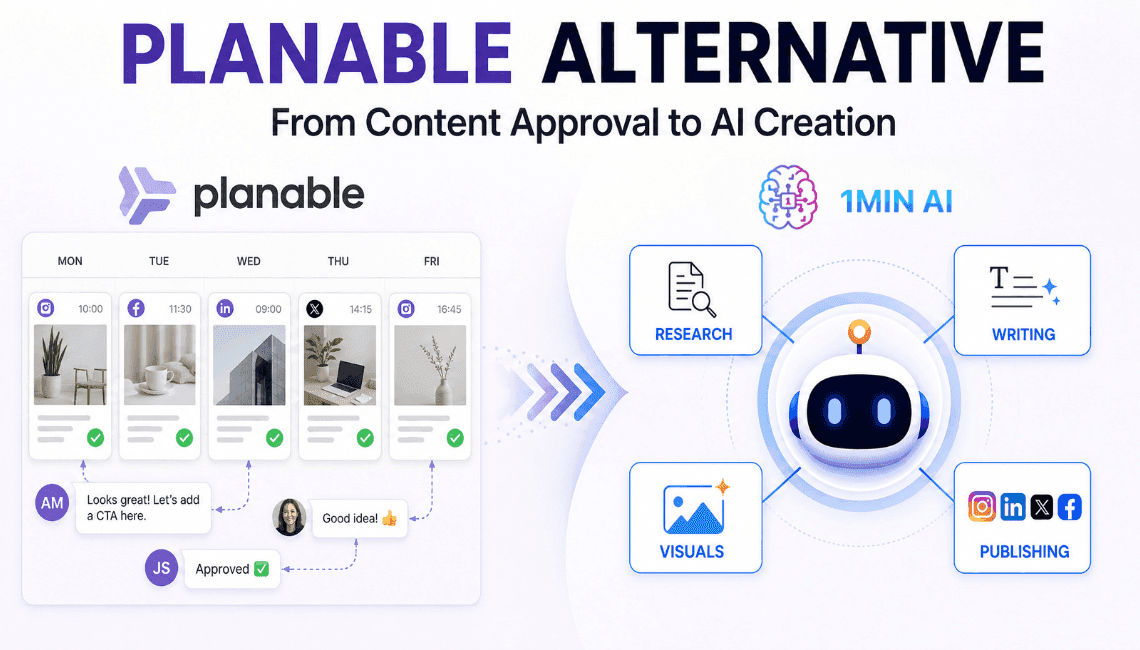
1min.AI vs Planable
Looking for a Planable alternative? See how 1min.AI Social Content Agents research, write, design and publish posts across your social channels from one credit pool.
 Trang Tran
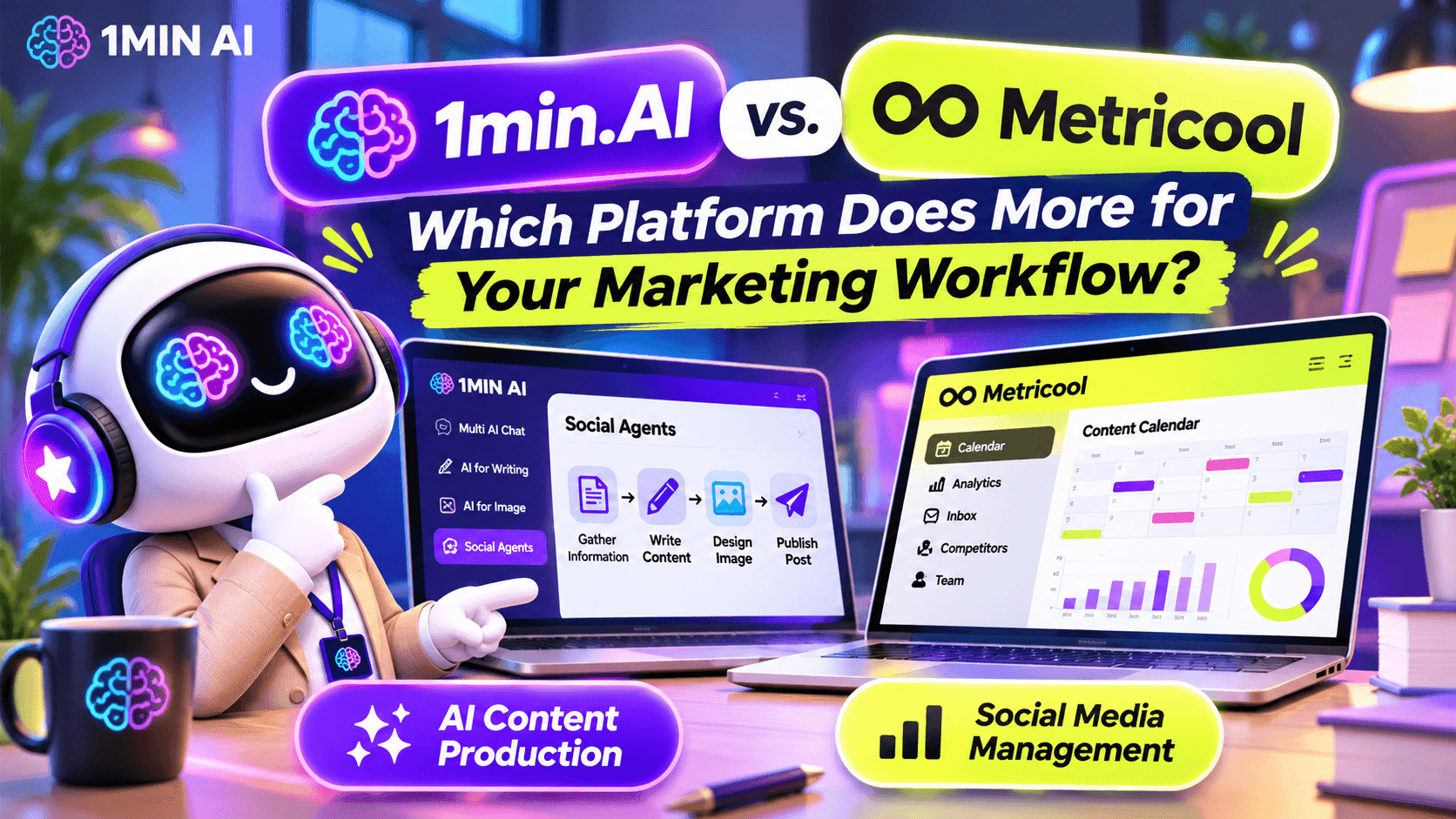
1min.AI vs. Metricool: Which Platform Does More for Your Marketing Workflow?
Compare 1min.AI vs. Metricool across content creation, visual production, scheduling, analytics, MCP, and pricing to find the right platform for your marketing workflow.
AI Tools
Discover the best AI tools to boost productivity, creativity, and everyday work.
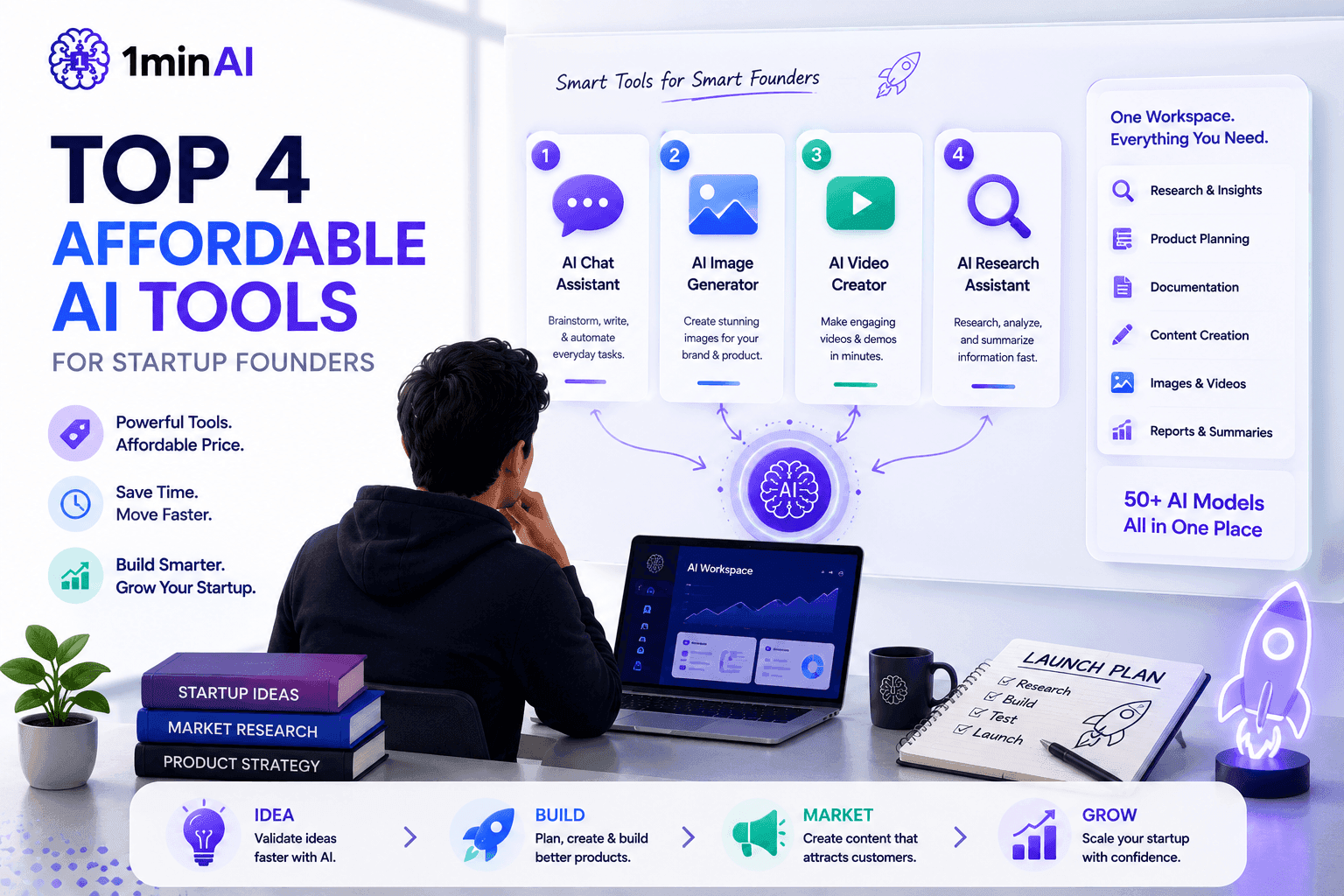
Top 4 Affordable AI Tools for Startup Founders
Discover the top 4 affordable AI tools for startup founders to validate ideas, build products, create content, and launch faster without overspending.
 Tram Ta
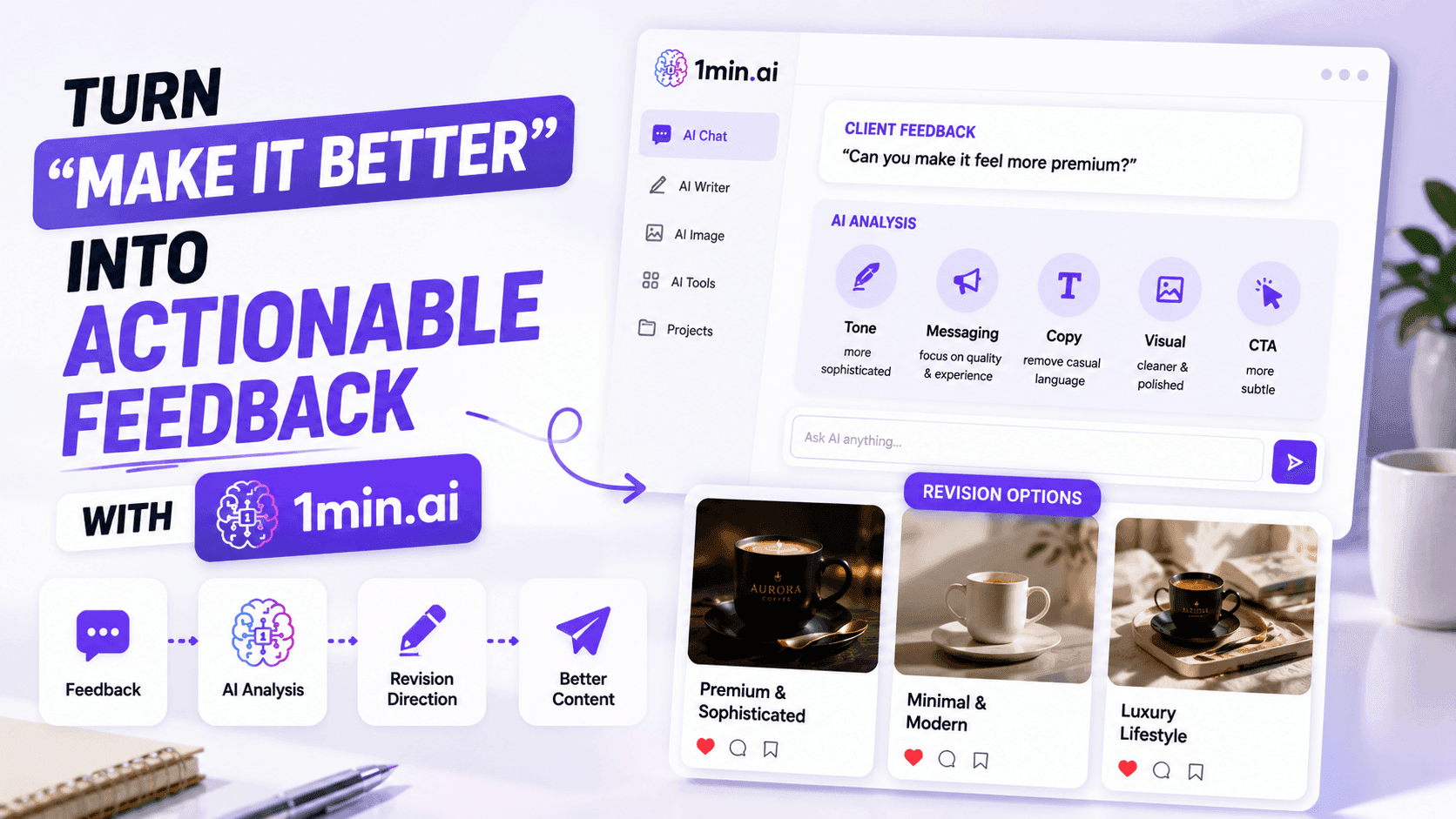
Turn “Make It Better” Into Better Content With AI
Use AI to turn vague client feedback into clear revisions, reduce unnecessary edits, and deliver better content faster.
 Lien Anh Vu
Free AI X Comment
Create funny, witty, or insightful comments for Twitter with our AI-powered Twitter Comment Generator. Boost your engagement and stand out in the crowd!
Trang TranAI Features
Comprehensive AI features that streamline workflows, improve efficiency, and empower teams to achieve more.
1minAI: Free AI Grammar Checker
Check grammar for free with 1minAI’s AI grammar checker. Find grammar, spelling, and writing mistakes, improve clarity, and polish your content in seconds.
Tram Ta
Build a Portfolio Website Faster with 1min.AI
Learn how freelance creatives can use 1min.AI to plan, write, design, and generate a professional portfolio website faster, even without strong coding skills.
Lien Anh VuFree AI X Comment
Create funny, witty, or insightful comments for Twitter with our AI-powered Twitter Comment Generator. Boost your engagement and stand out in the crowd!
Trang TranAI Use Cases
A curated collection of AI use cases for business, productivity, and industry-specific applications.
Best Time to Post on Instagram: A Practical Guide for Better Engagement
Discover the best time to post on Instagram, including the best days and times for different audiences, plus tips to find the ideal posting schedule for your account.
Tram TaTurn “Make It Better” Into Better Content With AI
Use AI to turn vague client feedback into clear revisions, reduce unnecessary edits, and deliver better content faster.
Lien Anh VuBuild a Portfolio Website Faster with 1min.AI
Learn how freelance creatives can use 1min.AI to plan, write, design, and generate a professional portfolio website faster, even without strong coding skills.
Lien Anh VuAI Tutorials
Learn how to use AI with practical, step-by-step tutorials.

Black Friday AI Tool Deals in 2026
Discover what Black Friday AI tool deals 2026 has to offer. Find out how to secure the 1min.AI lifetime deal via AppSumo, Dealify, Stack Social, and verify on Trustpilot, Slashdot, and Software Advice.
 Hang Nguyen
Viral Reels in Minutes: How to Use 1minAI’s Text-to-Speech for Satirical Voiceovers
Learn how satirical page admins use 1minAI’s Text-to-Speech feature to generate instant news anchor and dramatic voiceovers for TikToks, Shorts, and Instagram Reels.
Turn “Make It Better” Into Better Content With AI
Use AI to turn vague client feedback into clear revisions, reduce unnecessary edits, and deliver better content faster.
Lien Anh VuAI Guides
Learn AI faster with practical guides, real-world examples, and actionable best practices.

Safely Buy AI Tools Online: 2026 Black Friday Guide
Discover how to find and secure the best Black Friday AI deals online. Learn expert strategies to avoid scams, combat subscription fatigue, and verify software.
Hang Nguyen
How to start an AI business without building from scratch
Learn how to start an AI business, validate your idea, and launch faster without building costly AI infrastructure from scratch.
Ngoc Hong
ChatGPT Prompt Tone and Accuracy: How to Get Better Answers on 1minAI
Does prompt tone affect ChatGPT accuracy? Explore the latest studies, learn effective prompting techniques, and compare AI responses on 1minAI.
Tram TaAI Solutions
Browse the best AI solutions for automation, coding, research, productivity, customer support, marketing, and business workflows.
Safely Buy AI Tools Online: 2026 Black Friday Guide
Discover how to find and secure the best Black Friday AI deals online. Learn expert strategies to avoid scams, combat subscription fatigue, and verify software.
Hang Nguyen
Free AI Tattoo Generator: Custom Designs
Turn any idea into a custom tattoo design with 1min.AI's free AI tattoo generator. Describe your idea, pick a style, and download in seconds.
Trang TranTurn “Make It Better” Into Better Content With AI
Use AI to turn vague client feedback into clear revisions, reduce unnecessary edits, and deliver better content faster.
Lien Anh VuAI Models
Explore the world's leading AI models in one place.
Free AI Chat With Claude Fable 5.2 On 1min.AI
Free AI chat with Claude Fable 5.2 on 1min.AI. Compare Fable 5.2 vs Opus 5.5, see Fable 5.2 benchmarks, and start chatting in minutes.
Trang Tran
GPT-6.2 Sol: Specs, Pricing & Free Access
Explore GPT-6.2 Sol specs, pricing, and how it compares with GPT-6.1 Sol and Claude Opus 5.5, then try it free in 1min.AI Multi AI Chat.
Trang Tran
GPT 6.2 Astra: Pricing, Benchmarks & Free Access
GPT 6.2 Astra release date, pricing, Reddit feedback and Opus 5.5 comparison. See what it does best and chat with it on 1min.AI for free.
Trang TranAI Comparisons
Compare AI tools, models, and platforms to find the best fit for your needs.
Gemini 4 Neon vs Hydrogen: Specs, Price & Picks
Gemini 4 Neon vs Hydrogen, Carbon and Argon: compare price, benchmarks and use cases to pick the right model, then test them side by side on 1min.AI.
Trang Tran
Kling AI Vs Veo 3: Which Model Wins?
Kling AI vs Veo 3: compare motion, native audio, pricing & free tiers to see which AI video generator wins for your project - try both on 1min.AI.
Trang Tran
DeepSeek V4 Pro vs Flash Comparison
Compare DeepSeek V4 Pro vs DeepSeek V4 Flash metrics. Optimize your agentic apps and improve AI fact checking on 1min.ai today.
Ngoc HongAI Integrations
Seamlessly integrate AI with the tools you already use to automate work and boost productivity.
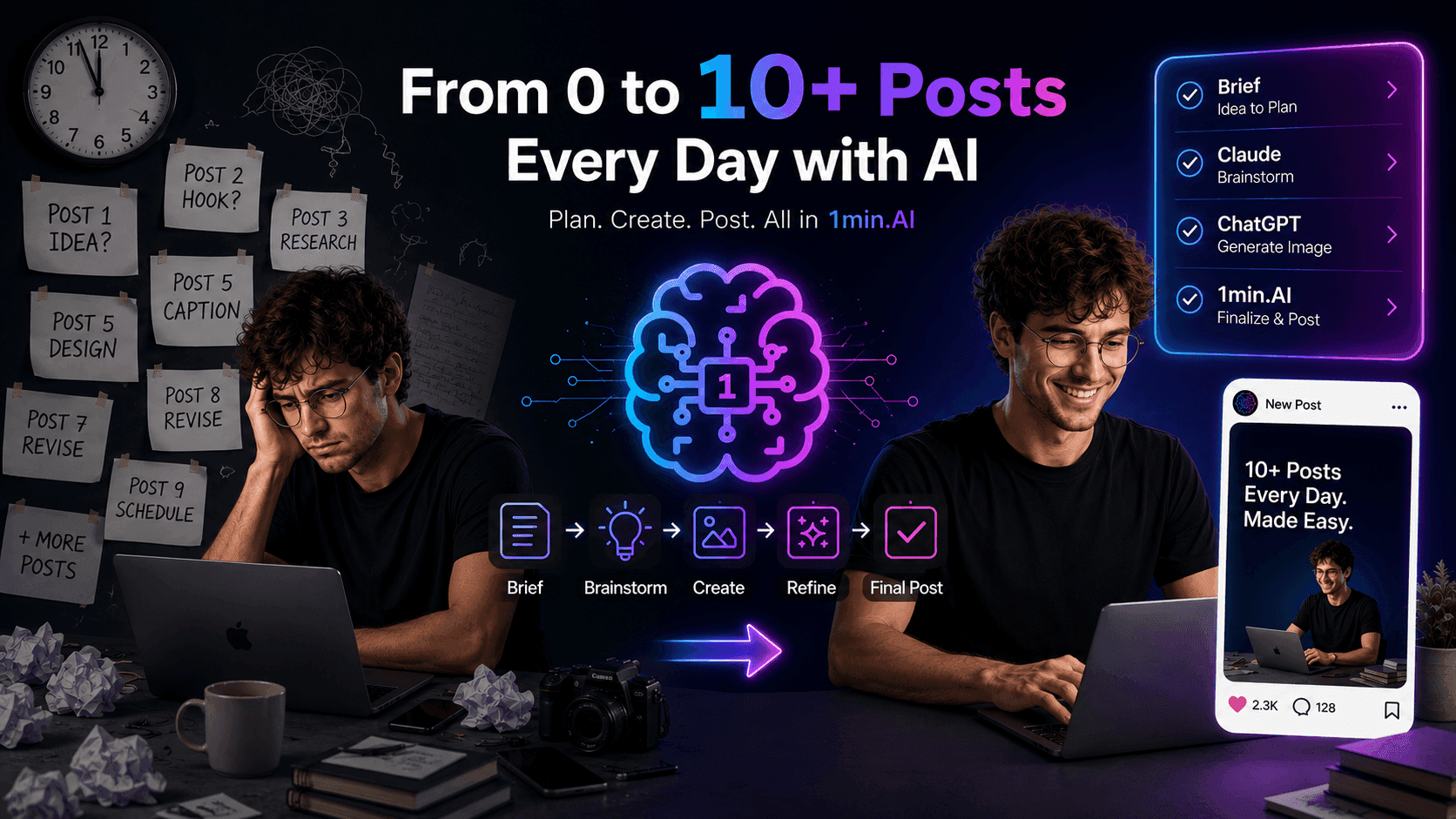
POV: You Have 10+ Posts to Make Every Day
Learn how to build an AI content workflow that helps content creators produce 10+ social media posts a day faster with AI brainstorming, image generation, and content creation.
Lien Anh Vu
Stop Switching Between AI Apps: How AI Integration Transforms Employer Branding
Discover how AI integration helps HR teams streamline employer branding by combining AI writing, documents, images, video, and multiple AI models into one workspace.
Tram Ta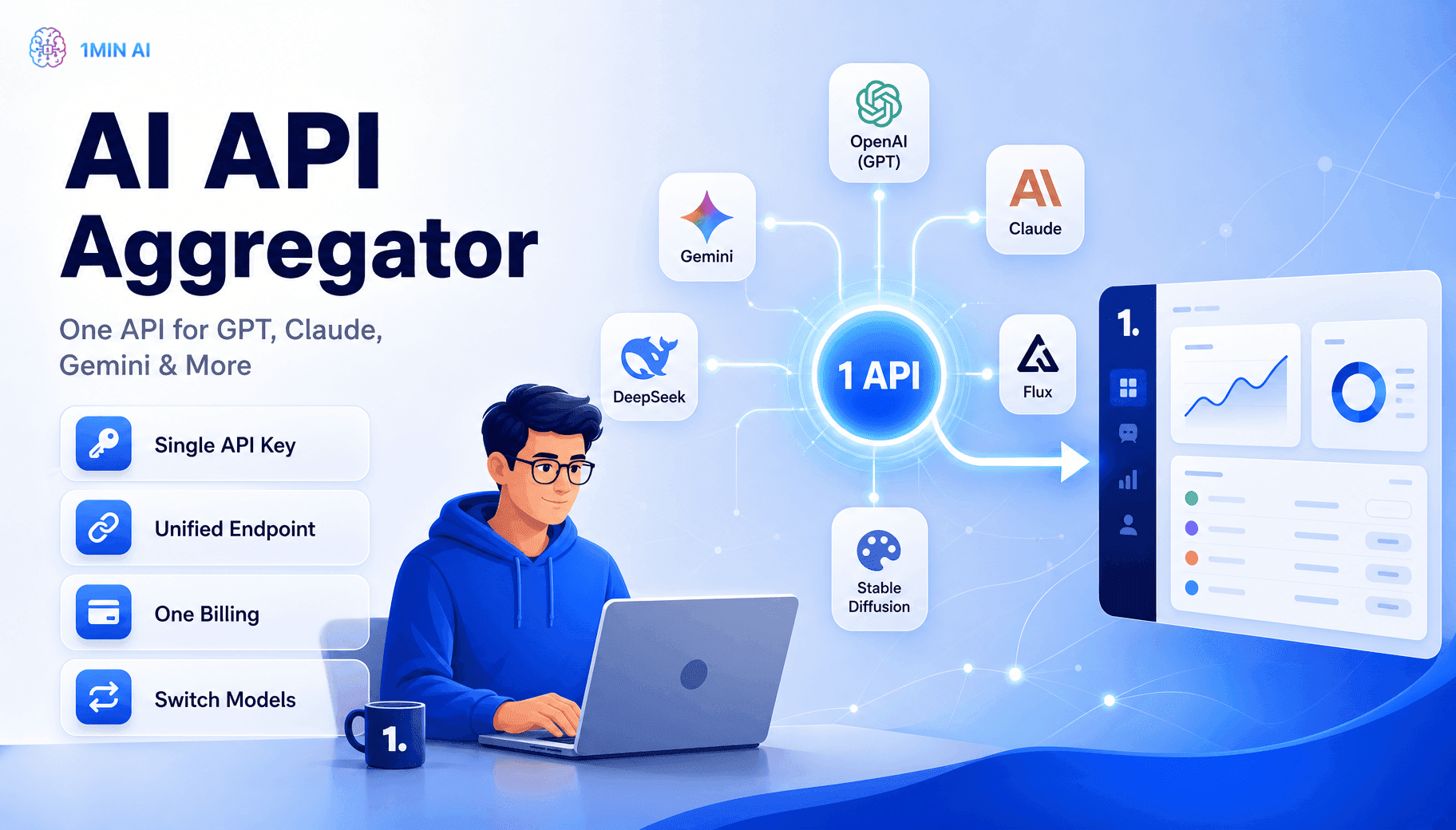
AI API Aggregator Explained For Developers
An AI API aggregator gives developers one unified API to call multiple AI models, cutting integration time and vendor lock in.
Trang TranAI for Industries
Find the best AI tools and workflows for healthcare, finance, education, legal, manufacturing, retail, real estate, and more
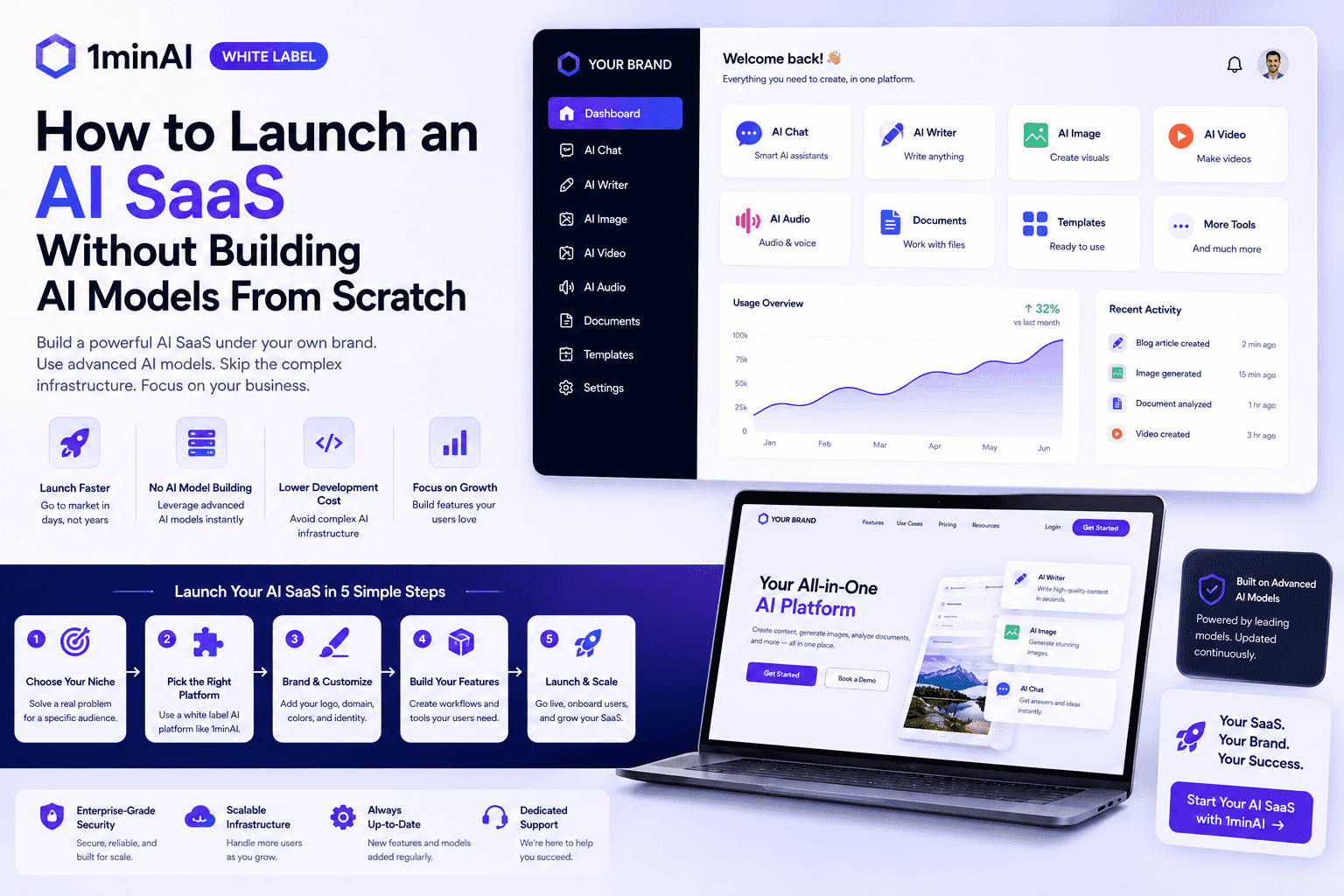
How to Launch an AI SaaS Without Building AI Models From Scratch
Learn how to launch an AI SaaS without building AI models from scratch. Explore white-label AI, product strategy, branding, pricing, and how 1minAI can help.
Tram Ta
ChatGPT Trending Photo Prompts to Copy and Paste
Explore chatgpt trending photo prompt ideas you can copy and paste. Create viral AI portraits, collages, and aesthetic photos with ease.
Trang TranTry Image To Video AI With Prompt Online Free
Try image to video AI with prompt online free, no login and no watermark. Upload a photo, type the motion you want, and get a short video in minutes.
Trang TranAI Agents
Discover and run AI agents to automate tasks across your work and daily life.
1minAI: Free AI Grammar Checker
Check grammar for free with 1minAI’s AI grammar checker. Find grammar, spelling, and writing mistakes, improve clarity, and polish your content in seconds.
Tram Ta
AI Agents for Facebook
Use an AI Agent for Facebook to create content, generate images, schedule posts, and publish from your documents and conversations.
Ngoc Hong
AI Agent vs AI Assistant: Which One Actually Saves Designers More Time?
Learn the difference between AI Agent vs AI Assistant and discover which solution helps designers automate repetitive work, reduce revisions, and save more time.
Lien Anh VuAI Workflows
Explore ready-to-use AI workflows for productivity, marketing, sales, support, and more.
POV: You Have 10+ Posts to Make Every Day
Learn how to build an AI content workflow that helps content creators produce 10+ social media posts a day faster with AI brainstorming, image generation, and content creation.
Lien Anh VuChatGPT Prompt Tone and Accuracy: How to Get Better Answers on 1minAI
Does prompt tone affect ChatGPT accuracy? Explore the latest studies, learn effective prompting techniques, and compare AI responses on 1minAI.
Tram Ta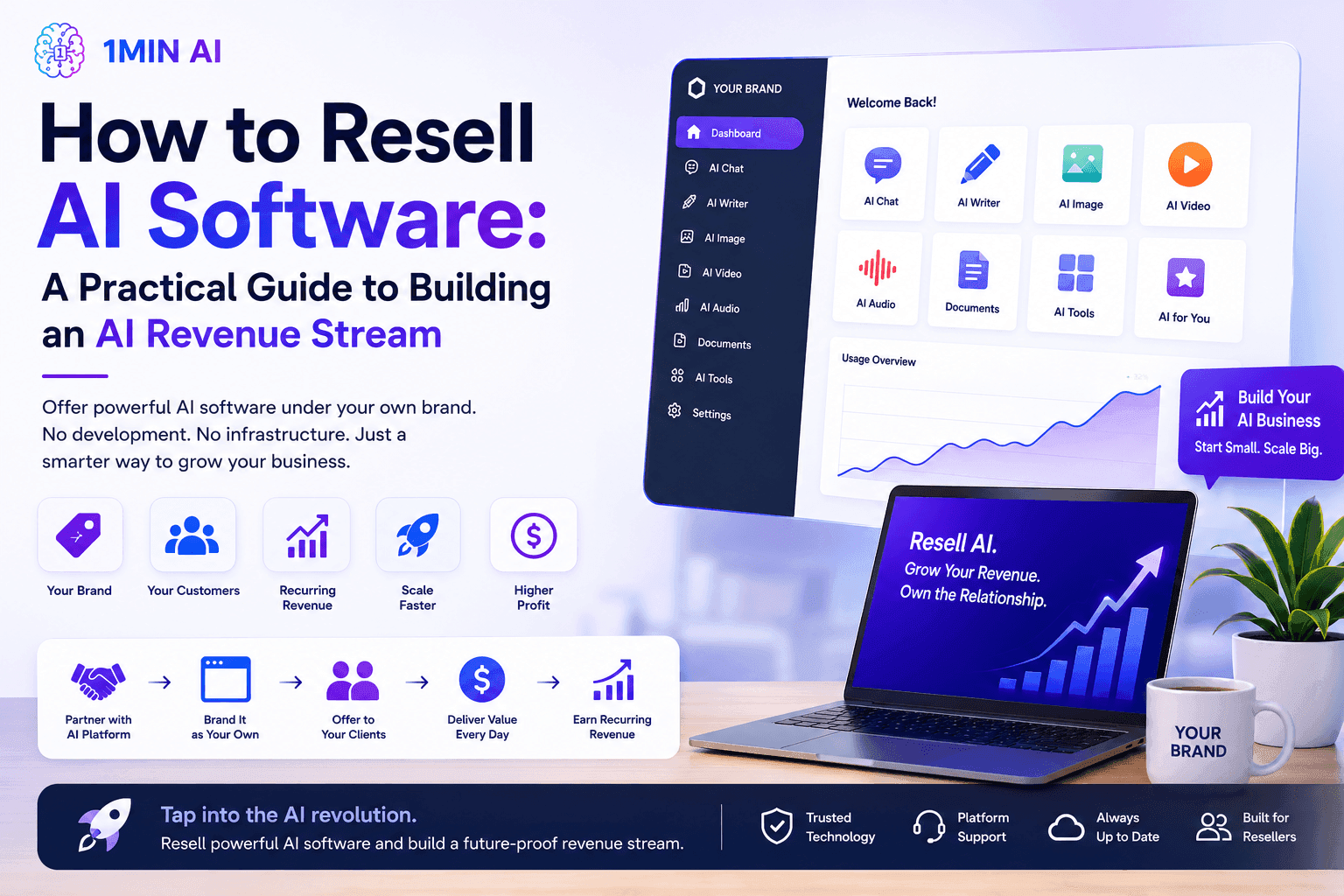
How to Resell AI Software: A Practical Guide to Building an AI Revenue Stream
Learn how to resell AI software and build a recurring AI revenue stream. Discover how white label AI platforms help agencies and entrepreneurs launch branded AI services.
Tram TaNewsletter
Weekly AI Innovations with 1minAI

🔮 Weekly AI Innovations #147: 1min.ai Drops Major Shift: AI Circle, Kimi & Wan 3.0
Explore AI Circle (formerly AI Social), Kimi K3.1 Pro’s 2M context, and Alibaba Wan 3.0 & 3.0 Prime cinematic video on 1min.ai.
Hang Nguyen
🔮 Weekly AI Innovations #146: Mistral 3.5, Qwen Image & Cohere A+ are ready on 1min.ai
Deploy Mistral Large 3, Qwen Image 3.0, and Cohere Command A+ on 1min.ai. Boost RAG accuracy and cut visual generation latency in one unified AI workspace.
Hang Nguyen
🔮 Weekly AI Innovations #145: X Content Agent & GPT 6.1 Terra on 1min.ai
Scale viral reach with the X Content Agent on 1min.ai. Discover an end-to-end 4-stage pipeline with zero token burn, plus the launch of GPT 6.1 Terra.
Hang Nguyen