
AI Data Leakage: What Business Teams Should Check

Ngoc Hong
November 25, 2026

Learn where AI data leakage can happen and how business teams can reduce exposure through input checks, access controls, sharing rules, and output review.
AI data leakage: What business teams should check
AI data leakage happens when sensitive information is exposed to people or systems outside its authorized scope through an AI workflow. For business teams, reducing that risk starts with checking what employees upload, who can access it, and where generated content goes next.
An agency writer might upload a launch brief to create social posts. That brief could also contain customer contacts, internal comments, and unpublished financial targets. Before approving the task, the team lead needs a clear process for protecting information throughout the workflow.
What is AI data leakage?
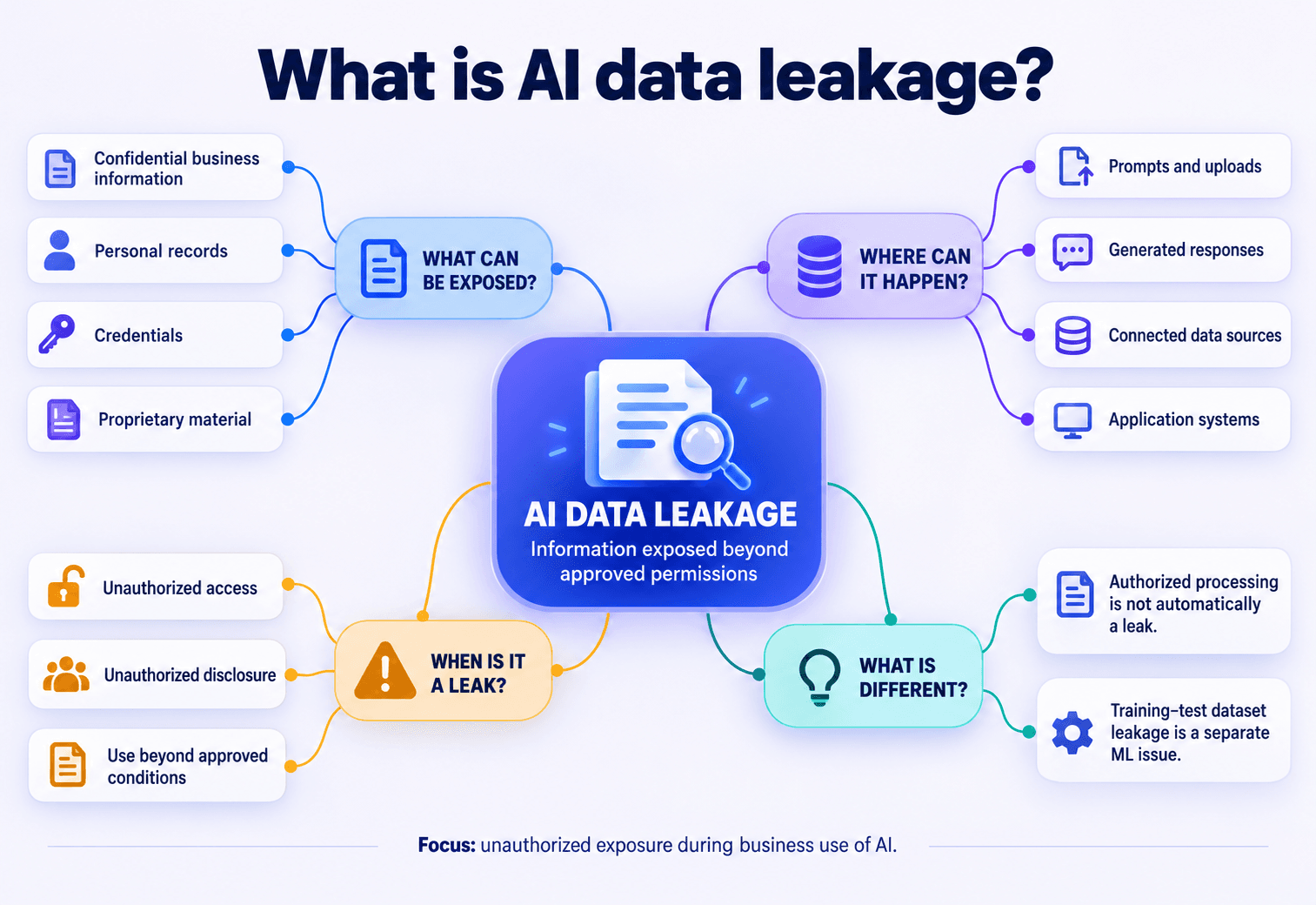
AI data leakage can involve confidential business information, personal records, credentials, or proprietary material. Exposure may occur through inputs, generated responses, connected information sources, or surrounding application systems. Security guidance identifies sensitive information disclosure as a risk for applications built around large language models.
In this article, the term refers to unauthorized information exposure during business use of AI. It is separate from machine-learning evaluation leakage, where information improperly crosses between training and testing datasets.
Uploading information for authorized processing does not automatically constitute a leak. The concern is whether information is accessed, disclosed, or used beyond the permissions and conditions your company approved.
Where can business information be exposed?
Review the entire workflow, including preparation, processing, sharing, and publication. A secure account alone cannot resolve mistakes in the source document or the final deliverable.
For the agency’s launch project, the relevant question is what each stage could reveal and whether the people receiving that information are authorized to see it.
| Exposure point | Example in a content workflow | What to check |
|---|---|---|
| Prompt | A writer pastes a customer’s name and purchase history | Whether those details are necessary and permitted |
| Uploaded file | A brief includes internal comments or unrelated spreadsheet tabs | The complete file, including hidden content and metadata |
| Connected sources | An assistant can retrieve more documents than the task requires | Permissions and the scope of accessible information |
| Sharing | A conversation or draft reaches the wrong recipient | Audience, link settings, and workspace access |
| Output | A public post repeats an internal revenue target | Confidential details before publication |
Unapproved AI use creates a visibility gap
When employees use tools or personal accounts outside company approval, managers may not know what information is being submitted or which terms apply. This is commonly described as shadow AI.
Give employees a practical approval route. Specify which tools, accounts, tasks, and data categories are permitted, and explain how to request a new use case. A list of prohibitions is easier to follow when employees also have an approved way to complete their work.
Connected data and agents need additional review
If an AI workflow searches internal documents or takes actions through integrations, involve the people responsible for those systems. Ask whether retrieval respects each user’s permissions and whether actions are limited to the task.
Least-privilege access and restricted data sources are recognized safeguards against sensitive information disclosure. Review how these safeguards are implemented before connecting confidential repositories.
A practical checklist to reduce AI data leakage
Assign a business owner to the workflow and a technical reviewer where integrations or sensitive systems are involved. Together, define the information employees may submit and the checks required before results leave the team.
Start with the following steps, then adapt them to your company’s requirements and client agreements.
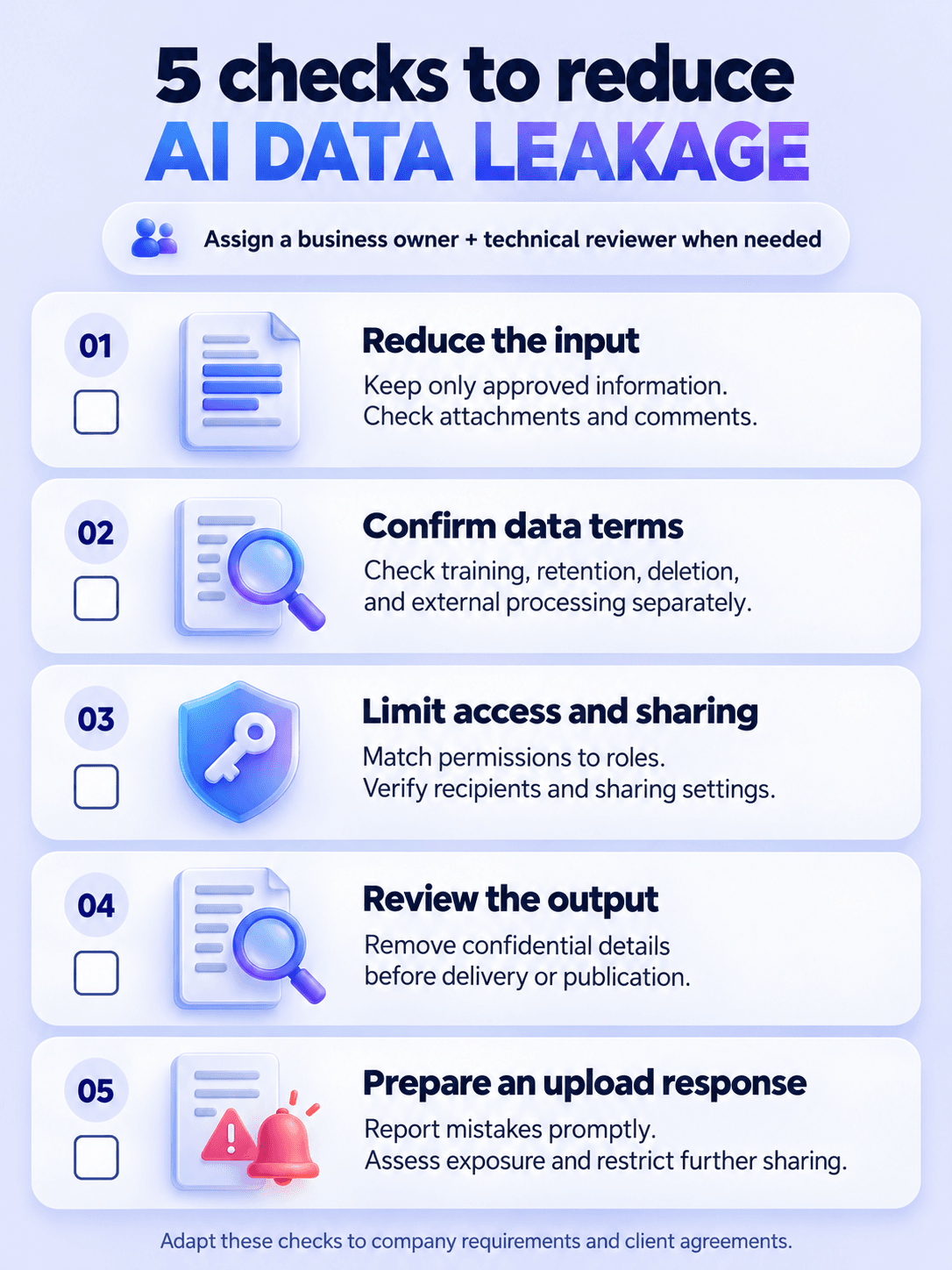
1. Reduce the input before uploading
Create a working brief containing only the approved audience, product benefits, tone, and deliverables. Remove unnecessary contact details, commercial terms, credentials, and internal figures.
For the agency example, a social-post task may need the product’s public benefits and launch theme. It may not need the customer spreadsheet attached to the original brief. Check attachments, comments, and extra pages before treating the working copy as ready.
2. Confirm training, retention, and processing terms
Record separate answers about model-training use, storage periods, deletion, and external processing. Check the terms applicable to the selected account and feature rather than relying on the plan’s name.
A business subscription should not be treated as proof of zero retention. Likewise, a no-training commitment does not resolve every question about storage, access, or sharing.
3. Limit access and sharing
Give people and connected systems access appropriate to their roles. Review sharing settings before sending a conversation, file, or generated draft outside its intended audience.
For more complex deployments, ask your technical team whether data loss prevention controls can inspect the relevant upload, browser, or API paths. Confirm coverage and limitations rather than assuming every route is monitored.
4. Review the output before delivery
Check generated content for confidential quotations, customer identifiers, unpublished figures, and other information that should remain internal.
In the agency workflow, the final reviewer should compare the draft against approved launch messaging. A fluent response can still contain details that were appropriate for internal discussion but unsuitable for a client-facing document or public post.
5. Prepare a response for accidental uploads
Tell employees whom to contact if they submit information outside the approved scope. Ask them to report the account, feature, time, and type of information involved without unnecessarily copying the sensitive content again.
The responsible team can assess exposure, restrict sharing, request deletion, and determine whether further action is needed. If credentials were included, involve the system owner promptly to assess revocation or rotation.
Apply the checklist to your 1min.AI workflow
When assessing a workflow on 1min.AI, begin with its Trust Center and Privacy Policy. The policy describes information collection and includes sections on retention, transfers, deletion, and security.
Map those documents to your actual task. Request clarification where you need feature-specific answers about prompts, uploads, model training, processing services, or deletion. Do not assume the platform automatically removes confidential information or enforces your company’s data rules.
For the launch project, document the approved input, account, feature, sharing audience, and reviewer. Use the broader AI data privacy guide to help prepare the brief.
Does entering data into AI automatically make it public?
No. Assess the applicable processing terms, permissions, and sharing behavior. Avoid assuming either automatic public exposure or complete confidentiality.
Does turning off training prevent every data leak?
No. Training is one consideration. Unnecessary uploads, excessive permissions, sharing mistakes, and confidential output still need separate controls.
What should a small team do first?
Choose one common workflow and define what information it needs. Approve the tool and data scope, assign a reviewer, and make the reporting process clear.
Before expanding AI use, review the workflow your employees already follow.
- #Information
- #SOC 2
Alternatives
Discover the best alternatives to 1minAI and compare features, pricing, and use cases.

1min.AI vs OpenRouter
1min.AI vs. OpenRouter: Compare the ready-to-use AI creation product against the technical API tool. Find out if you need a zero-code creative studio or a coding infrastructure hub.
 Ngoc Hong
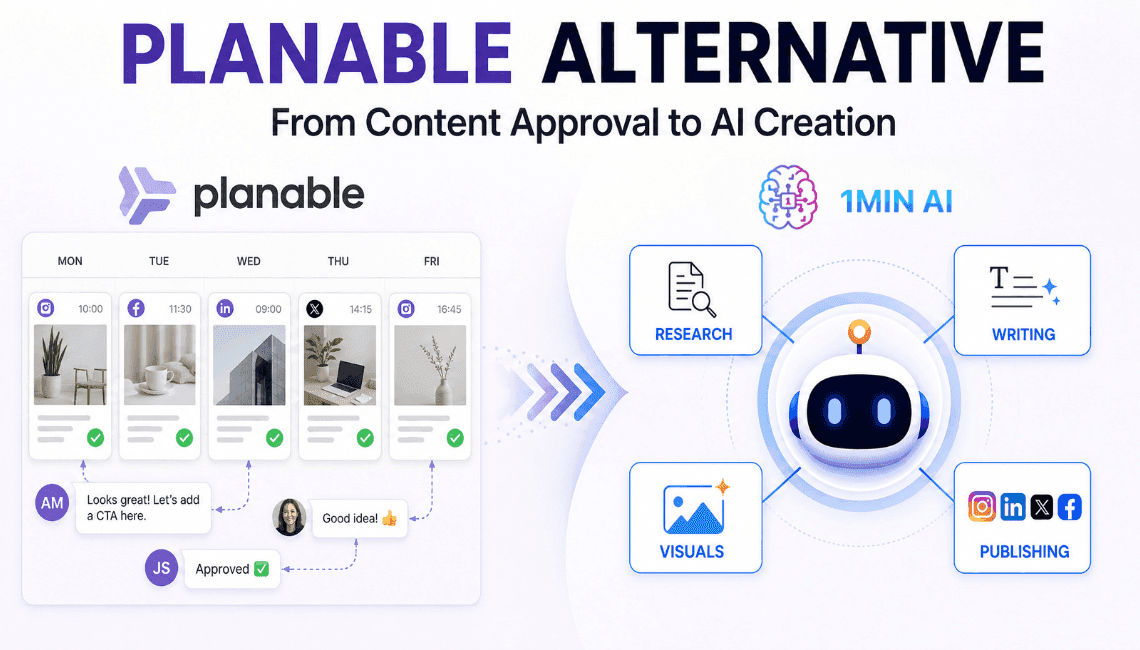
1min.AI vs Planable
Looking for a Planable alternative? See how 1min.AI Social Content Agents research, write, design and publish posts across your social channels from one credit pool.
 Trang Tran
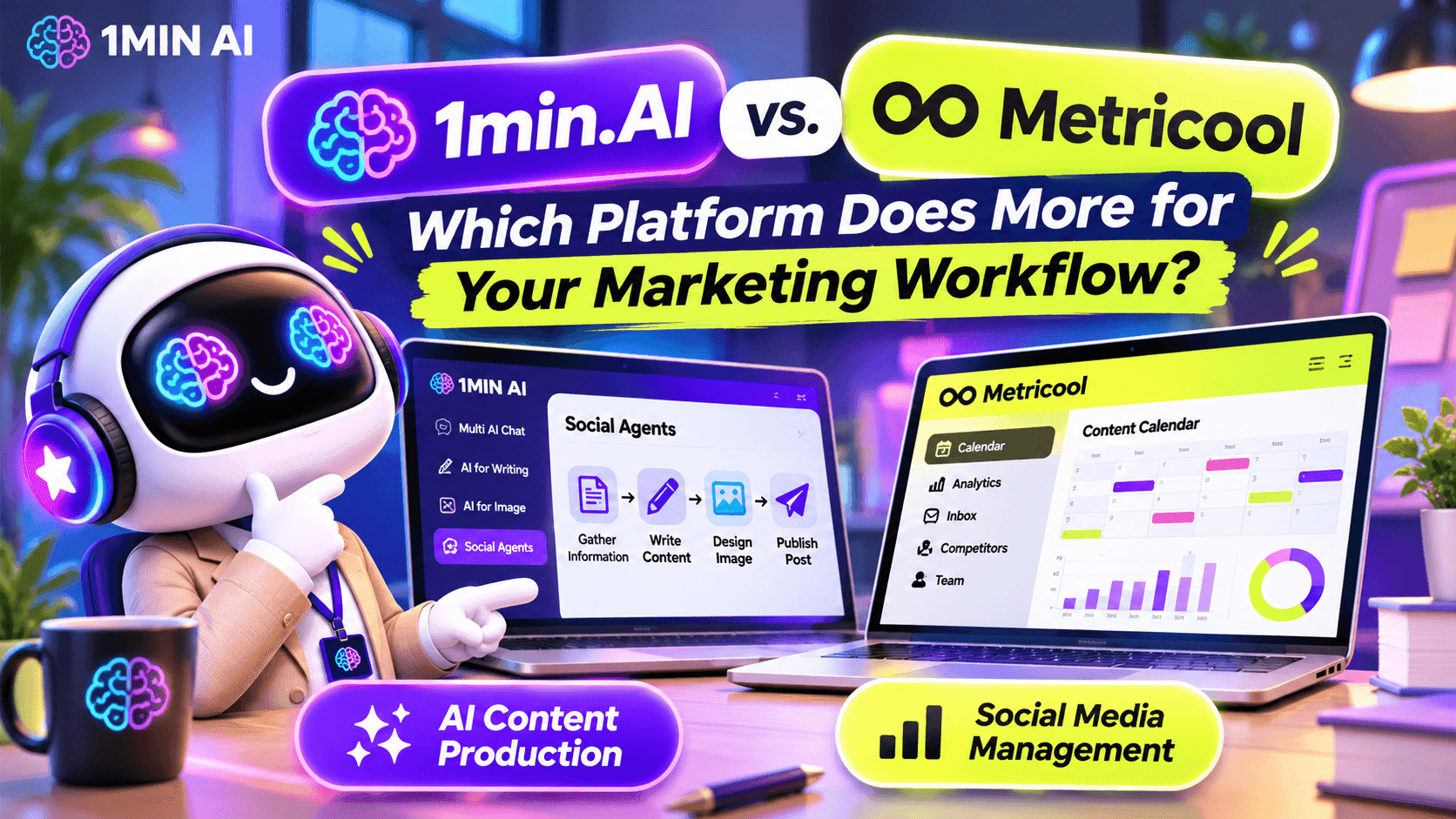
1min.AI vs. Metricool: Which Platform Does More for Your Marketing Workflow?
Compare 1min.AI vs. Metricool across content creation, visual production, scheduling, analytics, MCP, and pricing to find the right platform for your marketing workflow.
AI Tools
Discover the best AI tools to boost productivity, creativity, and everyday work.
Top 4 Affordable AI Tools for Startup Founders
Discover the top 4 affordable AI tools for startup founders to validate ideas, build products, create content, and launch faster without overspending.
 Tram Ta
Turn “Make It Better” Into Better Content With AI
Use AI to turn vague client feedback into clear revisions, reduce unnecessary edits, and deliver better content faster.
 Lien Anh Vu
Free AI X Comment
Create funny, witty, or insightful comments for Twitter with our AI-powered Twitter Comment Generator. Boost your engagement and stand out in the crowd!
Trang TranAI Features
Comprehensive AI features that streamline workflows, improve efficiency, and empower teams to achieve more.
1minAI: Free AI Grammar Checker
Check grammar for free with 1minAI’s AI grammar checker. Find grammar, spelling, and writing mistakes, improve clarity, and polish your content in seconds.
Tram Ta
Build a Portfolio Website Faster with 1min.AI
Learn how freelance creatives can use 1min.AI to plan, write, design, and generate a professional portfolio website faster, even without strong coding skills.
Lien Anh VuFree AI X Comment
Create funny, witty, or insightful comments for Twitter with our AI-powered Twitter Comment Generator. Boost your engagement and stand out in the crowd!
Trang TranAI Use Cases
A curated collection of AI use cases for business, productivity, and industry-specific applications.
Best Time to Post on Instagram: A Practical Guide for Better Engagement
Discover the best time to post on Instagram, including the best days and times for different audiences, plus tips to find the ideal posting schedule for your account.
Tram TaTurn “Make It Better” Into Better Content With AI
Use AI to turn vague client feedback into clear revisions, reduce unnecessary edits, and deliver better content faster.
Lien Anh VuBuild a Portfolio Website Faster with 1min.AI
Learn how freelance creatives can use 1min.AI to plan, write, design, and generate a professional portfolio website faster, even without strong coding skills.
Lien Anh VuAI Tutorials
Learn how to use AI with practical, step-by-step tutorials.

Black Friday AI Tool Deals in 2026
Discover what Black Friday AI tool deals 2026 has to offer. Find out how to secure the 1min.AI lifetime deal via AppSumo, Dealify, Stack Social, and verify on Trustpilot, Slashdot, and Software Advice.
 Hang Nguyen
Viral Reels in Minutes: How to Use 1minAI’s Text-to-Speech for Satirical Voiceovers
Learn how satirical page admins use 1minAI’s Text-to-Speech feature to generate instant news anchor and dramatic voiceovers for TikToks, Shorts, and Instagram Reels.
Turn “Make It Better” Into Better Content With AI
Use AI to turn vague client feedback into clear revisions, reduce unnecessary edits, and deliver better content faster.
Lien Anh VuAI Guides
Learn AI faster with practical guides, real-world examples, and actionable best practices.

Safely Buy AI Tools Online: 2026 Black Friday Guide
Discover how to find and secure the best Black Friday AI deals online. Learn expert strategies to avoid scams, combat subscription fatigue, and verify software.
Hang Nguyen
How to start an AI business without building from scratch
Learn how to start an AI business, validate your idea, and launch faster without building costly AI infrastructure from scratch.
Ngoc Hong
ChatGPT Prompt Tone and Accuracy: How to Get Better Answers on 1minAI
Does prompt tone affect ChatGPT accuracy? Explore the latest studies, learn effective prompting techniques, and compare AI responses on 1minAI.
Tram TaAI Solutions
Browse the best AI solutions for automation, coding, research, productivity, customer support, marketing, and business workflows.
Safely Buy AI Tools Online: 2026 Black Friday Guide
Discover how to find and secure the best Black Friday AI deals online. Learn expert strategies to avoid scams, combat subscription fatigue, and verify software.
Hang Nguyen
Free AI Tattoo Generator: Custom Designs
Turn any idea into a custom tattoo design with 1min.AI's free AI tattoo generator. Describe your idea, pick a style, and download in seconds.
Trang TranTurn “Make It Better” Into Better Content With AI
Use AI to turn vague client feedback into clear revisions, reduce unnecessary edits, and deliver better content faster.
Lien Anh VuAI Models
Explore the world's leading AI models in one place.

Free AI Chat With Claude Fable 5.2 On 1min.AI
Free AI chat with Claude Fable 5.2 on 1min.AI. Compare Fable 5.2 vs Opus 5.5, see Fable 5.2 benchmarks, and start chatting in minutes.
Trang Tran
GPT-6.2 Sol: Specs, Pricing & Free Access
Explore GPT-6.2 Sol specs, pricing, and how it compares with GPT-6.1 Sol and Claude Opus 5.5, then try it free in 1min.AI Multi AI Chat.
Trang Tran
GPT 6.2 Astra: Pricing, Benchmarks & Free Access
GPT 6.2 Astra release date, pricing, Reddit feedback and Opus 5.5 comparison. See what it does best and chat with it on 1min.AI for free.
Trang TranAI Comparisons
Compare AI tools, models, and platforms to find the best fit for your needs.
Gemini 4 Neon vs Hydrogen: Specs, Price & Picks
Gemini 4 Neon vs Hydrogen, Carbon and Argon: compare price, benchmarks and use cases to pick the right model, then test them side by side on 1min.AI.
Trang Tran
Kling AI Vs Veo 3: Which Model Wins?
Kling AI vs Veo 3: compare motion, native audio, pricing & free tiers to see which AI video generator wins for your project - try both on 1min.AI.
Trang Tran
DeepSeek V4 Pro vs Flash Comparison
Compare DeepSeek V4 Pro vs DeepSeek V4 Flash metrics. Optimize your agentic apps and improve AI fact checking on 1min.ai today.
Ngoc HongAI Integrations
Seamlessly integrate AI with the tools you already use to automate work and boost productivity.

POV: You Have 10+ Posts to Make Every Day
Learn how to build an AI content workflow that helps content creators produce 10+ social media posts a day faster with AI brainstorming, image generation, and content creation.
Lien Anh Vu
Stop Switching Between AI Apps: How AI Integration Transforms Employer Branding
Discover how AI integration helps HR teams streamline employer branding by combining AI writing, documents, images, video, and multiple AI models into one workspace.
Tram Ta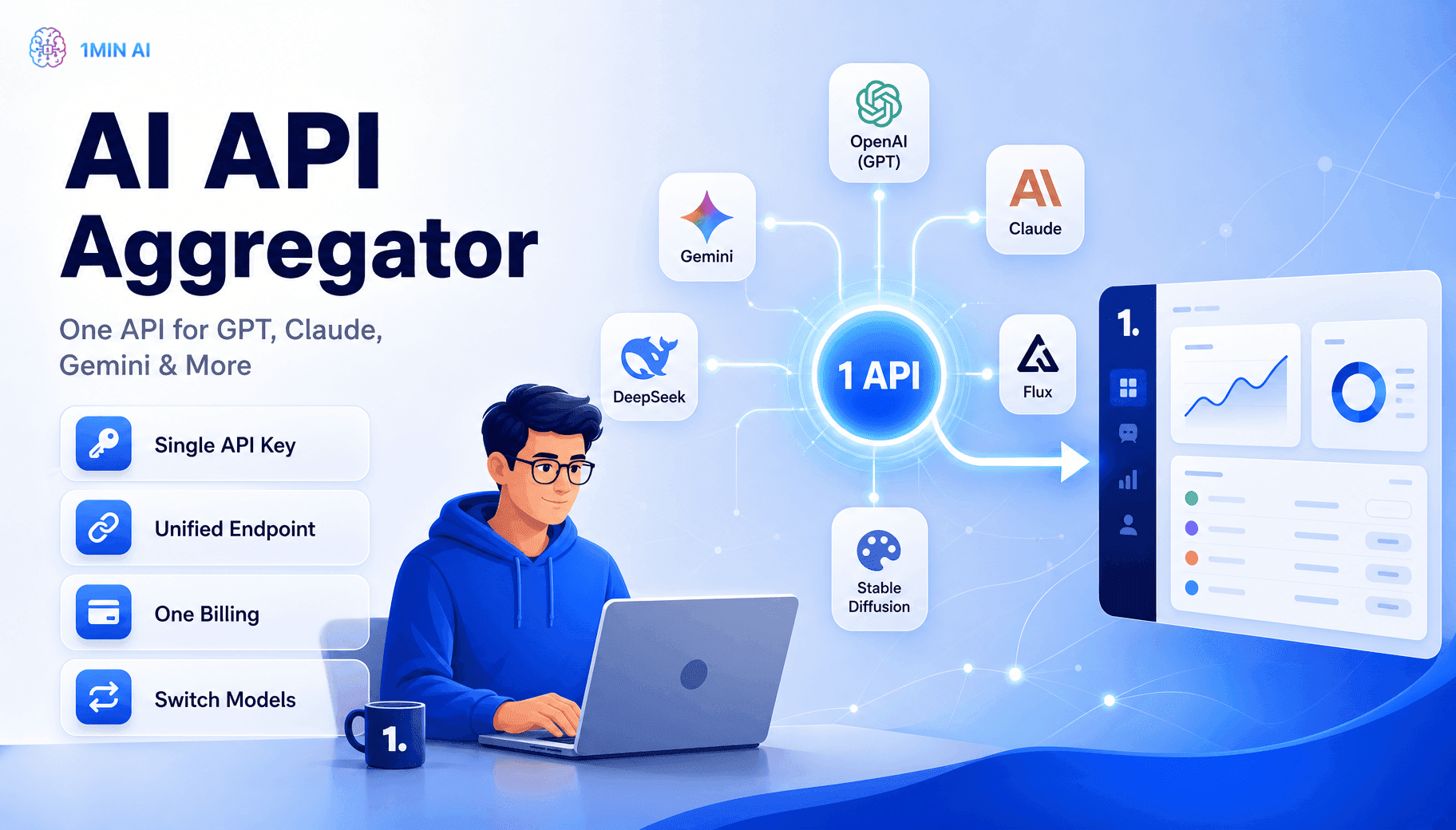
AI API Aggregator Explained For Developers
An AI API aggregator gives developers one unified API to call multiple AI models, cutting integration time and vendor lock in.
Trang TranAI for Industries
Find the best AI tools and workflows for healthcare, finance, education, legal, manufacturing, retail, real estate, and more
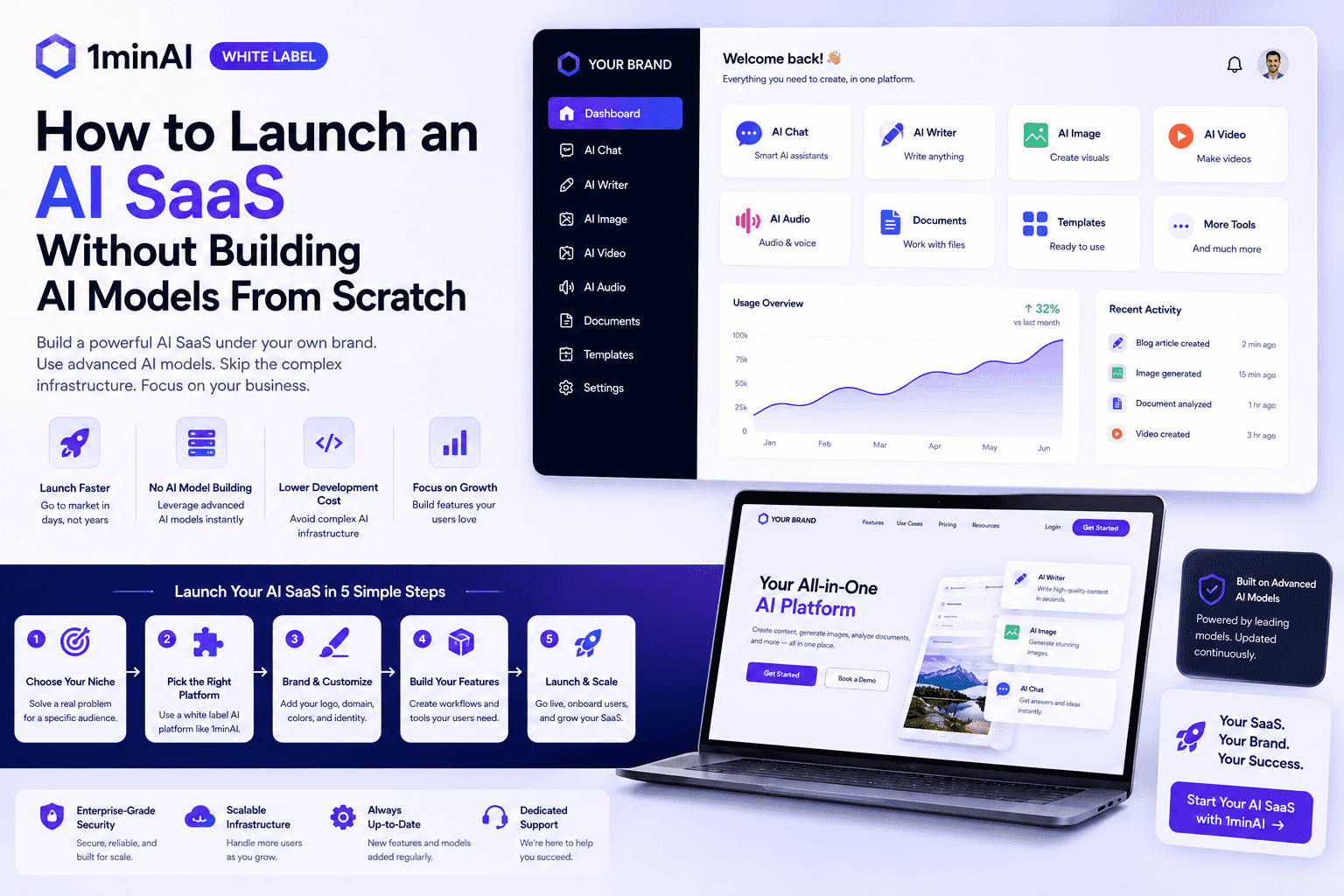
How to Launch an AI SaaS Without Building AI Models From Scratch
Learn how to launch an AI SaaS without building AI models from scratch. Explore white-label AI, product strategy, branding, pricing, and how 1minAI can help.
Tram Ta
ChatGPT Trending Photo Prompts to Copy and Paste
Explore chatgpt trending photo prompt ideas you can copy and paste. Create viral AI portraits, collages, and aesthetic photos with ease.
Trang TranTry Image To Video AI With Prompt Online Free
Try image to video AI with prompt online free, no login and no watermark. Upload a photo, type the motion you want, and get a short video in minutes.
Trang TranAI Agents
Discover and run AI agents to automate tasks across your work and daily life.
1minAI: Free AI Grammar Checker
Check grammar for free with 1minAI’s AI grammar checker. Find grammar, spelling, and writing mistakes, improve clarity, and polish your content in seconds.
Tram Ta
AI Agents for Facebook
Use an AI Agent for Facebook to create content, generate images, schedule posts, and publish from your documents and conversations.
Ngoc Hong
AI Agent vs AI Assistant: Which One Actually Saves Designers More Time?
Learn the difference between AI Agent vs AI Assistant and discover which solution helps designers automate repetitive work, reduce revisions, and save more time.
Lien Anh VuAI Workflows
Explore ready-to-use AI workflows for productivity, marketing, sales, support, and more.
POV: You Have 10+ Posts to Make Every Day
Learn how to build an AI content workflow that helps content creators produce 10+ social media posts a day faster with AI brainstorming, image generation, and content creation.
Lien Anh VuChatGPT Prompt Tone and Accuracy: How to Get Better Answers on 1minAI
Does prompt tone affect ChatGPT accuracy? Explore the latest studies, learn effective prompting techniques, and compare AI responses on 1minAI.
Tram Ta
How to Resell AI Software: A Practical Guide to Building an AI Revenue Stream
Learn how to resell AI software and build a recurring AI revenue stream. Discover how white label AI platforms help agencies and entrepreneurs launch branded AI services.
Tram TaNewsletter
Weekly AI Innovations with 1minAI

🔮 Weekly AI Innovations #147: 1min.ai Drops Major Shift: AI Circle, Kimi & Wan 3.0
Explore AI Circle (formerly AI Social), Kimi K3.1 Pro’s 2M context, and Alibaba Wan 3.0 & 3.0 Prime cinematic video on 1min.ai.
Hang Nguyen
🔮 Weekly AI Innovations #146: Mistral 3.5, Qwen Image & Cohere A+ are ready on 1min.ai
Deploy Mistral Large 3, Qwen Image 3.0, and Cohere Command A+ on 1min.ai. Boost RAG accuracy and cut visual generation latency in one unified AI workspace.
Hang Nguyen
🔮 Weekly AI Innovations #145: X Content Agent & GPT 6.1 Terra on 1min.ai
Scale viral reach with the X Content Agent on 1min.ai. Discover an end-to-end 4-stage pipeline with zero token burn, plus the launch of GPT 6.1 Terra.
Hang Nguyen