Free AI Image Enhancer You Must Try: Improve Image Quality with 1minAI

Tram Ta
November 5, 2026
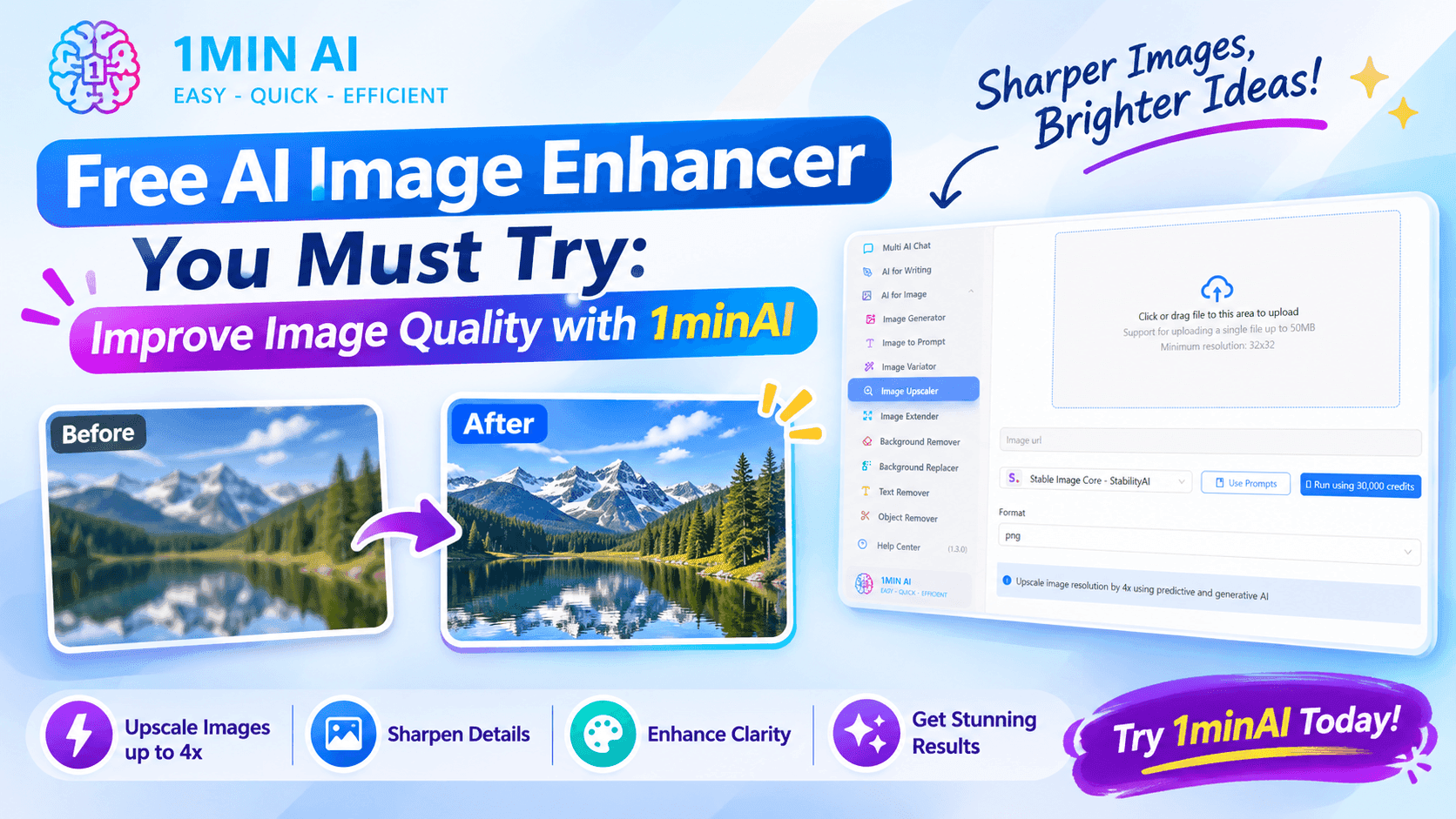
Looking for a free AI image enhancer? Discover how 1minAI helps upscale low-resolution photos, sharpen details, and refine images with AI-powered editing tools.
An AI image enhancer can help improve image clarity, sharpen details, and increase resolution without requiring advanced photo-editing skills.
Instead of manually adjusting every setting, you can upload an image and let AI help refine it. With 1minAI's AI Image Upscaler, you can improve image resolution and prepare visuals for websites, social media, ecommerce listings, and other creative projects.
In this guide, we'll explain how AI image enhancement works, explore common use cases, and show you how to enhance and edit images with 1minAI.
What Is an AI Image Enhancer?
An AI image enhancer is a tool that uses artificial intelligence to improve the visual quality of an existing image.
Traditional image resizing usually adds pixels through interpolation. This can make an image larger, but it does not necessarily restore the details that were missing in the original file.
AI enhancement takes a different approach. Depending on the tool and model, it can analyze image patterns and predict details that help produce a clearer-looking result.
Common AI image enhancement capabilities include:
- Image upscaling: Increase image dimensions and resolution.
- Detail sharpening: Make edges and textures appear clearer.
- Blur reduction: Improve the appearance of slightly blurry images.
- Noise reduction: Reduce distracting visual noise.
- Image refinement: Improve the overall appearance of photos and graphics.
One important distinction: an image enhancer is not the same as a complete photo editor. Upscaling focuses on resolution and detail, while editing tools can remove objects, change backgrounds, expand a canvas, or modify specific image areas.
Why Use a Free AI Image Enhancer?
You don't always need professional editing software to improve a photo. An online AI image enhancer can make common image-quality tasks more accessible, especially when you need to process visuals quickly.
Here are some reasons to try one.
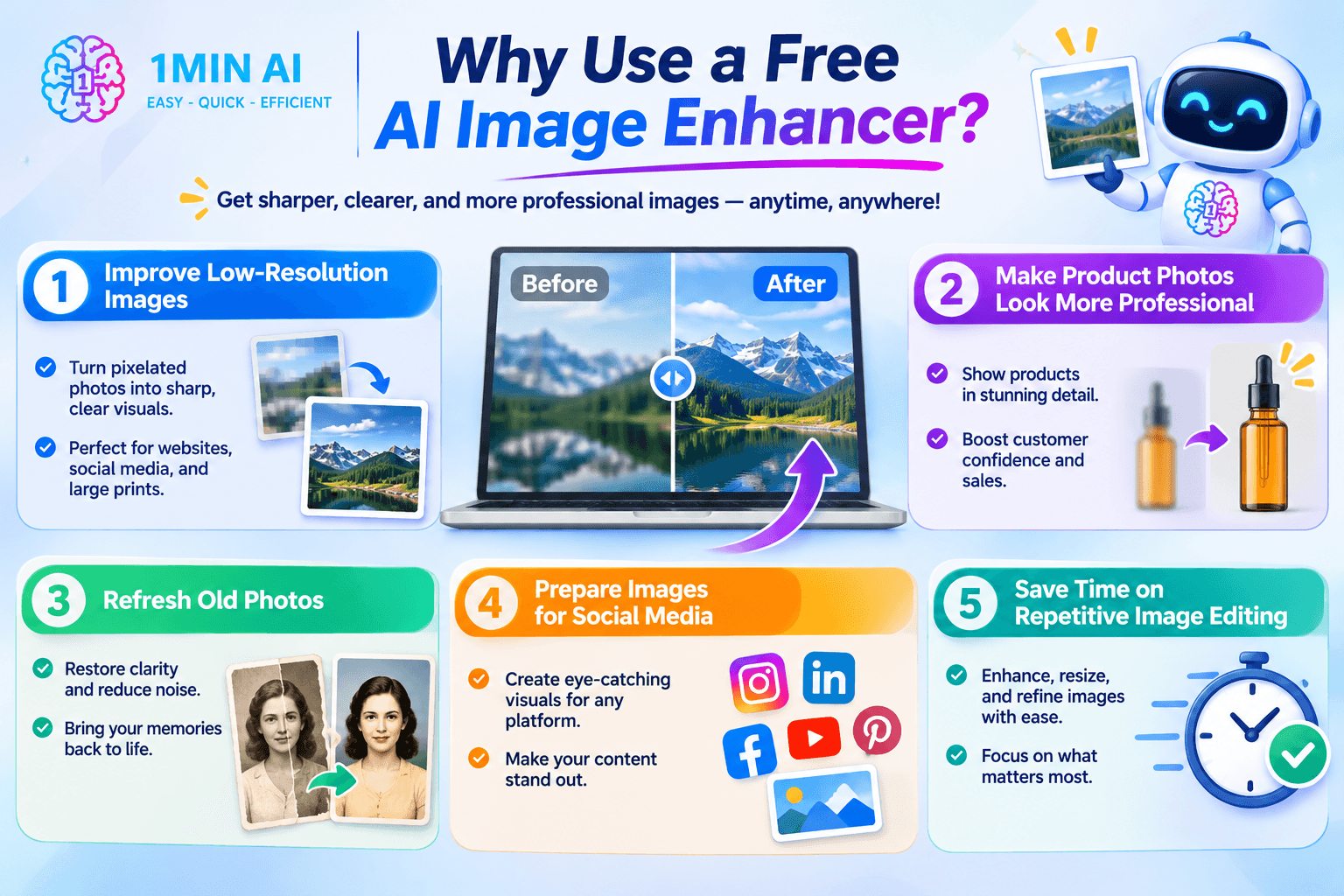
1. Improve Low-Resolution Images
Low-resolution images can look acceptable as small thumbnails but become pixelated when displayed at larger sizes.
An AI image upscaler can increase the image dimensions and reconstruct details to create a sharper-looking result.
This is useful when preparing:
- Website images and blog graphics.
- Product photos for online stores.
- Social media visuals.
- Presentation images.
- Posters and other larger creative assets.
. Make Product Photos Look More Professional
Product images influence how customers perceive an online store. A blurry or poorly detailed photo may make it harder for shoppers to understand the product.
An AI image enhancer can help improve the clarity of existing product photos before you use them in product listings, advertisements, or promotional materials.
For example, if you have a small image of a skincare bottle, you can try upscaling it before placing it in a larger ecommerce layout.
Always compare the enhanced image with the original to make sure product labels, colors, and important details remain accurate.
3. Refresh Old Photos
Older photographs and scanned images may have limited resolution, visible noise, or faded details.
AI enhancement can help make these images easier to view and reuse in digital albums, presentations, or personal projects.
However, enhancement cannot always recover information that was never captured. AI may generate plausible details, so check faces and other important features carefully.
4. Prepare Images for Social Media
Social media content often needs to look sharp across different devices and display sizes.
If your original visual is too small or lacks detail, an AI image enhancer can help prepare a clearer version before you publish it.
You can use enhanced images for:
- Instagram posts and stories.
- Facebook graphics.
- LinkedIn content.
- Pinterest pins.
- TikTok cover images.
- YouTube thumbnails.
5. Save Time on Repetitive Image Editing
Manually adjusting sharpness, resizing images, and refining details can take time, especially when you work with many visuals.
AI-powered tools simplify parts of this process. You can upload an image, select the appropriate enhancement option, and review the result without needing to understand every technical editing setting.
Try 1minAI: A Free AI Image Enhancer and More
If you're looking for an accessible way to improve image quality, start with 1minAI AI Image Upscaler.
The tool is designed to help users upscale photos, improve image clarity, and prepare higher-resolution visuals for different purposes.
What Can You Do with 1minAI Image Upscaler?
Increase image resolution
Upscale low-resolution images to create larger visuals for websites, presentations, marketing materials, and other projects.
Improve image clarity
Enhance the appearance of details, edges, and textures so that images look cleaner and sharper.
Work with different image types
Use image enhancement for portraits, product photos, illustrations, artwork, scanned images, and marketing graphics.
Choose an enhancement level
Select from the available upscaling options based on the quality and size you need for your project.
Use a beginner-friendly workflow
Upload an image, choose an available enhancement option, and process the image without needing advanced photo-editing knowledge.
How to Enhance an Image with 1minAI
You can follow these simple steps to get started:
Step 1: Open 1minAI AI Image Upscaler
Visit 1minAI AI Image Upscaler to access the image enhancement tool.
Step 2: Upload Your Image
Choose the photo or graphic you want to improve. It could be a product image, a portrait, an old photograph, or a visual for your next marketing campaign.
Step 3: Select an Upscaling Option
Choose the available enhancement or upscaling level based on your intended use. A small improvement may be enough for a website image, while a larger output may be useful for a presentation or print project.
Step 4: Process Your Image
Let the AI tool process the image. Processing time and available options may vary depending on the image and selected settings.
Step 5: Review and Download
Compare the enhanced result with the original. Check important details such as faces, text, product labels, and edges before downloading and using the image.
Keep a copy of your original image. This makes it easier to compare results and return to the source if the AI changes details you want to preserve.
More Than an AI Image Enhancer: Explore 1minAI's Image Tools
Improving resolution is only one part of creating better visuals. Sometimes, an image needs a different background, more space around the subject, or a targeted edit.
That's why 1minAI offers a broader collection of AI image tools. You can move from enhancement to editing and image generation without treating every visual problem as an upscaling task.
1. Create, Edit, and Transform Images in One Workspace
https://1min.ai/create-edit-transform-images
If you regularly create visual content, switching between different editing tools can interrupt your workflow.
1minAI's Create, Edit, and Transform Images page brings together different AI image capabilities, including image generation, upscaling, variations, background editing, object removal, and targeted image modifications.
You can use the tools for different stages of a visual project:
| Your image task | 1minAI tool |
|---|---|
| Improve image resolution | Image Upscaler |
| Create a new visual | AI Image Generator |
| Explore different versions | Image Variator |
| Expand the image canvas | Image Extender |
| Remove unwanted objects | Object Remover |
| Replace image elements | Search and Replace |
| Edit a specific area | Image Mask Editor |
| Remove or change backgrounds | Background tools |
| Create a prompt from a picture | Image to Prompt |
This is particularly useful for marketers, ecommerce teams, designers, and content creators who need more than a simple resolution boost.
. AI Image Object Search and Replace
https://1min.ai/ai-image-object-search-and-replace
Sometimes an image looks great overall, but one element needs to change.
For example, you might want to replace an object in a product scene, modify a decorative element, or adjust part of a marketing visual without recreating the entire image.
1minAI's AI Image Object Search and Replace helps you modify selected image elements with AI.
Potential use cases include:
- Replacing an object in a lifestyle photo.
- Changing a decorative element in a promotional graphic.
- Updating an image to fit a new campaign concept.
- Experimenting with different visual compositions.
This tool is different from an image upscaler: it changes image content rather than focusing primarily on resolution.
3. AI Image Extender
https://1min.ai/image-extender
Have you ever created a great image but found that it doesn't fit the layout you need?
For example, a square image might need to become a wide website banner, or a portrait image might need more background space for a social media design.
The 1minAI Image Extender helps expand an image beyond its original boundaries using AI-generated content.
You can explore this tool for:
- Turning square images into landscape visuals.
- Creating more background space around a subject.
- Adapting photos to different social media layouts.
- Preparing wider visuals for website banners.
- Adjusting compositions for presentations.
An image extender is especially useful when the original subject is good but the canvas is too restrictive.
4. Image Mask Editor
https://1min.ai/image-mask-editor
Sometimes you only want to change one part of an image while keeping the rest of the composition intact.
The 1minAI Image Mask Editor helps you target specific areas for AI-assisted editing.
For example, you may want to:
- Modify an object without changing the background.
- Adjust a specific area of a product scene.
- Change part of an illustration.
- Refine a visual while preserving other elements.
This gives you more control over targeted edits than simply generating an entirely new image.
5. AI Midjourney Image Generator
https://1min.ai/ai-midjourney-image-generator
What if you don't have an existing image to enhance?
In that case, you may want to create a new visual from a text prompt. The 1minAI Midjourney Image Generator gives you access to an image-generation workflow for turning creative descriptions into visuals.
You can experiment with prompts for:
- Editorial illustrations.
- Product concept images.
- Creative advertising visuals.
- Character designs.
- Artistic and stylized scenes.
For better results, include the subject, setting, visual style, lighting, composition, and mood in your prompt.
6. Free AI Image Generation with FLUX.2 Pro
https://1min.ai/free-ai-image-generation-with-flux-2-pro
Another option for creating new visuals is 1minAI's FLUX.2 Pro image generation.
Instead of improving an existing photo, this workflow starts with a prompt and generates an image based on your description.
For example, an ecommerce marketer could try:
“Create a premium product advertisement featuring a minimalist glass skincare bottle on a clean beige stone surface. Soft natural window lighting, subtle shadows, elegant composition, realistic product photography, warm neutral palette, plenty of negative space for advertising copy.”
Once you have a generated image, you can explore other 1minAI image tools to refine the result, adjust its composition, or upscale it when needed.
Practical AI Image Enhancer Use Cases
Here are some examples of how different users can combine AI image enhancement with other image tools.
For Ecommerce Sellers: Improve Product Images
The problem: Your product photos are too small or lack detail when displayed in a larger product listing.
A possible workflow:
- Upload the original product photo to AI Image Upscaler.
- Increase the image resolution using an available option.
- Review the product edges, label, and color accuracy.
- Use other editing tools if the background or composition needs adjustment.
- Prepare the final image for your product listing.
For Content Creators: Prepare Blog and Social Media Visuals
The problem: You have an image that looks good but is too small or doesn't fit your content layout.
A possible workflow:
- Upscale the original image.
- Use Image Extender if you need a wider or taller canvas.
- Use Image Mask Editor for a targeted visual adjustment.
- Review the final composition.
- Export the image for your blog or social media channel.
For Marketers: Refine Campaign Graphics
The problem: Your campaign visual needs a small change, but recreating the whole image would take too much time.
A possible workflow:
- Start with your existing campaign image.
- Upscale it if resolution is insufficient.
- Use Search and Replace to modify an image element.
- Use Image Mask Editor for a targeted edit.
- Compare the final result with your original brand assets.
For Designers: Explore New Creative Directions
The problem: You want to test several visual concepts before choosing a final design.
A possible workflow:
- Generate an initial image using an AI image generator.
- Explore different variations.
- Extend the canvas if the composition needs more space.
- Refine selected areas with the Image Mask Editor.
- Upscale the final visual when a larger output is needed.
Frequently Asked Questions
What is the best free AI image enhancer?
The best AI image enhancer depends on what you want to improve. If you need to increase the resolution of an existing image, try an AI upscaler such as 1minAI AI Image Upscaler. If you need to replace objects, expand a canvas, or edit specific areas, choose a tool designed for that task.
Can I enhance an image with AI for free?
Some AI image tools provide free access through credits or limited usage. 1minAI offers free-credit options, but the number of available credits and the cost of individual operations may vary. Check your account and the current tool terms before processing large batches of images.
Can AI make a blurry image clear?
AI can improve the appearance of some blurry images by sharpening details and reconstructing visual information. However, it cannot reliably recover every detail lost through severe blur, poor focus, or motion. Always inspect the enhanced result, especially when accuracy matters.
Does an AI image enhancer increase resolution?
Many AI image enhancers include upscaling features that increase image dimensions. The exact output sizes and enhancement options depend on the tool and model.
Conclusion
A good AI image enhancer can help you get more value from the images you already have. Whether you're improving a product photo, preparing a blog graphic, refreshing an old photograph, or making a visual suitable for a larger layout, AI-powered enhancement can simplify the process.
With 1minAI AI Image Upscaler, you can start by improving image resolution and clarity. When you need more than enhancement, explore the wider collection of tools for object replacement, image extension, targeted editing, and AI image generation.
Instead of starting over whenever a visual needs improvement, try refining what you already have.
Ready to improve your images? Try 1minAI AI Image Upscaler and explore its AI-powered image tools.
- #Commerce
Alternatives
Discover the best alternatives to 1minAI and compare features, pricing, and use cases.
1min.AI vs OpenRouter
1min.AI vs. OpenRouter: Compare the ready-to-use AI creation product against the technical API tool. Find out if you need a zero-code creative studio or a coding infrastructure hub.
 Ngoc Hong
1minAI vs Postbeam for LinkedIn Content
Looking for a Postbeam alternative? Compare 1minAI vs Postbeam for AI LinkedIn content creation, research, image generation, scheduling, and B2B workflows.
 Tram Ta
1minAI vs Buffer for LinkedIn Content Creation
Looking for a Buffer alternative? Compare 1minAI vs Buffer for LinkedIn content creation, AI writing, image generation, scheduling, and automation.
Tram TaAI Tools
Discover the best AI tools to boost productivity, creativity, and everyday work.
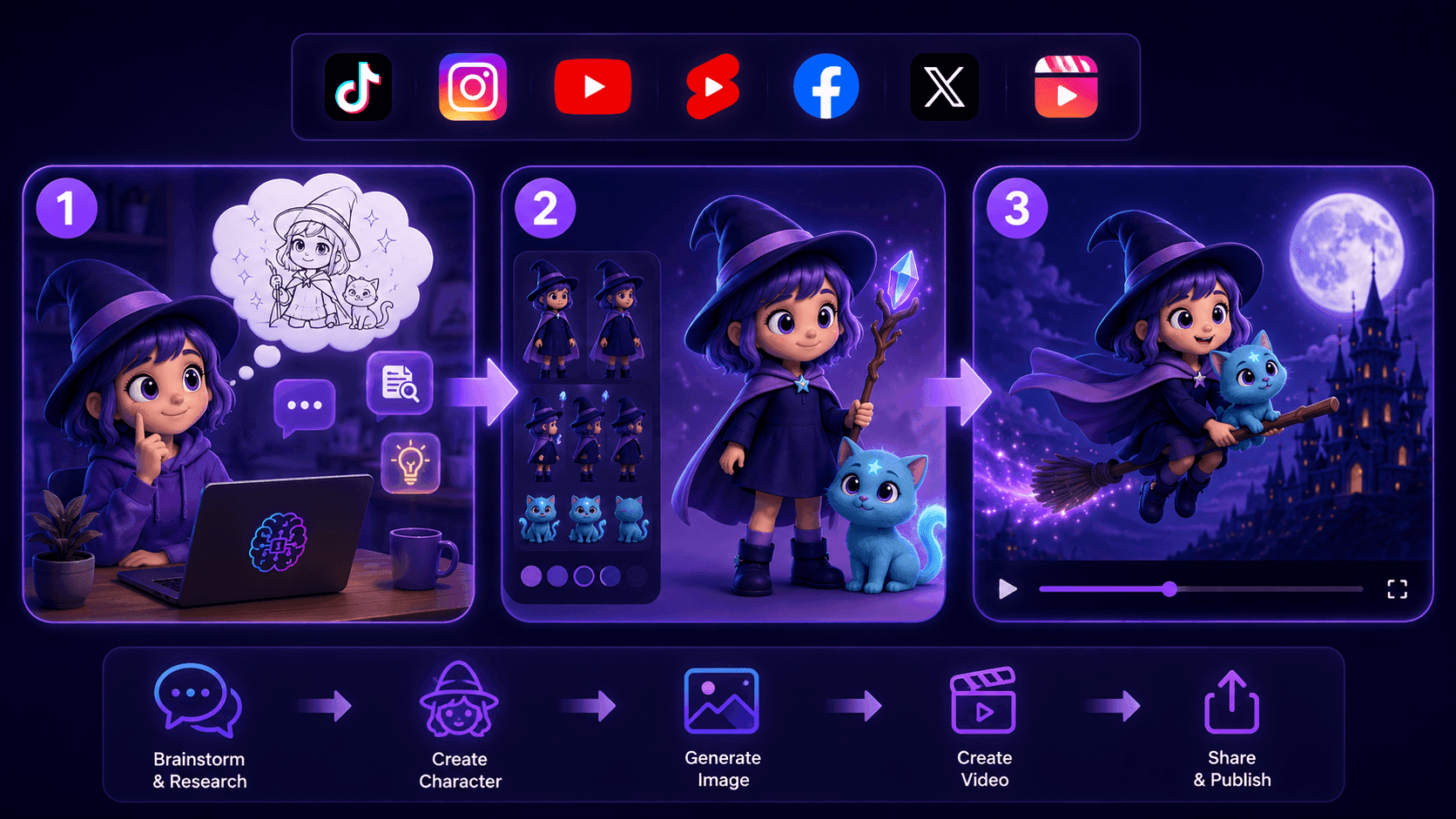
Create Consistent Cartoon Content in Just a Few Steps
Create engaging cartoon videos for TikTok and Reels with 1min.AI. Research ideas, create characters, and turn images into animated videos in 3 simple steps.
 Lien Anh Vu
One Product, 10 UGC Creatives: How AI Makes Content Testing Easier
Create more authentic UGC with an AI UGC video generator, test more creative angles and scale affiliate content without filming every version.
Lien Anh Vu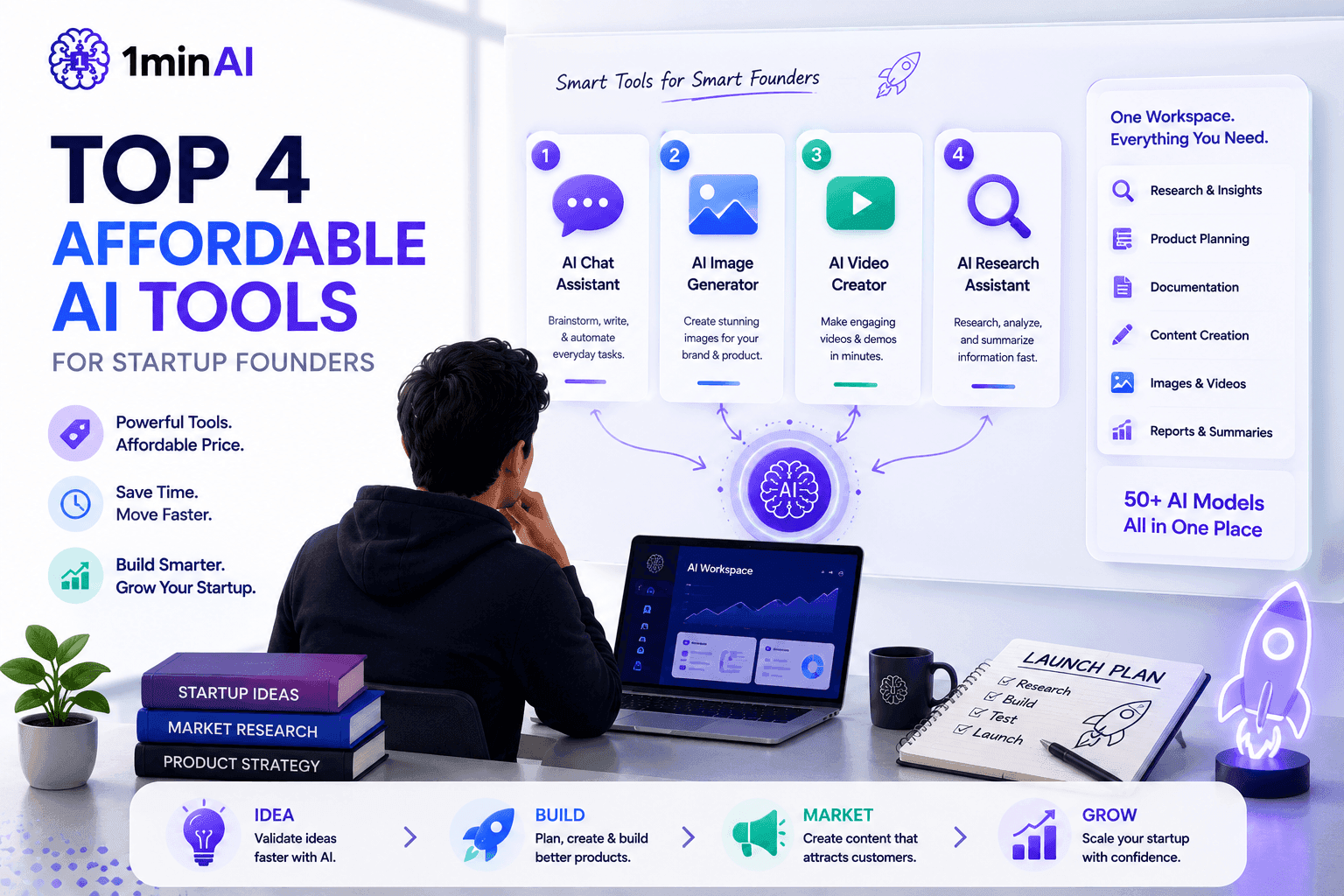
Top 4 Affordable AI Tools for Startup Founders
Discover the top 4 affordable AI tools for startup founders to validate ideas, build products, create content, and launch faster without overspending.
Tram TaAI Features
Comprehensive AI features that streamline workflows, improve efficiency, and empower teams to achieve more.
Create Consistent Cartoon Content in Just a Few Steps
Create engaging cartoon videos for TikTok and Reels with 1min.AI. Research ideas, create characters, and turn images into animated videos in 3 simple steps.
Lien Anh VuOne Product, 10 UGC Creatives: How AI Makes Content Testing Easier
Create more authentic UGC with an AI UGC video generator, test more creative angles and scale affiliate content without filming every version.
Lien Anh Vu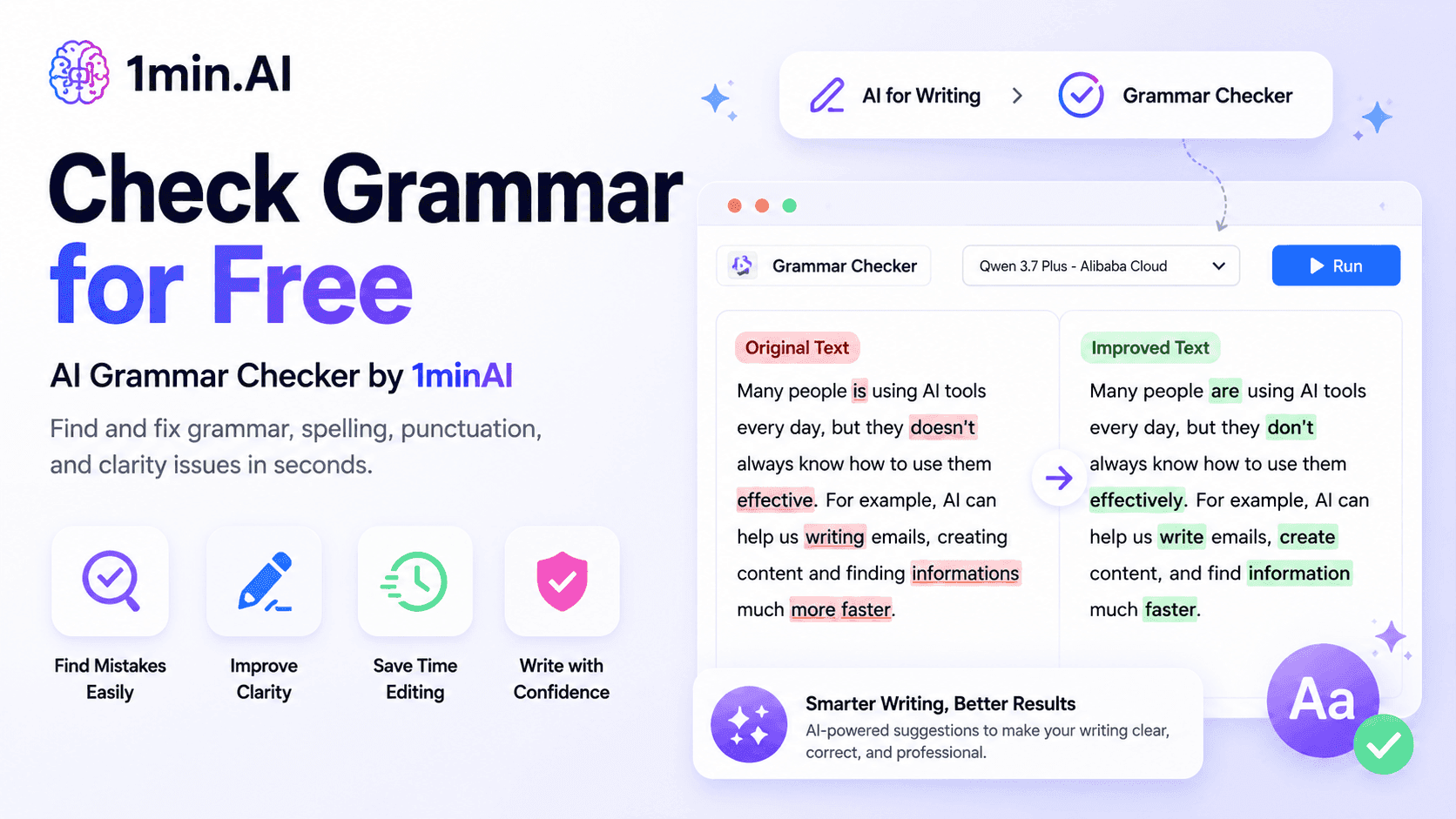
1minAI: Free AI Grammar Checker
Check grammar for free with 1minAI’s AI grammar checker. Find grammar, spelling, and writing mistakes, improve clarity, and polish your content in seconds.
Tram TaAI Use Cases
A curated collection of AI use cases for business, productivity, and industry-specific applications.
Create Consistent Cartoon Content in Just a Few Steps
Create engaging cartoon videos for TikTok and Reels with 1min.AI. Research ideas, create characters, and turn images into animated videos in 3 simple steps.
Lien Anh VuOne Product, 10 UGC Creatives: How AI Makes Content Testing Easier
Create more authentic UGC with an AI UGC video generator, test more creative angles and scale affiliate content without filming every version.
Lien Anh Vu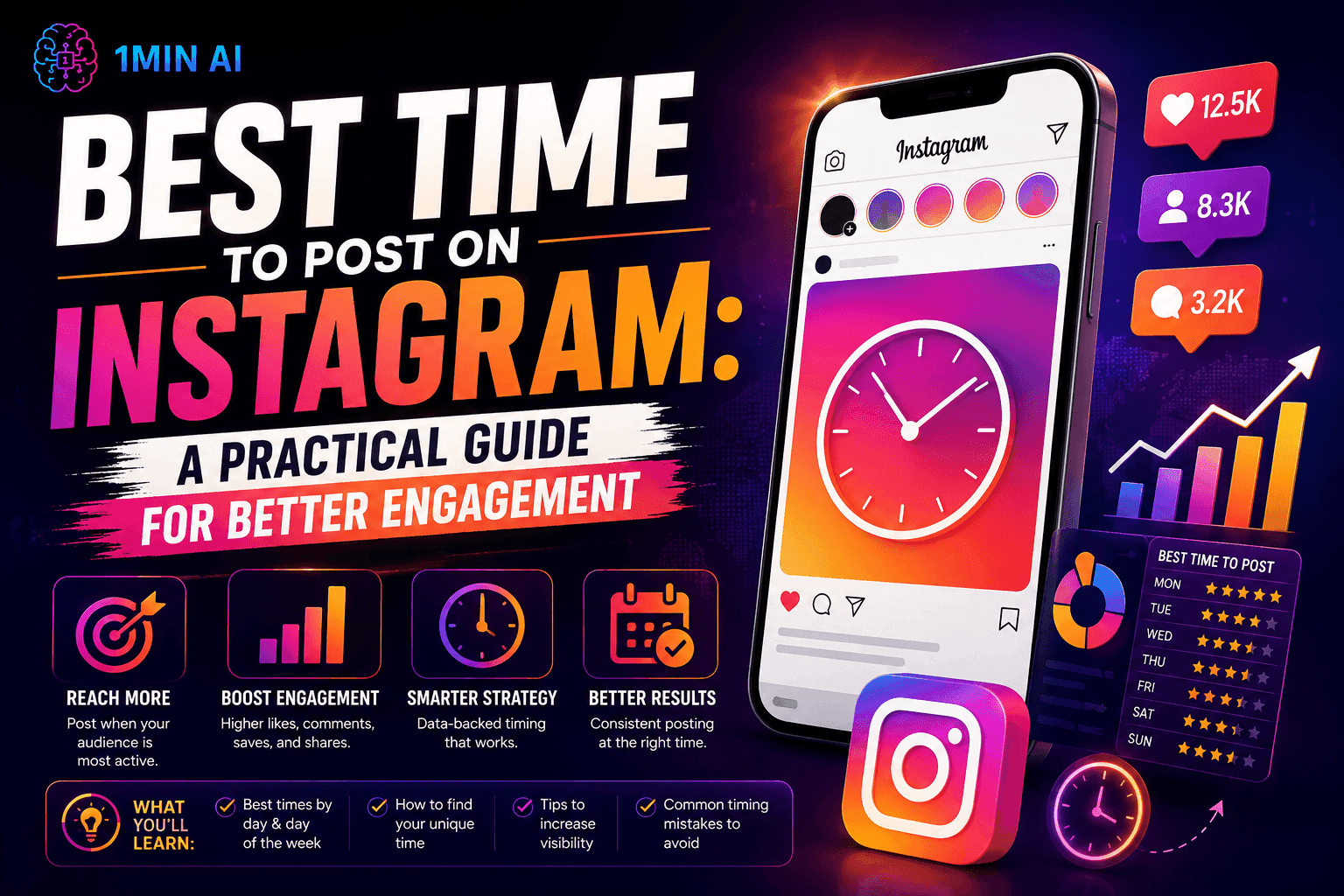
Best Time to Post on Instagram: A Practical Guide for Better Engagement
Discover the best time to post on Instagram, including the best days and times for different audiences, plus tips to find the ideal posting schedule for your account.
Tram TaAI Tutorials
Learn how to use AI with practical, step-by-step tutorials.
Black Friday AI Tool Deals in 2026
Discover what Black Friday AI tool deals 2026 has to offer. Find out how to secure the 1min.AI lifetime deal via AppSumo, Dealify, Stack Social, and verify on Trustpilot, Slashdot, and Software Advice.
 Hang Nguyen
Create Consistent Cartoon Content in Just a Few Steps
Create engaging cartoon videos for TikTok and Reels with 1min.AI. Research ideas, create characters, and turn images into animated videos in 3 simple steps.
Lien Anh Vu
[Seedance 2.5 New] Better AI Product Videos, Less Rework in 1min.AI
Use Seedance 2.5 image to video on 1min.AI to create more consistent AI product videos, reduce failed generations, save credits, and improve UGC workflows.
Lien Anh VuAI Guides
Learn AI faster with practical guides, real-world examples, and actionable best practices.

Safely Buy AI Tools Online: 2026 Black Friday Guide
Discover how to find and secure the best Black Friday AI deals online. Learn expert strategies to avoid scams, combat subscription fatigue, and verify software.
Hang NguyenCreate Consistent Cartoon Content in Just a Few Steps
Create engaging cartoon videos for TikTok and Reels with 1min.AI. Research ideas, create characters, and turn images into animated videos in 3 simple steps.
Lien Anh Vu[Seedance 2.5 New] Better AI Product Videos, Less Rework in 1min.AI
Use Seedance 2.5 image to video on 1min.AI to create more consistent AI product videos, reduce failed generations, save credits, and improve UGC workflows.
Lien Anh VuAI Solutions
Browse the best AI solutions for automation, coding, research, productivity, customer support, marketing, and business workflows.
Safely Buy AI Tools Online: 2026 Black Friday Guide
Discover how to find and secure the best Black Friday AI deals online. Learn expert strategies to avoid scams, combat subscription fatigue, and verify software.
Hang NguyenCreate Consistent Cartoon Content in Just a Few Steps
Create engaging cartoon videos for TikTok and Reels with 1min.AI. Research ideas, create characters, and turn images into animated videos in 3 simple steps.
Lien Anh VuOne Product, 10 UGC Creatives: How AI Makes Content Testing Easier
Create more authentic UGC with an AI UGC video generator, test more creative angles and scale affiliate content without filming every version.
Lien Anh VuAI Models
Explore the world's leading AI models in one place.
Create Consistent Cartoon Content in Just a Few Steps
Create engaging cartoon videos for TikTok and Reels with 1min.AI. Research ideas, create characters, and turn images into animated videos in 3 simple steps.
Lien Anh VuOne Product, 10 UGC Creatives: How AI Makes Content Testing Easier
Create more authentic UGC with an AI UGC video generator, test more creative angles and scale affiliate content without filming every version.
Lien Anh Vu[Seedance 2.5 New] Better AI Product Videos, Less Rework in 1min.AI
Use Seedance 2.5 image to video on 1min.AI to create more consistent AI product videos, reduce failed generations, save credits, and improve UGC workflows.
Lien Anh VuAI Comparisons
Compare AI tools, models, and platforms to find the best fit for your needs.
Kling AI Vs Veo 3: Which Model Wins?
Kling AI vs Veo 3: compare motion, native audio, pricing & free tiers to see which AI video generator wins for your project - try both on 1min.AI.
 Trang Tran
[Seedance 2.5 New] Better AI Product Videos, Less Rework in 1min.AI
Use Seedance 2.5 image to video on 1min.AI to create more consistent AI product videos, reduce failed generations, save credits, and improve UGC workflows.
Lien Anh Vu
DeepSeek V4 Pro vs Flash Comparison
Compare DeepSeek V4 Pro vs DeepSeek V4 Flash metrics. Optimize your agentic apps and improve AI fact checking on 1min.ai today.
Ngoc HongAI Integrations
Seamlessly integrate AI with the tools you already use to automate work and boost productivity.
POV: You Have 10+ Posts to Make Every Day
Learn how to build an AI content workflow that helps content creators produce 10+ social media posts a day faster with AI brainstorming, image generation, and content creation.
Lien Anh Vu
How to Use an AI Fashion Video Generator for Fashion Week 2026
Turn Fashion Week 2026 ideas into stunning fashion videos with AI. Learn how to brainstorm, create visuals, and transform images into videos with one simple workflow.
Lien Anh Vu
Stop Switching Between AI Apps: How AI Integration Transforms Employer Branding
Discover how AI integration helps HR teams streamline employer branding by combining AI writing, documents, images, video, and multiple AI models into one workspace.
Tram TaAI for Industries
Find the best AI tools and workflows for healthcare, finance, education, legal, manufacturing, retail, real estate, and more
Claude Opus 5.5 as an AI Writing Assistant for Designers
Discover how designers can use Claude Opus 5.5 on 1min.AI to write portfolio descriptions and social media captions with a simple AI writing workflow.
Lien Anh Vu
Free AI Video Generator From Image No Restrictions
Try a free AI video generator from image with no watermark. Turn photos into videos with audio using Kling, Veo 3.1 and Seedance in 1min.AI. Start now.
Trang Tran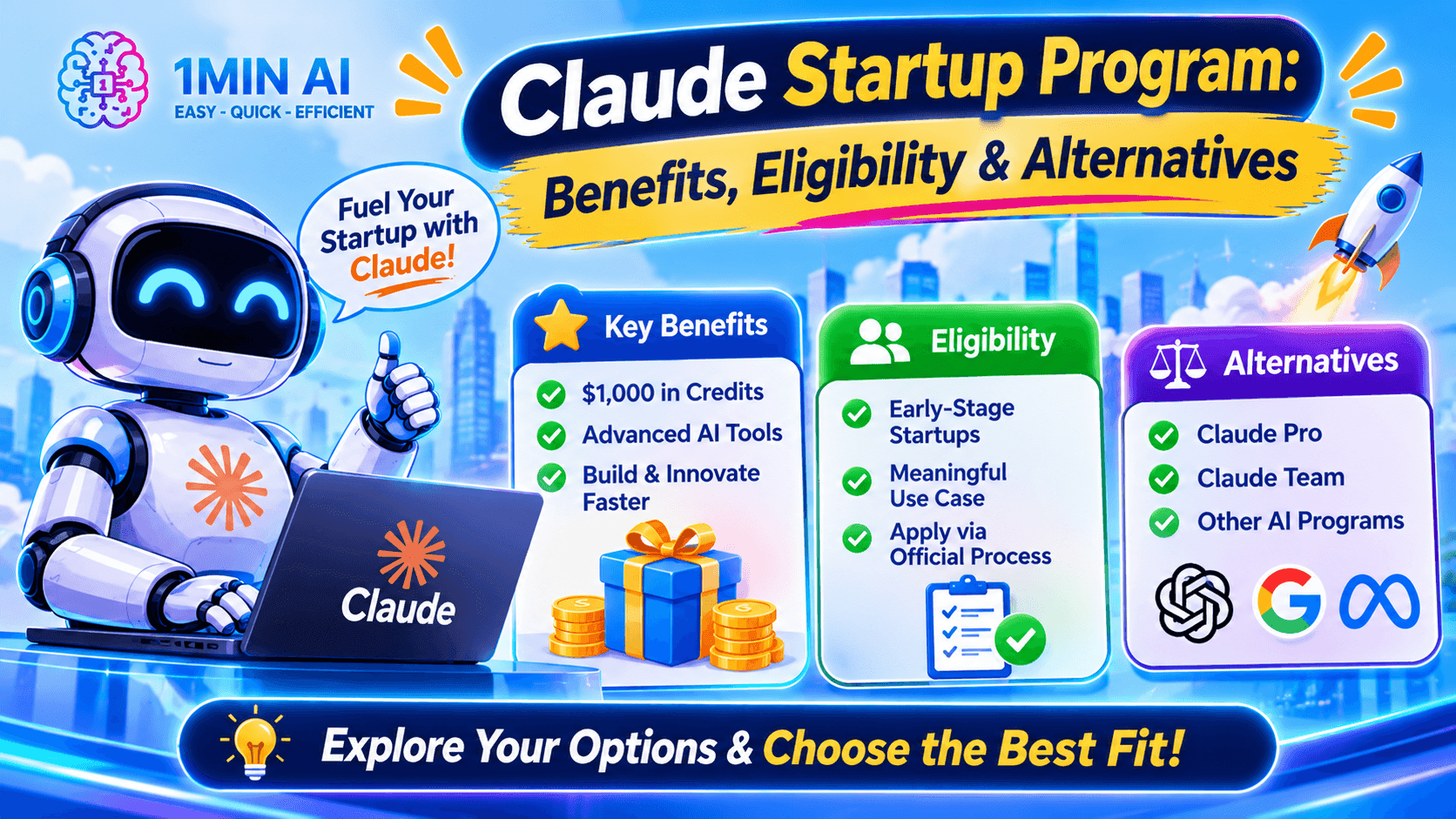
Claude Startup Program: Benefits, Eligibility, and How Startups Can Build with Claude
Learn about the Claude Startup Program, including API credits, Claude Team benefits, eligibility, application steps, and AI tools startups can explore with 1minAI.
Tram TaAI Agents
Discover and run AI agents to automate tasks across your work and daily life.
1minAI: Free AI Grammar Checker
Check grammar for free with 1minAI’s AI grammar checker. Find grammar, spelling, and writing mistakes, improve clarity, and polish your content in seconds.
Tram Ta
AI Agents for Facebook
Use an AI Agent for Facebook to create content, generate images, schedule posts, and publish from your documents and conversations.
Ngoc Hong
AI Agent vs AI Assistant: Which One Actually Saves Designers More Time?
Learn the difference between AI Agent vs AI Assistant and discover which solution helps designers automate repetitive work, reduce revisions, and save more time.
Lien Anh VuAI Workflows
Explore ready-to-use AI workflows for productivity, marketing, sales, support, and more.
Create Consistent Cartoon Content in Just a Few Steps
Create engaging cartoon videos for TikTok and Reels with 1min.AI. Research ideas, create characters, and turn images into animated videos in 3 simple steps.
Lien Anh VuOne Product, 10 UGC Creatives: How AI Makes Content Testing Easier
Create more authentic UGC with an AI UGC video generator, test more creative angles and scale affiliate content without filming every version.
Lien Anh VuPOV: You Have 10+ Posts to Make Every Day
Learn how to build an AI content workflow that helps content creators produce 10+ social media posts a day faster with AI brainstorming, image generation, and content creation.
Lien Anh VuNewsletter
Weekly AI Innovations with 1minAI
🔮 Weekly AI Innovations #144: LinkedIn Content Agent: Complete B2B Publishing Pipeline
Scale B2B influence with the LinkedIn Content Agent on 1min.ai. Discover an end-to-end 4-stage pipeline with zero redundant token burn and 1-click publishing.
Hang Nguyen
🔮 Weekly AI Innovations #143: Update GPT-6, GPT-6.1 & Ideogram 4.0
Access GPT-6 Sol, Luna, GPT-6.1 Sol, and Ideogram 4.0 on 1min.ai. Boost typography accuracy to 98.4% and cut reasoning latency by 45% in one platform.
Hang Nguyen
🔮 Weekly AI Innovations #142: Grok 4.7, Opus 5.5 & Sonnet 5.5 on 1min.ai
Access Grok 4.7, Claude Opus 5.5, and Sonnet 5.5 on 1min.ai. Cut subscription costs by up to 70% and process millions tokens in a single unified workspace.
Hang Nguyen