
How Students Can Access Claude Opus 5.5 Free on 1minAI

Tram Ta
November 2, 2026
Learn how to access Claude Opus 5.5 free on 1minAI and use AI to understand lectures, summarize research papers, review code, and study smarter.
Students deal with more than lectures and exams. There are research papers to read, complicated concepts to understand, assignments to organize, and projects that can take hours to complete.
AI assistants can make some of these tasks easier. But accessing advanced models may require a paid subscription or API setup, which is not always convenient for students on a budget.
The good news is that you can try Claude Opus 5.5 free on 1minAI through its online AI chat experience. You can open the platform, select the model when available, and use it to work through real study tasks without setting up your own API integration.
In this guide, you'll learn how to access Claude Opus 5.5 on 1minAI, what students can use it for, and how to write prompts that produce more useful answers.
What Is Claude Opus 5.5?
Claude Opus 5.5 is an advanced AI model from Anthropic, released on September 22, 2026. It is designed for demanding tasks involving coding, multi-step reasoning, research, and professional knowledge work.
According to Anthropic, Opus 5.5 offers a context window of up to one million tokens and improvements over Opus 5 in several areas of performance and efficiency.
For students, these capabilities can be useful when working with complex information rather than asking only short, straightforward questions.
For example, you could ask Claude Opus 5.5 to:
- Explain a difficult academic concept in simpler language.
- Summarize a lengthy research paper.
- Compare arguments from different sources.
- Help debug a programming assignment.
- Organize research notes into a structured outline.
- Review a draft for clarity and logical consistency.
An AI model can help you work through these tasks, but its answers still need to be checked against your course materials, original sources, and assignment requirements.
Can Students Use Claude Opus 5.5 for Free?
Yes, you can try Claude Opus 5.5 through 1minAI's online chat experience.
Anthropic offers Opus 5.5 through its Claude subscription plans and developer platform, while 1minAI provides a separate way to access the model through its own interface.
Here's the basic difference:
| Access Method | What to Know |
|---|---|
| Anthropic's Claude | Availability depends on your Claude plan and the model access offered to your account |
| Anthropic API | Requires API access and is billed according to token usage |
| 1minAI | Provides an online chat interface where you can try Claude Opus 5.5, subject to current access and usage limits |
The main advantage of 1minAI is convenience. You can access the model through a ready-made interface rather than building an application or configuring an API key yourself.
However, free access does not necessarily mean unlimited usage. Available models, usage allowances, and account requirements can change. Check the current interface for the latest details.
Ready to try it? Visit Claude Opus 5.5 Free on 1minAI.
How to Access Claude Opus 5.5 Free on 1minAI
Getting started is straightforward. Follow these steps to open the model and begin testing it on your study tasks.
Step 1: Open the Claude Opus 5.5 Page
Go to the dedicated Claude Opus 5.5 page on 1minAI.
This page introduces the model and directs you toward the online chat experience.
Step 2: Open Multi AI Chat
Next, open 1minAI Multi AI Chat.
Multi AI Chat lets you interact with supported AI models from one interface. Depending on the current workspace and available options, you can select a model for your task rather than switching between separate AI services.
Step 3: Select Claude Opus 5.5
Open the model selector and look for Claude Opus 5.5. The displayed model name may include additional provider information.
Select the model if it is available to you. If access is restricted or a usage limit appears, follow the instructions shown in your account.
Step 4: Enter a Real Study Task
Start with a specific task rather than a vague question.
For example, instead of typing:
"Explain economics."
Try:
"Explain the difference between inflation and deflation for a first-year economics student. Use a simple real-world example, compare their effects on consumers and businesses, and finish with five questions to test my understanding."
The second prompt gives the model a clearer goal and helps you evaluate whether the answer is useful.
Step 5: Review and Refine the Answer
Don't stop at the first response if something is unclear.
Ask follow-up questions, request examples, or ask the model to explain the reasoning behind a conclusion. For factual or academic work, verify important claims using your assigned readings and reliable sources.
You can also explore AI Chat with Multiple AI Assistants to learn more about working with different AI assistants in one workflow.
6 Practical Ways Students Can Use Claude Opus 5.5
The most useful way to explore an AI model is to test it on tasks you actually encounter in school or university.
Here are six practical applications, with copy-ready prompts you can adapt.
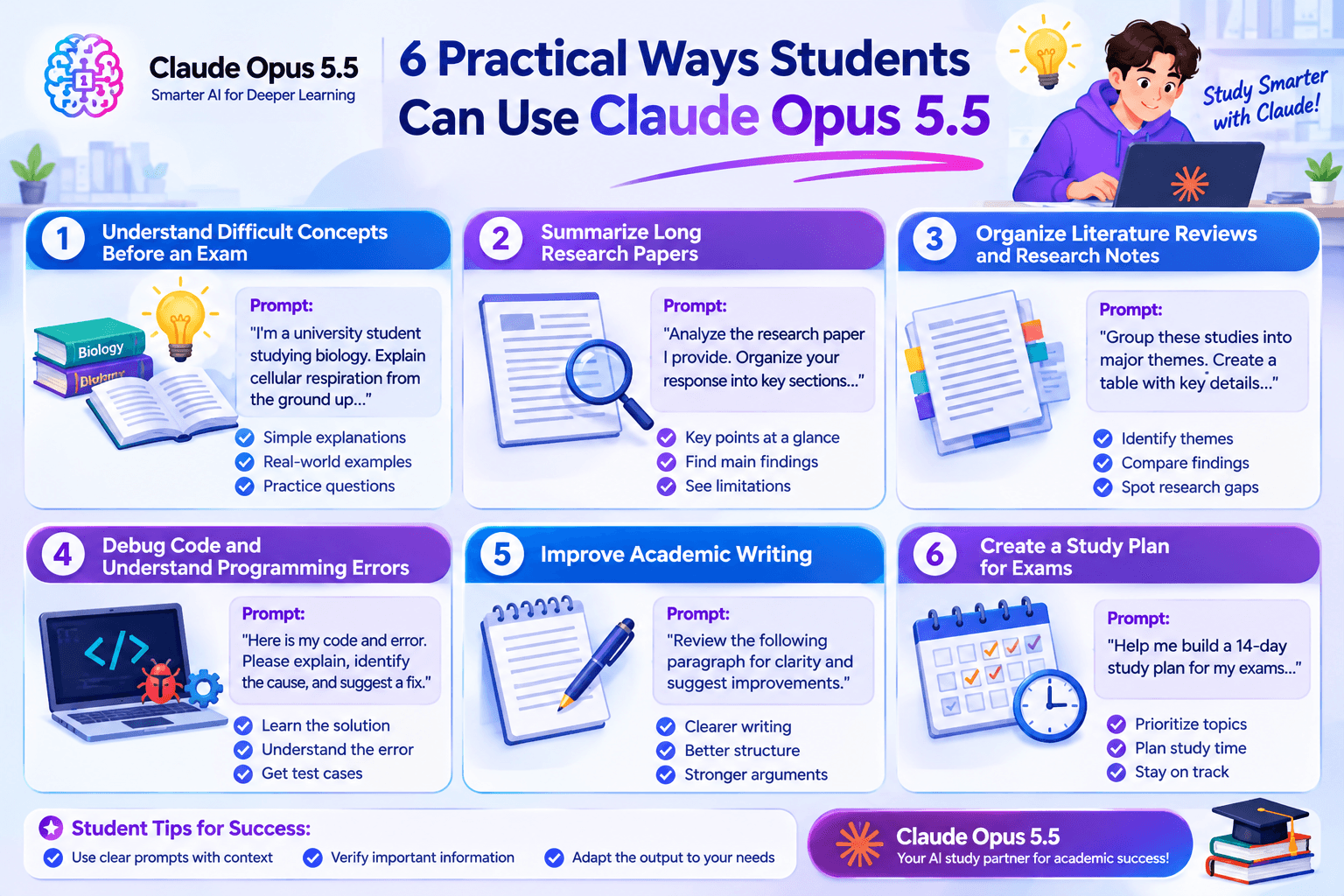
1. Understand Difficult Concepts Before an Exam
Some subjects are challenging because textbooks use unfamiliar terminology or assume you already understand the basics.
Claude Opus 5.5 can help break a complicated concept into smaller steps.
For example, a biology student studying cellular respiration could ask for an explanation that starts with the fundamentals before moving to more advanced details.
Copy-ready prompt:
I'm a university student studying [subject]. Explain [concept] from the ground up.
Start with a simple definition, then explain the key mechanisms step by step. Give me one real-world example and identify three common misconceptions.
Finish with five practice questions, but don't reveal the answers until I try them.
This approach turns AI into a study partner rather than just a source of ready-made answers.
2. Summarize Long Research Papers
Research assignments often require students to read multiple papers before they can identify the central arguments, methods, and findings.
Claude Opus 5.5's long-context capability may be useful when analyzing substantial amounts of text in a supported workflow.
If the relevant document can be provided to the chat, you can ask the model to organize its contents into a more manageable summary.
Copy-ready prompt:
Analyze the research paper I provide.
Organize your response into:
- Research question and objective.
- Main hypothesis.
- Methodology and sample.
- Key findings.
- Limitations acknowledged by the authors.
- Questions the paper leaves unanswered.
Distinguish what the authors explicitly state from your own interpretation. Where possible, identify the relevant section or page so I can verify the information in the original paper.
Student tip: Use the summary to guide your reading, not replace it. Check the original paper before citing any finding in an assignment.
3. Organize Literature Reviews and Research Notes
Writing a literature review involves more than summarizing one paper. You need to identify themes, compare findings, and explain where sources agree or disagree.
Claude Opus 5.5 can help organize notes from multiple papers into a preliminary framework.
Copy-ready prompt:
I'm preparing a literature review about [research topic].
Using only the notes and source excerpts I provide, group the studies into major themes. Create a table with the source, research question, methodology, main finding, limitation, and relevance to my topic.
Highlight disagreements between the studies and identify questions that need further investigation.
Do not invent citations, publication details, statistics, or findings. Mark missing information as "not provided."
This can help you see patterns in your research before drafting the literature review.
You should still read the original sources, verify all references, and develop your own analysis.
4. Debug Code and Understand Programming Errors
For computer science students, debugging can be one of the most time-consuming parts of an assignment.
Claude Opus 5.5 is designed for demanding coding and multi-step technical tasks, making it worth testing on programming problems.
Copy-ready prompt:
I'm a student learning [programming language].
Here is my code and the error I'm encountering:
[Paste code and error message]
Please:
- Explain what the code is intended to do.
- Identify the likely cause of the error.
- Show the smallest reasonable fix.
- Explain why the fix works.
- Suggest two test cases, including one edge case.
Help me understand the solution instead of simply replacing the entire program.
This method helps you learn the underlying programming concepts rather than copying code you cannot explain.
Always follow your institution's rules about AI assistance and make sure you can explain any code you submit.
5. Improve Academic Writing
Students may have good ideas but struggle to organize them into clear paragraphs.
Claude Opus 5.5 can help review a draft for structure, clarity, transitions, and logical consistency.
Copy-ready prompt:
Review the following academic paragraph for clarity and logical flow.
[Paste your paragraph]
Identify unclear sentences, unsupported claims, and weak transitions. Suggest improvements while preserving my original argument and writing style.
First, explain the main issues. Then provide a revised version and a short explanation of the changes.
Do not add facts, citations, or claims that are not supported by my original text.
This keeps the focus on improving your writing skills instead of having AI replace your own work.
6. Create a Study Plan for Exams
When several exams and assignments fall in the same week, deciding what to study first can be difficult.
You can use Claude Opus 5.5 to turn your deadlines, available study hours, and weak topics into a practical plan.
Copy-ready prompt:
Help me build a realistic study plan for the next 14 days.
My subjects are [list subjects]. My exam dates are [list dates]. I can study for [number] hours each day, and my most difficult topics are [list topics].
Create a daily schedule with focused study blocks, review sessions, practice questions, and breaks.
Prioritize topics based on exam dates and my confidence level. Include a short review session at the end of each week and leave some flexibility for unexpected tasks.
Review the plan and adjust it to your actual workload. A realistic schedule that you can follow is more useful than an overly ambitious one.
Frequently Asked Questions
Can students use Claude Opus 5.5 free on 1minAI?
Yes, 1minAI offers a way to try Claude Opus 5.5 through its online chat experience. Actual access and usage limits may depend on the current model availability and platform rules.
Do I need an API key to use Claude Opus 5.5 on 1minAI?
The 1minAI chat interface is designed to let users interact with supported models without setting up their own API integration. Follow the current sign-in and access instructions shown on the platform.
What can students use Claude Opus 5.5 for?
Students can try it for concept explanations, research-paper analysis, literature review organization, code debugging, academic writing feedback, and exam planning. All generated work should be checked and used in line with academic integrity rules.
Is Claude Opus 5.5 suitable for research papers?
It can help organize research material, summarize papers, and identify themes across provided text. However, students should verify claims and citations against original sources rather than relying on AI-generated summaries alone.
Can Claude Opus 5.5 analyze long documents?
Anthropic lists a context window of up to one million tokens for Opus 5.5. The amount of material you can process in practice depends on the interface, available tools, file support, and usage limits.
Is Claude Opus 5.5 better than other AI models for studying?
Not necessarily for every task. Performance depends on the subject, prompt, source material, and type of work. Comparing responses from different models can help you find explanations that are useful, but accuracy should always be verified.
Is Claude Opus 5.5 free without limits?
Do not assume that free access is unlimited. Check 1minAI's current interface for applicable usage allowances, account requirements, and model availability.
Final Thoughts
Students don't always need another app that gives them a quick answer. They need tools that help them understand difficult ideas, organize information, and make progress on demanding assignments.
Claude Opus 5.5 is worth exploring for tasks involving complex reasoning, coding, and long-document analysis. Through 1minAI, students can try the model in an online chat interface without having to build their own API integration.
The best approach is to start with one real study challenge, write a clear prompt, and use the response as a starting point for deeper learning.
Ready to try it?
Access Claude Opus 5.5 Free on 1minAI and explore how AI can support your next study session.
- #Commerce
Alternatives
Discover the best alternatives to 1minAI and compare features, pricing, and use cases.

1min.AI vs OpenRouter
1min.AI vs. OpenRouter: Compare the ready-to-use AI creation product against the technical API tool. Find out if you need a zero-code creative studio or a coding infrastructure hub.
 Ngoc Hong
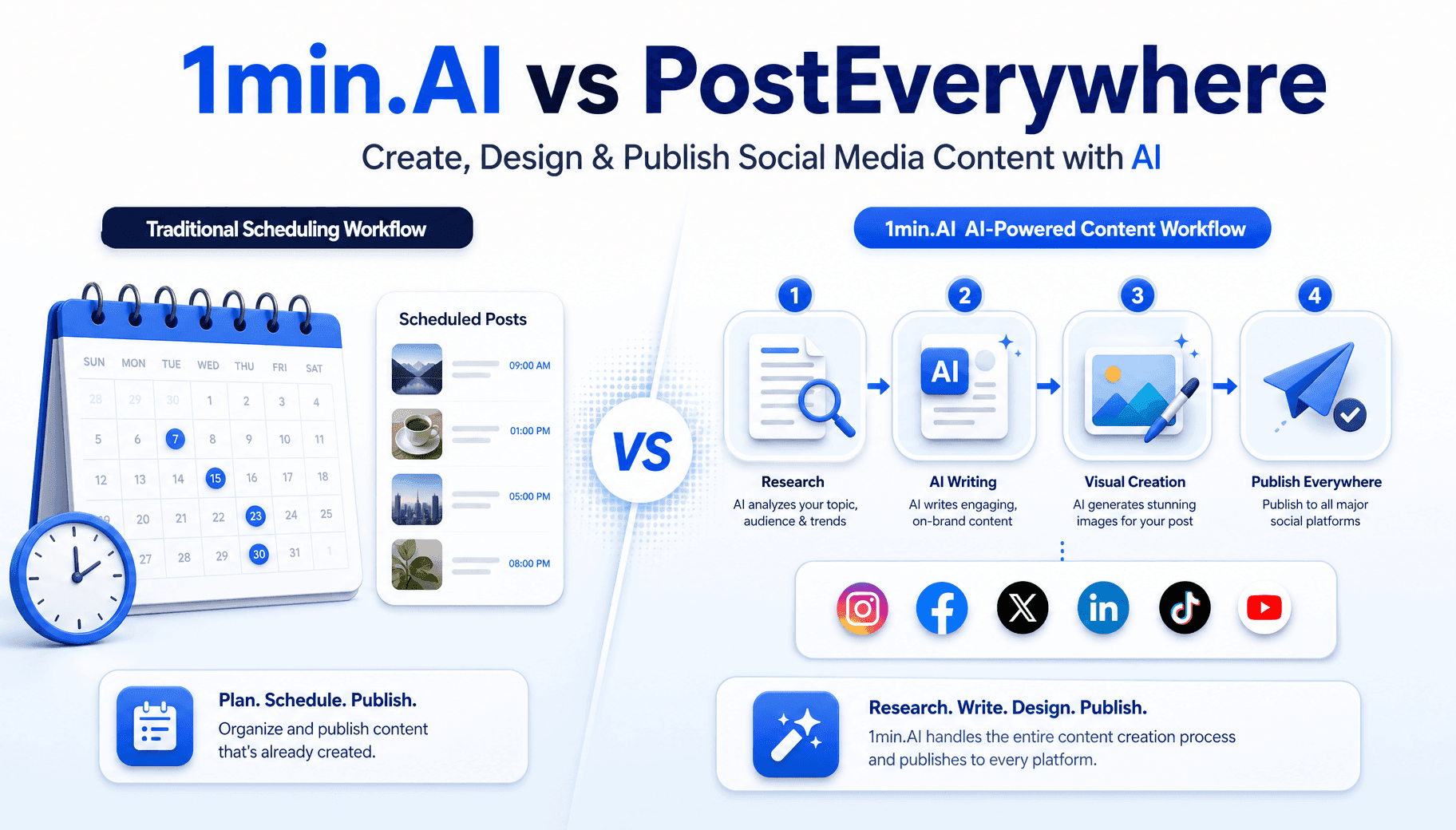
1min.AI vs PostEverywhere
Looking for a PostEverywhere alternative that also writes and designs your posts? See how 1min.AI covers research, copy, images and publishing.
 Trang Tran
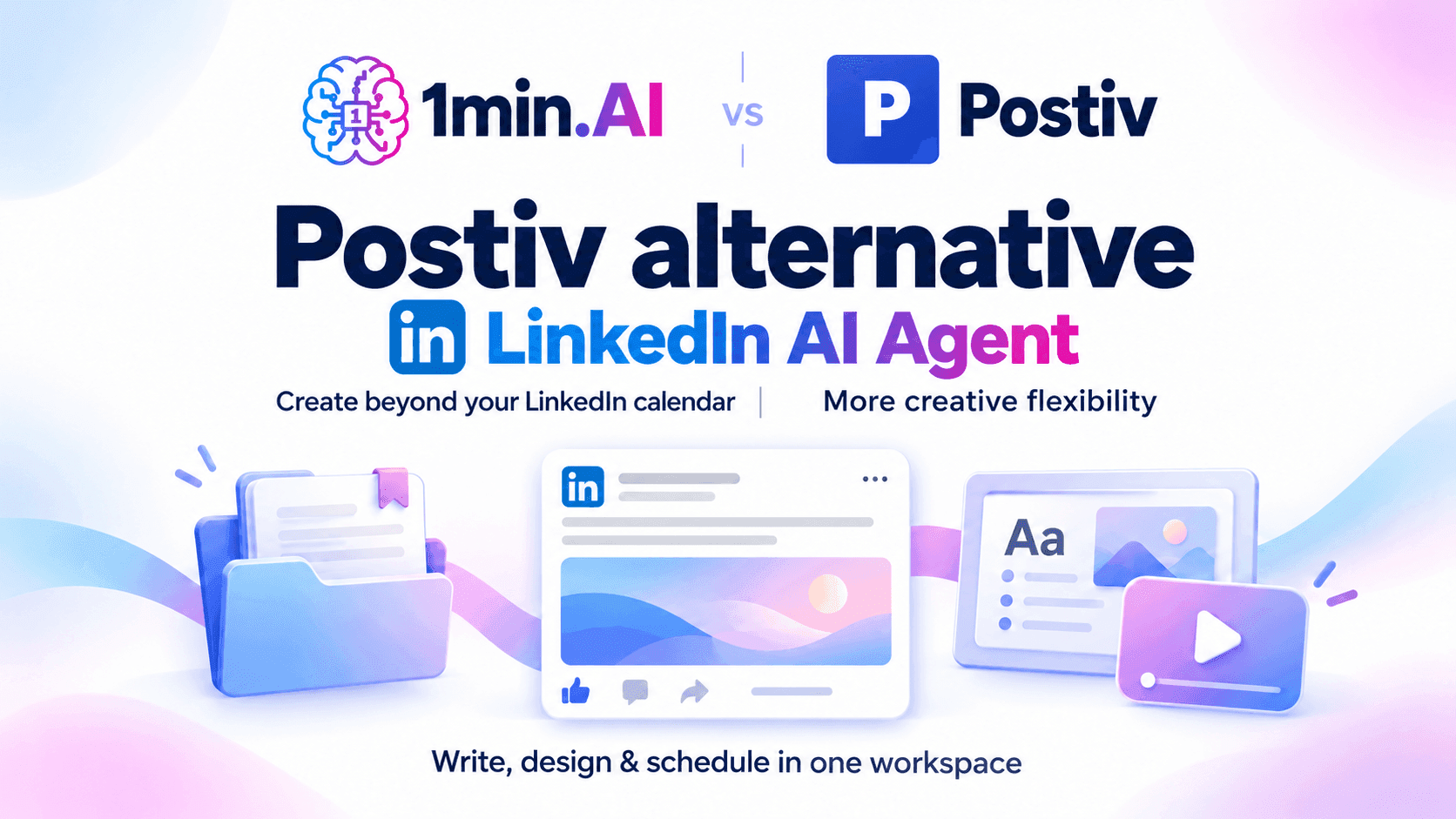
1min.AI vs Postiv
Compare 1min.AI and Postiv for LinkedIn writing, visuals, planning, pricing, and team workflows. Find the right fit for your creative workload.
Ngoc HongAI Tools
Discover the best AI tools to boost productivity, creativity, and everyday work.
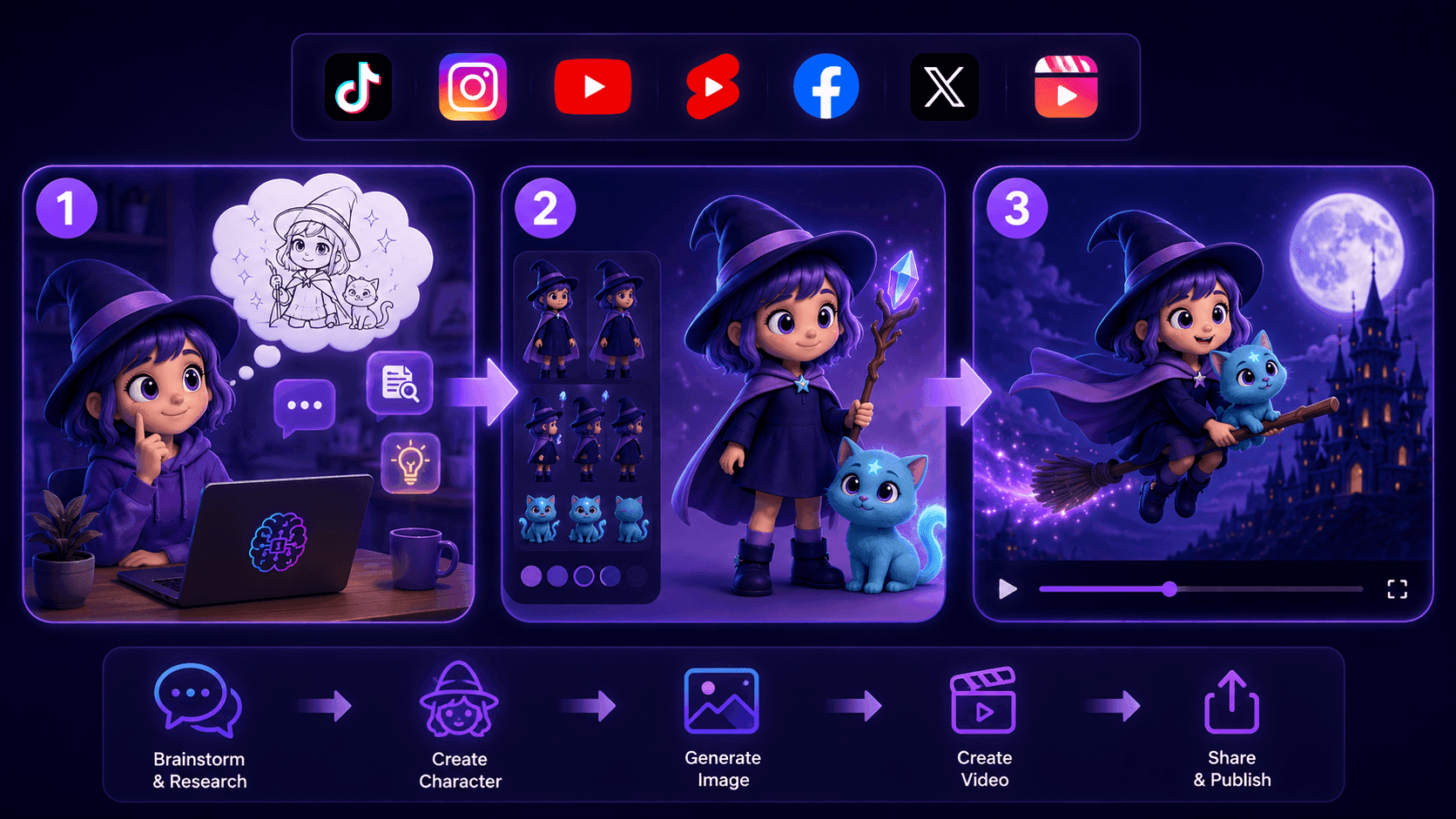
Create Consistent Cartoon Content in Just a Few Steps
Create engaging cartoon videos for TikTok and Reels with 1min.AI. Research ideas, create characters, and turn images into animated videos in 3 simple steps.
 Lien Anh Vu
One Product, 10 UGC Creatives: How AI Makes Content Testing Easier
Create more authentic UGC with an AI UGC video generator, test more creative angles and scale affiliate content without filming every version.
Lien Anh Vu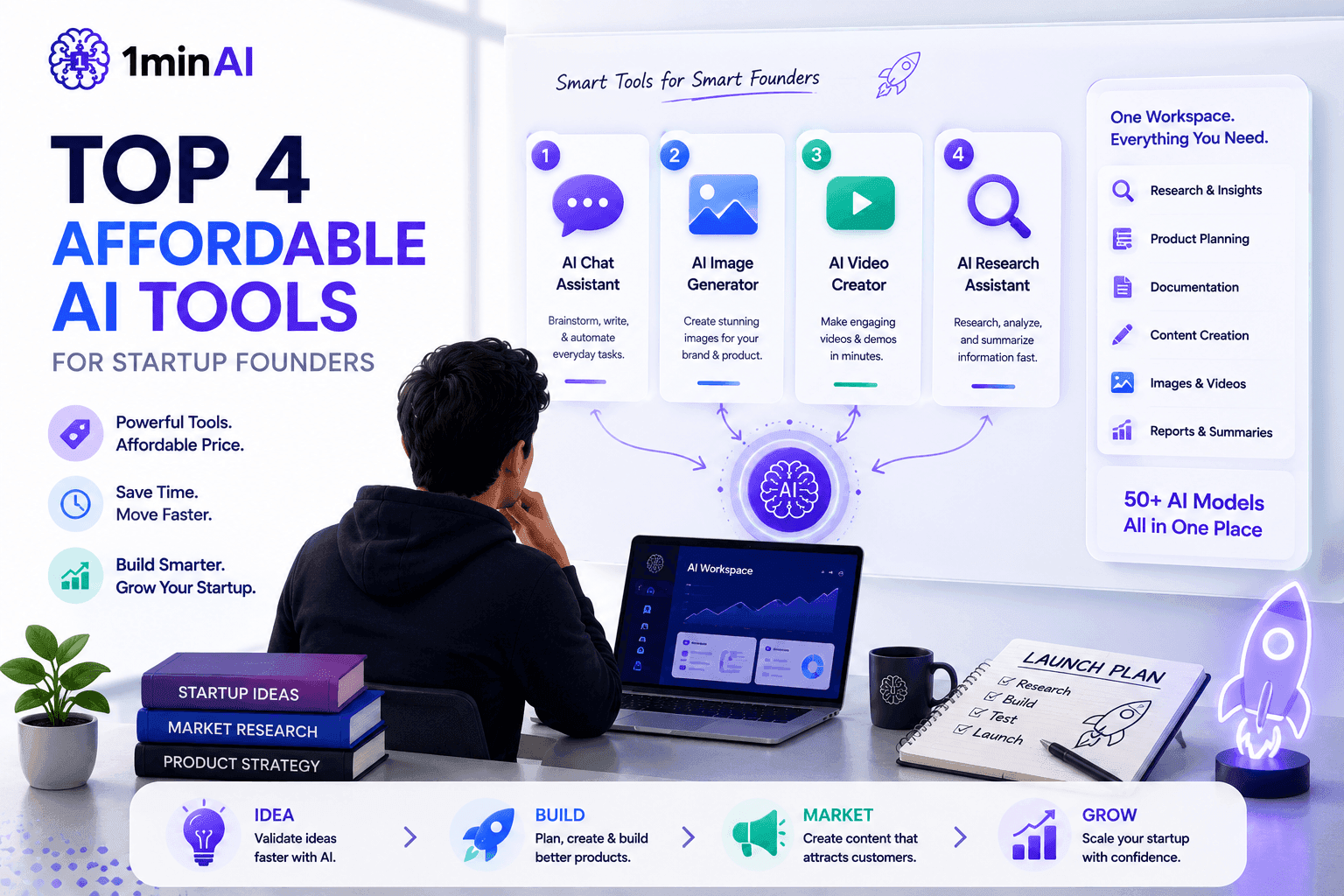
Top 4 Affordable AI Tools for Startup Founders
Discover the top 4 affordable AI tools for startup founders to validate ideas, build products, create content, and launch faster without overspending.
 Tram Ta
AI Features
Comprehensive AI features that streamline workflows, improve efficiency, and empower teams to achieve more.
Create Consistent Cartoon Content in Just a Few Steps
Create engaging cartoon videos for TikTok and Reels with 1min.AI. Research ideas, create characters, and turn images into animated videos in 3 simple steps.
Lien Anh VuOne Product, 10 UGC Creatives: How AI Makes Content Testing Easier
Create more authentic UGC with an AI UGC video generator, test more creative angles and scale affiliate content without filming every version.
Lien Anh Vu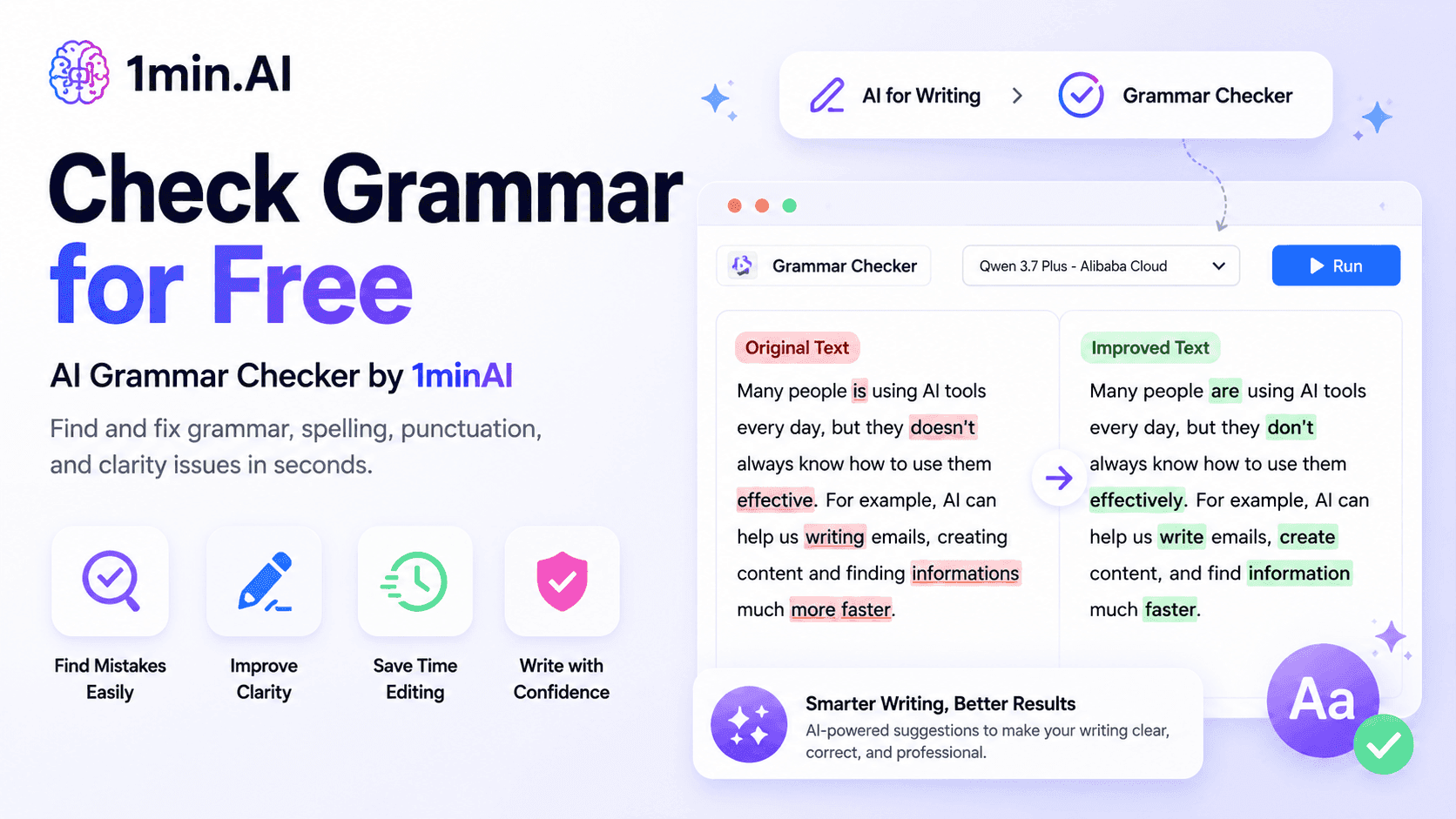
1minAI: Free AI Grammar Checker
Check grammar for free with 1minAI’s AI grammar checker. Find grammar, spelling, and writing mistakes, improve clarity, and polish your content in seconds.
Tram TaAI Use Cases
A curated collection of AI use cases for business, productivity, and industry-specific applications.
Create Consistent Cartoon Content in Just a Few Steps
Create engaging cartoon videos for TikTok and Reels with 1min.AI. Research ideas, create characters, and turn images into animated videos in 3 simple steps.
Lien Anh VuOne Product, 10 UGC Creatives: How AI Makes Content Testing Easier
Create more authentic UGC with an AI UGC video generator, test more creative angles and scale affiliate content without filming every version.
Lien Anh Vu
Best Time to Post on Instagram: A Practical Guide for Better Engagement
Discover the best time to post on Instagram, including the best days and times for different audiences, plus tips to find the ideal posting schedule for your account.
Tram TaAI Tutorials
Learn how to use AI with practical, step-by-step tutorials.

Black Friday AI Tool Deals in 2026
Discover what Black Friday AI tool deals 2026 has to offer. Find out how to secure the 1min.AI lifetime deal via AppSumo, Dealify, Stack Social, and verify on Trustpilot, Slashdot, and Software Advice.
 Hang Nguyen
Create Consistent Cartoon Content in Just a Few Steps
Create engaging cartoon videos for TikTok and Reels with 1min.AI. Research ideas, create characters, and turn images into animated videos in 3 simple steps.
Lien Anh Vu
[Seedance 2.5 New] Better AI Product Videos, Less Rework in 1min.AI
Use Seedance 2.5 image to video on 1min.AI to create more consistent AI product videos, reduce failed generations, save credits, and improve UGC workflows.
Lien Anh VuAI Guides
Learn AI faster with practical guides, real-world examples, and actionable best practices.

Safely Buy AI Tools Online: 2026 Black Friday Guide
Discover how to find and secure the best Black Friday AI deals online. Learn expert strategies to avoid scams, combat subscription fatigue, and verify software.
Hang NguyenCreate Consistent Cartoon Content in Just a Few Steps
Create engaging cartoon videos for TikTok and Reels with 1min.AI. Research ideas, create characters, and turn images into animated videos in 3 simple steps.
Lien Anh Vu[Seedance 2.5 New] Better AI Product Videos, Less Rework in 1min.AI
Use Seedance 2.5 image to video on 1min.AI to create more consistent AI product videos, reduce failed generations, save credits, and improve UGC workflows.
Lien Anh VuAI Solutions
Browse the best AI solutions for automation, coding, research, productivity, customer support, marketing, and business workflows.
Safely Buy AI Tools Online: 2026 Black Friday Guide
Discover how to find and secure the best Black Friday AI deals online. Learn expert strategies to avoid scams, combat subscription fatigue, and verify software.
Hang NguyenCreate Consistent Cartoon Content in Just a Few Steps
Create engaging cartoon videos for TikTok and Reels with 1min.AI. Research ideas, create characters, and turn images into animated videos in 3 simple steps.
Lien Anh VuOne Product, 10 UGC Creatives: How AI Makes Content Testing Easier
Create more authentic UGC with an AI UGC video generator, test more creative angles and scale affiliate content without filming every version.
Lien Anh VuAI Models
Explore the world's leading AI models in one place.
Create Consistent Cartoon Content in Just a Few Steps
Create engaging cartoon videos for TikTok and Reels with 1min.AI. Research ideas, create characters, and turn images into animated videos in 3 simple steps.
Lien Anh VuOne Product, 10 UGC Creatives: How AI Makes Content Testing Easier
Create more authentic UGC with an AI UGC video generator, test more creative angles and scale affiliate content without filming every version.
Lien Anh Vu[Seedance 2.5 New] Better AI Product Videos, Less Rework in 1min.AI
Use Seedance 2.5 image to video on 1min.AI to create more consistent AI product videos, reduce failed generations, save credits, and improve UGC workflows.
Lien Anh VuAI Comparisons
Compare AI tools, models, and platforms to find the best fit for your needs.

Kling AI Vs Veo 3: Which Model Wins?
Kling AI vs Veo 3: compare motion, native audio, pricing & free tiers to see which AI video generator wins for your project - try both on 1min.AI.
Trang Tran[Seedance 2.5 New] Better AI Product Videos, Less Rework in 1min.AI
Use Seedance 2.5 image to video on 1min.AI to create more consistent AI product videos, reduce failed generations, save credits, and improve UGC workflows.
Lien Anh Vu
DeepSeek V4 Pro vs Flash Comparison
Compare DeepSeek V4 Pro vs DeepSeek V4 Flash metrics. Optimize your agentic apps and improve AI fact checking on 1min.ai today.
Ngoc HongAI Integrations
Seamlessly integrate AI with the tools you already use to automate work and boost productivity.

POV: You Have 10+ Posts to Make Every Day
Learn how to build an AI content workflow that helps content creators produce 10+ social media posts a day faster with AI brainstorming, image generation, and content creation.
Lien Anh Vu
How to Use an AI Fashion Video Generator for Fashion Week 2026
Turn Fashion Week 2026 ideas into stunning fashion videos with AI. Learn how to brainstorm, create visuals, and transform images into videos with one simple workflow.
Lien Anh Vu
Stop Switching Between AI Apps: How AI Integration Transforms Employer Branding
Discover how AI integration helps HR teams streamline employer branding by combining AI writing, documents, images, video, and multiple AI models into one workspace.
Tram TaAI for Industries
Find the best AI tools and workflows for healthcare, finance, education, legal, manufacturing, retail, real estate, and more

Text To Video AI Free Without Watermark Online
Create text to video AI free without watermark online with 1min.AI. Pick top models, turn prompts into HD clips, and download clean videos fast. Try it free.
Trang Tran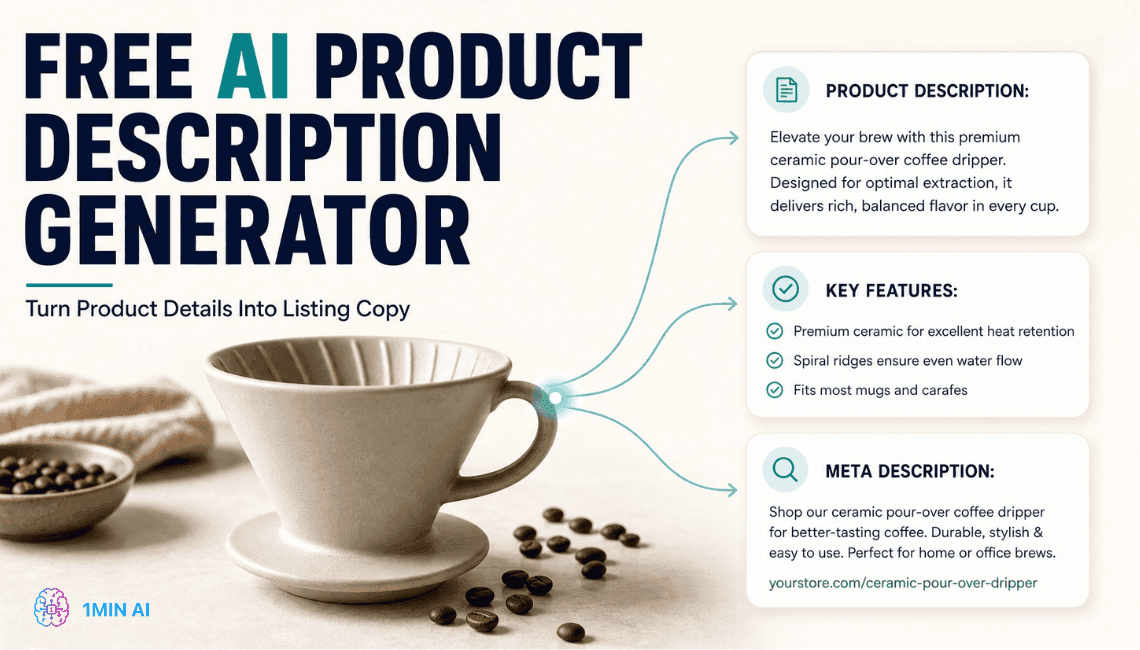
Free AI Product Description Generator
Write product descriptions that sell in minutes. Use this free AI product description generator to turn details or a photo into on-brand copy. Try 1min.AI.
Trang Tran
Best Business Productivity Tools for Startups to Maximize Profits | 1minAI
Discover the best business productivity tools for startups to save time, streamline workflows, reduce repetitive tasks, and support profitable growth with AI.
Tram TaAI Agents
Discover and run AI agents to automate tasks across your work and daily life.
1minAI: Free AI Grammar Checker
Check grammar for free with 1minAI’s AI grammar checker. Find grammar, spelling, and writing mistakes, improve clarity, and polish your content in seconds.
Tram Ta
AI Agents for Facebook
Use an AI Agent for Facebook to create content, generate images, schedule posts, and publish from your documents and conversations.
Ngoc Hong
AI Agent vs AI Assistant: Which One Actually Saves Designers More Time?
Learn the difference between AI Agent vs AI Assistant and discover which solution helps designers automate repetitive work, reduce revisions, and save more time.
Lien Anh VuAI Workflows
Explore ready-to-use AI workflows for productivity, marketing, sales, support, and more.
Create Consistent Cartoon Content in Just a Few Steps
Create engaging cartoon videos for TikTok and Reels with 1min.AI. Research ideas, create characters, and turn images into animated videos in 3 simple steps.
Lien Anh VuOne Product, 10 UGC Creatives: How AI Makes Content Testing Easier
Create more authentic UGC with an AI UGC video generator, test more creative angles and scale affiliate content without filming every version.
Lien Anh VuPOV: You Have 10+ Posts to Make Every Day
Learn how to build an AI content workflow that helps content creators produce 10+ social media posts a day faster with AI brainstorming, image generation, and content creation.
Lien Anh VuNewsletter
Weekly AI Innovations with 1minAI

🔮 Weekly AI Innovations #143: Update GPT-6, GPT-6.1 & Ideogram 4.0
Access GPT-6 Sol, Luna, GPT-6.1 Sol, and Ideogram 4.0 on 1min.ai. Boost typography accuracy to 98.4% and cut reasoning latency by 45% in one platform.
Hang Nguyen
🔮 Weekly AI Innovations #142: Grok 4.7, Opus 5.5 & Sonnet 5.5 on 1min.ai
Access Grok 4.7, Claude Opus 5.5, and Sonnet 5.5 on 1min.ai. Cut subscription costs by up to 70% and process millions tokens in a single unified workspace.
Hang Nguyen
🔮 Weekly AI Innovations #141: Seedance 2.5 & Stable Audio 3: Next-Gen AI
Explore Seedance 2.0, 2.5, and StabilityAI's Stable Audio 3 on 1min.ai. Generate studio-grade audio and synchronized motion with next-gen generative AI.
Hang Nguyen