
Free AI Chat with GPT-6.1 Sol: How to Try It on 1minAI

Tram Ta
November 4, 2026
Try GPT-6.1 Sol free on 1minAI. Explore its reasoning, coding, document analysis, and multi-step workflows with practical prompts and AI chat tools.
Looking for a way to try GPT-6.1 Sol without setting up an API account? GPT-6.1 Sol is an OpenAI model designed to deliver strong performance on complex coding, computer-use, and professional tasks at a lower cost than GPT-6 Astra.
With 1minAI, you can explore GPT-6.1 Sol through an online AI chat workspace and use available free credits to test it on real tasks. You can also explore other AI chat tools and multi-model workflows from the same platform.
In this guide, we'll explain what GPT-6.1 Sol does, how to access it on 1minAI, and which prompts can help you evaluate its capabilities for writing, coding, research, and everyday work.
What Is GPT-6.1 Sol?
GPT-6.1 Sol is an OpenAI reasoning model released on September 29, 2026. It is an upgrade to GPT-6 Sol, positioned between the flagship GPT-6 Astra and more cost-efficient models in the GPT-6 family.
OpenAI describes GPT-6.1 Sol as offering near-Astra performance for complex coding, computer use, and professional work at a substantially lower API token cost.
The model is designed for tasks that require more than a short conversational response. Depending on the tools and interface available, it can help users analyze information, write and debug code, work through documents, and complete multi-step workflows.
GPT-6.1 Sol features at a glance
| Feature | Details |
|---|---|
| Developer | OpenAI |
| Model ID | gpt-6.1-sol |
| Primary strengths | Coding, reasoning, computer use, professional work |
| Context window | Up to approximately 1.05 million tokens in the API |
| Maximum output | Up to 128,000 tokens |
| Image input | Supported |
| Tool use | Supported through compatible API workflows |
| API pricing | $2 per million input tokens and $10 per million output tokens at standard rates |
These specifications describe the model's documented API capabilities. A particular chat interface may have different limits, available tools, or context settings.
For the latest technical details, consult OpenAI's official GPT-6.1 Sol model documentation.
How to Get Free AI Chat with GPT-6.1 Sol on 1minAI
You can start exploring GPT-6.1 Sol through 1minAI without configuring your own OpenAI API integration.
Follow these steps:
Step 1: Open the GPT-6.1 Sol chat page
Visit Free AI Chat with GPT-6.1 Sol on 1minAI.
This dedicated page explains how to access the model through the 1minAI workspace.
Step 2: Open Multi AI Chat
Enter the Multi AI Chat workspace and find GPT-6.1 Sol in the model selector. If the model is available for your account, choose it to begin your conversation.
You can also explore the Free Multi AI Chat page to learn about accessing different AI models through one interface.
Step 3: Enter a task you actually need to complete
Start with a clear, specific request. For example, ask GPT-6.1 Sol to review a piece of code, summarize a report, organize research notes, or draft a business plan.
Giving the model a real task makes it easier to evaluate whether its response is useful.
Step 4: Review and refine the response
Check the result for accuracy, missing details, and unsupported claims. If the first response is incomplete, provide additional context and ask the model to revise it.
Note: Free access is subject to 1minAI's current credit system, model availability, and usage policies. Free credits do not necessarily mean unlimited requests.
What Can You Do with GPT-6.1 Sol?
GPT-6.1 Sol is designed for complex work, but its practical value depends on the task and the tools available. Here are several ways to explore it.
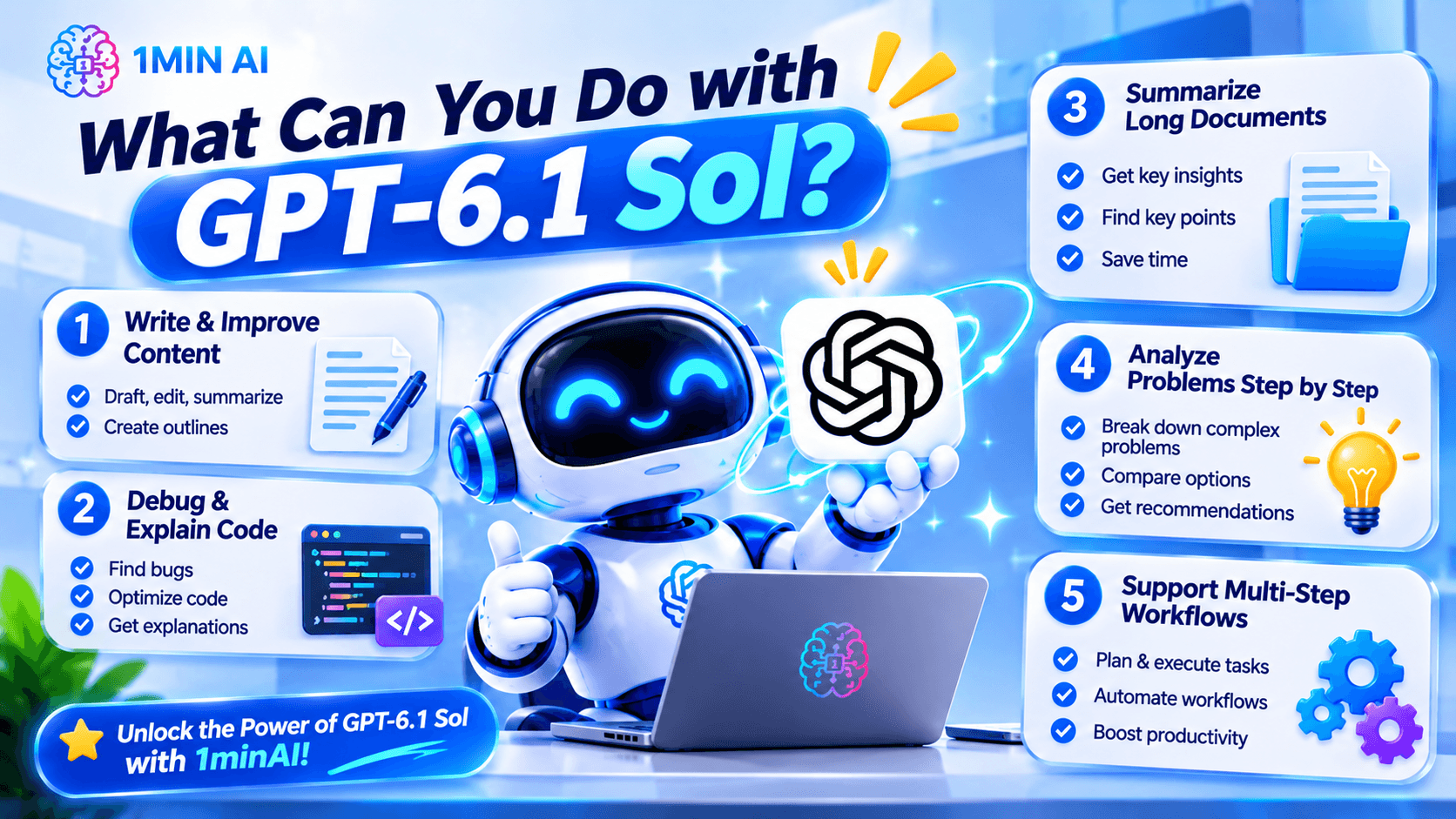
1. Write and improve content
GPT-6.1 Sol can help with outlines, first drafts, rewrites, summaries, and editing. It is especially useful when you provide a clear audience, purpose, and desired format.
Try this prompt:
Write a practical article outline about [topic] for [target audience]. Organize it into a logical introduction, five main sections, and a conclusion. For each section, explain the reader's question and the key information it should cover. Avoid unsupported statistics and repetitive points.
You can then ask the model to develop one section at a time, review the draft, or adjust its tone.
For important factual content, verify claims against reliable sources before publishing.
2. Debug and explain code
GPT-6.1 Sol is positioned for complex software-engineering tasks, making coding a useful area to test.
Try this prompt:
Review the following code for bugs, edge cases, performance issues, and maintainability. Identify the three most important problems, explain why they matter, and suggest the smallest safe fixes. Do not invent APIs or dependencies. If additional context is needed, ask before making assumptions.
Code:
[Paste your code here]
After receiving the response, test the suggested changes. AI-generated code can contain mistakes, and a plausible explanation does not guarantee that a fix works.
If you're working on a larger project, explore 1minAI's AI Agent for Software Development for AI-assisted development workflows.
3. Summarize long documents
A large context window can be useful when you need to analyze extensive reports, technical documentation, or research material. However, the actual amount you can submit depends on the interface and any document or context limits.
Try this prompt:
Summarize the document below for a busy professional. Start with a five-point executive summary, then list the key findings, supporting evidence, important limitations, and recommended next steps. Separate facts from interpretations, and identify any claims that require verification.
For important decisions, compare the summary against the original document and check whether key qualifications or exceptions were omitted.
4. Analyze problems step by step
GPT-6.1 Sol can help structure a complex problem into smaller tasks.
For example, a founder might ask it to compare product ideas, identify implementation risks, or organize customer feedback into themes.
Try this prompt:
Help me analyze this problem: [describe the problem].
First, identify the objective and constraints. Then list the available information, explain the main options, compare the trade-offs, and recommend a practical next step. State assumptions explicitly and identify what additional evidence would change the recommendation.
This approach makes the response easier to evaluate than a prompt that simply asks for the “best answer.”
5. Support multi-step workflows
GPT-6.1 Sol can be used in compatible tool-enabled workflows that involve several actions. For example, a supported application may let an AI agent inspect information, process data, and prepare a report.
Keep in mind that a standard chat interface may not expose every tool available through the API. If a workflow requires browser access, file operations, or other external actions, check that the relevant tools are supported and enabled.
For actions involving production systems, sensitive data, or irreversible changes, maintain appropriate human approval and access controls.
Why Use 1minAI for GPT-6.1 Sol?
One reason to use an AI workspace is the ability to explore different models and workflows without repeatedly setting up separate interfaces.
With 1minAI, you can use the dedicated GPT-6.1 Sol chat page and explore the platform's other AI chat options.
Explore multiple AI assistants
Different models may perform differently on the same prompt. One might produce a clearer explanation, while another might provide a more useful coding approach or document summary.
The AI Chat with Multiple AI Assistants page is a useful starting point if you want to explore multi-model workflows.
To compare models fairly:
- Use the same task and source material.
- Keep the prompt and output format consistent.
- Check factual accuracy and completeness.
- Test any generated code or calculations.
- Compare the amount of editing needed before using the result.
This helps you choose a model based on actual performance rather than marketing claims alone.
Maintain useful conversation context
Some tasks require multiple rounds of discussion. You may need to establish project requirements, refine a draft, or revisit an earlier decision.
Explore 1minAI AI Chat Memory to learn about the platform's chat-memory functionality and how it may help maintain relevant context across supported conversations.
Memory features and behavior can vary by product and settings. For sensitive work, avoid sharing confidential information unless you're comfortable with the service's applicable privacy and data-handling terms.
Combine chat with AI workflows
If your task involves more than a single question, the Multi AI Chat AI Agent page offers another starting point for exploring multi-model and agent-oriented workflows.
A practical process might look like this:
Define the task → Ask GPT-6.1 Sol for a first draft → Compare or refine the response → Verify the output → Use the final result.
You remain responsible for checking the result, but a structured workflow can make AI assistance more repeatable.
GPT-6.1 Sol vs. Other AI Models
GPT-6.1 Sol is not automatically the best choice for every task. The right model depends on the complexity of the problem, the tools you need, response quality, and the cost of running the workflow.
| Your goal | What to consider |
|---|---|
| Complex coding and debugging | Test GPT-6.1 Sol on a representative codebase and measure the quality of its fixes |
| Quick everyday questions | A faster, more cost-efficient model may be sufficient |
| Long-document analysis | Check context limits, file support, and how well the model tracks evidence |
| Comparing writing styles | Test multiple available models using the same brief |
| Tool-enabled workflows | Confirm the required tools are supported in your chosen interface |
| Repeated project conversations | Review available memory and context-management features |
OpenAI positions GPT-6.1 Sol as a cost-effective option for demanding work, while GPT-6 Astra is designed for its most demanding reasoning and professional tasks. The best choice depends on whether the extra capability of a flagship model is necessary for your particular workload.
Frequently Asked Questions
Can I use GPT-6.1 Sol for free?
You can try GPT-6.1 Sol through 1minAI using the credits and access conditions currently available on the platform. Check the dedicated GPT-6.1 Sol chat page for current details. Free access is not necessarily unlimited.
Do I need an OpenAI API key to chat with GPT-6.1 Sol on 1minAI?
The 1minAI dedicated chat page offers access through its own workspace, so you do not need to configure your own OpenAI API integration to use that chat workflow. Follow the current page instructions and usage conditions.
What is GPT-6.1 Sol best for?
OpenAI positions GPT-6.1 Sol for complex coding, computer use, and professional work. It can also be useful for writing, document analysis, and structured problem-solving, depending on the interface and task.
Can GPT-6.1 Sol help with software development?
Yes. It is designed to support complex software-engineering work, including writing and debugging code. Always test generated code, check dependencies, and review security implications before using changes in production.
Start Your Free AI Chat with GPT-6.1 Sol
GPT-6.1 Sol is designed to bring strong reasoning, coding, and professional-work capabilities to a more cost-efficient model. It is worth testing if you want AI assistance with tasks that require more than a simple answer.
You can begin with a real task—such as reviewing code, analyzing a report, or outlining a project—and evaluate the result for accuracy, clarity, and usefulness.
Start with Free AI Chat with GPT-6.1 Sol on 1minAI. Then explore Free Multi AI Chat if you want to compare models, or try AI Chat Memory to learn about managing context across supported conversations.
Choose a task, test the model, and let the quality of the results guide your next step.
- #Commerce
- #Information
Alternatives
Discover the best alternatives to 1minAI and compare features, pricing, and use cases.

1min.AI vs OpenRouter
1min.AI vs. OpenRouter: Compare the ready-to-use AI creation product against the technical API tool. Find out if you need a zero-code creative studio or a coding infrastructure hub.
 Ngoc Hong
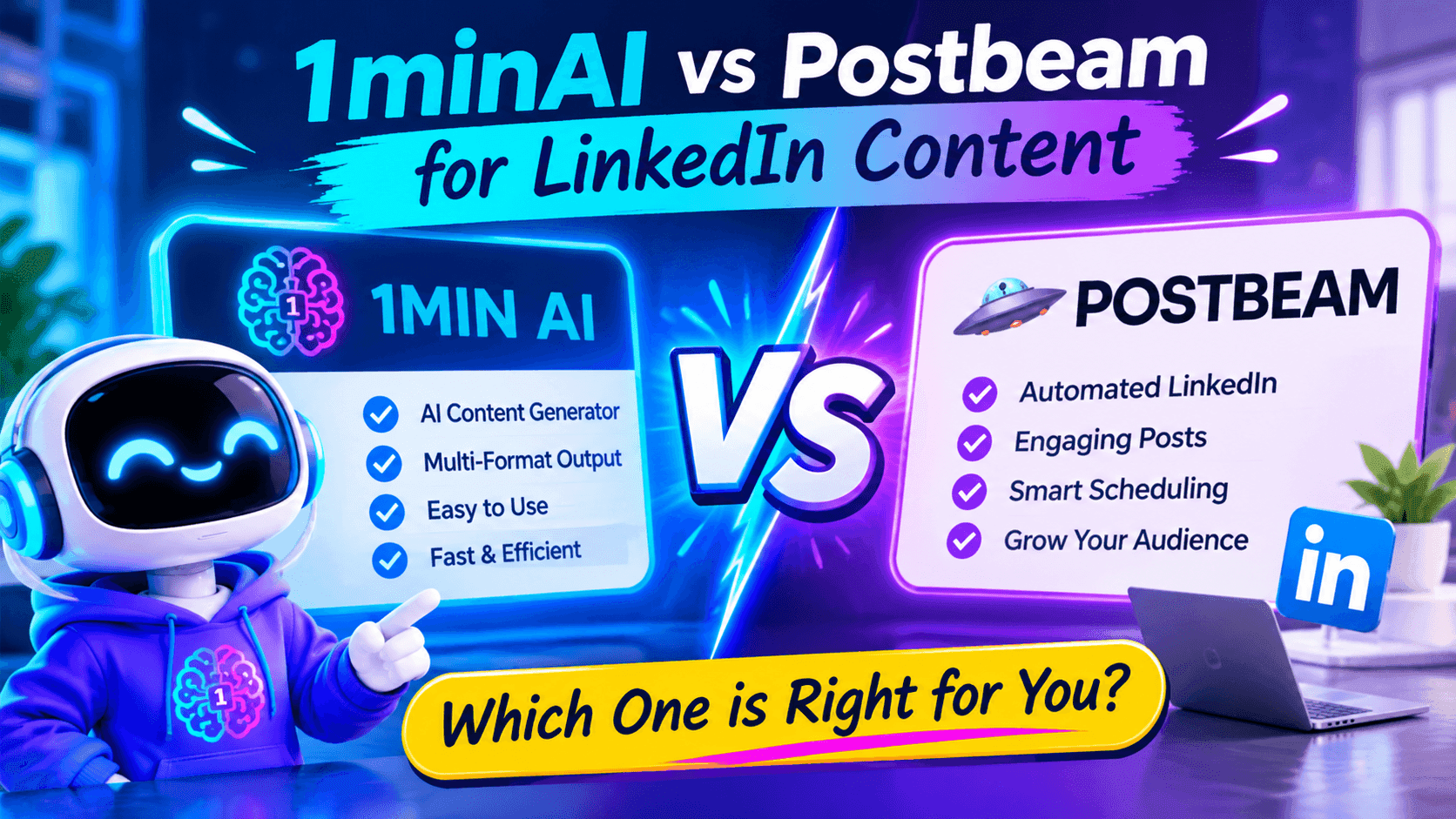
1minAI vs Postbeam for LinkedIn Content
Looking for a Postbeam alternative? Compare 1minAI vs Postbeam for AI LinkedIn content creation, research, image generation, scheduling, and B2B workflows.
 Tram Ta
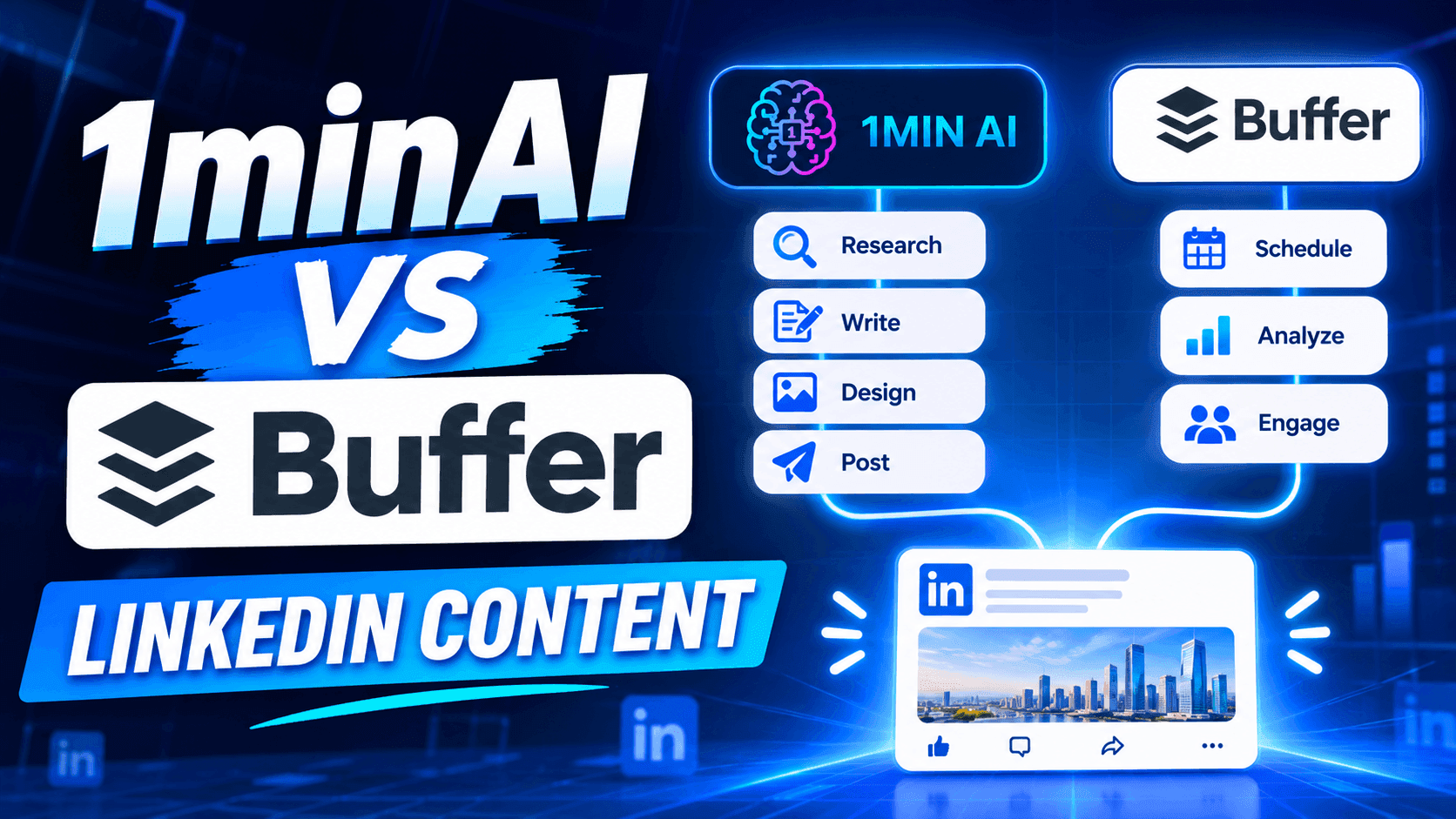
1minAI vs Buffer for LinkedIn Content Creation
Looking for a Buffer alternative? Compare 1minAI vs Buffer for LinkedIn content creation, AI writing, image generation, scheduling, and automation.
Tram TaAI Tools
Discover the best AI tools to boost productivity, creativity, and everyday work.
Create Consistent Cartoon Content in Just a Few Steps
Create engaging cartoon videos for TikTok and Reels with 1min.AI. Research ideas, create characters, and turn images into animated videos in 3 simple steps.
 Lien Anh Vu
One Product, 10 UGC Creatives: How AI Makes Content Testing Easier
Create more authentic UGC with an AI UGC video generator, test more creative angles and scale affiliate content without filming every version.
Lien Anh Vu
Top 4 Affordable AI Tools for Startup Founders
Discover the top 4 affordable AI tools for startup founders to validate ideas, build products, create content, and launch faster without overspending.
Tram TaAI Features
Comprehensive AI features that streamline workflows, improve efficiency, and empower teams to achieve more.
Create Consistent Cartoon Content in Just a Few Steps
Create engaging cartoon videos for TikTok and Reels with 1min.AI. Research ideas, create characters, and turn images into animated videos in 3 simple steps.
Lien Anh VuOne Product, 10 UGC Creatives: How AI Makes Content Testing Easier
Create more authentic UGC with an AI UGC video generator, test more creative angles and scale affiliate content without filming every version.
Lien Anh Vu
1minAI: Free AI Grammar Checker
Check grammar for free with 1minAI’s AI grammar checker. Find grammar, spelling, and writing mistakes, improve clarity, and polish your content in seconds.
Tram TaAI Use Cases
A curated collection of AI use cases for business, productivity, and industry-specific applications.
Create Consistent Cartoon Content in Just a Few Steps
Create engaging cartoon videos for TikTok and Reels with 1min.AI. Research ideas, create characters, and turn images into animated videos in 3 simple steps.
Lien Anh VuOne Product, 10 UGC Creatives: How AI Makes Content Testing Easier
Create more authentic UGC with an AI UGC video generator, test more creative angles and scale affiliate content without filming every version.
Lien Anh Vu
Best Time to Post on Instagram: A Practical Guide for Better Engagement
Discover the best time to post on Instagram, including the best days and times for different audiences, plus tips to find the ideal posting schedule for your account.
Tram TaAI Tutorials
Learn how to use AI with practical, step-by-step tutorials.

Black Friday AI Tool Deals in 2026
Discover what Black Friday AI tool deals 2026 has to offer. Find out how to secure the 1min.AI lifetime deal via AppSumo, Dealify, Stack Social, and verify on Trustpilot, Slashdot, and Software Advice.
 Hang Nguyen
Create Consistent Cartoon Content in Just a Few Steps
Create engaging cartoon videos for TikTok and Reels with 1min.AI. Research ideas, create characters, and turn images into animated videos in 3 simple steps.
Lien Anh Vu
[Seedance 2.5 New] Better AI Product Videos, Less Rework in 1min.AI
Use Seedance 2.5 image to video on 1min.AI to create more consistent AI product videos, reduce failed generations, save credits, and improve UGC workflows.
Lien Anh VuAI Guides
Learn AI faster with practical guides, real-world examples, and actionable best practices.

Safely Buy AI Tools Online: 2026 Black Friday Guide
Discover how to find and secure the best Black Friday AI deals online. Learn expert strategies to avoid scams, combat subscription fatigue, and verify software.
Hang NguyenCreate Consistent Cartoon Content in Just a Few Steps
Create engaging cartoon videos for TikTok and Reels with 1min.AI. Research ideas, create characters, and turn images into animated videos in 3 simple steps.
Lien Anh Vu[Seedance 2.5 New] Better AI Product Videos, Less Rework in 1min.AI
Use Seedance 2.5 image to video on 1min.AI to create more consistent AI product videos, reduce failed generations, save credits, and improve UGC workflows.
Lien Anh VuAI Solutions
Browse the best AI solutions for automation, coding, research, productivity, customer support, marketing, and business workflows.
Safely Buy AI Tools Online: 2026 Black Friday Guide
Discover how to find and secure the best Black Friday AI deals online. Learn expert strategies to avoid scams, combat subscription fatigue, and verify software.
Hang NguyenCreate Consistent Cartoon Content in Just a Few Steps
Create engaging cartoon videos for TikTok and Reels with 1min.AI. Research ideas, create characters, and turn images into animated videos in 3 simple steps.
Lien Anh VuOne Product, 10 UGC Creatives: How AI Makes Content Testing Easier
Create more authentic UGC with an AI UGC video generator, test more creative angles and scale affiliate content without filming every version.
Lien Anh VuAI Models
Explore the world's leading AI models in one place.
Create Consistent Cartoon Content in Just a Few Steps
Create engaging cartoon videos for TikTok and Reels with 1min.AI. Research ideas, create characters, and turn images into animated videos in 3 simple steps.
Lien Anh VuOne Product, 10 UGC Creatives: How AI Makes Content Testing Easier
Create more authentic UGC with an AI UGC video generator, test more creative angles and scale affiliate content without filming every version.
Lien Anh Vu[Seedance 2.5 New] Better AI Product Videos, Less Rework in 1min.AI
Use Seedance 2.5 image to video on 1min.AI to create more consistent AI product videos, reduce failed generations, save credits, and improve UGC workflows.
Lien Anh VuAI Comparisons
Compare AI tools, models, and platforms to find the best fit for your needs.

Kling AI Vs Veo 3: Which Model Wins?
Kling AI vs Veo 3: compare motion, native audio, pricing & free tiers to see which AI video generator wins for your project - try both on 1min.AI.
 Trang Tran
[Seedance 2.5 New] Better AI Product Videos, Less Rework in 1min.AI
Use Seedance 2.5 image to video on 1min.AI to create more consistent AI product videos, reduce failed generations, save credits, and improve UGC workflows.
Lien Anh Vu
DeepSeek V4 Pro vs Flash Comparison
Compare DeepSeek V4 Pro vs DeepSeek V4 Flash metrics. Optimize your agentic apps and improve AI fact checking on 1min.ai today.
Ngoc HongAI Integrations
Seamlessly integrate AI with the tools you already use to automate work and boost productivity.

POV: You Have 10+ Posts to Make Every Day
Learn how to build an AI content workflow that helps content creators produce 10+ social media posts a day faster with AI brainstorming, image generation, and content creation.
Lien Anh Vu
How to Use an AI Fashion Video Generator for Fashion Week 2026
Turn Fashion Week 2026 ideas into stunning fashion videos with AI. Learn how to brainstorm, create visuals, and transform images into videos with one simple workflow.
Lien Anh Vu
Stop Switching Between AI Apps: How AI Integration Transforms Employer Branding
Discover how AI integration helps HR teams streamline employer branding by combining AI writing, documents, images, video, and multiple AI models into one workspace.
Tram TaAI for Industries
Find the best AI tools and workflows for healthcare, finance, education, legal, manufacturing, retail, real estate, and more

Free AI Video Generator From Image No Restrictions
Try a free AI video generator from image with no watermark. Turn photos into videos with audio using Kling, Veo 3.1 and Seedance in 1min.AI. Start now.
Trang Tran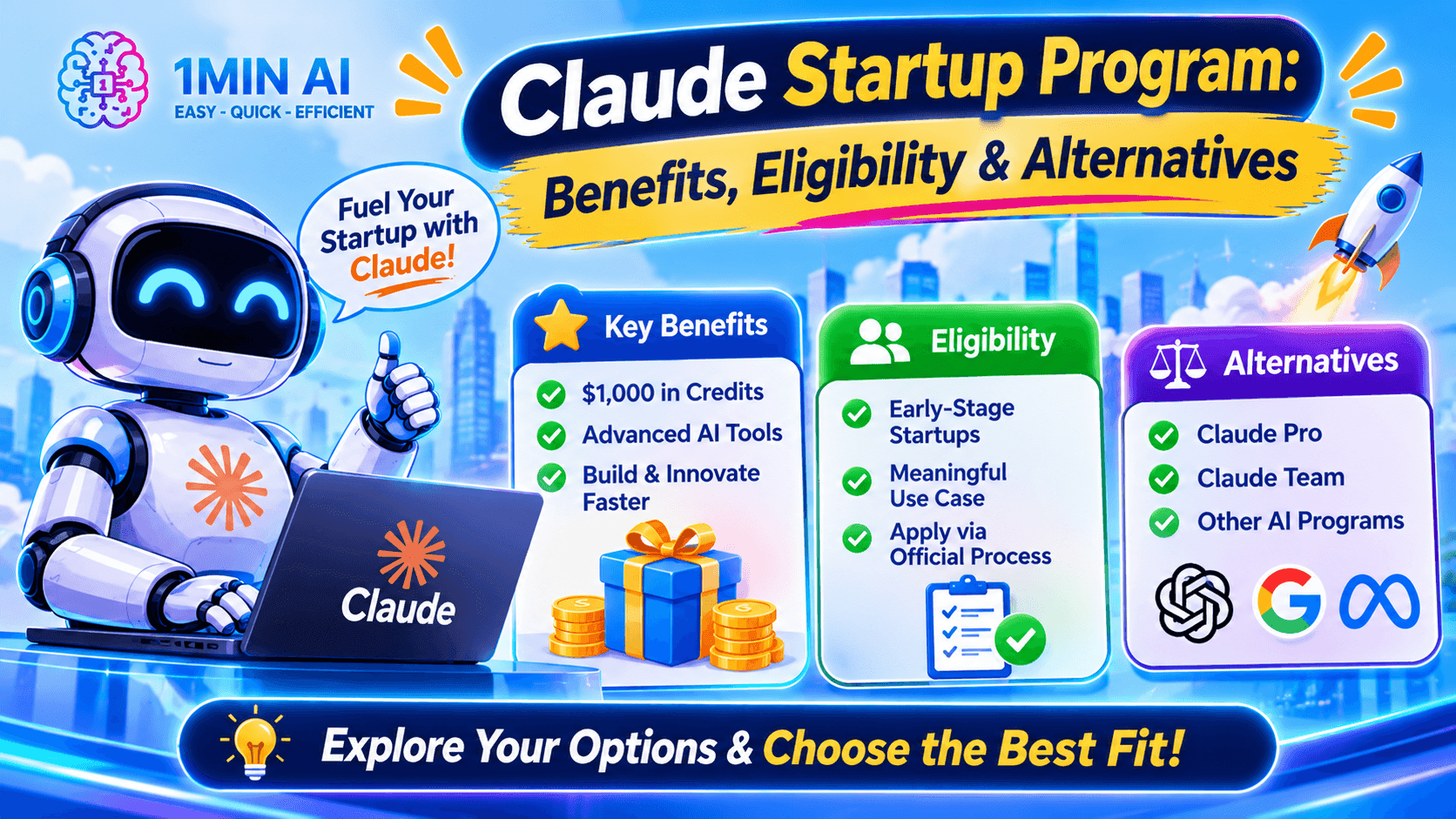
Claude Startup Program: Benefits, Eligibility, and How Startups Can Build with Claude
Learn about the Claude Startup Program, including API credits, Claude Team benefits, eligibility, application steps, and AI tools startups can explore with 1minAI.
Tram Ta
TikTok Studio Analytics Tips for Better Content Performance
Learn how to use TikTok Studio Analytics to track views, watch time, and engagement. Turn your insights into better TikTok content with practical tips.
Lien Anh VuAI Agents
Discover and run AI agents to automate tasks across your work and daily life.
1minAI: Free AI Grammar Checker
Check grammar for free with 1minAI’s AI grammar checker. Find grammar, spelling, and writing mistakes, improve clarity, and polish your content in seconds.
Tram Ta
AI Agents for Facebook
Use an AI Agent for Facebook to create content, generate images, schedule posts, and publish from your documents and conversations.
Ngoc Hong
AI Agent vs AI Assistant: Which One Actually Saves Designers More Time?
Learn the difference between AI Agent vs AI Assistant and discover which solution helps designers automate repetitive work, reduce revisions, and save more time.
Lien Anh VuAI Workflows
Explore ready-to-use AI workflows for productivity, marketing, sales, support, and more.
Create Consistent Cartoon Content in Just a Few Steps
Create engaging cartoon videos for TikTok and Reels with 1min.AI. Research ideas, create characters, and turn images into animated videos in 3 simple steps.
Lien Anh VuOne Product, 10 UGC Creatives: How AI Makes Content Testing Easier
Create more authentic UGC with an AI UGC video generator, test more creative angles and scale affiliate content without filming every version.
Lien Anh VuPOV: You Have 10+ Posts to Make Every Day
Learn how to build an AI content workflow that helps content creators produce 10+ social media posts a day faster with AI brainstorming, image generation, and content creation.
Lien Anh VuNewsletter
Weekly AI Innovations with 1minAI

🔮 Weekly AI Innovations #144: LinkedIn Content Agent: Complete B2B Publishing Pipeline
Scale B2B influence with the LinkedIn Content Agent on 1min.ai. Discover an end-to-end 4-stage pipeline with zero redundant token burn and 1-click publishing.
Hang Nguyen
🔮 Weekly AI Innovations #143: Update GPT-6, GPT-6.1 & Ideogram 4.0
Access GPT-6 Sol, Luna, GPT-6.1 Sol, and Ideogram 4.0 on 1min.ai. Boost typography accuracy to 98.4% and cut reasoning latency by 45% in one platform.
Hang Nguyen
🔮 Weekly AI Innovations #142: Grok 4.7, Opus 5.5 & Sonnet 5.5 on 1min.ai
Access Grok 4.7, Claude Opus 5.5, and Sonnet 5.5 on 1min.ai. Cut subscription costs by up to 70% and process millions tokens in a single unified workspace.
Hang Nguyen