
One AI Workspace for a Faster Design Workflow

Lien Anh Vu
August 15, 2026
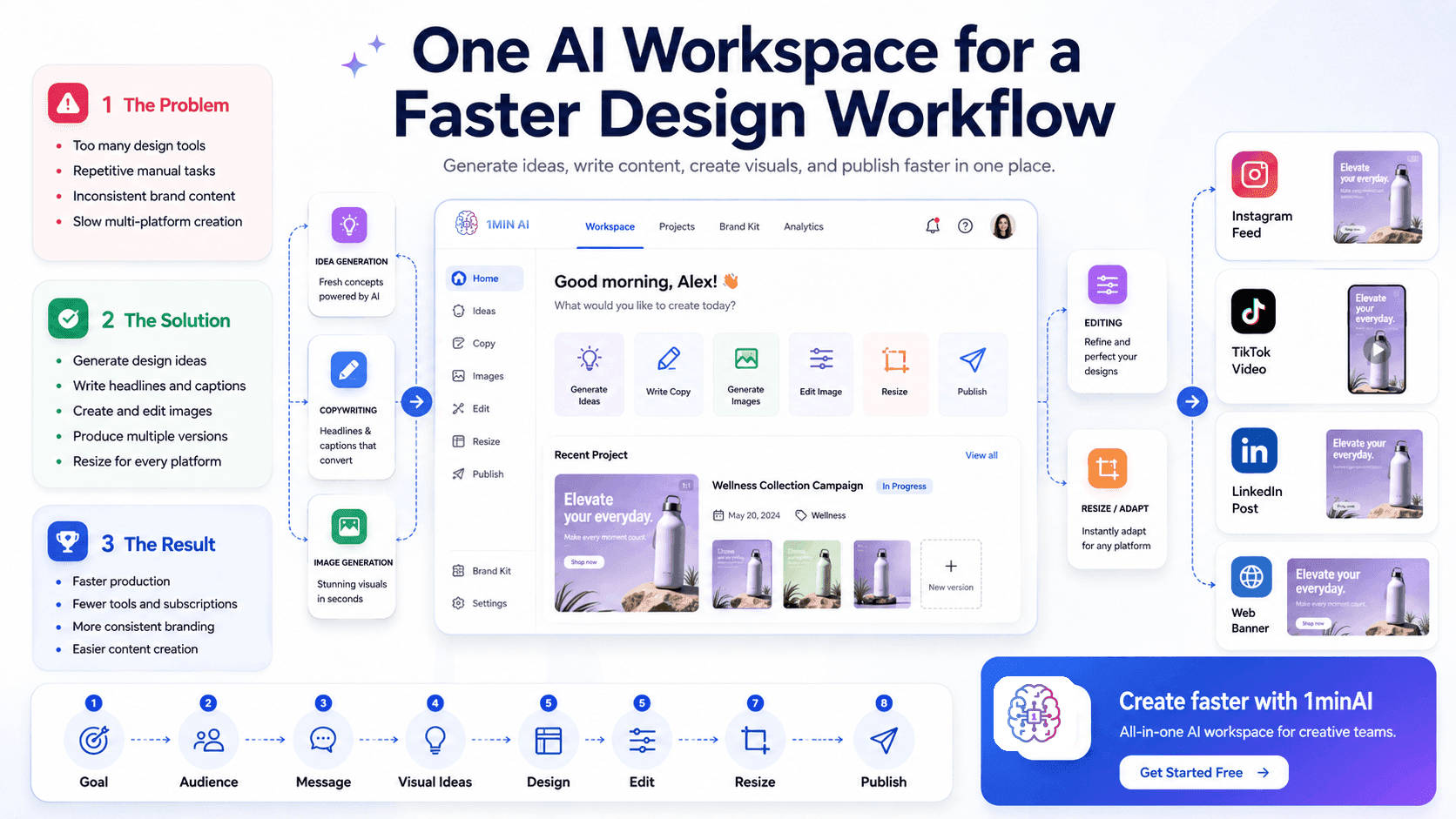
Discover how an AI design workspace helps you generate ideas, create visuals, write content, and manage your creative workflow faster in one place.
Design work often becomes slower because creators have to switch between too many tools. One platform is used for brainstorming, another for writing copy, another for generating images, and another for editing or resizing content.
This fragmented process takes time, interrupts creative focus, and makes it harder to maintain a consistent brand style.
An AI design workspace solves this problem by bringing essential AI design tools into one connected platform. Users can develop ideas, create visuals, write supporting content, and prepare assets for different channels without constantly moving between applications.
Why Traditional Design Workflows Are Inefficient
A single design project may involve many different tasks, including:
- Brainstorming concepts.
- Writing headlines and captions.
- Generating images.
- Editing visual assets.
- Creating multiple design versions.
- Resizing content for different platforms.
- Organising files and project outputs.
When each task requires a separate tool, the workflow becomes difficult to manage.
Too Many Disconnected Tools
Switching between applications breaks concentration and creates unnecessary steps. Users may need to download files, upload them again, repeat prompts, and reorganise assets several times during one project.
Repetitive Manual Work
Simple tasks such as rewriting captions, resizing visuals, generating variations, or adapting content for each platform can take up a large amount of time.
Inconsistent Brand Content
When copy and visuals are created separately, the final content may not share the same tone, message, or visual direction. This can weaken brand consistency.
Higher Software Costs
Using several specialised tools often means managing multiple subscriptions. This can be expensive for freelancers, content creators, and small businesses.
How an AI Design Workspace Solves These Problems
An all-in-one AI design platform connects different parts of the creative process in one environment.
Users can:
- Generate campaign and design ideas.
- Write headlines, captions, and marketing copy.
- Create images and graphics.
- Produce multiple creative variations.
- Refine and edit visual assets.
- Adapt content for different audiences and platforms.
- Keep creative tasks organised in one workspace.
This allows users to move from an initial idea to a finished design with fewer interruptions.
AI does not replace human creativity. It supports the creative process by reducing repetitive work and helping users explore ideas faster.
Generate Creative Ideas Faster
Starting a project is often one of the most difficult stages of the design process.
An AI design workspace can help users turn a simple brief into several creative directions. By providing information about the product, audience, platform, and campaign goal, users can generate:
- Design concepts.
- Visual themes.
- Content angles.
- Headline ideas.
- Image prompts.
- Calls to action.
Instead of starting from a blank page, users receive several ideas that they can review and refine.
Connect Copywriting and Visual Creation
Strong visual content needs both a clear design and an effective message.
An AI workspace can help users create supporting content such as:
- Headlines.
- Social media captions.
- Product descriptions.
- Advertising copy.
- Campaign messages.
- Calls to action.
- Short video scripts.
Users can then generate visuals based on the same audience, message, and campaign goal.
Connecting copywriting and visual creation in one workflow helps produce content that feels more consistent and relevant.
Create Visuals with AI Design Tools
An AI graphic design generator or AI image generator can turn written instructions into visual concepts.
Users can describe the type of content they need, such as:
- A social media advertisement.
- A product promotion.
- A website banner.
- A blog image.
- A presentation graphic.
- A TikTok cover.
- An Instagram post.
The AI can generate multiple options for users to compare.
These outputs can be used as final assets, early concepts, design references, or starting points for further editing.
Generating multiple versions quickly also makes it easier to test different styles and creative directions before choosing the strongest option.
Maintain a Consistent Brand Style
Brand consistency helps customers recognise and trust a business.
An AI design workspace can use clear brand instructions to generate more consistent outputs. These instructions may include:
- Target audience.
- Brand tone.
- Visual style.
- Key messages.
- Product benefits.
- Preferred colours.
- Writing style.
- Calls to action.
- Words or styles to avoid.
By using the same guidelines across different tasks, users can create visuals and written content that feel more connected.
Human review is still important, but AI can provide a more consistent starting point.
Adapt Content for Different Platforms
Each platform requires a different content style and format.
For example:
- Instagram often focuses on polished visuals and engaging captions.
- TikTok needs short hooks and fast, direct messaging.
- LinkedIn usually requires a more professional tone.
- Websites need clear information and strong calls to action.
An AI design workspace can help transform one campaign idea into several platform-specific versions.
A single concept can be adapted into:
- An Instagram post.
- A TikTok cover.
- A LinkedIn graphic.
- A website banner.
- A product advertisement.
- A presentation slide.
- A blog header.
This saves time while keeping the central message consistent.
A Simple AI-Assisted Design Workflow
Step 1: Define the Goal
Identify what the design should achieve.
The goal may be to promote a product, increase engagement, generate leads, explain a feature, or build brand awareness.
Step 2: Describe the Audience
Provide information about the target audience, including their interests, needs, problems, and preferred communication style.
Step 3: Generate the Message
Use AI writing tools to create headlines, hooks, supporting copy, captions, benefits, and calls to action.
Generate several options and select the clearest version.
Step 4: Create Visual Directions
Ask the AI to suggest visual styles, layouts, compositions, backgrounds, and image concepts that match the message.
Step 5: Generate the Design
Use an AI image generator or AI graphic design generator to create multiple design options.
Step 6: Edit and Refine
Review the selected design and improve its layout, text placement, image quality, and brand consistency.
Step 7: Adapt for Each Platform
Resize the design and adjust the text for Instagram, TikTok, LinkedIn, websites, or other channels.
Step 8: Review and Publish
Before publishing, check:
- Spelling and grammar.
- Image quality.
- Platform dimensions.
- Brand consistency.
- Message clarity.
- Factual accuracy.
- Call-to-action strength.
Key Benefits of an AI Design Workspace
Faster Content Production
AI helps users move from idea to first draft faster and reduces the time spent on repetitive tasks.
Fewer Tools and Subscriptions
An all-in-one workspace reduces the need to manage many separate platforms and subscriptions.
More Creative Variations
Users can generate several visual and copy options without recreating each version manually.
Better Brand Consistency
Keeping content and visuals in one workflow helps maintain a more consistent message and style.
Easier Multi-Platform Creation
One campaign idea can be adapted into multiple formats more efficiently.
More Time for Strategic Work
By reducing manual tasks, users can focus more on creative direction, storytelling, audience understanding, and final quality.
Who Can Use an AI Design Workspace?
An AI design workspace can support:
- Content creators.
- Graphic designers.
- Freelance marketers.
- Social media managers.
- Small business owners.
- Startup teams.
- Marketing departments.
- Users without advanced design skills.
It is especially useful for people who need to create content regularly but do not want to manage several disconnected tools.
Why Use 1minAI for Your Design Workflow?
1minAI is an all-in-one AI workspace that brings different creative capabilities into one platform.
Users can use 1minAI to:
- Brainstorm creative ideas.
- Write headlines and captions.
- Generate marketing content.
- Create images.
- Explore visual variations.
- Prepare content for different platforms.
- Access multiple AI models.
- Manage creative tasks more efficiently.
Instead of switching between separate writing, image, and design tools, users can build a more connected workflow from idea to final output.
1minAI does not replace professional skills. It helps users work more efficiently by reducing unnecessary steps and supporting faster creative production.
Final Thoughts
Traditional design workflows are often slowed down by disconnected tools, repetitive tasks, and inconsistent processes.
An AI design workspace offers a simpler approach by connecting idea generation, copywriting, image creation, editing, and multi-platform content preparation in one place.
The result is a faster workflow, fewer tools, more consistent branding, and more time for creative and strategic work.
Create Faster with 1minAI
Stop switching between disconnected creative tools.
Use 1minAI to generate ideas, write content, create visuals, and prepare designs for different platforms in one all-in-one AI workspace.
Start creating with 1minAI today and build your next design faster: https://app.1min.ai/
Alternatives
Discover the best alternatives to 1minAI and compare features, pricing, and use cases.

1min.AI vs OpenRouter
1min.AI vs. OpenRouter: Compare the ready-to-use AI creation product against the technical API tool. Find out if you need a zero-code creative studio or a coding infrastructure hub.
 Ngoc Hong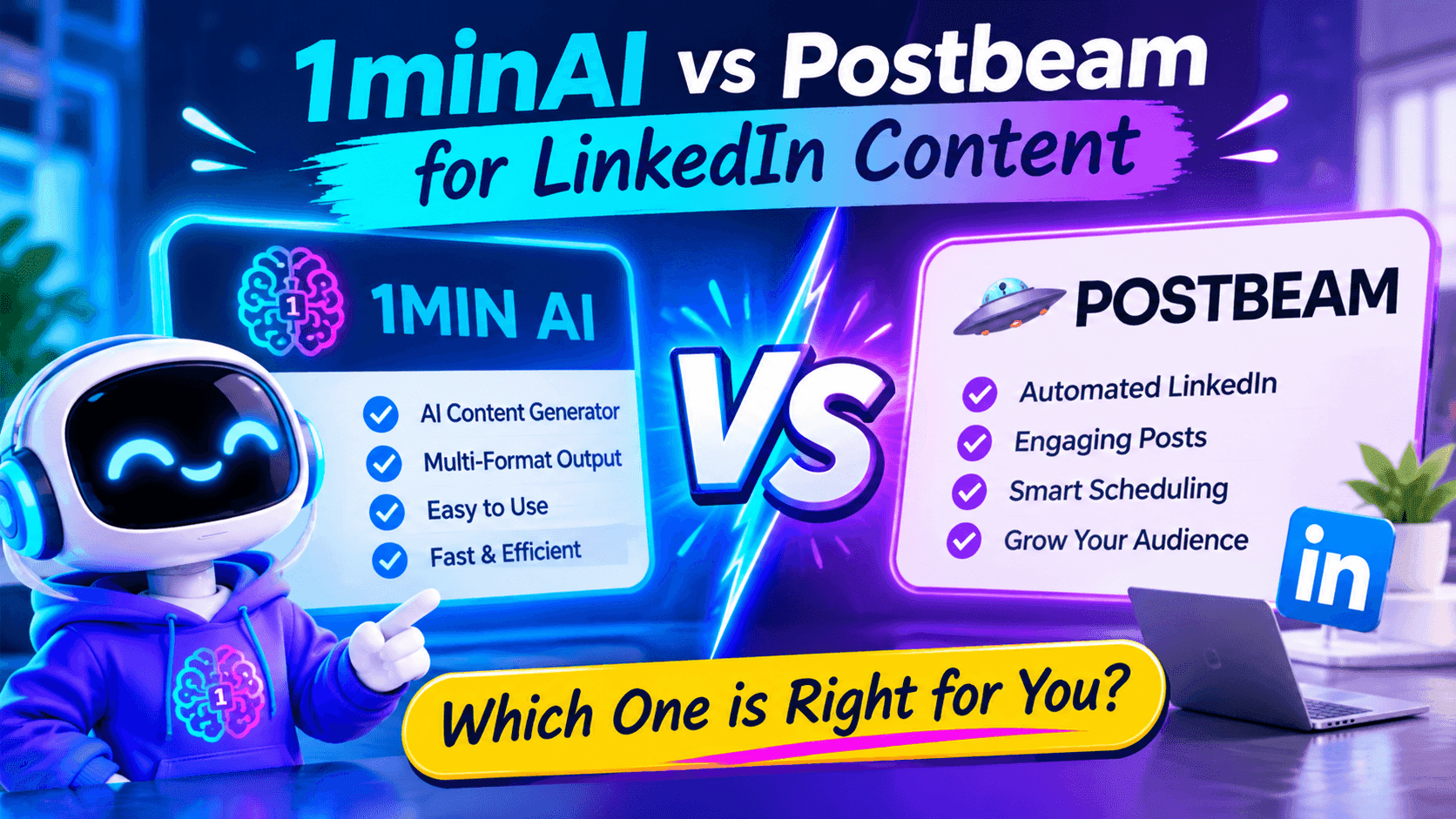
1minAI vs Postbeam for LinkedIn Content
Looking for a Postbeam alternative? Compare 1minAI vs Postbeam for AI LinkedIn content creation, research, image generation, scheduling, and B2B workflows.
 Tram Ta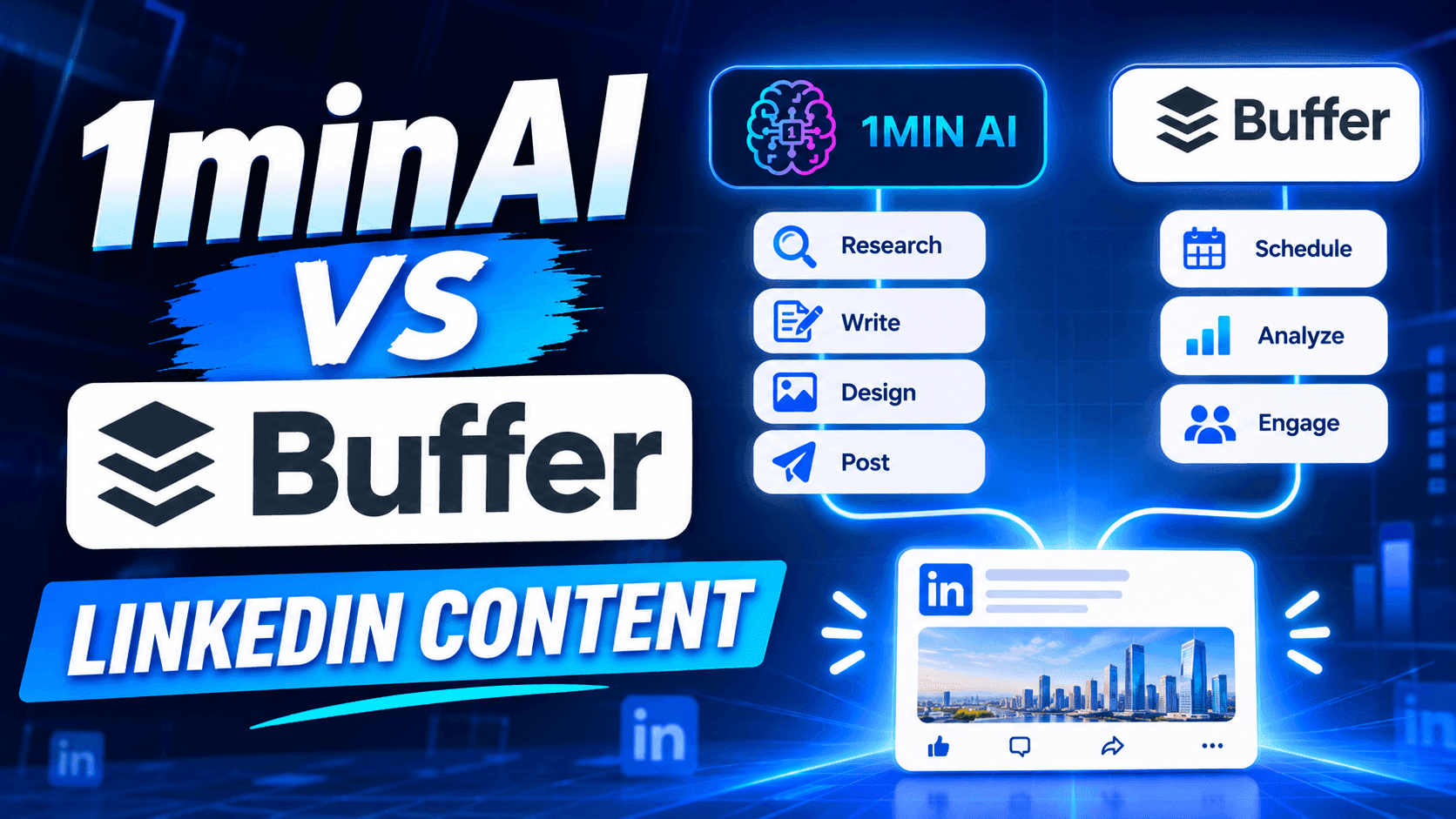
1minAI vs Buffer for LinkedIn Content Creation
Looking for a Buffer alternative? Compare 1minAI vs Buffer for LinkedIn content creation, AI writing, image generation, scheduling, and automation.
Tram TaAI Tools
Discover the best AI tools to boost productivity, creativity, and everyday work.

Create Consistent Cartoon Content in Just a Few Steps
Create engaging cartoon videos for TikTok and Reels with 1min.AI. Research ideas, create characters, and turn images into animated videos in 3 simple steps.
 Lien Anh Vu
One Product, 10 UGC Creatives: How AI Makes Content Testing Easier
Create more authentic UGC with an AI UGC video generator, test more creative angles and scale affiliate content without filming every version.
Lien Anh Vu
Top 4 Affordable AI Tools for Startup Founders
Discover the top 4 affordable AI tools for startup founders to validate ideas, build products, create content, and launch faster without overspending.
Tram TaAI Features
Comprehensive AI features that streamline workflows, improve efficiency, and empower teams to achieve more.
Create Consistent Cartoon Content in Just a Few Steps
Create engaging cartoon videos for TikTok and Reels with 1min.AI. Research ideas, create characters, and turn images into animated videos in 3 simple steps.
Lien Anh VuOne Product, 10 UGC Creatives: How AI Makes Content Testing Easier
Create more authentic UGC with an AI UGC video generator, test more creative angles and scale affiliate content without filming every version.
Lien Anh Vu
1minAI: Free AI Grammar Checker
Check grammar for free with 1minAI’s AI grammar checker. Find grammar, spelling, and writing mistakes, improve clarity, and polish your content in seconds.
Tram TaAI Use Cases
A curated collection of AI use cases for business, productivity, and industry-specific applications.
Create Consistent Cartoon Content in Just a Few Steps
Create engaging cartoon videos for TikTok and Reels with 1min.AI. Research ideas, create characters, and turn images into animated videos in 3 simple steps.
Lien Anh VuOne Product, 10 UGC Creatives: How AI Makes Content Testing Easier
Create more authentic UGC with an AI UGC video generator, test more creative angles and scale affiliate content without filming every version.
Lien Anh Vu
Best Time to Post on Instagram: A Practical Guide for Better Engagement
Discover the best time to post on Instagram, including the best days and times for different audiences, plus tips to find the ideal posting schedule for your account.
Tram TaAI Tutorials
Learn how to use AI with practical, step-by-step tutorials.

Black Friday AI Tool Deals in 2026
Discover what Black Friday AI tool deals 2026 has to offer. Find out how to secure the 1min.AI lifetime deal via AppSumo, Dealify, Stack Social, and verify on Trustpilot, Slashdot, and Software Advice.
 Hang Nguyen
Create Consistent Cartoon Content in Just a Few Steps
Create engaging cartoon videos for TikTok and Reels with 1min.AI. Research ideas, create characters, and turn images into animated videos in 3 simple steps.
Lien Anh Vu
[Seedance 2.5 New] Better AI Product Videos, Less Rework in 1min.AI
Use Seedance 2.5 image to video on 1min.AI to create more consistent AI product videos, reduce failed generations, save credits, and improve UGC workflows.
Lien Anh VuAI Guides
Learn AI faster with practical guides, real-world examples, and actionable best practices.

Safely Buy AI Tools Online: 2026 Black Friday Guide
Discover how to find and secure the best Black Friday AI deals online. Learn expert strategies to avoid scams, combat subscription fatigue, and verify software.
Hang NguyenCreate Consistent Cartoon Content in Just a Few Steps
Create engaging cartoon videos for TikTok and Reels with 1min.AI. Research ideas, create characters, and turn images into animated videos in 3 simple steps.
Lien Anh Vu[Seedance 2.5 New] Better AI Product Videos, Less Rework in 1min.AI
Use Seedance 2.5 image to video on 1min.AI to create more consistent AI product videos, reduce failed generations, save credits, and improve UGC workflows.
Lien Anh VuAI Solutions
Browse the best AI solutions for automation, coding, research, productivity, customer support, marketing, and business workflows.
Safely Buy AI Tools Online: 2026 Black Friday Guide
Discover how to find and secure the best Black Friday AI deals online. Learn expert strategies to avoid scams, combat subscription fatigue, and verify software.
Hang NguyenCreate Consistent Cartoon Content in Just a Few Steps
Create engaging cartoon videos for TikTok and Reels with 1min.AI. Research ideas, create characters, and turn images into animated videos in 3 simple steps.
Lien Anh VuOne Product, 10 UGC Creatives: How AI Makes Content Testing Easier
Create more authentic UGC with an AI UGC video generator, test more creative angles and scale affiliate content without filming every version.
Lien Anh VuAI Models
Explore the world's leading AI models in one place.
Create Consistent Cartoon Content in Just a Few Steps
Create engaging cartoon videos for TikTok and Reels with 1min.AI. Research ideas, create characters, and turn images into animated videos in 3 simple steps.
Lien Anh VuOne Product, 10 UGC Creatives: How AI Makes Content Testing Easier
Create more authentic UGC with an AI UGC video generator, test more creative angles and scale affiliate content without filming every version.
Lien Anh Vu[Seedance 2.5 New] Better AI Product Videos, Less Rework in 1min.AI
Use Seedance 2.5 image to video on 1min.AI to create more consistent AI product videos, reduce failed generations, save credits, and improve UGC workflows.
Lien Anh VuAI Comparisons
Compare AI tools, models, and platforms to find the best fit for your needs.

Kling AI Vs Veo 3: Which Model Wins?
Kling AI vs Veo 3: compare motion, native audio, pricing & free tiers to see which AI video generator wins for your project - try both on 1min.AI.
 Trang Tran
[Seedance 2.5 New] Better AI Product Videos, Less Rework in 1min.AI
Use Seedance 2.5 image to video on 1min.AI to create more consistent AI product videos, reduce failed generations, save credits, and improve UGC workflows.
Lien Anh Vu
DeepSeek V4 Pro vs Flash Comparison
Compare DeepSeek V4 Pro vs DeepSeek V4 Flash metrics. Optimize your agentic apps and improve AI fact checking on 1min.ai today.
Ngoc HongAI Integrations
Seamlessly integrate AI with the tools you already use to automate work and boost productivity.

POV: You Have 10+ Posts to Make Every Day
Learn how to build an AI content workflow that helps content creators produce 10+ social media posts a day faster with AI brainstorming, image generation, and content creation.
Lien Anh Vu
How to Use an AI Fashion Video Generator for Fashion Week 2026
Turn Fashion Week 2026 ideas into stunning fashion videos with AI. Learn how to brainstorm, create visuals, and transform images into videos with one simple workflow.
Lien Anh Vu
Stop Switching Between AI Apps: How AI Integration Transforms Employer Branding
Discover how AI integration helps HR teams streamline employer branding by combining AI writing, documents, images, video, and multiple AI models into one workspace.
Tram TaAI for Industries
Find the best AI tools and workflows for healthcare, finance, education, legal, manufacturing, retail, real estate, and more

Free AI Video Generator From Image No Restrictions
Try a free AI video generator from image with no watermark. Turn photos into videos with audio using Kling, Veo 3.1 and Seedance in 1min.AI. Start now.
Trang Tran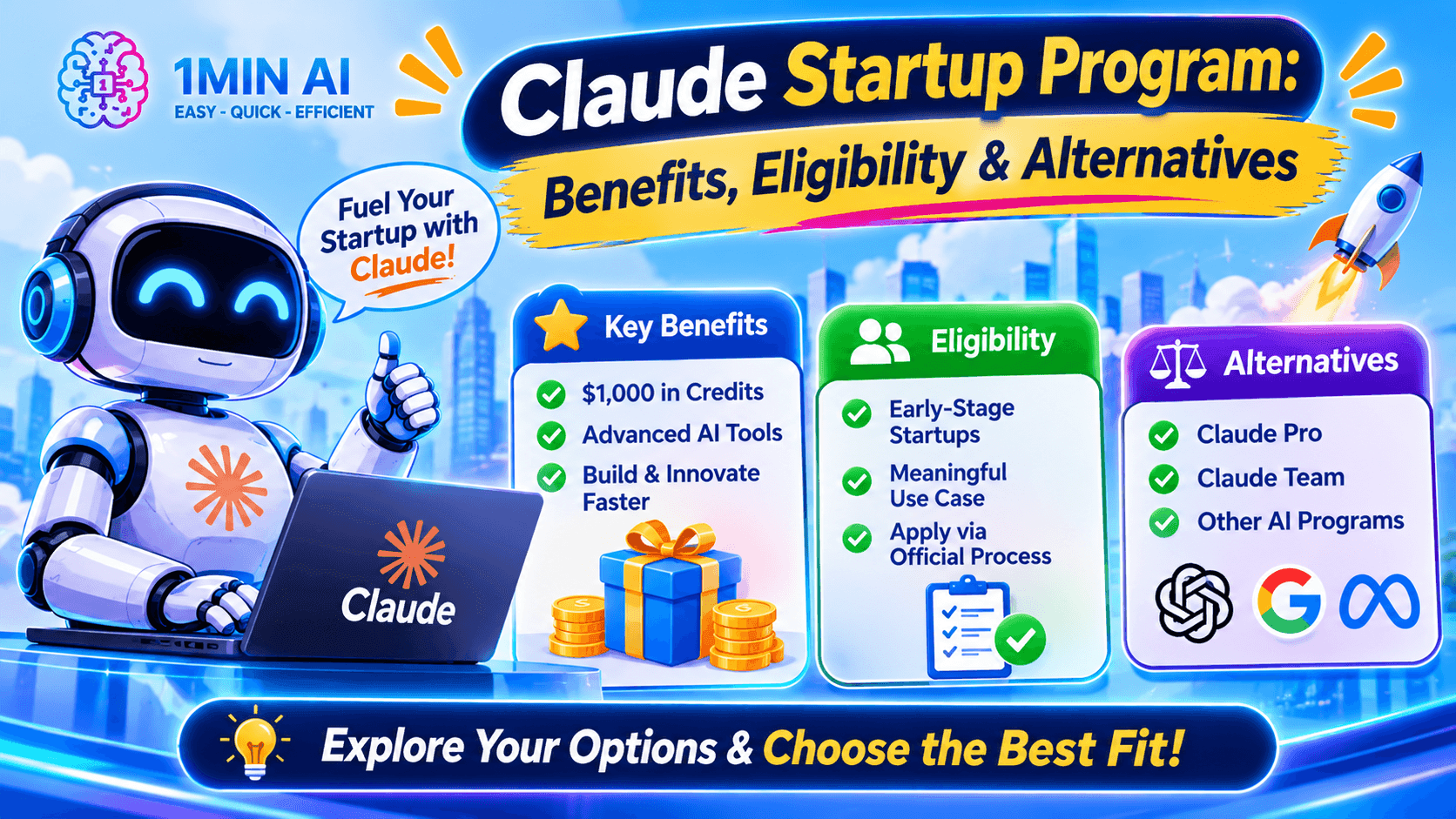
Claude Startup Program: Benefits, Eligibility, and How Startups Can Build with Claude
Learn about the Claude Startup Program, including API credits, Claude Team benefits, eligibility, application steps, and AI tools startups can explore with 1minAI.
Tram Ta
TikTok Studio Analytics Tips for Better Content Performance
Learn how to use TikTok Studio Analytics to track views, watch time, and engagement. Turn your insights into better TikTok content with practical tips.
Lien Anh VuAI Agents
Discover and run AI agents to automate tasks across your work and daily life.
1minAI: Free AI Grammar Checker
Check grammar for free with 1minAI’s AI grammar checker. Find grammar, spelling, and writing mistakes, improve clarity, and polish your content in seconds.
Tram Ta
AI Agents for Facebook
Use an AI Agent for Facebook to create content, generate images, schedule posts, and publish from your documents and conversations.
Ngoc Hong
AI Agent vs AI Assistant: Which One Actually Saves Designers More Time?
Learn the difference between AI Agent vs AI Assistant and discover which solution helps designers automate repetitive work, reduce revisions, and save more time.
Lien Anh VuAI Workflows
Explore ready-to-use AI workflows for productivity, marketing, sales, support, and more.
Create Consistent Cartoon Content in Just a Few Steps
Create engaging cartoon videos for TikTok and Reels with 1min.AI. Research ideas, create characters, and turn images into animated videos in 3 simple steps.
Lien Anh VuOne Product, 10 UGC Creatives: How AI Makes Content Testing Easier
Create more authentic UGC with an AI UGC video generator, test more creative angles and scale affiliate content without filming every version.
Lien Anh VuPOV: You Have 10+ Posts to Make Every Day
Learn how to build an AI content workflow that helps content creators produce 10+ social media posts a day faster with AI brainstorming, image generation, and content creation.
Lien Anh VuNewsletter
Weekly AI Innovations with 1minAI

🔮 Weekly AI Innovations #144: LinkedIn Content Agent: Complete B2B Publishing Pipeline
Scale B2B influence with the LinkedIn Content Agent on 1min.ai. Discover an end-to-end 4-stage pipeline with zero redundant token burn and 1-click publishing.
Hang Nguyen
🔮 Weekly AI Innovations #143: Update GPT-6, GPT-6.1 & Ideogram 4.0
Access GPT-6 Sol, Luna, GPT-6.1 Sol, and Ideogram 4.0 on 1min.ai. Boost typography accuracy to 98.4% and cut reasoning latency by 45% in one platform.
Hang Nguyen
🔮 Weekly AI Innovations #142: Grok 4.7, Opus 5.5 & Sonnet 5.5 on 1min.ai
Access Grok 4.7, Claude Opus 5.5, and Sonnet 5.5 on 1min.ai. Cut subscription costs by up to 70% and process millions tokens in a single unified workspace.
Hang Nguyen