
AI Chat Has Evolved Beyond Simple Conversations

Ngoc Hong
August 28, 2026
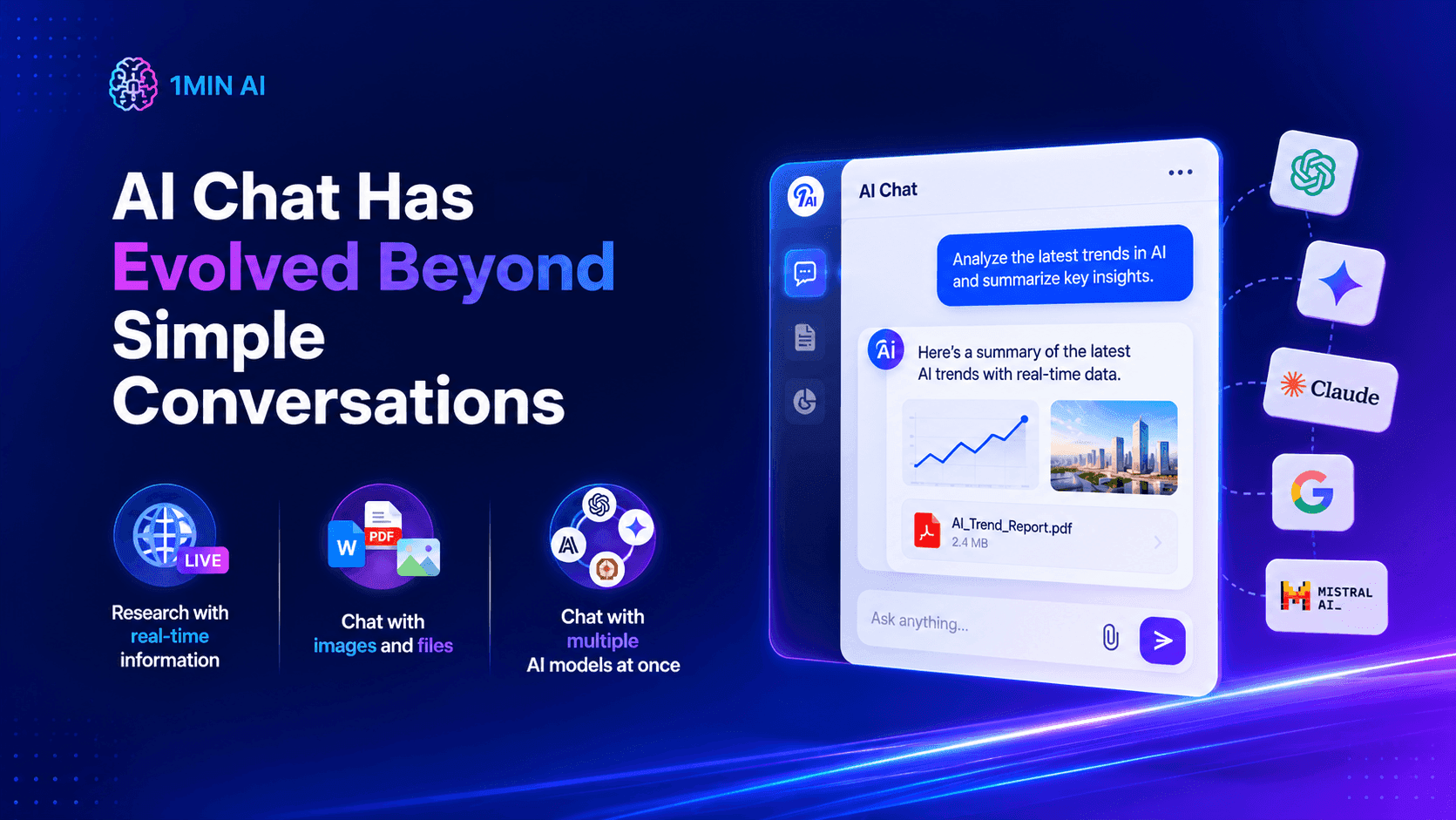
Discover how AI chat is evolving with multiple AI models, real-time research, file analysis, image chat, and persistent memory in one workspace.
AI chat is no longer limited to asking questions and receiving a single answer. Modern AI chat can combine multiple models, analyze files and images, access real-time information, and remember important context across conversations.
For creators, marketers, researchers, and professionals, this changes how AI fits into everyday work. Instead of using AI as a simple chatbot, you can use it as a research assistant, creative partner, analyst, and long-term workspace.
Why traditional AI chat is no longer enough
Traditional AI chat usually follows a simple pattern: ask a question, receive an answer, and start again when the next task begins. This works well for quick questions, but it becomes inefficient when work requires research, comparison, files, or multiple perspectives.
Professionals often need to switch between different AI platforms to compare answers or complete related tasks. One tool may be better for reasoning, while another works better for research or creative writing. This fragmented workflow creates unnecessary copying, switching, and repeated instructions.
A modern AI chat workflow solves this problem by bringing different capabilities into the same conversation.
What can modern AI chat do?
The biggest change is that AI chat is becoming a complete workspace rather than a simple question-and-answer interface. Instead of relying on one model or one type of input, users can combine several capabilities within the same workflow.
Chat with multiple AI models at once
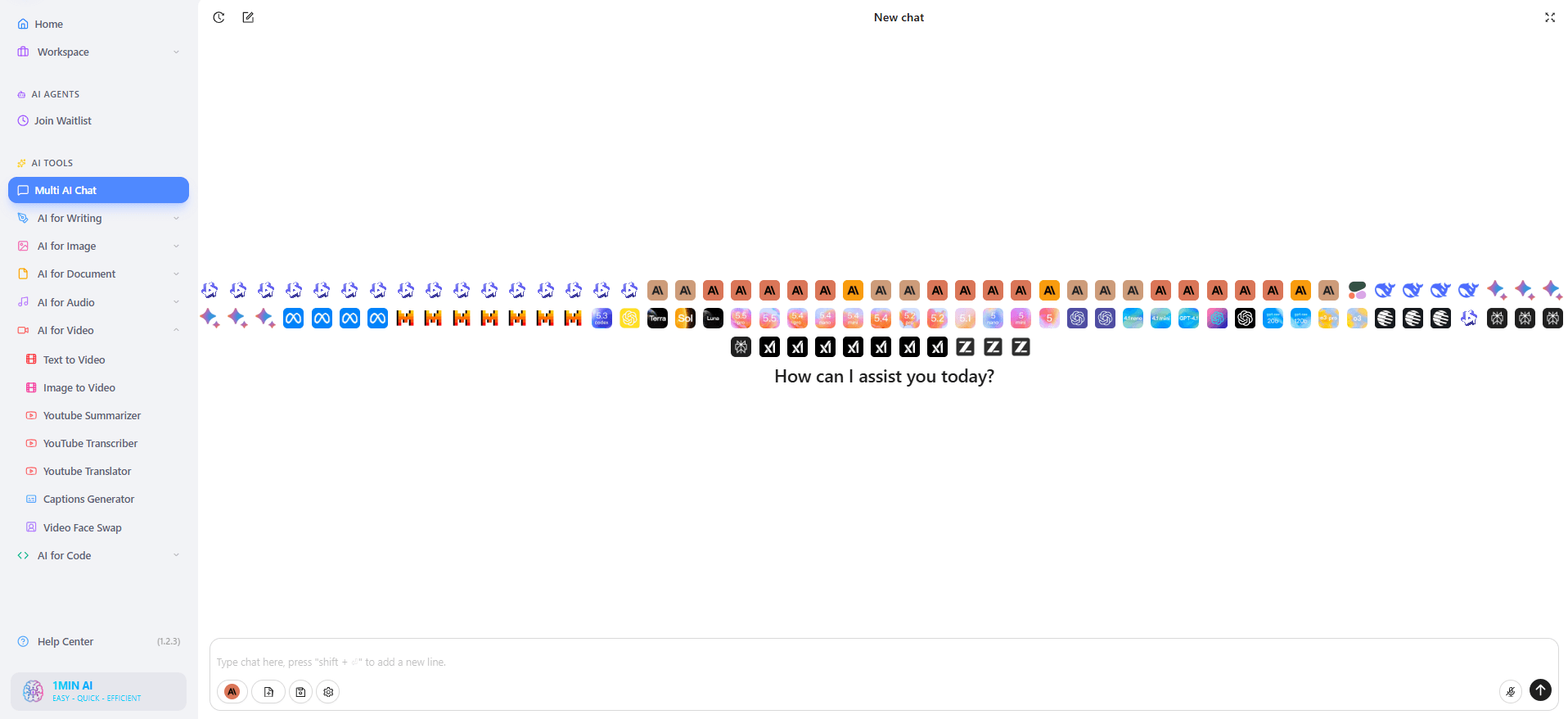
Multi AI Chat allows users to send one prompt to multiple leading AI models and compare their responses side by side. This makes it easier to evaluate different reasoning styles, writing approaches, and perspectives without opening several platforms.
For example, a marketer could ask several models to develop a product launch strategy. A writer could compare different headline ideas. A developer could review multiple approaches to solving a technical problem. Instead of asking, “Which AI is the best?”, the better question becomes: “Which AI gives me the best answer for this specific task?” This cross-model approach is especially useful when accuracy, creativity, or strategic judgment matters.
Research with real-time information
AI answers can become outdated when they rely only on previously learned information. For research-heavy work, access to current information can make a major difference.
Real-Time Web Search allows AI workflows to work with information from the current web rather than relying exclusively on static knowledge. This is useful for trend research, competitor analysis, market research, news monitoring, and fact-checking.
For SEO teams and marketers, this means an AI chat workflow can move closer to a research assistant that helps identify current information before content is created.
Chat with images and files
AI chat is also becoming increasingly multimodal.
Instead of communicating only through text, users can provide images and documents as part of a conversation. This allows AI to interpret visual references, analyze documents, summarize information, and answer questions based on uploaded material.
For example, you can use AI chat to:
- Analyze a PDF or business report
- Review an image or visual concept
- Extract important information from documents
- Summarize lengthy materials
- Compare information from uploaded files
- Ask follow-up questions about the same source
This makes AI chat much more useful for real professional workflows.
AI memory changes how conversations work
Another major development is AI memory.
Traditional conversations often require users to repeat important information whenever they start a new task. This becomes frustrating when working on long-term projects involving brand guidelines, preferences, audiences, or recurring requirements.
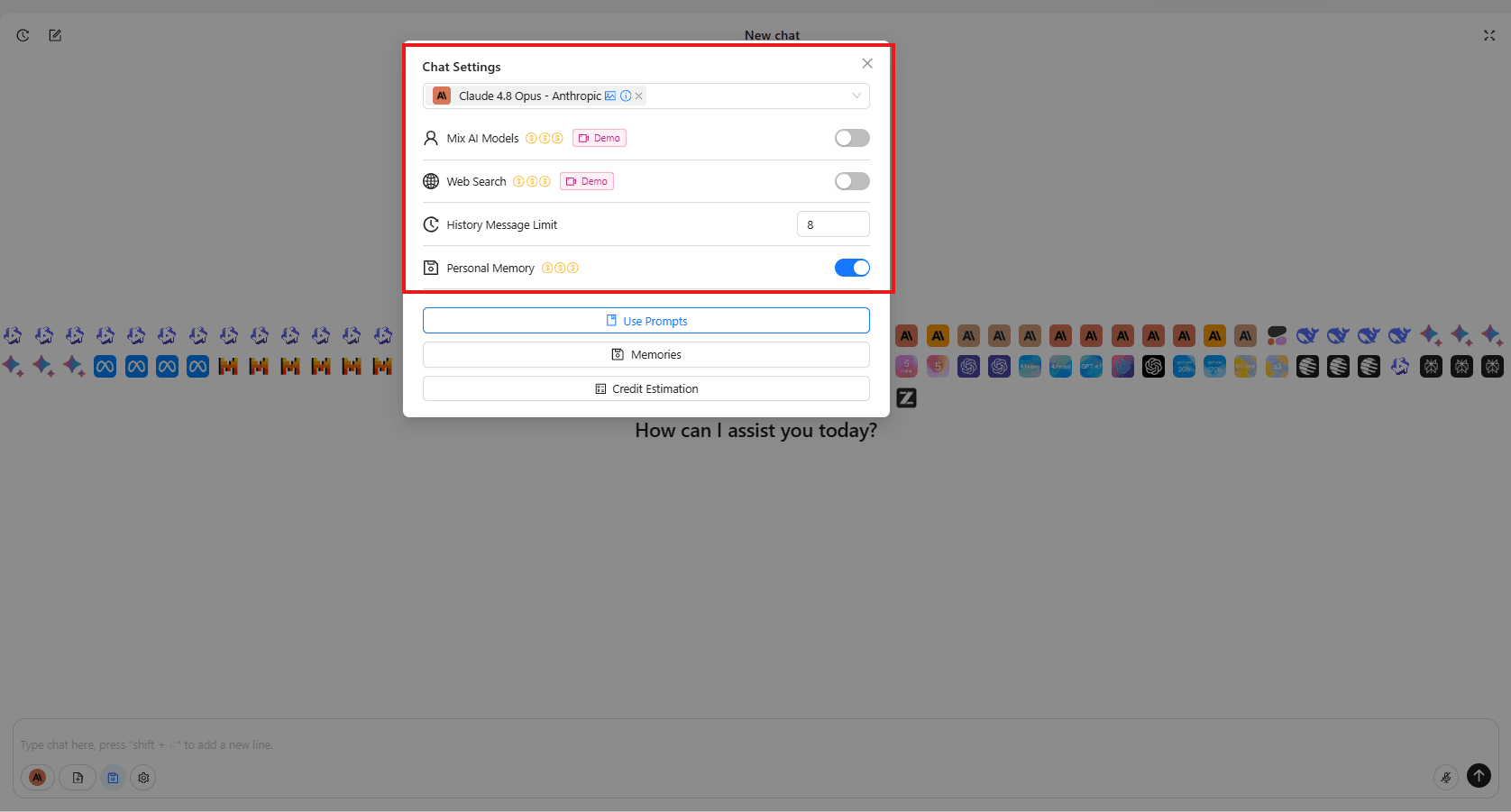
With persistent memory, important information can remain available beyond a single conversation. Once relevant information has been integrated into the AI's memory, users can continue working across different conversations without constantly repeating the same background.
For example, a content marketer could establish:
- Target audience
- Brand voice
- Writing preferences
- Content goals
- Formatting requirements
- Business context
The AI can then use that information as context for future work.
This changes the relationship between users and AI from “ask and answer” to “build and continue.”
One AI chat workflow for different types of work
The real advantage of modern AI chat is not any single feature. It is how multiple capabilities work together.
| Task | Traditional workflow | Modern AI chat workflow |
|---|---|---|
| Writing | Open a writing tool | Chat with AI |
| Research | Switch to search tools | Use real-time research |
| Comparison | Open multiple AI platforms | Compare multiple models |
| Documents | Use a separate PDF tool | Upload and chat with files |
| Images | Describe everything manually | Chat using visual inputs |
| Long-term projects | Repeat context | Use AI memory |
This creates a more connected workflow for professionals who regularly move between research, analysis, writing, and decision-making.
Why use Multi AI Chat in one workspace?
The main benefit of Multi AI Chat is reducing the friction between different AI capabilities. Instead of switching between ChatGPT, Claude, Gemini, DeepSeek, Perplexity, and other platforms, users can access multiple AI assistants within one workspace.
This is particularly valuable for:
Content creators who need brainstorming, writing, editing, and research.
Marketers who compare strategies, analyze competitors, and create campaigns.
Researchers who need multiple perspectives and current information.
Developers who compare coding solutions and debugging approaches.
Students and educators who need explanations, summaries, and document analysis.
The workflow becomes less about choosing one permanent AI assistant and more about orchestrating the right AI capabilities for each task.
AI chat is becoming your personal AI workspace
The future of AI chat is not simply better conversations. It is the combination of multiple models, real-time information, multimodal inputs, and persistent context.
1minAI brings these capabilities together through Multi AI Chat, allowing users to compare multiple AI models in one workspace while keeping conversations organized.
For users, the shift is significant:
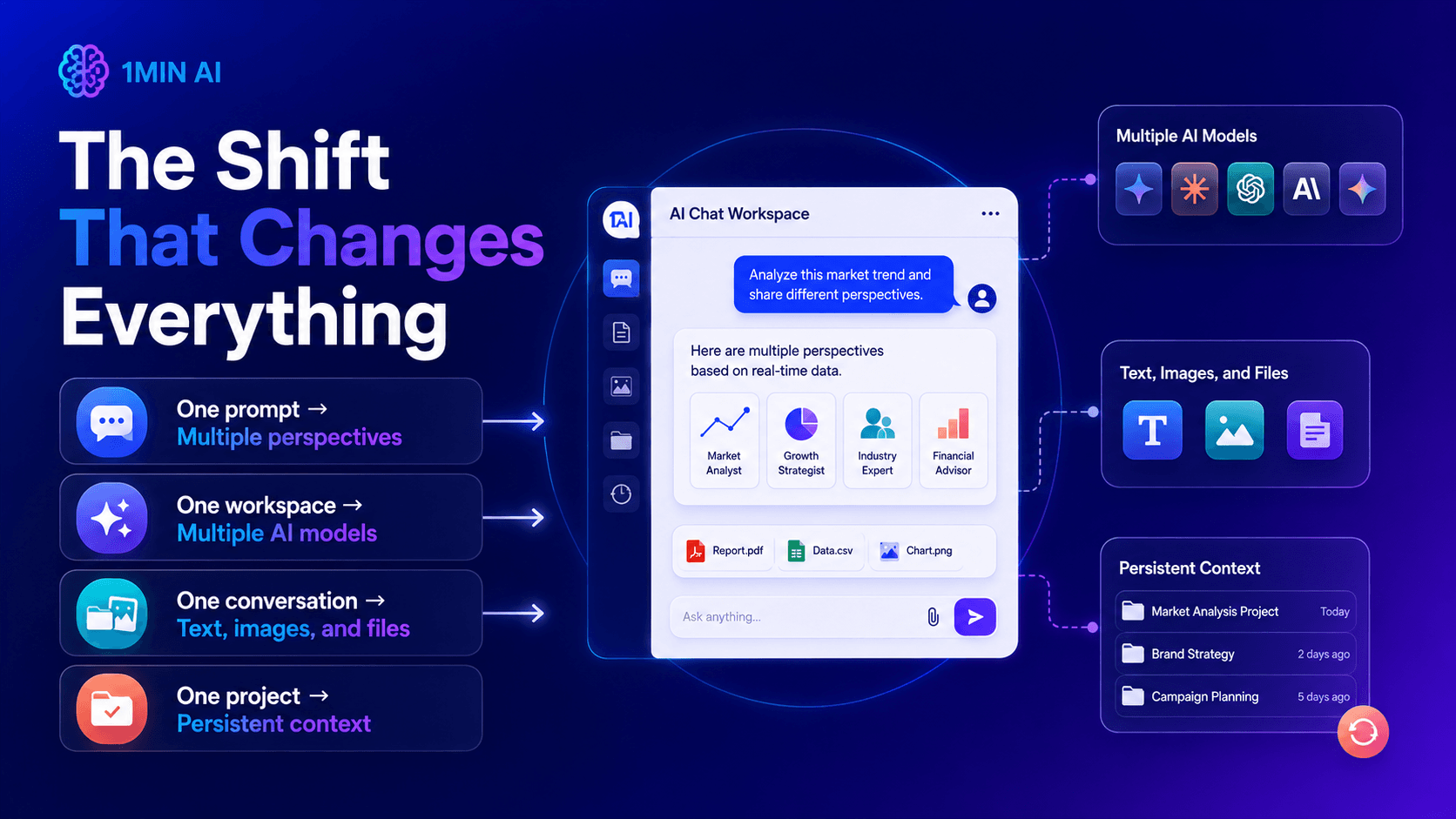
The best AI chat experience is no longer about finding one chatbot that can do everything. It is about creating a workflow where the right AI capabilities work together.
With 1minAI, users can move from simple conversations toward a more flexible multi-model AI workflow for research, writing, analysis, creativity, and everyday productivity.
AI chat has evolved. The next step is learning how to use it as a complete AI workspace.
Alternatives
Discover the best alternatives to 1minAI and compare features, pricing, and use cases.

1min.AI vs OpenRouter
1min.AI vs. OpenRouter: Compare the ready-to-use AI creation product against the technical API tool. Find out if you need a zero-code creative studio or a coding infrastructure hub.
 Ngoc Hong
1min.AI vs Chatplayground AI
Compare 1min.AI (Voice Cloning, Object Removal, Team Plans) vs. ChatPlayground AI (14+ Models, Teams/O365 Integration). Discover the superior platform for predictable pricing and long-term content production growth.
Ngoc Hong
1min.AI vs Krater AI
Compare 1min.AI vs Krater AI features, pricing, AI models, and workflows to find the best all-in-one AI tool for content, design, and productivity.
Ngoc HongAI Tools
Discover the best AI tools to boost productivity, creativity, and everyday work.

How to Use an AI Fashion Video Generator for Fashion Week 2026
Turn Fashion Week 2026 ideas into stunning fashion videos with AI. Learn how to brainstorm, create visuals, and transform images into videos with one simple workflow.
 Lien Anh Vu
How to Create a Podcast Without Expensive Equipment
Learn how to create a podcast without expensive equipment using AI for scripting, voice, video, editing, and content repurposing with 1min.AI.
Lien Anh Vu
Free AI Character Generator - No Signup
Generate an AI character free from text or photo prompts. Try 1min.AI's AI character generator with multiple models, no design skills needed.
 Trang Tran
AI Features
Comprehensive AI features that streamline workflows, improve efficiency, and empower teams to achieve more.
How to Use an AI Fashion Video Generator for Fashion Week 2026
Turn Fashion Week 2026 ideas into stunning fashion videos with AI. Learn how to brainstorm, create visuals, and transform images into videos with one simple workflow.
Lien Anh Vu
Remove Unwanted Proof From Pictures With 1minAI
Remove unwanted objects, people, or watermarks from your pictures with 1minAI’s AI Object Remover. Upload, select, and clean your image in a few clicks.
 Tram Ta
Create, Edit and Transform Images with AI in One Workspace
Explore how Photo AI can simplify image creation and editing. Discover how 1minAI combines image generation, editing, and multiple AI models in one workspace.
 Uyen Hoang
AI Use Cases
A curated collection of AI use cases for business, productivity, and industry-specific applications.
How to Use an AI Fashion Video Generator for Fashion Week 2026
Turn Fashion Week 2026 ideas into stunning fashion videos with AI. Learn how to brainstorm, create visuals, and transform images into videos with one simple workflow.
Lien Anh Vu
How to Create Recurring Revenue With White Label AI Services
Learn how to create recurring revenue with white label AI services using subscriptions, AI-as-a-service, usage-based pricing, managed services, training, and support.
Tram Ta
1min.AI vs QuillBot for Korean-to-English Translation
Compare 1min.AI vs QuillBot for Korean-to-English translation, including limits, document workflows, AI models, and long-form translation needs.
Ngoc HongAI Tutorials
Learn how to use AI with practical, step-by-step tutorials.
Experience Fashion Week for $0 With 1minAI Face Swap
Experience Fashion Week for $0 with 1minAI Face Swap. Upload your photo, choose a Fashion Week video, and create your own AI fashion moment.
Ngoc HongHow to Use an AI Fashion Video Generator for Fashion Week 2026
Turn Fashion Week 2026 ideas into stunning fashion videos with AI. Learn how to brainstorm, create visuals, and transform images into videos with one simple workflow.
Lien Anh Vu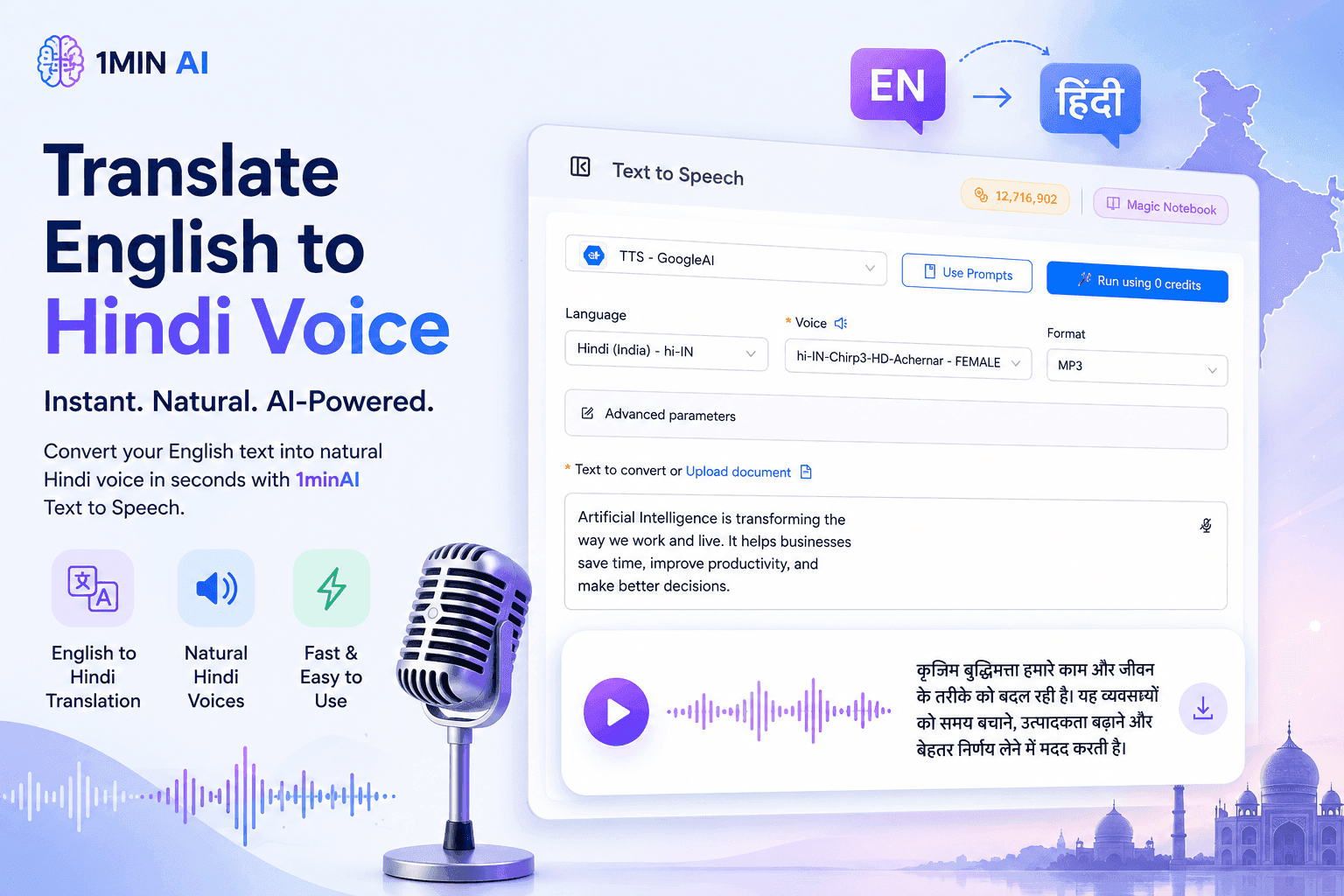
Translate English to Hindi Voice With 1minAI
Translate English to Hindi and convert your text into natural-sounding Hindi voice with 1minAI. Choose a Hindi voice, paste your text, and generate audio in seconds.
Tram TaAI Guides
Learn AI faster with practical guides, real-world examples, and actionable best practices.
How to Use an AI Fashion Video Generator for Fashion Week 2026
Turn Fashion Week 2026 ideas into stunning fashion videos with AI. Learn how to brainstorm, create visuals, and transform images into videos with one simple workflow.
Lien Anh VuHow to Create a Podcast Without Expensive Equipment
Learn how to create a podcast without expensive equipment using AI for scripting, voice, video, editing, and content repurposing with 1min.AI.
Lien Anh Vu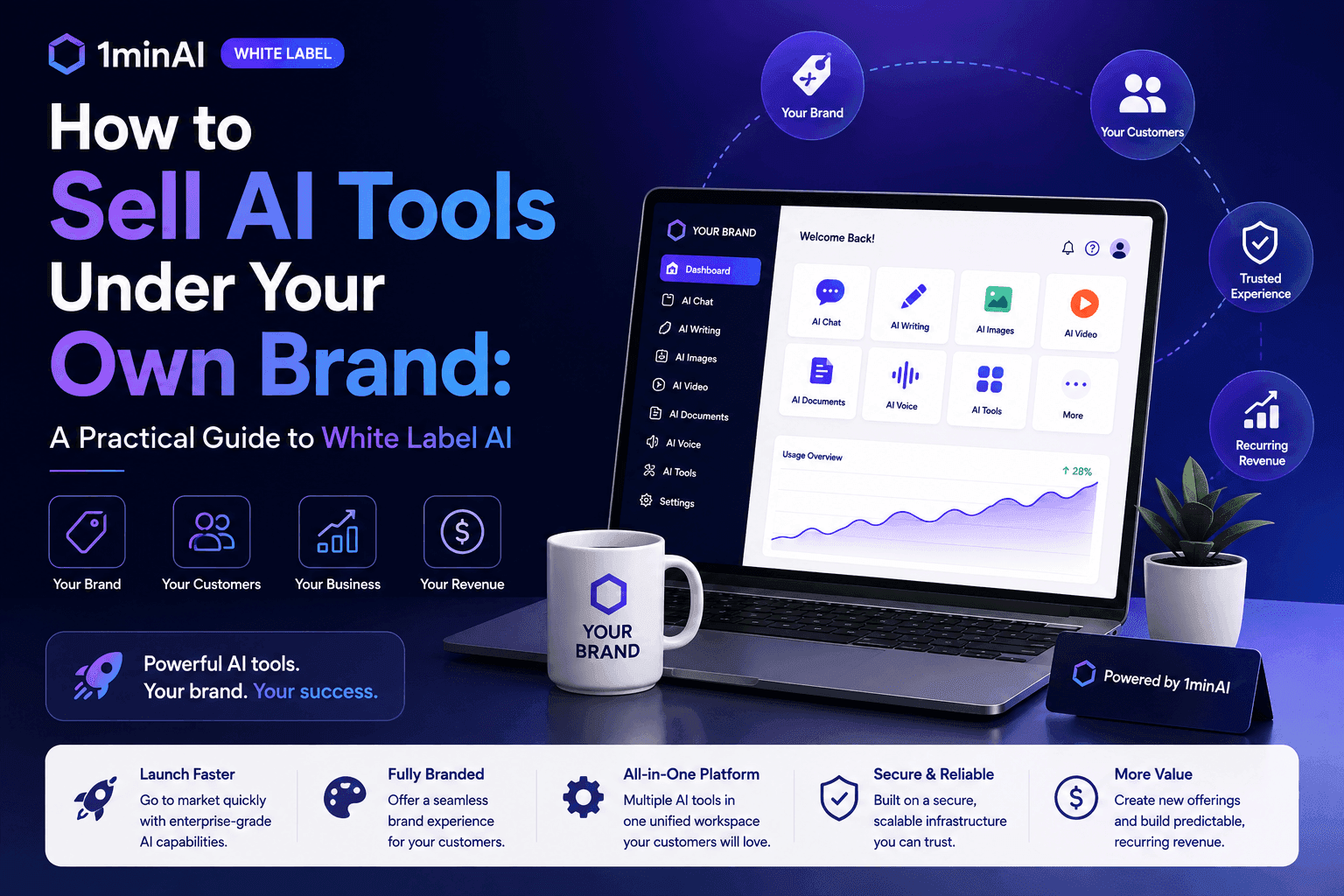
How to Sell AI Tools Under Your Own Brand: A Practical Guide to White Label AI
Learn how to sell AI tools under your own brand with white label AI. Discover how branding, packaging, pricing, onboarding, and recurring revenue work.
Tram TaAI Solutions
Browse the best AI solutions for automation, coding, research, productivity, customer support, marketing, and business workflows.
AI Chat Has Evolved Beyond Simple Conversations
Discover how AI chat is evolving with multiple AI models, real-time research, file analysis, image chat, and persistent memory in one workspace.
Ngoc Hong
White Label: Build Your Own Branded AI Platform
Launch your own branded AI platform with White Label. Explore custom branding, AI capabilities, workflows, and scalable solutions for businesses.
 Hang Nguyen
Experience Fashion Week for $0 With 1minAI Face Swap
Experience Fashion Week for $0 with 1minAI Face Swap. Upload your photo, choose a Fashion Week video, and create your own AI fashion moment.
Ngoc HongAI Models
Explore the world's leading AI models in one place.
How to Use an AI Fashion Video Generator for Fashion Week 2026
Turn Fashion Week 2026 ideas into stunning fashion videos with AI. Learn how to brainstorm, create visuals, and transform images into videos with one simple workflow.
Lien Anh VuHow to Create a Podcast Without Expensive Equipment
Learn how to create a podcast without expensive equipment using AI for scripting, voice, video, editing, and content repurposing with 1min.AI.
Lien Anh Vu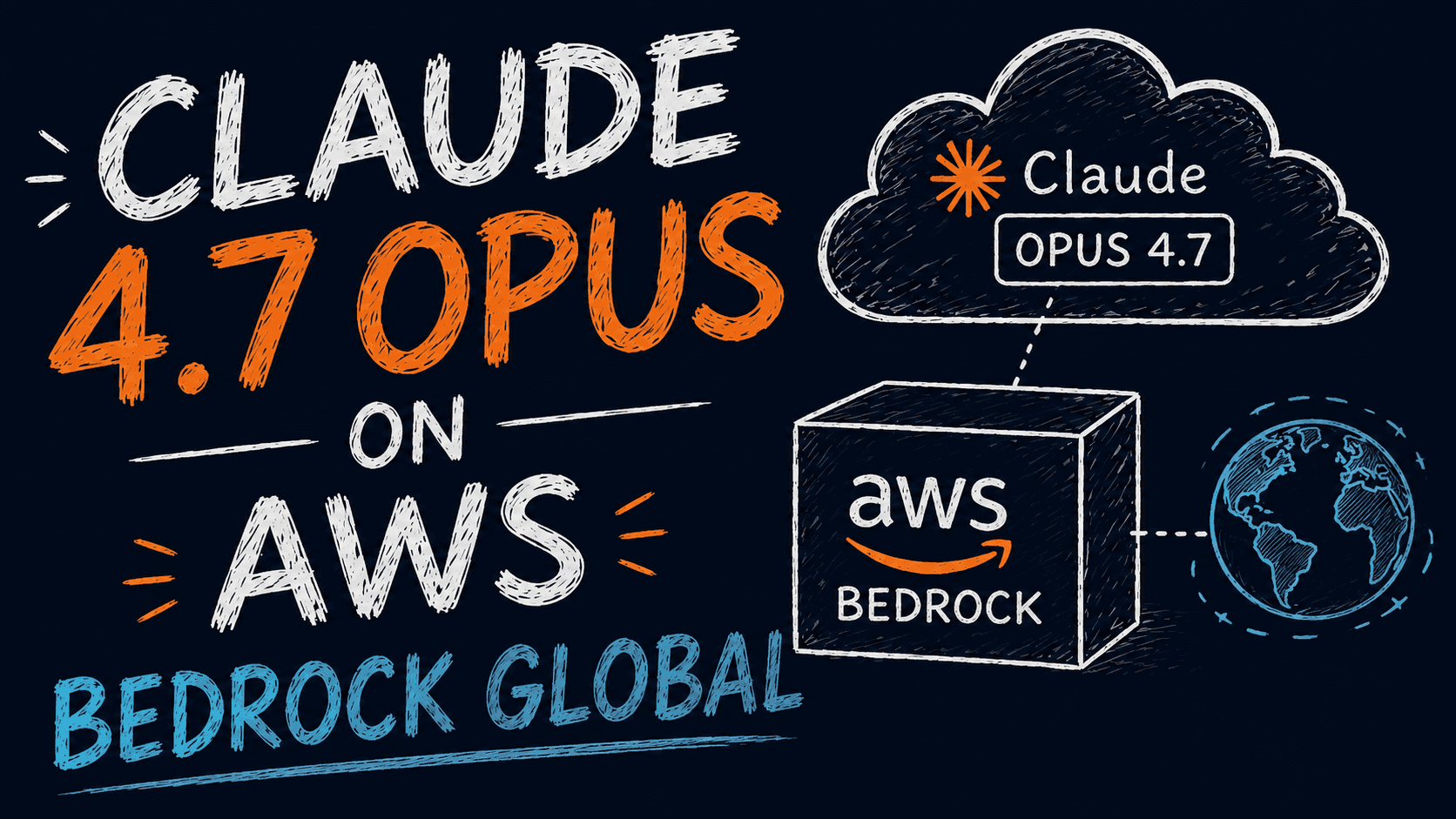
CLAUDE 4.7 OPUS - AWS BEDROCK US
Deploy Claude 4.7 Opus on AWS Bedrock US. Discover enterprise AI infrastructure, advanced coding, adaptive thinking, secure inference, and seamless AWS integration.
Ngoc HongAI Comparisons
Compare AI tools, models, and platforms to find the best fit for your needs.
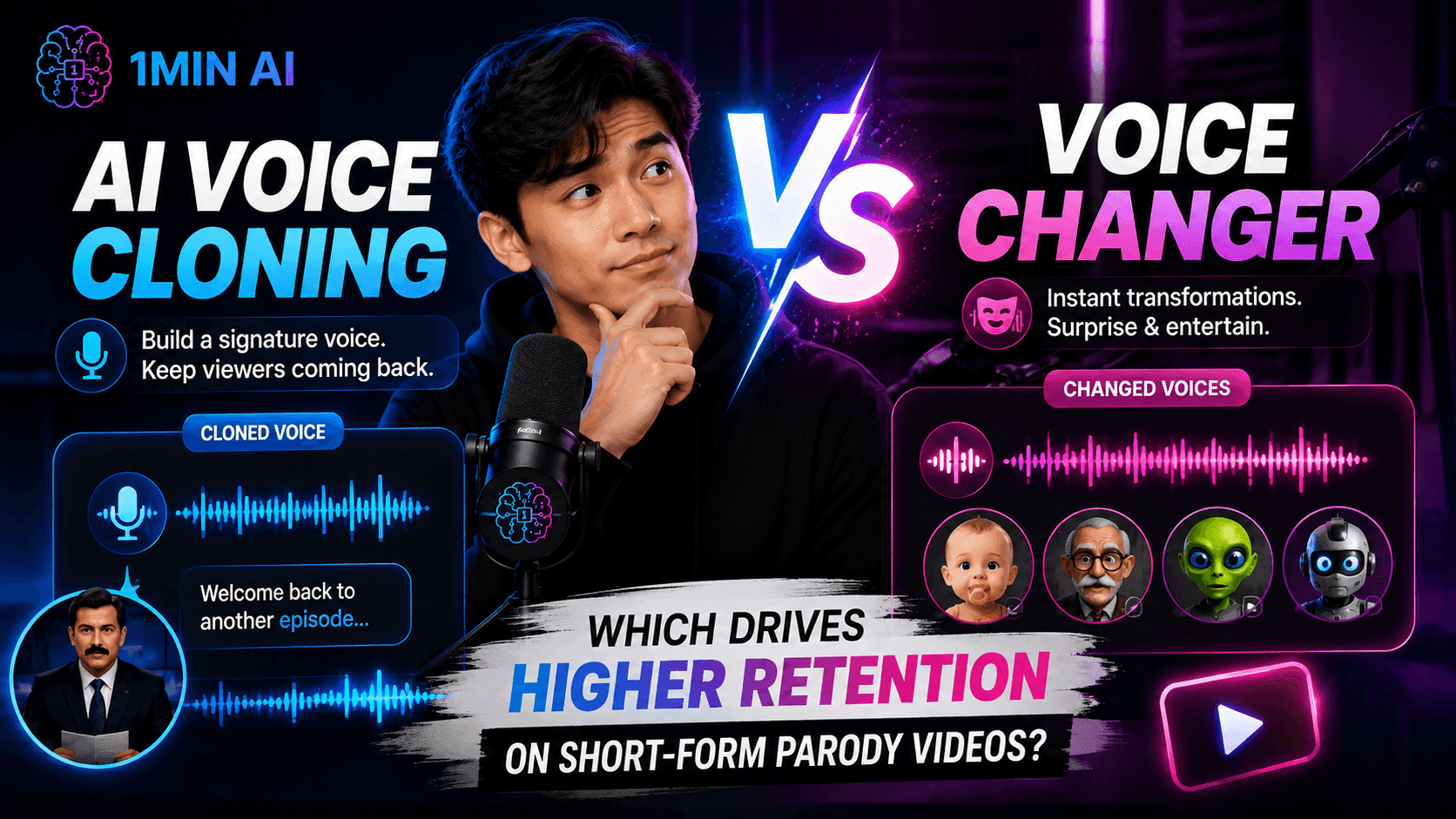
AI Voice Cloning vs. Voice Changer: Which Drives Higher Retention on Short-Form Parody Videos?
AI Voice Cloning vs. Voice Changer: discover which AI voice tool is better for short-form parody videos, audience retention, character consistency, and faster content production.
Uyen Hoang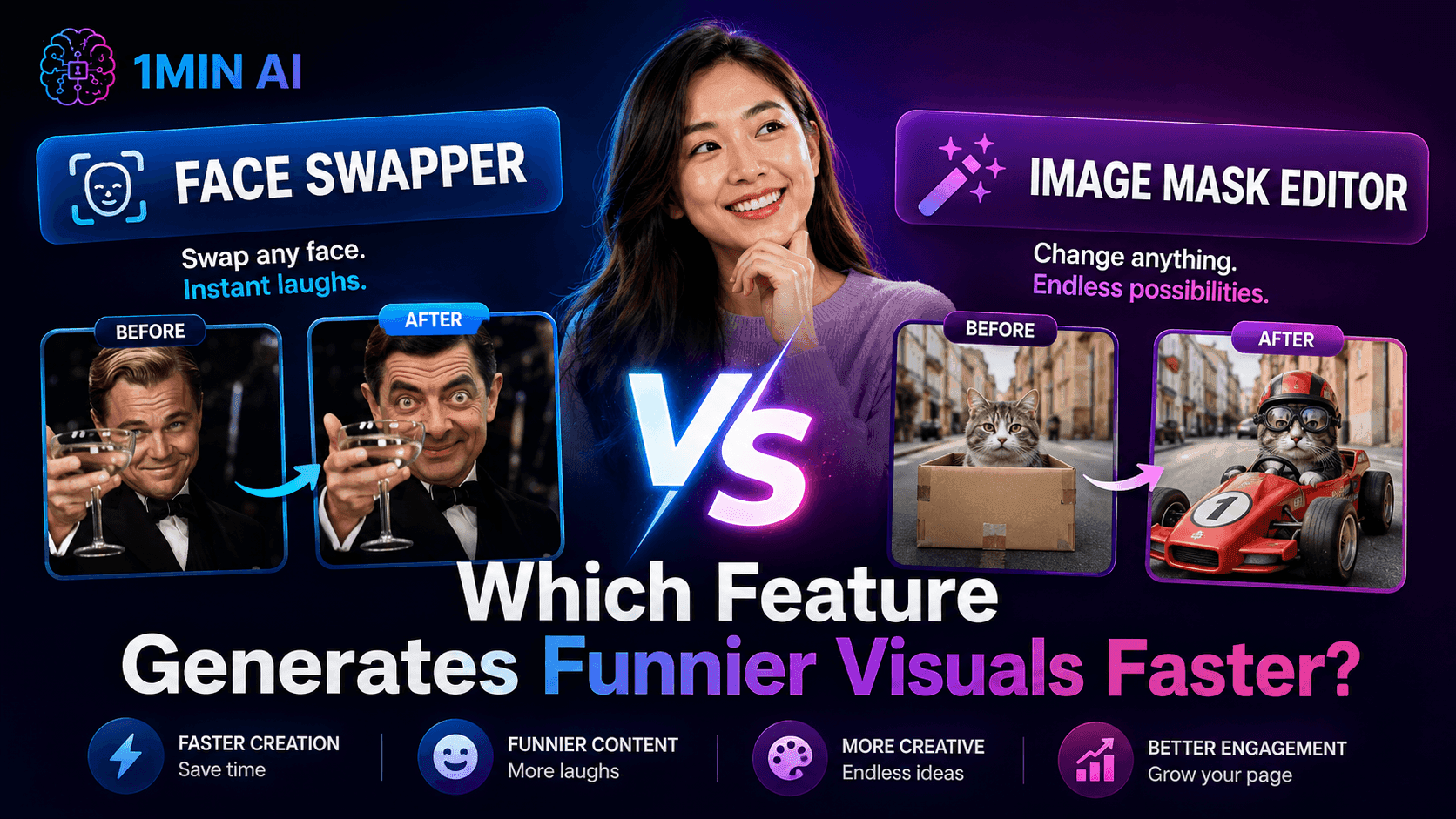
Face Swapper vs. Image Mask Editor: Which Feature Generates Funnier Visual Content Faster?
Face Swapper vs. Image Mask Editor: discover which AI image editing feature is faster for memes, satire, social content, and creative visual campaigns
Uyen Hoang
Kling AI Vs Veo 3: Which Model Wins?
Kling AI vs Veo 3: compare motion, native audio, pricing & free tiers to see which AI video generator wins for your project - try both on 1min.AI.
Trang TranAI Integrations
Seamlessly integrate AI with the tools you already use to automate work and boost productivity.
How to Use an AI Fashion Video Generator for Fashion Week 2026
Turn Fashion Week 2026 ideas into stunning fashion videos with AI. Learn how to brainstorm, create visuals, and transform images into videos with one simple workflow.
Lien Anh VuHow to Create a Podcast Without Expensive Equipment
Learn how to create a podcast without expensive equipment using AI for scripting, voice, video, editing, and content repurposing with 1min.AI.
Lien Anh Vu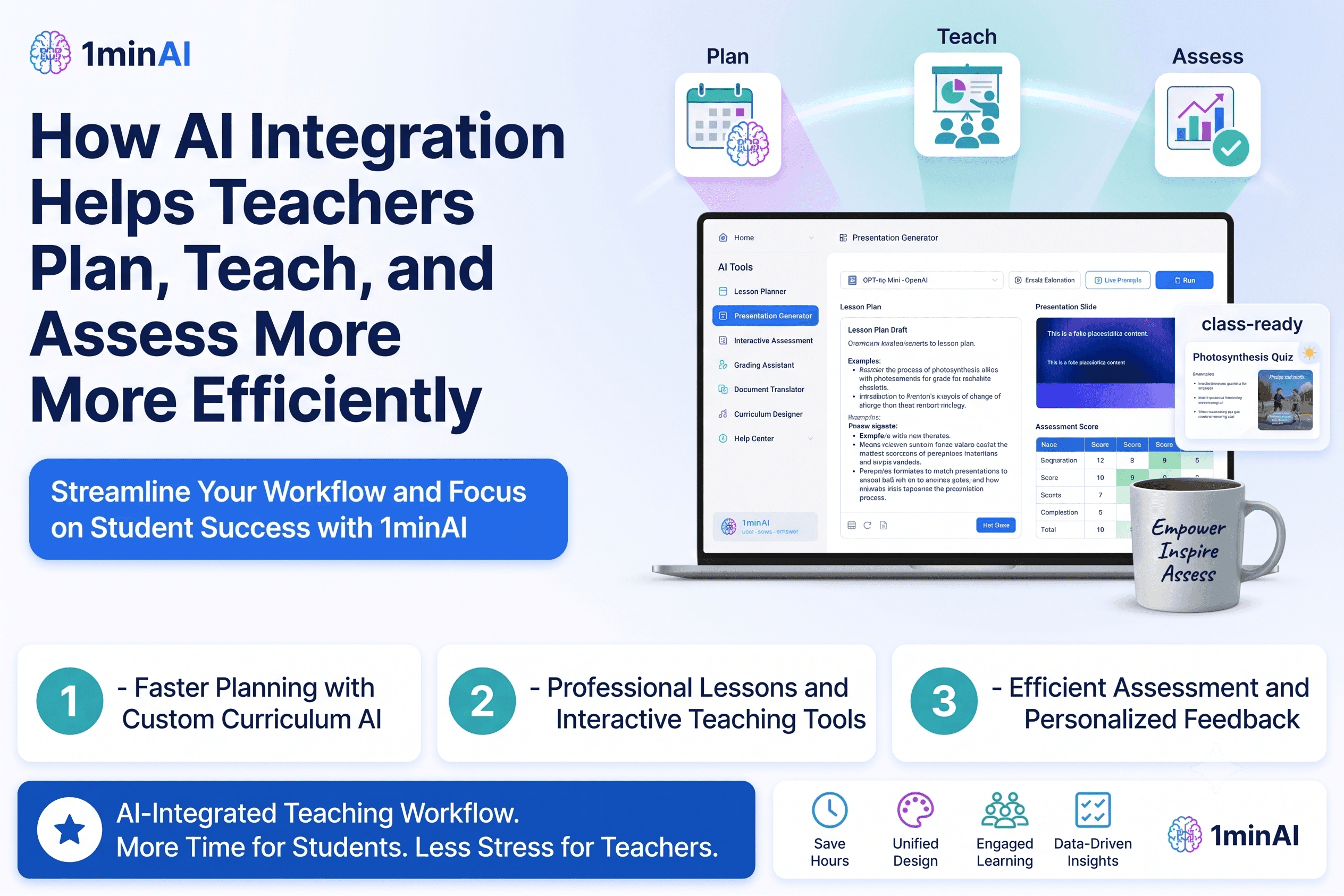
How AI Integrations Help Teachers Plan, Teach, and Assess More Efficiently
Discover how AI integration helps teachers streamline lesson planning, presentations, classroom materials, assessments, and student engagement in one AI workspace.
Tram TaAI for Industries
Find the best AI tools and workflows for healthcare, finance, education, legal, manufacturing, retail, real estate, and more
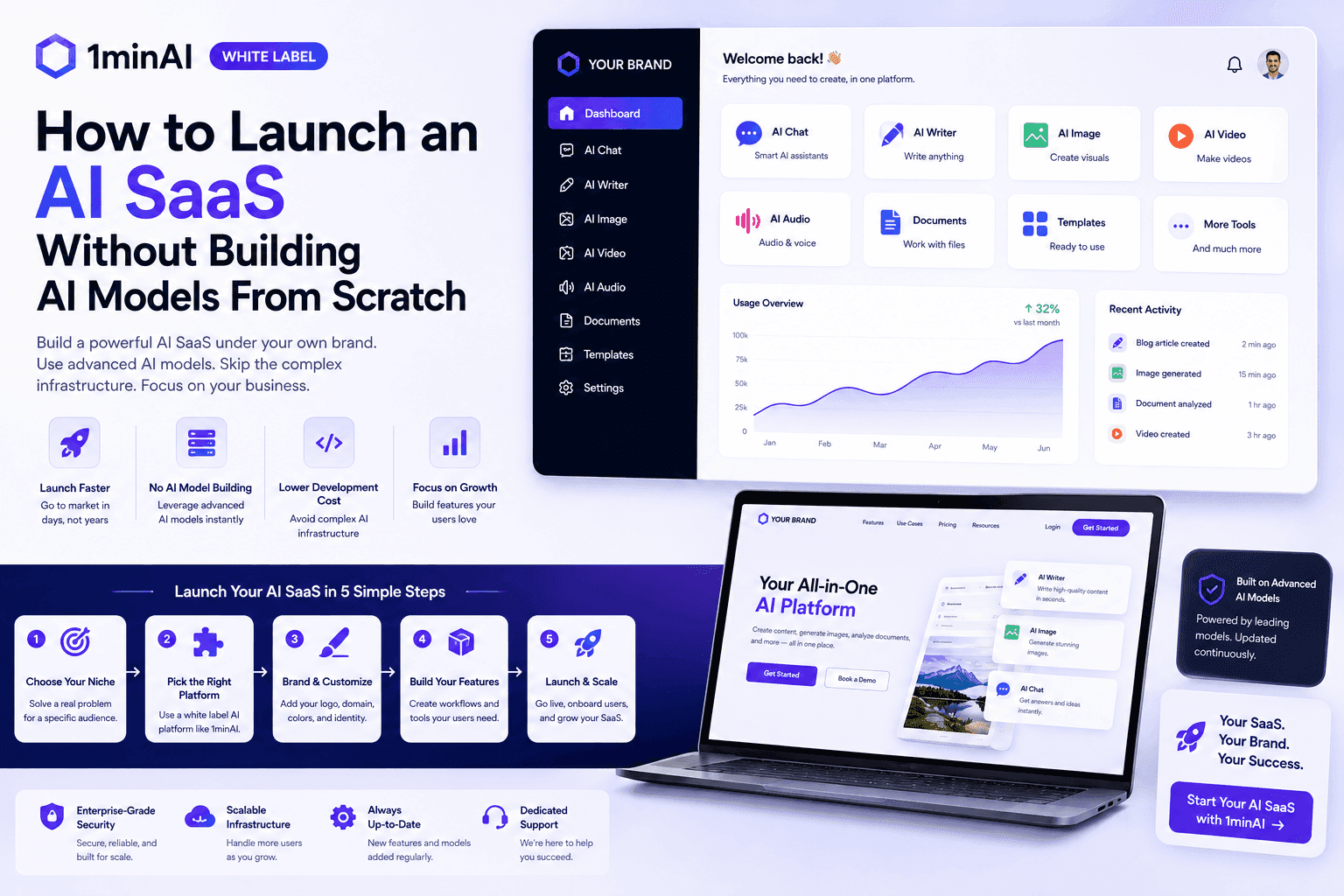
How to Launch an AI SaaS Without Building AI Models From Scratch
Learn how to launch an AI SaaS without building AI models from scratch. Explore white-label AI, product strategy, branding, pricing, and how 1minAI can help.
Tram Ta
Free AI Tools for Photographers to Elevate Creative Work
Discover free AI tools for photographers to edit images, create visuals and videos, develop content, and streamline client workflows with 1min.AI.
Lien Anh Vu
Free AI Tools for Social Media Managers to Create Faster
Discover free AI tools for social media managers to brainstorm content, create visuals and videos, write captions, and streamline social media workflows with 1min.AI.
Lien Anh VuAI Agents
Discover and run AI agents to automate tasks across your work and daily life.
Remove Unwanted Proof From Pictures With 1minAI
Remove unwanted objects, people, or watermarks from your pictures with 1minAI’s AI Object Remover. Upload, select, and clean your image in a few clicks.
Tram Ta
White Label AI Image Generators: How Agencies Can Turn AI Images Into a Branded Service
Learn how agencies can use a white label AI image generator to offer branded creative services for ecommerce, social media, advertising, and branding clients.
Tram Ta
White Label AI vs Custom AI Development: Which Is Better for Your Business?
Compare white label AI vs custom AI development to understand the differences in cost, launch time, customization, maintenance, and scalability.
Tram TaAI Workflows
Explore ready-to-use AI workflows for productivity, marketing, sales, support, and more.
How to Use an AI Fashion Video Generator for Fashion Week 2026
Turn Fashion Week 2026 ideas into stunning fashion videos with AI. Learn how to brainstorm, create visuals, and transform images into videos with one simple workflow.
Lien Anh Vu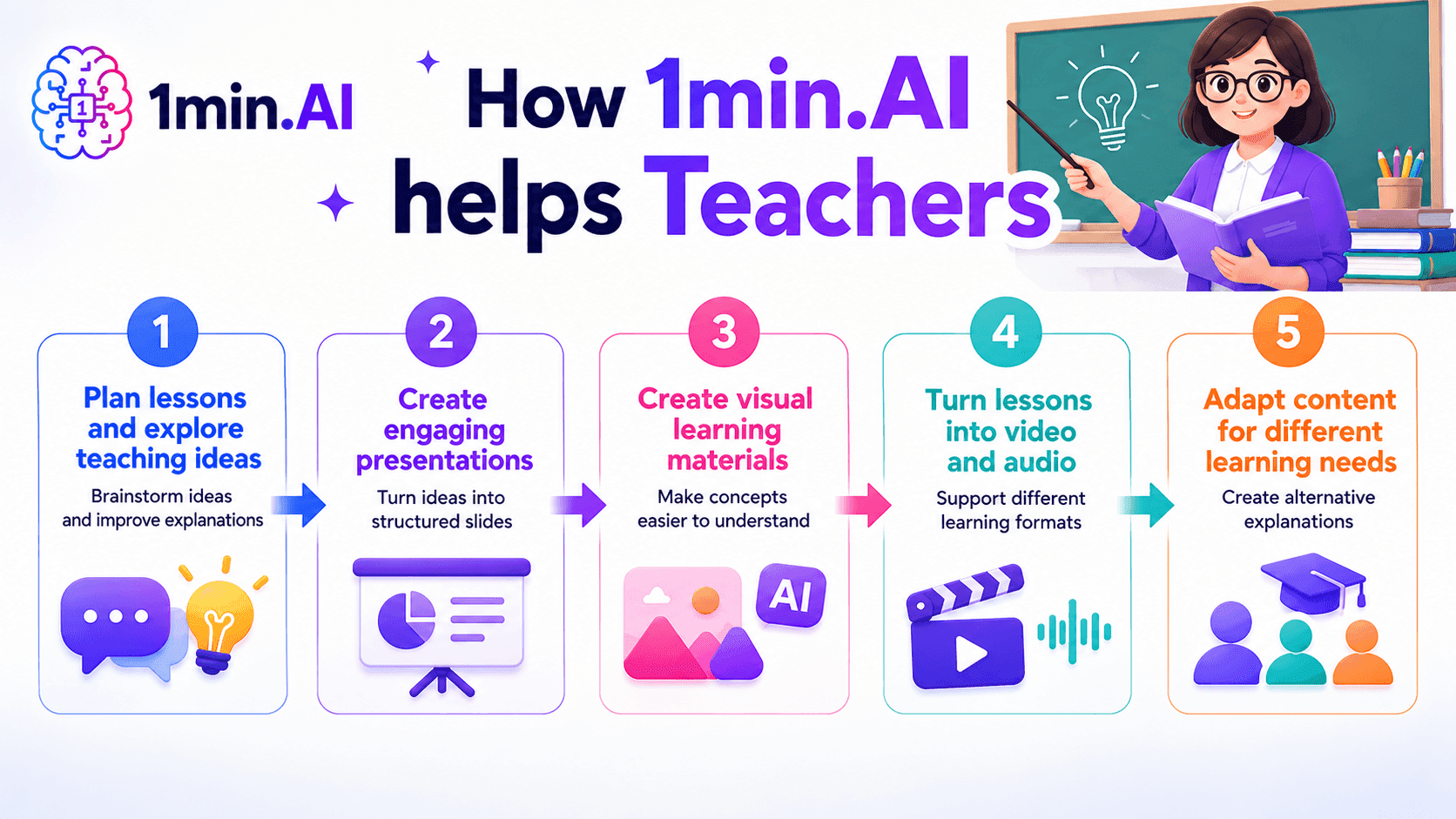
AI tools for Teachers
Discover AI tools for Teachers to create lessons, presentations, visuals, videos, and audio materials from one AI workspace with 1min.AI.
Ngoc Hong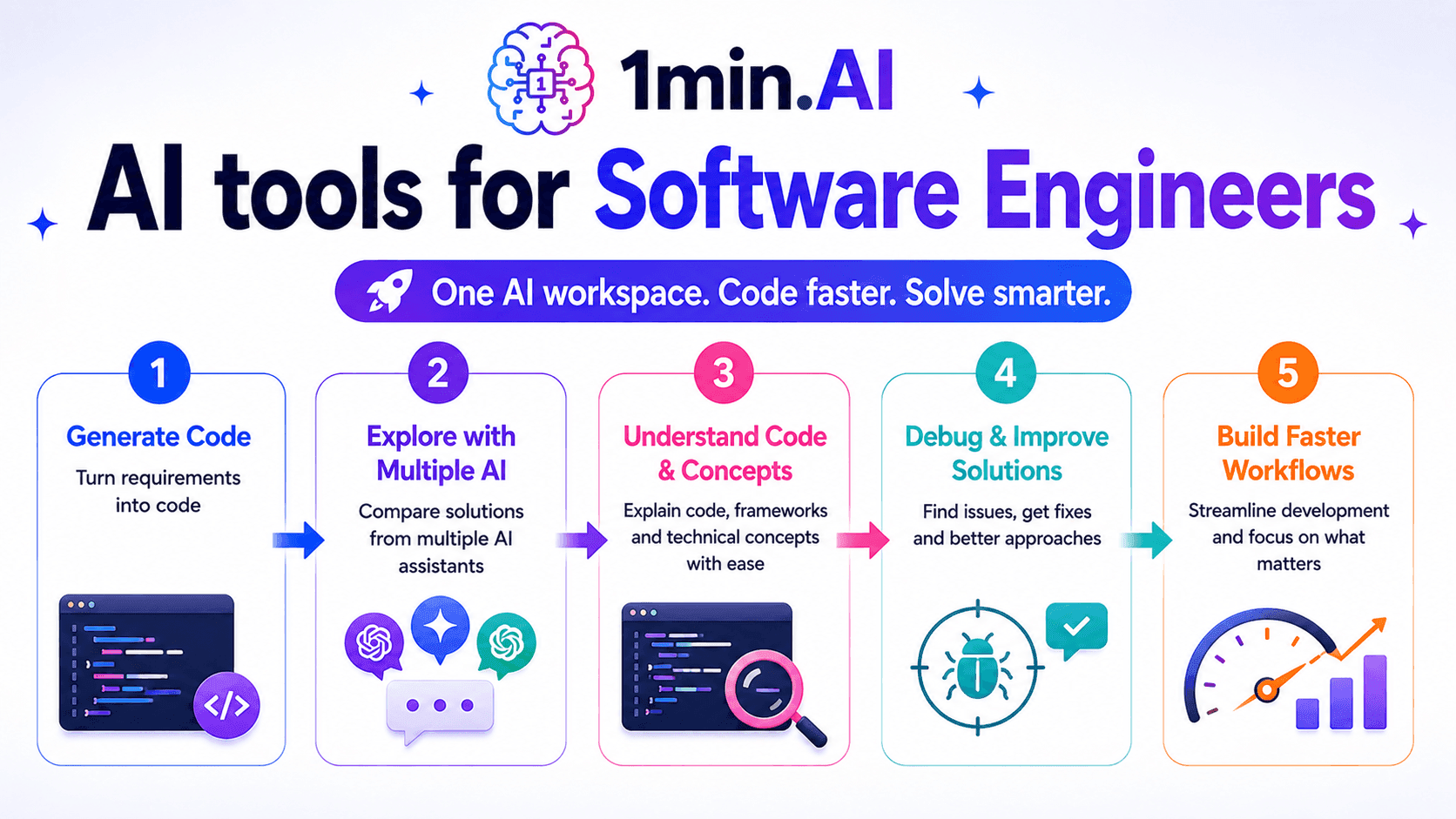
AI Tools for Software Engineers
Discover AI tools for Software Engineers to generate code, debug problems, understand technical concepts, and streamline development with 1min.AI.
Ngoc HongNewsletter
Weekly AI Innovations with 1minAI

🔮 Weekly AI Innovations #135: Claude Opus 5 and new AI Social Features
Experience the powerful Claude Opus 5 model, and explore new AI Social features like User Pages and Following creators.
Hang Nguyen
🔮 Weekly AI Innovations #134: Experience Free Qwen on AI Chat; The 3.7 and 3.6 Series Update
Looking for a powerful, free AI assistant? Explore the latest Qwen 3.7 and 3.6 series on 1min.ai. Enjoy high-speed, accurate AI chat at zero cost today!
Hang Nguyen
🔮 Weekly AI Innovations #133: Earn Credits and more with AI Social
Explore DeepSeek V4's open-source efficiency and xAI's Grok 4.3 & 4.5 for advanced reasoning and ultra-fast coding in 2026.
Hang Nguyen