
How to Create a Podcast Without Expensive Equipment

Lien Anh Vu
August 26, 2026
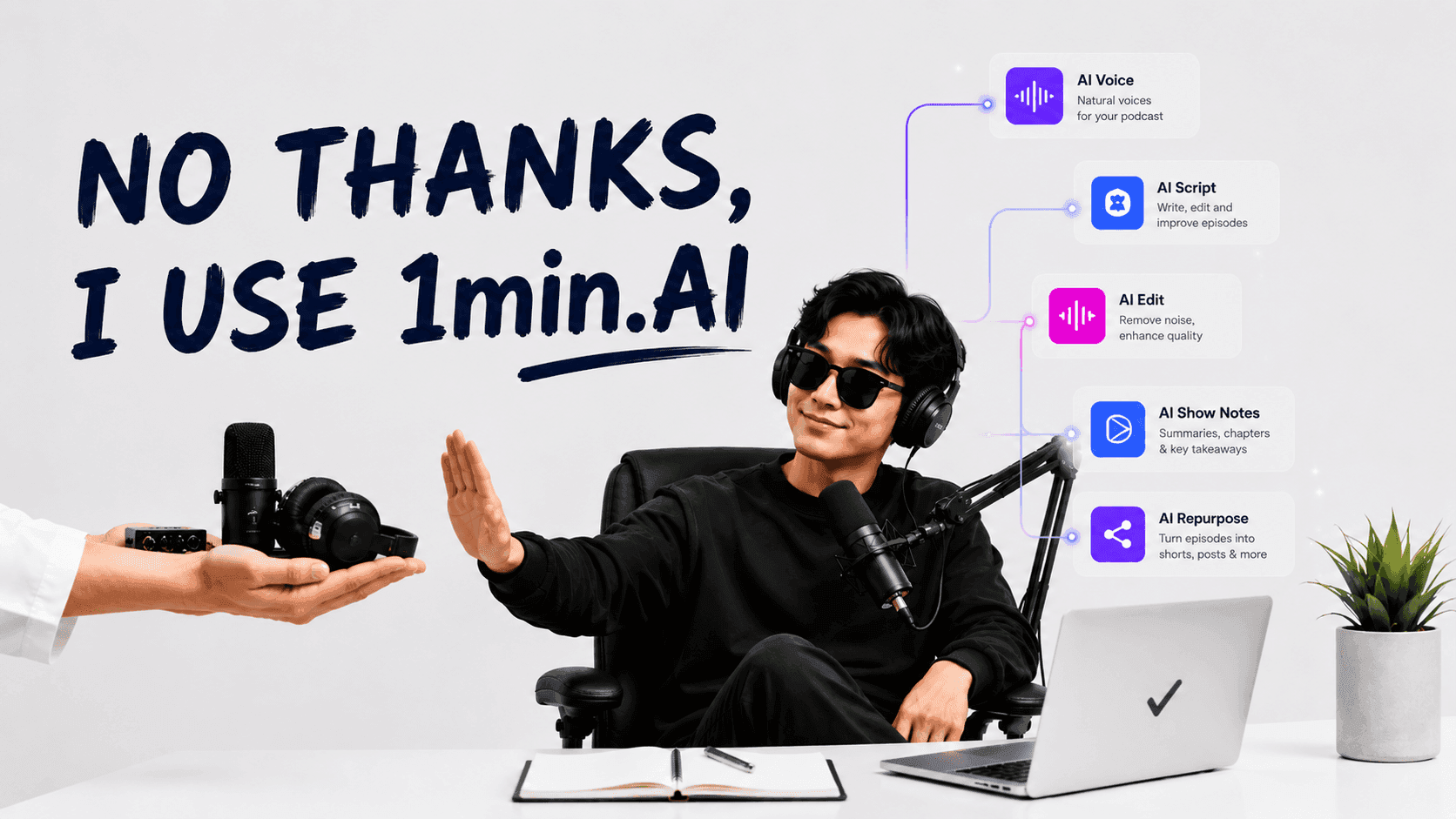
Learn how to create a podcast without expensive equipment using AI for scripting, voice, video, editing, and content repurposing with 1min.AI.
You have a podcast idea, but the thought of microphones, cameras, studios, and editing software can make getting started feel more complicated than it needs to be.
The good news is that how to create a podcast has changed. With AI, you can turn an idea into podcast audio or video with less equipment, less setup, and a simpler workflow, so you can focus on creating content rather than managing production.
Traditional vs Modern Podcast Creation: What Has Changed?
Podcasting has traditionally been treated as a production problem first, which means beginners often start by asking what equipment they need before asking what they actually want to create.
That mindset is changing as AI makes it possible to separate the content creation process from the physical recording setup, allowing creators to start with an idea and build the production around it.
The Traditional Podcast Workflow and Its Equipment Barrier
A traditional podcast usually begins with a physical recording setup, where the creator prepares a microphone, camera, headphones, lighting, recording software, and often a quiet room that can produce acceptable audio.
Once recording is complete, the workflow continues into editing, noise reduction, visual production, captions, thumbnails, publishing, and promotion, which means that even one episode can require several different tools and production stages.
For experienced podcasters, this setup can be worthwhile because it provides greater control over the recording and a strong sense of authenticity. However, for beginners, the same setup can create a psychological barrier that delays the most important step: actually publishing something.
The Modern AI Podcast Workflow and Its Simpler Setup
An AI first workflow changes the starting point from equipment to content.
Instead of asking, “What do I need to buy before I can start?”, you can ask, “What do I want my audience to learn, feel, or discuss?”
From there, AI can support different parts of the production process, including research, ideation, scripting, voice generation, video creation, visual development, and repurposing.
This approach is particularly useful when your immediate goal is to validate a podcast concept, build a publishing habit, or create educational content without committing to a large production investment.
Traditional Recording vs AI Generated Production: Which Fits Your Goal?
Traditional recording remains a strong choice when your personality, real voice, live conversations, interviews, or authentic reactions are central to the podcast experience.
An AI supported workflow becomes more attractive when speed, accessibility, consistency, and production flexibility matter more, because you can begin with a script and create the necessary media without depending entirely on physical recording conditions.
You can also combine both approaches.
For example, you might record your main podcast traditionally while using AI to research the topic, improve the script, generate supporting visuals, summarize the episode, and create short form content for social media.
The smartest workflow is therefore not necessarily traditional versus AI.
It is about using the right production method for each stage.
Why Creators Are Moving From Equipment First to Workflow First
The biggest advantage of a workflow first mindset is that it reduces the distance between an idea and a published piece of content.
When every stage depends on a different application, creators constantly lose momentum while moving between tools, exporting files, learning interfaces, fixing formatting issues, and recreating information they have already entered somewhere else.
A streamlined AI workflow shifts the focus back to what actually drives the podcast: the idea, the story, the audience, and the consistency of publishing.
How to Create a Podcast With 1min.AI
Once you stop treating equipment as the starting point, the podcast creation process becomes much easier to structure.
With 1min.AI, you can use different AI capabilities across the workflow, meaning that your podcast does not have to depend on one single generation method. Instead, you can build the production process around the format and outcome you want.
Start With Research, Ideas, and Podcast Topics Using AI Search
A strong podcast starts long before the recording button is pressed.
Before writing a script, research what your audience is interested in, identify recurring questions, explore relevant conversations, and look for angles that can give your episode a clear reason to exist.
With AI Search, you can accelerate this research stage by gathering information and exploring a topic before turning your findings into an episode concept.
For example, instead of starting with a vague idea such as “I want to talk about AI,” you can develop a more specific angle such as:
“How are solo creators using AI to produce more content without managing ten different applications?”
That shift matters because a specific problem creates a much stronger foundation for a podcast than a broad subject.
Turn Your Podcast Idea Into a Structured Script With AI Writer
Once you know what you want to discuss, the next challenge is turning your research into something people actually want to listen to.
Using AI Writer, you can develop your research into a structured podcast script that includes an opening hook, key discussion points, transitions, examples, and a conclusion.
For example, you could provide an instruction such as:
“Write a conversational podcast script for solo content creators explaining how AI can simplify their content workflow. Open with the frustration of switching between multiple tools, explain the problem, introduce a simpler workflow, and close with three actionable recommendations.”
The important part is not simply asking AI to “write a podcast.”
Instead, give it the audience, objective, tone, structure, and core argument you want, because better inputs create a stronger foundation for the final episode.
Create Podcast Audio With Text to Speech, Voice Cloning, or Voice Design
Not every creator wants to record their own voice, and not every creator has the environment or equipment required to produce clean audio consistently.
This is where Text to Speech can become an alternative production route, allowing you to transform a finished script into spoken audio without requiring a professional microphone.
Depending on your creative direction, Voice Cloning can also help create a more recognizable voice experience, while Voice Design gives you another option when you want a voice that matches the personality or atmosphere of your content.
This makes the workflow particularly useful for educational podcasts, narrated shows, explainers, storytelling formats, and creators who want to experiment before investing heavily in recording equipment.
Turn Your Script Into Podcast Video With AI Video and Generate Supporting Visuals With Image Generator
If your podcast needs to live on YouTube, TikTok, or other visual platforms, audio alone may not be enough.
With AI Video, you can turn your podcast concept or script into video content without depending entirely on a physical camera setup.
You can then use Image Generator to create supporting visuals that reinforce the subject, establish a consistent visual identity, or make individual sections more engaging.
For example, a podcast discussing the future of remote work could combine AI generated narration with workplace visuals, animated scenes, conceptual imagery, or visual examples that help viewers understand the discussion.
This is especially valuable for creators who want their podcast to function as more than an audio show, because the same core idea can become a visual content asset from the beginning.
Review, Summarize, and Improve Your Content With AI Tools Before Publishing
Creating the first version is not the same as creating the final version.
Before publishing, review whether the episode has a strong opening, whether each section contributes something useful, whether the pacing remains engaging, and whether the information is accurate and easy to understand.
You can also use AI capabilities to summarize your episode, identify its strongest insights, and find sections that could work as standalone social content.
That final review stage matters because AI should accelerate your creative process, not remove your editorial judgment.
Your perspective is still what gives the podcast its identity.
How to Turn One Podcast Into More Content With 1min.AI
The biggest opportunity is not simply creating a podcast faster.
It is creating more content from the work you have already done.
For a solo creator, spending hours researching and producing one episode only to publish it once is an inefficient use of creative effort. A better workflow treats every episode as a source from which multiple content assets can be created.
Create the Full Podcast From One Core Idea
Start with one central question or problem that your audience genuinely cares about.
For example:
Core idea: How can solo creators create consistent content without using dozens of AI tools?
That single idea can become a complete podcast episode covering the problem, why it happens, practical solutions, workflow examples, and recommendations.
Once the main episode is complete, you already have the raw material for everything that comes next.
Extract Key Insights and Hooks for TikTok and Reels
A podcast naturally contains smaller ideas that can stand independently.
One section might explain a common mistake, another might provide a useful framework, while another might contain a surprising opinion that can become a strong social media hook.
Instead of manually listening through the entire episode and searching for these moments, use AI to identify the strongest insights and transform them into short form content concepts.
For example:
Podcast insight: “The problem is not having too few AI tools. It is having too many disconnected workflows.”
That idea could become a short form hook such as:
“You do not need another AI tool. You need a better workflow.”
Suddenly, one podcast discussion has become a standalone piece of content designed for a completely different platform.
Generate Supporting Visuals and Short Form Content From the Original Episode
Once you have identified your strongest insights, you can create supporting visuals, short form scripts, captions, and other content assets around them.
This is where an integrated AI workflow becomes especially powerful, because you are not starting from zero every time you create another piece of content.
The original research remains the foundation.
The original script provides the ideas.
The original episode provides the insights.
AI simply helps you transform those assets into different formats.
Build a Repeatable Podcast to Short Form Content Workflow
A scalable creator workflow can therefore look like this:
Research → Idea → Script → Podcast → Key Insights → Short Form Videos → Social Posts
The value is not that every step becomes automatic.
The value is that every step connects to the previous one.
Instead of constantly asking yourself what to create next, your podcast becomes a content engine that continuously generates new opportunities for TikTok, Reels, YouTube Shorts, and other distribution channels.
The Benefits of Creating Your Podcast With 1min.AI
Using AI for podcast production is not simply about avoiding the cost of a microphone.
The bigger benefit comes from reducing the friction between each stage of content creation, allowing you to spend more of your time on ideas, storytelling, and distribution.
Reduce Equipment and Production Costs Without Sacrificing Content Quality
You do not have to purchase every piece of podcast equipment before discovering whether podcasting is right for you.
By using AI for parts of the production process, you can test formats, topics, and creative directions with a much lighter setup.
That does not mean expensive equipment has no value.
It means you can invest in equipment when your podcast has already demonstrated that the investment is worthwhile.
Eliminate App Switching With an All in One AI Workspace
Software fatigue can become just as frustrating as equipment costs.
When research happens in one application, scripting happens somewhere else, voice production happens in another tool, visuals are generated elsewhere, and editing happens in yet another platform, every additional step introduces friction.
An all in one AI workspace gives creators a simpler alternative by bringing multiple AI capabilities into one environment.
Instead of building your workflow around a collection of disconnected tools, you can build it around the content you are trying to create.
Create More Content in Less Time With a Connected Workflow
Speed is not simply about completing individual tasks faster.
It is about reducing the time lost between tasks.
When your research can move naturally into scripting, your script can move into voice or video production, and your finished episode can become the foundation for short form content, the entire creative process becomes easier to repeat.
For a solo creator, that consistency can be more valuable than having the most advanced equipment available.
Scale From One Podcast Episode to an Entire Content Ecosystem
A podcast should not have to exist as one isolated piece of content.
When you build the right workflow, one episode can become a long form video, an audio episode, several short form videos, educational posts, social media hooks, visual assets, and future content ideas.
That means the real output of your podcast is not one episode.
It is the content ecosystem created around that episode.
And that is where AI becomes especially useful: not because it removes the creator from the process, but because it helps the creator get significantly more value from every idea.
🚀 Start creating your podcast with 1min.AI Podcaster and turn one idea into audio, video, and more content without the complexity of a traditional setup.
Alternatives
Discover the best alternatives to 1minAI and compare features, pricing, and use cases.

1min.AI vs OpenRouter
1min.AI vs. OpenRouter: Compare the ready-to-use AI creation product against the technical API tool. Find out if you need a zero-code creative studio or a coding infrastructure hub.
 Ngoc Hong
1min.AI vs Chatplayground AI
Compare 1min.AI (Voice Cloning, Object Removal, Team Plans) vs. ChatPlayground AI (14+ Models, Teams/O365 Integration). Discover the superior platform for predictable pricing and long-term content production growth.
Ngoc Hong
1min.AI vs Krater AI
Compare 1min.AI vs Krater AI features, pricing, AI models, and workflows to find the best all-in-one AI tool for content, design, and productivity.
Ngoc HongAI Tools
Discover the best AI tools to boost productivity, creativity, and everyday work.
How to Create a Podcast Without Expensive Equipment
Learn how to create a podcast without expensive equipment using AI for scripting, voice, video, editing, and content repurposing with 1min.AI.
 Lien Anh Vu
Free AI Character Generator - No Signup
Generate an AI character free from text or photo prompts. Try 1min.AI's AI character generator with multiple models, no design skills needed.
 Trang Tran
Turn “Make It Better” Into Better Content With AI
Use AI to turn vague client feedback into clear revisions, reduce unnecessary edits, and deliver better content faster.
Lien Anh VuAI Features
Comprehensive AI features that streamline workflows, improve efficiency, and empower teams to achieve more.
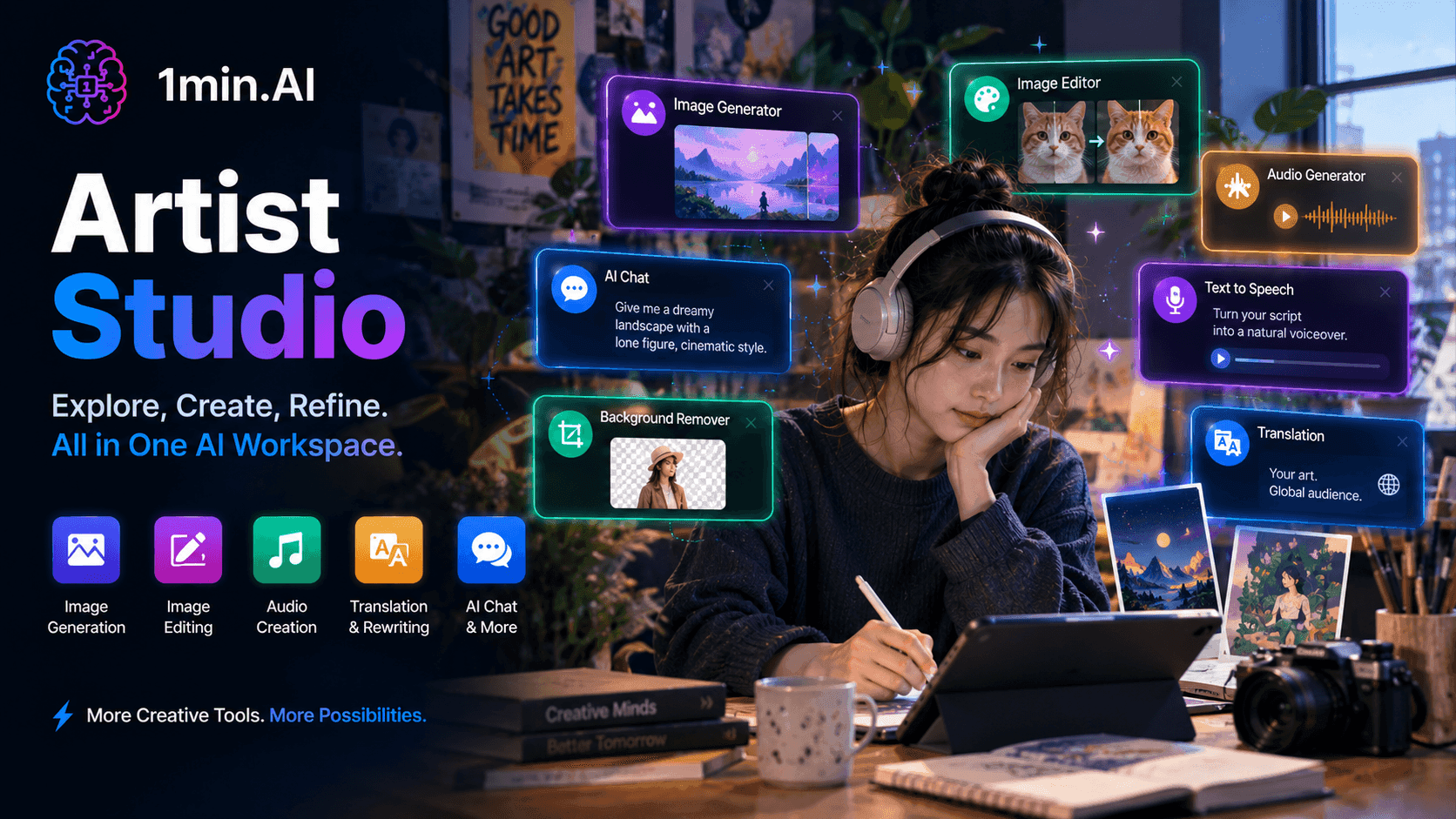
Free AI Tools for Artist
Artist Studio brings image generation, editing, audio creation, and creative tools into one AI workspace, so artists can explore ideas, refine their work, and create finished pieces without switching between different tools.
 Uyen Hoang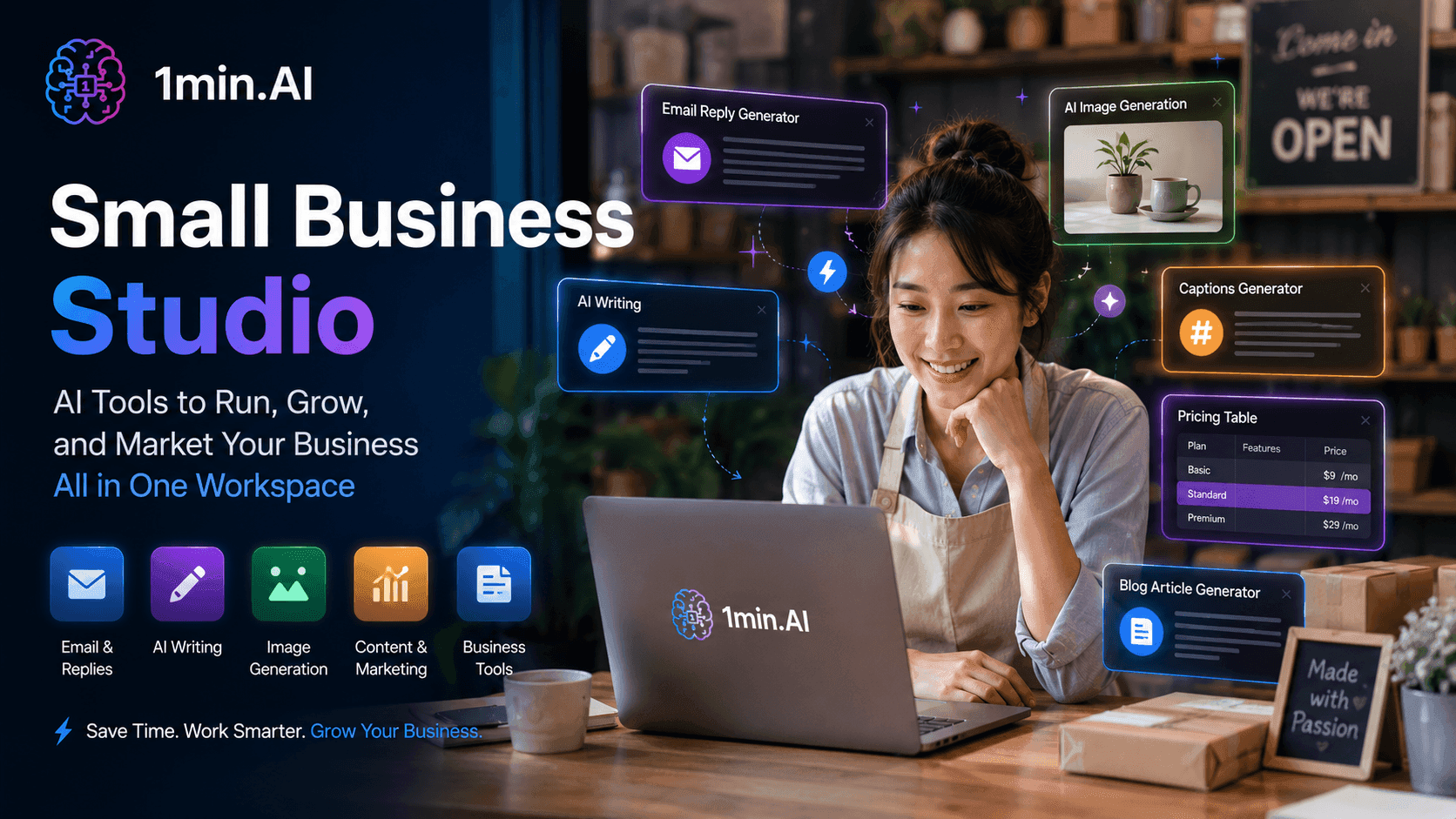
Free AI Tools for Small Business
Small Business Studio brings AI writing, email replies, pricing, content, and visual tools into one workspace to help small businesses handle everyday work faster.
Uyen Hoang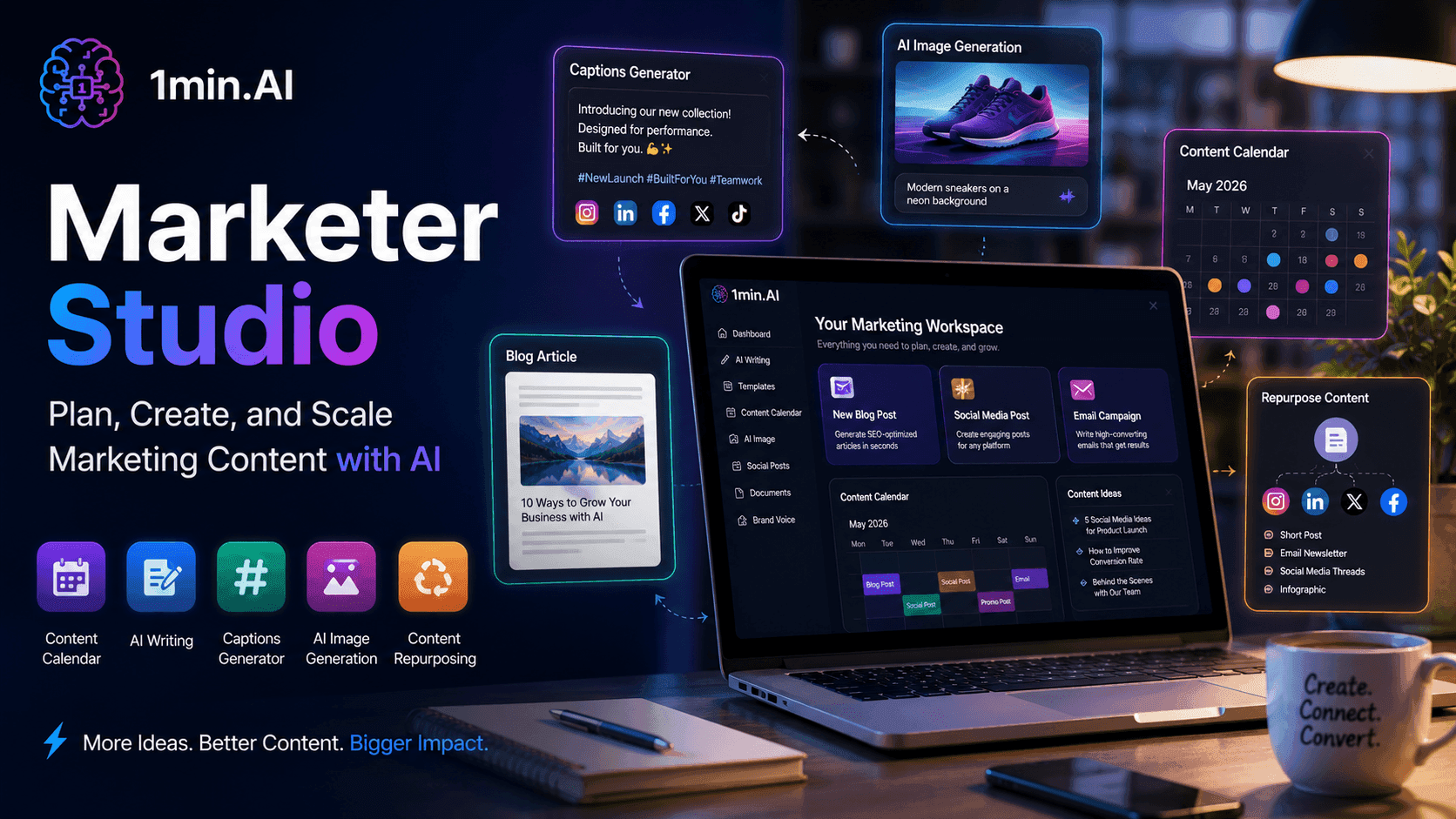
Free AI Tools for Marketer
Marketer Studio brings AI tools for content planning, writing, social posts, images, and repurposing into one workspace to help marketers create campaigns faster.
Uyen HoangAI Use Cases
A curated collection of AI use cases for business, productivity, and industry-specific applications.
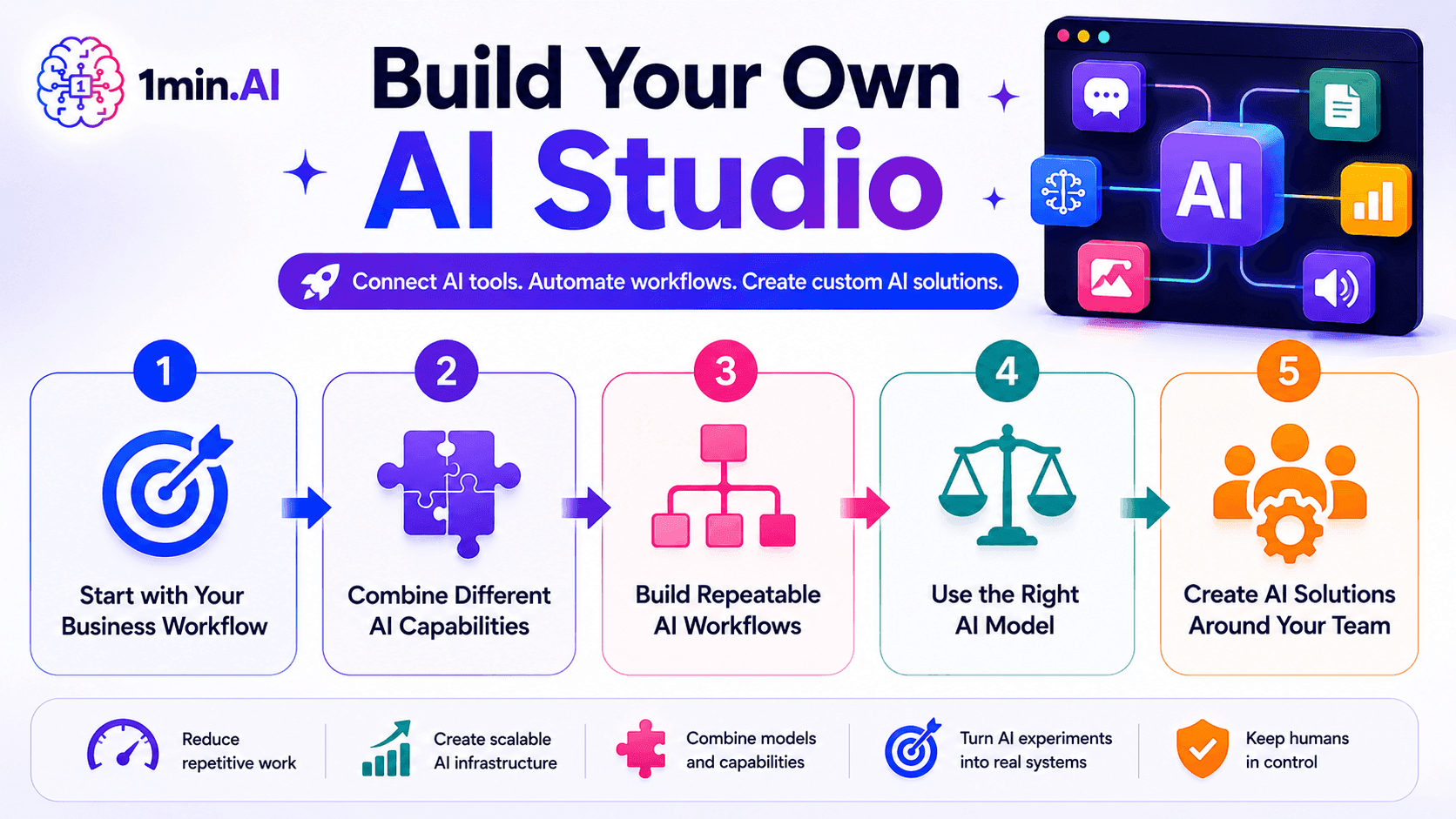
Build Your Own AI Studio
Build your own AI Studio with 1min.AI to connect AI tools, streamline workflows, and create custom AI solutions for your team and business.
Ngoc Hong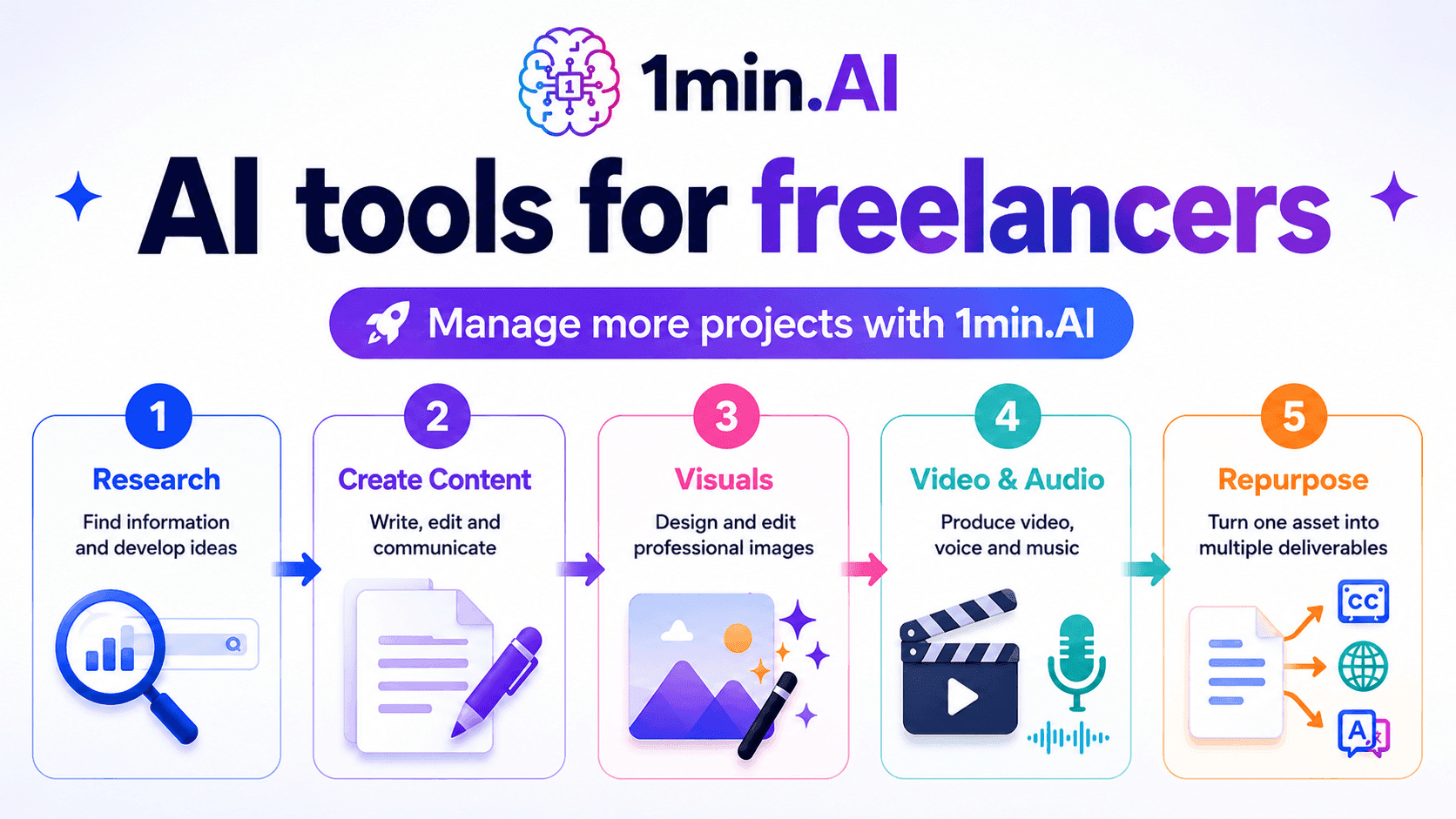
AI tools for Freelancers
Discover AI tools for Freelancers to manage writing, research, design, video, audio, and client work from one AI workspace with 1min.AI.
Ngoc Hong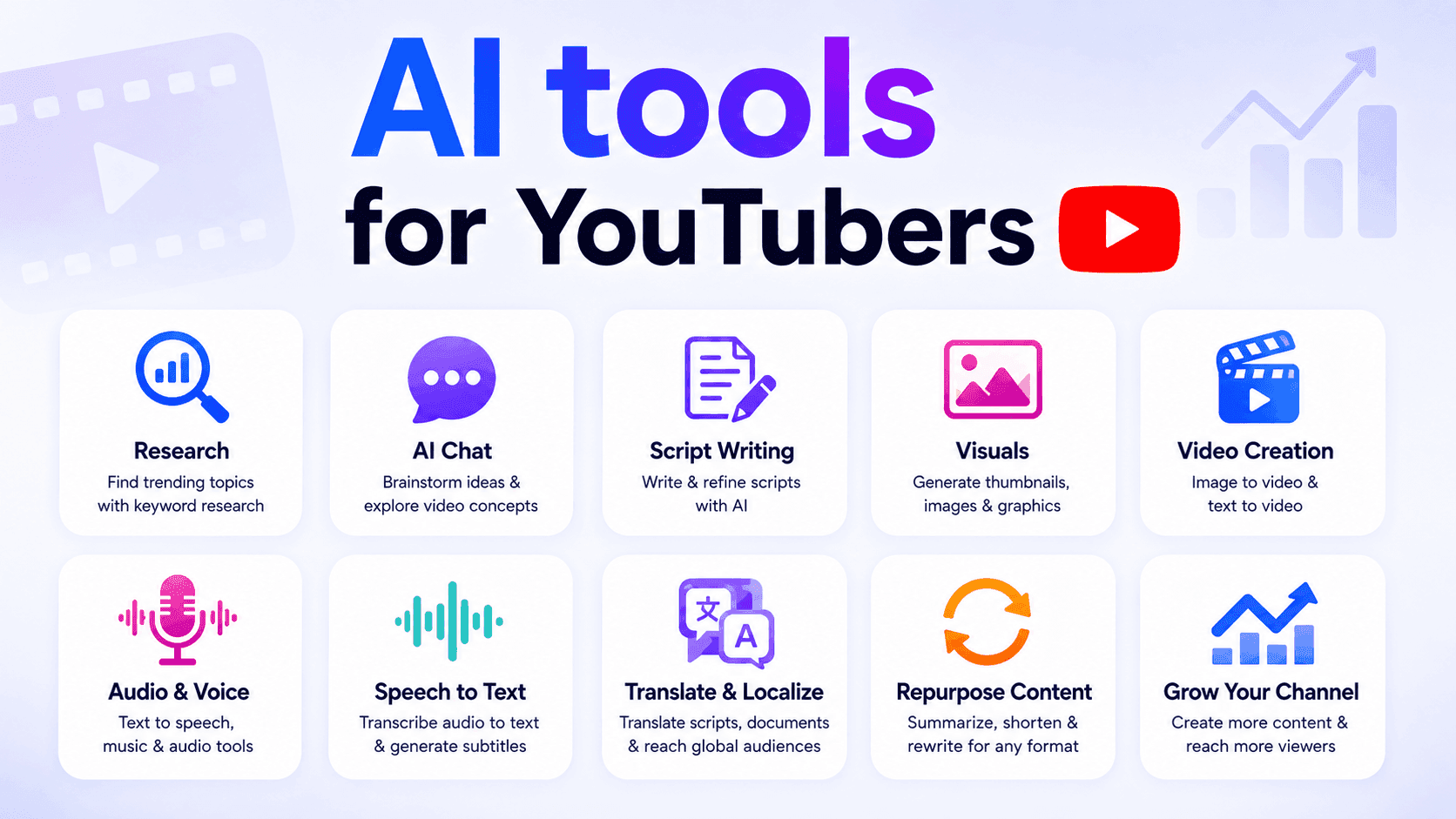
AI tools for YouTubers
Discover AI tools for YouTubers to research topics, write scripts, create visuals, translate videos, generate audio, and repurpose content.
Ngoc HongAI Tutorials
Learn how to use AI with practical, step-by-step tutorials.
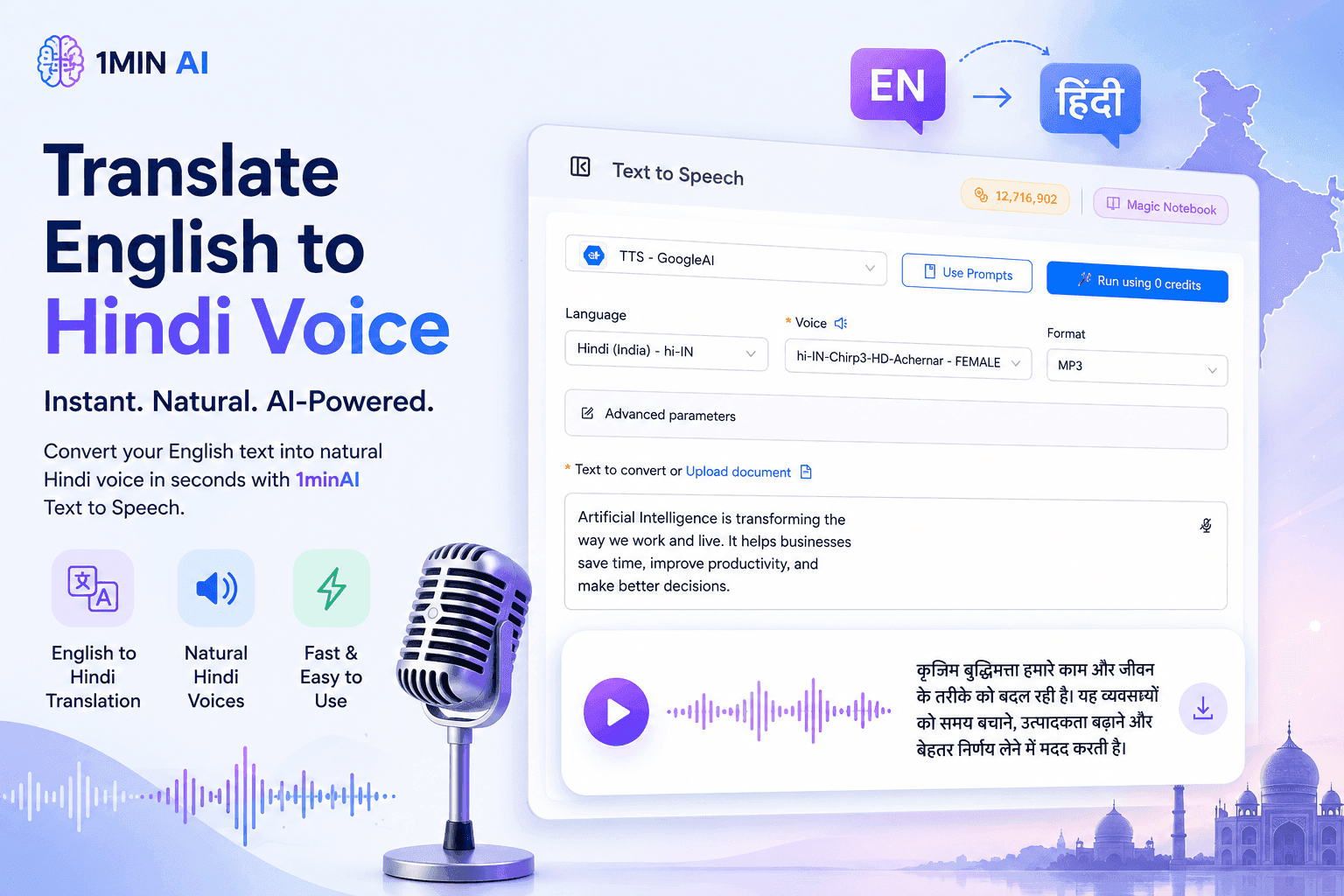
Translate English to Hindi Voice With 1minAI
Translate English to Hindi and convert your text into natural-sounding Hindi voice with 1minAI. Choose a Hindi voice, paste your text, and generate audio in seconds.
 Tram Ta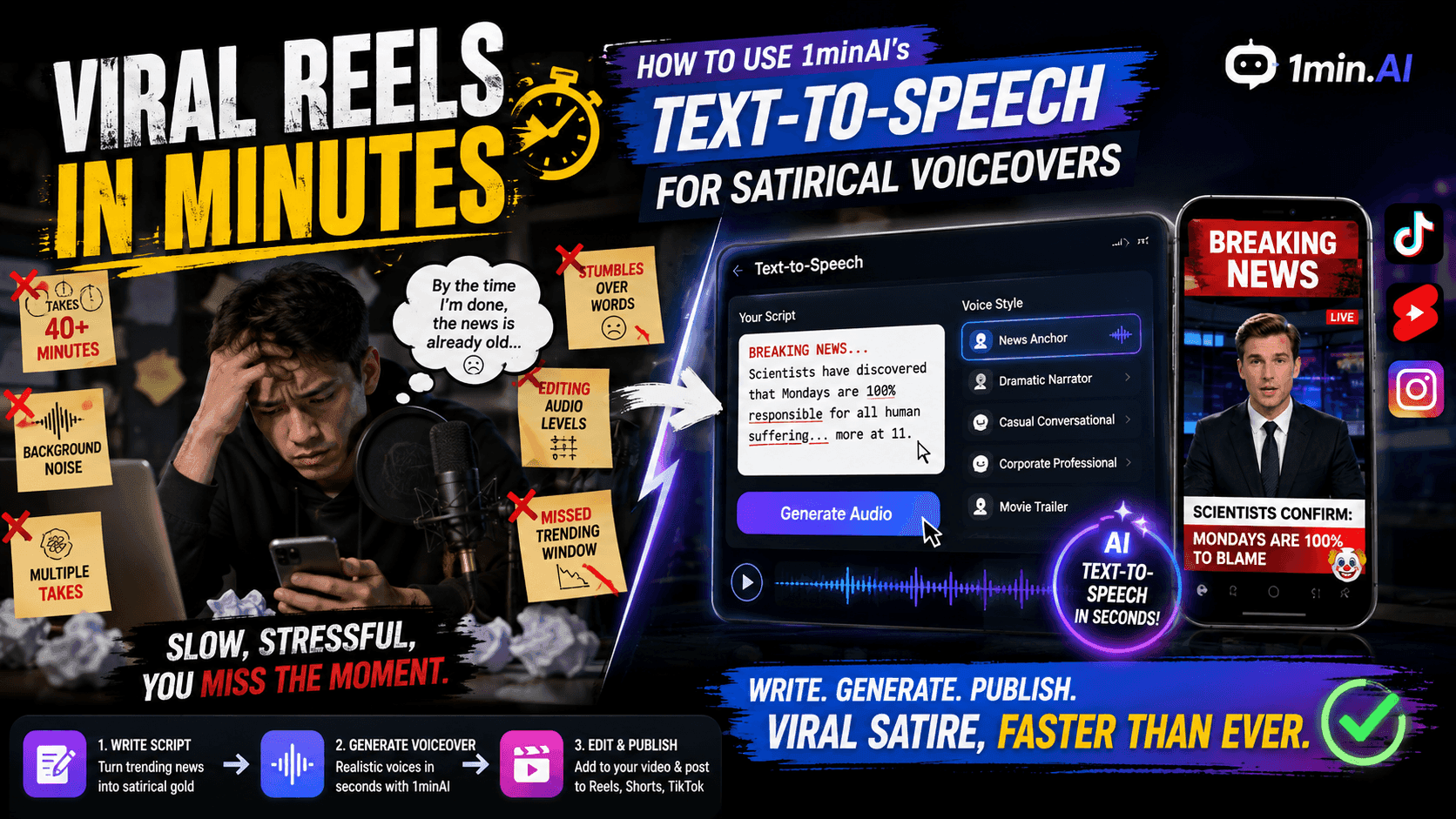
Viral Reels in Minutes: How to Use 1minAI’s Text-to-Speech for Satirical Voiceovers
Learn how satirical page admins use 1minAI’s Text-to-Speech feature to generate instant news anchor and dramatic voiceovers for TikToks, Shorts, and Instagram Reels.
Uyen Hoang
No Photoshop Needed: How to Use 1minAI’s Image Text Editor for Instant Meme Customization
Stop wasting time opening Photoshop or Canva to edit meme captions. Learn how 1minAI’s Image Text Editor replaces text on any meme template or news banner in seconds.
Uyen HoangAI Guides
Learn AI faster with practical guides, real-world examples, and actionable best practices.
How to Create a Podcast Without Expensive Equipment
Learn how to create a podcast without expensive equipment using AI for scripting, voice, video, editing, and content repurposing with 1min.AI.
Lien Anh Vu
How to Sell AI Tools Under Your Own Brand: A Practical Guide to White Label AI
Learn how to sell AI tools under your own brand with white label AI. Discover how branding, packaging, pricing, onboarding, and recurring revenue work.
Tram Ta
How to start an AI business without building from scratch
Learn how to start an AI business, validate your idea, and launch faster without building costly AI infrastructure from scratch.
Ngoc HongAI Solutions
Browse the best AI solutions for automation, coding, research, productivity, customer support, marketing, and business workflows.
How to Create a Podcast Without Expensive Equipment
Learn how to create a podcast without expensive equipment using AI for scripting, voice, video, editing, and content repurposing with 1min.AI.
Lien Anh Vu
How Social Media Agencies Can Scale Client Delivery With White Label AI
Learn how White Label AI helps social media agencies scale services, reduce operational complexity, and offer AI solutions under their own brand.
Lien Anh Vu
White Label AI vs Custom AI Development: Which Is Better for Your Business?
Compare white label AI vs custom AI development to understand the differences in cost, launch time, customization, maintenance, and scalability.
Tram TaAI Models
Explore the world's leading AI models in one place.
How to Create a Podcast Without Expensive Equipment
Learn how to create a podcast without expensive equipment using AI for scripting, voice, video, editing, and content repurposing with 1min.AI.
Lien Anh Vu
CLAUDE 4.7 OPUS - AWS BEDROCK US
Deploy Claude 4.7 Opus on AWS Bedrock US. Discover enterprise AI infrastructure, advanced coding, adaptive thinking, secure inference, and seamless AWS integration.
Ngoc Hong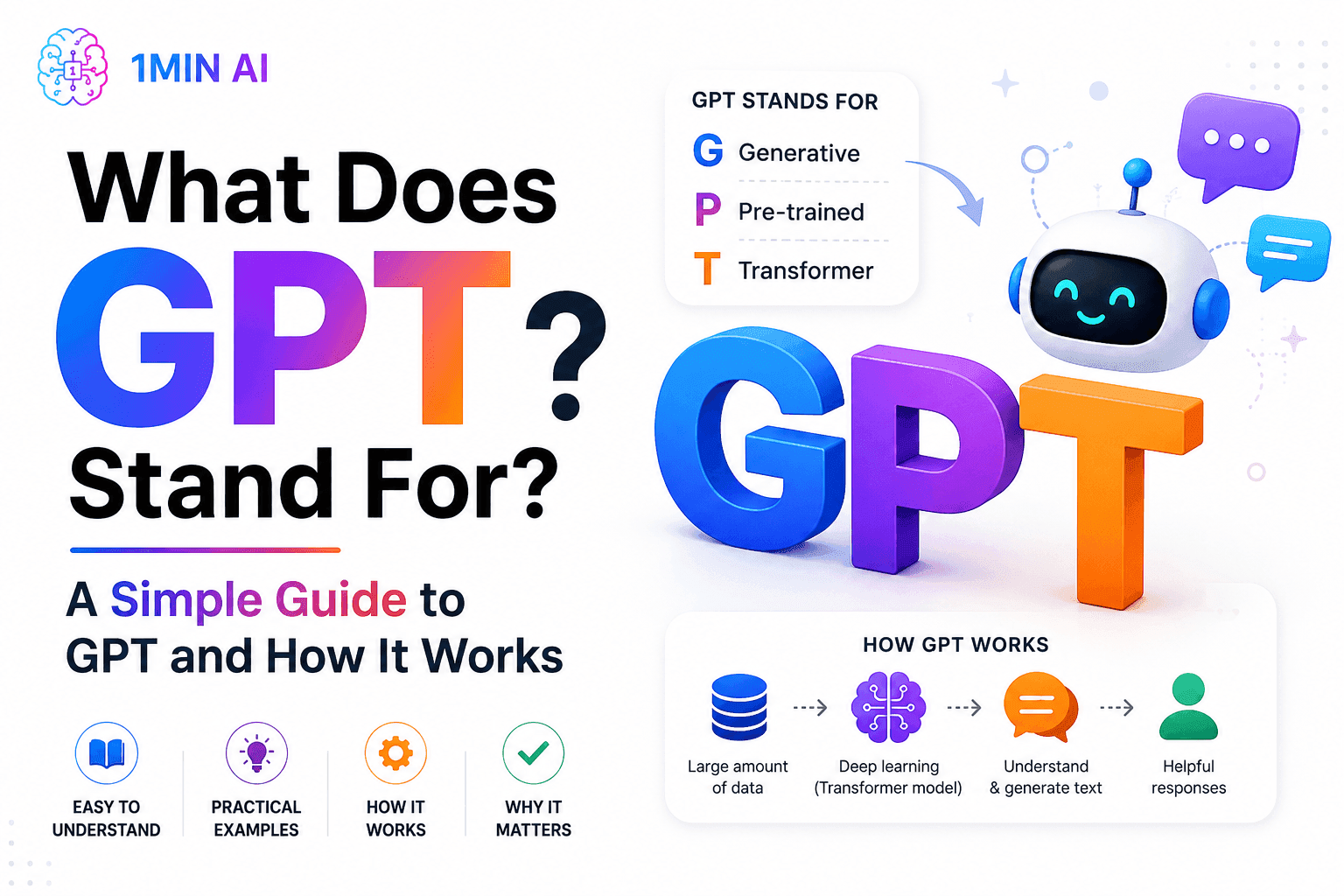
What Does GPT Stand For? A Simple Guide to GPT and How It Works
What does GPT stand for? Learn what GPT means, how Generative Pre-trained Transformer technology works, and why GPT models are important to modern AI.
Tram TaAI Comparisons
Compare AI tools, models, and platforms to find the best fit for your needs.

Your Sales Team Only Needs One App Instead of Five
Ditch the multi-app bills. Learn why high-performing sales teams are moving to an all-in-one AI platform to cut tool fatigue and leverage top models.
Uyen Hoang
Midjourney vs Ideogram: Which AI Should You Choose?
Compare Midjourney vs Ideogram to find the best AI image generator for your needs. Explore image quality, typography, features, and real-world use cases.
Trang Tran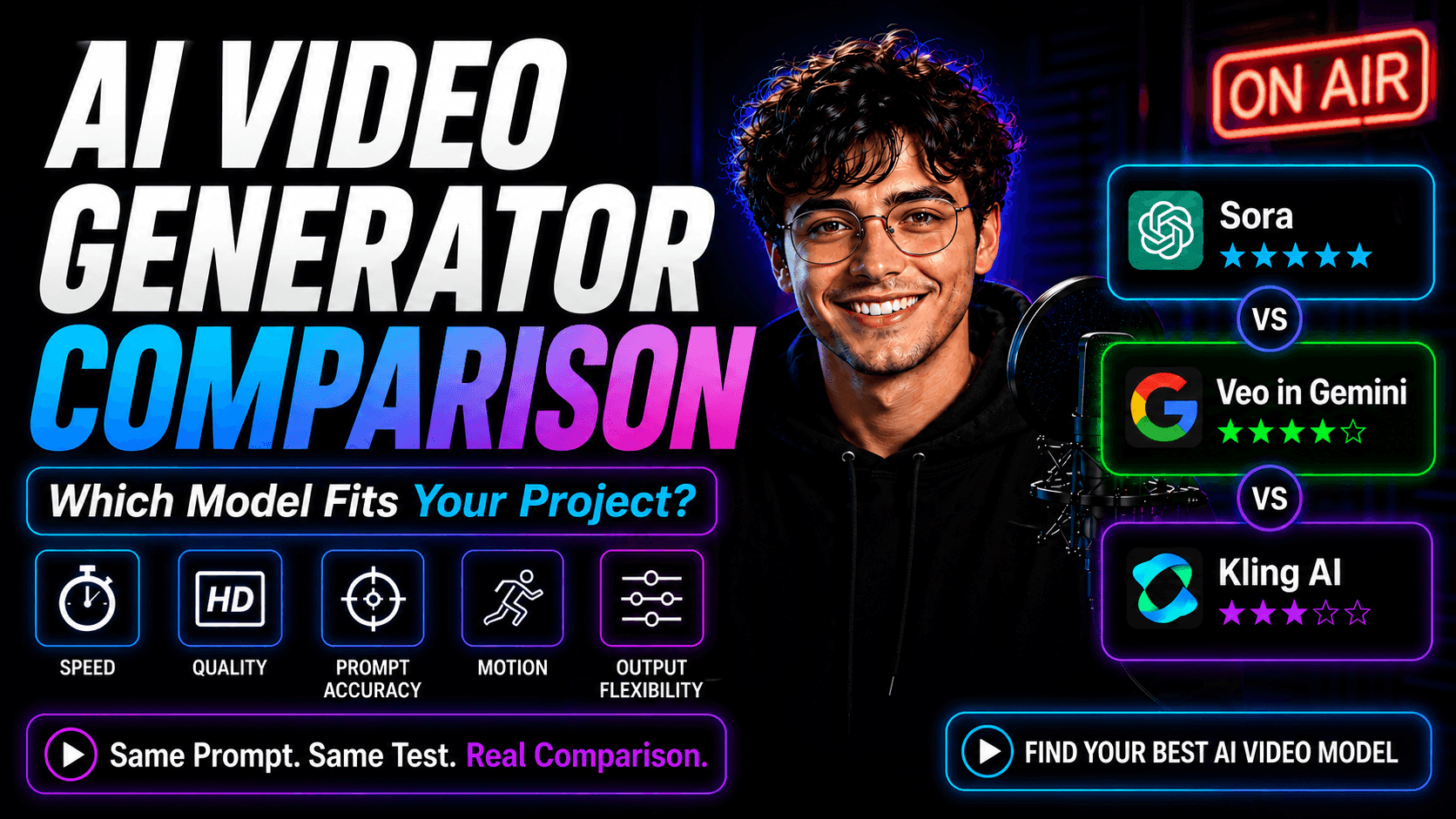
AI Video Generator Comparison on 1min.AI: Which Model Fits Your Project?
Compare Sora, Google Veo in Gemini, and Kling AI on 1min.AI using the same prompt. See speed, quality, prompt accuracy, motion, and output flexibility.
Lien Anh VuAI Integrations
Seamlessly integrate AI with the tools you already use to automate work and boost productivity.
How to Create a Podcast Without Expensive Equipment
Learn how to create a podcast without expensive equipment using AI for scripting, voice, video, editing, and content repurposing with 1min.AI.
Lien Anh Vu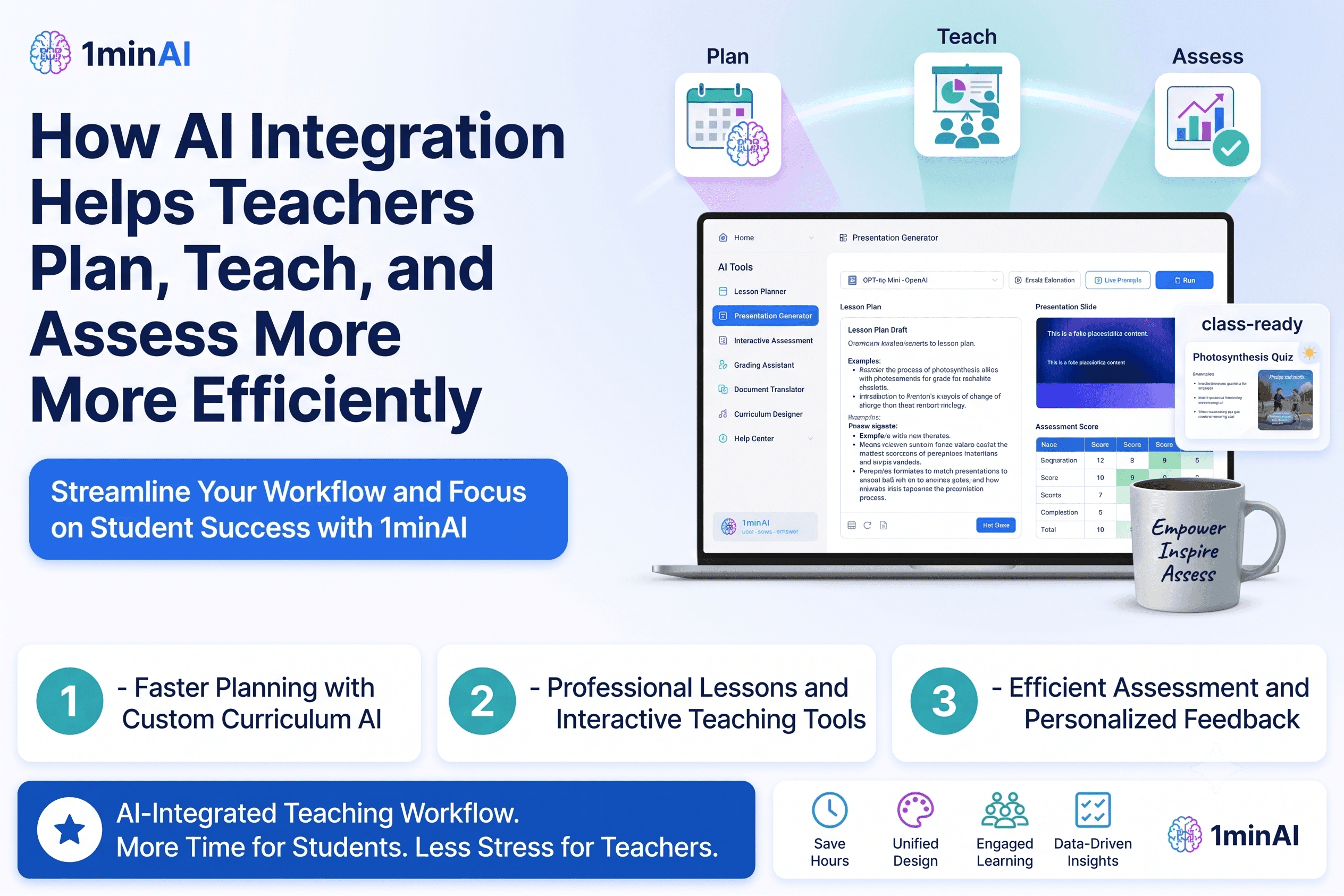
How AI Integrations Help Teachers Plan, Teach, and Assess More Efficiently
Discover how AI integration helps teachers streamline lesson planning, presentations, classroom materials, assessments, and student engagement in one AI workspace.
Tram Ta
AI Content Workflow for Freelancers: From Brief to Post
Discover an AI content workflow for freelancers. Use Claude for brainstorming and ChatGPT for images to turn client briefs into polished social posts faster.
Lien Anh VuAI for Industries
Find the best AI tools and workflows for healthcare, finance, education, legal, manufacturing, retail, real estate, and more
How to Launch an AI SaaS Without Building AI Models From Scratch
Learn how to launch an AI SaaS without building AI models from scratch. Explore white-label AI, product strategy, branding, pricing, and how 1minAI can help.
Tram Ta
Free AI Tools for Photographers to Elevate Creative Work
Discover free AI tools for photographers to edit images, create visuals and videos, develop content, and streamline client workflows with 1min.AI.
Lien Anh Vu
Free AI Tools for Social Media Managers to Create Faster
Discover free AI tools for social media managers to brainstorm content, create visuals and videos, write captions, and streamline social media workflows with 1min.AI.
Lien Anh VuAI Agents
Discover and run AI agents to automate tasks across your work and daily life.
White Label AI vs Custom AI Development: Which Is Better for Your Business?
Compare white label AI vs custom AI development to understand the differences in cost, launch time, customization, maintenance, and scalability.
Tram Ta
White Label AI Writing Software: How to Build AI-Powered Content Services Under Your Brand
Discover how white label AI writing software helps agencies, publishers, SEO companies, marketing teams, and consultants offer AI-powered content services under their own brand.
Tram Ta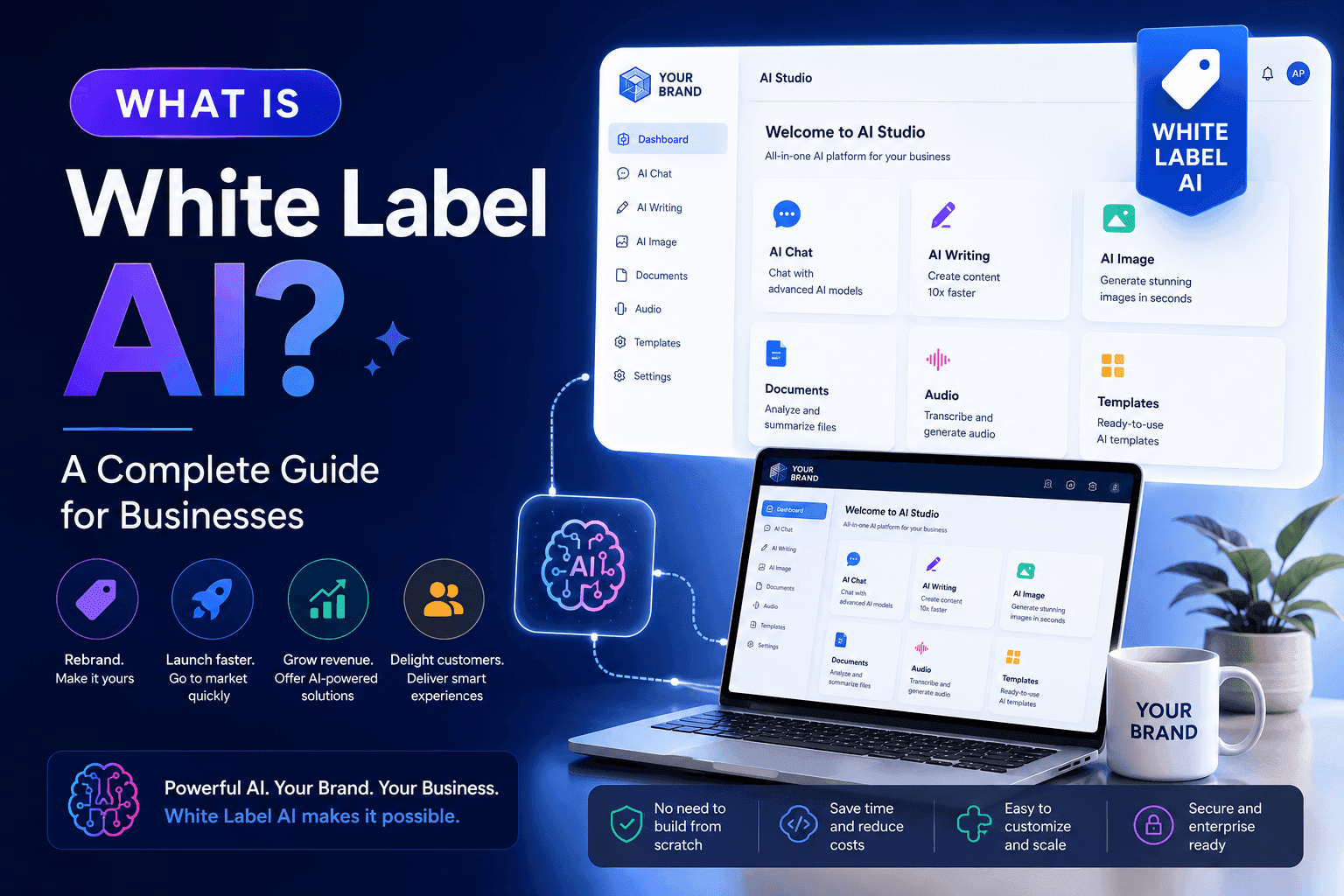
What Is White Label AI? A Complete Guide for Businesses
What is white label AI? Learn how white label AI platforms work, their benefits, use cases, and how businesses can launch AI products under their own brand.
Tram TaAI Workflows
Explore ready-to-use AI workflows for productivity, marketing, sales, support, and more.
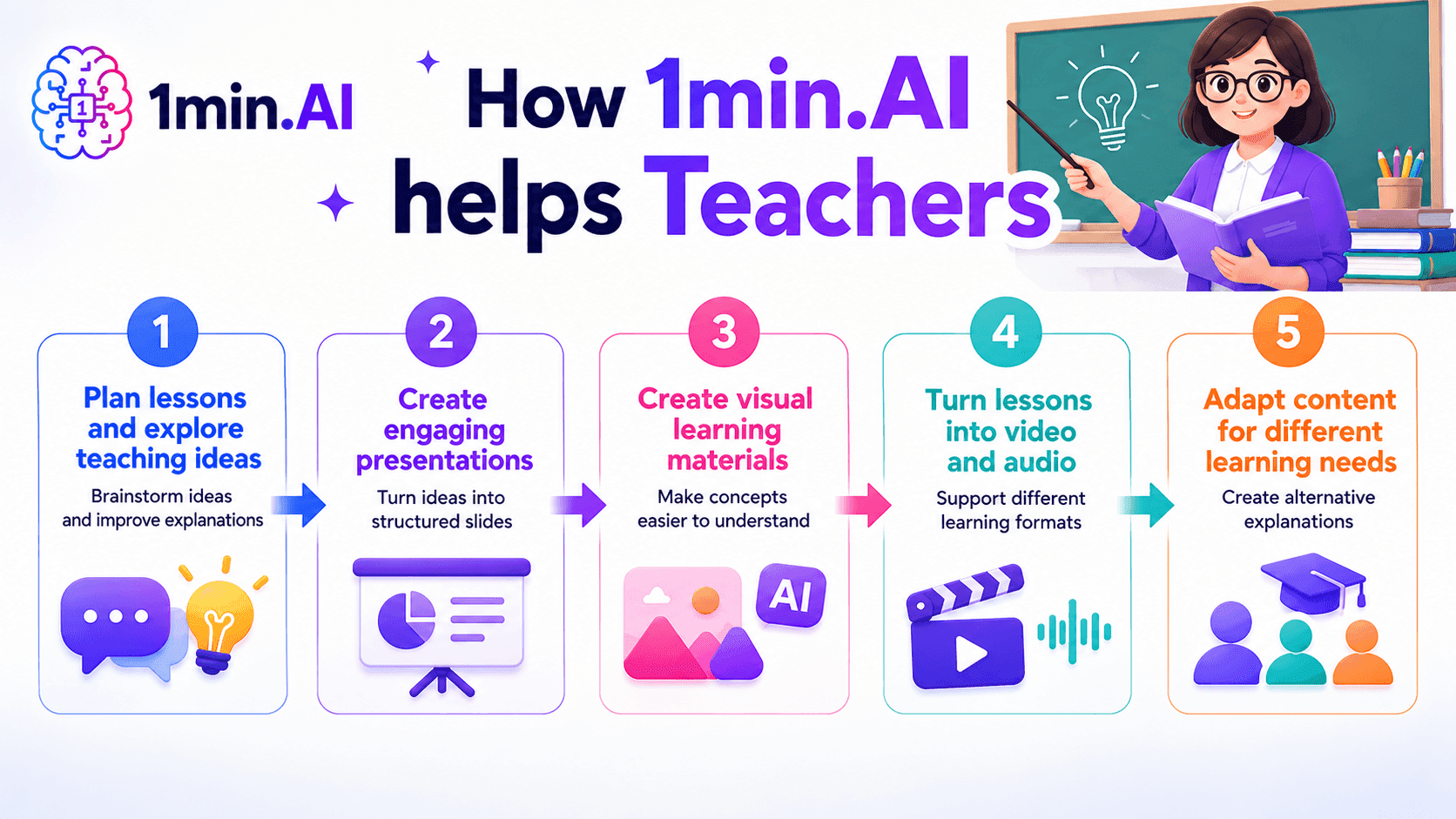
AI tools for Teachers
Discover AI tools for Teachers to create lessons, presentations, visuals, videos, and audio materials from one AI workspace with 1min.AI.
Ngoc Hong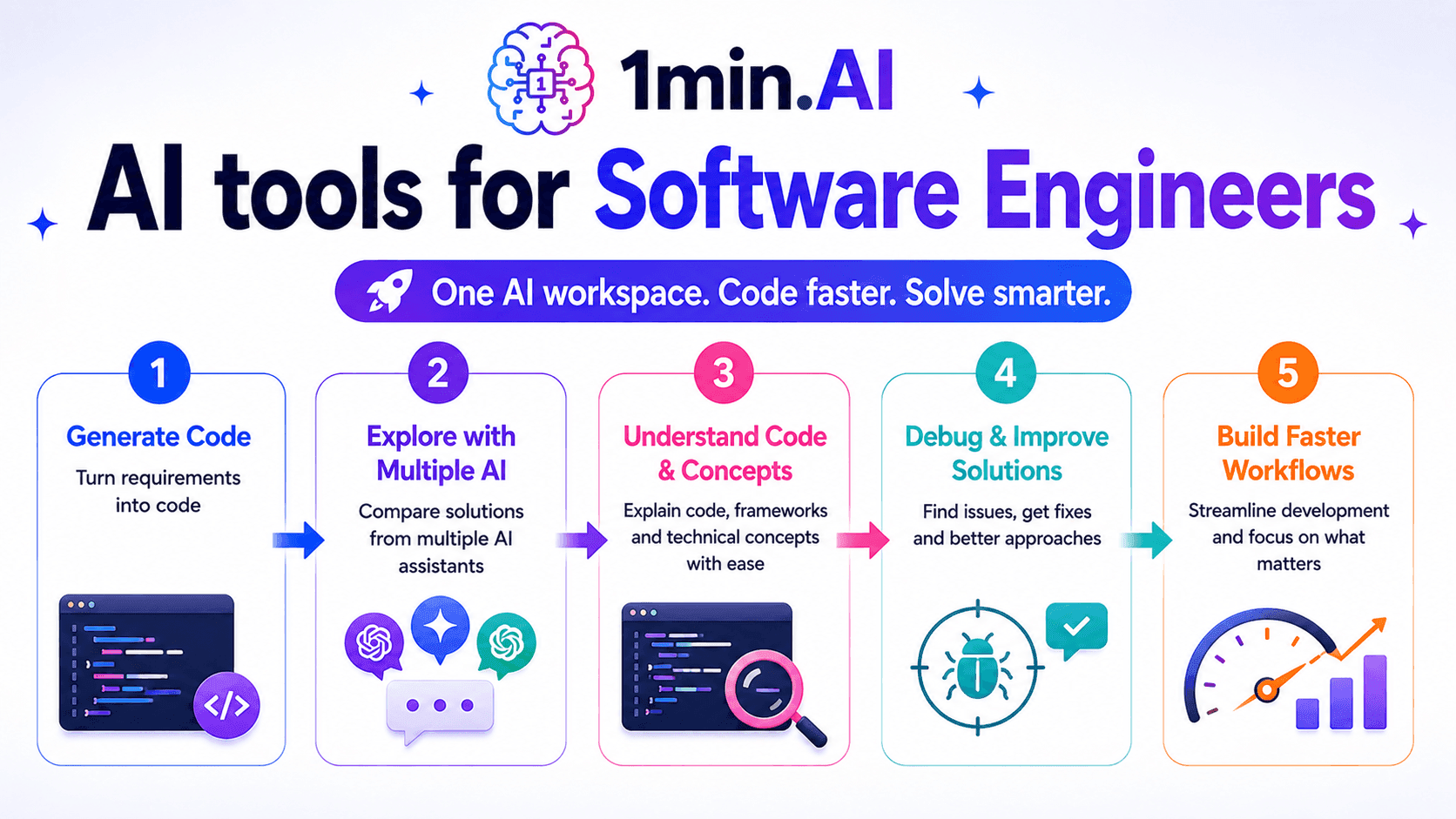
AI Tools for Software Engineers
Discover AI tools for Software Engineers to generate code, debug problems, understand technical concepts, and streamline development with 1min.AI.
Ngoc Hong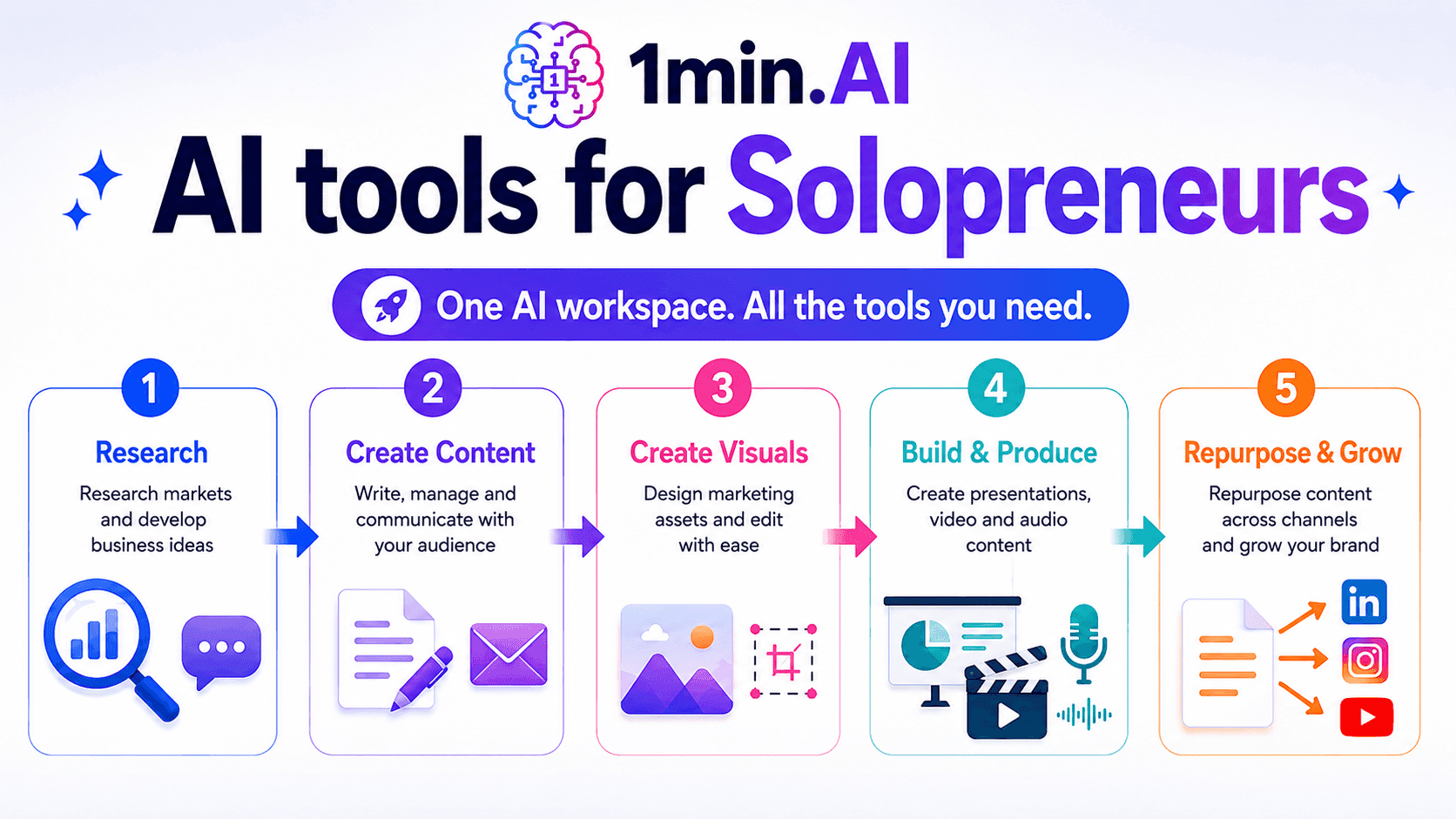
AI tools for Solopreneurs
Discover AI tools for Solopreneurs to research, create content, design, market, and manage business tasks from one AI workspace.
Ngoc HongNewsletter
Weekly AI Innovations with 1minAI

🔮 Weekly AI Innovations #134: Experience Free Qwen on AI Chat; The 3.7 and 3.6 Series Update
Looking for a powerful, free AI assistant? Explore the latest Qwen 3.7 and 3.6 series on 1min.ai. Enjoy high-speed, accurate AI chat at zero cost today!
 Hang Nguyen
🔮 Weekly AI Innovations #133: Earn Credits and more with AI Social
Explore DeepSeek V4's open-source efficiency and xAI's Grok 4.3 & 4.5 for advanced reasoning and ultra-fast coding in 2026.
Hang Nguyen
🔮 Weekly AI Innovations #132: DeepSeek V4 & xAI's Grok 4.3, 4.5
Explore DeepSeek V4's open-source efficiency and xAI's Grok 4.3 & 4.5 for advanced reasoning and ultra-fast coding in 2026.
Hang Nguyen