
Face Swapper vs. Image Mask Editor: Which Feature Generates Funnier Visual Content Faster?

Uyen Hoang
August 27, 2026
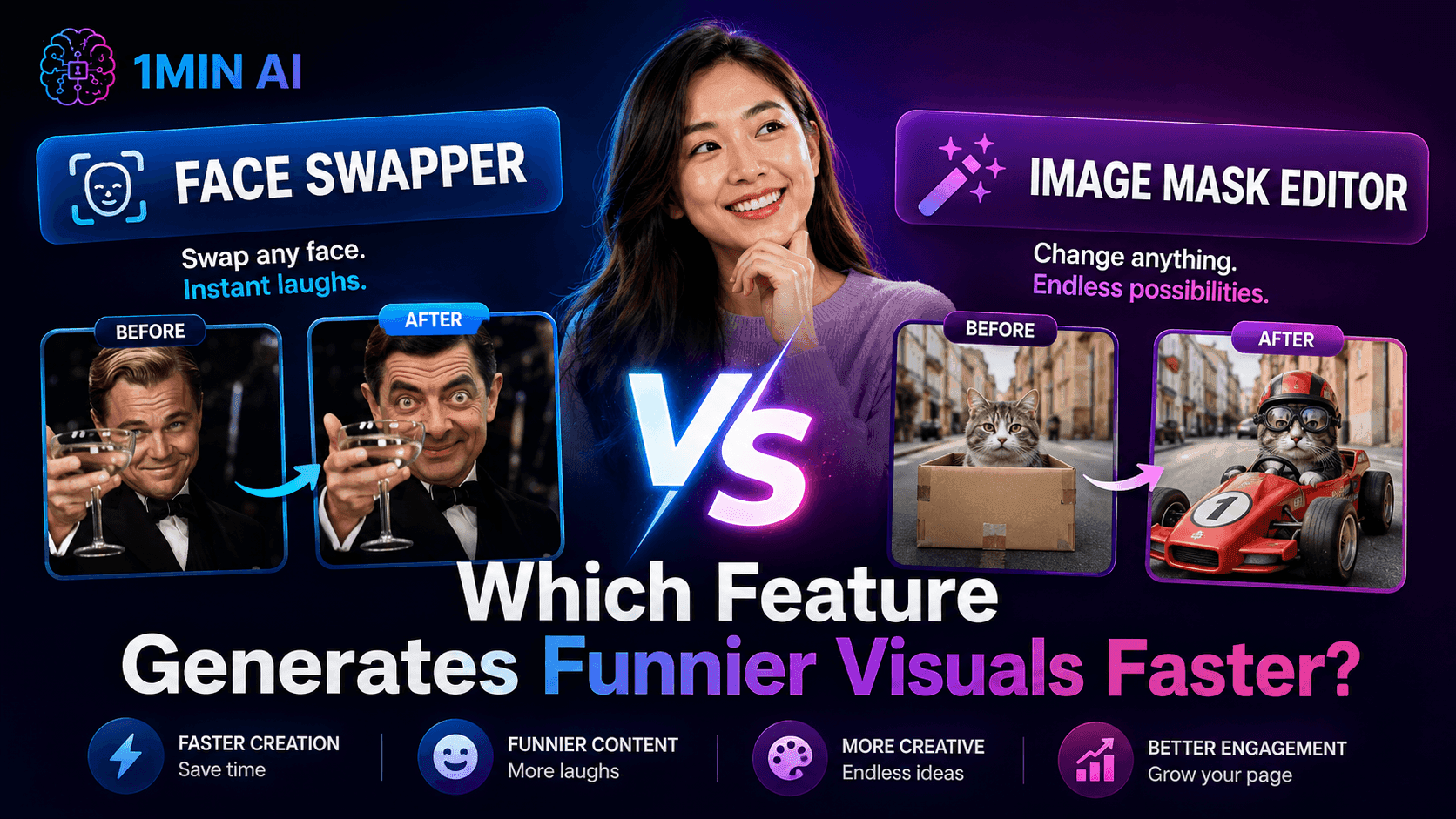
Face Swapper vs. Image Mask Editor: discover which AI image editing feature is faster for memes, satire, social content, and creative visual campaigns
Creating funny visual content is often less about having a brilliant idea and more about how quickly you can turn that idea into something people can actually see and share. For satirical page admins, growth marketers, and social media teams, a visual that takes an hour to produce may already feel outdated by the time it is published. AI image editing can shorten that gap, but choosing the right feature still matters because different creative ideas require different types of editing.
Two features that can look similar at first glance are Face Swapper and Image Mask Editor. Both can help transform an existing image, but they approach the task from completely different directions. Face Swapper is designed to replace a face quickly, while Image Mask Editor gives you control over a specific area of an image and lets AI transform that area based on your instructions.
So which one should you use when the goal is to create funny visual content faster? The simplest answer is this: use Face Swapper when the face is the punchline, and use Image Mask Editor when the transformation itself is the punchline.
Face Swapper vs. Image Mask Editor at a Glance
| Face Swapper | Image Mask Editor | |
|---|---|---|
| Primary purpose | Replace a face with another face | Transform a selected area of an image |
| Main input | Target image + swap image | Image + selected mask + prompt |
| What you control | The replacement face | The editing area and desired transformation |
| Manual masking | Not required | Required |
| Prompt | Not the core of the workflow | Used to describe the desired change |
| Best for | Memes, parody, character swaps, reaction content | Object changes, scene edits, creative transformations |
| Speed | Very fast for face-based edits | Fast, but requires selection and prompting |
| Creative flexibility | Focused on faces | Much broader |
| Best use for satire | Identity-based humor | Situation-based humor |
The most important thing to understand is that these two features are not simply two competing ways to edit the same image. They are designed around different creative decisions, which means the better option depends on what you are trying to change. Understanding that distinction can prevent unnecessary editing steps and help you choose the fastest workflow for a specific content idea.
What Is Face Swapper?
Face Swapper is an AI image editing feature designed to replace the face in a target image with a face from another image. In 1minAI, the workflow is intentionally straightforward: users provide a target image and a swap image, and the system handles the face replacement rather than requiring users to manually cut, resize, align, and blend the face themselves.
This makes Face Swapper particularly useful when the identity of the person is an important part of the visual joke. For example, you might have a dramatic movie scene and want to replace the original character's face with a different person, or take a trending photograph and create a parody version around a recognizable face. The technical editing is handled by the AI, allowing you to focus more on the idea than on manually adjusting facial boundaries.
The main advantage is therefore speed with a specific purpose. You are not asking the AI to redesign the entire image; you are giving it a clearly defined editing task and letting it handle the complicated parts of facial replacement. When the goal is to react to a trend quickly or create several face-based variations, that focused workflow can be much faster than a general image editor.
What Is Image Mask Editor?
Image Mask Editor takes a more flexible approach to image editing. Instead of automatically focusing on a face, you select the particular area of an image that you want to change and then use a prompt to describe what you want the AI to generate in that area. The rest of the image can remain largely unchanged, allowing you to make localized edits without recreating the entire composition.
For example, imagine you have a photograph of someone working at a desk and want to turn an ordinary laptop into an absurdly oversized typewriter. You can select the laptop area, describe the desired transformation, and let the AI generate the replacement while maintaining the broader context of the original image. The same approach can be used for objects, clothing, accessories, backgrounds, or other localized visual elements.
This gives Image Mask Editor a much wider creative range than a face-specific tool. The trade-off is that it requires more input from the user because you need to identify the area to edit and communicate what should replace it. In other words, Image Mask Editor gives you more control at the cost of a little more setup.
The Key Difference: Speed vs. Creative Control
The easiest way to distinguish the two features is to ask one question: what exactly do you want the AI to change? If your answer is “the person's face,” Face Swapper provides a highly focused workflow that avoids unnecessary editing steps. If your answer is “this object, this part of the background, this piece of clothing, or this specific area,” Image Mask Editor gives you the control needed to make that kind of localized transformation.
Face Swapper therefore prioritizes automation, while Image Mask Editor prioritizes selective control. Neither approach is universally better because they solve different problems. The fastest workflow is the one that matches the structure of your idea rather than forcing you to use a more general tool for a task that can be handled more directly.
Which One Is Faster?
If you are comparing the number of steps needed to create a straightforward face-based visual, Face Swapper is the faster option. You select the target image, provide the image containing the replacement face, and let the AI handle the swap. There is no need to manually draw a mask around the face or spend time trying to make the replacement blend naturally into the original image.
This matters particularly for social content tied to current events and trends. Satirical pages often compete against time because a joke has the most value while the topic is still receiving attention. If your idea is simply to put a recognizable face into a different situation, adding manual masking or broader image-generation steps would create unnecessary friction.
However, speed should not be confused with the fewest clicks in every situation. If you need to replace an object rather than a face, trying to work around Face Swapper would not make sense because the feature was not designed for that task. Image Mask Editor may require an additional selection and prompt, but it can still be the faster route to the correct result when your visual idea involves a specific non-facial element.
Which One Gives You More Creative Control?
For creative flexibility, Image Mask Editor has the advantage because the user determines which area of the image should change. This means the feature can be used for a much wider range of visual ideas, from replacing a product or prop to changing someone's clothing or transforming a particular part of the background. Instead of being restricted to a specific element type, you can work with whatever part of the composition your concept requires.
That flexibility becomes especially useful when you already have a strong base image and only want to modify one element. Rather than generating a completely new image and trying to reproduce everything you liked about the original, you can preserve the existing composition and focus the AI's attention on the area that needs to change. For marketers and growth teams, this can make visual experimentation more practical because one creative asset can become the starting point for multiple variations.
The trade-off is that greater control requires greater participation from the user. You need to select the appropriate area and write an instruction that clearly explains the intended transformation. For users who care about precision and creative experimentation, that extra step is usually worthwhile; for users who simply want to swap one face as quickly as possible, it may be unnecessary.
Which Is Better for Satirical Content?
For satirical page admins, Face Swapper is especially effective when the humor is based on identity. A familiar face appearing in an unexpected scene can immediately communicate the joke without requiring a complicated visual concept. This makes the feature useful for parody images, reaction memes, fictional scenarios, trending-event content, and other formats where the recognizable person is central to the humor.
Consider a trending image featuring a famous public figure or a recognizable character. If your creative idea is to replace that person with someone else, Face Swapper allows you to get from the original image to the parody concept with minimal intervention. The workflow is particularly well suited to content where being early matters as much as the quality of the final visual.
Image Mask Editor becomes more useful when the humor comes from changing the situation rather than the identity. Imagine a normal office meeting where the joke depends on replacing a laptop with an absurd object, transforming a coffee cup into something ridiculous, or changing part of the background to exaggerate the situation. In those cases, the ability to select and transform a specific area gives you much more room to build the joke.
What About Growth Hackers?
For growth hackers, the more interesting question is often not “Which feature makes one image?” but “Which feature helps me test more creative ideas?” Creative testing depends on producing variations quickly enough to compare different hooks, concepts, and visual directions. Both features can support this process, but they create variations in different ways.
Face Swapper is useful when the variable you want to test is the character or identity featured in the visual. You can keep the broader composition consistent while experimenting with different faces that create different emotional or comedic interpretations. This can be useful when a campaign relies heavily on recognizable personalities or when you want to explore several versions of a meme-style concept.
Image Mask Editor supports a different kind of experimentation because you can change individual visual elements while keeping the rest of the image stable. A growth team could therefore experiment with different props, environments, product contexts, or visual hooks without rebuilding the entire creative from scratch. This makes the feature particularly relevant when the objective is to explore multiple creative directions rather than simply produce one finished image.
What About Sales and Business Development Teams?
Sales and business development teams may not create memes as frequently as social media admins, but they can still benefit from fast visual experimentation. Presentations, social posts, event materials, internal campaigns, and outreach content sometimes need visuals that feel more engaging than standard stock imagery. AI image editing can help turn an existing asset into something more relevant without requiring advanced design skills.
Face Swapper can be useful for playful team content, event visuals, campaign concepts, or humorous internal communications where a person's identity is part of the creative idea. For example, a team could create a lighthearted visual around a company event or sales milestone without spending time on manual face editing. The value here is primarily speed and accessibility rather than sophisticated art direction.
Image Mask Editor has a broader business application because it can modify specific visual elements within an existing image. A sales or business development team could experiment with different product contexts, props, environments, or presentation concepts while keeping the core image consistent. That makes it useful when the team wants to create variations quickly without rebuilding the entire asset each time.
Why the 1minAI Workflow Matters
The comparison becomes more useful when you consider where these features sit inside 1minAI. Face Swapper and Image Mask Editor are both part of the platform's AI for Image category, alongside tools such as Image Generator, Image to Prompt, Image Variator, Image Upscaler, Image Extender, Background Remover, Background Replacer, Object Remover, Search and Replace, Image Text Editor, Face Swapper, 3D Image Generator, and Sketch to Image.
That means an image-editing workflow does not necessarily have to end after one operation. You might start with an existing image, use Face Swapper to change the character, use Image Mask Editor to modify a specific element, and then use another image feature if the asset needs additional refinement. Instead of treating every step as a completely separate task in a different application, you can move between related AI image capabilities within the same workspace.
Another important part of the 1minAI experience is the ability to work with different AI models within the platform rather than being tied to a single model ecosystem. Depending on the feature and available models, users can choose the AI model that fits their task instead of having to maintain a separate workflow for every AI provider. This model flexibility is particularly useful for users who experiment frequently because the objective is not simply to access one AI model, but to find an effective workflow for the task at hand.
Can You Use Face Swapper and Image Mask Editor Together?
Yes, and in many cases this is actually the more powerful approach. The two features can be treated as complementary steps rather than competing alternatives, especially when a visual requires both a character change and a more detailed transformation.
Imagine creating a satirical poster based on a recognizable movie scene. You could first use Face Swapper to replace the original character's face with the person you want to feature, establishing the central joke. You could then use Image Mask Editor to change a specific prop, piece of clothing, or background element that makes the parody more obvious.
This approach separates the editing problem into smaller tasks. Instead of asking one feature to perform several unrelated transformations, you use the feature that is best suited to each step. For content teams producing visual assets regularly, that can create a more efficient workflow than searching for one tool that attempts to handle everything at once.
Face Swapper vs. Image Mask Editor: Which One Should You Choose?
Choose Face Swapper when the face is the central element of your visual idea and you want the fastest possible route from two images to a face-swapped result. It is particularly useful for memes, parody content, reaction visuals, and trend-driven posts where speed can determine whether the content feels timely. The focused workflow means you spend less time on technical editing and more time deciding what the visual should communicate.
Choose Image Mask Editor when you need to change a particular area of an existing image and want more control over the transformation. It is better suited to visual jokes involving objects, clothing, backgrounds, props, or other localized elements because you can select the exact area and describe what should happen there. The additional setup gives you considerably more creative freedom.
If you regularly produce visual content, you probably do not need to choose one feature permanently. Face Swapper is your speed-oriented tool for identity-based edits, while Image Mask Editor is your control-oriented tool for localized creative transformations. Knowing which problem you are solving before you start editing can save more time than simply choosing the feature with the fewest steps.
The Verdict: Use the Feature That Matches the Joke
So, Face Swapper vs. Image Mask Editor — which generates funnier visual content faster? If your joke starts with a face, Face Swapper is usually the better choice because it removes unnecessary editing steps and lets you move quickly from concept to finished visual. If your joke depends on changing something specific within the scene, Image Mask Editor gives you the control needed to make that transformation without rebuilding the entire image.
The bigger lesson is that speed and creativity are not always opposites. A focused tool can be faster when the task is specific, while a more flexible tool can ultimately save time when the idea requires several creative decisions. Once you understand that distinction, you can choose the workflow based on the visual problem rather than simply choosing the feature that sounds more powerful.
With 1minAI, both approaches are available within the same AI for Image workspace, alongside other tools for generating, transforming, enhancing, and editing images. For satirical page admins, growth hackers, sales teams, and other users who need to turn ideas into visual content quickly, that means you can start with the simplest workflow and move to a more controlled editing approach when the idea demands it.
When the face is the punchline, swap it. When the scene is the punchline, mask it. And when you need both, combine the two.
Create Your Next Visual Faster with 1minAI
Ready to turn a visual idea into content without spending your time on manual editing? Try Face Swapper when you need a quick identity-based transformation, or switch to Image Mask Editor when you need to control a specific part of the image. With multiple AI image tools and model options available in one workspace, 1minAI gives you more flexibility to experiment, refine, and create without constantly switching between separate AI platforms.
Alternatives
Discover the best alternatives to 1minAI and compare features, pricing, and use cases.

1min.AI vs OpenRouter
1min.AI vs. OpenRouter: Compare the ready-to-use AI creation product against the technical API tool. Find out if you need a zero-code creative studio or a coding infrastructure hub.
 Ngoc Hong
1min.AI vs Chatplayground AI
Compare 1min.AI (Voice Cloning, Object Removal, Team Plans) vs. ChatPlayground AI (14+ Models, Teams/O365 Integration). Discover the superior platform for predictable pricing and long-term content production growth.
Ngoc Hong
1min.AI vs Krater AI
Compare 1min.AI vs Krater AI features, pricing, AI models, and workflows to find the best all-in-one AI tool for content, design, and productivity.
Ngoc HongAI Tools
Discover the best AI tools to boost productivity, creativity, and everyday work.
How to Create a Podcast Without Expensive Equipment
Learn how to create a podcast without expensive equipment using AI for scripting, voice, video, editing, and content repurposing with 1min.AI.
 Lien Anh Vu
Free AI Character Generator - No Signup
Generate an AI character free from text or photo prompts. Try 1min.AI's AI character generator with multiple models, no design skills needed.
 Trang Tran
Turn “Make It Better” Into Better Content With AI
Use AI to turn vague client feedback into clear revisions, reduce unnecessary edits, and deliver better content faster.
Lien Anh VuAI Features
Comprehensive AI features that streamline workflows, improve efficiency, and empower teams to achieve more.
Remove Unwanted Proof From Pictures With 1minAI
Remove unwanted objects, people, or watermarks from your pictures with 1minAI’s AI Object Remover. Upload, select, and clean your image in a few clicks.
 Tram Ta
Create, Edit and Transform Images with AI in One Workspace
Explore how Photo AI can simplify image creation and editing. Discover how 1minAI combines image generation, editing, and multiple AI models in one workspace.
 Uyen Hoang
Create Better Prompts by Testing Multiple AI Models
Looking for a prompt generator? Learn how to create, test, and refine AI prompts across multiple models with 1minAI’s Multi AI Chat.
Uyen HoangAI Use Cases
A curated collection of AI use cases for business, productivity, and industry-specific applications.
How to Create Recurring Revenue With White Label AI Services
Learn how to create recurring revenue with white label AI services using subscriptions, AI-as-a-service, usage-based pricing, managed services, training, and support.
Tram Ta
1min.AI vs QuillBot for Korean-to-English Translation
Compare 1min.AI vs QuillBot for Korean-to-English translation, including limits, document workflows, AI models, and long-form translation needs.
Ngoc Hong
White Label AI for SaaS Companies: How to Add AI Features Faster
Discover how white label AI for SaaS companies can help you add AI features faster without building AI infrastructure from scratch. Learn what to consider and how 1minAI can help.
Tram TaAI Tutorials
Learn how to use AI with practical, step-by-step tutorials.
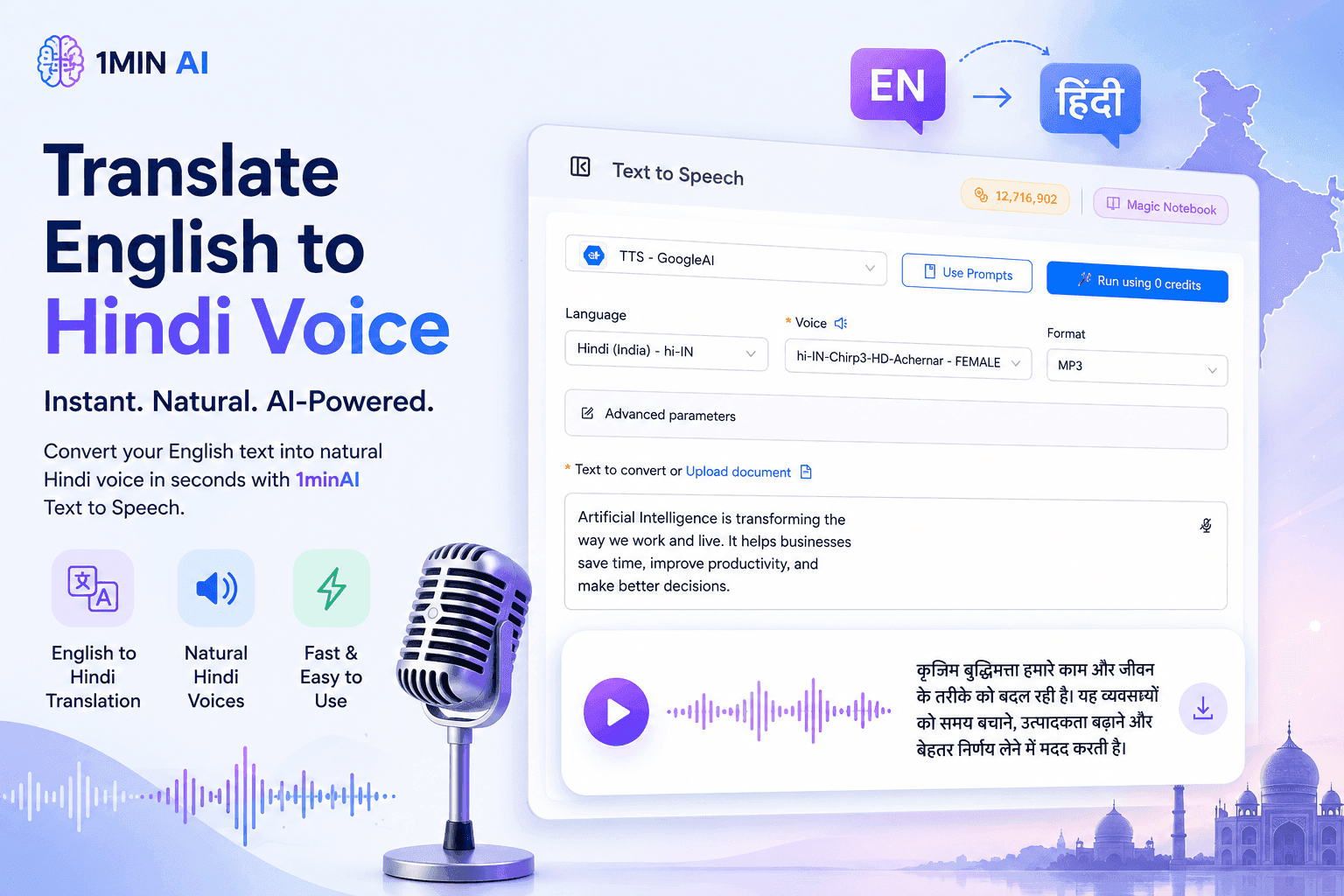
Translate English to Hindi Voice With 1minAI
Translate English to Hindi and convert your text into natural-sounding Hindi voice with 1minAI. Choose a Hindi voice, paste your text, and generate audio in seconds.
Tram Ta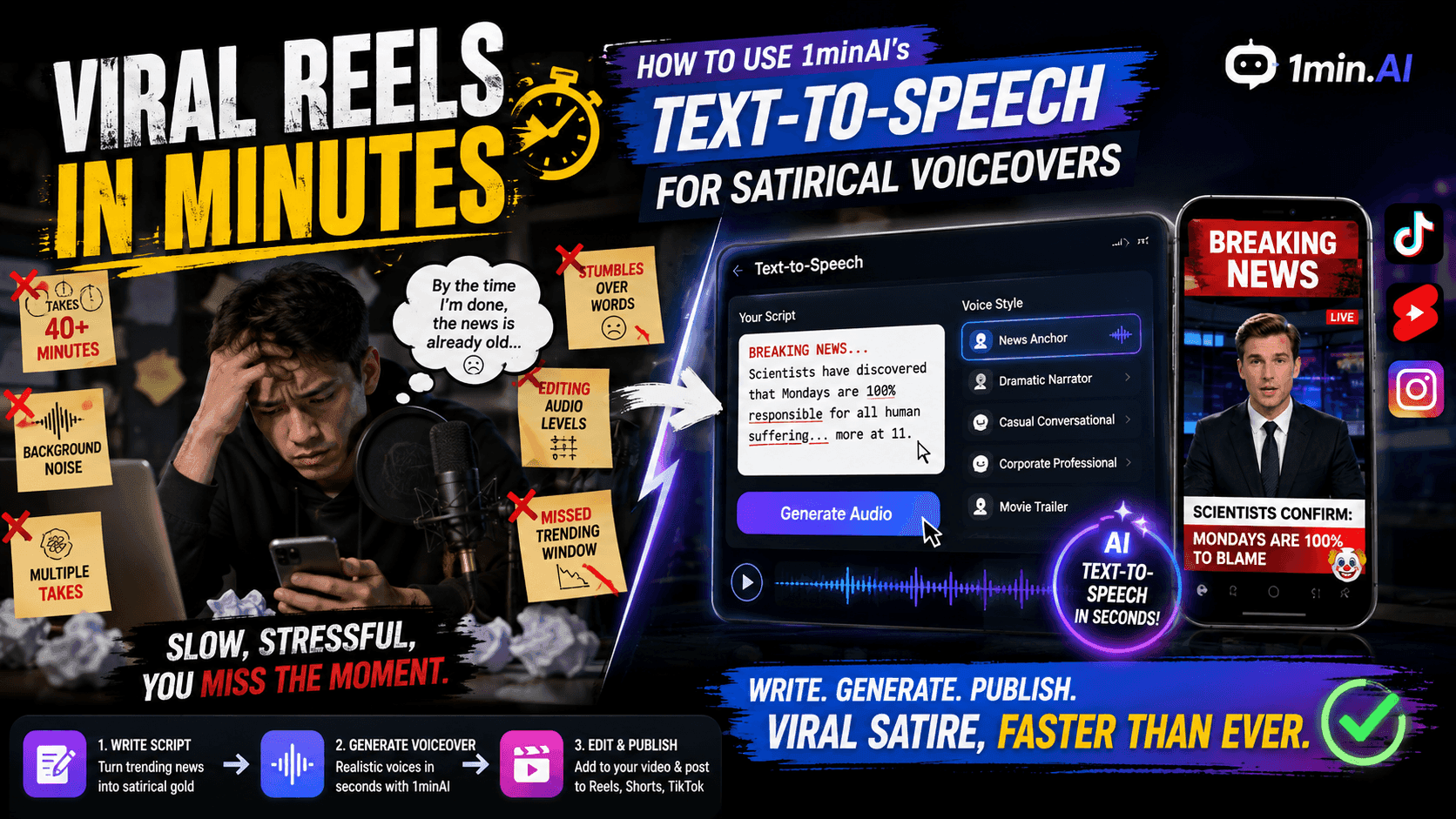
Viral Reels in Minutes: How to Use 1minAI’s Text-to-Speech for Satirical Voiceovers
Learn how satirical page admins use 1minAI’s Text-to-Speech feature to generate instant news anchor and dramatic voiceovers for TikToks, Shorts, and Instagram Reels.
Uyen Hoang
No Photoshop Needed: How to Use 1minAI’s Image Text Editor for Instant Meme Customization
Stop wasting time opening Photoshop or Canva to edit meme captions. Learn how 1minAI’s Image Text Editor replaces text on any meme template or news banner in seconds.
Uyen HoangAI Guides
Learn AI faster with practical guides, real-world examples, and actionable best practices.
How to Create a Podcast Without Expensive Equipment
Learn how to create a podcast without expensive equipment using AI for scripting, voice, video, editing, and content repurposing with 1min.AI.
Lien Anh Vu
How to Sell AI Tools Under Your Own Brand: A Practical Guide to White Label AI
Learn how to sell AI tools under your own brand with white label AI. Discover how branding, packaging, pricing, onboarding, and recurring revenue work.
Tram Ta
How to start an AI business without building from scratch
Learn how to start an AI business, validate your idea, and launch faster without building costly AI infrastructure from scratch.
Ngoc HongAI Solutions
Browse the best AI solutions for automation, coding, research, productivity, customer support, marketing, and business workflows.
How to Create Recurring Revenue With White Label AI Services
Learn how to create recurring revenue with white label AI services using subscriptions, AI-as-a-service, usage-based pricing, managed services, training, and support.
Tram Ta
White Label AI Image Generators: How Agencies Can Turn AI Images Into a Branded Service
Learn how agencies can use a white label AI image generator to offer branded creative services for ecommerce, social media, advertising, and branding clients.
Tram TaHow to Create a Podcast Without Expensive Equipment
Learn how to create a podcast without expensive equipment using AI for scripting, voice, video, editing, and content repurposing with 1min.AI.
Lien Anh VuAI Models
Explore the world's leading AI models in one place.
How to Create a Podcast Without Expensive Equipment
Learn how to create a podcast without expensive equipment using AI for scripting, voice, video, editing, and content repurposing with 1min.AI.
Lien Anh Vu
CLAUDE 4.7 OPUS - AWS BEDROCK US
Deploy Claude 4.7 Opus on AWS Bedrock US. Discover enterprise AI infrastructure, advanced coding, adaptive thinking, secure inference, and seamless AWS integration.
Ngoc Hong
What Does GPT Stand For? A Simple Guide to GPT and How It Works
What does GPT stand for? Learn what GPT means, how Generative Pre-trained Transformer technology works, and why GPT models are important to modern AI.
Tram TaAI Comparisons
Compare AI tools, models, and platforms to find the best fit for your needs.
AI Voice Cloning vs. Voice Changer: Which Drives Higher Retention on Short-Form Parody Videos?
AI Voice Cloning vs. Voice Changer: discover which AI voice tool is better for short-form parody videos, audience retention, character consistency, and faster content production.
Uyen HoangFace Swapper vs. Image Mask Editor: Which Feature Generates Funnier Visual Content Faster?
Face Swapper vs. Image Mask Editor: discover which AI image editing feature is faster for memes, satire, social content, and creative visual campaigns
Uyen Hoang
Kling AI Vs Veo 3: Which Model Wins?
Kling AI vs Veo 3: compare motion, native audio, pricing & free tiers to see which AI video generator wins for your project - try both on 1min.AI.
Trang TranAI Integrations
Seamlessly integrate AI with the tools you already use to automate work and boost productivity.
How to Create a Podcast Without Expensive Equipment
Learn how to create a podcast without expensive equipment using AI for scripting, voice, video, editing, and content repurposing with 1min.AI.
Lien Anh Vu
How AI Integrations Help Teachers Plan, Teach, and Assess More Efficiently
Discover how AI integration helps teachers streamline lesson planning, presentations, classroom materials, assessments, and student engagement in one AI workspace.
Tram Ta
AI Content Workflow for Freelancers: From Brief to Post
Discover an AI content workflow for freelancers. Use Claude for brainstorming and ChatGPT for images to turn client briefs into polished social posts faster.
Lien Anh VuAI for Industries
Find the best AI tools and workflows for healthcare, finance, education, legal, manufacturing, retail, real estate, and more

How to Launch an AI SaaS Without Building AI Models From Scratch
Learn how to launch an AI SaaS without building AI models from scratch. Explore white-label AI, product strategy, branding, pricing, and how 1minAI can help.
Tram Ta
Free AI Tools for Photographers to Elevate Creative Work
Discover free AI tools for photographers to edit images, create visuals and videos, develop content, and streamline client workflows with 1min.AI.
Lien Anh Vu
Free AI Tools for Social Media Managers to Create Faster
Discover free AI tools for social media managers to brainstorm content, create visuals and videos, write captions, and streamline social media workflows with 1min.AI.
Lien Anh VuAI Agents
Discover and run AI agents to automate tasks across your work and daily life.
Remove Unwanted Proof From Pictures With 1minAI
Remove unwanted objects, people, or watermarks from your pictures with 1minAI’s AI Object Remover. Upload, select, and clean your image in a few clicks.
Tram TaWhite Label AI Image Generators: How Agencies Can Turn AI Images Into a Branded Service
Learn how agencies can use a white label AI image generator to offer branded creative services for ecommerce, social media, advertising, and branding clients.
Tram Ta
White Label AI vs Custom AI Development: Which Is Better for Your Business?
Compare white label AI vs custom AI development to understand the differences in cost, launch time, customization, maintenance, and scalability.
Tram TaAI Workflows
Explore ready-to-use AI workflows for productivity, marketing, sales, support, and more.
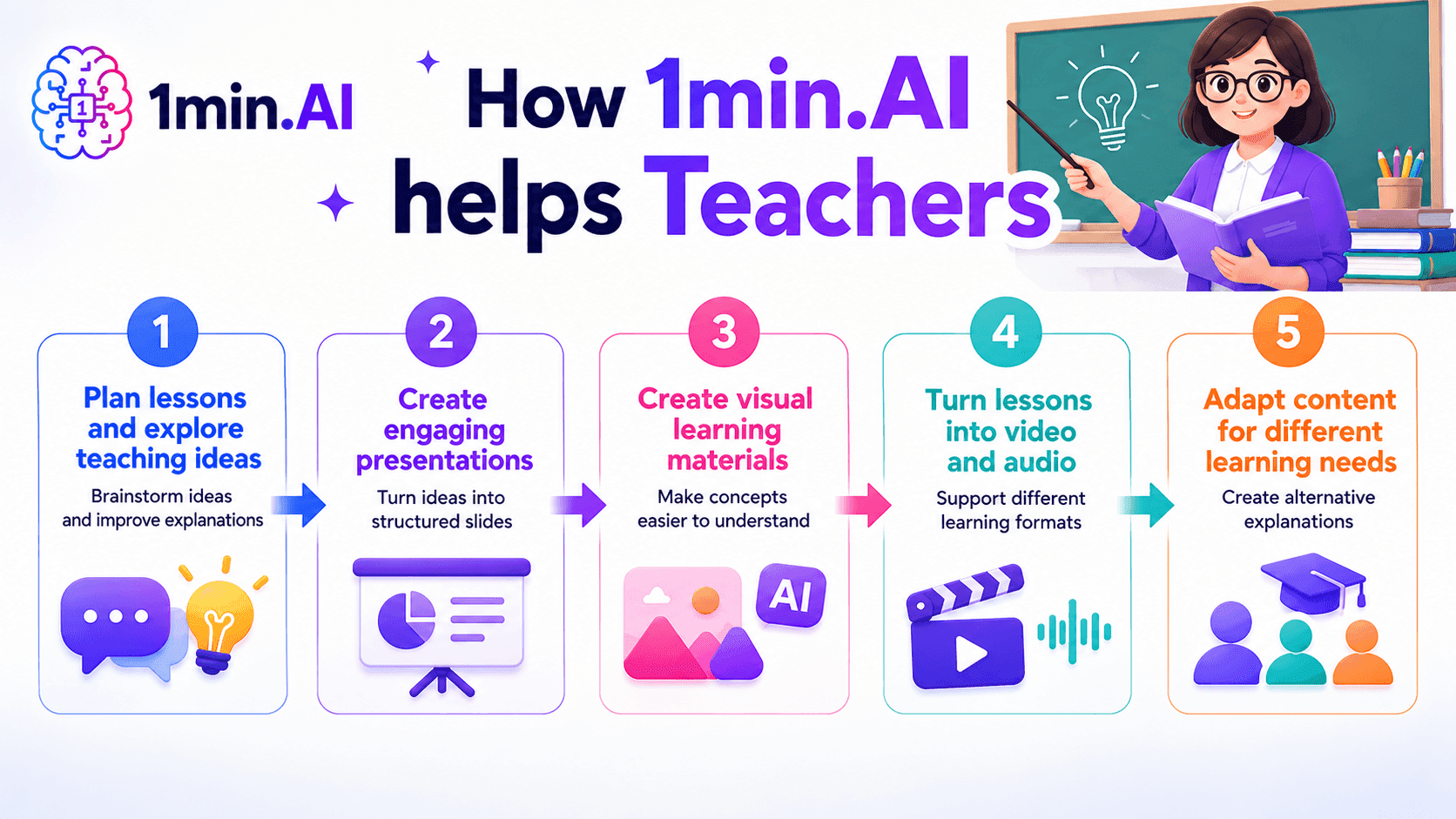
AI tools for Teachers
Discover AI tools for Teachers to create lessons, presentations, visuals, videos, and audio materials from one AI workspace with 1min.AI.
Ngoc Hong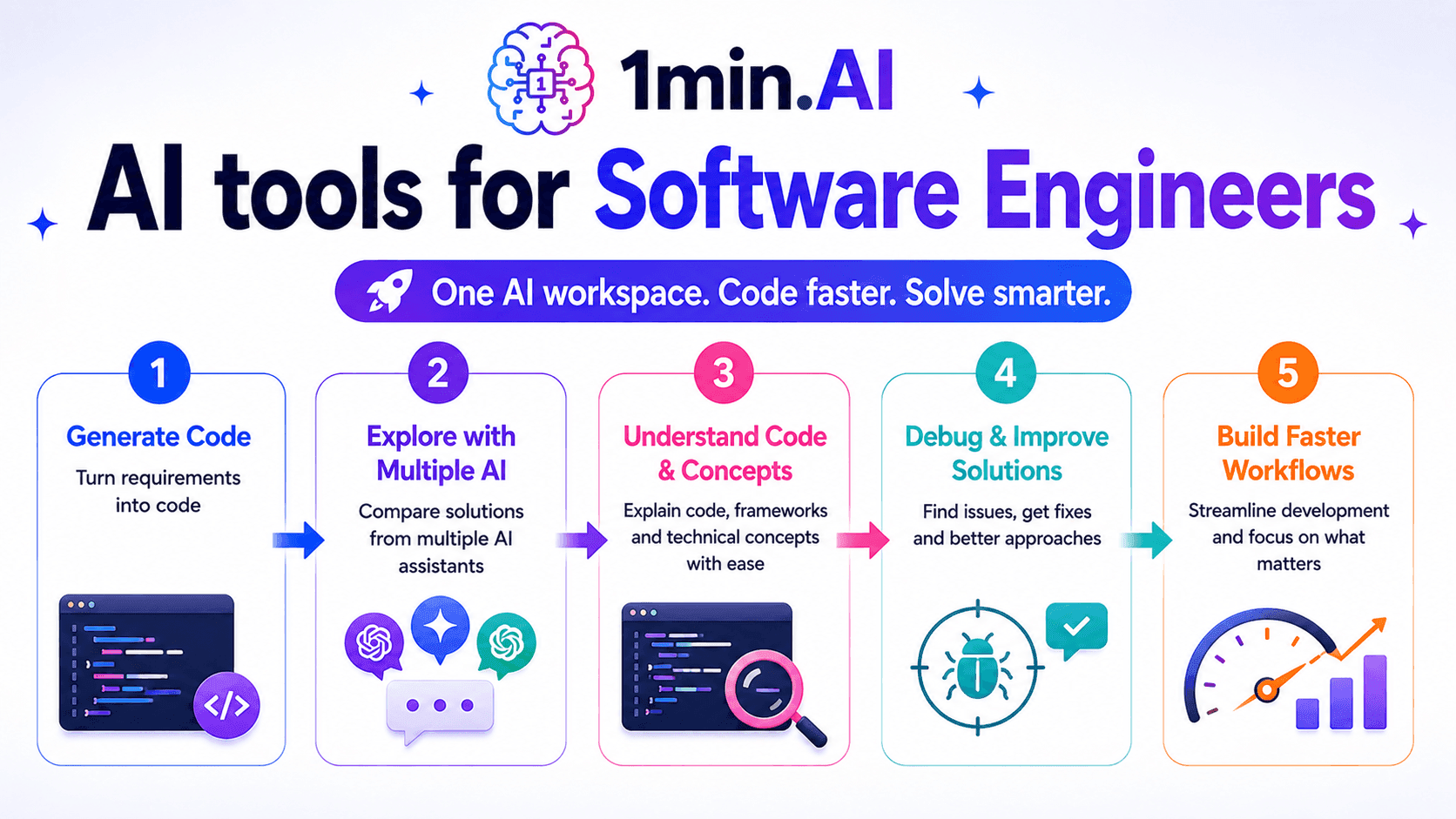
AI Tools for Software Engineers
Discover AI tools for Software Engineers to generate code, debug problems, understand technical concepts, and streamline development with 1min.AI.
Ngoc Hong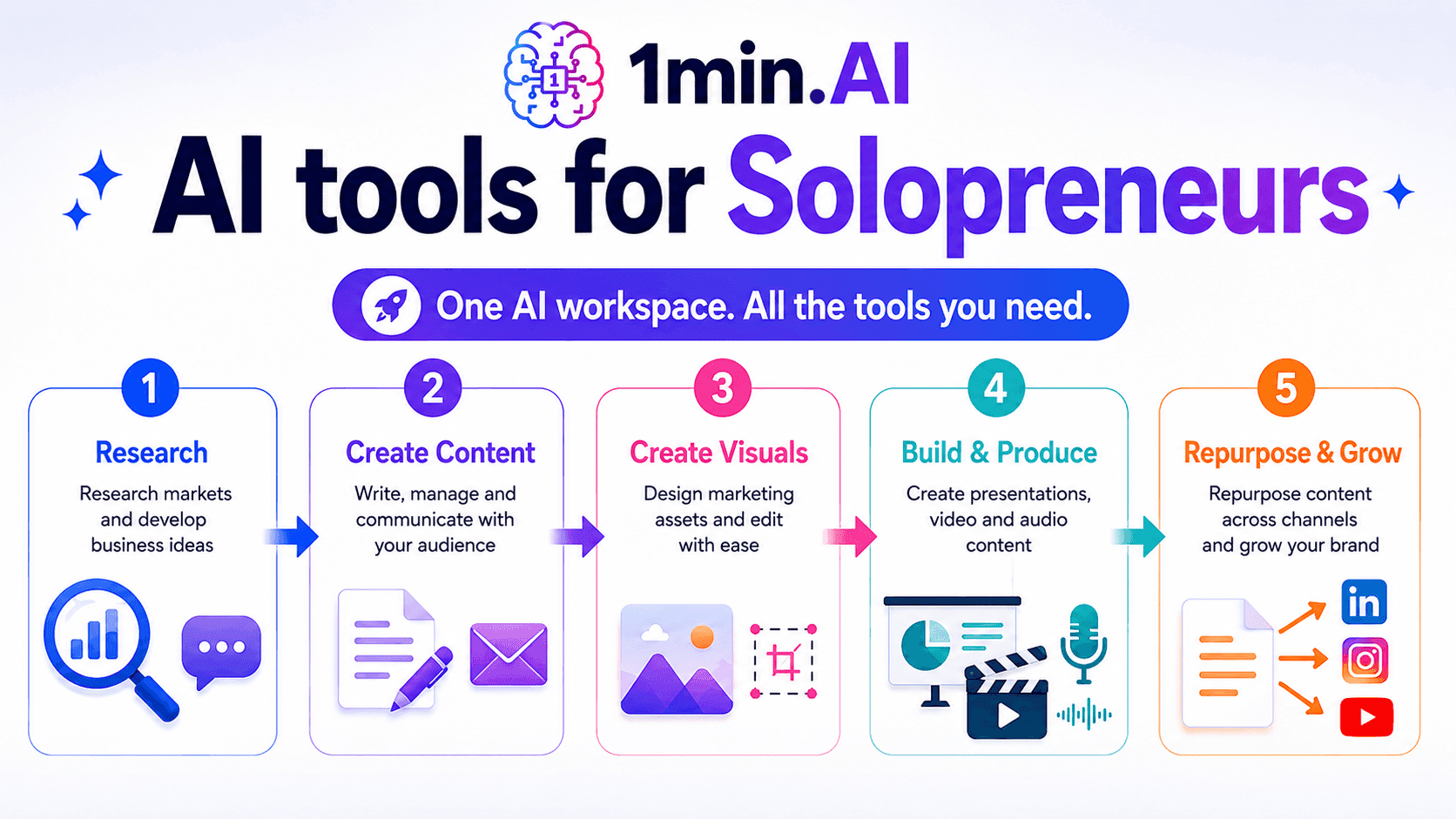
AI tools for Solopreneurs
Discover AI tools for Solopreneurs to research, create content, design, market, and manage business tasks from one AI workspace.
Ngoc HongNewsletter
Weekly AI Innovations with 1minAI
🔮 Weekly AI Innovations #134: Experience Free Qwen on AI Chat; The 3.7 and 3.6 Series Update
Looking for a powerful, free AI assistant? Explore the latest Qwen 3.7 and 3.6 series on 1min.ai. Enjoy high-speed, accurate AI chat at zero cost today!
 Hang Nguyen
🔮 Weekly AI Innovations #133: Earn Credits and more with AI Social
Explore DeepSeek V4's open-source efficiency and xAI's Grok 4.3 & 4.5 for advanced reasoning and ultra-fast coding in 2026.
Hang Nguyen
🔮 Weekly AI Innovations #132: DeepSeek V4 & xAI's Grok 4.3, 4.5
Explore DeepSeek V4's open-source efficiency and xAI's Grok 4.3 & 4.5 for advanced reasoning and ultra-fast coding in 2026.
Hang Nguyen