
When Should Creators Post on Instagram?

Lien Anh Vu
August 24, 2026

When should creators post on Instagram? Discover why there is no universal best time and how to use audience data, testing, and AI to build a smarter posting workflow.
When should creators post on Instagram to get more reach and engagement? With different studies recommending different posting times, finding the “perfect” hour can feel like guesswork. Instead of following generic charts, creators can use Instagram data, test different posting windows, and use AI to turn those insights into a consistent content workflow.
When Should Creators Post on Instagram?
For creators, posting consistently is already a challenge. Finding the right time to publish can make it even harder.
You may have seen recommendations like “post on Wednesday at 6 PM” or “Thursday morning gets the most engagement.” But different studies often report different results.
So, when should creators actually post on Instagram?
The short answer: there is no universal best time. The most effective posting window depends on your audience, content, timezone, and historical performance.
The Pain Point: Why Finding the Best Instagram Posting Time Is So Difficult
Every Study Gives You a Different Answer
Recent studies analyzing millions of Instagram posts don't agree on one specific posting time.
Buffer found strong performance around Wednesday and Thursday, while Sprout Social identified Tuesday and Wednesday as particularly strong. Metricool found evening hours to be a strong overall window, while Later reported a very different peak time in its dataset.
The problem isn't necessarily that one study is wrong.
They are analyzing different audiences, accounts, industries, locations, and datasets.
That means copying someone else's “best time” doesn't guarantee the same result for your account.
Generic Posting Times Don't Reflect Your Audience
Imagine a creator whose audience is mostly university students in Vietnam.
Their followers may be active at completely different times from an American creator whose audience consists mainly of working professionals.
Your audience's:
- Time zone
- Age
- Location
- Lifestyle
- Niche
- Content preferences
- Daily habits
can all influence when they're most likely to interact with your content.
A generic chart can give you a starting point, but it can't tell you exactly when your followers are ready to watch.
Posting at the “Right” Time Doesn't Guarantee Reach
Timing is only one part of content performance.
A Reel can be posted at the recommended time and still perform poorly because of:
- A weak hook
- Low retention
- Irrelevant content
- Poor audience targeting
- Low shareability
- Weak visual execution
This creates another problem for creators:
“I posted at the best time. So why did my content still flop?”
The answer is that creators need to look beyond timing and understand the relationship between timing, content, audience, and performance.
The Solution: Find the Best Posting Time for Your Audience
Instead of searching for one perfect hour, creators should build a simple testing system.
1. Start With Industry Benchmarks
Use current research as a starting point.
Look at common high-performing windows across reputable studies and select several time slots worth testing.
For example:
- Morning: 8–10 AM
- Afternoon: 12–2 PM
- Evening: 6–9 PM
Don't treat these as rules.
Treat them as hypotheses.
2. Check Your Instagram Insights
Instagram Insights gives professional accounts access to audience and content-performance information, including when followers are most active on Instagram.
Look at:
- Follower activity
- Top locations
- Audience demographics
- Reach
- Views
- Interactions
- Watch time
- Saves
- Shares
- Follows
This gives you a much more relevant starting point than a generic posting-time article.
3. Test Different Posting Windows
Choose two or three potential time windows and test them consistently.
For example:
Week 1–2: Morning
Week 3–4: Evening
Or rotate different windows throughout the week.
The important thing is to compare similar content rather than changing every variable at once.
4. Measure More Than Likes
Don't decide that a time is “good” simply because one post received more likes.
Track:
- Reach
- Views
- Watch time
- Shares
- Saves
- Comments
- Engagement rate
- Follows
For Reels, watch time and retention can be especially useful because they help you understand whether people actually stayed to consume the content.
5. Identify Your Winning Window
After testing, look for recurring patterns.
You might discover that:
Tuesday 7–9 PM consistently produces stronger Reel performance.
Or:
Your educational content performs better during lunch, while lifestyle Reels perform better in the evening.
That's much more valuable than blindly following a universal chart.
Your goal isn't:
“Find the best time on Instagram.”
Your goal is:
“Find the best time for my audience.”
The 1min.AI Solution: Turn Posting Data Into a Content Workflow
Finding your best posting window solves only half of the problem.
Once creators know when to post, they still need to decide:
What should I post?
What hook should I use?
What caption should I write?
How do I create enough content to stay consistent?
This is where an AI-powered workflow can help.
Turn Your Performance Data Into Actionable Insights
Instead of manually comparing dozens of posts, creators can bring their historical performance data into an AI workflow and ask questions such as:
“Analyze my Instagram performance data. Identify patterns between posting time, content format, reach, watch time, saves, and shares. Which posting windows should I test next?”
The goal isn't for AI to invent a “magic hour.”
It's to help creators find patterns in their own data faster.
Turn Insights Into a Content Calendar
Once potential posting windows have been identified, creators can use AI to build a practical schedule.
Then AI can help develop the content for each slot.
Turn One Schedule Into Multiple Content Assets
With an all-in-one AI workspace like 1min.AI, creators can streamline multiple parts of the content workflow.
Instead of moving between different tools for every task, they can use AI capabilities for:
- Content ideas
- Reel concepts
- Hooks
- Captions
- Content writing
- Visual concepts
- Image generation
- Research
- Content optimization
This creates a workflow like:
Instagram Insights → Analyze performance → Find patterns → Create posting schedule → Generate content ideas → Create hooks & captions → Create visuals → Publish → Collect new data → Analyze again
The Real Advantage Isn't Finding the “Perfect Time”
The real advantage is creating a system that gets smarter over time.
Instead of:
Guess → Post → Hope
creators can build:
Analyze → Plan → Create → Publish → Measure → Optimize
That's where AI becomes useful—not by replacing Instagram Insights, but by helping creators turn their data into faster, more consistent content production.
👉 Want the quick take? Check out our Instagram post for the key insights in seconds: https://www.instagram.com/p/DcaFjuSCSdm/?img_index=1
🚀 Try 1min.AI and bring your research, planning, ideation, writing, and creative tasks into one AI workspace.
Alternatives
Discover the best alternatives to 1minAI and compare features, pricing, and use cases.

1min.AI vs OpenRouter
1min.AI vs. OpenRouter: Compare the ready-to-use AI creation product against the technical API tool. Find out if you need a zero-code creative studio or a coding infrastructure hub.
 Ngoc Hong
1min.AI vs Chatplayground AI
Compare 1min.AI (Voice Cloning, Object Removal, Team Plans) vs. ChatPlayground AI (14+ Models, Teams/O365 Integration). Discover the superior platform for predictable pricing and long-term content production growth.
Ngoc Hong
1min.AI vs Krater AI
Compare 1min.AI vs Krater AI features, pricing, AI models, and workflows to find the best all-in-one AI tool for content, design, and productivity.
Ngoc HongAI Tools
Discover the best AI tools to boost productivity, creativity, and everyday work.
Free AI Character Generator - No Signup
Generate an AI character free from text or photo prompts. Try 1min.AI's AI character generator with multiple models, no design skills needed.
 Trang Tran
Turn “Make It Better” Into Better Content With AI
Use AI to turn vague client feedback into clear revisions, reduce unnecessary edits, and deliver better content faster.
 Lien Anh Vu
Free AI Brand Voice Generator
Create a unique and consistent brand voice with our powerful AI Brand Voice Generator. Get started today and craft messaging that resonates with your audience.
Trang TranAI Features
Comprehensive AI features that streamline workflows, improve efficiency, and empower teams to achieve more.
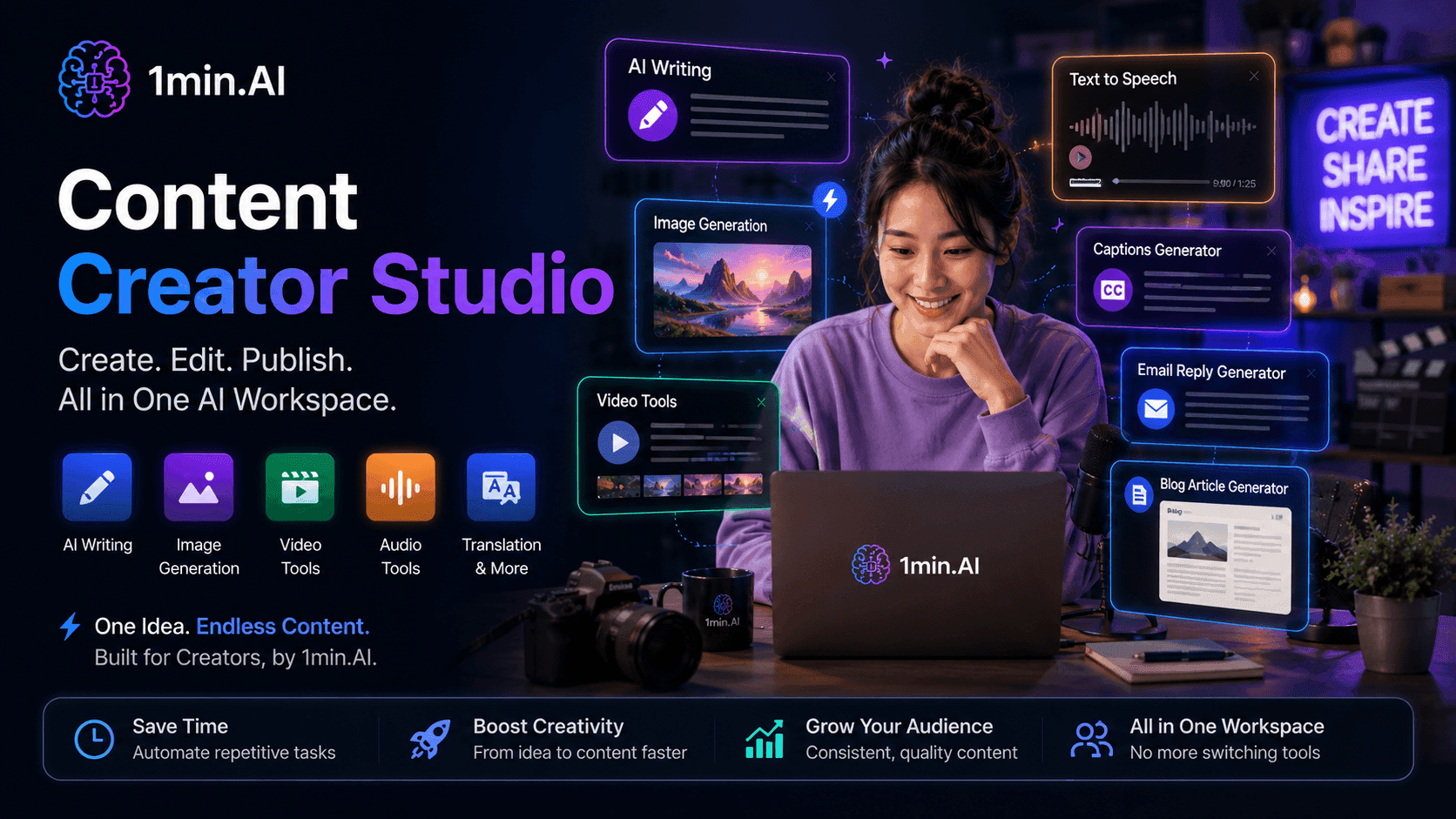
Free AI Tools for Content Creator
Content Creator Studio brings writing, research, image generation, video, and audio tools into one AI workspace, so you can turn ideas into publish-ready content without switching between different tools.
 Uyen Hoang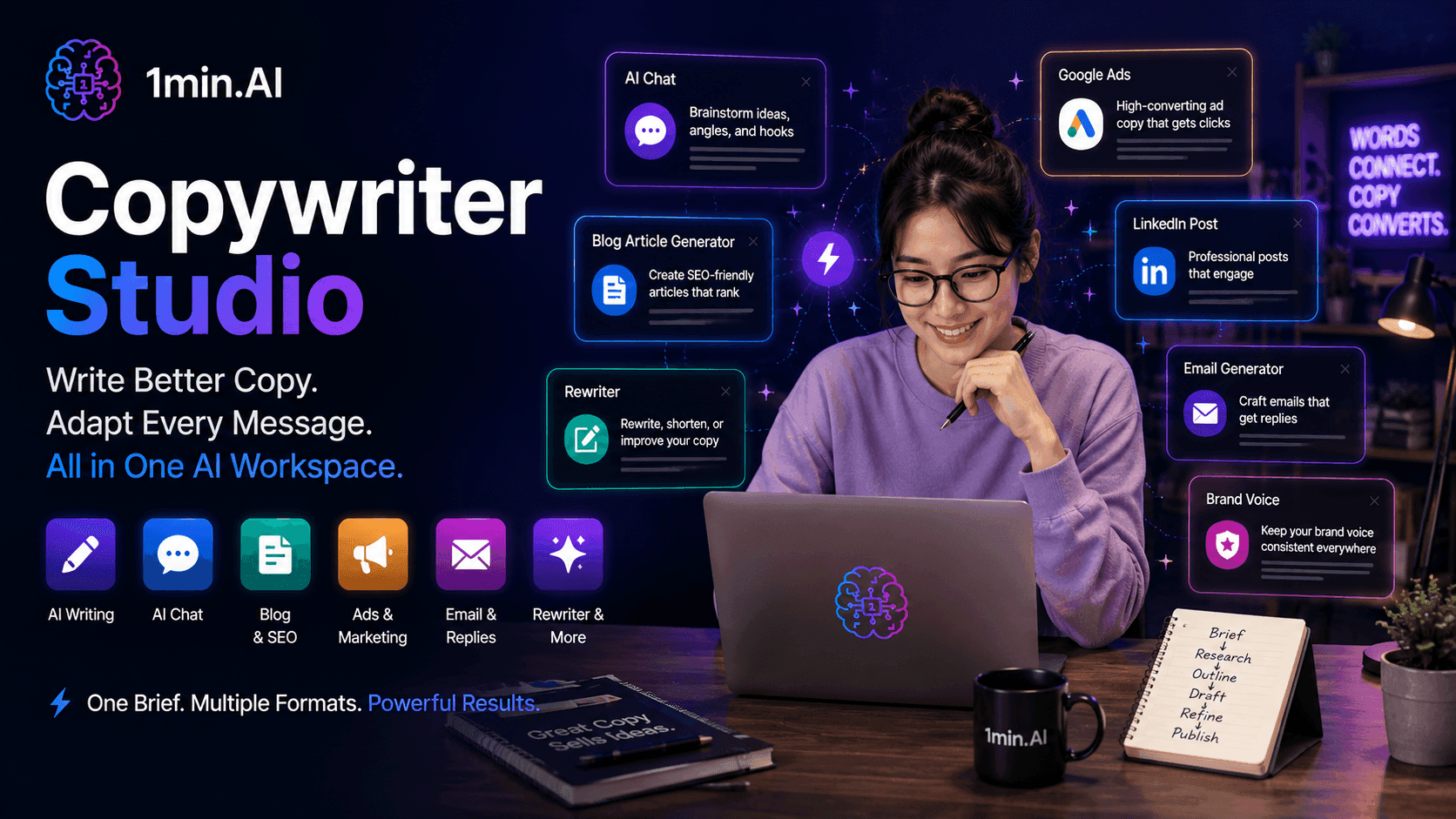
Free AI Tools for Copywriter
Copywriter Studio brings research, writing, rewriting, and multi-channel copy generation into one AI workspace, so you can move from a brief to polished copy without switching between different tools.
Uyen Hoang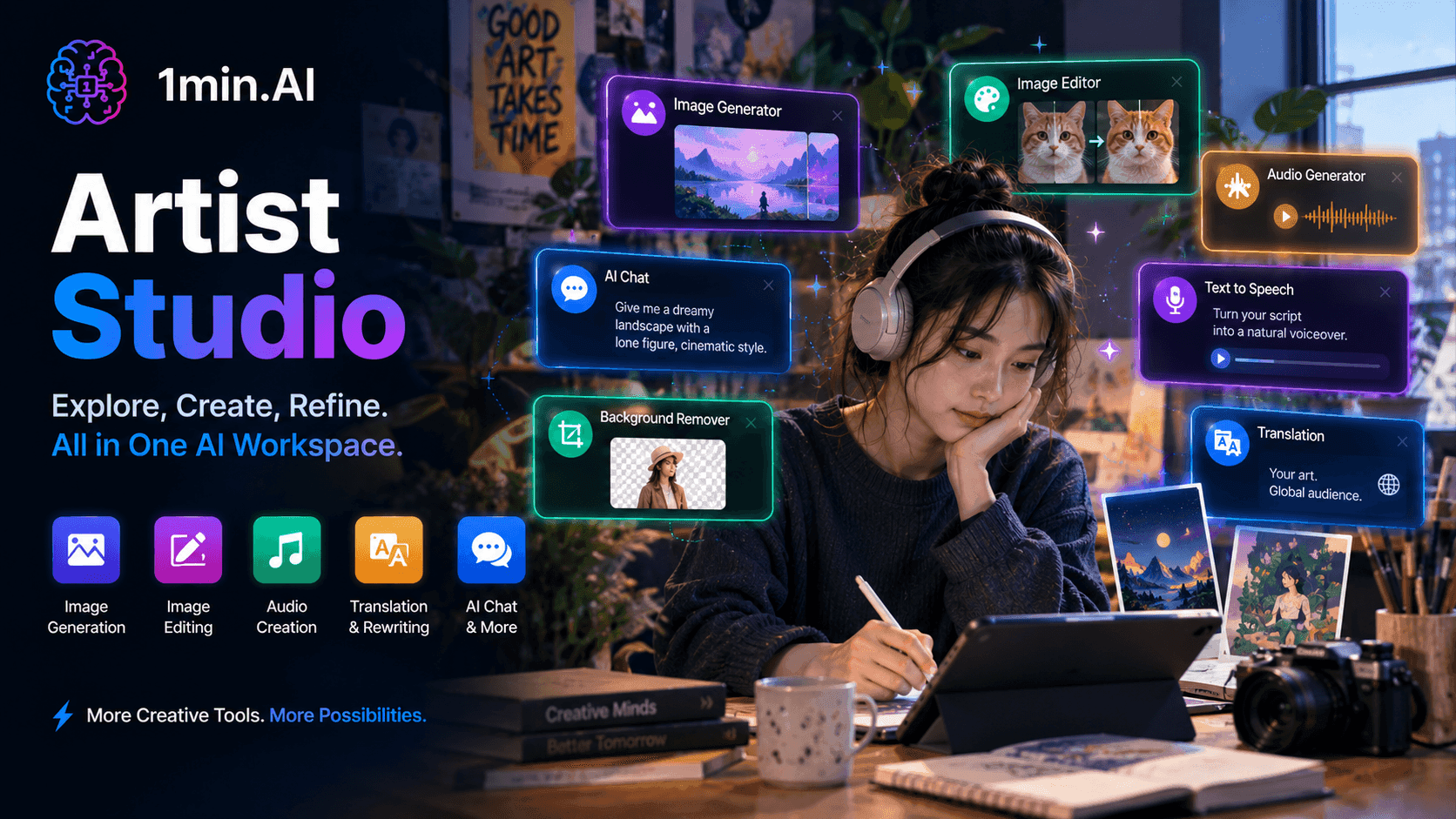
Free AI Tools for Artist
Artist Studio brings image generation, editing, audio creation, and creative tools into one AI workspace, so artists can explore ideas, refine their work, and create finished pieces without switching between different tools.
Uyen HoangAI Use Cases
A curated collection of AI use cases for business, productivity, and industry-specific applications.
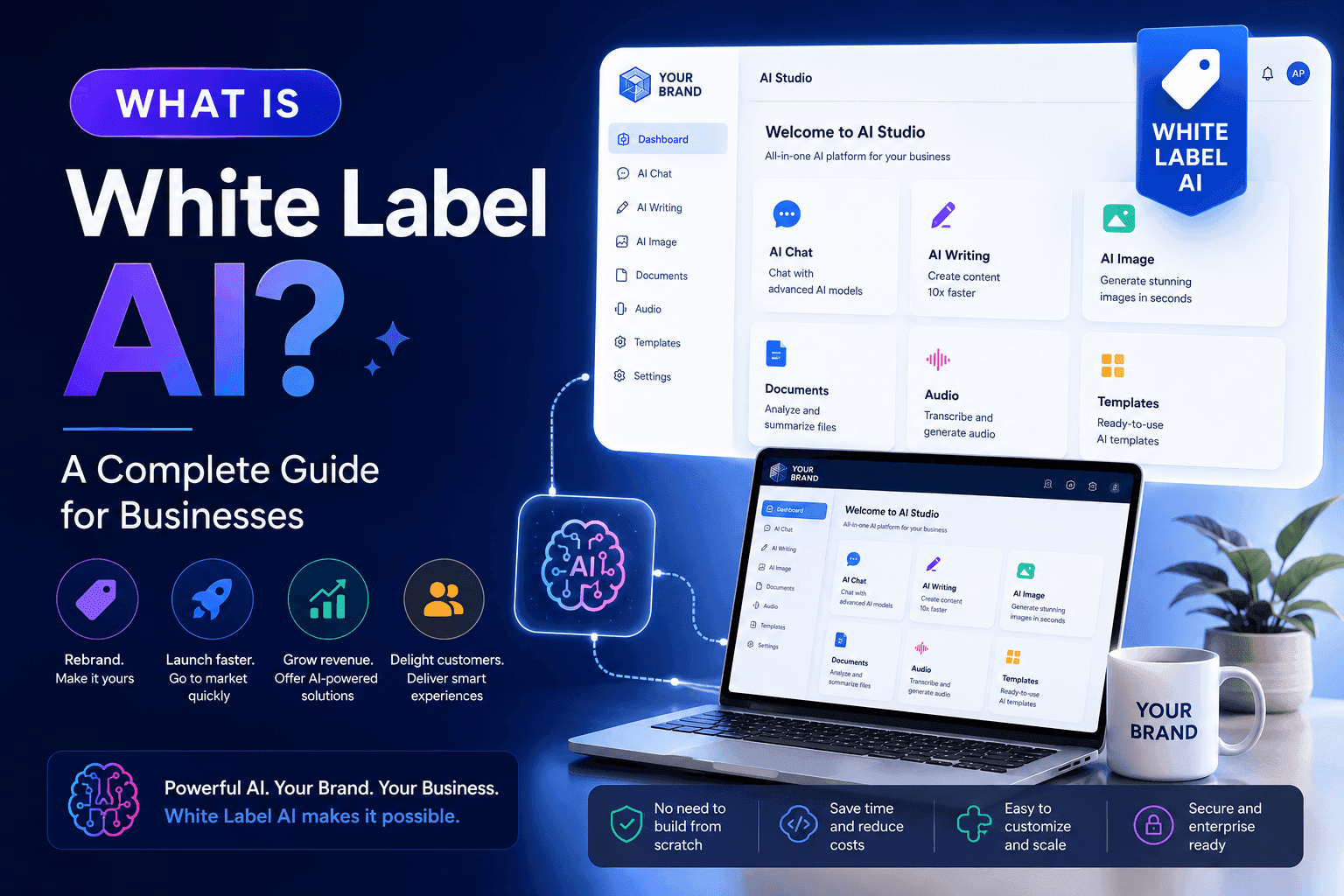
What Is White Label AI? A Complete Guide for Businesses
What is white label AI? Learn how white label AI platforms work, their benefits, use cases, and how businesses can launch AI products under their own brand.
 Tram Ta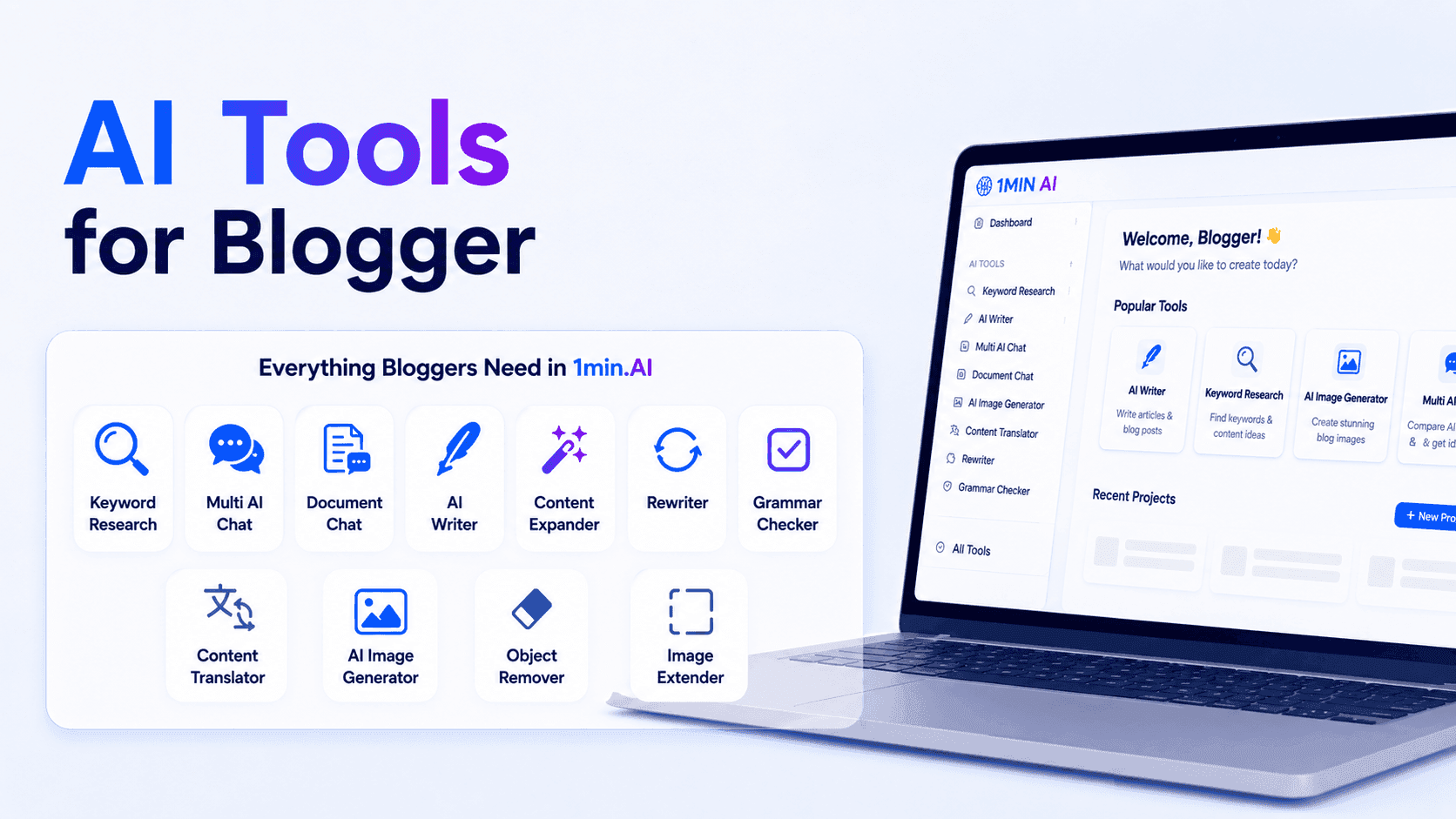
AI Tools for Bloggers
Discover AI tools for bloggers to research keywords, write SEO content, edit articles, and create visuals faster with 1min.AI.
Ngoc Hong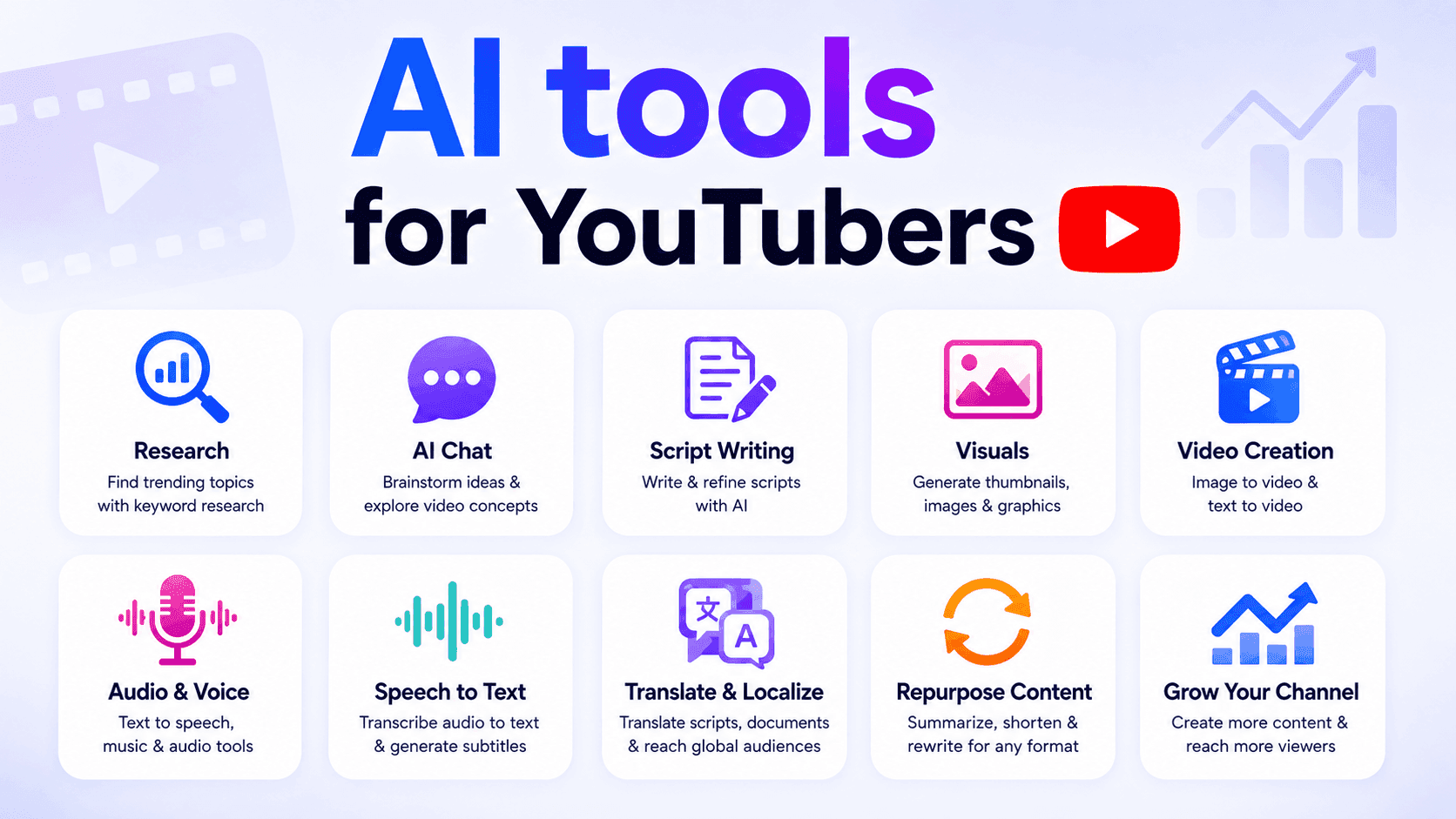
AI tools for YouTubers
Discover AI tools for YouTubers to research topics, write scripts, create visuals, translate videos, generate audio, and repurpose content.
Ngoc HongAI Tutorials
Learn how to use AI with practical, step-by-step tutorials.
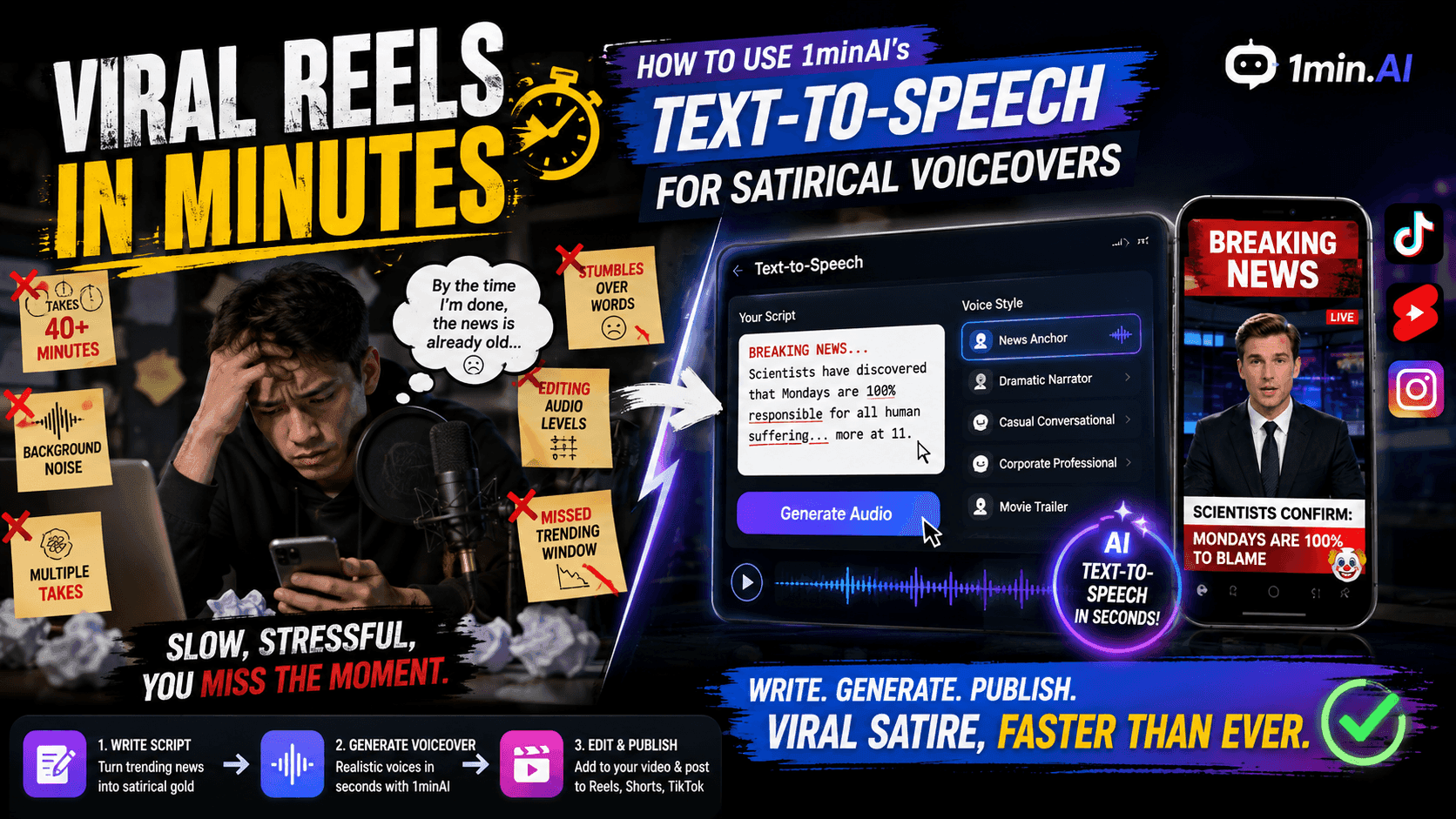
Viral Reels in Minutes: How to Use 1minAI’s Text-to-Speech for Satirical Voiceovers
Learn how satirical page admins use 1minAI’s Text-to-Speech feature to generate instant news anchor and dramatic voiceovers for TikToks, Shorts, and Instagram Reels.
Uyen Hoang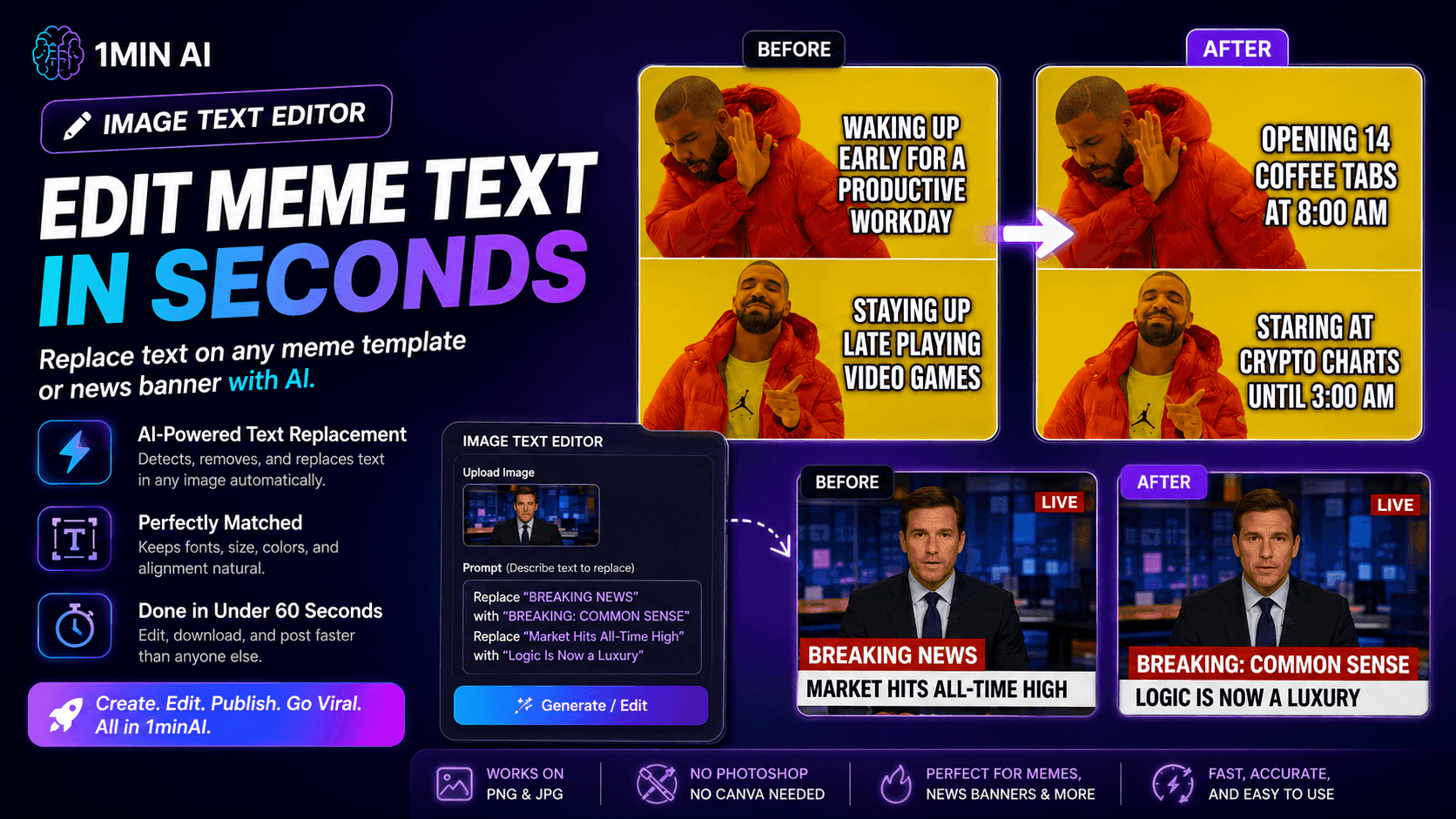
No Photoshop Needed: How to Use 1minAI’s Image Text Editor for Instant Meme Customization
Stop wasting time opening Photoshop or Canva to edit meme captions. Learn how 1minAI’s Image Text Editor replaces text on any meme template or news banner in seconds.
Uyen HoangTurn “Make It Better” Into Better Content With AI
Use AI to turn vague client feedback into clear revisions, reduce unnecessary edits, and deliver better content faster.
Lien Anh VuAI Guides
Learn AI faster with practical guides, real-world examples, and actionable best practices.
When Should Creators Post on Instagram?
When should creators post on Instagram? Discover why there is no universal best time and how to use audience data, testing, and AI to build a smarter posting workflow.
Lien Anh Vu
How to start an AI business without building from scratch
Learn how to start an AI business, validate your idea, and launch faster without building costly AI infrastructure from scratch.
Ngoc Hong
How Does an AI Reseller Program Work?
Learn how does an AI reseller program work? Explore white-labeling, pricing, revenue models, and what to look for before choosing an AI platform.
Trang TranAI Solutions
Browse the best AI solutions for automation, coding, research, productivity, customer support, marketing, and business workflows.
Free AI Luma Video Generator
Revolutionize your content creation with Luma AI Video Generator. Easily generate stunning, high-quality videos with just a few clicks. No design or editing skills required.
Uyen HoangTurn “Make It Better” Into Better Content With AI
Use AI to turn vague client feedback into clear revisions, reduce unnecessary edits, and deliver better content faster.
Lien Anh Vu
Free AI Content Repurposing Tool
Turn one piece of content into dozens of posts. See how 1min.AI's free AI content repurposing tool automates blogs, clips, and captions in minutes.
Trang TranAI Models
Explore the world's leading AI models in one place.
CLAUDE 4.7 OPUS - AWS BEDROCK US
Deploy Claude 4.7 Opus on AWS Bedrock US. Discover enterprise AI infrastructure, advanced coding, adaptive thinking, secure inference, and seamless AWS integration.
Ngoc Hong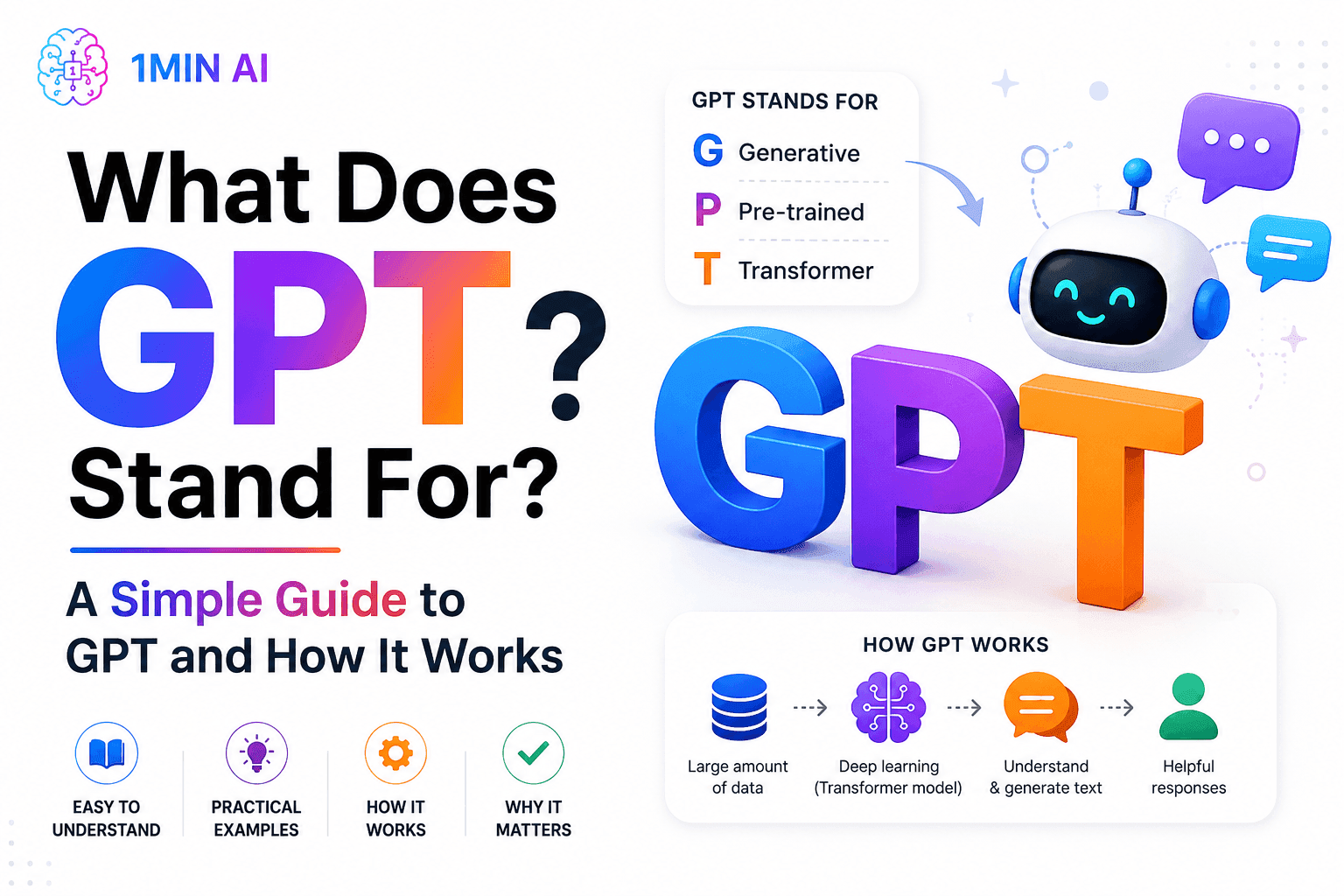
What Does GPT Stand For? A Simple Guide to GPT and How It Works
What does GPT stand for? Learn what GPT means, how Generative Pre-trained Transformer technology works, and why GPT models are important to modern AI.
Tram Ta
Free AI Chat with Qwen3 VL Plus
Chat with Qwen3 VL Plus for advanced image and video understanding, visual reasoning, OCR, spatial analysis, and multimodal AI assistance inside 1minAI.
Uyen HoangAI Comparisons
Compare AI tools, models, and platforms to find the best fit for your needs.

Your Sales Team Only Needs One App Instead of Five
Ditch the multi-app bills. Learn why high-performing sales teams are moving to an all-in-one AI platform to cut tool fatigue and leverage top models.
Uyen Hoang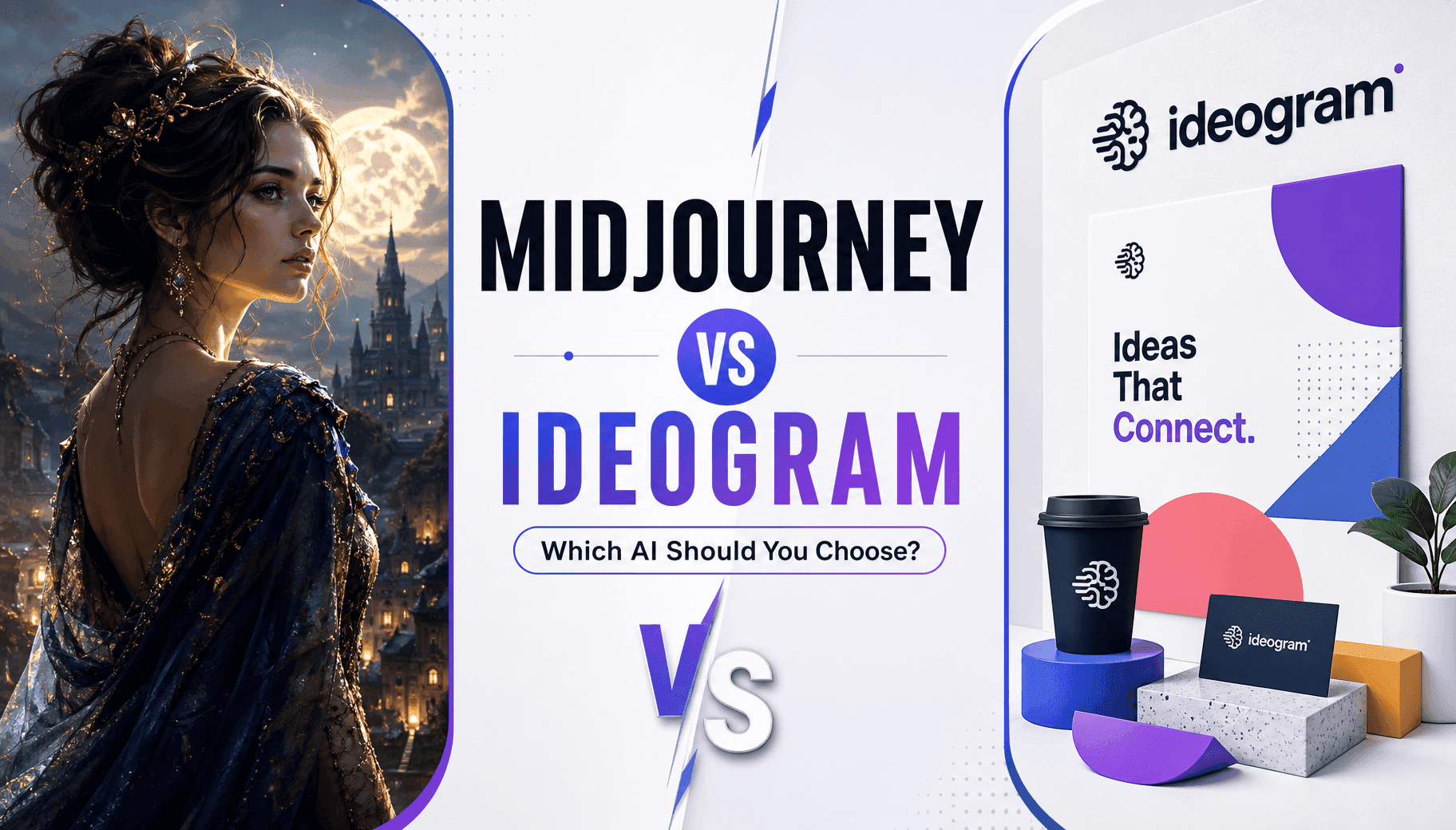
Midjourney vs Ideogram: Which AI Should You Choose?
Compare Midjourney vs Ideogram to find the best AI image generator for your needs. Explore image quality, typography, features, and real-world use cases.
Trang Tran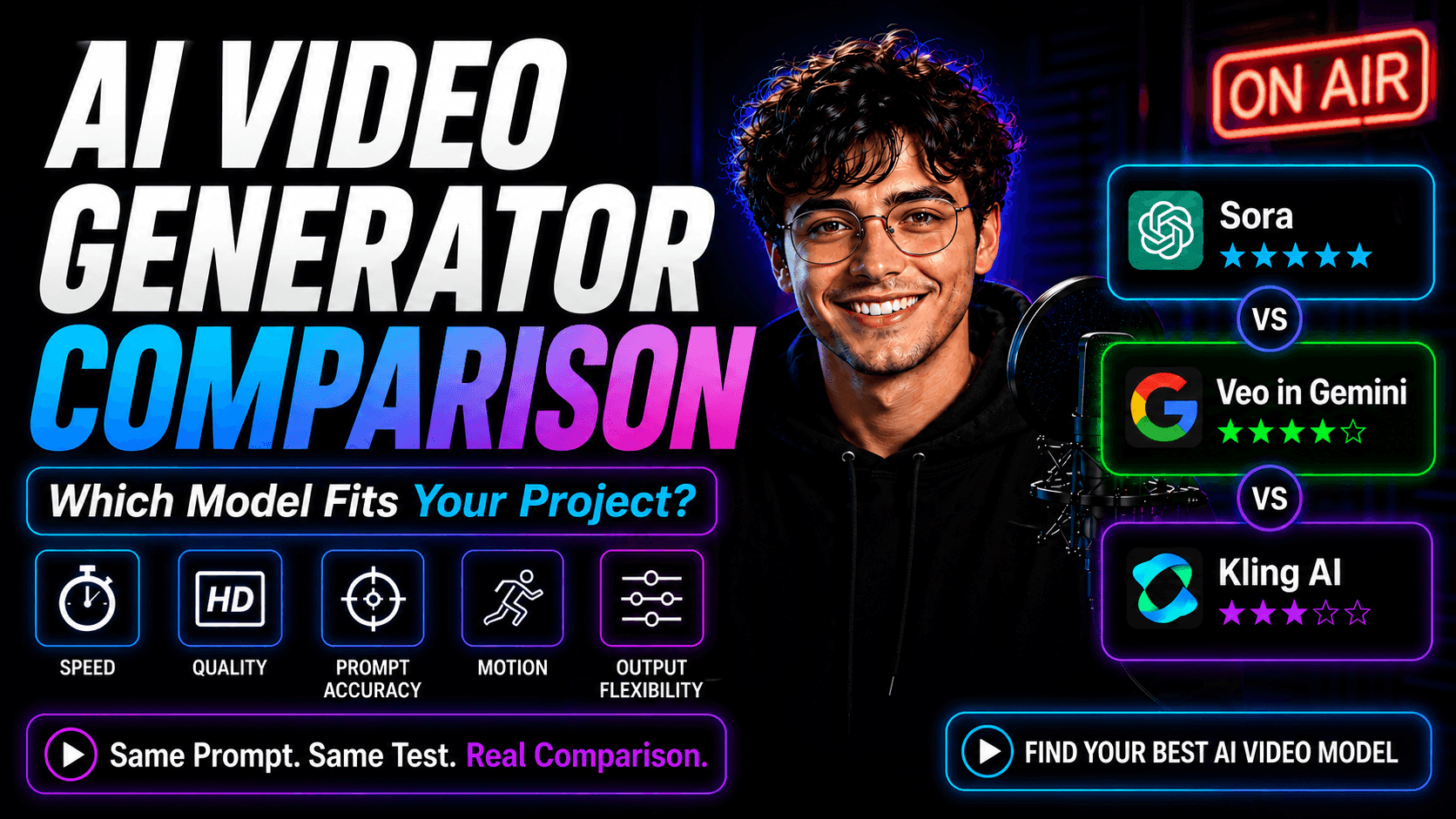
AI Video Generator Comparison on 1min.AI: Which Model Fits Your Project?
Compare Sora, Google Veo in Gemini, and Kling AI on 1min.AI using the same prompt. See speed, quality, prompt accuracy, motion, and output flexibility.
Lien Anh VuAI Integrations
Seamlessly integrate AI with the tools you already use to automate work and boost productivity.
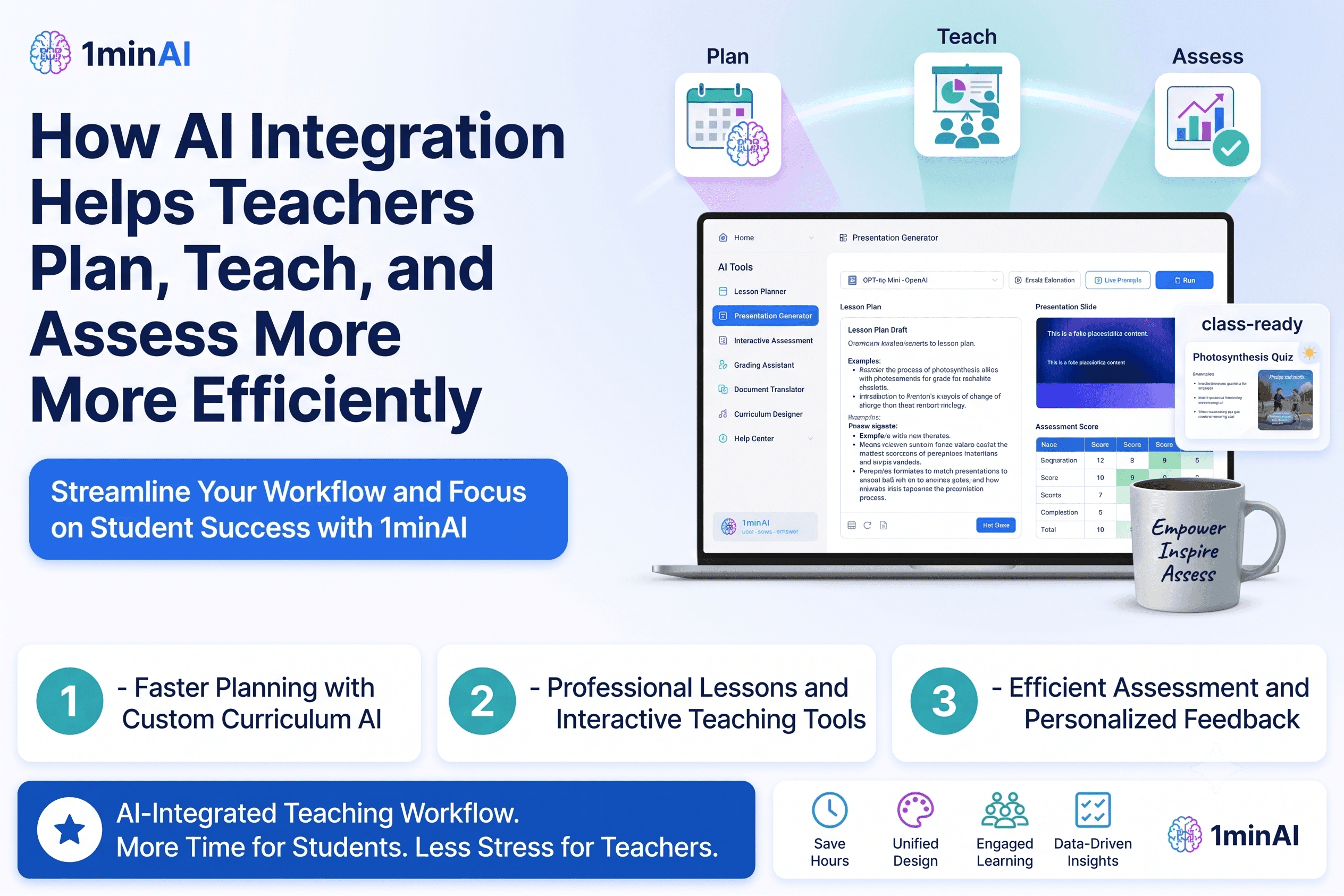
How AI Integrations Help Teachers Plan, Teach, and Assess More Efficiently
Discover how AI integration helps teachers streamline lesson planning, presentations, classroom materials, assessments, and student engagement in one AI workspace.
Tram Ta
AI Content Workflow for Freelancers: From Brief to Post
Discover an AI content workflow for freelancers. Use Claude for brainstorming and ChatGPT for images to turn client briefs into polished social posts faster.
Lien Anh Vu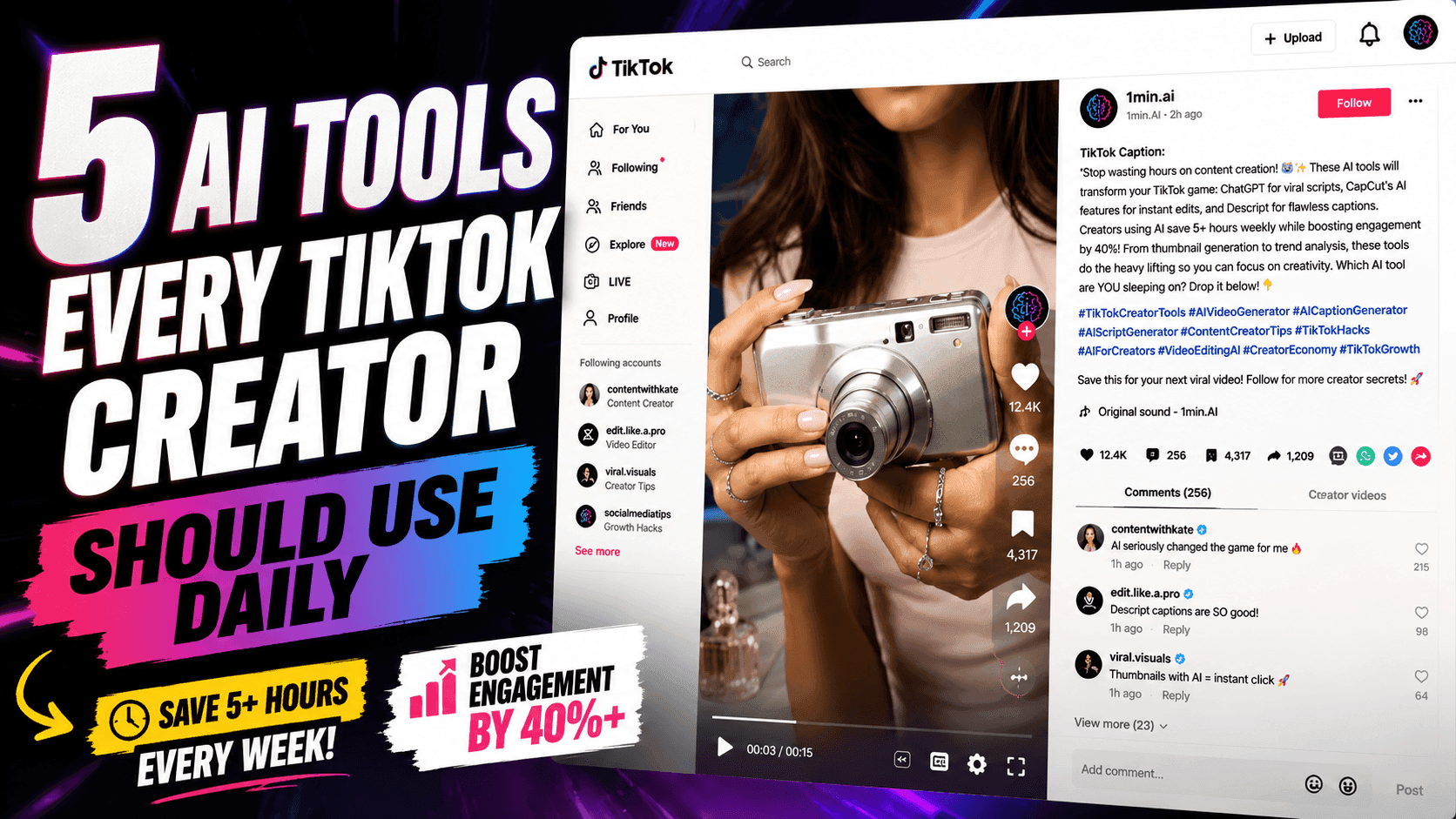
5 AI Tools Every TikTok Creator Should Use Daily
Discover five essential AI tools that help TikTok creators find ideas, write scripts, create visuals, generate videos, and publish content faster.
Lien Anh VuAI for Industries
Find the best AI tools and workflows for healthcare, finance, education, legal, manufacturing, retail, real estate, and more
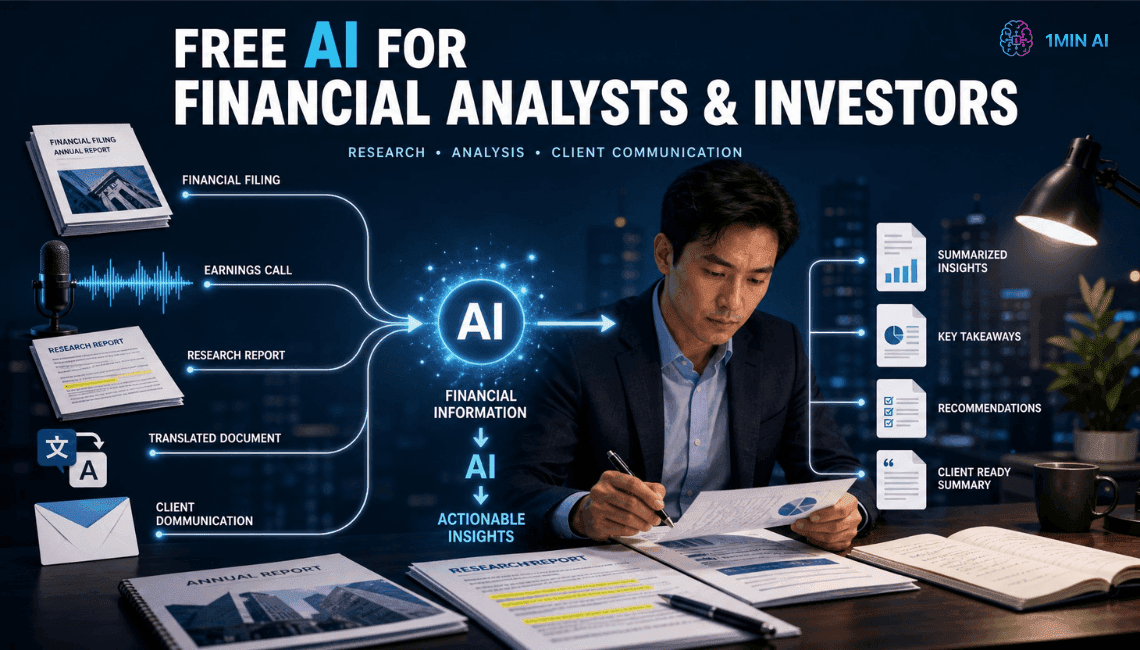
Free AI For Financial Analysts & Investors
Read faster, decide faster. Free AI for Financial Analysts & Investors to summarize reports, transcribe earnings calls, and draft emails.
Trang Tran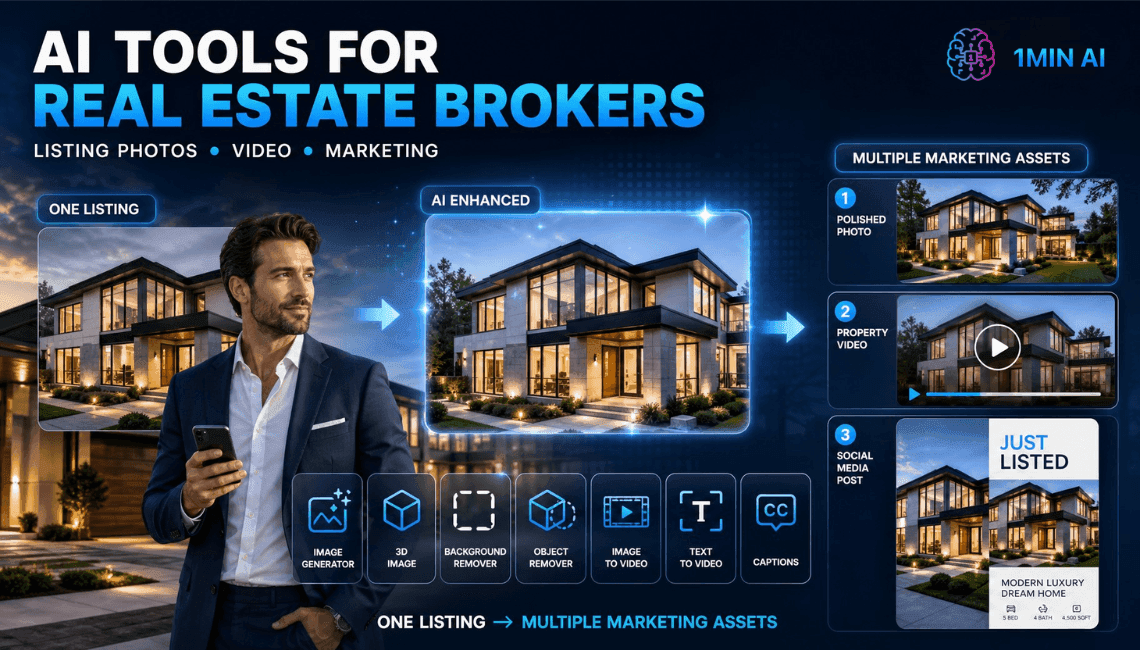
Free AI For Real Estate Brokers
List faster, sell faster. Free AI for Real Estate brokers to create stunning property visuals, videos, and captions in minutes.
Trang Tran
Free AI Tool for Researchers & Educators
Stop losing hours to research and writing. 1min.AI's free AI tool for researchers finds keywords, summarizes papers, and drafts content instantly.
Trang TranAI Agents
Discover and run AI agents to automate tasks across your work and daily life.
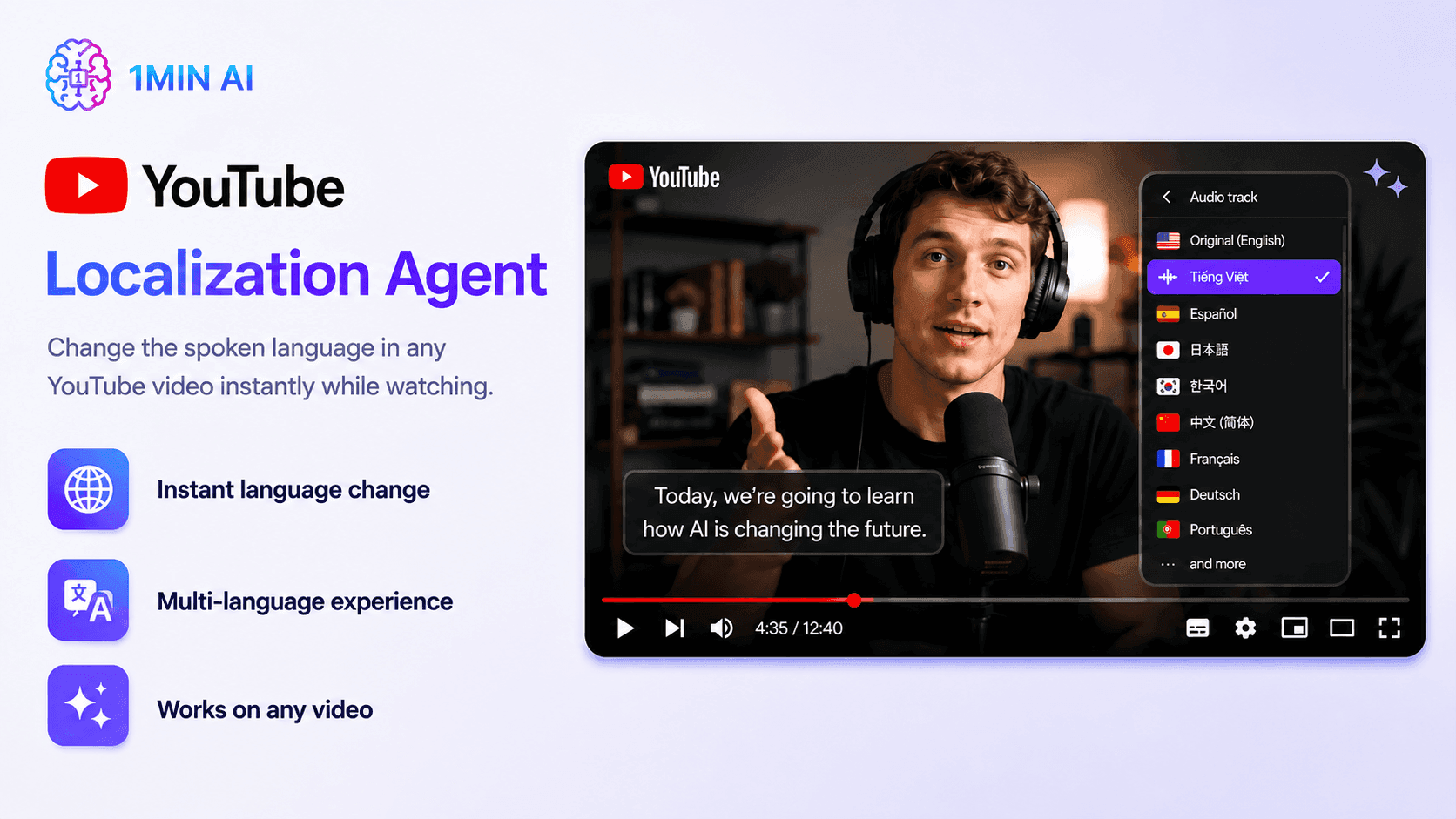
YouTube Localization Agent
Translate and dub YouTube videos with AI using YouTube Localization Agent. Localize subtitles, titles, descriptions, thumbnails, and audio in one workflow with 1minAI.
Ngoc Hong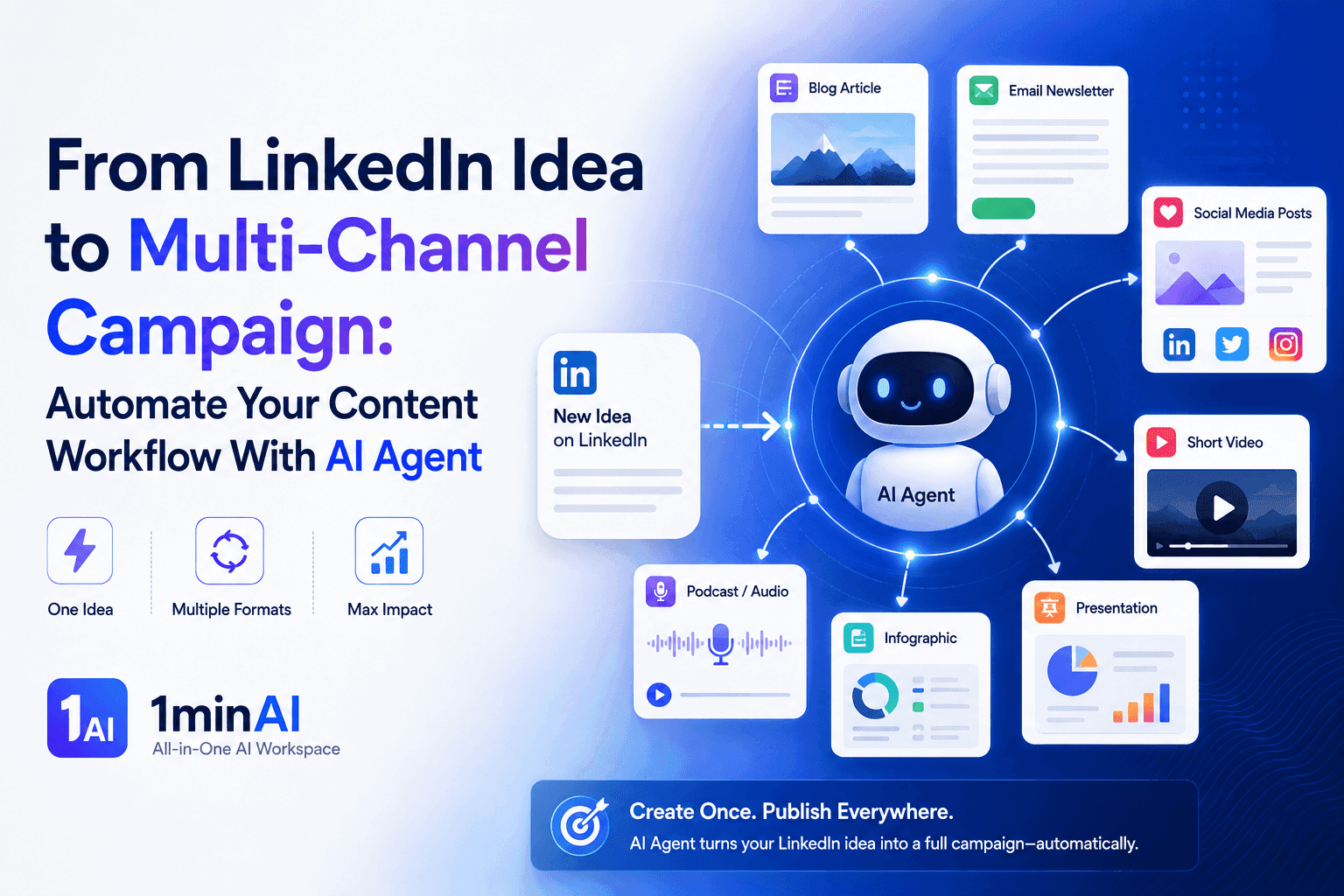
From LinkedIn Idea to Multi-Channel Campaign: Automate Your Content Workflow With AI Agent
Turn one LinkedIn idea into a multi-channel campaign with 1minAI Agent. Create posts, videos, visuals, and social content from one connected workflow.
Tram Ta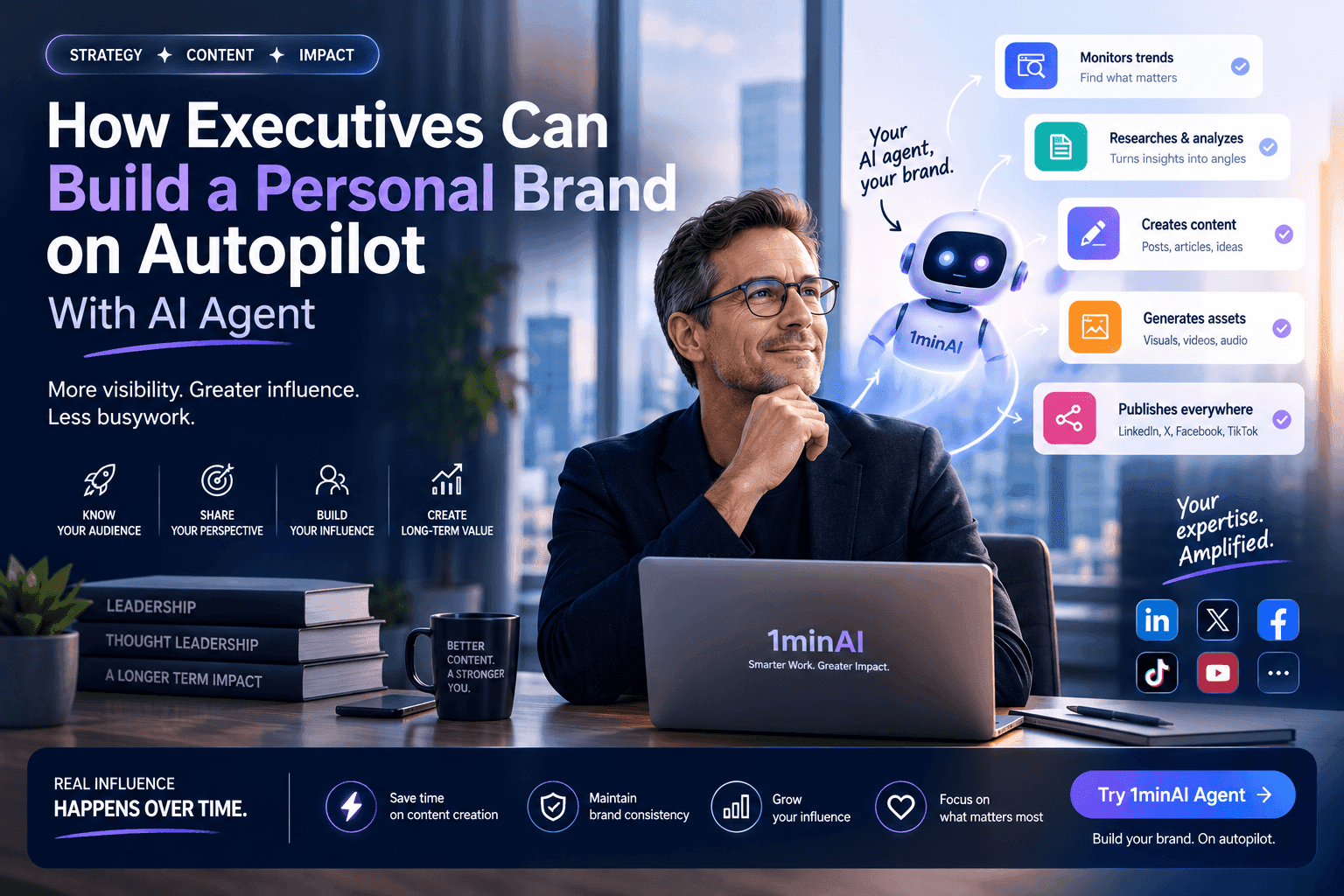
How Executives Can Build a Personal Brand on Autopilot With AI Agent
Learn how executives can use 1minAI Agent to research trends, build content strategies, manage editorial calendars, and scale personal branding.
Tram TaAI Workflows
Explore ready-to-use AI workflows for productivity, marketing, sales, support, and more.
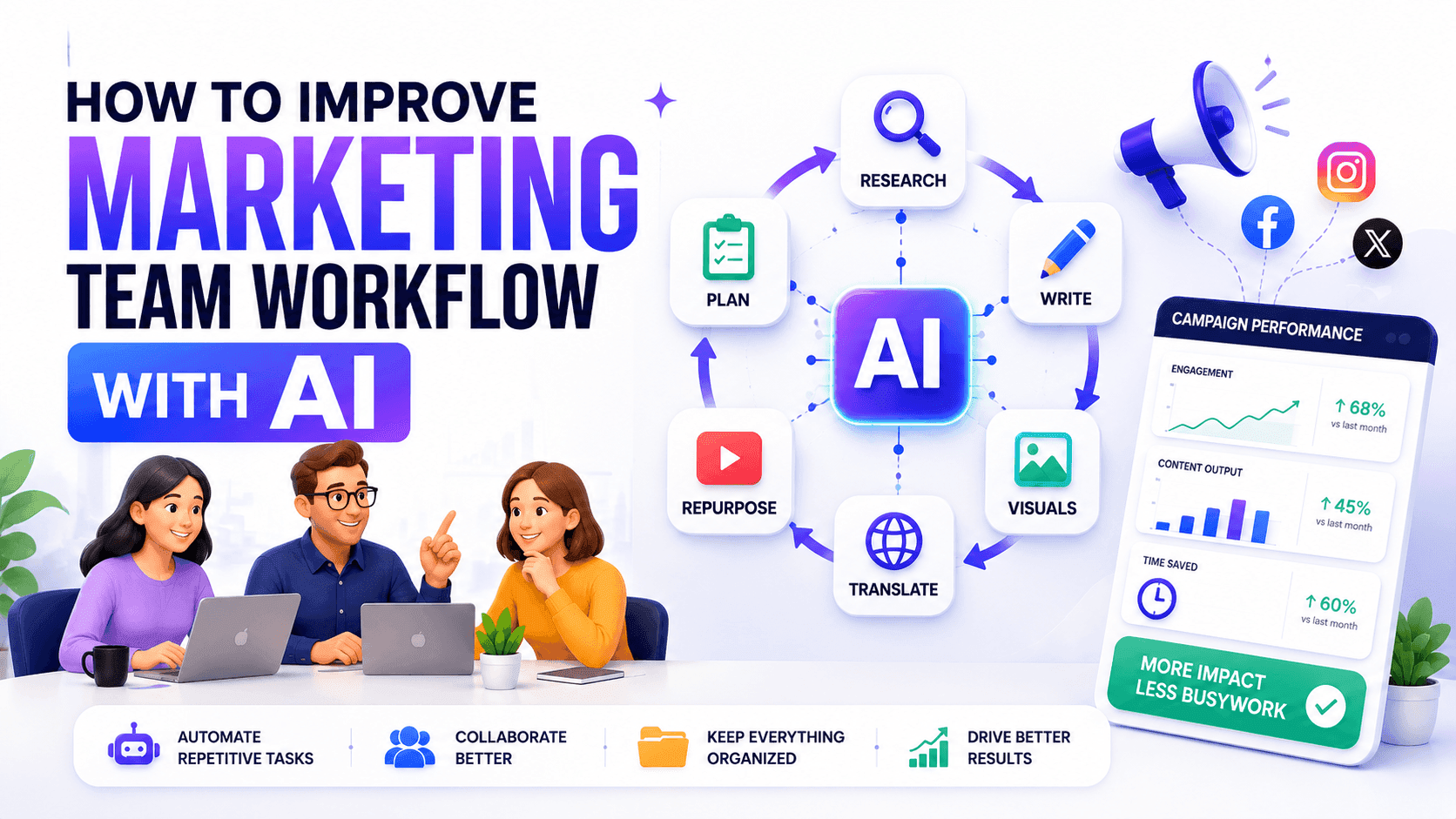
How to Improve Your Marketing Team Workflow With AI
Learn how to improve your marketing team workflow with AI, automate repetitive tasks, and build a scalable system for growing teams.
Ngoc Hong
AI Tools for Software Engineers
Discover AI tools for Software Engineers to generate code, debug problems, understand technical concepts, and streamline development with 1min.AI.
Ngoc Hong
AI tools for Teachers
Discover AI tools for Teachers to create lessons, presentations, visuals, videos, and audio materials from one AI workspace with 1min.AI.
Ngoc HongNewsletter
Weekly AI Innovations with 1minAI
🔮 Weekly AI Innovations #133: Earn Credits and more with AI Social
Explore DeepSeek V4's open-source efficiency and xAI's Grok 4.3 & 4.5 for advanced reasoning and ultra-fast coding in 2026.
 Hang Nguyen
🔮 Weekly AI Innovations #132: DeepSeek V4 & xAI's Grok 4.3, 4.5
Explore DeepSeek V4's open-source efficiency and xAI's Grok 4.3 & 4.5 for advanced reasoning and ultra-fast coding in 2026.
Hang Nguyen
🔮 Weekly AI Innovations #131: Kling 3.0 & Automated Logo Injection
Upgrade your workflow with 1min.AI’s Kling 3.0 & 3.0 Omni video models and AI Social’s new Logo Injection feature.
Hang Nguyen