
Create a Week of Social Media Content from One Article Using AI Agent
Uyen Hoang
November 24, 2026
Learn how an AI Agent can turn one article into a week's worth of social media content. Generate platform-specific posts, create visuals, and streamline your publishing workflow with 1minAI.
Publishing consistently on social media is one of the most effective ways to grow an audience and keep people engaged with your brand. However, maintaining a regular posting schedule can quickly become one of the most time-consuming parts of content marketing.
Even after spending hours researching and writing a high-quality article, marketers still have to adapt it for different platforms. A blog post may need to become a professional LinkedIn update, a concise X post, a conversational Facebook caption, or an Instagram post supported by engaging visuals. Each format requires additional writing, editing, and preparation before it is ready to publish.
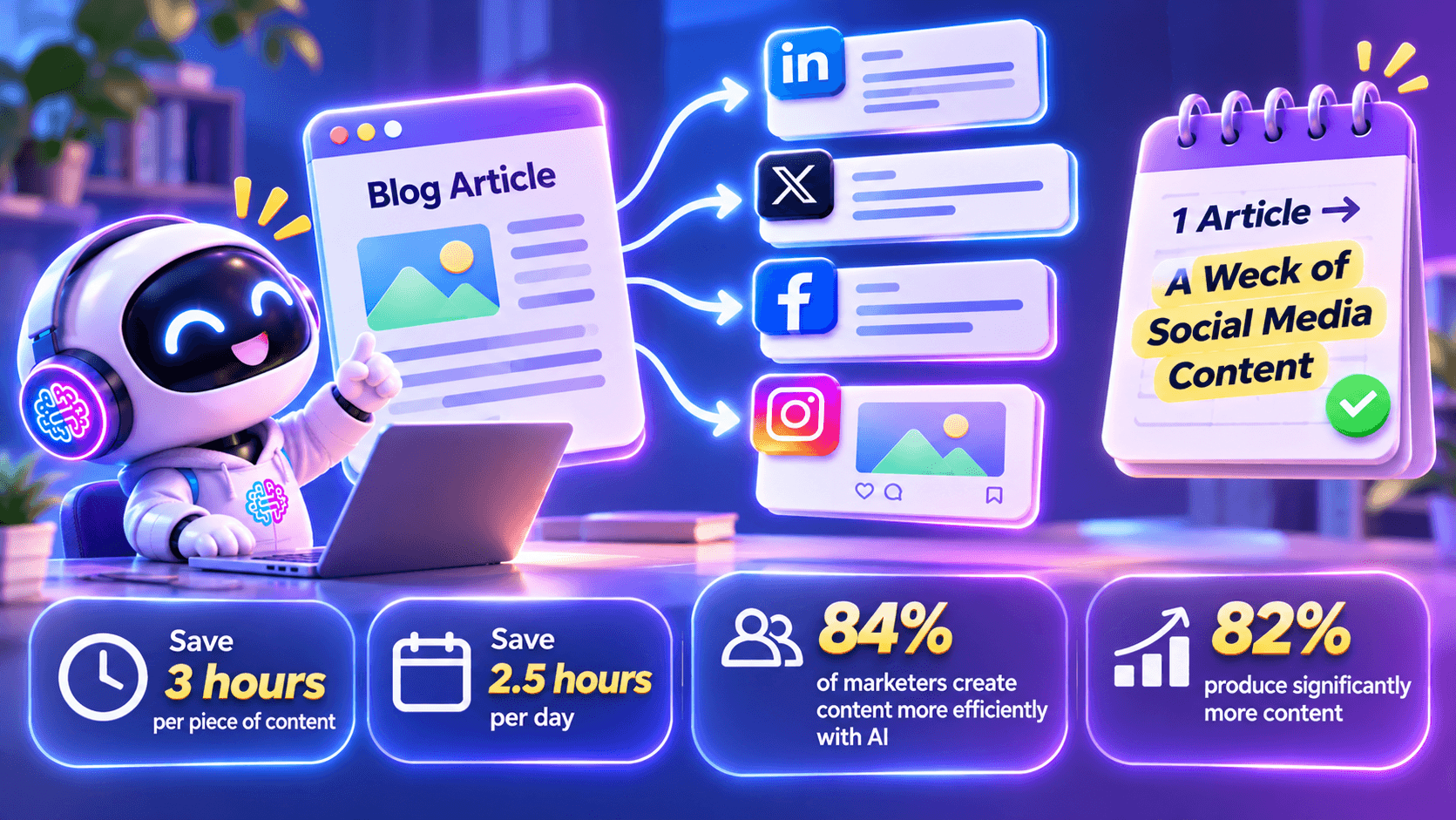
The challenge is that creating the original article is only part of the work. According to HubSpot's State of Marketing Report, marketers save three hours per piece of content and 2.5 hours per day overall by using AI. The report also found that 84% of marketers create content more efficiently with AI, while 82% produce significantly more content.
These findings highlight an important opportunity for content teams: instead of constantly creating new material, marketers can get more value from the content they have already produced. With an AI Agent, one article can become the foundation for an entire week of social media content.
Why Repurposing One Article into Multiple Social Posts Takes So Much Time
Repurposing content sounds straightforward, but the process involves several steps that quickly add up. After finishing a blog post, marketers need to revisit the article, identify its most valuable insights, and decide how to present them across different social media channels.
For a single article, the workflow might involve:
- Extracting the main ideas and key takeaways.
- Rewriting the content for LinkedIn.
- Creating shorter, more direct versions for X.
- Adapting the tone for Facebook.
- Writing engaging Instagram captions.
- Generating visuals to support each post.
- Organizing the content for publishing or scheduling.
Although these tasks are relatively simple individually, completing them manually for every article creates a repetitive workflow. Marketers often have to move between writing assistants, image generators, document editors, and scheduling platforms, while repeatedly copying information and adjusting prompts.
Over time, this additional work makes it harder to maintain a consistent publishing schedule. The problem is not a lack of content ideas, but the amount of manual effort required to turn each idea into multiple ready-to-use posts.
Different Social Media Platforms Require Different Content Approaches
One common shortcut is to publish the same post across every social media platform. While this may save time initially, it does not always create the best experience for each audience.
Different platforms encourage different content formats and communication styles. LinkedIn is often used for professional insights and industry discussions, while Facebook allows brands to communicate through more conversational updates and storytelling. X favors concise messages that communicate an idea quickly, whereas Instagram places greater emphasis on visuals and engaging captions.
This means that effective content repurposing involves more than simply shortening or copying an article. The original message needs to be adapted to fit each platform while preserving its central idea and brand voice.
HubSpot reports that nearly half of social media marketers repurpose content across platforms with modifications rather than publishing exactly the same version everywhere. This reflects the importance of adapting content to different channels instead of relying on identical posts.
By treating each platform as a different way to communicate the same core message, marketers can extend the reach of an article without making every post feel repetitive.
AI Assistants Generate Individual Posts, While AI Agents Coordinate the Entire Workflow
Traditional AI assistants can help marketers complete individual content tasks. You can ask one to write a LinkedIn post, another to create a Facebook caption, or request an image prompt for Instagram. Although these tools can generate useful outputs, you still need to manage the process by deciding what to create next, providing the necessary context, and connecting each result.
An AI Agent takes a more workflow-oriented approach. Instead of handling each request separately, it works toward a broader objective that involves multiple connected tasks.
For example, rather than prompting an assistant several times, you can give an AI Agent a single instruction:
"Turn this article into a week's worth of social media content."
Based on the available capabilities and your instructions, the Agent can analyze the source article, extract its key ideas, adapt them for different platforms, generate supporting visuals, and organize the resulting content for publishing.
The distinction is not simply about generating more posts. It is about reducing the manual coordination required to move from one completed article to a collection of platform-specific content.
How 1minAI AI Agent Turns One Article into a Complete Social Media Workflow
With 1minAI AI Agent, you can provide your source content once and use it as the foundation for a broader content repurposing workflow.
Your source material could be a blog article, webpage, PDF, Google Doc, Word document, or another supported file format. Instead of manually copying sections into different AI tools, you can describe the outcome you want and let the Agent coordinate the available tasks.
For example, you can ask:
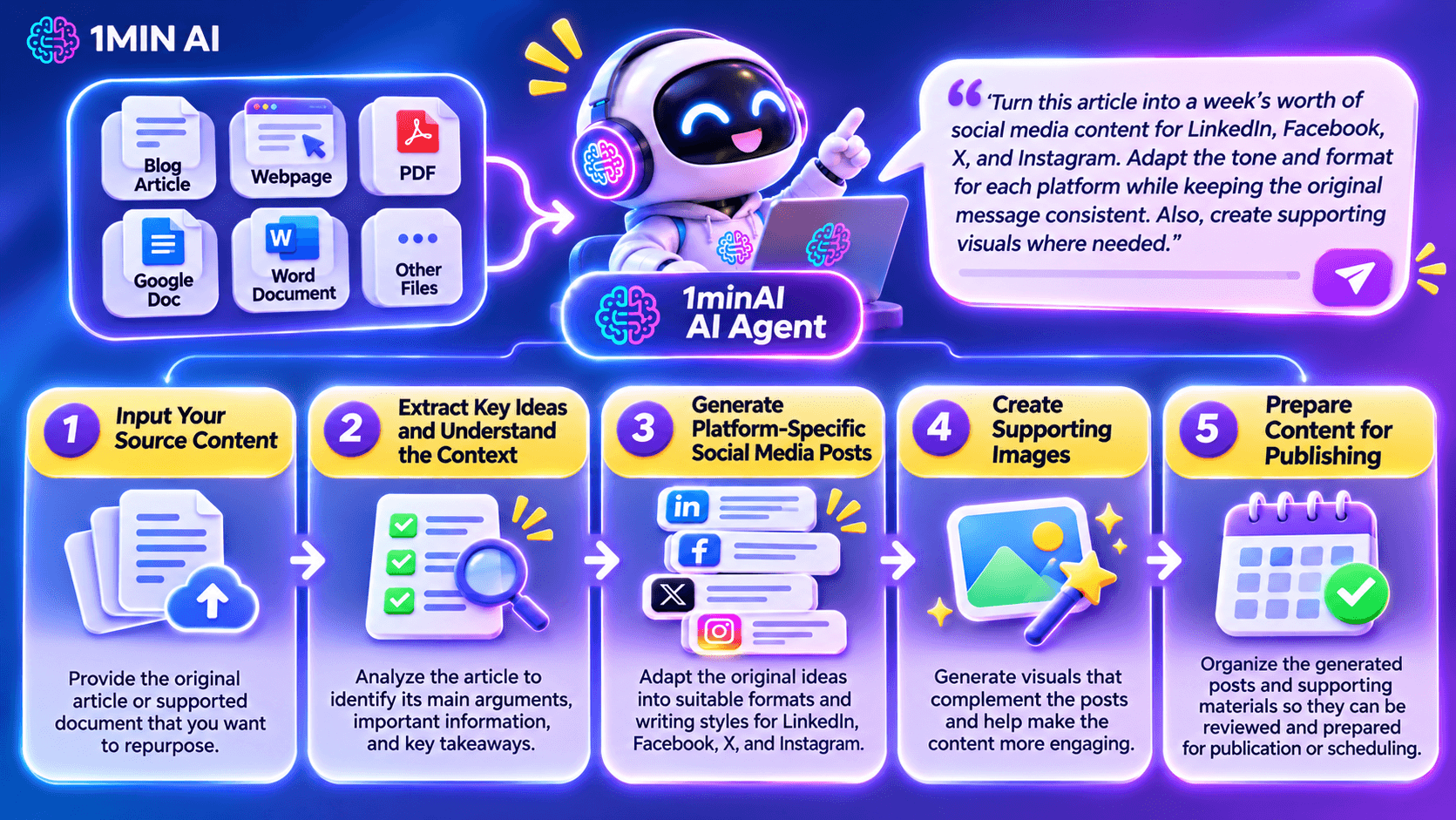
"Turn this article into a week's worth of social media content for LinkedIn, Facebook, X, and Instagram. Adapt the tone and format for each platform while keeping the original message consistent. Also, create supporting visuals where needed."
The workflow can then follow these steps:
1. Input Your Source Content
Provide the original article or supported document that you want to repurpose.
↓
2. Extract Key Ideas and Understand the Context
Analyze the article to identify its main arguments, important information, and key takeaways.
↓
3. Generate Platform-Specific Social Media Posts
Adapt the original ideas into suitable formats and writing styles for LinkedIn, Facebook, X, and Instagram.
↓
4. Create Supporting Images
Generate visuals that complement the posts and help make the content more engaging.
↓
5. Prepare Content for Publishing
Organize the generated posts and supporting materials so they can be reviewed and prepared for publication or scheduling.
Instead of managing several disconnected tools, you can coordinate these tasks through one AI Agent workflow. You can then review the outputs, adjust the messaging, and make sure each post reflects your brand before publishing.
Publish More Consistently Without Increasing Your Content Creation Workload
Maintaining a full social media calendar does not necessarily mean writing every post from scratch. In fact, many articles contain several useful insights, examples, and takeaways that can be developed into separate social media posts.
For example, a single blog post could provide enough material for a week of content: a key insight for LinkedIn, a short takeaway for X, a conversational discussion starter for Facebook, and a visual post with an Instagram caption. Each post serves a different purpose while drawing from the same original source.
Using an AI Agent to coordinate this process helps reduce repetitive writing and formatting tasks. Rather than spending additional hours adapting every article manually, marketing teams can focus more on content planning, audience engagement, campaign performance, and improving their overall strategy.
The goal is not simply to publish more frequently. It is to make better use of the time and effort already invested in creating valuable content.
Turn One Article into a Week of Social Media Content with 1minAI
Every article contains more opportunities for content than its original format may suggest. A detailed blog post can become professional insights, short updates, conversational posts, visual content, and other platform-specific formats.
The challenge is turning those possibilities into a consistent publishing workflow without adding more manual work for your team.
With 1minAI AI Agent, you can start with one article, define the social media content you want to create, and let the Agent coordinate the process using its available capabilities. Instead of managing each task separately, you can focus on reviewing the results and making sure every post delivers value to your audience.
Start with one article and use 1minAI AI Agent to turn it into a week of social media content.
Alternatives
Discover the best alternatives to 1minAI and compare features, pricing, and use cases.

1min.AI vs OpenRouter
1min.AI vs. OpenRouter: Compare the ready-to-use AI creation product against the technical API tool. Find out if you need a zero-code creative studio or a coding infrastructure hub.
 Ngoc Hong
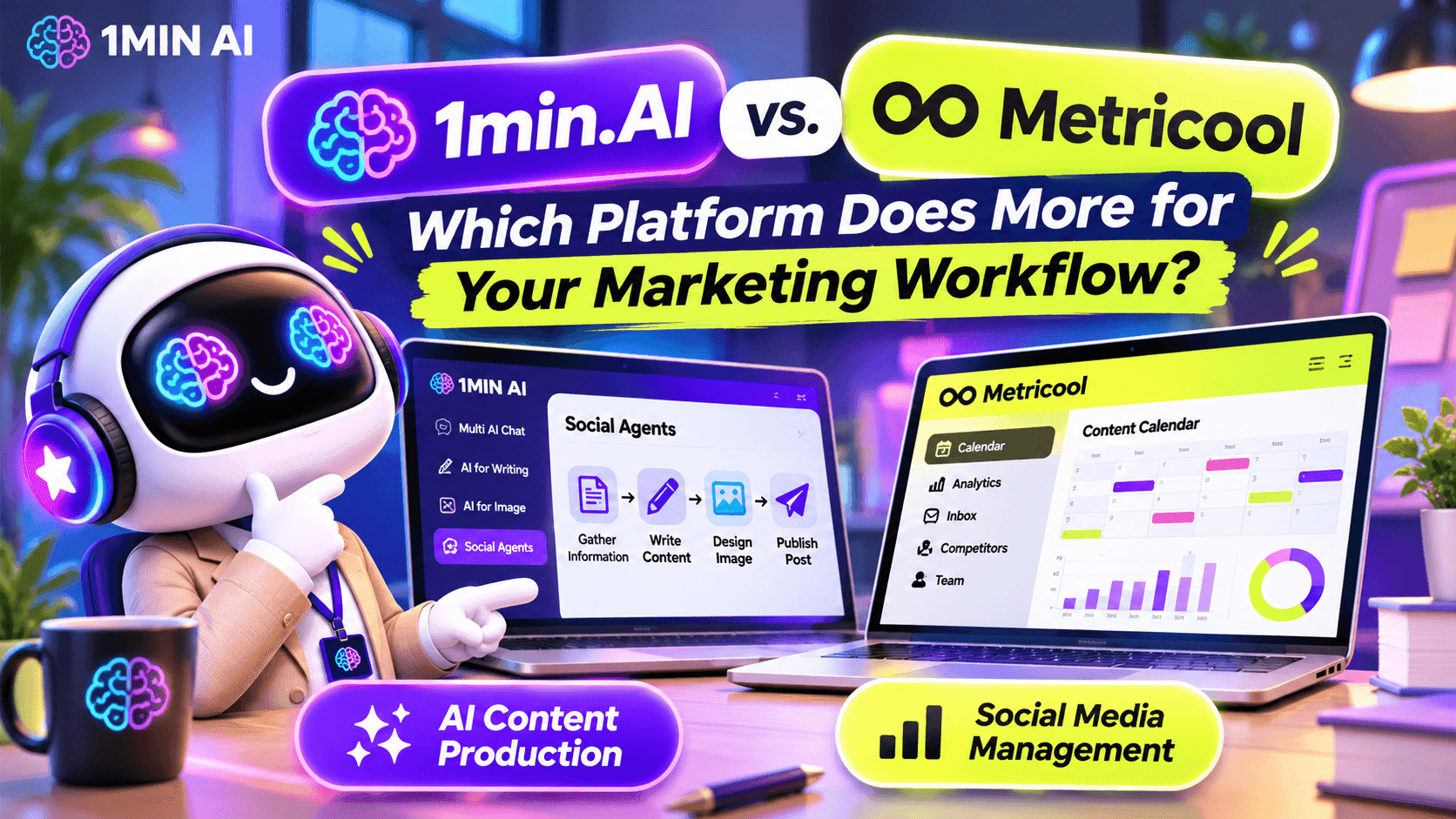
1min.AI vs. Metricool: Which Platform Does More for Your Marketing Workflow?
Compare 1min.AI vs. Metricool across content creation, visual production, scheduling, analytics, MCP, and pricing to find the right platform for your marketing workflow.
1min.AI vs. Hootsuite: Which Social Media Tool Fits Your Workflow?
Compare 1min.AI vs. Hootsuite to explore their AI content creation, social media publishing, analytics, pricing, and collaboration features. Find the right tool for your workflow.
AI Tools
Discover the best AI tools to boost productivity, creativity, and everyday work.
Top 4 Affordable AI Tools for Startup Founders
Discover the top 4 affordable AI tools for startup founders to validate ideas, build products, create content, and launch faster without overspending.
 Tram Ta
Turn “Make It Better” Into Better Content With AI
Use AI to turn vague client feedback into clear revisions, reduce unnecessary edits, and deliver better content faster.
 Lien Anh Vu
Free AI X Comment
Create funny, witty, or insightful comments for Twitter with our AI-powered Twitter Comment Generator. Boost your engagement and stand out in the crowd!
 Trang Tran
AI Features
Comprehensive AI features that streamline workflows, improve efficiency, and empower teams to achieve more.
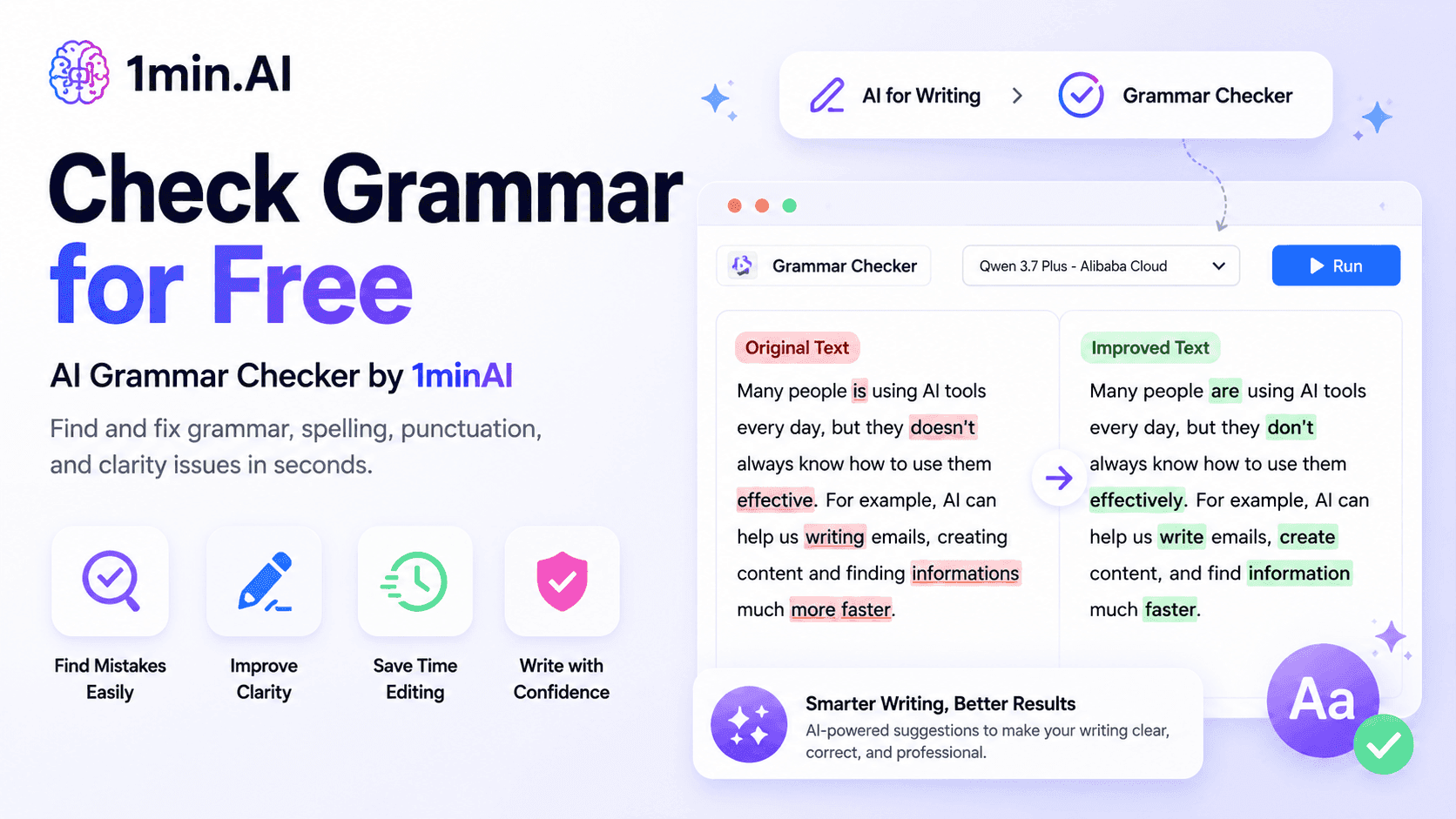
1minAI: Free AI Grammar Checker
Check grammar for free with 1minAI’s AI grammar checker. Find grammar, spelling, and writing mistakes, improve clarity, and polish your content in seconds.
Tram Ta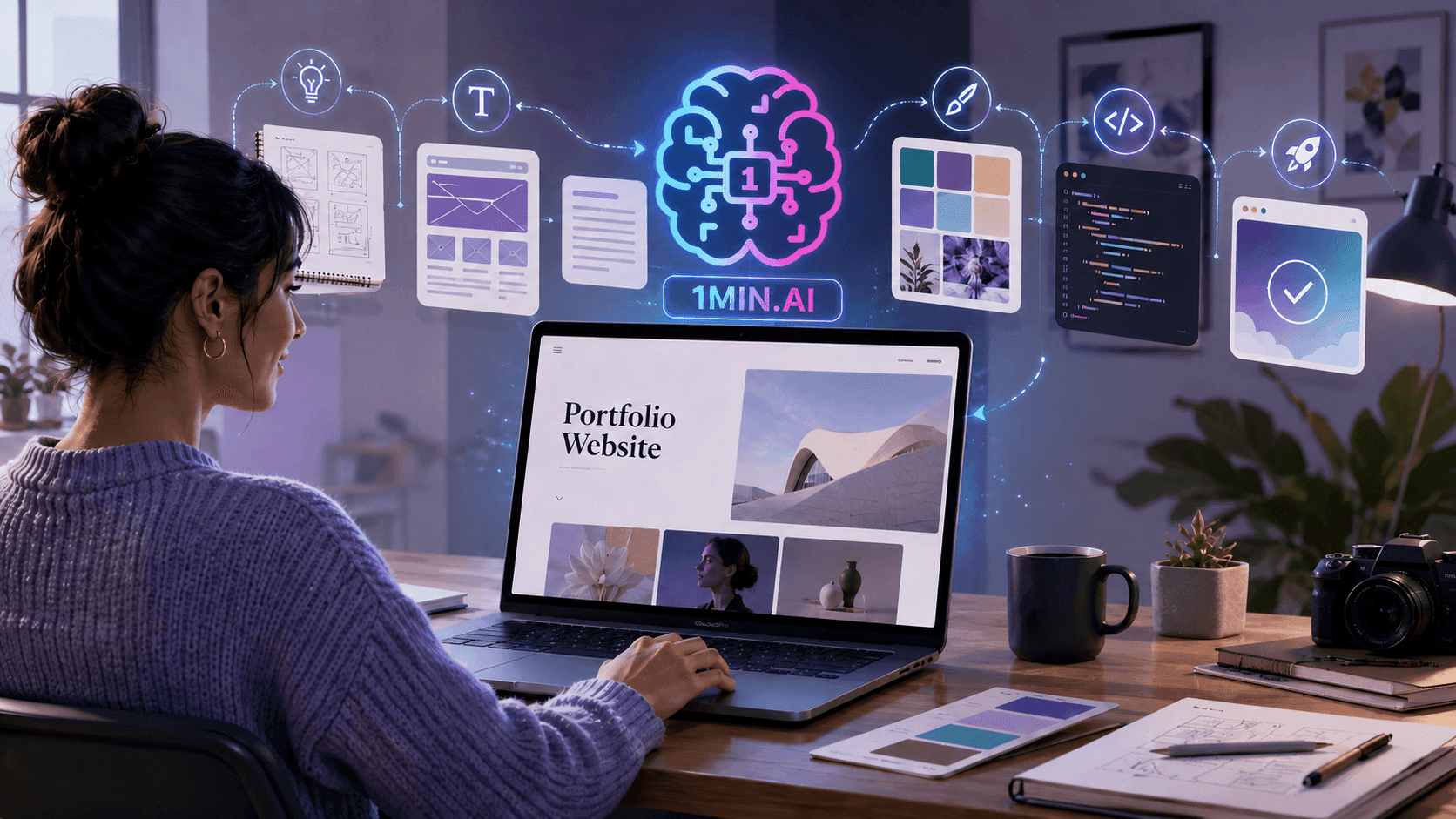
Build a Portfolio Website Faster with 1min.AI
Learn how freelance creatives can use 1min.AI to plan, write, design, and generate a professional portfolio website faster, even without strong coding skills.
Lien Anh VuFree AI X Comment
Create funny, witty, or insightful comments for Twitter with our AI-powered Twitter Comment Generator. Boost your engagement and stand out in the crowd!
Trang TranAI Use Cases
A curated collection of AI use cases for business, productivity, and industry-specific applications.
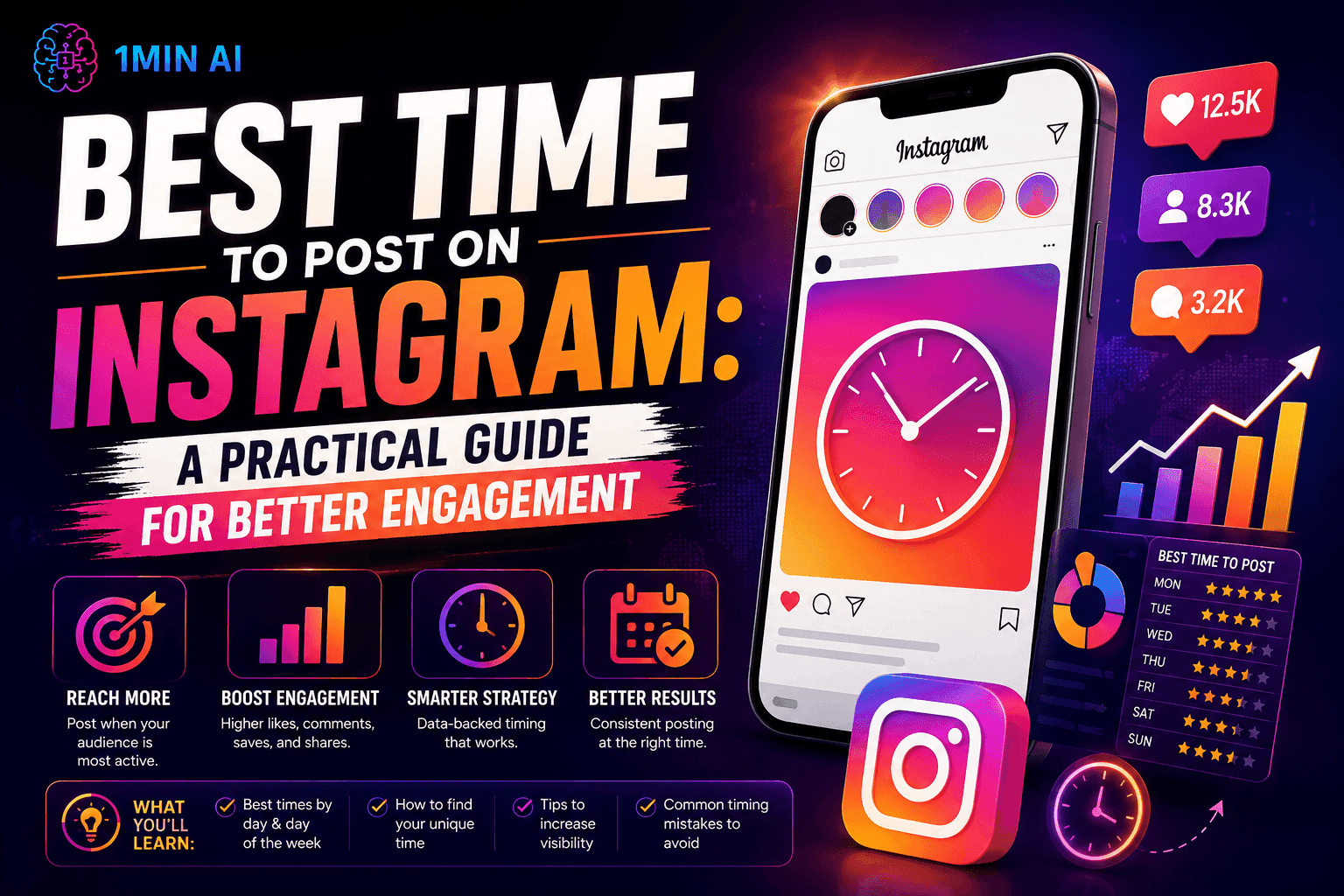
Best Time to Post on Instagram: A Practical Guide for Better Engagement
Discover the best time to post on Instagram, including the best days and times for different audiences, plus tips to find the ideal posting schedule for your account.
Tram TaTurn “Make It Better” Into Better Content With AI
Use AI to turn vague client feedback into clear revisions, reduce unnecessary edits, and deliver better content faster.
Lien Anh VuBuild a Portfolio Website Faster with 1min.AI
Learn how freelance creatives can use 1min.AI to plan, write, design, and generate a professional portfolio website faster, even without strong coding skills.
Lien Anh VuAI Tutorials
Learn how to use AI with practical, step-by-step tutorials.

Black Friday AI Tool Deals in 2026
Discover what Black Friday AI tool deals 2026 has to offer. Find out how to secure the 1min.AI lifetime deal via AppSumo, Dealify, Stack Social, and verify on Trustpilot, Slashdot, and Software Advice.
 Hang Nguyen
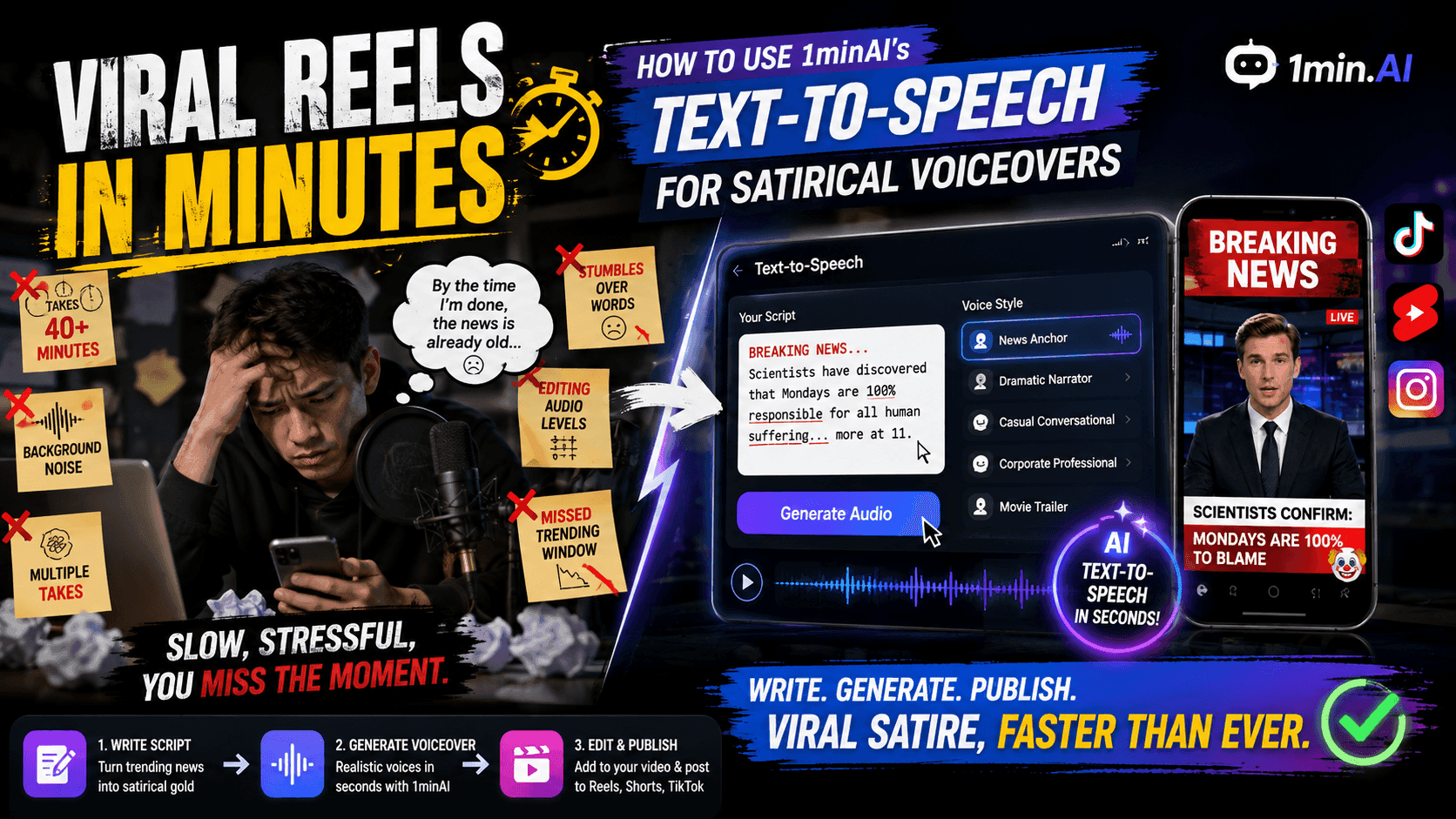
Viral Reels in Minutes: How to Use 1minAI’s Text-to-Speech for Satirical Voiceovers
Learn how satirical page admins use 1minAI’s Text-to-Speech feature to generate instant news anchor and dramatic voiceovers for TikToks, Shorts, and Instagram Reels.
Turn “Make It Better” Into Better Content With AI
Use AI to turn vague client feedback into clear revisions, reduce unnecessary edits, and deliver better content faster.
Lien Anh VuAI Guides
Learn AI faster with practical guides, real-world examples, and actionable best practices.

Safely Buy AI Tools Online: 2026 Black Friday Guide
Discover how to find and secure the best Black Friday AI deals online. Learn expert strategies to avoid scams, combat subscription fatigue, and verify software.
Hang Nguyen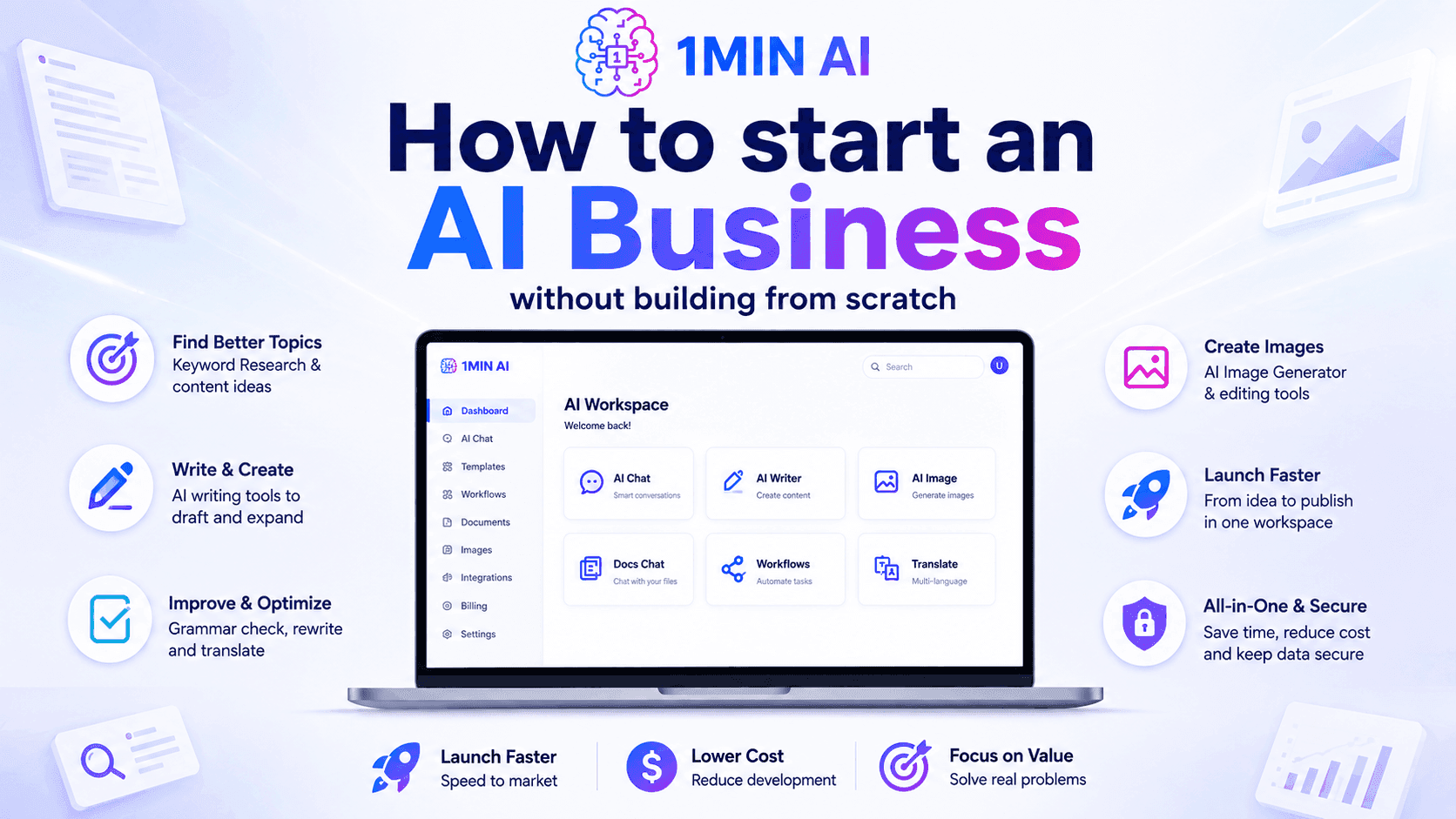
How to start an AI business without building from scratch
Learn how to start an AI business, validate your idea, and launch faster without building costly AI infrastructure from scratch.
Ngoc Hong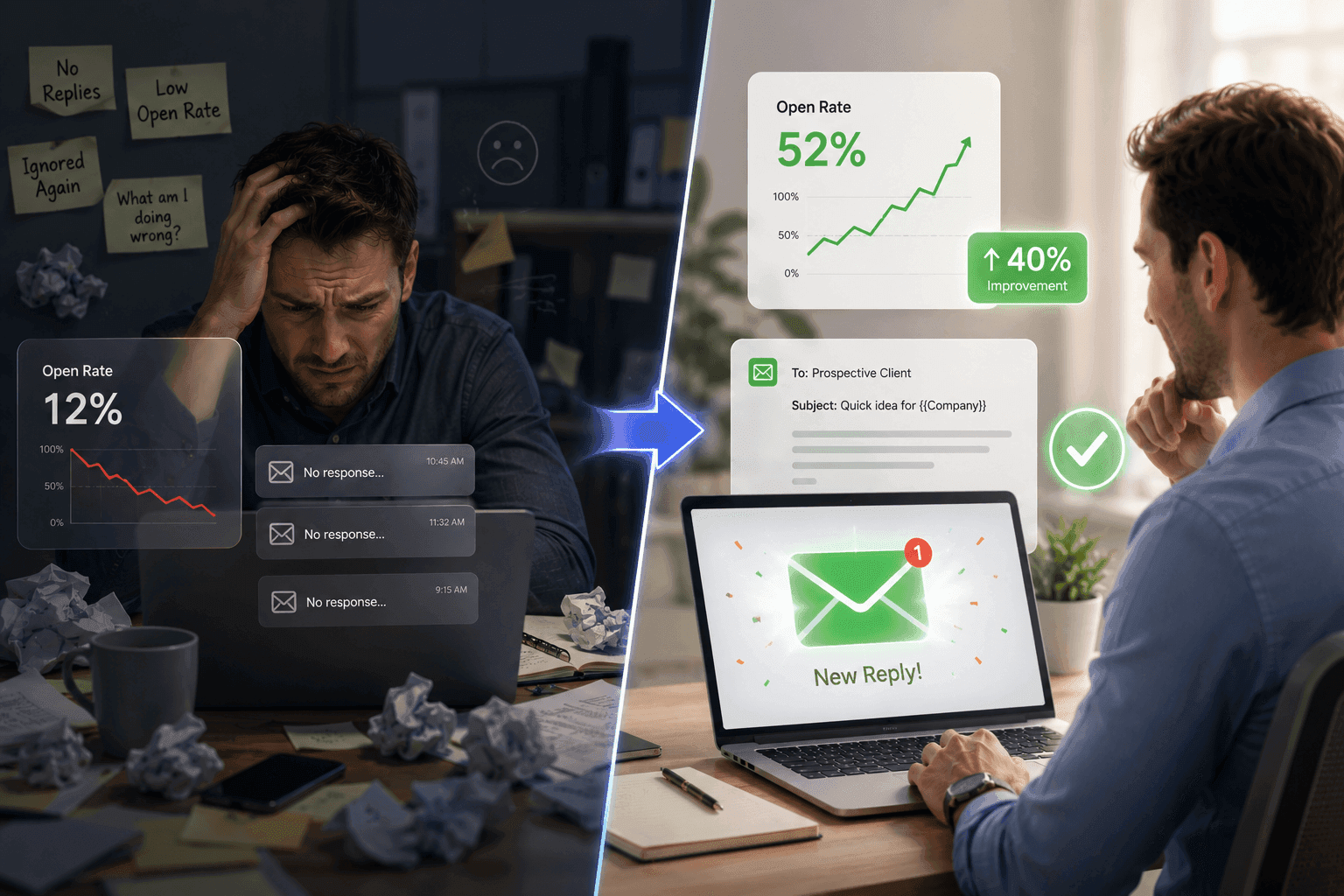
How to optimize your cold outreach email writing can increase open rates by 40%
Writing personalized cold emails eats up hours daily. See how an all-in-one multi-model AI workspace optimizes your copy, bypasses spam filters, and lifts metrics.
AI Solutions
Browse the best AI solutions for automation, coding, research, productivity, customer support, marketing, and business workflows.
Safely Buy AI Tools Online: 2026 Black Friday Guide
Discover how to find and secure the best Black Friday AI deals online. Learn expert strategies to avoid scams, combat subscription fatigue, and verify software.
Hang Nguyen
Free AI Tattoo Generator: Custom Designs
Turn any idea into a custom tattoo design with 1min.AI's free AI tattoo generator. Describe your idea, pick a style, and download in seconds.
Trang TranTurn “Make It Better” Into Better Content With AI
Use AI to turn vague client feedback into clear revisions, reduce unnecessary edits, and deliver better content faster.
Lien Anh VuAI Models
Explore the world's leading AI models in one place.
Free AI Chat With Claude Fable 5.2 On 1min.AI
Free AI chat with Claude Fable 5.2 on 1min.AI. Compare Fable 5.2 vs Opus 5.5, see Fable 5.2 benchmarks, and start chatting in minutes.
Trang Tran
GPT-6.2 Sol: Specs, Pricing & Free Access
Explore GPT-6.2 Sol specs, pricing, and how it compares with GPT-6.1 Sol and Claude Opus 5.5, then try it free in 1min.AI Multi AI Chat.
Trang Tran
GPT 6.2 Astra: Pricing, Benchmarks & Free Access
GPT 6.2 Astra release date, pricing, Reddit feedback and Opus 5.5 comparison. See what it does best and chat with it on 1min.AI for free.
Trang TranAI Comparisons
Compare AI tools, models, and platforms to find the best fit for your needs.
Gemini 4 Neon vs Hydrogen: Specs, Price & Picks
Gemini 4 Neon vs Hydrogen, Carbon and Argon: compare price, benchmarks and use cases to pick the right model, then test them side by side on 1min.AI.
Trang Tran
Kling AI Vs Veo 3: Which Model Wins?
Kling AI vs Veo 3: compare motion, native audio, pricing & free tiers to see which AI video generator wins for your project - try both on 1min.AI.
Trang Tran
DeepSeek V4 Pro vs Flash Comparison
Compare DeepSeek V4 Pro vs DeepSeek V4 Flash metrics. Optimize your agentic apps and improve AI fact checking on 1min.ai today.
Ngoc HongAI Integrations
Seamlessly integrate AI with the tools you already use to automate work and boost productivity.
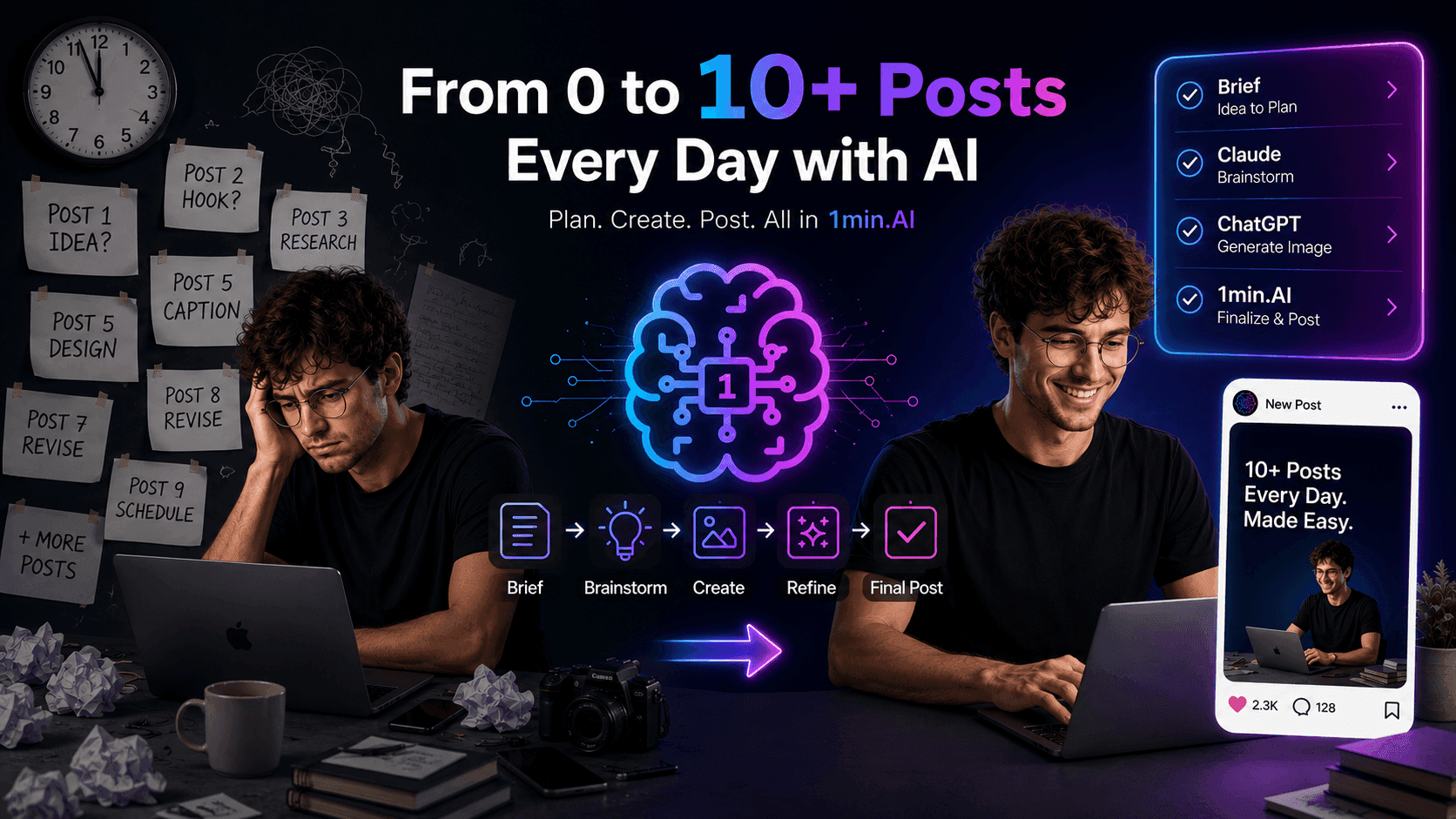
POV: You Have 10+ Posts to Make Every Day
Learn how to build an AI content workflow that helps content creators produce 10+ social media posts a day faster with AI brainstorming, image generation, and content creation.
Lien Anh Vu
Stop Switching Between AI Apps: How AI Integration Transforms Employer Branding
Discover how AI integration helps HR teams streamline employer branding by combining AI writing, documents, images, video, and multiple AI models into one workspace.
Tram Ta
AI API Aggregator Explained For Developers
An AI API aggregator gives developers one unified API to call multiple AI models, cutting integration time and vendor lock in.
Trang TranAI for Industries
Find the best AI tools and workflows for healthcare, finance, education, legal, manufacturing, retail, real estate, and more

ChatGPT Trending Photo Prompts to Copy and Paste
Explore chatgpt trending photo prompt ideas you can copy and paste. Create viral AI portraits, collages, and aesthetic photos with ease.
Trang TranTry Image To Video AI With Prompt Online Free
Try image to video AI with prompt online free, no login and no watermark. Upload a photo, type the motion you want, and get a short video in minutes.
Trang Tran
No Photoshoot? Create AI Fashion Videos With Seedance 2.5
No photoshoot needed! Create stunning AI fashion videos with Seedance 2.5 on 1min.AI using outfit references, cinematic prompts, and surreal scenes.
Lien Anh VuAI Agents
Discover and run AI agents to automate tasks across your work and daily life.
1minAI: Free AI Grammar Checker
Check grammar for free with 1minAI’s AI grammar checker. Find grammar, spelling, and writing mistakes, improve clarity, and polish your content in seconds.
Tram Ta
AI Agents for Facebook
Use an AI Agent for Facebook to create content, generate images, schedule posts, and publish from your documents and conversations.
Ngoc Hong
AI Agent vs AI Assistant: Which One Actually Saves Designers More Time?
Learn the difference between AI Agent vs AI Assistant and discover which solution helps designers automate repetitive work, reduce revisions, and save more time.
Lien Anh VuAI Workflows
Explore ready-to-use AI workflows for productivity, marketing, sales, support, and more.
POV: You Have 10+ Posts to Make Every Day
Learn how to build an AI content workflow that helps content creators produce 10+ social media posts a day faster with AI brainstorming, image generation, and content creation.
Lien Anh Vu
Use Multi-Model AI to Generate UGC Hooks
Is creative fatigue tanking your ROAS? Discover how to use a multi-model AI workspace to generate high-converting, natural-sounding UGC ad hooks that stop the scroll.
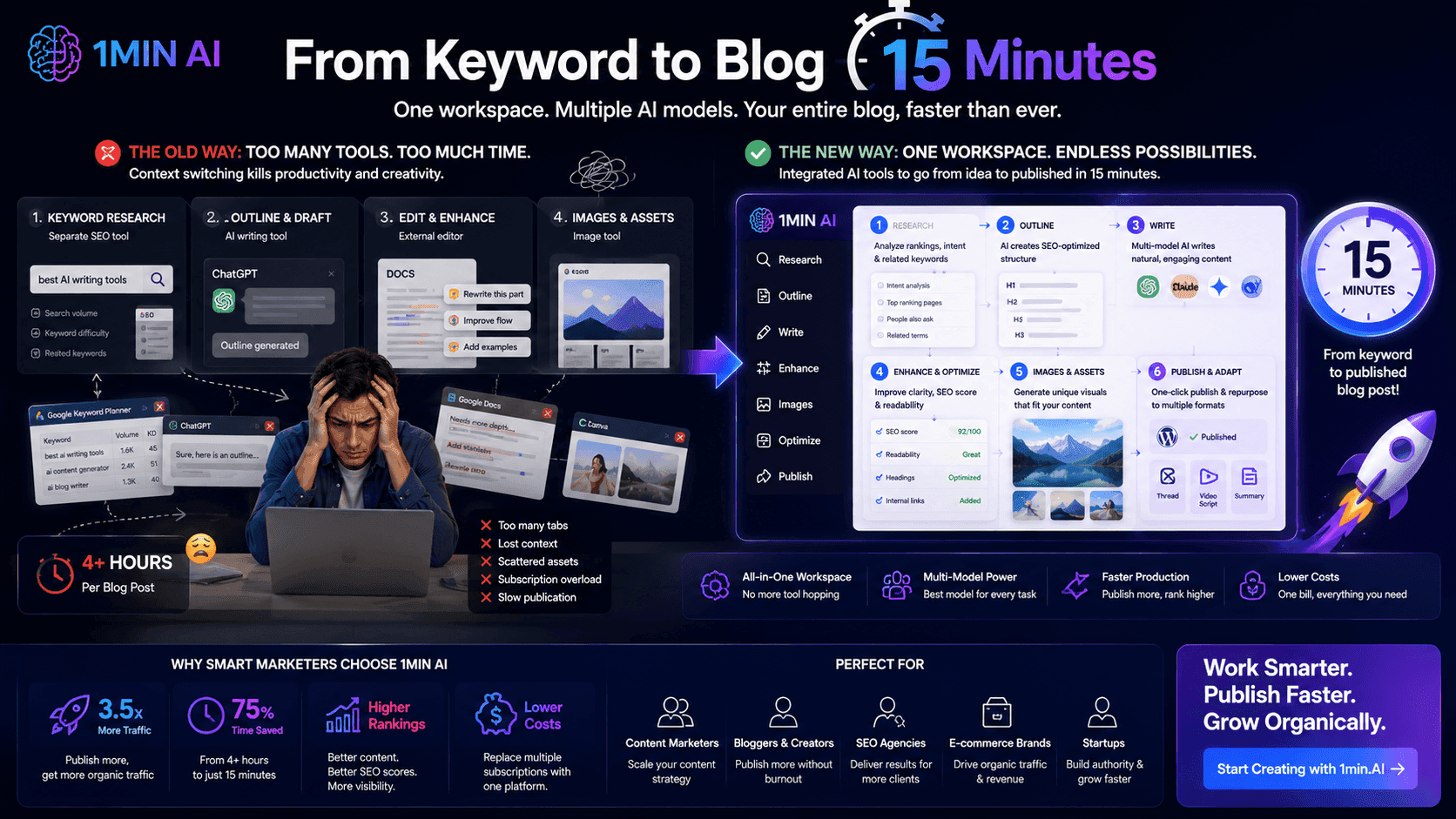
From Keyword to Blog in 15 Minutes
Stop wasting hours jumping between keyword research tools, text generators, and image apps. Learn how an integrated multi-model workspace slashes blog production time down to 15 minutes.
Newsletter
Weekly AI Innovations with 1minAI

🔮 Weekly AI Innovations #147: 1min.ai Drops Major Shift: AI Circle, Kimi & Wan 3.0
Explore AI Circle (formerly AI Social), Kimi K3.1 Pro’s 2M context, and Alibaba Wan 3.0 & 3.0 Prime cinematic video on 1min.ai.
Hang Nguyen
🔮 Weekly AI Innovations #146: Mistral 3.5, Qwen Image & Cohere A+ are ready on 1min.ai
Deploy Mistral Large 3, Qwen Image 3.0, and Cohere Command A+ on 1min.ai. Boost RAG accuracy and cut visual generation latency in one unified AI workspace.
Hang Nguyen
🔮 Weekly AI Innovations #145: X Content Agent & GPT 6.1 Terra on 1min.ai
Scale viral reach with the X Content Agent on 1min.ai. Discover an end-to-end 4-stage pipeline with zero token burn, plus the launch of GPT 6.1 Terra.
Hang Nguyen