
Turn Client Calls into Content Ideas with 1min.AI Speech to Text

Lien Anh Vu
August 15, 2026
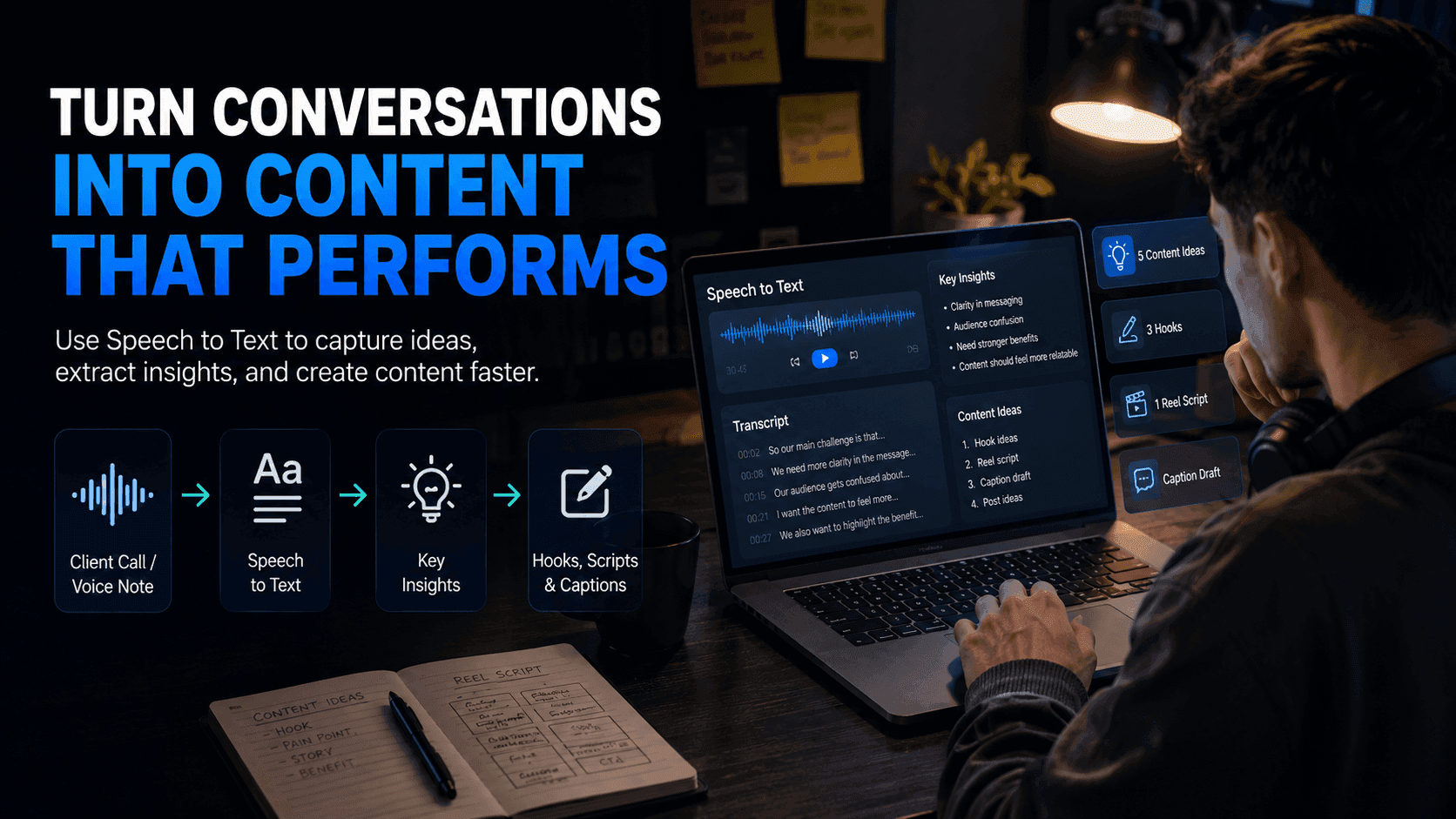
Use 1min.AI Speech to Text to turn client calls, voice notes, and interviews into clear content ideas, hooks, scripts, and captions faster.
Some of the best content ideas do not come from a blank page. They come from real conversations.
For content creators, freelance creators, and creator-led businesses, valuable ideas are often hidden inside client calls, brainstorm sessions, voice notes, interviews, or feedback meetings. The problem is that these insights are easy to forget and time-consuming to organize manually.
With 1min.AI Speech to Text, creators can turn audio conversations into written transcripts, extract key ideas, and transform them into usable content faster.
Why Creators Lose Good Ideas After Client Calls
Good ideas are often buried in conversations
A client call can contain many useful insights: customer pain points, product benefits, campaign angles, objections, stories, and real phrases from the client.
But after the call ends, creators often return to scattered notes like:
- “good hook?”
- “customer pain”
- “campaign idea”
- “use this later”
- “ask again?”
The ideas are there, but they are not organized enough to become content.
Manual note-taking slows down the creative process
During a client call, creators need to listen, ask questions, understand the brief, and think creatively at the same time.
Trying to take perfect notes while staying engaged is difficult. As a result, many useful moments are missed or only half-written down.
Later, the creator has to listen back to the recording, pause, replay, and manually extract ideas. This makes content planning slower than it needs to be.
Valuable client language gets lost
Clients often describe their problems in a very natural way. Those exact words can become strong hooks, captions, or messaging angles.
For example:
- “Our audience still does not understand why this matters.”
- “We want the product to feel premium but still approachable.”
- “People think this is complicated, but it is actually simple.”
These phrases are powerful because they sound real. But if the creator does not capture them properly, the content may become generic.
How 1min.AI Speech to Text Helps Creators Capture Better Ideas
Turn audio into a written transcript
Instead of relying only on memory or messy notes, creators can upload a client call, voice note, meeting recording, or interview into 1min.AI Speech to Text.
The tool turns spoken audio into written text, making it easier to review, organize, and repurpose.
Once the conversation is transcribed, creators can clearly see what was said and identify the most useful parts for content creation.
Extract key insights from real conversations
After the audio becomes text, creators can use the transcript to find:
- customer pain points
- product benefits
- client objections
- content angles
- audience questions
- campaign messages
- strong quotes
- story ideas
This helps creators stop guessing what to write about and start creating from real client input.
Turn one call into multiple content assets
A single client call can become much more than meeting notes. With the right workflow, one conversation can turn into:
- TikTok/Reels hooks
- short video scripts
- caption drafts
- carousel ideas
- LinkedIn posts
- content calendar topics
- FAQ content
- client summary notes
This helps creators produce more content from the material they already have.
Simple Workflow on 1min.AI
Step 1: Upload the audio Upload a client call, meeting recording, voice note, interview, or brainstorm session.
Step 2: Convert speech to text Use 1min.AI Speech to Text to generate a written transcript.
Step 3: Review the transcript Look for pain points, useful phrases, repeated ideas, objections, and story moments.
Step 4: Extract content angles Turn the strongest insights into content topics, hooks, and key messages.
Step 5: Create scripts and captions Use the transcript as raw material for Reel scripts, TikTok hooks, social captions, or posts.
Step 6: Save ideas for future content Build an idea bank from real conversations instead of starting from zero every time.
Example: From Client Call to Content Plan
Imagine a creator just finished a 30-minute call with a camera brand.
During the call, the client explains that their customers often want better video quality but feel overwhelmed by technical camera features.
Instead of writing a generic post like:
- “This camera helps you create better videos.”
The creator can pull a stronger content angle from the transcript:
- “You do not need to understand every camera setting to create professional-looking content.”
- From that one insight, the creator can create:
Hook:
“Still confused by camera settings? This is for you.”
Reel script:
“Most beginner creators think better video means learning every technical setting. But the real goal is simpler: clear footage, stable shots, and lighting that makes your content look professional.”
Caption:
“Better content does not always start with more complicated gear. Sometimes, it starts with making the camera easier to use.”
This is why Speech to Text is useful: it helps creators turn real client language into stronger content.
Why This Matters for Content Creators
Faster content planning
Creators no longer need to start from a blank page after every client meeting. The transcript becomes a source of ideas, angles, and messaging.
More accurate client messaging
Because the content is based on what the client actually said, the final output is more aligned with the brand, product, and campaign direction.
Stronger hooks and captions
Real conversations often contain natural, relatable phrases. These can become hooks that feel more human and less generic.
Better repurposing
A single call can be repurposed into multiple formats: short-form video, captions, carousels, newsletters, and client reports.
Less wasted time
Instead of spending extra time listening back to recordings manually, creators can quickly scan the transcript and move into content creation faster.
Your next content idea may already be inside your last client call.
🚀 Use 1min.AI Speech to Text to turn conversations, voice notes, and interviews into clear transcripts, content angles, hooks, scripts, and captions.
Alternatives
Discover the best alternatives to 1minAI and compare features, pricing, and use cases.

1min.AI vs OpenRouter
1min.AI vs. OpenRouter: Compare the ready-to-use AI creation product against the technical API tool. Find out if you need a zero-code creative studio or a coding infrastructure hub.
 Ngoc Hong
1min.AI vs Chatplayground AI
Compare 1min.AI (Voice Cloning, Object Removal, Team Plans) vs. ChatPlayground AI (14+ Models, Teams/O365 Integration). Discover the superior platform for predictable pricing and long-term content production growth.
Ngoc Hong
1min.AI vs Krater AI
Compare 1min.AI vs Krater AI features, pricing, AI models, and workflows to find the best all-in-one AI tool for content, design, and productivity.
Ngoc HongAI Tools
Discover the best AI tools to boost productivity, creativity, and everyday work.
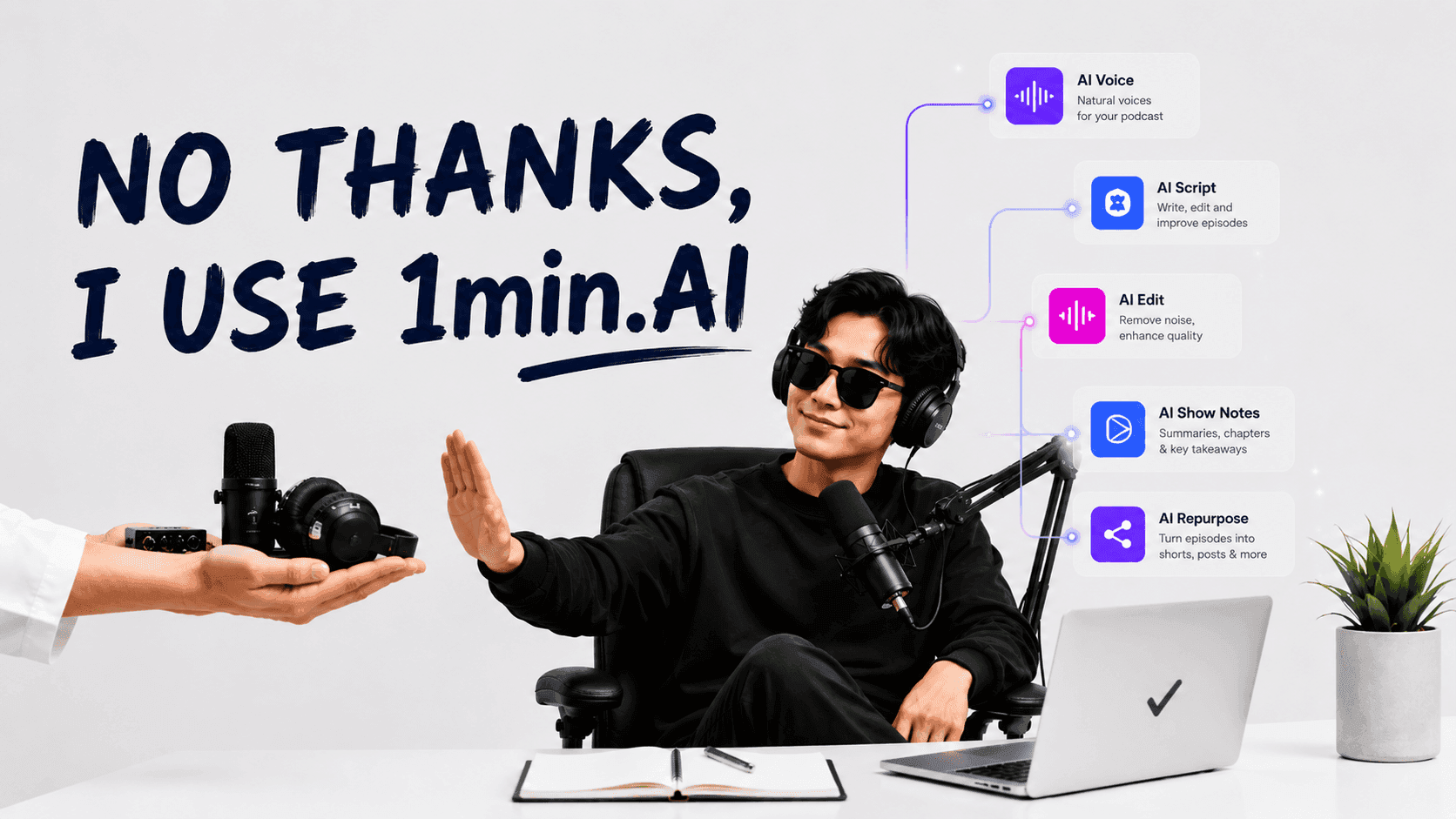
How to Create a Podcast Without Expensive Equipment
Learn how to create a podcast without expensive equipment using AI for scripting, voice, video, editing, and content repurposing with 1min.AI.
 Lien Anh Vu
Free AI Character Generator - No Signup
Generate an AI character free from text or photo prompts. Try 1min.AI's AI character generator with multiple models, no design skills needed.
 Trang Tran
Turn “Make It Better” Into Better Content With AI
Use AI to turn vague client feedback into clear revisions, reduce unnecessary edits, and deliver better content faster.
Lien Anh VuAI Features
Comprehensive AI features that streamline workflows, improve efficiency, and empower teams to achieve more.
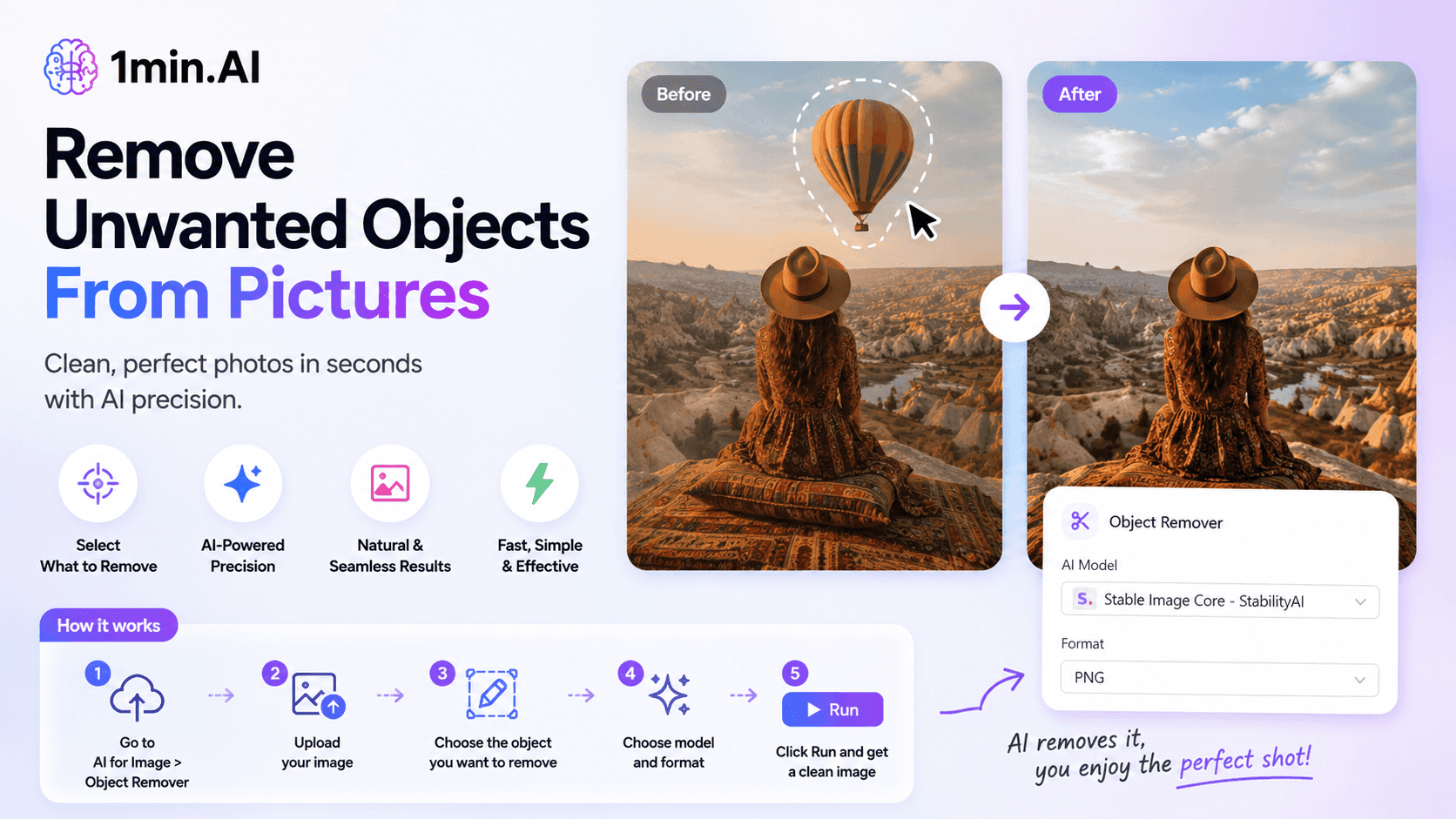
Remove Unwanted Proof From Pictures With 1minAI
Remove unwanted objects, people, or watermarks from your pictures with 1minAI’s AI Object Remover. Upload, select, and clean your image in a few clicks.
 Tram Ta
Create, Edit and Transform Images with AI in One Workspace
Explore how Photo AI can simplify image creation and editing. Discover how 1minAI combines image generation, editing, and multiple AI models in one workspace.
 Uyen Hoang
Create Better Prompts by Testing Multiple AI Models
Looking for a prompt generator? Learn how to create, test, and refine AI prompts across multiple models with 1minAI’s Multi AI Chat.
Uyen HoangAI Use Cases
A curated collection of AI use cases for business, productivity, and industry-specific applications.
How to Create Recurring Revenue With White Label AI Services
Learn how to create recurring revenue with white label AI services using subscriptions, AI-as-a-service, usage-based pricing, managed services, training, and support.
Tram Ta
1min.AI vs QuillBot for Korean-to-English Translation
Compare 1min.AI vs QuillBot for Korean-to-English translation, including limits, document workflows, AI models, and long-form translation needs.
Ngoc Hong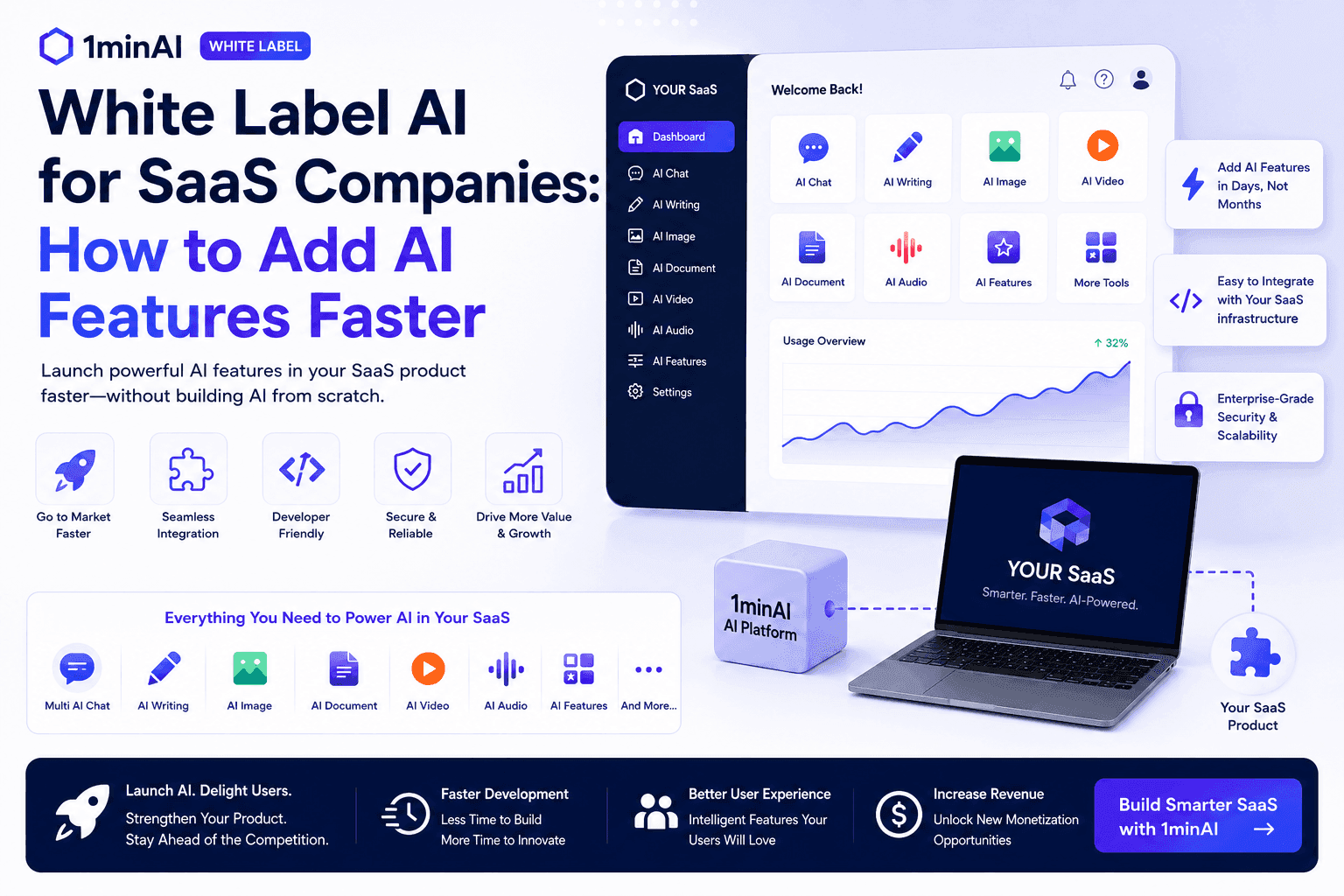
White Label AI for SaaS Companies: How to Add AI Features Faster
Discover how white label AI for SaaS companies can help you add AI features faster without building AI infrastructure from scratch. Learn what to consider and how 1minAI can help.
Tram TaAI Tutorials
Learn how to use AI with practical, step-by-step tutorials.
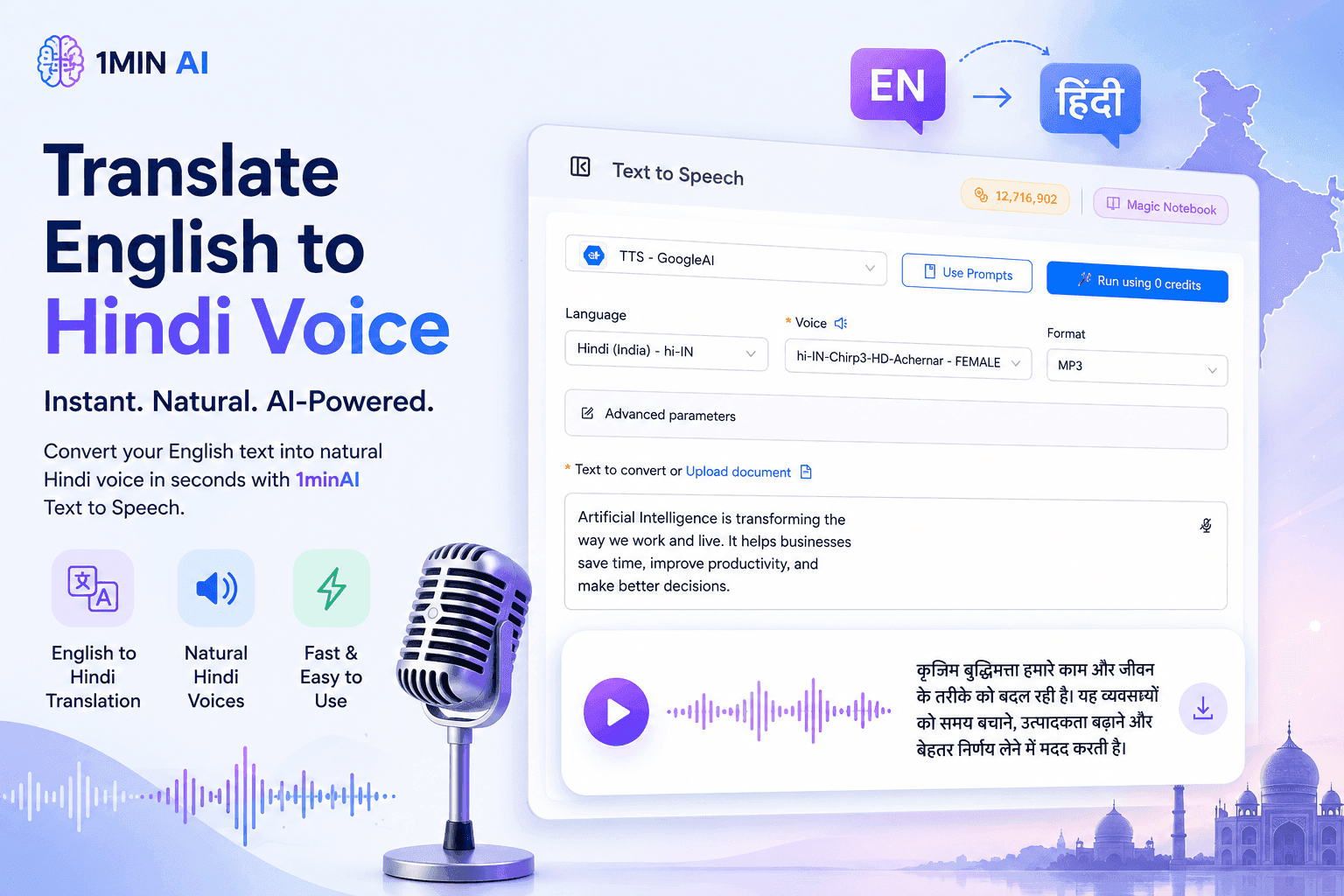
Translate English to Hindi Voice With 1minAI
Translate English to Hindi and convert your text into natural-sounding Hindi voice with 1minAI. Choose a Hindi voice, paste your text, and generate audio in seconds.
Tram Ta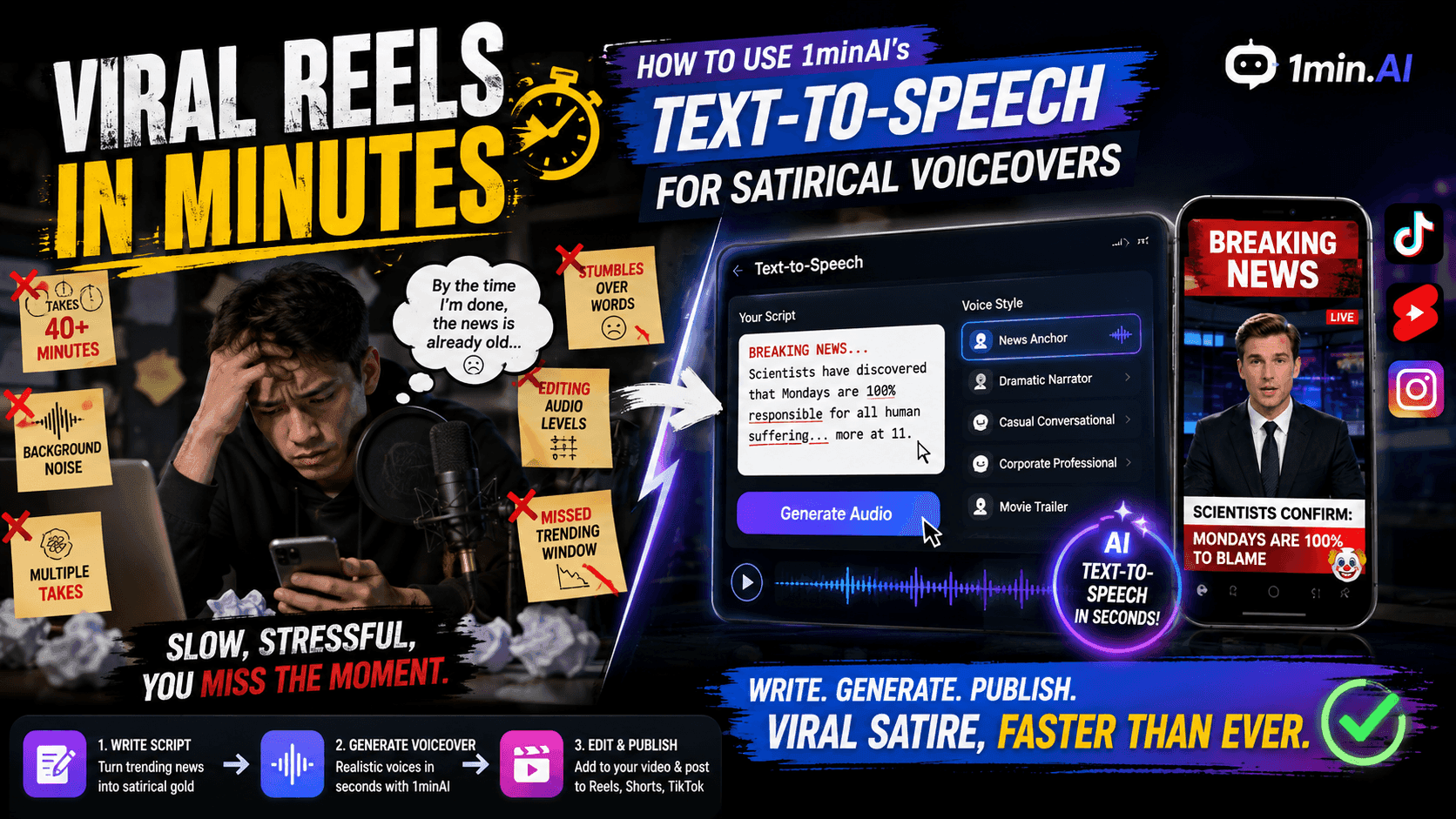
Viral Reels in Minutes: How to Use 1minAI’s Text-to-Speech for Satirical Voiceovers
Learn how satirical page admins use 1minAI’s Text-to-Speech feature to generate instant news anchor and dramatic voiceovers for TikToks, Shorts, and Instagram Reels.
Uyen Hoang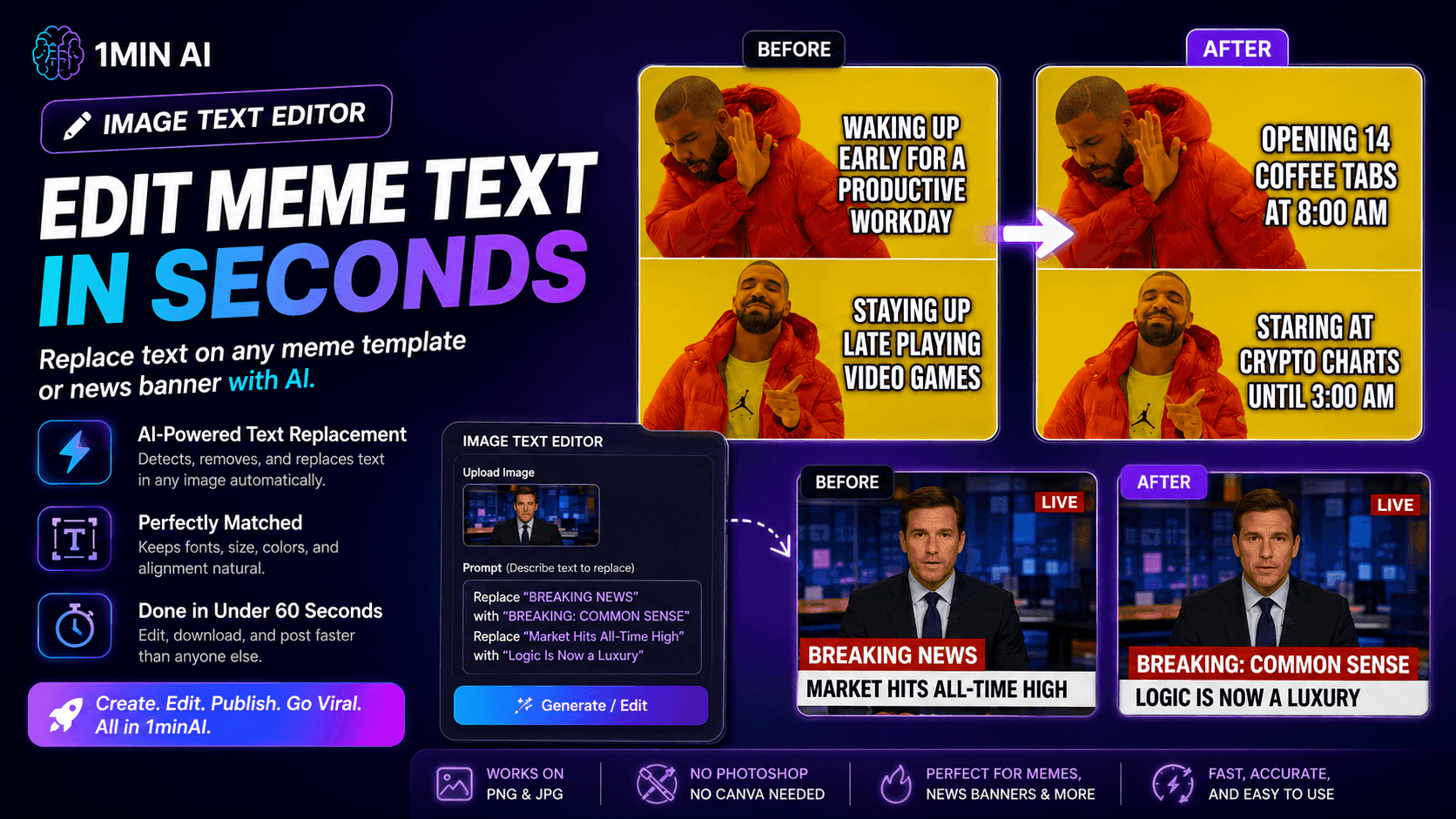
No Photoshop Needed: How to Use 1minAI’s Image Text Editor for Instant Meme Customization
Stop wasting time opening Photoshop or Canva to edit meme captions. Learn how 1minAI’s Image Text Editor replaces text on any meme template or news banner in seconds.
Uyen HoangAI Guides
Learn AI faster with practical guides, real-world examples, and actionable best practices.
How to Create a Podcast Without Expensive Equipment
Learn how to create a podcast without expensive equipment using AI for scripting, voice, video, editing, and content repurposing with 1min.AI.
Lien Anh Vu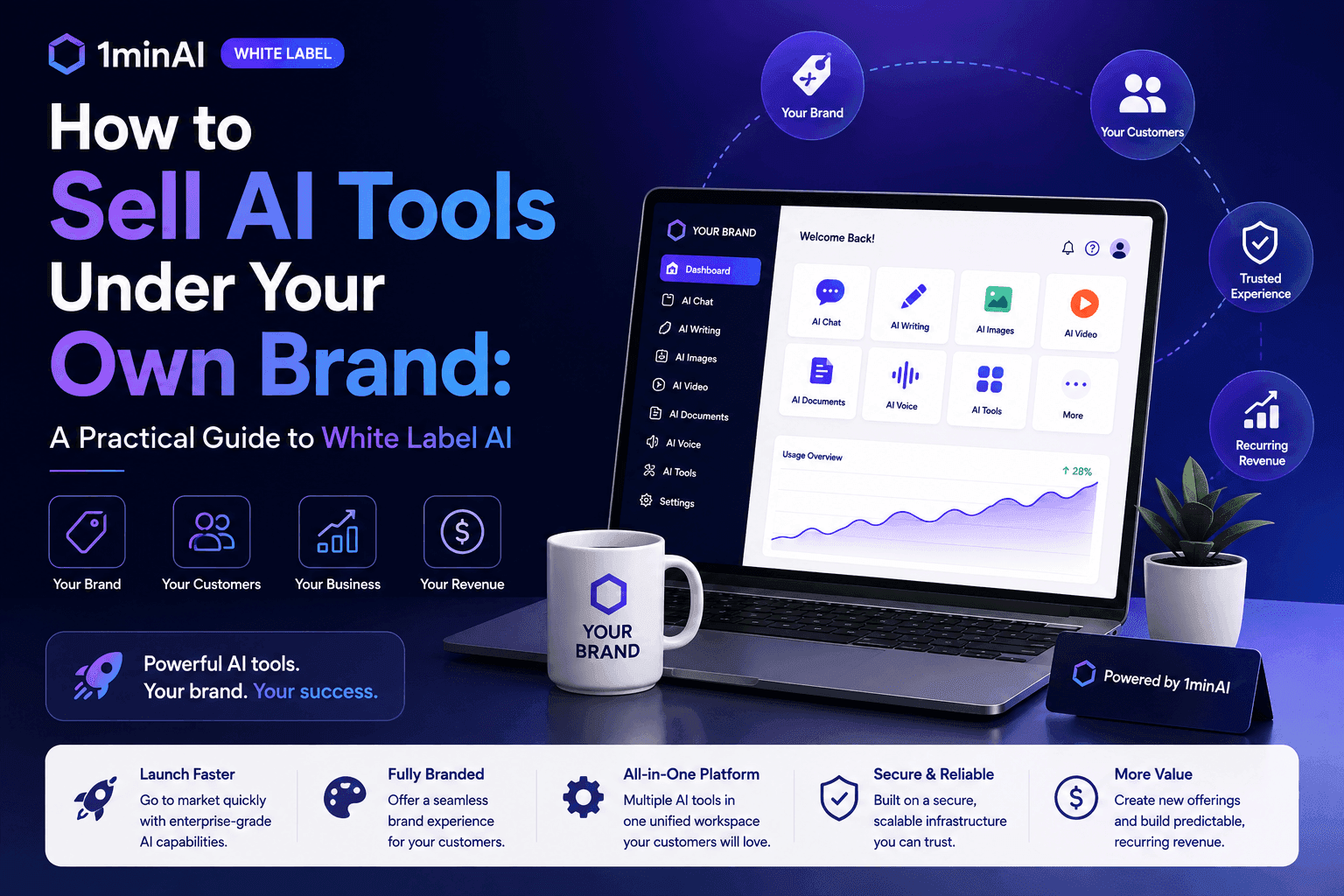
How to Sell AI Tools Under Your Own Brand: A Practical Guide to White Label AI
Learn how to sell AI tools under your own brand with white label AI. Discover how branding, packaging, pricing, onboarding, and recurring revenue work.
Tram Ta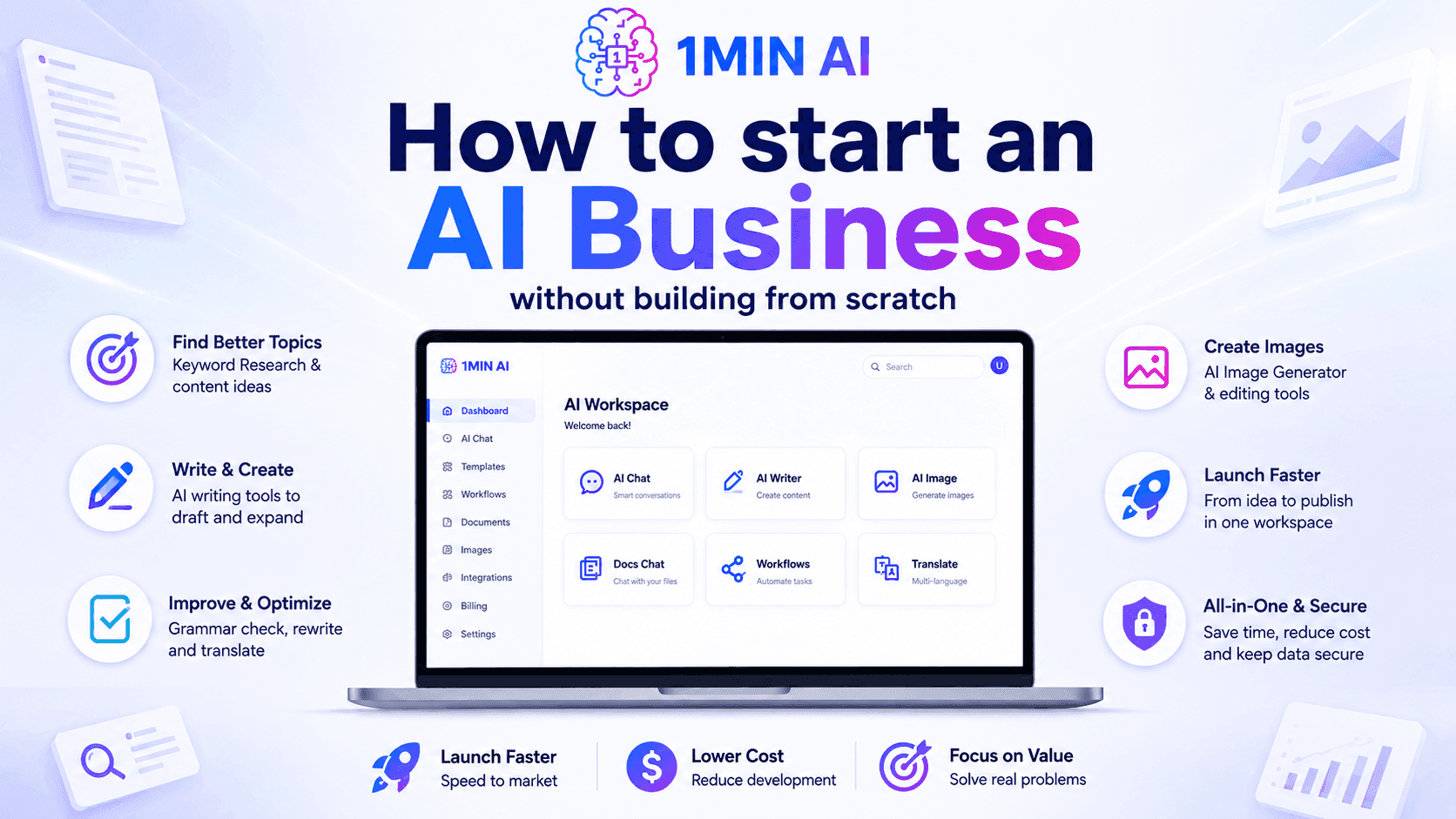
How to start an AI business without building from scratch
Learn how to start an AI business, validate your idea, and launch faster without building costly AI infrastructure from scratch.
Ngoc HongAI Solutions
Browse the best AI solutions for automation, coding, research, productivity, customer support, marketing, and business workflows.
How to Create Recurring Revenue With White Label AI Services
Learn how to create recurring revenue with white label AI services using subscriptions, AI-as-a-service, usage-based pricing, managed services, training, and support.
Tram Ta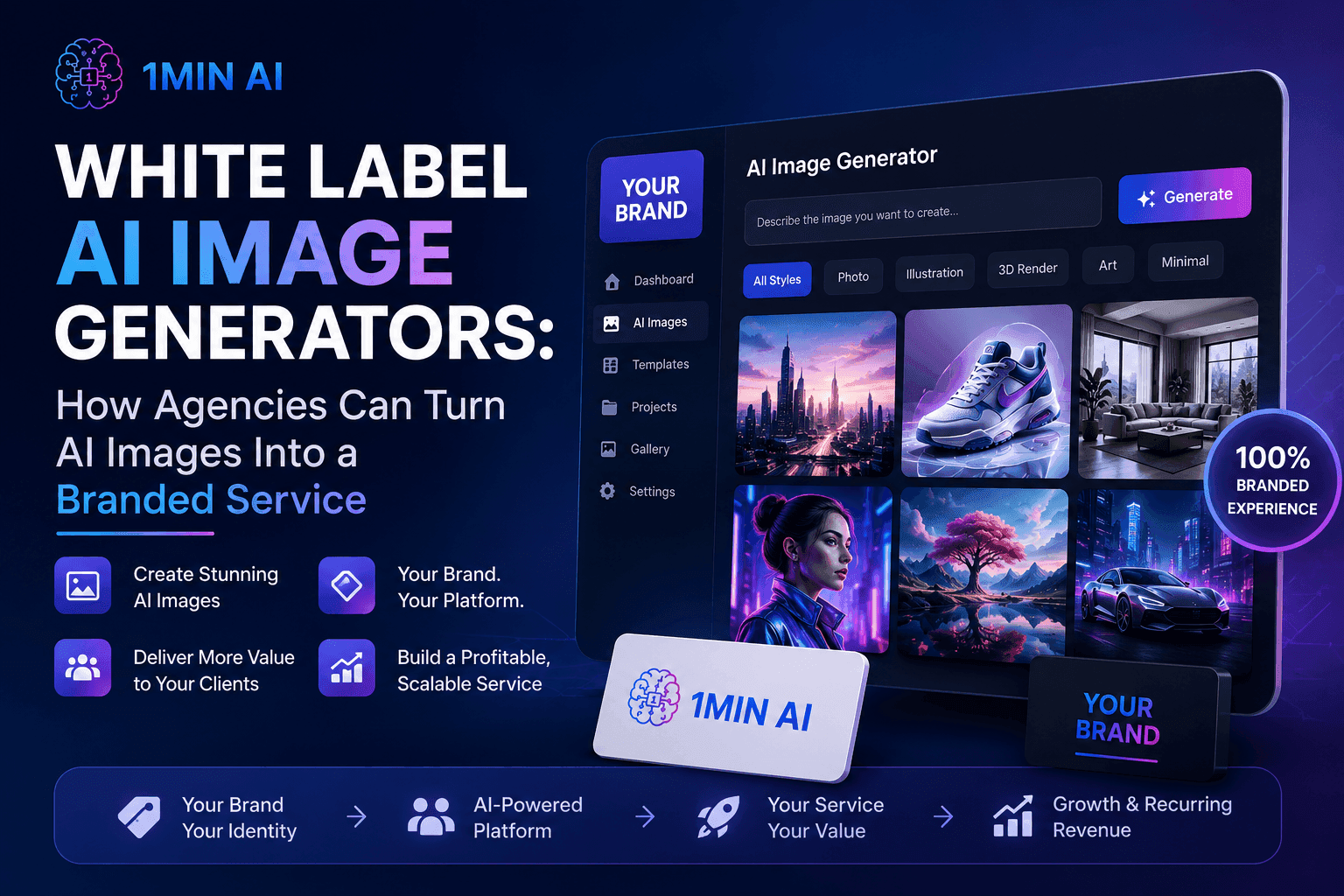
White Label AI Image Generators: How Agencies Can Turn AI Images Into a Branded Service
Learn how agencies can use a white label AI image generator to offer branded creative services for ecommerce, social media, advertising, and branding clients.
Tram TaHow to Create a Podcast Without Expensive Equipment
Learn how to create a podcast without expensive equipment using AI for scripting, voice, video, editing, and content repurposing with 1min.AI.
Lien Anh VuAI Models
Explore the world's leading AI models in one place.
How to Create a Podcast Without Expensive Equipment
Learn how to create a podcast without expensive equipment using AI for scripting, voice, video, editing, and content repurposing with 1min.AI.
Lien Anh Vu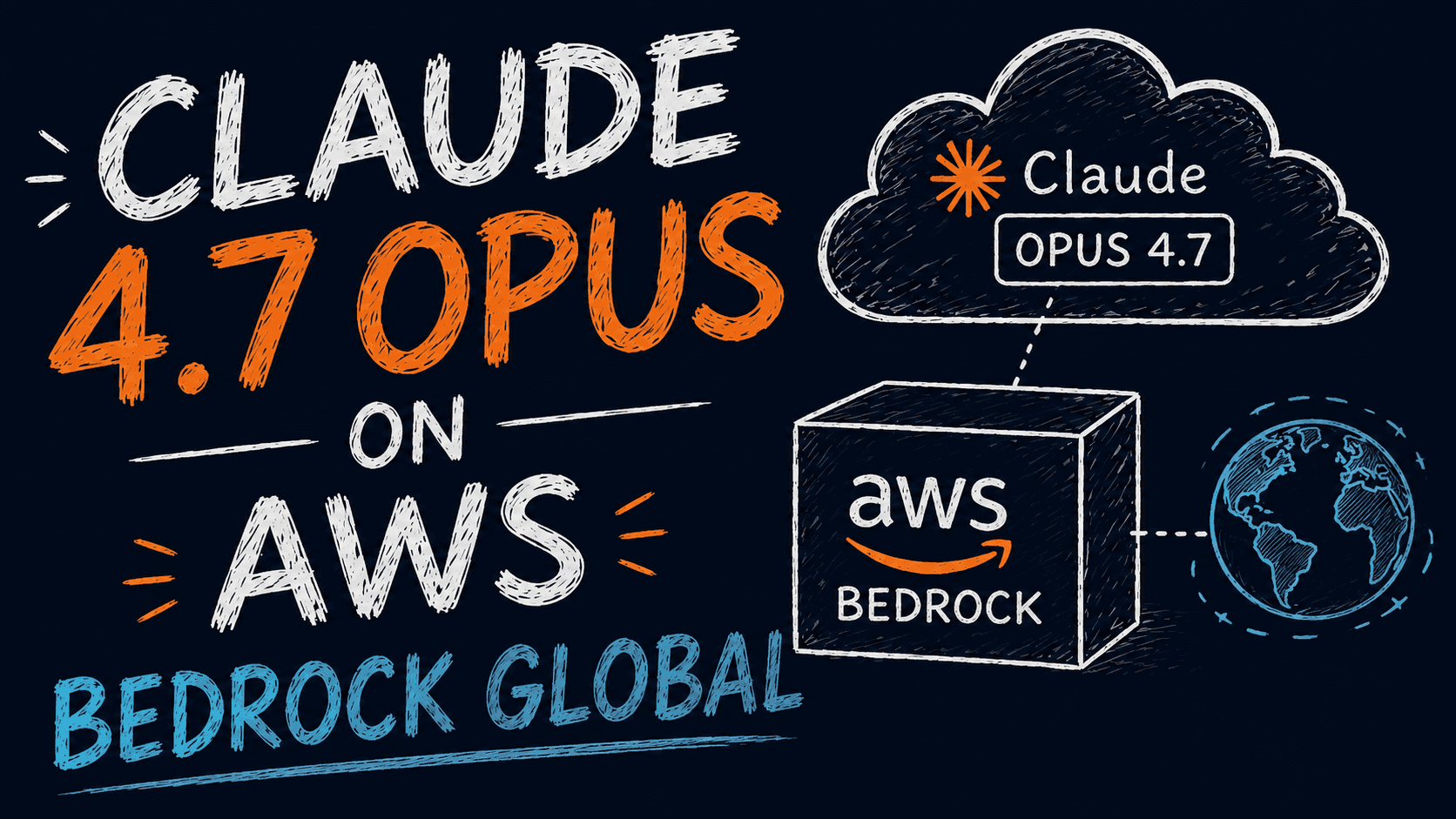
CLAUDE 4.7 OPUS - AWS BEDROCK US
Deploy Claude 4.7 Opus on AWS Bedrock US. Discover enterprise AI infrastructure, advanced coding, adaptive thinking, secure inference, and seamless AWS integration.
Ngoc Hong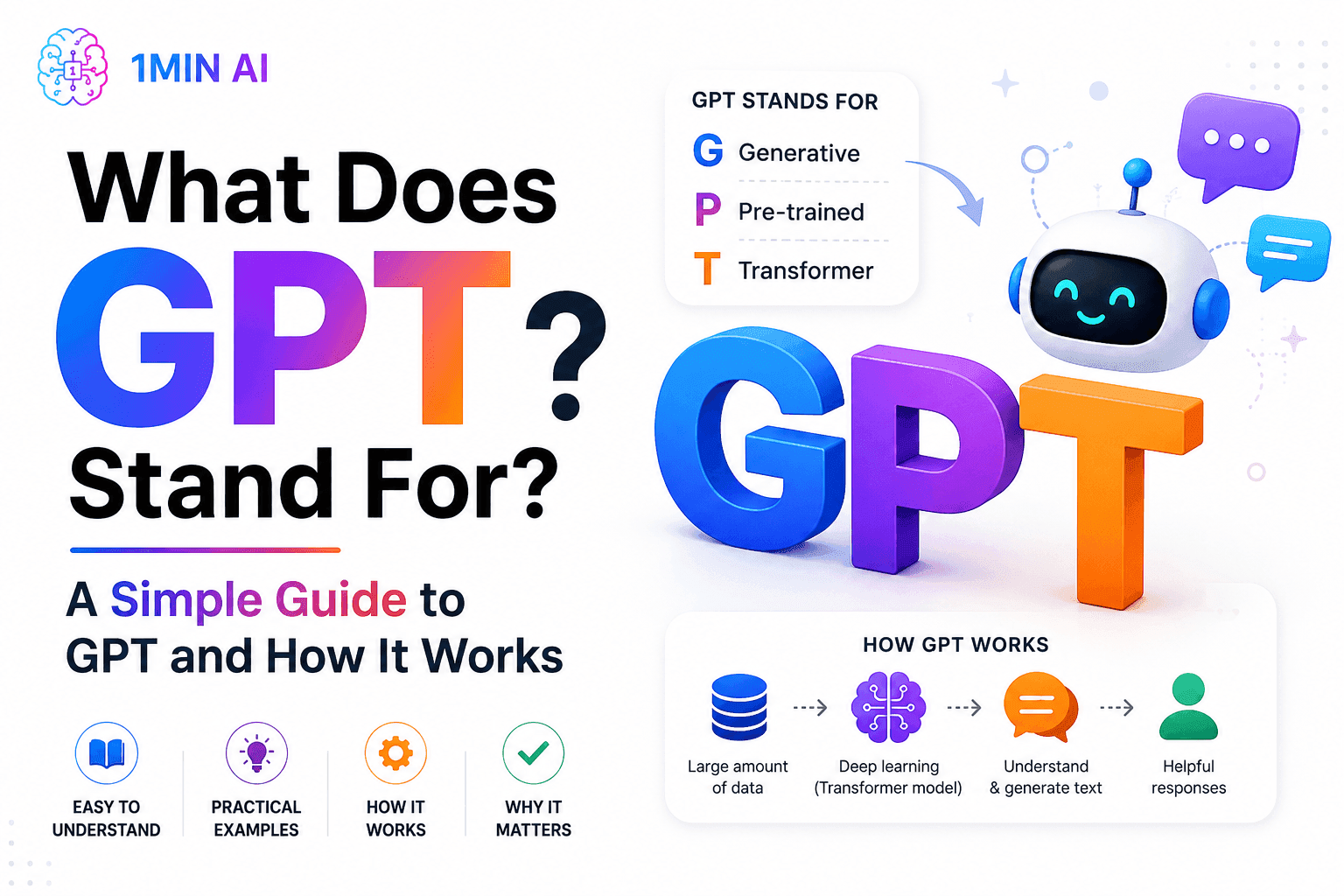
What Does GPT Stand For? A Simple Guide to GPT and How It Works
What does GPT stand for? Learn what GPT means, how Generative Pre-trained Transformer technology works, and why GPT models are important to modern AI.
Tram TaAI Comparisons
Compare AI tools, models, and platforms to find the best fit for your needs.
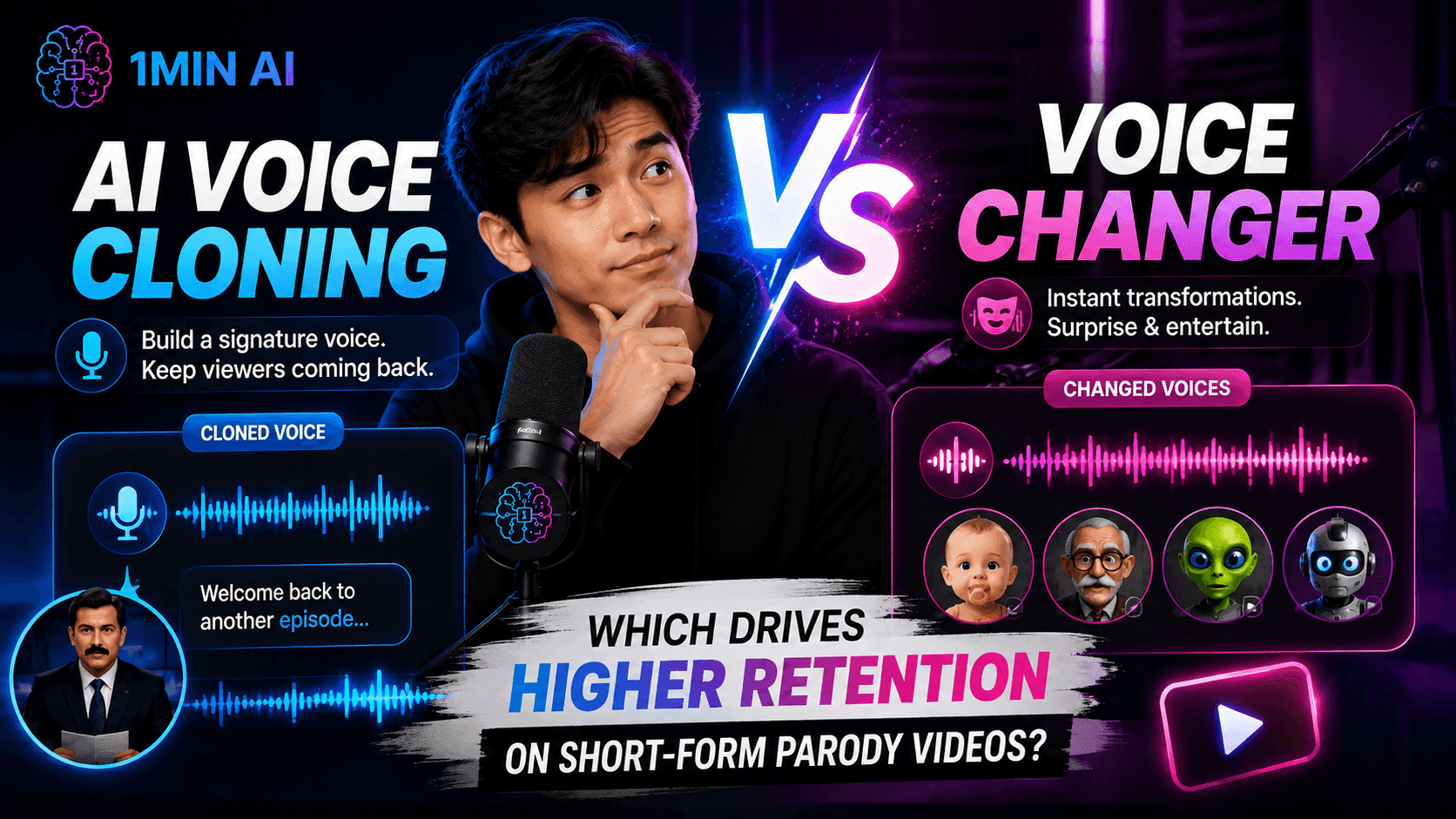
AI Voice Cloning vs. Voice Changer: Which Drives Higher Retention on Short-Form Parody Videos?
AI Voice Cloning vs. Voice Changer: discover which AI voice tool is better for short-form parody videos, audience retention, character consistency, and faster content production.
Uyen Hoang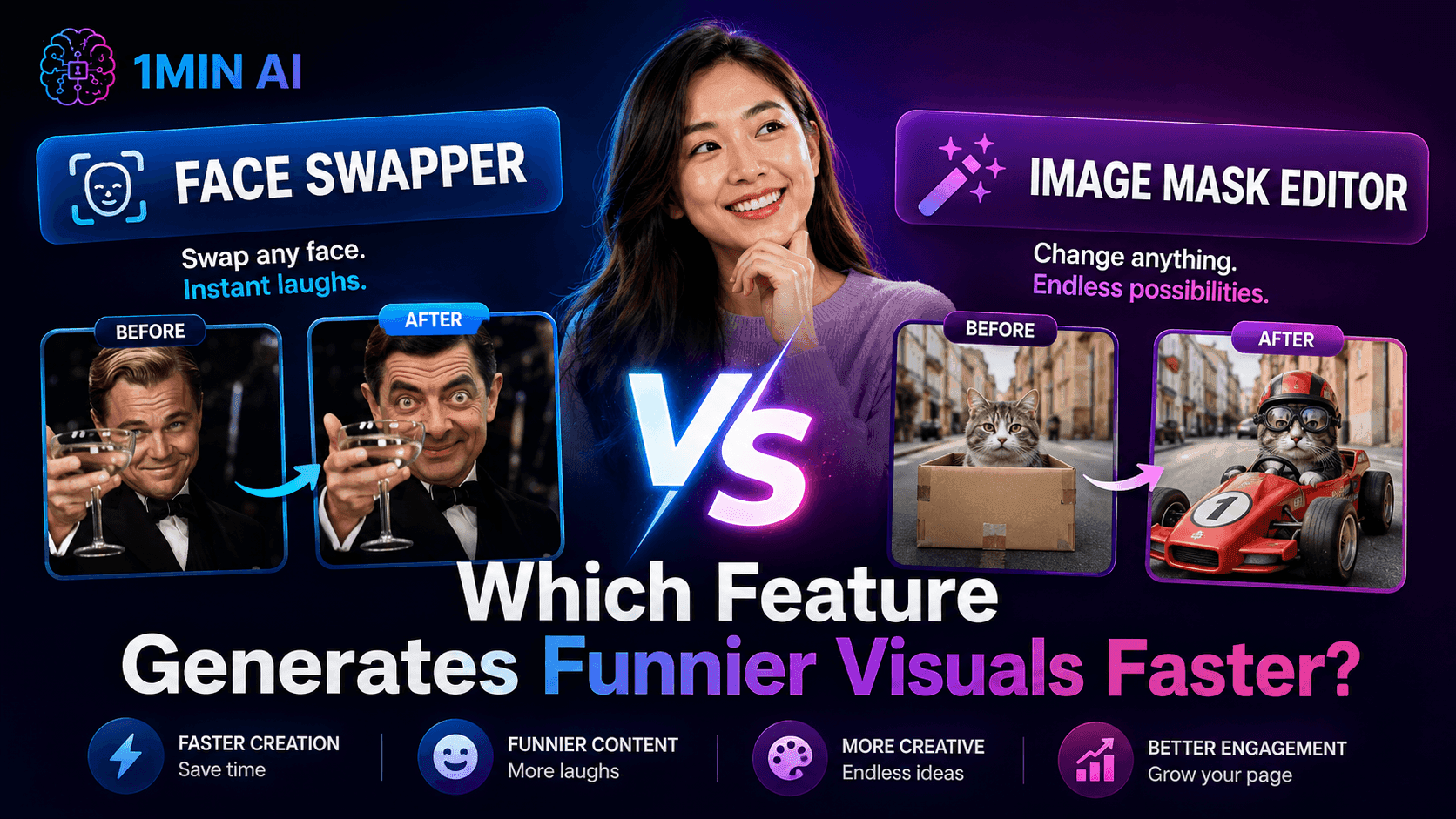
Face Swapper vs. Image Mask Editor: Which Feature Generates Funnier Visual Content Faster?
Face Swapper vs. Image Mask Editor: discover which AI image editing feature is faster for memes, satire, social content, and creative visual campaigns
Uyen Hoang
Kling AI Vs Veo 3: Which Model Wins?
Kling AI vs Veo 3: compare motion, native audio, pricing & free tiers to see which AI video generator wins for your project - try both on 1min.AI.
Trang TranAI Integrations
Seamlessly integrate AI with the tools you already use to automate work and boost productivity.
How to Create a Podcast Without Expensive Equipment
Learn how to create a podcast without expensive equipment using AI for scripting, voice, video, editing, and content repurposing with 1min.AI.
Lien Anh Vu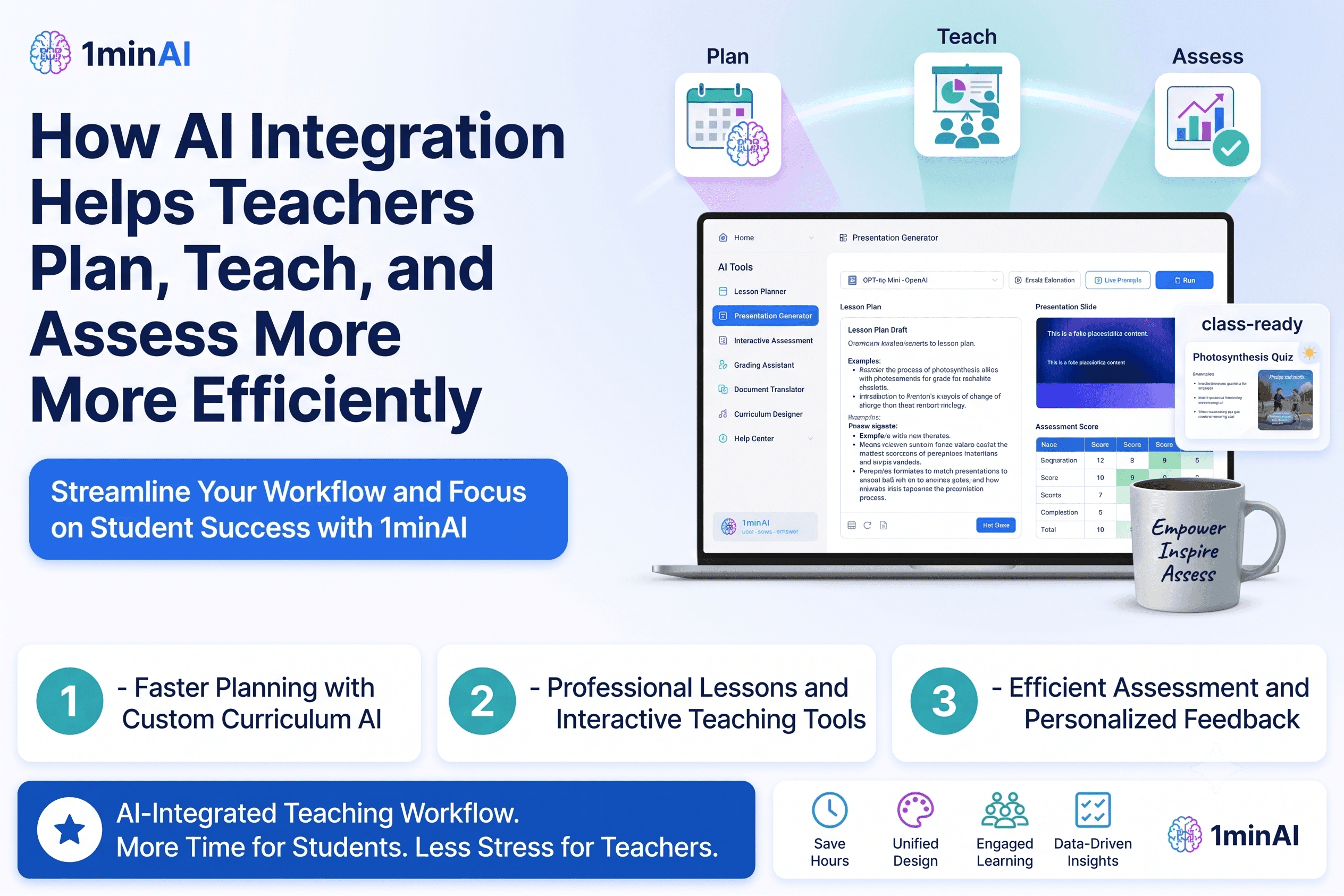
How AI Integrations Help Teachers Plan, Teach, and Assess More Efficiently
Discover how AI integration helps teachers streamline lesson planning, presentations, classroom materials, assessments, and student engagement in one AI workspace.
Tram Ta
AI Content Workflow for Freelancers: From Brief to Post
Discover an AI content workflow for freelancers. Use Claude for brainstorming and ChatGPT for images to turn client briefs into polished social posts faster.
Lien Anh VuAI for Industries
Find the best AI tools and workflows for healthcare, finance, education, legal, manufacturing, retail, real estate, and more
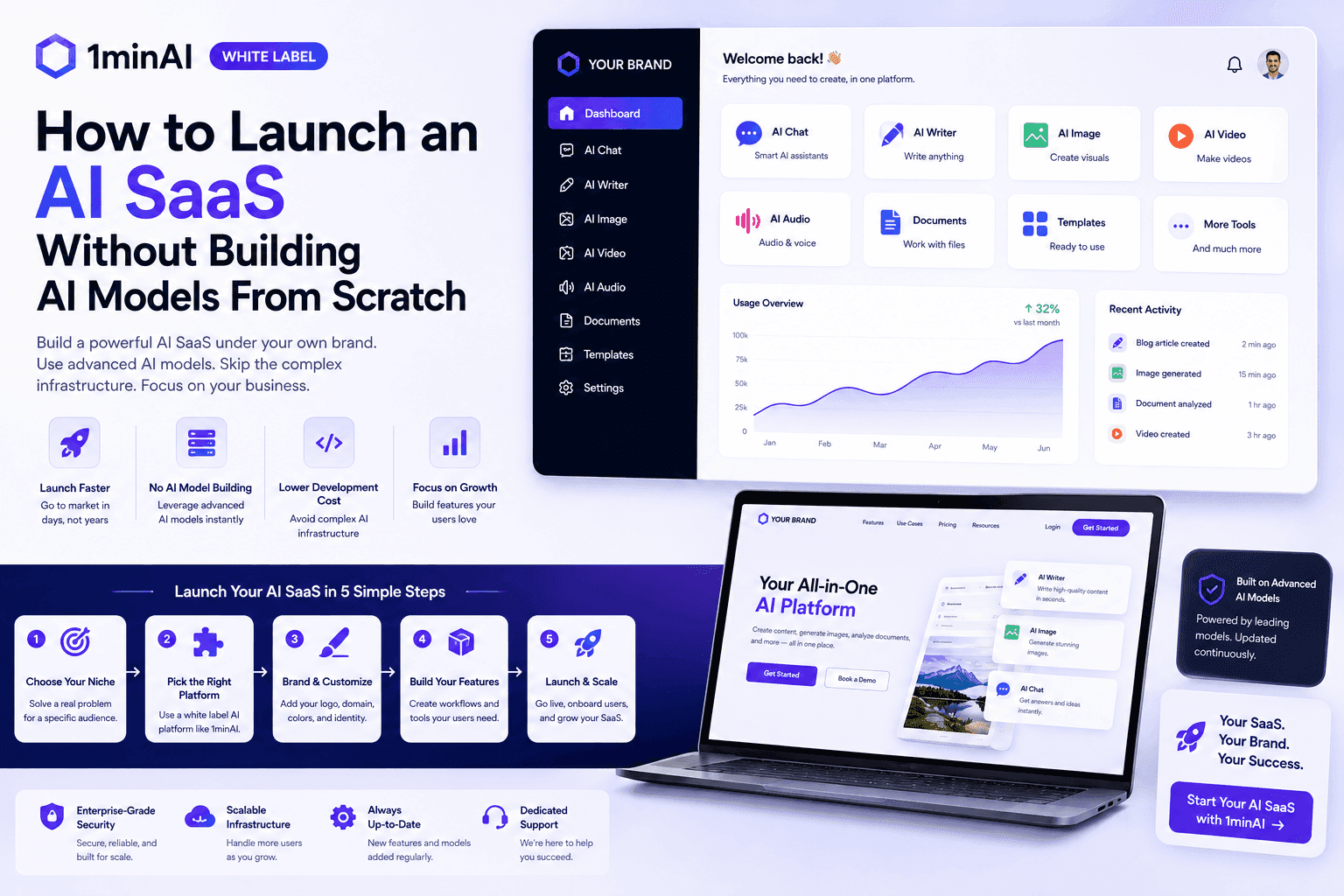
How to Launch an AI SaaS Without Building AI Models From Scratch
Learn how to launch an AI SaaS without building AI models from scratch. Explore white-label AI, product strategy, branding, pricing, and how 1minAI can help.
Tram Ta
Free AI Tools for Photographers to Elevate Creative Work
Discover free AI tools for photographers to edit images, create visuals and videos, develop content, and streamline client workflows with 1min.AI.
Lien Anh Vu
Free AI Tools for Social Media Managers to Create Faster
Discover free AI tools for social media managers to brainstorm content, create visuals and videos, write captions, and streamline social media workflows with 1min.AI.
Lien Anh VuAI Agents
Discover and run AI agents to automate tasks across your work and daily life.
Remove Unwanted Proof From Pictures With 1minAI
Remove unwanted objects, people, or watermarks from your pictures with 1minAI’s AI Object Remover. Upload, select, and clean your image in a few clicks.
Tram TaWhite Label AI Image Generators: How Agencies Can Turn AI Images Into a Branded Service
Learn how agencies can use a white label AI image generator to offer branded creative services for ecommerce, social media, advertising, and branding clients.
Tram Ta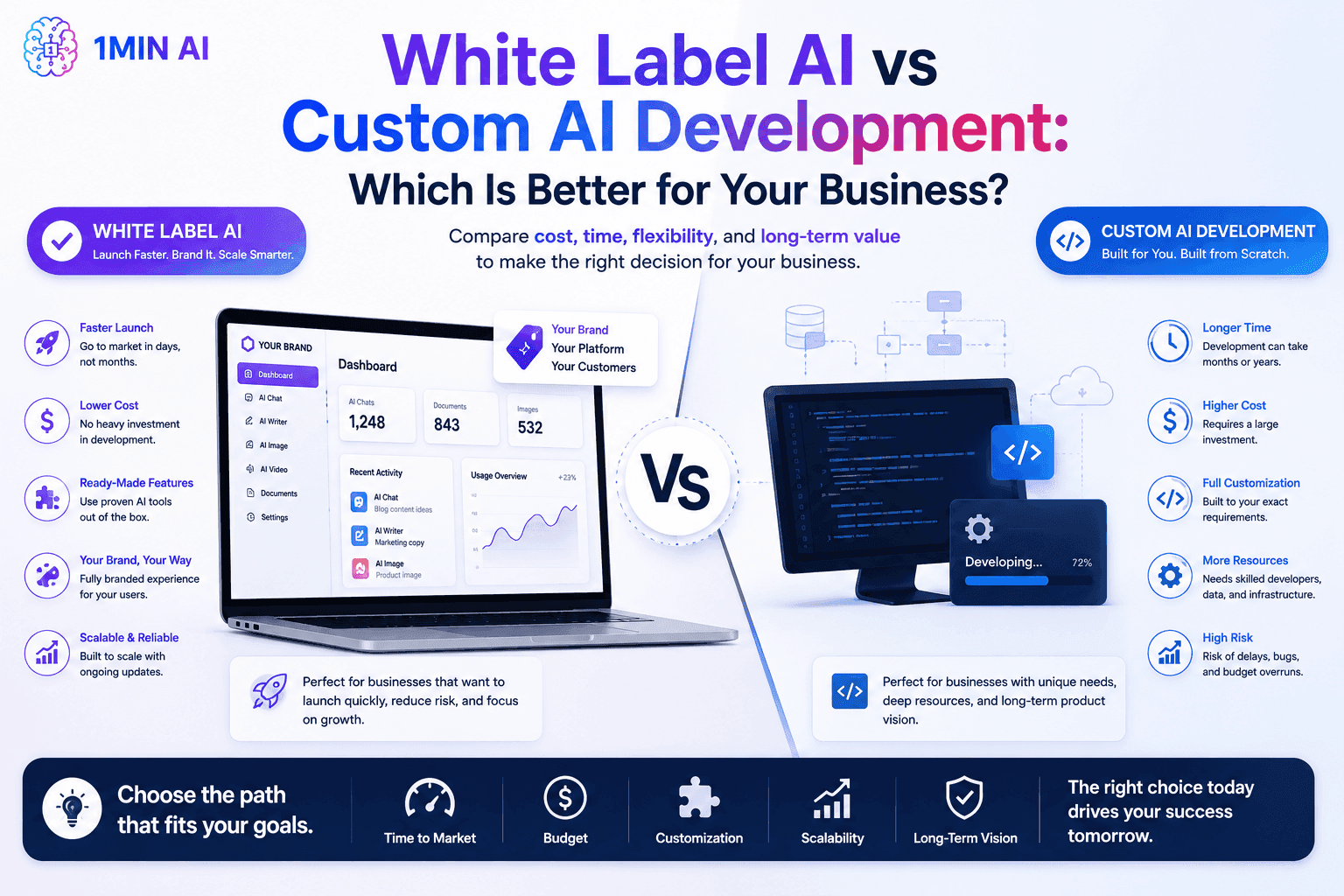
White Label AI vs Custom AI Development: Which Is Better for Your Business?
Compare white label AI vs custom AI development to understand the differences in cost, launch time, customization, maintenance, and scalability.
Tram TaAI Workflows
Explore ready-to-use AI workflows for productivity, marketing, sales, support, and more.
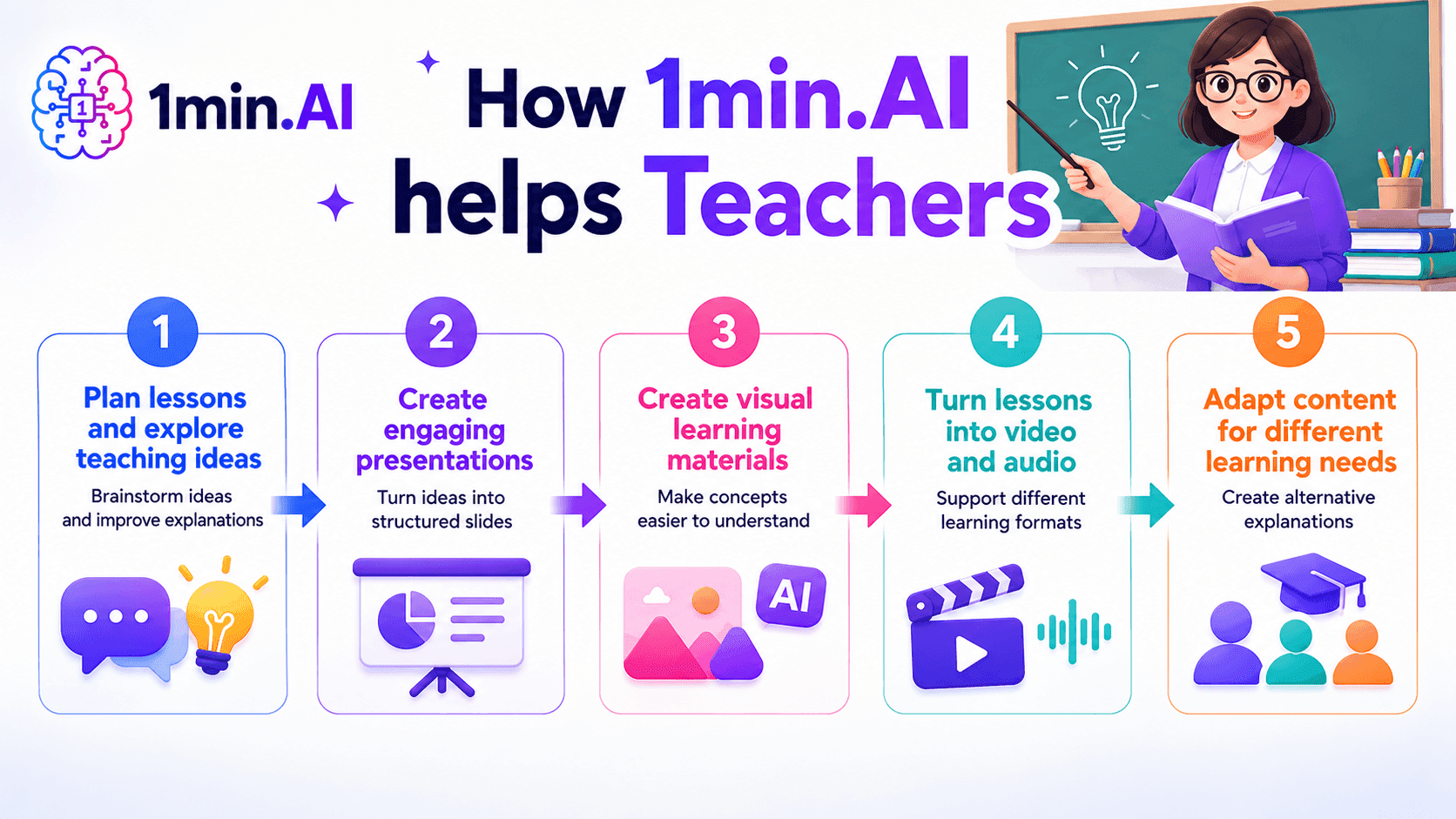
AI tools for Teachers
Discover AI tools for Teachers to create lessons, presentations, visuals, videos, and audio materials from one AI workspace with 1min.AI.
Ngoc Hong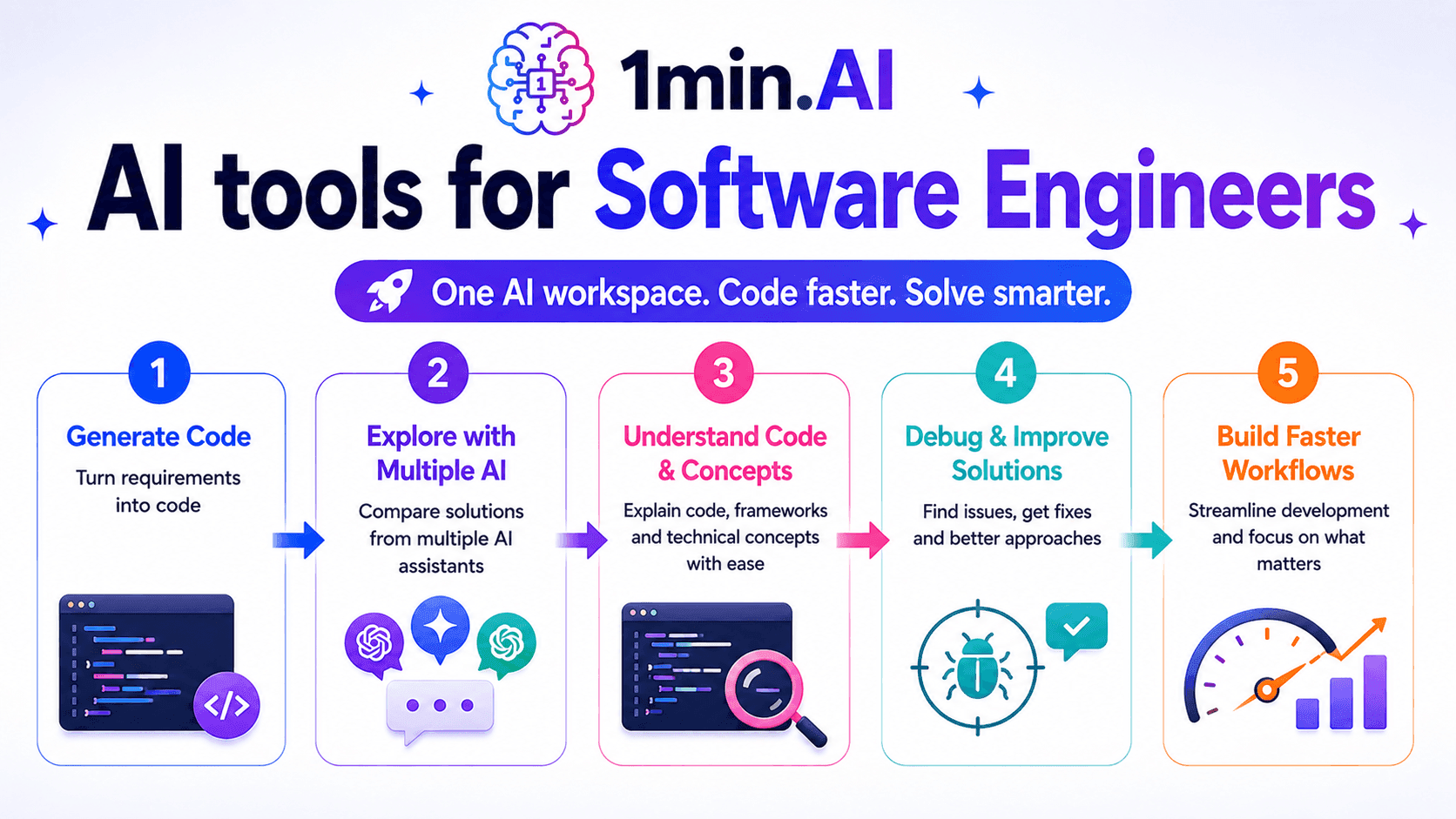
AI Tools for Software Engineers
Discover AI tools for Software Engineers to generate code, debug problems, understand technical concepts, and streamline development with 1min.AI.
Ngoc Hong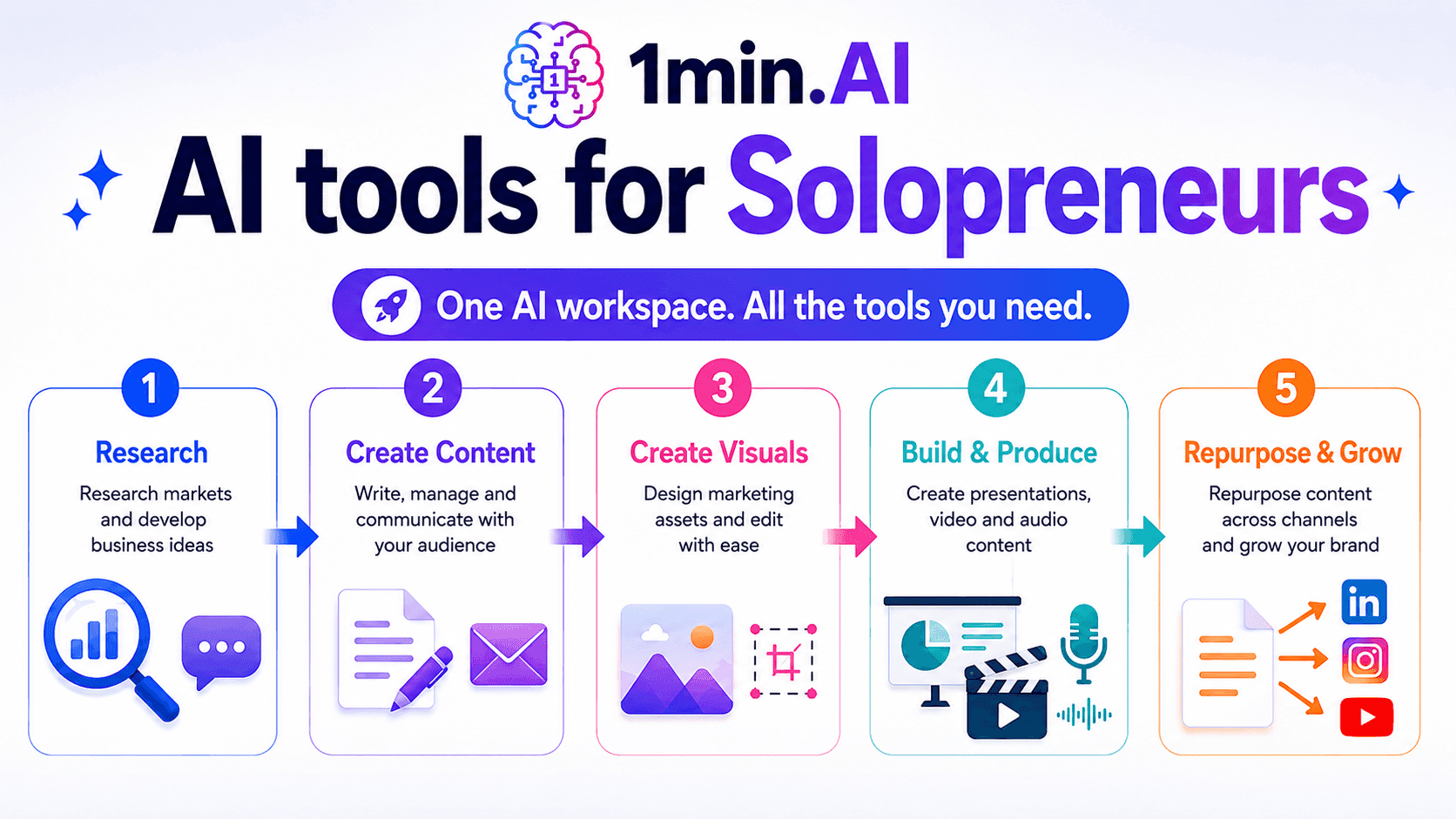
AI tools for Solopreneurs
Discover AI tools for Solopreneurs to research, create content, design, market, and manage business tasks from one AI workspace.
Ngoc HongNewsletter
Weekly AI Innovations with 1minAI
🔮 Weekly AI Innovations #134: Experience Free Qwen on AI Chat; The 3.7 and 3.6 Series Update
Looking for a powerful, free AI assistant? Explore the latest Qwen 3.7 and 3.6 series on 1min.ai. Enjoy high-speed, accurate AI chat at zero cost today!
 Hang Nguyen
🔮 Weekly AI Innovations #133: Earn Credits and more with AI Social
Explore DeepSeek V4's open-source efficiency and xAI's Grok 4.3 & 4.5 for advanced reasoning and ultra-fast coding in 2026.
Hang Nguyen
🔮 Weekly AI Innovations #132: DeepSeek V4 & xAI's Grok 4.3, 4.5
Explore DeepSeek V4's open-source efficiency and xAI's Grok 4.3 & 4.5 for advanced reasoning and ultra-fast coding in 2026.
Hang Nguyen