
Image Generator vs. Image Variator: Which Is Better for Creative Experimentation?

Uyen Hoang
November 5, 2026
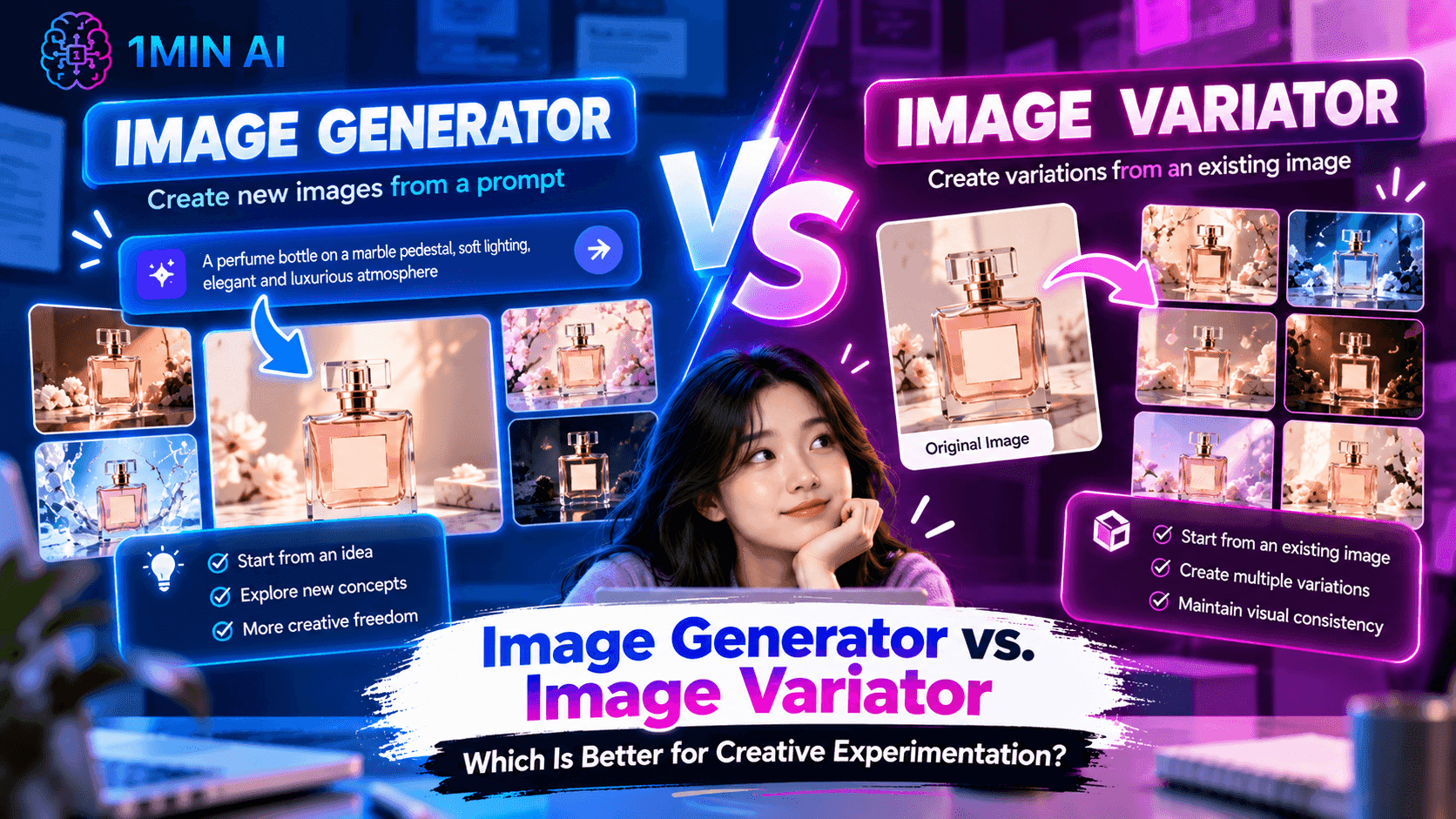
Compare Image Generator vs. Image Variator to find the right workflow for testing visual ideas, creating new concepts, and developing more creative variations.
Creative experimentation rarely starts with a finished idea. A marketer may have a campaign concept but no clear visual direction, while a designer may already have one promising image and want to explore several ways to develop it. These two situations look similar on the surface because both involve creating new visuals, but they require very different workflows.
This is where Image Generator and Image Variator serve different purposes. Image Generator helps turn an idea into a new visual, making it useful when the creative direction is still open. Image Variator starts from an existing image and explores alternative versions of that visual, making it more useful once a direction has already been established.
So which is better for creative experimentation? Image Generator is better suited to exploring new creative directions, while Image Variator is better suited to developing and testing an existing direction. For teams that experiment with visuals regularly, the two can also work together as different stages of the same creative workflow.
Image Generator vs. Image Variator at a Glance
| Image Generator | Image Variator | |
|---|---|---|
| Primary purpose | Create a new image from an idea or prompt | Create variations from an existing image |
| Starting point | Concept or text prompt | Existing visual |
| Best for | Exploring new creative directions | Developing an existing creative direction |
| Creative stage | Exploration | Iteration |
| Main strength | Freedom to create from scratch | Ability to build on an established visual |
| Useful for | Campaign concepts, brainstorming, new visuals | Creative testing, variations, social content |
| Workflow | Idea → Image | Image → Variations |
| Key question | “What could this idea look like?” | “What else could this visual look like?” |
The difference is not simply that one tool creates images while the other creates variations. Both can produce new visuals, but they enter the creative process at different points. Image Generator helps when you are still discovering what the visual should be, while Image Variator becomes more valuable when you already have something worth developing further.
That distinction matters because creative experimentation usually involves both exploration and iteration. Starting with the wrong workflow can create unnecessary work: generating completely new images when you only need variations, or trying to vary an image when you have not yet found the right creative direction.
What Is an AI Image Generator?
An Image Generator starts with an idea and turns that idea into a visual. You can describe the subject, environment, composition, style, mood, or other creative requirements through a prompt, allowing AI to build an image without requiring an existing visual as the starting point.
This makes Image Generator particularly useful at the beginning of a creative project. Imagine a marketing team preparing a campaign for a new coffee brand but having no established visual direction yet. The team could experiment with a minimalist product scene, a lifestyle composition, an editorial concept, or a more playful visual style before deciding which direction best fits the campaign.
The important value here is not simply the ability to create an image quickly. Image Generator expands the creative space you can explore before making a decision. Instead of committing to the first idea that comes to mind, a team can use several prompts to investigate different possibilities and identify a direction worth developing.
This makes the workflow especially relevant for brainstorming, campaign development, social media concepts, product visuals, and other situations where the biggest challenge is figuring out what the final visual should look like.
What Is an Image Variator?
An Image Variator starts from an existing image and uses that image as the foundation for creating alternatives. Rather than asking AI to invent an entirely new visual, you already have a creative direction and want to understand how that direction could be expressed differently.
Consider a marketing team that has created a product image it likes. The composition, subject, and overall concept already work, but the team wants several alternatives for different ads or social posts. Starting over with a new prompt for every asset could introduce unnecessary changes, whereas using the existing image as a reference allows the team to explore variations while remaining connected to the original concept.
This makes Image Variator particularly useful when the question has changed from “What should we create?” to “How else could we develop this?” The existing image provides a visual anchor, so experimentation becomes more focused rather than completely open-ended.
That distinction is valuable for creative testing because teams often do not need ten completely unrelated concepts. They may need several versions of one promising idea to understand which visual treatment works best for a particular audience, platform, or campaign.
The Key Difference: Exploration vs. Iteration
The most useful way to compare the two features is to look at the stage of the creative process they support. Image Generator is primarily an exploration tool, while Image Variator is primarily an iteration tool.
At the exploration stage, the creative direction is still uncertain. You may know the campaign objective, product, or message, but you have not yet decided whether the visual should be minimalist, lifestyle-focused, editorial, playful, cinematic, or something else. Image Generator allows you to test those possibilities without needing an existing visual to guide the process.
Once you find a direction that works, the creative problem becomes narrower. You may want to keep the core idea but change the composition, atmosphere, visual treatment, or other elements to create additional options. Image Variator is designed around this kind of iteration because it allows the existing image to become the reference point for further experimentation.
The workflow can therefore be understood as:
Image Generator: “What could this idea become?” Image Variator: “What else could this visual become?”
This is why the two features should not necessarily be viewed as direct substitutes. They can solve different problems within the same creative process.
Which Is Better for Creative Experimentation?
The answer depends on what you are experimenting with. If you are testing fundamentally different ideas, Image Generator gives you more freedom because each prompt can represent a different creative direction. You can change the subject, environment, composition, style, and overall concept without being constrained by an existing image.
For example, a growth team launching a new product might not know which visual approach will attract attention. It could generate several distinct concepts and compare them at a high level before investing more time in one direction. At this point, the objective is to discover possibilities rather than refine a specific image.
Once one concept shows potential, however, continuing to generate completely unrelated images may make the experimentation less focused. The team may instead want to test different versions of that concept while maintaining its recognizable core. This is where Image Variator becomes more relevant because the original visual provides a foundation for controlled iteration.
In other words, Image Generator helps you widen the creative direction, while Image Variator helps you explore depth within a chosen direction.
Creative Experimentation: From Blank Canvas to Variations
A useful creative workflow does not necessarily require choosing one feature and ignoring the other. In practice, experimentation often becomes more efficient when the tools are used according to the stage of the project.
Imagine a brand preparing a new product campaign. It starts with a product and a marketing message but has no established visual. The team can use Image Generator to explore several concepts, such as a premium studio scene, a lifestyle setting, or a bold editorial composition.
After reviewing those concepts, the team may identify one direction that fits the campaign particularly well. At this point, the objective changes: rather than discovering another unrelated concept, the team wants to see how that selected direction can be adapted into multiple creative options.
Image Variator can then support that second stage by using the chosen image as the starting point for further experimentation. The overall workflow becomes:
Campaign idea → Generate concepts → Select a direction → Create variations → Test or refine
This approach separates two decisions that are often mixed together: finding the right idea and developing the right idea.
Image Generator vs. Image Variator for Creative Testing
Creative testing becomes more useful when you understand whether you are testing different concepts or different executions of the same concept.
Suppose a growth team wants to test three completely different approaches to a product campaign. One concept focuses on the product itself, another uses a lifestyle scene, and the third uses a more abstract visual. These are fundamentally different creative directions, so Image Generator can provide the flexibility needed to explore them independently.
Now suppose the team has already selected the lifestyle concept and wants to test several visual treatments. It may want a brighter setting, a different composition, or alternative versions of the same campaign visual. In this case, the team is no longer testing the core concept; it is testing how that concept can be executed. Image Variator is better aligned with this stage.
The distinction is therefore:
| What you are testing | More suitable workflow |
|---|---|
| Different campaign concepts | Image Generator |
| Different visual styles from scratch | Image Generator |
| Different environments or compositions | Image Generator |
| Alternative versions of one visual | Image Variator |
| Multiple executions of one concept | Image Variator |
| Visual variations for social content | Image Variator |
| New concept + subsequent variations | Both |
This framework helps prevent a common problem in creative experimentation: producing many images without knowing what exactly those images are testing.
Which Workflow Is Faster?
Speed depends on how much creative direction you already have.
When you are starting from a blank page, Image Generator can be faster because it allows you to move directly from an idea to a visual. You do not need to first create a reference image, which makes it useful when the creative direction is still undefined.
When you already have a strong visual, however, Image Variator can eliminate unnecessary repetition. Rather than rebuilding a similar composition from a new prompt each time, you can use the existing image as the foundation for additional variations.
The important point is that the fastest workflow is not necessarily the one with fewer steps. It is the workflow that matches the stage of your creative process. Generating from scratch when you already have a strong reference can create unnecessary work, while varying an image before you have found a worthwhile direction can limit the experimentation you actually need.
What About Marketing Teams?
Marketing teams often move between broad exploration and focused iteration during the same campaign. At the beginning, they may need to determine how a product, message, or campaign should be represented visually. Later, they may need multiple assets that remain connected to the selected campaign direction.
Image Generator is useful during the first stage because it allows marketers to explore different visual concepts without relying on an existing image. This can help a team compare creative directions before deciding which one deserves further investment.
Once the direction is established, Image Variator can help turn one successful visual into a broader set of creative options. This can be particularly useful when a campaign needs multiple assets for different placements, audiences, or social media posts while maintaining a recognizable visual identity.
The resulting workflow is more strategic than simply generating images continuously:
Explore broadly first, then iterate selectively.
What About Growth Teams?
For growth teams, the value of creative experimentation comes from learning which visual directions deserve further attention. Producing a large number of images is not necessarily useful if every image represents a completely different hypothesis and there is no clear way to compare what changed.
Image Generator can support high-level creative exploration by helping teams develop different visual concepts around the same campaign objective. A team can test whether a product-focused, lifestyle-oriented, or editorial approach is worth pursuing before developing a large number of assets.
Once a promising direction emerges, Image Variator can support more controlled experimentation. Instead of changing everything at once, the team can explore several versions of an established visual direction and create a more focused set of creative alternatives.
This distinction can make experimentation more meaningful because the team can separate concept-level testing from execution-level testing.
What About Social Media Content?
Social media teams often need a steady stream of visual content without making every post look completely disconnected from the previous one. This creates a balance between creative variety and visual consistency.
Image Generator is useful when a social campaign needs a genuinely new concept. For example, a brand launching a seasonal campaign may want completely different visual themes for different stages of the campaign. Starting from prompts allows the team to create those concepts without being limited by an existing image.
Image Variator becomes useful when the team already has a visual identity or campaign image that works and wants to create more content around it. Instead of generating an unrelated image for every post, the team can explore variations that maintain a relationship with the original visual.
For social content, this means the two tools can support different goals: Generator creates variety at the concept level, while Variator creates variety within an established visual direction.
Which One Gives You More Creative Control?
The two tools offer different types of creative control rather than one simply providing more control than the other.
With Image Generator, you have greater freedom at the beginning of the creative process. You can define the concept, subject, environment, composition, and style without being tied to an existing visual. This makes it suitable when you want to determine the overall creative direction yourself.
With Image Variator, the existing image provides a visual anchor. That means you have less freedom to redefine the entire concept from scratch, but more structure for exploring alternatives around something you already understand. This can be valuable when consistency matters or when you want experimentation to remain connected to a proven creative direction.
The choice therefore depends on the type of control you need: freedom to discover or structure to refine.
Can You Use Image Generator and Image Variator Together?
Yes, and this may be the most useful way to think about the two features. Rather than choosing one as a permanent replacement for the other, you can use them at different stages of the same creative workflow.
Suppose a company is preparing a new product campaign. It starts with no visual reference, so the team uses Image Generator to explore several concepts. After selecting one direction, it can use Image Variator to develop multiple versions of that concept for ads, social posts, landing pages, or other campaign assets.
The workflow becomes:
Idea → Image Generator → Select a Direction → Image Variator → Create Variations → Test
This approach also makes creative decisions easier to evaluate. The first stage asks which concept deserves attention, while the second asks which execution of that concept works best for the intended use.
Instead of generating dozens of unrelated images, the team can move from broad exploration to focused experimentation as the campaign becomes more defined.
Image Generator vs. Image Variator: Which Should You Choose?
Choose Image Generator when you are starting with an idea rather than an established visual. It is useful when you need to explore new campaign concepts, visual styles, environments, compositions, or creative directions and do not yet know which one will become the final direction.
Choose Image Variator when you already have a visual that represents a promising direction and want to develop more possibilities from it. It is particularly useful when you need multiple versions of a concept for creative testing, social media, advertising, or campaign production.
If your creative process includes both stages, there is no reason to treat them as competing choices. Use Image Generator to discover the direction, then use Image Variator to explore what that direction can become.
The Bigger Difference: Exploration vs. Iteration
The most important distinction between Image Generator and Image Variator is not simply how they produce images. It is the role they play in the creative decision-making process.
Image Generator helps answer the question, “What should we create?” It is most valuable when the creative space is still open and the team needs to discover possible directions before committing to one.
Image Variator helps answer a different question: “How can we develop this idea further?” It becomes more valuable after a visual direction has been established and the team wants to create alternatives without abandoning the original concept.
That is why the two workflows can work particularly well together. Creative experimentation is rarely a single step from idea to final image. It is usually a process of exploring possibilities, identifying a promising direction, and then iterating on it.
Experiment with Visual Ideas Faster with 1minAI
Creative experimentation becomes more efficient when you match the tool to the stage of the creative process. Use Image Generator when you need to turn an idea into a new visual and explore different directions. Once you have a visual that works, use Image Variator to develop alternative versions without starting the creative process from zero.
With 1minAI, these workflows can become part of the same visual experimentation process. Instead of treating every new image as a completely separate task, you can move from broad exploration to focused iteration as your creative direction becomes clearer.
For marketers, growth teams, social media creators, and content teams, the goal is not simply to generate more images. It is to make each round of experimentation answer a useful creative question.
Alternatives
Discover the best alternatives to 1minAI and compare features, pricing, and use cases.

1min.AI vs OpenRouter
1min.AI vs. OpenRouter: Compare the ready-to-use AI creation product against the technical API tool. Find out if you need a zero-code creative studio or a coding infrastructure hub.
 Ngoc Hong
1minAI vs Postbeam for LinkedIn Content
Looking for a Postbeam alternative? Compare 1minAI vs Postbeam for AI LinkedIn content creation, research, image generation, scheduling, and B2B workflows.
 Tram Ta
1minAI vs Buffer for LinkedIn Content Creation
Looking for a Buffer alternative? Compare 1minAI vs Buffer for LinkedIn content creation, AI writing, image generation, scheduling, and automation.
Tram TaAI Tools
Discover the best AI tools to boost productivity, creativity, and everyday work.
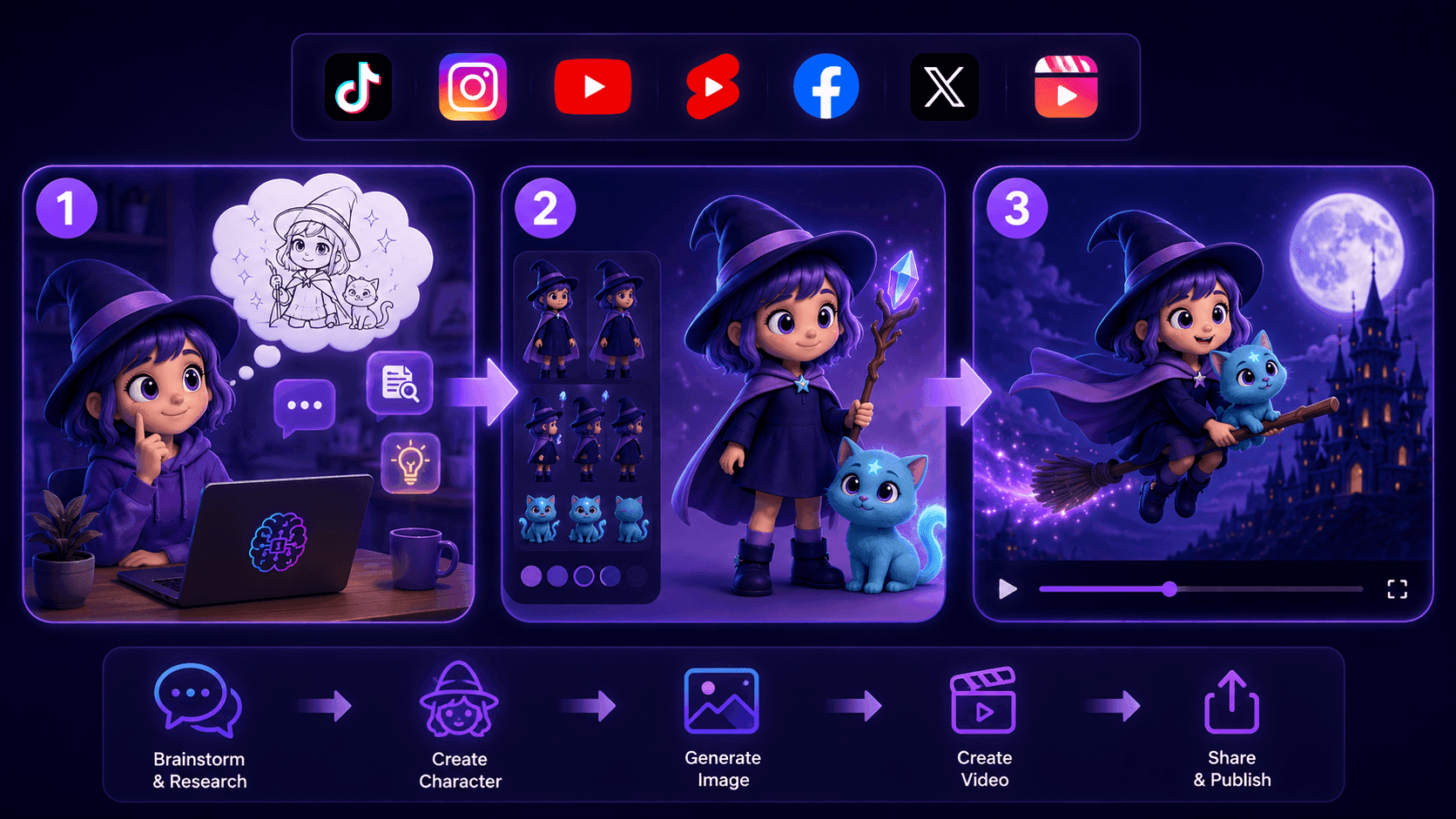
Create Consistent Cartoon Content in Just a Few Steps
Create engaging cartoon videos for TikTok and Reels with 1min.AI. Research ideas, create characters, and turn images into animated videos in 3 simple steps.
 Lien Anh Vu
One Product, 10 UGC Creatives: How AI Makes Content Testing Easier
Create more authentic UGC with an AI UGC video generator, test more creative angles and scale affiliate content without filming every version.
Lien Anh Vu
Top 4 Affordable AI Tools for Startup Founders
Discover the top 4 affordable AI tools for startup founders to validate ideas, build products, create content, and launch faster without overspending.
Tram TaAI Features
Comprehensive AI features that streamline workflows, improve efficiency, and empower teams to achieve more.
Create Consistent Cartoon Content in Just a Few Steps
Create engaging cartoon videos for TikTok and Reels with 1min.AI. Research ideas, create characters, and turn images into animated videos in 3 simple steps.
Lien Anh VuOne Product, 10 UGC Creatives: How AI Makes Content Testing Easier
Create more authentic UGC with an AI UGC video generator, test more creative angles and scale affiliate content without filming every version.
Lien Anh Vu
1minAI: Free AI Grammar Checker
Check grammar for free with 1minAI’s AI grammar checker. Find grammar, spelling, and writing mistakes, improve clarity, and polish your content in seconds.
Tram TaAI Use Cases
A curated collection of AI use cases for business, productivity, and industry-specific applications.
Create Consistent Cartoon Content in Just a Few Steps
Create engaging cartoon videos for TikTok and Reels with 1min.AI. Research ideas, create characters, and turn images into animated videos in 3 simple steps.
Lien Anh VuOne Product, 10 UGC Creatives: How AI Makes Content Testing Easier
Create more authentic UGC with an AI UGC video generator, test more creative angles and scale affiliate content without filming every version.
Lien Anh Vu
Best Time to Post on Instagram: A Practical Guide for Better Engagement
Discover the best time to post on Instagram, including the best days and times for different audiences, plus tips to find the ideal posting schedule for your account.
Tram TaAI Tutorials
Learn how to use AI with practical, step-by-step tutorials.

Black Friday AI Tool Deals in 2026
Discover what Black Friday AI tool deals 2026 has to offer. Find out how to secure the 1min.AI lifetime deal via AppSumo, Dealify, Stack Social, and verify on Trustpilot, Slashdot, and Software Advice.
 Hang Nguyen
Create Consistent Cartoon Content in Just a Few Steps
Create engaging cartoon videos for TikTok and Reels with 1min.AI. Research ideas, create characters, and turn images into animated videos in 3 simple steps.
Lien Anh Vu
[Seedance 2.5 New] Better AI Product Videos, Less Rework in 1min.AI
Use Seedance 2.5 image to video on 1min.AI to create more consistent AI product videos, reduce failed generations, save credits, and improve UGC workflows.
Lien Anh VuAI Guides
Learn AI faster with practical guides, real-world examples, and actionable best practices.

Safely Buy AI Tools Online: 2026 Black Friday Guide
Discover how to find and secure the best Black Friday AI deals online. Learn expert strategies to avoid scams, combat subscription fatigue, and verify software.
Hang NguyenCreate Consistent Cartoon Content in Just a Few Steps
Create engaging cartoon videos for TikTok and Reels with 1min.AI. Research ideas, create characters, and turn images into animated videos in 3 simple steps.
Lien Anh Vu[Seedance 2.5 New] Better AI Product Videos, Less Rework in 1min.AI
Use Seedance 2.5 image to video on 1min.AI to create more consistent AI product videos, reduce failed generations, save credits, and improve UGC workflows.
Lien Anh VuAI Solutions
Browse the best AI solutions for automation, coding, research, productivity, customer support, marketing, and business workflows.
Safely Buy AI Tools Online: 2026 Black Friday Guide
Discover how to find and secure the best Black Friday AI deals online. Learn expert strategies to avoid scams, combat subscription fatigue, and verify software.
Hang NguyenCreate Consistent Cartoon Content in Just a Few Steps
Create engaging cartoon videos for TikTok and Reels with 1min.AI. Research ideas, create characters, and turn images into animated videos in 3 simple steps.
Lien Anh VuOne Product, 10 UGC Creatives: How AI Makes Content Testing Easier
Create more authentic UGC with an AI UGC video generator, test more creative angles and scale affiliate content without filming every version.
Lien Anh VuAI Models
Explore the world's leading AI models in one place.
Create Consistent Cartoon Content in Just a Few Steps
Create engaging cartoon videos for TikTok and Reels with 1min.AI. Research ideas, create characters, and turn images into animated videos in 3 simple steps.
Lien Anh VuOne Product, 10 UGC Creatives: How AI Makes Content Testing Easier
Create more authentic UGC with an AI UGC video generator, test more creative angles and scale affiliate content without filming every version.
Lien Anh Vu[Seedance 2.5 New] Better AI Product Videos, Less Rework in 1min.AI
Use Seedance 2.5 image to video on 1min.AI to create more consistent AI product videos, reduce failed generations, save credits, and improve UGC workflows.
Lien Anh VuAI Comparisons
Compare AI tools, models, and platforms to find the best fit for your needs.
Kling AI Vs Veo 3: Which Model Wins?
Kling AI vs Veo 3: compare motion, native audio, pricing & free tiers to see which AI video generator wins for your project - try both on 1min.AI.
 Trang Tran
[Seedance 2.5 New] Better AI Product Videos, Less Rework in 1min.AI
Use Seedance 2.5 image to video on 1min.AI to create more consistent AI product videos, reduce failed generations, save credits, and improve UGC workflows.
Lien Anh Vu
DeepSeek V4 Pro vs Flash Comparison
Compare DeepSeek V4 Pro vs DeepSeek V4 Flash metrics. Optimize your agentic apps and improve AI fact checking on 1min.ai today.
Ngoc HongAI Integrations
Seamlessly integrate AI with the tools you already use to automate work and boost productivity.
POV: You Have 10+ Posts to Make Every Day
Learn how to build an AI content workflow that helps content creators produce 10+ social media posts a day faster with AI brainstorming, image generation, and content creation.
Lien Anh Vu
How to Use an AI Fashion Video Generator for Fashion Week 2026
Turn Fashion Week 2026 ideas into stunning fashion videos with AI. Learn how to brainstorm, create visuals, and transform images into videos with one simple workflow.
Lien Anh Vu
Stop Switching Between AI Apps: How AI Integration Transforms Employer Branding
Discover how AI integration helps HR teams streamline employer branding by combining AI writing, documents, images, video, and multiple AI models into one workspace.
Tram TaAI for Industries
Find the best AI tools and workflows for healthcare, finance, education, legal, manufacturing, retail, real estate, and more
Claude Opus 5.5 as an AI Writing Assistant for Designers
Discover how designers can use Claude Opus 5.5 on 1min.AI to write portfolio descriptions and social media captions with a simple AI writing workflow.
Lien Anh Vu
Free AI Video Generator From Image No Restrictions
Try a free AI video generator from image with no watermark. Turn photos into videos with audio using Kling, Veo 3.1 and Seedance in 1min.AI. Start now.
Trang Tran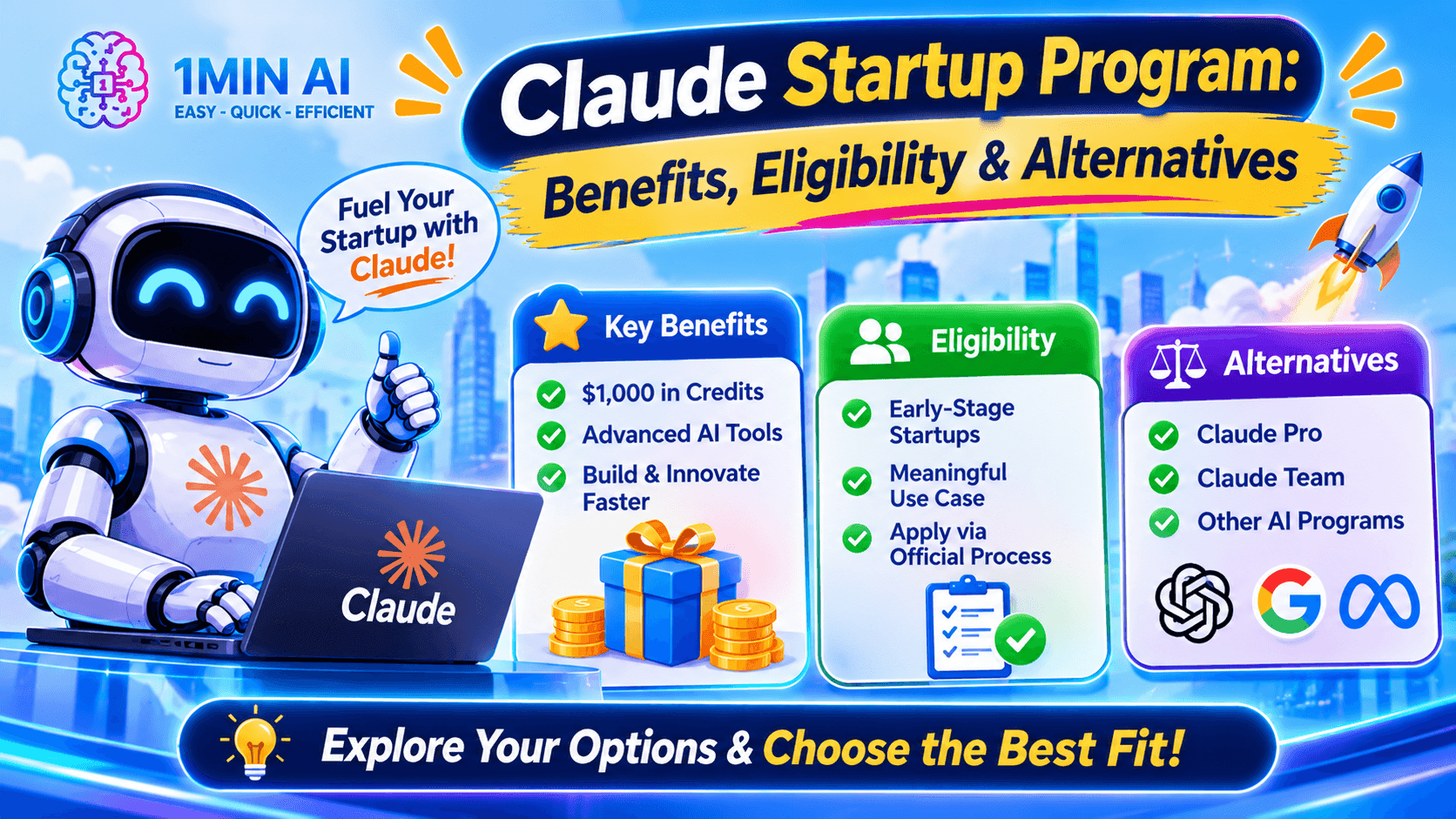
Claude Startup Program: Benefits, Eligibility, and How Startups Can Build with Claude
Learn about the Claude Startup Program, including API credits, Claude Team benefits, eligibility, application steps, and AI tools startups can explore with 1minAI.
Tram TaAI Agents
Discover and run AI agents to automate tasks across your work and daily life.
1minAI: Free AI Grammar Checker
Check grammar for free with 1minAI’s AI grammar checker. Find grammar, spelling, and writing mistakes, improve clarity, and polish your content in seconds.
Tram Ta
AI Agents for Facebook
Use an AI Agent for Facebook to create content, generate images, schedule posts, and publish from your documents and conversations.
Ngoc Hong
AI Agent vs AI Assistant: Which One Actually Saves Designers More Time?
Learn the difference between AI Agent vs AI Assistant and discover which solution helps designers automate repetitive work, reduce revisions, and save more time.
Lien Anh VuAI Workflows
Explore ready-to-use AI workflows for productivity, marketing, sales, support, and more.
Create Consistent Cartoon Content in Just a Few Steps
Create engaging cartoon videos for TikTok and Reels with 1min.AI. Research ideas, create characters, and turn images into animated videos in 3 simple steps.
Lien Anh VuOne Product, 10 UGC Creatives: How AI Makes Content Testing Easier
Create more authentic UGC with an AI UGC video generator, test more creative angles and scale affiliate content without filming every version.
Lien Anh VuPOV: You Have 10+ Posts to Make Every Day
Learn how to build an AI content workflow that helps content creators produce 10+ social media posts a day faster with AI brainstorming, image generation, and content creation.
Lien Anh VuNewsletter
Weekly AI Innovations with 1minAI
🔮 Weekly AI Innovations #144: LinkedIn Content Agent: Complete B2B Publishing Pipeline
Scale B2B influence with the LinkedIn Content Agent on 1min.ai. Discover an end-to-end 4-stage pipeline with zero redundant token burn and 1-click publishing.
Hang Nguyen
🔮 Weekly AI Innovations #143: Update GPT-6, GPT-6.1 & Ideogram 4.0
Access GPT-6 Sol, Luna, GPT-6.1 Sol, and Ideogram 4.0 on 1min.ai. Boost typography accuracy to 98.4% and cut reasoning latency by 45% in one platform.
Hang Nguyen
🔮 Weekly AI Innovations #142: Grok 4.7, Opus 5.5 & Sonnet 5.5 on 1min.ai
Access Grok 4.7, Claude Opus 5.5, and Sonnet 5.5 on 1min.ai. Cut subscription costs by up to 70% and process millions tokens in a single unified workspace.
Hang Nguyen