
How Successful Startup Founders Create a Professional LinkedIn Profile with 1minAI's Content Agent

Tram Ta
November 11, 2026
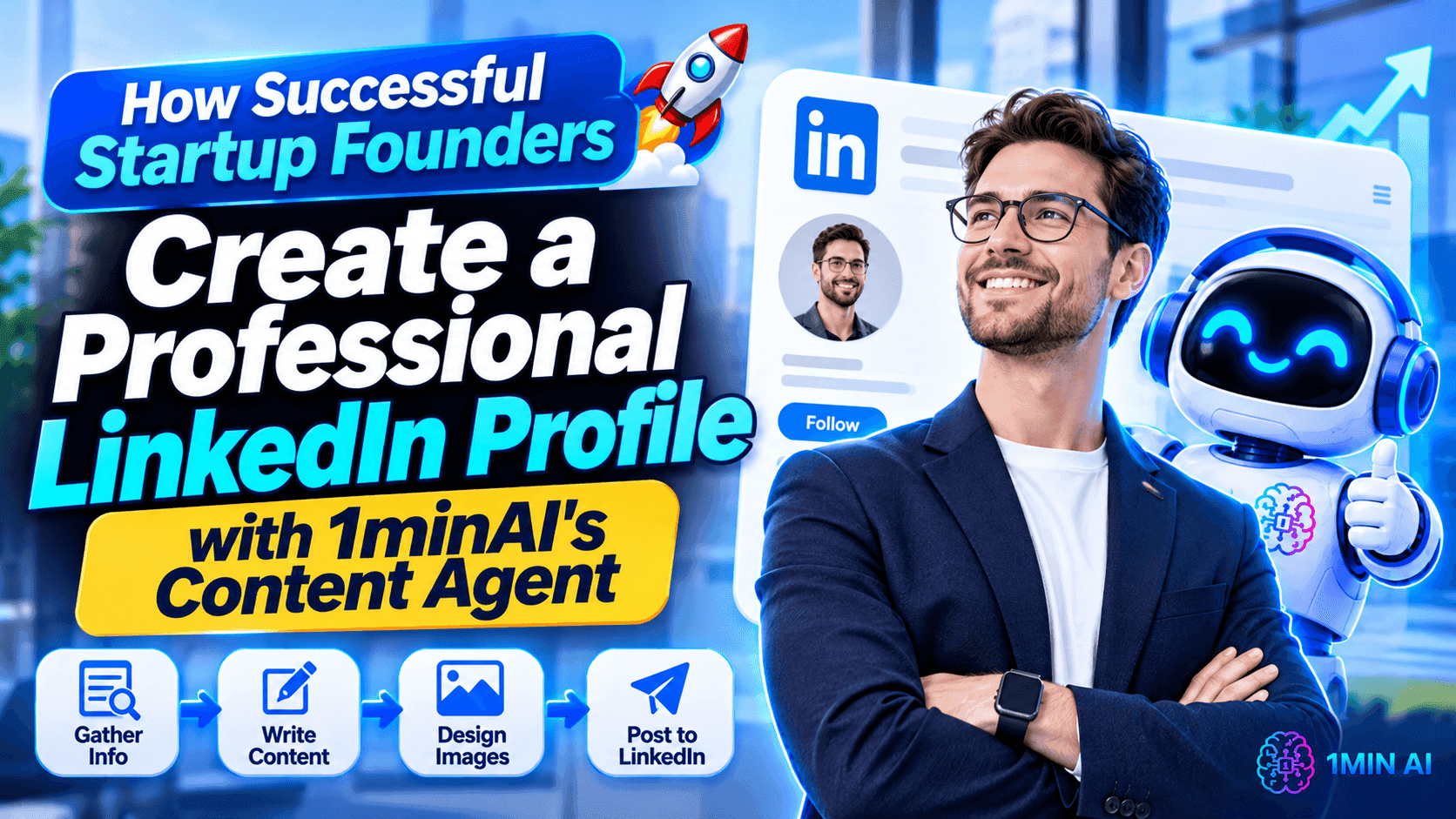
Learn how to create a professional LinkedIn profile as a startup founder. Optimize your headline, About section, and experience, then build your personal brand with 1minAI's LinkedIn Content Agent.
For startup founders, LinkedIn is more than an online resume. It is a place to build professional credibility, share business insights, connect with potential customers, and attract partners, investors, and talent.
But creating a professional LinkedIn profile takes more than adding your job title and uploading a photo. You need to communicate what you do, who you help, what makes your experience valuable, and why people should connect with you.
And once your profile is ready, you need to keep it active with useful content.
This guide explains how to create a LinkedIn profile step by step, with practical examples for startup founders and small business owners. You'll also learn how to use 1minAI's LinkedIn Content Agent to research topics, create posts and visuals, and build a more consistent LinkedIn presence.
1. Why Startup Founders Need a Professional LinkedIn Profile
When someone discovers your startup, they may look up the founder before deciding whether to connect, book a meeting, or learn more about the company.
Your LinkedIn profile can help answer several important questions:
- Who are you?
- What does your business do?
- Who do you serve?
- What experience or expertise do you bring?
- What problems can you help solve?
- How can someone contact or connect with you?
A complete profile makes it easier for people to understand your professional identity.
For startup founders, a strong profile can support several business goals.
Build Trust with Potential Customers
People often want to know who is behind a company before purchasing a product or service.
Your profile gives potential customers an opportunity to understand your background, expertise, and approach to solving problems.
Attract Business Opportunities
A well-positioned profile can help you connect with potential partners, investors, suppliers, and other founders.
When your headline and About section clearly communicate your work, relevant people can better understand why they should reach out.
Build a Recognizable Personal Brand
Your startup has a brand, but your personal reputation matters too.
By sharing lessons, experiences, industry insights, and practical advice, you can gradually establish a recognizable professional voice.
Support Your Startup's Visibility
When your profile communicates your company's mission and expertise, it can create a natural connection between your personal brand and your business.
The key is to make your profile informative and credible—not turn every section into a sales pitch.
How 1minAI's LinkedIn Content Agent Helps Startup Founders Build a Personal Brand
1minAI's LinkedIn Content Agent is designed to connect several content-production steps in one workflow.
Instead of using separate tools for research, writing, image creation, and publishing, founders can work through a connected process:
Gather Information → Write Content → Design Image → Post to Social
The goal is to help you turn business knowledge and ideas into LinkedIn-ready content while reducing repetitive preparation work.
1. Gather Information from Your Business Knowledge
Strong personal-brand content should reflect what you actually know and do.
The LinkedIn Content Agent can start with a topic or relevant business information. You can also use saved Assets containing details about your company, product, or service.
For example, a startup founder could prepare information about:
- The company's mission and positioning.
- Products and services.
- Target customers.
- Common customer problems.
- Product updates.
- Industry expertise.
- Lessons from running the business.
This context gives the content workflow a more useful starting point than a generic request such as "Write a LinkedIn post about entrepreneurship."
2. Generate LinkedIn Posts with AI
After gathering information, move to the writing stage.
You can configure the available writing settings and AI model options to generate content for your intended audience.
For a founder, useful content formats include:
- Personal stories about building a startup.
- Lessons learned from business challenges.
- Industry insights and commentary.
- Product updates.
- Customer problem and solution posts.
- Practical advice for other entrepreneurs.
- Educational posts related to your expertise.
The important part is to give the Agent a clear topic and relevant context.
You should also add your own experience, opinions, and examples before publishing. AI can help structure your ideas, but your perspective is what makes the content personal.
3. Create Supporting Images for LinkedIn Posts
Visuals can help communicate a business idea, explain a concept, or highlight an important takeaway.
The 1minAI LinkedIn Content Agent includes a Design Image stage, allowing you to generate supporting visuals as part of the content workflow.
For example:
- A founder sharing a business lesson could use a simple quote graphic.
- A SaaS founder announcing a feature could create a product-related visual.
- A consultant explaining a framework could use an infographic.
- A startup sharing market insights could create a visual summary.
Choose visuals that support the message rather than adding images just for decoration.
4. Connect Your LinkedIn Account and Configure Publishing
Once the post and visual are ready, you can move to the publishing stage.
The LinkedIn Content Agent supports connecting a LinkedIn destination and configuring publishing options, including manual and scheduled workflows.
You can use this to organize a more consistent publishing routine.
For example, a founder might prepare several posts in advance and schedule them around their weekly business activities.
Always review generated content before it goes live. Check the facts, wording, image, and publishing destination.
5. Reuse Business Information to Keep Your Messaging Consistent
Founders often repeat the same explanations about their products, customers, and business goals.
Saved Assets can help make that information reusable across content workflows.
Instead of repeatedly explaining your company from scratch, you can select relevant business information as context for new posts.
This is useful when creating content around different themes while maintaining consistent positioning.
You can explore the 1minAI LinkedIn Content Agent to learn more about the workflow.
How to Create LinkedIn Content with 1minAI: A Practical Founder Workflow
Let's imagine you are the founder of a B2B SaaS startup.
You want to build your personal brand by sharing practical insights about business automation, but you don't have time to write a new post every morning.
Here is one way to organize the process with 1minAI.
Step 1: Prepare Your Founder and Company Information
Start by organizing information about your professional background and business.
Include:
- Your role and expertise.
- Your startup's mission.
- Your target audience.
- The problems your product solves.
- Your key product features.
- Your preferred communication style.
Use relevant saved Assets where appropriate so the Agent can work from consistent business context.
Step 2: Choose a Topic Your Audience Cares About
Avoid choosing topics only because they are popular.
Start with questions your customers or professional network genuinely care about.
For a B2B SaaS founder, possible topics include:
- Why small businesses struggle with repetitive work.
- How automation changes daily operations.
- Common mistakes when choosing business software.
- Lessons from launching a new product.
- How founders can prioritize product development.
Choose one clear idea for each post.
Step 3: Research the Main Insight
If your topic involves industry trends, statistics, or external information, provide relevant source material.
Ask the AI workflow to identify the key insight and organize the information before drafting.
This helps you create posts that communicate something specific rather than relying on generic statements.
Step 4: Generate a LinkedIn Post
Move to the writing stage and configure the available settings.
You can use a prompt like this as a starting point:
Example prompt:
"Create a LinkedIn post for a B2B SaaS founder about the importance of automating repetitive business tasks.
Target audience: Startup founders and SME owners.
Main message: Small teams should spend less time on repetitive administrative work and more time solving customer problems.
Structure:
- Start with a strong, relatable hook.
- Explain the business problem.
- Share three practical insights.
- Include one actionable takeaway.
- End with a question that encourages meaningful discussion.
Tone: Professional, conversational, and practical. Avoid exaggerated claims, generic motivational language, and unnecessary jargon."
Review the generated draft and add a personal observation or example from your own experience.
Step 5: Generate a Supporting Visual
Move to the image-generation stage.
For the automation topic, you might create a simple visual showing:
"Manual repetitive tasks → Automated workflow → More time for customer-focused work"
Keep the design consistent with your professional brand.
Step 6: Review and Schedule Your Content
Before publishing, check that:
- The post reflects your actual experience or business knowledge.
- The information is accurate.
- The opening communicates one clear idea.
- The visual supports the message.
- The tone matches your professional identity.
- The content is appropriate for your LinkedIn audience.
Then connect your LinkedIn account and configure the publishing option that fits your schedule.
Start with a manageable frequency. Consistency and usefulness matter more than publishing every day without a clear purpose.
How Successful Startup Founders Should Plan Their LinkedIn Content
A professional profile becomes more valuable when the content you publish reinforces the same positioning.
Instead of posting random updates, create a few recurring content pillars.
Here is an example of a weekly plan for a startup founder:
| Day | Content pillar | Example topic |
|---|---|---|
| Monday | Founder insights | One lesson from building a startup |
| Tuesday | Industry knowledge | A common challenge in your industry |
| Wednesday | Educational content | A practical tip for your target customers |
| Thursday | Product and business updates | A new feature or customer problem you are solving |
| Friday | Personal perspective | A mistake, experiment, or lesson from the week |
You don't have to follow this schedule exactly. Adjust it based on your audience, available time, and the quality of ideas you can contribute.
The 1minAI LinkedIn Content Agent can support the preparation of these posts by connecting information gathering, writing, image generation, and publishing.
For founders comparing different content tools, these related guides may also help:
- 1minAI vs Buffer for LinkedIn Content Creation: Explore the difference between a social media scheduling platform and an AI-powered content workflow.
- 1minAI vs EasyGen: Best LinkedIn Content Agent?: Compare LinkedIn-focused content creation approaches.
- 1minAI vs SocialPilot: Best AI Social Media Agent?: Understand how AI-assisted content creation differs from broader social media management.
Conclusion
Learning how to create a LinkedIn profile is an important step for startup founders who want to build credibility, grow their professional network, and make their businesses more visible.
Start with the fundamentals: a professional photo, a clear headline, a compelling About section, relevant experience, and useful work samples.
But don't stop once your profile looks complete. Build a content strategy that helps people understand your expertise and the problems your business solves.
With 1minAI's LinkedIn Content Agent, you can connect information gathering, post writing, image generation, and publishing in one workflow. This gives busy founders a practical way to organize LinkedIn content creation without treating every post as a separate project.
Build a professional profile, share what you know, and let your LinkedIn presence grow alongside your startup.
- #Commerce
Alternatives
Discover the best alternatives to 1minAI and compare features, pricing, and use cases.

1min.AI vs OpenRouter
1min.AI vs. OpenRouter: Compare the ready-to-use AI creation product against the technical API tool. Find out if you need a zero-code creative studio or a coding infrastructure hub.
 Ngoc Hong

1min AI vs Buffer
Compare 1min.AI vs Buffer for Facebook content creation, AI writing, image generation, scheduling, pricing, and everyday marketing workflows.
Ngoc Hong
1min.AI vs ContentStudio Alternative
Compare 1min.AI vs ContentStudio for Facebook content creation, brand context, AI images, publishing, team workflows, and pricing.
Ngoc HongAI Tools
Discover the best AI tools to boost productivity, creativity, and everyday work.
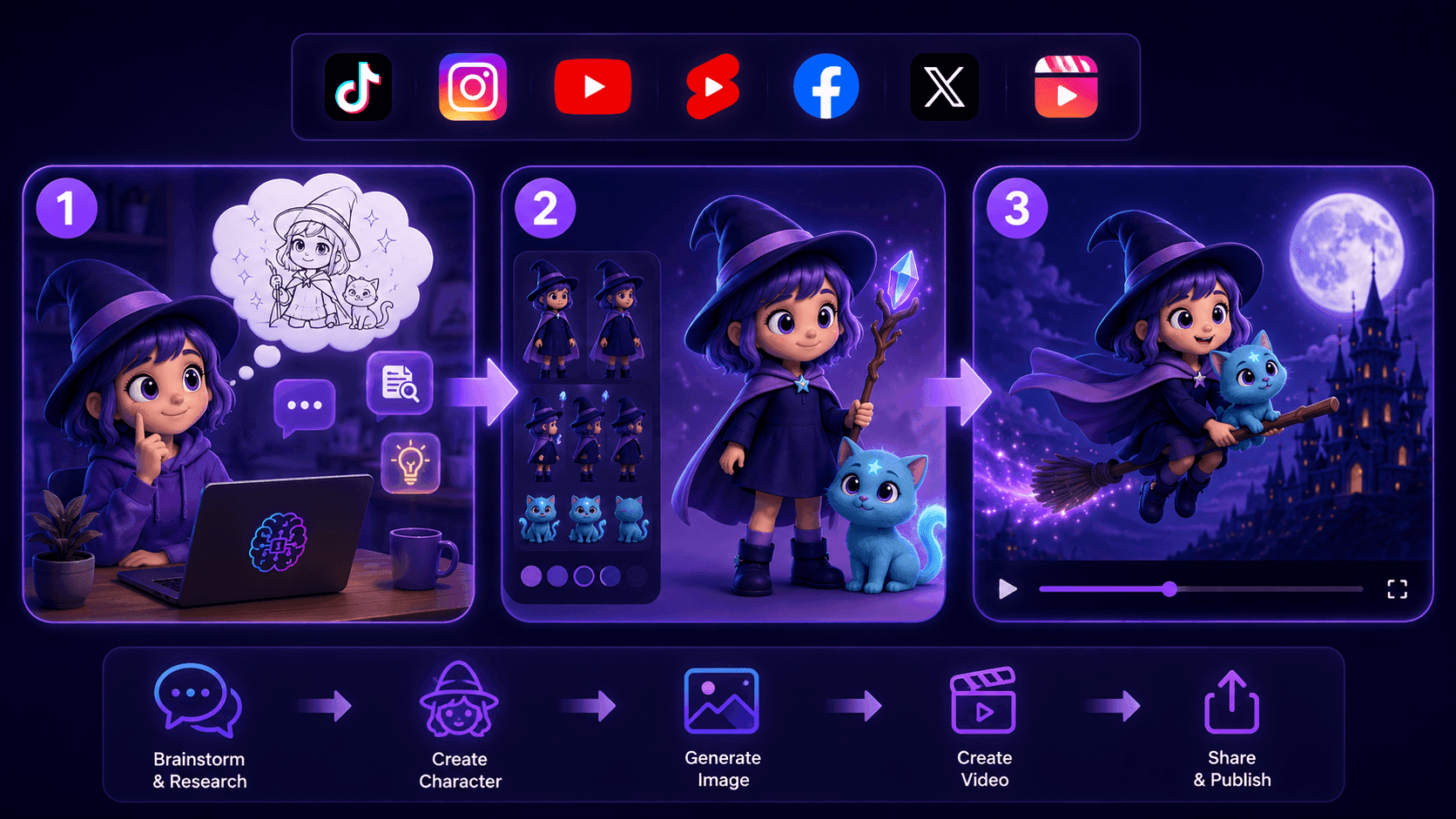
Create Consistent Cartoon Content in Just a Few Steps
Create engaging cartoon videos for TikTok and Reels with 1min.AI. Research ideas, create characters, and turn images into animated videos in 3 simple steps.
 Lien Anh Vu
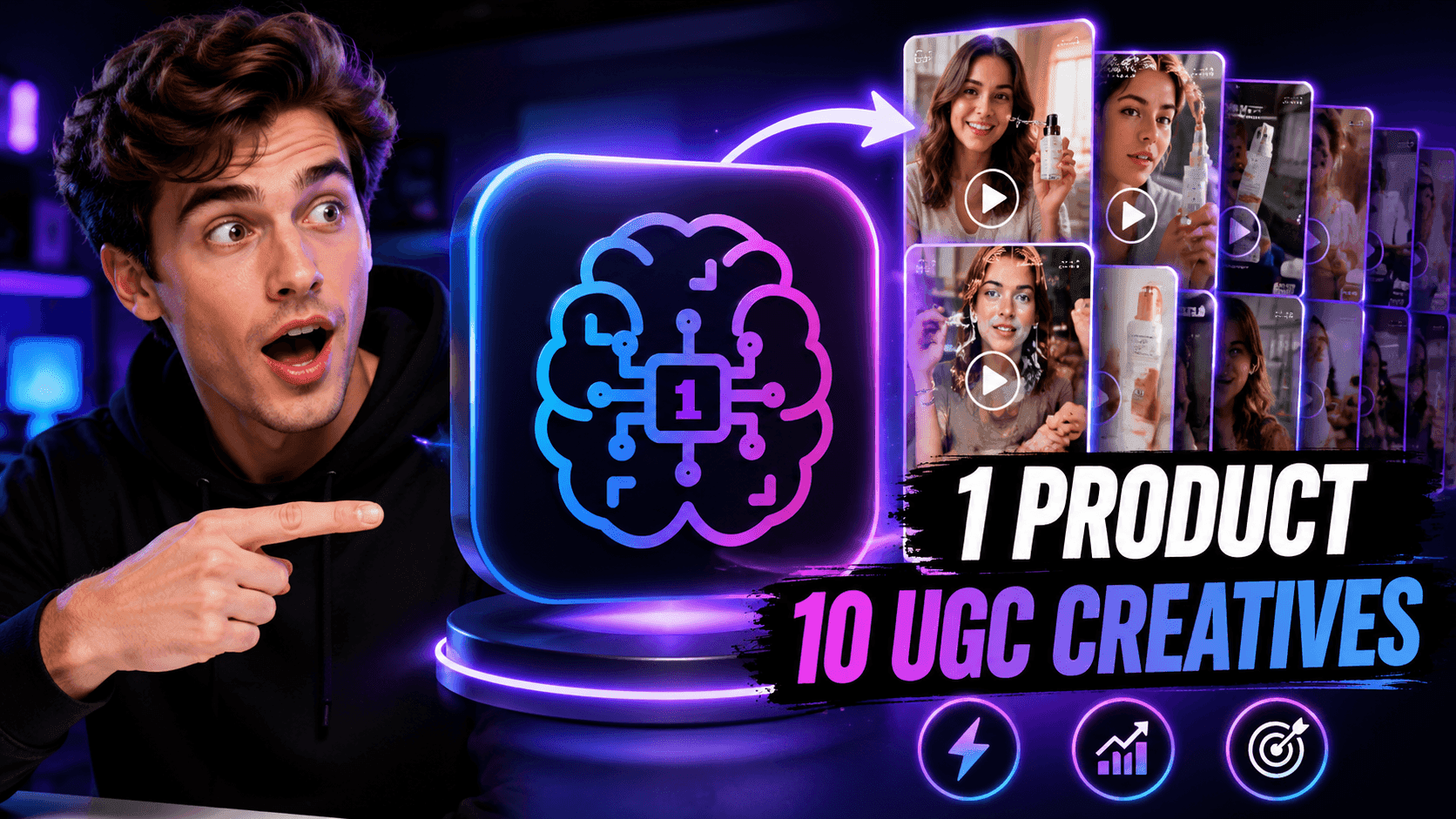
One Product, 10 UGC Creatives: How AI Makes Content Testing Easier
Create more authentic UGC with an AI UGC video generator, test more creative angles and scale affiliate content without filming every version.
Lien Anh Vu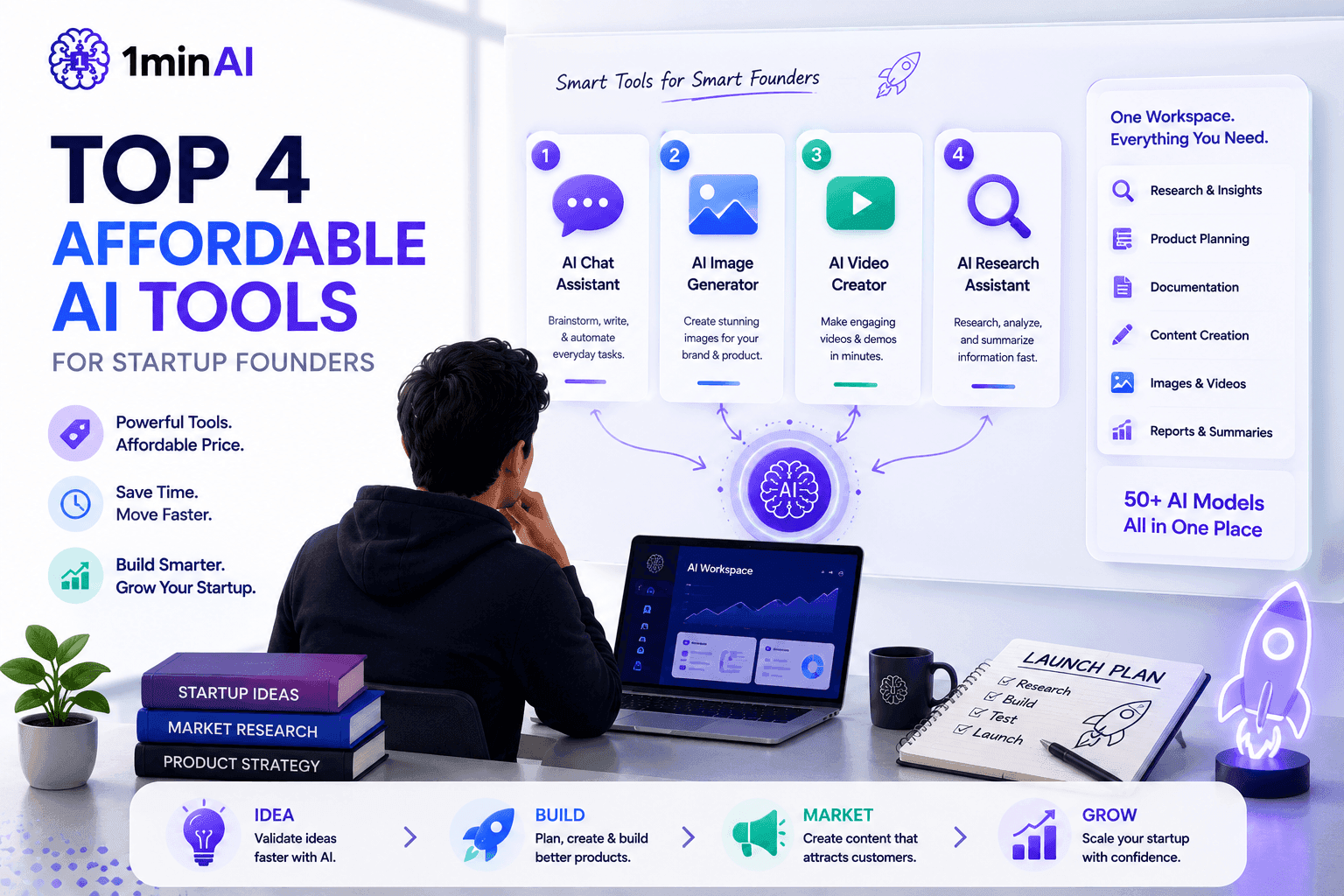
Top 4 Affordable AI Tools for Startup Founders
Discover the top 4 affordable AI tools for startup founders to validate ideas, build products, create content, and launch faster without overspending.
 Tram Ta
AI Features
Comprehensive AI features that streamline workflows, improve efficiency, and empower teams to achieve more.
Create Consistent Cartoon Content in Just a Few Steps
Create engaging cartoon videos for TikTok and Reels with 1min.AI. Research ideas, create characters, and turn images into animated videos in 3 simple steps.
Lien Anh VuOne Product, 10 UGC Creatives: How AI Makes Content Testing Easier
Create more authentic UGC with an AI UGC video generator, test more creative angles and scale affiliate content without filming every version.
Lien Anh Vu
1minAI: Free AI Grammar Checker
Check grammar for free with 1minAI’s AI grammar checker. Find grammar, spelling, and writing mistakes, improve clarity, and polish your content in seconds.
Tram TaAI Use Cases
A curated collection of AI use cases for business, productivity, and industry-specific applications.
Create Consistent Cartoon Content in Just a Few Steps
Create engaging cartoon videos for TikTok and Reels with 1min.AI. Research ideas, create characters, and turn images into animated videos in 3 simple steps.
Lien Anh VuOne Product, 10 UGC Creatives: How AI Makes Content Testing Easier
Create more authentic UGC with an AI UGC video generator, test more creative angles and scale affiliate content without filming every version.
Lien Anh Vu
Best Time to Post on Instagram: A Practical Guide for Better Engagement
Discover the best time to post on Instagram, including the best days and times for different audiences, plus tips to find the ideal posting schedule for your account.
Tram TaAI Tutorials
Learn how to use AI with practical, step-by-step tutorials.

Black Friday AI Tool Deals in 2026
Discover what Black Friday AI tool deals 2026 has to offer. Find out how to secure the 1min.AI lifetime deal via AppSumo, Dealify, Stack Social, and verify on Trustpilot, Slashdot, and Software Advice.
 Hang Nguyen
Create Consistent Cartoon Content in Just a Few Steps
Create engaging cartoon videos for TikTok and Reels with 1min.AI. Research ideas, create characters, and turn images into animated videos in 3 simple steps.
Lien Anh Vu
[Seedance 2.5 New] Better AI Product Videos, Less Rework in 1min.AI
Use Seedance 2.5 image to video on 1min.AI to create more consistent AI product videos, reduce failed generations, save credits, and improve UGC workflows.
Lien Anh VuAI Guides
Learn AI faster with practical guides, real-world examples, and actionable best practices.

Safely Buy AI Tools Online: 2026 Black Friday Guide
Discover how to find and secure the best Black Friday AI deals online. Learn expert strategies to avoid scams, combat subscription fatigue, and verify software.
Hang NguyenCreate Consistent Cartoon Content in Just a Few Steps
Create engaging cartoon videos for TikTok and Reels with 1min.AI. Research ideas, create characters, and turn images into animated videos in 3 simple steps.
Lien Anh Vu[Seedance 2.5 New] Better AI Product Videos, Less Rework in 1min.AI
Use Seedance 2.5 image to video on 1min.AI to create more consistent AI product videos, reduce failed generations, save credits, and improve UGC workflows.
Lien Anh VuAI Solutions
Browse the best AI solutions for automation, coding, research, productivity, customer support, marketing, and business workflows.
Safely Buy AI Tools Online: 2026 Black Friday Guide
Discover how to find and secure the best Black Friday AI deals online. Learn expert strategies to avoid scams, combat subscription fatigue, and verify software.
Hang NguyenCreate Consistent Cartoon Content in Just a Few Steps
Create engaging cartoon videos for TikTok and Reels with 1min.AI. Research ideas, create characters, and turn images into animated videos in 3 simple steps.
Lien Anh VuOne Product, 10 UGC Creatives: How AI Makes Content Testing Easier
Create more authentic UGC with an AI UGC video generator, test more creative angles and scale affiliate content without filming every version.
Lien Anh VuAI Models
Explore the world's leading AI models in one place.
Create Consistent Cartoon Content in Just a Few Steps
Create engaging cartoon videos for TikTok and Reels with 1min.AI. Research ideas, create characters, and turn images into animated videos in 3 simple steps.
Lien Anh VuOne Product, 10 UGC Creatives: How AI Makes Content Testing Easier
Create more authentic UGC with an AI UGC video generator, test more creative angles and scale affiliate content without filming every version.
Lien Anh Vu[Seedance 2.5 New] Better AI Product Videos, Less Rework in 1min.AI
Use Seedance 2.5 image to video on 1min.AI to create more consistent AI product videos, reduce failed generations, save credits, and improve UGC workflows.
Lien Anh VuAI Comparisons
Compare AI tools, models, and platforms to find the best fit for your needs.

Kling AI Vs Veo 3: Which Model Wins?
Kling AI vs Veo 3: compare motion, native audio, pricing & free tiers to see which AI video generator wins for your project - try both on 1min.AI.
 Trang Tran
[Seedance 2.5 New] Better AI Product Videos, Less Rework in 1min.AI
Use Seedance 2.5 image to video on 1min.AI to create more consistent AI product videos, reduce failed generations, save credits, and improve UGC workflows.
Lien Anh Vu
DeepSeek V4 Pro vs Flash Comparison
Compare DeepSeek V4 Pro vs DeepSeek V4 Flash metrics. Optimize your agentic apps and improve AI fact checking on 1min.ai today.
Ngoc HongAI Integrations
Seamlessly integrate AI with the tools you already use to automate work and boost productivity.
POV: You Have 10+ Posts to Make Every Day
Learn how to build an AI content workflow that helps content creators produce 10+ social media posts a day faster with AI brainstorming, image generation, and content creation.
Lien Anh Vu
How to Use an AI Fashion Video Generator for Fashion Week 2026
Turn Fashion Week 2026 ideas into stunning fashion videos with AI. Learn how to brainstorm, create visuals, and transform images into videos with one simple workflow.
Lien Anh Vu
Stop Switching Between AI Apps: How AI Integration Transforms Employer Branding
Discover how AI integration helps HR teams streamline employer branding by combining AI writing, documents, images, video, and multiple AI models into one workspace.
Tram TaAI for Industries
Find the best AI tools and workflows for healthcare, finance, education, legal, manufacturing, retail, real estate, and more

Voice Cloning AI Free: How to Clone Any Voice Online in Minutes
Try voice cloning AI free with 1min.AI. Upload a 5-second clip, pick an ElevenLabs model, choose from 32 languages, and turn text to speech in your own voice.
Trang Tran
Text To Video AI Free Without Watermark Online
Create text to video AI free without watermark online with 1min.AI. Pick top models, turn prompts into HD clips, and download clean videos fast. Try it free.
Trang Tran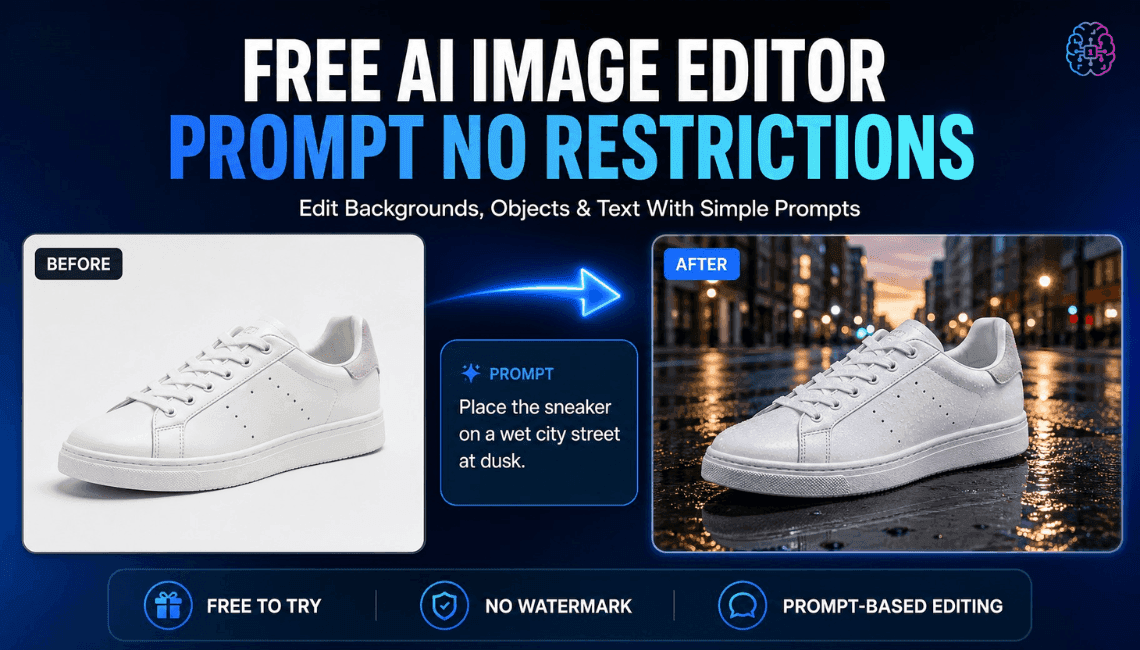
Free AI Image Editor With Prompt No Restrictions
Looking for a free AI image editor with prompt no restrictions? Edit backgrounds, objects and text by typing, no watermark. Try 1min.AI’s flexible editor now.
Trang TranAI Agents
Discover and run AI agents to automate tasks across your work and daily life.
1minAI: Free AI Grammar Checker
Check grammar for free with 1minAI’s AI grammar checker. Find grammar, spelling, and writing mistakes, improve clarity, and polish your content in seconds.
Tram Ta
AI Agents for Facebook
Use an AI Agent for Facebook to create content, generate images, schedule posts, and publish from your documents and conversations.
Ngoc Hong
AI Agent vs AI Assistant: Which One Actually Saves Designers More Time?
Learn the difference between AI Agent vs AI Assistant and discover which solution helps designers automate repetitive work, reduce revisions, and save more time.
Lien Anh VuAI Workflows
Explore ready-to-use AI workflows for productivity, marketing, sales, support, and more.
Create Consistent Cartoon Content in Just a Few Steps
Create engaging cartoon videos for TikTok and Reels with 1min.AI. Research ideas, create characters, and turn images into animated videos in 3 simple steps.
Lien Anh VuOne Product, 10 UGC Creatives: How AI Makes Content Testing Easier
Create more authentic UGC with an AI UGC video generator, test more creative angles and scale affiliate content without filming every version.
Lien Anh VuPOV: You Have 10+ Posts to Make Every Day
Learn how to build an AI content workflow that helps content creators produce 10+ social media posts a day faster with AI brainstorming, image generation, and content creation.
Lien Anh VuNewsletter
Weekly AI Innovations with 1minAI

🔮 Weekly AI Innovations #145: X Content Agent & GPT 6.1 Terra on 1min.ai
Scale viral reach with the X Content Agent on 1min.ai. Discover an end-to-end 4-stage pipeline with zero token burn, plus the launch of GPT 6.1 Terra.
Hang Nguyen
🔮 Weekly AI Innovations #144: LinkedIn Content Agent: Complete B2B Publishing Pipeline
Scale B2B influence with the LinkedIn Content Agent on 1min.ai. Discover an end-to-end 4-stage pipeline with zero redundant token burn and 1-click publishing.
Hang Nguyen
🔮 Weekly AI Innovations #143: Update GPT-6, GPT-6.1 & Ideogram 4.0
Access GPT-6 Sol, Luna, GPT-6.1 Sol, and Ideogram 4.0 on 1min.ai. Boost typography accuracy to 98.4% and cut reasoning latency by 45% in one platform.
Hang Nguyen