
10+ Best AI Image Prompts to Create Better Photos, Ads, Posters & Social Media Graphics

Tram Ta
September 9, 2026
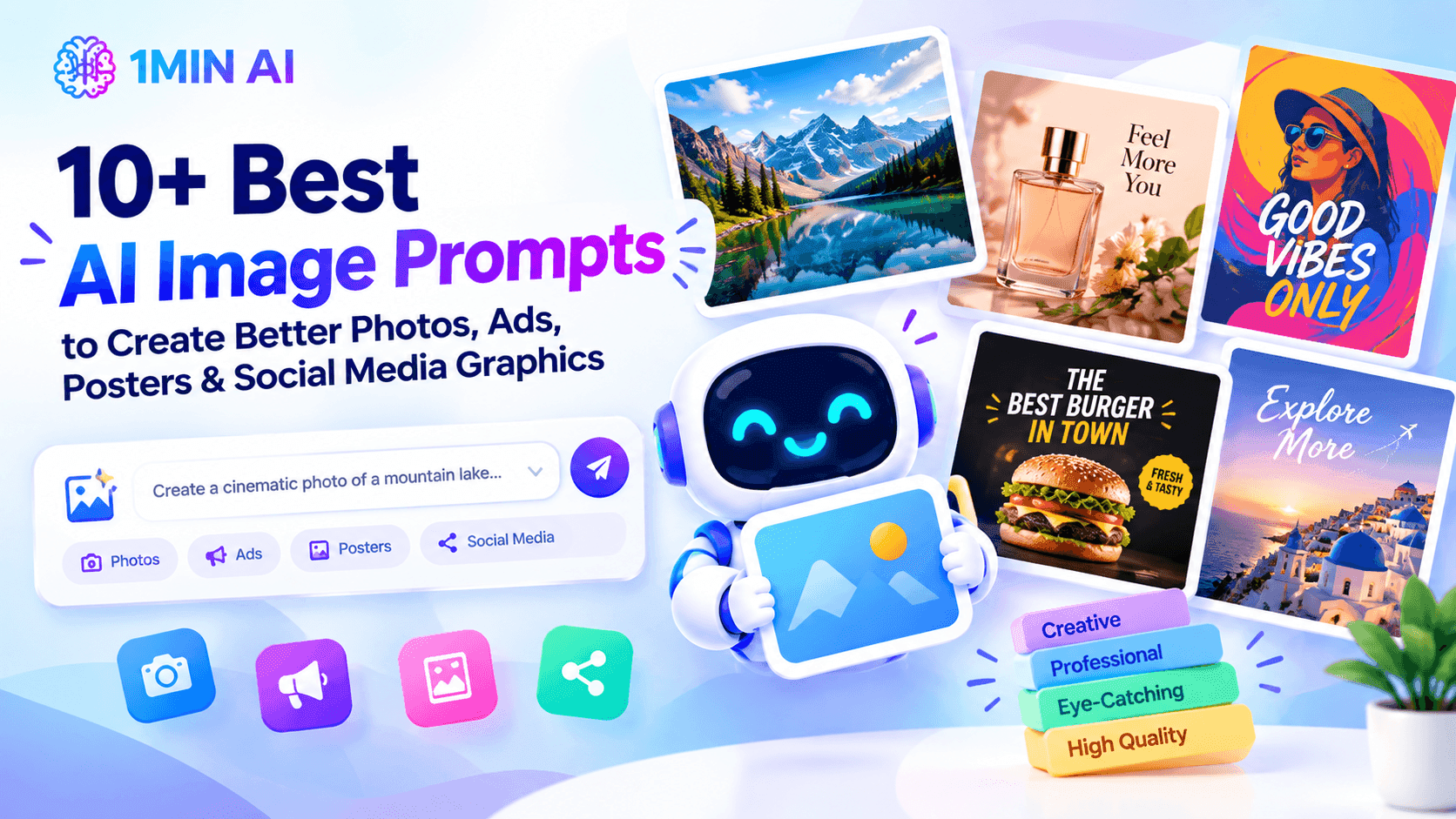
Discover 10+ best AI image prompts for product photos, social media, ads, posters, branding, portraits, and more. Copy, customize, and create better AI images.
Creating an image with AI can be as simple as typing a sentence, but getting an image that actually looks right is a different story. A vague prompt like “make a professional product photo” gives an AI image generator too much freedom to guess the subject, lighting, composition, and style.
A better approach is to write prompts more like a creative brief: describe the subject, setting, composition, lighting, visual style, and intended use. Current AI image-generation guidance consistently recommends this kind of specificity, especially for product photography and social media visuals.
In this guide, you'll find 10+ AI image prompts you can copy, customize, and use for product photos, fashion editorials, social media graphics, ads, posters, branding, blog images, thumbnails, and more.
What Makes a Good AI Image Prompt?
A strong AI image prompt tells the model what to create and how the final image should look.
Instead of:
Weak prompt: Create a beautiful product photo.
Try:
Better prompt: A premium studio photograph of a matte black skincare bottle standing on a warm beige stone surface, soft window light from the left, subtle natural shadow, minimalist luxury aesthetic, centered composition, shallow depth of field, realistic commercial photography, square format.
The second prompt gives the image generator much more useful information.
A simple structure you can follow is:
Subject + Setting + Composition + Lighting + Style + Format
You can also add details such as camera angle, color palette, mood, negative space, and what the image will be used for.
For product images, using a real reference photo can also help preserve the product's actual appearance instead of letting the model reinvent its shape, color, or packaging.
10+ Best AI Image Prompts You Can Copy and Customize
Here are practical AI image prompts for some of the most common image-generation tasks.
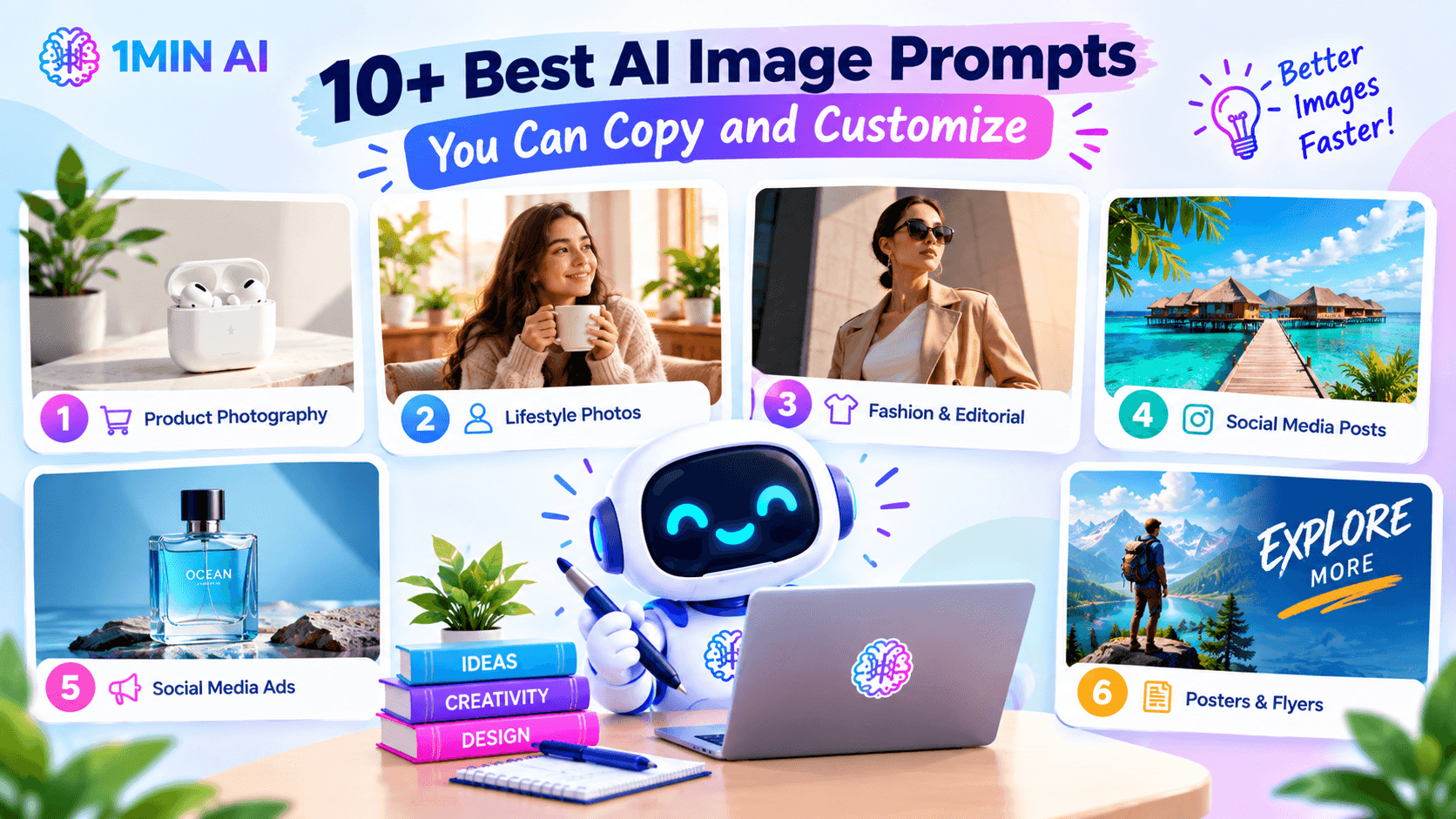
1. AI Prompt for Product Photography
Use this when you need a clean product image for an ecommerce store, website, or marketing campaign.
Prompt: Create a professional commercial product photograph of [PRODUCT], placed on a clean [SURFACE] with a minimal [BACKGROUND]. Use soft studio lighting from the left, realistic shadows, accurate product colors and materials, sharp focus on the product, premium composition, photorealistic photography, clean luxury aesthetic, [ASPECT RATIO].
Tip: Replace [PRODUCT], [SURFACE], and [BACKGROUND] with details specific to your product. For real products, use a reference image whenever possible.
2. AI Prompt for Lifestyle Product Photos
A lifestyle image can make a product feel more natural and relevant than a simple studio shot.
Prompt: Create a realistic lifestyle photograph featuring [PRODUCT] being used in [SETTING] by [TARGET AUDIENCE]. Use natural [TIME OF DAY] lighting, realistic textures, subtle background blur, candid composition, warm and inviting colors, authentic environment, premium commercial photography style, [ASPECT RATIO].
Example: Instead of simply generating “a coffee cup,” you could create a cozy morning scene with the cup on a wooden kitchen table, sunlight entering through a nearby window, and a softly blurred background.
3. AI Prompt for Fashion & Editorial Photography
AI image generation works particularly well for developing fashion concepts, editorial visuals, and magazine-style imagery.
Prompt: Create a high-fashion editorial photograph of a model wearing [OUTFIT], standing in [LOCATION]. Use dramatic directional lighting, sophisticated neutral tones, cinematic composition, refined styling, realistic fabric textures, confident pose, premium fashion magazine aesthetic, 85mm photography look, shallow depth of field, vertical [ASPECT RATIO].
For a more distinctive result, specify the environment and composition instead of relying only on words such as “luxury” or “beautiful.”
4. AI Prompt for Social Media Posts
Social media images need a clear focal point and a composition that works within a feed.
Prompt: Create a scroll-stopping social media visual about [TOPIC], featuring [MAIN SUBJECT] as the clear focal point. Use a modern [VISUAL STYLE] aesthetic, bold but balanced composition, [COLOR PALETTE], strong lighting, clean background, realistic details, and intentional negative space in the [TOP/LEFT/RIGHT] area for headline text. Vertical [ASPECT RATIO], optimized for social media.
Leaving intentional empty space can be especially useful when you plan to add real text later in a design tool.
5. AI Prompt for Social Media Ads
Want to turn an idea into a promotional visual?
Prompt: Create a high-converting social media advertising image for [PRODUCT/SERVICE]. Show [MAIN BENEFIT OR VISUAL CONCEPT] as the central focus, with [BACKGROUND/SETTING], professional commercial lighting, modern brand aesthetic, clean composition, strong visual hierarchy, [BRAND COLORS], and clear negative space for a headline and call-to-action. Professional advertising photography, [ASPECT RATIO].
Keep the visual hierarchy simple. The viewer should understand the main subject quickly rather than having to search through a crowded composition.
6. AI Prompt for Posters & Flyers
AI can help generate the visual foundation for event posters, promotional campaigns, and creative flyers.
Prompt: Create a modern promotional poster for [EVENT/CAMPAIGN]. Feature [MAIN SUBJECT] prominently in the center, with a visually striking [STYLE] background, [COLOR PALETTE], dramatic but controlled lighting, balanced composition, and clear empty areas for adding the event title, date, location, and call-to-action later. High-quality commercial design, vertical poster format, [ASPECT RATIO], no watermark.
If the poster requires precise wording, consider generating the visual first and adding the final typography afterward. AI-generated text can still be inconsistent across image models.
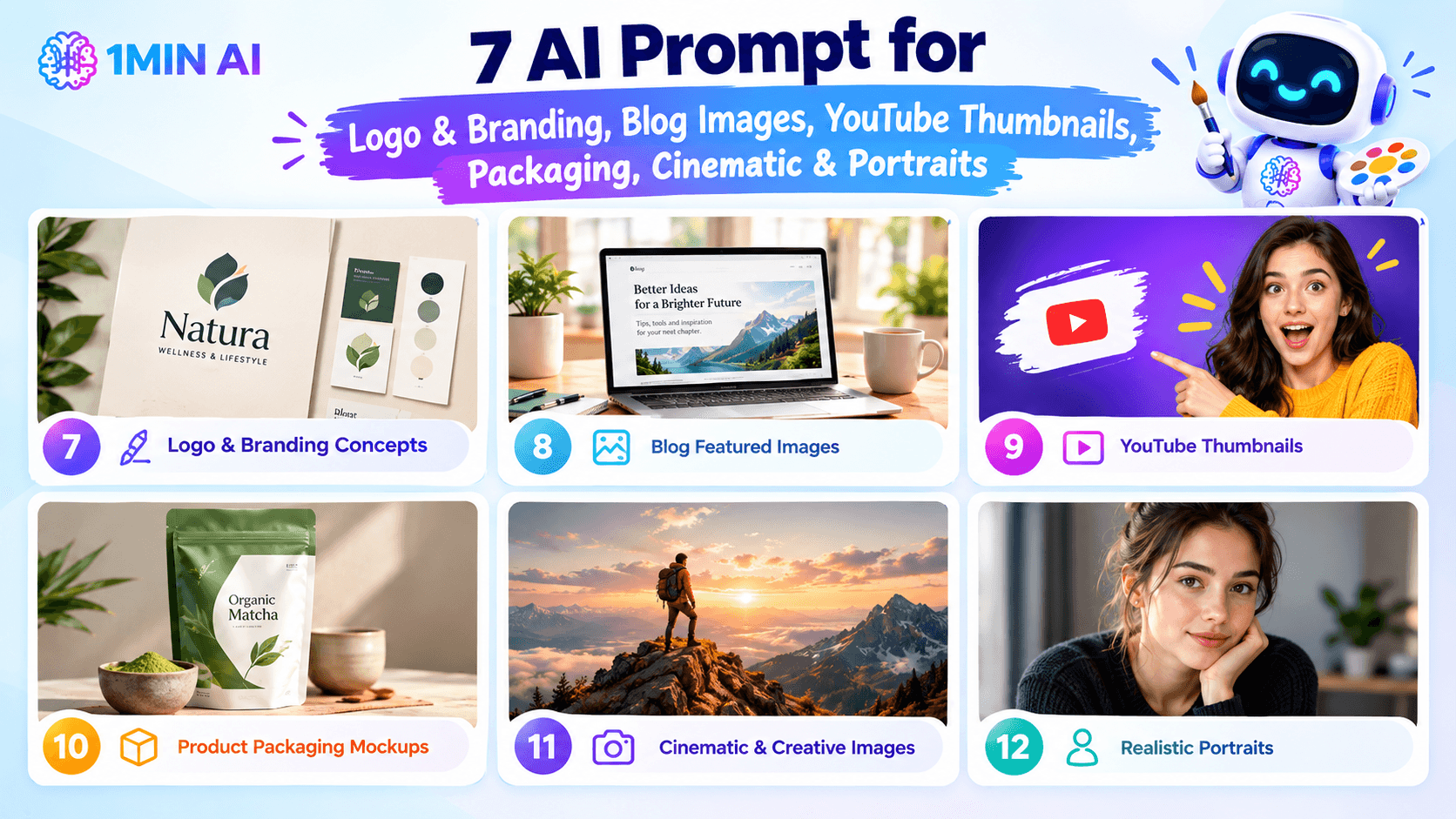
7. AI Prompt for Logo & Branding Concepts
Instead of asking AI to create a final logo immediately, use it to explore visual directions.
Prompt: Develop a premium visual branding concept for [BRAND NAME], a [BUSINESS TYPE] targeting [TARGET AUDIENCE]. Explore a [STYLE] identity using [COLOR PALETTE], distinctive geometric shapes, refined typography inspiration, minimal composition, professional brand presentation, clean background, sophisticated and memorable visual direction.
You can then use the strongest concept as inspiration for a finalized brand identity.
8. AI Prompt for Blog Featured Images
Need a hero image for a blog article?
Prompt: Create a professional editorial hero image for an article about [ARTICLE TOPIC]. Visually represent [MAIN IDEA] using [SUBJECTS/OBJECTS]. Use a clean modern composition, [COLOR PALETTE], subtle depth of field, professional lighting, sophisticated editorial style, minimal visual clutter, and generous negative space for the article title. Wide landscape composition, [ASPECT RATIO].
This format works especially well when you need consistent visuals across a blog.
9. AI Prompt for YouTube Thumbnails
A thumbnail needs to communicate its idea quickly.
Prompt: Create a highly engaging YouTube thumbnail about [VIDEO TOPIC]. Feature [MAIN SUBJECT] prominently in the foreground with a strong facial expression or visually interesting action, dramatic lighting, high contrast, clean background, vibrant but controlled colors, clear visual hierarchy, and empty space on the [LEFT/RIGHT] for adding a short headline. Eye-catching creator-style thumbnail, 16:9 composition.
Avoid overcrowding the image. A single dominant subject is usually more effective than filling every part of the frame.
10. AI Prompt for Product Packaging Mockups
Packaging concepts can help marketers and designers visualize new products before production.
Prompt: Create a realistic premium packaging mockup for [PRODUCT] using [PACKAGING TYPE]. Place the package on a [SURFACE] with a sophisticated [BACKGROUND]. Use [COLOR PALETTE], realistic material texture, soft directional lighting, subtle shadows, premium commercial photography, front three-quarter camera angle, clean composition, and realistic proportions. Leave the main label area clean for adding final branding later.
For actual packaging, always verify the final dimensions, labels, logos, and text separately rather than treating an AI-generated mockup as production-ready artwork.
11. AI Prompt for Cinematic & Creative Images
Sometimes you don't need a commercial image. You just need something visually memorable.
Prompt: Create a cinematic scene showing [SUBJECT] in [ENVIRONMENT]. Use dramatic atmospheric lighting, [TIME OF DAY], rich cinematic color grading, realistic textures, strong depth, detailed environment, dynamic composition, subtle film grain, and a sense of [MOOD/EMOTION]. Photorealistic cinematic photography, [CAMERA ANGLE], [ASPECT RATIO].
This structure works well for storytelling, concept art, campaign visuals, and creative projects.
12. AI Prompt for Realistic Portraits
AI portraits can be useful for creative concepts, profile imagery, and visual storytelling.
Prompt: Create a realistic professional portrait of [PERSON DESCRIPTION] wearing [CLOTHING], photographed in [SETTING]. Use soft natural light from the side, realistic skin texture, natural expression, subtle background blur, authentic details, flattering composition, editorial portrait photography, 85mm lens look, shallow depth of field, [ASPECT RATIO].
Add details such as wardrobe, environment, lighting direction, and mood to create a more controlled result.
How to Get Better Results From AI Image Prompts
Having a prompt template is useful, but small changes can make a major difference.
Be specific about the shot
“Luxury product image” is vague.
“Three-quarter product photograph on beige stone with soft window light from the left” gives the model a much clearer visual direction.
Current product-photography guidance similarly recommends describing the scene, surface, lighting, camera angle, composition, and final use instead of relying on generic quality terms.
Describe composition and empty space
If you're creating an image for an advertisement, blog, or social post, tell the model where the subject should appear.
For example:
Prompt: Place the product in the lower-right third of the image with clean negative space across the upper-left area for headline text.
This makes the generated image much easier to use in an actual design.
Match the aspect ratio to the destination
Think about where the image will appear before generating it.
- Blog hero: landscape
- Instagram/social post: square or vertical
- Story/Reels: vertical
- YouTube thumbnail: 16:9
- Poster: vertical
- Product listing: follow the marketplace's image requirements
1minAI's own image-generation guide also recommends choosing the aspect ratio based on where the finished image will be used.
Refine one thing at a time
Don't completely rewrite a prompt every time the result misses something.
If the composition is good but the lighting is wrong, change the lighting.
If the product looks right but the background is too busy, simplify the background.
This makes it easier to understand which instructions are actually improving your output. Shopify similarly recommends generating options, reviewing the results, and refining specific elements rather than stopping after the first generation.
Use real reference images for real products
If you're creating an image of something that actually exists—a product, package, piece of furniture, or other physical object—start with a clear reference image when your tool supports it.
The prompt can then focus on how you want the object photographed, rather than forcing the model to recreate every physical detail from text
Create Better AI Images With 1minAI
With 1minAI, you can turn your AI image prompts into visuals using different AI models and aspect ratios in one workspace. You can also refine the results with built-in image editing tools, including object and background removal, image upscaling, and image variations.
Whether you're creating product photos, social media graphics, ads, posters, or creative visuals, 1minAI makes it easier to go from prompt → generate → edit → publish without switching between multiple tools.
For further information: READ HERE
Alternatives
Discover the best alternatives to 1minAI and compare features, pricing, and use cases.

1min.AI vs OpenRouter
1min.AI vs. OpenRouter: Compare the ready-to-use AI creation product against the technical API tool. Find out if you need a zero-code creative studio or a coding infrastructure hub.
 Ngoc Hong
1min.AI vs Chatplayground AI
Compare 1min.AI (Voice Cloning, Object Removal, Team Plans) vs. ChatPlayground AI (14+ Models, Teams/O365 Integration). Discover the superior platform for predictable pricing and long-term content production growth.
Ngoc Hong
1min.AI vs Krater AI
Compare 1min.AI vs Krater AI features, pricing, AI models, and workflows to find the best all-in-one AI tool for content, design, and productivity.
Ngoc HongAI Tools
Discover the best AI tools to boost productivity, creativity, and everyday work.

Top 4 Affordable AI Tools for Startup Founders
Discover the top 4 affordable AI tools for startup founders to validate ideas, build products, create content, and launch faster without overspending.
 Tram Ta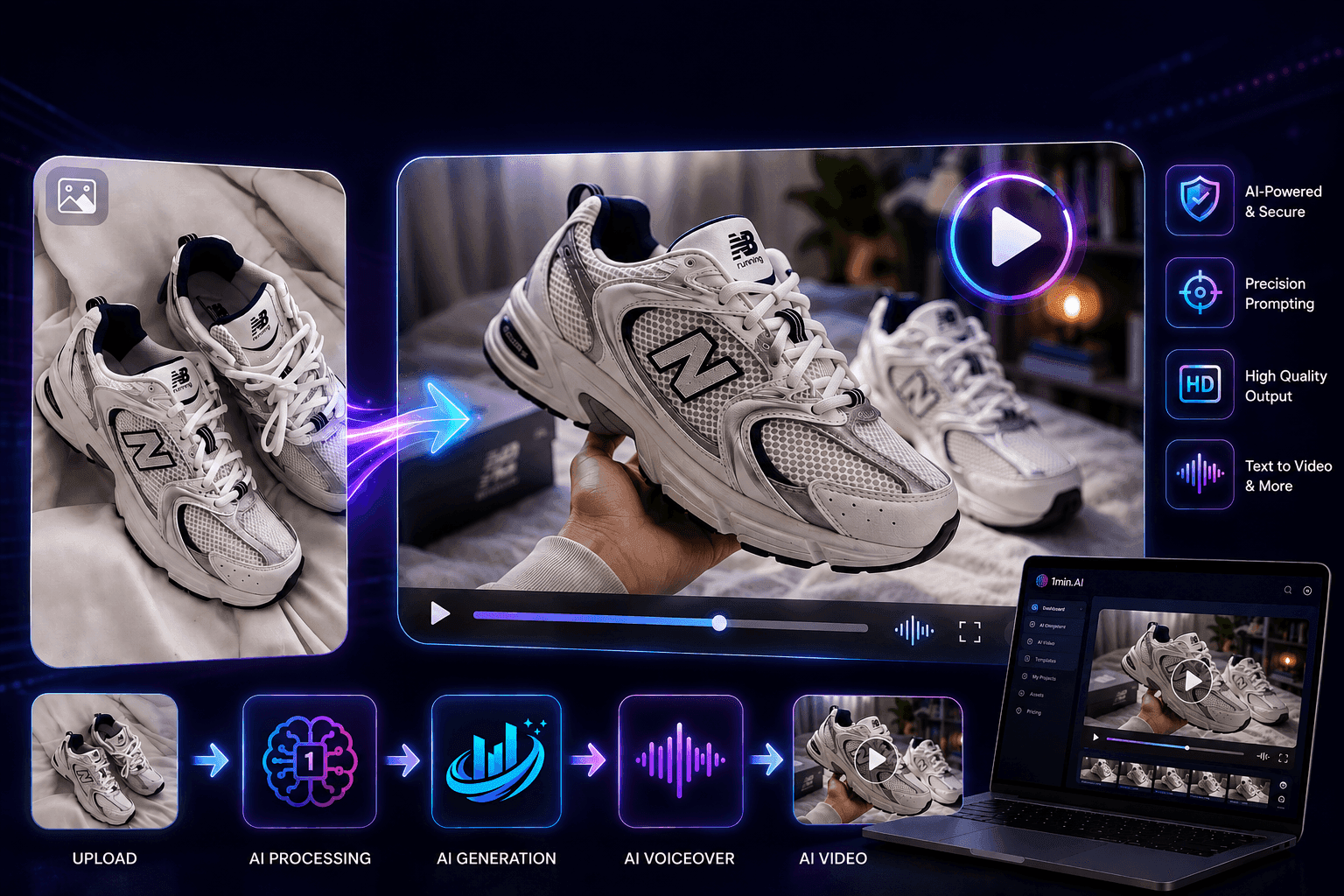
[Seedance 2.5 New] Better AI Product Videos, Less Rework in 1min.AI
Discover how AI image-to-video product consistency helps creators reduce failed generations, save AI credits, and produce more usable commercial and UGC content.
 Lien Anh Vu
Turn “Make It Better” Into Better Content With AI
Use AI to turn vague client feedback into clear revisions, reduce unnecessary edits, and deliver better content faster.
Lien Anh VuAI Features
Comprehensive AI features that streamline workflows, improve efficiency, and empower teams to achieve more.

One Product, 10 UGC Creatives: How AI Makes Content Testing Easier
Create more authentic UGC with an AI UGC video generator, test more creative angles and scale affiliate content without filming every version.
Lien Anh Vu
Create Consistent Cartoon Content in Just a Few Steps
Create cartoon videos for TikTok and Reels in 3 simple steps with 1min.AI, from researching ideas to characters and animated videos.
Lien Anh Vu
1minAI: Free AI Grammar Checker
Check grammar for free with 1minAI’s AI grammar checker. Find grammar, spelling, and writing mistakes, improve clarity, and polish your content in seconds.
Tram TaAI Use Cases
A curated collection of AI use cases for business, productivity, and industry-specific applications.
One Product, 10 UGC Creatives: How AI Makes Content Testing Easier
Create more authentic UGC with an AI UGC video generator, test more creative angles and scale affiliate content without filming every version.
Lien Anh Vu
Best Time to Post on Instagram: A Practical Guide for Better Engagement
Discover the best time to post on Instagram, including the best days and times for different audiences, plus tips to find the ideal posting schedule for your account.
Tram TaTurn “Make It Better” Into Better Content With AI
Use AI to turn vague client feedback into clear revisions, reduce unnecessary edits, and deliver better content faster.
Lien Anh VuAI Tutorials
Learn how to use AI with practical, step-by-step tutorials.

Black Friday AI Tool Deals in 2026
Discover what Black Friday AI tool deals 2026 has to offer. Find out how to secure the 1min.AI lifetime deal via AppSumo, Dealify, Stack Social, and verify on Trustpilot, Slashdot, and Software Advice.
 Hang Nguyen
Create Consistent Cartoon Content in Just a Few Steps
Create cartoon videos for TikTok and Reels in 3 simple steps with 1min.AI, from researching ideas to characters and animated videos.
Lien Anh Vu[Seedance 2.5 New] Better AI Product Videos, Less Rework in 1min.AI
Discover how AI image-to-video product consistency helps creators reduce failed generations, save AI credits, and produce more usable commercial and UGC content.
Lien Anh VuAI Guides
Learn AI faster with practical guides, real-world examples, and actionable best practices.

Safely Buy AI Tools Online: 2026 Black Friday Guide
Discover how to find and secure the best Black Friday AI deals online. Learn expert strategies to avoid scams, combat subscription fatigue, and verify software.
Hang NguyenCreate Consistent Cartoon Content in Just a Few Steps
Create cartoon videos for TikTok and Reels in 3 simple steps with 1min.AI, from researching ideas to characters and animated videos.
Lien Anh Vu[Seedance 2.5 New] Better AI Product Videos, Less Rework in 1min.AI
Discover how AI image-to-video product consistency helps creators reduce failed generations, save AI credits, and produce more usable commercial and UGC content.
Lien Anh VuAI Solutions
Browse the best AI solutions for automation, coding, research, productivity, customer support, marketing, and business workflows.

Free AI Tattoo Generator: Custom Designs
Turn any idea into a custom tattoo design with 1min.AI's free AI tattoo generator. Describe your idea, pick a style, and download in seconds.
 Trang Tran
Safely Buy AI Tools Online: 2026 Black Friday Guide
Discover how to find and secure the best Black Friday AI deals online. Learn expert strategies to avoid scams, combat subscription fatigue, and verify software.
Hang Nguyen[Seedance 2.5 New] Better AI Product Videos, Less Rework in 1min.AI
Discover how AI image-to-video product consistency helps creators reduce failed generations, save AI credits, and produce more usable commercial and UGC content.
Lien Anh VuAI Models
Explore the world's leading AI models in one place.
One Product, 10 UGC Creatives: How AI Makes Content Testing Easier
Create more authentic UGC with an AI UGC video generator, test more creative angles and scale affiliate content without filming every version.
Lien Anh VuCreate Consistent Cartoon Content in Just a Few Steps
Create cartoon videos for TikTok and Reels in 3 simple steps with 1min.AI, from researching ideas to characters and animated videos.
Lien Anh Vu[Seedance 2.5 New] Better AI Product Videos, Less Rework in 1min.AI
Discover how AI image-to-video product consistency helps creators reduce failed generations, save AI credits, and produce more usable commercial and UGC content.
Lien Anh VuAI Comparisons
Compare AI tools, models, and platforms to find the best fit for your needs.

Kling AI Vs Veo 3: Which Model Wins?
Kling AI vs Veo 3: compare motion, native audio, pricing & free tiers to see which AI video generator wins for your project - try both on 1min.AI.
Trang Tran[Seedance 2.5 New] Better AI Product Videos, Less Rework in 1min.AI
Discover how AI image-to-video product consistency helps creators reduce failed generations, save AI credits, and produce more usable commercial and UGC content.
Lien Anh Vu
DeepSeek V4 Pro vs Flash Comparison
Compare DeepSeek V4 Pro vs DeepSeek V4 Flash metrics. Optimize your agentic apps and improve AI fact checking on 1min.ai today.
Ngoc HongAI Integrations
Seamlessly integrate AI with the tools you already use to automate work and boost productivity.

POV: You Have 10+ Posts to Make Every Day
Learn how to build an AI content workflow that helps content creators produce 10+ social media posts a day faster with AI brainstorming, image generation, and content creation.
Lien Anh Vu
How to Use an AI Fashion Video Generator for Fashion Week 2026
Turn Fashion Week 2026 ideas into stunning fashion videos with AI. Learn how to brainstorm, create visuals, and transform images into videos with one simple workflow.
Lien Anh Vu
Stop Switching Between AI Apps: How AI Integration Transforms Employer Branding
Discover how AI integration helps HR teams streamline employer branding by combining AI writing, documents, images, video, and multiple AI models into one workspace.
Tram TaAI for Industries
Find the best AI tools and workflows for healthcare, finance, education, legal, manufacturing, retail, real estate, and more

Free AI Real Estate Video Generator
Turn listing photos into narrated property videos with AI real estate video tools. See how 1min.AI creates walkthroughs, voiceovers & captions in minutes.
Trang Tran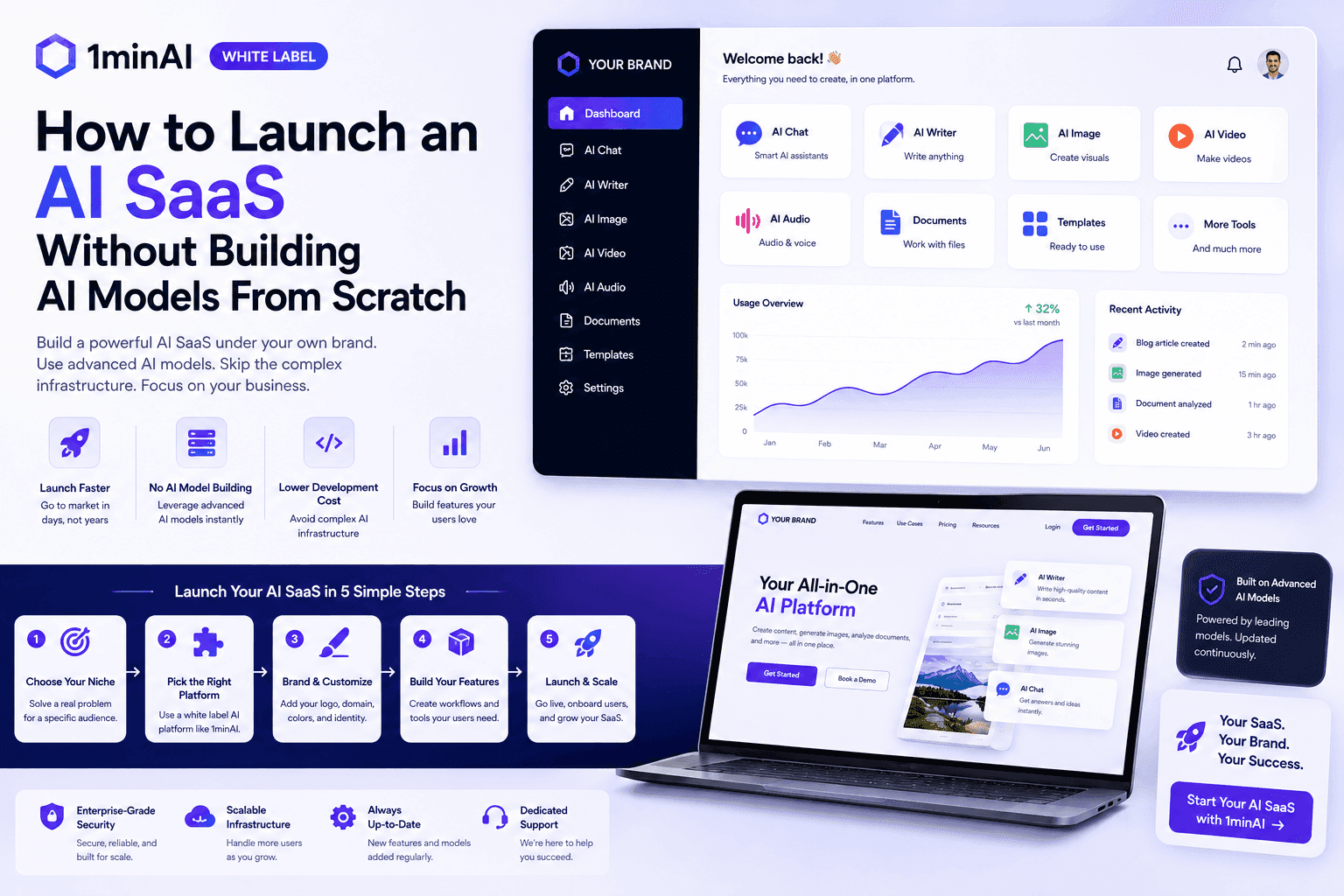
How to Launch an AI SaaS Without Building AI Models From Scratch
Learn how to launch an AI SaaS without building AI models from scratch. Explore white-label AI, product strategy, branding, pricing, and how 1minAI can help.
Tram Ta
Free AI Tools for Photographers to Elevate Creative Work
Discover free AI tools for photographers to edit images, create visuals and videos, develop content, and streamline client workflows with 1min.AI.
Lien Anh VuAI Agents
Discover and run AI agents to automate tasks across your work and daily life.
1minAI: Free AI Grammar Checker
Check grammar for free with 1minAI’s AI grammar checker. Find grammar, spelling, and writing mistakes, improve clarity, and polish your content in seconds.
Tram Ta
AI Agent vs AI Assistant: Which One Actually Saves Designers More Time?
Learn the difference between AI Agent vs AI Assistant and discover which solution helps designers automate repetitive work, reduce revisions, and save more time.
Lien Anh Vu
Free AI Picture Generator: Create Images in Minutes With 1minAI
Create images in minutes with a free AI picture generator. Learn how to generate high-quality visuals with 1minAI using simple prompts and AI models.
Tram TaAI Workflows
Explore ready-to-use AI workflows for productivity, marketing, sales, support, and more.
Create Consistent Cartoon Content in Just a Few Steps
Create cartoon videos for TikTok and Reels in 3 simple steps with 1min.AI, from researching ideas to characters and animated videos.
Lien Anh VuPOV: You Have 10+ Posts to Make Every Day
Learn how to build an AI content workflow that helps content creators produce 10+ social media posts a day faster with AI brainstorming, image generation, and content creation.
Lien Anh VuHow to Use an AI Fashion Video Generator for Fashion Week 2026
Turn Fashion Week 2026 ideas into stunning fashion videos with AI. Learn how to brainstorm, create visuals, and transform images into videos with one simple workflow.
Lien Anh VuNewsletter
Weekly AI Innovations with 1minAI

🔮 Weekly AI Innovations #136: Grok 4.6 and Smart Data Retention
Discover the latest 1min.ai updates! Upgrade to Grok 4.6 for blazing-fast AI, and check our new Data Retention policies to secure your files today.
Hang Nguyen
🔮 Weekly AI Innovations #135: Claude Opus 5 and new AI Social Features
Experience the powerful Claude Opus 5 model, and explore new AI Social features like User Pages and Following creators.
Hang Nguyen
🔮 Weekly AI Innovations #134: Experience Free Qwen on AI Chat; The 3.7 and 3.6 Series Update
Looking for a powerful, free AI assistant? Explore the latest Qwen 3.7 and 3.6 series on 1min.ai. Enjoy high-speed, accurate AI chat at zero cost today!
Hang Nguyen