
Keyword Research vs. Content Generator: Which Should Come First in an SEO Workflow?

Uyen Hoang
September 15, 2026
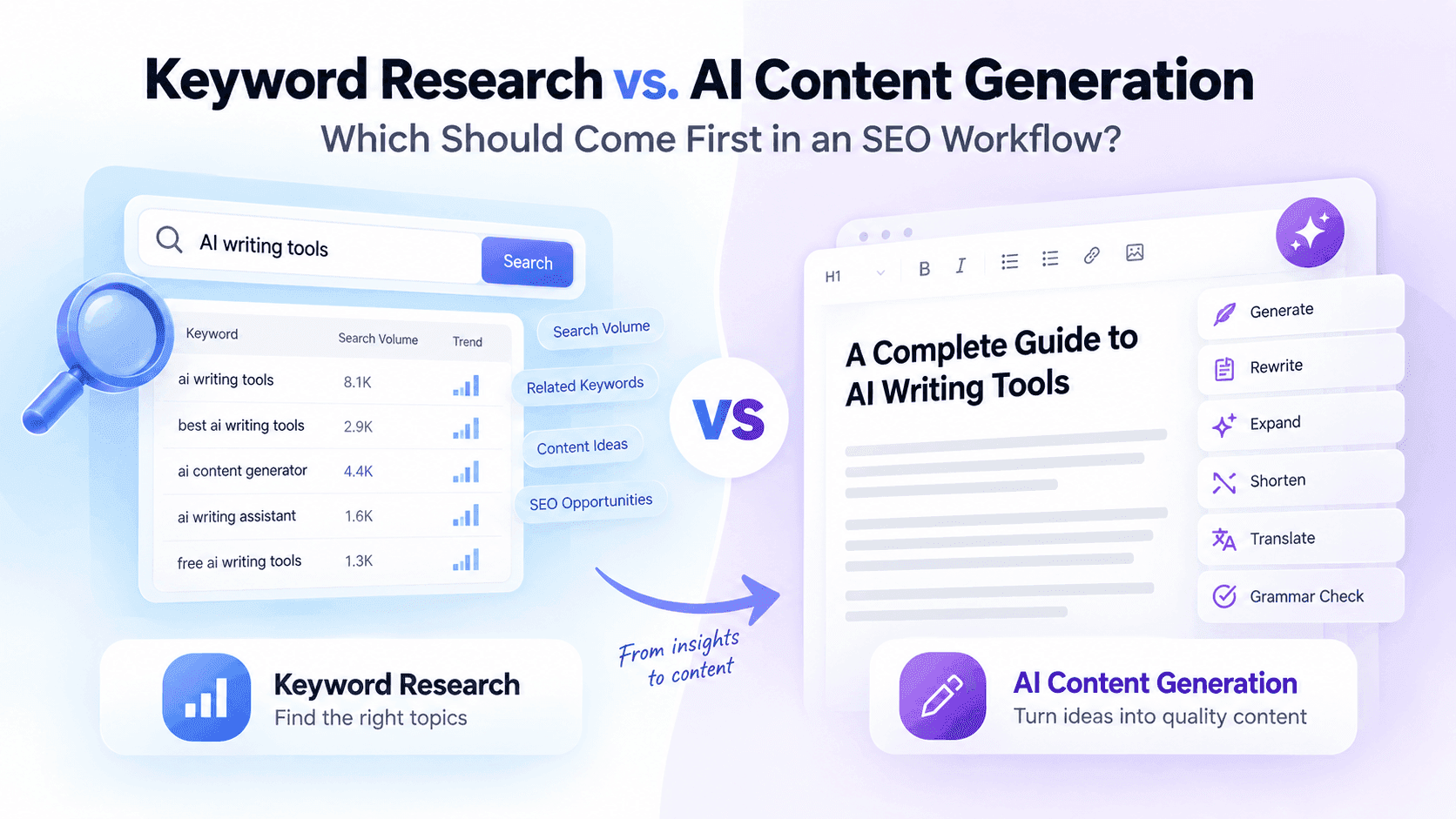
Keyword Research or AI Content Generation first? Learn how to combine both with 1minAI for a more efficient SEO content workflow.
Creating SEO content with AI can significantly speed up the writing process, but generating an article is not the same as knowing what you should write about. If you start with AI content generation before understanding the topic, search terms, and audience needs, you may end up with content that is polished but poorly aligned with what people are actually searching for. This is why the order of Keyword Research and AI Content Generation matters in an SEO workflow.
The two features solve different problems. Keyword Research helps you identify potential search topics and define the direction of your content, while AI Content Generation helps turn that direction into a written draft. When used together in 1minAI, they can form the foundation of a more structured workflow for researching, creating, and refining SEO content.
Keyword Research vs. AI Content Generation: What Is the Difference?
The biggest difference is their role in the content creation process. Keyword Research is primarily a planning and discovery step, while AI Content Generation is a production step.
| Keyword Research | AI Content Generation | |
|---|---|---|
| Main purpose | Discover search opportunities | Create written content |
| Primary question | What should I write about? | How can I write it faster? |
| Best used for | Keywords, topics, search direction | Drafts, outlines, explanations |
| Input | Topic, audience, SEO goal | Topic, instructions, content brief |
| Output | Potential keywords and content directions | AI-generated text |
Because they address different stages, they are not really alternatives to one another. The more useful question is which one should come first when your goal is to create SEO content?
Why Keyword Research Should Come First
Before creating an article, you need to know whether the topic is relevant to the audience you want to attract. Keyword research can help uncover the terms people use when looking for information, products, solutions, or answers related to a particular subject.
This gives your content a clearer starting point. Instead of asking AI to generate an article around a broad idea, you can give it a more specific direction based on the keyword, topic, audience, and search intent you want to address.
Keyword research does not guarantee that an article will rank, and a keyword should not be chosen simply because it appears to have search demand. Relevance, content quality, search intent, competition, and the usefulness of the final article still matter, but research helps you make a more informed decision about what to create.
What Happens If You Generate Content First?
AI makes it very easy to start writing without much preparation. You can enter a topic, receive a full article, and feel productive within minutes, but the resulting content may not have a clear relationship with your SEO strategy.
For example, an AI-generated article might explain a topic thoroughly but target a phrase that your audience rarely searches for. It might also answer a different question from the one behind the search, or cover a broad subject when users are actually looking for a specific solution.
This is where the difference between writing content and planning content becomes important. AI Content Generation can make the production stage faster, but it does not remove the need to decide what the content should achieve.
How 1minAI's Keyword Research Can Start the Workflow
1minAI's Keyword Research is designed to help users explore keywords and content opportunities before moving into the writing stage. Instead of opening a blank document and immediately asking AI to produce an article, you can first establish the topic and search direction you want to work with.
A practical starting point is to enter a broad topic related to your product, audience, or content strategy. From there, you can review the keyword ideas and identify terms that are relevant enough to develop into actual content.
The important step is selection. You do not need to turn every keyword suggestion into an article; choose the topics that make sense for your audience and support the purpose of your website.
Turn the Keyword Into a Content Brief
Once you have a target keyword, the next step is to decide what the article should actually cover. A keyword by itself is not a complete content brief because the same phrase can support different angles, audiences, and levels of depth.
Before using Content Generator, define a few basic elements: the primary keyword, the intended audience, the search intent, the main question the article should answer, and the information that should be included. You can also determine the desired tone, article format, and how the topic relates to your product or broader content strategy.
This step is where human judgment remains important. AI can help execute the brief, but you decide what information is valuable and what perspective the article should take.
Use AI Content Generation to Build the First Draft
Once the content direction is clear, Content Generator becomes much more useful. Instead of asking AI to independently decide what the article should be about, you can provide the keyword and content brief as context and use AI to accelerate the actual writing process.
1minAI's Content Generator can help turn your instructions into a first draft. It can be useful for developing an introduction, explaining concepts, organizing ideas, and creating the initial structure that you can later review and improve.
The output should be treated as a starting point rather than a finished SEO article. You still need to verify information, remove unnecessary content, add original insights, improve the structure, and make sure the final piece genuinely answers the reader's question.
Where the Two Features Work Best Together
The value of combining Keyword Research and Content Generator becomes clearer when you look at what each feature contributes. Keyword Research gives you the direction, while Content Generator gives you the draft.
A simple workflow looks like this:
Topic → Keyword Research → Keyword Selection → Content Brief → AI Content Generation → Editing → Final Review
This order reduces the chance of producing large amounts of content before knowing whether the topic is relevant. It also gives you a clear point at which to evaluate the content strategy before investing more time in writing and editing.
Use 1minAI's Writing Features to Refine the Draft
The first draft is only one stage of the workflow. Once Content Generator produces an article, you may find that some sections need to be rewritten, expanded, shortened, or expressed differently.
This is where the other tools in 1minAI's AI for Writing can complement Content Generator:
| If the draft... | Use this 1minAI feature |
|---|---|
| Sounds repetitive or needs a different structure | Rewriter |
| Needs more explanation or context | Content Expander |
| Is too long or repeats information | Content Shortener |
| Needs a different way of expressing the same idea | Paraphraser |
| Is based on lengthy source material | Summarizer |
| Needs to be adapted into another language | Content Translator |
| Contains grammar or writing issues | Grammar Checker |
This is more efficient than regenerating the entire article every time something feels wrong. You can keep the parts that already work and use a specific feature to address the actual weakness in each section.
Keyword Research Does Not Mean Keyword Stuffing
Using keyword research as the first step does not mean filling the article with the same keyword repeatedly. Search engines and readers both benefit more from content that covers a topic naturally and answers the questions behind the search.
The target keyword should help establish the subject of the article, while related concepts and useful information help build topical depth. For example, an article targeting “AI writing” may naturally discuss AI writing tools, content creation, rewriting, editing, productivity, and different writing workflows without forcing the exact keyword into every paragraph.
This is another reason research should happen before generation. When you understand the broader topic, you can give the AI a better content brief and produce an article that is more comprehensive than one built around keyword repetition alone.
Use Different AI Models When Generating Content
1minAI also gives users the flexibility to work with different AI models within its AI tools. Depending on the tool and available models, you can choose different models to generate or refine content rather than relying on a single AI system for every task.
This can be useful when comparing different approaches to the same content brief. One model may produce a structure or writing style that fits your needs better, while another may provide useful alternative wording or ideas.
The important point is that model choice comes after the content direction has been established. Switching between models can give you more options for execution, but it cannot replace knowing which topic you want to target or what the reader needs from the article.
What Should You Do With the Content After Writing?
SEO content should not stop at generation. After reviewing the article, look for gaps in the information, unsupported claims, repetitive sections, weak explanations, and areas where the content could provide more practical value.
You can then use 1minAI's writing tools selectively. Content Expander can develop a section that lacks sufficient explanation, Content Shortener can remove unnecessary repetition, and Rewriter or Paraphraser can help improve sections that do not communicate the intended idea clearly.
Finally, Grammar Checker can provide another review layer before publication. The final quality check should still be done by a human, particularly for factual accuracy, brand positioning, originality, and whether the article genuinely satisfies the search intent.
Can AI Content Generation Ever Come First?
Yes, but the purpose is different. If you are brainstorming, exploring a new topic, or trying to understand what angles an article could take, AI Content Generation can be useful before formal keyword research.
For example, you might generate several possible article angles around a broad subject and then use keyword research to evaluate which direction has stronger relevance to your SEO strategy. In this case, generation is being used for ideation, not as the final content production step.
Once you have decided that the goal is to create a search-focused article, however, keyword research should generally guide the final content direction. This distinction lets you use AI creatively without confusing content brainstorming with SEO planning.
Keyword Research vs. AI Content Generation: Which Should Come First?
For most SEO workflows, Keyword Research should come first because it helps establish the topic and search direction before you invest time in producing the article. AI Content Generation should follow once you have a clear brief and know what the content needs to accomplish.
The two features work best as complementary tools rather than competing ones. Keyword Research helps answer “What should I create?”, while Content Generator helps answer “How can I create the first version faster?”
With 1minAI, this process can continue beyond the first draft. Start with Keyword Research, move into Content Generator, then use Rewriter, Content Expander, Content Shortener, Paraphraser, Summarizer, Content Translator, and Grammar Checker according to what the content actually needs.
The result is a more complete AI-assisted SEO workflow: research before writing, generate with a clear purpose, refine selectively, and review before publishing. AI can make the production process faster, but the quality of the strategy and the usefulness of the final content still depend on the decisions made throughout the workflow.
Ready to build your next SEO article? Start with 1minAI's Keyword Research to explore your topic, then use Content Generator and the rest of AI for Writing to turn your research into content you can refine and publish from one unified AI workspace.
Alternatives
Discover the best alternatives to 1minAI and compare features, pricing, and use cases.

1min.AI vs OpenRouter
1min.AI vs. OpenRouter: Compare the ready-to-use AI creation product against the technical API tool. Find out if you need a zero-code creative studio or a coding infrastructure hub.
 Ngoc Hong
1min.AI vs Chatplayground AI
Compare 1min.AI (Voice Cloning, Object Removal, Team Plans) vs. ChatPlayground AI (14+ Models, Teams/O365 Integration). Discover the superior platform for predictable pricing and long-term content production growth.
Ngoc Hong
1min.AI vs Krater AI
Compare 1min.AI vs Krater AI features, pricing, AI models, and workflows to find the best all-in-one AI tool for content, design, and productivity.
Ngoc HongAI Tools
Discover the best AI tools to boost productivity, creativity, and everyday work.

Top 4 Affordable AI Tools for Startup Founders
Discover the top 4 affordable AI tools for startup founders to validate ideas, build products, create content, and launch faster without overspending.
 Tram Ta
[Seedance 2.5 New] Better AI Product Videos, Less Rework in 1min.AI
Discover how AI image-to-video product consistency helps creators reduce failed generations, save AI credits, and produce more usable commercial and UGC content.
 Lien Anh Vu
Turn “Make It Better” Into Better Content With AI
Use AI to turn vague client feedback into clear revisions, reduce unnecessary edits, and deliver better content faster.
Lien Anh VuAI Features
Comprehensive AI features that streamline workflows, improve efficiency, and empower teams to achieve more.

One Product, 10 UGC Creatives: How AI Makes Content Testing Easier
Create more authentic UGC with an AI UGC video generator, test more creative angles and scale affiliate content without filming every version.
Lien Anh Vu
Create Consistent Cartoon Content in Just a Few Steps
Create cartoon videos for TikTok and Reels in 3 simple steps with 1min.AI, from researching ideas to characters and animated videos.
Lien Anh Vu
1minAI: Free AI Grammar Checker
Check grammar for free with 1minAI’s AI grammar checker. Find grammar, spelling, and writing mistakes, improve clarity, and polish your content in seconds.
Tram TaAI Use Cases
A curated collection of AI use cases for business, productivity, and industry-specific applications.
One Product, 10 UGC Creatives: How AI Makes Content Testing Easier
Create more authentic UGC with an AI UGC video generator, test more creative angles and scale affiliate content without filming every version.
Lien Anh Vu
Best Time to Post on Instagram: A Practical Guide for Better Engagement
Discover the best time to post on Instagram, including the best days and times for different audiences, plus tips to find the ideal posting schedule for your account.
Tram Ta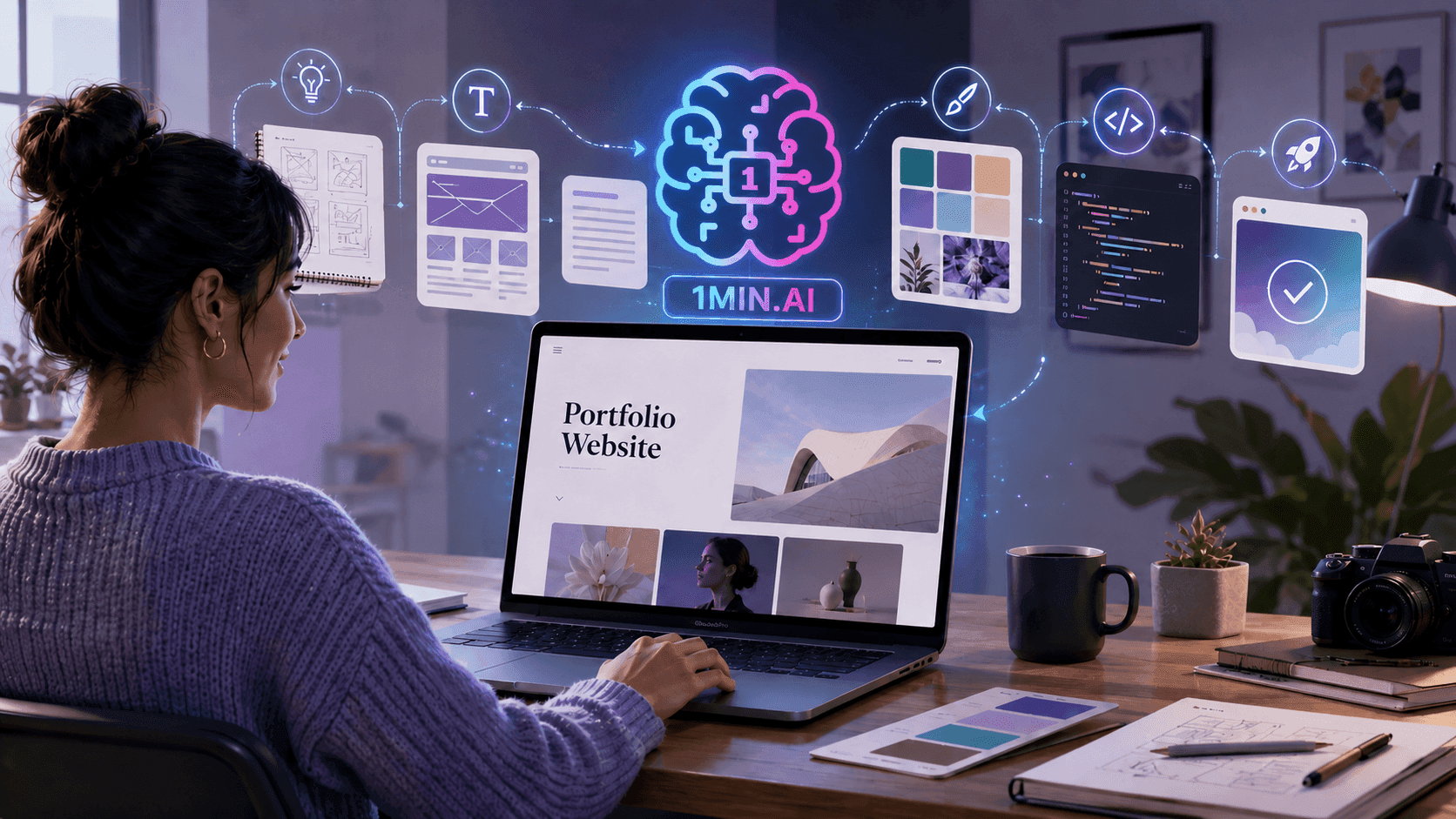
Build a Portfolio Website Faster with 1min.AI
Learn how freelance creatives can use 1min.AI to plan, write, design, and generate a professional portfolio website faster, even without strong coding skills.
Lien Anh VuAI Tutorials
Learn how to use AI with practical, step-by-step tutorials.

Black Friday AI Tool Deals in 2026
Discover what Black Friday AI tool deals 2026 has to offer. Find out how to secure the 1min.AI lifetime deal via AppSumo, Dealify, Stack Social, and verify on Trustpilot, Slashdot, and Software Advice.
 Hang Nguyen
Create Consistent Cartoon Content in Just a Few Steps
Create cartoon videos for TikTok and Reels in 3 simple steps with 1min.AI, from researching ideas to characters and animated videos.
Lien Anh Vu[Seedance 2.5 New] Better AI Product Videos, Less Rework in 1min.AI
Discover how AI image-to-video product consistency helps creators reduce failed generations, save AI credits, and produce more usable commercial and UGC content.
Lien Anh VuAI Guides
Learn AI faster with practical guides, real-world examples, and actionable best practices.

Safely Buy AI Tools Online: 2026 Black Friday Guide
Discover how to find and secure the best Black Friday AI deals online. Learn expert strategies to avoid scams, combat subscription fatigue, and verify software.
Hang NguyenCreate Consistent Cartoon Content in Just a Few Steps
Create cartoon videos for TikTok and Reels in 3 simple steps with 1min.AI, from researching ideas to characters and animated videos.
Lien Anh Vu[Seedance 2.5 New] Better AI Product Videos, Less Rework in 1min.AI
Discover how AI image-to-video product consistency helps creators reduce failed generations, save AI credits, and produce more usable commercial and UGC content.
Lien Anh VuAI Solutions
Browse the best AI solutions for automation, coding, research, productivity, customer support, marketing, and business workflows.

Free AI Tattoo Generator: Custom Designs
Turn any idea into a custom tattoo design with 1min.AI's free AI tattoo generator. Describe your idea, pick a style, and download in seconds.
 Trang Tran
Safely Buy AI Tools Online: 2026 Black Friday Guide
Discover how to find and secure the best Black Friday AI deals online. Learn expert strategies to avoid scams, combat subscription fatigue, and verify software.
Hang Nguyen[Seedance 2.5 New] Better AI Product Videos, Less Rework in 1min.AI
Discover how AI image-to-video product consistency helps creators reduce failed generations, save AI credits, and produce more usable commercial and UGC content.
Lien Anh VuAI Models
Explore the world's leading AI models in one place.
One Product, 10 UGC Creatives: How AI Makes Content Testing Easier
Create more authentic UGC with an AI UGC video generator, test more creative angles and scale affiliate content without filming every version.
Lien Anh VuCreate Consistent Cartoon Content in Just a Few Steps
Create cartoon videos for TikTok and Reels in 3 simple steps with 1min.AI, from researching ideas to characters and animated videos.
Lien Anh Vu[Seedance 2.5 New] Better AI Product Videos, Less Rework in 1min.AI
Discover how AI image-to-video product consistency helps creators reduce failed generations, save AI credits, and produce more usable commercial and UGC content.
Lien Anh VuAI Comparisons
Compare AI tools, models, and platforms to find the best fit for your needs.

Kling AI Vs Veo 3: Which Model Wins?
Kling AI vs Veo 3: compare motion, native audio, pricing & free tiers to see which AI video generator wins for your project - try both on 1min.AI.
Trang Tran[Seedance 2.5 New] Better AI Product Videos, Less Rework in 1min.AI
Discover how AI image-to-video product consistency helps creators reduce failed generations, save AI credits, and produce more usable commercial and UGC content.
Lien Anh Vu
DeepSeek V4 Pro vs Flash Comparison
Compare DeepSeek V4 Pro vs DeepSeek V4 Flash metrics. Optimize your agentic apps and improve AI fact checking on 1min.ai today.
Ngoc HongAI Integrations
Seamlessly integrate AI with the tools you already use to automate work and boost productivity.

POV: You Have 10+ Posts to Make Every Day
Learn how to build an AI content workflow that helps content creators produce 10+ social media posts a day faster with AI brainstorming, image generation, and content creation.
Lien Anh Vu
How to Use an AI Fashion Video Generator for Fashion Week 2026
Turn Fashion Week 2026 ideas into stunning fashion videos with AI. Learn how to brainstorm, create visuals, and transform images into videos with one simple workflow.
Lien Anh Vu
Stop Switching Between AI Apps: How AI Integration Transforms Employer Branding
Discover how AI integration helps HR teams streamline employer branding by combining AI writing, documents, images, video, and multiple AI models into one workspace.
Tram TaAI for Industries
Find the best AI tools and workflows for healthcare, finance, education, legal, manufacturing, retail, real estate, and more

Free AI Real Estate Video Generator
Turn listing photos into narrated property videos with AI real estate video tools. See how 1min.AI creates walkthroughs, voiceovers & captions in minutes.
Trang Tran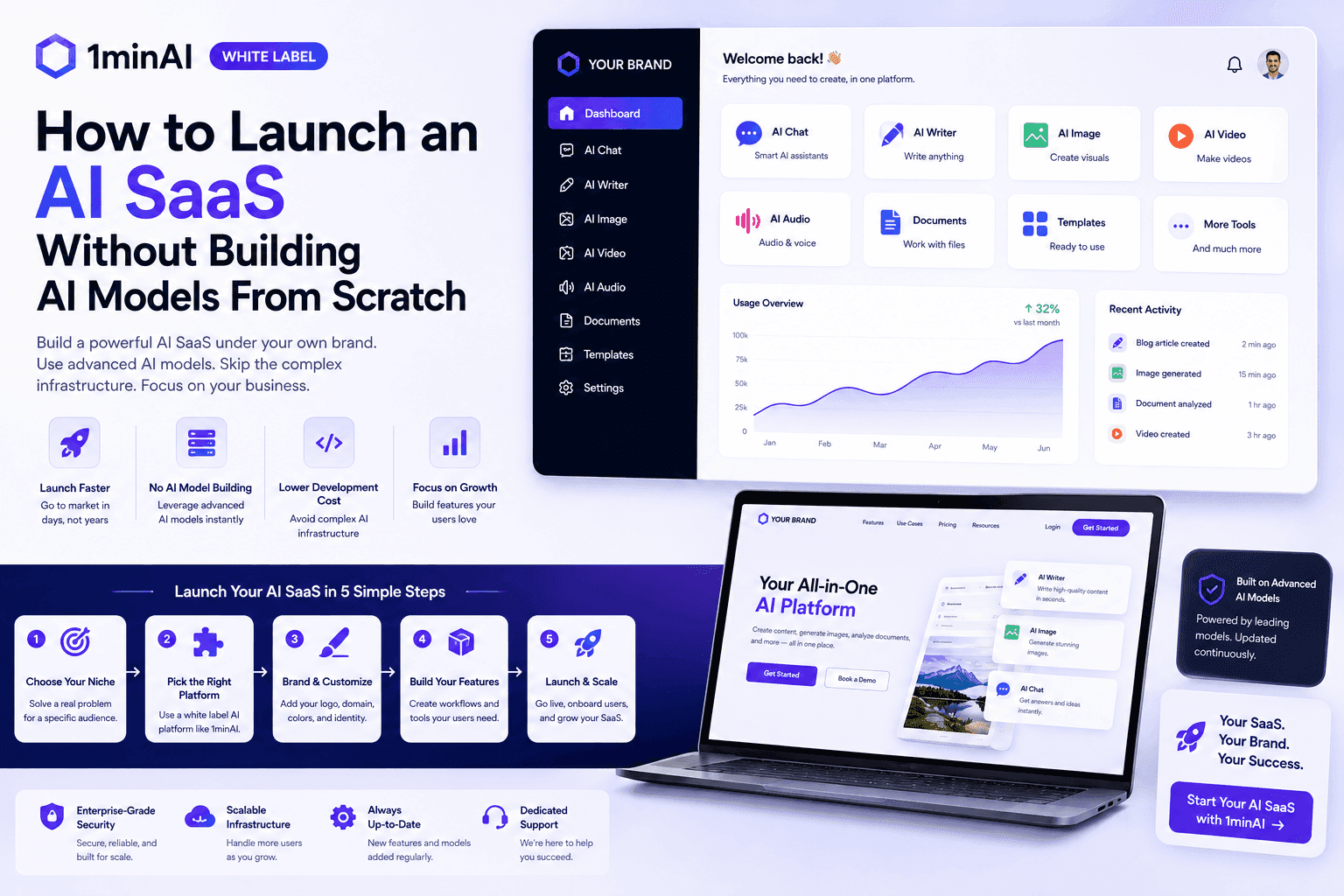
How to Launch an AI SaaS Without Building AI Models From Scratch
Learn how to launch an AI SaaS without building AI models from scratch. Explore white-label AI, product strategy, branding, pricing, and how 1minAI can help.
Tram Ta
Free AI Tools for Photographers to Elevate Creative Work
Discover free AI tools for photographers to edit images, create visuals and videos, develop content, and streamline client workflows with 1min.AI.
Lien Anh VuAI Agents
Discover and run AI agents to automate tasks across your work and daily life.
1minAI: Free AI Grammar Checker
Check grammar for free with 1minAI’s AI grammar checker. Find grammar, spelling, and writing mistakes, improve clarity, and polish your content in seconds.
Tram Ta
AI Agents for Facebook
Use an AI Agent for Facebook to create content, generate images, schedule posts, and publish from your documents and conversations.
Ngoc Hong
AI Agent vs AI Assistant: Which One Actually Saves Designers More Time?
Learn the difference between AI Agent vs AI Assistant and discover which solution helps designers automate repetitive work, reduce revisions, and save more time.
Lien Anh VuAI Workflows
Explore ready-to-use AI workflows for productivity, marketing, sales, support, and more.
Create Consistent Cartoon Content in Just a Few Steps
Create cartoon videos for TikTok and Reels in 3 simple steps with 1min.AI, from researching ideas to characters and animated videos.
Lien Anh VuPOV: You Have 10+ Posts to Make Every Day
Learn how to build an AI content workflow that helps content creators produce 10+ social media posts a day faster with AI brainstorming, image generation, and content creation.
Lien Anh VuHow to Use an AI Fashion Video Generator for Fashion Week 2026
Turn Fashion Week 2026 ideas into stunning fashion videos with AI. Learn how to brainstorm, create visuals, and transform images into videos with one simple workflow.
Lien Anh VuNewsletter
Weekly AI Innovations with 1minAI

🔮 Weekly AI Innovations #137: ElevenLabs Music & AI social Profile Control
The newest 1min.ai updates deliver professional music generation and highly requested privacy tools. Dive into a seamless workflow today!
Hang Nguyen
🔮 Weekly AI Innovations #136: Grok 4.6 and Smart Data Retention
Discover the latest 1min.ai updates! Upgrade to Grok 4.6 for blazing-fast AI, and check our new Data Retention policies to secure your files today.
Hang Nguyen
🔮 Weekly AI Innovations #135: Claude Opus 5 and new AI Social Features
Experience the powerful Claude Opus 5 model, and explore new AI Social features like User Pages and Following creators.
Hang Nguyen