Why 1minAI Is the Trusted AI Tool for Researchers and Students

Tram Ta
July 20, 2026
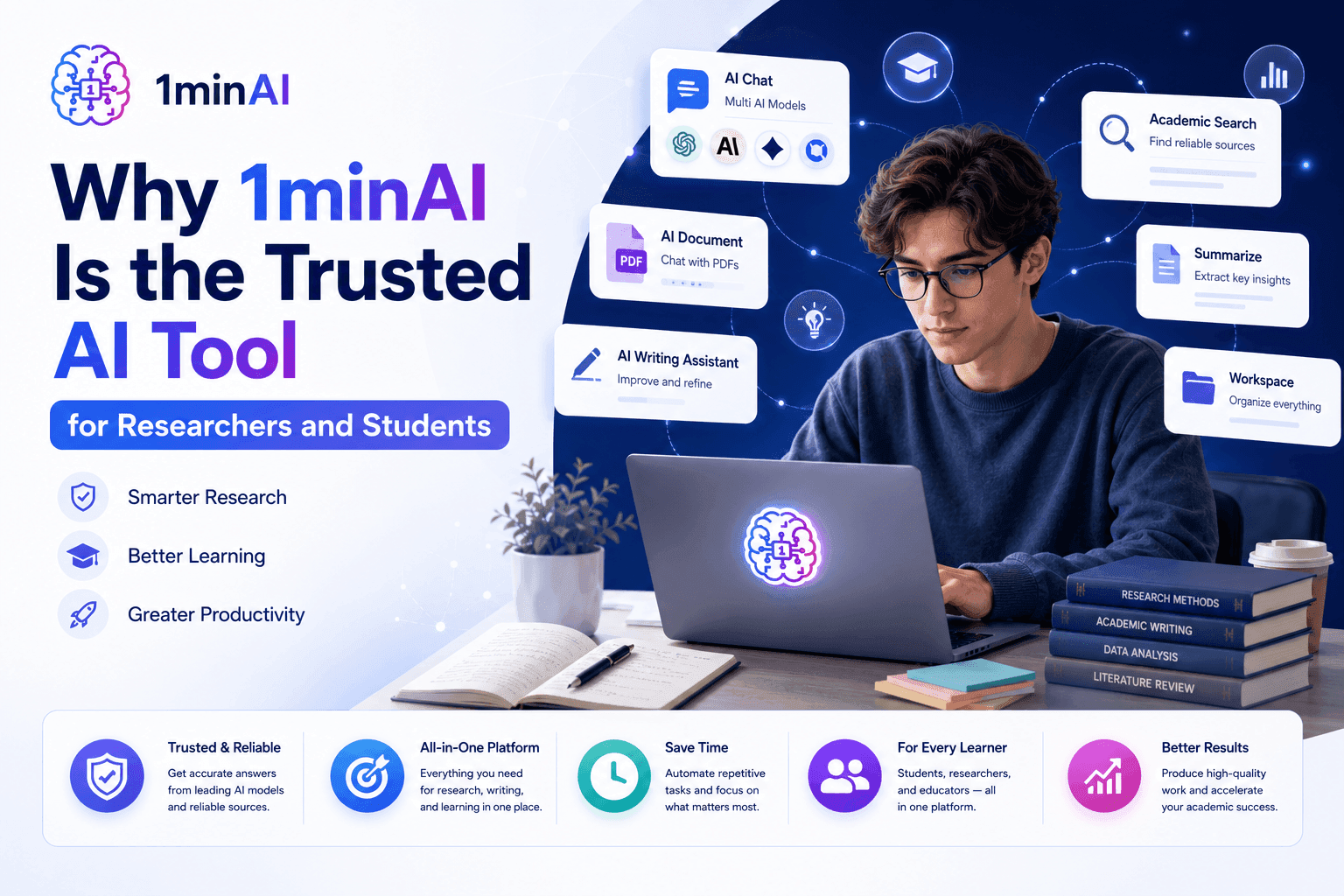
Discover why researchers and students trust 1minAI as their everyday AI tool for academic writing, research papers, document analysis, and access to multiple leading AI models.
Academic research involves much more than asking an AI chatbot questions. Researchers and students need to read research papers, improve academic writing, compare ideas, organize notes, and manage multiple projects—often using several disconnected applications.
A reliable AI tool should support your entire academic workflow, not just one task. Instead of switching between different AI platforms, writing assistants, PDF readers, and note-taking apps, 1minAI brings everything together in one place.
In this guide, you'll discover why researchers and students trust 1minAI as their everyday AI tool for studying, writing, and research—and how its multi-model AI chat, AI Writing Assistant, AI Document, and Workspace features help simplify academic work from start to finish.
Why Researchers and Students Need More Than Just an AI Tool
Modern Academic Work Requires More Than an AI Chatbot
Today's researchers and students face increasingly complex academic workflows. A single project may involve reviewing dozens of research papers, comparing methodologies, writing literature reviews, revising manuscripts, organizing notes, and collaborating with supervisors or research teams.
While many AI chatbots can answer questions or generate text, academic work requires much more than conversational AI. Researchers need tools that support every stage of the research process—from understanding papers to refining academic writing and managing research materials.
A complete AI tool should help researchers:
- Brainstorm research ideas
- Analyze research papers
- Improve academic writing
- Compare information across multiple sources
- Organize research notes and documents
- Manage ongoing research projects
Instead of relying on separate applications for each task, researchers increasingly look for one platform that keeps their workflow efficient and organized.
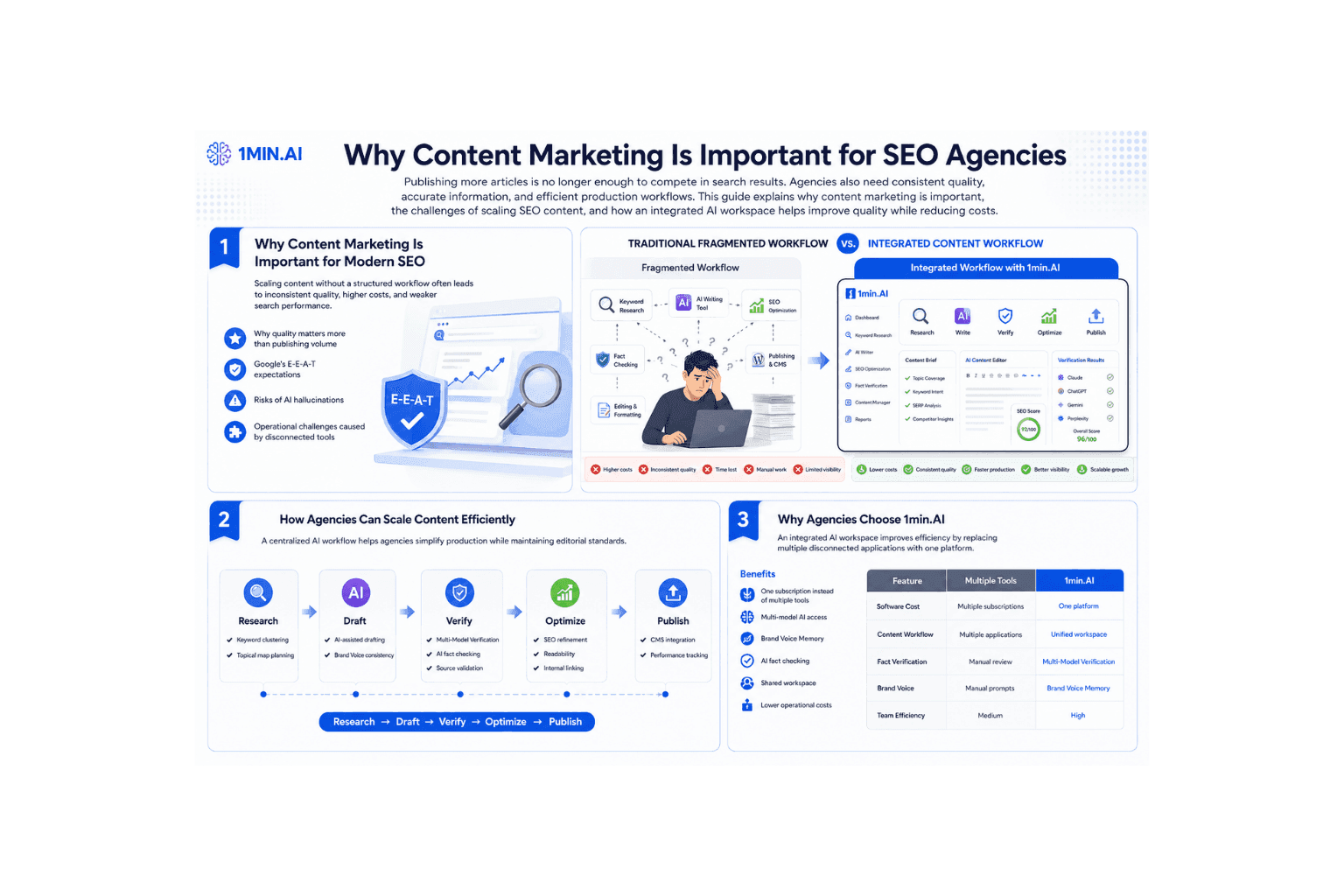
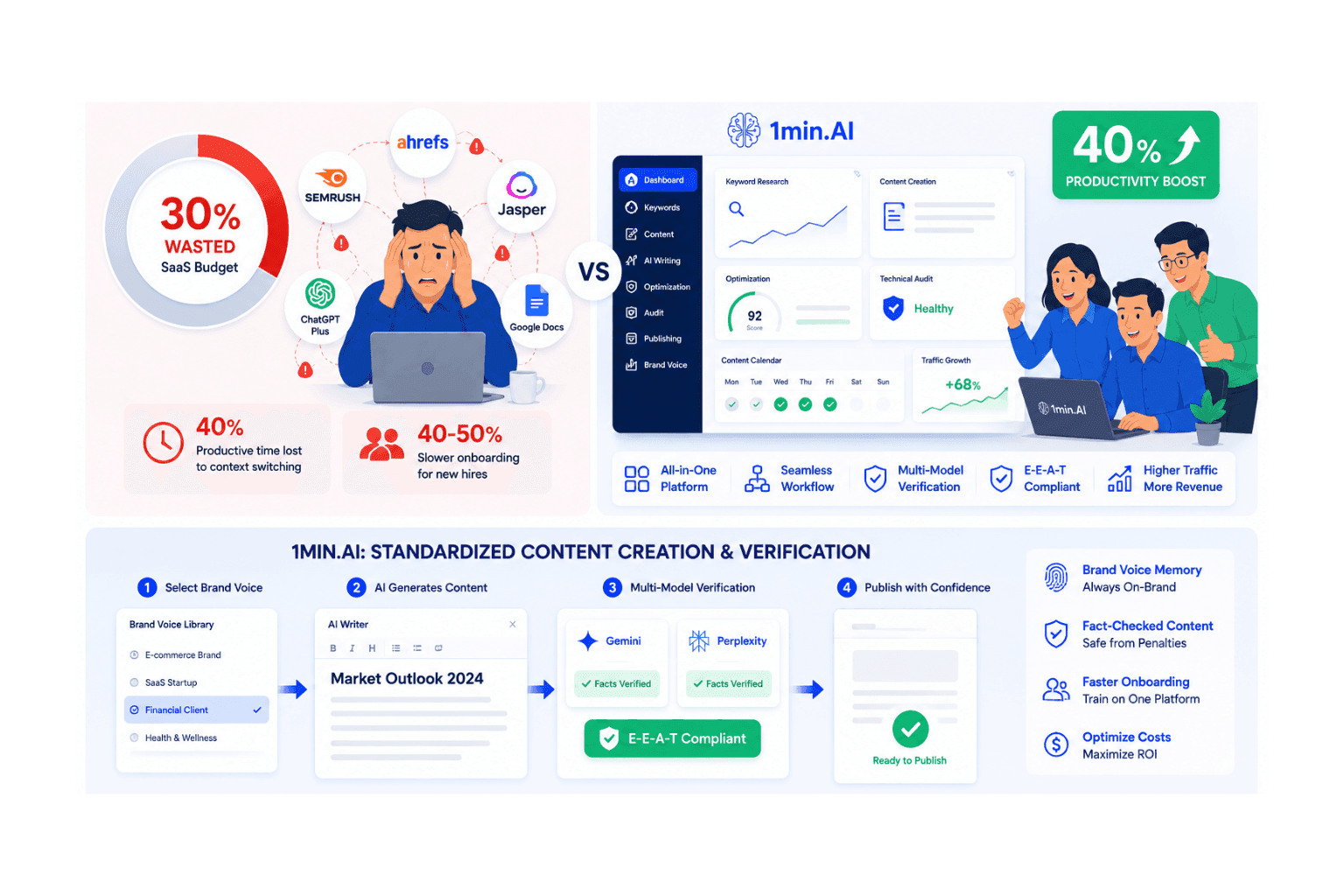
Switching Between Multiple AI Tools Slows Down Research
Many researchers build their workflow around several different applications.
A typical day might involve:
- Using one AI chatbot to brainstorm ideas
- Switching to another model for writing support
- Opening a separate PDF tool to summarize research papers
- Using another application to edit grammar
- Managing notes in a different workspace
Although each tool solves a specific problem, constantly switching between platforms interrupts focus and creates unnecessary complexity. It also becomes difficult to keep research materials, AI conversations, and document revisions organized across multiple applications.
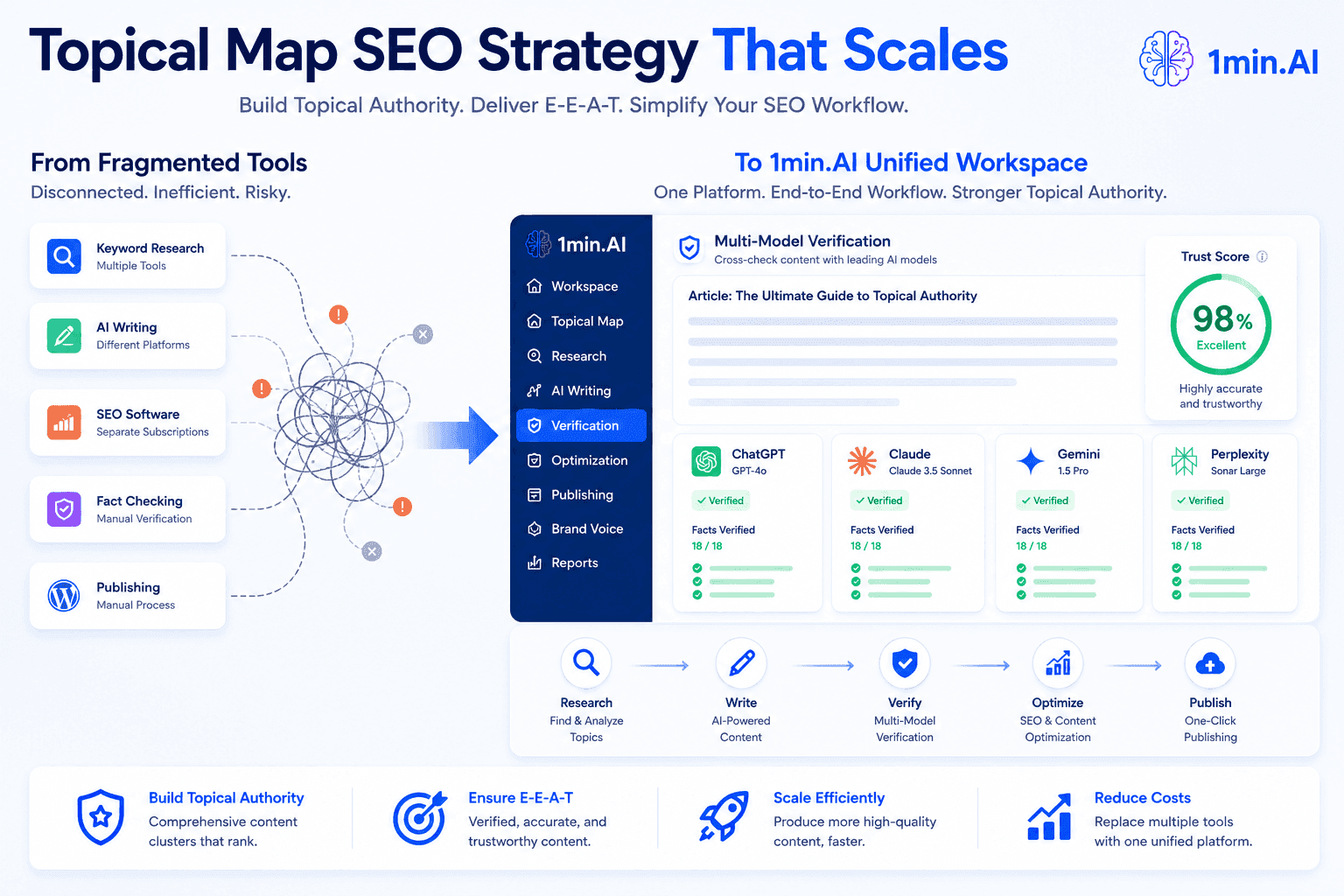
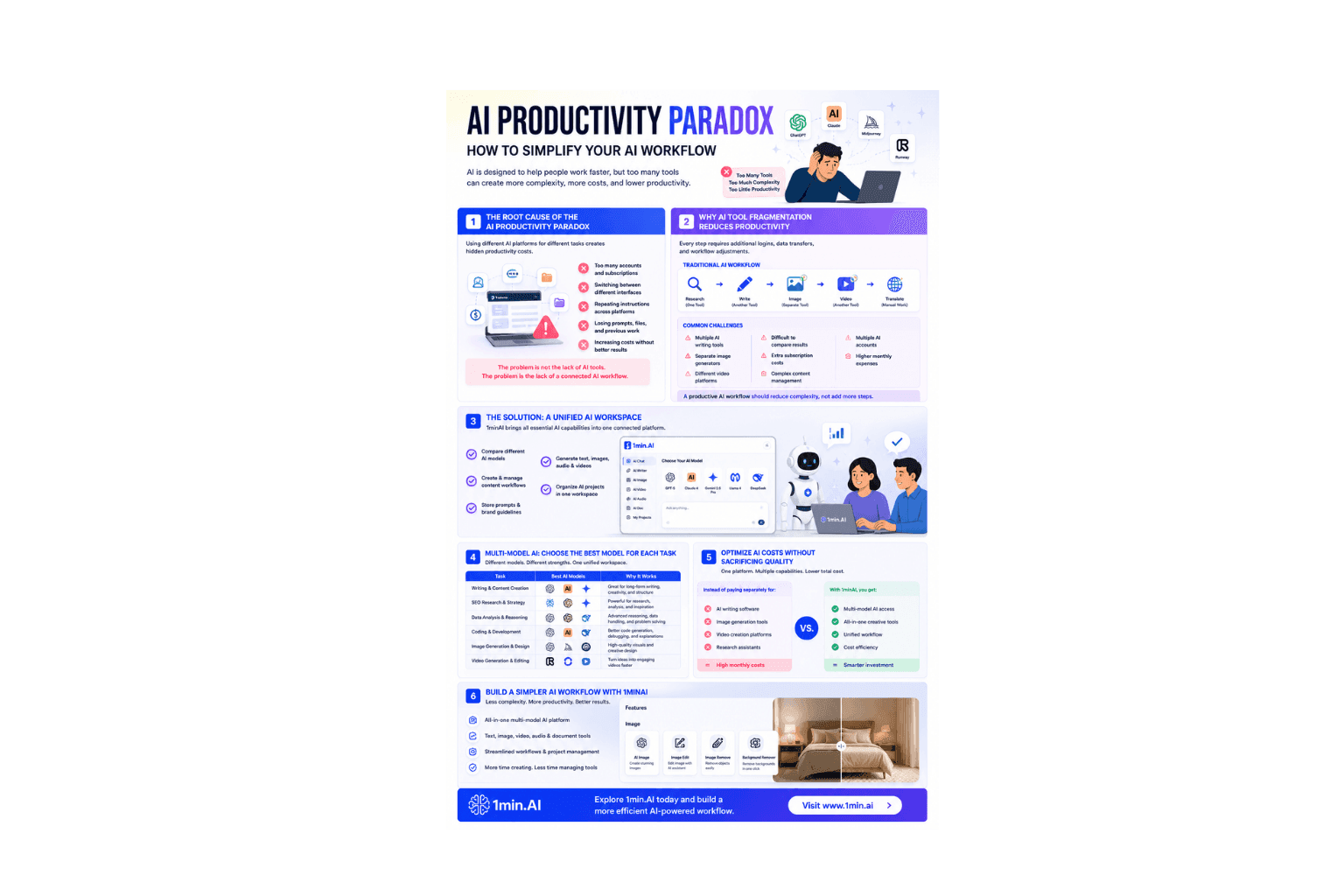
This is why many researchers and students are moving toward an all-in-one AI tool that supports their complete academic workflow. Rather than managing multiple subscriptions and disconnected tools, they can research, write, analyze documents, and organize projects from a single platform.
1minAI is designed with this workflow in mind, combining multiple leading AI models, AI-powered writing assistance, document analysis, and an integrated workspace to help researchers work more efficiently without changing the way they conduct academic research.
How 1minAI Supports Every Stage of Academic Research
Academic research isn't a single task—it's a continuous workflow. Researchers brainstorm ideas, review journal articles, write manuscripts, revise drafts, organize references, and manage research projects simultaneously.
Instead of using separate tools for each step, 1minAI combines essential AI capabilities into one platform, helping researchers stay focused and productive throughout the entire research process.
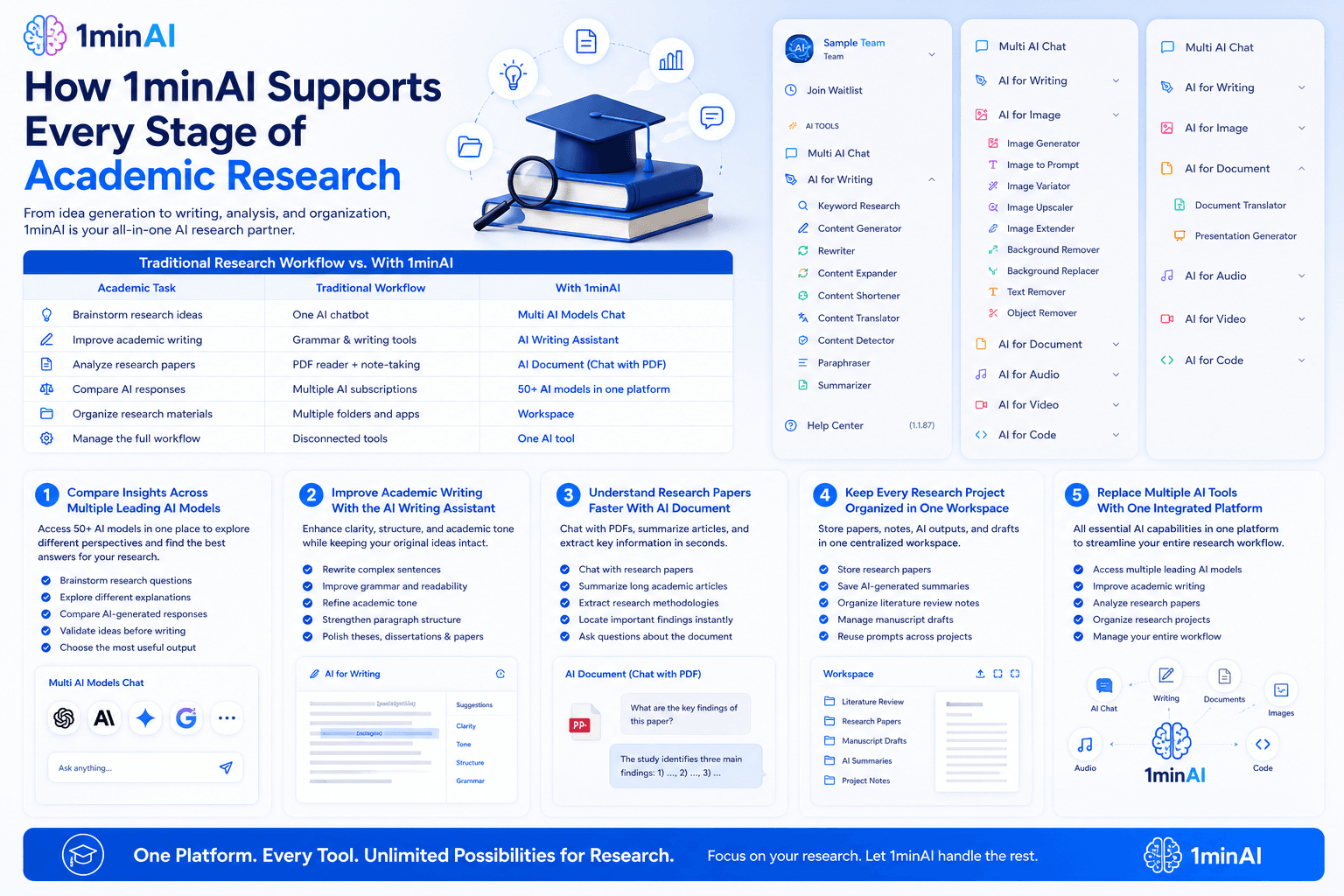
The table below compares a traditional research workflow with one powered by 1minAI.
| Academic Task | Traditional Workflow | With 1minAI |
|---|---|---|
| Brainstorm research ideas | One AI chatbot | Multi AI Models Chat |
| Improve academic writing | Grammar & writing tools | AI Writing Assistant |
| Analyze research papers | PDF reader + note-taking | AI Document (Chat with PDF) |
| Compare AI responses | Multiple AI subscriptions | 50+ AI models in one platform |
| Organize research materials | Multiple folders and apps | Workspace |
| Manage the full workflow | Disconnected tools | One AI tool |
Compare Insights Across Multiple Leading AI Models
Research often requires exploring different perspectives before reaching a conclusion. Relying on a single AI model may limit the range of explanations or interpretations you receive.
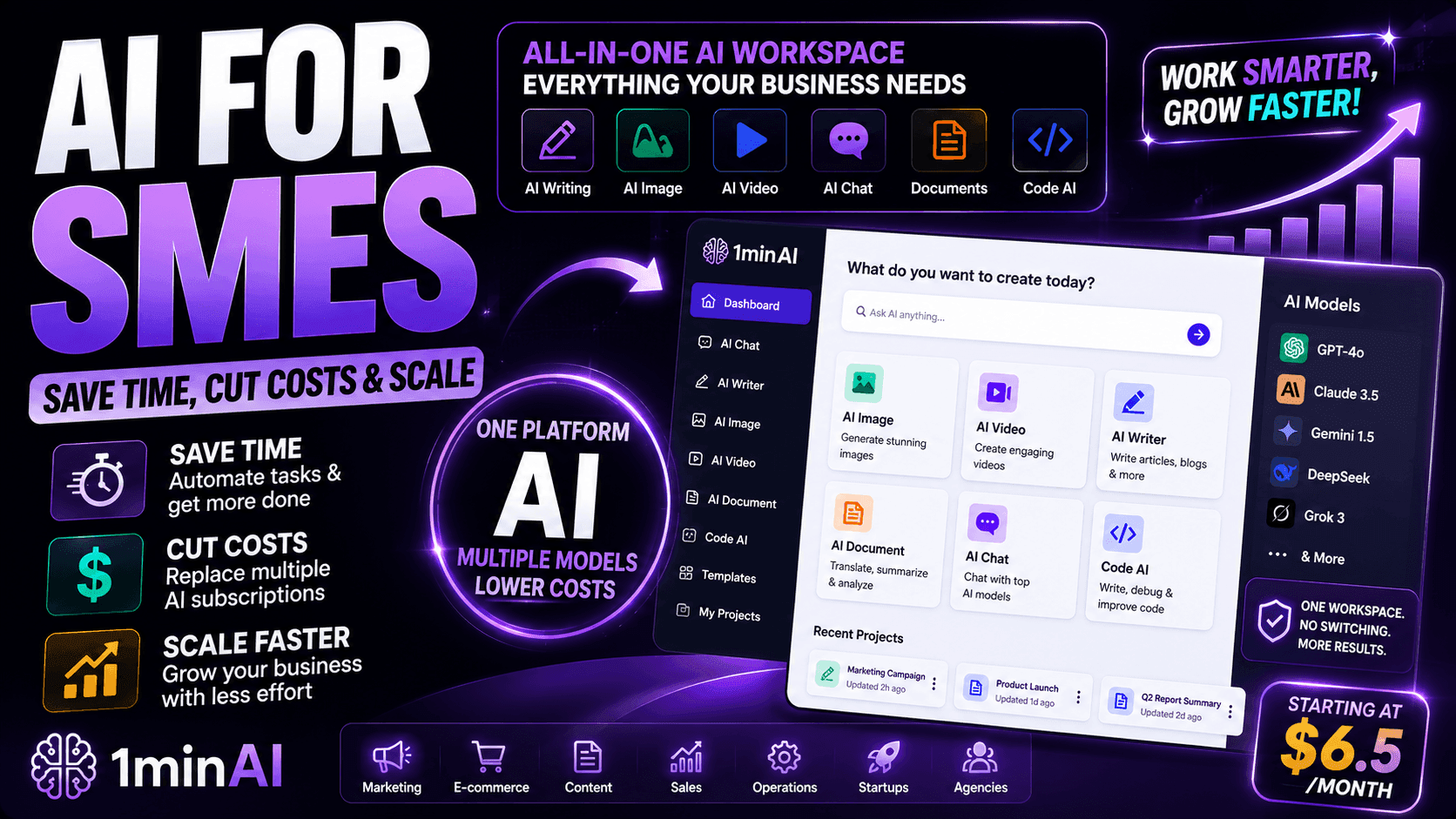
1minAI gives researchers access to more than 50 leading AI models from one interface, making it easy to compare responses without switching between multiple platforms.
Researchers can use Multi AI Models Chat to:
- Brainstorm research questions
- Explore different explanations for complex concepts
- Compare AI-generated responses
- Validate ideas before writing
- Choose the most useful output for a specific task
Instead of maintaining several AI subscriptions, researchers can access multiple leading models from one AI tool.
Improve Academic Writing With the AI Writing Assistant
Writing a research paper involves much more than drafting content. Researchers spend countless hours refining sentence structure, improving clarity, strengthening academic tone, and polishing manuscripts before submission.
The AI Writing Assistant helps improve existing drafts while keeping the researcher's ideas and conclusions intact.
It can help you:
- Rewrite complex sentences
- Improve grammar and readability
- Refine academic tone
- Strengthen paragraph structure
- Polish theses, dissertations, and journal manuscripts
Rather than replacing academic writing, it helps researchers communicate their work more clearly and professionally.
Understand Research Papers Faster With AI Document
Reading research papers is one of the most time-consuming parts of academic work, especially when searching for specific methodologies, findings, or conclusions.
AI Document transforms static PDFs into interactive research resources.
Researchers can:
- Chat with research papers
- Summarize long academic articles
- Extract research methodologies
- Locate important findings instantly
- Ask questions directly about the document
Instead of manually searching through dozens of pages, researchers can quickly retrieve the information they need and spend more time analyzing the evidence.
Keep Every Research Project Organized in One Workspace
Academic projects generate a large number of files, including research papers, literature review notes, manuscript drafts, AI conversations, and supporting documents.
The 1minAI Workspace helps researchers keep everything organized throughout the research process.
With one centralized workspace, you can:
- Store research papers
- Save AI-generated summaries
- Organize literature review notes
- Manage manuscript drafts
- Reuse prompts across projects
Keeping research materials together reduces time spent searching for files and makes long-term projects easier to manage.
Replace Multiple AI Tools With One Integrated Platform
Many researchers rely on several separate applications for brainstorming, writing, document analysis, and organization. While each tool has its strengths, constantly switching between platforms interrupts workflow and creates unnecessary complexity.
1minAI brings these capabilities together in one integrated AI tool.
Instead of managing multiple subscriptions and disconnected applications, researchers can:
- Access multiple leading AI models
- Improve academic writing
- Analyze research papers
- Organize research projects
- Manage their entire workflow from one platform
By reducing tool switching and centralizing essential AI features, 1minAI helps researchers and students work more efficiently while staying focused on what matters most—their research.
Why Researchers and Students Trust 1minAI as Their Everyday AI Tool
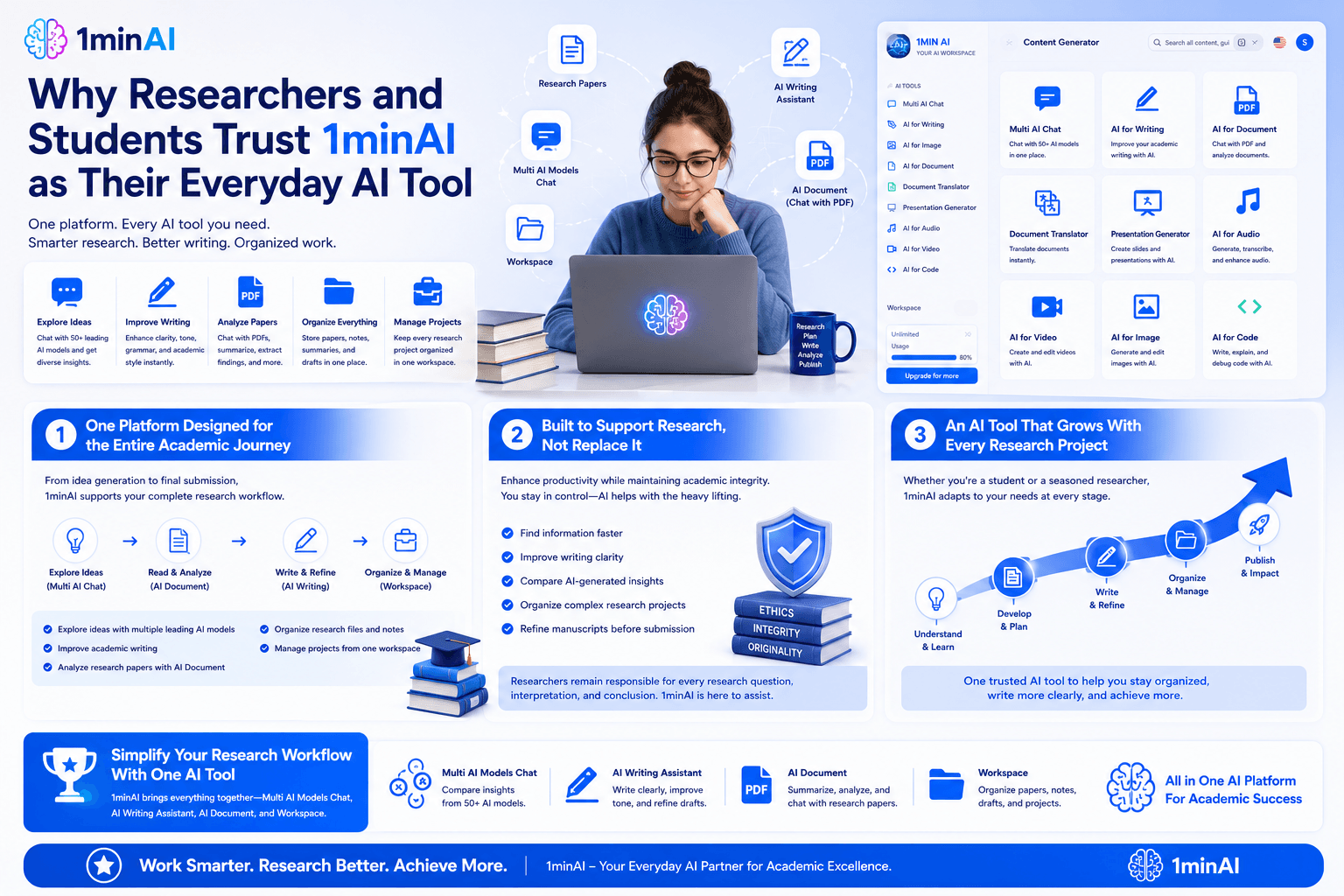
One Platform Designed for the Entire Academic Journey
Academic work rarely follows a straight line. A single project can involve reading papers, brainstorming ideas, refining research questions, writing multiple drafts, and organizing supporting documents over weeks or even months.
Instead of relying on different applications for each stage, researchers and students are increasingly choosing one AI tool that supports their complete workflow.
1minAI combines multiple AI capabilities into one platform, allowing users to:
- Explore ideas with multiple leading AI models
- Improve academic writing
- Analyze research papers with AI Document
- Organize research files and notes
- Manage projects from one workspace
This integrated approach helps researchers spend less time managing tools and more time producing meaningful research.
Built to Support Research, Not Replace It
Researchers value AI tools that enhance productivity while respecting academic integrity. The goal isn't to let AI think for you—it's to remove repetitive tasks so you can focus on critical analysis, evidence evaluation, and original contributions.
1minAI supports this philosophy by helping researchers:
- Find information faster
- Improve writing clarity
- Compare AI-generated insights
- Organize complex research projects
- Refine manuscripts before submission
Researchers remain responsible for every research question, interpretation, and conclusion. 1minAI simply makes the workflow more efficient.
An AI Tool That Grows With Every Research Project
Whether you're preparing your first university assignment or submitting a journal article after years of research, your workflow evolves as projects become more complex.
1minAI grows alongside you by supporting every stage of academic work—from understanding research papers and developing ideas to polishing manuscripts and managing long-term research projects.
Instead of adding another AI application to your workflow, you gain one trusted AI tool that helps you stay organized, write more clearly, and work more efficiently throughout your academic journey.
Conclusion
Simplify Your Research Workflow With One AI Tool
You don't need separate applications for brainstorming, academic writing, document analysis, and research organization. With 1minAI, everything you need is available in one platform—from Multi AI Models Chat and AI Writing Assistant to AI Document and Workspace.
Whether you're studying for exams, writing a literature review, completing a thesis, or publishing research, 1minAI helps you spend less time switching between tools and more time making meaningful academic progress.
Discover Why Researchers and Students Trust 1minAI
Explore how 1minAI combines Multi AI Models Chat, AI Writing Assistant, AI Document, and an integrated Workspace into one powerful AI tool—helping researchers and students study smarter, write better, and manage every stage of their academic workflow from a single platform.
👉 Official Website: https://1min.ai/
👉 Discover All AI Features: https://1min.ai/features
👉 View Latest Product Updates: https://1min.ai/changelog