
How Successful Executives Actually Use AI Tools Every Day

Tram Ta
August 4, 2026
Discover how successful executives use AI tools to research faster, make smarter decisions, build thought leadership, and improve productivity with one integrated AI workspace.
AI tools are no longer just productivity boosters—they've become strategic assets for modern business leaders. From analyzing market trends and preparing board meetings to building thought leadership and making faster decisions, today's executives are integrating AI into every stage of their workday.
But the most successful leaders aren't using the most AI tools. They're using AI more intelligently. Instead of juggling multiple disconnected applications, they rely on an integrated workflow that connects research, communication, content creation, and decision-making. In this guide, we'll explore how executives actually use AI tools every day—and why platforms like 1minAI are becoming the preferred AI workspace for modern leadership.
AI Tools Are Changing the Way Executives Lead
For today's executives, AI is no longer just another productivity tool—it's becoming an essential part of modern leadership.
Business leaders face increasing pressure to make faster decisions, respond to market changes, communicate with multiple stakeholders, and build a visible personal brand. At the same time, the volume of information they process continues to grow.
Every day, executives are expected to review reports, analyze market trends, prepare for meetings, create presentations, publish insights, and guide their teams—all while keeping the business moving forward.
This is why AI adoption among executives looks very different from AI adoption in other roles.
Executives don't use AI simply to automate repetitive tasks. They use it to process information more efficiently, improve decision-making, and amplify their ability to lead.
Leadership Today Is Powered by Information
A typical executive's day may involve:
- Reviewing industry and competitor updates
- Reading financial and operational reports
- Preparing for board or client meetings
- Developing business strategies
- Communicating with employees and stakeholders
- Publishing LinkedIn thought leadership
- Reviewing presentations before important discussions
Every one of these activities depends on gathering, understanding, and communicating information effectively.
The challenge isn't a lack of data.
It's having enough time to transform that information into confident business decisions.
Why Traditional AI Workflows Fall Short
Many executives have already adopted AI, but often through a collection of disconnected applications.
A typical workflow might look like this:
| Task | AI Tool |
|---|---|
| Research industry trends | ChatGPT or Perplexity |
| Analyze reports | PDF AI tool |
| Write LinkedIn posts | Claude |
| Create presentations | Gamma |
| Design visuals | Canva AI |
| Organize notes | Notion AI |
While each tool performs well individually, moving between multiple platforms creates unnecessary friction.
Executives often spend time:
- Switching between applications
- Rewriting prompts for different AI models
- Uploading the same documents multiple times
- Searching for information across different platforms
- Managing several subscriptions
Ironically, the more AI tools they adopt, the more fragmented their workflow can become.
5 Ways Successful Executives Use AI Tools Every Day
The most effective executives don't use AI tools occasionally—they integrate them into the way they think, communicate, and lead.
Rather than treating AI as a shortcut for writing emails or summarizing notes, they use it to support high-value activities that shape business outcomes. From strategic planning to executive communication, AI tools have become trusted assistants throughout the workday.
Here are five practical ways successful leaders are using AI tools every day.
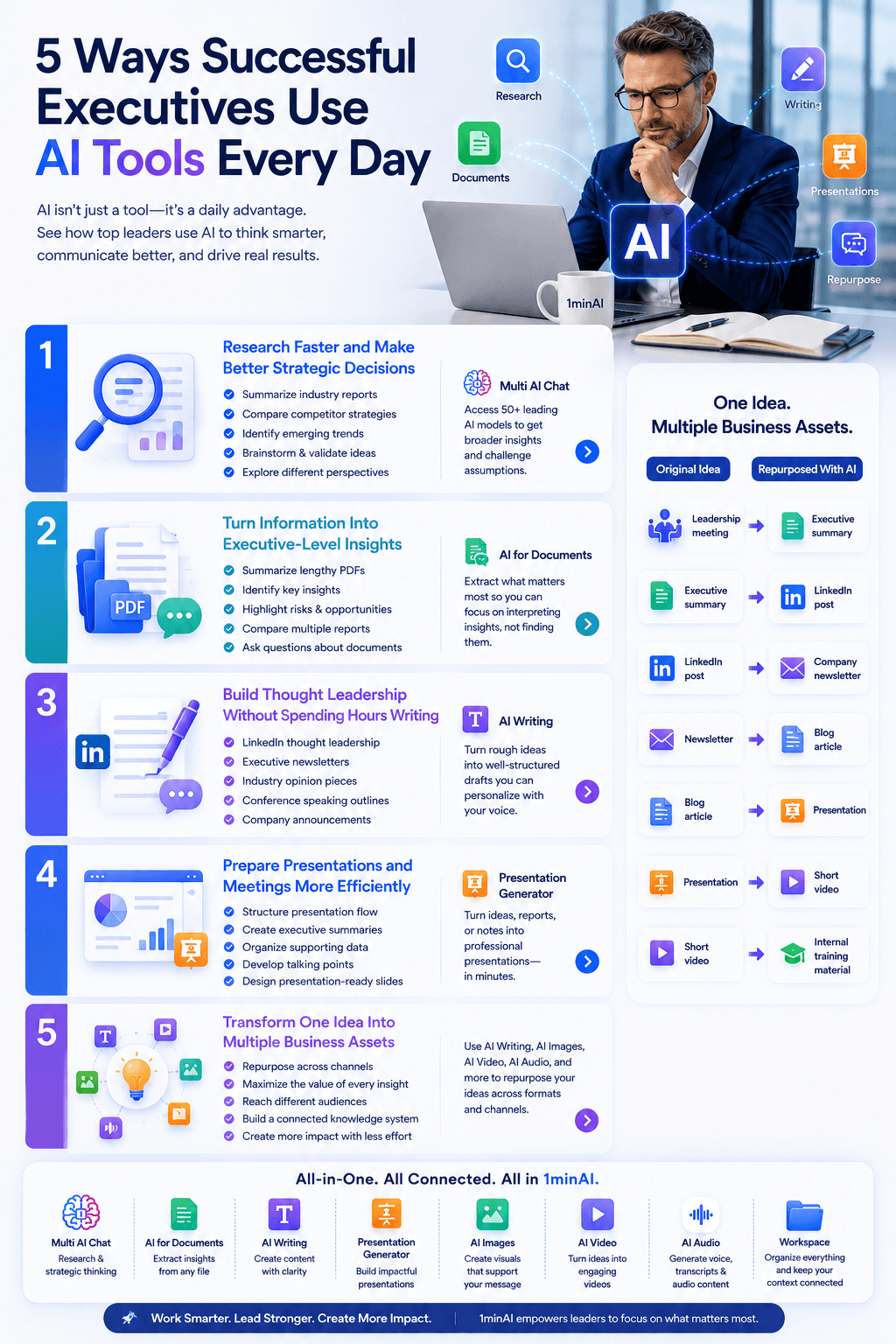
1. Research Faster and Make Better Strategic Decisions
Every important decision begins with information.
Whether entering a new market, evaluating competitors, or planning the next quarter, executives need accurate insights before taking action. The challenge is that valuable information is scattered across news articles, market reports, analyst papers, customer feedback, and internal documents.
Instead of spending hours searching and comparing sources manually, executives use AI tools to accelerate research.
A modern AI workflow can help leaders:
- Summarize industry reports in minutes
- Compare competitor strategies
- Identify emerging market trends
- Brainstorm new business opportunities
- Validate ideas before investing resources
- Explore different perspectives on strategic decisions
With 1minAI's Multi AI Chat, executives can access 50+ leading AI models from one workspace, allowing them to compare responses, challenge assumptions, and gain broader insights without switching between multiple AI platforms.
The result is faster research, more informed discussions, and greater confidence when making strategic decisions.
2. Turn Information Into Executive-Level Insights
Executives process an enormous amount of information every week.
Typical documents include:
- Financial statements
- Sales reports
- Board papers
- Customer feedback
- Industry research
- Internal proposals
- Operational dashboards
Reading every page isn't always possible.
Instead, successful leaders use AI tools to extract the information that matters most.
With AI for Documents, executives can:
- Summarize lengthy PDFs
- Identify key business insights
- Highlight risks and opportunities
- Compare multiple reports
- Ask questions directly about uploaded documents
Rather than replacing analytical thinking, AI allows executives to spend more time interpreting insights instead of searching for them.
3. Build Thought Leadership Without Spending Hours Writing
Executive visibility has become a competitive advantage.
Whether attracting customers, investors, future employees, or business partners, leaders are increasingly expected to share their expertise publicly.
The problem isn't a lack of ideas.
It's finding time to consistently publish them.
Successful executives use AI tools to accelerate content creation while keeping their personal perspective at the center.
Typical use cases include:
- LinkedIn thought leadership
- Executive newsletters
- Industry opinion pieces
- Conference speaking outlines
- Company announcements
- Internal leadership updates
With AI Writing, 1minAI helps transform rough ideas into well-structured first drafts that executives can personalize with their own experiences, leadership style, and strategic insights.
Instead of replacing authentic leadership, AI removes the friction of getting ideas onto the page.
4. Prepare Presentations and Meetings More Efficiently
Executives spend a significant part of their week communicating.
Board meetings.
Client presentations.
Investor pitches.
Leadership updates.
Town halls.
Each presentation requires gathering information, organizing ideas, and presenting them clearly.
Instead of starting from a blank slide deck every time, executives increasingly rely on AI tools to streamline preparation.
With Presentation Generator, leaders can quickly turn business ideas, reports, or meeting notes into professional presentations.
AI can assist with:
- Structuring presentation flow
- Creating executive summaries
- Organizing supporting data
- Developing talking points
- Designing presentation-ready slides
This allows executives to spend less time formatting slides and more time refining their message and preparing for meaningful discussions.
5. Transform One Idea Into Multiple Business Assets
Perhaps the most valuable way executives use AI tools is through content repurposing.
A single executive insight shouldn't end with one meeting or one presentation.
Instead, successful leaders maximize every idea by transforming it into multiple formats.
For example:
| Original Idea | Repurposed With AI |
|---|---|
| Leadership meeting | Executive summary |
| Executive summary | LinkedIn post |
| LinkedIn post | Company newsletter |
| Newsletter | Blog article |
| Blog article | Presentation |
| Presentation | Short video |
| Video | Internal training material |
Rather than creating new content every day, executives build a connected knowledge system where one insight creates value across multiple channels.
With 1minAI, this workflow becomes seamless by combining Multi AI Chat, AI Writing, AI for Documents, Presentation Generator, AI Images, AI Video, and Workspace into one integrated platform.
Why Executives Are Choosing 1minAI as Their AI Workspace
The most successful executives don't measure AI by the number of features it offers—they measure it by how much better it helps them lead.
An AI platform should reduce complexity, not create more of it.
That's why many business leaders are moving away from disconnected AI tools and adopting an integrated AI workspace that supports every stage of executive work.
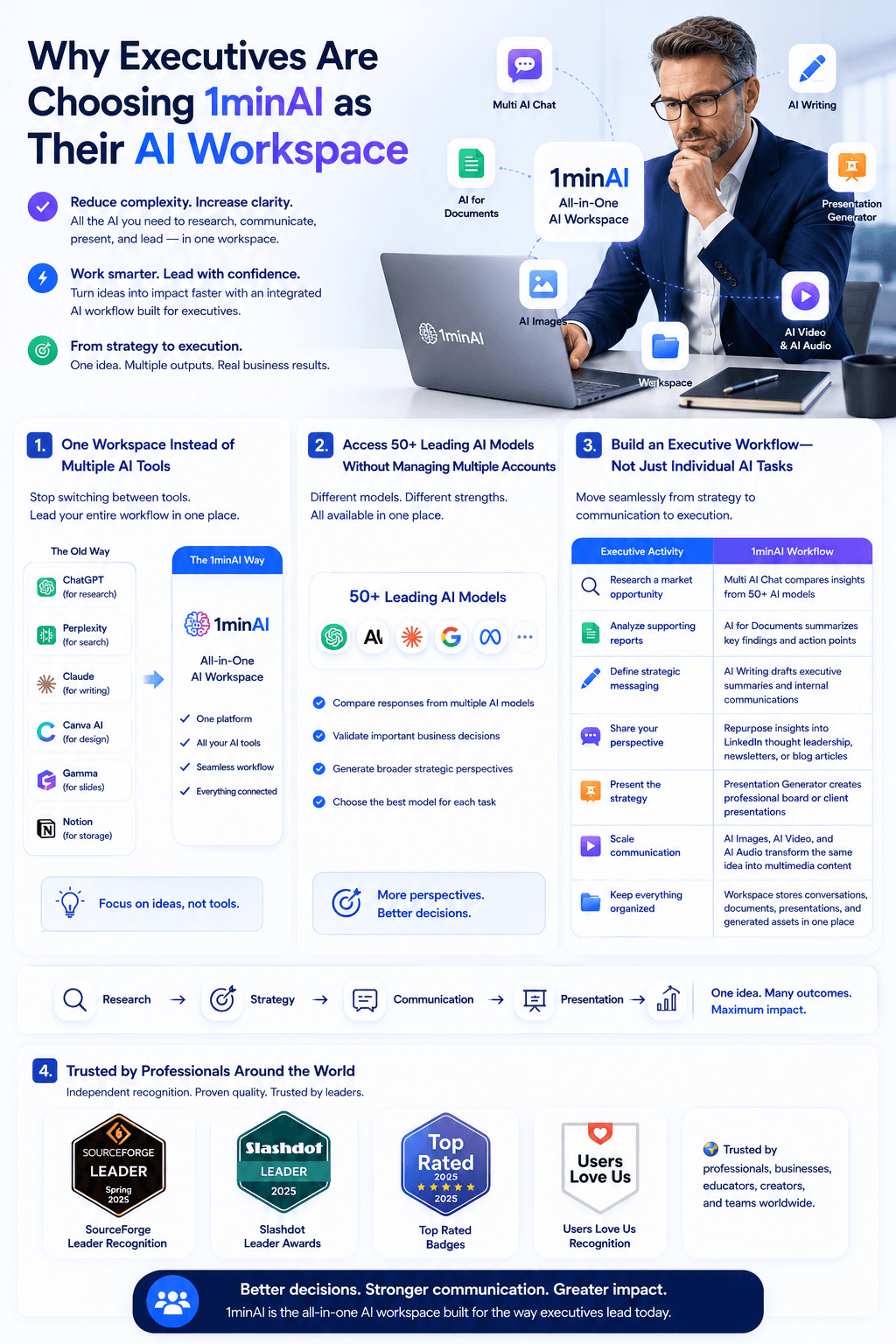
One Workspace Instead of Multiple AI Tools
Most executives already have access to AI.
The challenge is that their workflow often looks like this:
- Research with ChatGPT
- Search with Perplexity
- Write with Claude
- Design with Canva AI
- Build slides with Gamma
- Store everything in Notion
Each tool performs one task well, but none of them truly work together.
With 1minAI, executives can manage their entire workflow from one platform.
| Executive Task | 1minAI Feature |
|---|---|
| Market research & strategic thinking | Multi AI Chat |
| Analyze reports & PDFs | AI for Documents |
| Executive writing & thought leadership | AI Writing |
| Create board presentations | Presentation Generator |
| Generate visuals | AI Images |
| Produce video & audio content | AI Video & AI Audio |
| Organize projects | Workspace |
Instead of asking "Which AI tool should I use next?", executives can simply focus on moving their ideas forward.
Access 50+ Leading AI Models Without Managing Multiple Accounts
Different AI models excel at different tasks.
One may be better for strategic reasoning, another for writing, while another performs better at document analysis or creative brainstorming.
Rather than subscribing to several AI platforms, 1minAI's Multi AI Chat gives executives access to 50+ leading AI models in one place.
This allows leaders to:
- Compare responses from multiple AI models
- Validate important business decisions
- Generate broader strategic perspectives
- Select the most suitable AI model for each task
For executives making high-impact decisions, comparing multiple viewpoints can be more valuable than relying on a single AI response.
Build an Executive Workflow—Not Just Individual AI Tasks
Most executives don't use AI for a single task.
They use it throughout the day as ideas evolve from strategy into communication and execution.
For example, a leadership discussion about a new market opportunity shouldn't stop at meeting notes. It should become actionable business assets that keep the entire organization aligned.
With an integrated AI workflow, one idea can evolve into multiple outputs:
| Executive Activity | 1minAI Workflow |
|---|---|
| Research a market opportunity | Multi AI Chat compares insights from 50+ AI models |
| Analyze supporting reports | AI for Documents summarizes key findings and action points |
| Define strategic messaging | AI Writing drafts executive summaries and internal communications |
| Share your perspective | Repurpose insights into LinkedIn thought leadership, newsletters, or blog articles |
| Present the strategy | Presentation Generator creates professional board or client presentations |
| Scale communication | AI Images, AI Video, and AI Audio transform the same idea into multimedia content |
| Keep everything organized | Workspace stores conversations, documents, presentations, and generated assets in one place |
Instead of repeatedly copying information between different AI tools, executives can move seamlessly from research → strategy → communication → presentation within a single AI workspace.
The result isn't just higher productivity—it's a more consistent leadership workflow where every insight can be transformed into decisions, communication, and business impact.
Trusted by Professionals Around the World
When AI becomes part of executive decision-making, trust matters.
1minAI has earned recognition from respected software review platforms, demonstrating both product quality and user satisfaction.
Its achievements include:
- 🏆 SourceForge Leader recognition
- 🏆 Slashdot Leader awards
- 🏆 Top Rated badges
- 🏆 Users Love Us recognition
- 🌍 Trusted by professionals, businesses, educators, creators, and teams worldwide
These independent recognitions reinforce 1minAI's reputation as a reliable AI workspace for professionals who depend on AI every day.
Whether you're preparing for a board meeting, building your executive brand, or shaping your company's strategy, you need AI tools you can trust.
Conclusion
Lead Smarter With One Integrated AI Workspace
Modern leadership requires more than access to powerful AI tools—it requires a workflow that connects research, strategy, communication, and execution.
With 1minAI, executives can access 50+ AI models, analyze business documents, create thought leadership content, generate presentations, produce multimedia assets, and organize projects from one integrated platform.
Instead of managing multiple AI tools, build a smarter executive workflow with 1minAI—and spend more time making decisions that move your business forward.
👉 Official Website: https://1min.ai/
👉 Discover All AI Features: https://1min.ai/features
Alternatives
Discover the best alternatives to 1minAI and compare features, pricing, and use cases.

1min.AI vs OpenRouter
1min.AI vs. OpenRouter: Compare the ready-to-use AI creation product against the technical API tool. Find out if you need a zero-code creative studio or a coding infrastructure hub.
 Ngoc Hong
1min.AI vs Chatplayground AI
Compare 1min.AI (Voice Cloning, Object Removal, Team Plans) vs. ChatPlayground AI (14+ Models, Teams/O365 Integration). Discover the superior platform for predictable pricing and long-term content production growth.
Ngoc Hong
1min.AI vs Krater AI
Compare 1min.AI vs Krater AI features, pricing, AI models, and workflows to find the best all-in-one AI tool for content, design, and productivity.
Ngoc HongAI Tools
Discover the best AI tools to boost productivity, creativity, and everyday work.
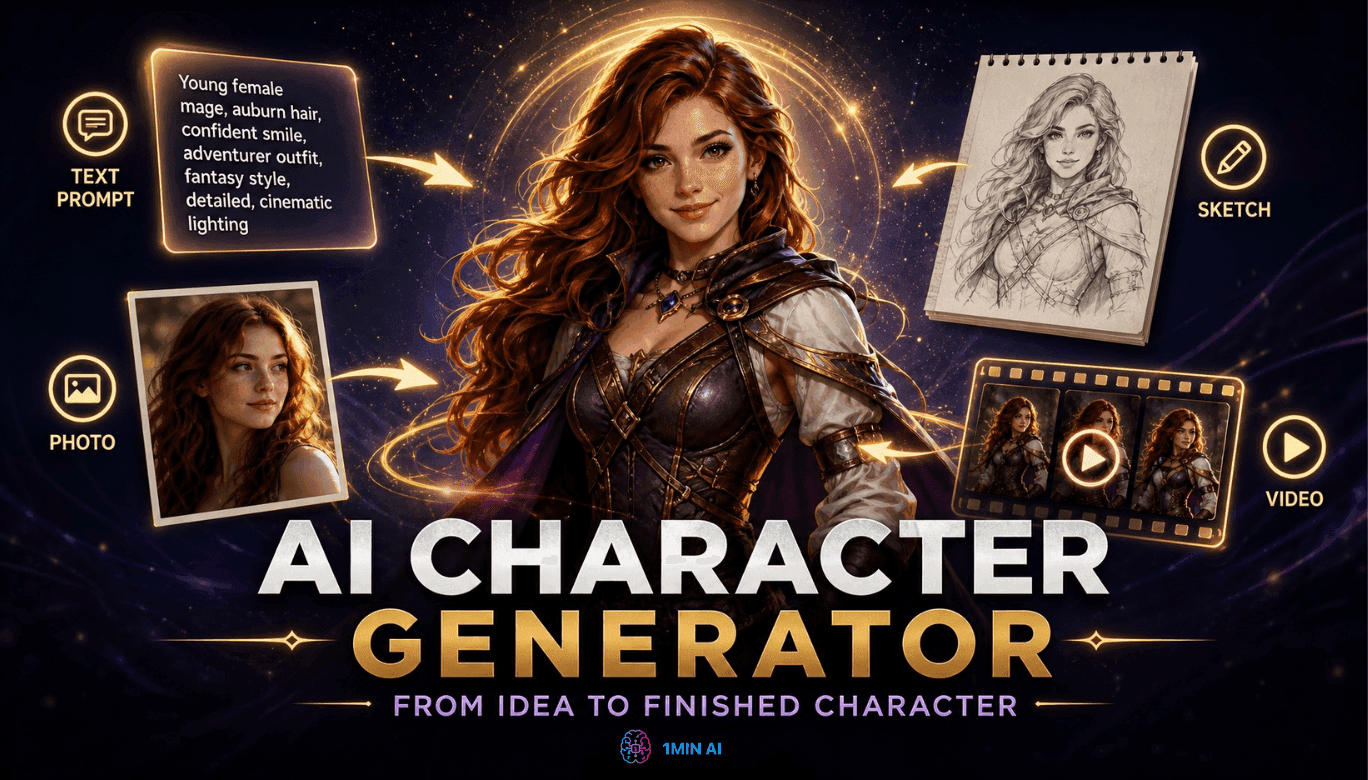
Free AI Character Generator - No Signup
Generate an AI character free from text or photo prompts. Try 1min.AI's AI character generator with multiple models, no design skills needed.
 Trang Tran
Turn “Make It Better” Into Better Content With AI
Use AI to turn vague client feedback into clear revisions, reduce unnecessary edits, and deliver better content faster.
 Lien Anh Vu
Free AI Brand Voice Generator
Create a unique and consistent brand voice with our powerful AI Brand Voice Generator. Get started today and craft messaging that resonates with your audience.
Trang TranAI Features
Comprehensive AI features that streamline workflows, improve efficiency, and empower teams to achieve more.
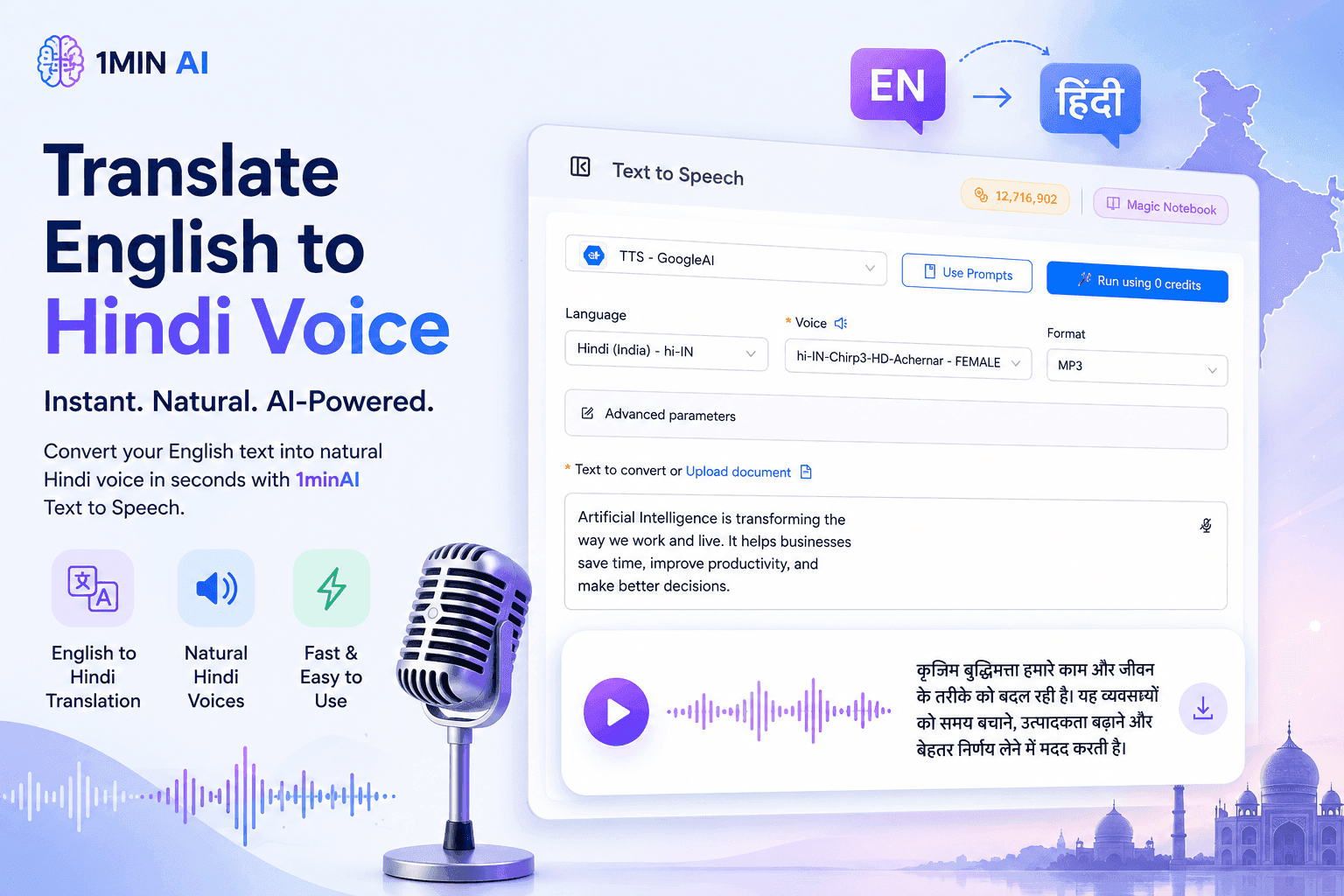
Translate English to Hindi Voice With 1minAI
Translate English to Hindi and convert your text into natural-sounding Hindi voice with 1minAI. Choose a Hindi voice, paste your text, and generate audio in seconds.
 Tram Ta
Anonymous Social Media Competitor Research: Risks & Safer Methods
Learn how to research social media competitors safely, avoid risky third-party tools, and use AI to turn public content into actionable marketing insights.
Ngoc Hong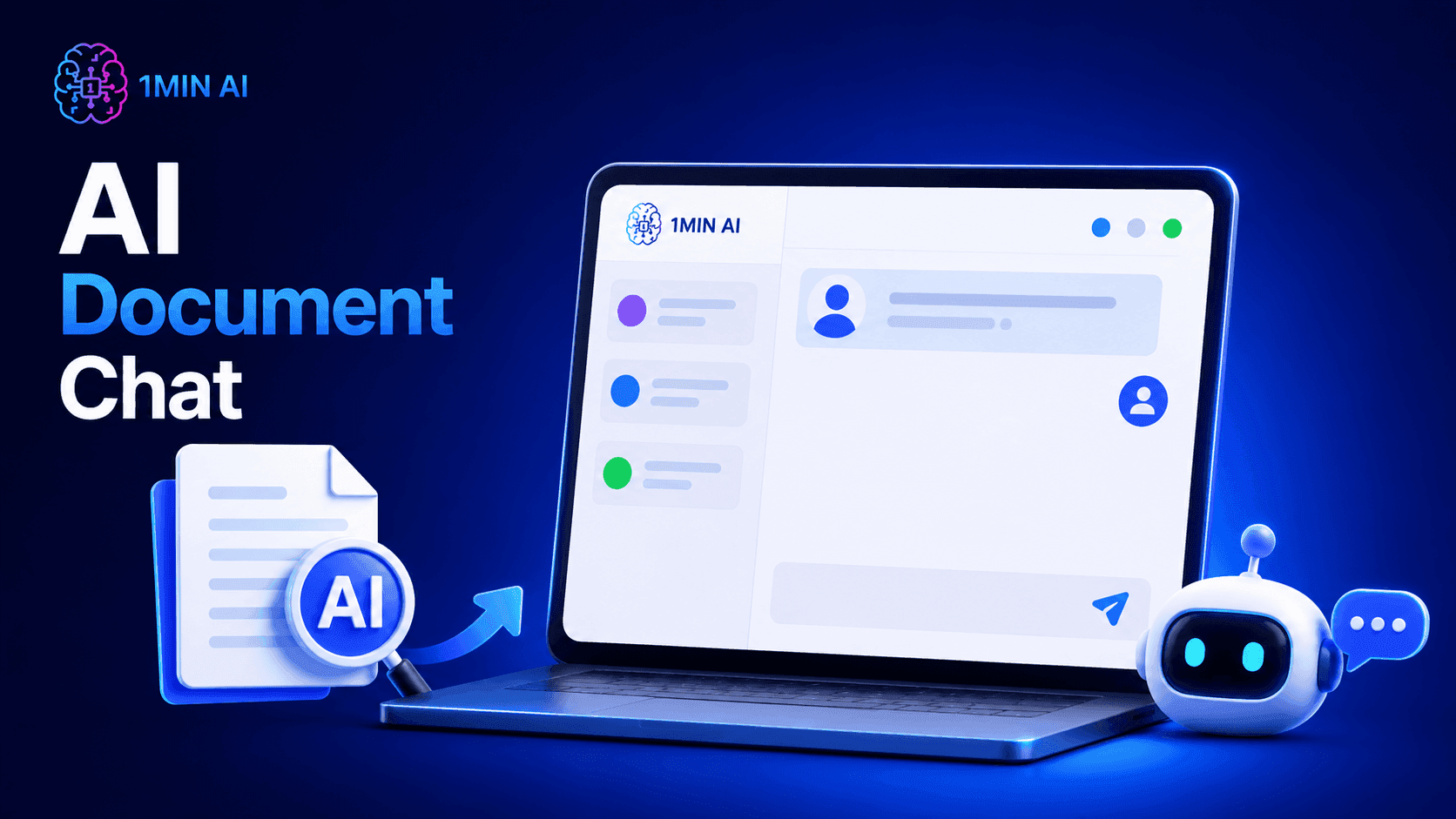
AI Document Chat
Upload PDFs or documents and chat with AI to summarize, answer questions, extract insights, and understand files faster with AI Document Chat on 1minAI.
Ngoc HongAI Use Cases
A curated collection of AI use cases for business, productivity, and industry-specific applications.
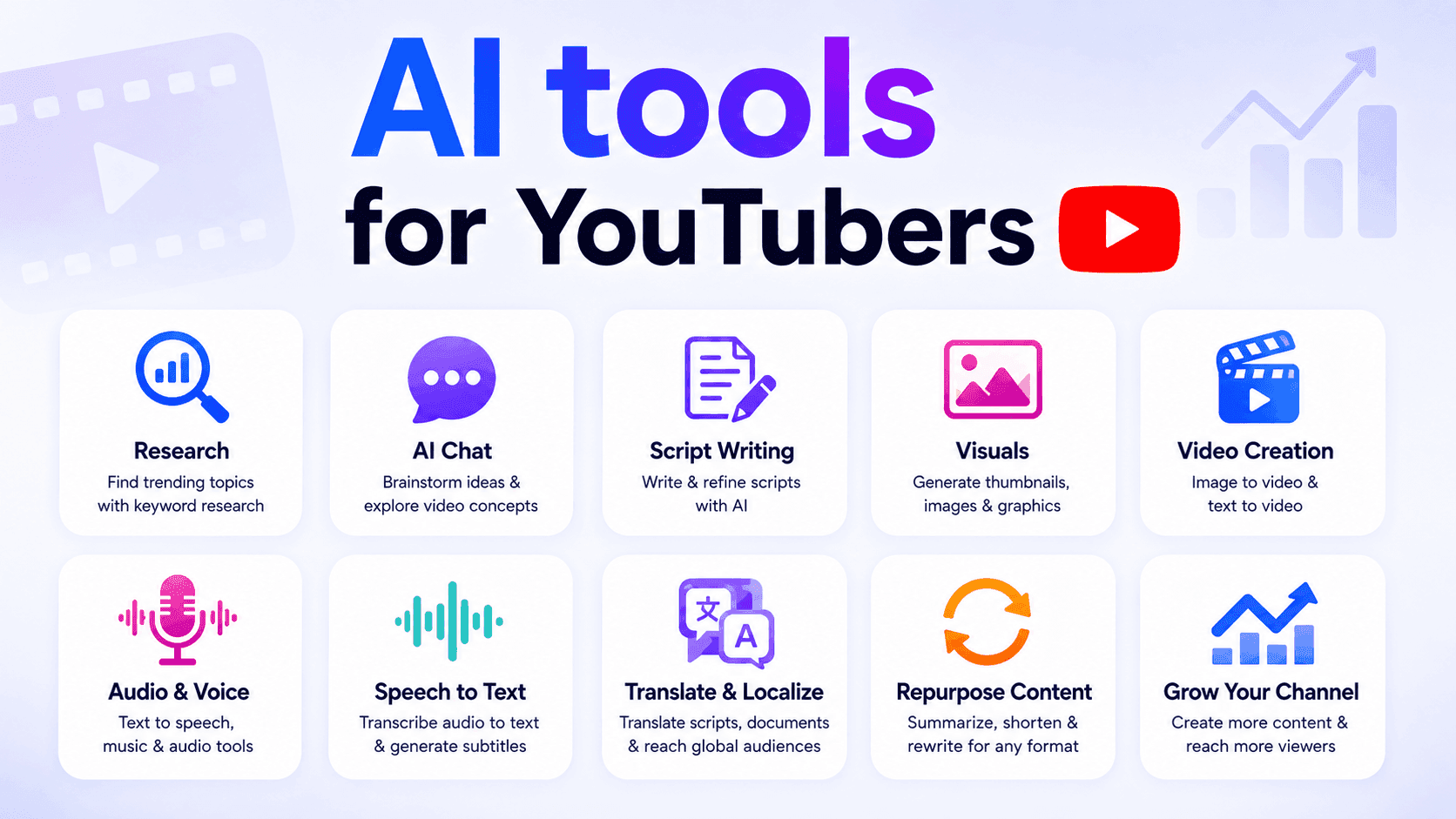
AI tools for YouTubers
Discover AI tools for YouTubers to research topics, write scripts, create visuals, translate videos, generate audio, and repurpose content.
Ngoc Hong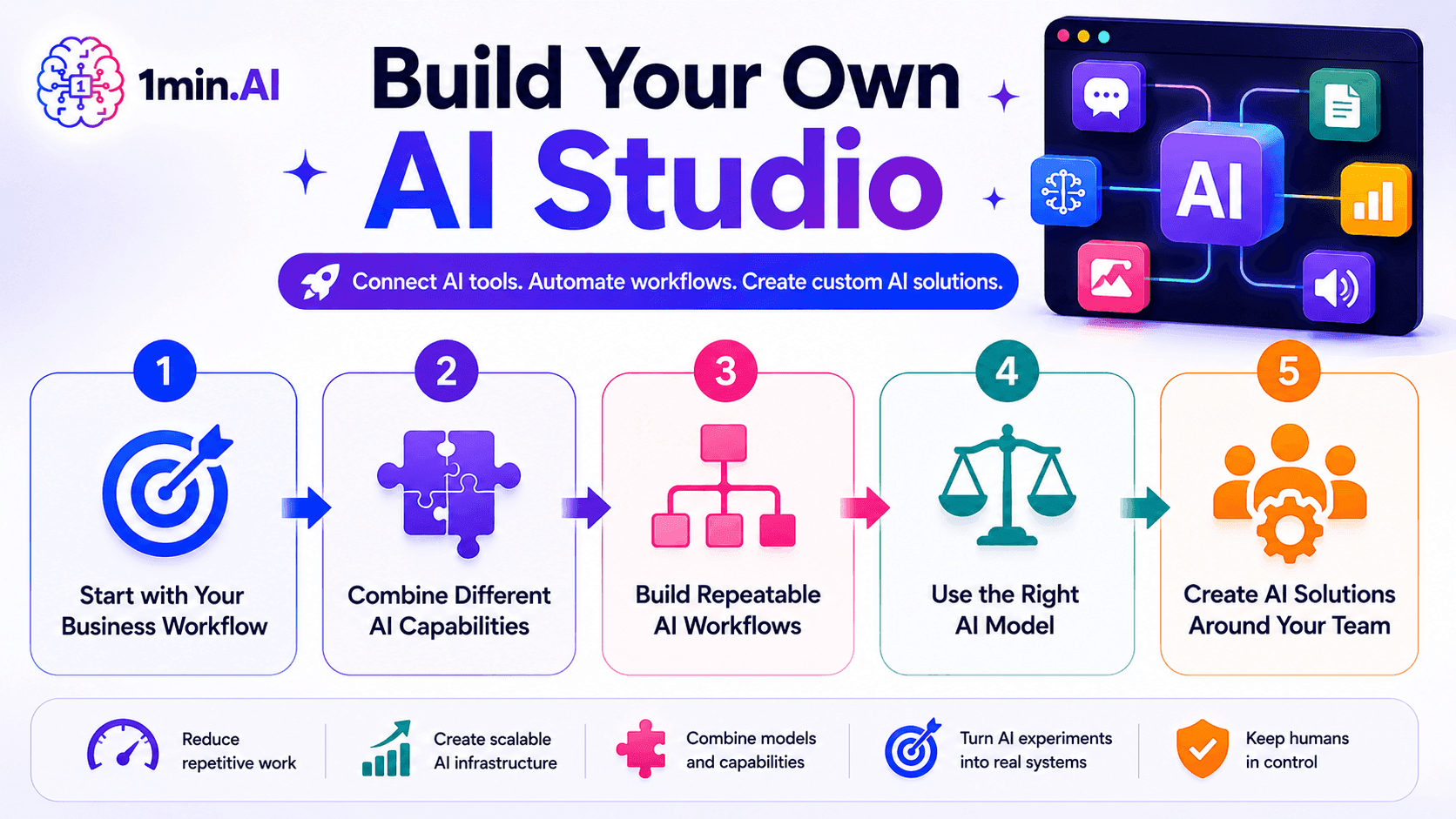
Build Your Own AI Studio
Build your own AI Studio with 1min.AI to connect AI tools, streamline workflows, and create custom AI solutions for your team and business.
Ngoc Hong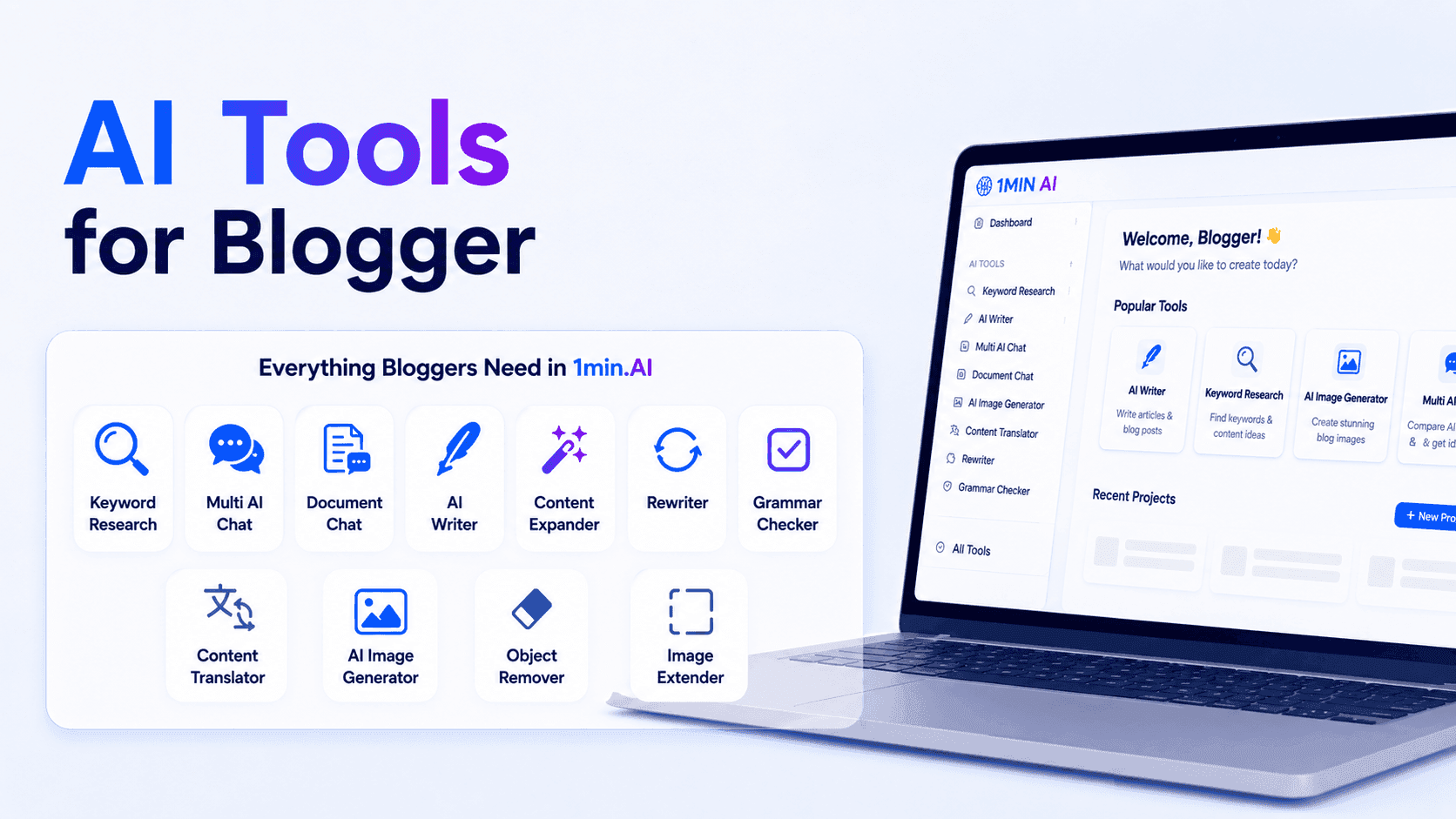
AI Tools for Bloggers
Discover AI tools for bloggers to research keywords, write SEO content, edit articles, and create visuals faster with 1min.AI.
Ngoc HongAI Tutorials
Learn how to use AI with practical, step-by-step tutorials.
Translate English to Hindi Voice With 1minAI
Translate English to Hindi and convert your text into natural-sounding Hindi voice with 1minAI. Choose a Hindi voice, paste your text, and generate audio in seconds.
Tram Ta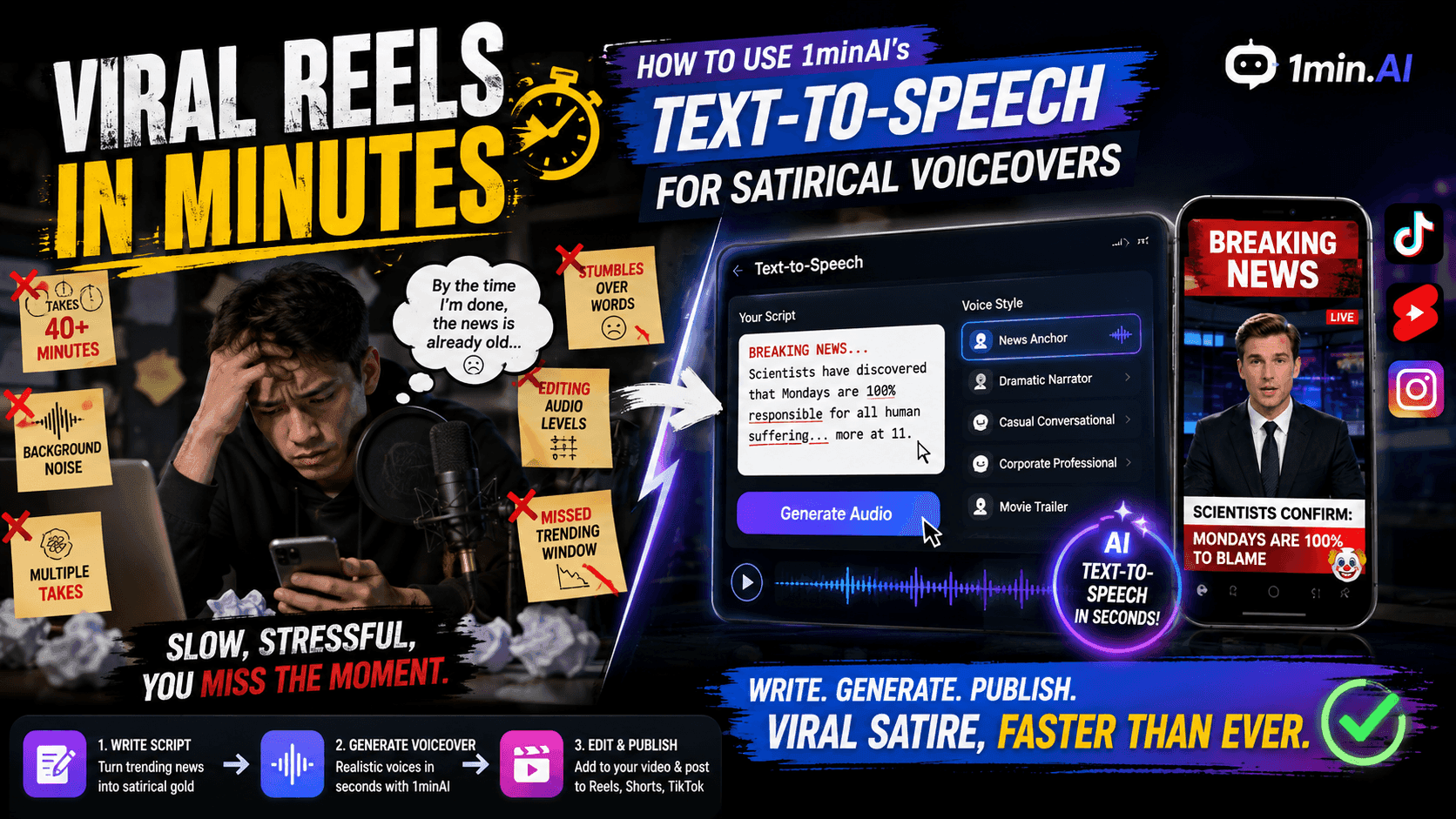
Viral Reels in Minutes: How to Use 1minAI’s Text-to-Speech for Satirical Voiceovers
Learn how satirical page admins use 1minAI’s Text-to-Speech feature to generate instant news anchor and dramatic voiceovers for TikToks, Shorts, and Instagram Reels.
 Uyen Hoang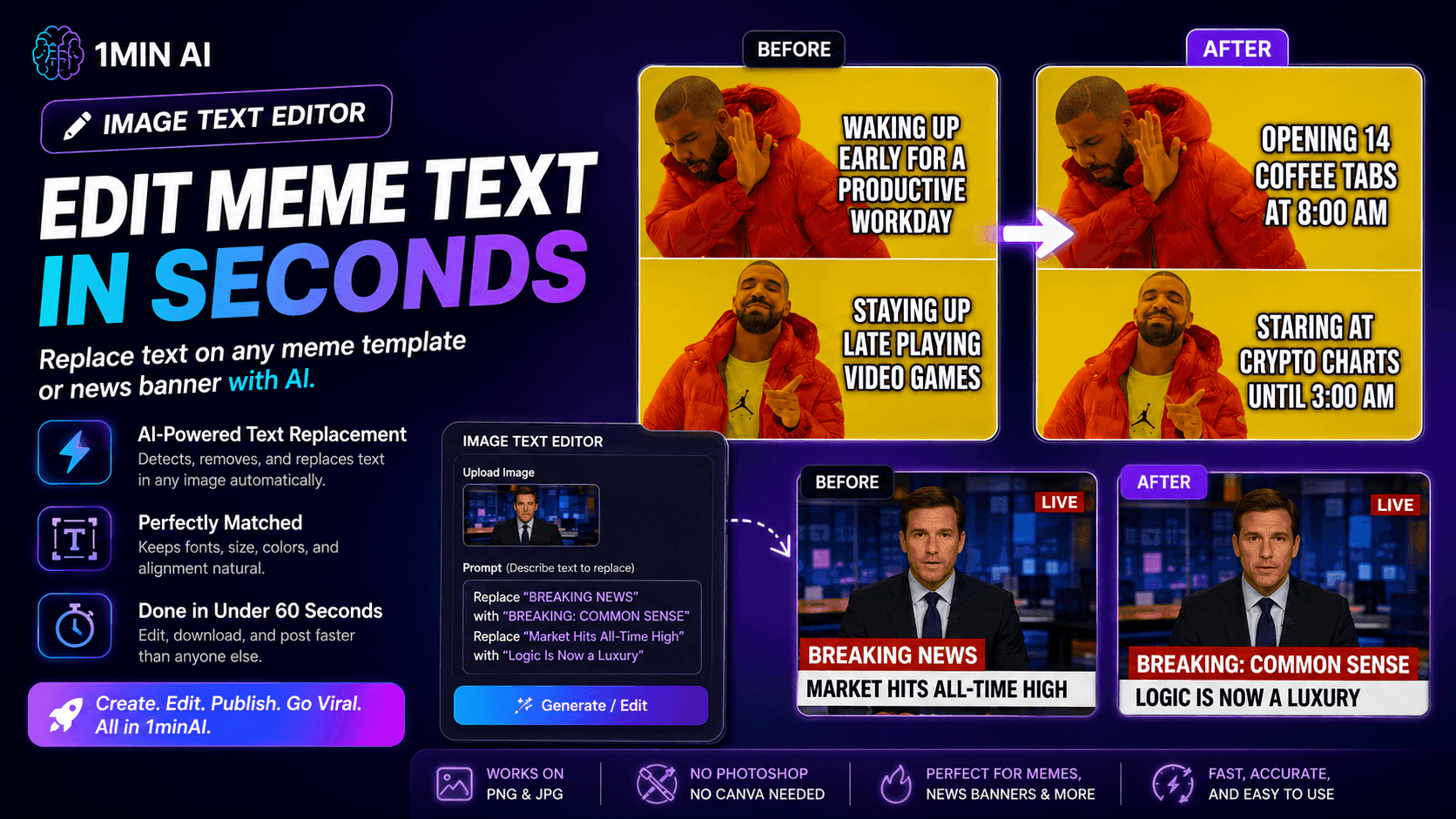
No Photoshop Needed: How to Use 1minAI’s Image Text Editor for Instant Meme Customization
Stop wasting time opening Photoshop or Canva to edit meme captions. Learn how 1minAI’s Image Text Editor replaces text on any meme template or news banner in seconds.
Uyen HoangAI Guides
Learn AI faster with practical guides, real-world examples, and actionable best practices.
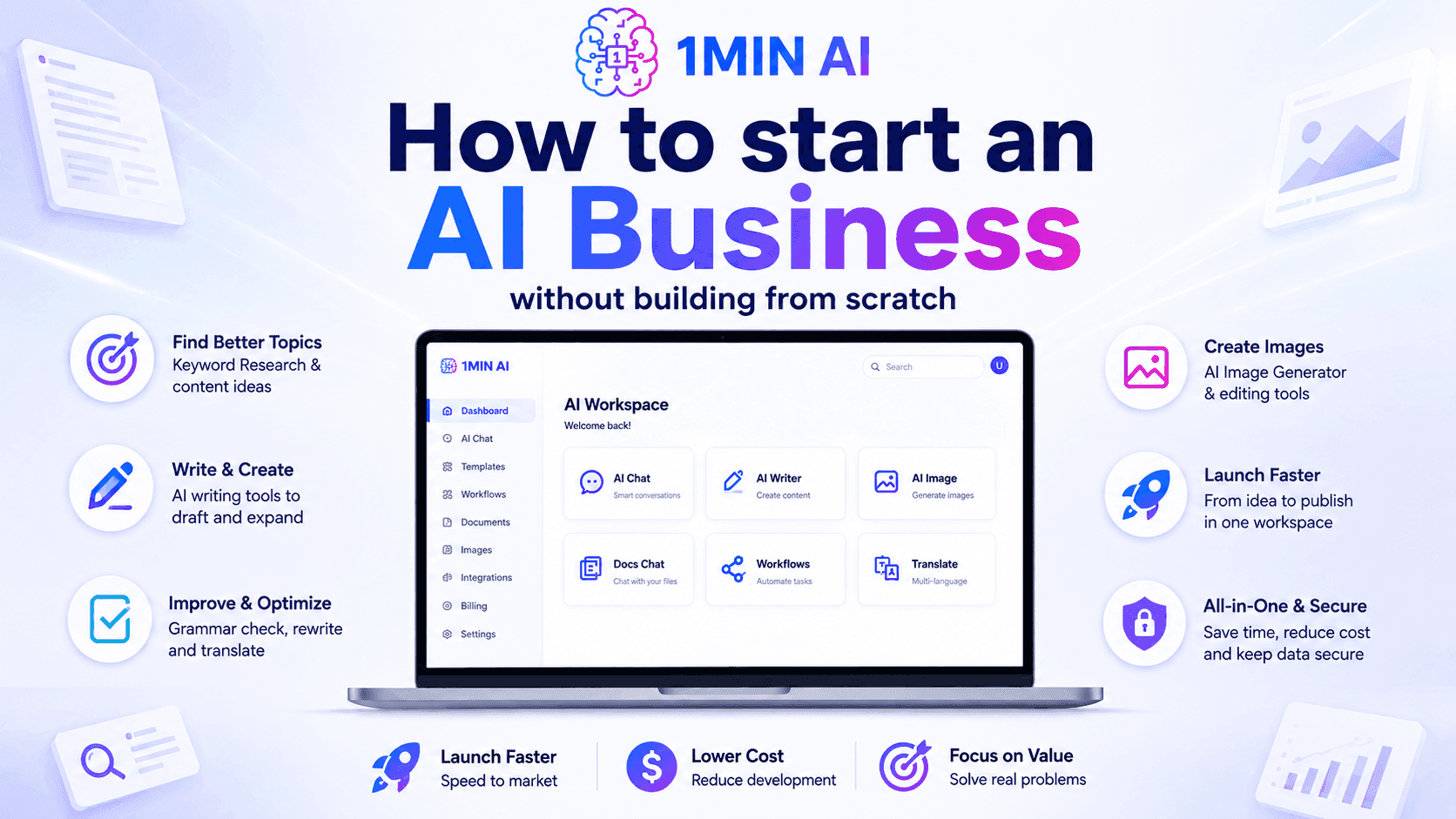
How to start an AI business without building from scratch
Learn how to start an AI business, validate your idea, and launch faster without building costly AI infrastructure from scratch.
Ngoc Hong
When Should Creators Post on Instagram?
When should creators post on Instagram? Discover why there is no universal best time and how to use audience data, testing, and AI to build a smarter posting workflow.
Lien Anh Vu
AI Content Workflow for Freelancers: From Brief to Post
Discover an AI content workflow for freelancers. Use Claude for brainstorming and ChatGPT for images to turn client briefs into polished social posts faster.
Lien Anh VuAI Solutions
Browse the best AI solutions for automation, coding, research, productivity, customer support, marketing, and business workflows.
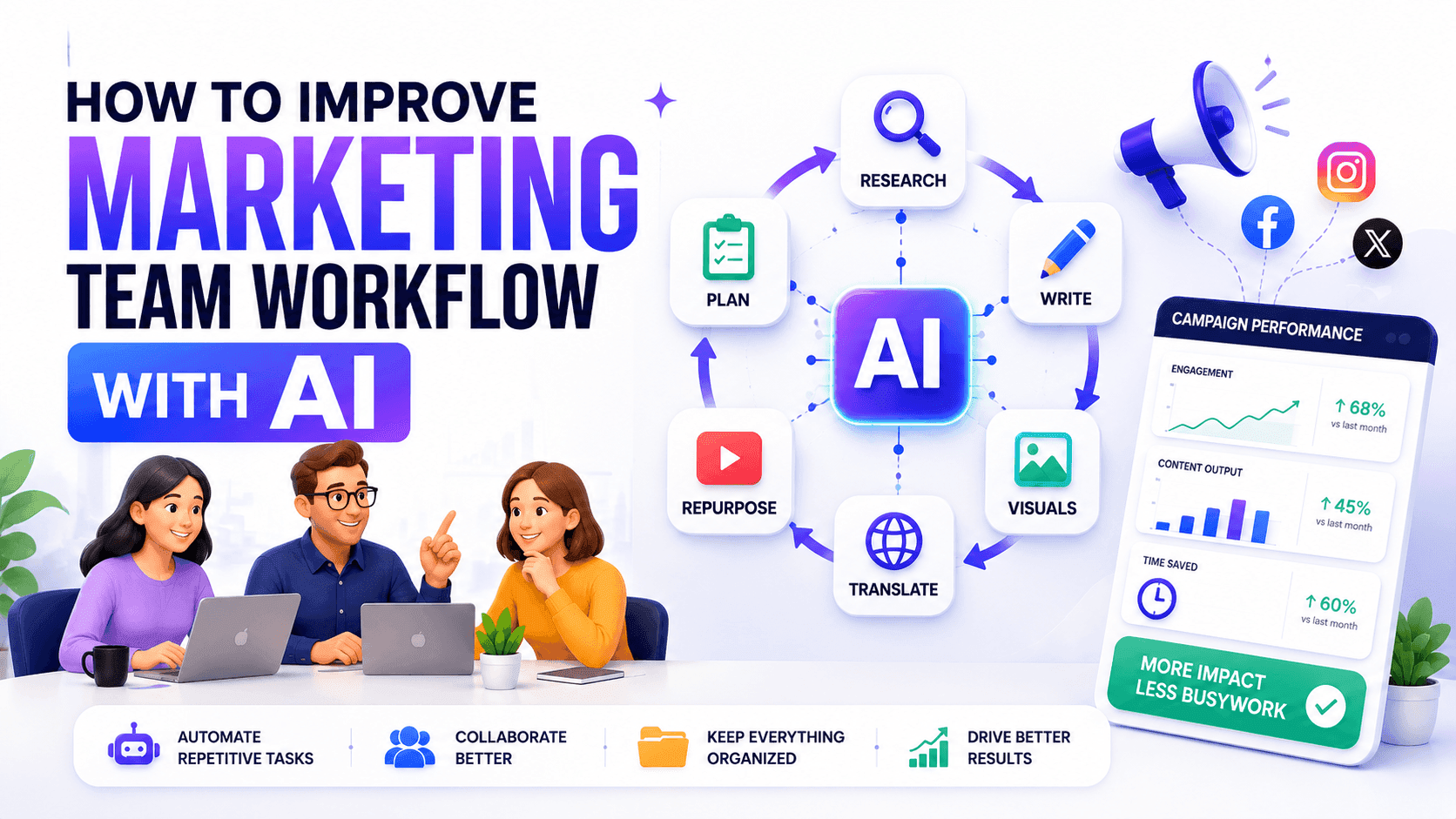
How to Improve Your Marketing Team Workflow With AI
Learn how to improve your marketing team workflow with AI, automate repetitive tasks, and build a scalable system for growing teams.
Ngoc HongHow to start an AI business without building from scratch
Learn how to start an AI business, validate your idea, and launch faster without building costly AI infrastructure from scratch.
Ngoc Hong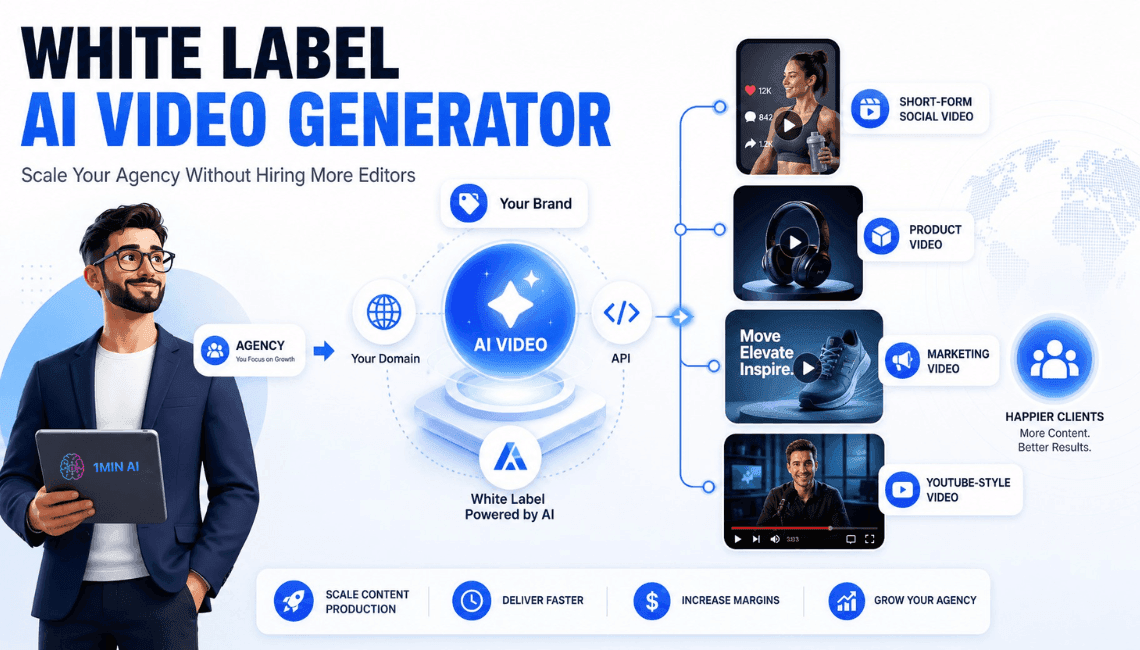
White Label AI Video Generator for Agencies
1min.AI's white label AI video generator lets agencies create branded video under their own logo, domain, and API — no editors, no extra tools.
Trang TranAI Models
Explore the world's leading AI models in one place.
CLAUDE 4.7 OPUS - AWS BEDROCK US
Deploy Claude 4.7 Opus on AWS Bedrock US. Discover enterprise AI infrastructure, advanced coding, adaptive thinking, secure inference, and seamless AWS integration.
Ngoc Hong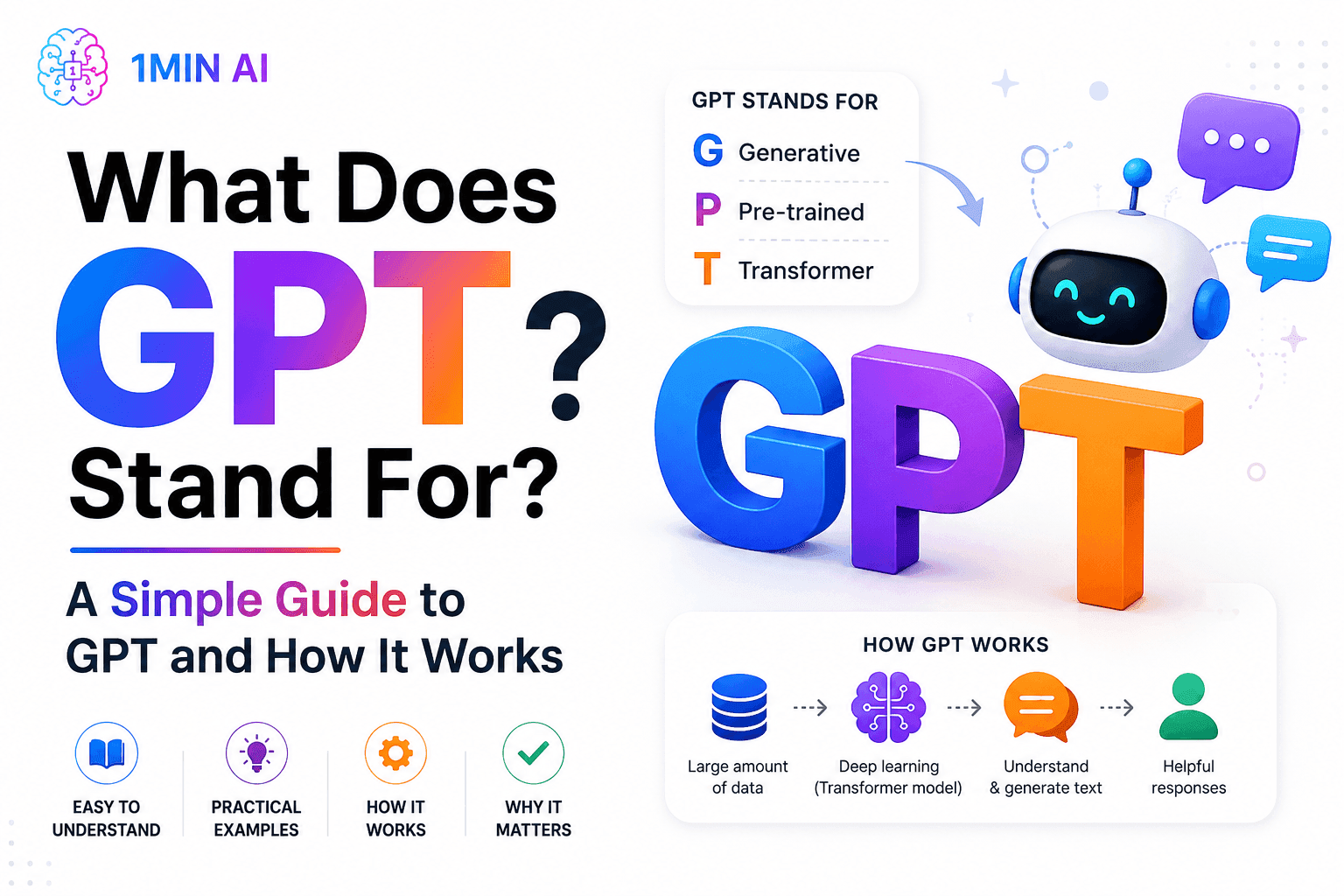
What Does GPT Stand For? A Simple Guide to GPT and How It Works
What does GPT stand for? Learn what GPT means, how Generative Pre-trained Transformer technology works, and why GPT models are important to modern AI.
Tram Ta
Free AI Chat with Qwen3 VL Plus
Chat with Qwen3 VL Plus for advanced image and video understanding, visual reasoning, OCR, spatial analysis, and multimodal AI assistance inside 1minAI.
Uyen HoangAI Comparisons
Compare AI tools, models, and platforms to find the best fit for your needs.

Your Sales Team Only Needs One App Instead of Five
Ditch the multi-app bills. Learn why high-performing sales teams are moving to an all-in-one AI platform to cut tool fatigue and leverage top models.
Uyen Hoang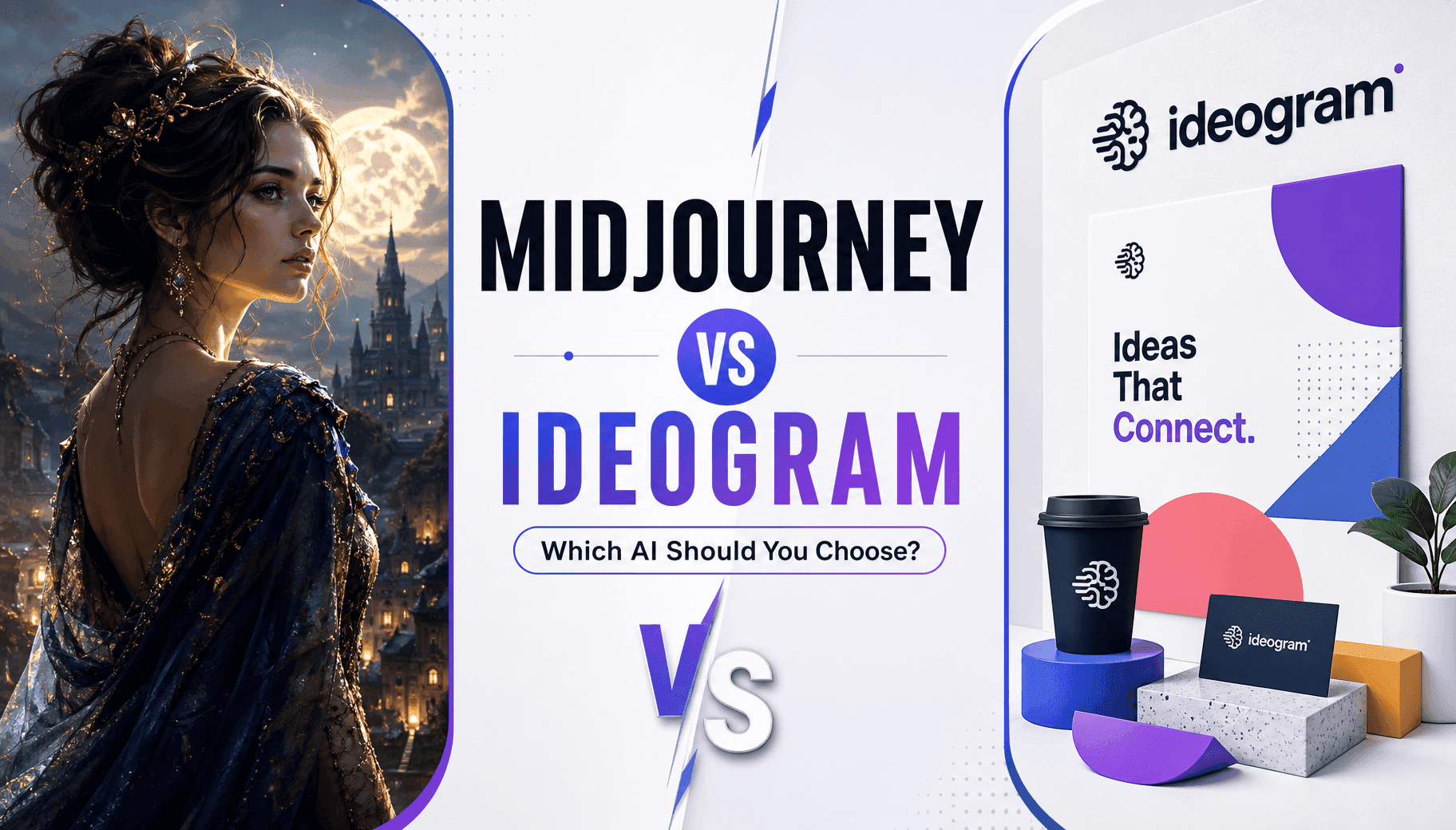
Midjourney vs Ideogram: Which AI Should You Choose?
Compare Midjourney vs Ideogram to find the best AI image generator for your needs. Explore image quality, typography, features, and real-world use cases.
Trang Tran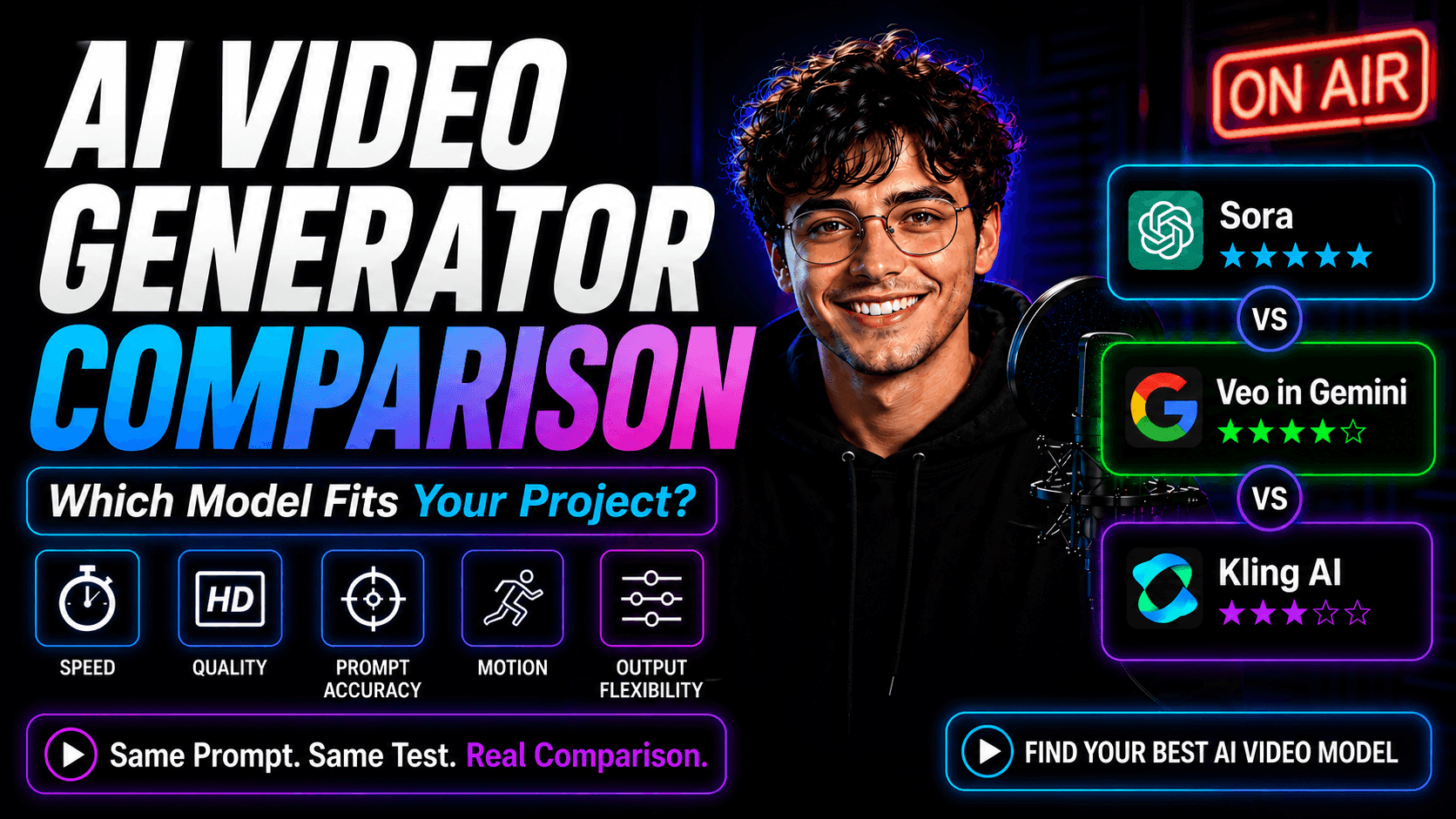
AI Video Generator Comparison on 1min.AI: Which Model Fits Your Project?
Compare Sora, Google Veo in Gemini, and Kling AI on 1min.AI using the same prompt. See speed, quality, prompt accuracy, motion, and output flexibility.
Lien Anh VuAI Integrations
Seamlessly integrate AI with the tools you already use to automate work and boost productivity.
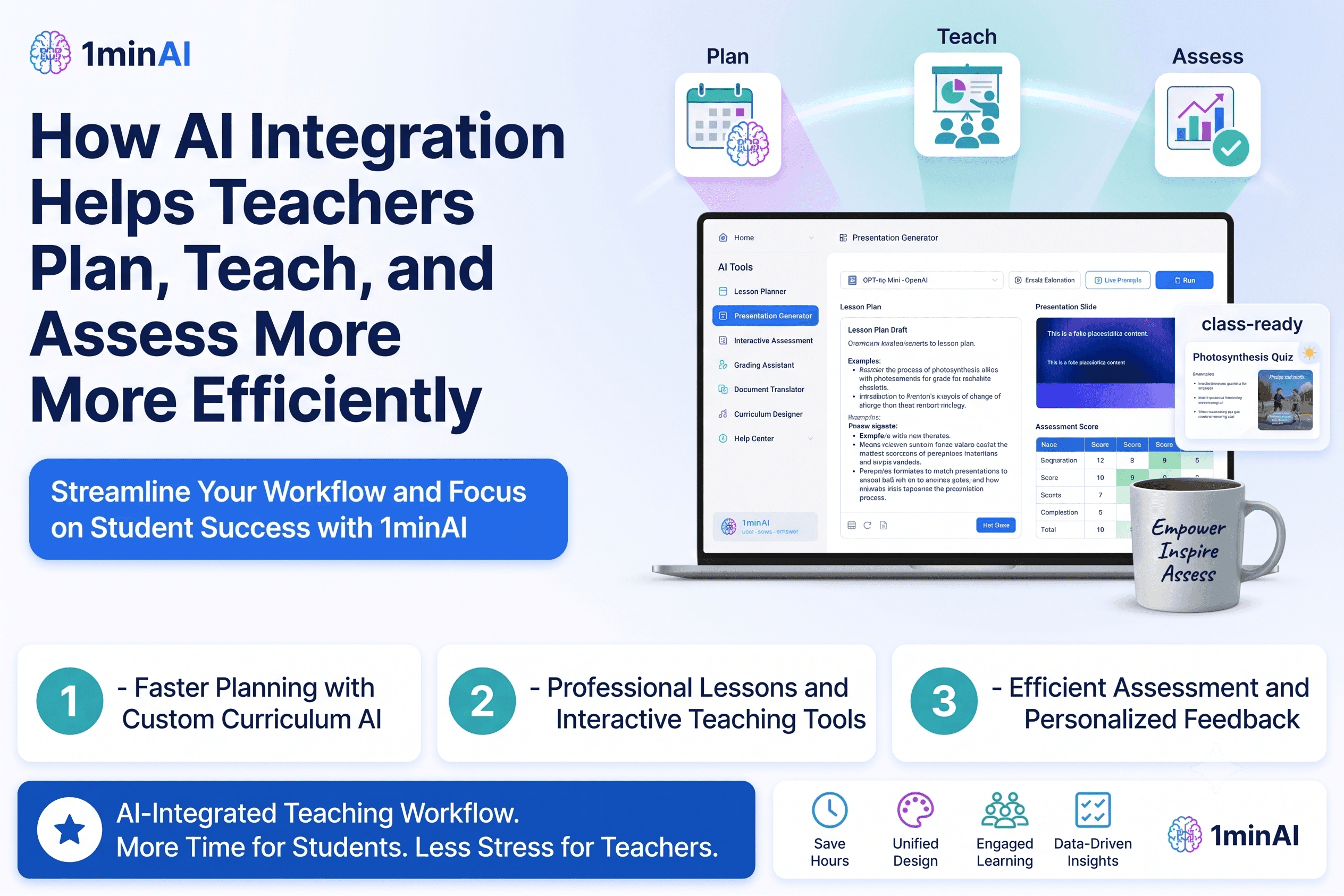
How AI Integrations Help Teachers Plan, Teach, and Assess More Efficiently
Discover how AI integration helps teachers streamline lesson planning, presentations, classroom materials, assessments, and student engagement in one AI workspace.
Tram TaAI Content Workflow for Freelancers: From Brief to Post
Discover an AI content workflow for freelancers. Use Claude for brainstorming and ChatGPT for images to turn client briefs into polished social posts faster.
Lien Anh Vu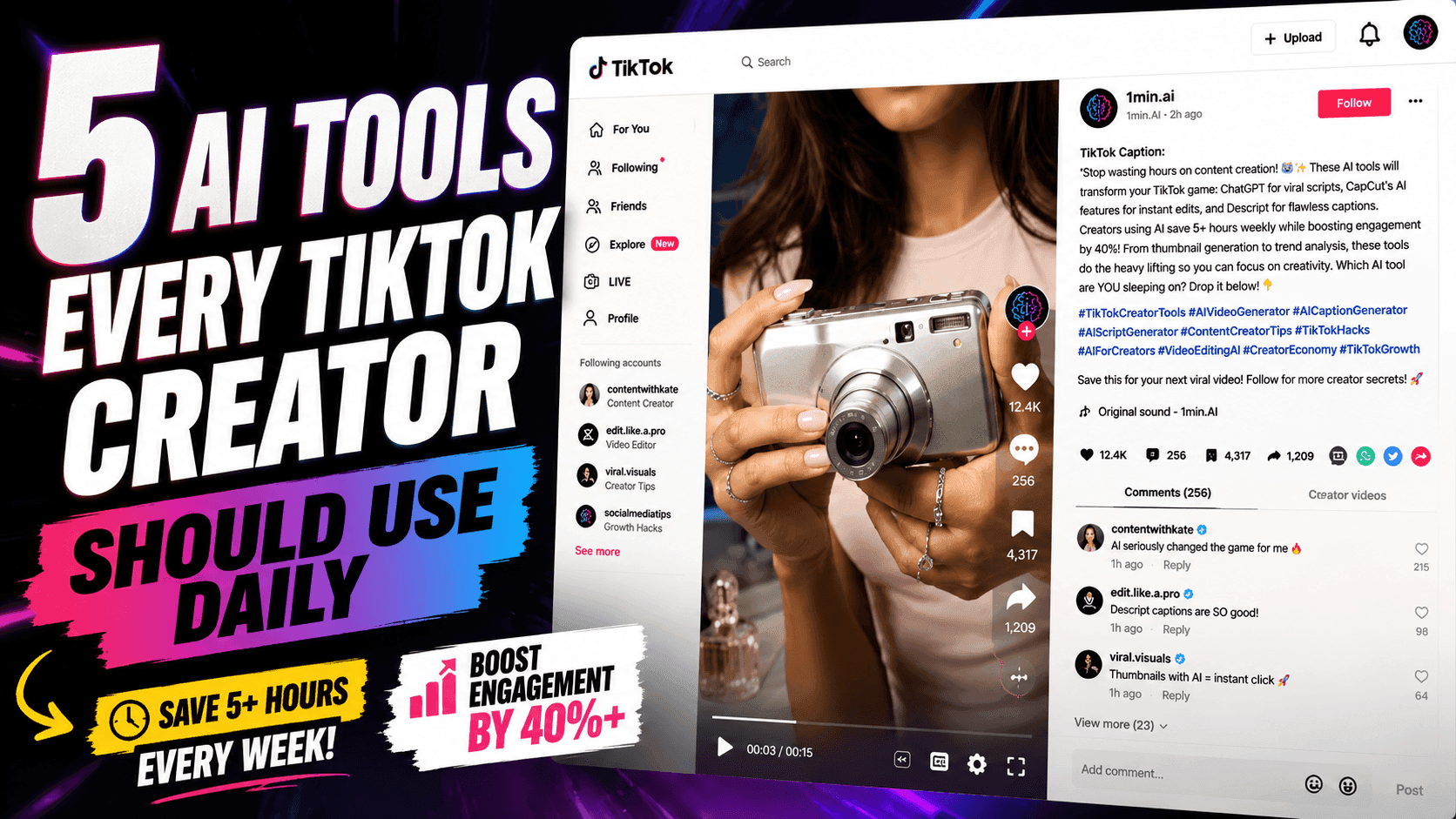
5 AI Tools Every TikTok Creator Should Use Daily
Discover five essential AI tools that help TikTok creators find ideas, write scripts, create visuals, generate videos, and publish content faster.
Lien Anh VuAI for Industries
Find the best AI tools and workflows for healthcare, finance, education, legal, manufacturing, retail, real estate, and more
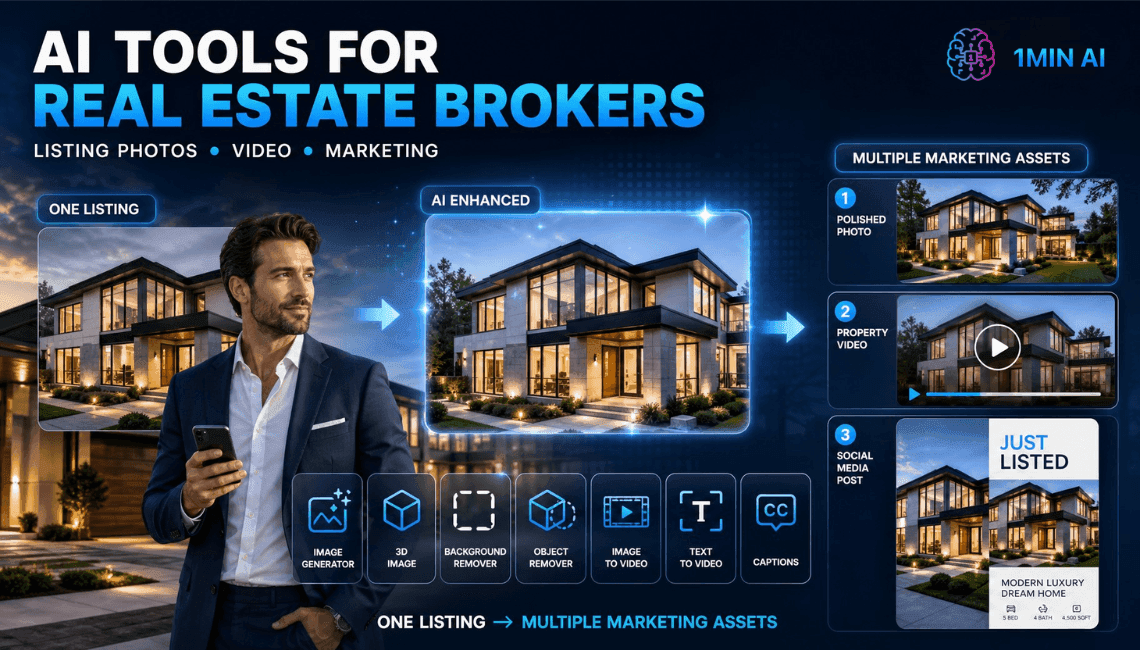
Free AI For Real Estate Brokers
List faster, sell faster. Free AI for Real Estate brokers to create stunning property visuals, videos, and captions in minutes.
Trang Tran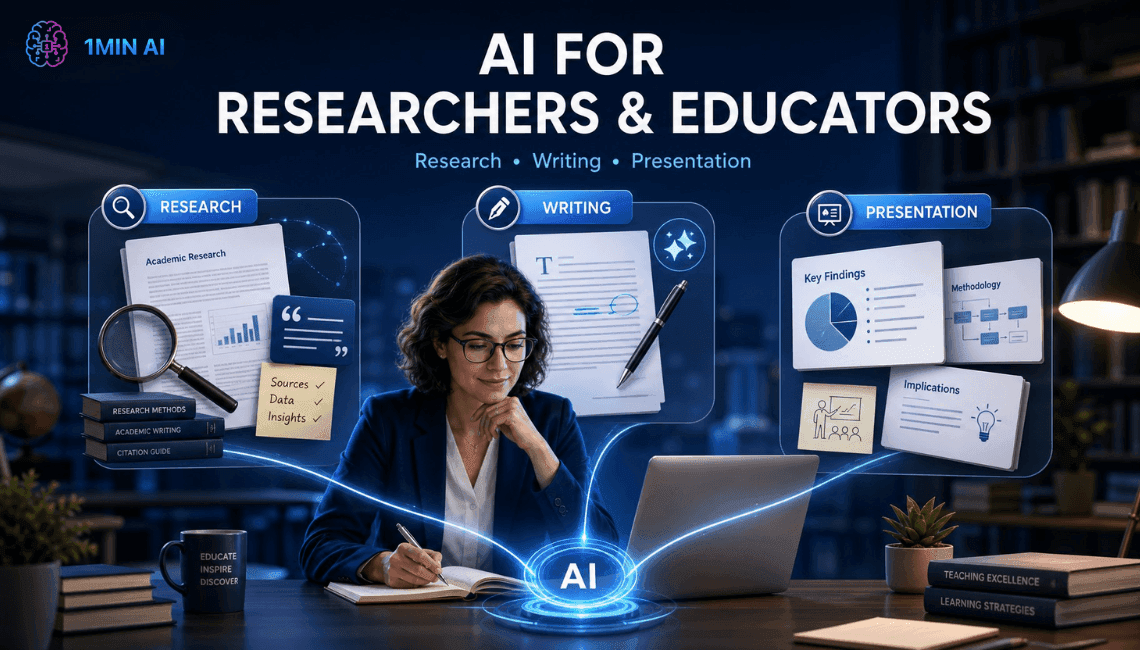
Free AI Tool for Researchers & Educators
Stop losing hours to research and writing. 1min.AI's free AI tool for researchers finds keywords, summarizes papers, and drafts content instantly.
Trang Tran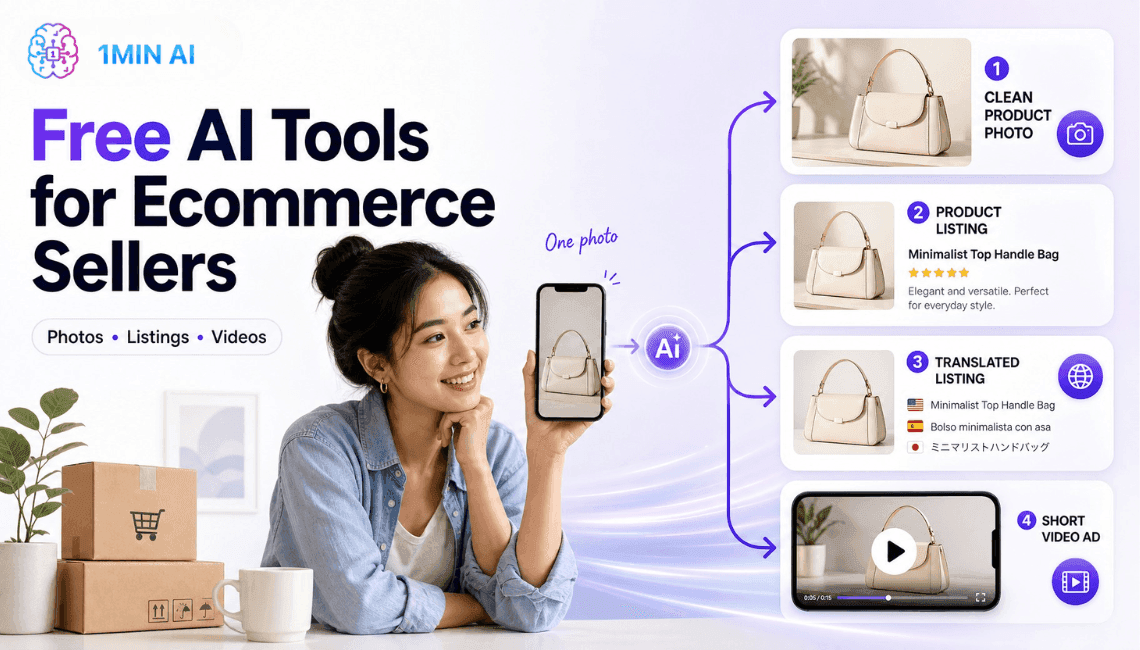
Free AI Tools for Ecommerce Sellers
Free AI tools for ecommerce sellers to edit product photos, write listings, and turn images into video ads, all inside one 1min.AI workspace.
Trang TranAI Agents
Discover and run AI agents to automate tasks across your work and daily life.
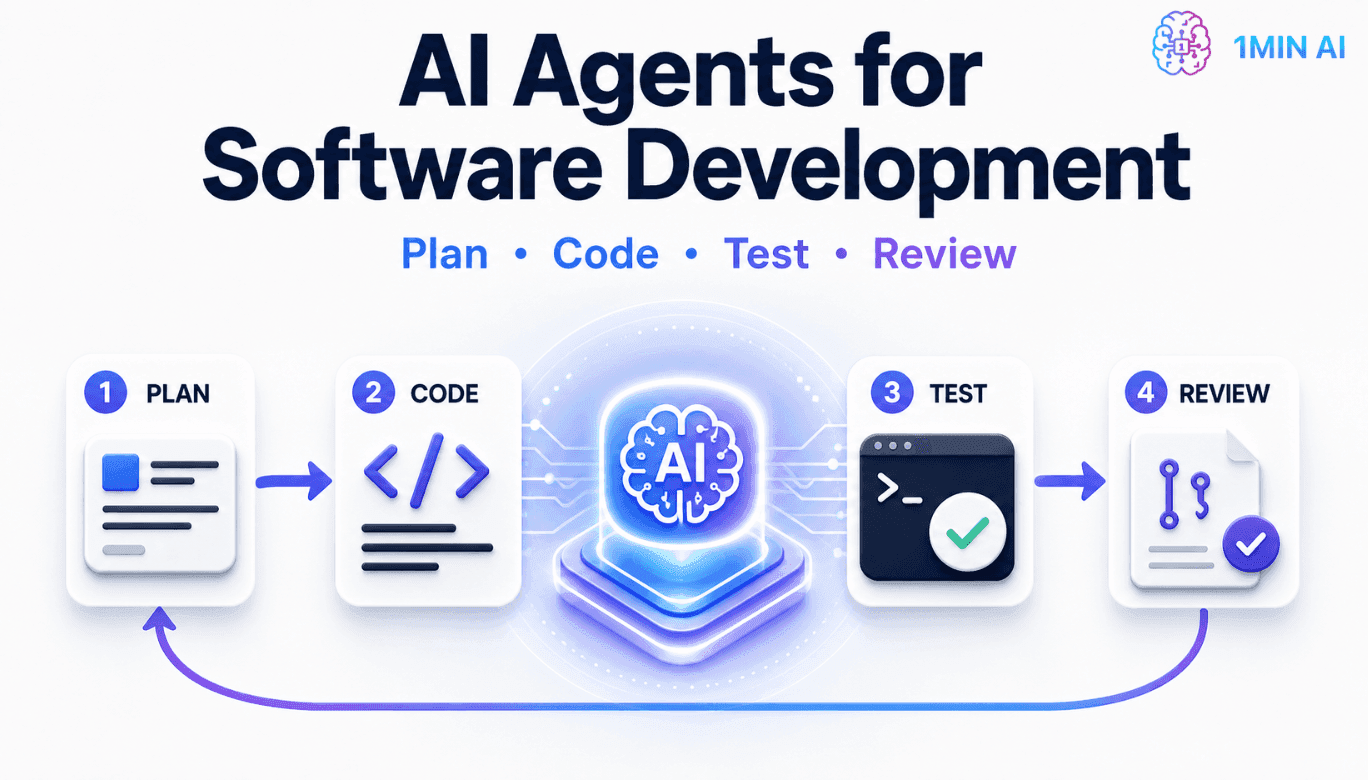
Free AI Agent For Software Development
An AI agent for software development plans tasks, writes multi-file code, and runs tests automatically. See how it works, plus 1min.AI's early access.
Trang Tran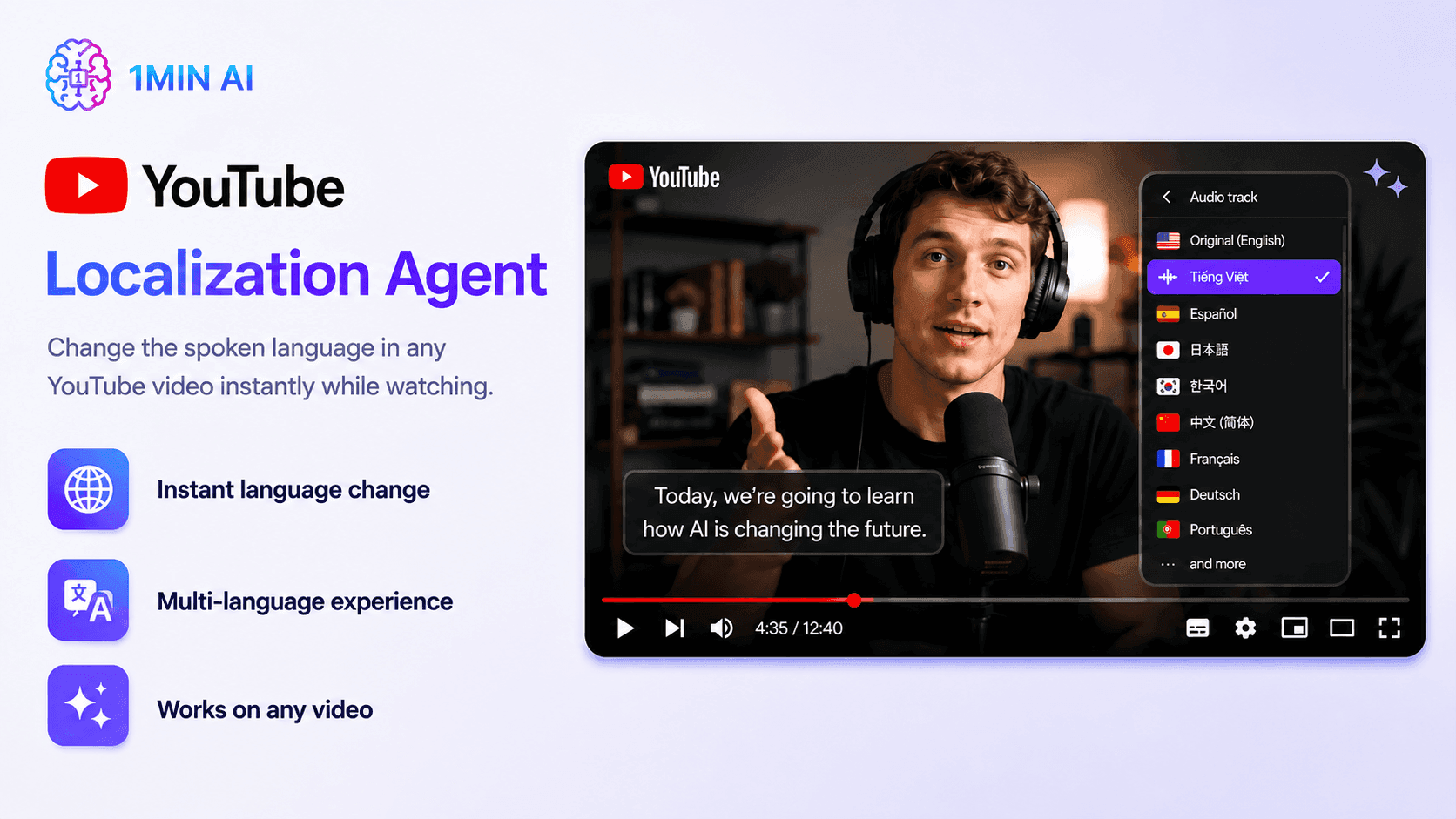
YouTube Localization Agent
Translate and dub YouTube videos with AI using YouTube Localization Agent. Localize subtitles, titles, descriptions, thumbnails, and audio in one workflow with 1minAI.
Ngoc Hong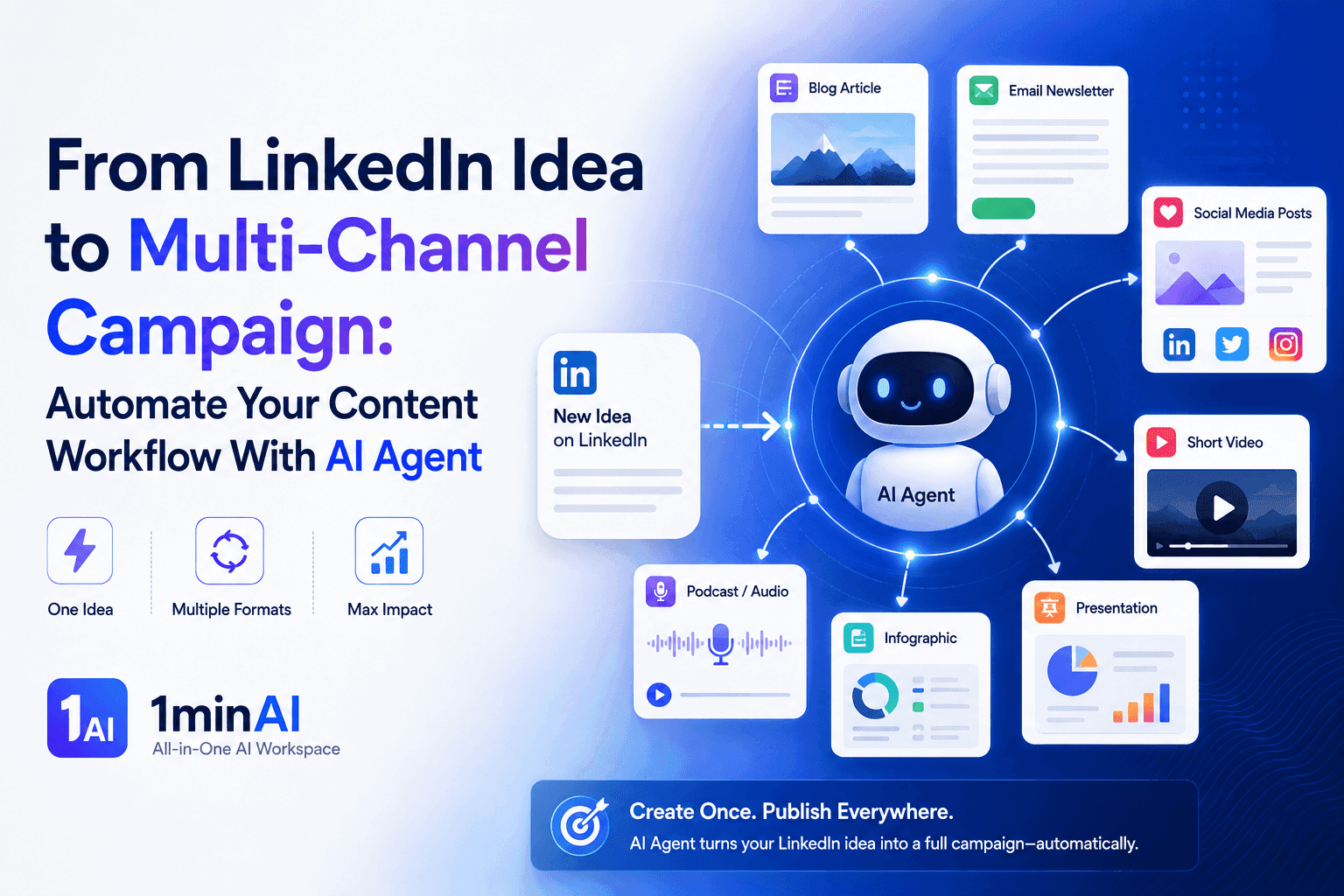
From LinkedIn Idea to Multi-Channel Campaign: Automate Your Content Workflow With AI Agent
Turn one LinkedIn idea into a multi-channel campaign with 1minAI Agent. Create posts, videos, visuals, and social content from one connected workflow.
Tram TaAI Workflows
Explore ready-to-use AI workflows for productivity, marketing, sales, support, and more.
How to Improve Your Marketing Team Workflow With AI
Learn how to improve your marketing team workflow with AI, automate repetitive tasks, and build a scalable system for growing teams.
Ngoc Hong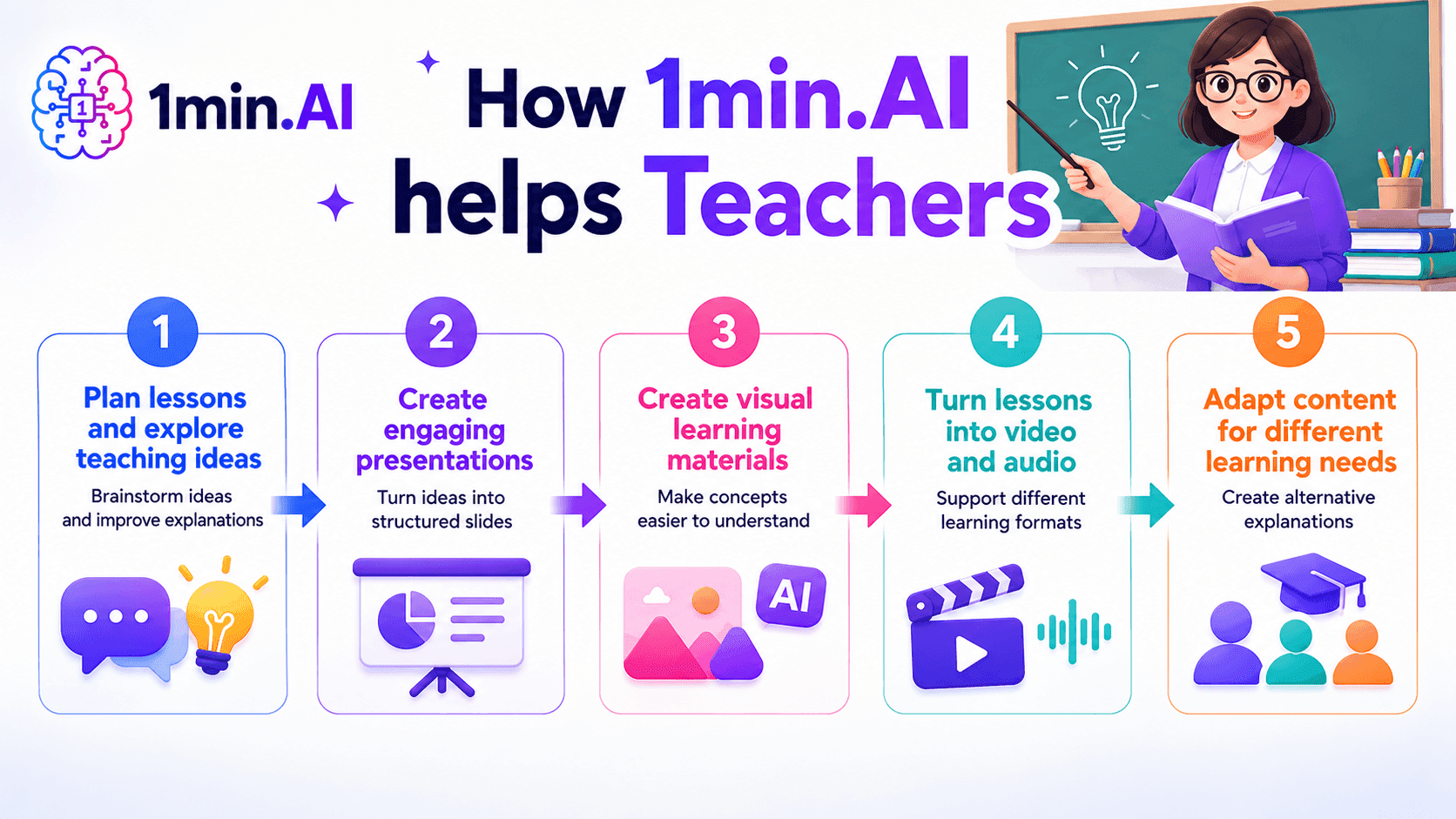
AI tools for Teachers
Discover AI tools for Teachers to create lessons, presentations, visuals, videos, and audio materials from one AI workspace with 1min.AI.
Ngoc Hong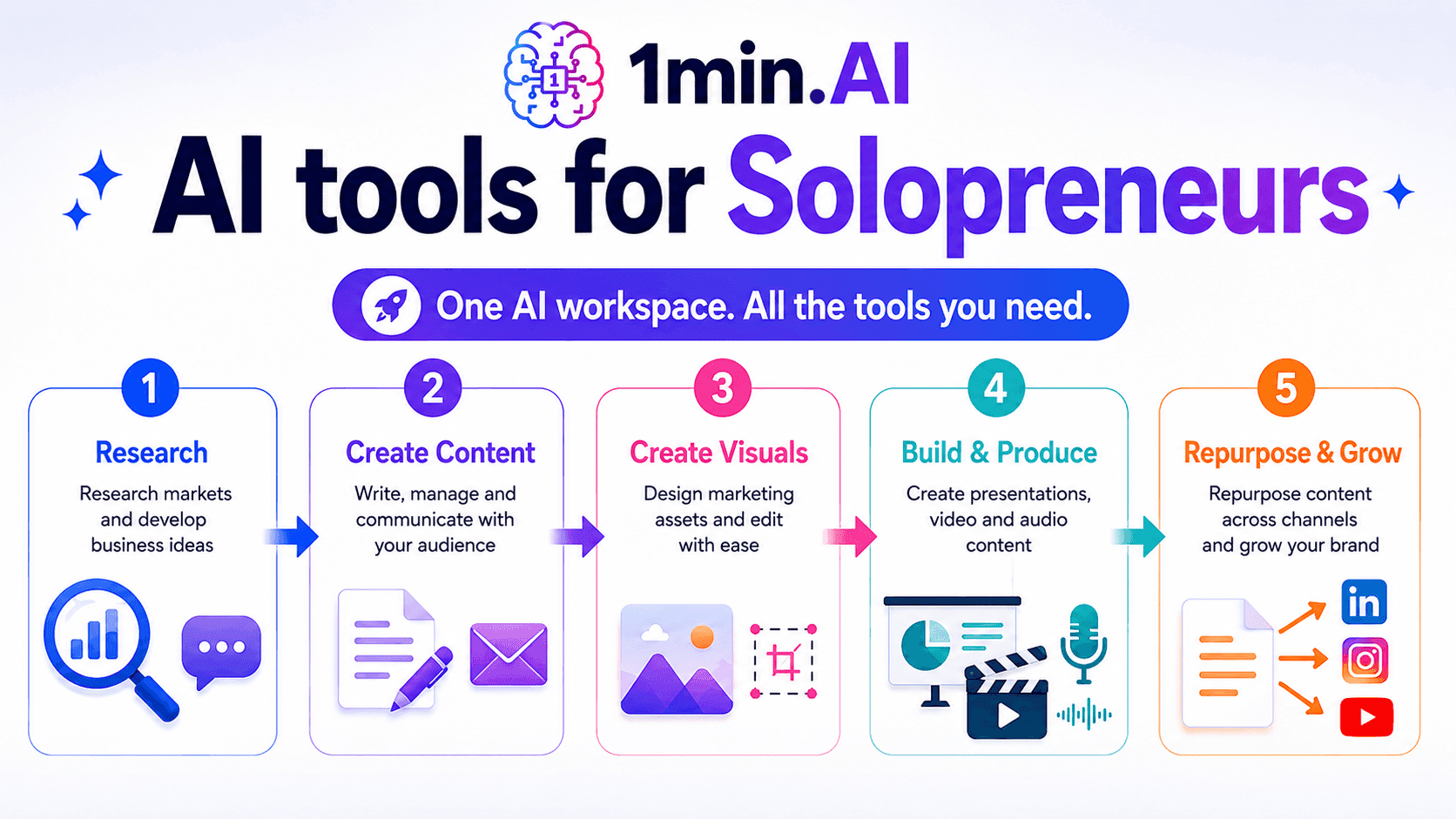
AI tools for Solopreneurs
Discover AI tools for Solopreneurs to research, create content, design, market, and manage business tasks from one AI workspace.
Ngoc HongNewsletter
Weekly AI Innovations with 1minAI
🔮 Weekly AI Innovations #134: Experience Free Qwen on AI Chat; The 3.7 and 3.6 Series Update
Looking for a powerful, free AI assistant? Explore the latest Qwen 3.7 and 3.6 series on 1min.ai. Enjoy high-speed, accurate AI chat at zero cost today!
 Hang Nguyen
🔮 Weekly AI Innovations #133: Earn Credits and more with AI Social
Explore DeepSeek V4's open-source efficiency and xAI's Grok 4.3 & 4.5 for advanced reasoning and ultra-fast coding in 2026.
Hang Nguyen
🔮 Weekly AI Innovations #132: DeepSeek V4 & xAI's Grok 4.3, 4.5
Explore DeepSeek V4's open-source efficiency and xAI's Grok 4.3 & 4.5 for advanced reasoning and ultra-fast coding in 2026.
Hang NguyenAI White Label
Launch your own AI assistant by rebranding.
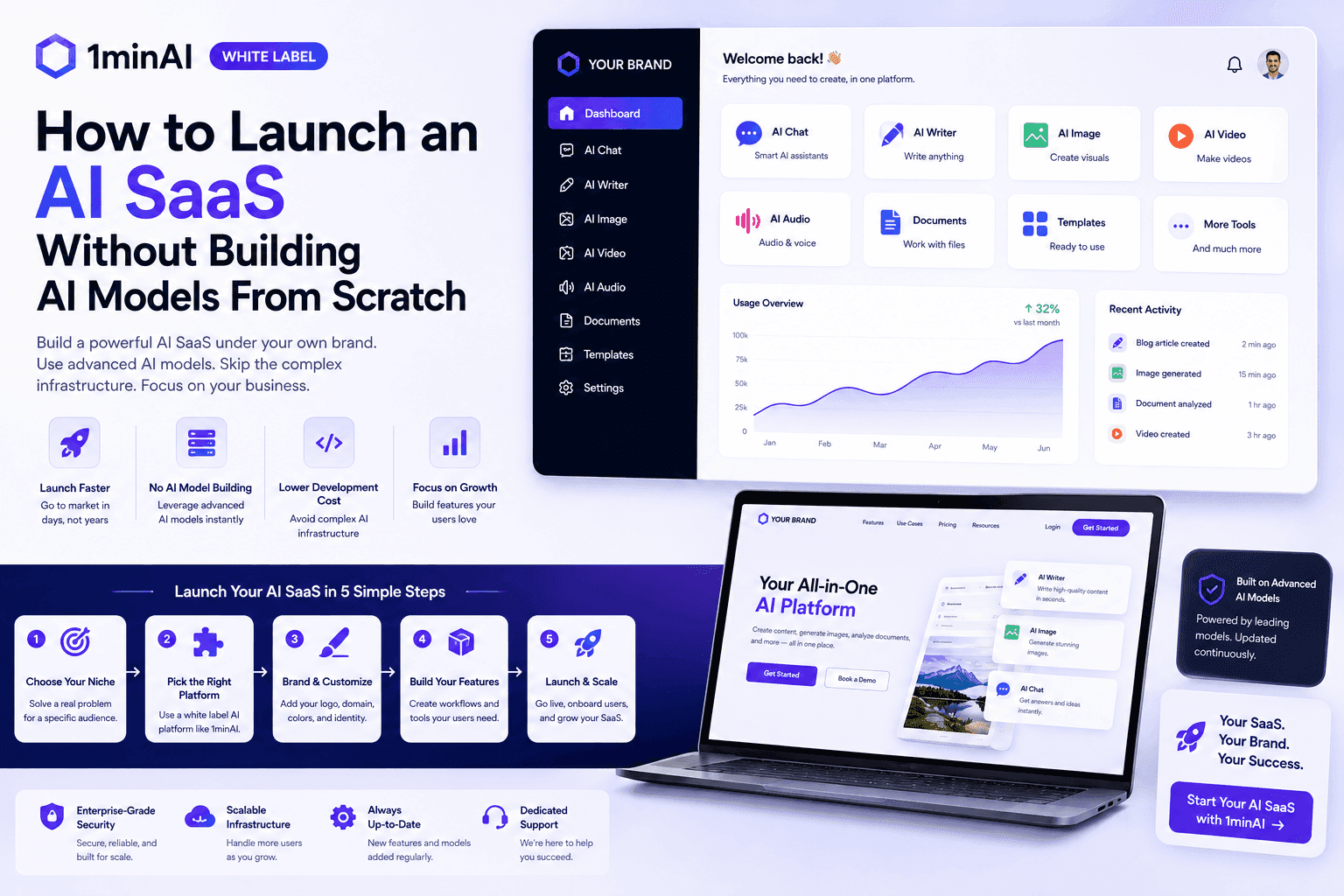
How to Launch an AI SaaS Without Building AI Models From Scratch
Learn how to launch an AI SaaS without building AI models from scratch. Explore white-label AI, product strategy, branding, pricing, and how 1minAI can help.
Tram Ta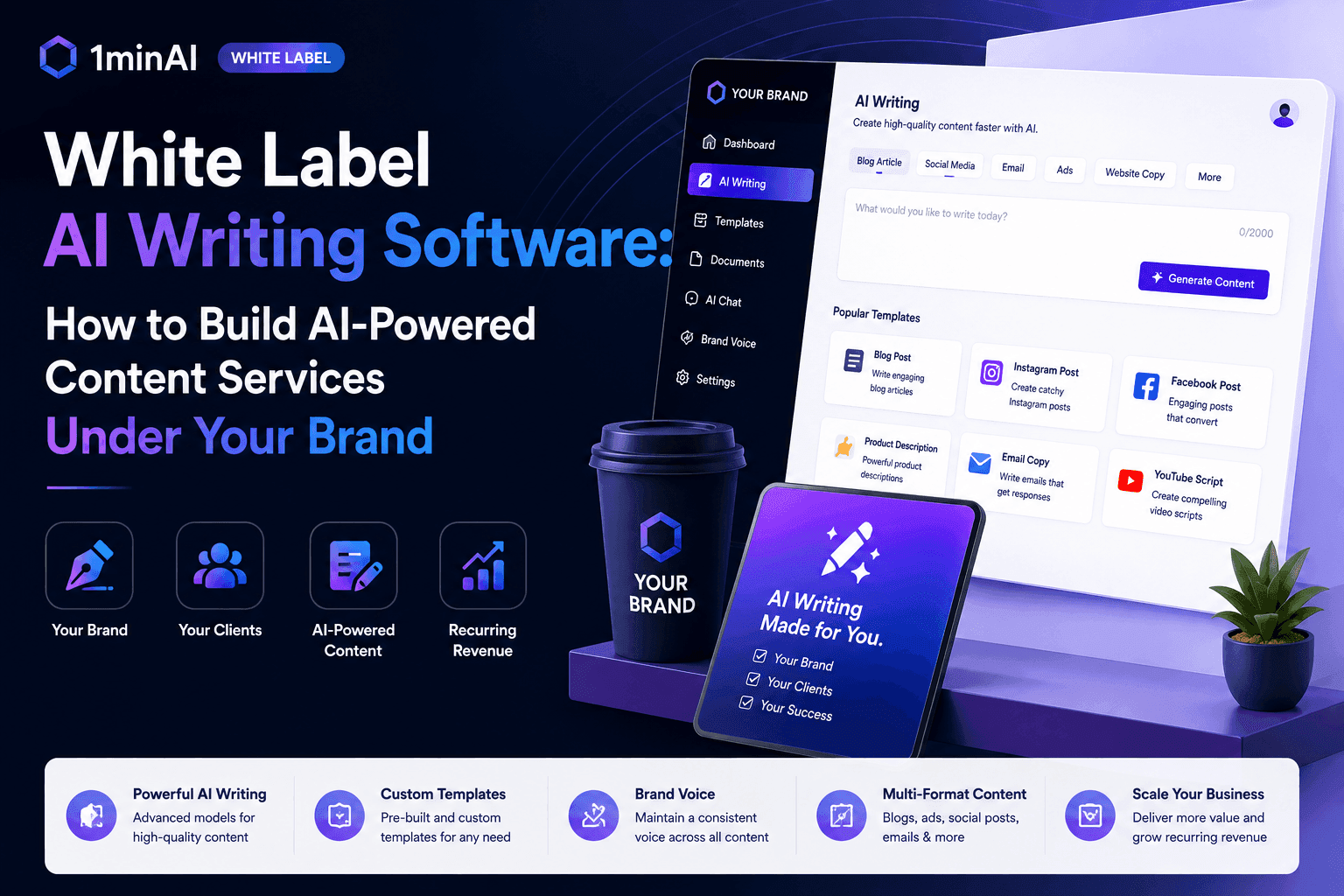
White Label AI Writing Software: How to Build AI-Powered Content Services Under Your Brand
Discover how white label AI writing software helps agencies, publishers, SEO companies, marketing teams, and consultants offer AI-powered content services under their own brand.
Tram Ta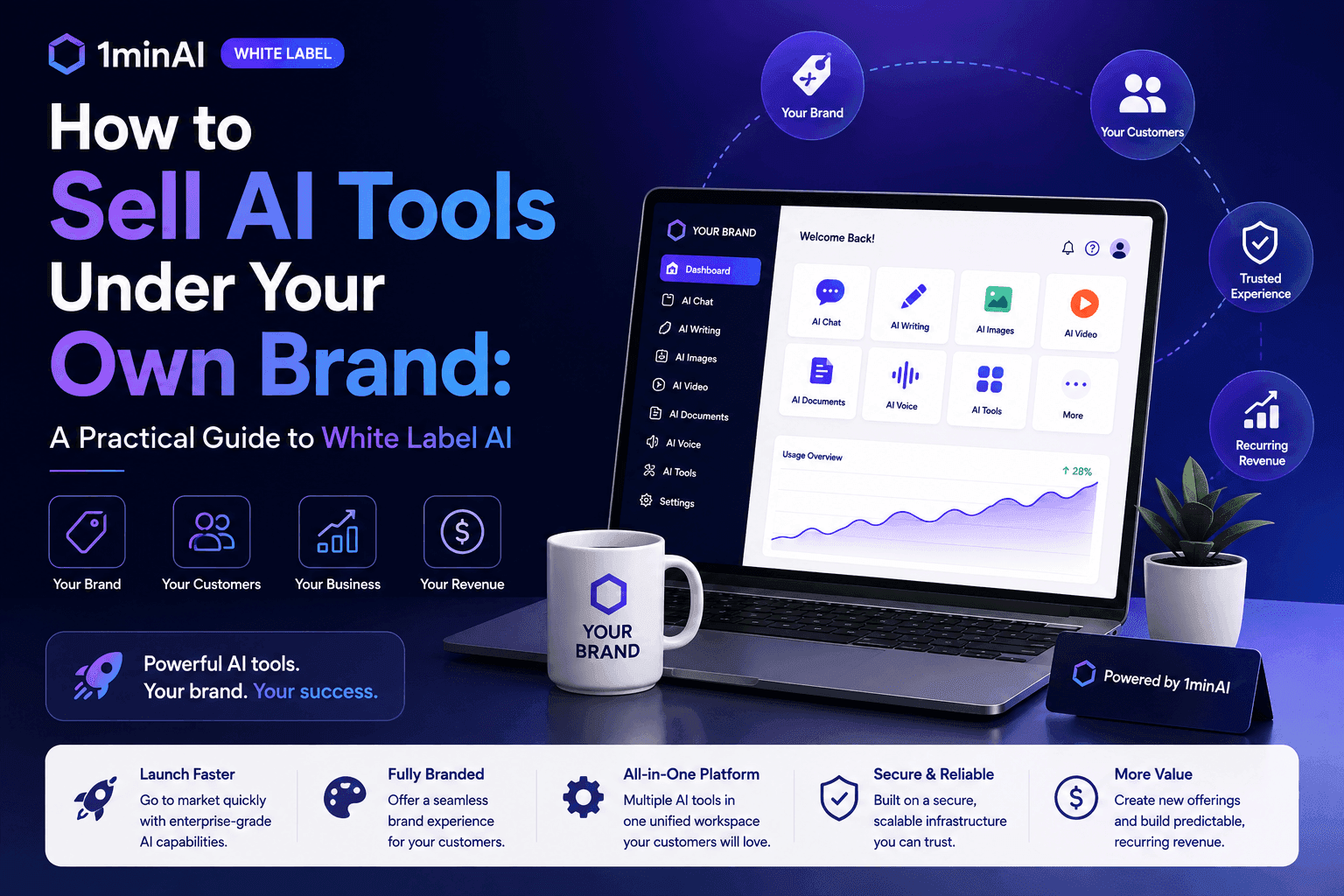
How to Sell AI Tools Under Your Own Brand: A Practical Guide to White Label AI
Learn how to sell AI tools under your own brand with white label AI. Discover how branding, packaging, pricing, onboarding, and recurring revenue work.
Tram Ta