Turn Briefs into Moodboards with Image Generator

Lien Anh Vu
July 19, 2026
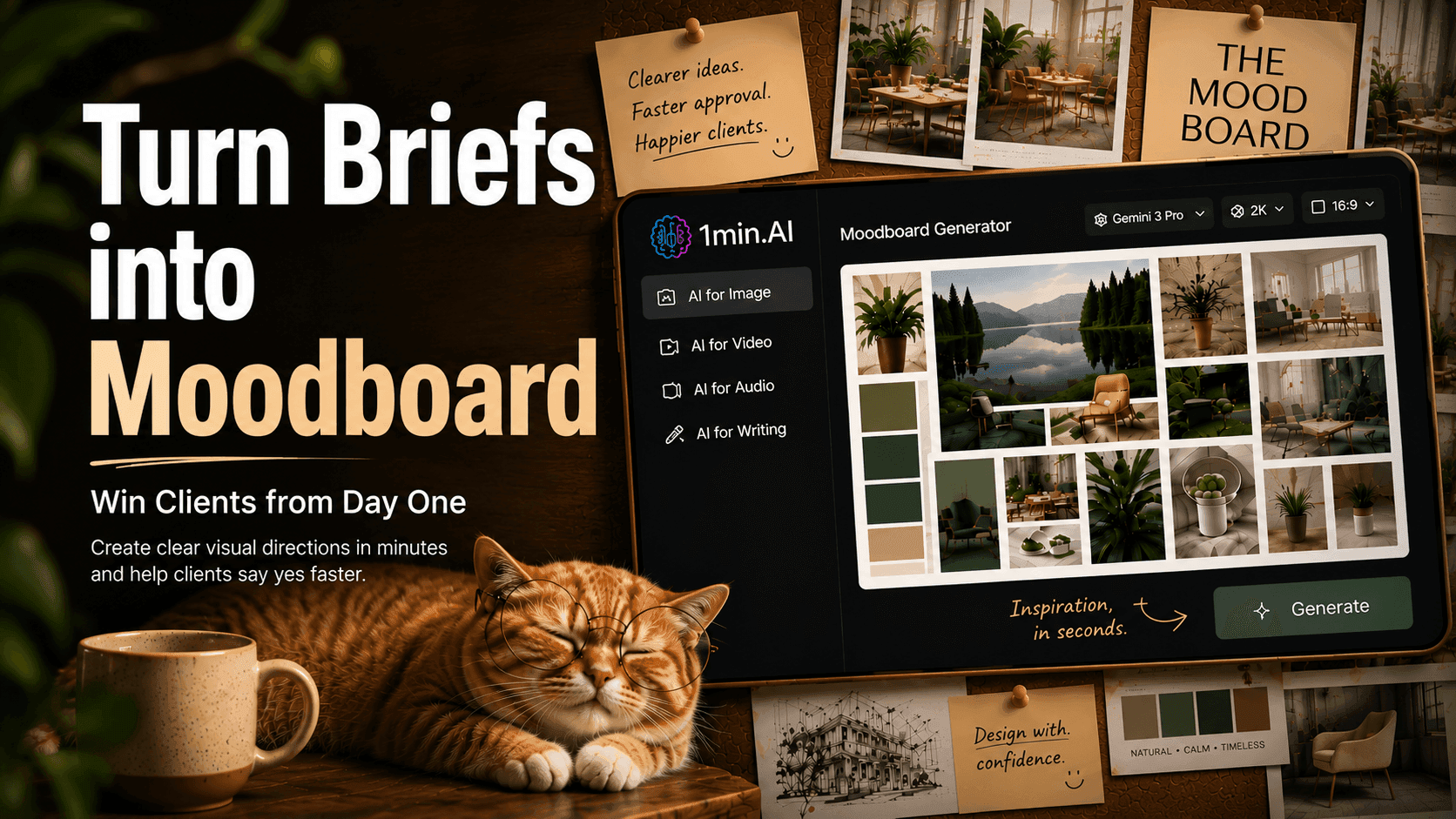
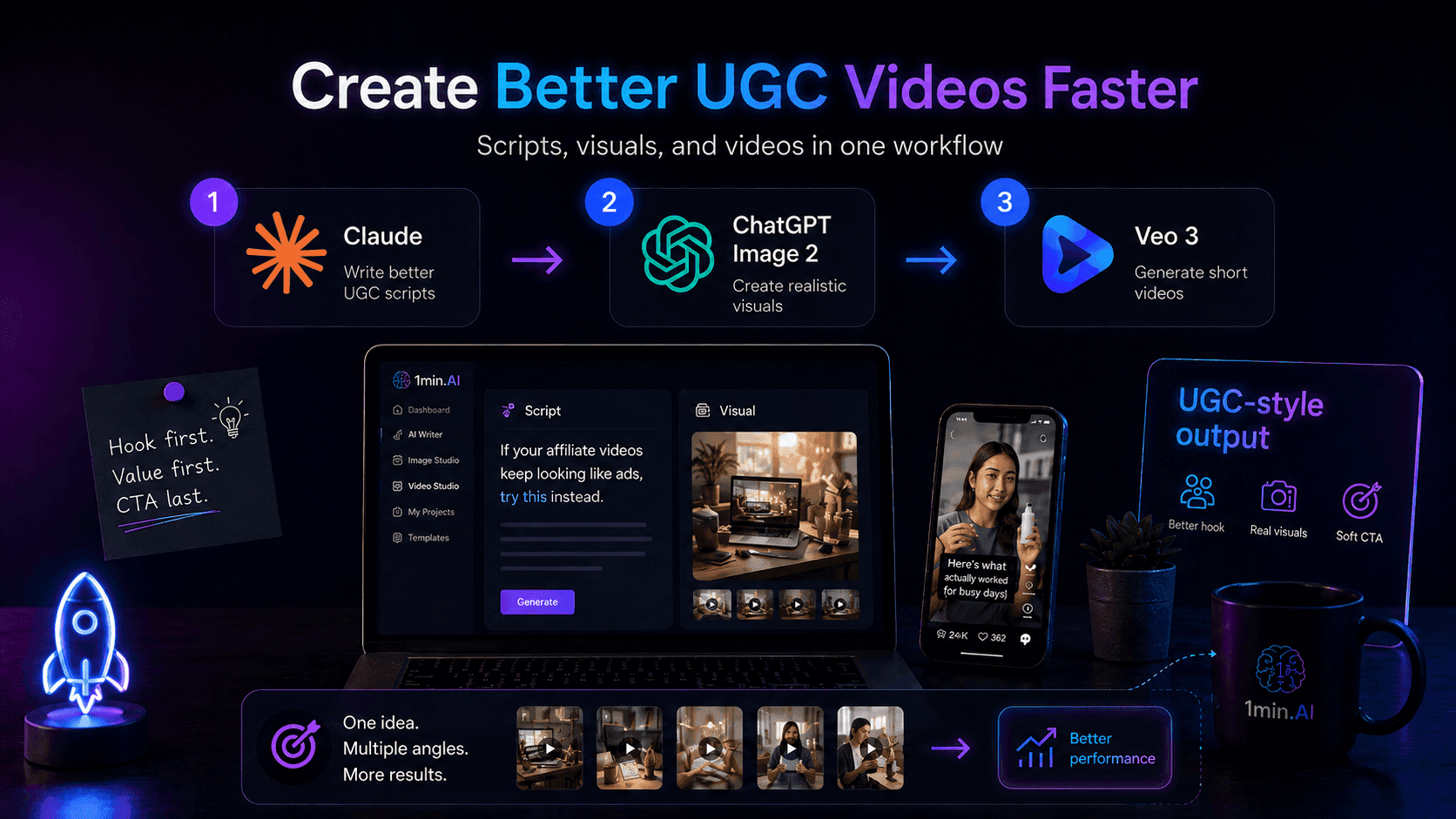
Create professional moodboards with 1min.AI Image Generator to help clients visualize ideas, align on creative direction, and approve projects faster.
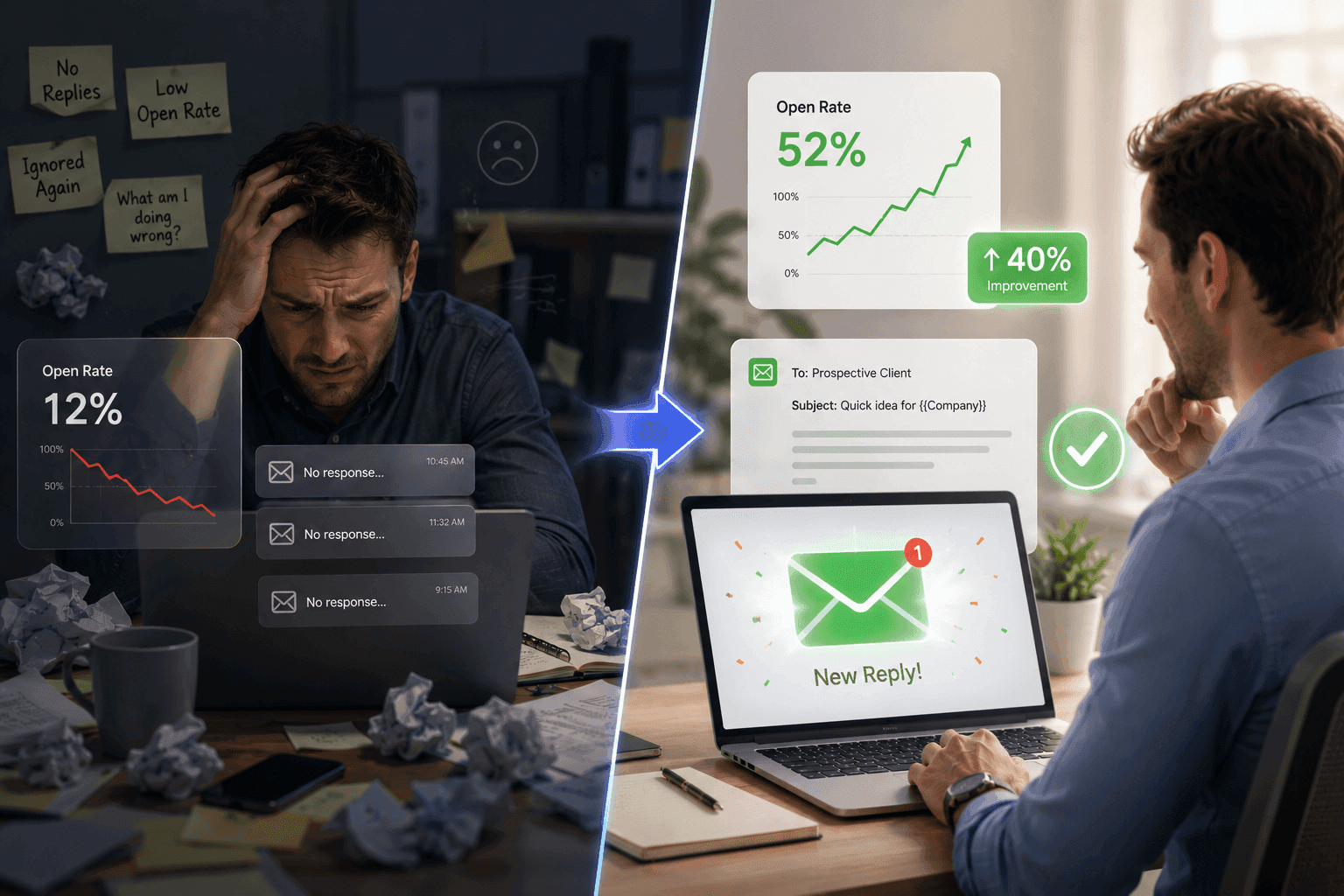
A written brief may describe what a client wants, but it does not always help them imagine the final look and feel. When the visual direction remains unclear, designers often spend hours explaining ideas, creating early drafts, and handling repeated revisions.
With 1min.AI Image Generator, freelance designers can quickly turn client requirements into moodboards, style references, and visual concepts. This makes the creative direction easier to understand, helping clients provide clearer feedback and approve projects faster.
Why Clients Struggle to Approve Creative Ideas
Written Briefs Are Difficult to Visualize
A client brief usually describes business goals, target audiences, preferred styles, or brand values. While this information provides direction, it rarely helps clients clearly imagine what the final design will look like.
Words such as minimal, luxury, modern, or natural can mean very different things to different people. Clients may understand the objective but still struggle to picture the colors, photography style, materials, typography, lighting, or overall visual atmosphere. Without something visual to react to, they often hesitate to approve the concept because they are unsure whether it matches their expectations.
Designing Too Early Creates More Revisions
Many designers begin creating polished mockups immediately after reading the brief. Although this may seem efficient, it can become time-consuming if the chosen direction differs from what the client had in mind.
A finished design often requires significant effort to revise because changing the visual direction usually affects layouts, colors, imagery, and branding elements. Without aligning expectations early, designers risk spending hours refining ideas that eventually need to be redesigned from scratch.
Long Explanations Cannot Replace Clear Visuals
Creative ideas are often difficult to communicate using text alone. Designers may spend time explaining the intended mood, style, or inspiration, but clients still need to imagine the result themselves.
Visual references remove this uncertainty. Instead of interpreting descriptions, clients can immediately see the proposed direction, compare different concepts, and provide meaningful feedback. This creates faster discussions and more confident approval decisions.
Create Client Moodboards with 1min.AI Image Generator
Turn Client Briefs into Visual Prompts
The first step is identifying the most important information in the client brief. Designers can extract details such as the brand personality, target audience, color palette, photography style, materials, lighting, mood, composition, and overall creative direction.
These details can then be transformed into a structured prompt for 1min.AI Image Generator. A well-written prompt gives the AI clear creative guidance and produces images that closely match the project's goals instead of generating random visuals.
Generate Multiple Creative Directions
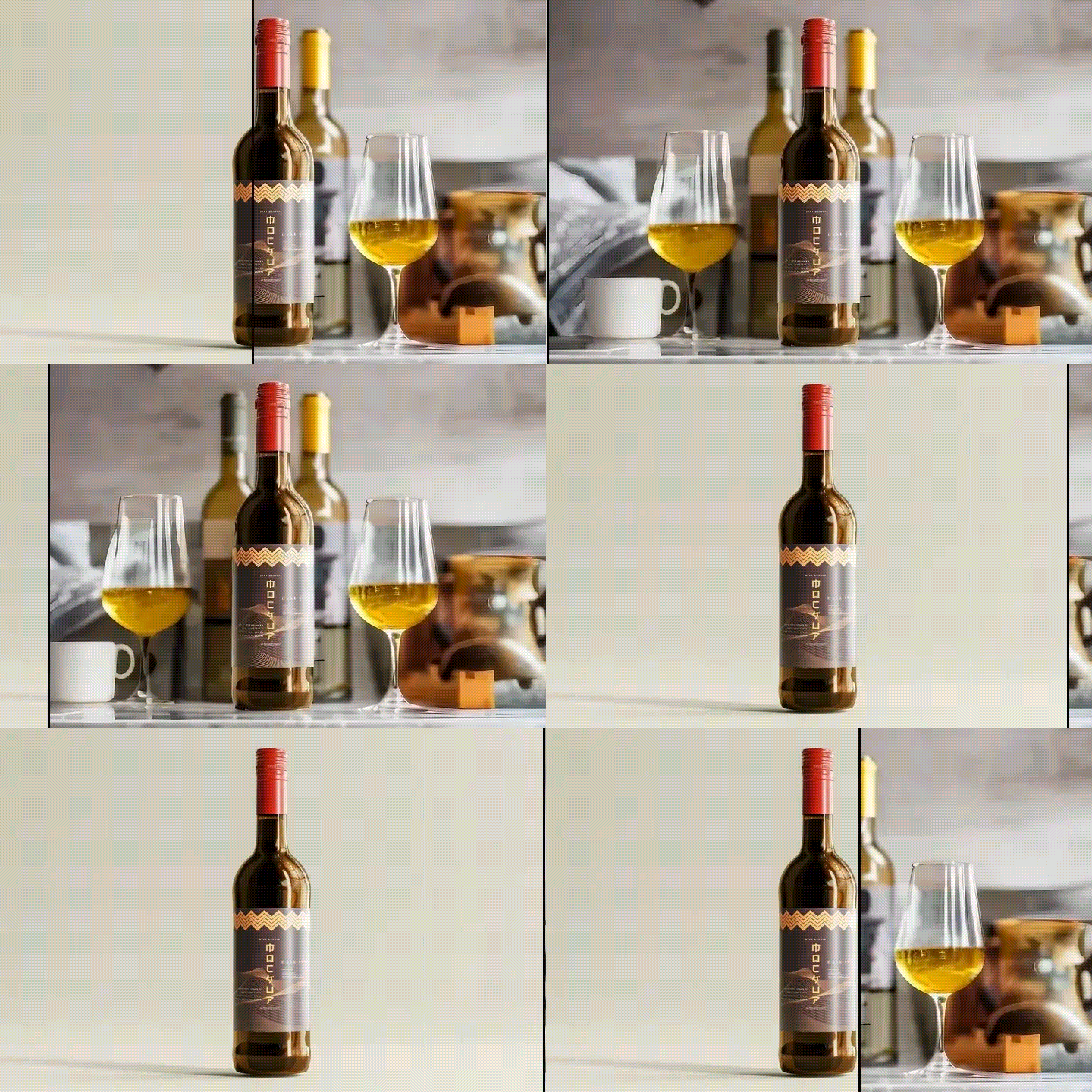
Rather than committing to a single concept, designers can quickly generate several moodboard variations with different visual styles, color palettes, compositions, or artistic directions.
This makes it easy to compare concepts side by side and present clients with multiple creative options. Instead of asking clients to imagine possibilities, designers can show realistic visual directions that make decision-making much faster.
Refine the Selected Moodboard
Client feedback becomes much more actionable once a visual direction exists.
Instead of rebuilding an entire design, designers can simply refine the prompt by adjusting colors, materials, composition, lighting, image style, or atmosphere. Within minutes, 1min.AI Image Generator can generate updated moodboards that better reflect the client's preferences. Once everyone agrees on the direction, the moodboard becomes a reliable visual guide for the final design process.
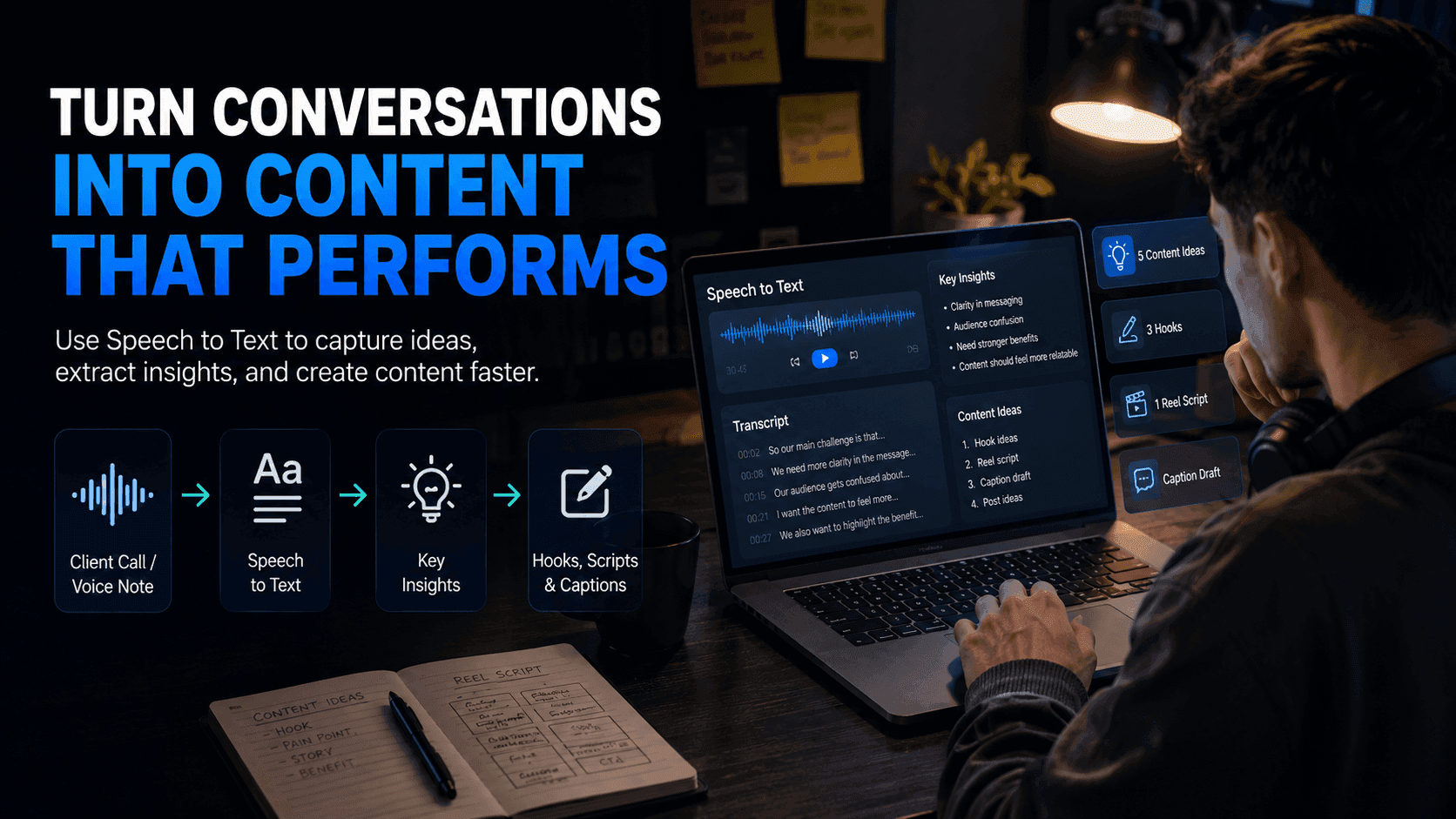
🎥 Watch the tutorial below to see how to create concept moodboards and presentation-ready visuals with 1min.AI in just a few simple steps: https://youtu.be/qYgaOxLMKno
How AI Moodboards Improve Client Approval
Help Clients See the Vision Earlier
Moodboards translate abstract ideas into visuals that clients can immediately understand.
Rather than imagining the final outcome from written descriptions, clients can evaluate the overall atmosphere, branding style, photography direction, colors, textures, and visual identity from the very beginning. This creates greater confidence before any detailed design work starts.
Collect Clearer and More Useful Feedback
Visual references encourage more specific conversations.
Instead of receiving general comments such as "It doesn't feel right," designers can ask targeted questions about individual elements, including color palettes, typography, image style, layouts, lighting, or composition. This produces feedback that is easier to understand and apply during the next iteration.
Reduce Revisions and Save Time
Approving the creative direction before building the final design significantly reduces unnecessary revisions.
Once both the designer and client agree on the moodboard, the remaining design work becomes much more predictable. Designers spend less time correcting misunderstandings and more time refining details, allowing projects to move forward faster while maintaining higher quality.
Present Ideas More Professionally
A thoughtfully prepared moodboard demonstrates a structured creative process rather than simply presenting a finished design.
It shows clients that every visual decision is intentional and connected to the project brief. Presenting concepts in this way increases confidence in the designer's expertise, makes proposals more persuasive, and creates a smoother approval process from the very first meeting.
👉 Use 1min.AI Image Generator to transform client ideas into professional moodboards, communicate your creative vision more clearly, and secure approval before investing time in the final design: https://app.1min.ai/image-generator