1minAI | How This AI Tool Creates YouTube Videos From A to Z

Tram Ta
July 17, 2026
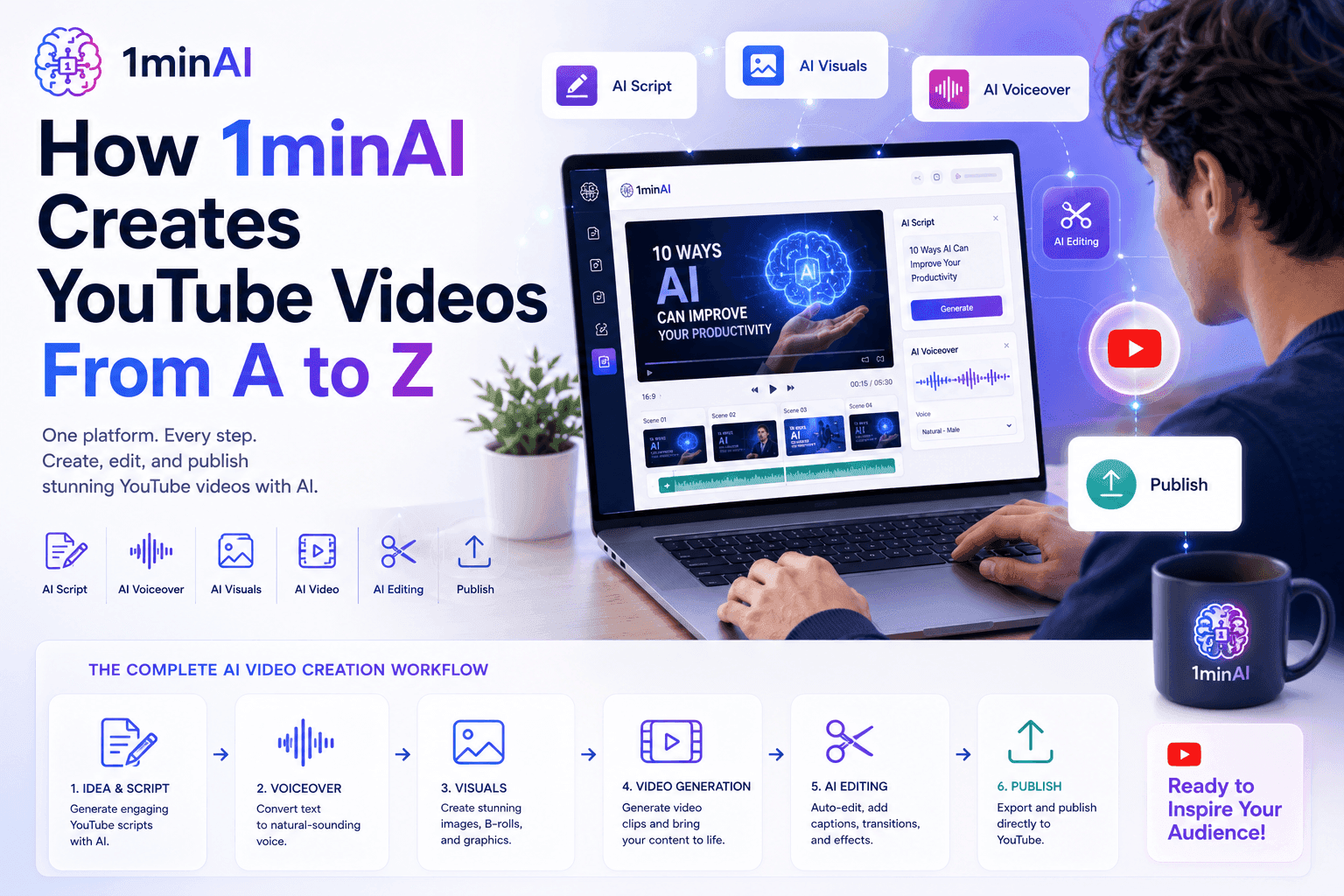
Learn how one AI tool helps YouTubers create videos from idea to publishing using AI writing, image generation, audio, video, and SEO tools in one platform.
Creating a successful YouTube video involves much more than recording and editing footage. Before publishing, creators need to research trending topics, identify the right keywords, write compelling scripts, design eye-catching thumbnails, generate voiceovers, edit videos, create captions, and optimize content for search. Completing this workflow often requires switching between multiple software tools and AI platforms.
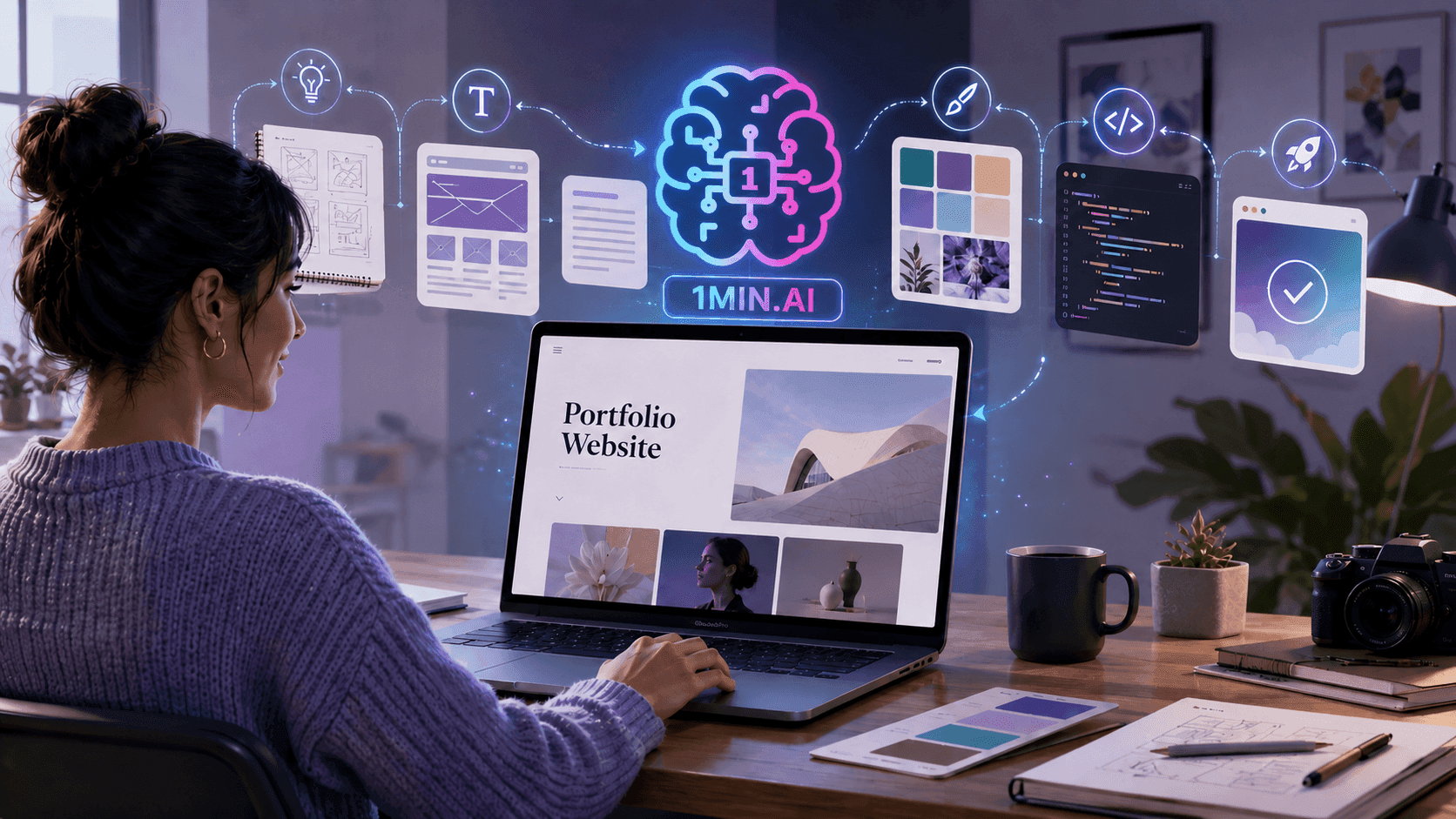
A modern AI tool should simplify this entire process—not just automate one task. That's exactly what 1minAI is designed to do. Instead of relying on separate applications for writing, image generation, audio production, video editing, and SEO, creators can manage their entire content workflow from one integrated platform.
In this guide, you'll learn how marketers, YouTubers, and influencers can use 1minAI to create a YouTube video from start to finish, saving time while producing higher-quality content more consistently.
Why Content Creators Need More Than Just an AI Chatbot
Creating YouTube Videos Is a Complete Production Workflow
Many people assume creating a YouTube video starts with recording a camera. In reality, the production process begins long before filming and continues well after the video is uploaded.
A typical content creator needs to:
- Research trending topics
- Find high-potential keywords
- Plan video content
- Write engaging scripts
- Design thumbnails
- Create supporting visuals
- Generate voiceovers
- Produce or enhance videos
- Add captions and subtitles
- Optimize titles and descriptions
- Repurpose content for other social platforms
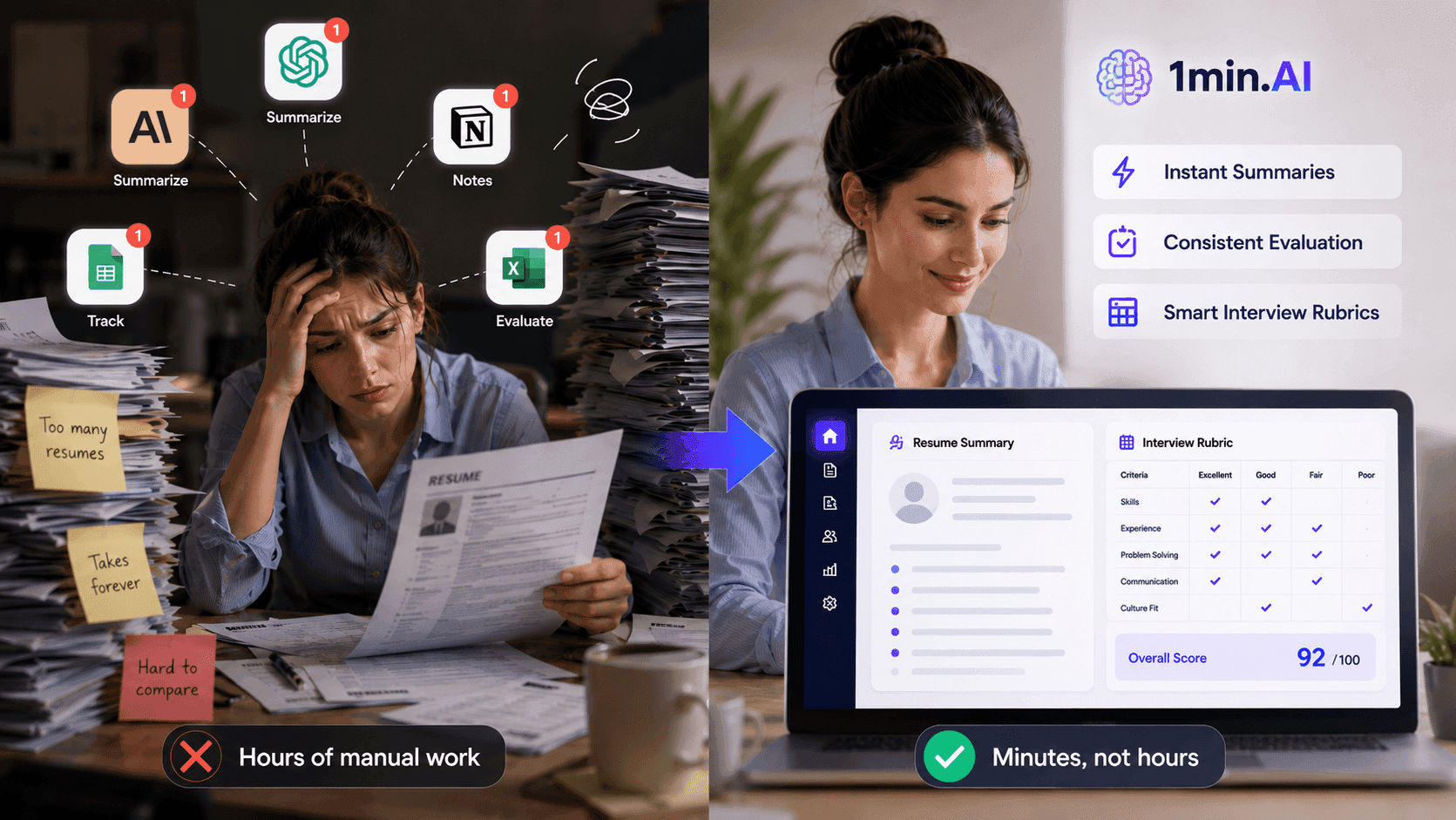
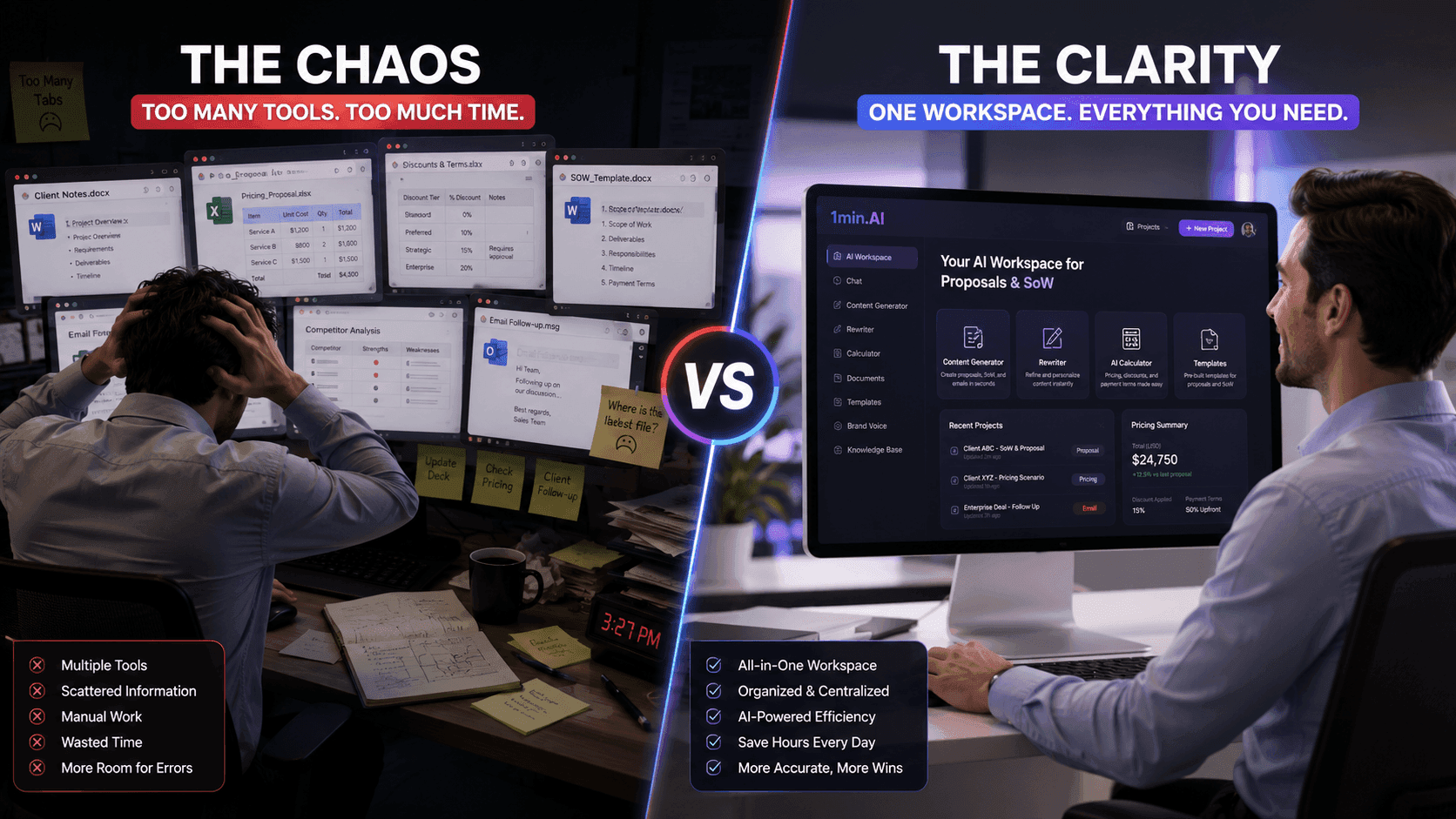
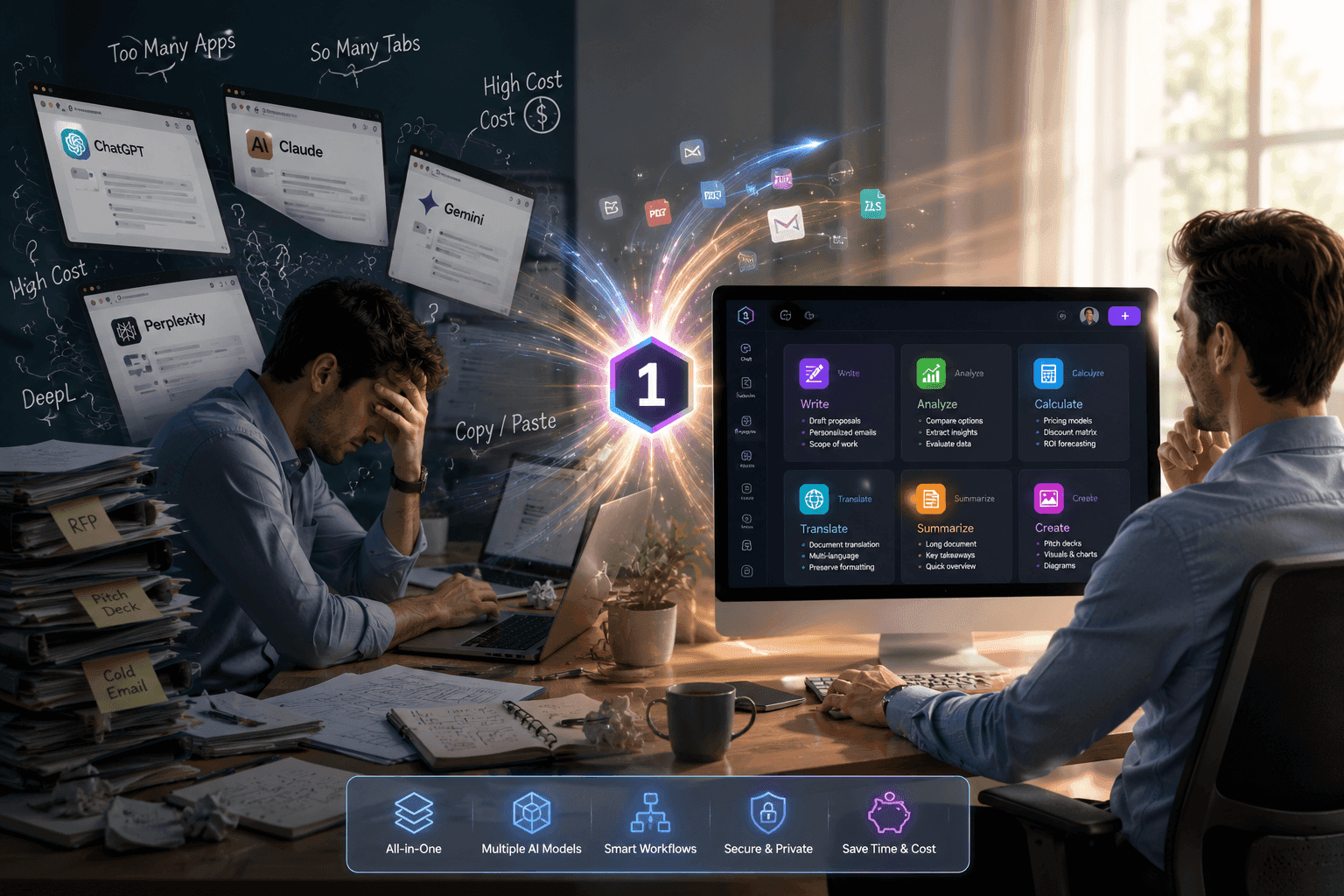
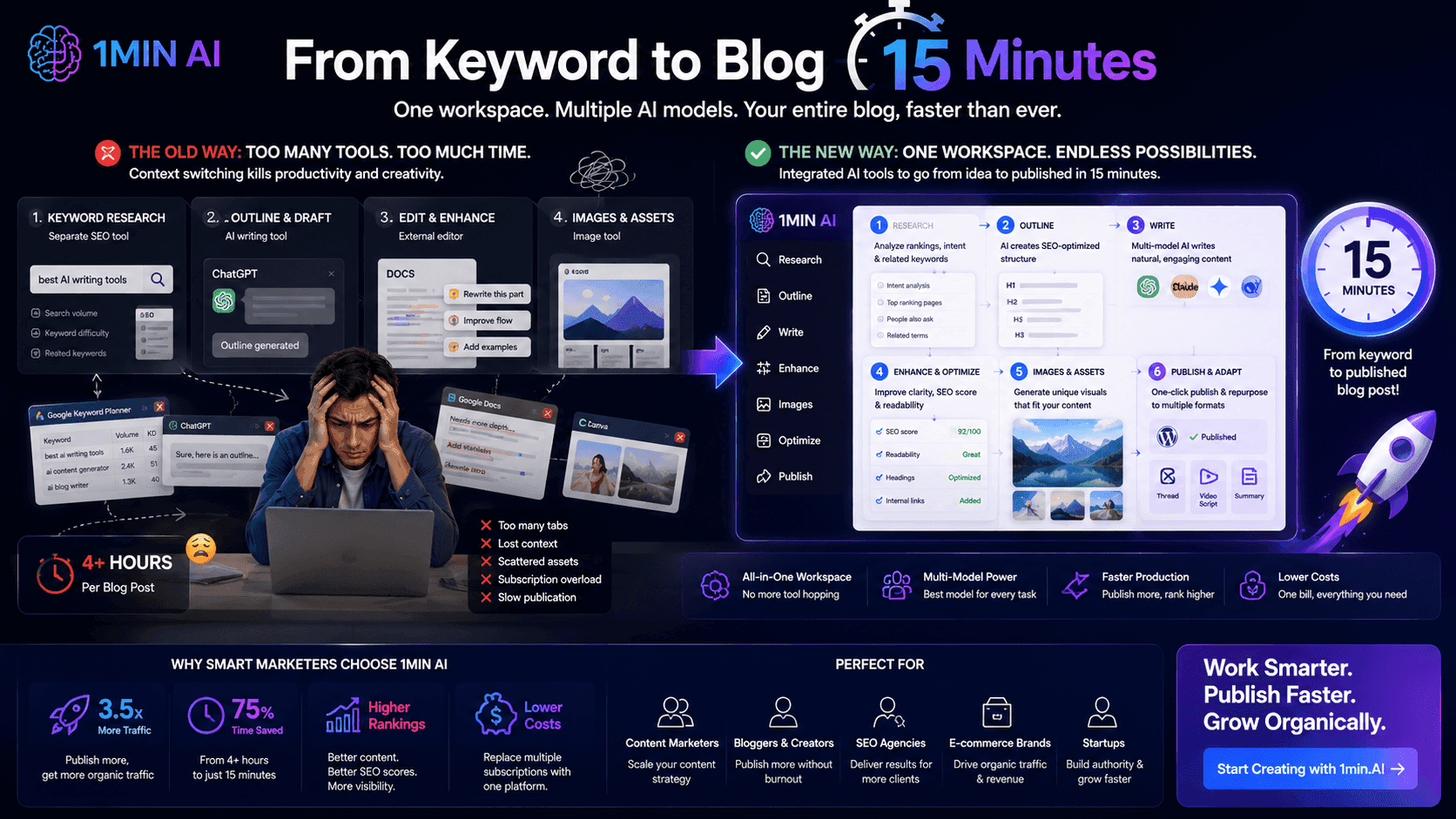
Each of these tasks often requires a different AI application or software subscription. As a result, creators spend valuable time switching between tools instead of creating content.
This is why many creators are now looking for an all-in-one AI tool that supports every stage of the content creation process.
One AI Tool for the Entire YouTube Workflow
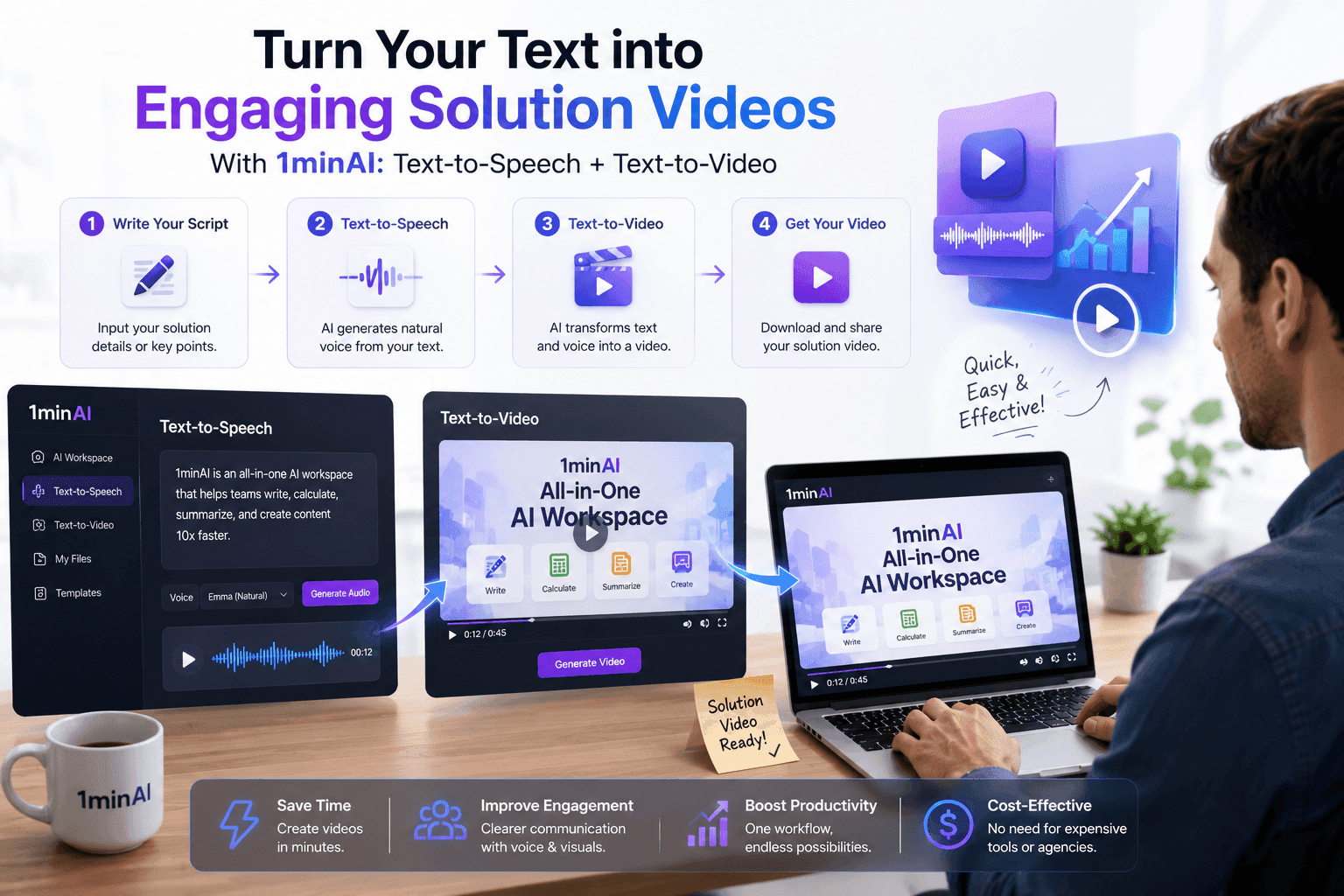
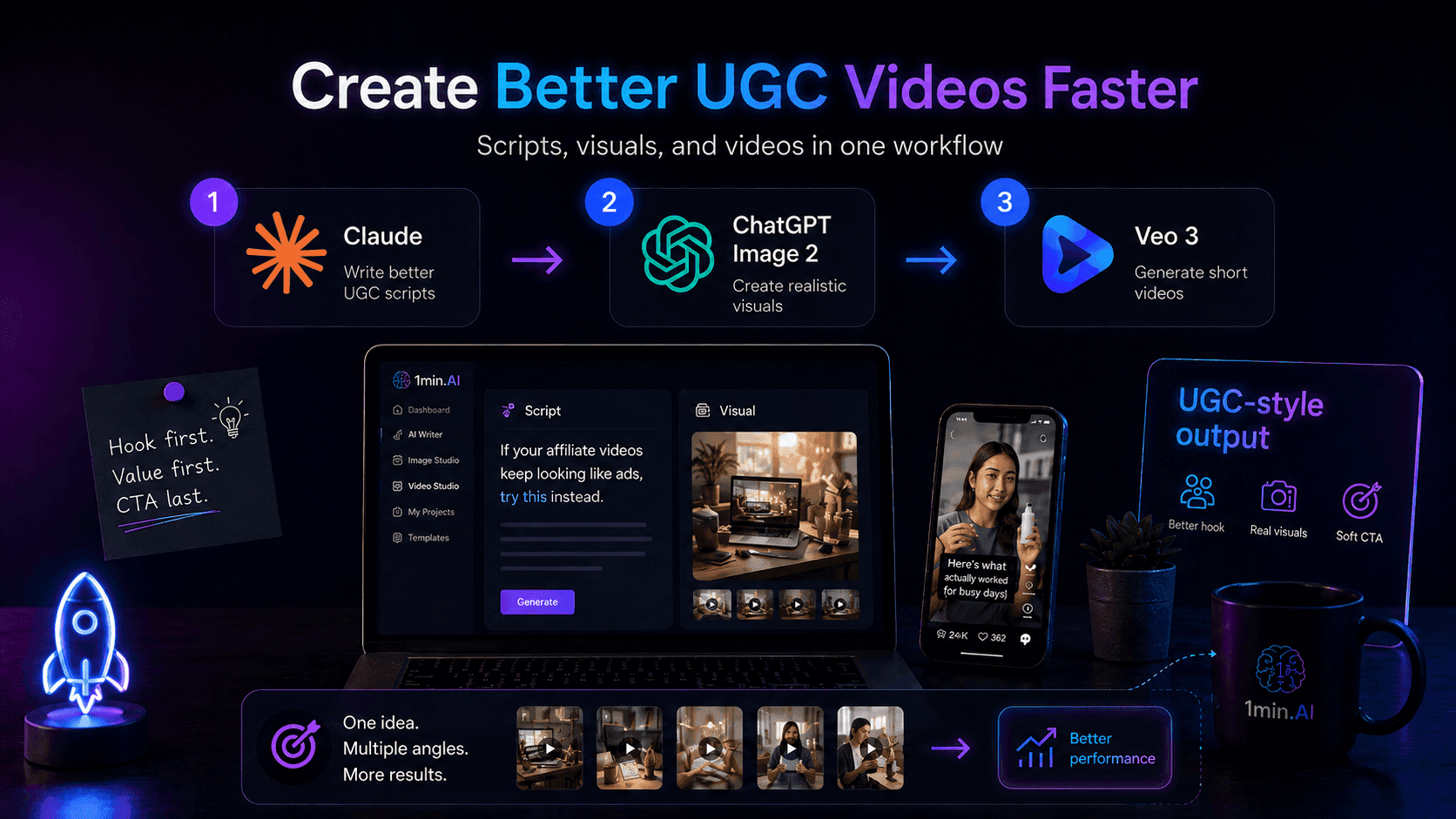
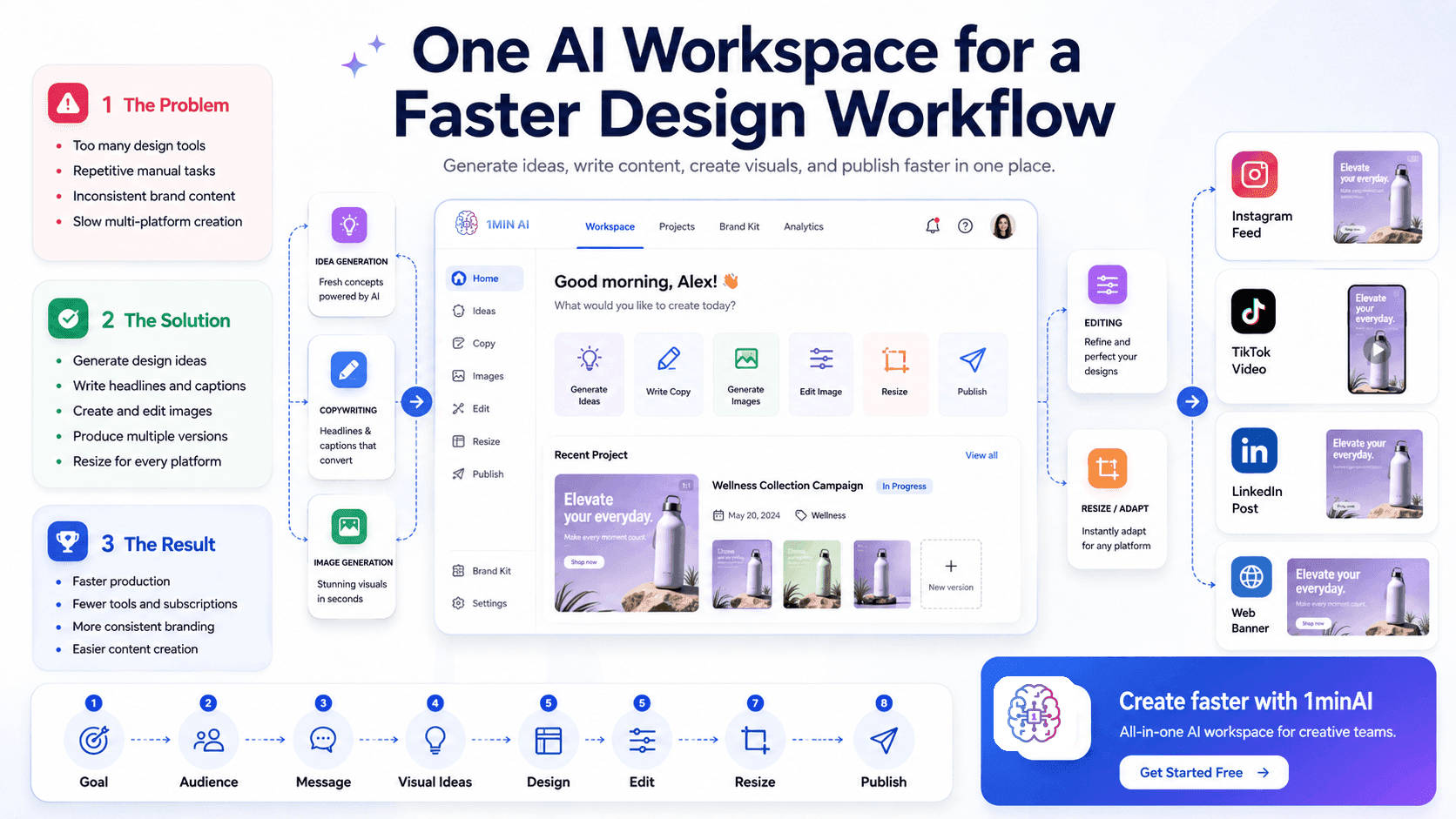
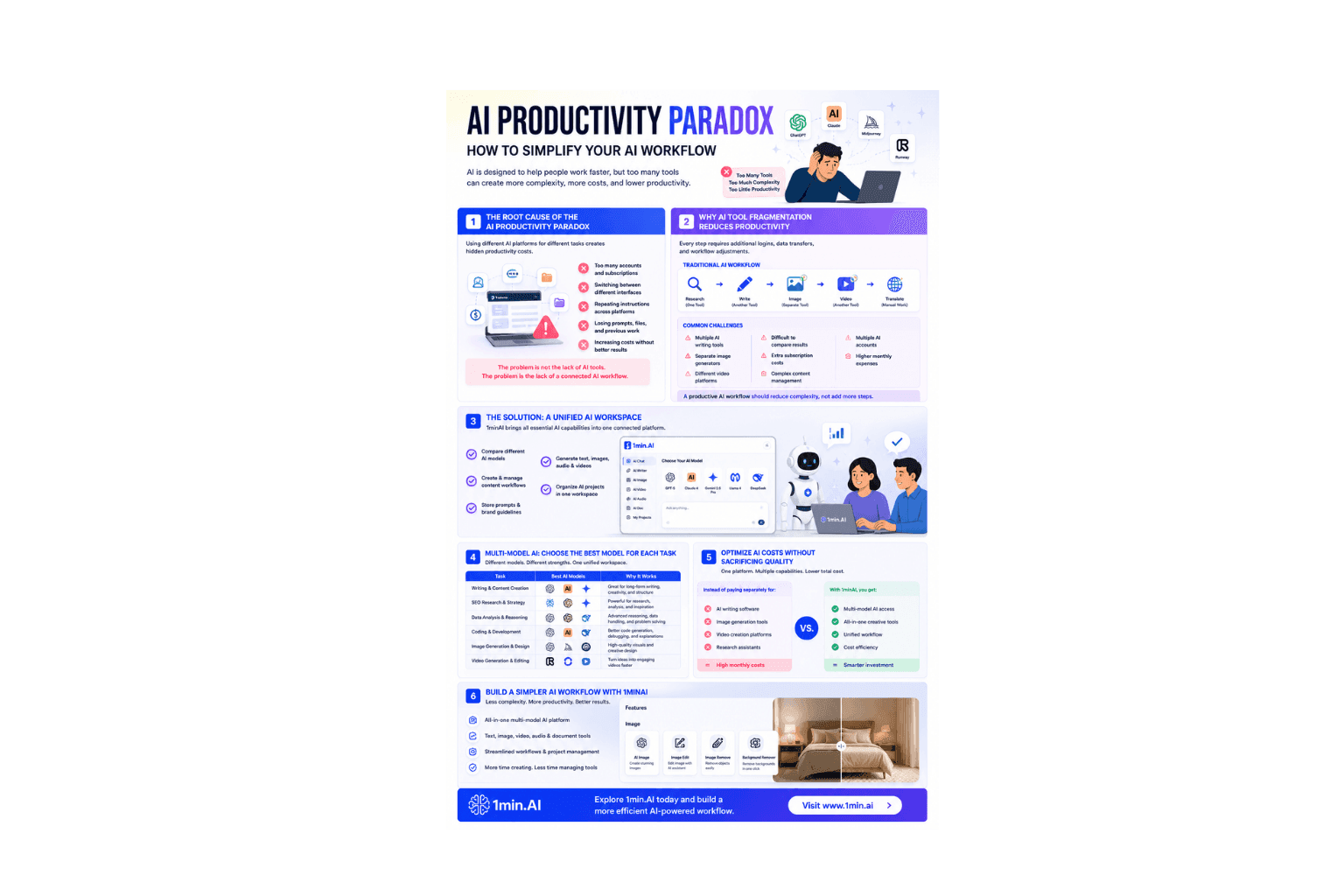
Instead of combining separate AI writing assistants, image generators, audio editors, video tools, and SEO platforms, 1minAI brings everything together in a single workspace.
From researching video ideas to generating thumbnails, producing AI voiceovers, creating videos, and optimizing content for YouTube, creators can complete nearly every production step without leaving the platform.
Whether you're a YouTuber growing your channel, a marketer producing branded content, or an influencer creating videos for multiple platforms, 1minAI helps simplify your workflow while reducing both production time and software costs.
In the following guide, we'll walk through how to create a YouTube video from A to Z using 1minAI, highlighting the AI features that support every stage of content creation.
How to Create a YouTube Video From Start to Finish Using 1minAI
Creating YouTube content usually involves juggling multiple applications for research, writing, design, audio, editing, and optimization. With 1minAI, you can complete almost every stage of your production workflow from one platform, making content creation faster and more efficient.
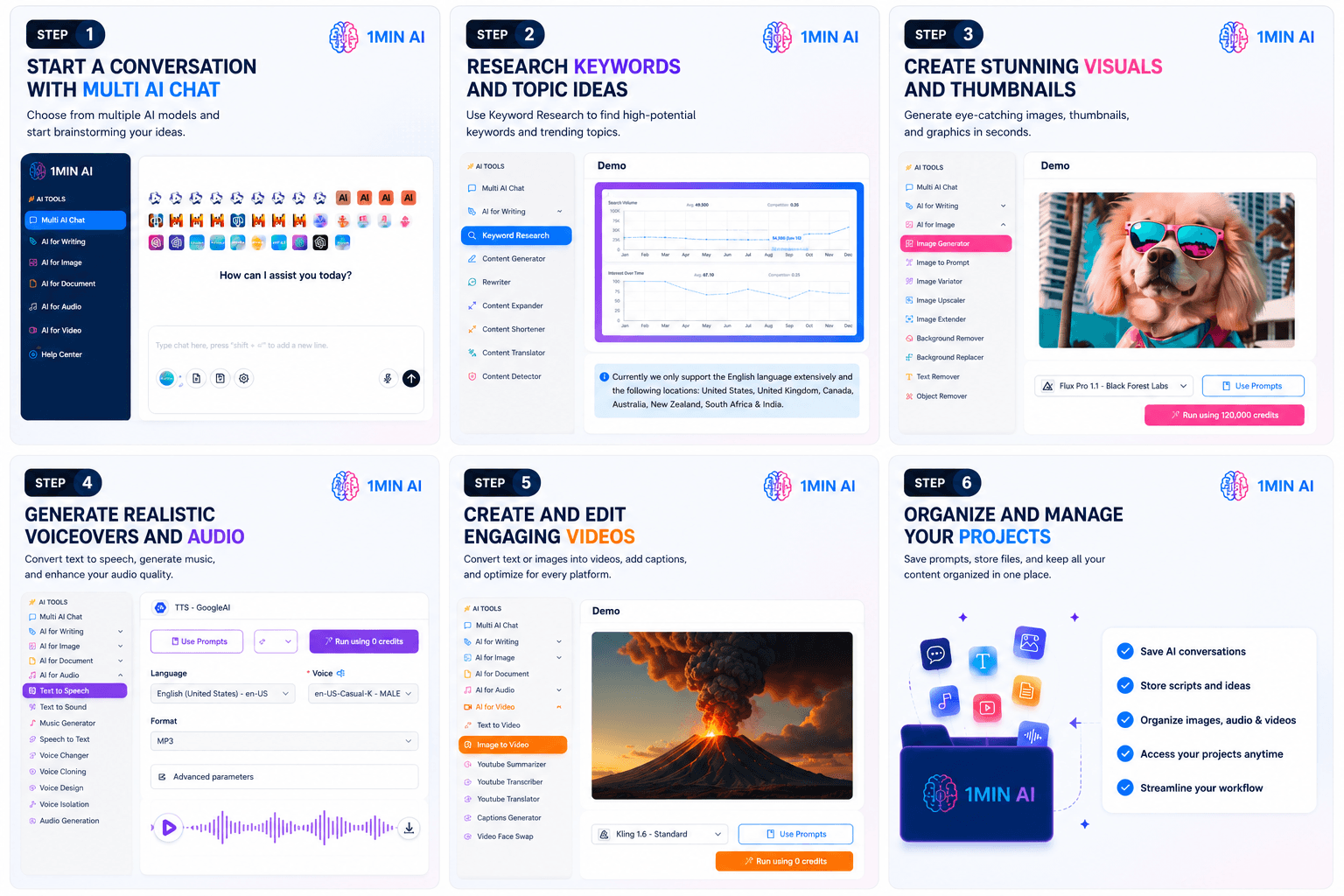
Let's walk through each step.
Step 1. Research Your Video Idea and Find High-Potential Keywords
Every successful YouTube video starts with choosing the right topic.
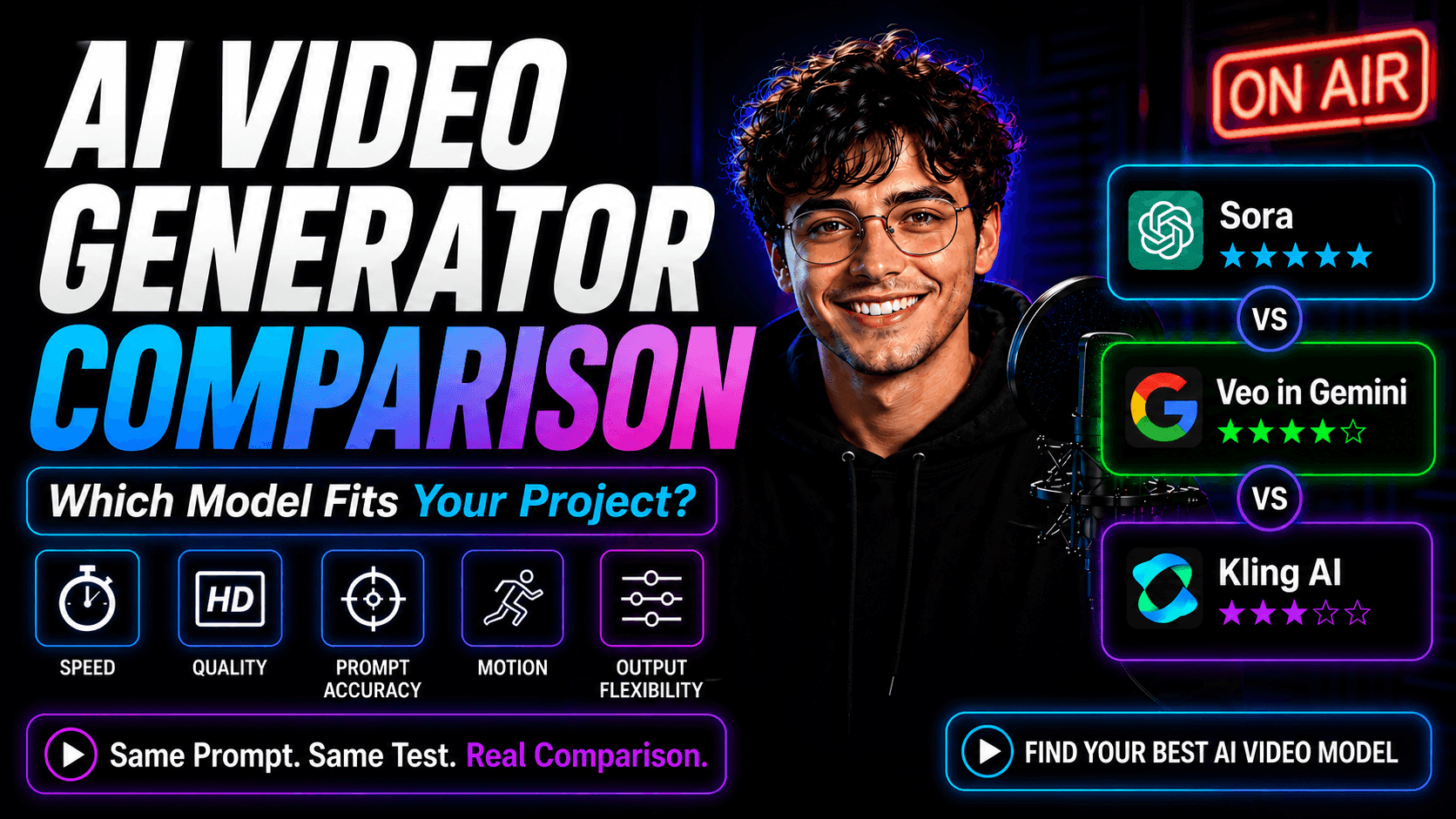
Instead of guessing what people are searching for, use Multi AI Chat and Keyword Research to validate your ideas before you start writing.
With Multi AI Chat, you can:
- Brainstorm unlimited video ideas
- Compare answers from multiple AI models
- Explore different content angles
- Generate hooks for your audience
- Build complete content outlines
Next, use Keyword Research to discover:
- High-volume keywords
- Low-competition opportunities
- Related search terms
- SEO trends
- Better video titles
By combining AI brainstorming with keyword insights, you can create videos that are more likely to reach your target audience.
Step 2. Write Your Entire YouTube Script
Once you've chosen your topic, it's time to build the script.
Inside AI for Writing, 1minAI provides dozens of writing tools designed for creators.
Popular writing tools include:
- Blog Article Generator
- Rewriter
- Content Expander
- Content Shortener
- Summarizer
- Paraphraser
- Content Translator
- Content Detector
These tools help creators generate:
- Video hooks
- Complete YouTube scripts
- Scene descriptions
- Calls-to-action
- Video titles
- Video descriptions
- Community posts
- Social media captions
Instead of staring at a blank page, you can generate a complete first draft in minutes and customize it to match your own voice.
Step 3. Design Scroll-Stopping Thumbnails
Your thumbnail is often the first thing viewers notice.
With AI for Image, creators can produce professional thumbnails without graphic design experience.
Available tools include:
- Image Generator
- Image Variator
- Image to Prompt
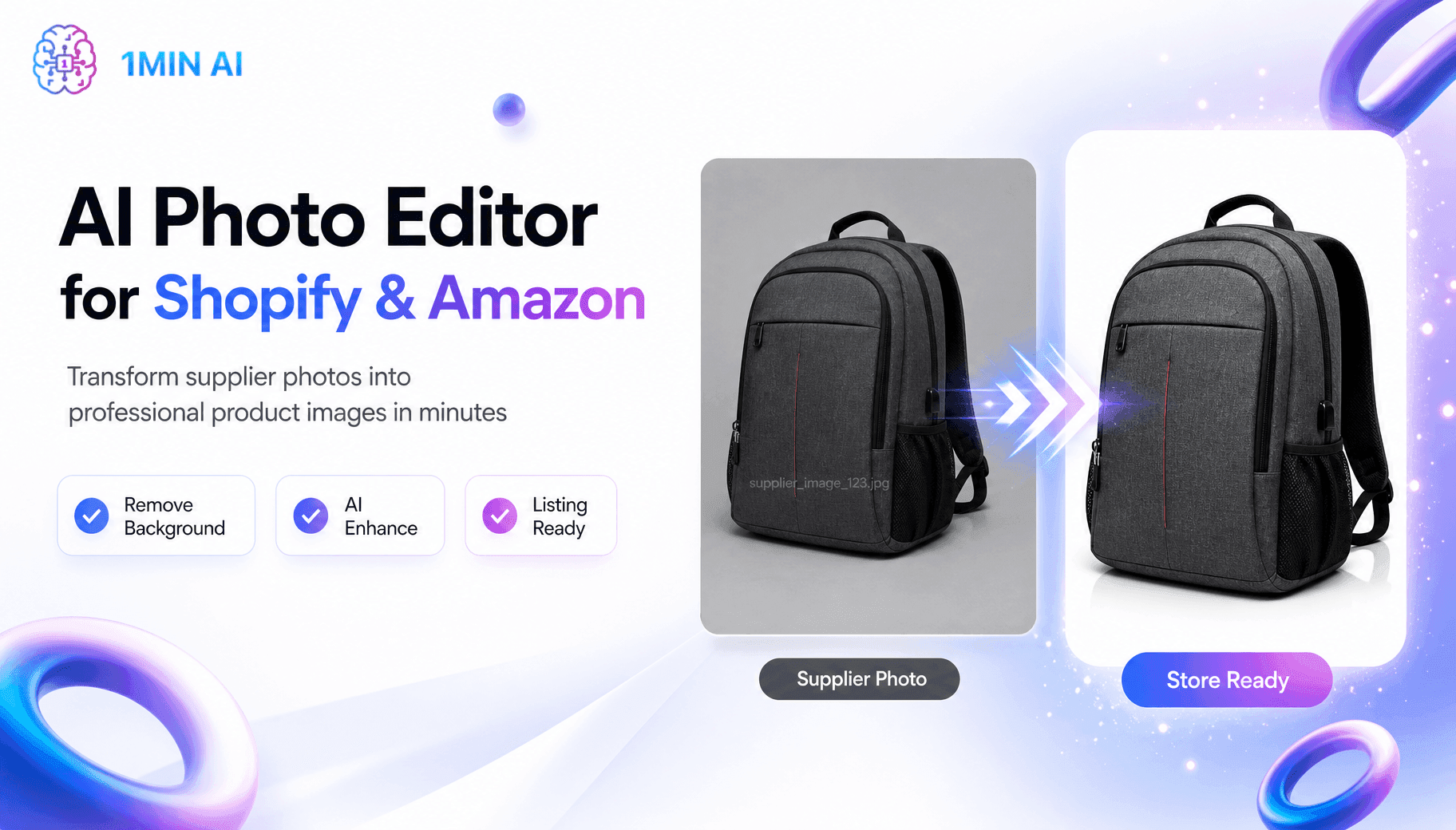
- Background Replacer
- Text Remover
These features allow you to:
- Generate original thumbnail artwork
- Create multiple thumbnail variations
- Remove distracting backgrounds
- Clean unwanted text
- Recreate successful thumbnail styles
Rather than spending hours in Photoshop, creators can quickly produce thumbnail concepts ready for YouTube.
Step 4. Generate Voiceovers and Audio
Audio quality plays a major role in viewer retention.
Under AI for Audio, 1minAI provides tools for creating professional narration and improving sound quality.
Creators can use:
- Text to Speech
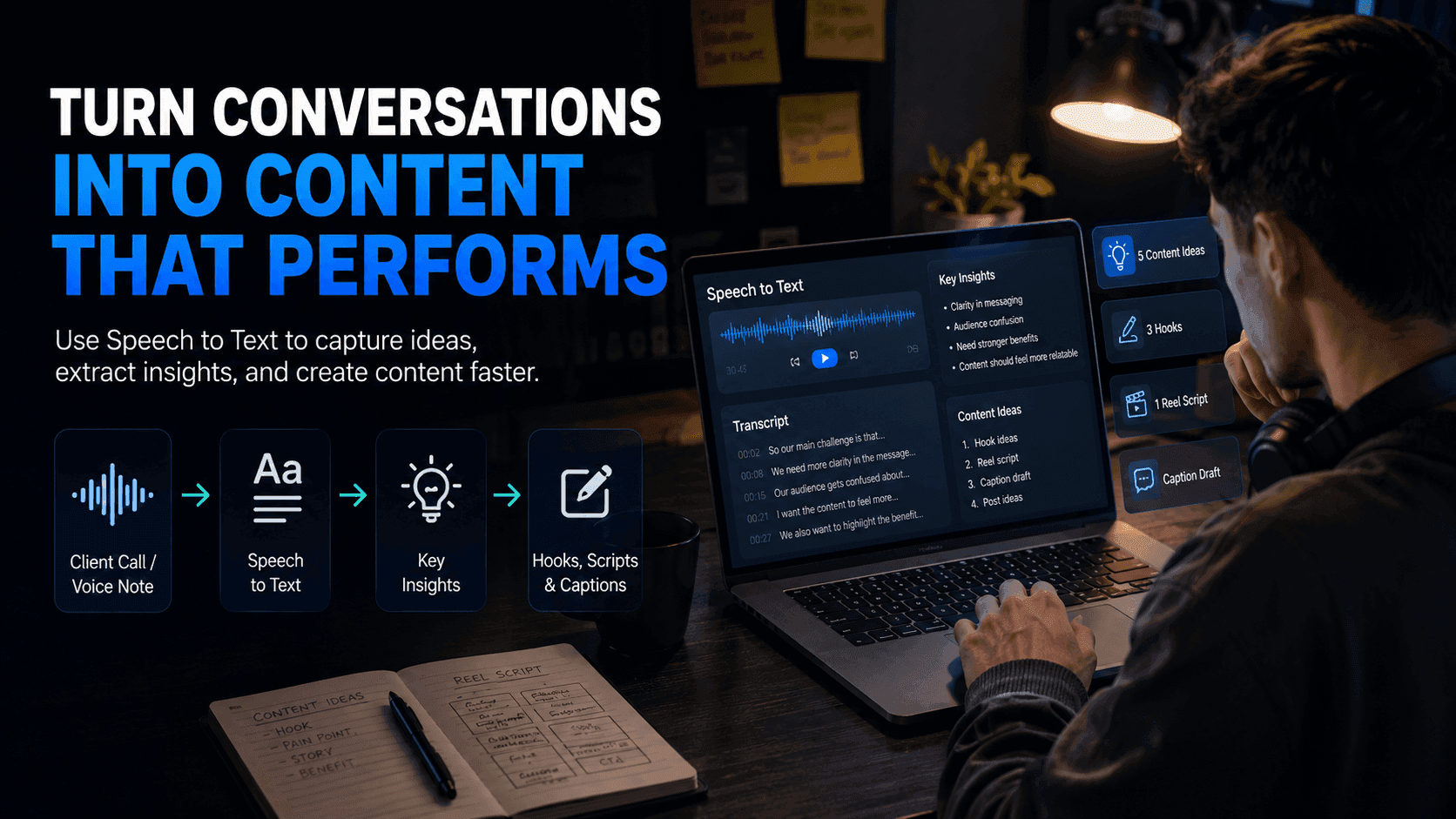
- Speech to Text
- Voice Cloning
- Voice Changer
- Voice Design
- Voice Isolation
- Music Generator
- Audio Generation
These features make it easy to:
- Create natural AI voiceovers
- Generate background music
- Convert spoken content into text
- Clean noisy recordings
- Produce audio for faceless YouTube channels
- Repurpose podcasts into videos
Whether you're recording your own voice or using AI narration, these tools simplify audio production.
Step 5. Produce and Optimize Your Videos
Once your script and assets are ready, move to AI for Video.
1minAI includes tools that help creators generate, edit, and optimize YouTube content.
Popular features include:
- Text to Video
- Image to Video
- Captions Generator
- YouTube Summarizer
- YouTube Transcriber
- YouTube Translator
- Video Face Swap
These tools help creators:
- Produce short-form videos
- Add captions automatically
- Translate videos into multiple languages
- Repurpose existing YouTube content
- Convert articles into videos
- Increase accessibility for global audiences
Instead of manually completing these repetitive tasks, AI handles much of the production work automatically.
Step 6. Organize Every Content Project
Publishing consistently requires staying organized.
Rather than saving files across different folders and platforms, Workspace allows creators to manage everything in one place.
You can organize:
- Video ideas
- AI conversations
- Scripts
- Images
- Voiceovers
- Generated videos
- Marketing assets
Keeping your projects centralized makes collaboration easier and helps you maintain a consistent publishing schedule.
By completing every stage—from research and scripting to thumbnail creation, audio production, video generation, and project management—inside one platform, 1minAI helps creators spend less time switching tools and more time producing content that grows their audience.
Why 1minAI Is the AI Tool Every Content Creator Needs
Creating high-quality YouTube videos isn't difficult because of one task—it's difficult because of the dozens of small tasks that happen before and after publishing. Research, scripting, thumbnails, voiceovers, editing, captions, SEO, and content repurposing all require time, creativity, and often multiple software subscriptions.
While many AI platforms excel at one specific function, creators still find themselves jumping between different tools to finish a single video.
That's where 1minAI offers a different experience.
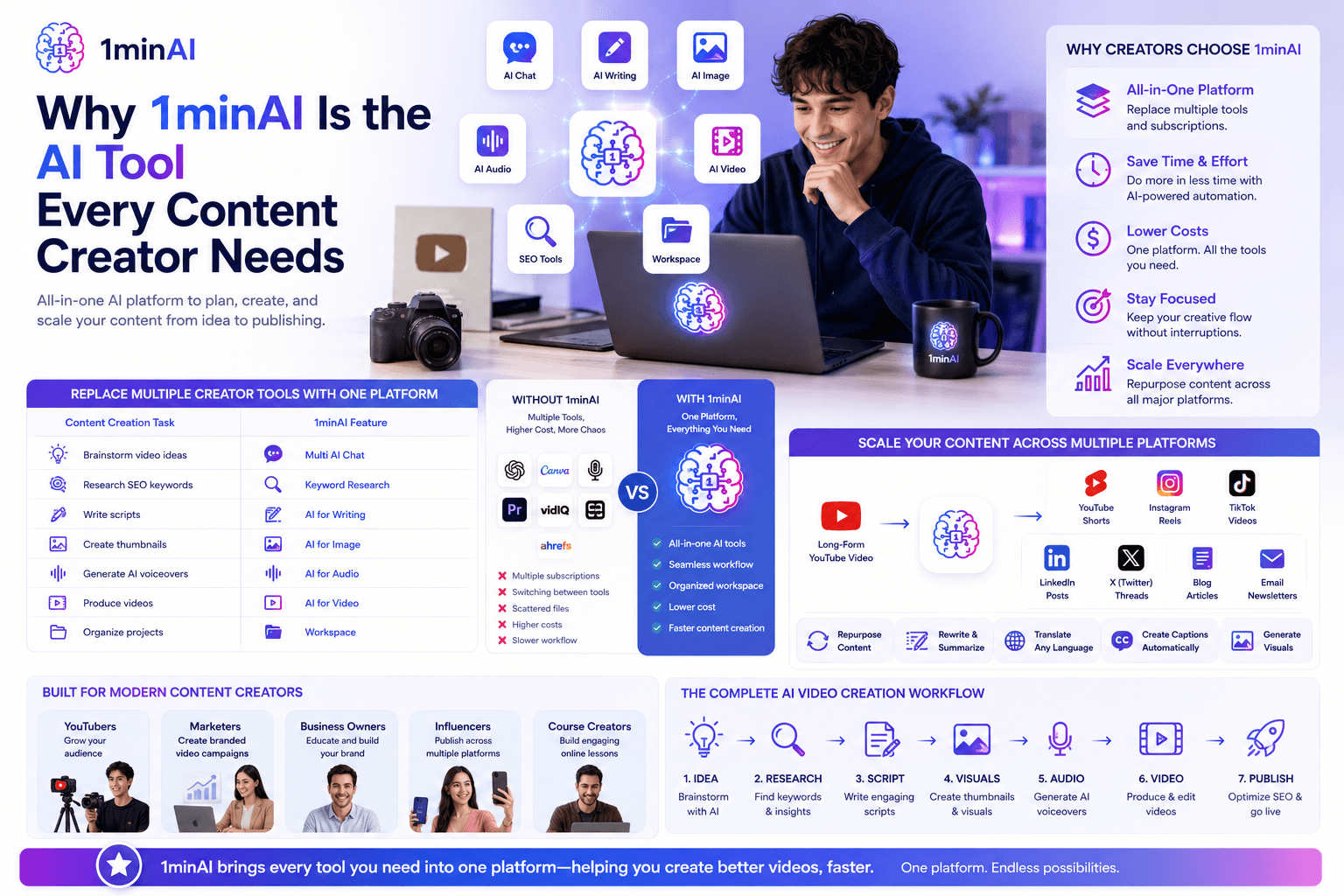
Replace Multiple Creator Tools With One Platform
A typical YouTube workflow might involve:
- One AI chatbot for brainstorming
- One writing assistant for scripting
- One design tool for thumbnails
- One voice generator
- One video editor
- One caption generator
- One keyword research platform
Managing multiple subscriptions increases costs and interrupts your creative flow.
With 1minAI, these capabilities are available within a single platform, allowing you to move seamlessly from one production stage to the next.
| Content Creation Task | 1minAI Feature |
|---|---|
| Brainstorm video ideas | Multi AI Chat |
| Research SEO keywords | Keyword Research |
| Write scripts | AI for Writing |
| Create thumbnails | AI for Image |
| Generate AI voiceovers | AI for Audio |
| Produce videos | AI for Video |
| Organize projects | Workspace |
Instead of learning multiple interfaces, creators can manage their entire workflow in one place.
Spend Less Time Switching Tools and More Time Creating
Every minute spent copying prompts between applications or downloading and re-uploading files is time not spent creating content.
By integrating AI writing, image generation, audio production, video creation, and SEO tools into one workspace, 1minAI helps creators:
- Produce videos more consistently
- Reduce repetitive manual work
- Accelerate production from idea to publishing
- Keep projects organized
- Lower software subscription costs
This streamlined workflow is especially valuable for solo creators, small marketing teams, agencies, and influencers who need to publish content frequently.
Scale Your Content Across Multiple Platforms
Today's creators rarely publish only on YouTube.
One long-form video often becomes:
- YouTube Shorts
- Instagram Reels
- TikTok videos
- LinkedIn posts
- X (Twitter) threads
- Blog articles
- Email newsletters
Using 1minAI, you can repurpose existing content without starting from scratch. AI helps rewrite scripts, summarize videos, generate social captions, translate content into multiple languages, and create supporting visuals—all from the same platform.
This makes it easier to maintain a consistent presence across multiple channels while significantly reducing production time.
Built for Modern Content Creators
Whether you're:
- A YouTuber growing your audience
- A marketer producing branded video campaigns
- A business owner creating educational content
- An influencer publishing across multiple platforms
- A course creator building online lessons
1minAI provides the tools needed to support your entire creative workflow—not just one step of it.
Instead of spending your energy managing software, you can focus on creating videos that educate, entertain, and grow your audience.
Conclusion
Create Your Next YouTube Video With One AI Tool
Stop piecing together multiple AI platforms for writing, thumbnails, voiceovers, video editing, and SEO. With 1minAI, you can research ideas, write scripts, generate visuals, produce videos, optimize content, and organize every project from one integrated workspace.
Whether you're publishing your first YouTube video or managing a full content calendar, 1minAI helps you create faster, work smarter, and stay consistent.
Build Better YouTube Content With 1minAI
Transform your YouTube workflow from idea to upload using one powerful AI tool. Research trending topics, write engaging scripts, generate professional thumbnails, create AI voiceovers, produce videos, and manage every project in one place. Start creating content faster with 1minAI and spend more time growing your audience.
👉 Official Website: https://1min.ai/
👉 Discover All AI Features: https://1min.ai/features