
How Teachers Can Use AI Tools to Create Professional Slides

Tram Ta
July 27, 2026
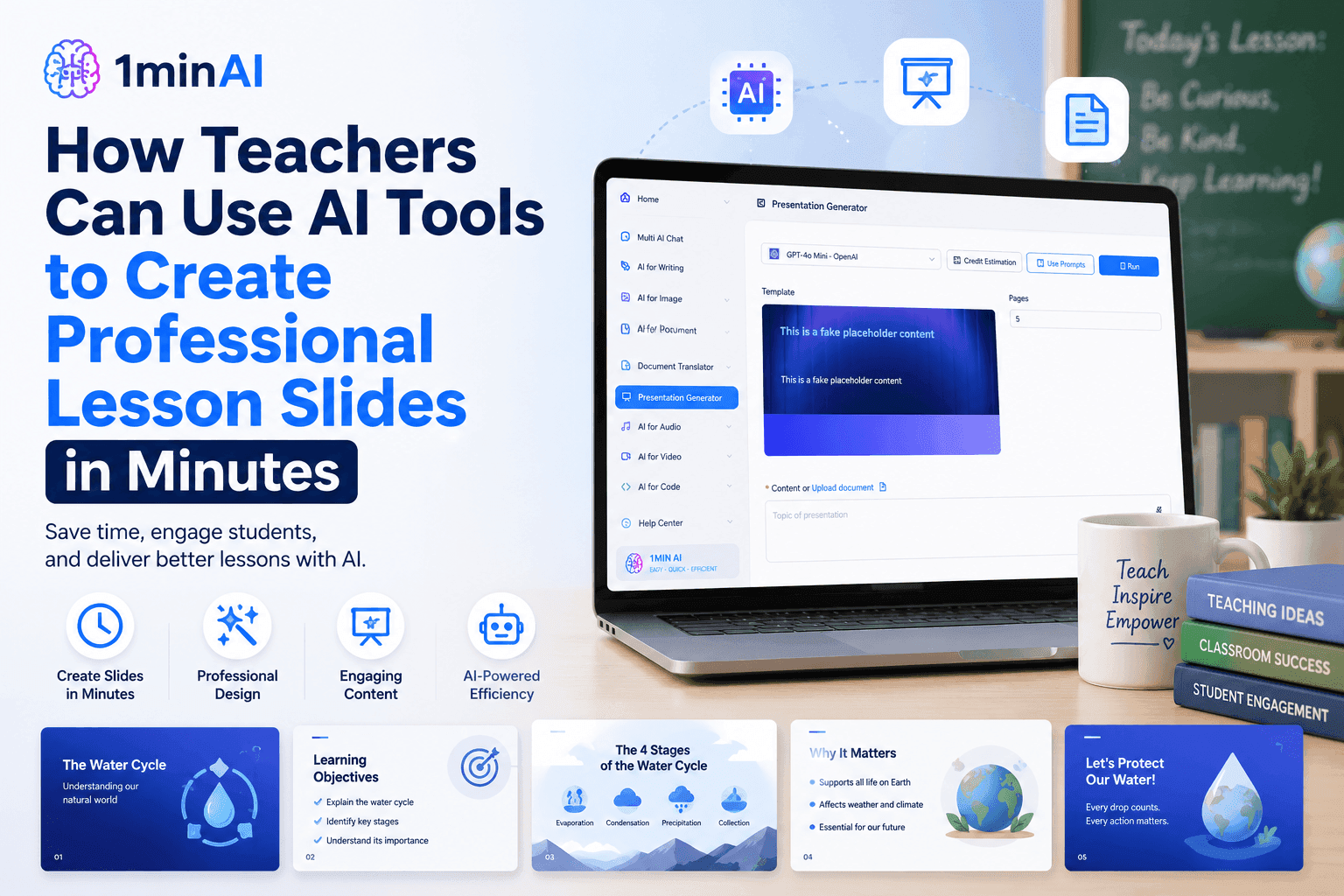
Learn how teachers can use AI tools to create professional lesson presentations with 1minAI's AI Presentation Generator in just a few simple steps.
Creating engaging lesson presentations can take hours. Beyond preparing the lesson itself, teachers also need to organize content, design slides, add visuals, and ensure everything is easy for students to follow. These repetitive tasks often leave less time for what matters most—teaching and interacting with students.
Modern AI tools make presentation creation much faster. Instead of starting with a blank slide deck, 1minAI's Presentation Generator can transform a lesson topic or teaching document into a structured, professional presentation in just a few minutes. Simply choose your preferred AI model, customize a few settings, and let AI build the first draft for you.
In this step-by-step tutorial, you'll learn how to use 1minAI to create polished lesson presentations that are ready to edit, personalize, and present in the classroom.
Why Teachers Are Using AI Tools to Create Professional Lesson Presentations
Preparing Lesson Slides Shouldn't Take Longer Than Teaching
Every lesson starts with preparation. Before stepping into the classroom, teachers often spend hours organizing topics, creating slide decks, formatting layouts, and deciding how to present information clearly. While these tasks are essential, they can quickly become repetitive—especially when teaching multiple classes each week.
This is why more educators are turning to AI tools to simplify presentation creation. Instead of designing every slide from scratch, teachers can generate a well-structured presentation within minutes and focus their time on refining lesson content and engaging students.
AI presentation tools can help teachers:
- Create lesson presentations faster
- Organize teaching content into logical sections
- Generate professional slide layouts
- Save time on formatting and design
- Update existing lesson materials more efficiently
Rather than replacing a teacher's expertise, AI helps automate repetitive design work so educators can concentrate on delivering better learning experiences.
AI Presentation Generators Help Teachers Focus on Teaching
Creating a presentation usually involves several manual steps—from outlining the lesson to arranging content across slides and ensuring a consistent visual design.
An AI presentation generator streamlines this process by transforming a lesson topic or existing teaching document into a complete presentation draft. Teachers can then review, edit, and personalize the slides before presenting them to students.
With 1minAI's Presentation Generator, you can quickly create presentations for:
- Classroom lessons
- Online teaching sessions
- Student workshops
- Training materials
- Academic presentations
- School projects
In the following tutorial, we'll walk through each step of using 1minAI to create professional lesson presentations, from selecting the Presentation Generator to generating your finished slide deck.
How to Create Professional Lesson Presentations With 1minAI
Creating a presentation with 1minAI only takes a few minutes. Follow the three simple steps below to transform your lesson topic or teaching materials into a polished presentation that's ready to customize and present.
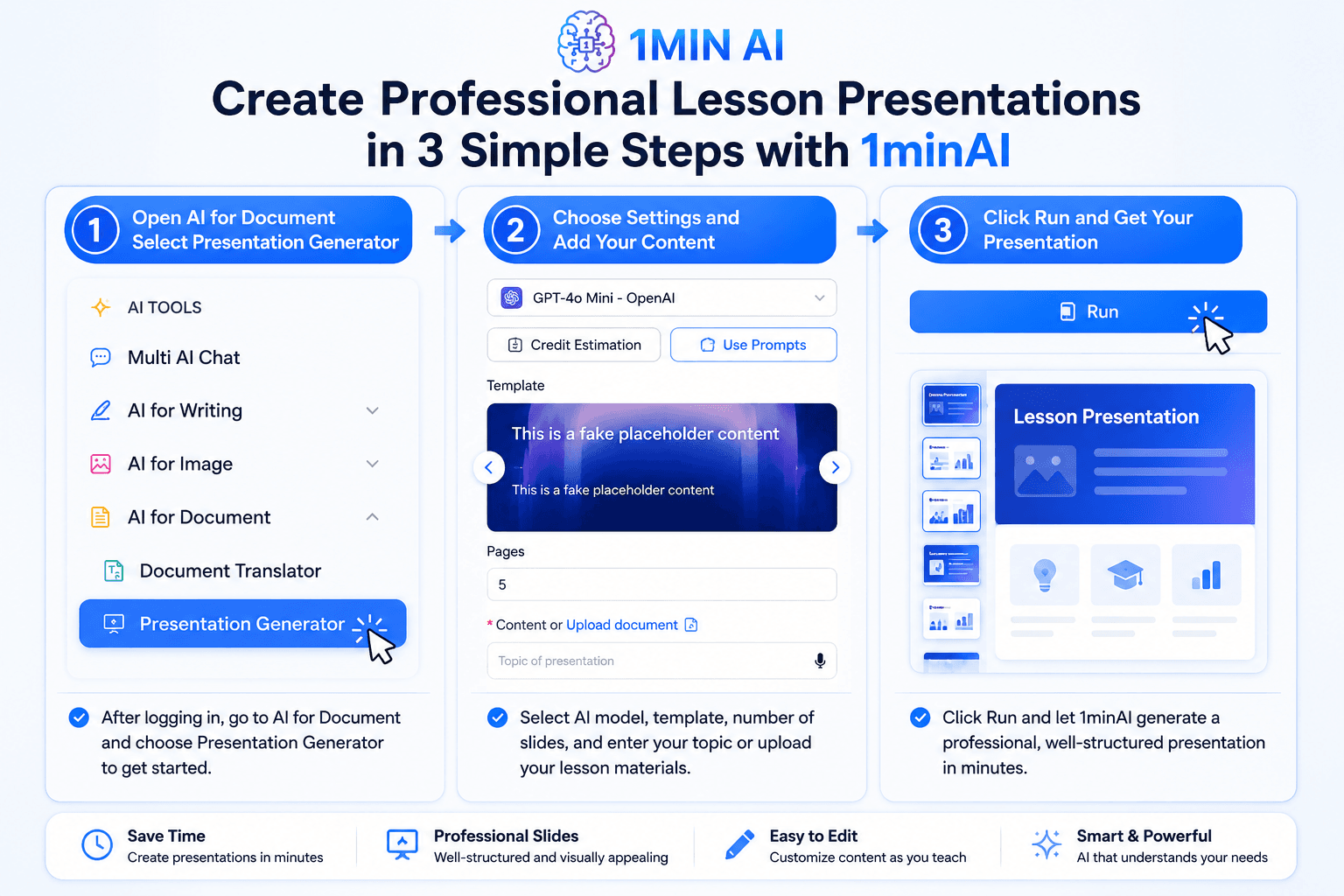
Step 1. Open AI for Document and Select Presentation Generator
After signing in to your 1minAI account, open the left navigation menu and click AI for Document. From the available document tools, select Presentation Generator.
This opens the presentation workspace where you'll configure your presentation before AI begins generating slides.
You can use Presentation Generator for:
- Lesson presentations
- Classroom lectures
- Student assignments
- Teacher training sessions
- Academic presentations
- Workshop materials
Starting from the correct tool ensures your content is optimized for presentation instead of plain text.
Step 2. Configure Your Presentation Settings
Once you're inside Presentation Generator, customize how you want your presentation to be created.
Simply choose:
- Your preferred AI model
- A presentation template
- The number of slides
- Your presentation topic, or upload an existing lesson document
If you already have teaching notes, lesson plans, or documents prepared, you can upload them directly. 1minAI will analyze the content and organize it into a structured presentation automatically.
You remain in control of the presentation style while AI handles the heavy lifting of organizing and formatting the content.
Step 3. Click Run and Let AI Generate Your Slides
After reviewing your settings, click Run to begin generating your presentation.
Within a short time, 1minAI creates a presentation complete with:
- A logical slide structure
- Clear section headings
- Well-organized bullet points
- Professional layouts
- Ready-to-edit presentation content
Instead of spending hours creating slides manually, you'll receive a complete first draft that you can quickly review, customize, and adapt to your teaching style before presenting it in class.
With just three simple steps, teachers can dramatically reduce presentation preparation time while still delivering professional, engaging lesson materials.
Tips for Creating More Effective AI Lesson Presentations
Generating slides with AI is only the beginning. The quality of your presentation depends on the information you provide and how you refine the AI-generated output. These best practices will help teachers create lesson presentations that are both engaging and classroom-ready.
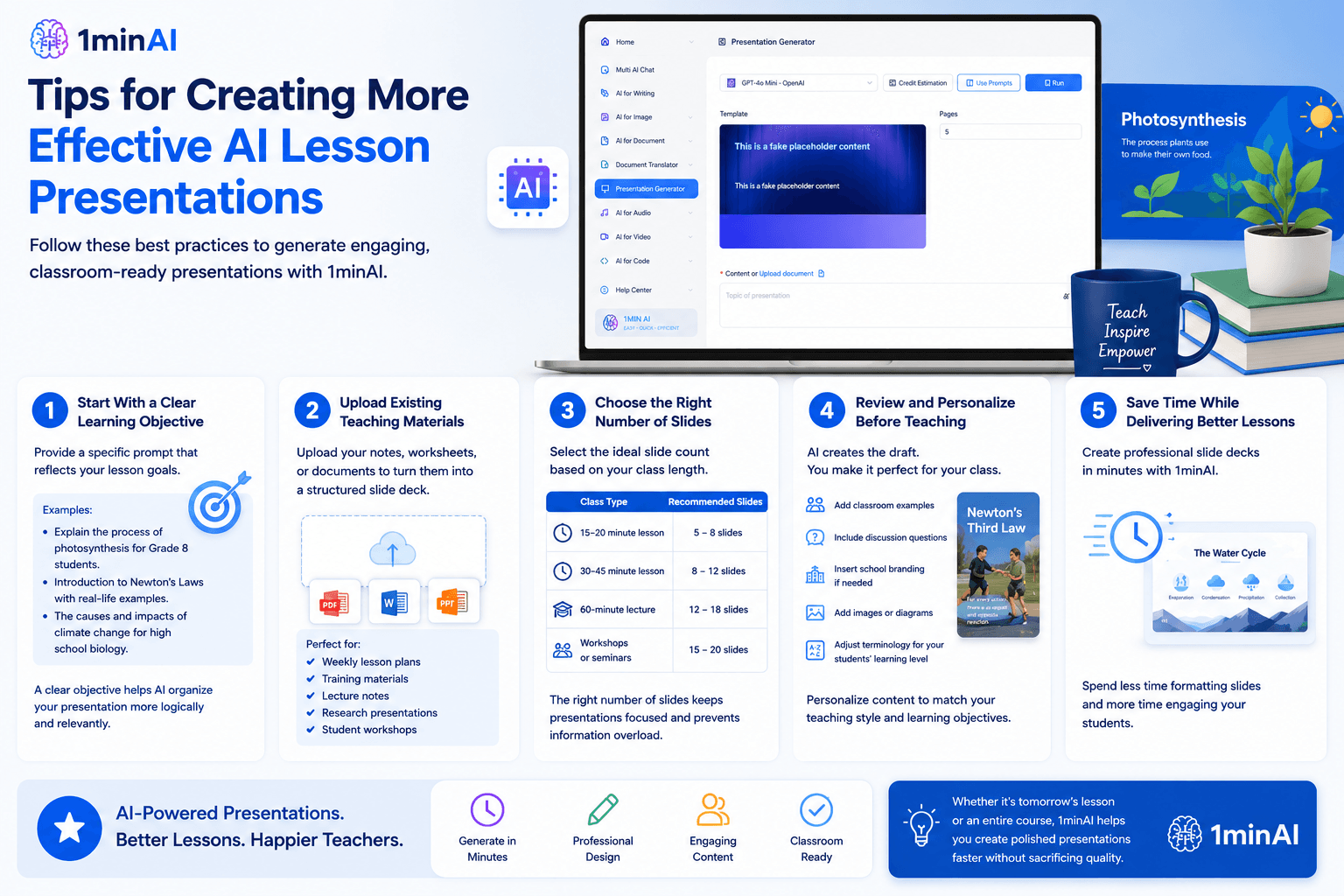
Start With a Clear Learning Objective
Instead of entering a broad topic like Photosynthesis, provide a more specific prompt that reflects your lesson goals.
For example:
- Explain the process of photosynthesis for Grade 8 students.
- Introduction to Newton's Laws with real-life examples.
- The causes and impacts of climate change for high school biology.
A detailed prompt helps the AI organize your presentation more logically and produce more relevant slide content.
Upload Existing Teaching Materials
If you've already prepared lesson notes, worksheets, or teaching documents, upload them directly instead of starting from scratch.
The Presentation Generator can transform your existing materials into a structured slide deck, saving time while preserving your original lesson content.
This is especially useful for:
- Weekly lesson plans
- Training materials
- Lecture notes
- Research presentations
- Student workshops
Choose the Right Number of Slides
Not every lesson needs a lengthy presentation.
As a general guideline:
| Class Type | Recommended Slides |
|---|---|
| 15–20 minute lesson | 5–8 slides |
| 30–45 minute lesson | 8–12 slides |
| 60-minute lecture | 12–18 slides |
| Workshops or seminars | 15–20 slides |
Choosing an appropriate slide count keeps presentations focused and prevents information overload.
Review and Personalize Before Teaching
AI generates an excellent first draft, but every classroom is different.
Before presenting, take a few minutes to:
- Add classroom examples
- Include discussion questions
- Insert school branding if needed
- Add images or diagrams
- Adjust terminology for your students' learning level
This final review helps ensure the presentation matches your teaching style and learning objectives.
Save Time While Delivering Better Lessons
Creating lesson presentations no longer has to be one of the most time-consuming parts of teaching.
With 1minAI's Presentation Generator, teachers can quickly generate a professional slide deck, customize it for their classroom, and spend more time focusing on student engagement instead of formatting PowerPoint slides.
Whether you're preparing tomorrow's lesson or building an entire course, AI helps you create polished presentations faster without sacrificing quality.
Conclusion
Create Professional Lesson Presentations With 1minAI
Ready to spend less time designing slides and more time teaching? With 1minAI's Presentation Generator, you can transform a lesson topic or existing teaching document into a professional presentation in just a few clicks. Choose your AI model, select a template, customize your presentation, and let AI build the first draft for you.
Start Creating Better Lesson Presentations Today
Turn lesson ideas, lecture notes, or teaching documents into polished presentations with 1minAI's AI Presentation Generator. Generate structured slides in minutes, personalize them for your classroom, and make lesson preparation faster and more efficient—all from one trusted AI platform.
👉 TRY HERE
👉 Official Website: https://1min.ai/
👉 Discover All AI Features: https://1min.ai/features
Alternatives
Discover the best alternatives to 1minAI and compare features, pricing, and use cases.

1min.AI vs OpenRouter
1min.AI vs. OpenRouter: Compare the ready-to-use AI creation product against the technical API tool. Find out if you need a zero-code creative studio or a coding infrastructure hub.
 Ngoc Hong
1min.AI vs Jarvis AI
Compare 1min.AI vs Jarvis AI to discover which AI platform is better for writing, research, automation, and content creation. Find the best AI assistant for your workflow.
Ngoc Hong
1min.AI vs Lovart
1min.AI vs. Lovart: Compare the versatile Multi-Media Studio (Video, Code, Voice Cloning) against the specialized AI Design Agent (Visuals, Menu Creation). Find out why 1min.AI offers the best long-term value and depth for serious creators.
Ngoc HongAI Tools
Discover the best AI tools to boost productivity, creativity, and everyday work.
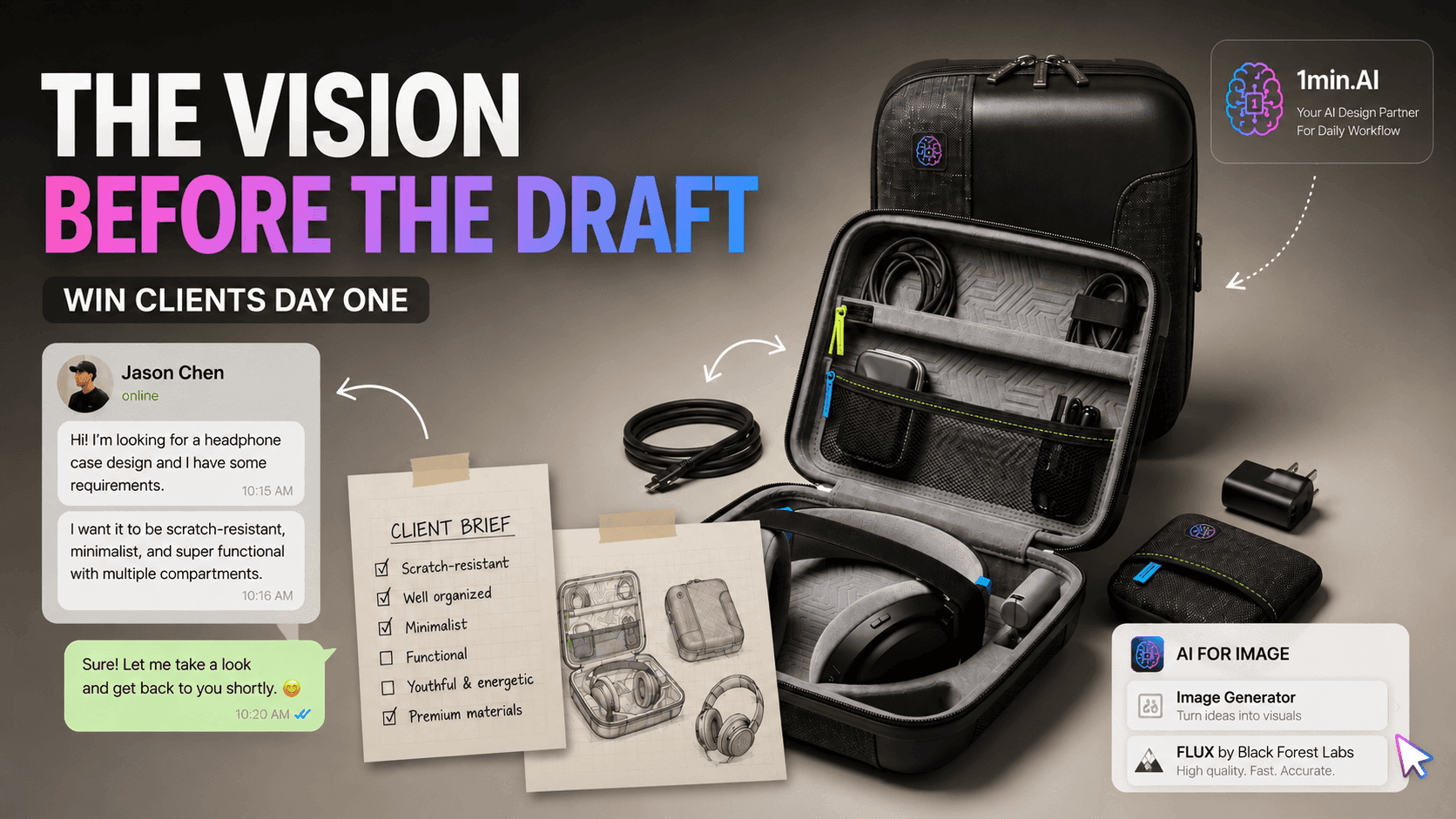
The Vision Before the Draft: How Freelance Designers Win Clients from Day One
Vague briefs, slow mockups, and endless revisions can make freelance design projects harder to close. Discover how 1min.AI helps designers turn client ideas into clear concepts, visual directions, and professional mockups faster.
 Lien Anh Vu
AI Hallucination Checker for Accurate YMYL Content
Use an AI hallucination checker to verify AI-generated content, improve AI content accuracy, strengthen EEAT signals, and reduce YMYL publishing risks.
Ngoc Hong
Best AI Image Upscaler for Freelance Designers
Enhance blurry or low-resolution images in seconds with AI Image Upscaler. Perfect for freelance designers and photographers who need sharper visuals for client presentations, social media, and print, without spending hours editing.
Lien Anh VuAI Features
Comprehensive AI features that streamline workflows, improve efficiency, and empower teams to achieve more.
Free Multi AI Chat
Use Free Multi AI Chat to compare multiple AI models in one workspace. Chat with ChatGPT, Claude, Gemini, and more without switching apps.
Ngoc HongThe Vision Before the Draft: How Freelance Designers Win Clients from Day One
Vague briefs, slow mockups, and endless revisions can make freelance design projects harder to close. Discover how 1min.AI helps designers turn client ideas into clear concepts, visual directions, and professional mockups faster.
Lien Anh Vu
5 AI Tools Every TikTok Creator Should Use Daily
Discover five essential AI tools that help TikTok creators find ideas, write scripts, create visuals, generate videos, and publish content faster.
Lien Anh VuAI Use Cases
A curated collection of AI use cases for business, productivity, and industry-specific applications.
AI Image Generation
Discover how AI Image Generation helps businesses create marketing visuals, product images, and social content faster with 1minAI.
Ngoc Hong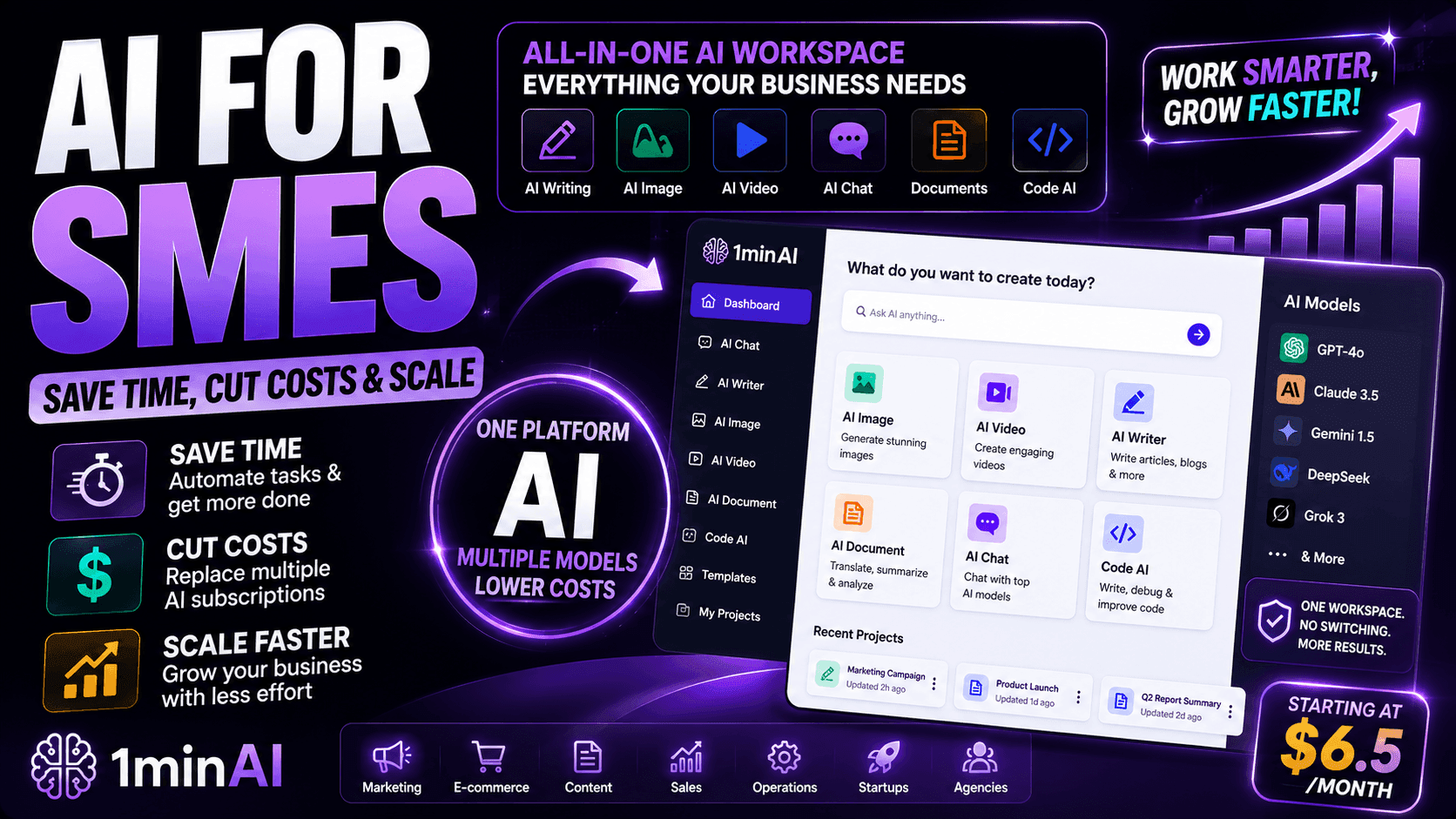
AI for SMEs: Save Time, Cut Costs & Scale with 1minAI
Discover how AI for SMEs helps automate writing, images, videos, documents, and coding - all in one workspace to save time, reduce costs, and grow faster.
Ngoc Hong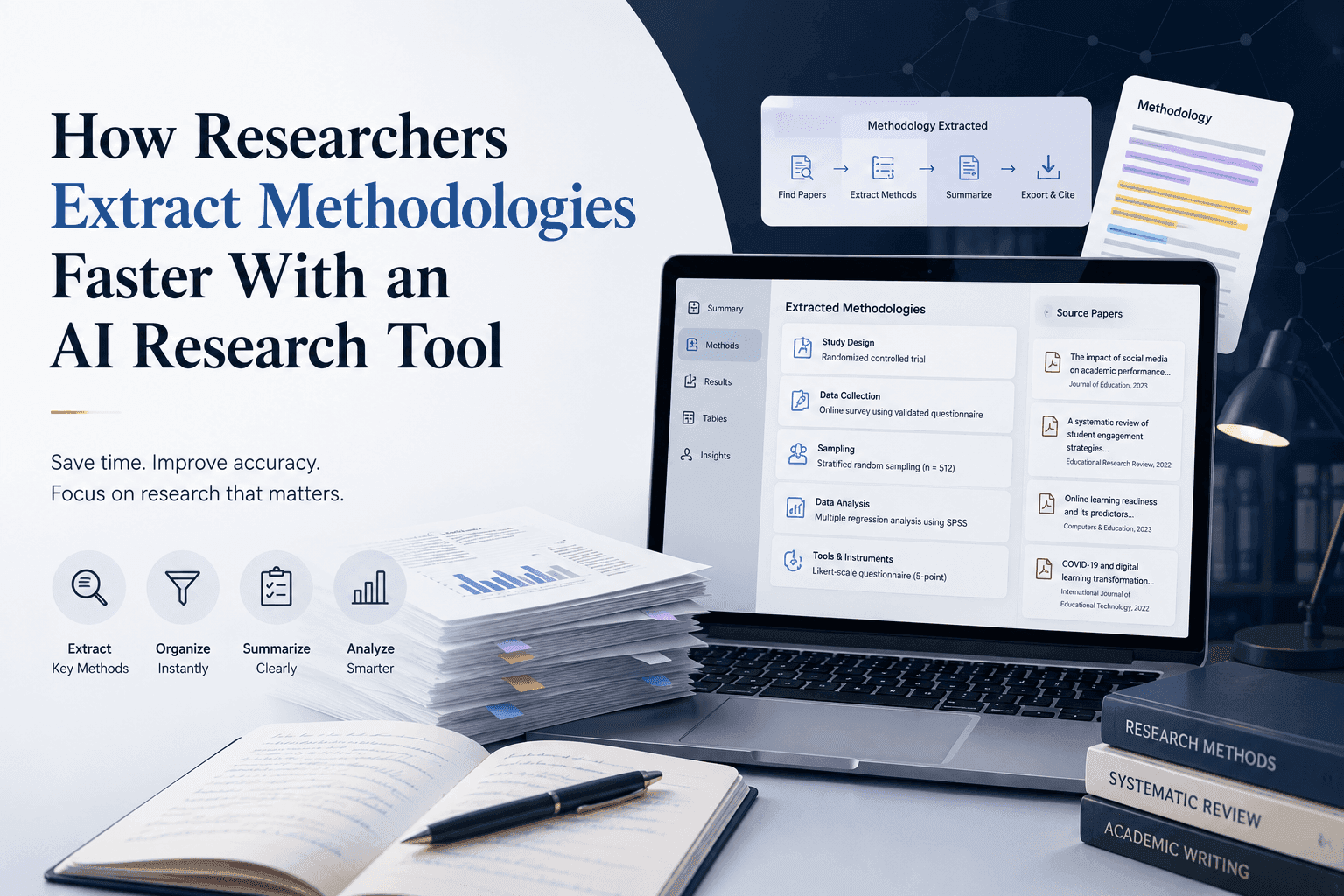
How Researchers Extract Methodologies Faster With an AI Research Tool
Learn how an AI research tool helps researchers extract methodologies from research papers, compare study designs, and accelerate literature reviews with AI-powered PDF analysis.
 Tram Ta
AI Tutorials
Learn how to use AI with practical, step-by-step tutorials.
The Vision Before the Draft: How Freelance Designers Win Clients from Day One
Vague briefs, slow mockups, and endless revisions can make freelance design projects harder to close. Discover how 1min.AI helps designers turn client ideas into clear concepts, visual directions, and professional mockups faster.
Lien Anh Vu
Verify AI-Generated Content with a 3-Step AI Fact-Checking Workflow
Fear AI hallucinations destroying your SEO? Learn how to verify AI-generated content using a multi-model AI fact checking tool to protect your rankings.Fear AI hallucinations destroying your SEO? Learn how to verify AI-generated content using a multi-model AI fact checking tool to protect your rankings.
Ngoc Hong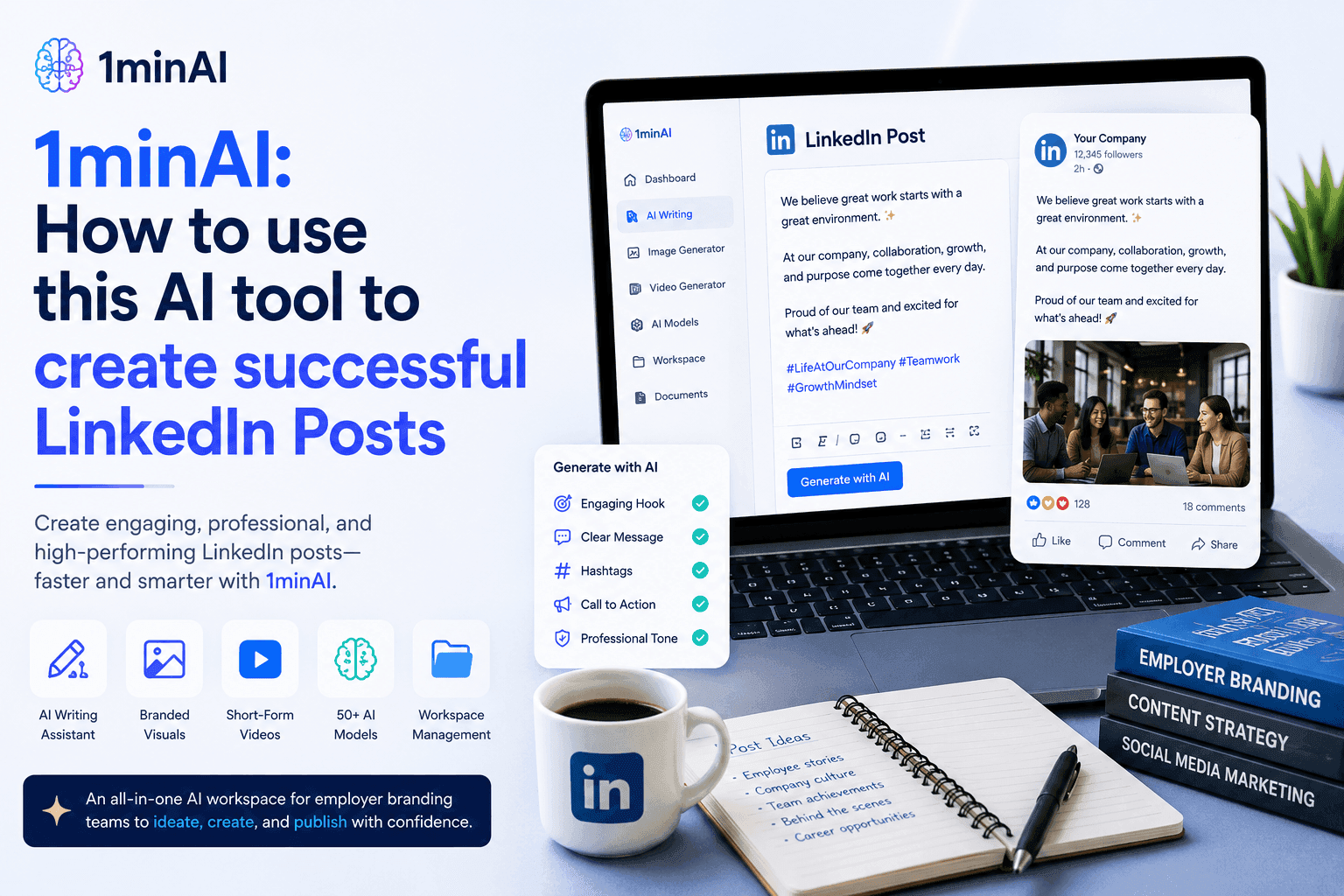
1minAI: How to use this AI tool to create successful LinkedIn Posts
Learn how AI tools help HR teams create engaging LinkedIn employer branding posts with 1minAI. Follow this step-by-step guide to generate professional content faster.
Tram TaAI Guides
Learn AI faster with practical guides, real-world examples, and actionable best practices.
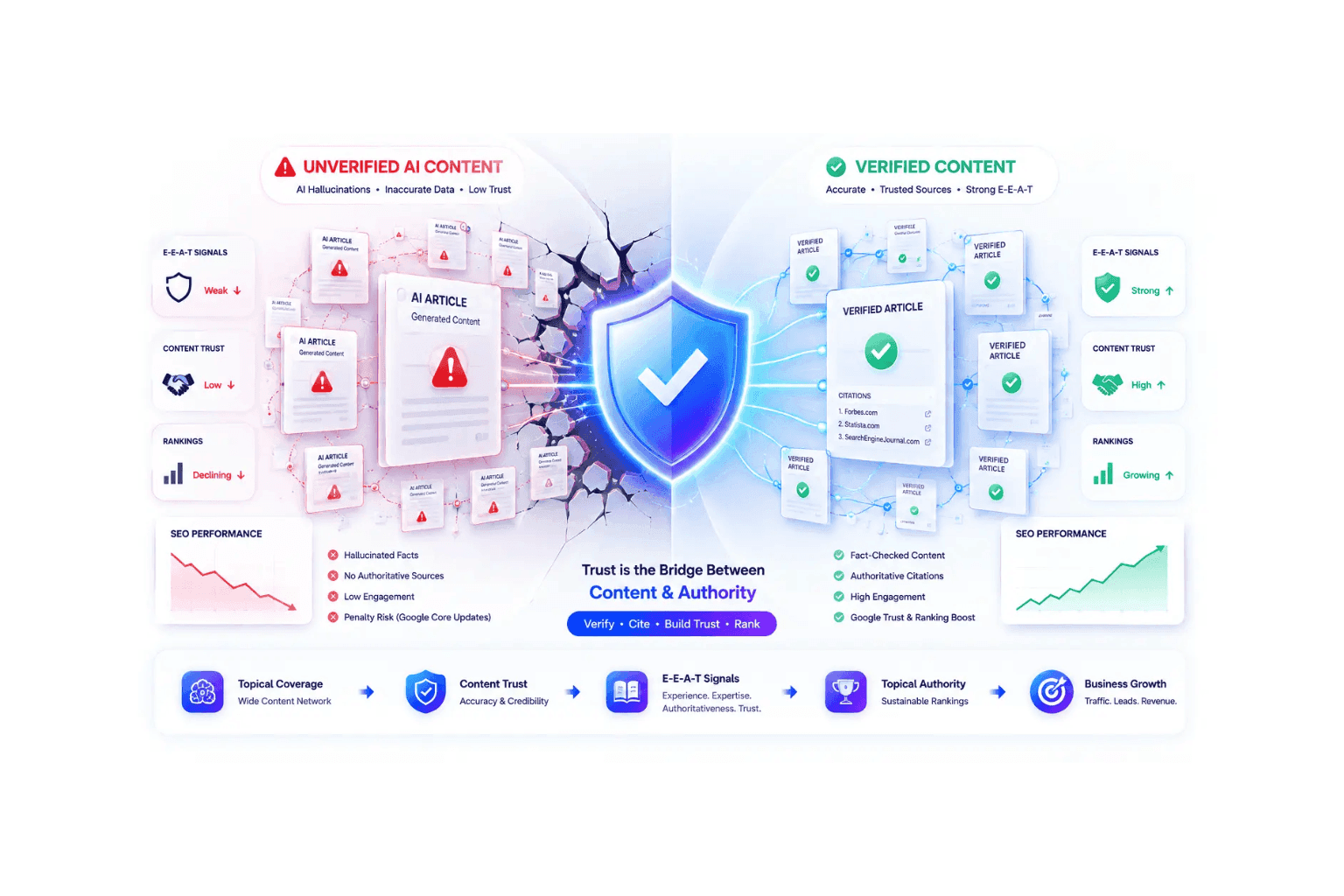
Topical Authority: How AI Hallucinations Hurt SEO Rankings
Building topical authority won't boost SEO rankings if AI hallucinations destroy credibility. Learn how to verify content and survive Google core updates.
Ngoc Hong
Google E-E-A-T Guide to Verify AI Content
Fear algorithmic penalties? Meet strict Google E-E-A-T guidelines by learning how to verify AI content. Use an AI hallucination checker to secure rankings.
Ngoc HongThe Vision Before the Draft: How Freelance Designers Win Clients from Day One
Vague briefs, slow mockups, and endless revisions can make freelance design projects harder to close. Discover how 1min.AI helps designers turn client ideas into clear concepts, visual directions, and professional mockups faster.
Lien Anh VuAI Solutions
Browse the best AI solutions for automation, coding, research, productivity, customer support, marketing, and business workflows.
The Vision Before the Draft: How Freelance Designers Win Clients from Day One
Vague briefs, slow mockups, and endless revisions can make freelance design projects harder to close. Discover how 1min.AI helps designers turn client ideas into clear concepts, visual directions, and professional mockups faster.
Lien Anh Vu
Free AI Video Creation with Kling 1.5
Engage in intelligent conversations with our AI Chatbot powered by the Claude 3 Opus Model. Experience the future of natural language processing and AI-powered chat.
 Uyen Hoang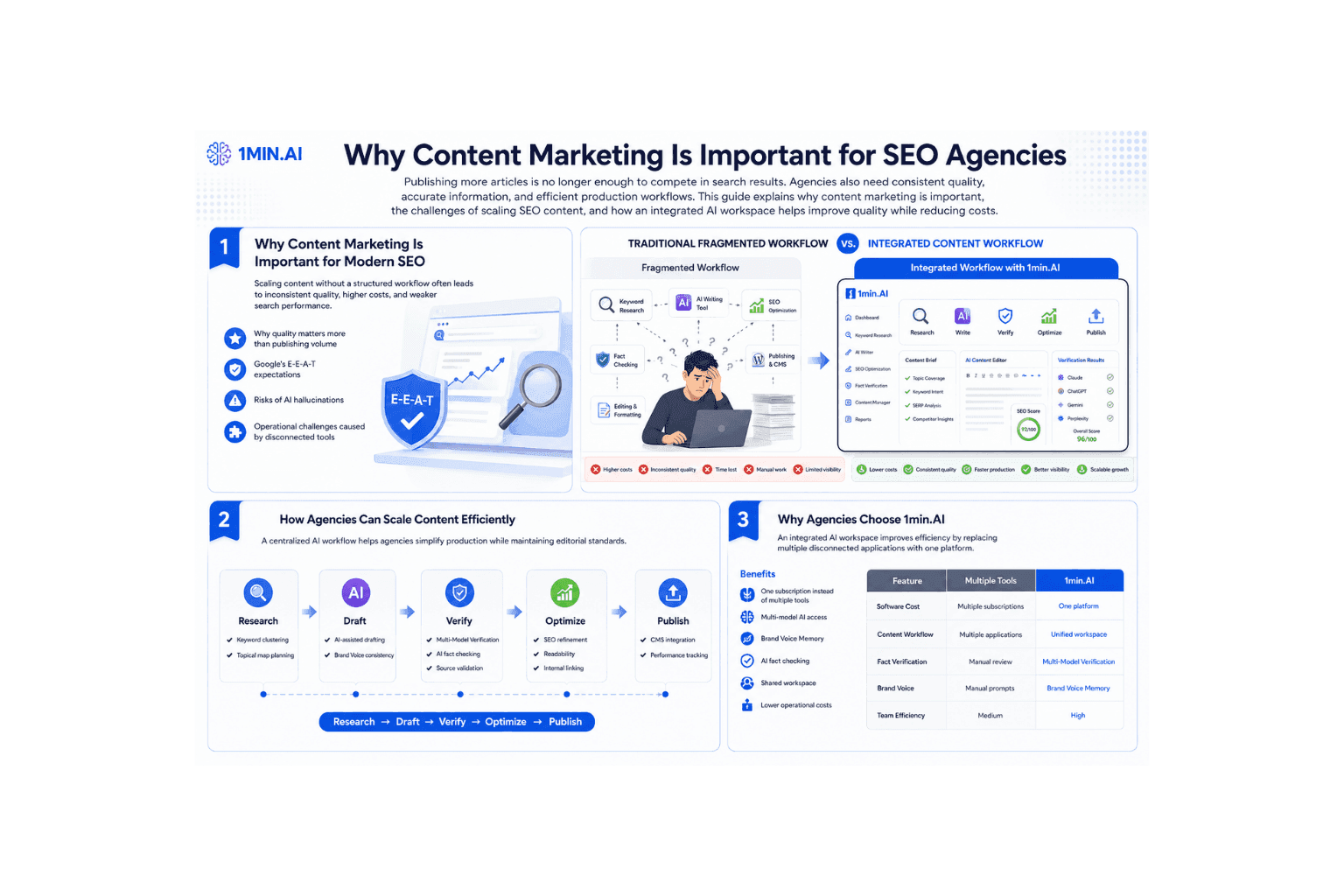
Why Content Marketing Is Important for SEO Agencies
Learn why content marketing is important for SEO agencies. Improve web content creation, maintain E-E-A-T, and scale content efficiently with 1min.AI.
Ngoc HongAI Models
Explore the world's leading AI models in one place.
The Vision Before the Draft: How Freelance Designers Win Clients from Day One
Vague briefs, slow mockups, and endless revisions can make freelance design projects harder to close. Discover how 1min.AI helps designers turn client ideas into clear concepts, visual directions, and professional mockups faster.
Lien Anh Vu
Free AI Chat with GPT OSS 120B
Setting a new benchmark for open-source AI. GPT-OSS-120B is a 120-billion-parameter language model optimized for high-precision reasoning, long-context understanding, and large-scale deployment.
Lien Anh Vu
Free AI Chat with Grok 3
Where next-generation AI begins. Grok 3 is xAI’s most powerful model, designed for speed, accuracy, and real-world insight.
Lien Anh VuAI Comparisons
Compare AI tools, models, and platforms to find the best fit for your needs.
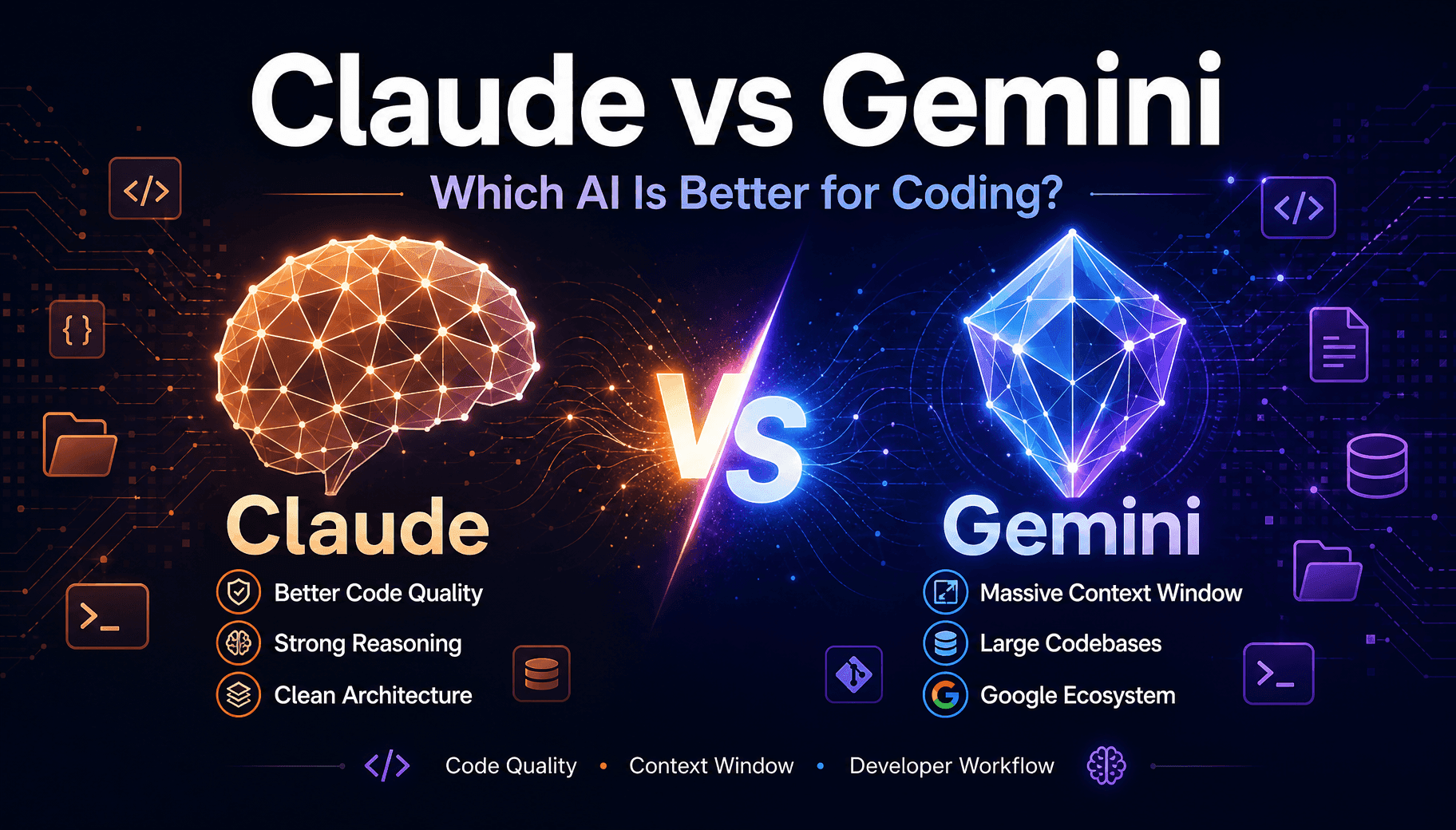
Claude vs Gemini For Coding: Which Wins
Claude vs Gemini for coding compared on code quality, context window, and dev tools. See which fits your stack, or run both inside 1min.AI.
 Trang Tran
Midjourney vs Ideogram: Which AI Should You Choose?
Compare Midjourney vs Ideogram to find the best AI image generator for your needs. Explore image quality, typography, features, and real-world use cases.
Trang Tran
Top 5 Best AI Tools for Researchers and Students in 2026
Discover the best AI tools for researchers and students to summarize papers, improve academic writing, analyze PDFs, and streamline research workflows.
Tram TaAI Integrations
Seamlessly integrate AI with the tools you already use to automate work and boost productivity.
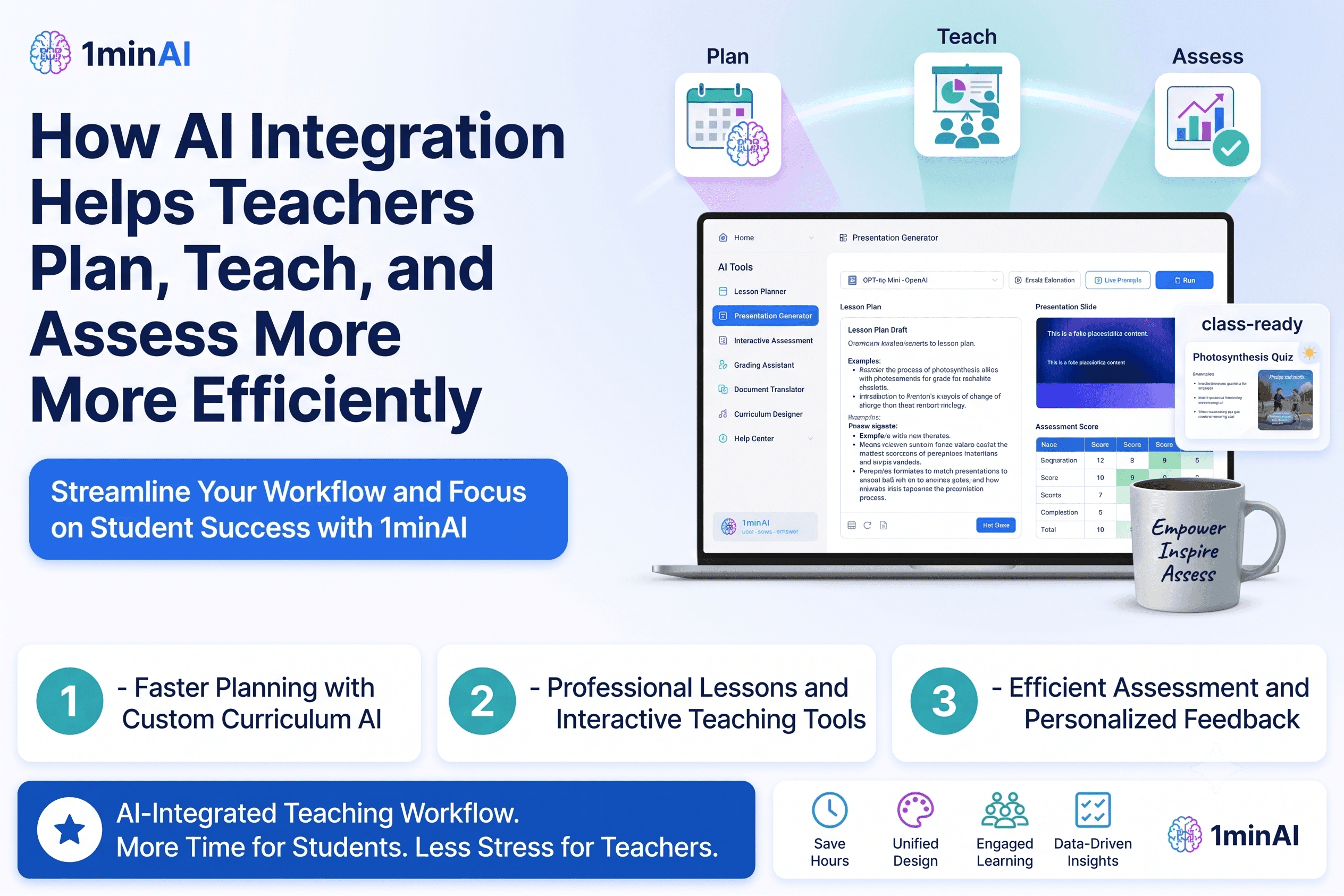
How AI Integration Helps Teachers Plan, Teach, and Assess More Efficiently
Discover how AI integration helps teachers streamline lesson planning, presentations, classroom materials, assessments, and student engagement in one AI workspace.
Tram Ta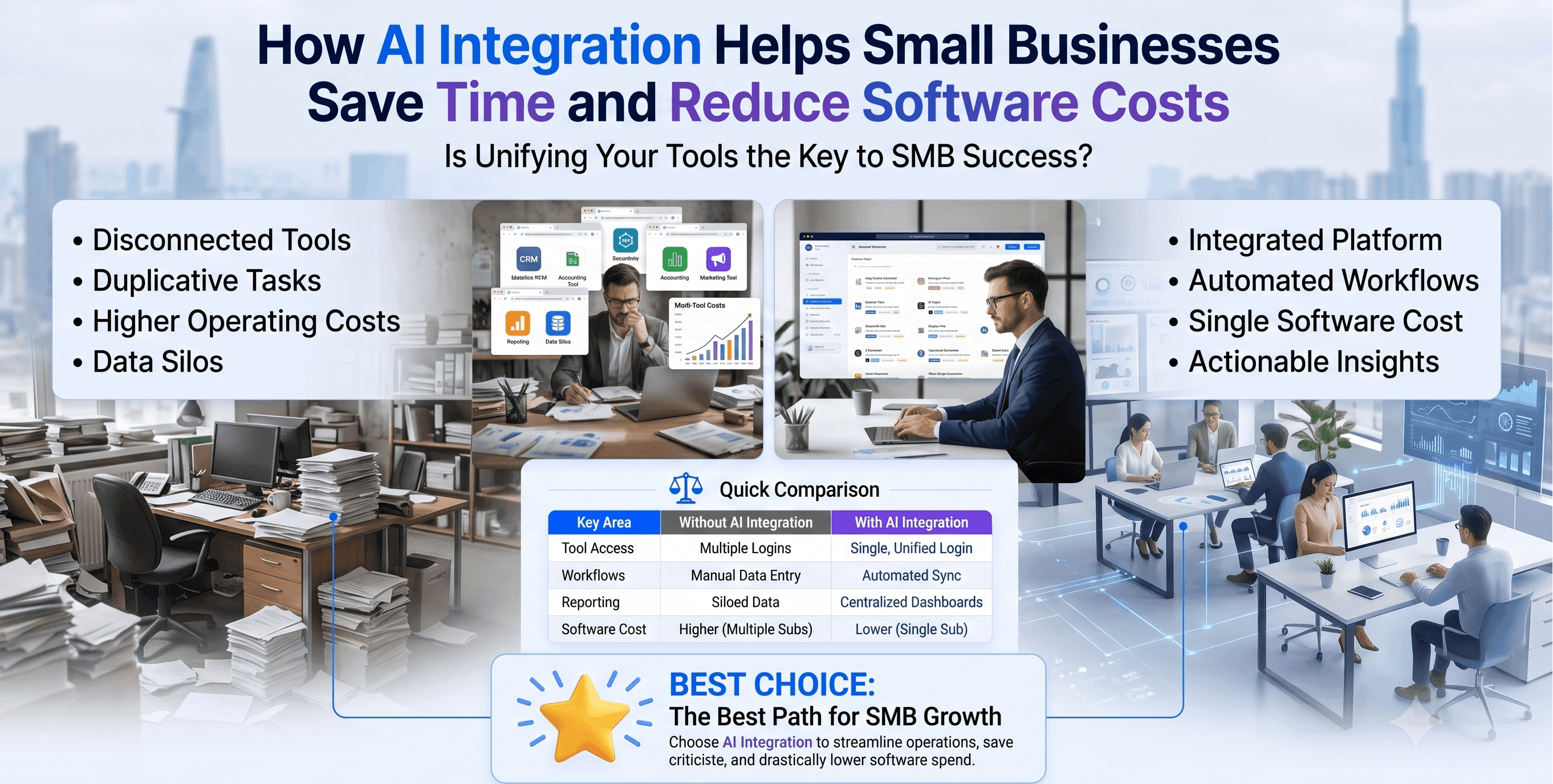
How AI Integration Helps Small Businesses Save Time and Reduce Software Costs
Discover how AI integration helps small businesses replace multiple AI apps with one workspace, improving productivity, reducing software costs, and streamlining daily workflows.
Tram Ta
Stop Switching Between AI Apps: How AI Integration Transforms Employer Branding
Discover how AI integration helps HR teams streamline employer branding by combining AI writing, documents, images, video, and multiple AI models into one workspace.
Tram TaAI for Industries
Find the best AI tools and workflows for healthcare, finance, education, legal, manufacturing, retail, real estate, and more.

Best AI Tool for Real Estate Property Managers Use Today
Looking for the best AI tool for real estate? See how property managers use AI to write listings, edit photos, and create marketing videos in minutes.
Trang Tran
Best Free AI Tools for Dropshipping You Can Use Now
Free AI tools for Shopify dropshipping that write listings, generate images, and translate content in seconds, so you launch faster without extra spend.
Trang Tran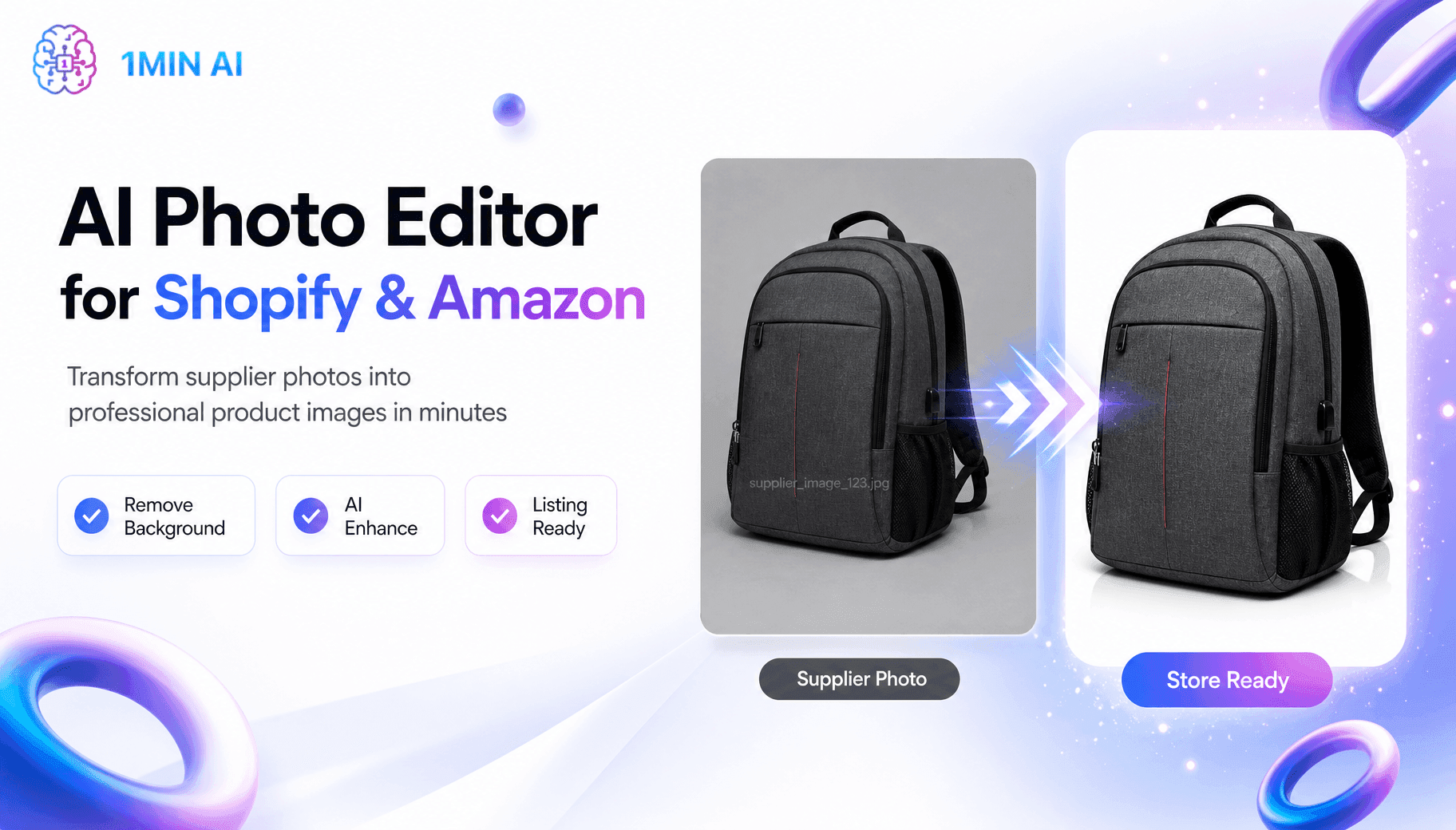
Free AI Shopify Photo Editor for Cross Border Sellers
Tired of low quality supplier photos? This free AI Shopify photo editor removes backgrounds and edits images before you list on Shopify or Amazon.
Trang TranAI Agents
Discover and run AI agents to automate tasks across your work and daily life.
5 AI Tools Every TikTok Creator Should Use Daily
Discover five essential AI tools that help TikTok creators find ideas, write scripts, create visuals, generate videos, and publish content faster.
Lien Anh Vu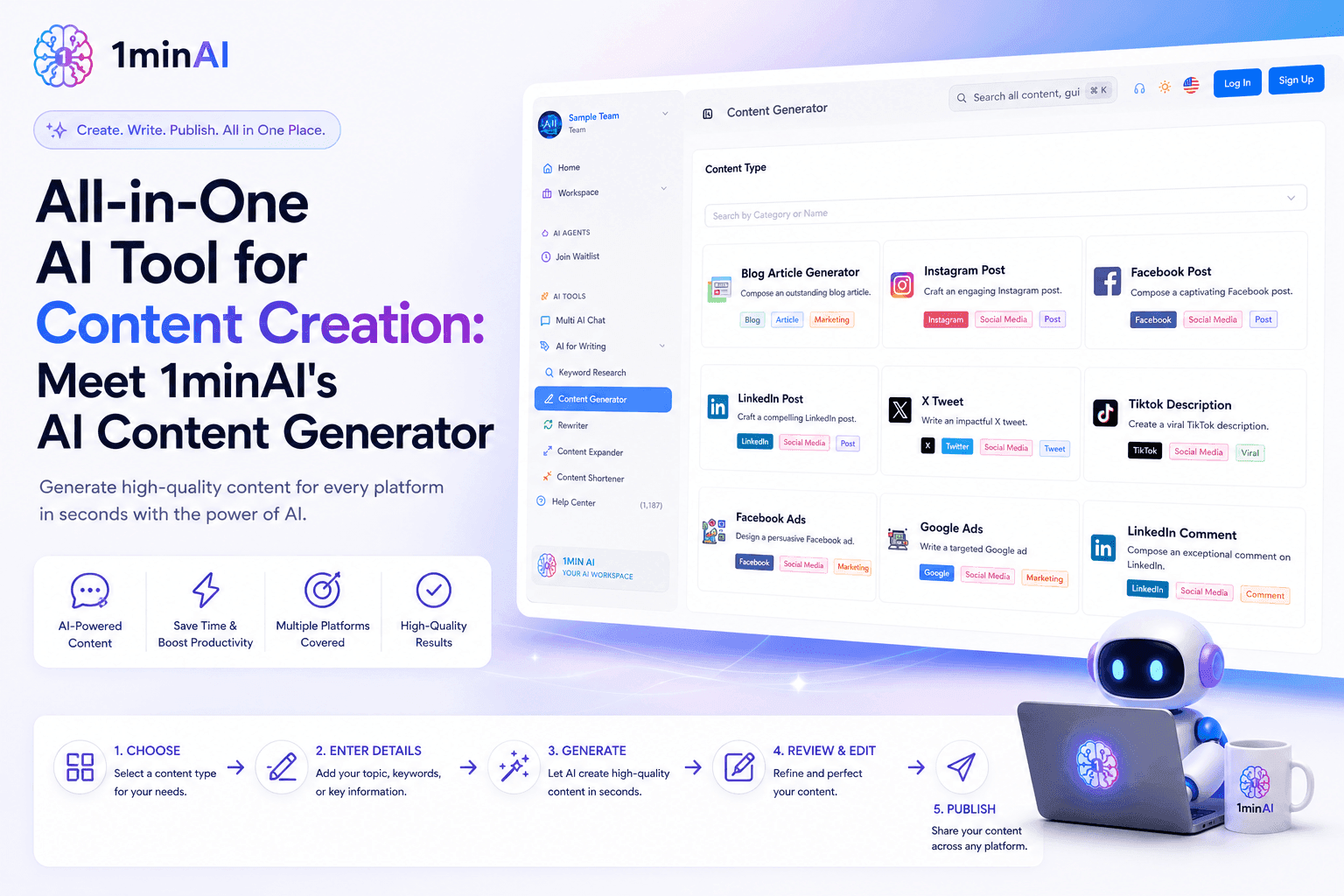
All-in-One AI Tool for Content Creation: Meet 1minAI's AI Content Generator
Discover how 1minAI's AI Content Generator helps create blogs, social posts, ads, emails, and marketing copy faster from one powerful AI tool.
Tram Ta
1minAI: The Top Ranking AI Tool for Teachers
Discover why 1minAI is a trusted AI tool for teachers. Create lesson plans, presentations, worksheets, quizzes, and classroom materials faster with one platform.
Tram TaAI Workflows
Explore ready-to-use AI workflows for productivity, marketing, sales, support, and more.
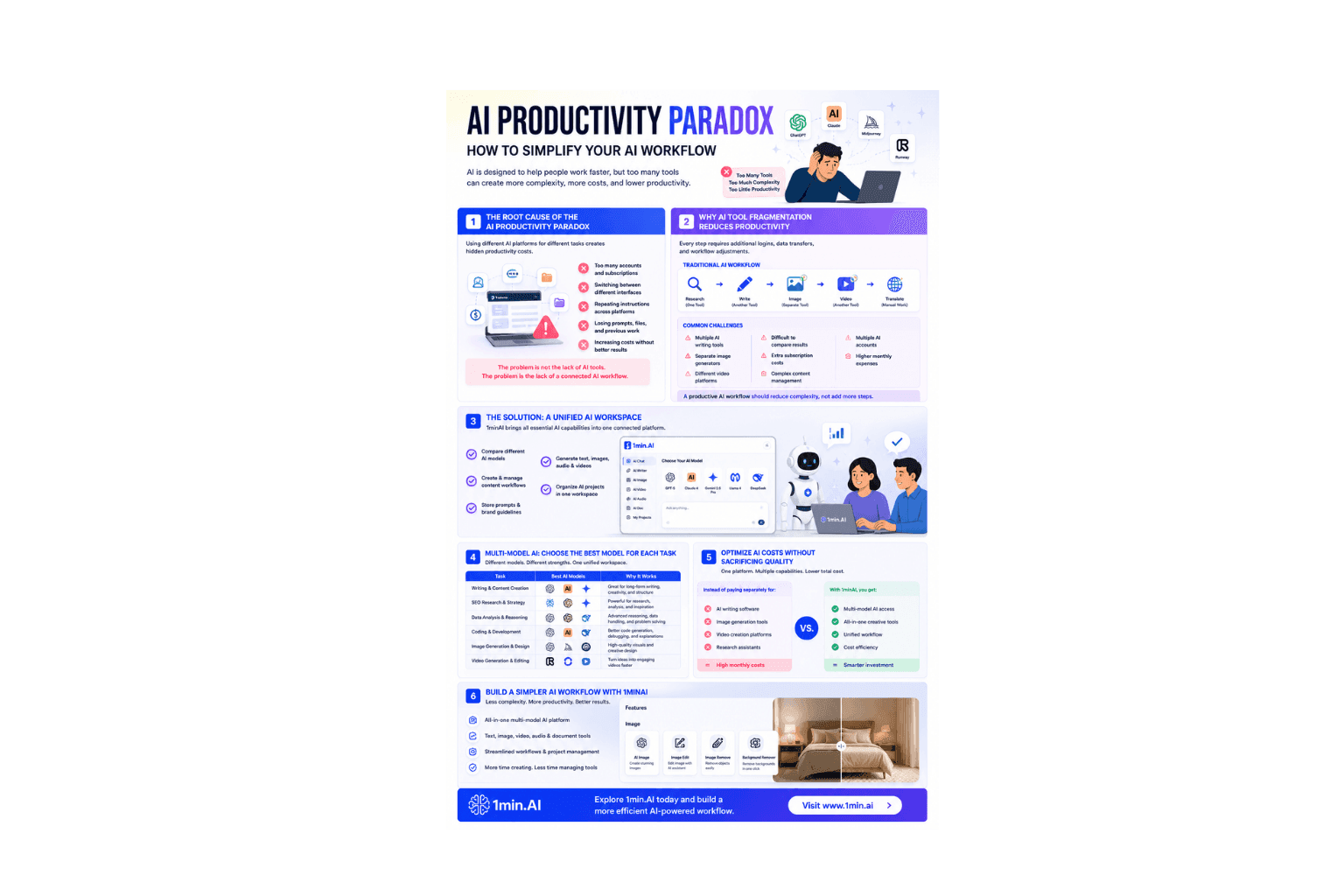
AI Productivity Paradox: How to Simplify Your AI Workflow
Learn how the AI productivity paradox slows your workflow and discover how a multi-model AI workspace helps you work faster with fewer tools.
Ngoc Hong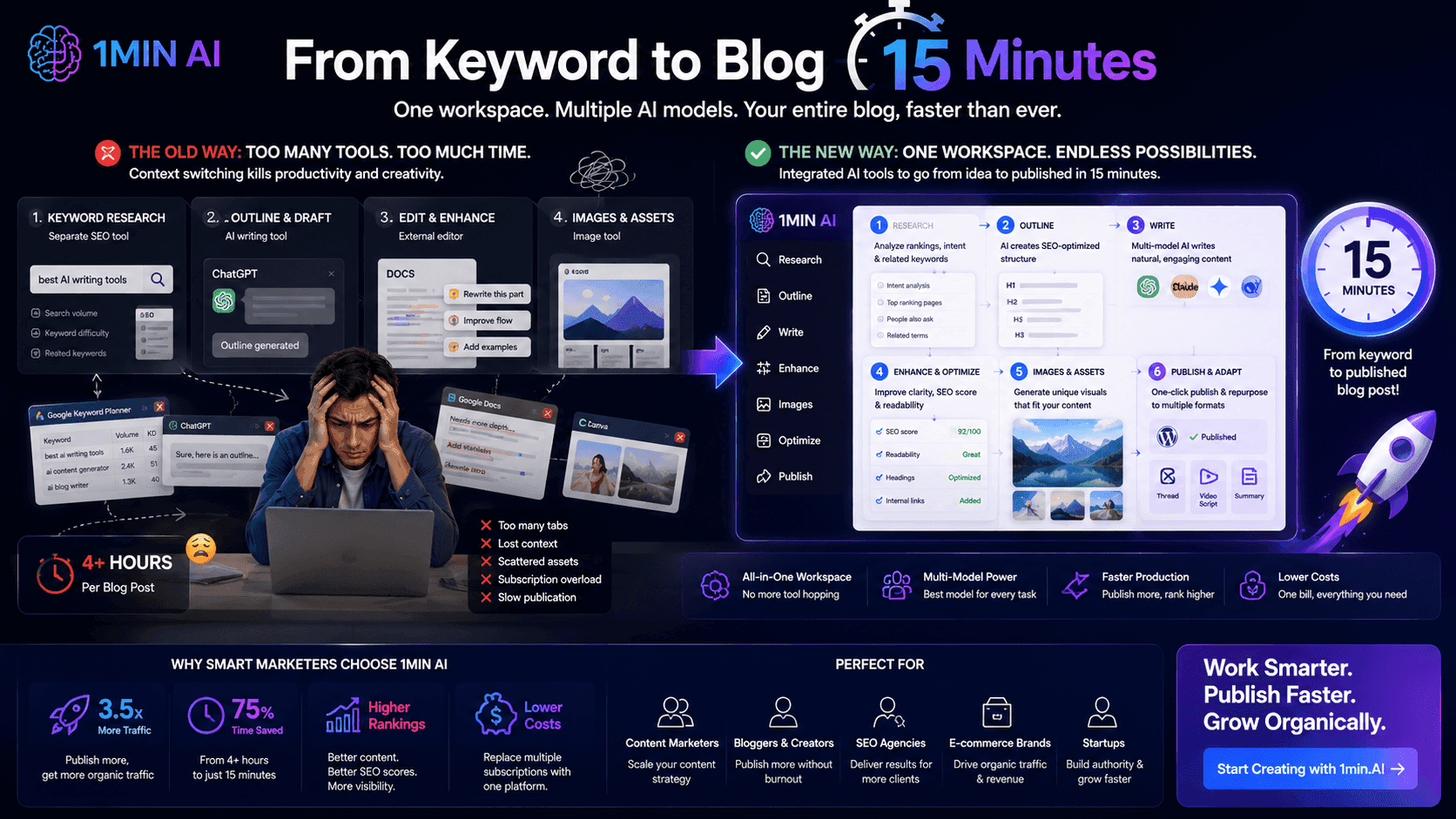
From Keyword to Blog in 15 Minutes
Stop wasting hours jumping between keyword research tools, text generators, and image apps. Learn how an integrated multi-model workspace slashes blog production time down to 15 minutes.
Uyen Hoang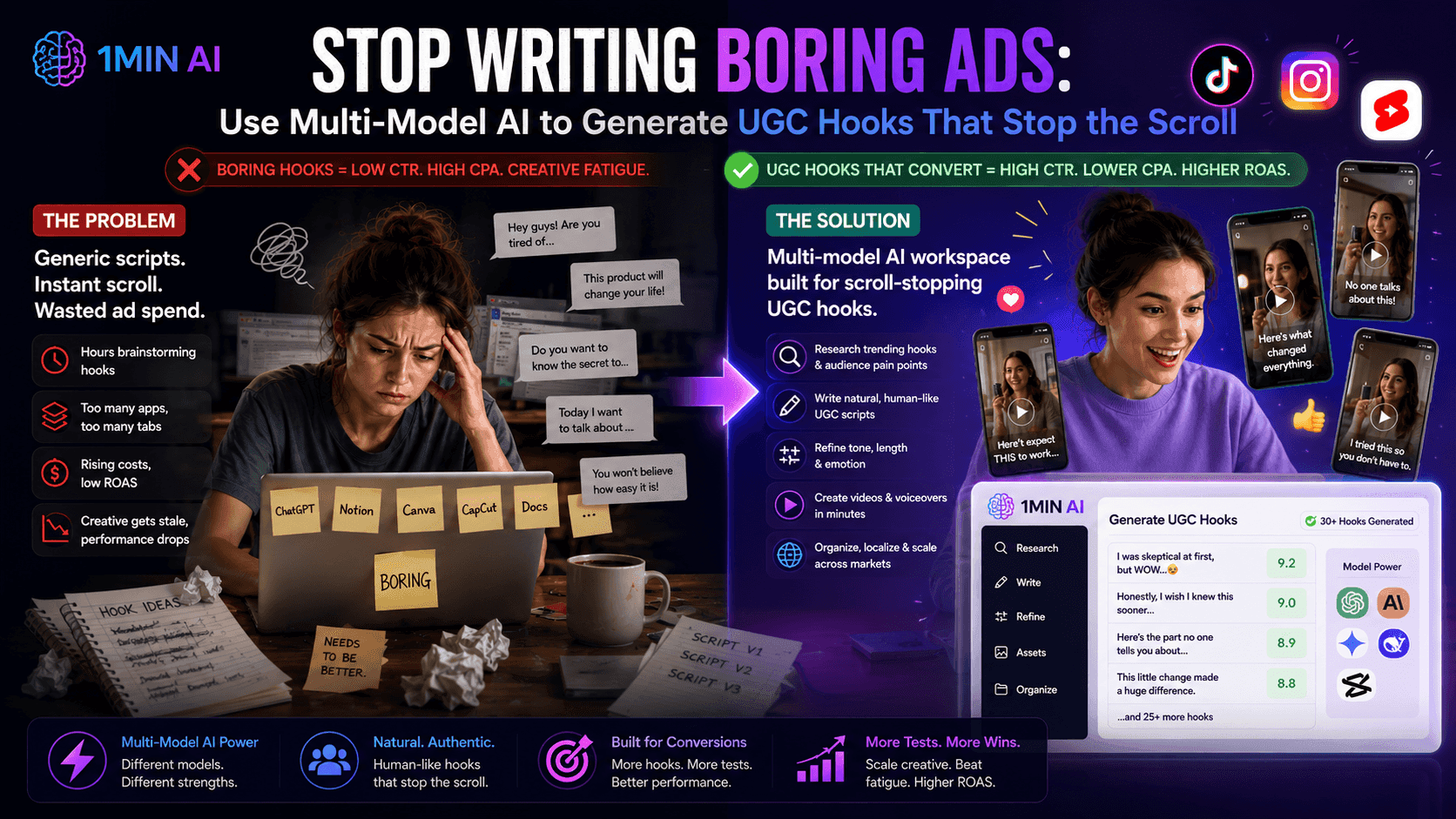
Use Multi-Model AI to Generate UGC Hooks
Is creative fatigue tanking your ROAS? Discover how to use a multi-model AI workspace to generate high-converting, natural-sounding UGC ad hooks that stop the scroll.
Uyen HoangNewsletter
Weekly AI Innovations with 1minAI
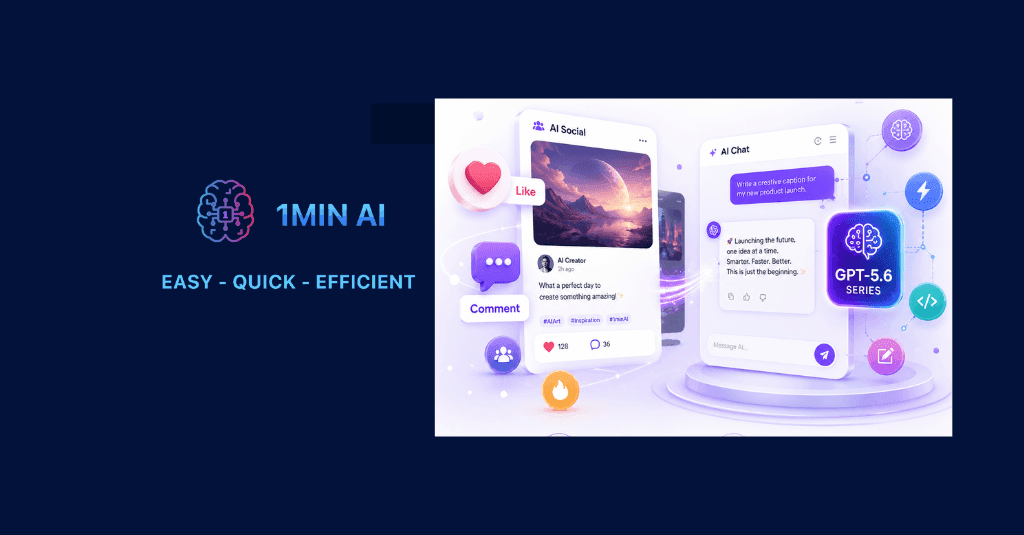
🔮 Weekly AI Innovations #130: 1minAI: Upgraded GPT 5.6 and AI Social
1minAI update the GPT-5.6 series and social media likes and comments.
 Hang Nguyen
🔮 Weekly AI Innovations #95: More voices for Google AI, Support for image and document uploads in the textbox
Upload files for instant AI processing and use expressive Google voices to make your content faster, clearer, and truly human.
Hang Nguyen
🔮 Weekly AI Innovations #129: Stable Diffusion 3.5, Bria Eraser and Free Credits
Discover the latest 1minAI updates: Stable Diffusion 3.5, Bria Eraser, and Agent Survey rewards. Unlock free AI credits and create faster.
Hang Nguyen