1minai logo
  • Intro
  • Download
  • Features
  • For You
  • Pricing
  • Free Credits
  • API
  • Deals - Tips
🚀  Try 1min.AI - FREE
1minai logo

Boosting productivity with AI

1minai ai social network

Information

  • 🌐  Contact Us
  • 💰  Affiliate Program
  • ❓  Help Center
  • 📚  Blog
  • 🙋  Feature Requests
  • 🔒  Privacy
  • 📃  Terms
  • 🚀  About Us

© 2026 All rights reserved. Made with 💌 by 1min.AI

1minai logo

Boosting productivity with AI

1minai ai social network

Information

  • 🌐  Contact Us
  • 💰  Affiliate Program
  • ❓  Help Center
  • 📚  Blog
  • 🙋  Feature Requests
  • 🔒  Privacy
  • 📃  Terms
  • 🚀  About Us

Alternatives

  • 1min.AI vs OpenRouter
  • 1minAI vs Typli AI
  • 1minAI vs Jenni AI
  • 1minAI vs Chatgot
  • 1minAI vs ChatGPT
View all →

AI Tools

  • AI Video Generator for Faster Business Content
  • AI Hallucination Checker for Accurate YMYL Content
  • Top 4 Affordable AI Tools for Startup Founders
  • 7 Free AI Marketing Tools to Boost Your Company's Visibility Among Top Talent
  • AI Tools for Marketing: Upscale Images and Ad Creatives
View all →

AI Features

  • All-in-One AI Workspace for Content Creators
  • Free AI Text to Video
  • Free AI Text Remover
  • Free AI Image to Video
  • Free AI Image to Prompt
View all →

AI Solutions

  • How to Verify AI-Generated Content: The Ultimate AI Fact Checking Guide
  • Gemini 3.1 AI on 1min.ai – Features, Benefits and Use Cases
  • Free Multimodal AI Agent with Kimi K2.5
  • Free Enterprise AI with Mistral Large 3
  • Free Claude 4.6 AI Writing Tool
View all →

AI Models

  • Mistral OCR 4: AI OCR for Document Intelligence
  • Ideogram 4 – The AI Image Model That Excels at Typography and Layout Control
  • Gemma 4 12B: A Detailed Review for Developers and AI Builders
  • GPT-5.5 Performance at Half the API Cost
  • Free Multimodal AI Agent with Kimi K2.5
View all →

AI Tutorials

  • All-in-One AI Workspace for Content Creators
  • Verify AI-Generated Content with a 3-Step AI Fact-Checking Workflow
  • How to Verify AI-Generated Content: The Ultimate AI Fact Checking Guide
  • How Teachers Can Use AI Tools to Create Professional Lesson Slides in Minutes
  • 1minAI: How to use this AI tool to create successful LinkedIn Posts
View all →

AI Comparisons

  • DeepSeek V4 Pro vs Flash Comparison
  • Top 5 Best AI Tools for Researchers and Students in 2026
  • Your Sales Team Only Needs One App Instead of Five
  • AI Video Generator Comparison on 1min.AI: Which Model Fits Your Project?
View all →

AI for Industries

  • Free AI Shopify Photo Editor for Cross Border Sellers
  • Free AI Property Description Generator for Agents
  • Best Free AI Tools for Dropshipping You Can Use Now
  • Best AI Tool for Real Estate Property Managers Use Today
View all →

AI Agents

  • All-in-One AI Tool for Content Creation: Meet 1minAI's AI Content Generator
  • 1minAI: The Top Ranking AI Tool for Teachers
View all →

AI Workflows

  • AI Productivity Paradox: How to Simplify Your AI Workflow
  • From Keyword to Blog in 15 Minutes
  • Use Multi-Model AI to Generate UGC Hooks
View all →

AI Use Cases

  • Topical Map SEO Strategy: Build Topical Authority for Client Websites
  • Build a Sustainable Authority Site With AI That Lasts
  • AI for SMEs: Save Time, Cut Costs & Scale with 1minAI
  • AI Image Generation
  • How Researchers Extract Methodologies Faster With an AI Research Tool
View all →

AI Guides

  • Why Content Marketing Is Important for SEO Agencies
  • Types of SEO: Strategies for Traffic Growth & Resource Optimization
  • Topical Authority: How AI Hallucinations Hurt SEO Rankings
  • Google E-E-A-T Guide to Verify AI Content
  • AI Hallucination Checker: Verify Content Before Publishing
View all →

© 2026 All rights reserved. Made with 💌 by 1min.AI

1minAI: How to use this AI tool to create successful LinkedIn Posts

Tram Ta

Tram Ta

July 20, 2026

Try Now
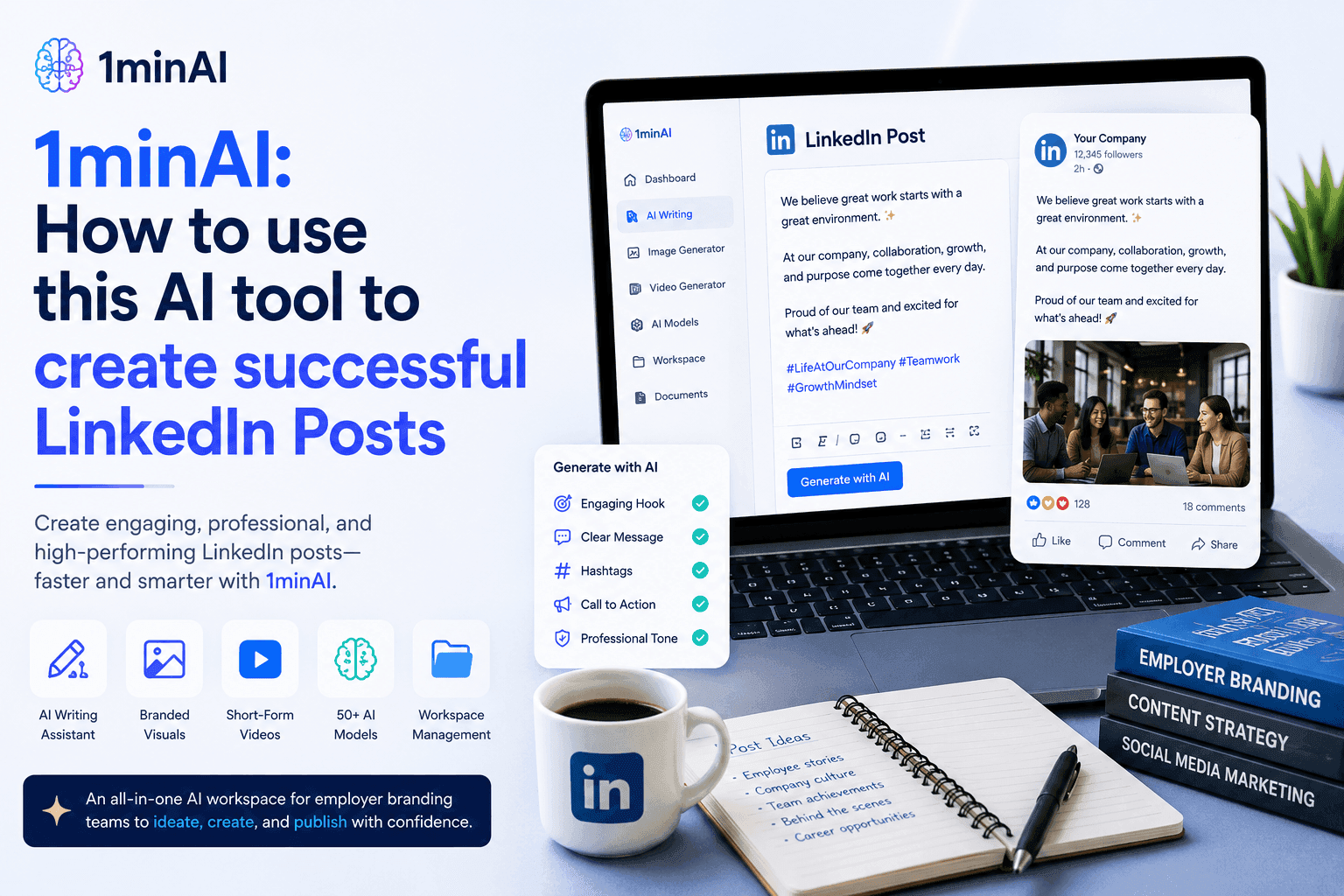
Laptop displaying 1minAI for successful LinkedIn posts, with coffee mug and notebook.

Learn how AI tools help HR teams create engaging LinkedIn employer branding posts with 1minAI. Follow this step-by-step guide to generate professional content faster.

For HR teams and employer branding specialists, LinkedIn is more than just another social media platform—it's where potential candidates form their first impression of your company. The challenge is that creating professional LinkedIn content consistently requires time, creativity, and strong copywriting skills.

That's where 1minAI's AI Content Generator makes a difference. Instead of writing every post from scratch, HR professionals can use this powerful AI tool to generate polished LinkedIn employer branding posts in just a few clicks. Simply choose the LinkedIn Post template, provide your topic, customize a few settings, and let AI produce a high-quality first draft ready for review and publishing. In this guide, you'll learn how to use 1minAI step by step to create LinkedIn posts that help your company build credibility, engage professionals, and strengthen its employer brand.

Why LinkedIn Is the Most Important Platform for Employer Branding

Today's job seekers don't just read job descriptions—they research the companies behind them. LinkedIn has become the go-to platform for professionals looking to evaluate potential employers, making it one of the most influential channels for employer branding.

An active LinkedIn presence helps organizations showcase what it's really like to work at the company. From employee achievements and workplace culture to learning opportunities and community initiatives, every post contributes to the perception of your employer brand.

Companies that consistently publish valuable LinkedIn content can:

  • Increase brand recognition among professionals
  • Build trust before candidates apply
  • Highlight company culture and values
  • Showcase employee success stories
  • Strengthen thought leadership within their industry
  • Improve recruitment marketing performance

For HR and employer branding teams, LinkedIn is no longer optional—it's an essential communication channel for attracting and engaging top talent.

Why Many HR Teams Struggle to Stay Consistent

Despite its importance, maintaining an active LinkedIn presence isn't always easy.

Common challenges include:

  • Running out of fresh content ideas
  • Finding time to write professional posts
  • Maintaining a consistent brand voice
  • Balancing recruitment with content creation
  • Adapting messages for LinkedIn's professional audience

As a result, many company pages become inactive or publish only job openings, missing valuable opportunities to build relationships with future candidates.

Fortunately, AI tools can simplify the entire writing process.

Instead of starting with a blank page every time, HR teams can use 1minAI's AI Content Generator to quickly create professional LinkedIn posts tailored for employer branding. In the next section, we'll walk through the exact steps to generate engaging LinkedIn content using 1minAI.

How to Create Employer Branding LinkedIn Posts with 1minAI

Creating engaging employer branding content doesn't have to take hours. With 1minAI's AI Content Generator, HR teams can turn a simple idea into a polished LinkedIn post in just a few steps.

Instead of brainstorming, drafting, and editing from scratch, you simply choose the dedicated LinkedIn template, customize a few settings, and let AI generate a professional first draft that you can personalize before publishing.

Follow the workflow below.
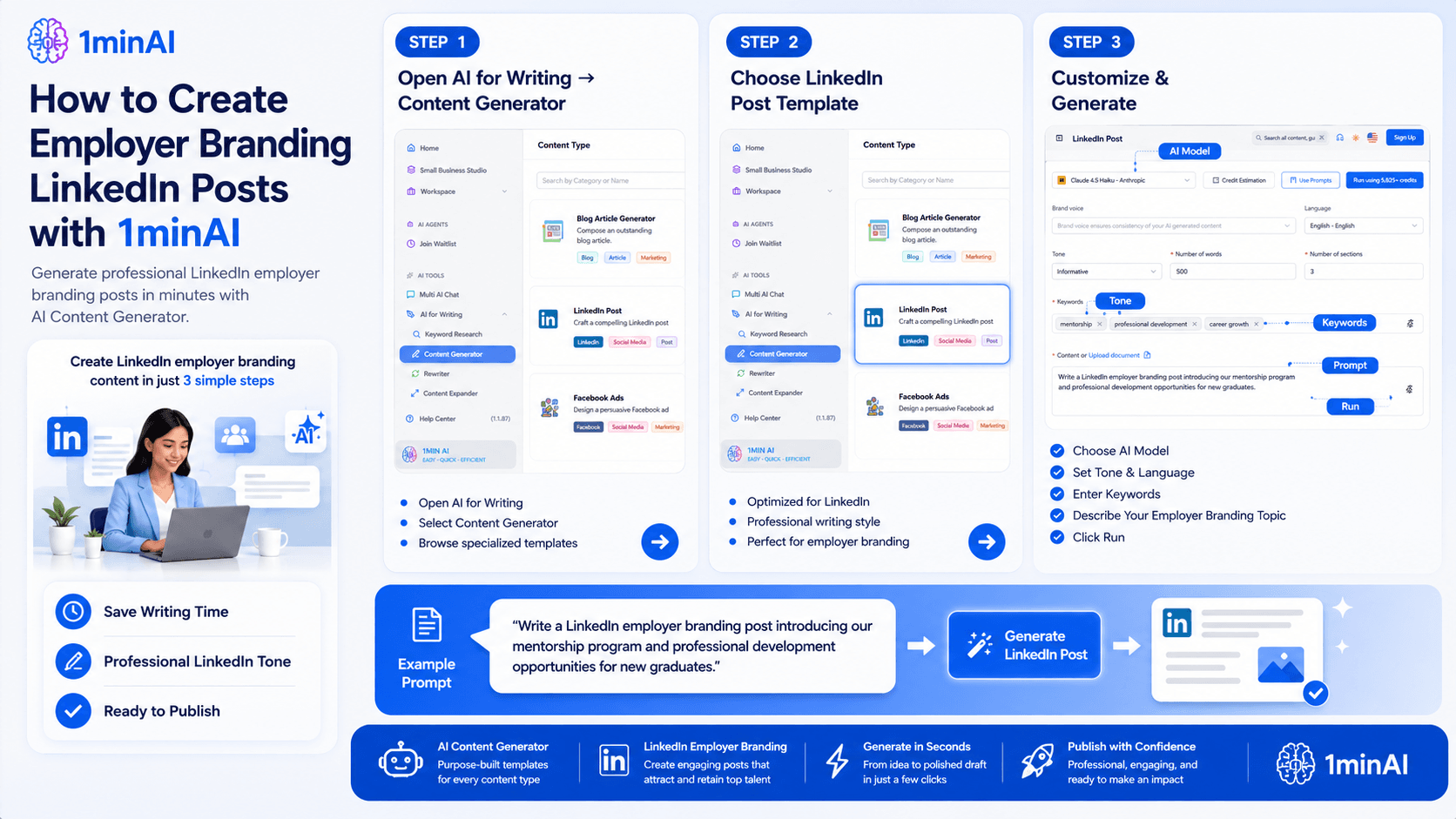
1minAI guide: how to create employer branding LinkedIn posts with AI content generator.

Step 1. Navigate to AI for Writing → Content Generator

After logging into 1minAI, open the left-hand navigation menu and select:

AI for Writing → Content Generator

The Content Generator is a collection of specialized AI writing templates designed for different business and marketing needs. Rather than using a generic chatbot, each template is optimized for a specific content format, helping you create better results with fewer prompts.

Within this section, you'll find generators for:

  • Blog articles
  • LinkedIn posts
  • Facebook posts
  • Instagram captions
  • Google Ads
  • Facebook Ads
  • Email campaigns
  • Brand voice
  • And many other content formats

By organizing content into dedicated templates, 1minAI makes it easy to generate platform-specific content without worrying about formatting or writing style.

Step 2. Select the LinkedIn Post Template

Next, choose LinkedIn Post from the available content types.

Unlike a standard AI chat interface, this template is specifically built for LinkedIn's professional environment. It understands the structure, tone, and style that work best for employer branding content, allowing HR teams to create posts that feel natural and engaging.

The LinkedIn Post generator is ideal for creating content such as:

  • Employee spotlights and success stories
  • Company culture updates
  • Hiring announcements
  • Team celebrations
  • Learning and development initiatives
  • Workplace events
  • CSR and community activities
  • Leadership insights
  • Employer branding campaigns

Using a dedicated template significantly reduces editing time because the AI already understands the intended platform and audience.

Step 3. Customize Your Content and Click Run

After selecting the LinkedIn Post generator, you'll see a simple configuration page where you can customize the output before generating your content.

Adjust the following settings based on your needs:

  • AI Model – Choose the language model that best matches your preferred writing style.
  • Language – Generate posts in your target language.
  • Tone – Select an appropriate tone, such as Professional, Friendly, Inspirational, or Informative.
  • Number of Words – Control the length of your LinkedIn post.
  • Keywords – Include important employer branding or recruitment keywords to guide the AI.
  • Content Prompt – Briefly describe what you'd like the AI to write.

For example, your prompt could be:

"Write a LinkedIn employer branding post introducing our mentorship program and professional development opportunities for new graduates."

Once you've completed the settings, click Run.

Within seconds, 1minAI generates a polished LinkedIn post that follows a professional structure and is ready for review. You can then personalize the draft by adding company-specific details, employee quotes, images, or your organization's unique voice before publishing it on LinkedIn.

Why This Workflow Works for Busy HR Teams

Creating LinkedIn content consistently is often more challenging than creating it once. HR professionals juggle recruitment, onboarding, employee engagement, and internal communications, leaving little time for writing social media posts from scratch.

With 1minAI, the entire process becomes much more efficient. Instead of staring at a blank page, you begin with a well-structured draft that you can quickly refine.

The result is a workflow that helps HR teams:

  • Publish LinkedIn content more consistently
  • Reduce time spent writing and editing
  • Maintain a professional employer branding voice
  • Generate fresh content ideas more easily
  • Focus on sharing authentic company stories instead of formatting every post

By following these three simple steps, your team can spend less time creating content and more time building meaningful relationships with current and future employees.

Best Practices for Employer Branding LinkedIn Posts

Using AI can dramatically reduce the time it takes to create LinkedIn content, but the most effective employer branding posts combine AI efficiency with authentic company stories. Think of 1minAI as your writing assistant—it helps you build a professional first draft while you add the unique experiences and culture that make your organization stand out.

To maximize engagement and strengthen your employer brand, follow these best practices when creating LinkedIn posts.
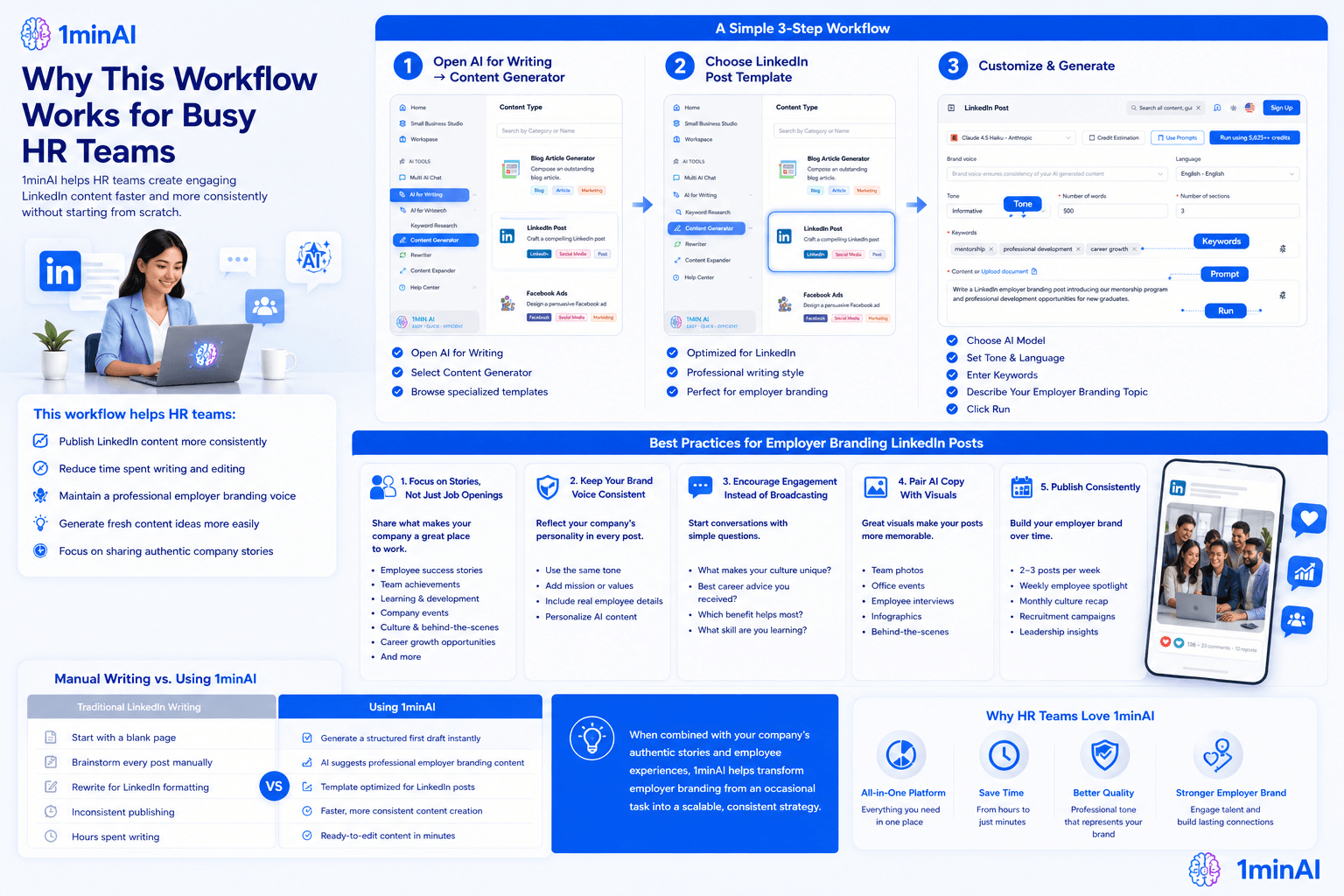
Why This Workflow Works for Busy HR Teams

Focus on Stories, Not Just Job Openings

Many companies only post when they're hiring. While recruitment announcements are important, candidates also want to understand what it's like to work at your organization.

Create a balanced content strategy by sharing:

  • Employee success stories
  • Team achievements
  • Learning and development programs
  • Company events
  • Volunteer and CSR activities
  • Workplace culture
  • Leadership insights
  • Employee testimonials
  • Behind-the-scenes moments
  • Career growth opportunities

These posts help candidates connect with your organization long before they apply.

Keep Your Brand Voice Consistent

Whether your company is innovative, professional, friendly, or people-first, every LinkedIn post should reflect that personality.

When generating content with 1minAI:

  • Use the same tone across all employer branding posts.
  • Add your company's mission or values where appropriate.
  • Include real employee names, departments, or achievements.
  • Personalize AI-generated content with authentic details.

Consistency helps build recognition and trust over time.

Encourage Engagement Instead of Broadcasting

The best LinkedIn posts start conversations rather than simply delivering announcements.

Consider ending your posts with questions such as:

  • What makes your workplace culture unique?
  • What's the best career advice you've received?
  • Which employee benefit has made the biggest difference for you?
  • What professional skill are you learning this year?

Small engagement prompts can significantly increase comments and visibility within LinkedIn's algorithm.

Pair AI-Generated Copy With Visual Content

Strong visuals make employer branding posts more memorable.

After generating your LinkedIn copy with 1minAI, pair it with:

  • Team photos
  • Office events
  • Employee interviews
  • Workplace celebrations
  • Infographics
  • Company milestone graphics
  • Behind-the-scenes images

Combining compelling visuals with well-written content helps your posts capture attention as professionals scroll through their feeds.

Publish Consistently

Employer branding is built over time—not through a single viral post.

Aim for a regular publishing schedule, such as:

  • 2–3 employer branding posts each week
  • Weekly employee spotlight
  • Monthly culture recap
  • Recruitment campaigns when positions open
  • Leadership or industry insight posts every month

Because 1minAI can generate high-quality drafts in minutes, maintaining a consistent content calendar becomes much more manageable for busy HR and employer branding teams.

Manual Writing vs. Using 1minAI

Traditional LinkedIn WritingUsing 1minAI
Start with a blank pageGenerate a structured first draft instantly
Brainstorm every post manuallyAI suggests professional employer branding content
Rewrite for LinkedIn formattingTemplate optimized for LinkedIn posts
Inconsistent publishingFaster, more consistent content creation
Hours spent writingReady-to-edit content in minutes

When combined with your company's authentic stories and employee experiences, 1minAI helps transform employer branding from an occasional task into a scalable, consistent strategy.

Conclusion

Build a Stronger Employer Brand With 1minAI

Creating engaging LinkedIn content doesn't have to compete with your recruitment priorities. With 1minAI's AI Content Generator, HR teams can quickly produce professional LinkedIn posts that showcase company culture, celebrate employees, and strengthen employer branding—all without starting from scratch.

Whether you're sharing hiring updates, employee success stories, workplace initiatives, or leadership insights, 1minAI helps you create polished content faster so you can focus on attracting and engaging top talent.

Start Creating Better LinkedIn Employer Branding Posts Today

Use 1minAI's AI Content Generator to turn simple ideas into professional LinkedIn posts in minutes. Choose the dedicated LinkedIn Post template, customize your tone and content, and generate engaging employer branding posts that help increase brand recognition, build trust with candidates, and attract top talent—all from one powerful AI tool.

👉 Discover All AI Features: https://1min.ai/features

👉 View Latest Product Updates: https://1min.ai/changelog

Try Now

Alternatives

Discover the best alternatives to 1minAI and compare features, pricing, and use cases

Stylized brain with circuit board and '1' next to diverging arrows icon.

1min.AI vs OpenRouter

1min.AI vs. OpenRouter: Compare the ready-to-use AI creation product against the technical API tool. Find out if you need a zero-code creative studio or a coding infrastructure hub.

Ngoc HongNgoc Hong
July 21, 2026
typliai-alternative

1minAI vs Typli AI

Compare 1minAI vs Typli AI to discover the best AI writing tool. Explore features, pricing, AI models, and workflow benefits for creators.

Ngoc HongNgoc Hong
July 21, 2026
Gradient outline of a brain with integrated circuit next to a blue folded paper logo.

1minAI vs Jenni AI

Compare 1minAI vs Jenni AI to find the best AI writing tool. Explore features, pricing, SEO tools, research capabilities, and real-world use cases.

Ngoc HongNgoc Hong
July 21, 2026
View More

AI Tools

Discover the best AI tools to boost productivity, creativity, and everyday work

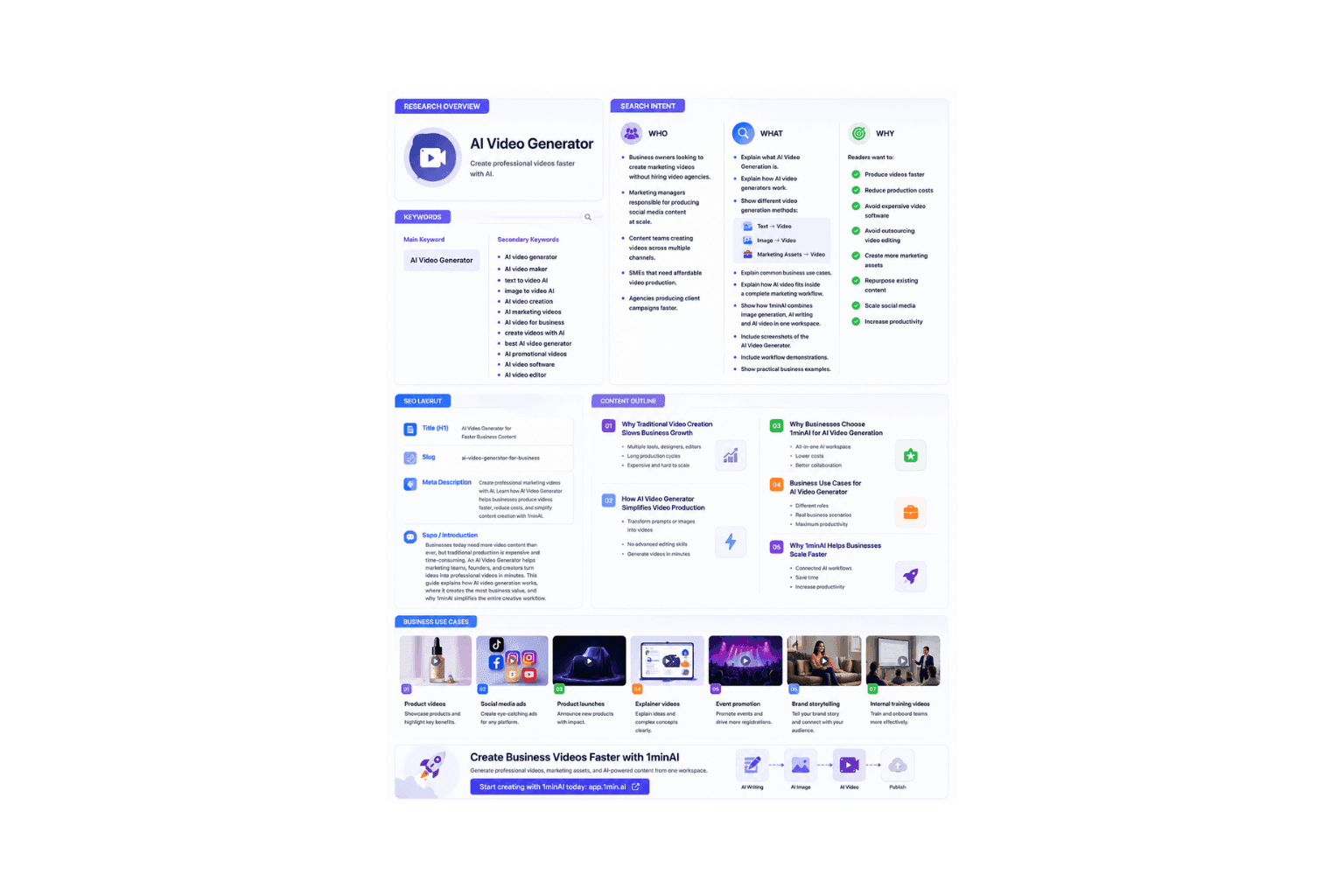
A comprehensive overview page detailing features, benefits, and usage of an AI Video Generator.

AI Video Generator for Faster Business Content

Create professional marketing videos with AI. Learn how AI Video Generator helps businesses produce videos faster, reduce costs, and simplify content creation with 1minAI.

Ngoc HongNgoc Hong
July 21, 2026
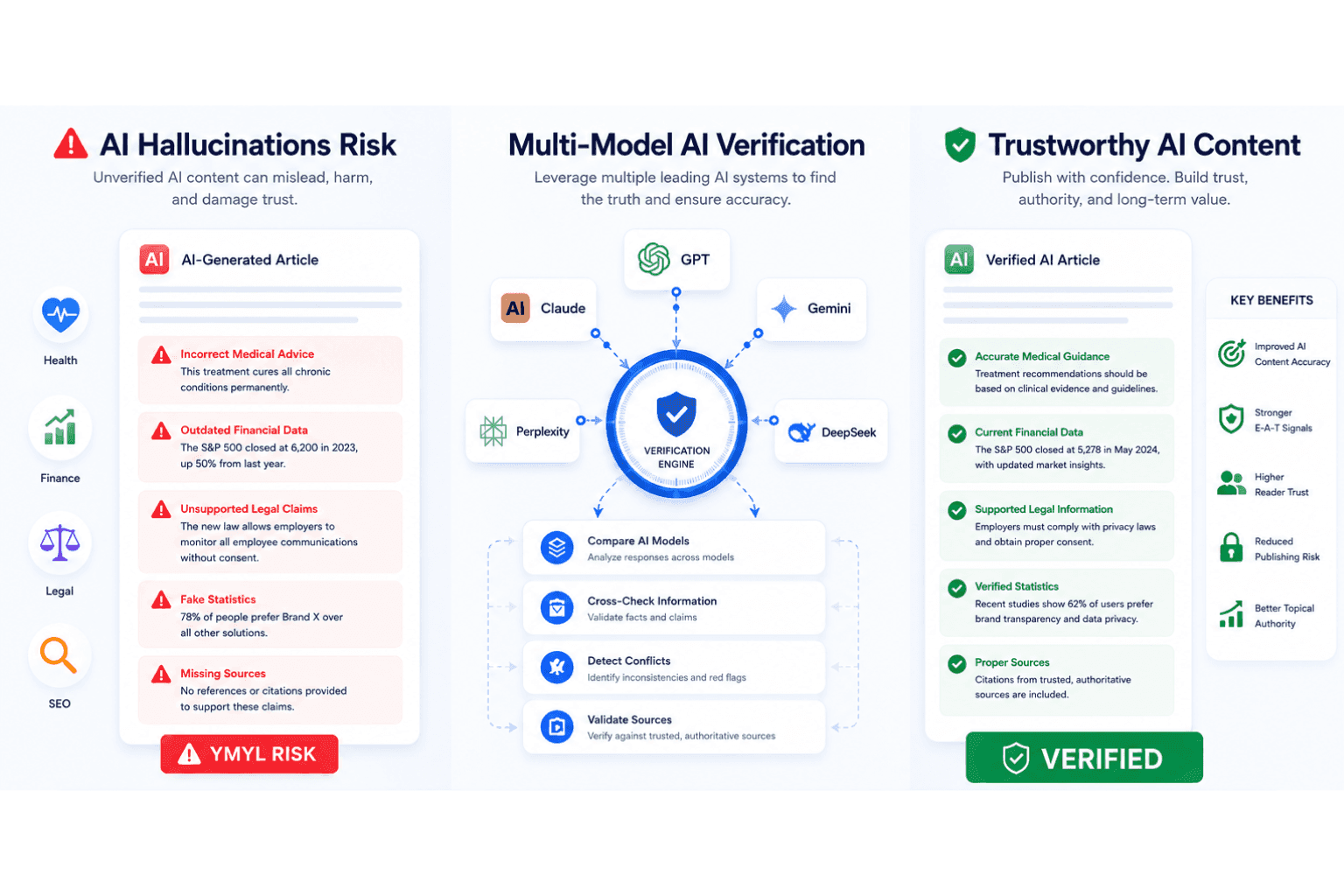
Infographic detailing AI hallucination risks, multi-model verification, and trustworthy content benefits.

AI Hallucination Checker for Accurate YMYL Content

Use an AI hallucination checker to verify AI-generated content, improve AI content accuracy, strengthen EEAT signals, and reduce YMYL publishing risks.

Ngoc HongNgoc Hong
July 21, 2026
Top 4 affordable AI tools for start up founders

Top 4 Affordable AI Tools for Startup Founders

Discover the top 4 affordable AI tools for startup founders to validate ideas, build products, create content, and launch faster without overspending.

Tram TaTram Ta
July 20, 2026
View More

AI Features

Comprehensive AI features that streamline workflows, improve efficiency, and empower teams to achieve more

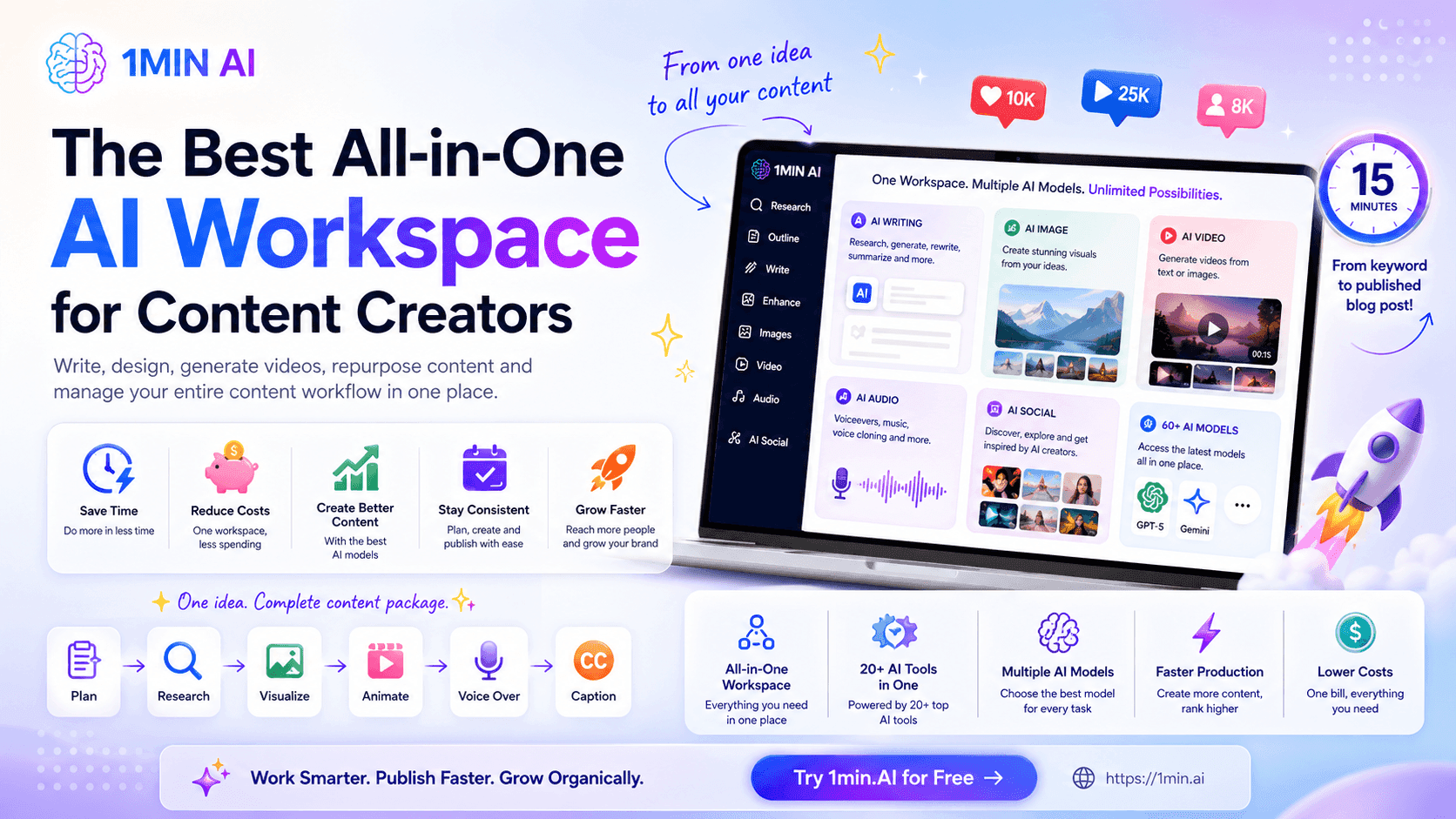
1MIN AI workspace dashboard for content creators showing integrated AI tools for workflow management.

All-in-One AI Workspace for Content Creators

Discover how an all-in-one AI app can help content creators write, design, generate videos, repurpose content, and manage their entire content workflow in one place.

Uyen HoangUyen Hoang
July 21, 2026
Astronaut in full white spacesuit floats underwater in a deep blue pool.

Free AI Text to Video

Bring your ideas to life! Our Text to Video tool lets you create stunning videos from simple text descriptions. Easy to use, powerful results. Try it now!

Tram TaTram Ta
July 20, 2026
Pink billboard displays partial black text: 'DOING VERY DIFFI HAVING N' against city buildings.

Free AI Text Remover

Effortlessly remove unwanted text from your content. Our AI tool identifies and eliminates AI text for a more natural feel.

Tram TaTram Ta
July 20, 2026
View More

AI Use Cases

A curated collection of AI use cases for business, productivity, and industry-specific applications

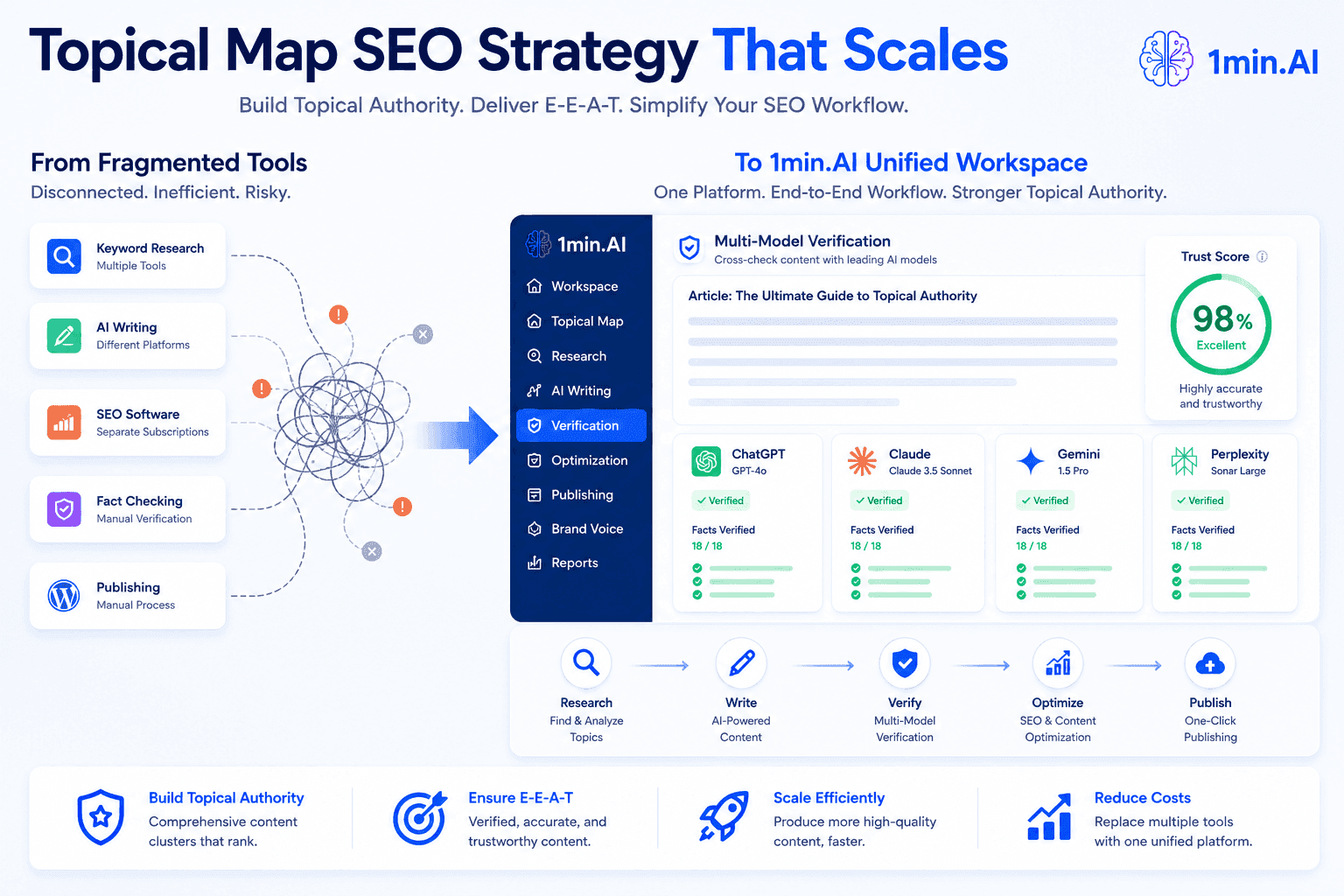
1min.AI diagram illustrates unifying fragmented SEO tools into a scalable, verified topical map strategy.

Topical Map SEO Strategy: Build Topical Authority for Client Websites

Struggling to scale topical map SEO for multiple clients? Learn how to build E-E-A-T-driven topical authority, streamline web content creation, and simplify your SEO workflow with 1min.AI.

Ngoc HongNgoc Hong
July 21, 2026
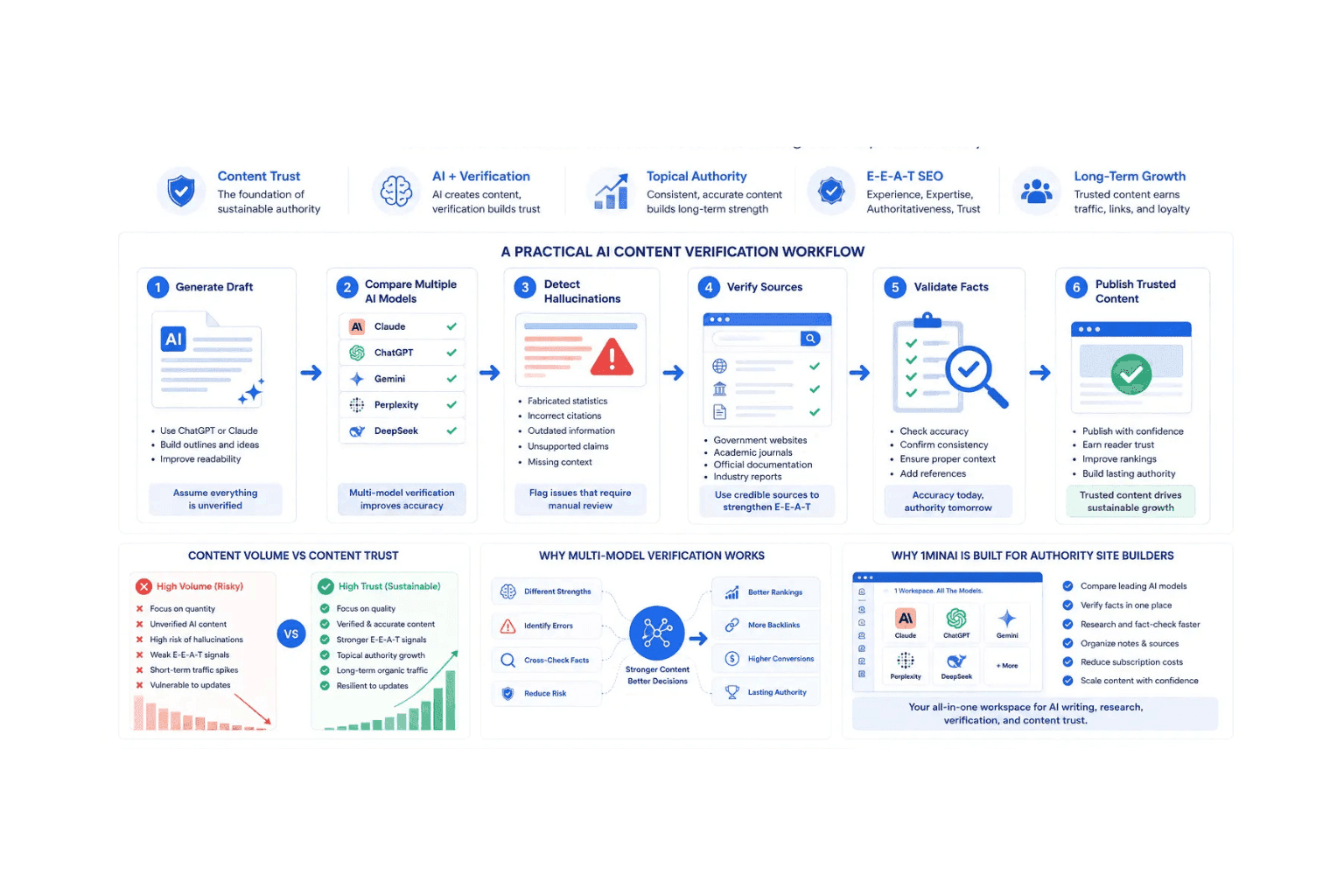
Infographic detailing an AI content verification workflow for SEO and content quality improvement.

Build a Sustainable Authority Site With AI That Lasts

Build a sustainable authority site with AI using AI fact checking, content verification, and multi-model workflows to improve trust and long-term SEO performance.

Ngoc HongNgoc Hong
July 21, 2026
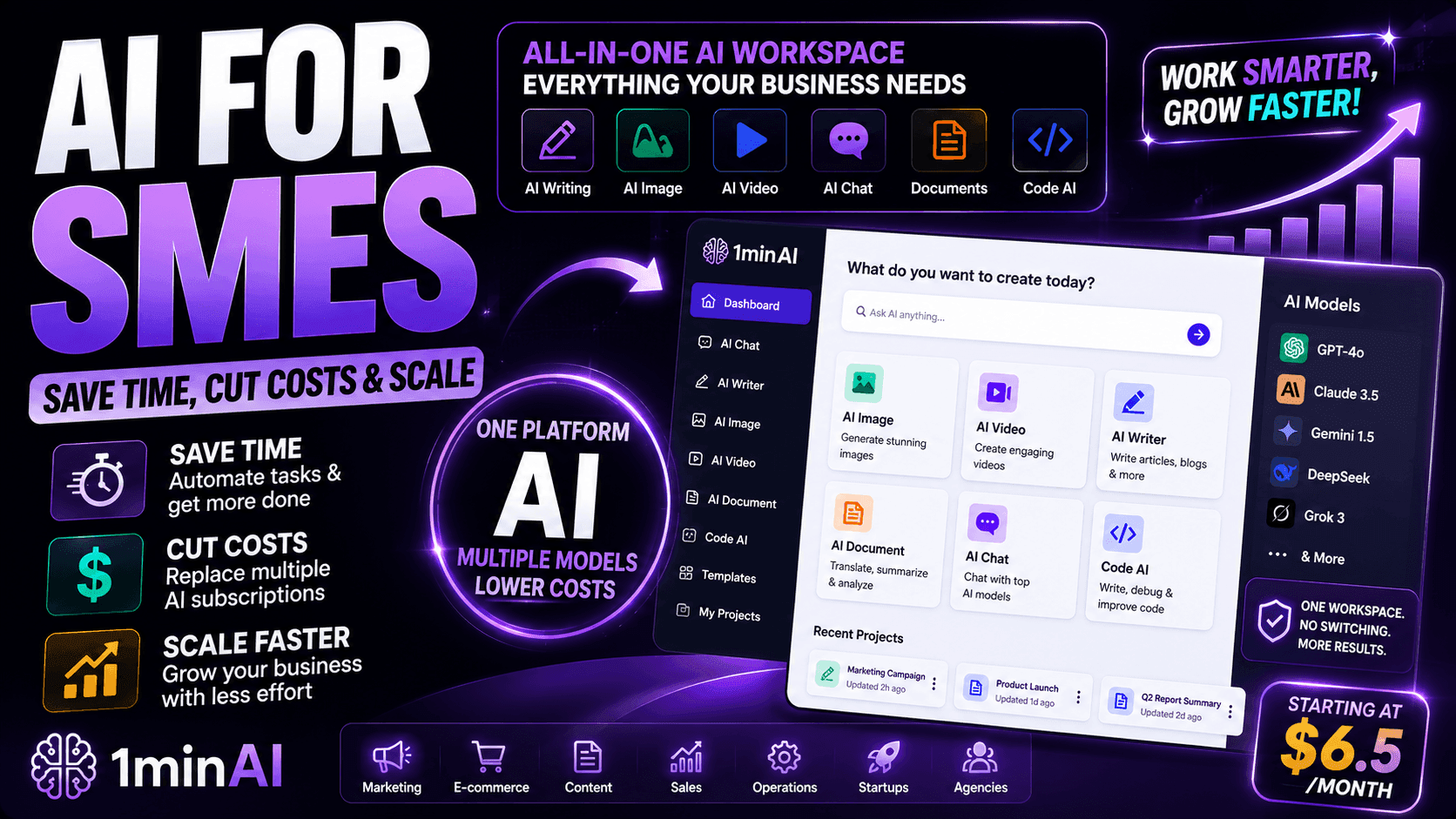
1minAI platform graphic promoting an all-in-one AI workspace for SMEs.

AI for SMEs: Save Time, Cut Costs & Scale with 1minAI

Discover how AI for SMEs helps automate writing, images, videos, documents, and coding - all in one workspace to save time, reduce costs, and grow faster.

Ngoc HongNgoc Hong
July 21, 2026
View More

AI Tutorials

Learn how to use AI with practical, step-by-step tutorials

1MIN AI workspace dashboard for content creators showing integrated AI tools for workflow management.

All-in-One AI Workspace for Content Creators

Discover how an all-in-one AI app can help content creators write, design, generate videos, repurpose content, and manage their entire content workflow in one place.

Uyen HoangUyen Hoang
July 21, 2026
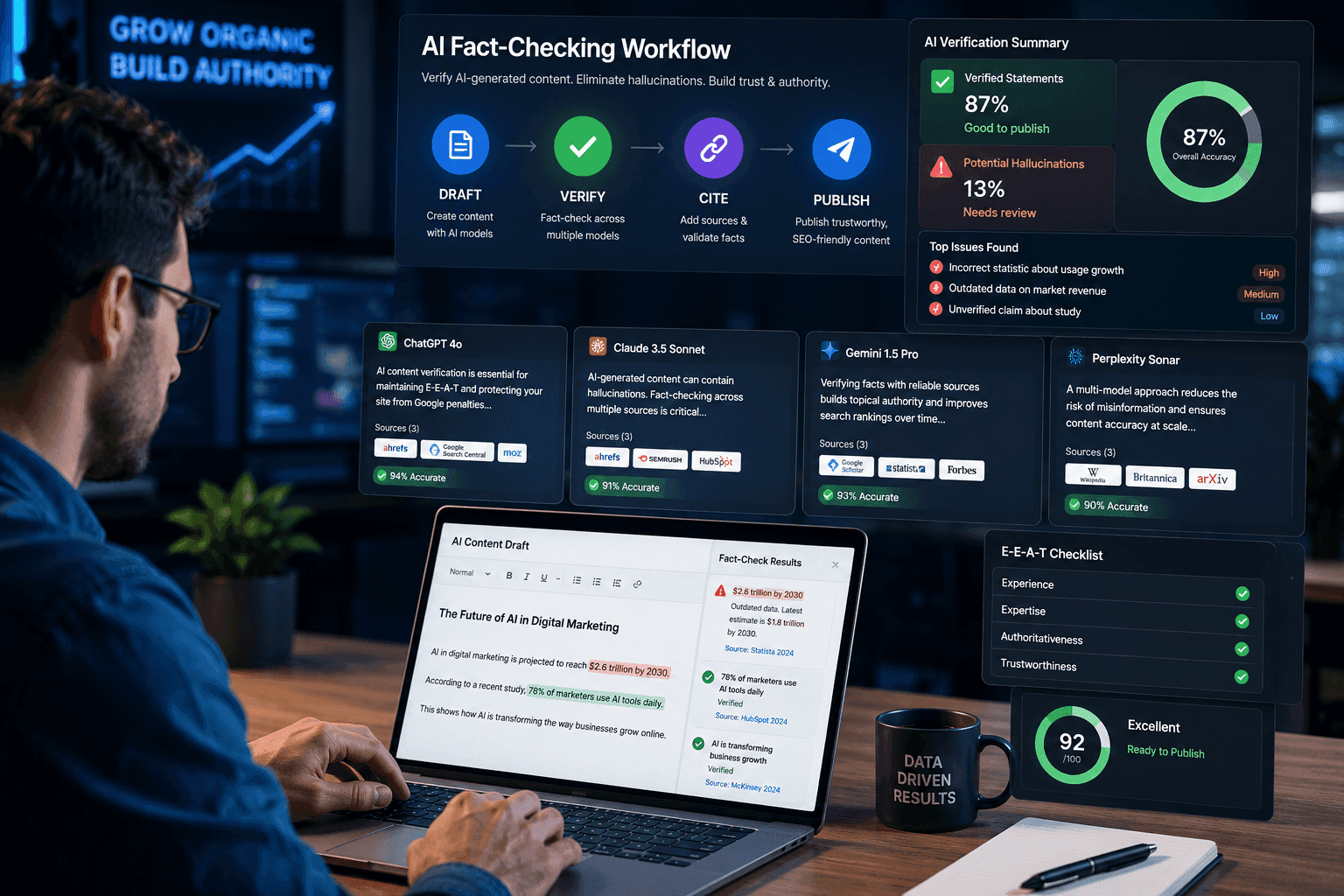
SEO specialist using a multi-model AI fact checking workflow to verify AI-generated content before publishing.

Verify AI-Generated Content with a 3-Step AI Fact-Checking Workflow

Fear AI hallucinations destroying your SEO? Learn how to verify AI-generated content using a multi-model AI fact checking tool to protect your rankings.Fear AI hallucinations destroying your SEO? Learn how to verify AI-generated content using a multi-model AI fact checking tool to protect your rankings.

Ngoc HongNgoc Hong
July 21, 2026
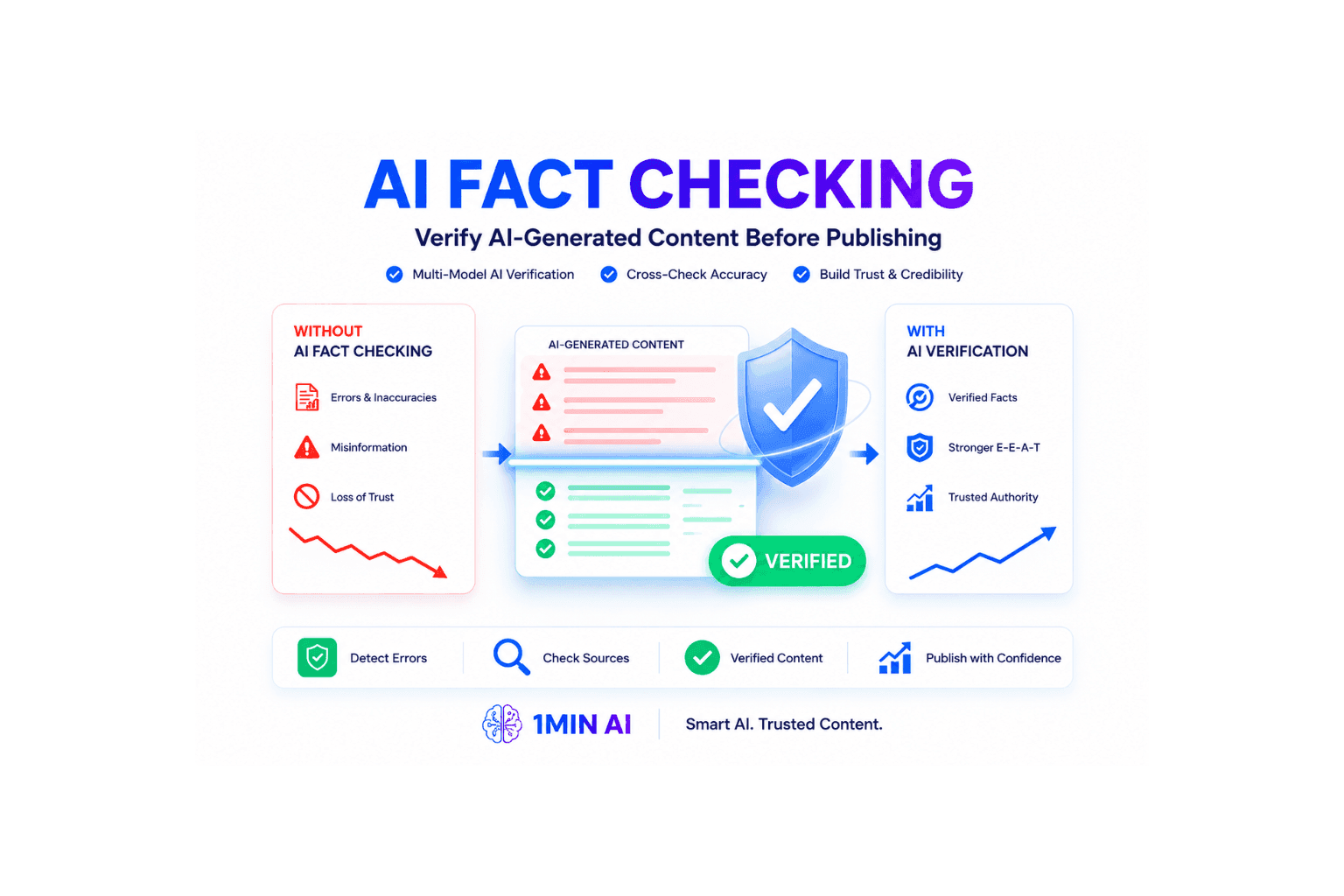
Infographic comparing AI content without and with fact-checking, highlighting verification benefits.

How to Verify AI-Generated Content: The Ultimate AI Fact Checking Guide

Learn how to verify AI-generated content and protect your site from Google penalties. Discover the best AI fact checking workflow to build topical authority SEO.

Ngoc HongNgoc Hong
July 21, 2026
View More

AI Guides

Learn AI faster with practical guides, real-world examples, and actionable best practices

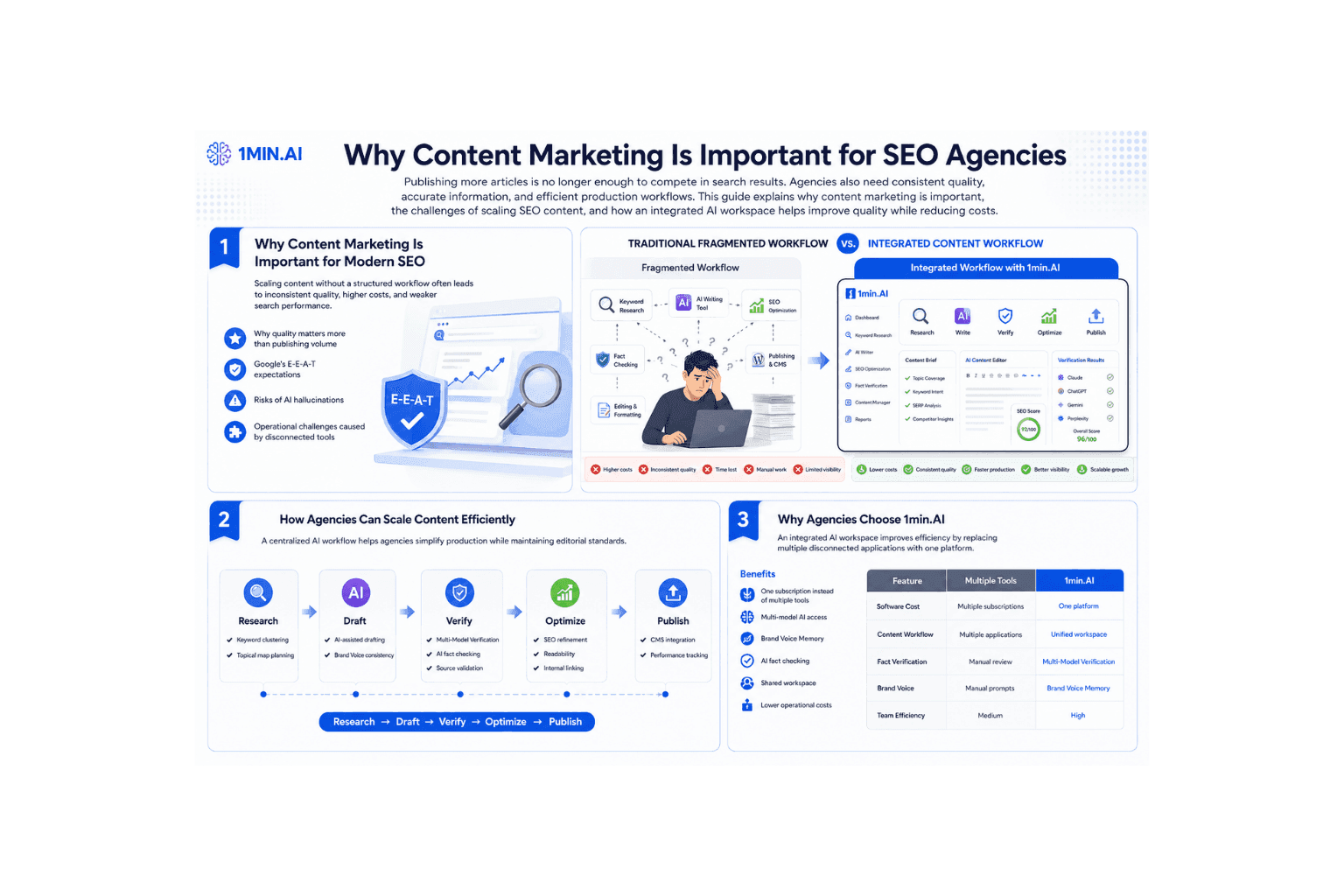
Infographic outlining why content marketing is important for SEO agencies, detailing workflows and guidelines.

Why Content Marketing Is Important for SEO Agencies

Learn why content marketing is important for SEO agencies. Improve web content creation, maintain E-E-A-T, and scale content efficiently with 1min.AI.

Ngoc HongNgoc Hong
July 21, 2026
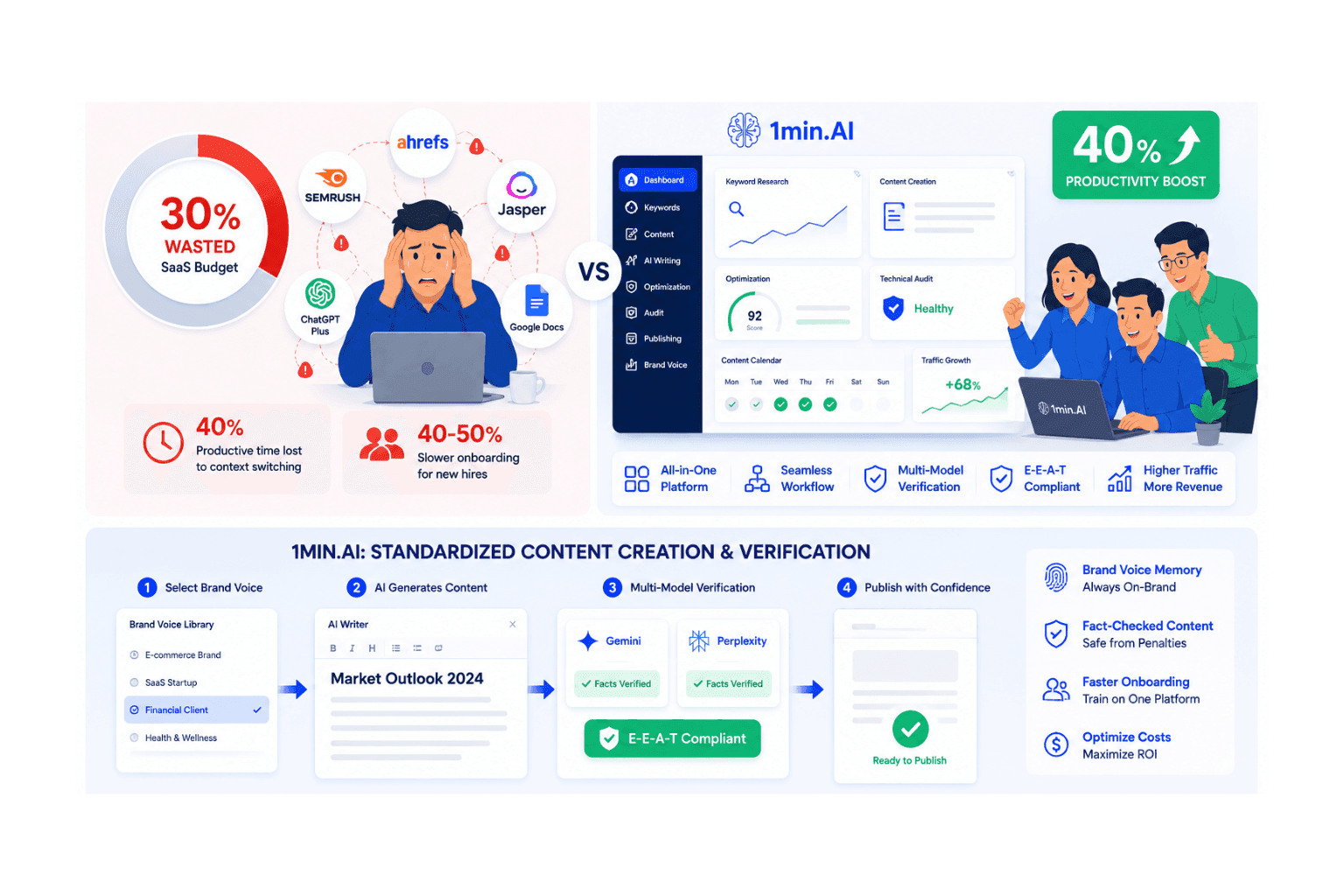
A comparison of content creation challenges versus solutions offered by 5min.AI for increased digital output.

Types of SEO: Strategies for Traffic Growth & Resource Optimization

Implementing multiple types of seo exhausting your team with fragmented tools? Optimize web content creation and onboarding with 1min.AI's unified platform.

Ngoc HongNgoc Hong
July 21, 2026
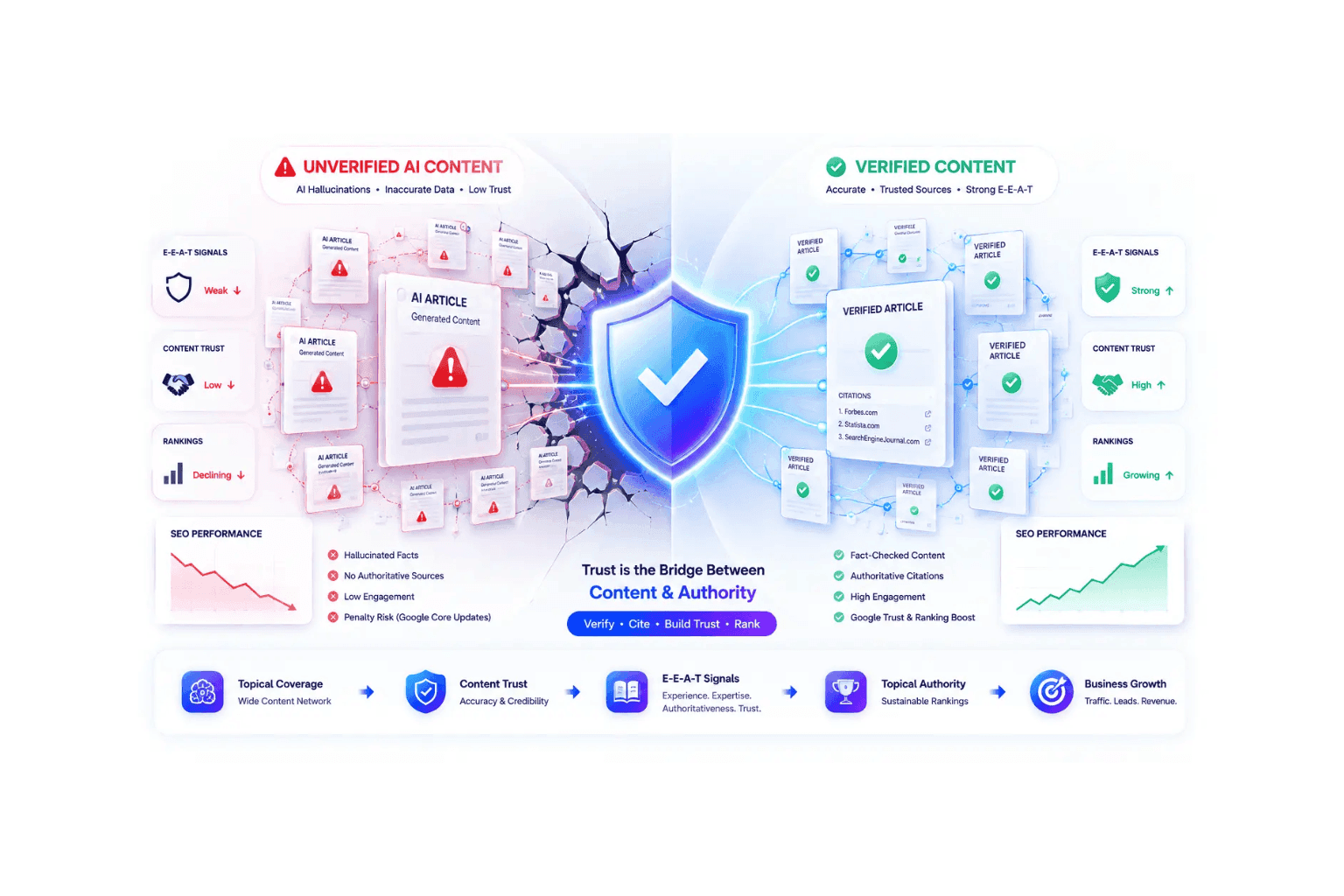
Infographic comparing unverified AI content (left) with verified content (right), centered by a trust shield.

Topical Authority: How AI Hallucinations Hurt SEO Rankings

Building topical authority won't boost SEO rankings if AI hallucinations destroy credibility. Learn how to verify content and survive Google core updates.

Ngoc HongNgoc Hong
July 21, 2026
View More

AI Solutions

Browse the best AI solutions for automation, coding, research, productivity, customer support, marketing, and business workflows.

Infographic comparing AI content without and with fact-checking, highlighting verification benefits.

How to Verify AI-Generated Content: The Ultimate AI Fact Checking Guide

Learn how to verify AI-generated content and protect your site from Google penalties. Discover the best AI fact checking workflow to build topical authority SEO.

Ngoc HongNgoc Hong
July 21, 2026
Gemini 3.1 logo with a multi-colored star-like icon on a subtle blue gradient background.

Gemini 3.1 AI on 1min.ai – Features, Benefits and Use Cases

Discover Gemini 3.1 AI on 1minAI, featuring advanced reasoning, multimodal capabilities, SVG animation generation, and enterprise-ready AI workflows.

Ngoc HongNgoc Hong
July 21, 2026
Moonshot AI Kimi K2.5 AGENT SWARM text on a black background.

Free Multimodal AI Agent with Kimi K2.5

Discover Kimi K2.5, a powerful multimodal AI agent with agent swarm technology, 256K context, visual coding, and enterprise-ready AI automation.

Ngoc HongNgoc Hong
July 21, 2026
View More

AI Models

Explore the world's leading AI models in one place

The text 'Mistral OCR' in white against a vibrant purple and pink gradient background.

Mistral OCR 4: AI OCR for Document Intelligence

Discover how Mistral OCR 4 extracts structured data from PDFs, tables, and forms with high accuracy. Available now on 1min.AI.

Ngoc HongNgoc Hong
July 21, 2026
Ideogram 4.0 logo, tagline 'Smarter. Sharper. More Creative.' with creative design elements.

Ideogram 4 – The AI Image Model That Excels at Typography and Layout Control

Discover why Ideogram 4 is the best AI image model for typography, posters, branding, and marketing design. Compare it with ChatGPT Image on 1min.AI.

Ngoc HongNgoc Hong
July 21, 2026
Gemma 4 logo with a blue geometric design, indicating availability in LM Studio.

Gemma 4 12B: A Detailed Review for Developers and AI Builders

Discover Gemma 4 12B, a multimodal AI model that runs smoothly on a 16GB laptop. The ultimate solution for AI fact checking and agentic workflow processing. Try it now on 1min.ai.

Ngoc HongNgoc Hong
July 21, 2026
View More

AI Comparisons

Compare AI tools, models, and platforms to find the best fit for your needs

Logo and text indicating a comparison between DeepSeek V4 Pro and Flash.

DeepSeek V4 Pro vs Flash Comparison

Compare DeepSeek V4 Pro vs DeepSeek V4 Flash metrics. Optimize your agentic apps and improve AI fact checking on 1min.ai today.

Ngoc HongNgoc Hong
July 21, 2026
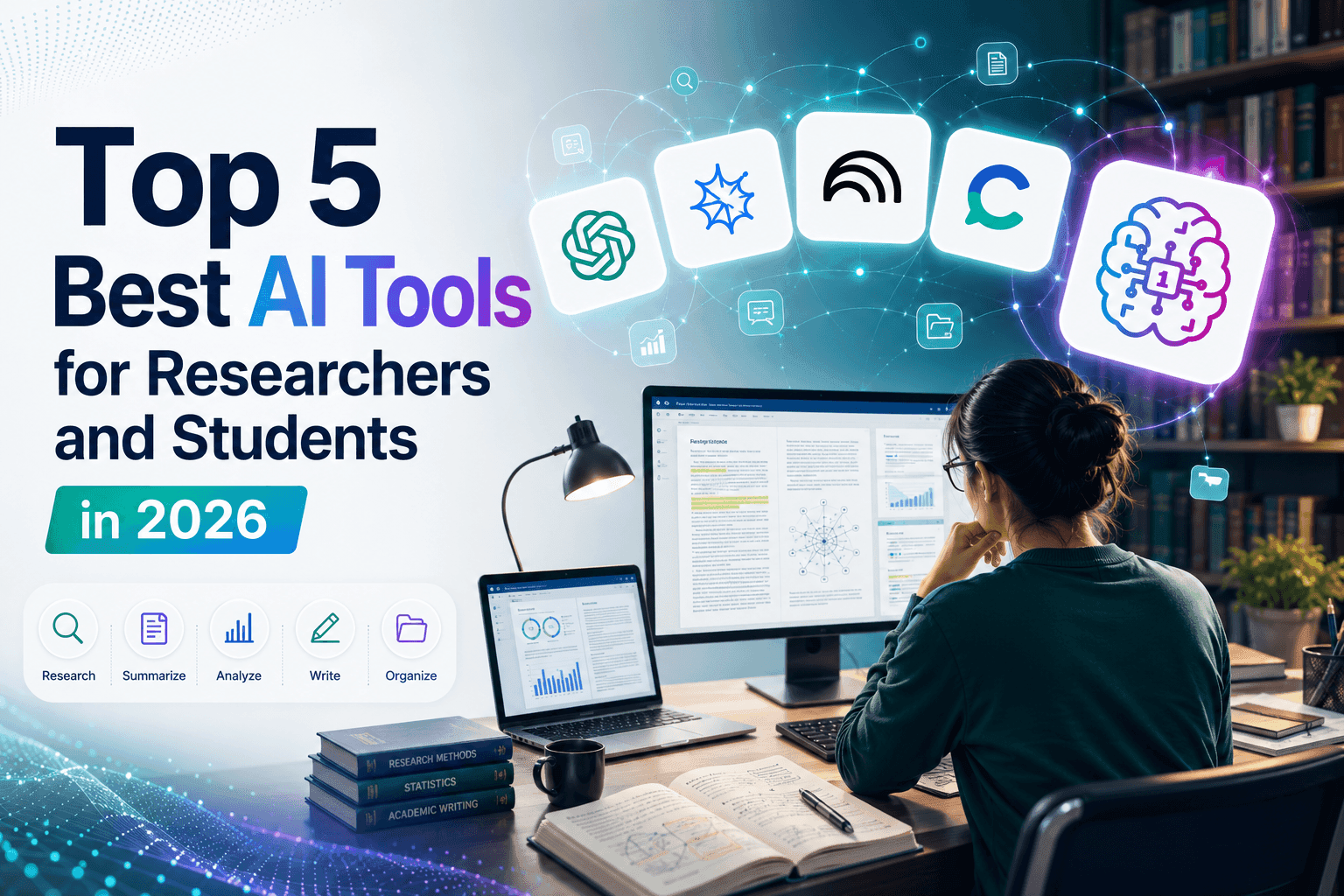
A researcher uses computers, displaying 'Top 5 Best AI Tools for Researchers and Students in 2026' text.

Top 5 Best AI Tools for Researchers and Students in 2026

Discover the best AI tools for researchers and students to summarize papers, improve academic writing, analyze PDFs, and streamline research workflows.

Tram TaTram Ta
July 20, 2026
Smin.AI consolidates various AI applications, offering an all-in-one solution for multiple services.

Your Sales Team Only Needs One App Instead of Five

Ditch the multi-app bills. Learn why high-performing sales teams are moving to an all-in-one AI platform to cut tool fatigue and leverage top models.

Uyen HoangUyen Hoang
July 19, 2026
View More

AI for Industries

Find the best AI tools and workflows for healthcare, finance, education, legal, manufacturing, retail, real estate, and more

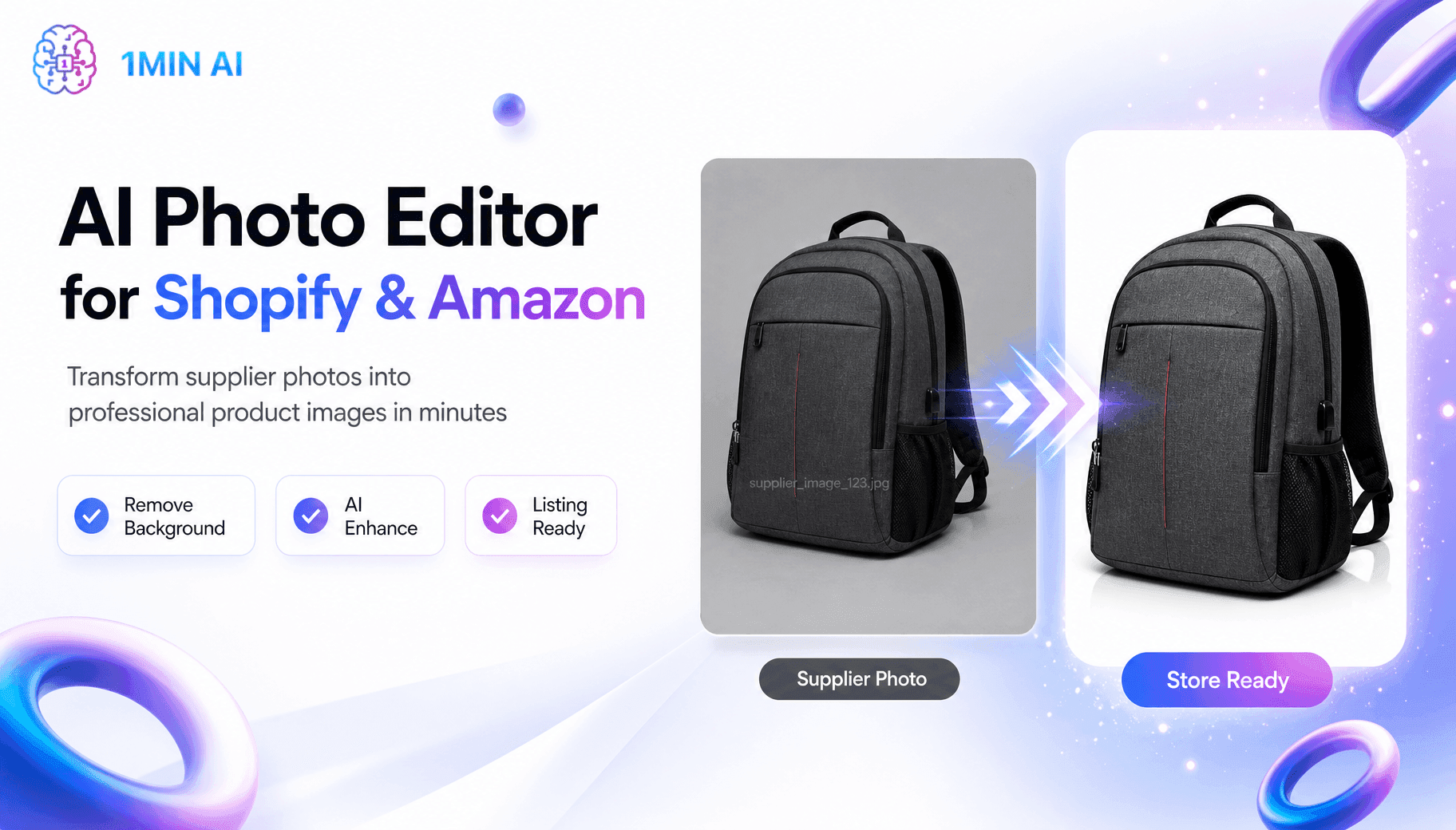
AI Photo Editor for Shopify & Amazon transforming supplier photos into professional product images.

Free AI Shopify Photo Editor for Cross Border Sellers

Tired of low quality supplier photos? This free AI Shopify photo editor removes backgrounds and edits images before you list on Shopify or Amazon.

Trang TranTrang Tran
July 20, 2026
AI property description generator displayed on a laptop, simplifying real estate listings.

Free AI Property Description Generator for Agents

Learn how a free AI property description generator turns basic details into MLS ready real estate listing copy in seconds, no writing skills needed.

Trang TranTrang Tran
July 20, 2026
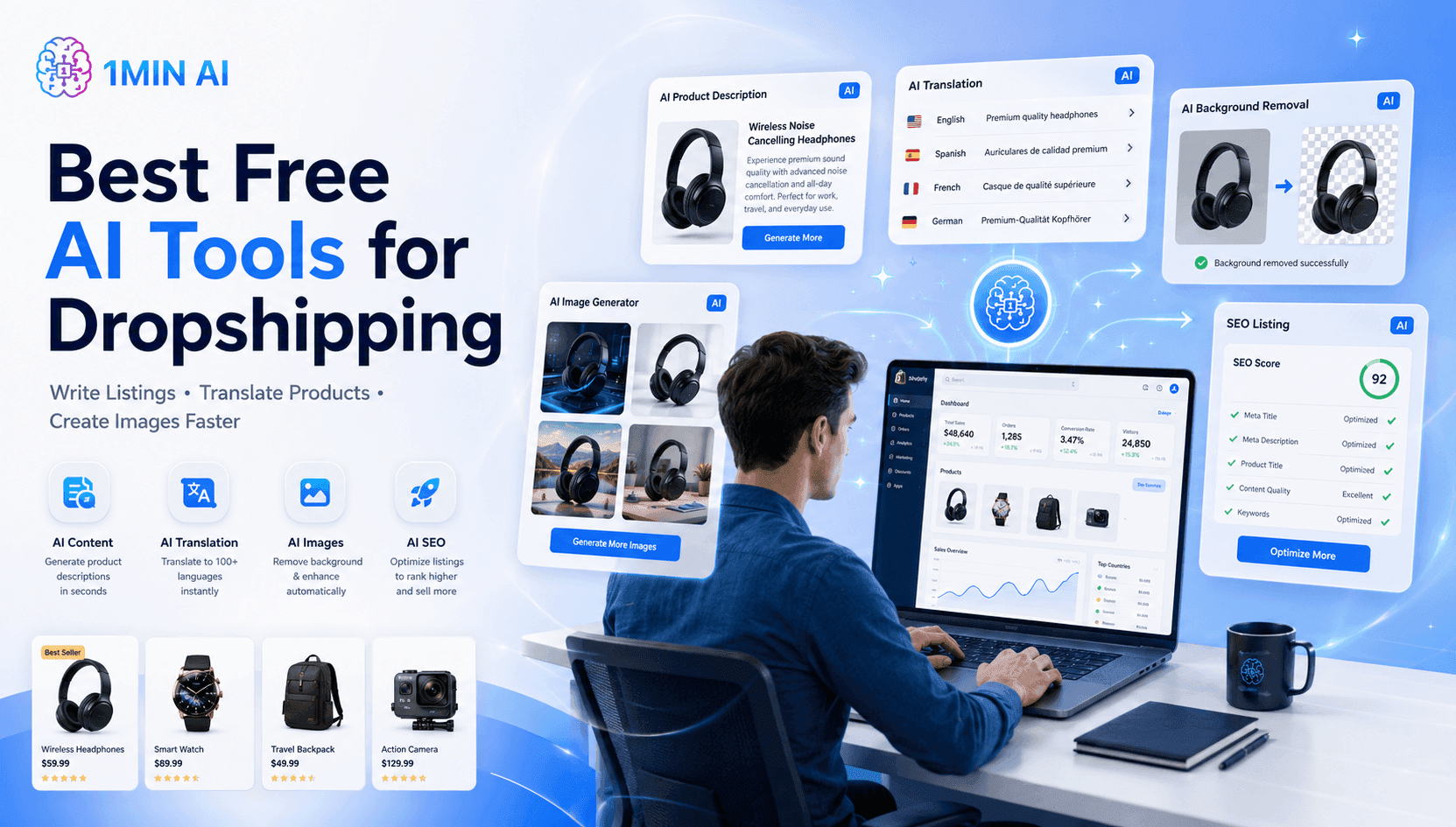
1MIN AI advertisement promotes best free AI tools for dropshipping, with features and a user.

Best Free AI Tools for Dropshipping You Can Use Now

Free AI tools for Shopify dropshipping that write listings, generate images, and translate content in seconds, so you launch faster without extra spend.

Trang TranTrang Tran
July 20, 2026
View More

AI Agents

Discover and run AI agents to automate tasks across your work and daily life

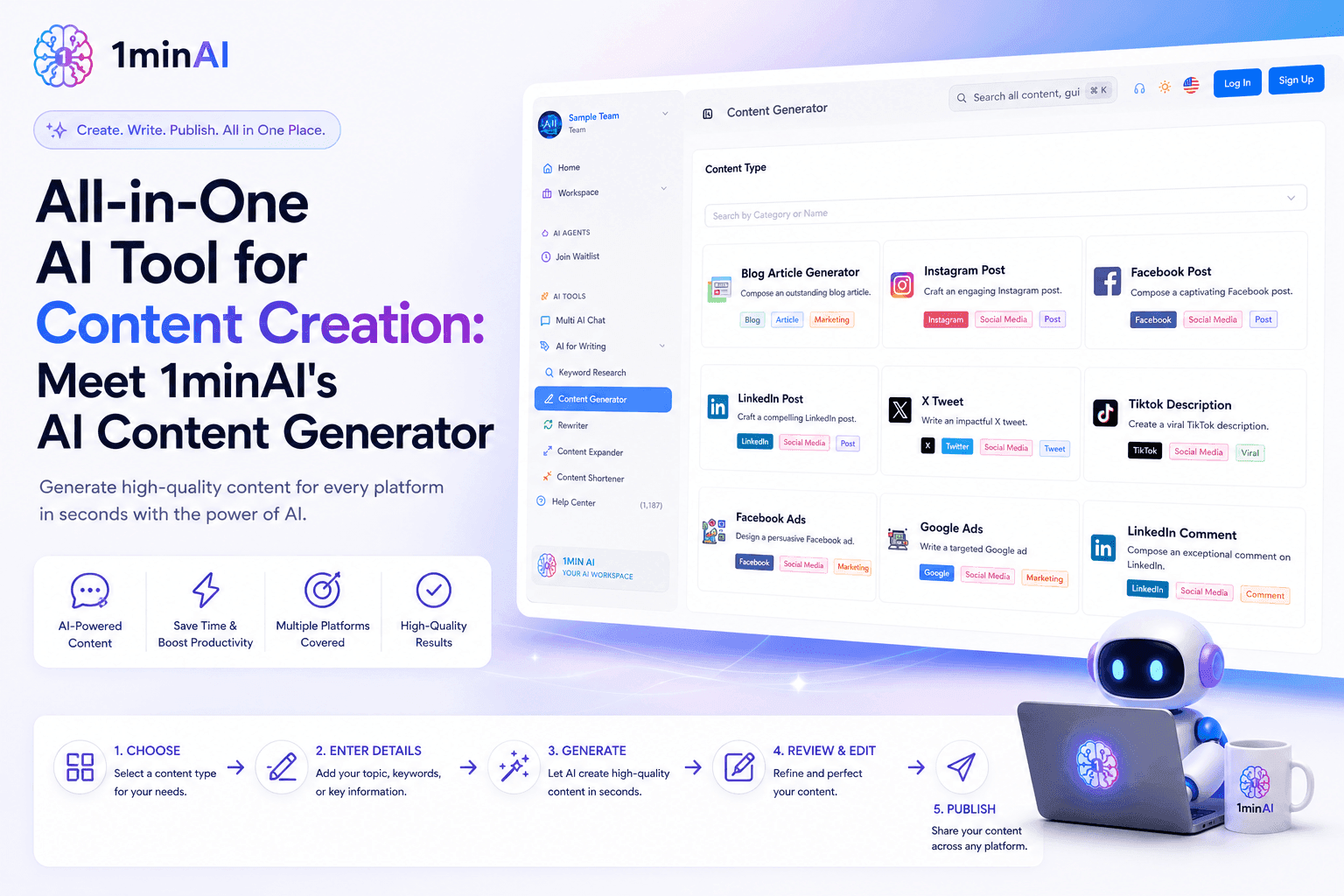
1minAI AI content generator tool dashboard with various content options and a robot character.

All-in-One AI Tool for Content Creation: Meet 1minAI's AI Content Generator

Discover how 1minAI's AI Content Generator helps create blogs, social posts, ads, emails, and marketing copy faster from one powerful AI tool.

Tram TaTram Ta
July 20, 2026
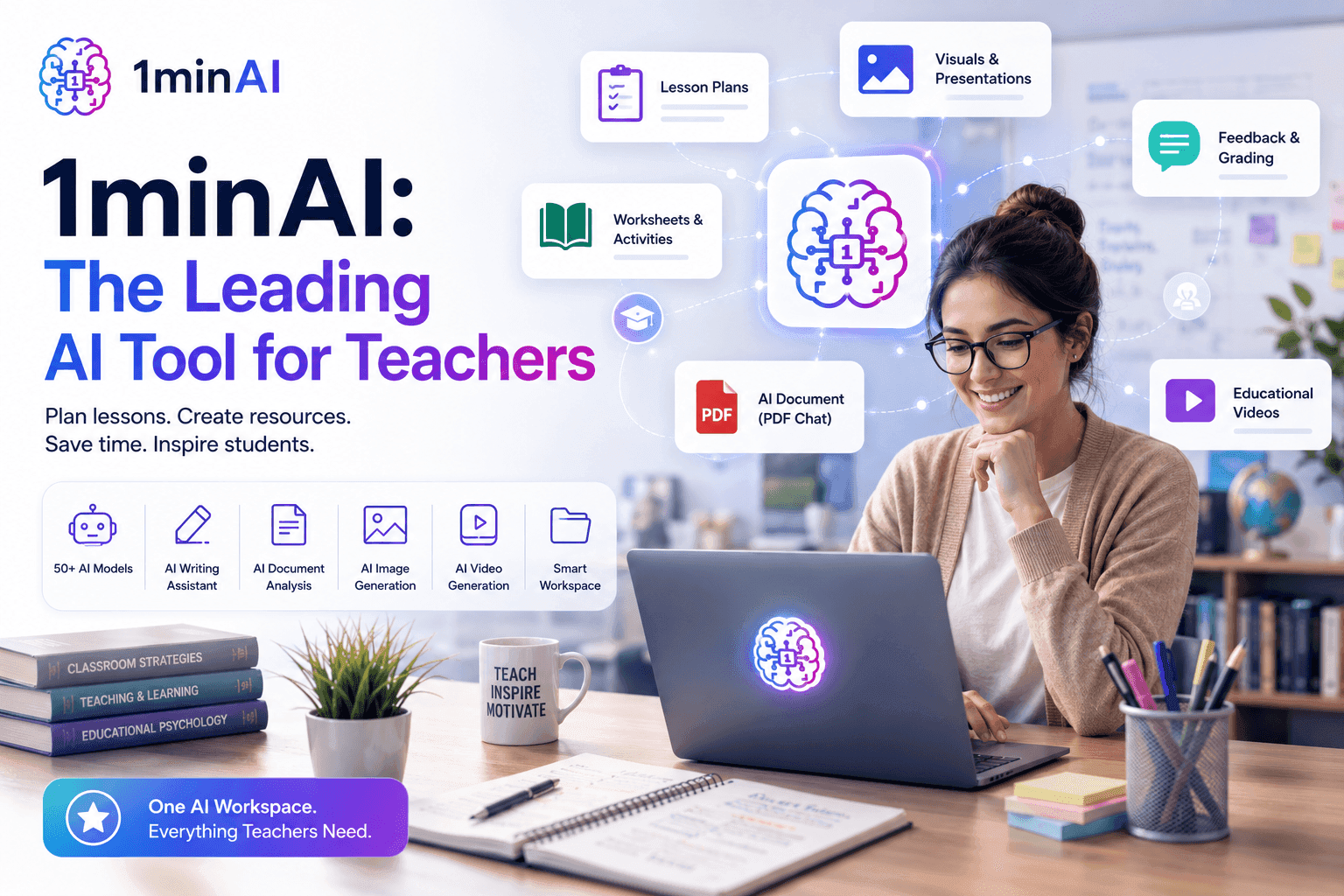
Smiling teacher uses 1minAI on laptop, showcasing its AI educational tools and features.

1minAI: The Top Ranking AI Tool for Teachers

Discover why 1minAI is a trusted AI tool for teachers. Create lesson plans, presentations, worksheets, quizzes, and classroom materials faster with one platform.

Tram TaTram Ta
July 17, 2026
View More

AI Workflows

Explore ready-to-use AI workflows for productivity, marketing, sales, support, and more

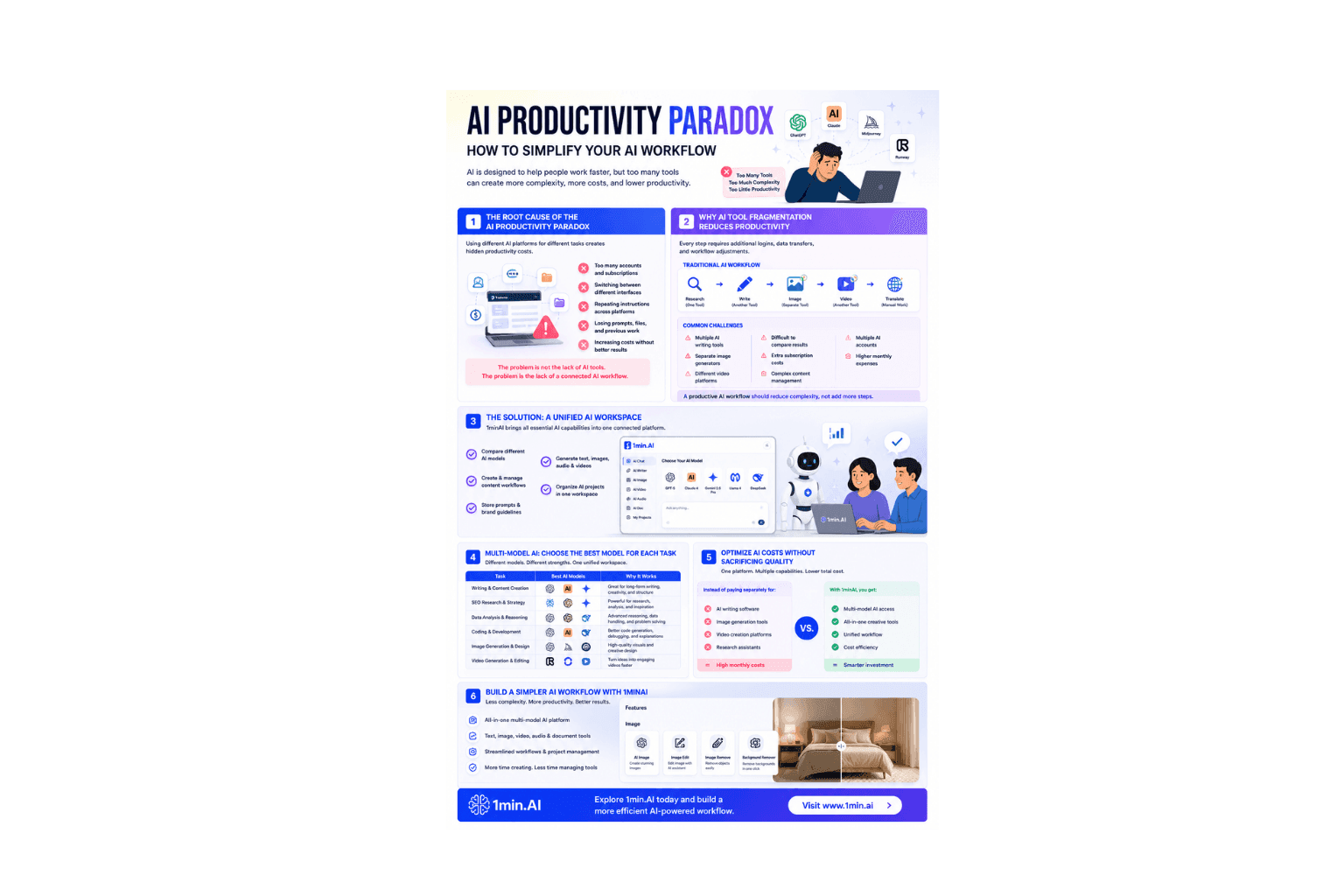
Infographic: AI Productivity Paradox, strategies to amplify AI workflow and boost productivity.

AI Productivity Paradox: How to Simplify Your AI Workflow

Learn how the AI productivity paradox slows your workflow and discover how a multi-model AI workspace helps you work faster with fewer tools.

Ngoc HongNgoc Hong
July 21, 2026
1MIN AI ad illustrates rapid blog creation, comparing manual workflow to efficient 15-minute automation.
From Keyword to Blog in 15 Minutes

Stop wasting hours jumping between keyword research tools, text generators, and image apps. Learn how an integrated multi-model workspace slashes blog production time down to 15 minutes.

Uyen HoangUyen Hoang
July 19, 2026
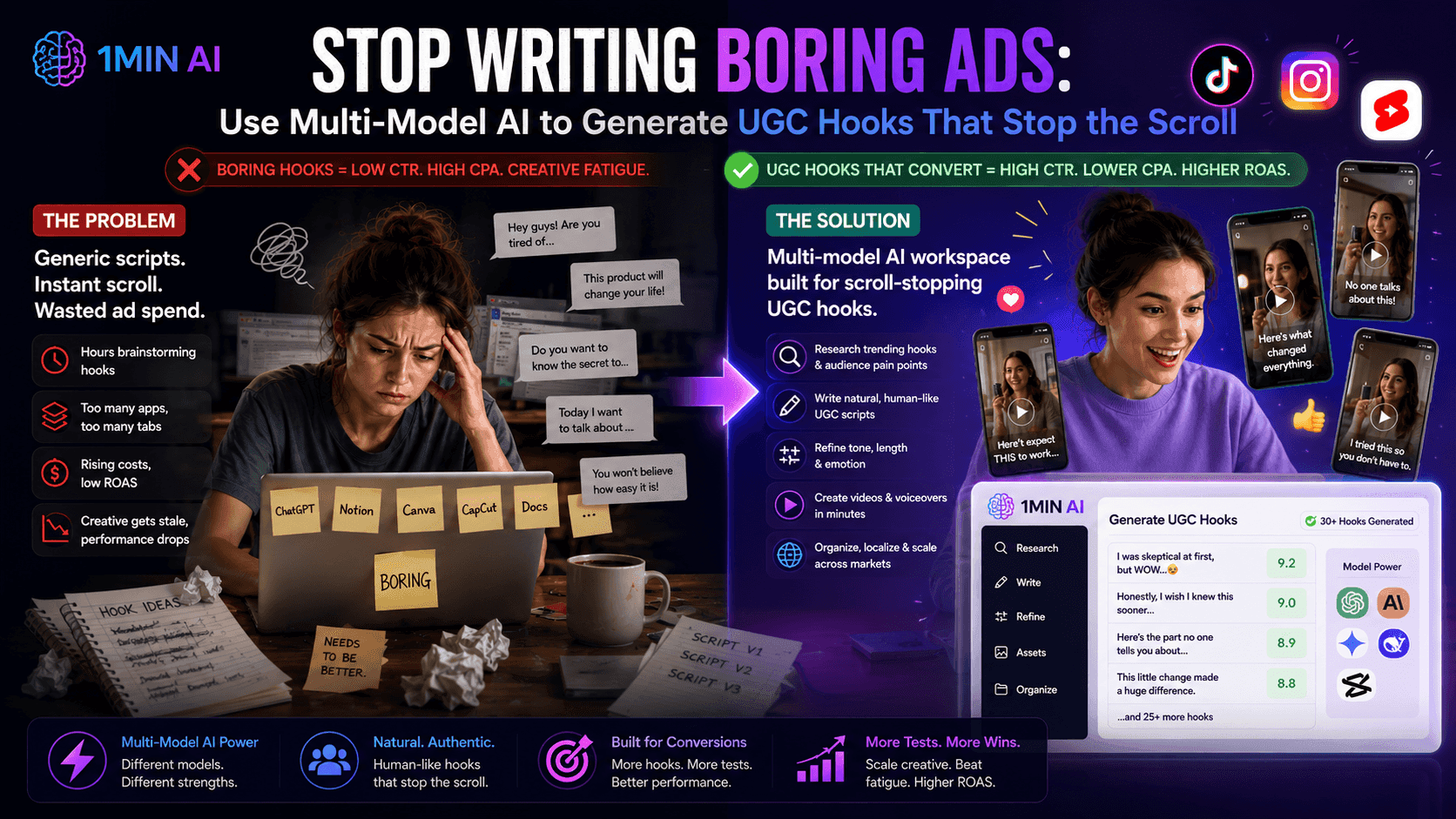
1MIN AI ad illustrating how AI transforms boring ad creation into engaging UGC hook generation.

Use Multi-Model AI to Generate UGC Hooks

Is creative fatigue tanking your ROAS? Discover how to use a multi-model AI workspace to generate high-converting, natural-sounding UGC ad hooks that stop the scroll.

Uyen HoangUyen Hoang
July 19, 2026
View More

Newsletter

Weekly AI Innovations with 1minAI

1MIN AI logo, 'EASY QUICK EFFICIENT' text, gift box, checklist, and edited image screens.

🔮 Weekly AI Innovations #129: Stable Diffusion 3.5, Bria Eraser and Free Credits

Discover the latest 1minAI updates: Stable Diffusion 3.5, Bria Eraser, and Agent Survey rewards. Unlock free AI credits and create faster.

Hang NguyenHang Nguyen
July 21, 2026
1MIN AI logo, text, and an open book glowing with colorful, magical symbols.

🔮 Weekly AI Innovations #5: Magic Notebook, Run AI features in parallel

Magic Notebook boosts copywriter productivity by allowing seamless navigation while preserving written content.

Hang NguyenHang Nguyen
July 21, 2026
1MIN AI logo and slogan, 'EASY - QUICK - EFFICIENT', alongside diverse AI-generated image examples.

🔮 Weekly AI Innovations #59: Flux Advanced Parameters for the Image Generator, Enterprise Plan updates, and bug fixes

Image control enhanced, enterprise scalability introduced, and critical bugs squashed. Creative power, team empowerment, and system stability improved.

Hang NguyenHang Nguyen
July 21, 2026
View More