
Stop Switching Between Research Apps: How AI Integration Transforms Academic Workflows

Tram Ta
July 28, 2026
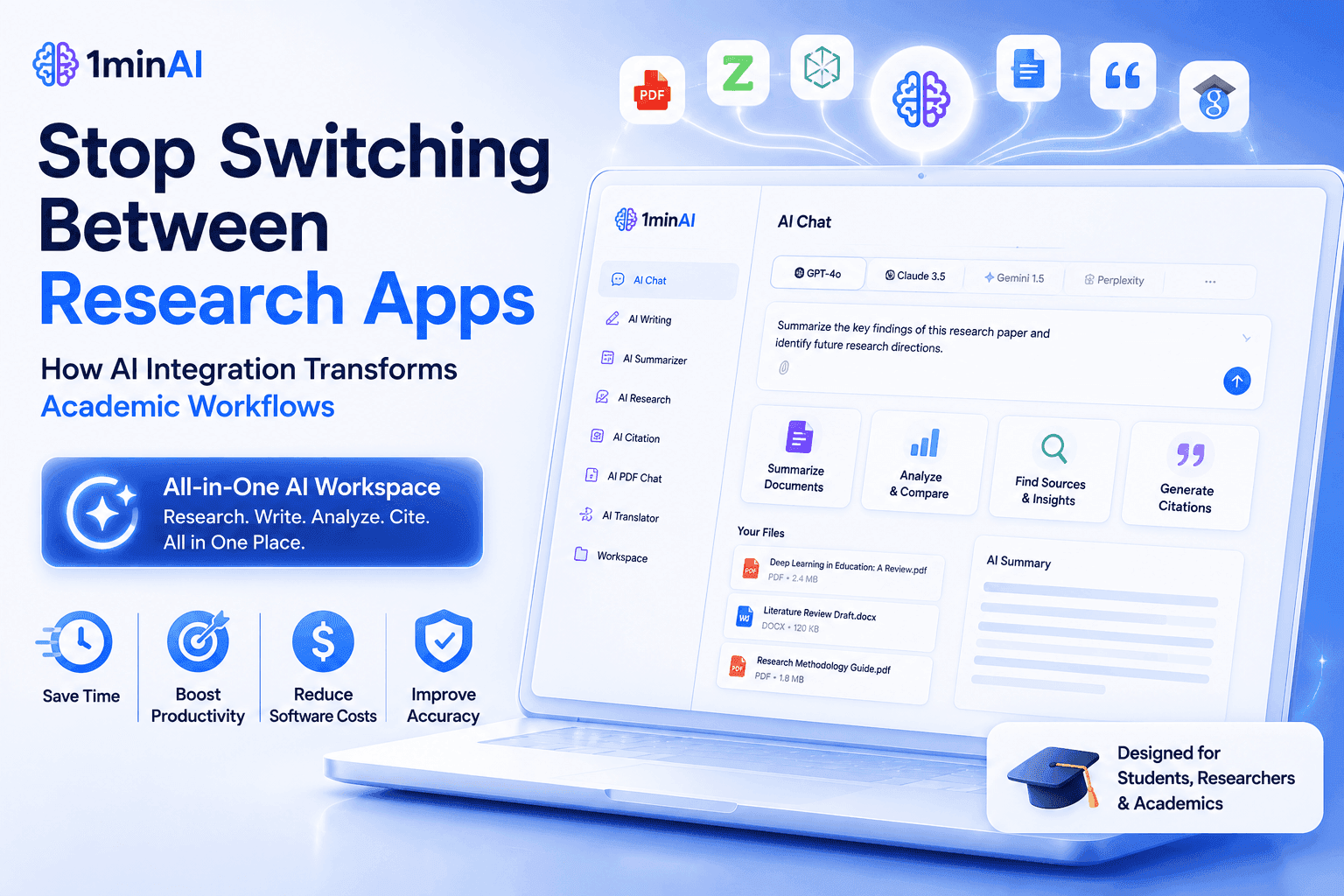
Discover how AI integration helps researchers and students streamline literature reviews, academic writing, document analysis, and presentations in one AI workspace.
Modern research involves far more than reading academic papers. Researchers and students constantly summarize PDFs, compare AI responses, organize notes, write literature reviews, create presentations, and translate documents throughout every project. Managing these tasks across multiple AI applications often interrupts focus and slows the research process.
That's where AI integration makes a difference. Instead of switching between separate chatbots, PDF readers, writing assistants, and presentation tools, 1minAI combines multiple leading AI models with AI Writing, AI Documents, AI Images, AI Video, AI Audio, and Workspace in one connected platform. Every stage of the research journey becomes part of one seamless workflow.
In this guide, you'll learn how AI integration helps researchers spend less time managing software and more time producing meaningful research.
Why Researchers Need AI Integration Instead of Multiple Study Apps
Research has become increasingly interdisciplinary, collaborative, and information-intensive. A single literature review may involve reading dozens of journal articles, comparing different viewpoints, extracting methodologies, organizing references, preparing presentations, and refining academic writing.
While artificial intelligence has made each of these tasks easier, many researchers still complete them using separate applications.
A typical research workflow often includes:
- Brainstorming ideas with one AI chatbot
- Reading PDFs in another application
- Comparing AI responses using different platforms
- Improving academic writing with a writing assistant
- Building presentation slides elsewhere
- Translating papers using another AI service
- Organizing notes across multiple cloud platforms
Each tool solves one problem, but together they create a fragmented workflow that constantly breaks concentration.
Research Is Already Difficult—Your Workflow Shouldn't Be
Academic work requires long periods of uninterrupted thinking.
Every time researchers switch between different AI platforms, they lose context, repeat prompts, copy information manually, and spend valuable time organizing files instead of analyzing ideas.
Common challenges include:
- Managing multiple AI subscriptions
- Copying information between platforms
- Losing research context
- Repeating prompts for different AI models
- Organizing papers across several applications
- Maintaining consistent notes throughout a project
These interruptions may seem minor individually, but across weeks or months of research, they add up to significant productivity loss.
Why AI Integration Matters for Academic Research
The goal of AI isn't simply to answer questions—it should support an entire research workflow.
That's exactly what AI integration enables.
Instead of treating AI as individual applications, 1minAI connects multiple AI models and specialized research tools into one workspace. From reading papers and comparing ideas to writing literature reviews and creating presentations, every step happens inside the same ecosystem.
This integrated approach allows researchers to remain focused on critical thinking rather than software management.
In the next section, we'll explore how 1minAI connects Multi AI Chat, AI for Documents, AI Writing, Presentation Generator, AI Images, and Workspace into one continuous research workflow.
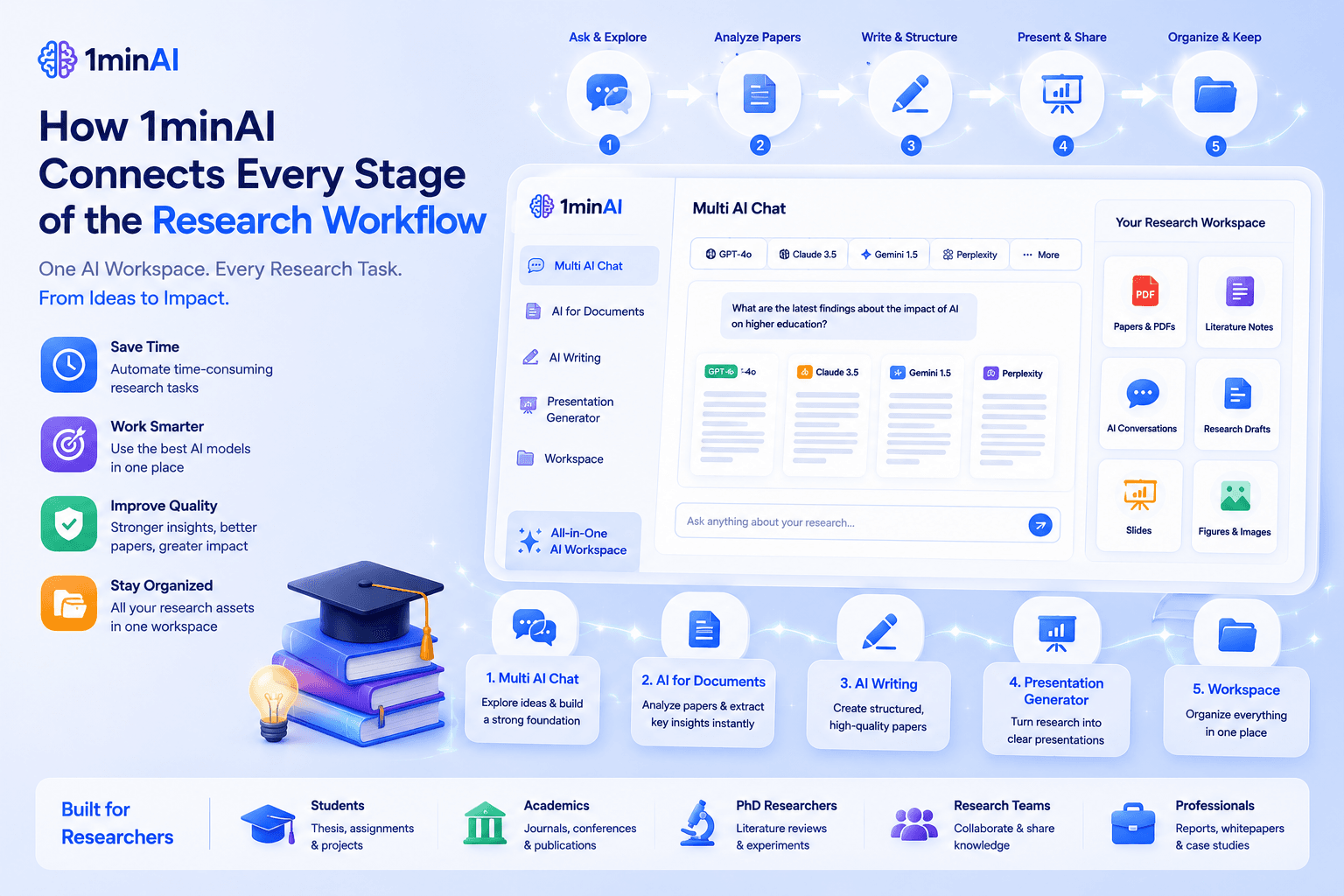
How 1minAI Connects Every Stage of the Research Workflow
The greatest benefit of AI integration isn't simply having access to multiple AI models or research tools—it's how they work together throughout your entire research journey.
Academic research is rarely a single task. It begins with finding relevant papers, continues through literature review and methodology analysis, evolves into writing and revision, and often ends with presentations or publications. Using separate AI applications for each stage interrupts concentration and creates unnecessary administrative work.
With 1minAI, every research task happens within one connected workspace, allowing students and researchers to move naturally from one stage to the next.
Start Your Research With Multi AI Chat
Every research project begins with questions.
Before reading papers or writing a literature review, researchers often need to:
- Explore a new research topic
- Refine a research question
- Compare existing theories
- Brainstorm hypotheses
- Identify research gaps
- Understand unfamiliar concepts
Instead of relying on a single AI response, Multi AI Chat lets you compare insights from multiple leading AI models within one conversation.
This helps researchers:
- Validate different perspectives
- Cross-check explanations
- Generate stronger research ideas
- Reduce bias from relying on one model
- Build a more balanced understanding of complex topics
Rather than switching between ChatGPT, Claude, Gemini, or other AI assistants, researchers can evaluate multiple viewpoints without leaving 1minAI.
Analyze Academic Papers More Efficiently With AI for Documents
Once you've identified relevant literature, the next challenge is processing large volumes of academic content.
Reading dozens—or even hundreds—of research papers can consume weeks of valuable research time.
With AI for Documents, researchers can work more efficiently by:
- Summarizing lengthy journal articles
- Extracting research methodologies
- Identifying key findings
- Comparing multiple papers
- Translating academic documents
- Chatting directly with uploaded PDFs
- Generating presentation slides from research papers
Instead of manually searching through hundreds of pages, researchers can quickly identify the information most relevant to their study.
This makes literature reviews significantly more manageable while preserving valuable time for analysis and critical thinking.
Turn Research Into High-Quality Academic Writing
After gathering evidence comes one of the most demanding stages of research—writing.
Using AI Writing, researchers can transform notes and paper summaries into structured academic content, including:
- Literature reviews
- Research proposals
- Journal article drafts
- Conference abstracts
- Research summaries
- Grant applications
- Academic emails
- Presentation scripts
Rather than beginning with a blank page, researchers start with a well-organized draft that they can refine with their own expertise and analysis.
The result is a more efficient writing process without compromising academic integrity or originality.
Present Research More Effectively
Research doesn't end when the paper is written.
Students and academics frequently need to communicate their findings through presentations, seminars, thesis defenses, or conference talks.
Using AI for Documents and the Presentation Generator, researchers can quickly convert reports and academic papers into professional slide decks.
This helps simplify tasks such as:
- Thesis presentations
- Conference presentations
- Classroom lectures
- Research group meetings
- Grant proposal presentations
Instead of manually creating every slide, researchers can focus on refining their message and preparing for discussion.
Keep Every Research Project Organized
Every research project generates a growing collection of materials:
- Academic papers
- Literature notes
- AI conversations
- Research drafts
- Presentation slides
- Images and figures
- Project references
Managing these assets across multiple applications often leads to duplicated work and lost context.
With Workspace, everything remains organized in one centralized environment, making it easier to revisit previous discussions, locate important documents, and continue long-term research projects without starting over.
Traditional Research Workflow vs. AI Integration
| Traditional Research Workflow | AI Integration with 1minAI |
|---|---|
| Switch between multiple AI chatbots | Compare multiple AI models in one chat |
| Read papers manually across different PDF tools | AI for Documents summarizes and analyzes PDFs |
| Write using separate AI writing software | AI Writing integrated into the same workflow |
| Create presentation slides manually | Presentation Generator creates slides from research |
| Store files across multiple platforms | Workspace centralizes every research asset |
| Constant context switching | One continuous research workflow |
By integrating brainstorming, literature review, document analysis, academic writing, presentations, and project organization into one platform, 1minAI allows researchers to stay focused on what matters most—producing meaningful, high-quality research instead of managing disconnected software.
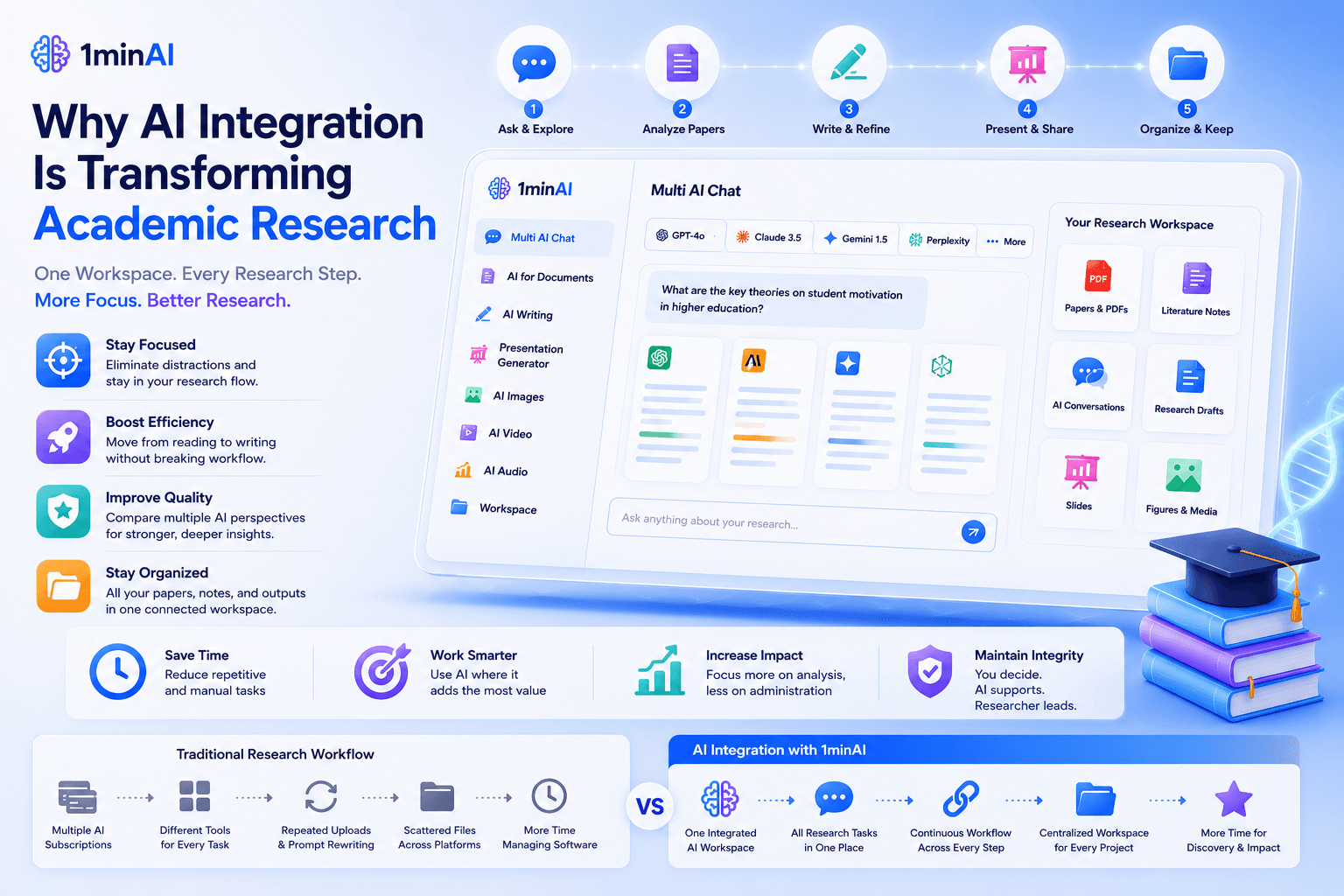
Why AI Integration Is Transforming Academic Research
Research has always required curiosity, critical thinking, and careful analysis. AI doesn't replace these skills—it removes the repetitive work that often slows researchers down.
This is why AI integration is becoming an essential part of modern academic workflows. Instead of juggling multiple AI applications for different tasks, researchers can move seamlessly from reading papers to writing manuscripts, preparing presentations, and organizing research projects within one connected workspace.
Stay Focused on Research, Not Software
Deep research requires long periods of concentration.
However, many researchers lose momentum every time they:
- Switch between AI chatbots
- Upload the same paper to different platforms
- Copy notes from one application to another
- Rewrite prompts for different AI models
- Search through multiple folders for research files
These interruptions may seem small, but over the course of a thesis, dissertation, or research project, they can add up to dozens of lost hours.
With 1minAI, every stage of the research process remains connected, allowing researchers to stay focused on analyzing ideas instead of managing software.
Make Every Research Step More Efficient
Research is rarely a linear process. New papers lead to new questions, which lead to additional reading, revised hypotheses, updated literature reviews, and new presentations.
Because every feature inside 1minAI is integrated, researchers can naturally move between tasks without breaking their workflow.
For example:
- Brainstorm a research question using Multi AI Chat.
- Upload journal articles to AI for Documents for summaries and methodology extraction.
- Organize insights into a literature review with AI Writing.
- Convert findings into presentation slides using Presentation Generator.
- Save conversations, papers, and outputs in Workspace for future reference.
Instead of repeating the same information across multiple platforms, every stage builds on the previous one.
Improve Research Quality Through Multiple AI Perspectives
One of the biggest advantages of AI integration is access to multiple AI models in a single environment.
Rather than relying on a single response, researchers can compare different explanations, challenge assumptions, and validate interpretations before incorporating them into their work.
This approach is particularly valuable when:
- Exploring unfamiliar research topics
- Comparing theoretical frameworks
- Refining research questions
- Identifying strengths and weaknesses in arguments
- Generating alternative perspectives during critical analysis
While final conclusions should always come from the researcher, comparing multiple AI perspectives encourages more balanced and rigorous thinking.
Scale Research Projects Without Increasing Complexity
As research projects grow, so does the volume of information.
A single project may include:
- Hundreds of journal articles
- Multiple literature review drafts
- Research notes
- Conference presentations
- Supervisor feedback
- Data summaries
- Grant applications
Managing these materials across separate AI tools quickly becomes difficult.
With an integrated workspace, every research asset remains connected, making it easier to revisit previous work, continue long-term projects, and collaborate with greater efficiency.
Traditional Research Workflow vs. AI Integration
| Traditional Research Workflow | AI Integration with 1minAI |
|---|---|
| Multiple AI subscriptions | One integrated AI workspace |
| Different tools for chat, PDFs, writing, and slides | One connected research ecosystem |
| Repeated uploads and prompt rewriting | Continuous workflow across every task |
| Research assets scattered across platforms | Centralized Workspace for every project |
| More time managing software | More time analyzing, writing, and discovering |
The future of academic research isn't about using more AI tools—it's about using AI more intelligently. By integrating Multi AI Chat, AI for Documents, AI Writing, Presentation Generator, AI Images, AI Video, AI Audio, and Workspace into one platform, 1minAI helps researchers reduce administrative work, maintain focus, and dedicate more time to producing meaningful research.
Conclusion
Research Smarter With AI Integration
Academic research is challenging enough without managing multiple AI applications. With 1minAI, you can brainstorm ideas, analyze research papers, write literature reviews, generate presentations, and organize every project from one integrated AI workspace.
Whether you're an undergraduate student, PhD candidate, researcher, or educator, 1minAI helps streamline your workflow so you can spend less time switching between tools and more time advancing your research.
Experience AI Integration for Modern Research
Bring every stage of your research workflow into one platform. Use 1minAI to compare multiple AI models, summarize academic papers, improve academic writing, create presentation slides, and manage research projects in one connected workspace—designed to help researchers work more efficiently from idea to publication.
👉 Official Website: https://1min.ai/
👉 Discover All AI Features: https://1min.ai/features
Alternatives
Discover the best alternatives to 1minAI and compare features, pricing, and use cases.

1min.AI vs OpenRouter
1min.AI vs. OpenRouter: Compare the ready-to-use AI creation product against the technical API tool. Find out if you need a zero-code creative studio or a coding infrastructure hub.
 Ngoc Hong
1min.AI vs Jarvis AI
Compare 1min.AI vs Jarvis AI to discover which AI platform is better for writing, research, automation, and content creation. Find the best AI assistant for your workflow.
Ngoc Hong
1min.AI vs Lovart
1min.AI vs. Lovart: Compare the versatile Multi-Media Studio (Video, Code, Voice Cloning) against the specialized AI Design Agent (Visuals, Menu Creation). Find out why 1min.AI offers the best long-term value and depth for serious creators.
Ngoc HongAI Tools
Discover the best AI tools to boost productivity, creativity, and everyday work.
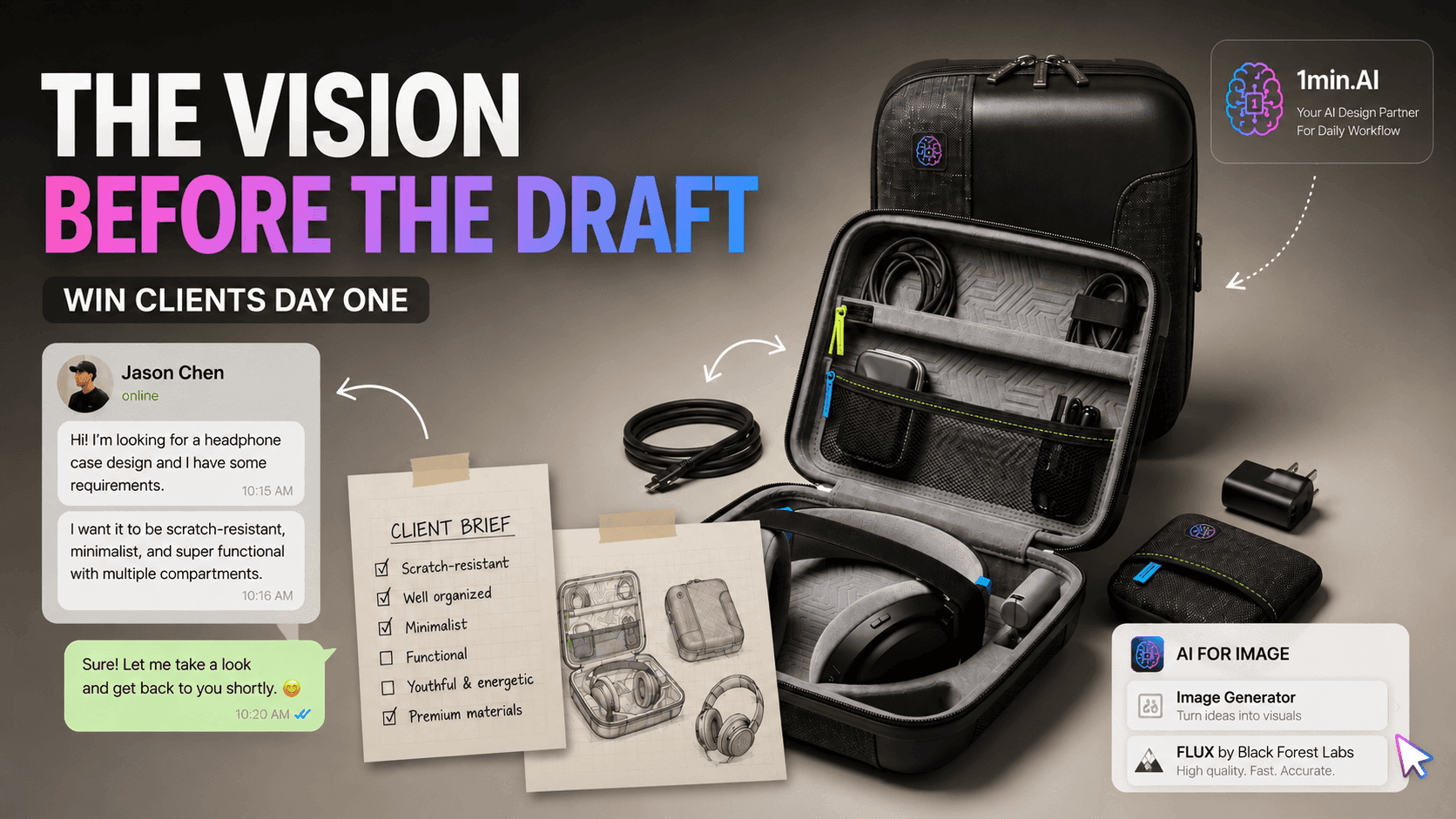
The Vision Before the Draft: How Freelance Designers Win Clients from Day One
Vague briefs, slow mockups, and endless revisions can make freelance design projects harder to close. Discover how 1min.AI helps designers turn client ideas into clear concepts, visual directions, and professional mockups faster.
 Lien Anh Vu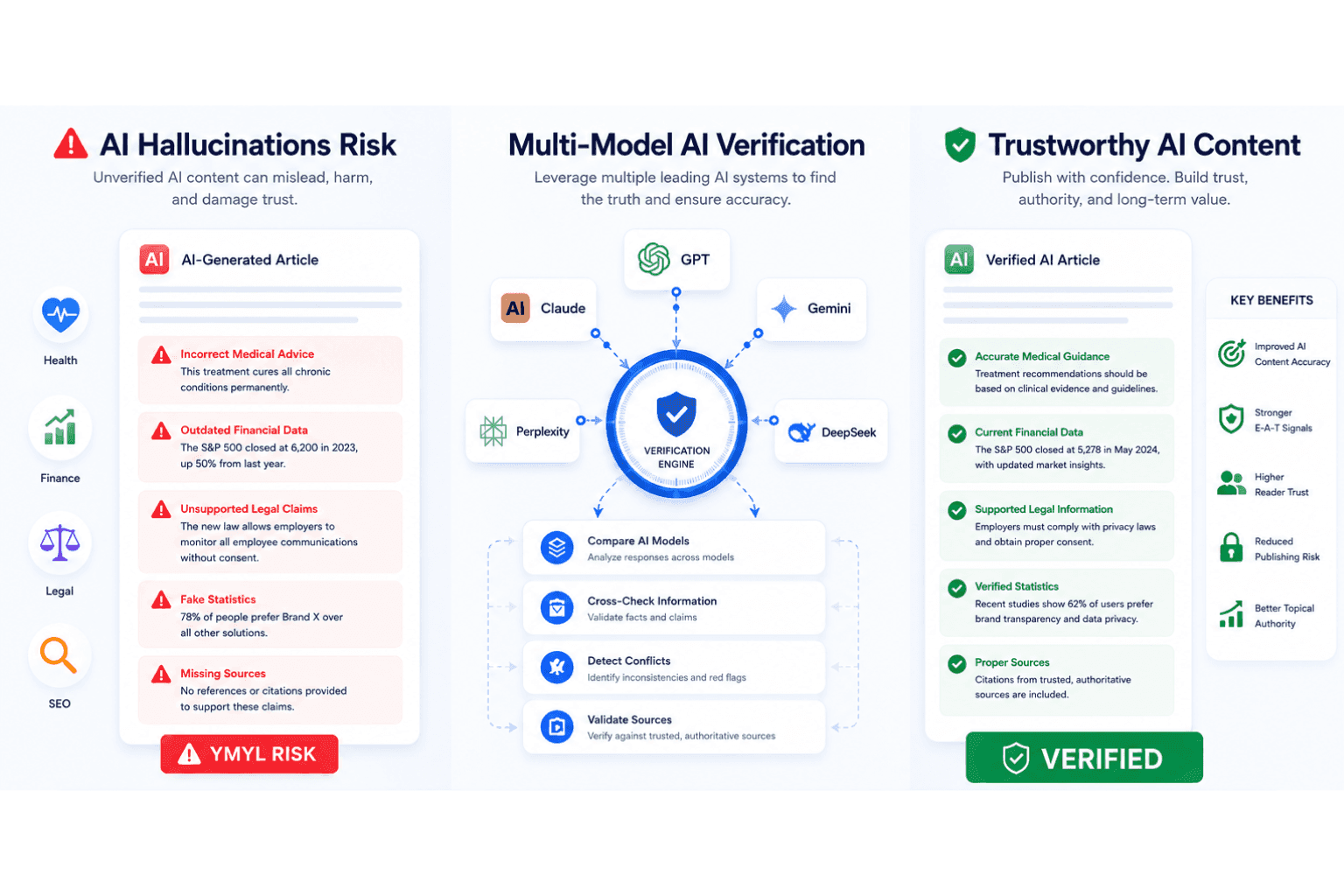
AI Hallucination Checker for Accurate YMYL Content
Use an AI hallucination checker to verify AI-generated content, improve AI content accuracy, strengthen EEAT signals, and reduce YMYL publishing risks.
Ngoc Hong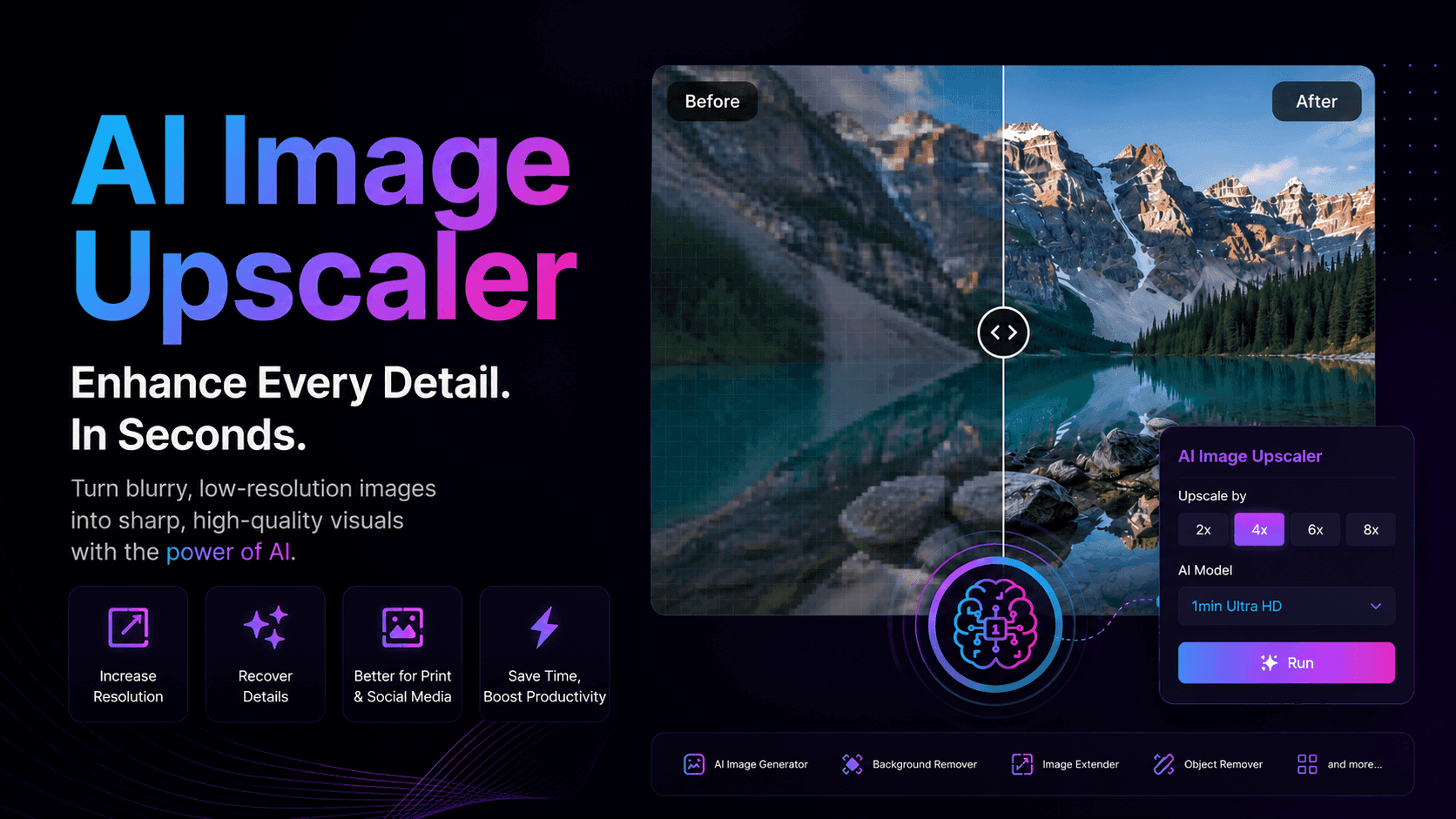
Best AI Image Upscaler for Freelance Designers
Enhance blurry or low-resolution images in seconds with AI Image Upscaler. Perfect for freelance designers and photographers who need sharper visuals for client presentations, social media, and print, without spending hours editing.
Lien Anh VuAI Features
Comprehensive AI features that streamline workflows, improve efficiency, and empower teams to achieve more.
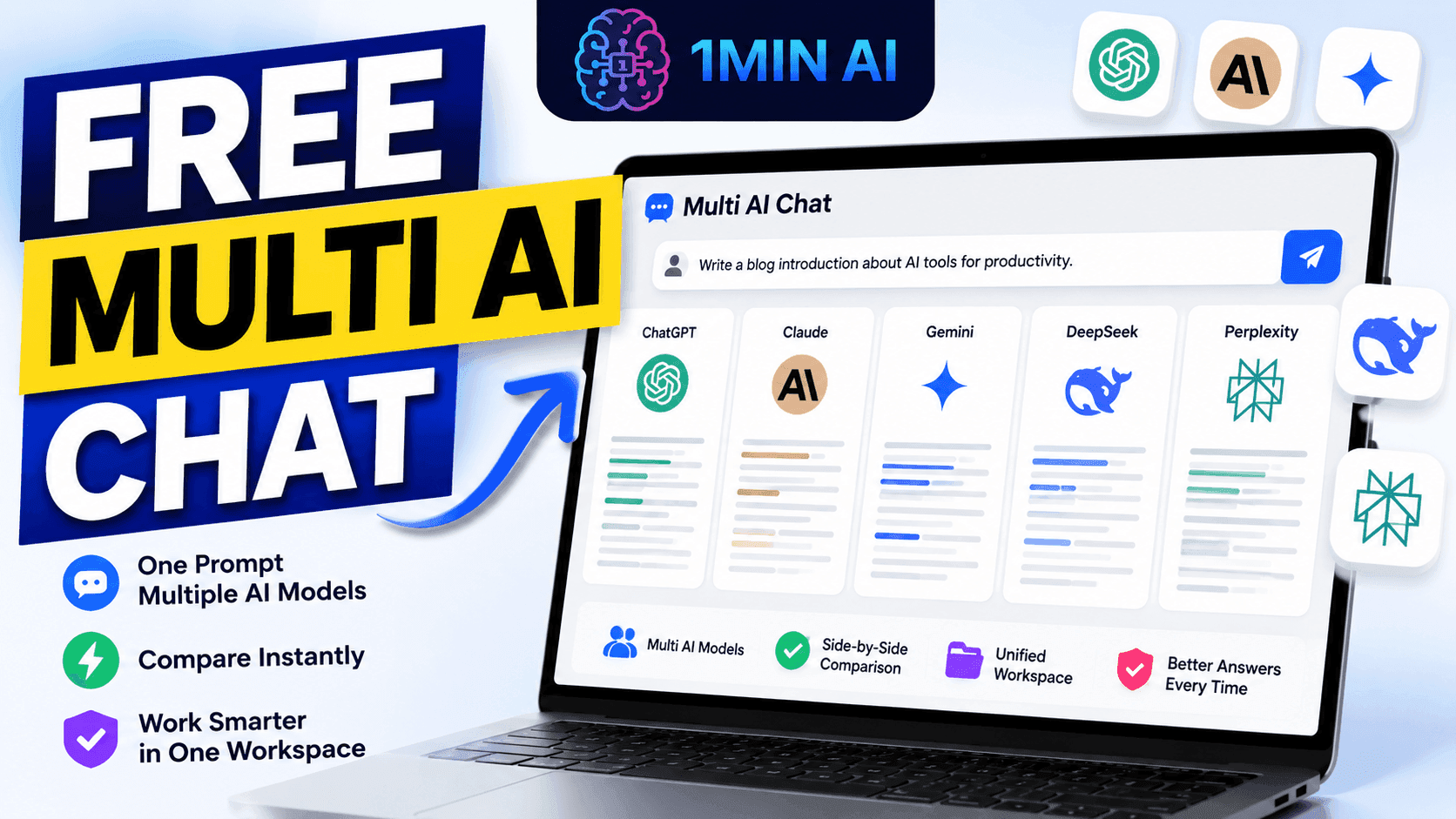
Free Multi AI Chat
Use Free Multi AI Chat to compare multiple AI models in one workspace. Chat with ChatGPT, Claude, Gemini, and more without switching apps.
Ngoc HongThe Vision Before the Draft: How Freelance Designers Win Clients from Day One
Vague briefs, slow mockups, and endless revisions can make freelance design projects harder to close. Discover how 1min.AI helps designers turn client ideas into clear concepts, visual directions, and professional mockups faster.
Lien Anh Vu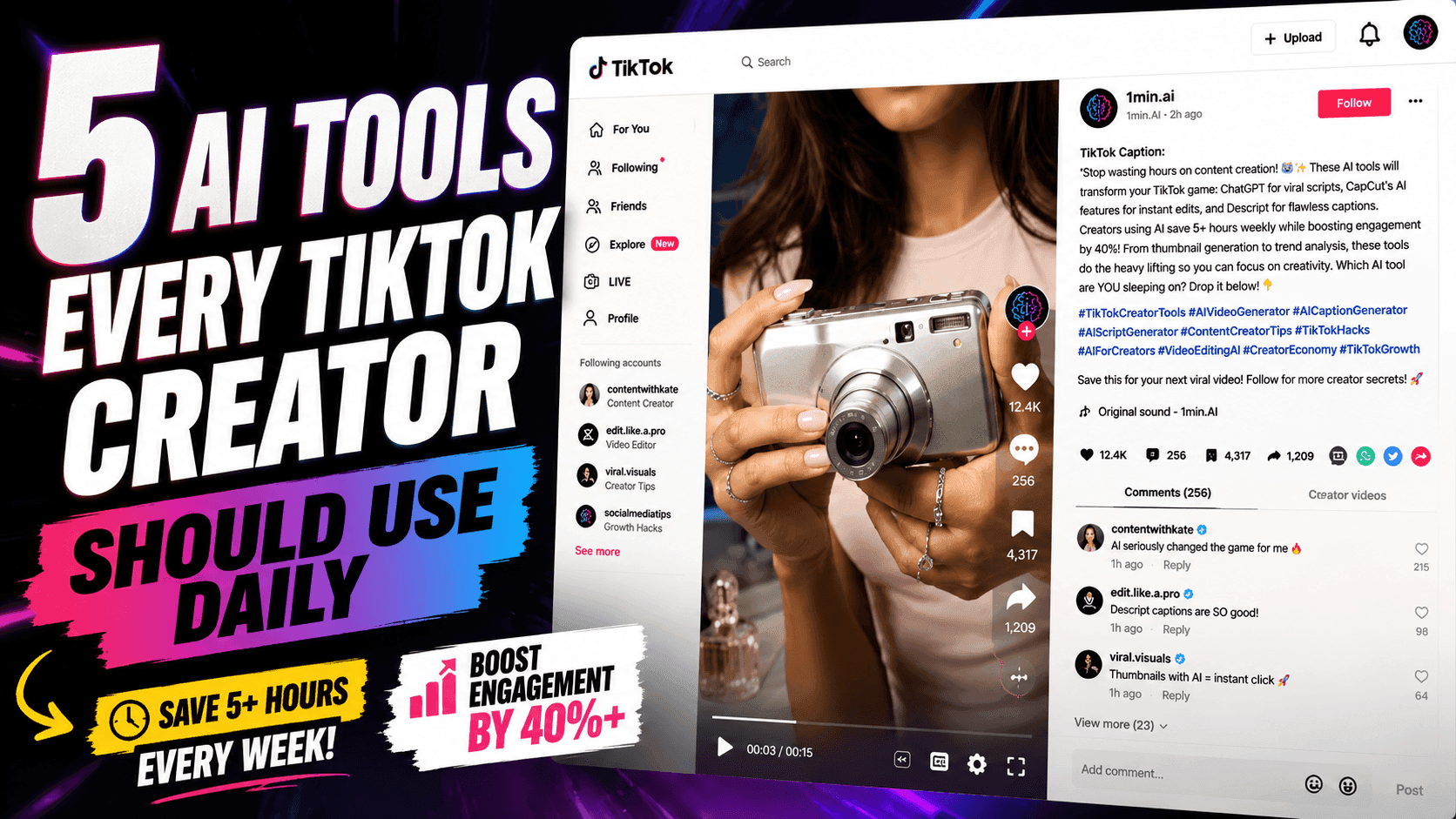
5 AI Tools Every TikTok Creator Should Use Daily
Discover five essential AI tools that help TikTok creators find ideas, write scripts, create visuals, generate videos, and publish content faster.
Lien Anh VuAI Use Cases
A curated collection of AI use cases for business, productivity, and industry-specific applications.
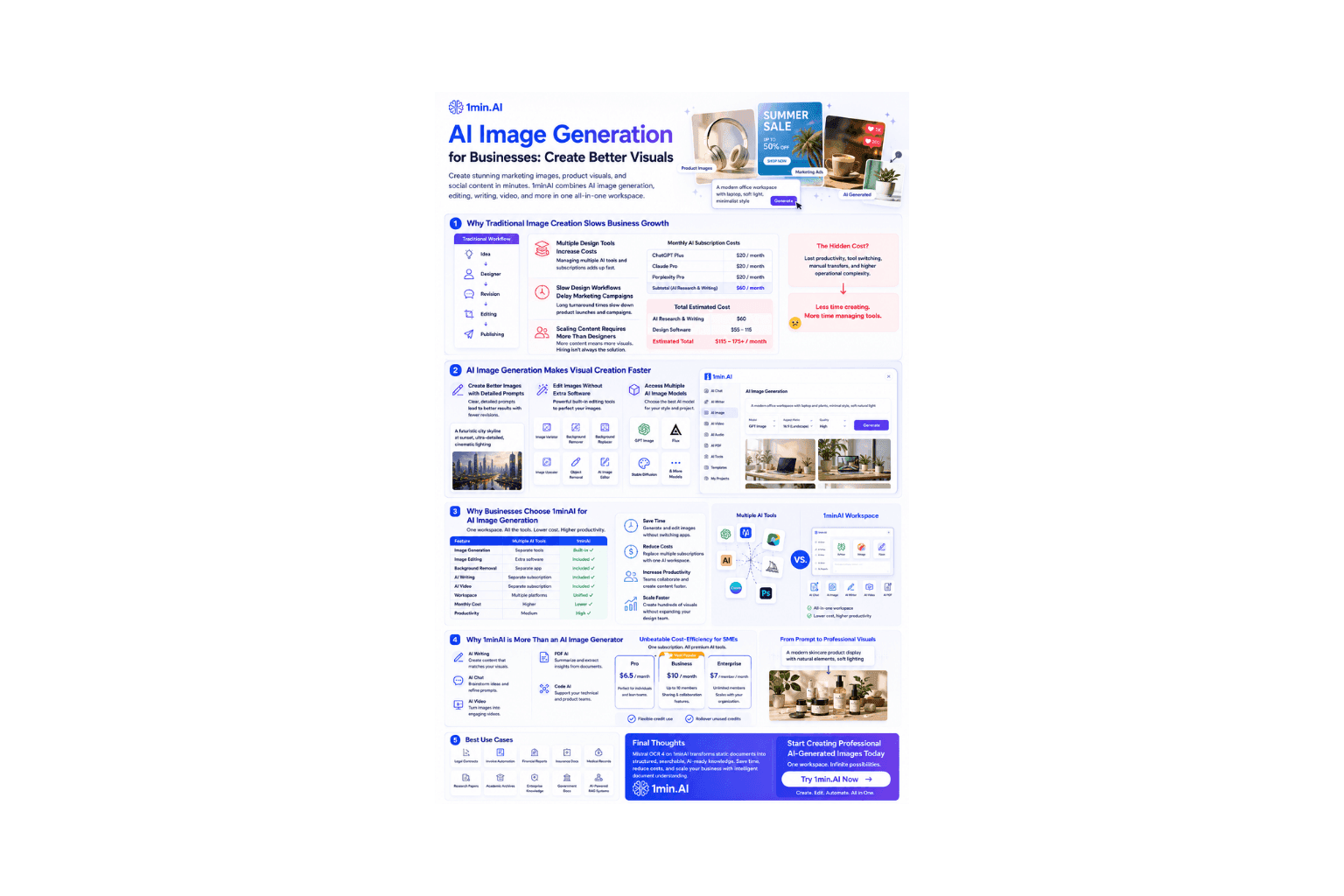
AI Image Generation
Discover how AI Image Generation helps businesses create marketing visuals, product images, and social content faster with 1minAI.
Ngoc Hong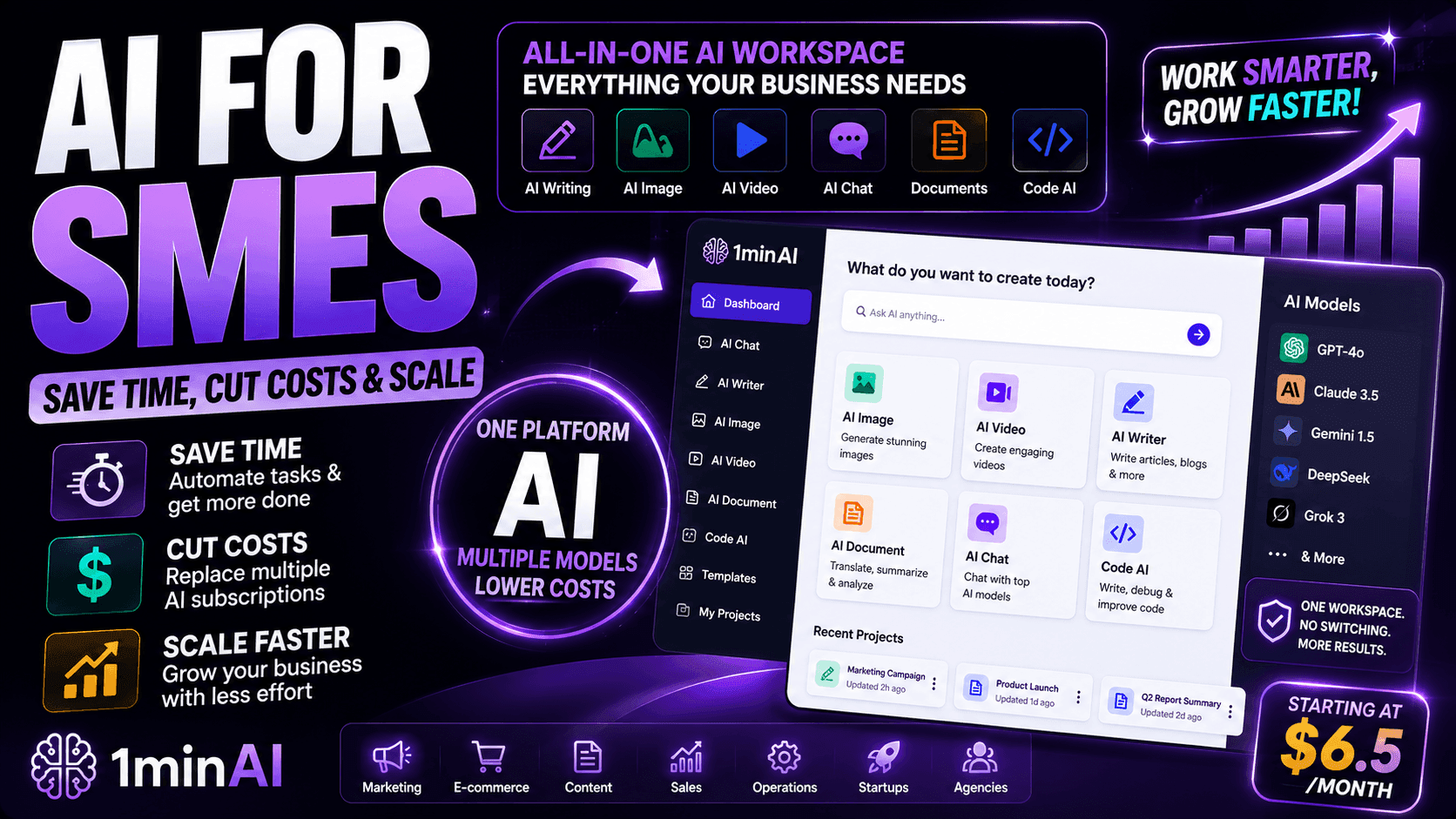
AI for SMEs: Save Time, Cut Costs & Scale with 1minAI
Discover how AI for SMEs helps automate writing, images, videos, documents, and coding - all in one workspace to save time, reduce costs, and grow faster.
Ngoc Hong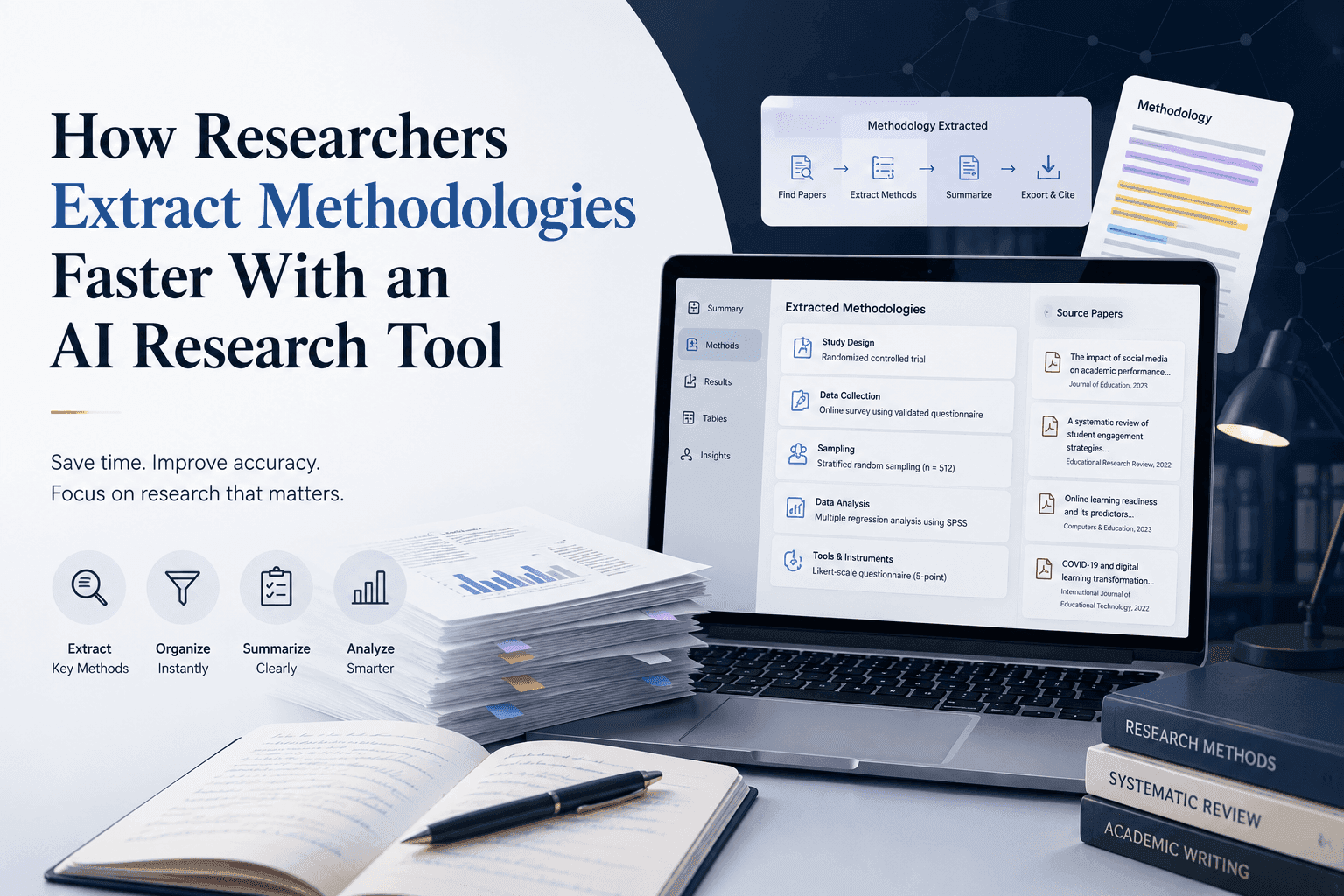
How Researchers Extract Methodologies Faster With an AI Research Tool
Learn how an AI research tool helps researchers extract methodologies from research papers, compare study designs, and accelerate literature reviews with AI-powered PDF analysis.
 Tram Ta
AI Tutorials
Learn how to use AI with practical, step-by-step tutorials.
The Vision Before the Draft: How Freelance Designers Win Clients from Day One
Vague briefs, slow mockups, and endless revisions can make freelance design projects harder to close. Discover how 1min.AI helps designers turn client ideas into clear concepts, visual directions, and professional mockups faster.
Lien Anh Vu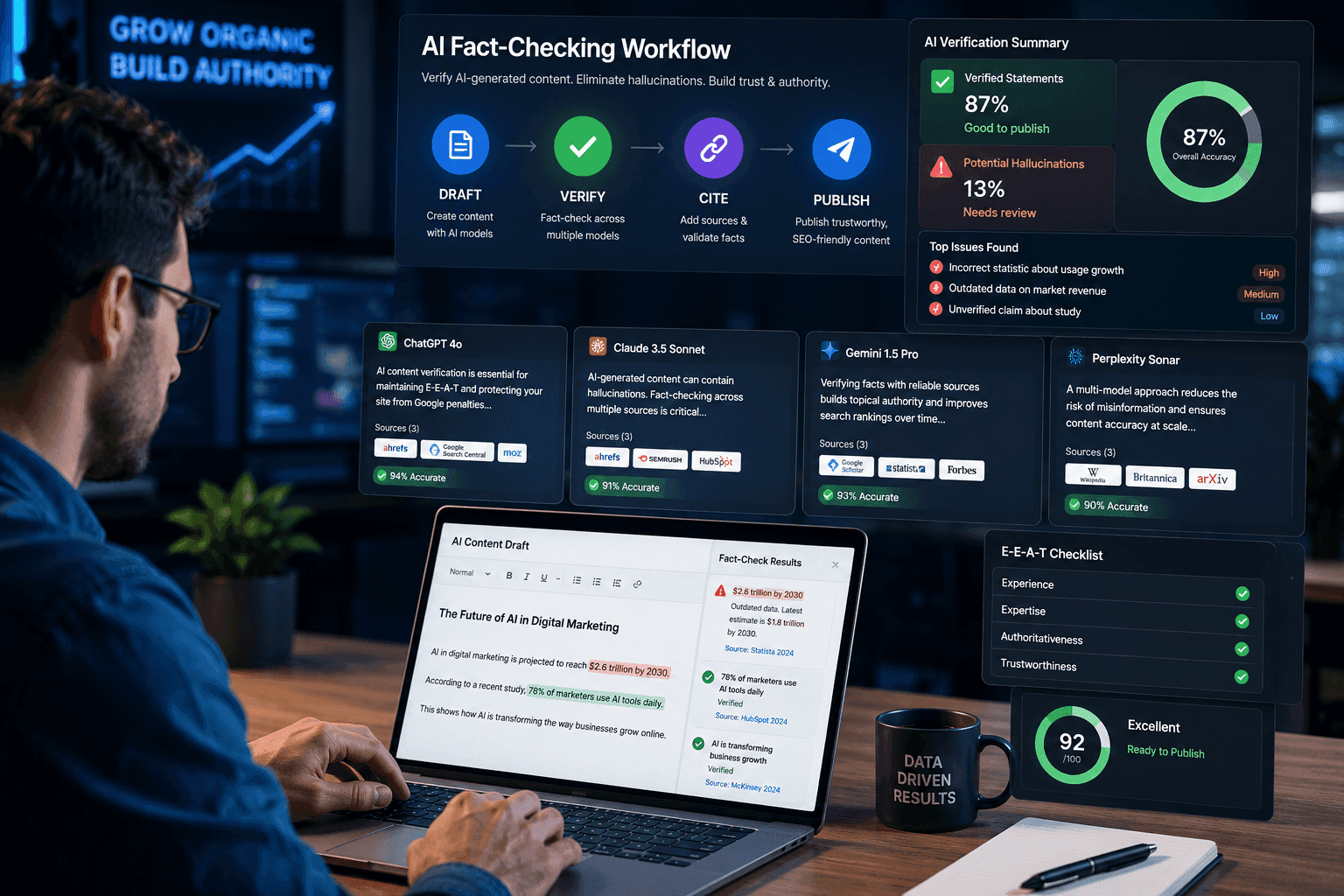
Verify AI-Generated Content with a 3-Step AI Fact-Checking Workflow
Fear AI hallucinations destroying your SEO? Learn how to verify AI-generated content using a multi-model AI fact checking tool to protect your rankings.Fear AI hallucinations destroying your SEO? Learn how to verify AI-generated content using a multi-model AI fact checking tool to protect your rankings.
Ngoc Hong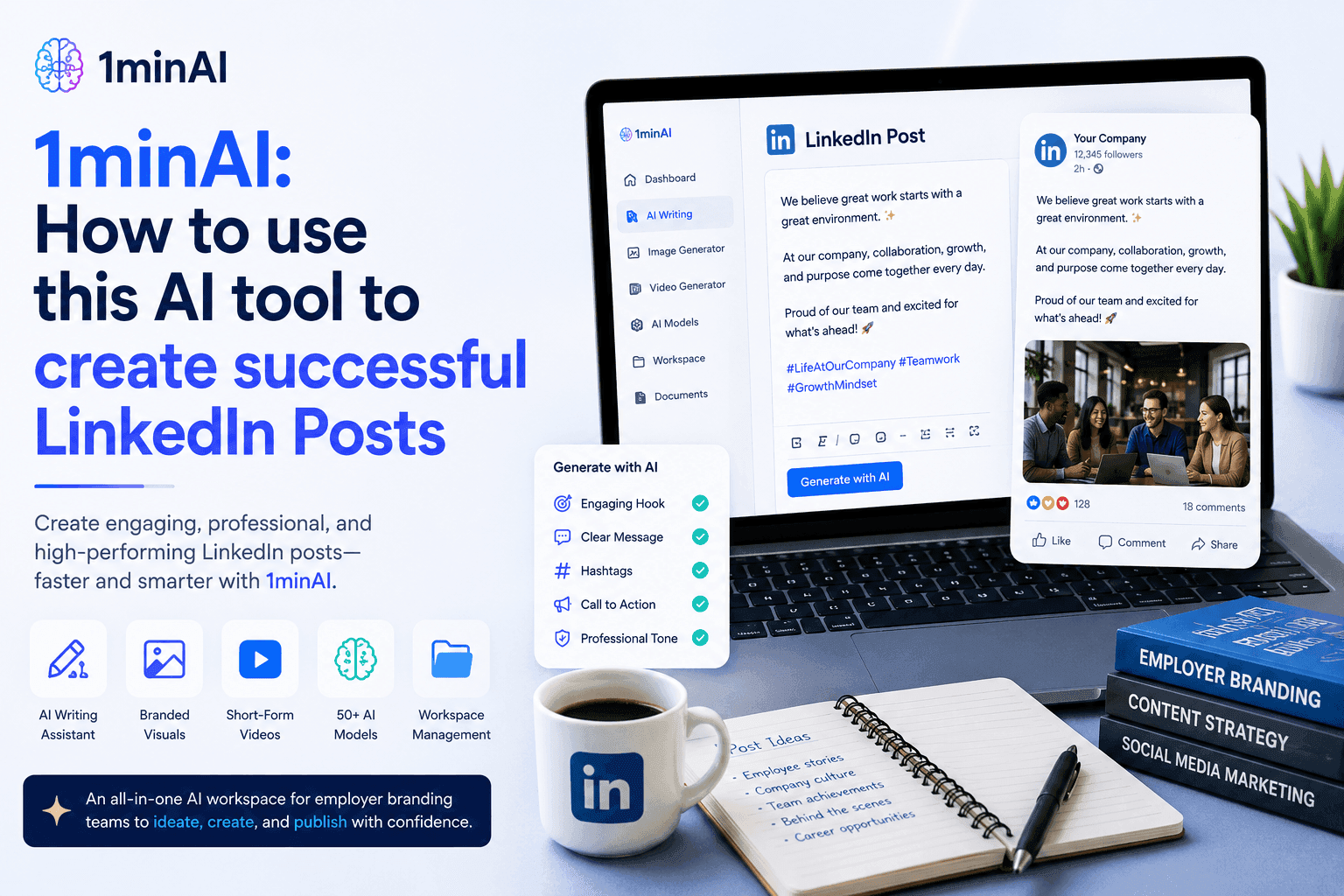
1minAI: How to use this AI tool to create successful LinkedIn Posts
Learn how AI tools help HR teams create engaging LinkedIn employer branding posts with 1minAI. Follow this step-by-step guide to generate professional content faster.
Tram TaAI Guides
Learn AI faster with practical guides, real-world examples, and actionable best practices.
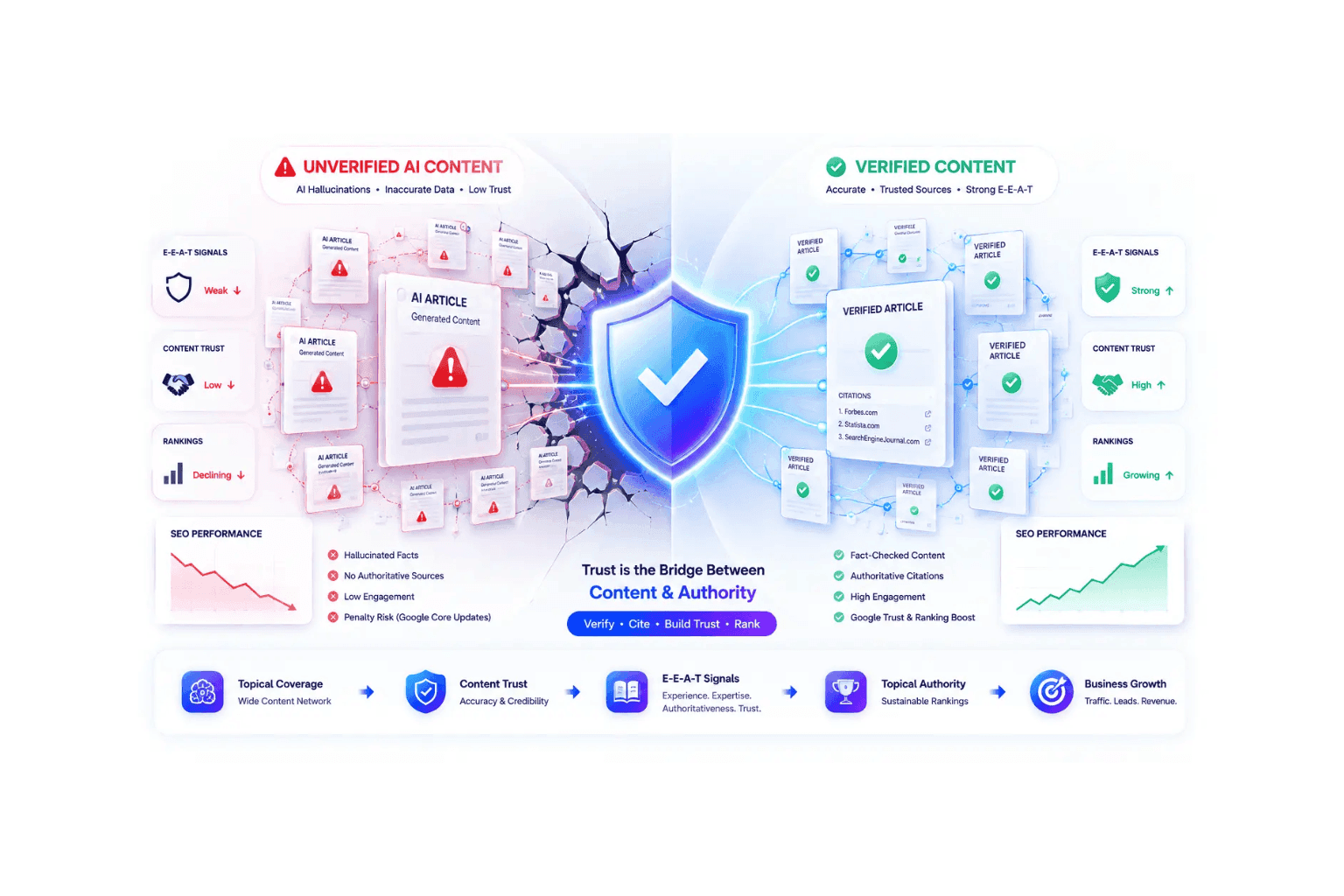
Topical Authority: How AI Hallucinations Hurt SEO Rankings
Building topical authority won't boost SEO rankings if AI hallucinations destroy credibility. Learn how to verify content and survive Google core updates.
Ngoc Hong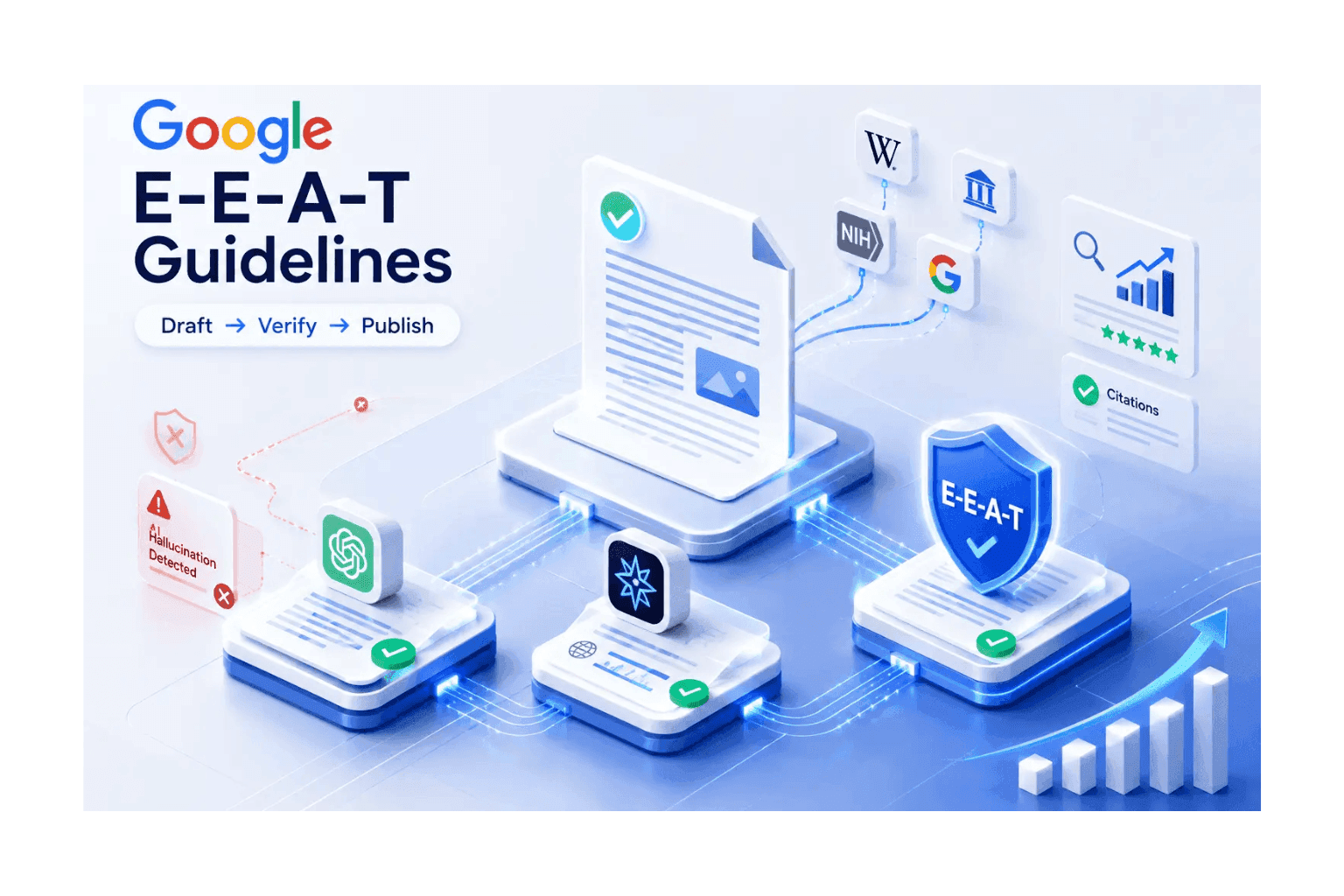
Google E-E-A-T Guide to Verify AI Content
Fear algorithmic penalties? Meet strict Google E-E-A-T guidelines by learning how to verify AI content. Use an AI hallucination checker to secure rankings.
Ngoc HongThe Vision Before the Draft: How Freelance Designers Win Clients from Day One
Vague briefs, slow mockups, and endless revisions can make freelance design projects harder to close. Discover how 1min.AI helps designers turn client ideas into clear concepts, visual directions, and professional mockups faster.
Lien Anh VuAI Solutions
Browse the best AI solutions for automation, coding, research, productivity, customer support, marketing, and business workflows.
The Vision Before the Draft: How Freelance Designers Win Clients from Day One
Vague briefs, slow mockups, and endless revisions can make freelance design projects harder to close. Discover how 1min.AI helps designers turn client ideas into clear concepts, visual directions, and professional mockups faster.
Lien Anh Vu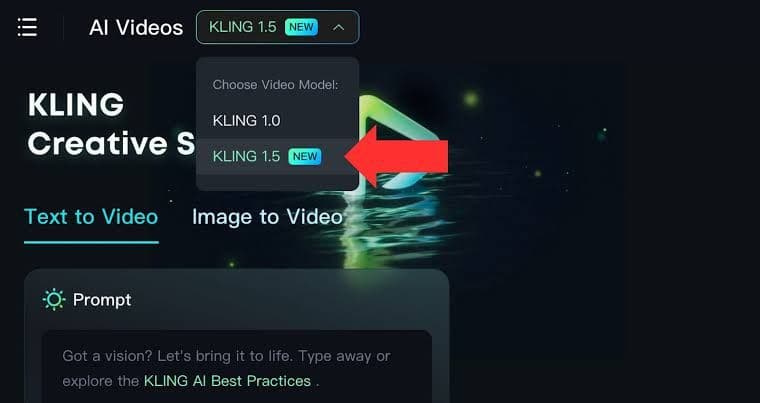
Free AI Video Creation with Kling 1.5
Engage in intelligent conversations with our AI Chatbot powered by the Claude 3 Opus Model. Experience the future of natural language processing and AI-powered chat.
 Uyen Hoang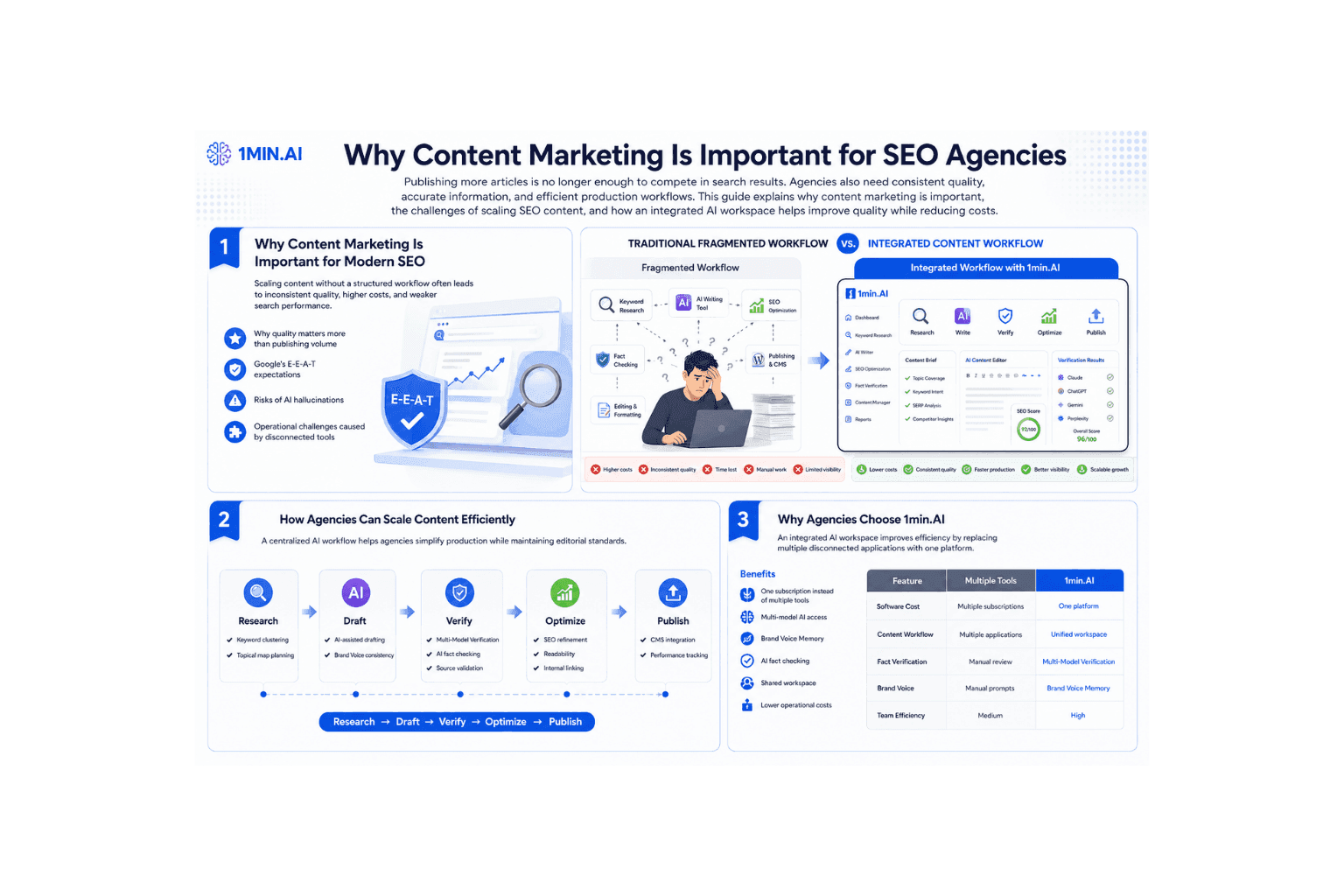
Why Content Marketing Is Important for SEO Agencies
Learn why content marketing is important for SEO agencies. Improve web content creation, maintain E-E-A-T, and scale content efficiently with 1min.AI.
Ngoc HongAI Models
Explore the world's leading AI models in one place.
The Vision Before the Draft: How Freelance Designers Win Clients from Day One
Vague briefs, slow mockups, and endless revisions can make freelance design projects harder to close. Discover how 1min.AI helps designers turn client ideas into clear concepts, visual directions, and professional mockups faster.
Lien Anh Vu
Free AI Chat with GPT OSS 120B
Setting a new benchmark for open-source AI. GPT-OSS-120B is a 120-billion-parameter language model optimized for high-precision reasoning, long-context understanding, and large-scale deployment.
Lien Anh Vu
Free AI Chat with Grok 3
Where next-generation AI begins. Grok 3 is xAI’s most powerful model, designed for speed, accuracy, and real-world insight.
Lien Anh VuAI Comparisons
Compare AI tools, models, and platforms to find the best fit for your needs.
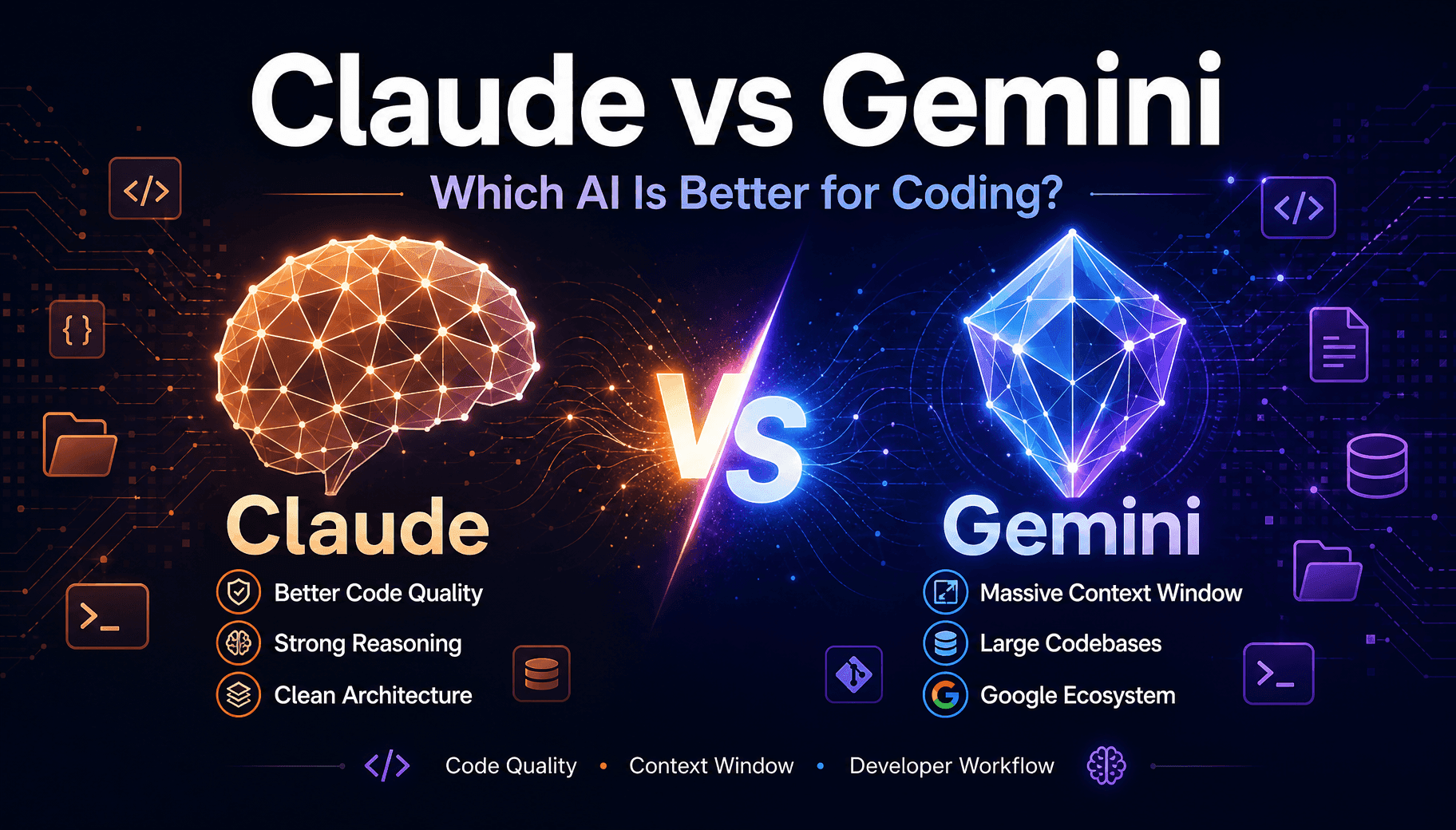
Claude vs Gemini For Coding: Which Wins
Claude vs Gemini for coding compared on code quality, context window, and dev tools. See which fits your stack, or run both inside 1min.AI.
 Trang Tran
Midjourney vs Ideogram: Which AI Should You Choose?
Compare Midjourney vs Ideogram to find the best AI image generator for your needs. Explore image quality, typography, features, and real-world use cases.
Trang Tran
Top 5 Best AI Tools for Researchers and Students in 2026
Discover the best AI tools for researchers and students to summarize papers, improve academic writing, analyze PDFs, and streamline research workflows.
Tram TaAI Integrations
Seamlessly integrate AI with the tools you already use to automate work and boost productivity.
How AI Integration Helps Teachers Plan, Teach, and Assess More Efficiently
Discover how AI integration helps teachers streamline lesson planning, presentations, classroom materials, assessments, and student engagement in one AI workspace.
Tram Ta
How AI Integration Helps Small Businesses Save Time and Reduce Software Costs
Discover how AI integration helps small businesses replace multiple AI apps with one workspace, improving productivity, reducing software costs, and streamlining daily workflows.
Tram Ta
Stop Switching Between AI Apps: How AI Integration Transforms Employer Branding
Discover how AI integration helps HR teams streamline employer branding by combining AI writing, documents, images, video, and multiple AI models into one workspace.
Tram TaAI for Industries
Find the best AI tools and workflows for healthcare, finance, education, legal, manufacturing, retail, real estate, and more.
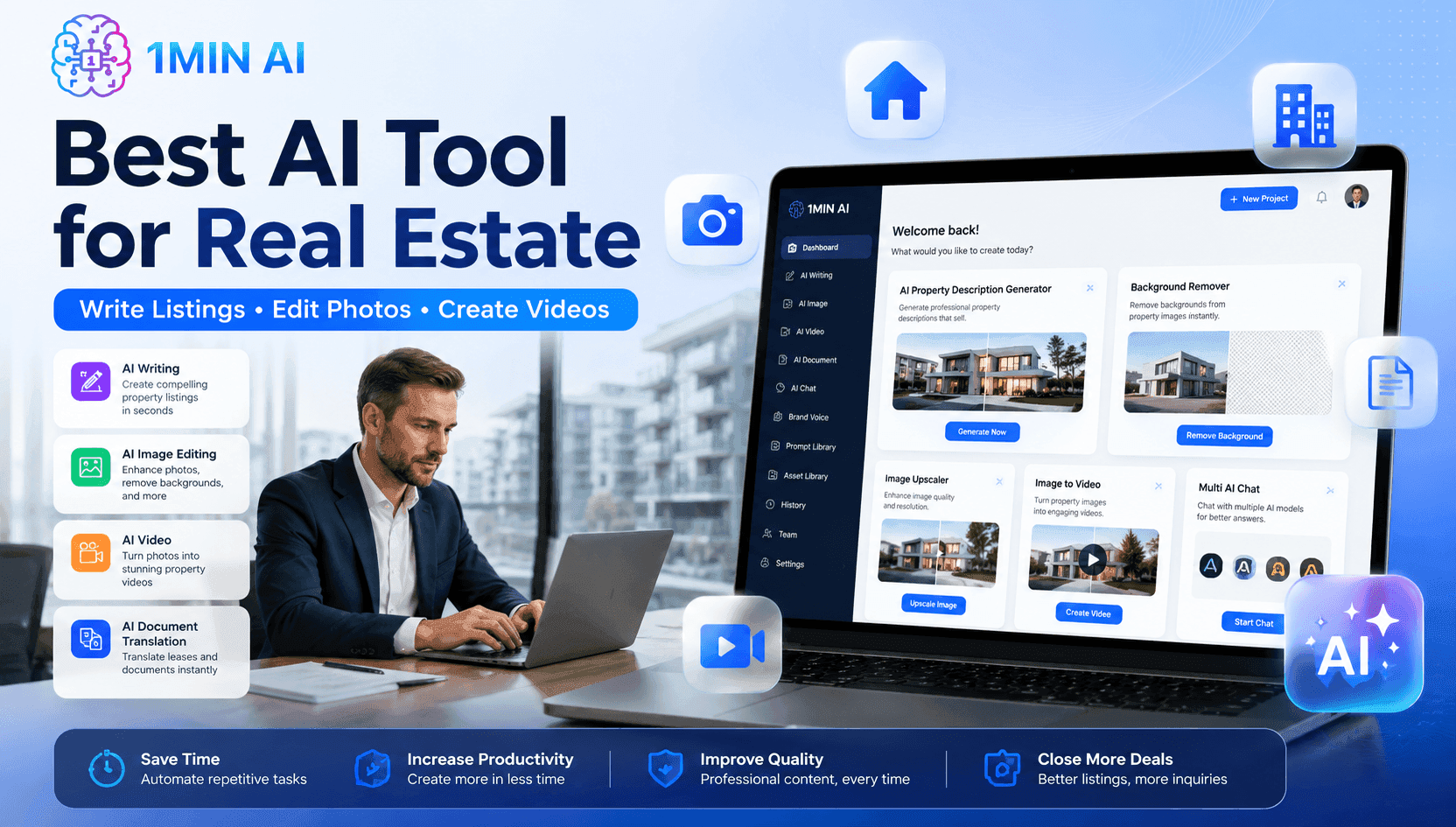
Best AI Tool for Real Estate Property Managers Use Today
Looking for the best AI tool for real estate? See how property managers use AI to write listings, edit photos, and create marketing videos in minutes.
Trang Tran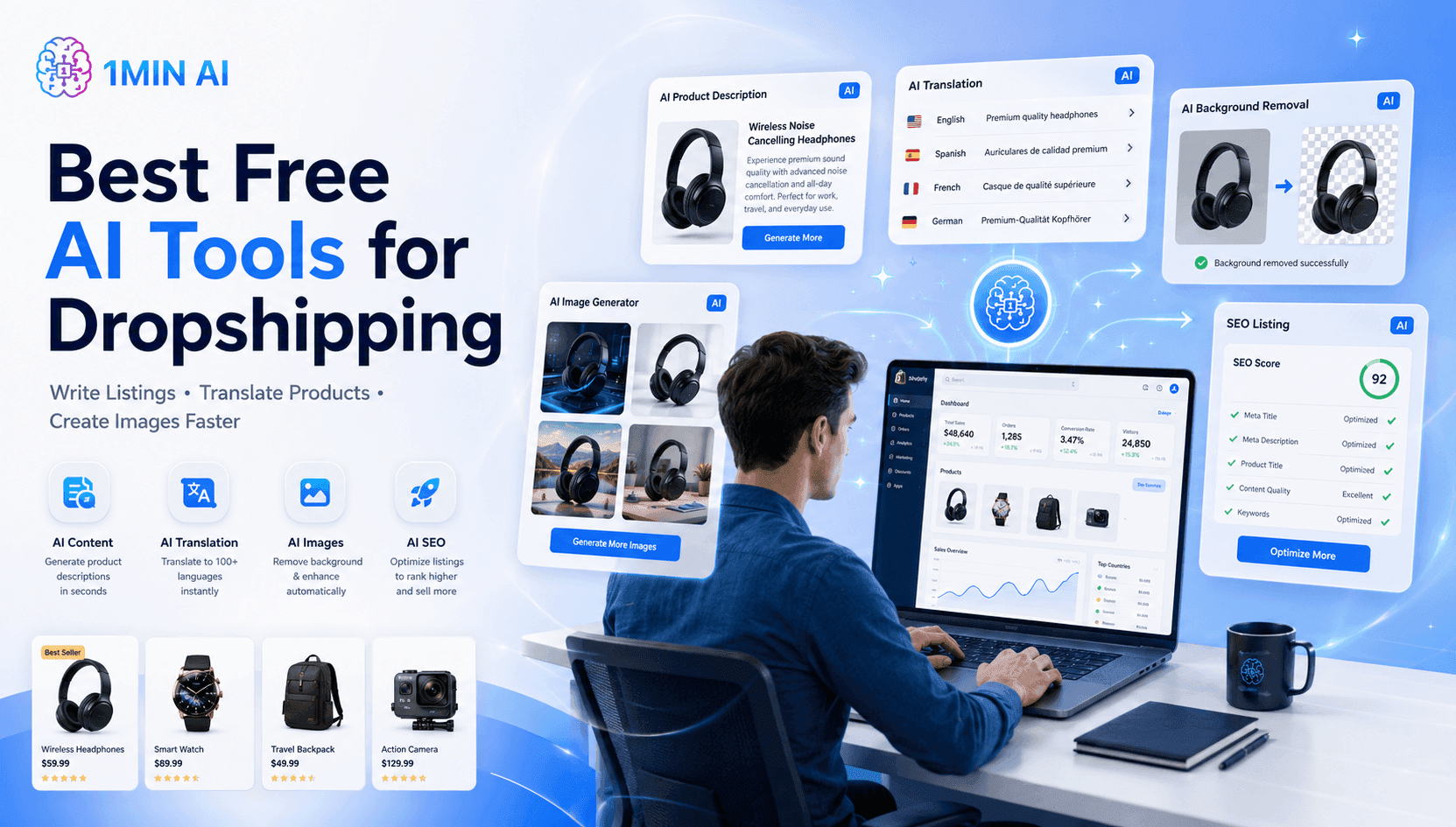
Best Free AI Tools for Dropshipping You Can Use Now
Free AI tools for Shopify dropshipping that write listings, generate images, and translate content in seconds, so you launch faster without extra spend.
Trang Tran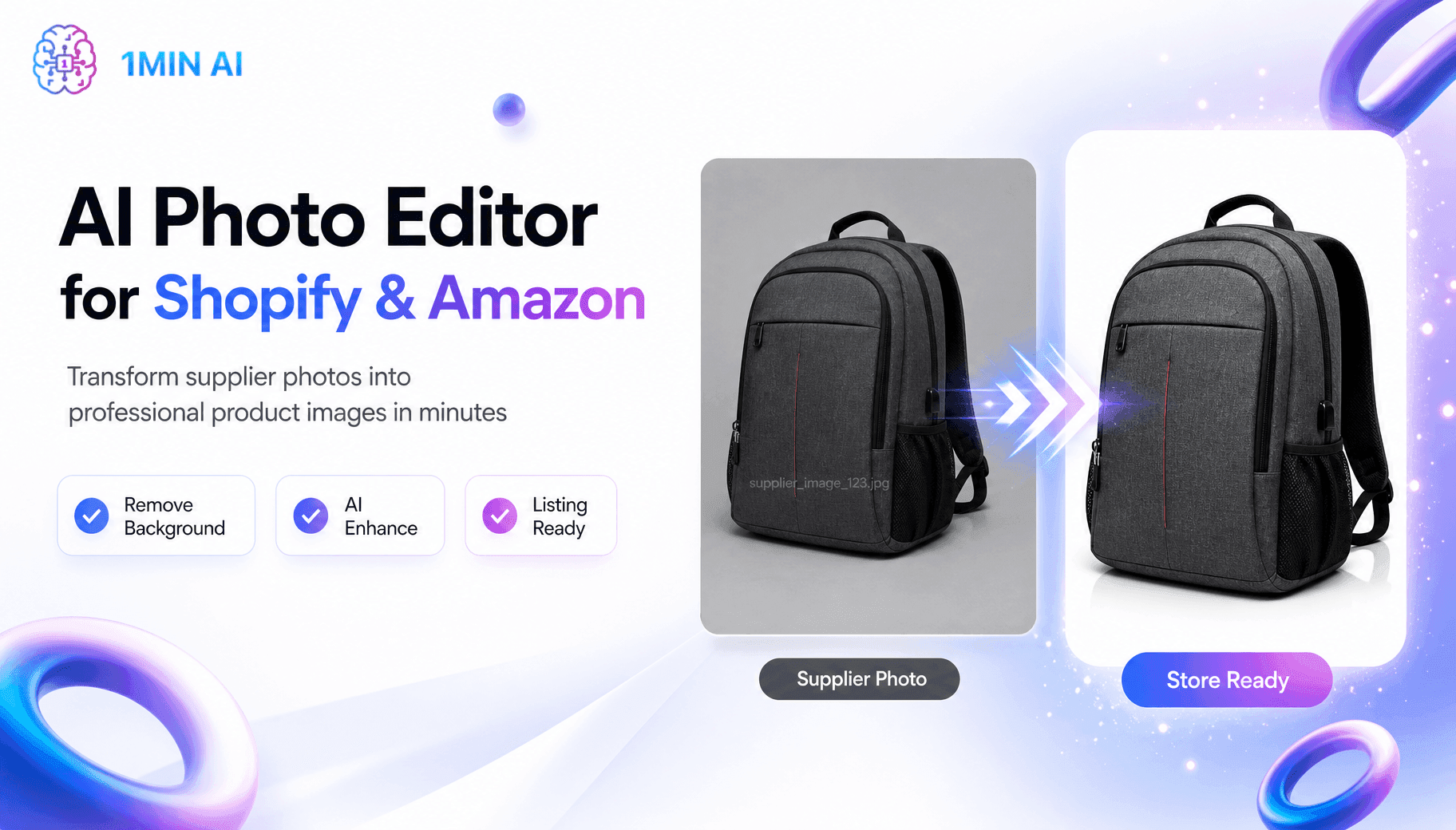
Free AI Shopify Photo Editor for Cross Border Sellers
Tired of low quality supplier photos? This free AI Shopify photo editor removes backgrounds and edits images before you list on Shopify or Amazon.
Trang TranAI Agents
Discover and run AI agents to automate tasks across your work and daily life.
5 AI Tools Every TikTok Creator Should Use Daily
Discover five essential AI tools that help TikTok creators find ideas, write scripts, create visuals, generate videos, and publish content faster.
Lien Anh Vu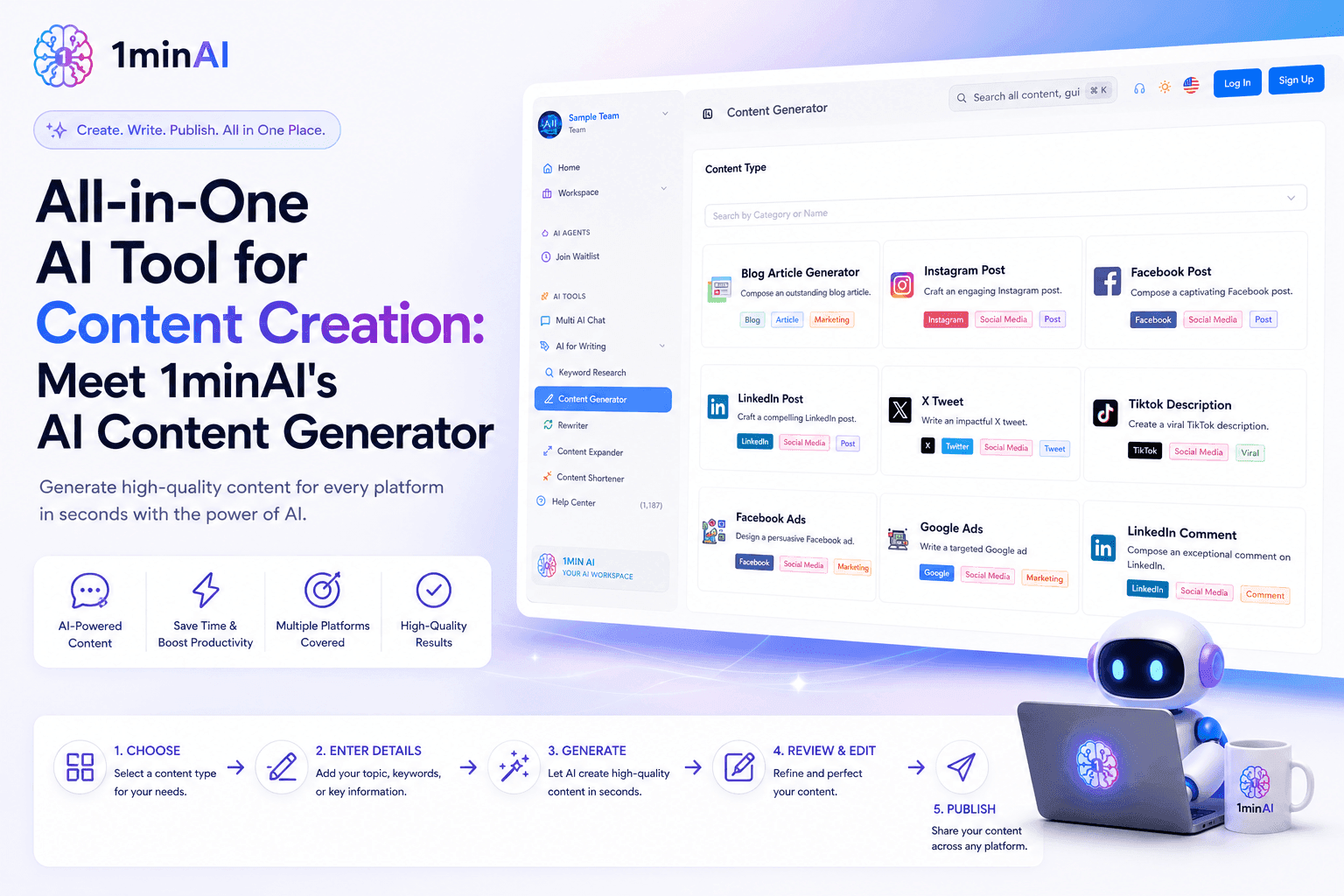
All-in-One AI Tool for Content Creation: Meet 1minAI's AI Content Generator
Discover how 1minAI's AI Content Generator helps create blogs, social posts, ads, emails, and marketing copy faster from one powerful AI tool.
Tram Ta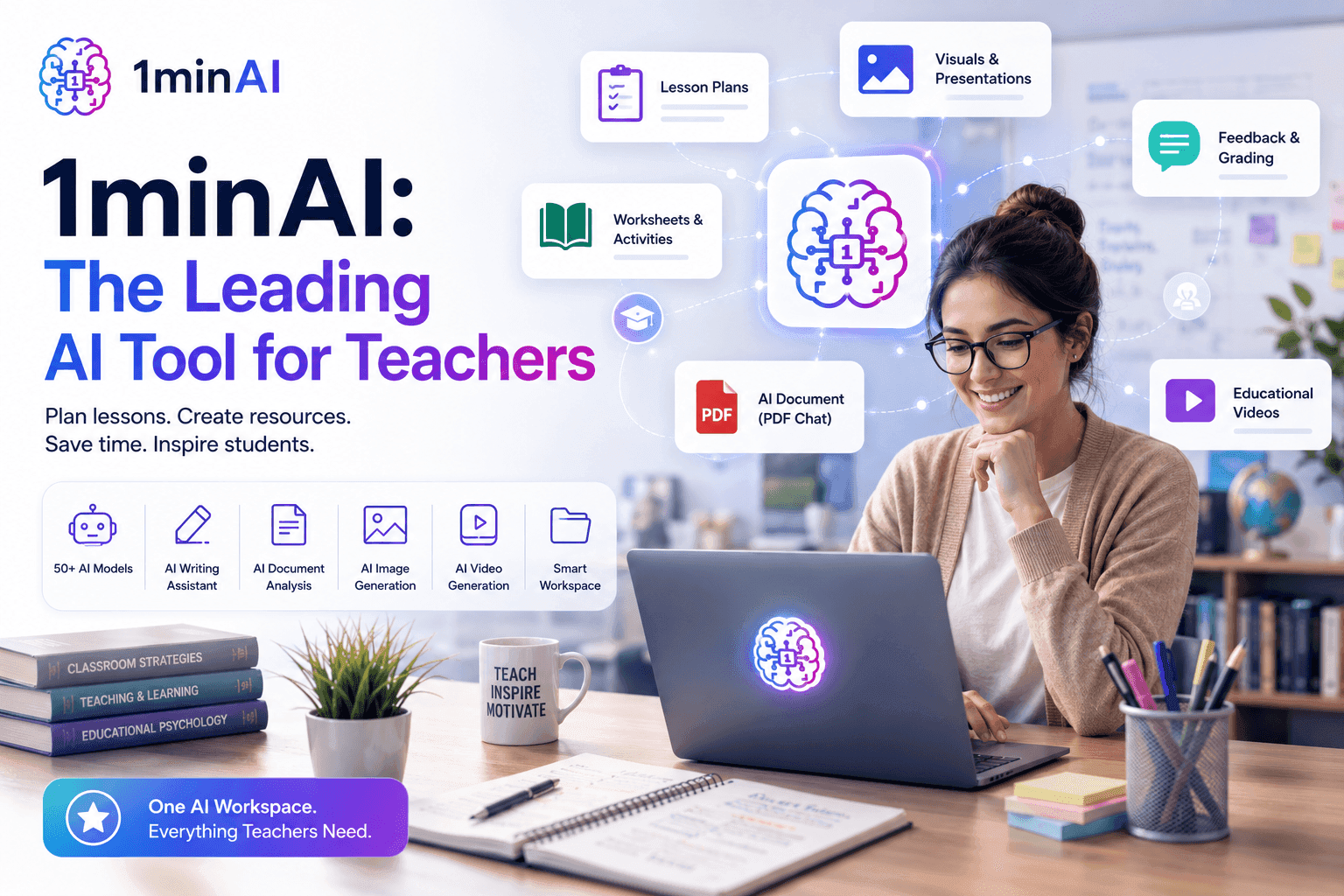
1minAI: The Top Ranking AI Tool for Teachers
Discover why 1minAI is a trusted AI tool for teachers. Create lesson plans, presentations, worksheets, quizzes, and classroom materials faster with one platform.
Tram TaAI Workflows
Explore ready-to-use AI workflows for productivity, marketing, sales, support, and more.
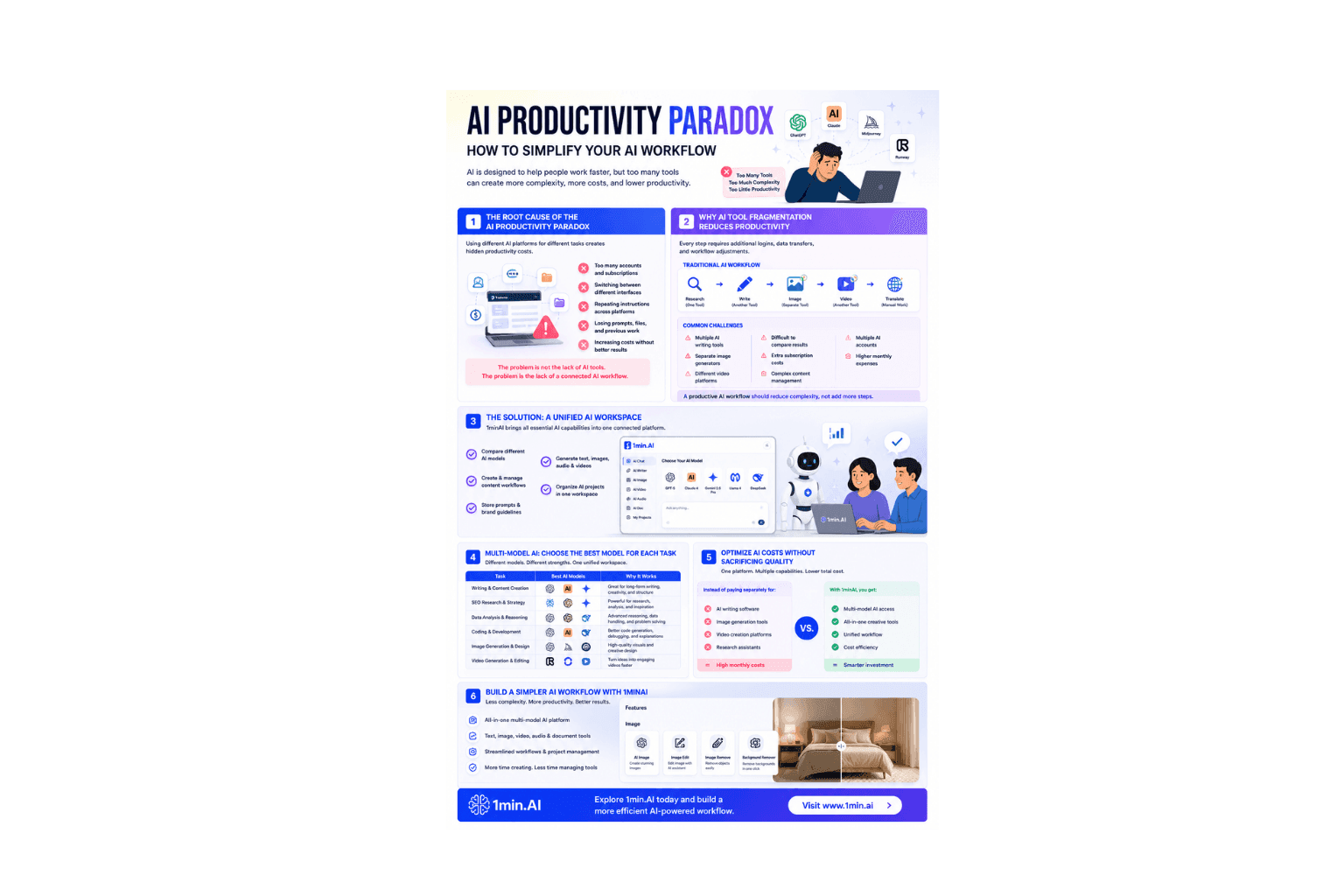
AI Productivity Paradox: How to Simplify Your AI Workflow
Learn how the AI productivity paradox slows your workflow and discover how a multi-model AI workspace helps you work faster with fewer tools.
Ngoc Hong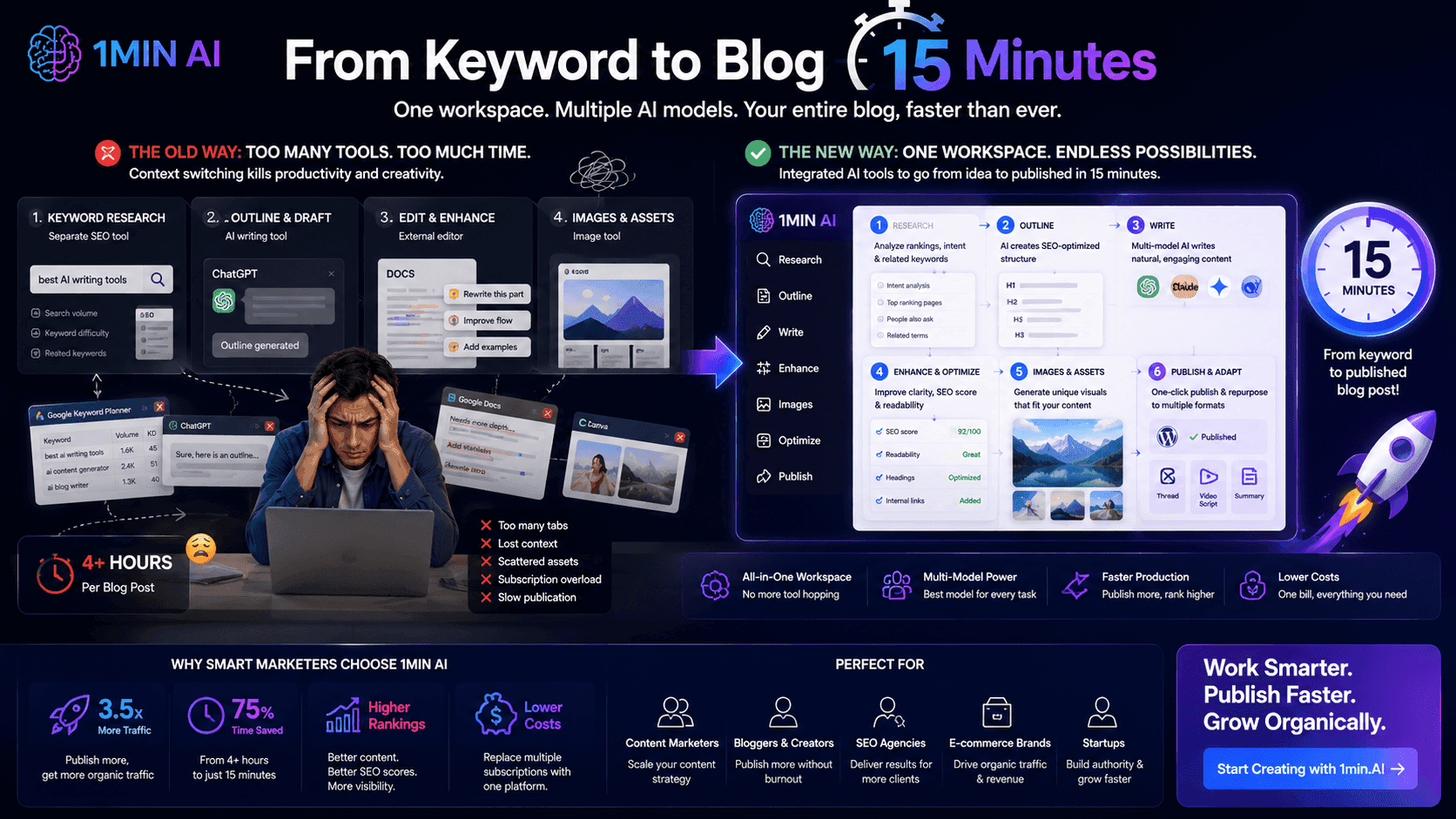
From Keyword to Blog in 15 Minutes
Stop wasting hours jumping between keyword research tools, text generators, and image apps. Learn how an integrated multi-model workspace slashes blog production time down to 15 minutes.
Uyen Hoang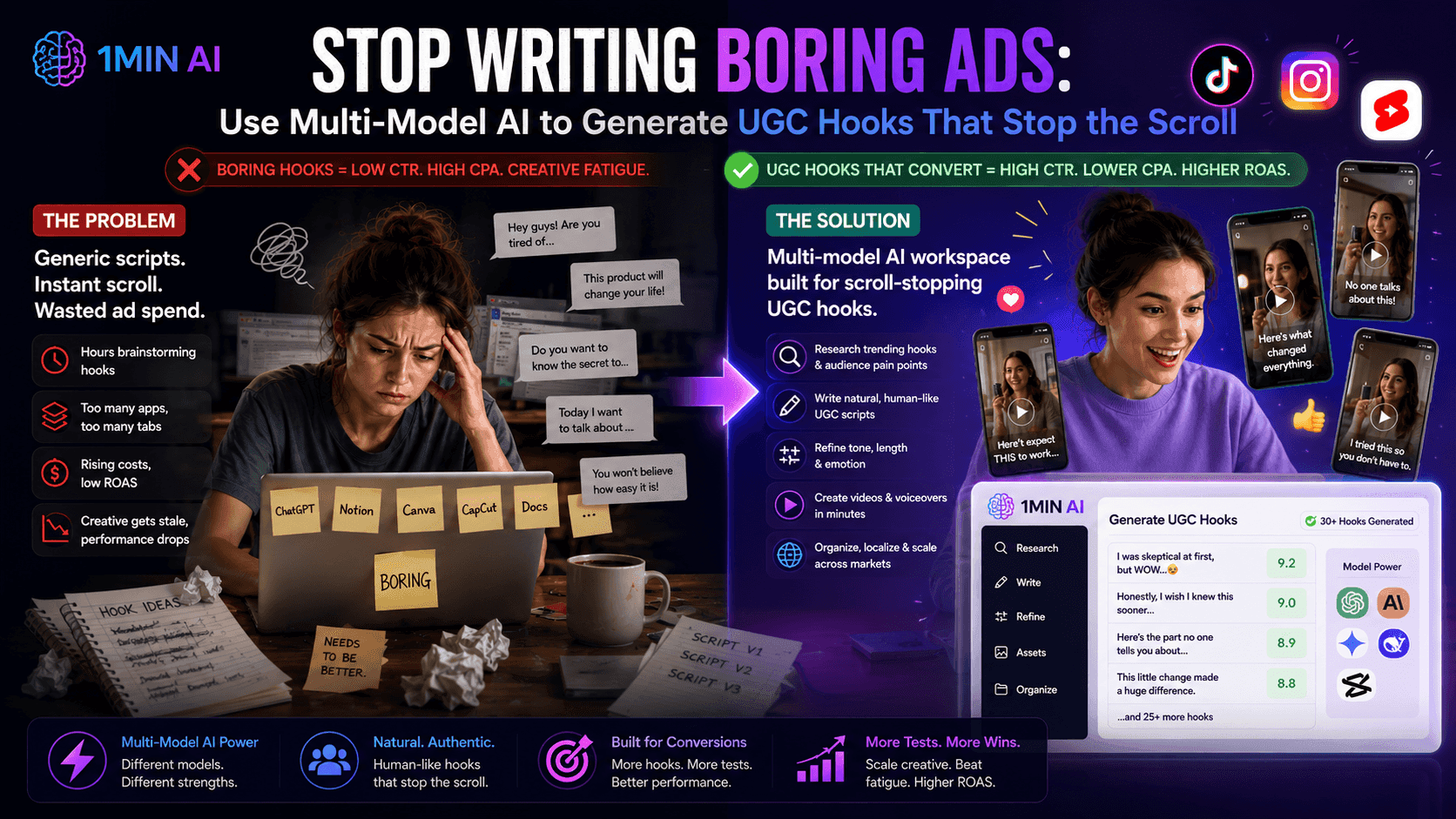
Use Multi-Model AI to Generate UGC Hooks
Is creative fatigue tanking your ROAS? Discover how to use a multi-model AI workspace to generate high-converting, natural-sounding UGC ad hooks that stop the scroll.
Uyen HoangNewsletter
Weekly AI Innovations with 1minAI
🔮 Weekly AI Innovations #130: 1minAI: Upgraded GPT 5.6 and AI Social
1minAI update the GPT-5.6 series and social media likes and comments.
 Hang Nguyen
🔮 Weekly AI Innovations #95: More voices for Google AI, Support for image and document uploads in the textbox
Upload files for instant AI processing and use expressive Google voices to make your content faster, clearer, and truly human.
Hang Nguyen
🔮 Weekly AI Innovations #129: Stable Diffusion 3.5, Bria Eraser and Free Credits
Discover the latest 1minAI updates: Stable Diffusion 3.5, Bria Eraser, and Agent Survey rewards. Unlock free AI credits and create faster.
Hang Nguyen