
1min AI vs Picsart

Ngoc Hong
July 31, 2026
Compare 1min AI vs Picsart for AI image generation, editing, pricing, features, and real-world results. Find the best AI design tool for your needs.
1minAI vs Picsart: Which AI Image Tool Wins?
AI image editing has changed the way creators, marketers, and businesses produce visual content. Instead of spending hours manually removing objects, enhancing images, or creating new designs, users can now complete complex tasks within seconds using AI.
However, choosing between multiple AI tools can be challenging. In this detailed 1minAI vs Picsart comparison, we analyze features, pricing, editing performance, and real-world use cases to help you decide which platform fits your workflow better.
1minAI vs Picsart: Different Approaches to AI Creativity
Both 1minAI and Picsart use artificial intelligence to simplify creative work, but they solve different problems.
1minAI focuses on providing access to multiple advanced AI models through one platform. It is designed for users who need powerful AI generation, precise image manipulation, and flexible creative control.
Picsart focuses on being an all-in-one creative studio. It combines photo editing, video creation, templates, branding tools, and social media features for everyday creators.
The right choice depends on whether you need advanced AI-powered editing capabilities or a complete content creation ecosystem.
1minAI Features: Built for Advanced AI Image Workflows
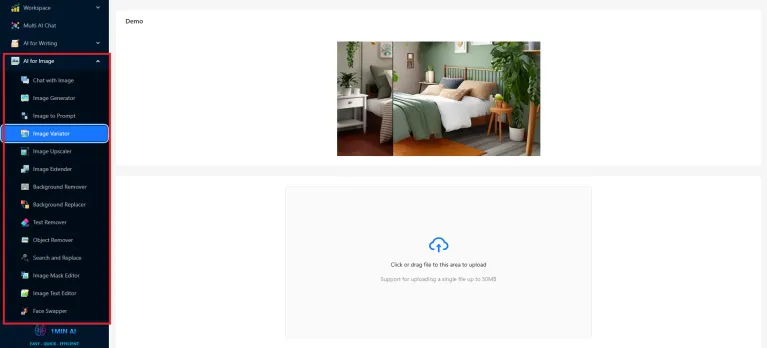
1minAI is designed for creators who want more control over AI-generated and edited images. Instead of relying on a single AI engine, it combines multiple AI models to handle different creative tasks.
Key 1minAI Image Features
| Feature | Benefit |
|---|---|
| AI Image Generator | Create original visuals from text prompts |
| Image Upscaler | Improve image resolution and details |
| Background Remover | Remove backgrounds automatically |
| Background Replacer | Change environments instantly |
| Image Variator | Generate creative variations |
| Object Remover | Delete unwanted elements naturally |
| Search and Replace | Modify specific objects inside images |
| Image Extender | Expand images with realistic AI-generated areas |
| Image to Prompt | Extract prompts from existing images |
For designers, photographers, and marketers, these tools reduce repetitive editing tasks while maintaining creative flexibility.
Picsart Features: A Complete Creative Platform
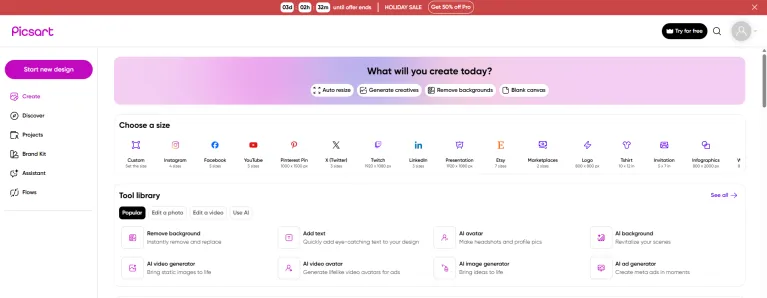
Picsart has built a strong reputation among social media creators and casual designers. Its biggest advantage is offering many creative tools inside one familiar interface.
Main Picsart Capabilities
| Category | Features |
|---|---|
| Photo Editing | Filters, effects, retouching, templates |
| AI Design | AI backgrounds, AI styles, image generation |
| Video Creation | AI video tools, editing features |
| Branding | Logos, templates, brand kits |
| Social Content | Resize tools and ready-made designs |
Picsart works especially well for users who create Instagram posts, advertisements, marketing materials, and short-form videos.
1minAI vs Picsart Pricing Comparison
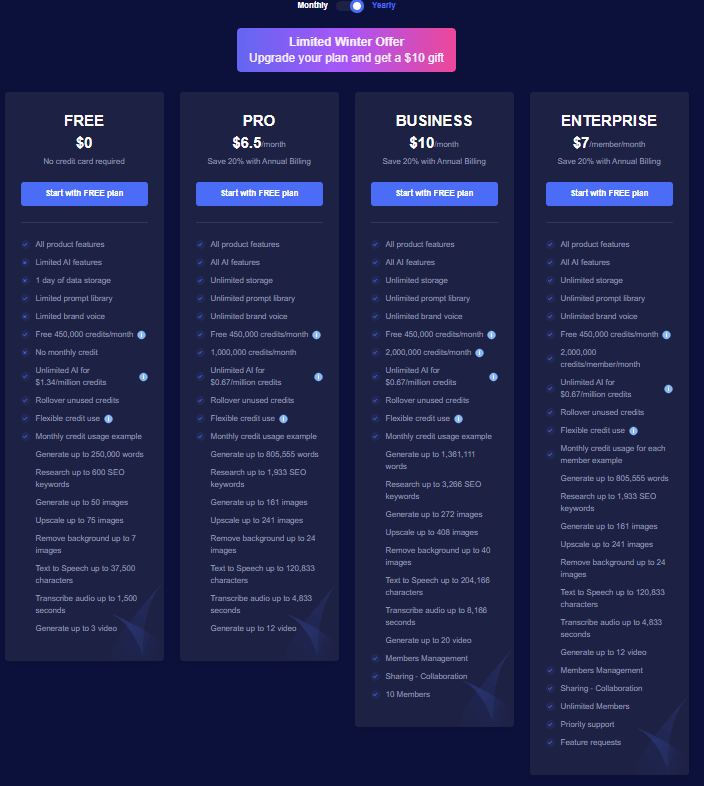
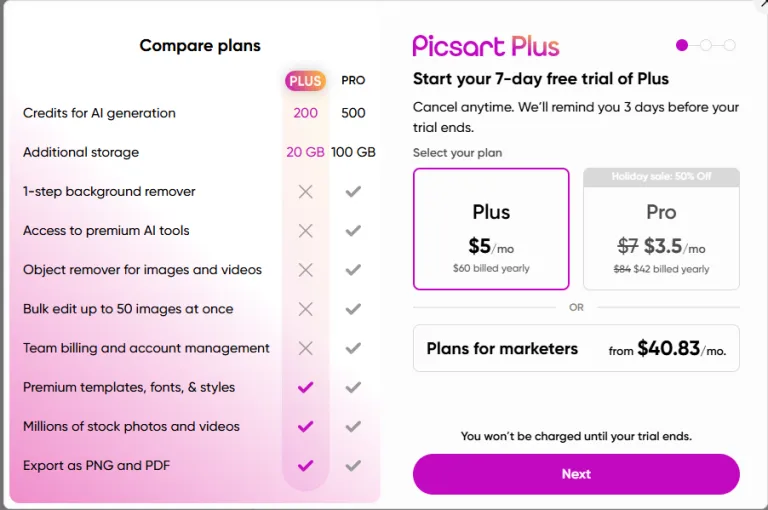
Pricing is an important factor when selecting an AI creative tool. Both platforms provide free options, but their paid plans target different types of users.
| Platform | Free Plan | Paid Plans | Best For |
|---|---|---|---|
| 1minAI | Free credits available | Pro, Business, Enterprise | AI-focused creators and professionals |
| Picsart | Free tools and trial options | Plus, Pro, Business plans | Social media and design users |
1minAI provides more flexibility for users who want to experiment with multiple AI capabilities without subscribing to many separate AI services.
Picsart offers value for users who prefer a complete creative workspace with editing, templates, and branding features.
Real-World Test: 1minAI vs Picsart AI Editing Performance
Feature lists do not always show the real quality of an AI tool. Practical testing reveals how accurately each platform handles complex editing tasks.
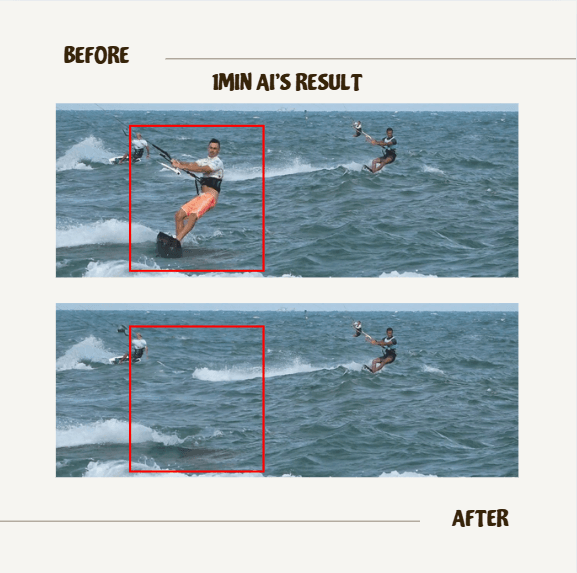
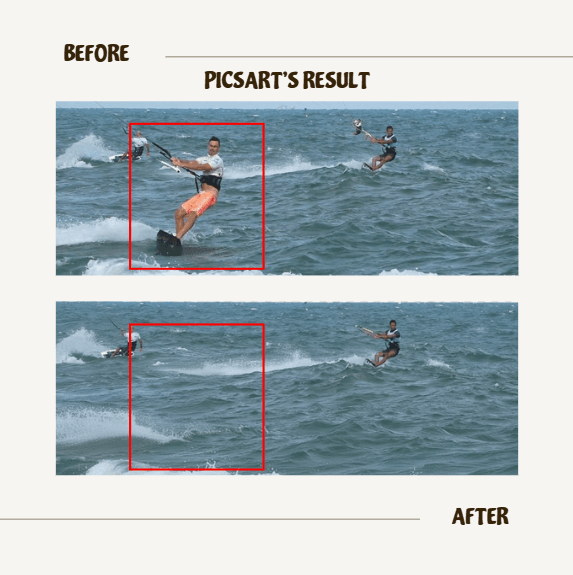
Test 1: AI Object Removal
Challenge: Remove a person from a busy beach image while keeping the water texture realistic.
Results
1minAI: The AI reconstructed the missing area naturally. Waves, lighting, and surrounding details remained consistent.
Picsart: The object removal worked successfully and produced a clean result. However, complex backgrounds may require additional adjustments.
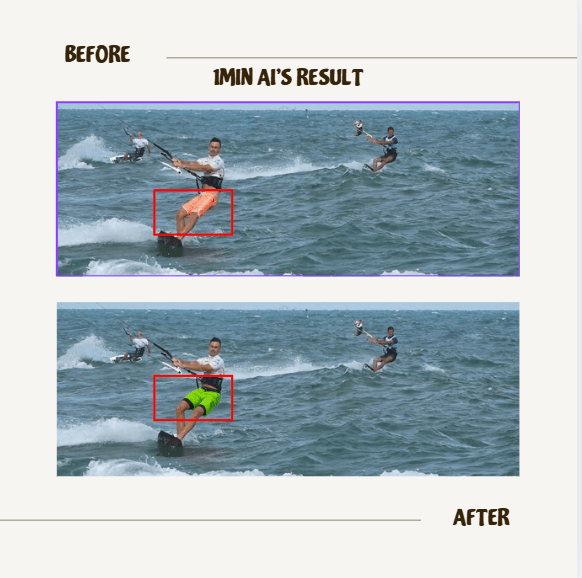
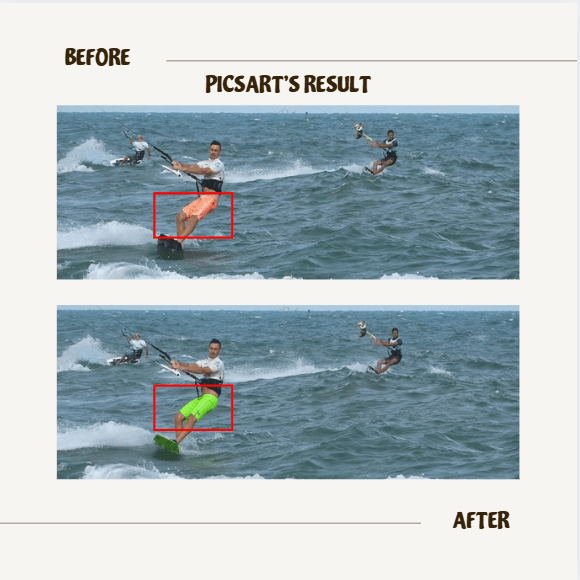
Test 2: AI Color Replacement
Challenge: Change clothing color while preserving shadows, texture, and lighting.
Results
Both platforms performed strongly. They identified the target area accurately and maintained realistic details.
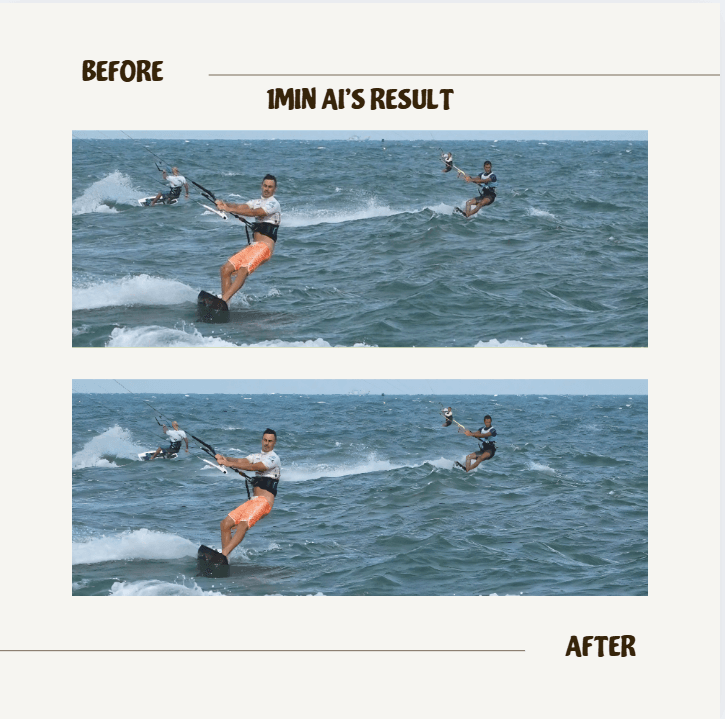
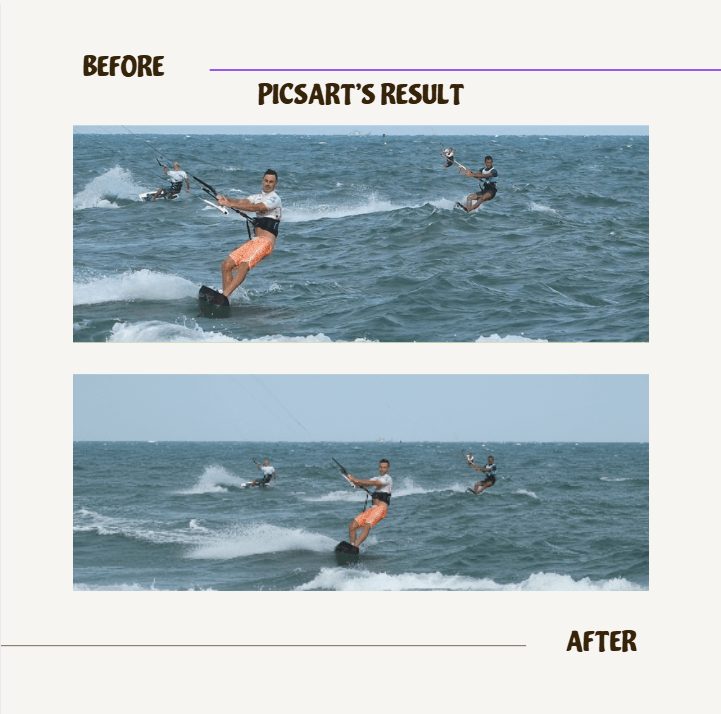
Test 3: AI Image Extension
Challenge: Expand an image by adding new sky and foreground areas without changing the original subject.
Results
1minAI produced a seamless extension with consistent lighting and natural environmental details.
Picsart successfully expanded the image but showed slight distortion in some areas.
Which AI Image Tool Should You Choose?
The best choice depends on your creative goals, workflow, and required level of control.
Choose 1minAI If You Need:
- Advanced AI image generation
- Multiple AI models in one platform
- Professional image manipulation
- AI upscaling and restoration
- Object replacement and removal
- More technical creative control
1minAI is ideal for designers, photographers, marketers, freelancers, and businesses that rely heavily on AI-generated visuals.
Choose Picsart If You Need:
- Fast social media designs
- Templates and ready-made assets
- Video editing features
- Branding tools
- Beginner-friendly workflows
Picsart is a strong option for content creators, influencers, and small businesses producing daily marketing content.
Alternatives
Discover the best alternatives to 1minAI and compare features, pricing, and use cases.

1min.AI vs OpenRouter
1min.AI vs. OpenRouter: Compare the ready-to-use AI creation product against the technical API tool. Find out if you need a zero-code creative studio or a coding infrastructure hub.
 Ngoc Hong
1min.AI vs Chatplayground AI
Compare 1min.AI (Voice Cloning, Object Removal, Team Plans) vs. ChatPlayground AI (14+ Models, Teams/O365 Integration). Discover the superior platform for predictable pricing and long-term content production growth.
Ngoc Hong
1min.AI vs MerlinAI
Compare 1min.AI vs Merlin AI across AI models, pricing, image generation, video, audio, browser integration, and productivity tools. Discover which AI platform offers the best value for creators, professionals, and businesses.
Ngoc HongAI Tools
Discover the best AI tools to boost productivity, creativity, and everyday work.

AI Hallucination Checker for Accurate YMYL Content
Use an AI hallucination checker to verify AI-generated content, improve AI content accuracy, strengthen EEAT signals, and reduce YMYL publishing risks.
Ngoc Hong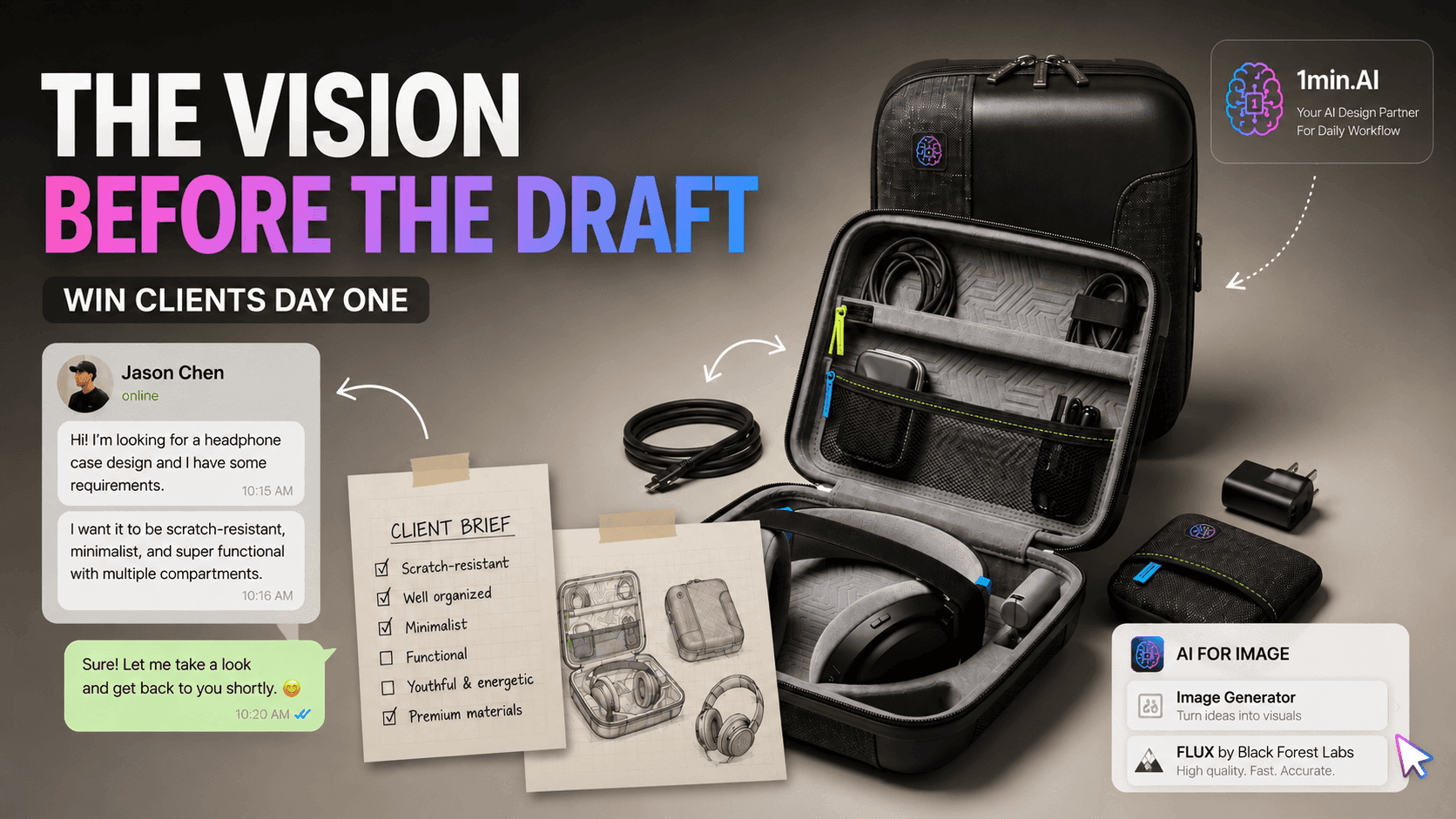
The Vision Before the Draft: How Freelance Designers Win Clients from Day One
Vague briefs, slow mockups, and endless revisions can make freelance design projects harder to close. Discover how 1min.AI helps designers turn client ideas into clear concepts, visual directions, and professional mockups faster.
 Lien Anh Vu
Free AI Paraphraser
Our AI Content Paraphraser rewrites and rephrases your text in seconds. Improve content variety, avoid plagiarism, and boost SEO.
 Trang Tran
AI Features
Comprehensive AI features that streamline workflows, improve efficiency, and empower teams to achieve more.
Free AI Chat with GLM-5.2 (Z.AI)
Built for solid 1M-token context handling, open-source SOTA coding, and long-horizon engineering capabilities. GLM-5.2 by Z.AI is the premier open-source flagship model engineered for massive codebase analysis and flexible effort control.
 Tram Ta
Free AI Chat with GLM-5.1 (Z.AI)
Built for 8-hour autonomous work loops and closed-loop engineering deliverables. GLM-5.1 by Z.AI delivers a major leap in long-horizon task execution, complex agentic workflows, and production-grade deliverables.
Tram Ta
Free AI Chat with GLM-5 (Z.AI)
Built for open-source frontier reasoning, heavy coding tasks, and multi-step agentic execution. GLM-5 by Z.AI delivers 744B-parameter Mixture-of-Experts (MoE) performance designed to handle enterprise-level software engineering and long-horizon workflows.
Tram TaAI Use Cases
A curated collection of AI use cases for business, productivity, and industry-specific applications.
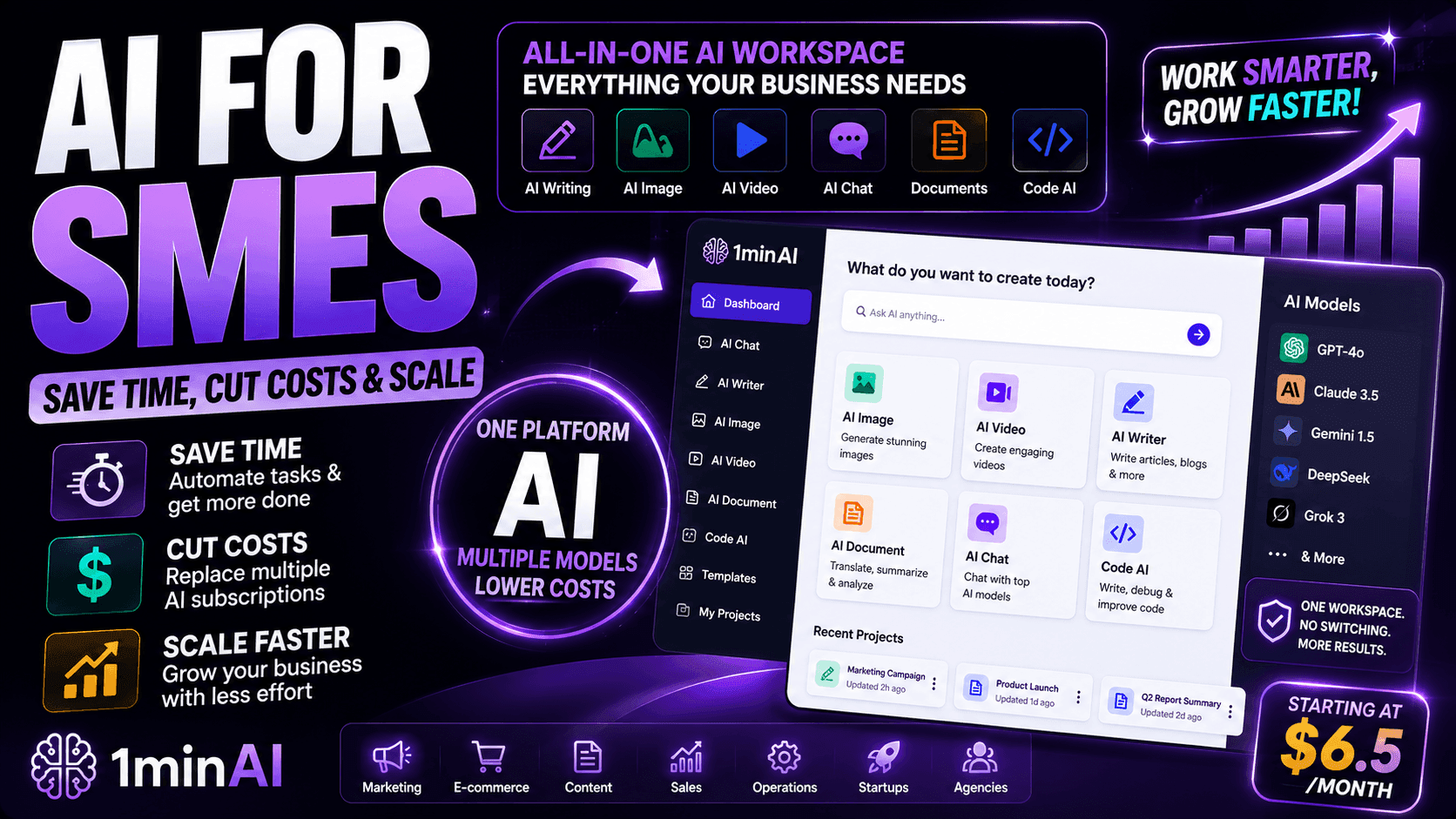
AI for SMEs: Save Time, Cut Costs & Scale with 1minAI
Discover how AI for SMEs helps automate writing, images, videos, documents, and coding - all in one workspace to save time, reduce costs, and grow faster.
Ngoc Hong
Best AI Tools for Market Research for Solo Founders
Discover the best AI tools for market research to analyze competitors, validate startup ideas, and uncover customer insights faster with 1minAI.
Tram Ta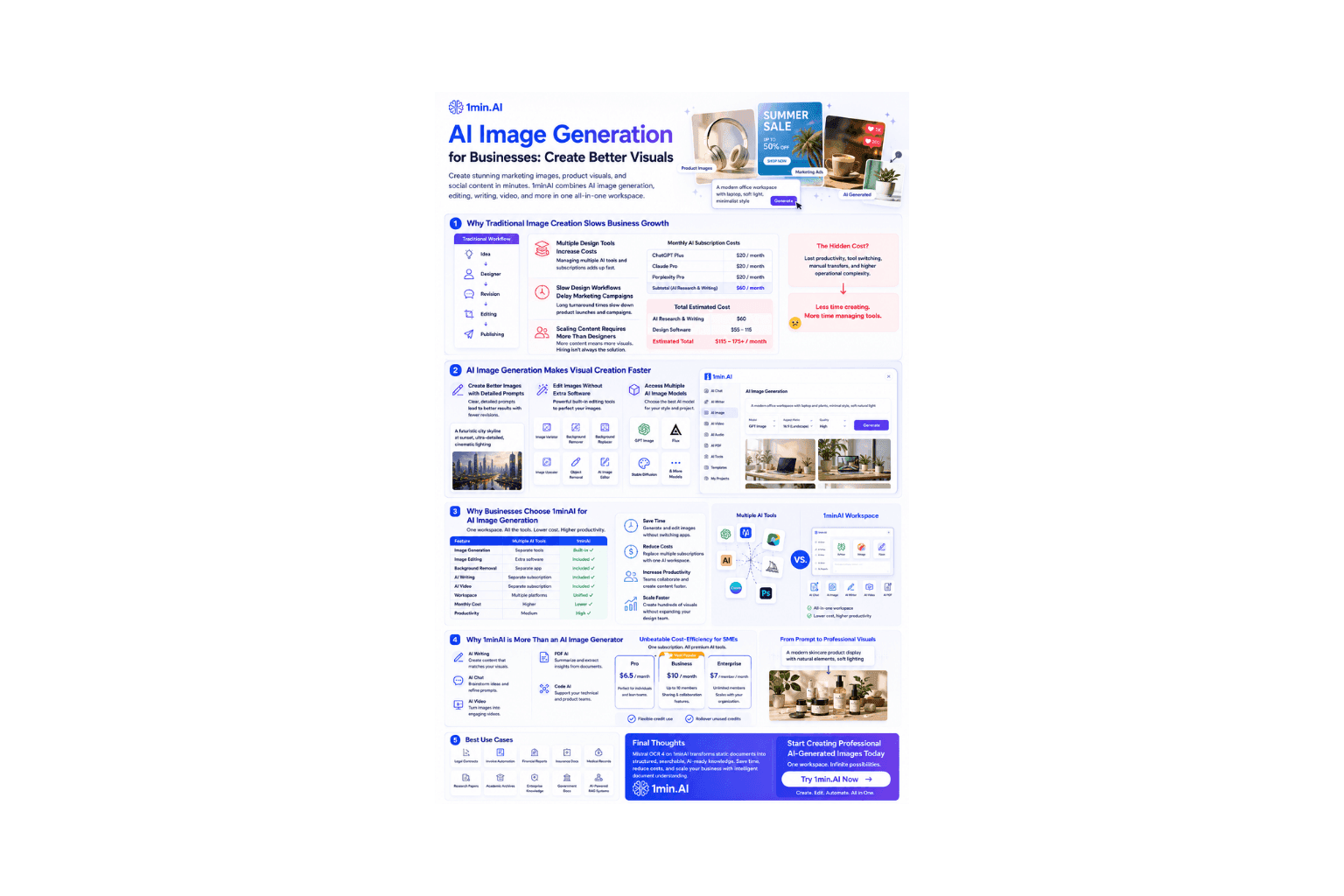
AI Image Generation
Discover how AI Image Generation helps businesses create marketing visuals, product images, and social content faster with 1minAI.
Ngoc HongAI Tutorials
Learn how to use AI with practical, step-by-step tutorials.
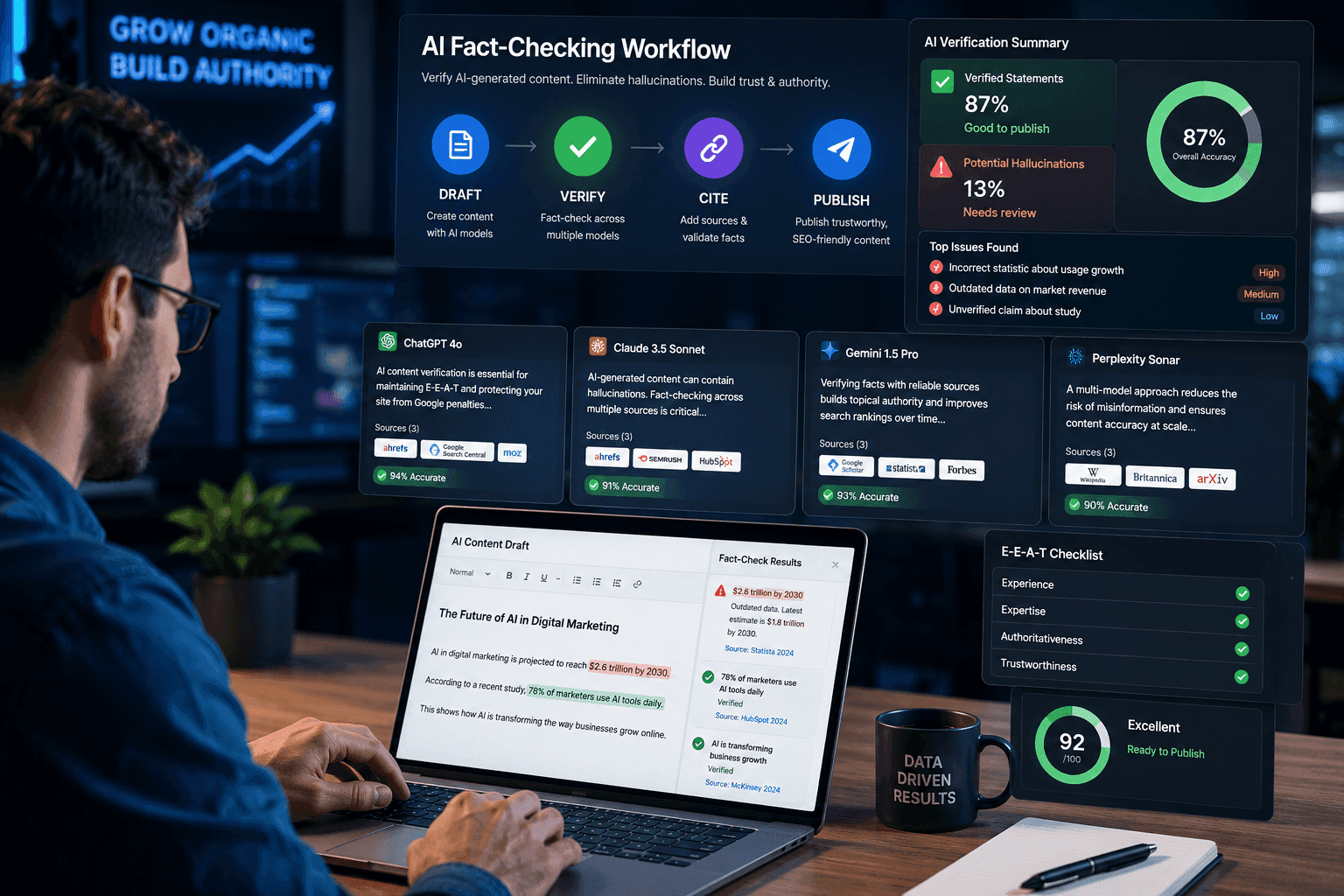
Verify AI-Generated Content with a 3-Step AI Fact-Checking Workflow
Fear AI hallucinations destroying your SEO? Learn how to verify AI-generated content using a multi-model AI fact checking tool to protect your rankings.Fear AI hallucinations destroying your SEO? Learn how to verify AI-generated content using a multi-model AI fact checking tool to protect your rankings.
Ngoc Hong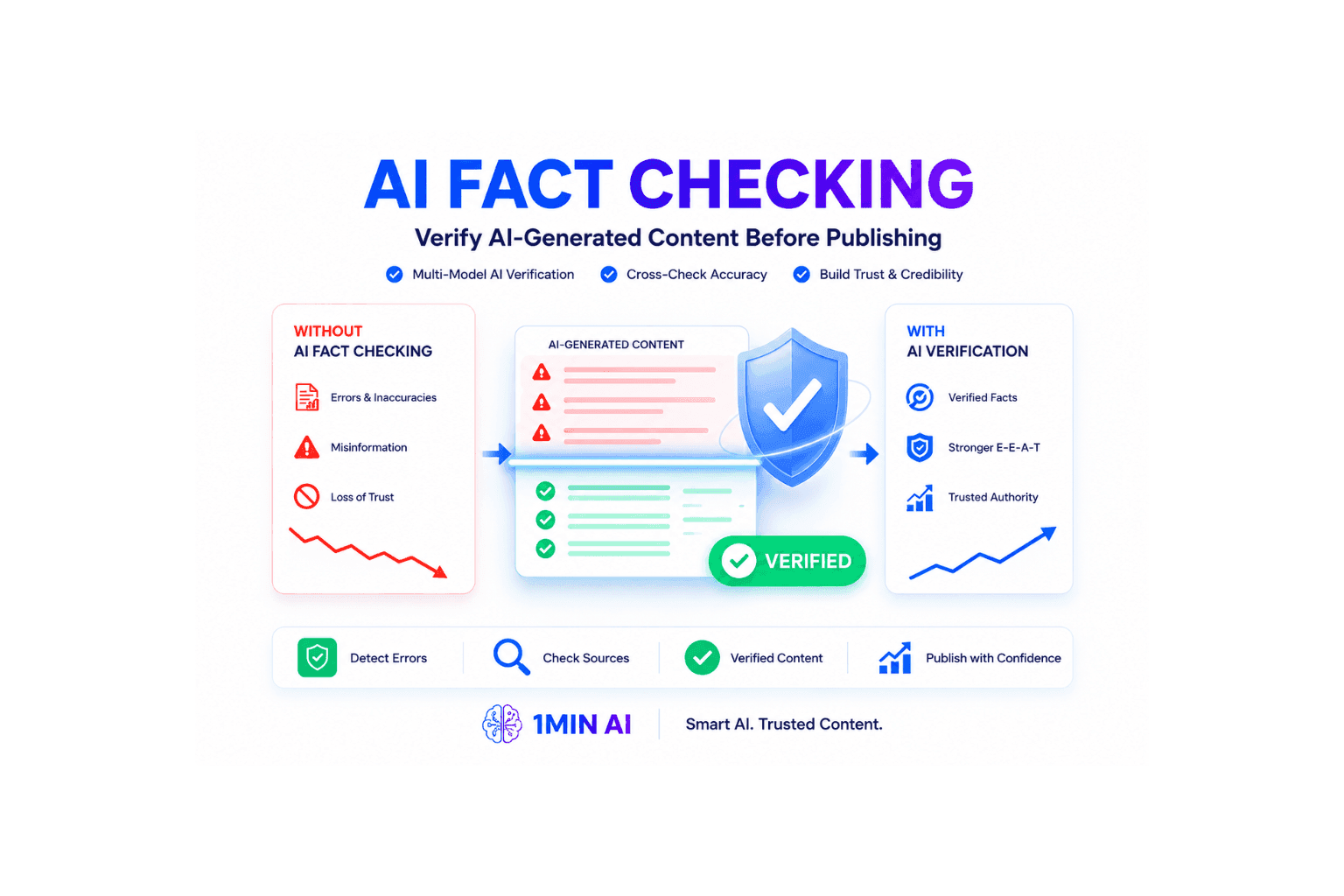
How to Verify AI-Generated Content: AI Fact Checking Guide
Learn how to verify AI-generated content and protect your site from Google penalties. Discover the best AI fact checking workflow to build topical authority SEO.
Ngoc HongThe Vision Before the Draft: How Freelance Designers Win Clients from Day One
Vague briefs, slow mockups, and endless revisions can make freelance design projects harder to close. Discover how 1min.AI helps designers turn client ideas into clear concepts, visual directions, and professional mockups faster.
Lien Anh VuAI Guides
Learn AI faster with practical guides, real-world examples, and actionable best practices.
How AI Tools Help Employer Branding Teams Attract Gen Z Talent
Discover how AI tools help employer branding teams create engaging recruitment content, attract Gen Z talent, and streamline hiring campaigns with 1minAI.
Tram TaThe Vision Before the Draft: How Freelance Designers Win Clients from Day One
Vague briefs, slow mockups, and endless revisions can make freelance design projects harder to close. Discover how 1min.AI helps designers turn client ideas into clear concepts, visual directions, and professional mockups faster.
Lien Anh Vu
Best AI Marketing Tools: Why Businesses Choose 1minAI
Discover why 1minAI is one of the best AI marketing tools. Create content, images, and videos with 50+ AI models in one workspace.
Tram TaAI Solutions
Browse the best AI solutions for automation, coding, research, productivity, customer support, marketing, and business workflows.
How to Verify AI-Generated Content: AI Fact Checking Guide
Learn how to verify AI-generated content and protect your site from Google penalties. Discover the best AI fact checking workflow to build topical authority SEO.
Ngoc HongThe Vision Before the Draft: How Freelance Designers Win Clients from Day One
Vague briefs, slow mockups, and endless revisions can make freelance design projects harder to close. Discover how 1min.AI helps designers turn client ideas into clear concepts, visual directions, and professional mockups faster.
Lien Anh Vu
Free AI Video Generation with Veo 3.1
Create cinematic AI videos with Veo 3.1 on 1min.AI. Generate realistic videos with synchronized audio, dialogue, motion, and 4K-quality visuals for marketing, storytelling, and content creation.
Ngoc HongAI Models
Explore the world's leading AI models in one place.
CLAUDE 4.6 SONNET AWS BEDROCK US AI MODEL
Explore Claude 4.6 Sonnet AWS Bedrock US with regional deployment, 1M context, enterprise security, and seamless AI access through 1minAI.
Ngoc Hong
CLAUDE 4.6 SONNET - AWS BEDROCK GLOBAL
Explore Claude 4.6 Sonnet AWS Bedrock Global with 1M context, Computer Use, prompt caching, and global inference for enterprise AI.
Ngoc Hong
GPT-5.5 Performance at Half the API Cost
Discover GPT-5.6 Terra, offering GPT-5.5 performance at half the API cost. Optimize your budget and enhance AI fact checking on 1min.ai today.
Ngoc HongAI Comparisons
Compare AI tools, models, and platforms to find the best fit for your needs.
Midjourney vs Ideogram: Which AI Should You Choose?
Compare Midjourney vs Ideogram to find the best AI image generator for your needs. Explore image quality, typography, features, and real-world use cases.
Trang Tran
Top 5 Best AI Tools for Researchers and Students in 2026
Discover the best AI tools for researchers and students to summarize papers, improve academic writing, analyze PDFs, and streamline research workflows.
Tram Ta
Your Sales Team Only Needs One App Instead of Five
Ditch the multi-app bills. Learn why high-performing sales teams are moving to an all-in-one AI platform to cut tool fatigue and leverage top models.
 Uyen Hoang
AI Integrations
Seamlessly integrate AI with the tools you already use to automate work and boost productivity.

How AI Integration Helps Solo Founders Run an Entire Business Without Hiring a Large Team
Discover how AI integration helps solo founders streamline marketing, sales, customer support, and operations with one AI workspace instead of multiple AI tools.
Tram Ta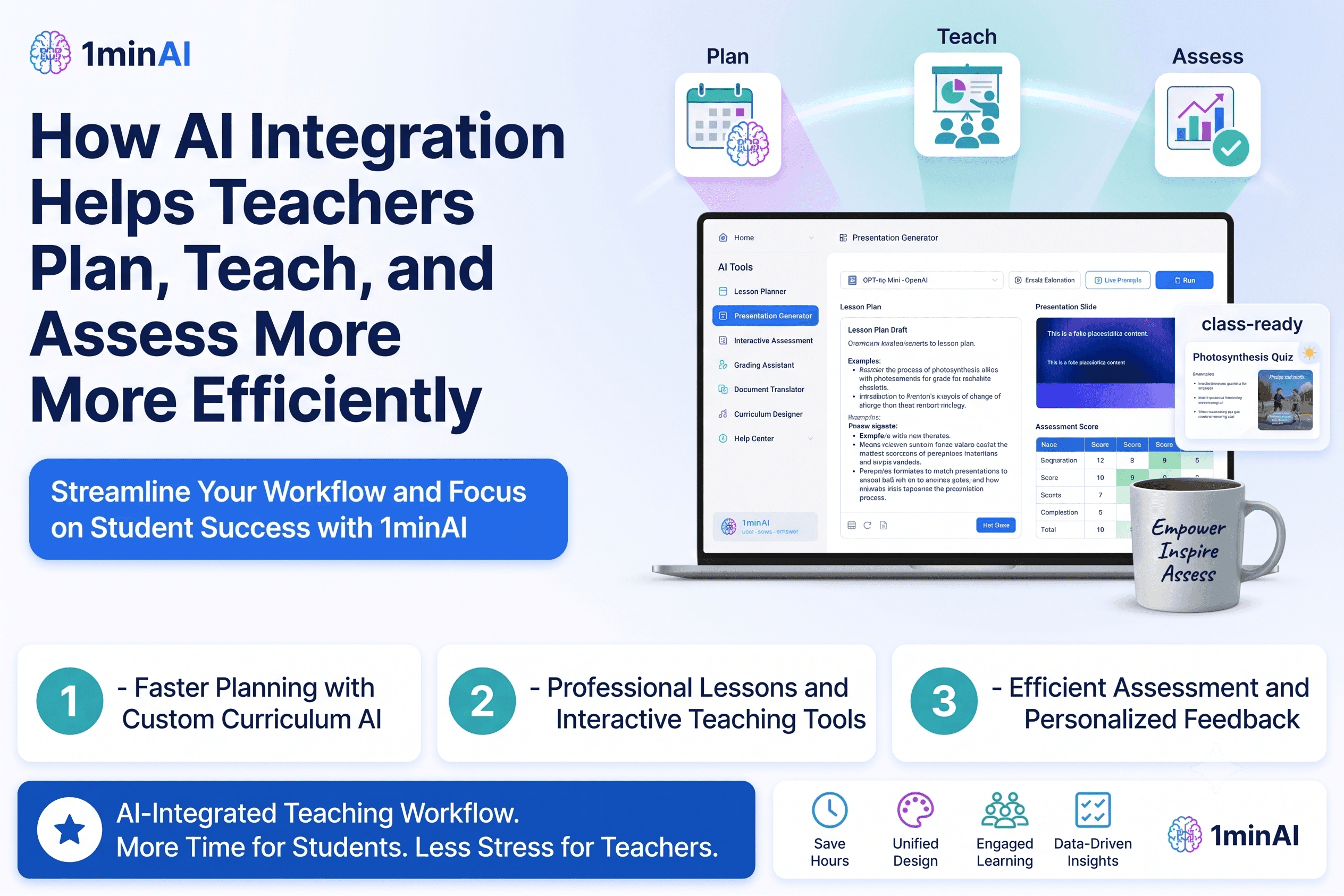
How AI Integration Helps Teachers Plan, Teach, and Assess More Efficiently
Discover how AI integration helps teachers streamline lesson planning, presentations, classroom materials, assessments, and student engagement in one AI workspace.
Tram Ta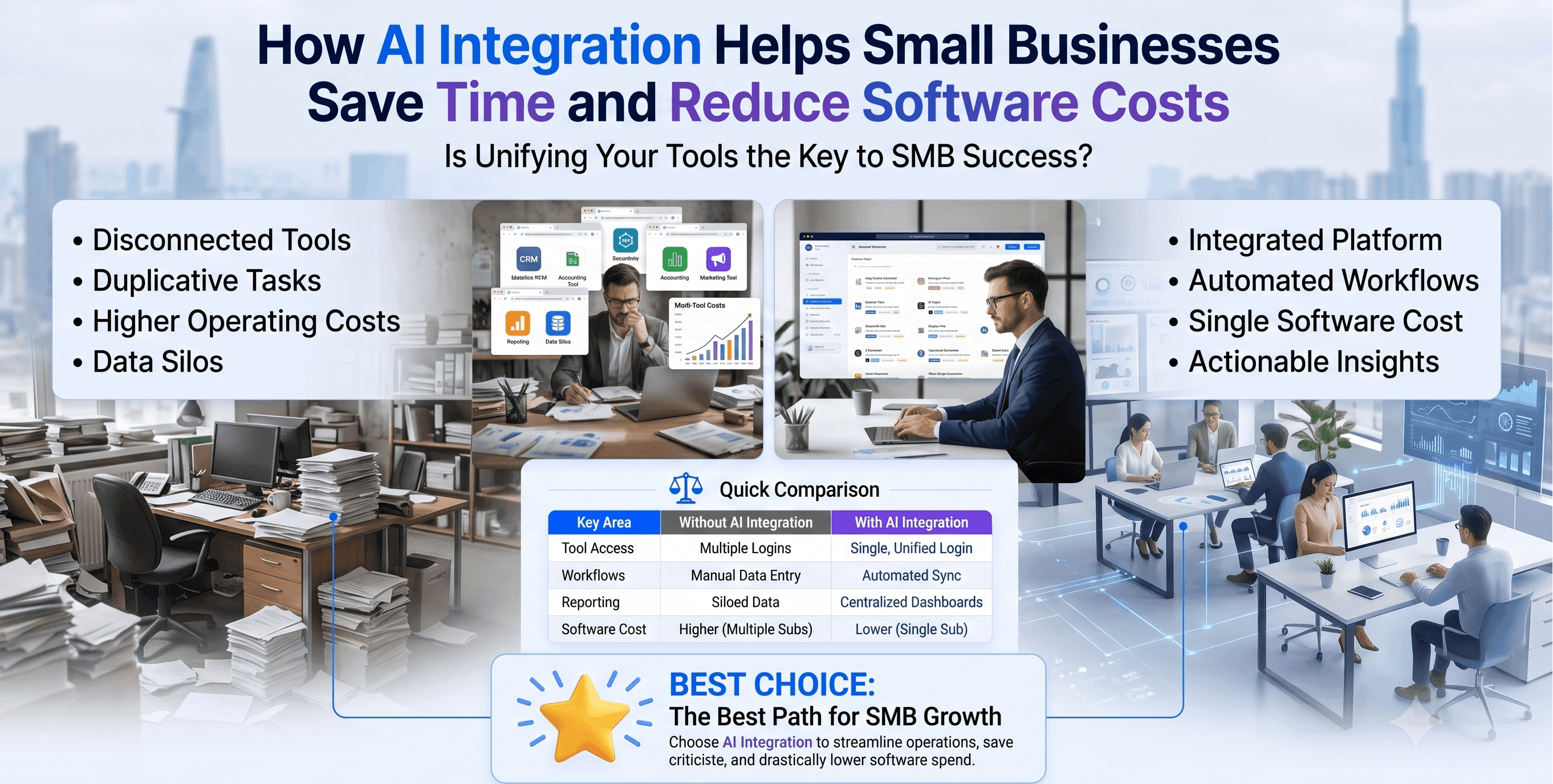
How AI Integration Helps Small Businesses Save Time and Reduce Software Costs
Discover how AI integration helps small businesses replace multiple AI apps with one workspace, improving productivity, reducing software costs, and streamlining daily workflows.
Tram TaAI for Industries
Find the best AI tools and workflows for healthcare, finance, education, legal, manufacturing, retail, real estate, and more.

Best AI Tool for Real Estate Property Managers Use Today
Looking for the best AI tool for real estate? See how property managers use AI to write listings, edit photos, and create marketing videos in minutes.
Trang Tran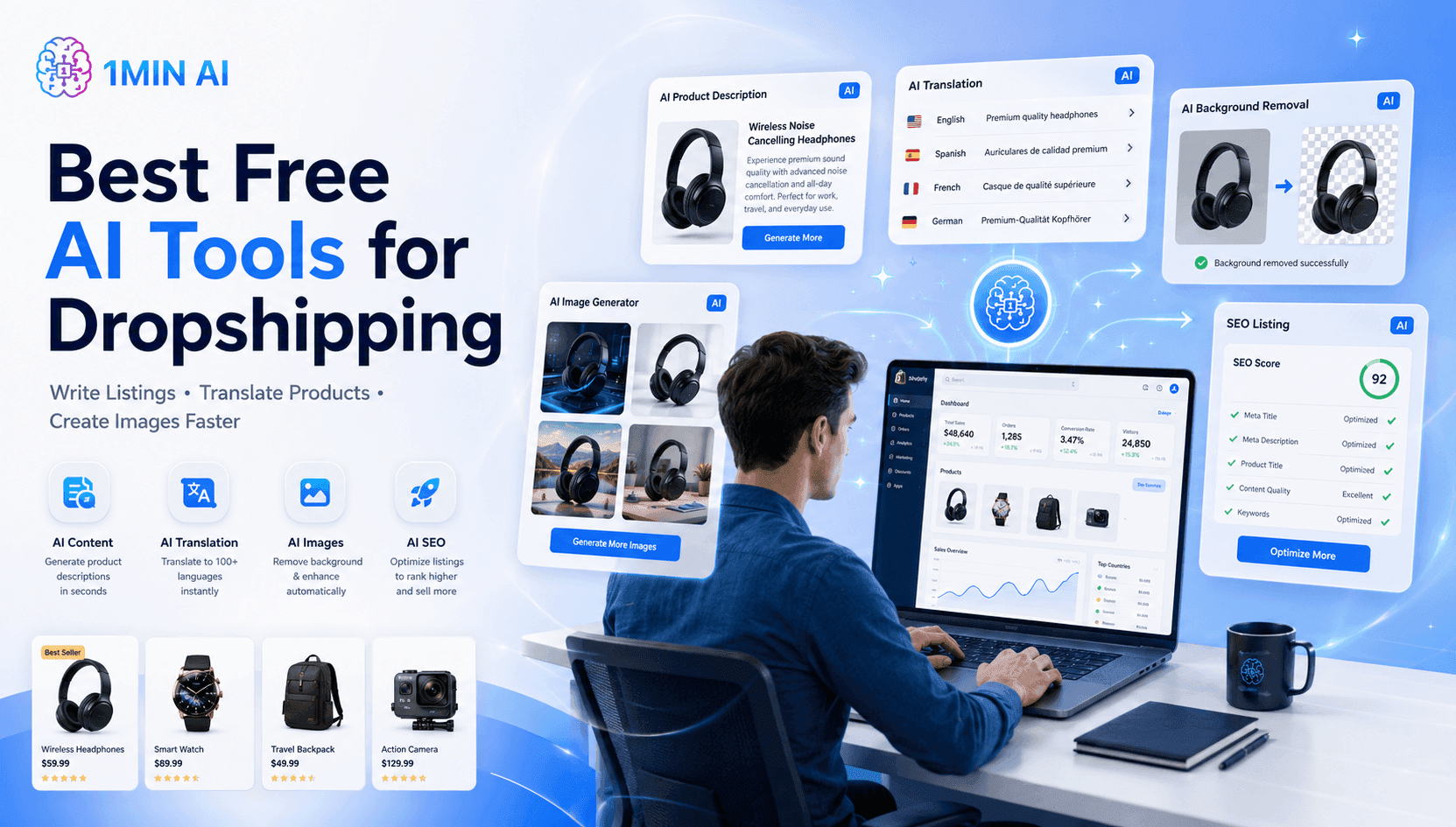
Best Free AI Tools for Dropshipping You Can Use Now
Free AI tools for Shopify dropshipping that write listings, generate images, and translate content in seconds, so you launch faster without extra spend.
Trang Tran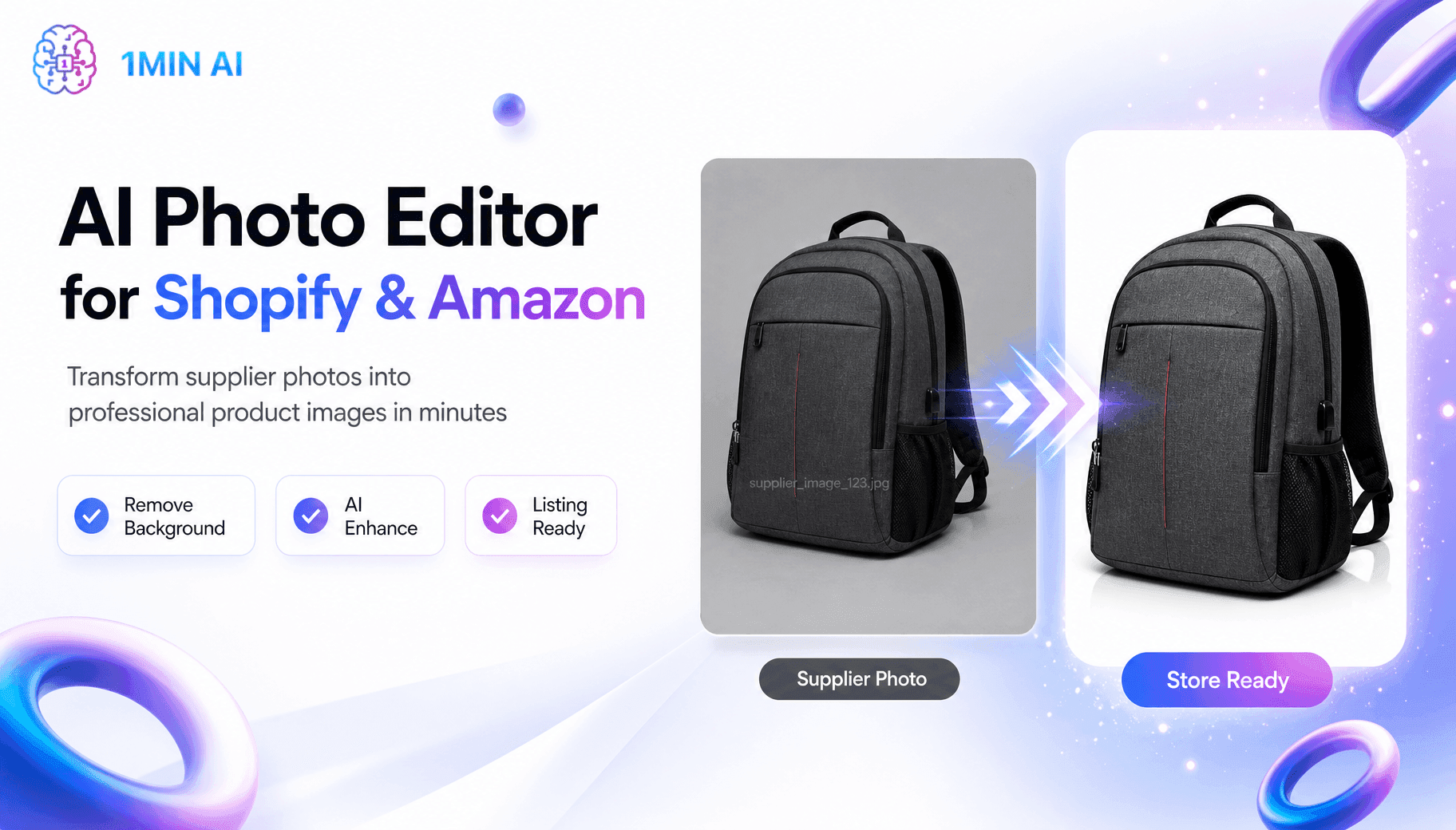
Free AI Shopify Photo Editor for Cross Border Sellers
Tired of low quality supplier photos? This free AI Shopify photo editor removes backgrounds and edits images before you list on Shopify or Amazon.
Trang TranAI Agents
Discover and run AI agents to automate tasks across your work and daily life.
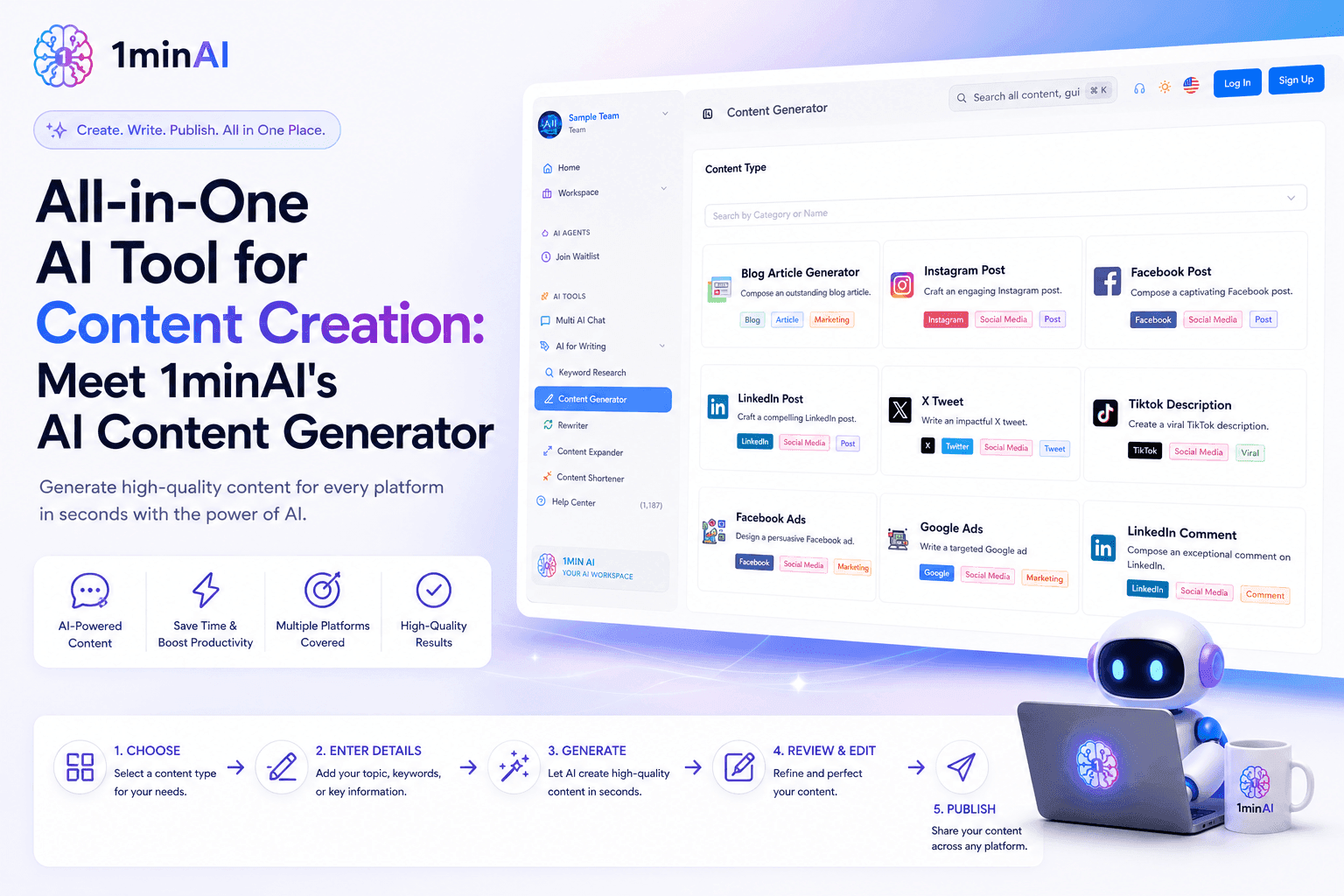
All-in-One AI Tool for Content Creation: Meet 1minAI's AI Content Generator
Discover how 1minAI's AI Content Generator helps create blogs, social posts, ads, emails, and marketing copy faster from one powerful AI tool.
Tram Ta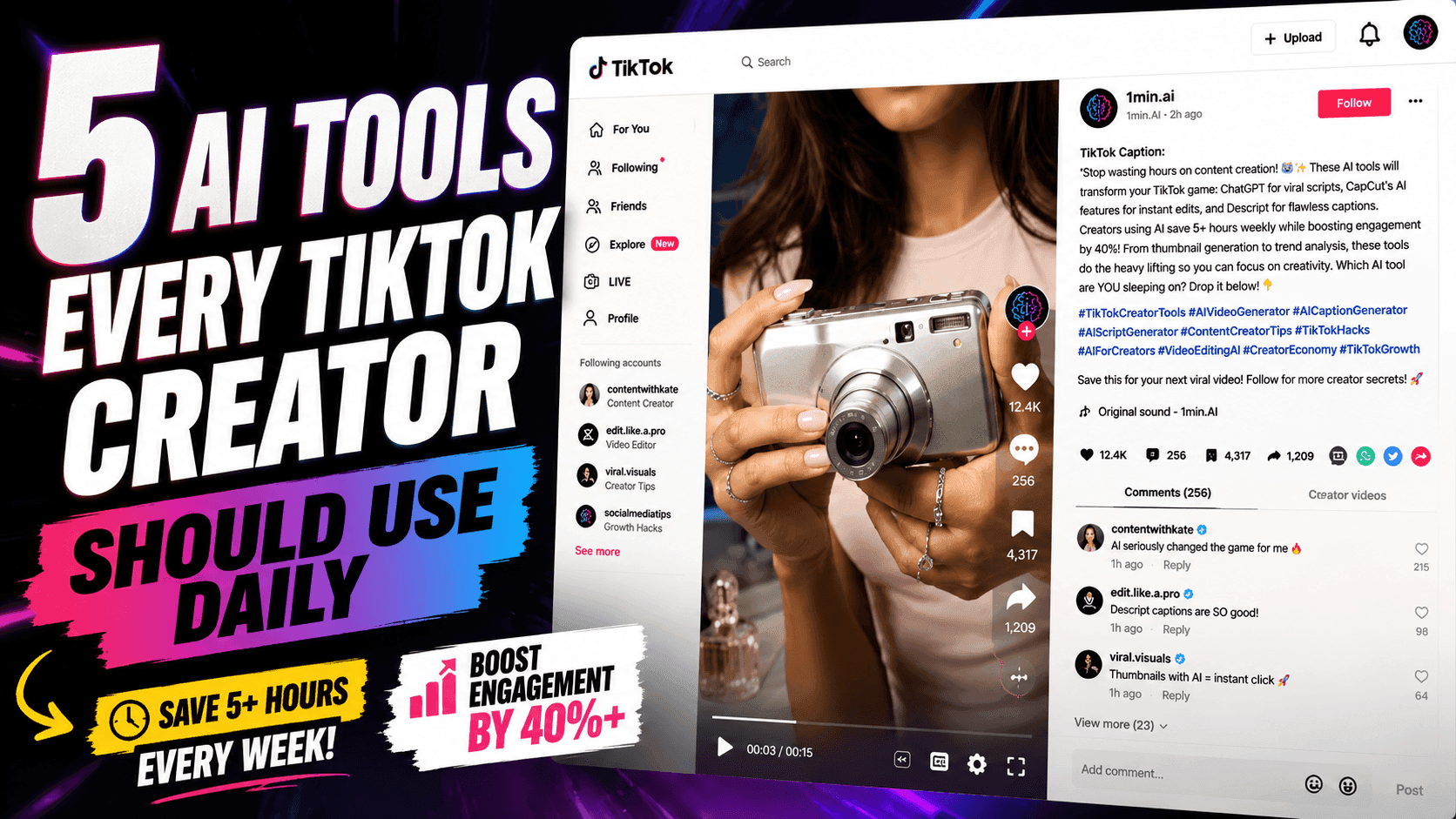
5 AI Tools Every TikTok Creator Should Use Daily
Discover five essential AI tools that help TikTok creators find ideas, write scripts, create visuals, generate videos, and publish content faster.
Lien Anh Vu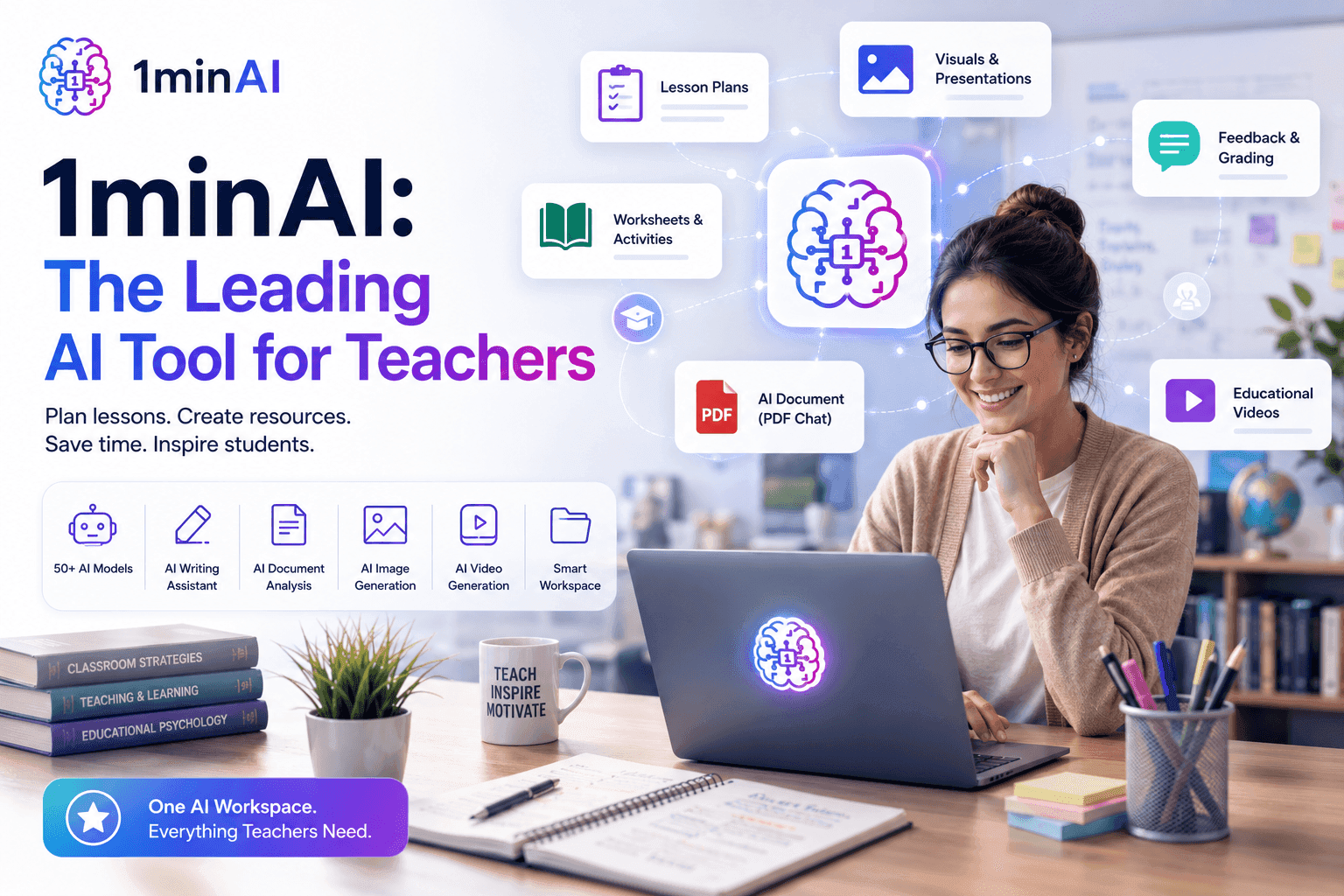
1minAI: The Top Ranking AI Tool for Teachers
Discover why 1minAI is a trusted AI tool for teachers. Create lesson plans, presentations, worksheets, quizzes, and classroom materials faster with one platform.
Tram TaAI Workflows
Explore ready-to-use AI workflows for productivity, marketing, sales, support, and more.
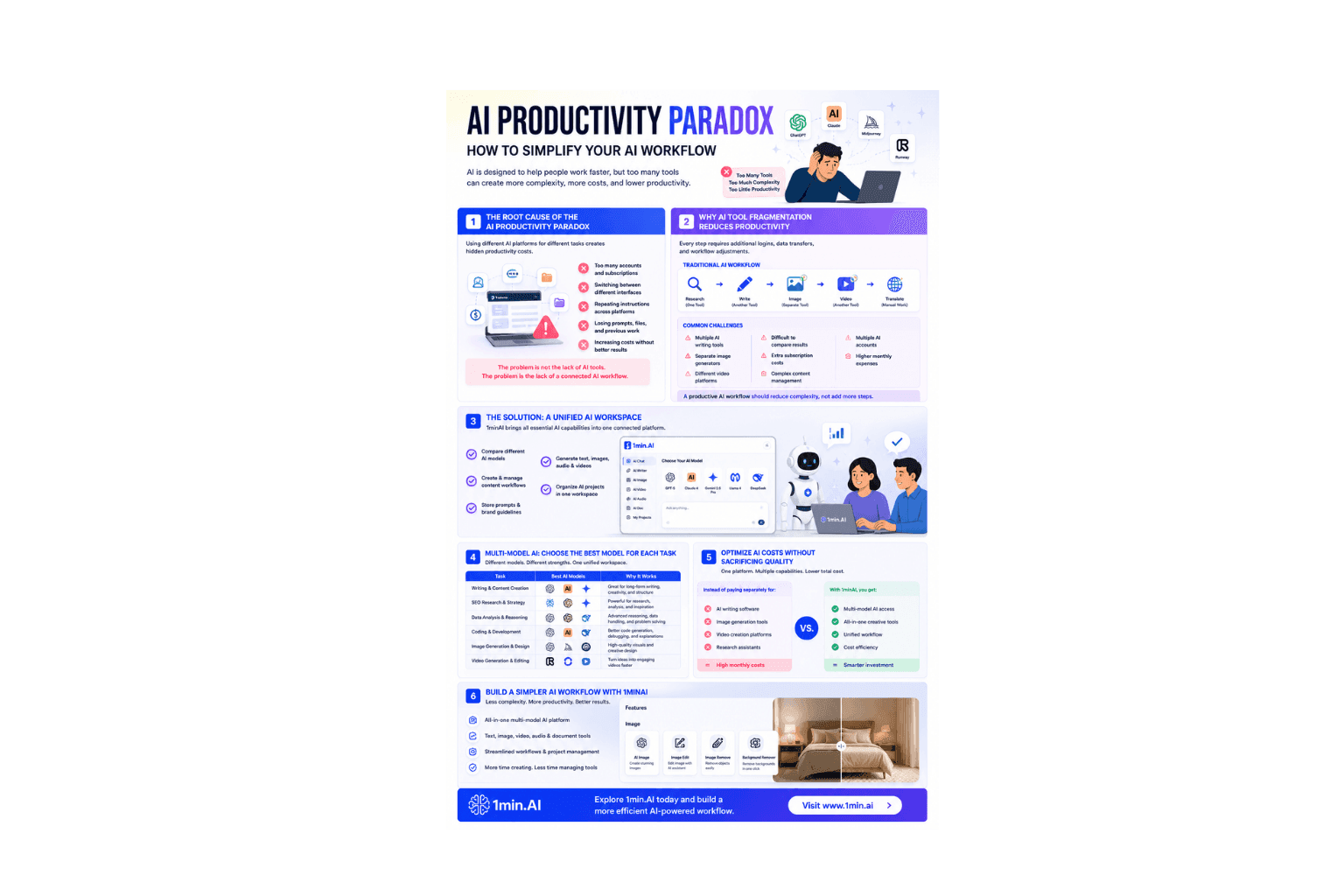
AI Productivity Paradox: How to Simplify Your AI Workflow
Learn how the AI productivity paradox slows your workflow and discover how a multi-model AI workspace helps you work faster with fewer tools.
Ngoc Hong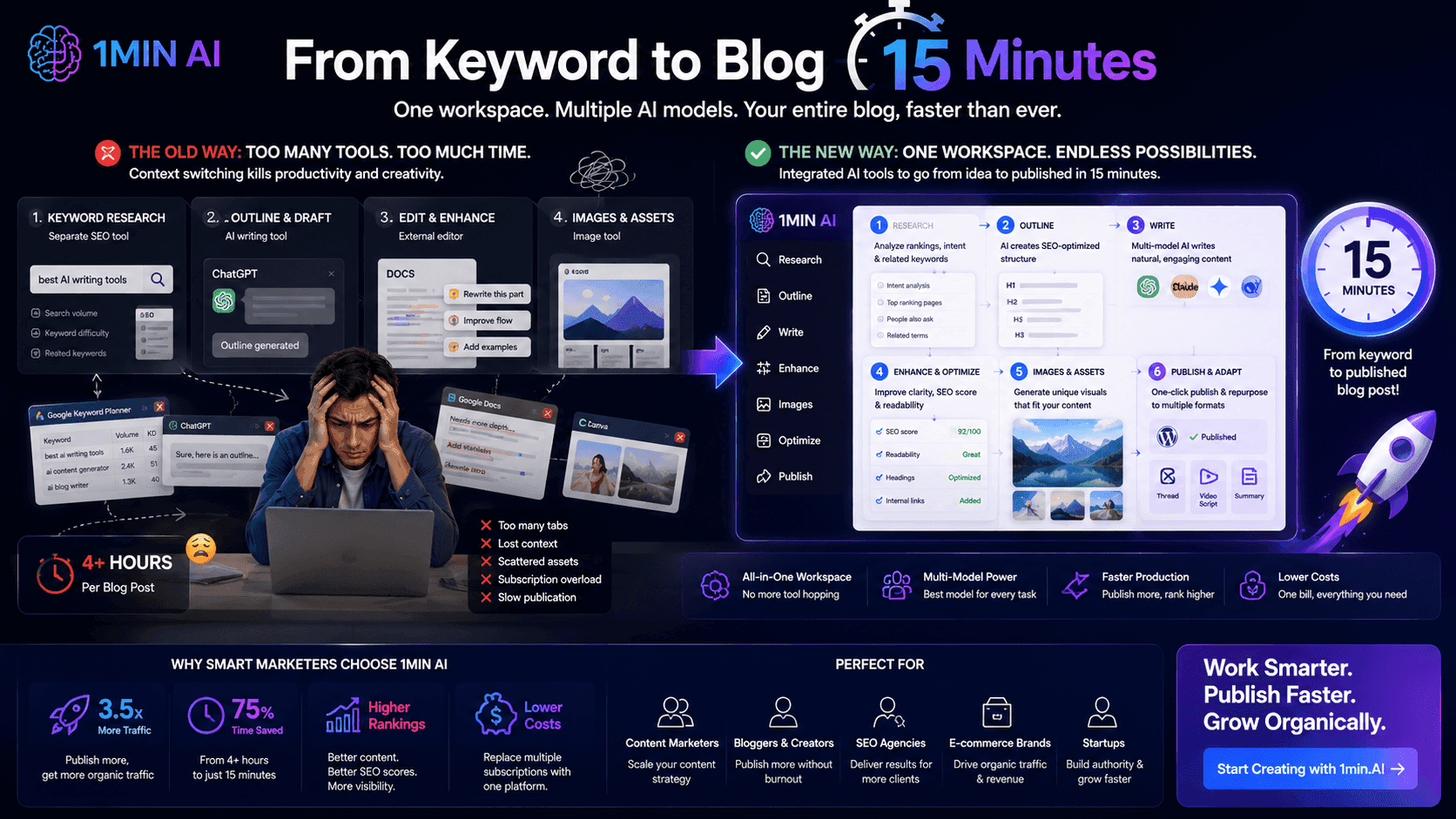
From Keyword to Blog in 15 Minutes
Stop wasting hours jumping between keyword research tools, text generators, and image apps. Learn how an integrated multi-model workspace slashes blog production time down to 15 minutes.
Uyen Hoang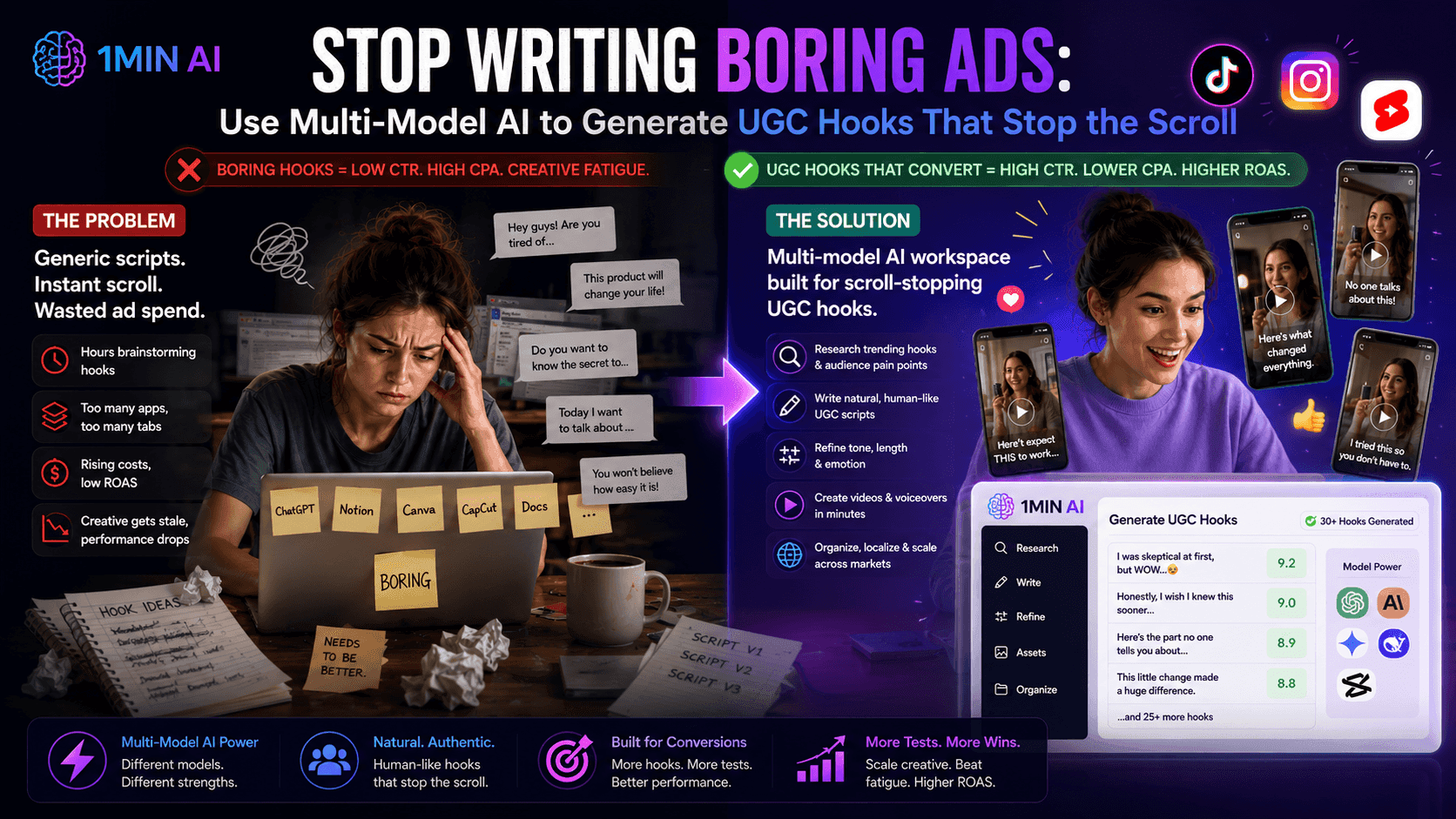
Use Multi-Model AI to Generate UGC Hooks
Is creative fatigue tanking your ROAS? Discover how to use a multi-model AI workspace to generate high-converting, natural-sounding UGC ad hooks that stop the scroll.
Uyen HoangNewsletter
Weekly AI Innovations with 1minAI
🔮 Weekly AI Innovations #130: 1minAI: Upgraded GPT 5.6 and AI Social
1minAI update the GPT-5.6 series and social media likes and comments.
 Hang Nguyen
🔮 Weekly AI Innovations #129: Stable Diffusion 3.5, Bria Eraser and Free Credits
Discover the latest 1minAI updates: Stable Diffusion 3.5, Bria Eraser, and Agent Survey rewards. Unlock free AI credits and create faster.
Hang Nguyen
🔮 Weekly AI Innovations #128: Master AI Social: Search Post and Recommended For You
Discover 1minAI's AI Social features. Use Search Post and Recommended For You to find curated content instantly and overcome subscription fatigue.
Uyen Hoang