Free AI Shopify Photo Editor for Cross Border Sellers

Trang Tran
July 14, 2026
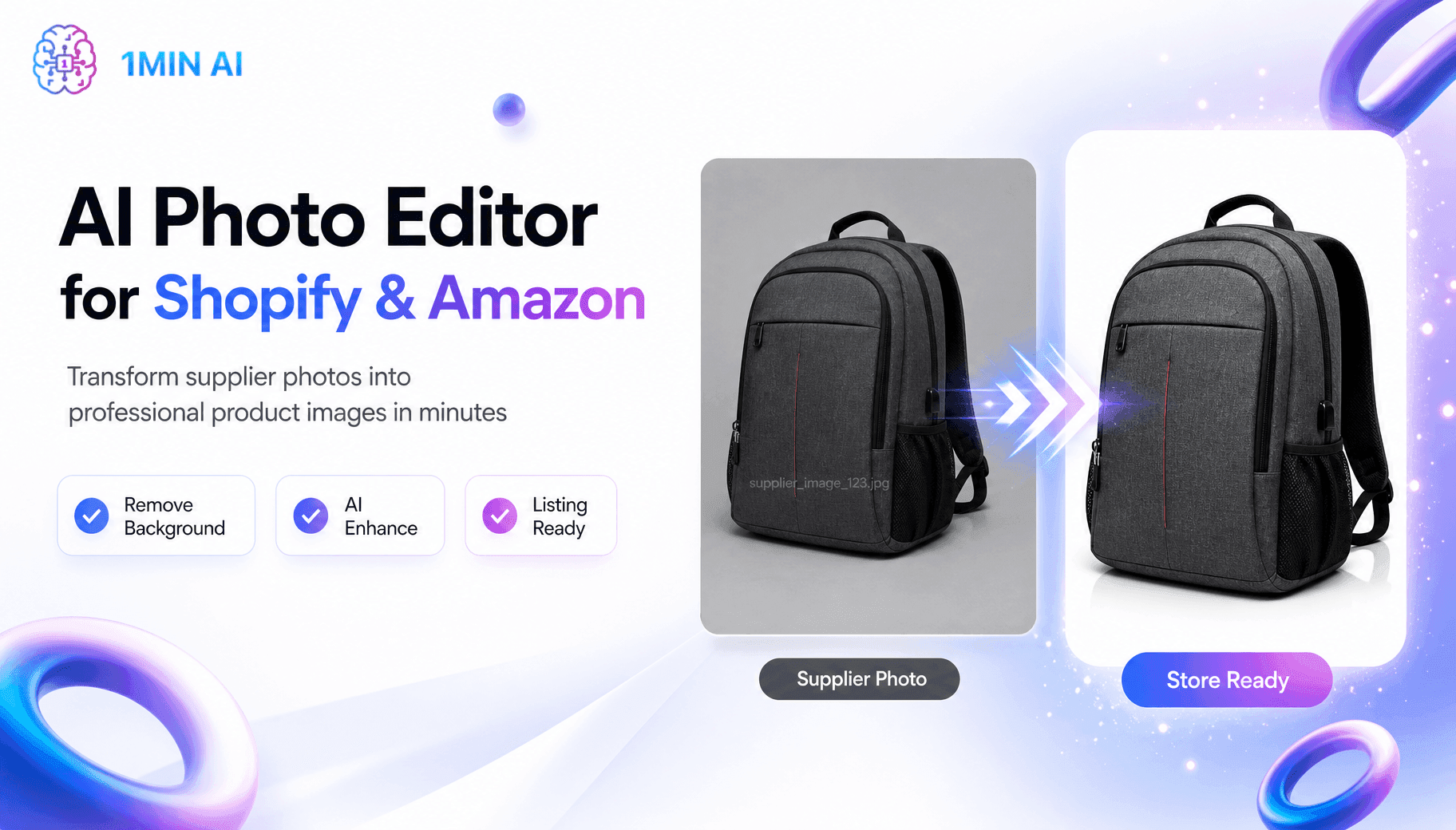
Tired of low quality supplier photos? This free AI Shopify photo editor removes backgrounds and edits images before you list on Shopify or Amazon.
Cross border dropshippers know the struggle. Supplier photos look generic, low resolution, and identical to every competitor selling the same product. An AI photo editor built for Shopify and Amazon listings fixes this in minutes, cleaning up images before they go live, no design skills or expensive software required. Here is how to turn raw supplier photos into store ready visuals for free, today.
Why Cross Border Sellers Need a Shopify Photo Editor
Every dropshipper sourcing from the same supplier ends up with the exact same product shot as five other stores, watermark and all. A Shopify photo editor is what closes that gap, cleaning up, resizing, or enhancing product images before they go live on a Shopify or Amazon listing.
The Hidden Cost of Generic Supplier Photos
- Buyers scroll past listings that look identical to competing stores
- Low resolution images get flagged or rejected on Amazon
- Manual retouching in Photoshop eats hours across a growing catalog
- Inconsistent backgrounds make a store look unprofessional
Shopify's built in file editor handles basic cropping and simple AI generation, which is fine for the occasional quick fix. It was not built for background removal or studio quality output at the level most catalogs need, which is exactly where sellers reach for a dedicated image editing tool.
How an AI Product Photo Editor Solves This
Remove Backgrounds and Enhance Photos with the Latest AI Models
Upload a raw supplier photo to an online editor, remove or replace the background, and export a listing ready image in under a minute, no layers or manual masking required. Because the underlying AI models update regularly, output quality improves over time without switching tools. The finished photo downloads straight to your device, ready to attach to a Shopify or Amazon listing.

Match Shopify and Amazon Specs Without Design Skills
| Task | Manual Editing | AI Image Editor |
|---|---|---|
| Background removal | 5-10 min per photo | Under 1 minute per photo |
| Design skill required | Photoshop experience | None |
| Access to newest AI models | Depends on software version | Updated as new models release |
| Cost to start | Software license | Free, $0, no credit card required |
Why 1min.AI Fits Shopify and Amazon Sellers
More Editing Tools and Newer AI Models in One Place
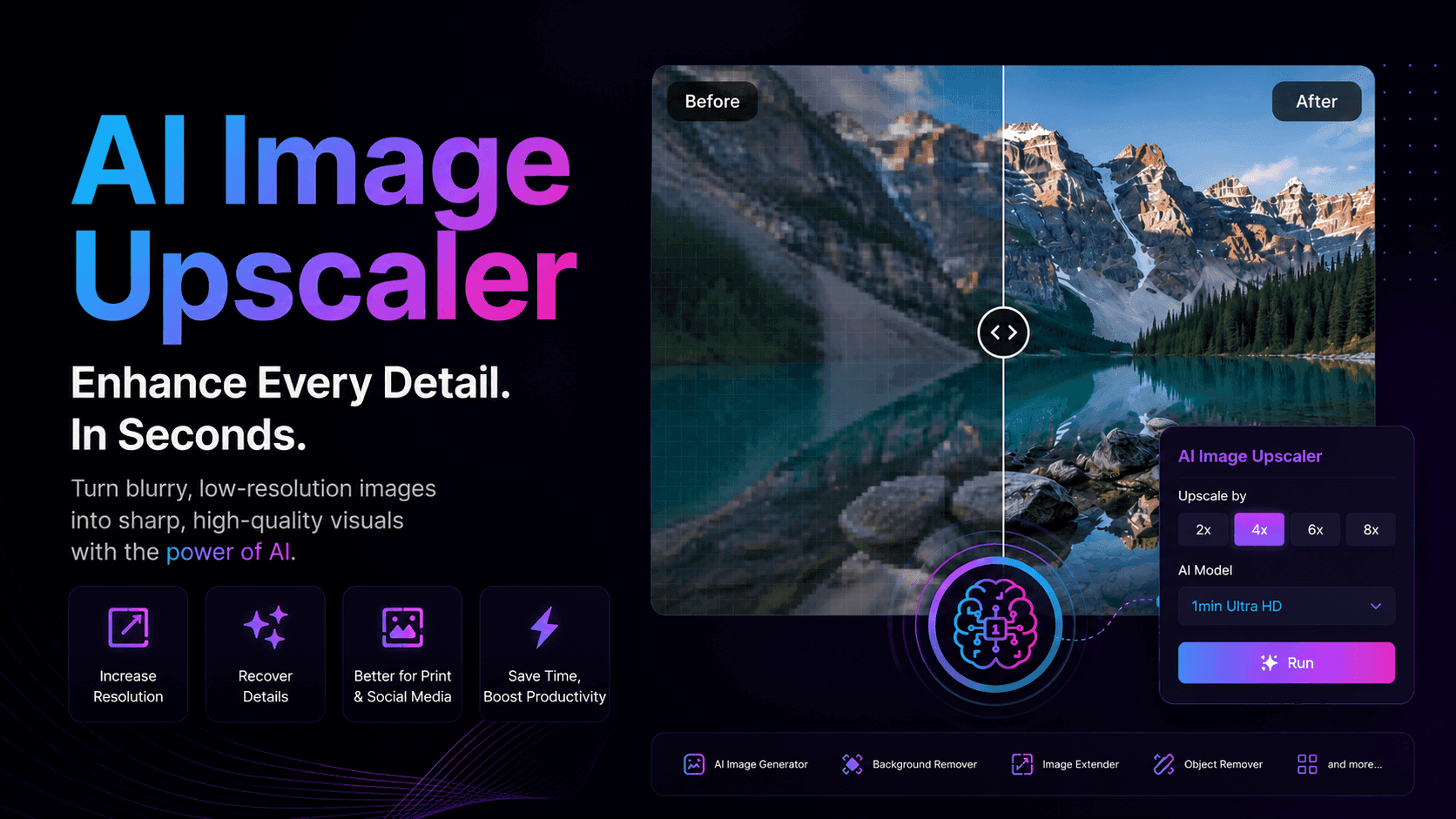
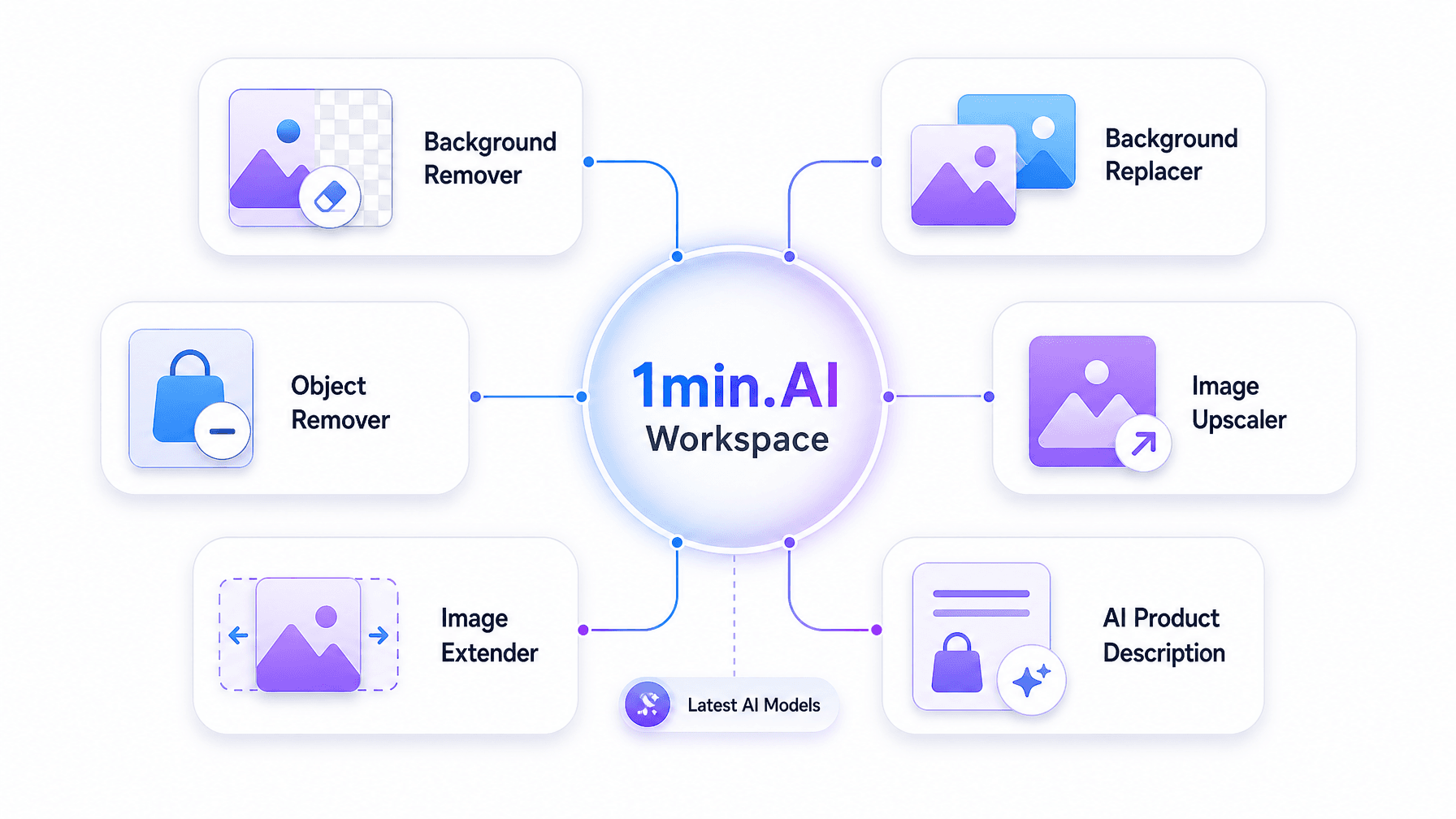
1min.AI edits one photo at a time, the same as most AI photo editing tools on the market. What sets it apart is the range of tools inside a single account: Background Remover, Background Replacer, Object Remover, Image Upscaler, Image Extender, and more, all built on the latest AI models instead of one older model locked into a single app.
Pricing That Fits a Growing Dropshipping Store
The Free plan starts at $0, no credit card required, enough to test the editing tools before committing. When a store scales past the free tier, the Pro plan starts from $6.5/month, well below the cost of most single-purpose Shopify apps that charge per feature.
One Workspace Beyond Just Photo Editing
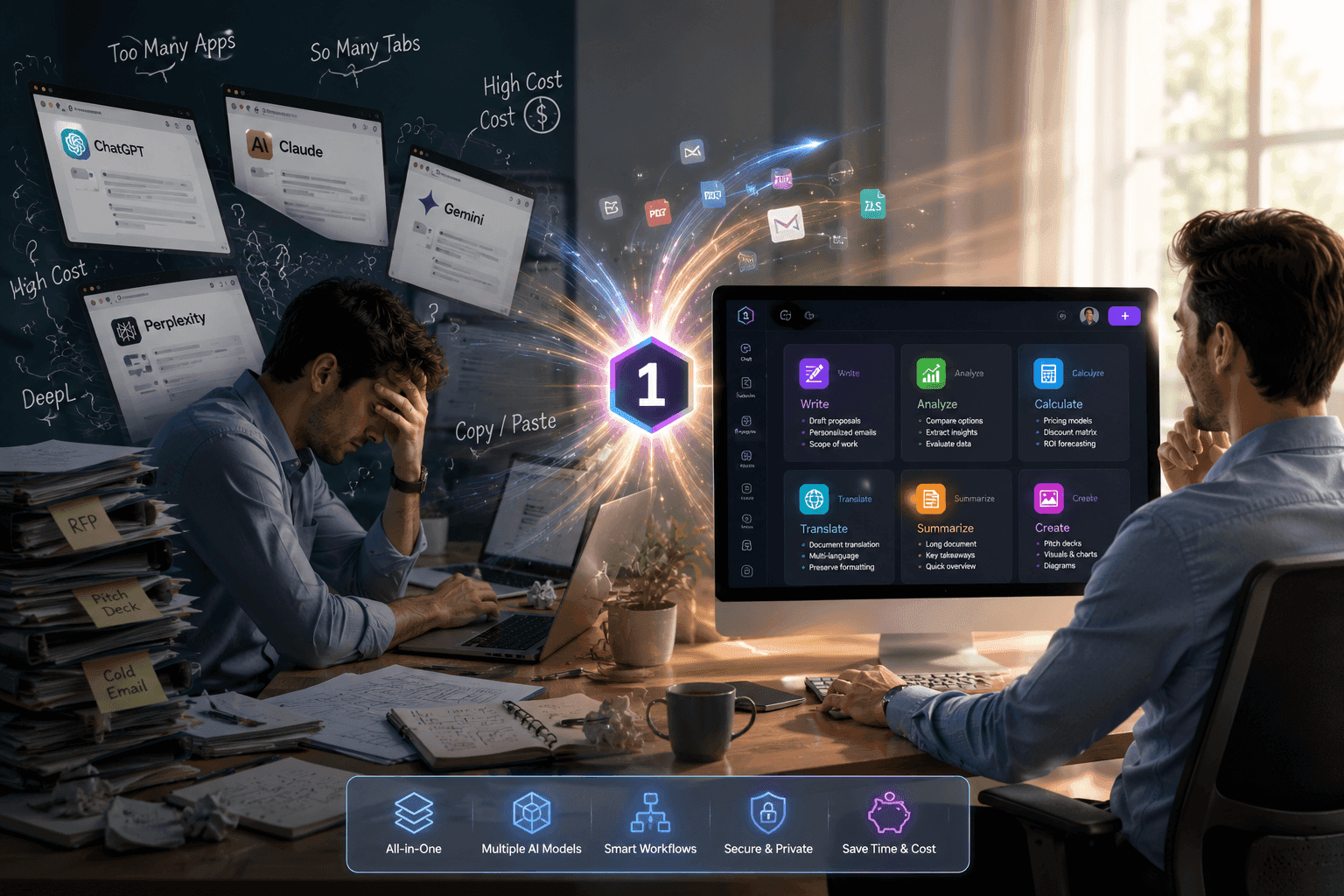
Because 1min.AI runs on a unified workspace, the same account also handles product description writing, listing translation for global buyers, and video or audio content for ads, all without switching tools. For sellers managing stores across multiple countries, this cuts down the number of subscriptions needed to run a store.
Explore 1min.AI Today
Stop losing sales to generic supplier photos. Remove backgrounds and get Shopify and Amazon ready visuals in minutes with the latest AI models, starting free at $0, no credit card required.
- Official Website: https://1min.ai/
- Background Remover: https://app.1min.ai/background-remover
- Discover All AI Image Features: https://1min.ai/features
Build a store that stands out with 1min.ai.