10 Essential AI Skills to Boost Productivity

Ngoc Hong
July 14, 2026
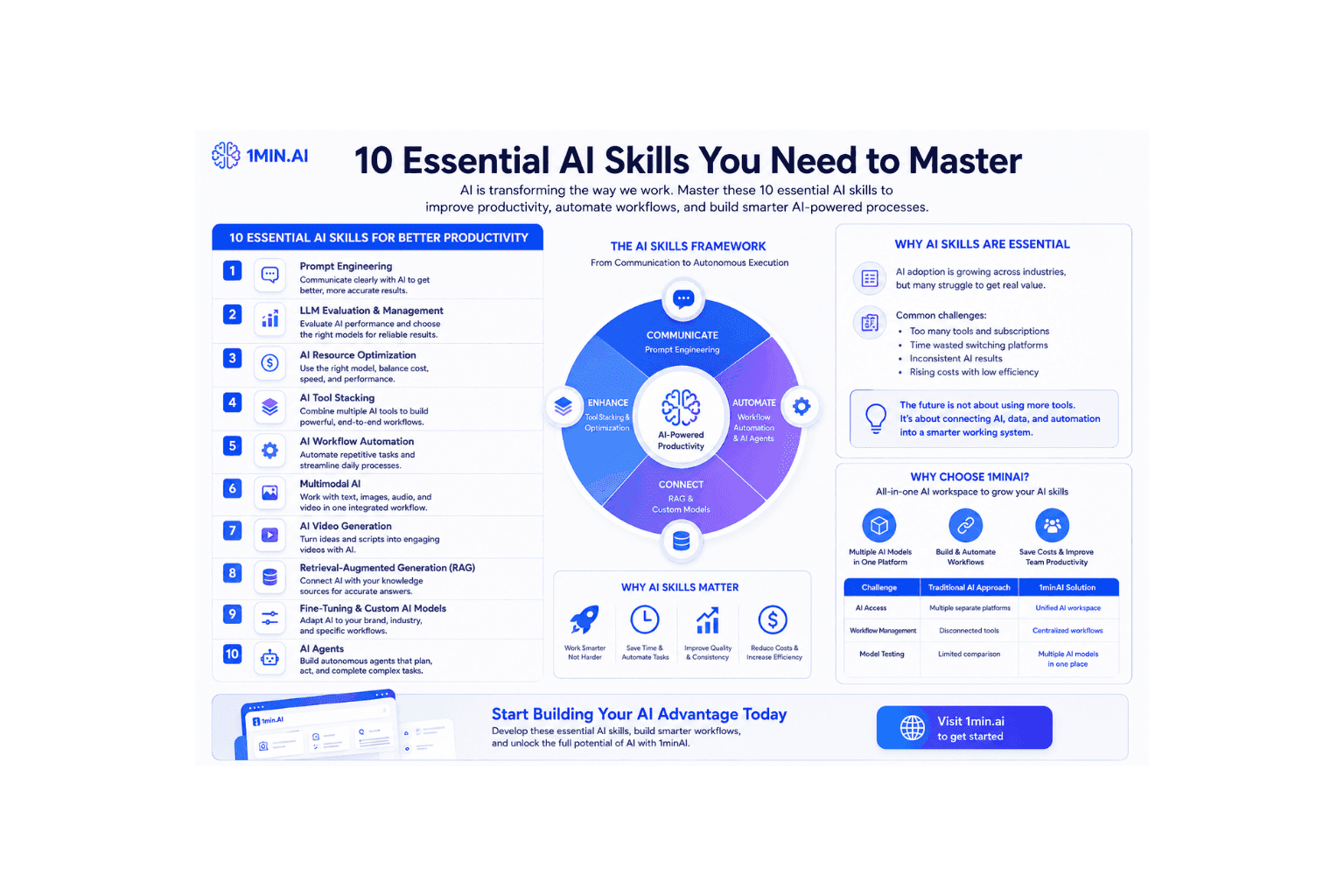
Discover essential AI skills to improve productivity, automate workflows, and build smarter AI-powered processes with 1minAI.
AI is transforming the way people work, but simply knowing how to use AI tools is no longer enough. The most successful AI users understand how to create effective workflows, automate repetitive tasks, and combine different AI technologies to solve real problems.
This guide covers the 10 essential AI skills that help professionals, creators, marketers, and businesses improve productivity, optimize workflows, and get more value from artificial intelligence.
10 Essential AI Skills for Better Productivity
These AI skills represent the capabilities needed to work effectively with modern AI systems. From improving communication with AI models to building autonomous workflows, each skill helps users create more efficient and scalable processes.
1. Prompt Engineering: Communicating Better with AI
Prompt Engineering is the foundation of effective AI usage. It focuses on creating clear instructions, providing useful context, and defining expected outputs to help AI models generate better results.
Professionals who master Prompt Engineering can improve response quality, reduce manual editing, and work more efficiently with AI assistants such as ChatGPT, Claude, and Gemini.
Example:
Instead of writing:
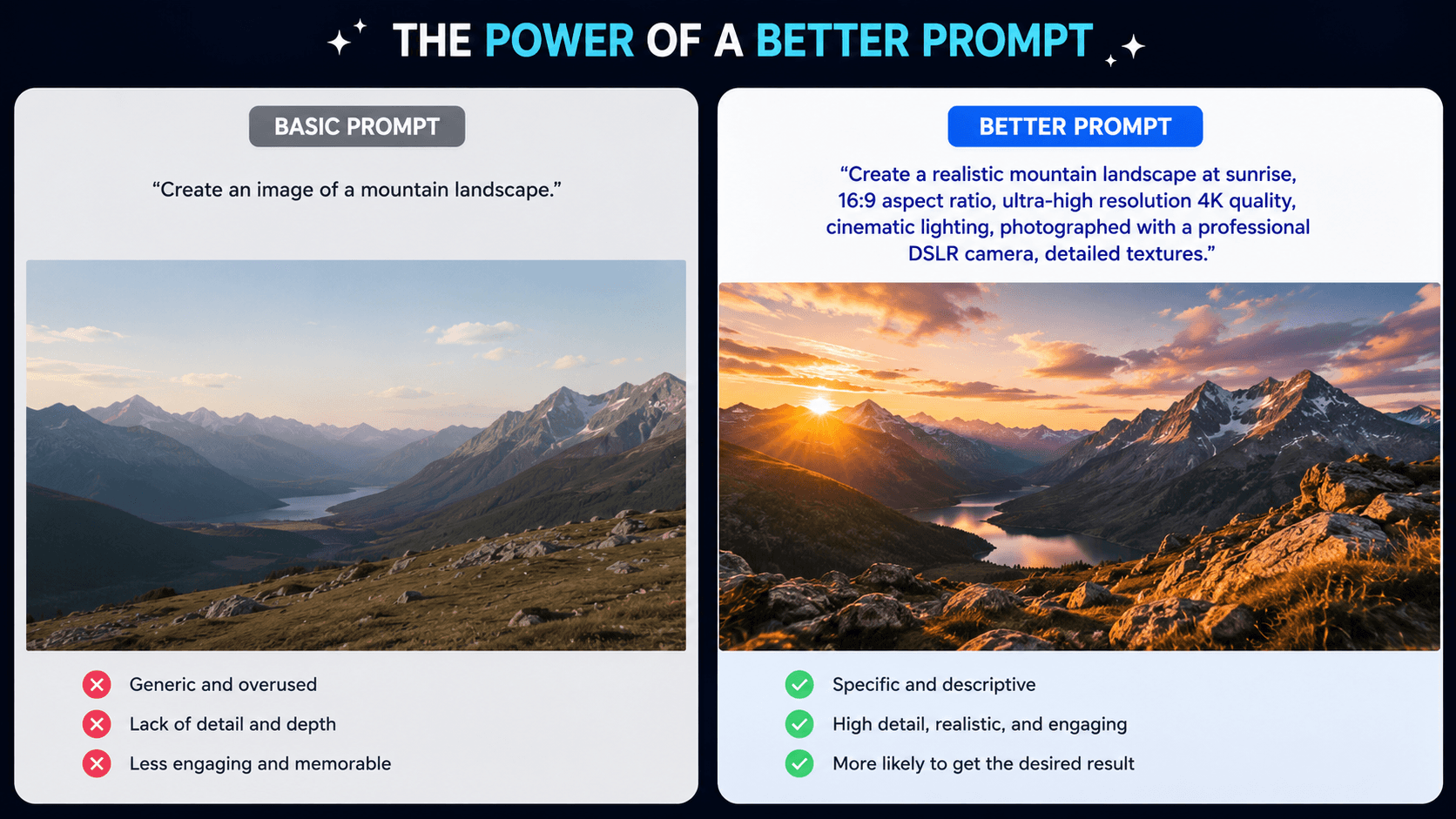
"Create an image of a mountain landscape."
A better prompt would be:
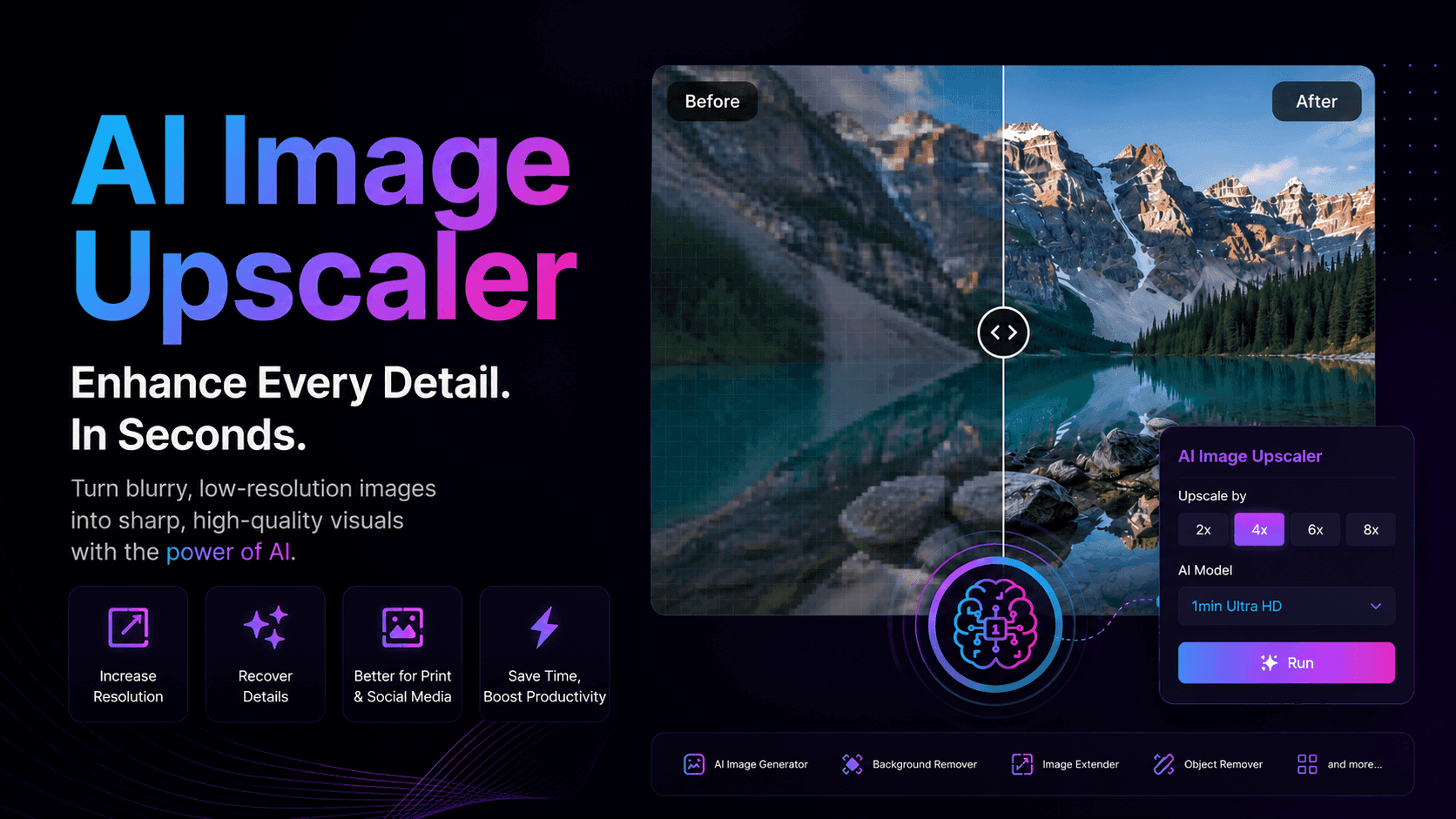
"Create a realistic mountain landscape at sunrise, 16:9 aspect ratio, ultra-high resolution 4K quality, cinematic lighting, photographed with a professional DSLR camera, detailed textures."
The more specific the context, style, and requirements, the better the AI output.
2. LLM Evaluation and Management: Improving AI Quality
As businesses adopt AI at scale, evaluating AI performance becomes increasingly important. LLM evaluation helps teams measure accuracy, consistency, reliability, and operational costs.
This skill allows users to select suitable models, identify limitations, and maintain reliable AI-powered workflows.
Example:
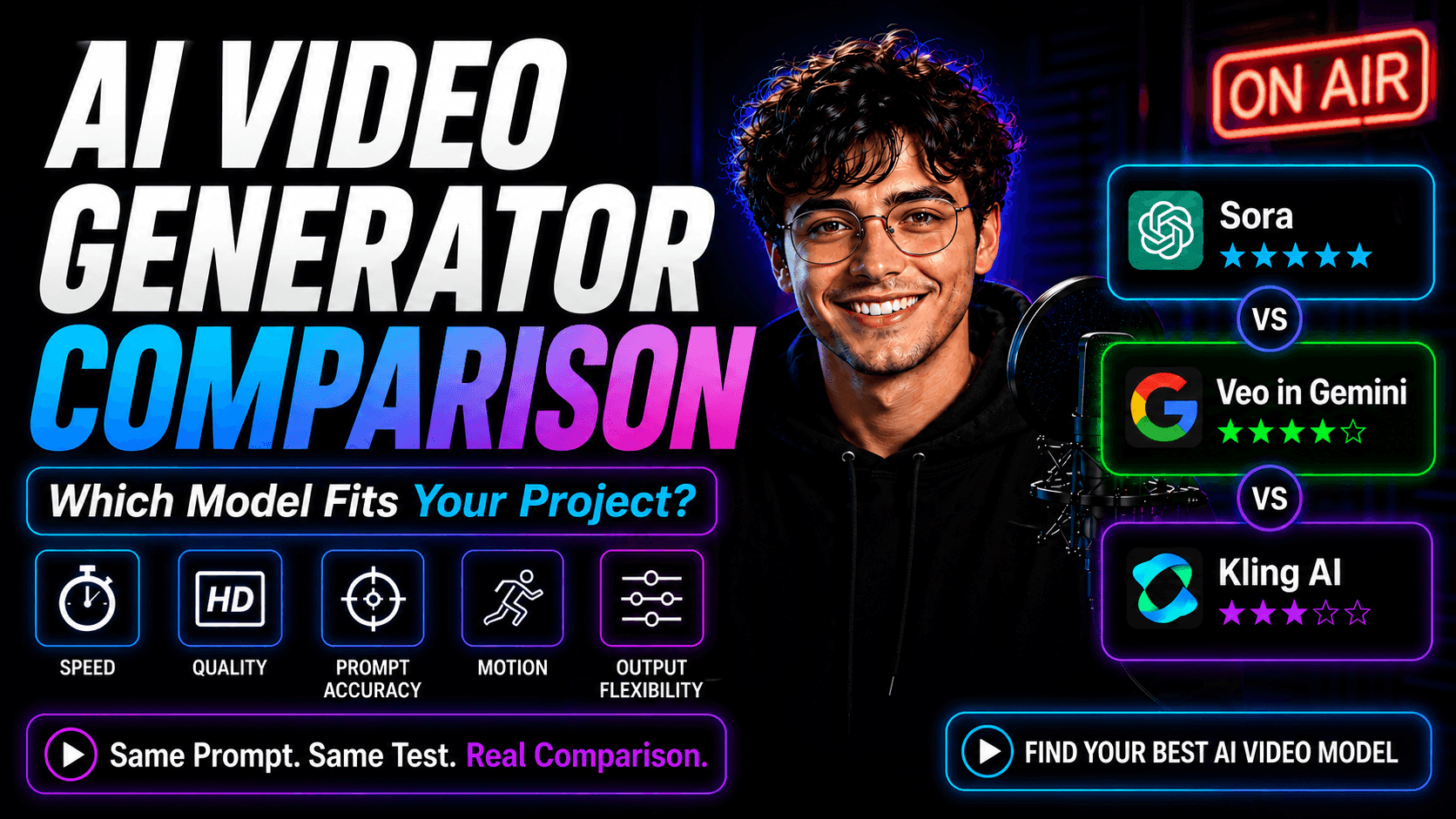
A marketing team may compare different AI models:
| Task | Suitable AI Model |
|---|---|
| Writing long-form articles | Advanced language model |
| Quick customer replies | Faster lightweight model |
| Data analysis | Reasoning-focused model |
This approach helps teams improve quality while controlling AI expenses.
3. AI Resource Optimization: Using AI Efficiently
AI Resource Optimization is the skill of selecting the right AI model based on task complexity, accuracy requirements, response speed, and budget. Using the most powerful model for every request is not always the best approach. A smarter strategy is to match each task with a model that delivers the right balance of intelligence, speed, and cost efficiency.
Different AI models are designed for different purposes. Advanced reasoning models are better for complex analysis, while lightweight models are more suitable for everyday tasks that require speed and lower costs.
| Task Type | Recommended AI Models | Best Use Cases |
|---|---|---|
| Complex reasoning and problem-solving | OpenAI o-series, GPT-5, Claude Opus, Gemini 2.5 Pro | Advanced coding, strategic planning, financial analysis, legal documents, complex decision-making |
| Daily productivity tasks | GPT-4.1 Mini, Claude Sonnet, Gemini Flash, GPT-5 Mini | Email writing, brainstorming, summaries, content drafts, simple coding tasks |
| Deep research and information gathering | OpenAI Deep Research, Perplexity Deep Research, Gemini Deep Research | Market research, competitor analysis, detailed reports, source-based analysis |
| Document analysis and private knowledge tasks | Claude Sonnet, Gemini 2.5 Pro, NotebookLM | PDF analysis, internal documents, knowledge management, file-based Q&A |
Example:
If you need to write a short email or summarize a meeting note, using GPT-5 Mini, GPT-4.1 Mini, or Gemini Flash can provide fast results with lower cost.
However, if you need to analyze a complex financial report, develop a business strategy, or review technical documents, models like GPT-5, Claude Opus, or Gemini 2.5 Pro are better choices because they provide stronger reasoning capabilities.
For research-heavy tasks, tools such as OpenAI Deep Research or Perplexity Deep Research can help gather information from multiple sources and provide more comprehensive insights.
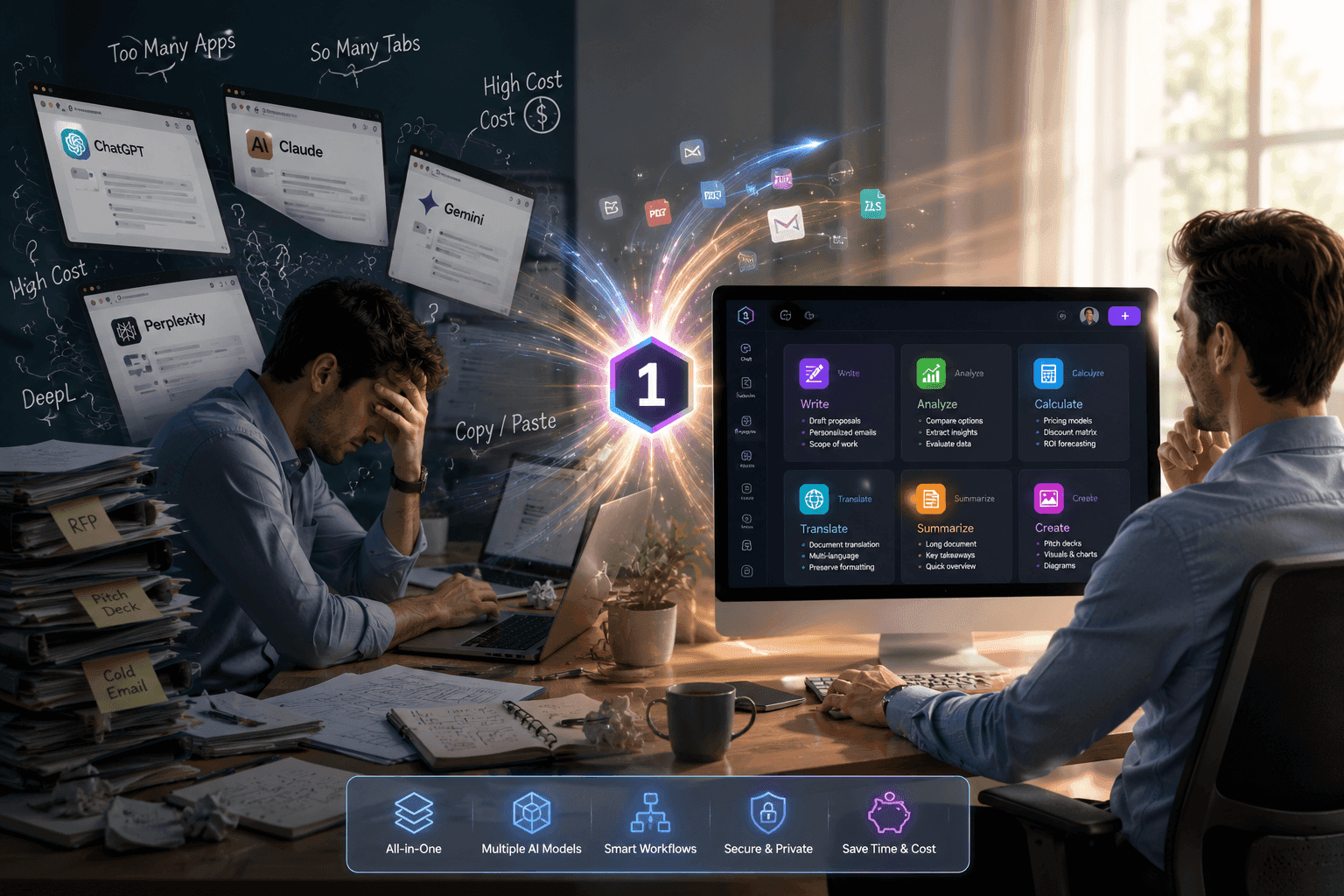
By understanding the strengths of different AI models, professionals can avoid unnecessary costs and build more efficient AI workflows. Platforms like 1minAI make this process easier by allowing users to access and compare multiple leading AI models in one workspace.
4. AI Tool Stacking: Combining Multiple AI Tools
AI Tool Stacking involves connecting different AI applications to create complete workflows. Instead of relying on a single tool, users can combine AI for research, writing, design, analysis, and automation.
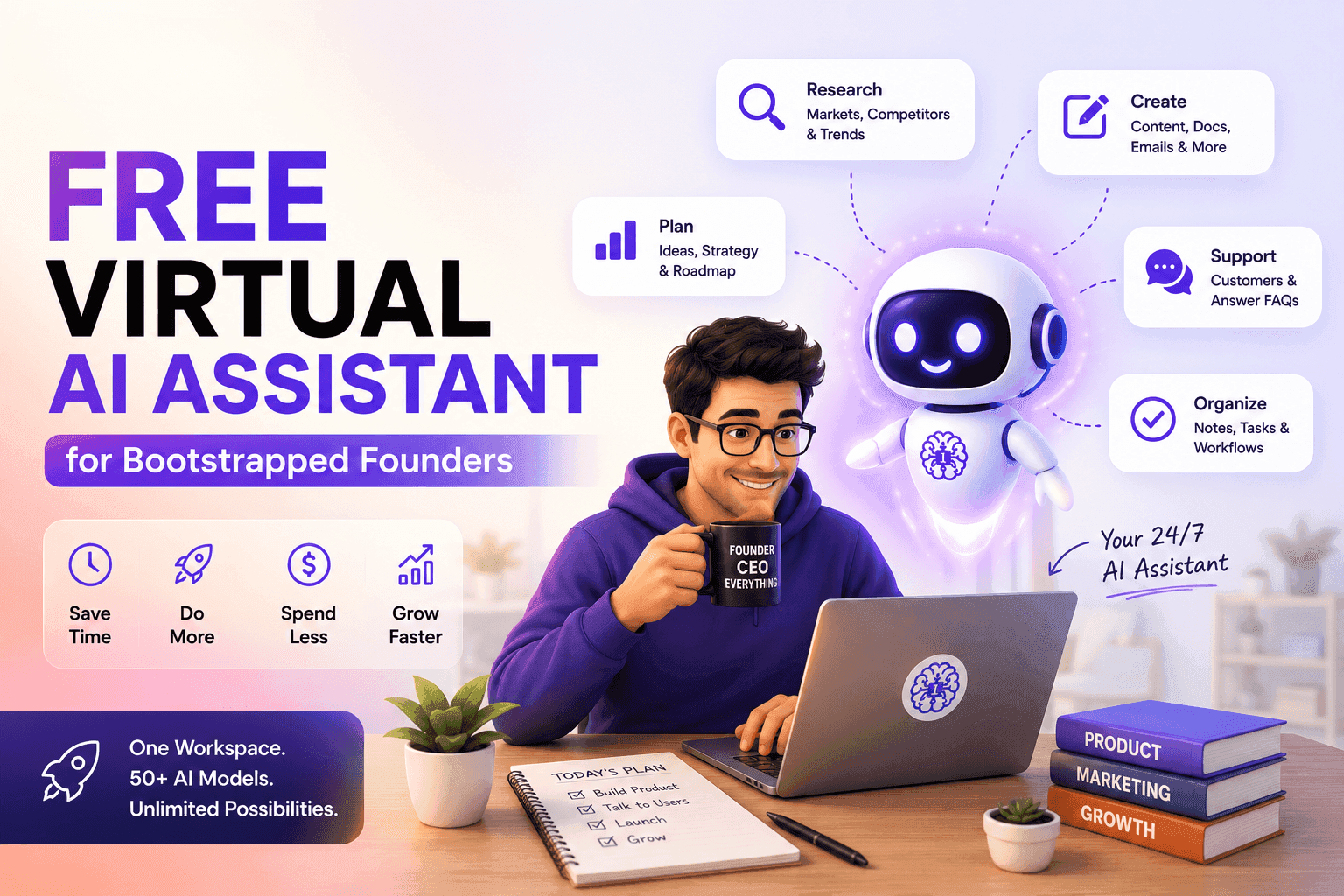
To apply AI skills effectively, you need the right environment to practice and optimize your workflows. 1minAI provides a multi-model AI workspace where users can access different AI models, compare outputs, and combine AI tools for writing, research, design, automation, and content creation — all in one platform.
5. AI Workflow Automation: Automating Daily Tasks
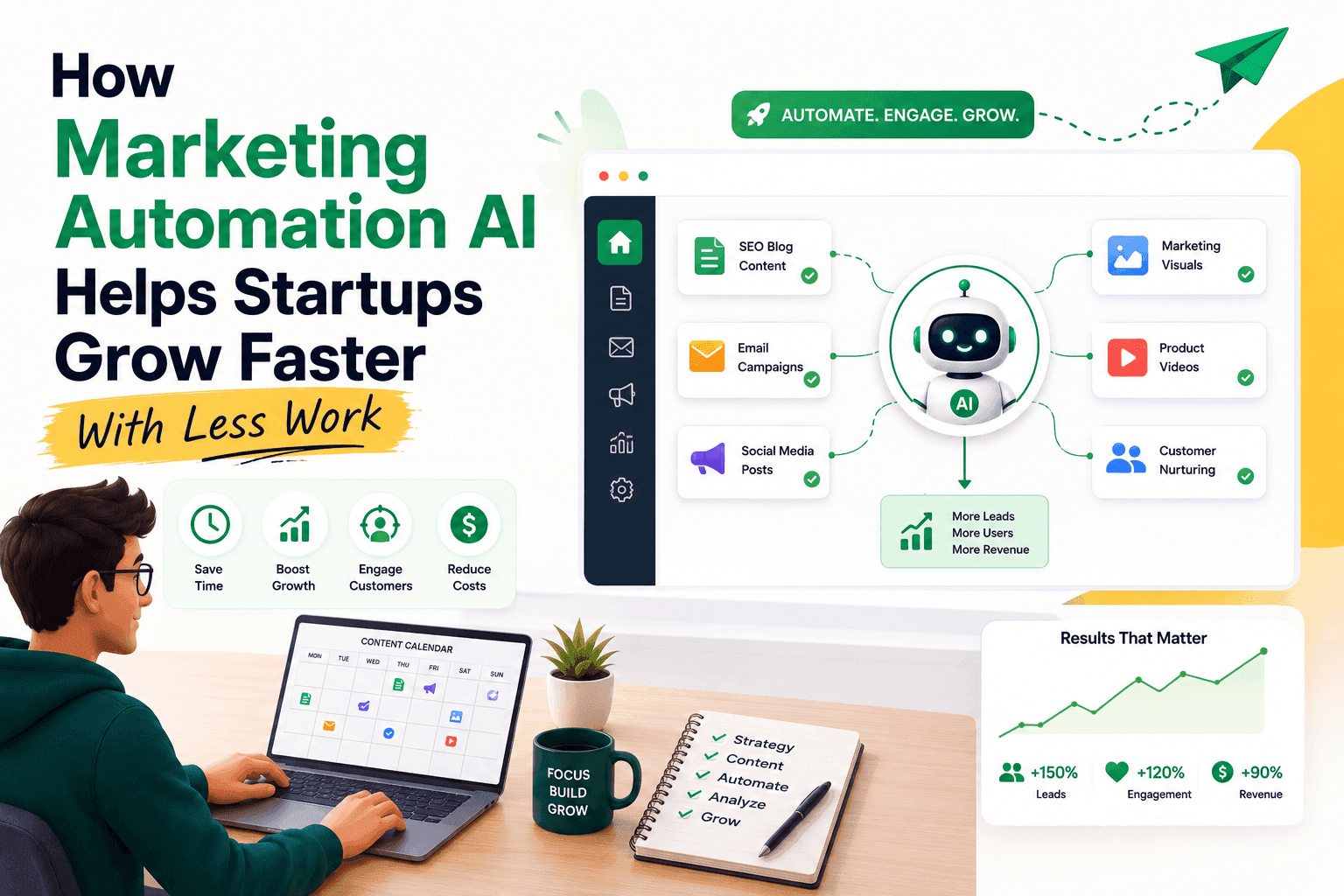
AI Workflow Automation enables users to reduce repetitive work by connecting tools and creating automated processes.
Common applications include:
- Content creation workflows.
- Customer support automation.
- Data processing.
- Business reporting.
Platforms such as Zapier, Make, and n8n allow teams to build flexible automation systems without complex development.
6. Multimodal AI: Working with Multiple Content Types
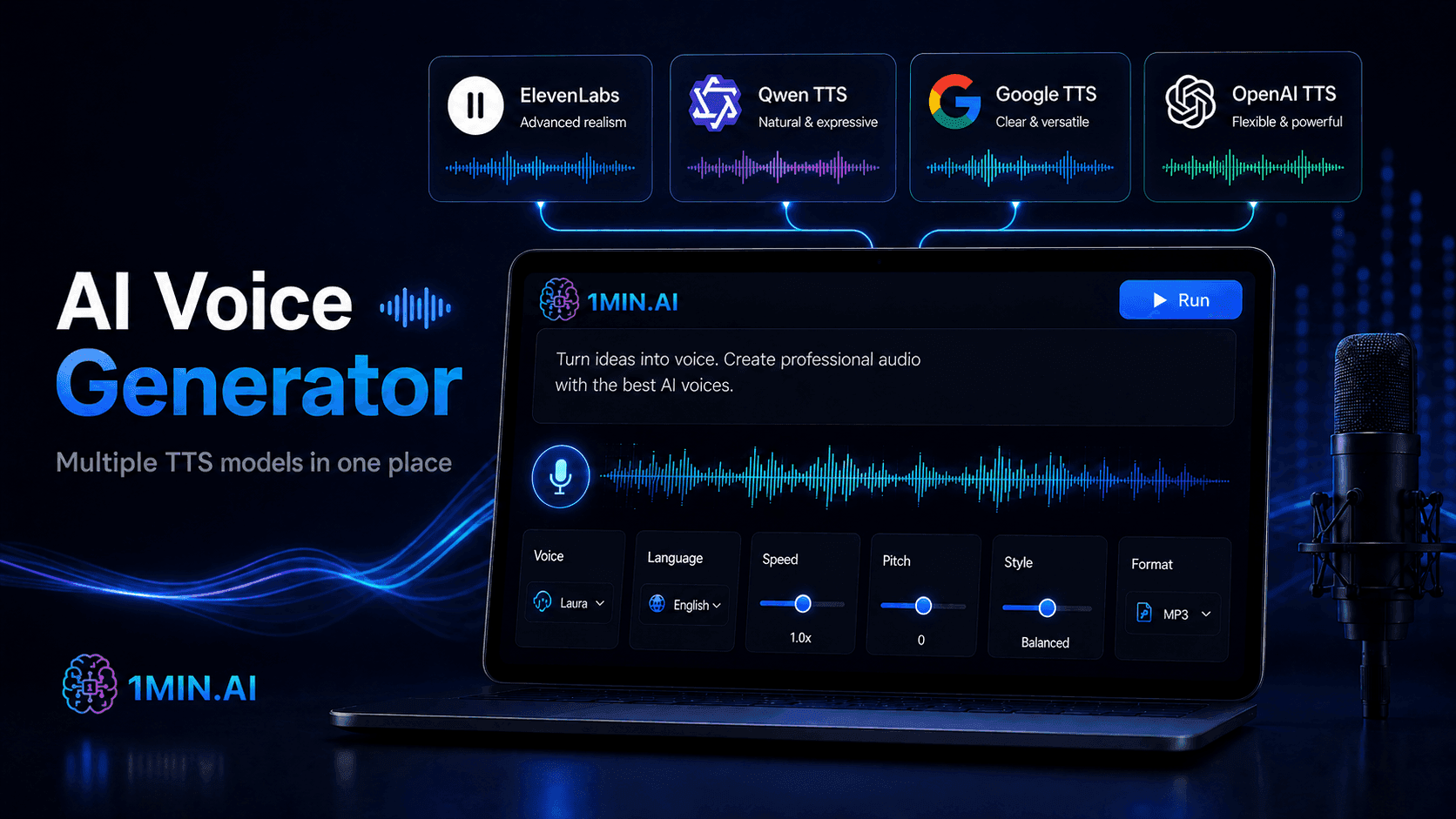
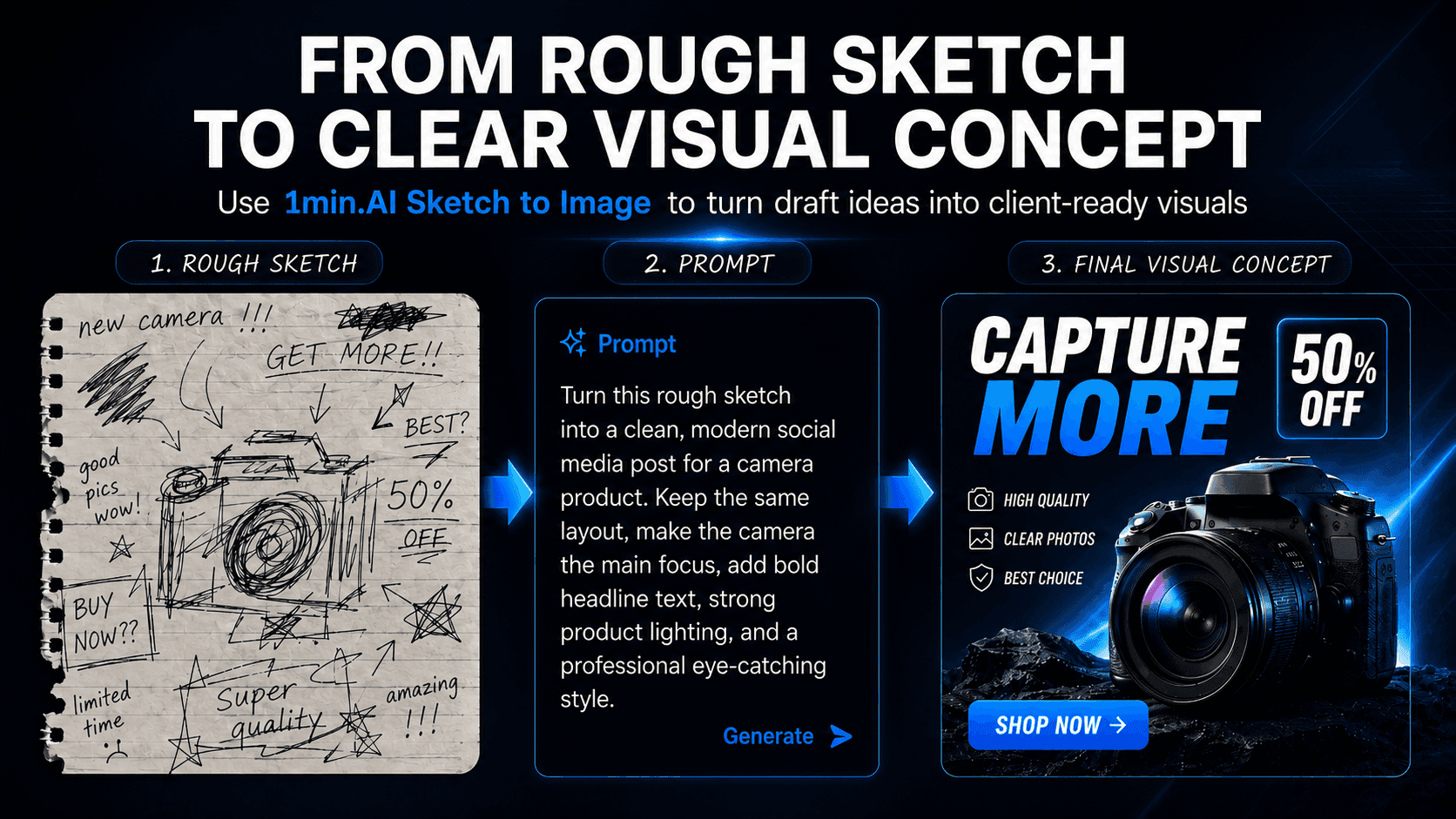
Multimodal AI allows users to work with different types of information, including text, images, audio, and video.
This capability is valuable for marketers, creators, and businesses that need to produce diverse content while maintaining speed and consistency across multiple channels.
7. AI Video Generation: Creating Visual Content with AI
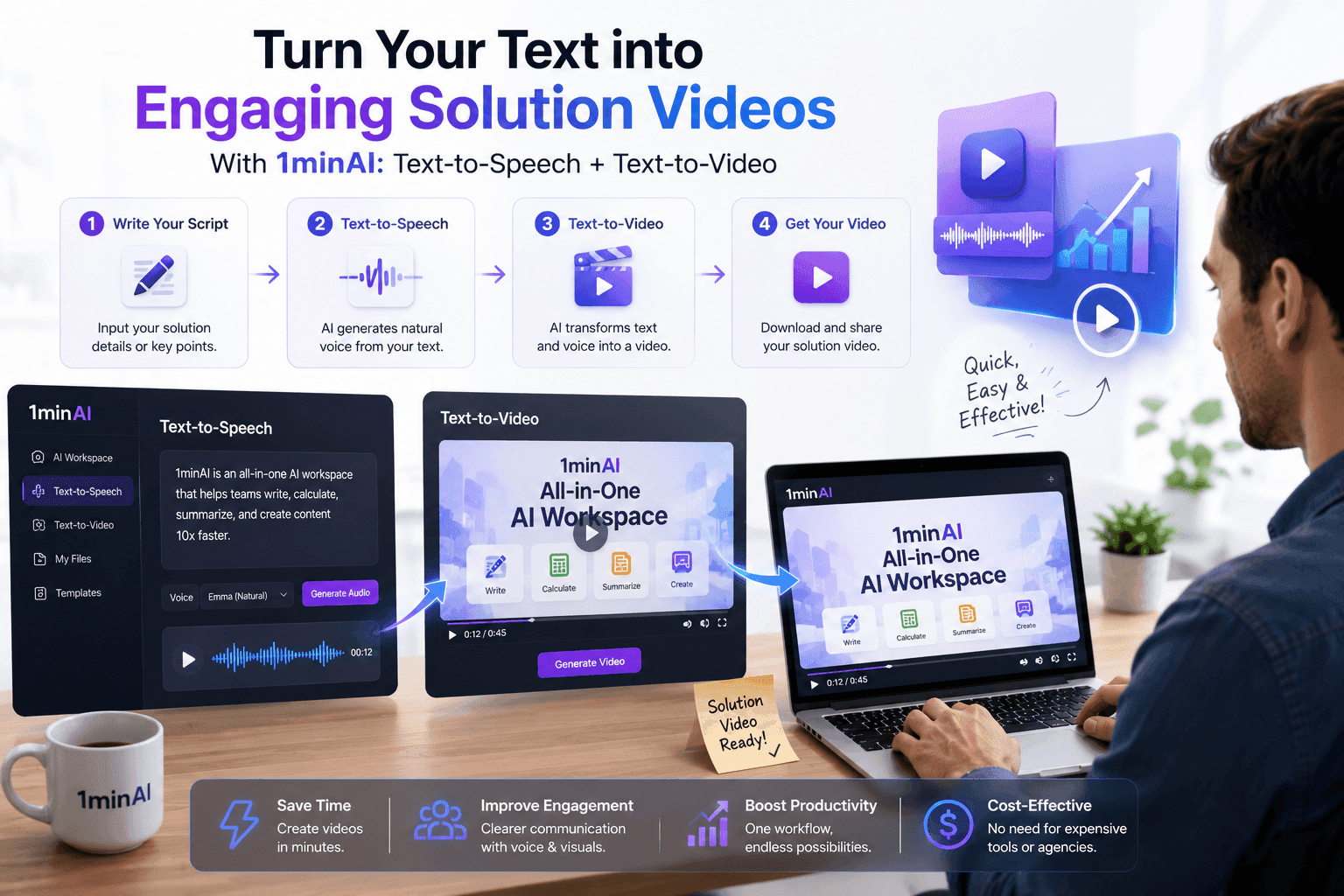
AI Video Generation is changing how brands and creators produce content. AI tools can transform ideas, scripts, and concepts into engaging videos with less time and resources.
Instead of starting from a blank timeline:
"Create a 30-second product introduction video for a skincare brand. Use a clean luxury style, soft lighting, and professional voice-over."
AI can help generate scripts, visuals, and video concepts faster.
8. Retrieval-Augmented Generation (RAG): Connecting AI with Knowledge
RAG enables AI systems to access external sources such as company documents, databases, and internal knowledge bases.
By connecting AI with trusted information, organizations can create more accurate assistants that provide answers based on their own data.
9. Fine-Tuning and Custom AI Models: Creating Specialized Solutions
Fine-tuning allows businesses to adapt AI models for specific industries, workflows, and communication styles.
Custom AI assistants can better understand brand guidelines, internal processes, and specialized requirements, making AI more useful for professional applications.
10. AI Agents: Building Autonomous Workflows
AI Agents represent a major step forward in automation. Unlike traditional chatbots, AI Agents can analyze goals, plan actions, use tools, and complete multi-step tasks.
nstead of manually researching competitors:
An AI Agent can:
- Collect competitor information.
- Summarize key insights.
- Create a comparison report.
- Suggest improvement strategies.
This turns AI from a simple assistant into an active workflow partner.