
Magic Art for Artists Create More Visual Ideas

Lien Anh Vu
5 October 2026
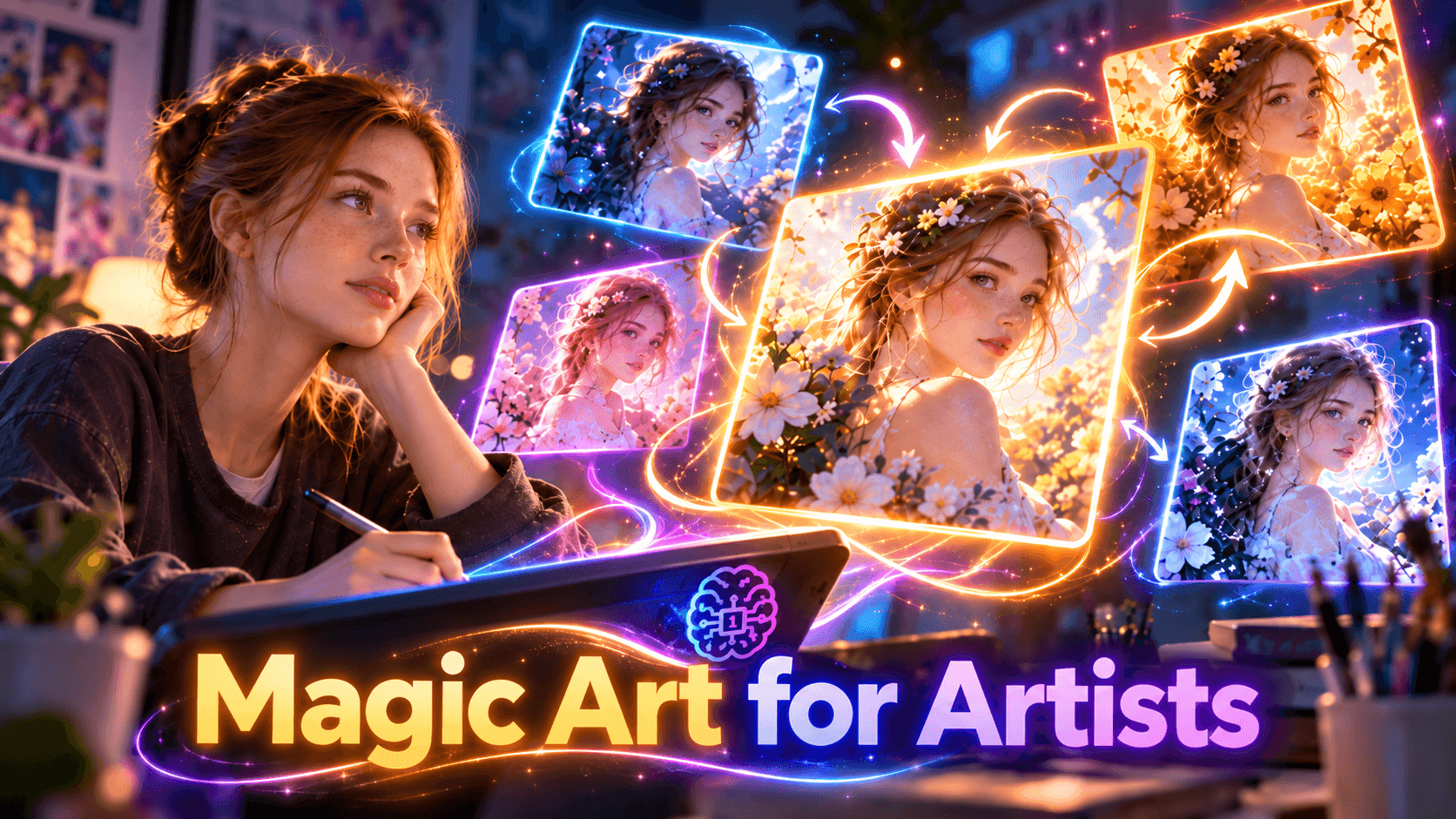
Discover how artists can use Magic Art in 1min.AI to generate images from text, create variations from existing artwork, explore anime styles, and develop more visual directions.
Getting the first image is often only the beginning.
Artists usually explore several compositions, moods, styles, and formats before deciding which direction feels right. Magic Art in 1min.AI supports that process in two ways. You can start from a written idea with Image Generator or begin with an existing image and create new variations through Image Variator.
Instead of expecting AI to deliver one perfect result, you can use it to explore more possibilities before choosing what to develop further.
What Magic Art Does
Magic Art is an AI image model available inside 1min.AI.
With Image Generator, you describe what you want to see and Magic Art creates an image from your prompt. With Image Variator, you upload an existing image and generate alternative versions based on that visual.
For artists, that creates two simple starting points:
Idea → Text to Image → Artwork
or
Existing Image → Image Variator → New Variations
You can also combine both into one creative workflow.
Start With an Idea
If you know what you want to create but do not have an image yet, start with Text to Image.
Choose Magic Art in the Image Generator and describe the visual clearly. Focus on what should actually appear in the image, including the subject, environment, lighting, composition, mood, and overall artistic direction.
Instead of writing:
fantasy woman in a forest
you could make the visual direction clearer:
A fantasy traveler beneath glowing trees at dusk, warm lantern light, soft mist, low angle composition, detailed painterly illustration.
The first result does not need to be perfect. It only needs to give you a useful direction to build on.
Turn One Image Into More Visual Directions
Sometimes you already have an image that is close to what you want.
Rather than rebuilding the idea from scratch, open Image Variator, upload the image, and use Magic Art to generate alternative versions. This lets you compare several possibilities while keeping the original visual as your starting point.
This can be useful when you want to explore another interpretation of the same artwork or simply see where the concept could go next.
The workflow becomes:
Create → Choose → Vary → Compare → Refine
Explore One Visual Question at a Time
More variations do not automatically mean better ideas.
Before generating another round, decide what you actually want to explore. You might ask whether the artwork needs a wider composition, a darker mood, a different framing, or a more stylized direction.
This makes each generation more useful because you are comparing visual decisions rather than collecting random outputs.
For example, you might explore:
Composition
Would the subject work better closer to the camera or farther away?
Mood
Does the concept feel stronger with softer light or a more dramatic atmosphere?
Framing
Would a portrait crop or a wide environmental view tell the story better?
Visual treatment
Would the concept work better as painterly art, a stylized illustration, or an anime inspired image?
The artist still decides what works. Magic Art simply gives you more options to evaluate.
Choose the Right Aspect Ratio
Magic Art supports several aspect ratios for different visual formats, including 1:1, 4:5, 2:3, 4:7, 5:4, 3:2, and 7:4.
For example:
1:1 works well for square artwork and social posts.
4:5 is useful for portrait social content.
2:3 suits portrait illustrations and photography.
3:2 works for standard landscape compositions.
7:4 gives more room for wide scenes, banners, and environment art.
Choosing the format before generating can help you create artwork that fits its final use more naturally.
Use Fast Mode When Exploring Ideas
Creative exploration often involves testing several possibilities quickly.
Magic Art includes both Fast and Relax generation modes. Fast mode is useful when you want to iterate quickly and compare different directions without slowing down the creative process.
Relax mode can be used when immediate generation is less important.
A simple approach is to use Fast mode during early exploration, then spend more time on the strongest direction once you find something worth developing.
Explore Anime and Manga Ideas With Niji 6
Magic Art also supports an optional Niji 6 mode for anime and manga oriented visuals.
Artists can use it for anime characters, manga inspired scenes, stylized illustrations, or other projects where that visual language fits the concept.
You do not need Niji 6 for every image. Turn it on when the project specifically calls for an anime or manga aesthetic and use the standard Magic Art workflow for other styles.
A Simple Magic Art Workflow for Artists
You do not need a complicated process to use Magic Art effectively.
Start with one clear idea
Decide what you want to explore before generating. It could be a character, environment, illustration concept, poster idea, or anime scene.
Generate the first visual
Use Text to Image to turn the idea into something visible.
Choose the strongest direction
Look for the image with the best foundation rather than expecting every detail to be final.
Create variations
Move that image into Image Variator and explore additional versions.
Magic Art can generate multiple variations from the same starting image, helping you compare different possibilities without repeating the process one image at a time.
Compare and refine
Choose the version that gives you the strongest visual direction and continue developing that idea.
The goal is not to generate endlessly. It is to find a direction worth keeping.
When to Use Text to Image or Image Variator
The choice depends on what you already have.
Use Text to Image when the idea exists mostly in words. You might know the character, mood, setting, or style you want but have no visual yet.
Use Image Variator when the idea is already visible and you want to explore alternative versions. Pasted markdown
A useful way to think about the difference is:
Text to Image asks: What could this idea look like?
Image Variator asks: Where else could this image go?
Using both gives artists a more flexible way to move from early concepts to stronger visual directions.
Make AI Part of Exploration
Magic Art is most useful when it becomes part of the creative process rather than just a way to generate one image.
Start with an idea, make it visible, explore a few alternatives, and compare what works. Once you find a promising direction, stop generating randomly and focus on developing it further.
That turns AI from a one click image maker into something more useful for artists: a way to explore more visual possibilities before making the final creative decision.
🚀 Try Magic Art in 1min.AI to turn one idea into more visual possibilities.
Alternatives
Discover the best alternatives to 1minAI and compare features, pricing, and use cases.

1min.AI vs OpenRouter
1min.AI vs. OpenRouter: Compare the ready-to-use AI creation product against the technical API tool. Find out if you need a zero-code creative studio or a coding infrastructure hub.
 Ngoc Hong
1min.AI vs Easy Peasy AI
Looking for an Easy Peasy AI alternative? Compare pricing, free plan, features and reviews of Easy-Peasy.AI vs 1min.AI before you choose.
Ngoc Hong
1min.AI vs Lovart
Compare 1min.AI vs Lovart across features, pricing, credits, brand tools, and use cases to find the right AI platform for your workflow.
Ngoc HongAI Tools
Discover the best AI tools to boost productivity, creativity, and everyday work.

Create Consistent Cartoon Content in Just a Few Steps
Create engaging cartoon videos for TikTok and Reels with 1min.AI. Research ideas, create characters, and turn images into animated videos in 3 simple steps.
 Lien Anh Vu
One Product, 10 UGC Creatives: How AI Makes Content Testing Easier
Create more authentic UGC with an AI UGC video generator, test more creative angles and scale affiliate content without filming every version.
Lien Anh Vu
Top 4 Affordable AI Tools for Startup Founders
Discover the top 4 affordable AI tools for startup founders to validate ideas, build products, create content, and launch faster without overspending.
 Tram Ta
AI Features
Comprehensive AI features that streamline workflows, improve efficiency, and empower teams to achieve more.
Create Consistent Cartoon Content in Just a Few Steps
Create engaging cartoon videos for TikTok and Reels with 1min.AI. Research ideas, create characters, and turn images into animated videos in 3 simple steps.
Lien Anh VuOne Product, 10 UGC Creatives: How AI Makes Content Testing Easier
Create more authentic UGC with an AI UGC video generator, test more creative angles and scale affiliate content without filming every version.
Lien Anh Vu
1minAI: Free AI Grammar Checker
Check grammar for free with 1minAI’s AI grammar checker. Find grammar, spelling, and writing mistakes, improve clarity, and polish your content in seconds.
Tram TaAI Use Cases
A curated collection of AI use cases for business, productivity, and industry-specific applications.
Create Consistent Cartoon Content in Just a Few Steps
Create engaging cartoon videos for TikTok and Reels with 1min.AI. Research ideas, create characters, and turn images into animated videos in 3 simple steps.
Lien Anh VuOne Product, 10 UGC Creatives: How AI Makes Content Testing Easier
Create more authentic UGC with an AI UGC video generator, test more creative angles and scale affiliate content without filming every version.
Lien Anh Vu
Best Time to Post on Instagram: A Practical Guide for Better Engagement
Discover the best time to post on Instagram, including the best days and times for different audiences, plus tips to find the ideal posting schedule for your account.
Tram TaAI Tutorials
Learn how to use AI with practical, step-by-step tutorials.

Black Friday AI Tool Deals in 2026
Discover what Black Friday AI tool deals 2026 has to offer. Find out how to secure the 1min.AI lifetime deal via AppSumo, Dealify, Stack Social, and verify on Trustpilot, Slashdot, and Software Advice.
 Hang Nguyen
Create Consistent Cartoon Content in Just a Few Steps
Create engaging cartoon videos for TikTok and Reels with 1min.AI. Research ideas, create characters, and turn images into animated videos in 3 simple steps.
Lien Anh Vu
[Seedance 2.5 New] Better AI Product Videos, Less Rework in 1min.AI
Use Seedance 2.5 image to video on 1min.AI to create more consistent AI product videos, reduce failed generations, save credits, and improve UGC workflows.
Lien Anh VuAI Guides
Learn AI faster with practical guides, real-world examples, and actionable best practices.

Safely Buy AI Tools Online: 2026 Black Friday Guide
Discover how to find and secure the best Black Friday AI deals online. Learn expert strategies to avoid scams, combat subscription fatigue, and verify software.
Hang NguyenCreate Consistent Cartoon Content in Just a Few Steps
Create engaging cartoon videos for TikTok and Reels with 1min.AI. Research ideas, create characters, and turn images into animated videos in 3 simple steps.
Lien Anh Vu[Seedance 2.5 New] Better AI Product Videos, Less Rework in 1min.AI
Use Seedance 2.5 image to video on 1min.AI to create more consistent AI product videos, reduce failed generations, save credits, and improve UGC workflows.
Lien Anh VuAI Solutions
Browse the best AI solutions for automation, coding, research, productivity, customer support, marketing, and business workflows.
Safely Buy AI Tools Online: 2026 Black Friday Guide
Discover how to find and secure the best Black Friday AI deals online. Learn expert strategies to avoid scams, combat subscription fatigue, and verify software.
Hang NguyenCreate Consistent Cartoon Content in Just a Few Steps
Create engaging cartoon videos for TikTok and Reels with 1min.AI. Research ideas, create characters, and turn images into animated videos in 3 simple steps.
Lien Anh VuOne Product, 10 UGC Creatives: How AI Makes Content Testing Easier
Create more authentic UGC with an AI UGC video generator, test more creative angles and scale affiliate content without filming every version.
Lien Anh VuAI Models
Explore the world's leading AI models in one place.
Create Consistent Cartoon Content in Just a Few Steps
Create engaging cartoon videos for TikTok and Reels with 1min.AI. Research ideas, create characters, and turn images into animated videos in 3 simple steps.
Lien Anh VuOne Product, 10 UGC Creatives: How AI Makes Content Testing Easier
Create more authentic UGC with an AI UGC video generator, test more creative angles and scale affiliate content without filming every version.
Lien Anh Vu[Seedance 2.5 New] Better AI Product Videos, Less Rework in 1min.AI
Use Seedance 2.5 image to video on 1min.AI to create more consistent AI product videos, reduce failed generations, save credits, and improve UGC workflows.
Lien Anh VuAI Comparisons
Compare AI tools, models, and platforms to find the best fit for your needs.

Kling AI Vs Veo 3: Which Model Wins?
Kling AI vs Veo 3: compare motion, native audio, pricing & free tiers to see which AI video generator wins for your project - try both on 1min.AI.
 Trang Tran
[Seedance 2.5 New] Better AI Product Videos, Less Rework in 1min.AI
Use Seedance 2.5 image to video on 1min.AI to create more consistent AI product videos, reduce failed generations, save credits, and improve UGC workflows.
Lien Anh Vu
DeepSeek V4 Pro vs Flash Comparison
Compare DeepSeek V4 Pro vs DeepSeek V4 Flash metrics. Optimize your agentic apps and improve AI fact checking on 1min.ai today.
Ngoc HongAI Integrations
Seamlessly integrate AI with the tools you already use to automate work and boost productivity.

POV: You Have 10+ Posts to Make Every Day
Learn how to build an AI content workflow that helps content creators produce 10+ social media posts a day faster with AI brainstorming, image generation, and content creation.
Lien Anh Vu
How to Use an AI Fashion Video Generator for Fashion Week 2026
Turn Fashion Week 2026 ideas into stunning fashion videos with AI. Learn how to brainstorm, create visuals, and transform images into videos with one simple workflow.
Lien Anh Vu
Stop Switching Between AI Apps: How AI Integration Transforms Employer Branding
Discover how AI integration helps HR teams streamline employer branding by combining AI writing, documents, images, video, and multiple AI models into one workspace.
Tram TaAI for Industries
Find the best AI tools and workflows for healthcare, finance, education, legal, manufacturing, retail, real estate, and more

Best AI Tool for Content Marketing |1minAI
Looking for the best AI tool for content marketing? See how 1minAI helps marketers research, write, repurpose, create visuals, and scale content from one AI workspace.
Tram Ta
7 Low-Cost AI Business Ideas for Your Startup
Explore 7 low-cost AI business ideas you can start with a small budget, from content and video services to AI consulting, reselling, and automation.
Tram Ta
How to Start a One-Person AI Business: 7 Models You Can Run Solo
Learn how to start a one-person AI business with 7 practical models, from AI consulting and content services to automation and software reselling.
Tram TaAI Agents
Discover and run AI agents to automate tasks across your work and daily life.
1minAI: Free AI Grammar Checker
Check grammar for free with 1minAI’s AI grammar checker. Find grammar, spelling, and writing mistakes, improve clarity, and polish your content in seconds.
Tram Ta
AI Agents for Facebook
Use an AI Agent for Facebook to create content, generate images, schedule posts, and publish from your documents and conversations.
Ngoc Hong
AI Agent vs AI Assistant: Which One Actually Saves Designers More Time?
Learn the difference between AI Agent vs AI Assistant and discover which solution helps designers automate repetitive work, reduce revisions, and save more time.
Lien Anh VuAI Workflows
Explore ready-to-use AI workflows for productivity, marketing, sales, support, and more.
Create Consistent Cartoon Content in Just a Few Steps
Create engaging cartoon videos for TikTok and Reels with 1min.AI. Research ideas, create characters, and turn images into animated videos in 3 simple steps.
Lien Anh VuOne Product, 10 UGC Creatives: How AI Makes Content Testing Easier
Create more authentic UGC with an AI UGC video generator, test more creative angles and scale affiliate content without filming every version.
Lien Anh VuPOV: You Have 10+ Posts to Make Every Day
Learn how to build an AI content workflow that helps content creators produce 10+ social media posts a day faster with AI brainstorming, image generation, and content creation.
Lien Anh VuNewsletter
Weekly AI Innovations with 1minAI

🔮 Weekly AI Innovations #140: Deepseek 4.1 Flash & Gemini Upgrades
Explore Deepseek 4.1 Flash and new Gemini models on 1min.ai. Plus, check our update on your Billing - Usage page for better clarity.
Hang Nguyen
🔮 Weekly AI Innovations #136: Grok 4.6 and Smart Data Retention
Discover the latest 1min.ai updates! Upgrade to Grok 4.6 for blazing-fast AI, and check our new Data Retention policies to secure your files today.
Hang Nguyen
🔮 Weekly AI Innovations #139: Dawn of the next-gen AI
Discover the immense power of GPT-6 Astra and Claude Fable 5.1. Unlock next-generation AI models on 1min.ai to solve complex tasks effortlessly.
Hang Nguyen