
Free Property Management Email Templates

Trang Tran
28 September 2026

Free property management email templates for tenants and owners: rent reminders, renewals, maintenance updates. Copy, customize, and send in minutes.
Writing the same rent reminder or maintenance update for the tenth time this week is a fast way to lose your afternoon. Property management email templates are pre-written messages that help property managers and landlords reply faster, sound consistent, and keep every tenant and owner conversation professional. Below are eight free, copy-ready templates for the moments that repeat all year, a short best-practice checklist, and a quick way to turn each one into an on-brand email with 1min.AI. Use them as property management communication templates for prospects, tenants, and owners.
Key takeaways
- Cover the moments that repeat: tours, move-in, maintenance, rent, renewals, move-out, and owner reports.
- Use a literal subject line, one clear action, and a body of 50 to 150 words.
- Replace every [bracket] with real details so no email feels like a mass blast.
- Notice rules vary by location, so check local law before sending.
Which Property Management Email Template Do You Need?
Match each property management email template to the moment, and lead with the detail the reader cares about most.
| Situation | Send to | Lead with | Single action |
|---|---|---|---|
| Renter toured a unit | Prospect | Thanks and next step | Apply |
| New lease signed | Tenant | Move-in date | Complete checklist |
| Repair reported | Tenant | Status and ETA | Confirm access |
| Rent due or late | Tenant | Amount and deadline | Pay rent |
| Lease ending | Tenant | Renewal terms | Reply by deadline |
| Month closed | Owner | Net payout | Review statement |
Property Management Email Templates for Tenants
Post-Tour Follow-Up Email Template
Send this apartment follow-up email within 24 hours of a showing. It also works as a "thank you for touring our community" message.
Subject: Thanks for touring [Property Name]
Hi [First Name],
Thank you for visiting [Property Name] on [tour date]. Unit [number] is [rent] per month and available from [date]. I am happy to answer questions about pricing, pet policy, or move-in costs.
Ready to apply? Use this link: [Application Link]. We review applications within [X] business days.
Best, [Name]
Tenant Welcome Email Template
Subject: Welcome to [Property Name]: your move-in guide
Hi [First Name],
Welcome home! Your move-in date is [date]. Keys are available at [location] between [time window].
Before you arrive:
- Set up utilities with [provider]
- Activate your resident portal: [link]
- Review parking and trash schedules
Questions? Call [phone]. For emergencies, call [24/7 number].
Best, [Name]
Maintenance Request Response Template
Subject: Update on your request: [Issue] (#[Ticket])
Hi [First Name],
We received your request about [issue]. [Vendor] will visit on [date and time window]. Please confirm someone will be home or that we may enter.
If the problem becomes urgent, call [emergency number]. We will update you as soon as the repair is complete.
Best, [Name]
Even a small update like "parts are ordered" reduces follow-up emails, so always name the next step.
Rent Reminder Email Template
Subject: Reminder: [Month] rent is due [date]
Hi [First Name],
This is a friendly reminder that rent of [amount] is due on [date]. You can pay here: [payment link].
As outlined in your lease, a late fee of [amount] applies after [date]. If you need to talk through your situation, reply to this email and we will find a solution together.
Thank you, [Name]
For a late rent notice, keep the same calm tone and state the total due, the payment link, and the next step.
Lease Renewal Email Template
Subject: Your lease renewal options for [Address]
Hi [First Name],
Your lease ends on [date], and we would love for you to stay. Your renewal option is [term] at [rent] per month.
Please reply by [deadline] so we can prepare your agreement. If you plan to move out, let us know by [notice date].
Best, [Name]
Send this at 90, 60, and 30 days before the lease ends.
Move-Out Instructions Template
Subject: Your move-out checklist for [Unit]
Hi [First Name],
Your lease ends on [date]. Your final inspection is [date and time]. Before then, please:
- Remove belongings and trash
- Clean the kitchen, bathrooms, and appliances
- Return all keys and fobs
- Send us your forwarding address
Your deposit of [amount] will be returned or itemized within [X] days, as required by your lease and local law.
Best, [Name]
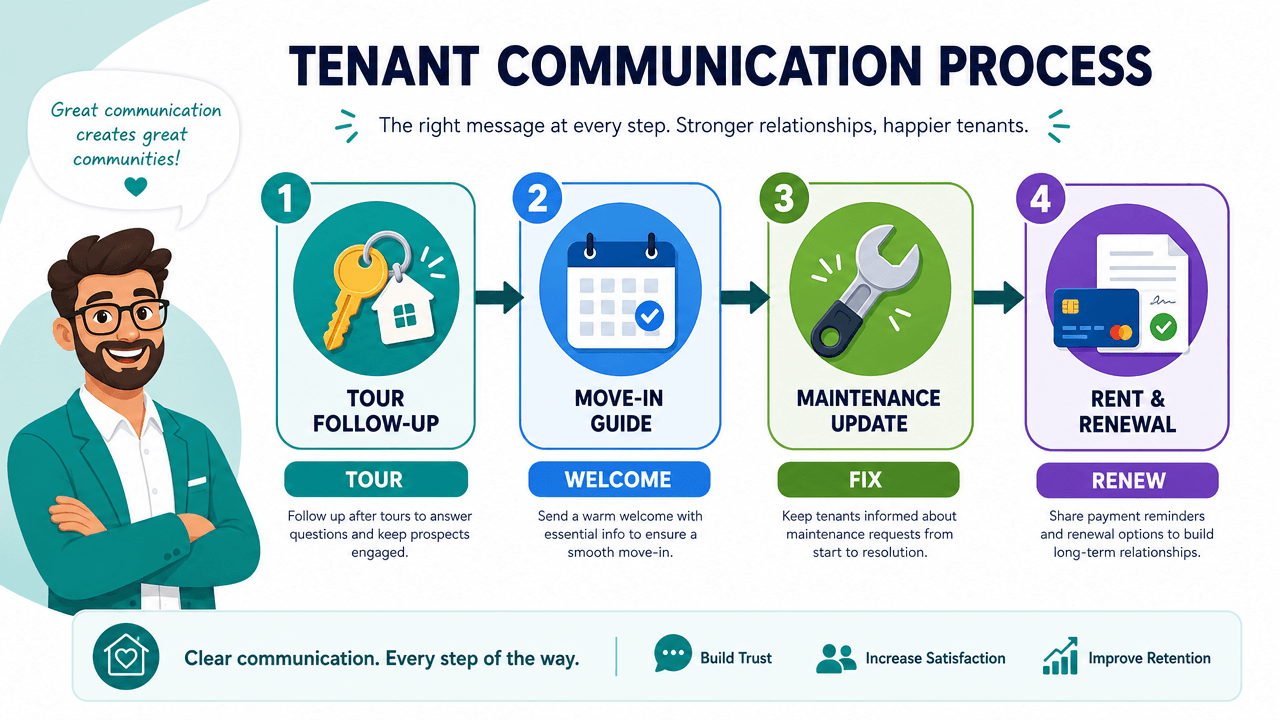
Property Management Email Templates for Owners
New Owner Welcome Email Template
Subject: Welcome to [Company]: what happens next
Hi [First Name],
Thank you for trusting us with [Property]. Your account manager is [Name], reachable at [contact]. Over the next [X] days we will:
- Complete the property inspection
- Set up your owner portal
- Confirm your payout details securely
Reply here with any questions.
Best, [Name]
Monthly Owner Statement Email Template
Subject: [Property] owner statement for [Month]
Hi [First Name],
Your [Month] statement is ready: [link].
Rent collected: [amount]. Expenses: [amount]. Net payout: [amount], sent on [date]. Occupancy: [status]. Note: [one-line update].
Call me if you would like to discuss anything.
Best, [Name]
Best Practices for Property Manager Email Templates
- Write literal subject lines: Aim for about 40 to 50 characters that name the topic and the property.
- Keep one action per email: "Pay rent," "Confirm access," or "Review renewal" keeps the reader focused.
- Stay short: Use 50 to 150 words, short sentences, and bullets for dates and amounts.
- Be specific about timing: Send renewal notices at 90, 60, and 30 days, and acknowledge maintenance requests within 24 hours.
- Stay calm about money: Assume a late payment is an oversight first, cite the fee from the lease, and offer a way to talk.
- Keep records: Save sent messages in the tenant file to support any deposit or notice dispute.
- Respect local rules: Entry notices, late fees, rent increases, and deposit timelines differ by location. These templates are not legal advice.
How to Write Property Management Emails with 1min.AI
1min.AI is an all-in-one AI platform for writing, images, documents, audio, and video. Its Email Generator turns the templates above into finished, on-brand emails in a few clicks:
- Choose an AI model: Pick a fast, lightweight model for routine reminders, or a more advanced one for sensitive messages such as rent increase notices. Options include models from OpenAI, Anthropic, Google, and other providers.
- Select your Brand Voice: To create one, open Brand Voice in 1min.AI, name it, describe how your company sounds, and save. Every email then follows the same tone, whoever sends it.
- Pick a language: Choose from more than 100 languages, so you can write to tenants and owners in the language they read best.
- Add your content: Paste a template with the [brackets] filled in, or upload a document such as a lease summary or owner report, then click Generate.
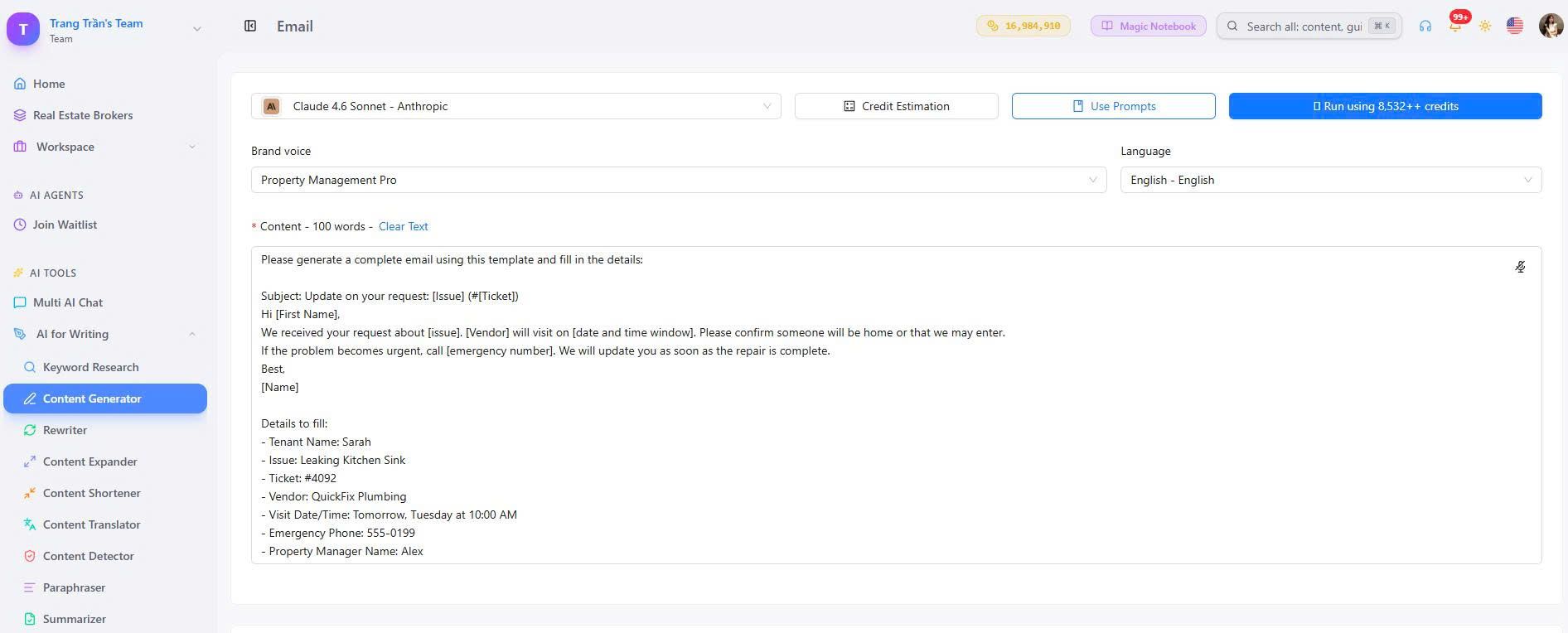
Replying to an inbox full of tenant messages? The Email Reply Generator works the same way. Choose your model, Brand Voice, and language, paste the received email, add the points you want to make, and generate a ready-to-send response.
Copy the result into your email tool, Google Docs, or Word, or save it as a PDF for your team's shared folder. Always review AI drafts for accurate amounts, dates, and legal requirements before sending. If you also market vacancies, see how AI real estate video can showcase a unit before the tour.
1min.AI is rated Excellent on Trustpilot and is listed on Capterra, Software Advice, GetApp, SourceForge, and Slashdot.
Frequently Asked Questions
What should a property management email include?
A literal subject line, the recipient's name, the key fact (amount, date, or status), one clear action, and your contact details.
How do I write an email to a property manager?
Use a clear subject line with your unit number, state your request in the first sentence, add helpful details such as dates or photos, and say how you prefer to be contacted.
How long should a property management email be?
Aim for 50 to 150 words. Move longer details into bullets or a portal link.
Are these property management email templates free?
Yes. Copy them, edit the brackets, and use them in your business.
Can AI write property management emails?
Yes. With 1min.AI, you choose a model, a Brand Voice, and a language, add a few details, and the Email Generator drafts the message. The Email Reply Generator does the same for tenant replies. A person should review each message before it is sent.
Clear, timely, and kind communication is what keeps tenants renewing and owners confident. Start with these templates, make them yours, and let 1min.AI write the first draft.
Alternatives
Discover the best alternatives to 1minAI and compare features, pricing, and use cases.

1min.AI vs OpenRouter
1min.AI vs. OpenRouter: Compare the ready-to-use AI creation product against the technical API tool. Find out if you need a zero-code creative studio or a coding infrastructure hub.
 Ngoc Hong
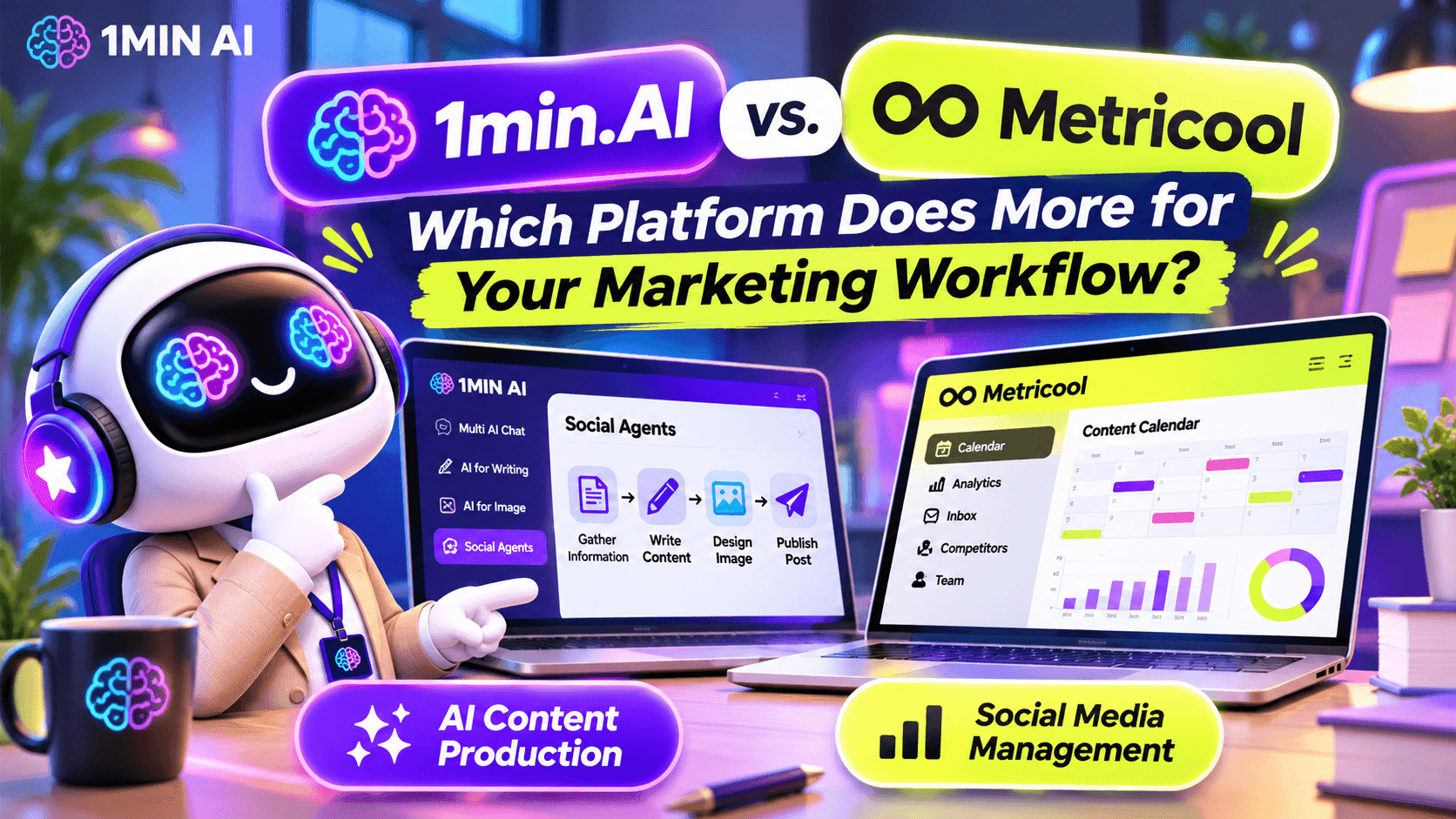
1min.AI vs. Metricool: Which Platform Does More for Your Marketing Workflow?
Compare 1min.AI vs. Metricool across content creation, visual production, scheduling, analytics, MCP, and pricing to find the right platform for your marketing workflow.

1min.AI vs. Hootsuite: Which Social Media Tool Fits Your Workflow?
Compare 1min.AI vs. Hootsuite to explore their AI content creation, social media publishing, analytics, pricing, and collaboration features. Find the right tool for your workflow.
AI Tools
Discover the best AI tools to boost productivity, creativity, and everyday work.

Top 4 Affordable AI Tools for Startup Founders
Discover the top 4 affordable AI tools for startup founders to validate ideas, build products, create content, and launch faster without overspending.
 Tram Ta
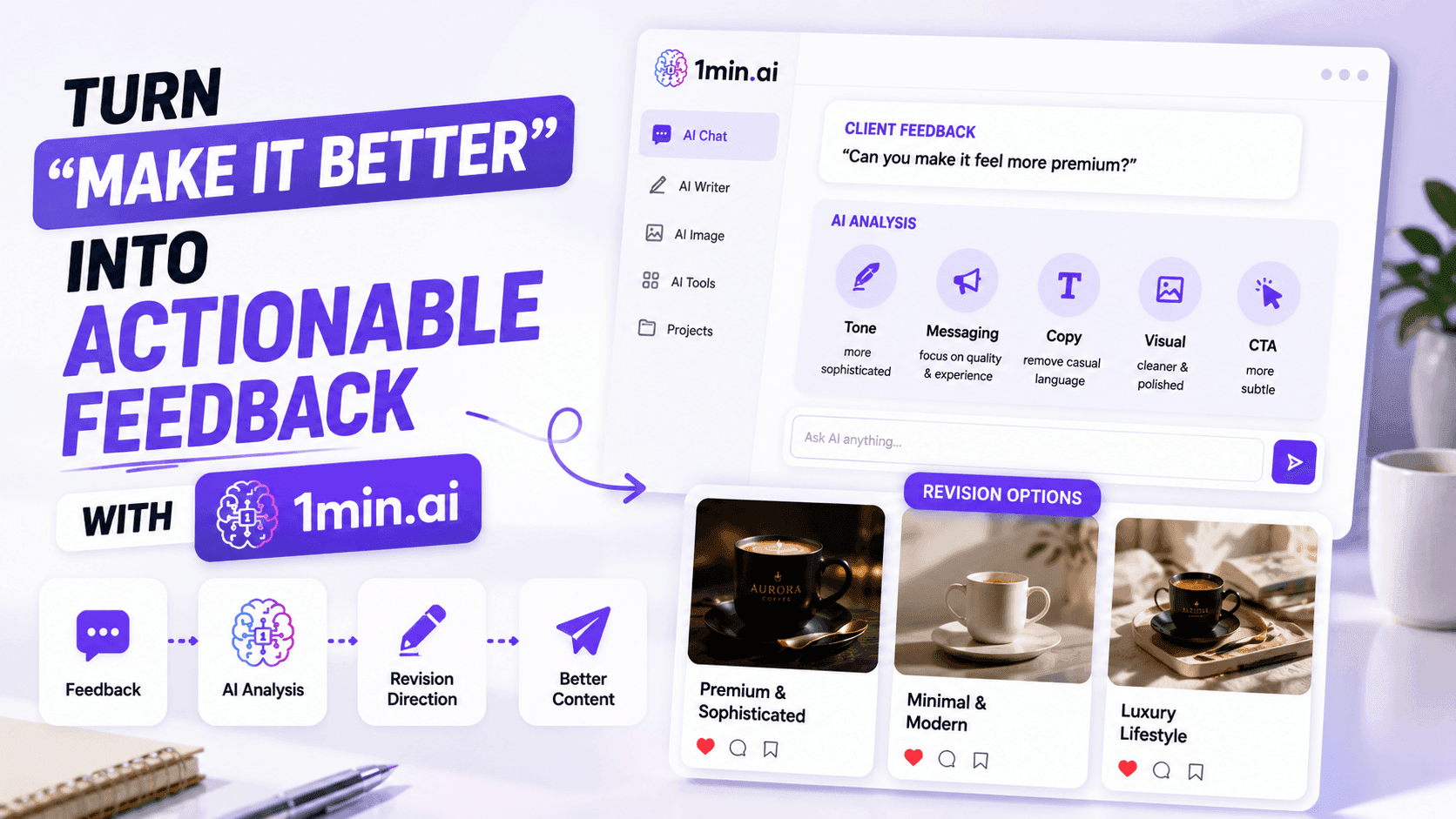
Turn “Make It Better” Into Better Content With AI
Use AI to turn vague client feedback into clear revisions, reduce unnecessary edits, and deliver better content faster.
 Lien Anh Vu
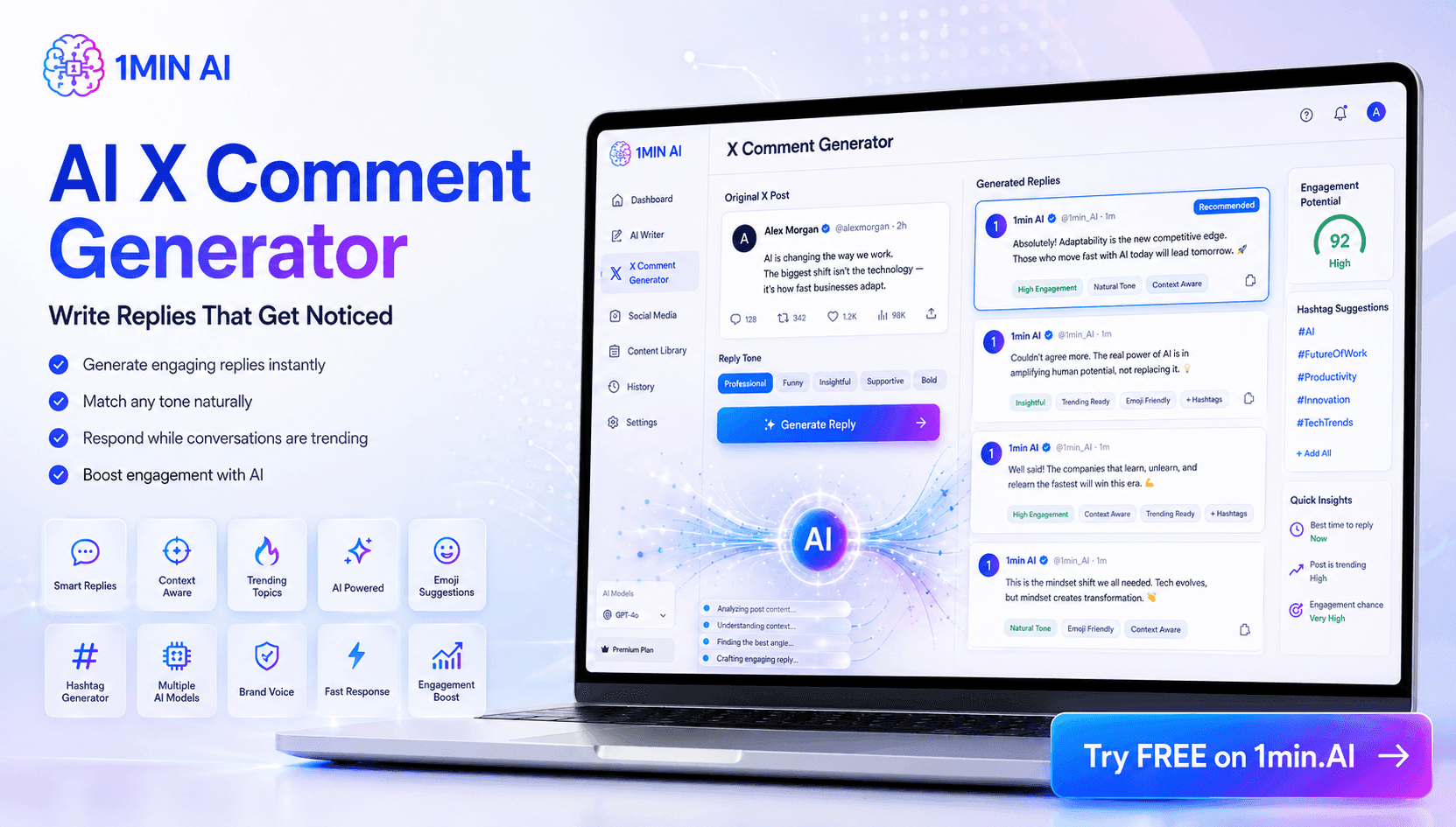
Free AI X Comment
Create funny, witty, or insightful comments for Twitter with our AI-powered Twitter Comment Generator. Boost your engagement and stand out in the crowd!
 Trang Tran
AI Features
Comprehensive AI features that streamline workflows, improve efficiency, and empower teams to achieve more.
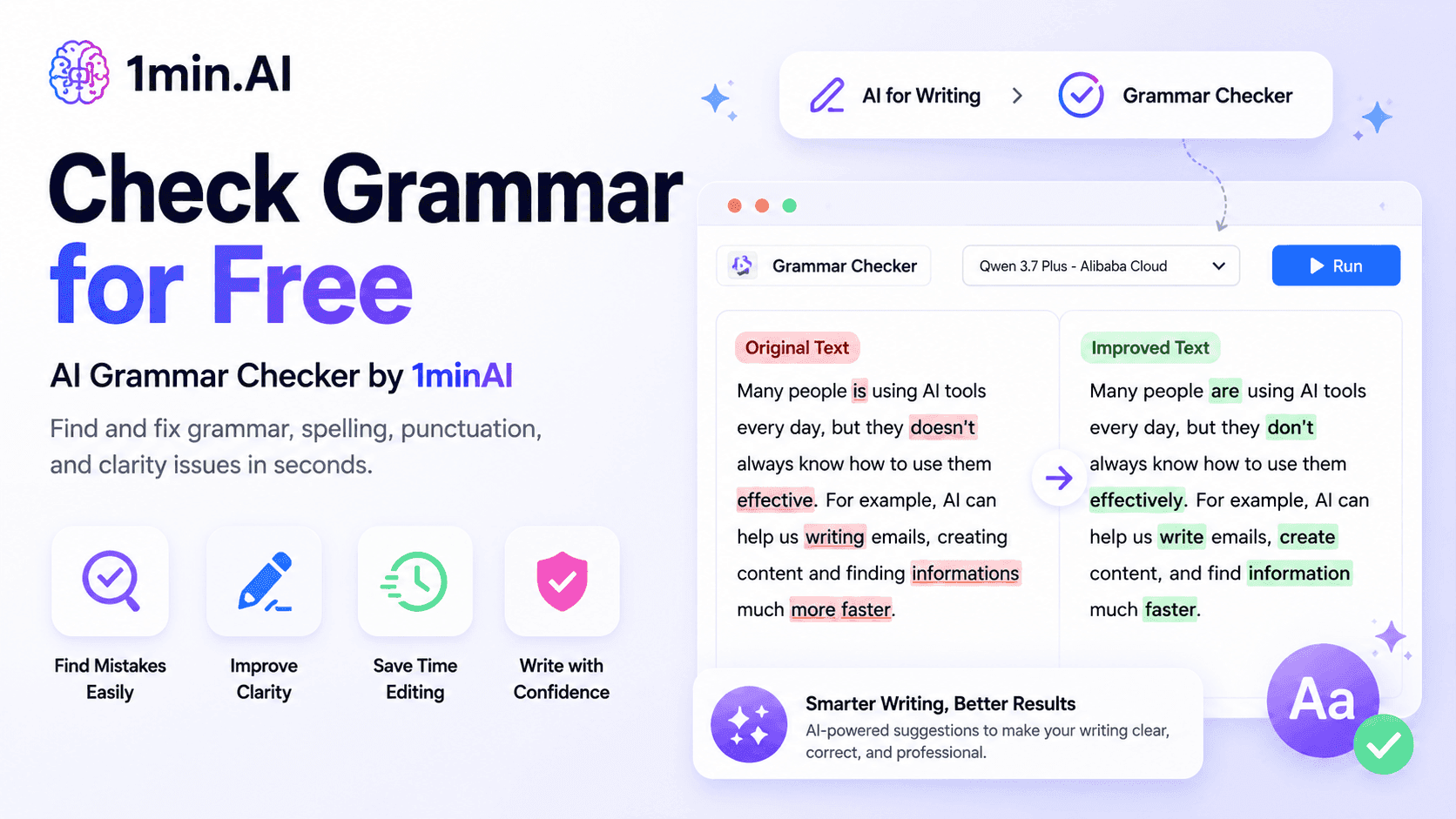
1minAI: Free AI Grammar Checker
Check grammar for free with 1minAI’s AI grammar checker. Find grammar, spelling, and writing mistakes, improve clarity, and polish your content in seconds.
Tram Ta
Build a Portfolio Website Faster with 1min.AI
Learn how freelance creatives can use 1min.AI to plan, write, design, and generate a professional portfolio website faster, even without strong coding skills.
Lien Anh VuFree AI X Comment
Create funny, witty, or insightful comments for Twitter with our AI-powered Twitter Comment Generator. Boost your engagement and stand out in the crowd!
Trang TranAI Use Cases
A curated collection of AI use cases for business, productivity, and industry-specific applications.
Best Time to Post on Instagram: A Practical Guide for Better Engagement
Discover the best time to post on Instagram, including the best days and times for different audiences, plus tips to find the ideal posting schedule for your account.
Tram TaTurn “Make It Better” Into Better Content With AI
Use AI to turn vague client feedback into clear revisions, reduce unnecessary edits, and deliver better content faster.
Lien Anh VuBuild a Portfolio Website Faster with 1min.AI
Learn how freelance creatives can use 1min.AI to plan, write, design, and generate a professional portfolio website faster, even without strong coding skills.
Lien Anh VuAI Tutorials
Learn how to use AI with practical, step-by-step tutorials.

Black Friday AI Tool Deals in 2026
Discover what Black Friday AI tool deals 2026 has to offer. Find out how to secure the 1min.AI lifetime deal via AppSumo, Dealify, Stack Social, and verify on Trustpilot, Slashdot, and Software Advice.
 Hang Nguyen
Turn “Make It Better” Into Better Content With AI
Use AI to turn vague client feedback into clear revisions, reduce unnecessary edits, and deliver better content faster.
Lien Anh Vu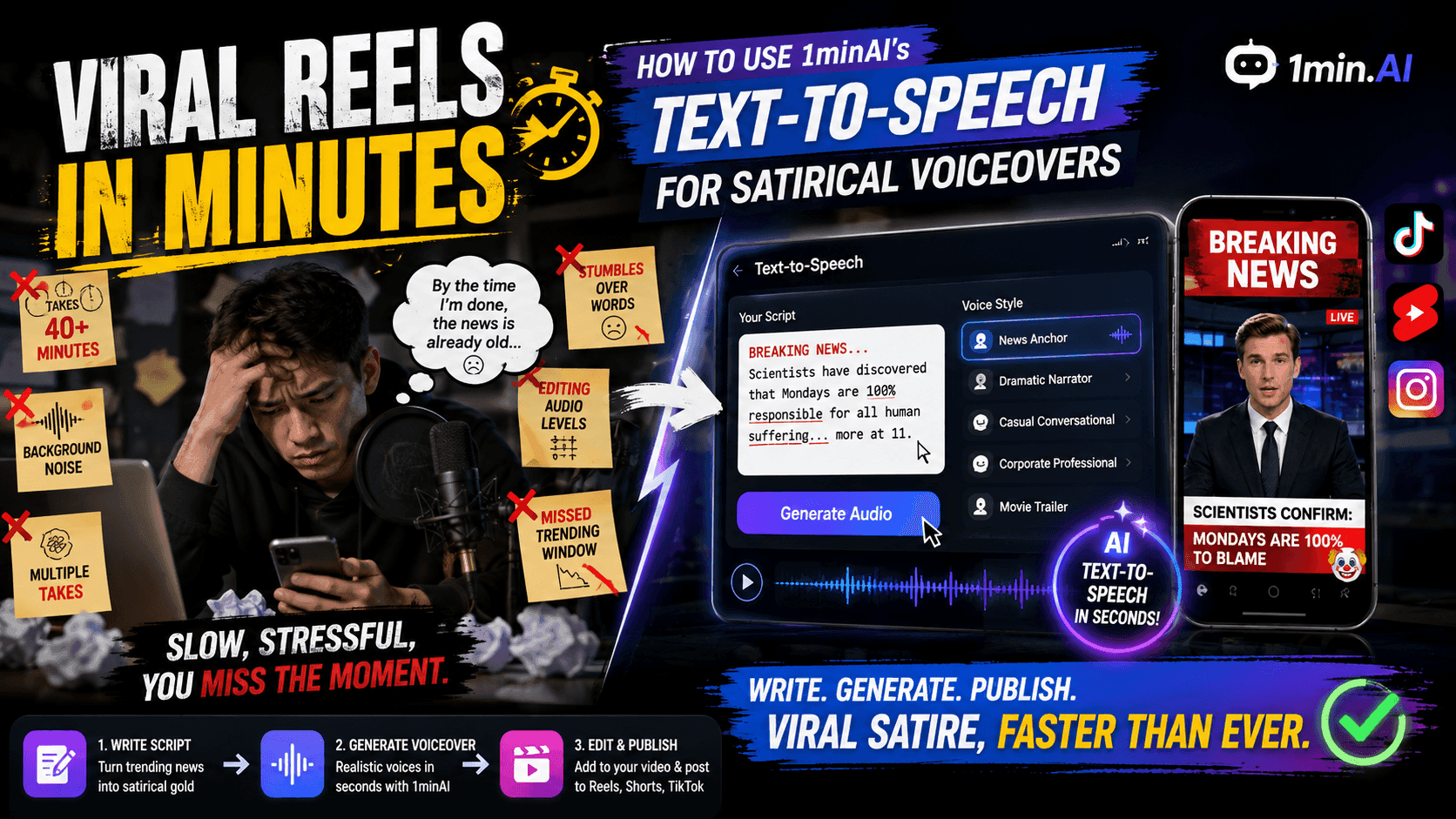
Viral Reels in Minutes: How to Use 1minAI’s Text-to-Speech for Satirical Voiceovers
Learn how satirical page admins use 1minAI’s Text-to-Speech feature to generate instant news anchor and dramatic voiceovers for TikToks, Shorts, and Instagram Reels.
AI Guides
Learn AI faster with practical guides, real-world examples, and actionable best practices.

Safely Buy AI Tools Online: 2026 Black Friday Guide
Discover how to find and secure the best Black Friday AI deals online. Learn expert strategies to avoid scams, combat subscription fatigue, and verify software.
Hang Nguyen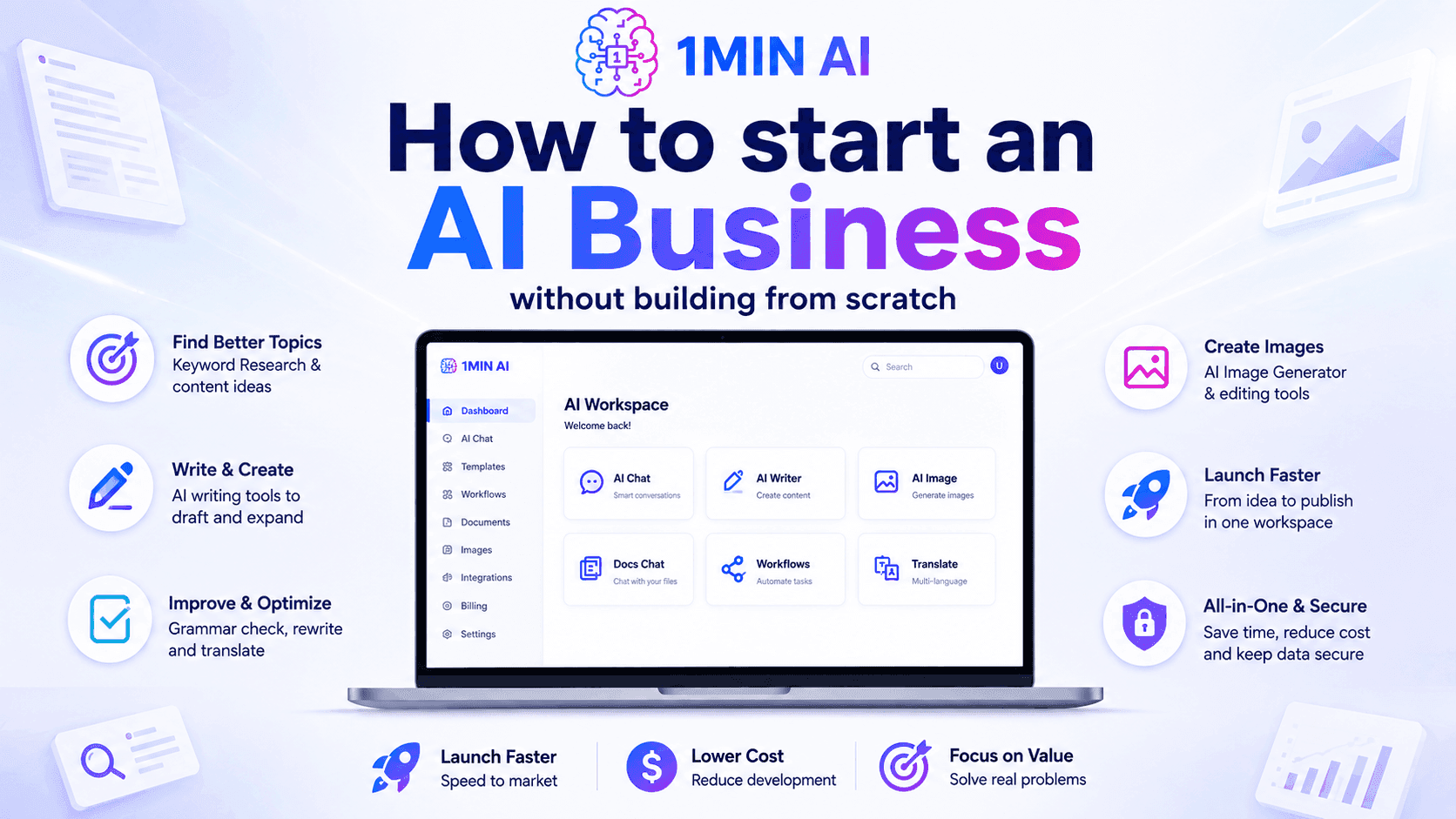
How to start an AI business without building from scratch
Learn how to start an AI business, validate your idea, and launch faster without building costly AI infrastructure from scratch.
Ngoc Hong
How to Use an AI Fashion Video Generator for Fashion Week 2026
Turn Fashion Week 2026 ideas into stunning fashion videos with AI. Learn how to brainstorm, create visuals, and transform images into videos with one simple workflow.
Lien Anh VuAI Solutions
Browse the best AI solutions for automation, coding, research, productivity, customer support, marketing, and business workflows.
Safely Buy AI Tools Online: 2026 Black Friday Guide
Discover how to find and secure the best Black Friday AI deals online. Learn expert strategies to avoid scams, combat subscription fatigue, and verify software.
Hang Nguyen
Free AI Tattoo Generator: Custom Designs
Turn any idea into a custom tattoo design with 1min.AI's free AI tattoo generator. Describe your idea, pick a style, and download in seconds.
Trang TranTurn “Make It Better” Into Better Content With AI
Use AI to turn vague client feedback into clear revisions, reduce unnecessary edits, and deliver better content faster.
Lien Anh VuAI Models
Explore the world's leading AI models in one place.

Free AI Chat With Claude Fable 5.2 On 1min.AI
Free AI chat with Claude Fable 5.2 on 1min.AI. Compare Fable 5.2 vs Opus 5.5, see Fable 5.2 benchmarks, and start chatting in minutes.
Trang Tran
GPT-6.2 Sol: Specs, Pricing & Free Access
Explore GPT-6.2 Sol specs, pricing, and how it compares with GPT-6.1 Sol and Claude Opus 5.5, then try it free in 1min.AI Multi AI Chat.
Trang Tran
GPT 6.2 Astra: Pricing, Benchmarks & Free Access
GPT 6.2 Astra release date, pricing, Reddit feedback and Opus 5.5 comparison. See what it does best and chat with it on 1min.AI for free.
Trang TranAI Comparisons
Compare AI tools, models, and platforms to find the best fit for your needs.
Gemini 4 Neon vs Hydrogen: Specs, Price & Picks
Gemini 4 Neon vs Hydrogen, Carbon and Argon: compare price, benchmarks and use cases to pick the right model, then test them side by side on 1min.AI.
Trang Tran
Kling AI Vs Veo 3: Which Model Wins?
Kling AI vs Veo 3: compare motion, native audio, pricing & free tiers to see which AI video generator wins for your project - try both on 1min.AI.
Trang Tran
DeepSeek V4 Pro vs Flash Comparison
Compare DeepSeek V4 Pro vs DeepSeek V4 Flash metrics. Optimize your agentic apps and improve AI fact checking on 1min.ai today.
Ngoc HongAI Integrations
Seamlessly integrate AI with the tools you already use to automate work and boost productivity.

POV: You Have 10+ Posts to Make Every Day
Learn how to build an AI content workflow that helps content creators produce 10+ social media posts a day faster with AI brainstorming, image generation, and content creation.
Lien Anh Vu
Stop Switching Between AI Apps: How AI Integration Transforms Employer Branding
Discover how AI integration helps HR teams streamline employer branding by combining AI writing, documents, images, video, and multiple AI models into one workspace.
Tram Ta
AI API Aggregator Explained For Developers
An AI API aggregator gives developers one unified API to call multiple AI models, cutting integration time and vendor lock in.
Trang TranAI for Industries
Find the best AI tools and workflows for healthcare, finance, education, legal, manufacturing, retail, real estate, and more

ChatGPT Trending Photo Prompts to Copy and Paste
Explore chatgpt trending photo prompt ideas you can copy and paste. Create viral AI portraits, collages, and aesthetic photos with ease.
Trang TranTry Image To Video AI With Prompt Online Free
Try image to video AI with prompt online free, no login and no watermark. Upload a photo, type the motion you want, and get a short video in minutes.
Trang Tran
No Photoshoot? Create AI Fashion Videos With Seedance 2.5
No photoshoot needed! Create stunning AI fashion videos with Seedance 2.5 on 1min.AI using outfit references, cinematic prompts, and surreal scenes.
Lien Anh VuAI Agents
Discover and run AI agents to automate tasks across your work and daily life.
1minAI: Free AI Grammar Checker
Check grammar for free with 1minAI’s AI grammar checker. Find grammar, spelling, and writing mistakes, improve clarity, and polish your content in seconds.
Tram Ta
AI Agents for Facebook
Use an AI Agent for Facebook to create content, generate images, schedule posts, and publish from your documents and conversations.
Ngoc Hong
AI Agent vs AI Assistant: Which One Actually Saves Designers More Time?
Learn the difference between AI Agent vs AI Assistant and discover which solution helps designers automate repetitive work, reduce revisions, and save more time.
Lien Anh VuAI Workflows
Explore ready-to-use AI workflows for productivity, marketing, sales, support, and more.
POV: You Have 10+ Posts to Make Every Day
Learn how to build an AI content workflow that helps content creators produce 10+ social media posts a day faster with AI brainstorming, image generation, and content creation.
Lien Anh VuHow to Use an AI Fashion Video Generator for Fashion Week 2026
Turn Fashion Week 2026 ideas into stunning fashion videos with AI. Learn how to brainstorm, create visuals, and transform images into videos with one simple workflow.
Lien Anh Vu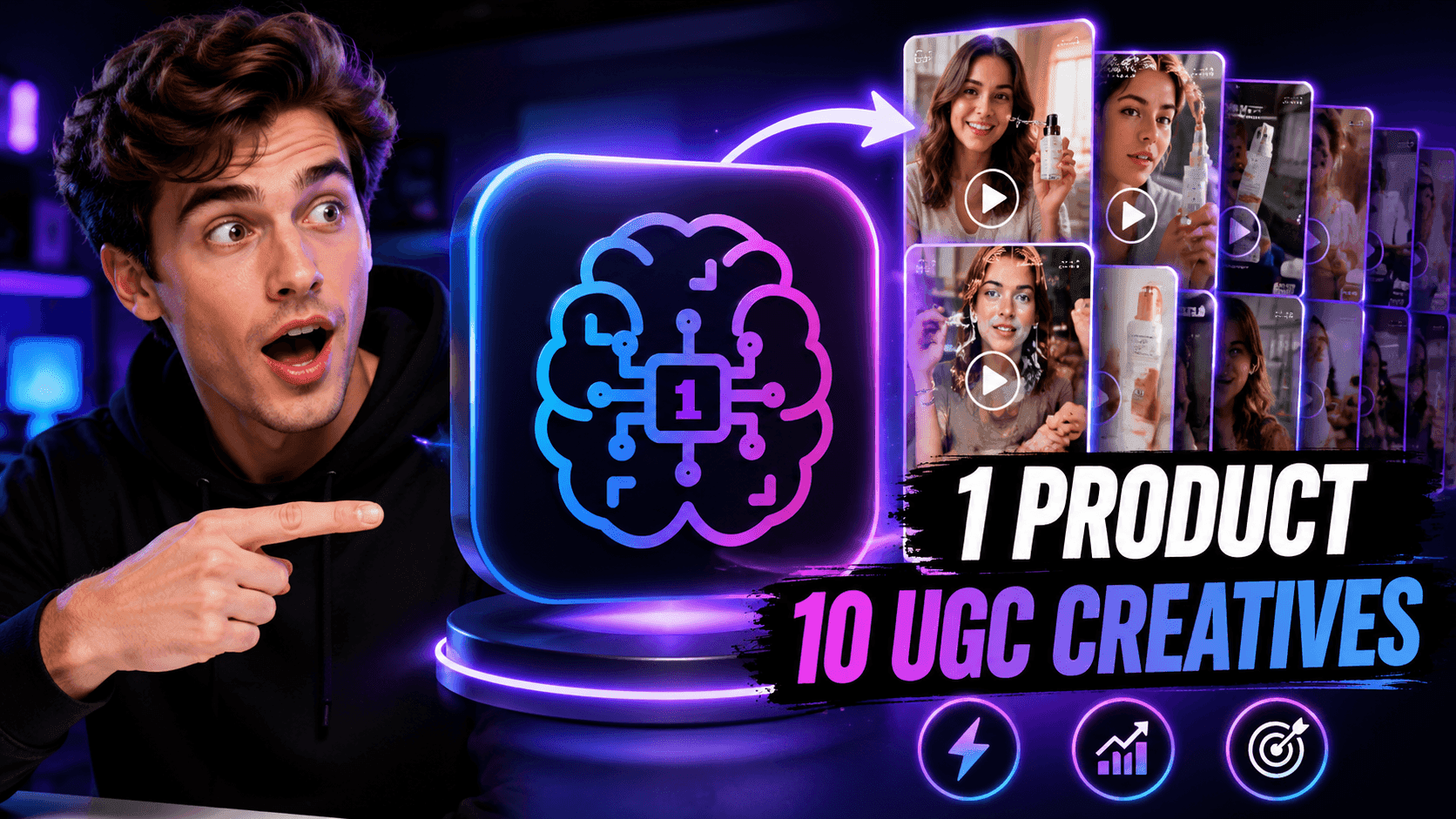
One Product, 10 UGC Creatives: How AI Makes Content Testing Easier
Create more authentic UGC with an AI UGC video generator, test more creative angles and scale affiliate content without filming every version.
Lien Anh VuNewsletter
Weekly AI Innovations with 1minAI

🔮 Weekly AI Innovations #147: 1min.ai Drops Major Shift: AI Circle, Kimi & Wan 3.0
Explore AI Circle (formerly AI Social), Kimi K3.1 Pro’s 2M context, and Alibaba Wan 3.0 & 3.0 Prime cinematic video on 1min.ai.
Hang Nguyen
🔮 Weekly AI Innovations #146: Mistral 3.5, Qwen Image & Cohere A+ are ready on 1min.ai
Deploy Mistral Large 3, Qwen Image 3.0, and Cohere Command A+ on 1min.ai. Boost RAG accuracy and cut visual generation latency in one unified AI workspace.
Hang Nguyen
🔮 Weekly AI Innovations #145: X Content Agent & GPT 6.1 Terra on 1min.ai
Scale viral reach with the X Content Agent on 1min.ai. Discover an end-to-end 4-stage pipeline with zero token burn, plus the launch of GPT 6.1 Terra.
Hang Nguyen