
Is Seedance 2.5 the Best AI Video Generator of 2026?

Lien Anh Vu
12 November 2026
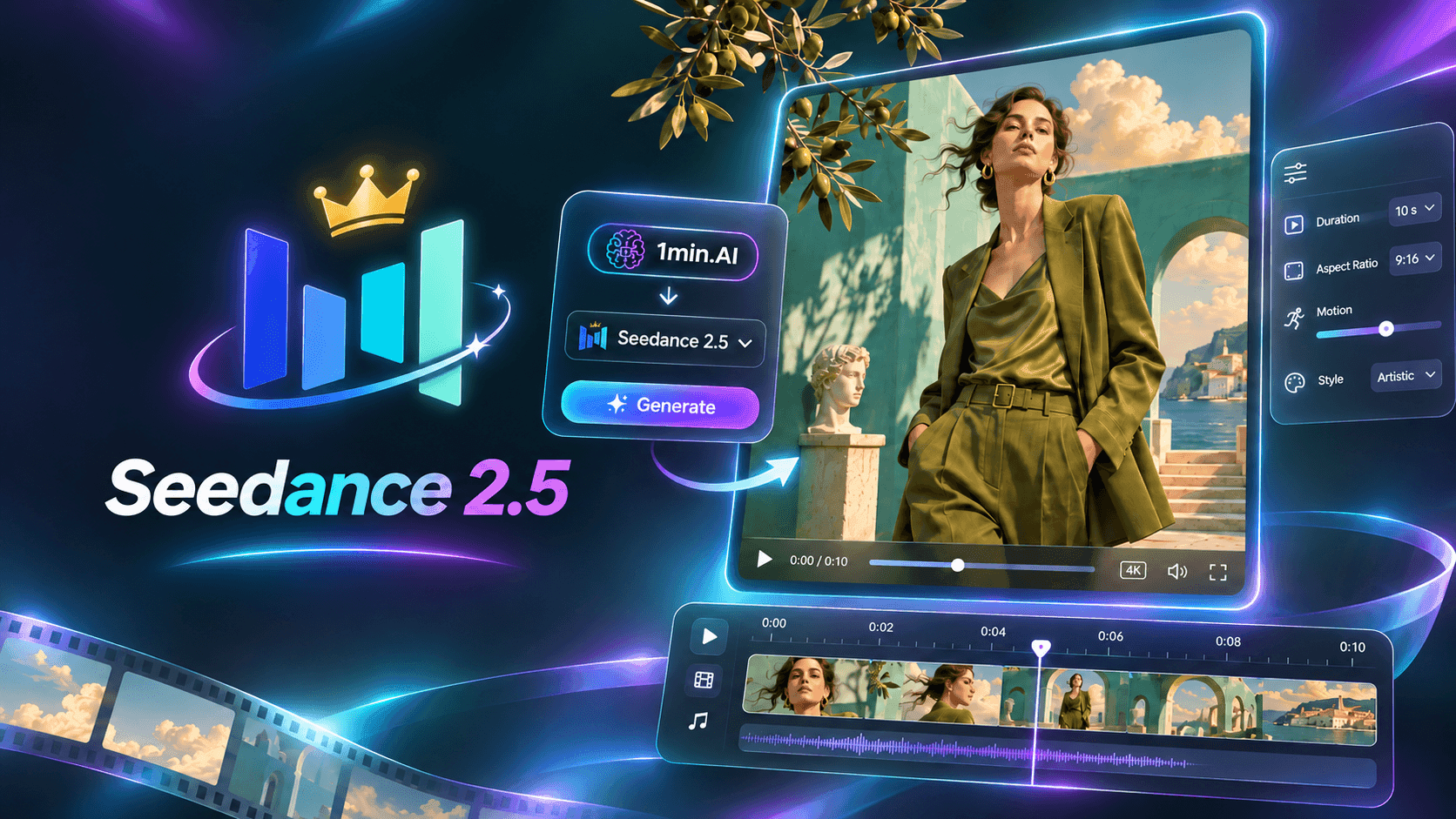
Is Seedance 2.5 the best AI video generator in 2026? Explore its features, compare it with Kling and Veo, and learn how to create AI videos on 1min.AI.
Everyone claims to have the best AI video generator in 2026. But creating one impressive clip is easy compared to making videos that actually work for your content.
What happens when you need realistic motion, consistent visuals, cinematic storytelling, and the flexibility to experiment with completely different styles?
That's where Seedance 2.5 gets interesting.
Developed by ByteDance, Seedance 2.5 goes beyond generating short AI clips. It supports longer storytelling, multiple types of references, and more detailed creative direction.
But is it really better than Kling, Veo, and other leading AI video generators?
Let's find out what makes Seedance 2.5 stand out, where it still struggles, and whether it's worth trying on 1min.AI.
Why Seedance 2.5 Stands Out in 2026
Most creators don't need more AI-generated videos. They need more videos worth publishing.
Seedance 2.5 is designed to give creators greater control over how their videos look, move, and tell a story.
Here are three capabilities that make it worth considering.
1. Longer Videos With More Storytelling Potential
Many AI video generators focus on short clips that capture a single moment.
Seedance 2.5 supports generations of up to 30 seconds, making it possible to explore longer scenes and connected storytelling without always assembling multiple separate clips.
For TikTok, Instagram Reels, and YouTube Shorts creators, that opens up opportunities for product stories, cinematic sequences, and creative concepts that need more than one shot.
2. More Creative Control With Reference Inputs
One of Seedance 2.5's biggest advantages is its multimodal reference support.
The underlying model can work with images, videos, and audio references to guide the generated result. This is particularly useful when you already have a visual concept, product, outfit, or specific motion in mind.
Instead of describing everything from scratch, you can provide reference materials and focus your prompt on what should happen.
For creators producing fashion content or product videos, this can make the workflow more practical.
3. Different Video Styles From One AI Model
Seedance 2.5 isn't limited to realistic cinematic footage.
You can use it to explore surreal fashion editorials, dreamy environments, stylized animation, product commercials, and imaginative visual storytelling.
The challenge is knowing how to describe your creative direction.
A useful prompt should define the subject, action, camera movement, environment, visual style, and motion constraints.
For more inspiration, explore our Seedance 2.5 AI product video guide, which explains how to use visual references and motion-focused prompts.
Seedance 2.5 vs Other AI Video Generators
So how does Seedance 2.5 compare with other AI video tools?
The answer depends on what you're creating. A cinematic brand commercial, an animated story, and a personalized talking video don't necessarily need the same model.
Here's a practical comparison for content creators.
| AI Video Model | Notable Strength | Best Use Case |
|---|---|---|
| Seedance 2.5 | Longer generation and multimodal references | Creative storytelling, fashion, reference-guided videos |
| Kling 3.0 | Dynamic movement and multi-shot workflows | Action scenes, cinematic camera movement |
| Google Veo 3.1 | Realistic visuals and integrated audio | Cinematic scenes, short-form storytelling |
| HeyGen Video 1 | Reference-based video generation | Personalized creative concepts and branded videos |
These are use-case recommendations, not results from a controlled head-to-head benchmark.
Where Seedance 2.5 Has an Advantage
Seedance 2.5 is especially worth exploring when your creative concept involves several visual references or requires a longer sequence.
For example, a fashion creator might want to combine a clothing reference with a highly stylized environment and carefully controlled camera movement.
A UGC creator might want to create several product presentations using the same reference image.
These workflows benefit from flexible reference inputs and detailed prompts.
When Another AI Video Generator Might Be Better
Seedance 2.5 isn't automatically the best choice for every project.
Kling may be worth testing for dynamic action and camera movement, while Veo can be a strong option when cinematic realism and audio are priorities.
For appearance personalization, dedicated video editing or face swap tools may be more appropriate than relying on text-to-video generation alone.
That's why comparing models using your own content matters more than choosing one based on a promotional video.
What Can You Actually Create With Seedance 2.5?
Let's move beyond the specifications.
One of the most interesting uses of Seedance 2.5 is turning an ordinary creative idea into something visually unexpected.
Surreal Fashion Videos That Look Like Living Paintings
Imagine an elegant fashion model standing inside a Mediterranean-inspired painting.
She's wearing a sculptural olive-green suit with oversized sleeves. Behind her, golden clouds drift across a teal fresco wall, birds glide through the air, and olive leaves move gently in the breeze.
The scene feels like a painting coming to life.
This is the concept we explored using Seedance 2.5 on 1min.AI.
The creative approach is simple: keep the model almost still while allowing selected background elements to move.
This helps create a more controlled editorial atmosphere instead of filling the scene with unnecessary motion.
Try This Surreal Fashion AI Video Prompt
Create a cinematic surreal fashion editorial video featuring an original adult female model wearing an olive-green tailored suit with dramatic puff sleeves and wide-leg trousers. Place her in a Mediterranean-inspired courtyard surrounded by teal fresco walls, painted golden clouds, flying swallows, antique lanterns, olive branches, and decorative ceramic tiles. The model stands confidently in a full-body editorial pose while birds glide gently, clouds drift slowly, and leaves sway in the breeze. Add a subtle cinematic camera push-in. Luxury fashion photography blended with hand-painted fine art, realistic fabric textures, sophisticated lighting, dreamy living painting aesthetic. Vertical 9:16. Avoid distorted anatomy, inconsistent clothing, sudden movements, and flickering.
For a quick first test, start with a short clip and review the motion before increasing the duration.
More Creative Styles Worth Exploring
The same model can be used to experiment with different creative directions:
- Cinematic storytelling: Atmospheric travel scenes and emotional short stories.
- Product commercials: Premium beauty products, accessories, and ecommerce visuals.
- Stylized animation: Clay-like characters, miniature environments, and imaginative worlds.
- Lifestyle content: Dreamy everyday moments, natural movement, and cinematic lighting.
For each style, start with one clear subject and one main action.
You don't need an extremely long prompt. You need instructions that help the model understand what should move, what should remain consistent, and what kind of final video you want.
Is Seedance 2.5 Worth Trying on 1min.AI?
Yes, especially if you're a creator who wants more control over AI video styles, references, and storytelling.
But there's an important difference between generating an impressive video and producing something you can confidently publish.
What Seedance 2.5 Still Gets Wrong
AI video generation isn't perfect, even with advanced models.
During our surreal fashion experiment, the model captured the outfit and artistic environment, but maintaining the intended facial appearance and hairstyle was more challenging.
Other issues creators may encounter include changing clothing details, unnatural movement, inconsistent objects, and failed generations.
These limitations matter because every additional attempt can consume time and credits.
Instead of judging a model by its most impressive example, ask a more practical question:
How many attempts does it take to create one video I can actually use?
For more guidance, read our AI video generation cost and credits guide.
How to Try Seedance 2.5 on 1min.AI
Ready to experiment?
- Open 1min.AI and navigate to AI for Video → Text to Video.
- Select Seedance 2.5 from the available models.
- Enter your creative prompt and upload supported reference materials if needed.
- Choose your video duration, aspect ratio, and other available settings.
- Generate your video, review the result, and refine one element at a time.
For TikTok, Reels, and Shorts, a vertical 9:16 format is usually the natural starting point.
One advantage of 1min.AI is that you can explore different AI video models within the same workspace. If Seedance 2.5 isn't the right fit for a particular scene, you can experiment with other available models without building an entirely separate workflow.
It's a strong contender, particularly for creators who value creative flexibility, longer storytelling, and reference-guided generation.
Its strengths make it worth testing for fashion content, cinematic storytelling, and visually ambitious social media videos.
However, the best model is ultimately the one that produces the most usable results for your particular project, at a cost that fits your workflow.
Rather than committing to one AI video generator immediately, experiment with real prompts, compare the results, and find the combination that works for you.
🚀 Ready to see what Seedance 2.5 can create? Try it on 1min.AI and bring your next video idea to life.
- #Commercial
Alternatives
Discover the best alternatives to 1minAI and compare features, pricing, and use cases.

1min.AI vs OpenRouter
1min.AI vs. OpenRouter: Compare the ready-to-use AI creation product against the technical API tool. Find out if you need a zero-code creative studio or a coding infrastructure hub.
 Ngoc Hong
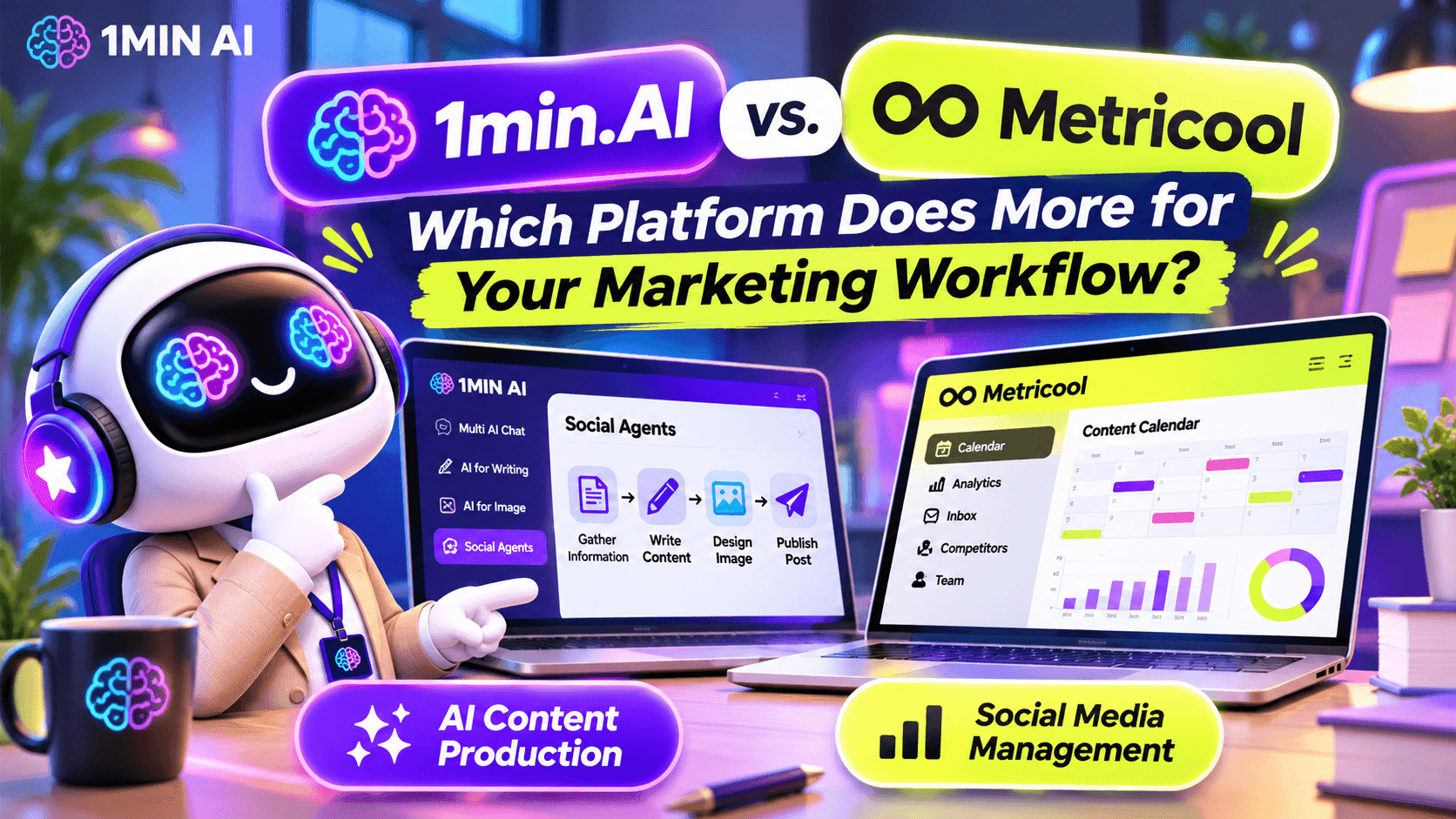
1min.AI vs. Metricool: Which Platform Does More for Your Marketing Workflow?
Compare 1min.AI vs. Metricool across content creation, visual production, scheduling, analytics, MCP, and pricing to find the right platform for your marketing workflow.
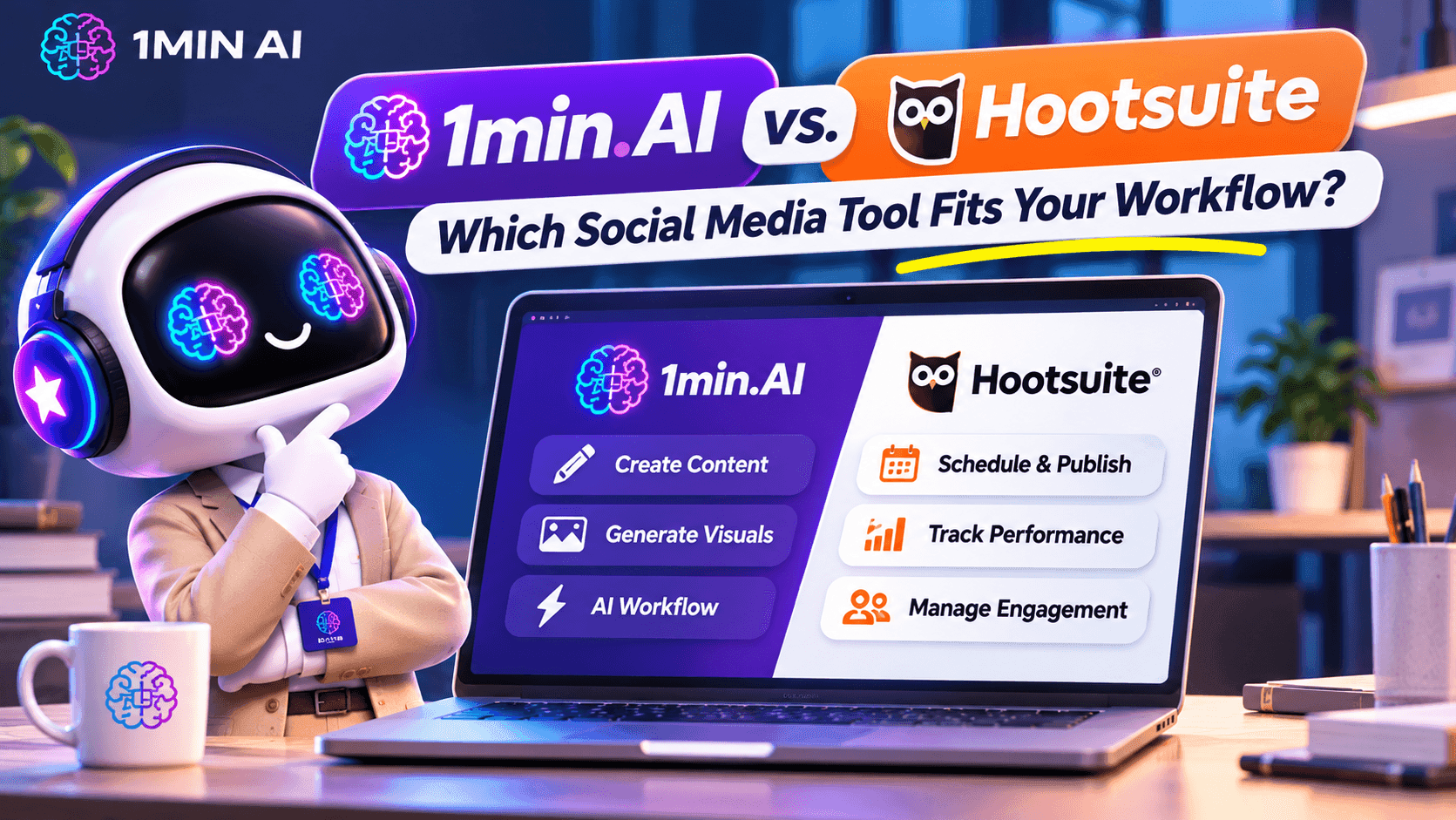
1min.AI vs. Hootsuite: Which Social Media Tool Fits Your Workflow?
Compare 1min.AI vs. Hootsuite to explore their AI content creation, social media publishing, analytics, pricing, and collaboration features. Find the right tool for your workflow.
AI Tools
Discover the best AI tools to boost productivity, creativity, and everyday work.
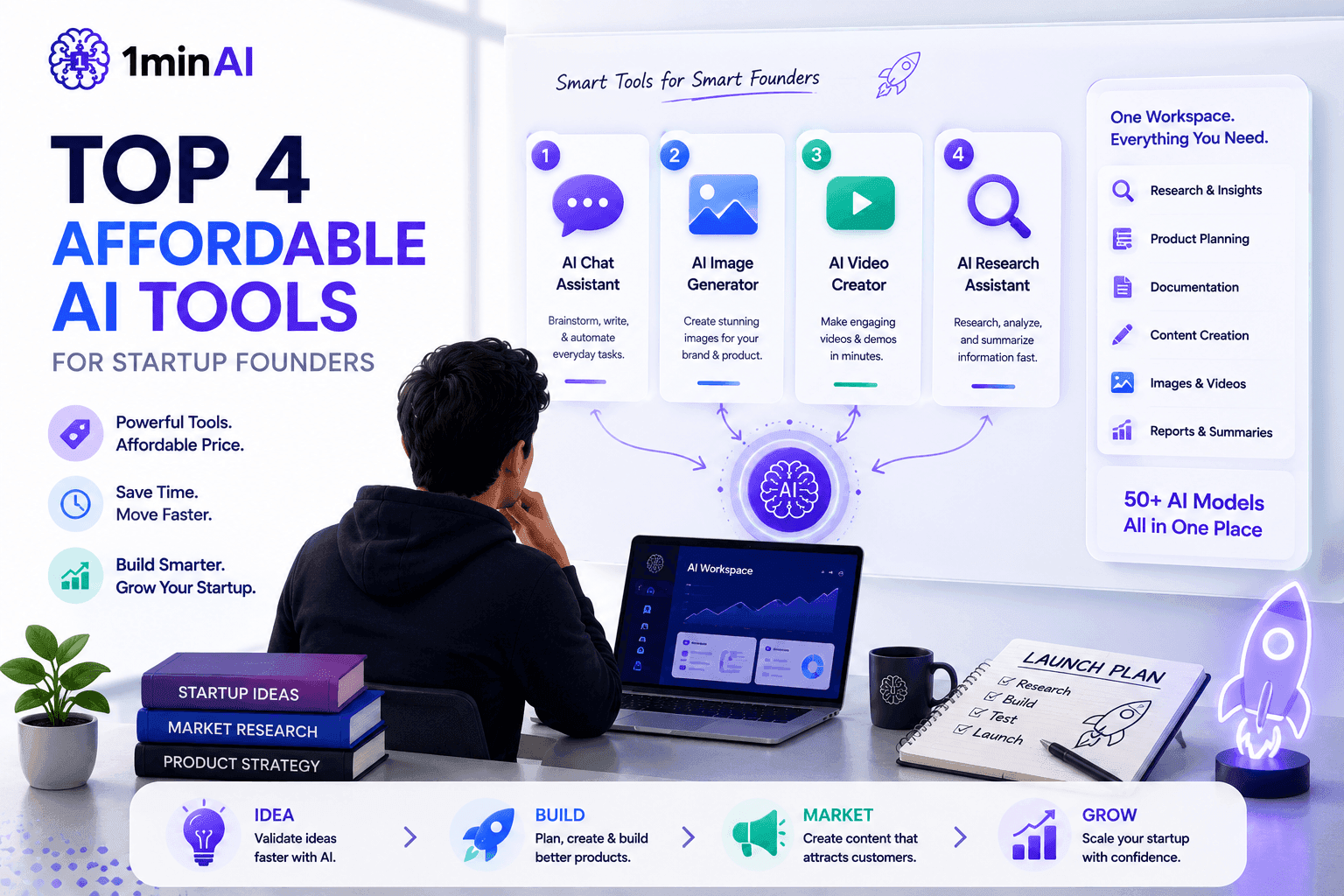
Top 4 Affordable AI Tools for Startup Founders
Discover the top 4 affordable AI tools for startup founders to validate ideas, build products, create content, and launch faster without overspending.
 Tram Ta
Turn “Make It Better” Into Better Content With AI
Use AI to turn vague client feedback into clear revisions, reduce unnecessary edits, and deliver better content faster.
 Lien Anh Vu
Free AI X Comment
Create funny, witty, or insightful comments for Twitter with our AI-powered Twitter Comment Generator. Boost your engagement and stand out in the crowd!
 Trang Tran
AI Features
Comprehensive AI features that streamline workflows, improve efficiency, and empower teams to achieve more.
1minAI: Free AI Grammar Checker
Check grammar for free with 1minAI’s AI grammar checker. Find grammar, spelling, and writing mistakes, improve clarity, and polish your content in seconds.
Tram Ta
Build a Portfolio Website Faster with 1min.AI
Learn how freelance creatives can use 1min.AI to plan, write, design, and generate a professional portfolio website faster, even without strong coding skills.
Lien Anh VuFree AI X Comment
Create funny, witty, or insightful comments for Twitter with our AI-powered Twitter Comment Generator. Boost your engagement and stand out in the crowd!
Trang TranAI Use Cases
A curated collection of AI use cases for business, productivity, and industry-specific applications.
Best Time to Post on Instagram: A Practical Guide for Better Engagement
Discover the best time to post on Instagram, including the best days and times for different audiences, plus tips to find the ideal posting schedule for your account.
Tram TaTurn “Make It Better” Into Better Content With AI
Use AI to turn vague client feedback into clear revisions, reduce unnecessary edits, and deliver better content faster.
Lien Anh VuBuild a Portfolio Website Faster with 1min.AI
Learn how freelance creatives can use 1min.AI to plan, write, design, and generate a professional portfolio website faster, even without strong coding skills.
Lien Anh VuAI Tutorials
Learn how to use AI with practical, step-by-step tutorials.

Black Friday AI Tool Deals in 2026
Discover what Black Friday AI tool deals 2026 has to offer. Find out how to secure the 1min.AI lifetime deal via AppSumo, Dealify, Stack Social, and verify on Trustpilot, Slashdot, and Software Advice.
 Hang Nguyen
Turn “Make It Better” Into Better Content With AI
Use AI to turn vague client feedback into clear revisions, reduce unnecessary edits, and deliver better content faster.
Lien Anh Vu
Viral Reels in Minutes: How to Use 1minAI’s Text-to-Speech for Satirical Voiceovers
Learn how satirical page admins use 1minAI’s Text-to-Speech feature to generate instant news anchor and dramatic voiceovers for TikToks, Shorts, and Instagram Reels.
AI Guides
Learn AI faster with practical guides, real-world examples, and actionable best practices.

Safely Buy AI Tools Online: 2026 Black Friday Guide
Discover how to find and secure the best Black Friday AI deals online. Learn expert strategies to avoid scams, combat subscription fatigue, and verify software.
Hang Nguyen
How to start an AI business without building from scratch
Learn how to start an AI business, validate your idea, and launch faster without building costly AI infrastructure from scratch.
Ngoc Hong
How to Use an AI Fashion Video Generator for Fashion Week 2026
Turn Fashion Week 2026 ideas into stunning fashion videos with AI. Learn how to brainstorm, create visuals, and transform images into videos with one simple workflow.
Lien Anh VuAI Solutions
Browse the best AI solutions for automation, coding, research, productivity, customer support, marketing, and business workflows.
Safely Buy AI Tools Online: 2026 Black Friday Guide
Discover how to find and secure the best Black Friday AI deals online. Learn expert strategies to avoid scams, combat subscription fatigue, and verify software.
Hang Nguyen
Free AI Tattoo Generator: Custom Designs
Turn any idea into a custom tattoo design with 1min.AI's free AI tattoo generator. Describe your idea, pick a style, and download in seconds.
Trang TranTurn “Make It Better” Into Better Content With AI
Use AI to turn vague client feedback into clear revisions, reduce unnecessary edits, and deliver better content faster.
Lien Anh VuAI Models
Explore the world's leading AI models in one place.
Free AI Chat With Claude Fable 5.2 On 1min.AI
Free AI chat with Claude Fable 5.2 on 1min.AI. Compare Fable 5.2 vs Opus 5.5, see Fable 5.2 benchmarks, and start chatting in minutes.
Trang Tran
GPT-6.2 Sol: Specs, Pricing & Free Access
Explore GPT-6.2 Sol specs, pricing, and how it compares with GPT-6.1 Sol and Claude Opus 5.5, then try it free in 1min.AI Multi AI Chat.
Trang Tran
GPT 6.2 Astra: Pricing, Benchmarks & Free Access
GPT 6.2 Astra release date, pricing, Reddit feedback and Opus 5.5 comparison. See what it does best and chat with it on 1min.AI for free.
Trang TranAI Comparisons
Compare AI tools, models, and platforms to find the best fit for your needs.
Gemini 4 Neon vs Hydrogen: Specs, Price & Picks
Gemini 4 Neon vs Hydrogen, Carbon and Argon: compare price, benchmarks and use cases to pick the right model, then test them side by side on 1min.AI.
Trang Tran
Kling AI Vs Veo 3: Which Model Wins?
Kling AI vs Veo 3: compare motion, native audio, pricing & free tiers to see which AI video generator wins for your project - try both on 1min.AI.
Trang Tran
DeepSeek V4 Pro vs Flash Comparison
Compare DeepSeek V4 Pro vs DeepSeek V4 Flash metrics. Optimize your agentic apps and improve AI fact checking on 1min.ai today.
Ngoc HongAI Integrations
Seamlessly integrate AI with the tools you already use to automate work and boost productivity.
POV: You Have 10+ Posts to Make Every Day
Learn how to build an AI content workflow that helps content creators produce 10+ social media posts a day faster with AI brainstorming, image generation, and content creation.
Lien Anh Vu
Stop Switching Between AI Apps: How AI Integration Transforms Employer Branding
Discover how AI integration helps HR teams streamline employer branding by combining AI writing, documents, images, video, and multiple AI models into one workspace.
Tram Ta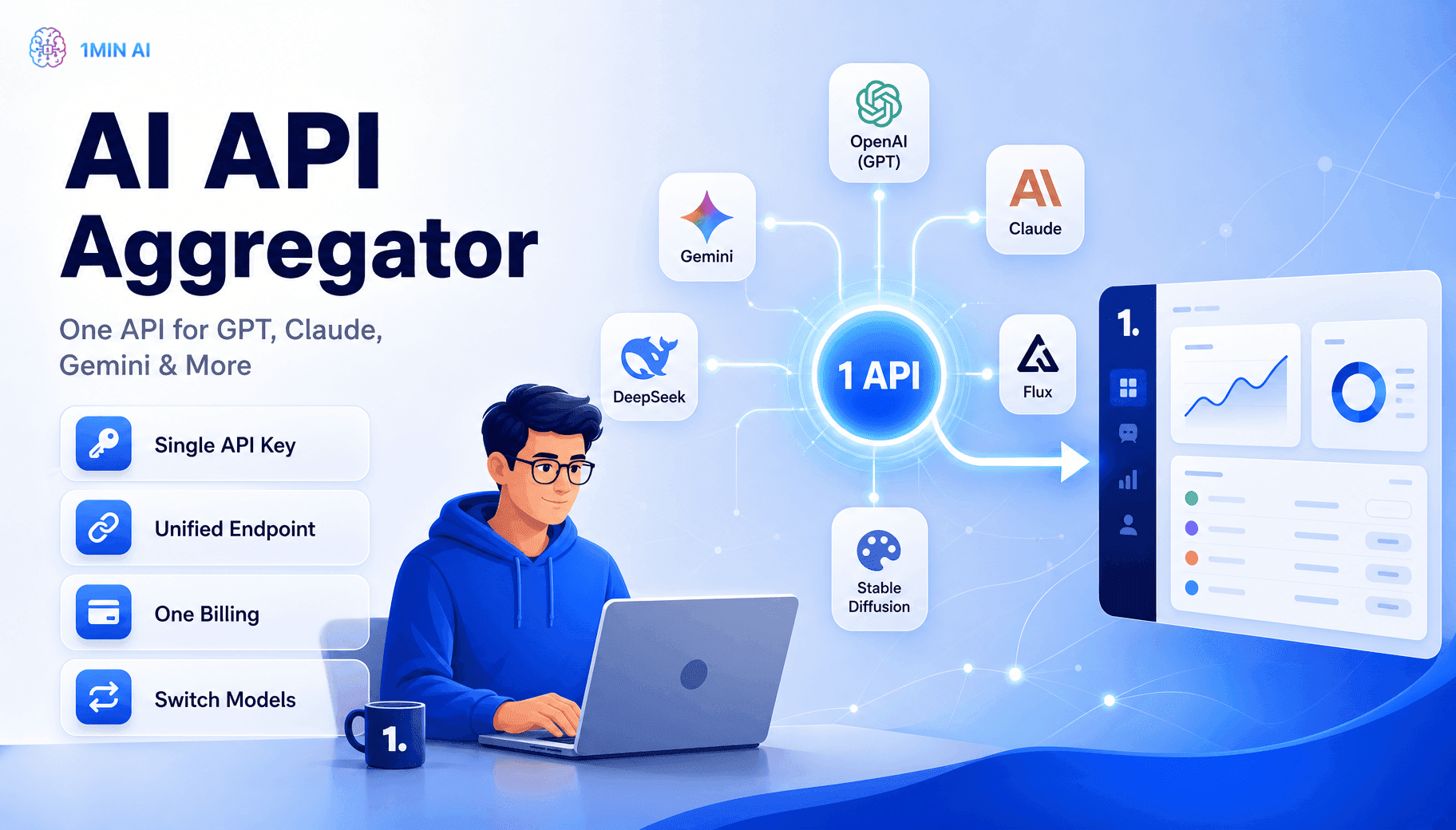
AI API Aggregator Explained For Developers
An AI API aggregator gives developers one unified API to call multiple AI models, cutting integration time and vendor lock in.
Trang TranAI for Industries
Find the best AI tools and workflows for healthcare, finance, education, legal, manufacturing, retail, real estate, and more
ChatGPT Trending Photo Prompts to Copy and Paste
Explore chatgpt trending photo prompt ideas you can copy and paste. Create viral AI portraits, collages, and aesthetic photos with ease.
Trang TranTry Image To Video AI With Prompt Online Free
Try image to video AI with prompt online free, no login and no watermark. Upload a photo, type the motion you want, and get a short video in minutes.
Trang Tran
No Photoshoot? Create AI Fashion Videos With Seedance 2.5
No photoshoot needed! Create stunning AI fashion videos with Seedance 2.5 on 1min.AI using outfit references, cinematic prompts, and surreal scenes.
Lien Anh VuAI Agents
Discover and run AI agents to automate tasks across your work and daily life.
1minAI: Free AI Grammar Checker
Check grammar for free with 1minAI’s AI grammar checker. Find grammar, spelling, and writing mistakes, improve clarity, and polish your content in seconds.
Tram Ta
AI Agents for Facebook
Use an AI Agent for Facebook to create content, generate images, schedule posts, and publish from your documents and conversations.
Ngoc Hong
AI Agent vs AI Assistant: Which One Actually Saves Designers More Time?
Learn the difference between AI Agent vs AI Assistant and discover which solution helps designers automate repetitive work, reduce revisions, and save more time.
Lien Anh VuAI Workflows
Explore ready-to-use AI workflows for productivity, marketing, sales, support, and more.
POV: You Have 10+ Posts to Make Every Day
Learn how to build an AI content workflow that helps content creators produce 10+ social media posts a day faster with AI brainstorming, image generation, and content creation.
Lien Anh VuHow to Use an AI Fashion Video Generator for Fashion Week 2026
Turn Fashion Week 2026 ideas into stunning fashion videos with AI. Learn how to brainstorm, create visuals, and transform images into videos with one simple workflow.
Lien Anh Vu
One Product, 10 UGC Creatives: How AI Makes Content Testing Easier
Create more authentic UGC with an AI UGC video generator, test more creative angles and scale affiliate content without filming every version.
Lien Anh VuNewsletter
Weekly AI Innovations with 1minAI

🔮 Weekly AI Innovations #146: Mistral 3.5, Qwen Image & Cohere A+ are ready on 1min.ai
Deploy Mistral Large 3, Qwen Image 3.0, and Cohere Command A+ on 1min.ai. Boost RAG accuracy and cut visual generation latency in one unified AI workspace.
Hang Nguyen
🔮 Weekly AI Innovations #145: X Content Agent & GPT 6.1 Terra on 1min.ai
Scale viral reach with the X Content Agent on 1min.ai. Discover an end-to-end 4-stage pipeline with zero token burn, plus the launch of GPT 6.1 Terra.
Hang Nguyen
🔮 Weekly AI Innovations #144: LinkedIn Content Agent: Complete B2B Publishing Pipeline
Scale B2B influence with the LinkedIn Content Agent on 1min.ai. Discover an end-to-end 4-stage pipeline with zero redundant token burn and 1-click publishing.
Hang Nguyen