
AI Video Generation Cost and Credits Explained

Lien Anh Vu
2 November 2026
Learn what affects AI video generation cost, how video credits work, and how creators can choose the right AI model to reduce wasted credits on TikTok and Reels.
AI video can make TikTok and Reels production much faster, but the real cost is not always obvious. A generation may look inexpensive until the motion feels unnatural, the product changes shape, the face becomes inconsistent, or the camera moves in the wrong direction. You generate again, then again, and suddenly one usable 8- or 10-second clip has required several attempts.
That is why creators should not judge AI video generation cost only by the credit cost shown before one generation. A more useful question is: How many credits does it take to create one video you can actually publish? In practice, that depends on the AI model, the generation settings, and how many retries are needed before you get a usable result.
What Really Determines AI Video Generation Cost?
The real cost of an AI video comes down to three things: the model you choose, the settings you use, and the number of attempts required to get a usable result. Two models can have very different strengths, so choosing the cheapest generation is not automatically the cheapest workflow.
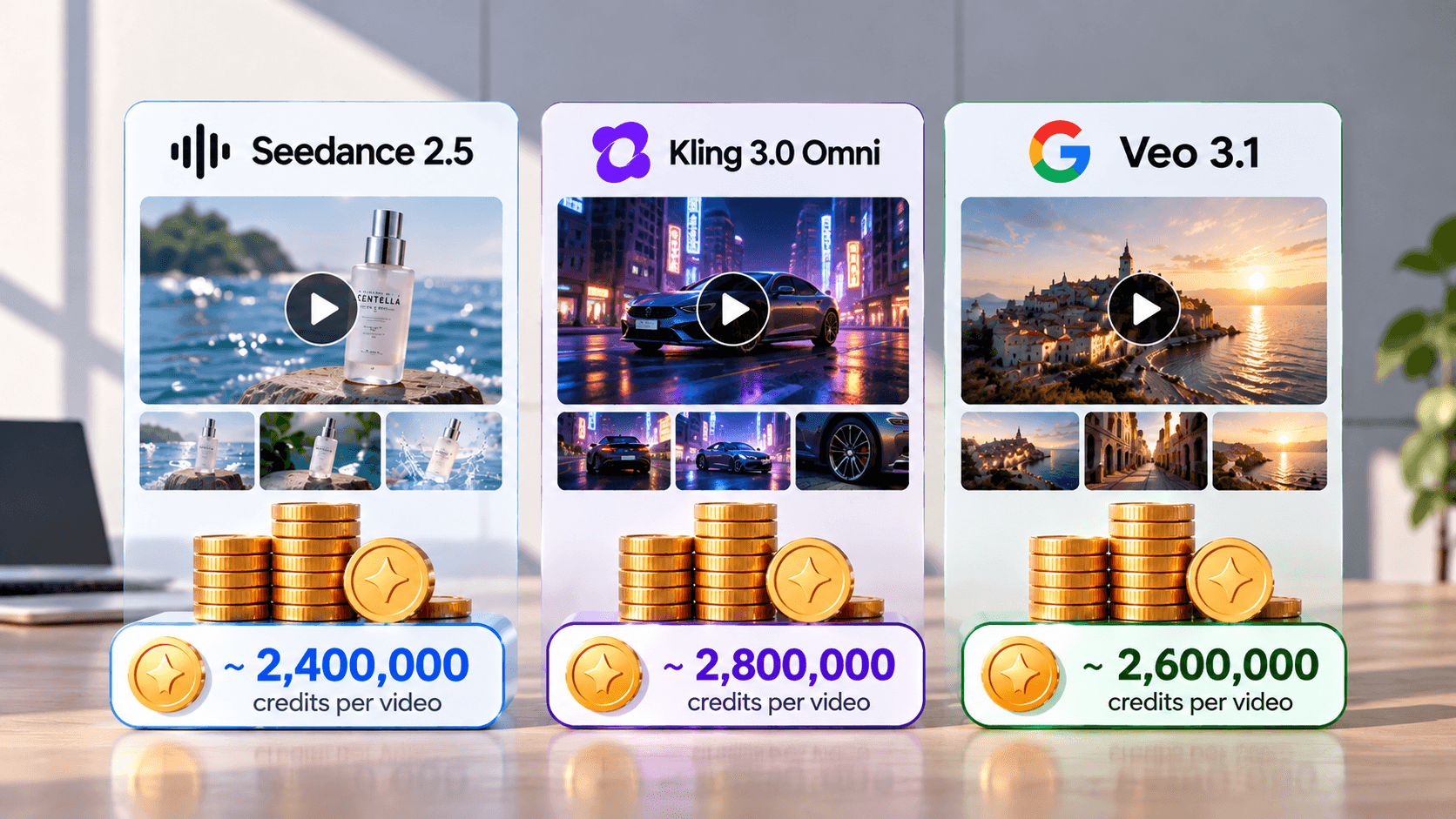
1min.AI currently gives creators access to multiple AI video models within one workspace. Its current comparison of Seedance 2.5, Kling AI 3.0 Omni, and Veo 3 shows that the models offer different controls rather than one model being universally better. Seedance 2.5 supports image, video, and audio references; Kling AI 3.0 Omni provides multi-shot generation and shot-level duration controls; and Veo supports image-to-video, audio generation, first/last-frame control, and exclusion instructions.
For content creators, a practical starting point looks like this:
| Content Motif | Model to Test First | Why It Fits |
|---|---|---|
| Product UGC and affiliate videos | Seedance 2.5 | Useful when the workflow depends on product images, reference video, or audio |
| Multi-scene storytelling and micro-drama | Kling AI 3.0 Omni | Multi-shot and shot-level controls provide more structure |
| Fast UGC concepts and product introductions | Veo | Useful for rapid creative testing, image-to-video, and audio generation |
| Cinematic short-form video | Veo or Kling | Worth comparing depending on whether the priority is fast generation or stronger shot control |
| Reference-heavy branded content | Seedance 2.5 | Allows more reference assets to guide the generation |
These should be treated as starting recommendations, not fixed winners. The best model still depends on the actual product, character, scene, prompt, and output you need. 1min.AI itself recommends comparing these models based on production requirements rather than assuming one is best for every UGC workflow.
This is also why the article should not publish a fixed statement such as “Veo costs X credits and Kling costs Y credits” unless those figures come from a controlled live test. Credit requirements can change with model choice and generation settings. Instead, test the same concept under comparable conditions and record credits per generation, number of attempts, and number of usable outputs.
For example, if Model A costs fewer credits per run but requires four attempts, while Model B costs more per run but succeeds on the first attempt, Model B may actually be cheaper for the final video. A better metric is:
Real AI video cost = Total credits spent ÷ Usable videos produced
Suggested image: Use the same product image, prompt, aspect ratio, and similar duration across Seedance 2.5, Kling AI, and Veo. Show the result, credits used, number of attempts, and whether each output was usable.
How AI Credits Work on 1min.AI
1min.AI uses one shared credit wallet across its features, so the same balance can be used for different AI tasks rather than requiring a separate subscription balance for every tool. The current pricing page also states that unused credits roll over and that additional credits can be purchased when needed.
For a creator, this matters because one short-form video may involve several steps: research → script → image → video → voice or music. Those tasks do not all have the same production cost, so it makes little sense to use the most resource-intensive model at every stage.
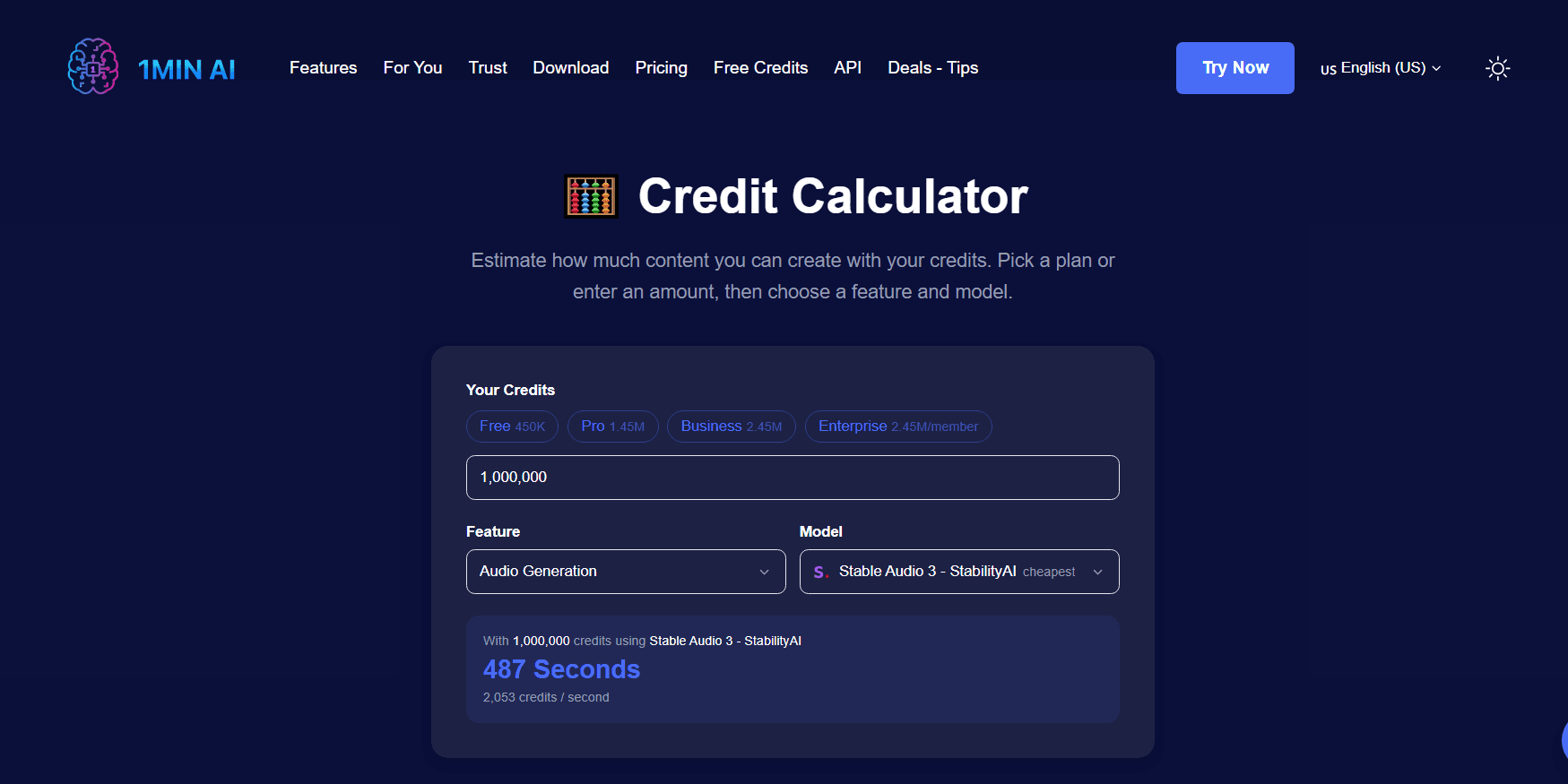
1min.AI also provides a 1min.AI Credit Calculator designed specifically for planning this. You can enter your available credits or select a plan, then choose a feature and model to estimate how much content that balance can create.
A more practical creator workflow is therefore:
Check Credits → Choose Feature → Choose Model → Estimate Output → Generate
instead of generating repeatedly and only checking the balance afterward.
The calculator is especially useful when comparing models. Rather than assuming the premium option is always worth the extra credits, you can estimate the usage first, run a controlled test, and then judge the model by the number of publishable outputs it gives you.
How Creators Can Use Fewer AI Credits
The easiest way to save credits is not to create fewer videos. It is to reduce generations that never become usable content. Start by planning the clip before opening the video generator. Define the subject, action, camera movement, product requirements, and ending first. A prompt such as “a creator holds a skincare bottle, turns toward the camera, then brings the bottle closer for a clean product reveal while keeping the label unchanged” gives the model a much clearer job than “make a cool skincare video.”
For image-to-video workflows, it is usually more efficient to approve the visual first. A practical sequence is Idea → Reference Image → Check Face and Product → Image to Video. If the face, clothing, product, composition, and background are already correct in the source image, the video model has fewer elements to invent during motion.
When a result fails, avoid pressing Generate again without changing anything. Identify the problem first. If the product changes shape, strengthen the product-preservation instruction. If the camera moves too aggressively, simplify the camera direction. If the character changes, improve the reference or reduce unnecessary scene changes. Each regeneration should solve a specific problem.
Model choice also matters. For example, a creator working with several product references may test Seedance 2.5 first, while a multi-scene story may be better suited to a Kling test, and a short concept that needs audio may justify trying Veo. These recommendations come from the controls currently exposed by the models in 1min.AI, not from a claim that one model is always superior.
Finally, reuse successful assets. One approved product image can become several videos with different hooks, voiceovers, captions, or camera treatments. One successful short video can also be adapted for TikTok, Reels, Shorts, or a paid social variation. The more usable content you extract from one successful generation, the lower the effective credit cost per published post.
A more efficient workflow is:
Plan → Reference → Estimate → Test → Diagnose → Generate Final → Reuse
not:
Generate → Fail → Generate Again → Fail → Run Out of Credits
Free Credits Top Ups and When to Upgrade
Running low on credits does not automatically mean you need a larger subscription. 1min.AI currently provides several official ways to earn free credits, including Daily Visit, AI Social, Reviews, and the Referral Program, and its current free-credit information states that earned free credits do not expire.
There are also additional reward activities. For example, current 1min.AI pages list daily-visit rewards, AI Social activity, creator rewards, referrals, and other eligible programs. Because promotional reward amounts can change, creators should check the live reward page rather than building a long-term budget around a number quoted in an older article.
If your normal usage is enough most months but you occasionally need more capacity for a campaign or large video batch, top-up credits may make more sense than immediately changing plans. The current pricing page advertises additional credits from $0.67 per million and states that users can top up when needed.
Upgrading becomes more logical when the higher usage is no longer occasional. A creator publishing several AI-generated videos every day has a very different workload from someone producing five Reels per week. Once your workflow is already efficient and you still consistently need more capacity, the important question changes from “How do I save every credit?” to “Which plan gives me the best cost per usable piece of content?”
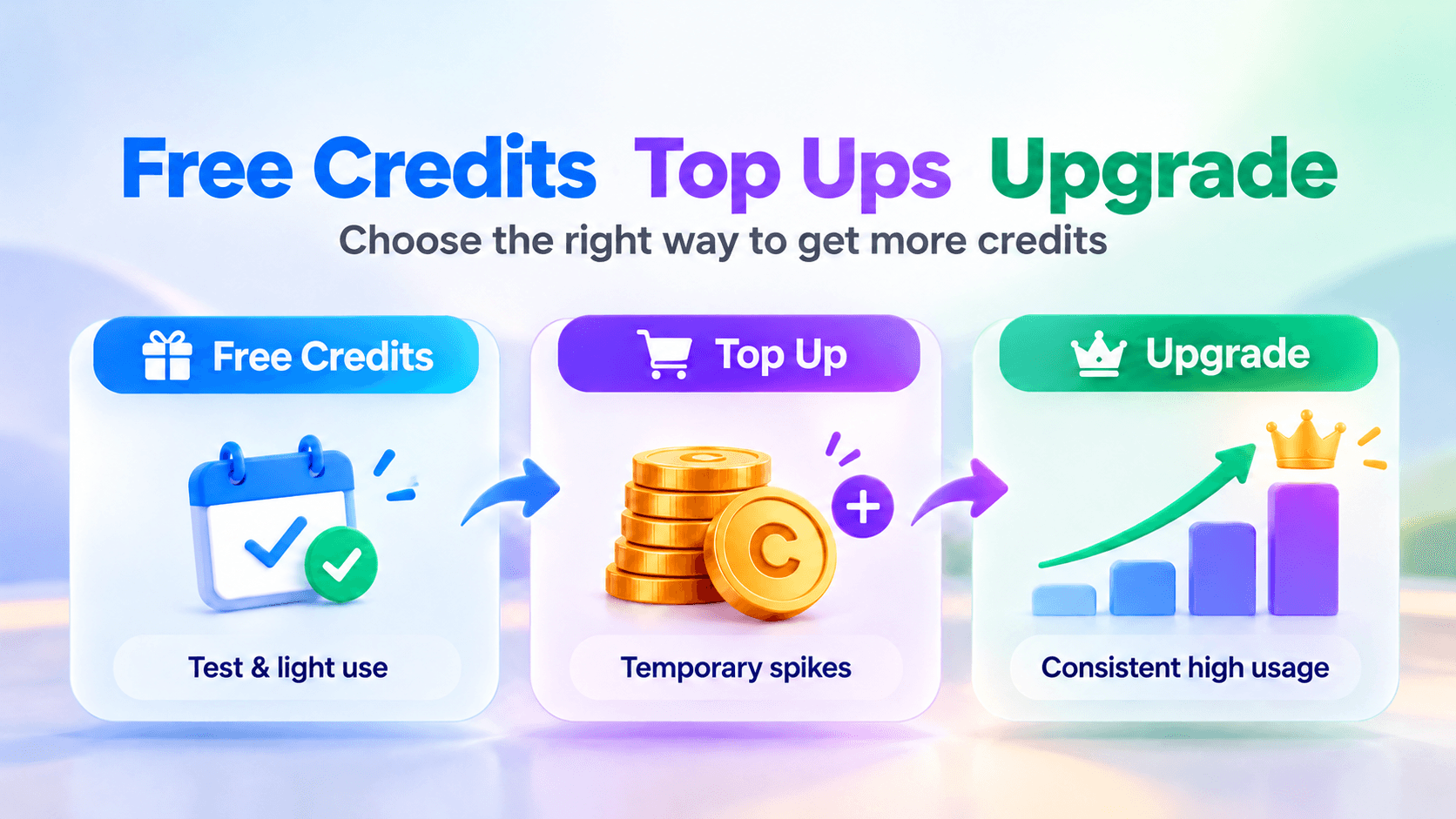
A simple decision framework is: Free Credits for testing and lighter usage, Top Up for temporary spikes, and Upgrade when higher production volume becomes consistent.
Frequently Asked Questions
What is an AI credit? An AI credit is a usage unit that represents consumption of an AI feature or model. The amount needed can vary depending on the feature, model, and generation settings.
Why do different AI video models use credits differently? Different models have different capabilities and generation requirements. Features such as resolution, duration, audio, references, and advanced controls can affect the production workload, so creators should check the current in-app estimate instead of assuming every model costs the same.
Which AI video model should I use for UGC? There is no universal winner. 1min.AI currently positions Veo as useful for fast UGC concepts and product introductions, Kling AI 3.0 Omni for multi-shot and structured storytelling, and Seedance 2.5 for workflows that depend on multiple reference assets.
How should I compare the credit cost of AI models? Use the same input, similar settings, and the same creative goal. Record the credits spent on every attempt and divide the total by the number of usable outputs. This gives you a more realistic cost per usable video.
Can I get free AI credits on 1min.AI? Yes. Current official options include Daily Visit, AI Social, Reviews, and the Referral Program.
The main lesson for creators is simple: the cheapest generation is not always the cheapest finished video. A model that uses slightly more credits but gives you a publishable result with fewer retries can be better value than a lower-cost model that repeatedly fails your creative brief.
For TikTok and Reels, the practical strategy is to plan first, choose the model based on the type of video, estimate the credit requirement, test under controlled conditions, and measure cost per usable result.
- #Commercial
Alternatives
Discover the best alternatives to 1minAI and compare features, pricing, and use cases.

1min.AI vs OpenRouter
1min.AI vs. OpenRouter: Compare the ready-to-use AI creation product against the technical API tool. Find out if you need a zero-code creative studio or a coding infrastructure hub.
 Ngoc Hong
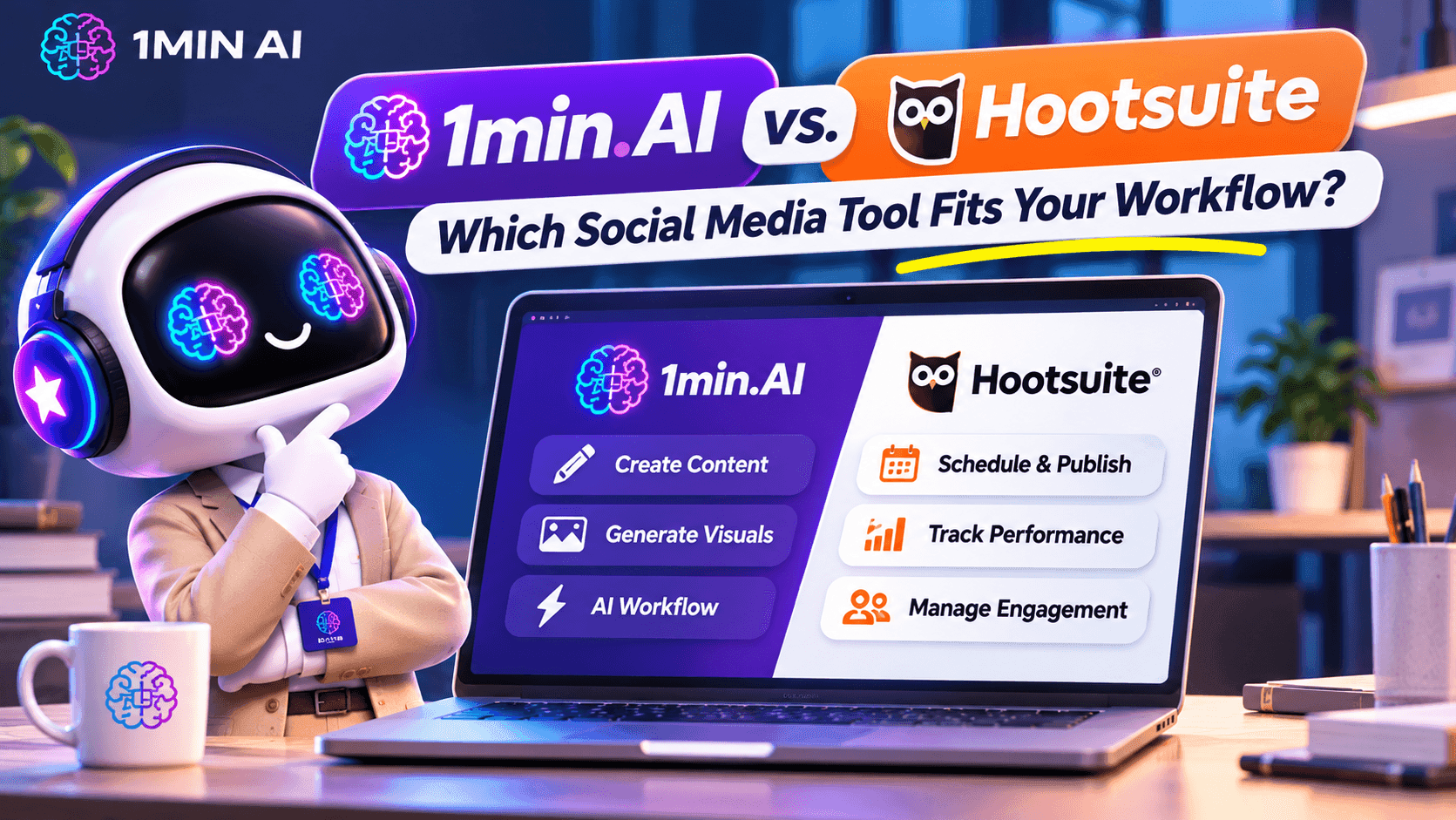
1min.AI vs. Hootsuite: Which Social Media Tool Fits Your Workflow?
Compare 1min.AI vs. Hootsuite to explore their AI content creation, social media publishing, analytics, pricing, and collaboration features. Find the right tool for your workflow.
 Uyen Hoang

1min AI vs Buffer
Compare 1min.AI vs Buffer for Facebook content creation, AI writing, image generation, scheduling, pricing, and everyday marketing workflows.
Ngoc HongAI Tools
Discover the best AI tools to boost productivity, creativity, and everyday work.
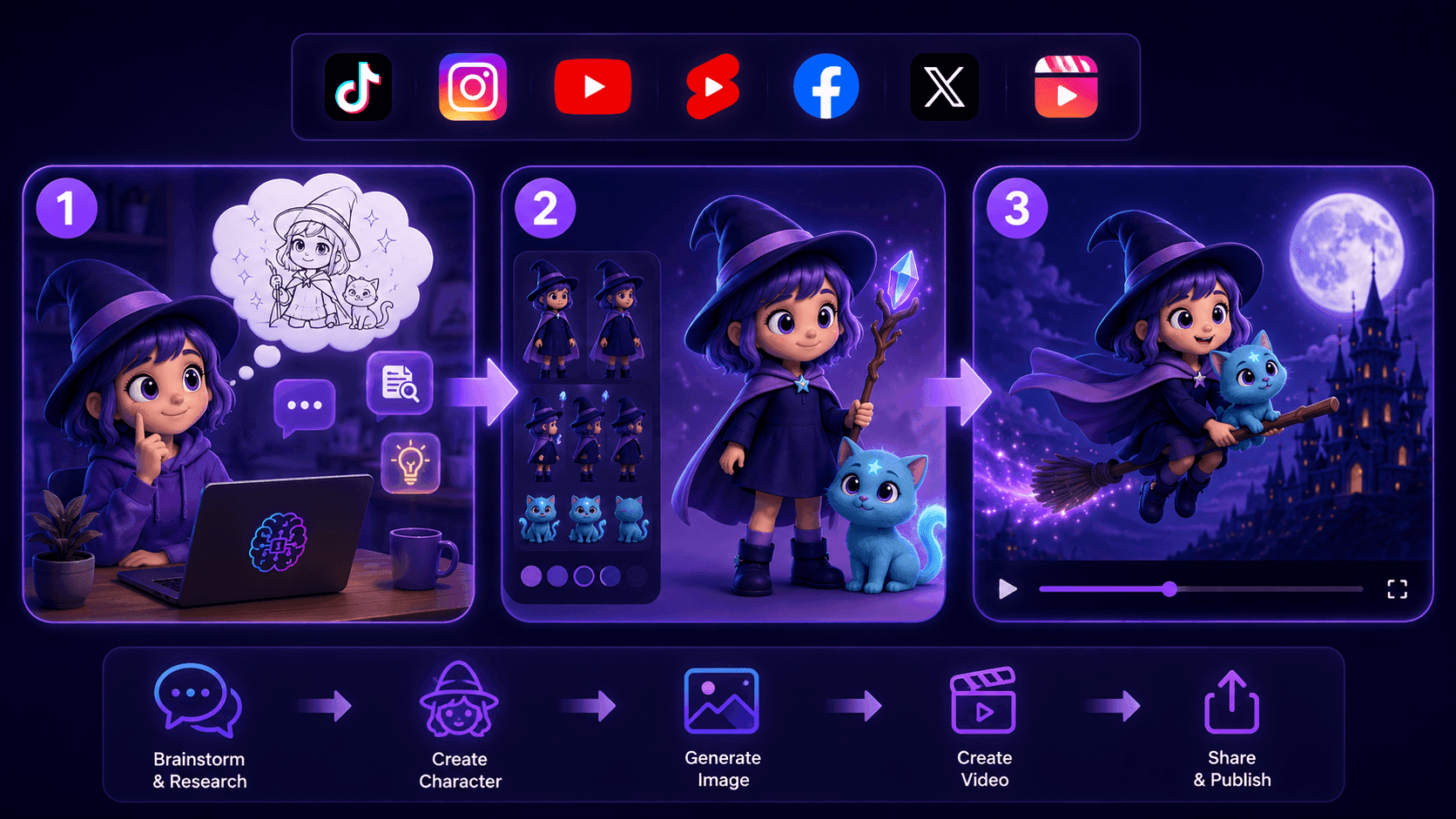
Create Consistent Cartoon Content in Just a Few Steps
Create engaging cartoon videos for TikTok and Reels with 1min.AI. Research ideas, create characters, and turn images into animated videos in 3 simple steps.
 Lien Anh Vu
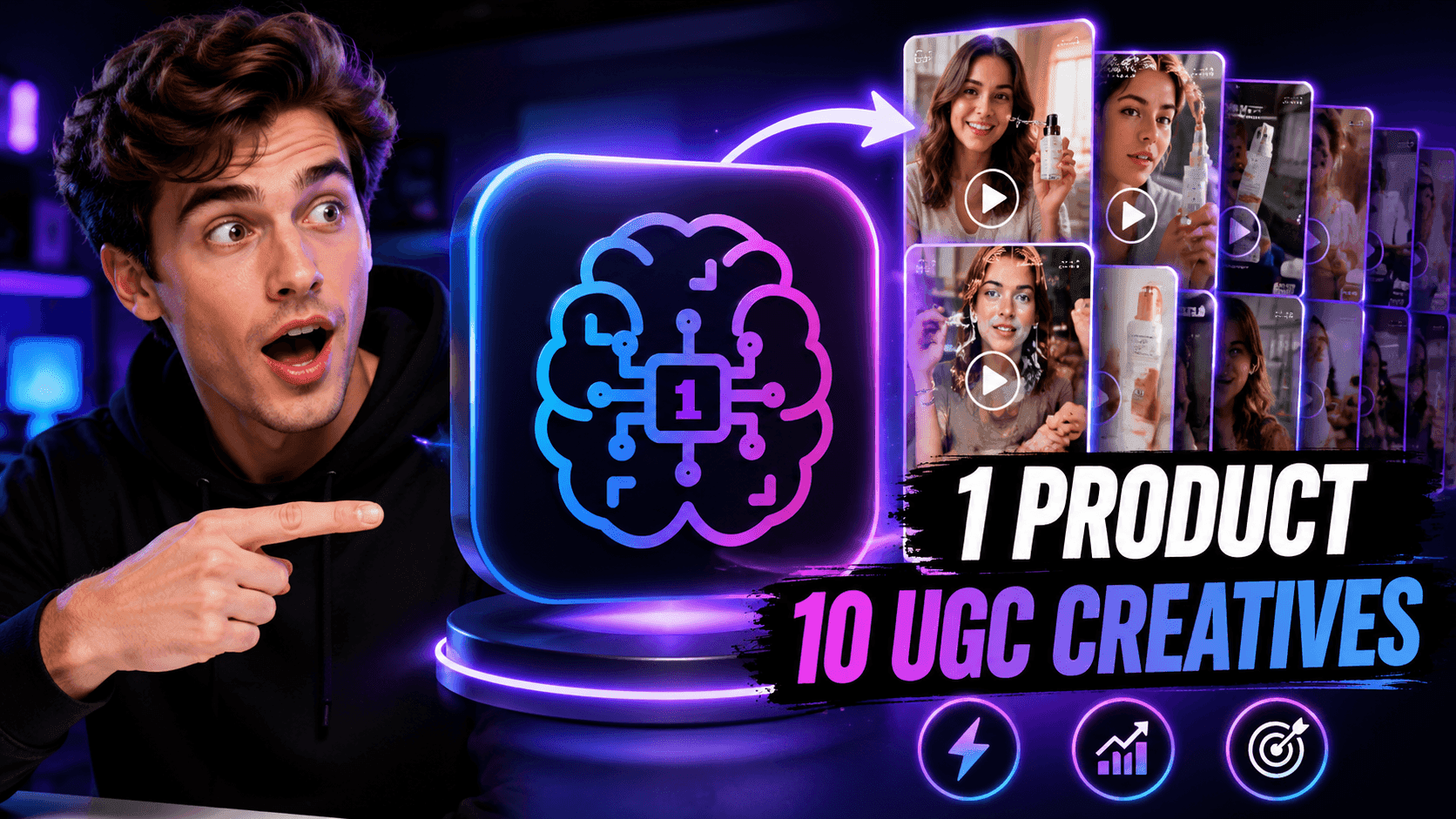
One Product, 10 UGC Creatives: How AI Makes Content Testing Easier
Create more authentic UGC with an AI UGC video generator, test more creative angles and scale affiliate content without filming every version.
Lien Anh Vu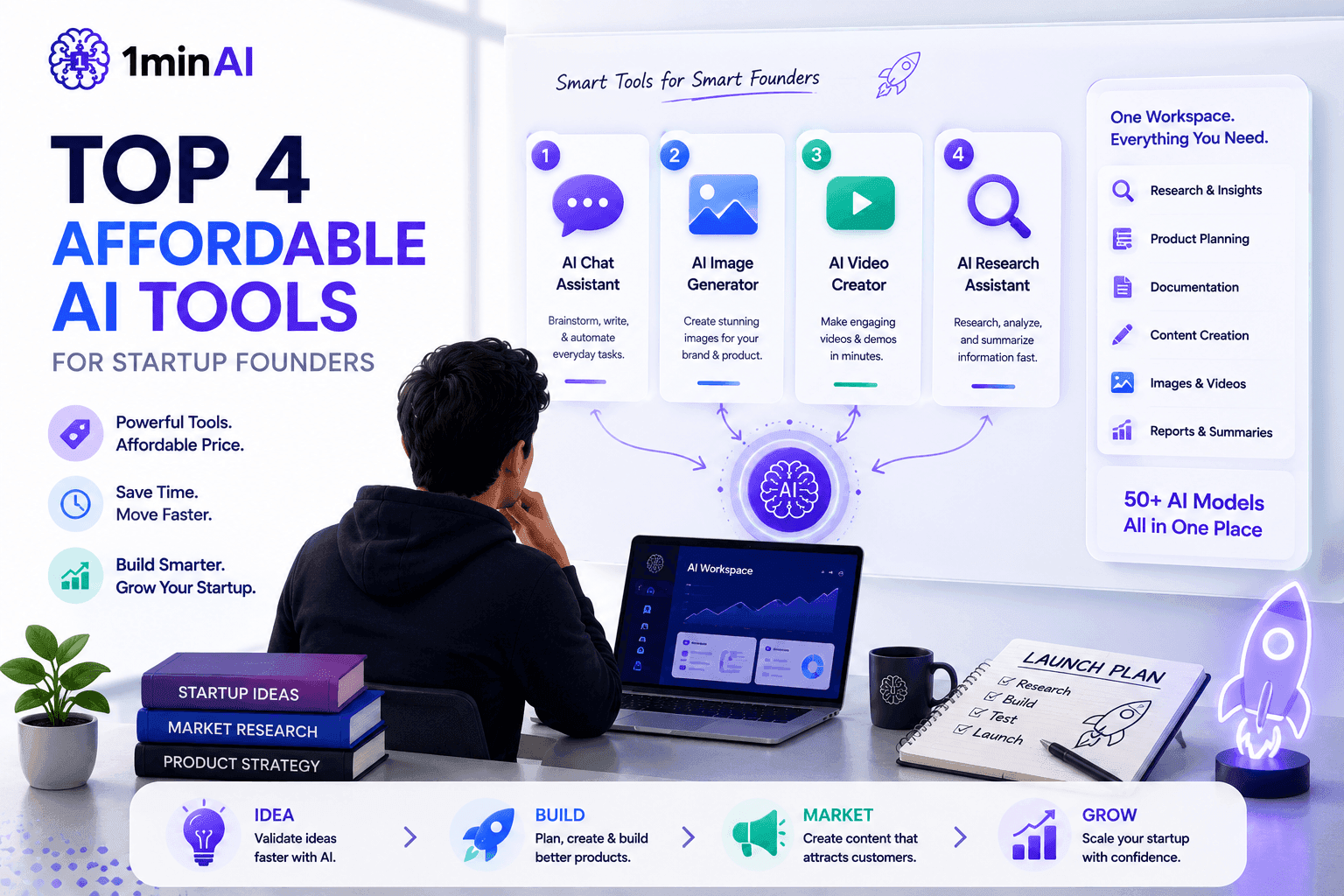
Top 4 Affordable AI Tools for Startup Founders
Discover the top 4 affordable AI tools for startup founders to validate ideas, build products, create content, and launch faster without overspending.
 Tram Ta
AI Features
Comprehensive AI features that streamline workflows, improve efficiency, and empower teams to achieve more.
Create Consistent Cartoon Content in Just a Few Steps
Create engaging cartoon videos for TikTok and Reels with 1min.AI. Research ideas, create characters, and turn images into animated videos in 3 simple steps.
Lien Anh VuOne Product, 10 UGC Creatives: How AI Makes Content Testing Easier
Create more authentic UGC with an AI UGC video generator, test more creative angles and scale affiliate content without filming every version.
Lien Anh Vu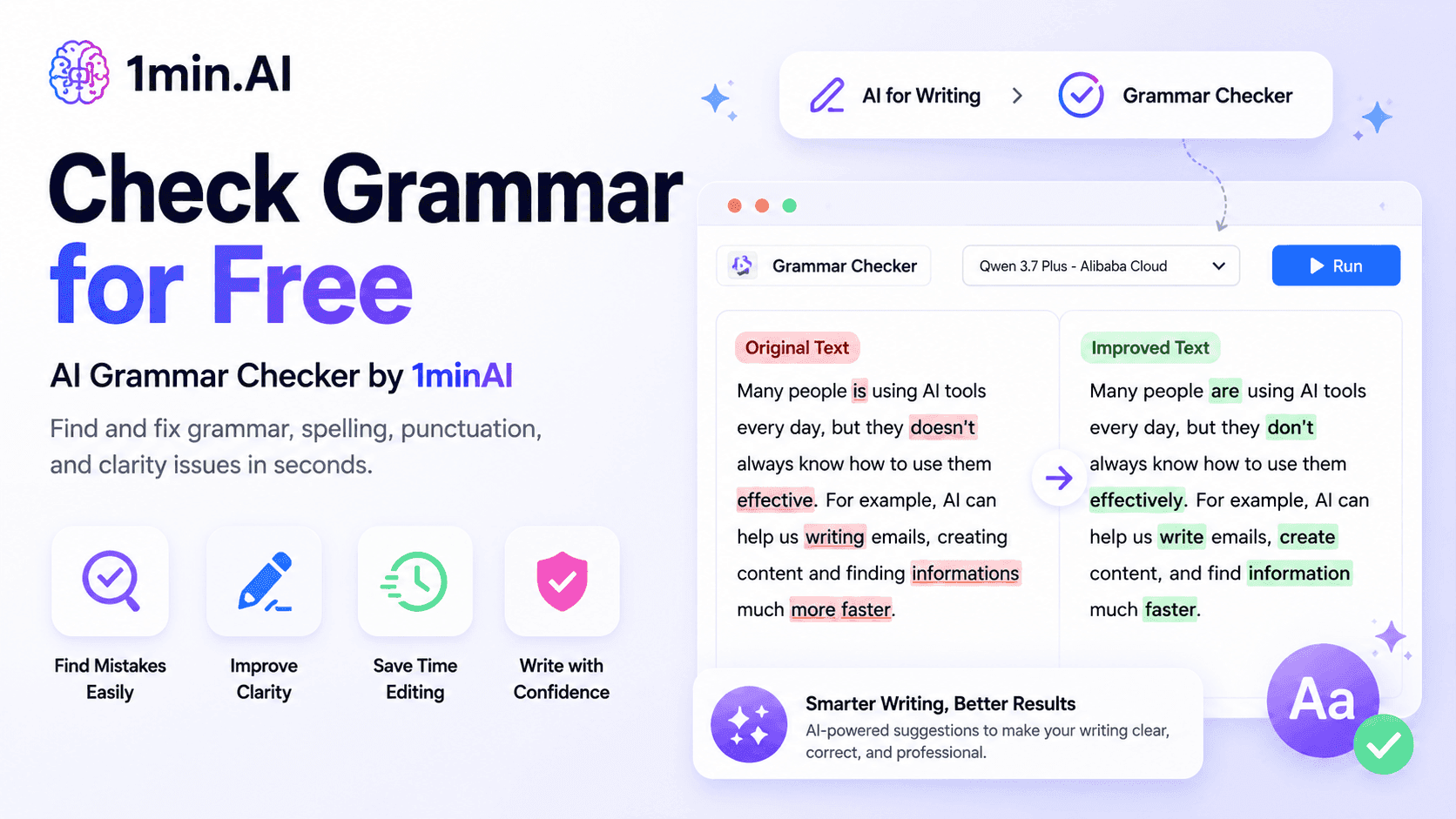
1minAI: Free AI Grammar Checker
Check grammar for free with 1minAI’s AI grammar checker. Find grammar, spelling, and writing mistakes, improve clarity, and polish your content in seconds.
Tram TaAI Use Cases
A curated collection of AI use cases for business, productivity, and industry-specific applications.
Create Consistent Cartoon Content in Just a Few Steps
Create engaging cartoon videos for TikTok and Reels with 1min.AI. Research ideas, create characters, and turn images into animated videos in 3 simple steps.
Lien Anh VuOne Product, 10 UGC Creatives: How AI Makes Content Testing Easier
Create more authentic UGC with an AI UGC video generator, test more creative angles and scale affiliate content without filming every version.
Lien Anh Vu
Best Time to Post on Instagram: A Practical Guide for Better Engagement
Discover the best time to post on Instagram, including the best days and times for different audiences, plus tips to find the ideal posting schedule for your account.
Tram TaAI Tutorials
Learn how to use AI with practical, step-by-step tutorials.

Black Friday AI Tool Deals in 2026
Discover what Black Friday AI tool deals 2026 has to offer. Find out how to secure the 1min.AI lifetime deal via AppSumo, Dealify, Stack Social, and verify on Trustpilot, Slashdot, and Software Advice.
 Hang Nguyen
Create Consistent Cartoon Content in Just a Few Steps
Create engaging cartoon videos for TikTok and Reels with 1min.AI. Research ideas, create characters, and turn images into animated videos in 3 simple steps.
Lien Anh Vu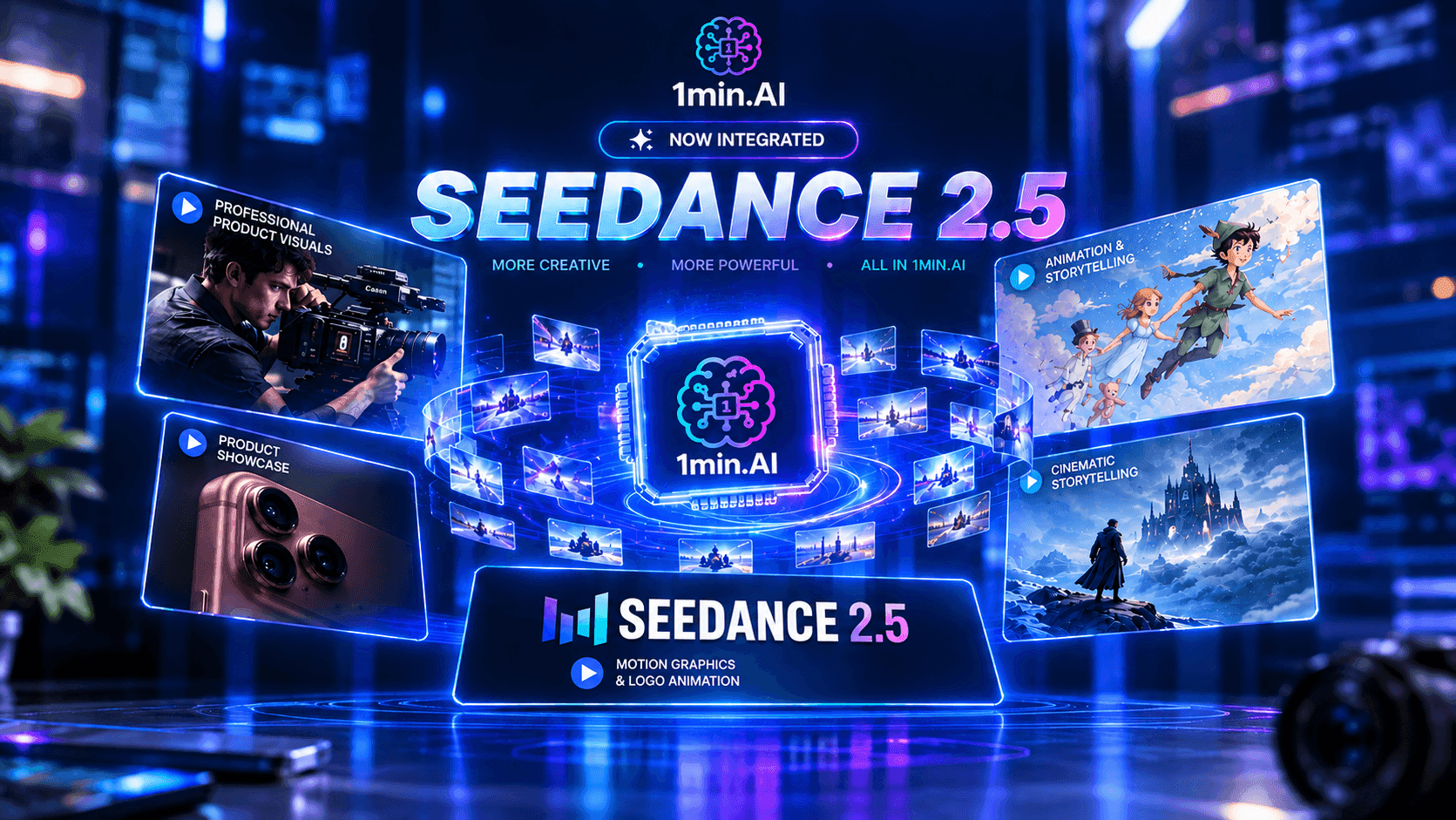
[Seedance 2.5 New] Better AI Product Videos, Less Rework in 1min.AI
Use Seedance 2.5 image to video on 1min.AI to create more consistent AI product videos, reduce failed generations, save credits, and improve UGC workflows.
Lien Anh VuAI Guides
Learn AI faster with practical guides, real-world examples, and actionable best practices.

Safely Buy AI Tools Online: 2026 Black Friday Guide
Discover how to find and secure the best Black Friday AI deals online. Learn expert strategies to avoid scams, combat subscription fatigue, and verify software.
Hang NguyenCreate Consistent Cartoon Content in Just a Few Steps
Create engaging cartoon videos for TikTok and Reels with 1min.AI. Research ideas, create characters, and turn images into animated videos in 3 simple steps.
Lien Anh Vu[Seedance 2.5 New] Better AI Product Videos, Less Rework in 1min.AI
Use Seedance 2.5 image to video on 1min.AI to create more consistent AI product videos, reduce failed generations, save credits, and improve UGC workflows.
Lien Anh VuAI Solutions
Browse the best AI solutions for automation, coding, research, productivity, customer support, marketing, and business workflows.
Safely Buy AI Tools Online: 2026 Black Friday Guide
Discover how to find and secure the best Black Friday AI deals online. Learn expert strategies to avoid scams, combat subscription fatigue, and verify software.
Hang NguyenCreate Consistent Cartoon Content in Just a Few Steps
Create engaging cartoon videos for TikTok and Reels with 1min.AI. Research ideas, create characters, and turn images into animated videos in 3 simple steps.
Lien Anh VuOne Product, 10 UGC Creatives: How AI Makes Content Testing Easier
Create more authentic UGC with an AI UGC video generator, test more creative angles and scale affiliate content without filming every version.
Lien Anh VuAI Models
Explore the world's leading AI models in one place.
Create Consistent Cartoon Content in Just a Few Steps
Create engaging cartoon videos for TikTok and Reels with 1min.AI. Research ideas, create characters, and turn images into animated videos in 3 simple steps.
Lien Anh VuOne Product, 10 UGC Creatives: How AI Makes Content Testing Easier
Create more authentic UGC with an AI UGC video generator, test more creative angles and scale affiliate content without filming every version.
Lien Anh Vu[Seedance 2.5 New] Better AI Product Videos, Less Rework in 1min.AI
Use Seedance 2.5 image to video on 1min.AI to create more consistent AI product videos, reduce failed generations, save credits, and improve UGC workflows.
Lien Anh VuAI Comparisons
Compare AI tools, models, and platforms to find the best fit for your needs.
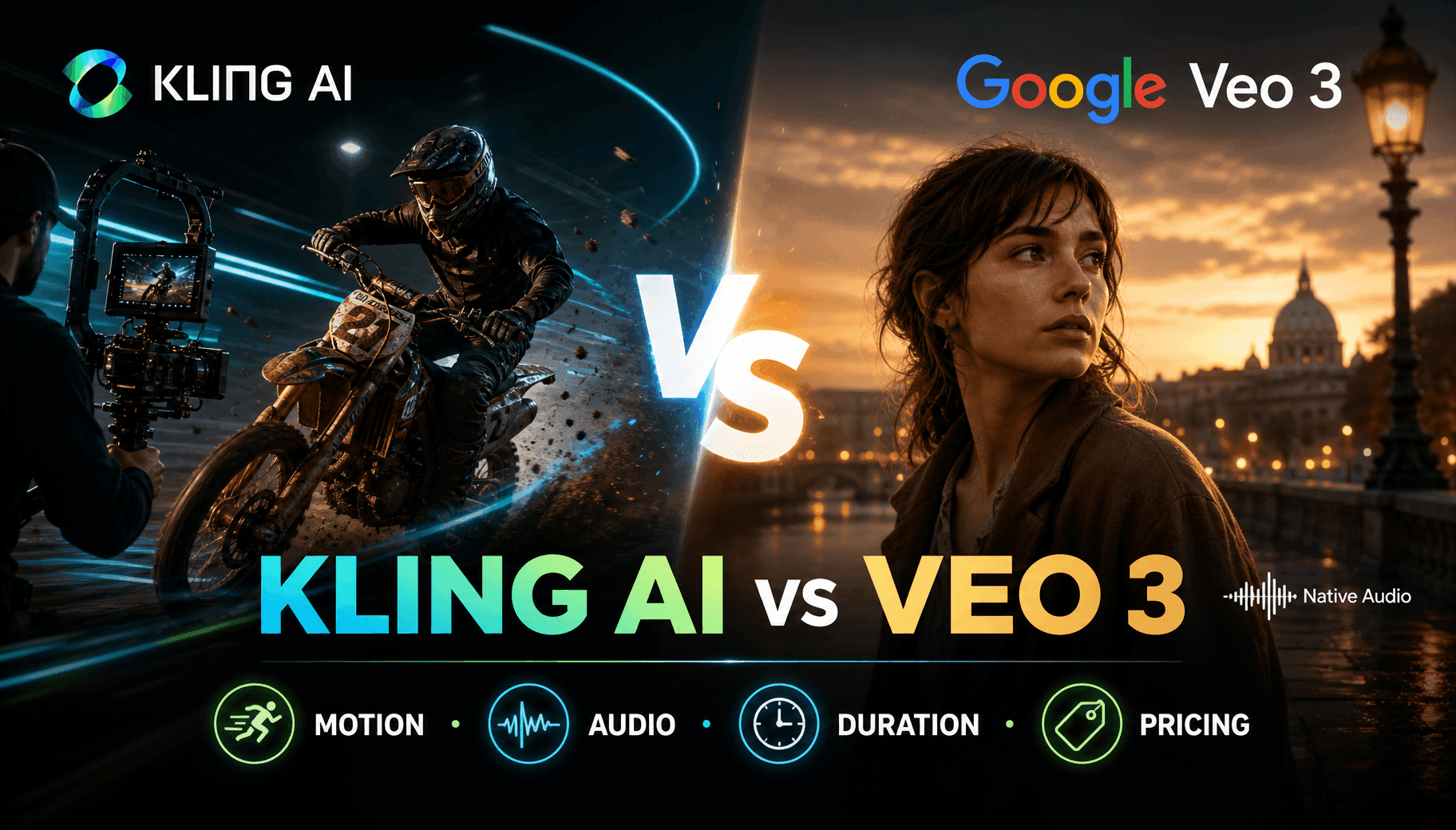
Kling AI Vs Veo 3: Which Model Wins?
Kling AI vs Veo 3: compare motion, native audio, pricing & free tiers to see which AI video generator wins for your project - try both on 1min.AI.
 Trang Tran
[Seedance 2.5 New] Better AI Product Videos, Less Rework in 1min.AI
Use Seedance 2.5 image to video on 1min.AI to create more consistent AI product videos, reduce failed generations, save credits, and improve UGC workflows.
Lien Anh Vu
DeepSeek V4 Pro vs Flash Comparison
Compare DeepSeek V4 Pro vs DeepSeek V4 Flash metrics. Optimize your agentic apps and improve AI fact checking on 1min.ai today.
Ngoc HongAI Integrations
Seamlessly integrate AI with the tools you already use to automate work and boost productivity.
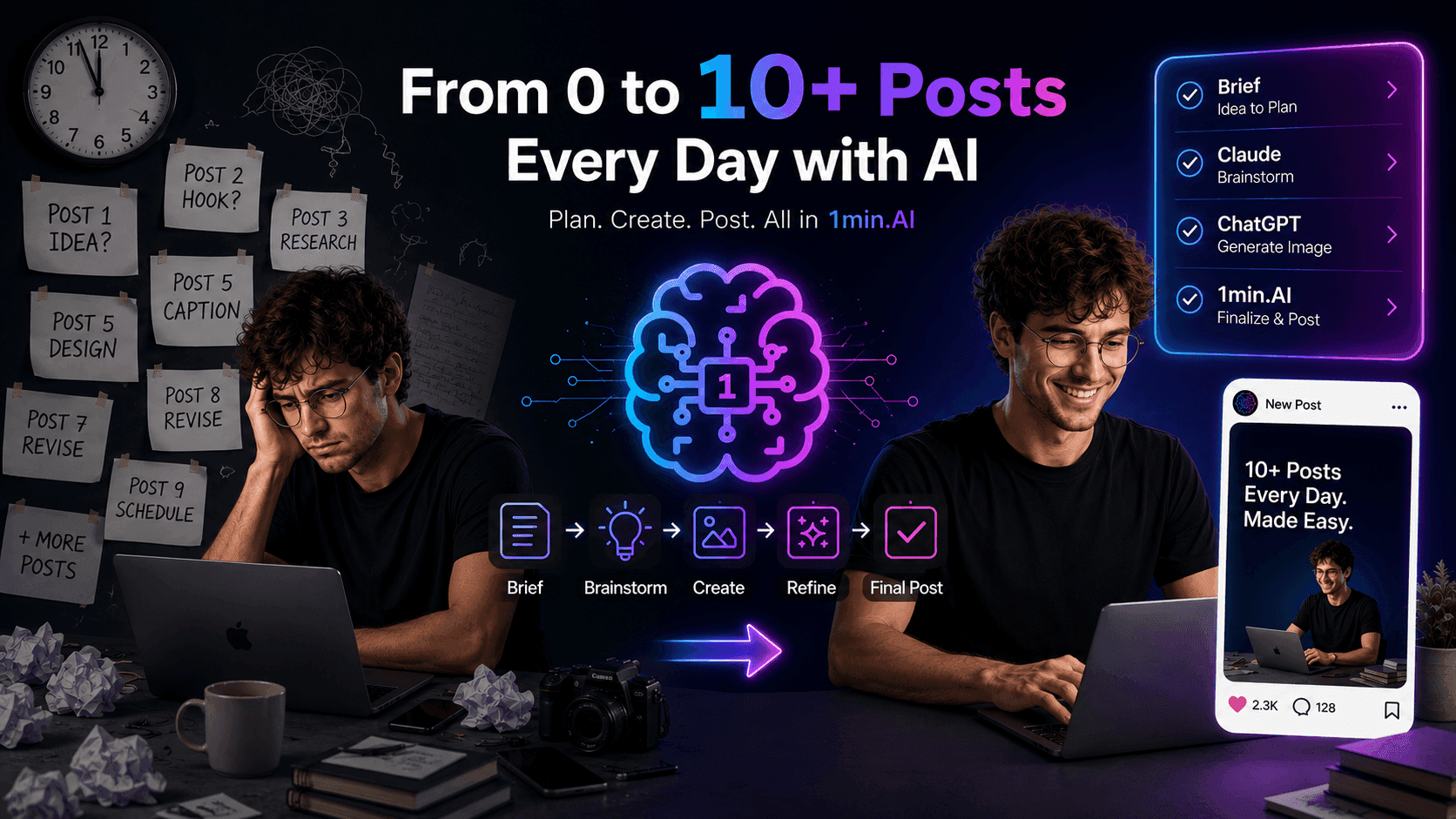
POV: You Have 10+ Posts to Make Every Day
Learn how to build an AI content workflow that helps content creators produce 10+ social media posts a day faster with AI brainstorming, image generation, and content creation.
Lien Anh Vu
How to Use an AI Fashion Video Generator for Fashion Week 2026
Turn Fashion Week 2026 ideas into stunning fashion videos with AI. Learn how to brainstorm, create visuals, and transform images into videos with one simple workflow.
Lien Anh Vu
Stop Switching Between AI Apps: How AI Integration Transforms Employer Branding
Discover how AI integration helps HR teams streamline employer branding by combining AI writing, documents, images, video, and multiple AI models into one workspace.
Tram TaAI for Industries
Find the best AI tools and workflows for healthcare, finance, education, legal, manufacturing, retail, real estate, and more

Voice Cloning AI Free: How to Clone Any Voice Online in Minutes
Try voice cloning AI free with 1min.AI. Upload a 5-second clip, pick an ElevenLabs model, choose from 32 languages, and turn text to speech in your own voice.
Trang Tran
Text To Video AI Free Without Watermark Online
Create text to video AI free without watermark online with 1min.AI. Pick top models, turn prompts into HD clips, and download clean videos fast. Try it free.
Trang Tran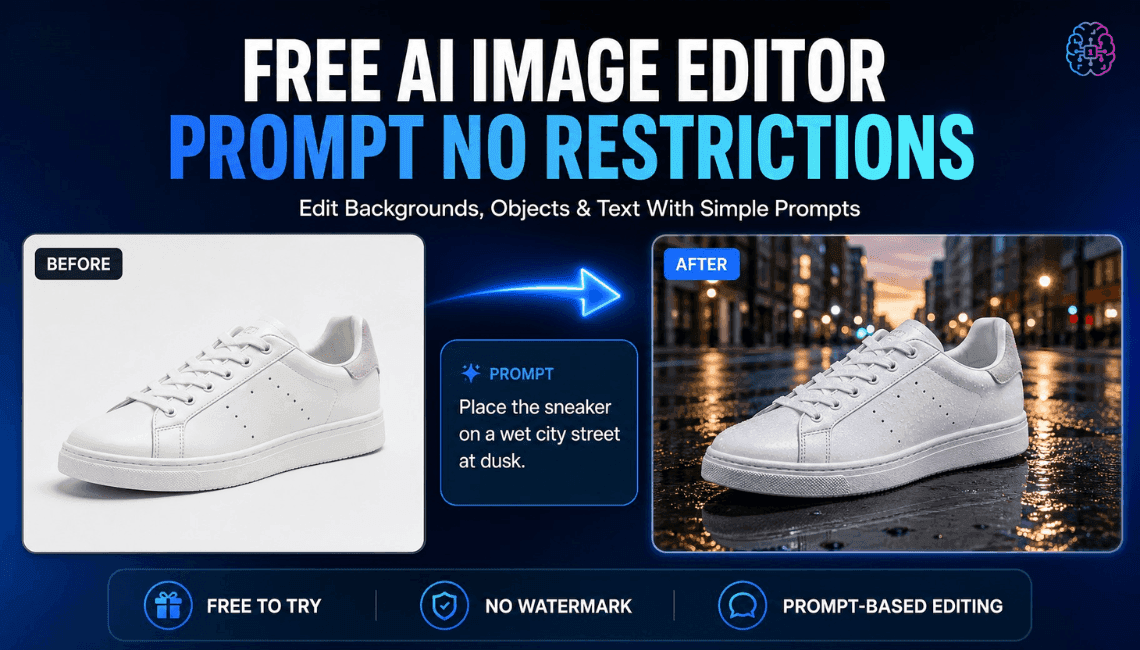
Free AI Image Editor With Prompt No Restrictions
Looking for a free AI image editor with prompt no restrictions? Edit backgrounds, objects and text by typing, no watermark. Try 1min.AI’s flexible editor now.
Trang TranAI Agents
Discover and run AI agents to automate tasks across your work and daily life.
1minAI: Free AI Grammar Checker
Check grammar for free with 1minAI’s AI grammar checker. Find grammar, spelling, and writing mistakes, improve clarity, and polish your content in seconds.
Tram Ta
AI Agents for Facebook
Use an AI Agent for Facebook to create content, generate images, schedule posts, and publish from your documents and conversations.
Ngoc Hong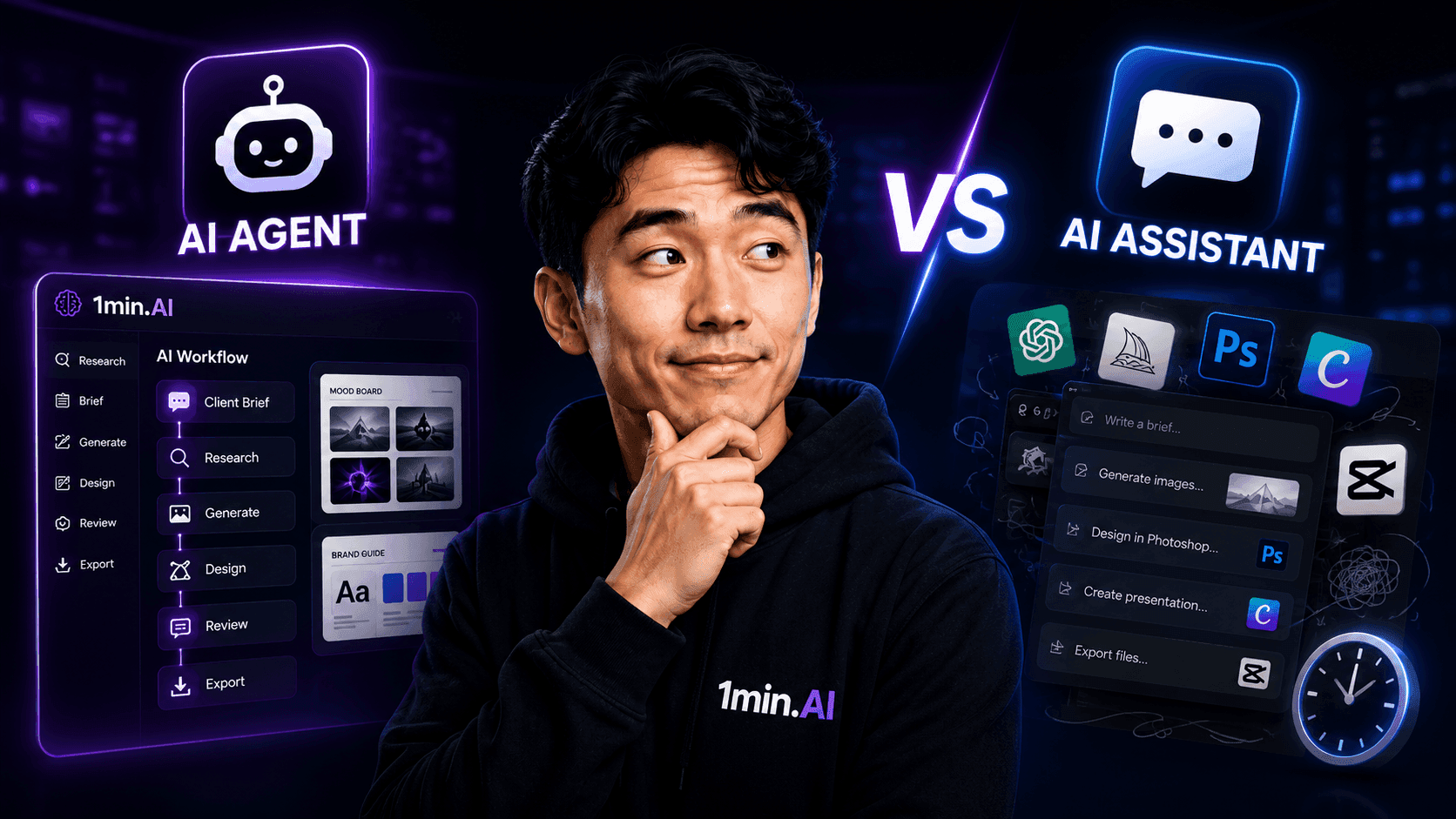
AI Agent vs AI Assistant: Which One Actually Saves Designers More Time?
Learn the difference between AI Agent vs AI Assistant and discover which solution helps designers automate repetitive work, reduce revisions, and save more time.
Lien Anh VuAI Workflows
Explore ready-to-use AI workflows for productivity, marketing, sales, support, and more.
Create Consistent Cartoon Content in Just a Few Steps
Create engaging cartoon videos for TikTok and Reels with 1min.AI. Research ideas, create characters, and turn images into animated videos in 3 simple steps.
Lien Anh VuOne Product, 10 UGC Creatives: How AI Makes Content Testing Easier
Create more authentic UGC with an AI UGC video generator, test more creative angles and scale affiliate content without filming every version.
Lien Anh VuPOV: You Have 10+ Posts to Make Every Day
Learn how to build an AI content workflow that helps content creators produce 10+ social media posts a day faster with AI brainstorming, image generation, and content creation.
Lien Anh VuNewsletter
Weekly AI Innovations with 1minAI

🔮 Weekly AI Innovations #145: X Content Agent & GPT 6.1 Terra on 1min.ai
Scale viral reach with the X Content Agent on 1min.ai. Discover an end-to-end 4-stage pipeline with zero token burn, plus the launch of GPT 6.1 Terra.
Hang Nguyen
🔮 Weekly AI Innovations #144: LinkedIn Content Agent: Complete B2B Publishing Pipeline
Scale B2B influence with the LinkedIn Content Agent on 1min.ai. Discover an end-to-end 4-stage pipeline with zero redundant token burn and 1-click publishing.
Hang Nguyen
🔮 Weekly AI Innovations #143: Update GPT-6, GPT-6.1 & Ideogram 4.0
Access GPT-6 Sol, Luna, GPT-6.1 Sol, and Ideogram 4.0 on 1min.ai. Boost typography accuracy to 98.4% and cut reasoning latency by 45% in one platform.
Hang Nguyen