
AI Video Generator Comparison on 1min.AI: Which Model Fits Your Project?

Lien Anh Vu
8 October 2026
Compare Sora, Google Veo in Gemini, and Kling AI on 1min.AI using the same prompt. See speed, quality, prompt accuracy, motion, and output flexibility.
AI video generators have changed how creators, marketers, and businesses produce video content. From cinematic storytelling and product advertising to UGC and short-form social content, a single text prompt can now become a fully generated video in minutes. But as more models enter the market, choosing the right AI video generator is becoming less straightforward.
Sora, Google Veo, and Kling AI each approach video generation differently, with strengths across visual quality, prompt accuracy, motion, camera control, and creative flexibility. Instead of asking which model is universally the best, a more useful question is: which AI video generator fits your project?
This guide compares Sora, Veo, and Kling AI across the capabilities that matter most in real-world video production. It also explores how 1min.AI brings multiple AI video models into one platform, allowing you to test different models, compare outputs, and choose the right approach without managing multiple AI video tools separately.
Note: AI video models and their available features change frequently. The comparison below should be understood in the context of the models and capabilities available through 1min.AI at the time of use.
Sora vs Veo vs Kling AI at a Glance
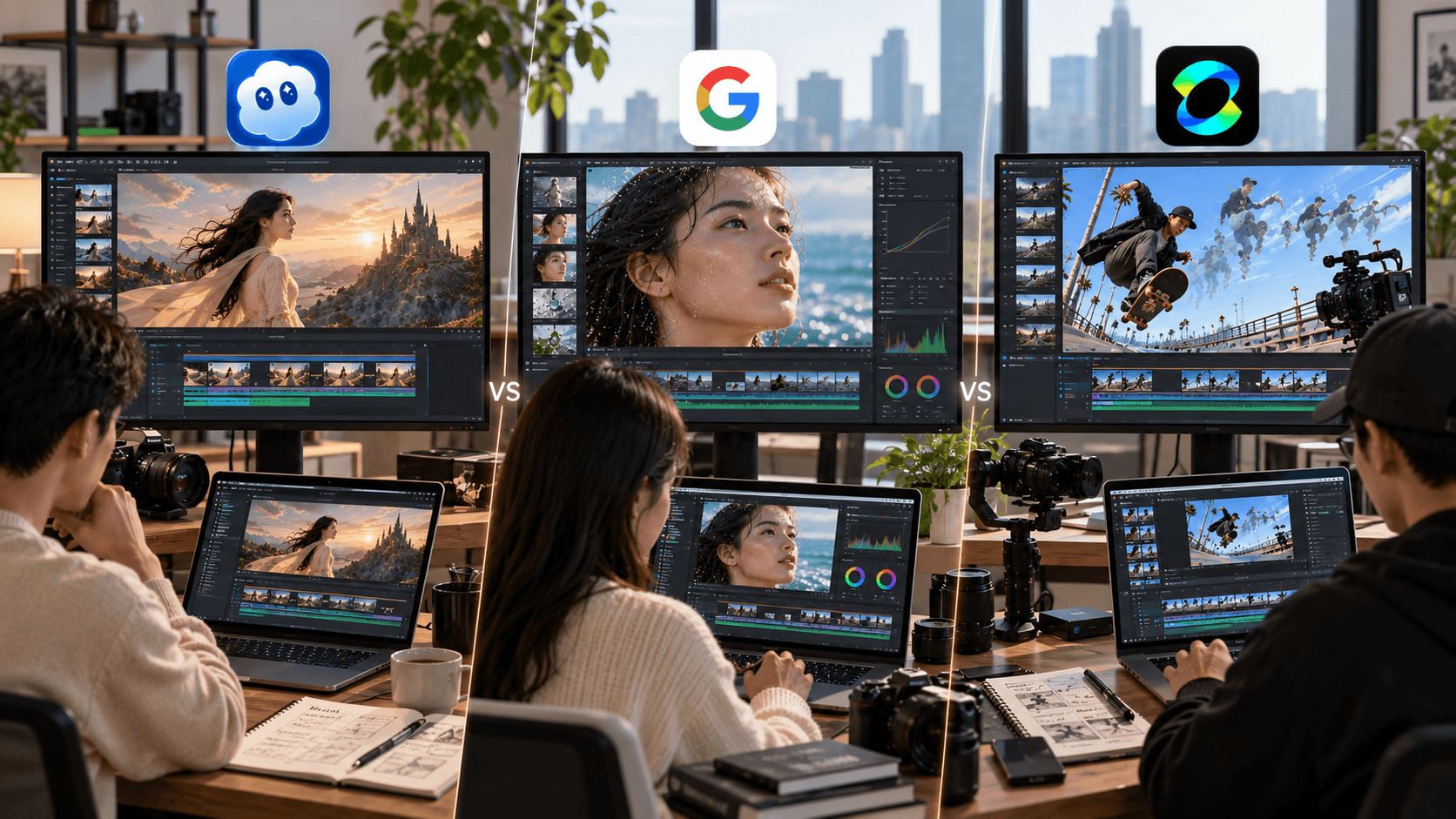
Sora, Google Veo, and Kling AI can produce impressive AI-generated videos, but they are designed around different creative strengths. The most useful comparison is therefore not simply about which model produces the most visually impressive clip, but which one gives you the capabilities you need for a particular project.
| Feature | Sora | Google Veo | Kling AI |
|---|---|---|---|
| Video Quality | High-quality visual storytelling | High realism and detail | High-quality dynamic visuals |
| Prompt Accuracy | Strong prompt interpretation | Strong prompt adherence | Strong scene and motion interpretation |
| Motion Quality | Natural cinematic movement | Realistic motion and physics | Dynamic movement and shot control |
| Camera Control | Depends on available implementation | Advanced camera controls | Strong camera and motion controls |
| Generation Speed | Depends on implementation | Depends on model and workflow | Depends on model and workflow |
| Creative Control | Model-dependent | Reference images, camera and motion controls | Camera and motion-focused controls |
| Best Suited For | Cinematic and storytelling-oriented projects | Realistic, controlled video production | Dynamic motion and camera-heavy scenes |
Google currently describes Veo 3.1 as supporting improved prompt adherence, reference images, character consistency, camera controls, motion controls, scene extension, and high-resolution output. However, exact specifications such as duration, resolution, generation speed, and available controls can vary by model and implementation, so always check the version available in your 1min.AI workspace.
How We Compared Sora, Veo, and Kling AI
A meaningful AI video comparison needs to look beyond visual quality. A model may produce beautiful footage but still be a poor fit if it struggles to follow detailed prompts, maintain consistency, control movement, or deliver the format required for your campaign.
For this comparison, Sora, Veo, and Kling AI can be evaluated using the same or comparable creative prompt and production objective. The main criteria include video quality, prompt accuracy, motion quality, camera control, generation speed, creative controls, and output flexibility. Using a consistent creative objective makes it easier to understand where each model fits and how its capabilities translate into actual video production.
Sora vs Veo vs Kling AI: Key Differences
Video Quality
Video quality is usually the first factor creators consider, but “quality” can mean different things depending on the type of content you are producing. A cinematic brand film may require atmosphere, composition, realism, and visual continuity, while a product advertisement may place greater emphasis on product consistency, lighting, and controlled movement. For social media, speed and the ability to generate multiple strong variations may matter just as much as visual detail.
Sora has historically been associated with realistic, cinematic video generation and visual storytelling. OpenAI has also described Sora 2 as improving physical accuracy, realism, and controllability. Veo places a strong emphasis on realism, physics, prompt adherence, and creative control, while Kling AI is particularly relevant for projects that depend on dynamic movement and camera direction. The practical takeaway is that video quality should always be evaluated against the requirements of your project rather than treated as a single universal metric.
Prompt Accuracy
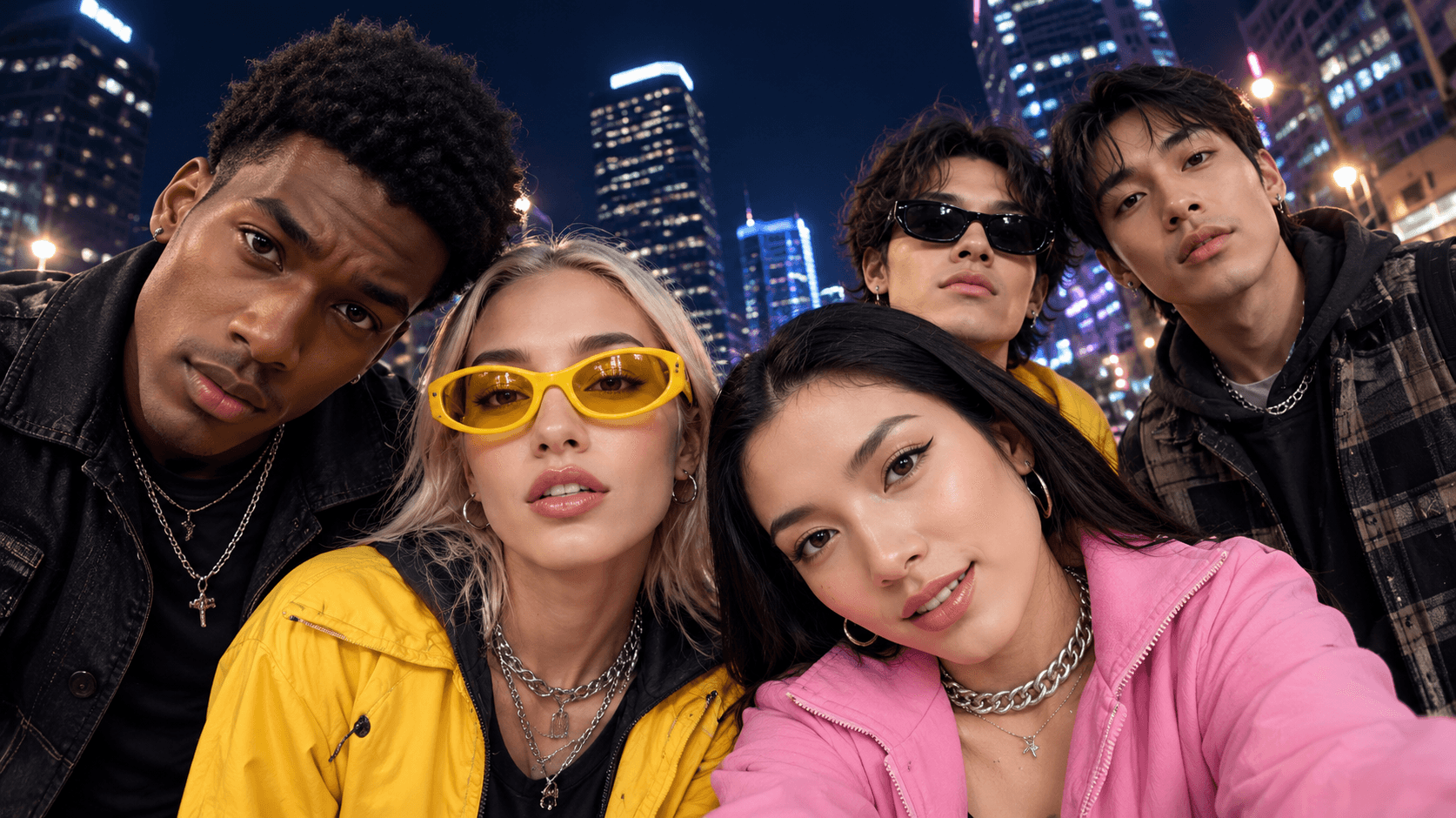
A visually impressive video is not useful if it ignores the instructions that matter. Prompt accuracy becomes especially important when a video includes specific products, characters, environments, actions, camera angles, or sequences that need to appear in a particular way.
For example, a product advertisement may require the exact product appearance, a defined background, specific lighting, a particular camera angle, and a precise movement sequence. A cinematic prompt may instead contain multiple characters, actions, environmental details, and camera instructions.
Veo 3.1, for example, emphasizes improved prompt adherence and detailed control over scenes, objects, characters, and camera movement. When comparing models, focus not only on how attractive the final video looks, but also on how accurately it translates your creative direction into the generated footage.
Motion and Camera Control
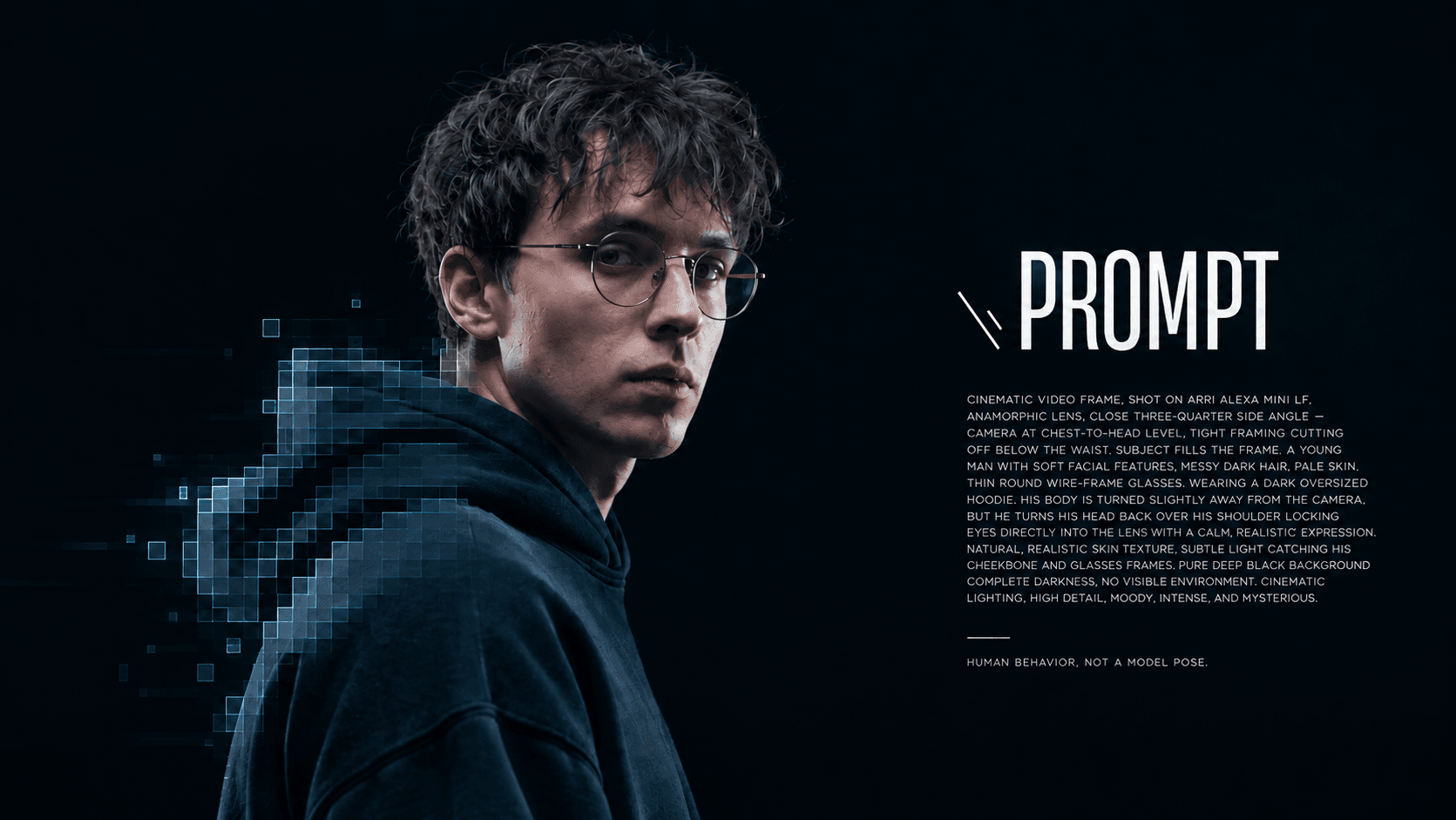
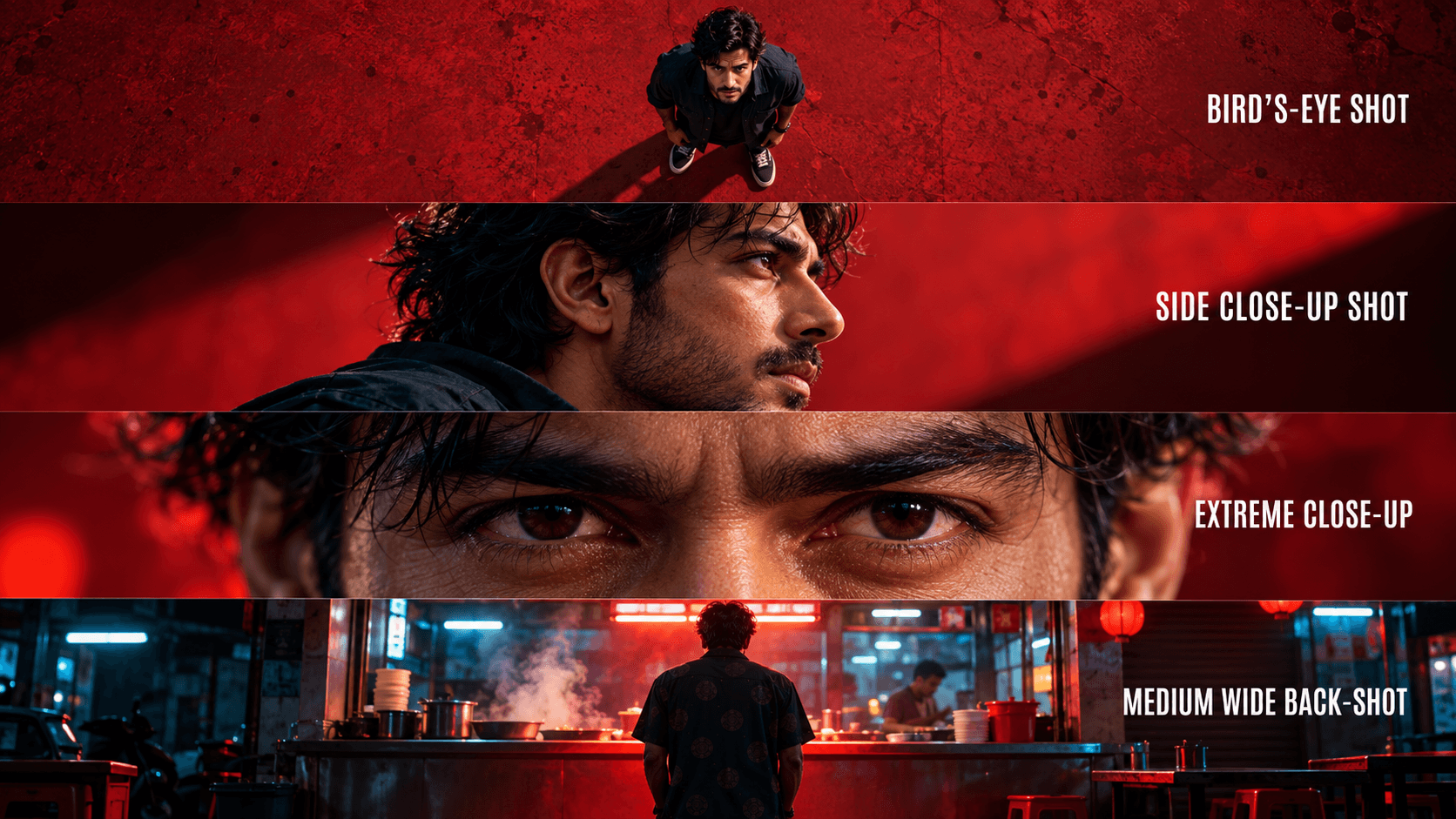
Motion and camera control become increasingly important when creating advertisements, UGC-style videos, product demonstrations, or cinematic scenes. A strong video model needs to handle more than static visual composition; it also needs to create convincing character movement, object interaction, camera movement, and transitions.
Veo 3.1 includes camera and motion controls that give creators more control over elements such as framing and movement. Kling AI can also be useful for projects where dynamic motion and camera direction are central to the concept. If your video depends on a specific camera movement or an action unfolding in a particular way, these controls can have a significant impact on the final result.
Generation Speed
Generation speed matters most when video production involves frequent testing and iteration. A creator may need several versions of a hook, a marketer may want multiple product-ad variations, and an agency may need to explore several concepts for different clients. In these situations, the workflow is rarely just generate once and publish. A more realistic process is generate, review, revise, regenerate, compare, and publish. That makes generation speed an important part of production efficiency. Because generation times can vary according to the model, platform, prompt, output settings, and system conditions, it is more useful to compare models under consistent conditions than to assign one model a permanent “fastest” label.
Video Duration and Aspect Ratios
Video duration and aspect ratio directly affect where you can use an AI-generated clip. Social creators may need 9:16 for TikTok, Instagram Reels, and YouTube Shorts, while brands and businesses may require 16:9 for YouTube, websites, presentations, or advertising campaigns.
If you regularly create content for multiple channels, check the duration and aspect-ratio options available for each model in your current 1min.AI workflow. Flexibility here can make it easier to adapt one creative concept across different platforms without rebuilding the entire production process.
Reference Images and Creative Controls
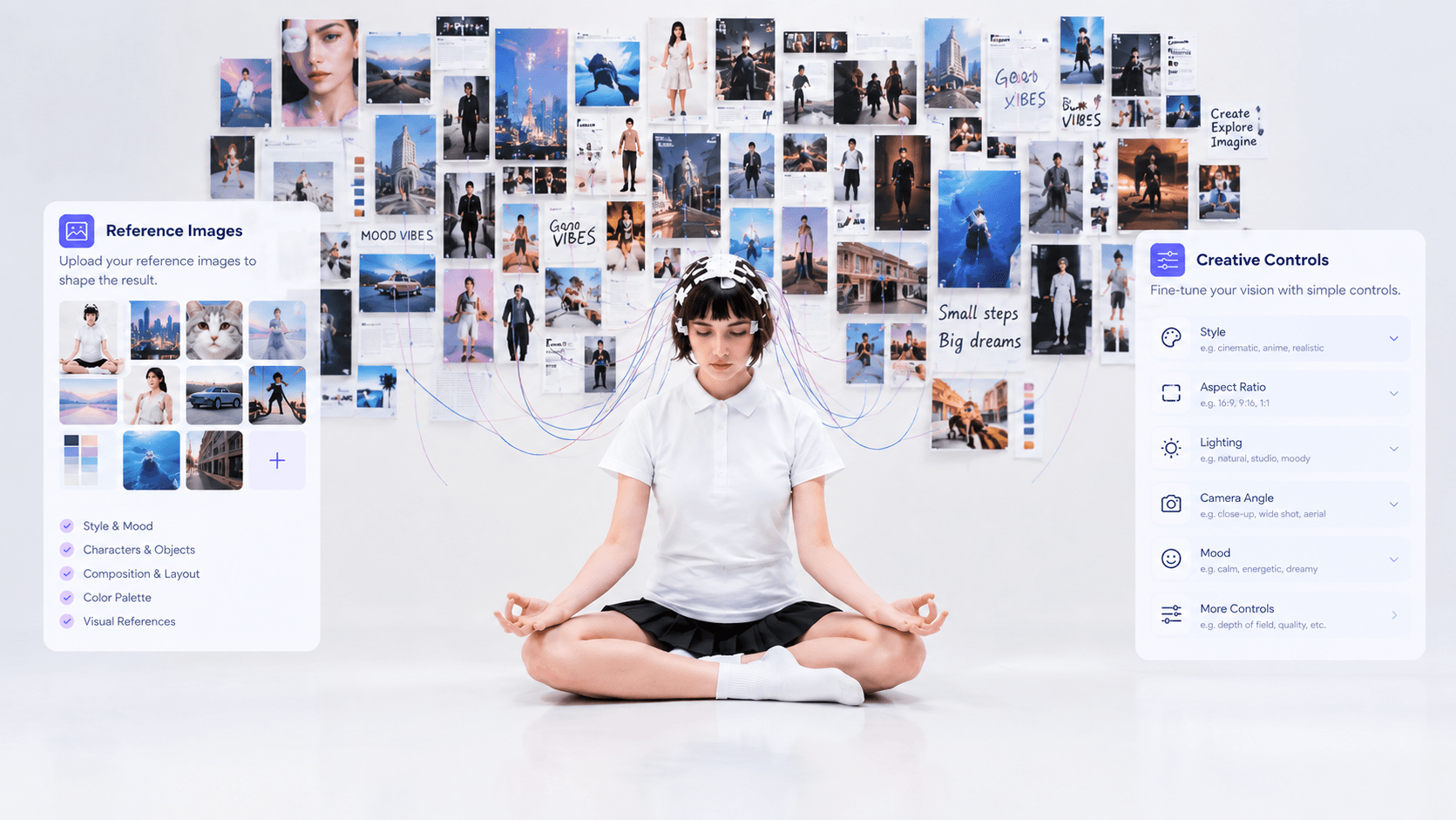
Reference images can provide additional control over the appearance of a character, product, scene, or visual style. This can be particularly useful for commercial content where maintaining a recognizable product or character matters.
For example, a marketer creating a product advertisement may want the generated video to preserve the appearance of a specific product, while a creator may want a consistent character across several shots. Veo 3.1 currently supports reference images for scenes, characters, objects, and styles, alongside capabilities such as first-and-last-frame workflows and scene extension.
When comparing AI video generators, therefore, the question is not simply “Which model creates the prettiest video?” It is also “Which model gives me the controls I need to create the video I actually want?”
Which AI Video Generator Fits Your Project?
There is no single AI video workflow that works equally well for every type of content. The right choice depends on what you are producing, how much control you need, and how quickly you need to iterate.
For Cinematic Storytelling
Cinematic projects typically require strong scene composition, camera movement, visual consistency, realistic environments, and the ability to translate complex storytelling prompts into coherent footage. Sora has been associated with cinematic and realistic video generation, while Veo also emphasizes filmmaking, realism, and creative control. For this type of project, evaluate the models based on how well they translate your specific visual concept rather than relying solely on general model reputation.
For Social Media Content
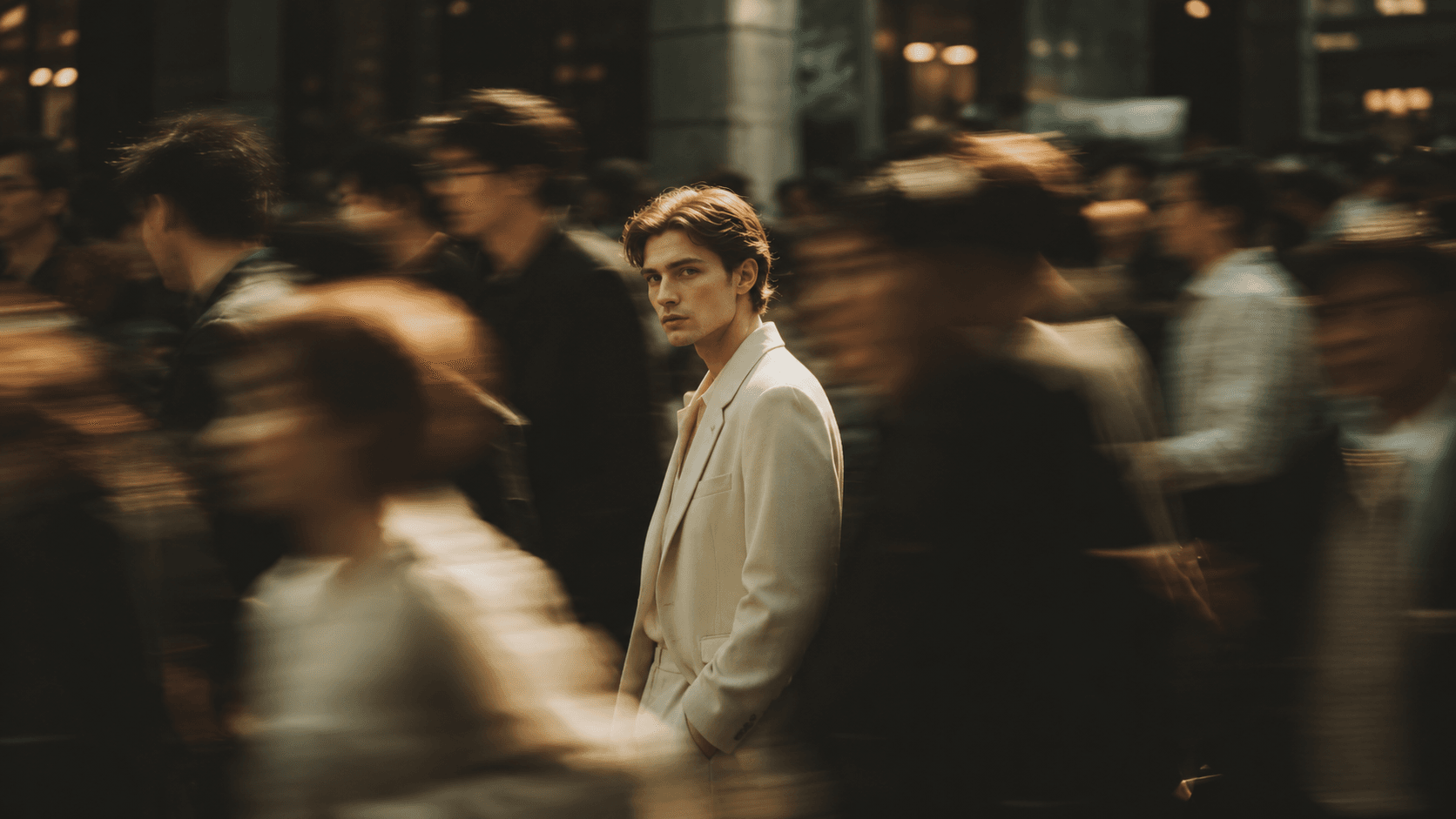
TikTok, Instagram Reels, and YouTube Shorts require a different production approach. Creators often need vertical formats, strong visual hooks, fast iteration, and multiple variations that can be tested quickly. Rather than committing to one model for every social video, testing several models can help you determine which one fits your content style and production speed. This is especially useful when a concept works well visually but requires several iterations before it is ready to publish.
For Product Advertising
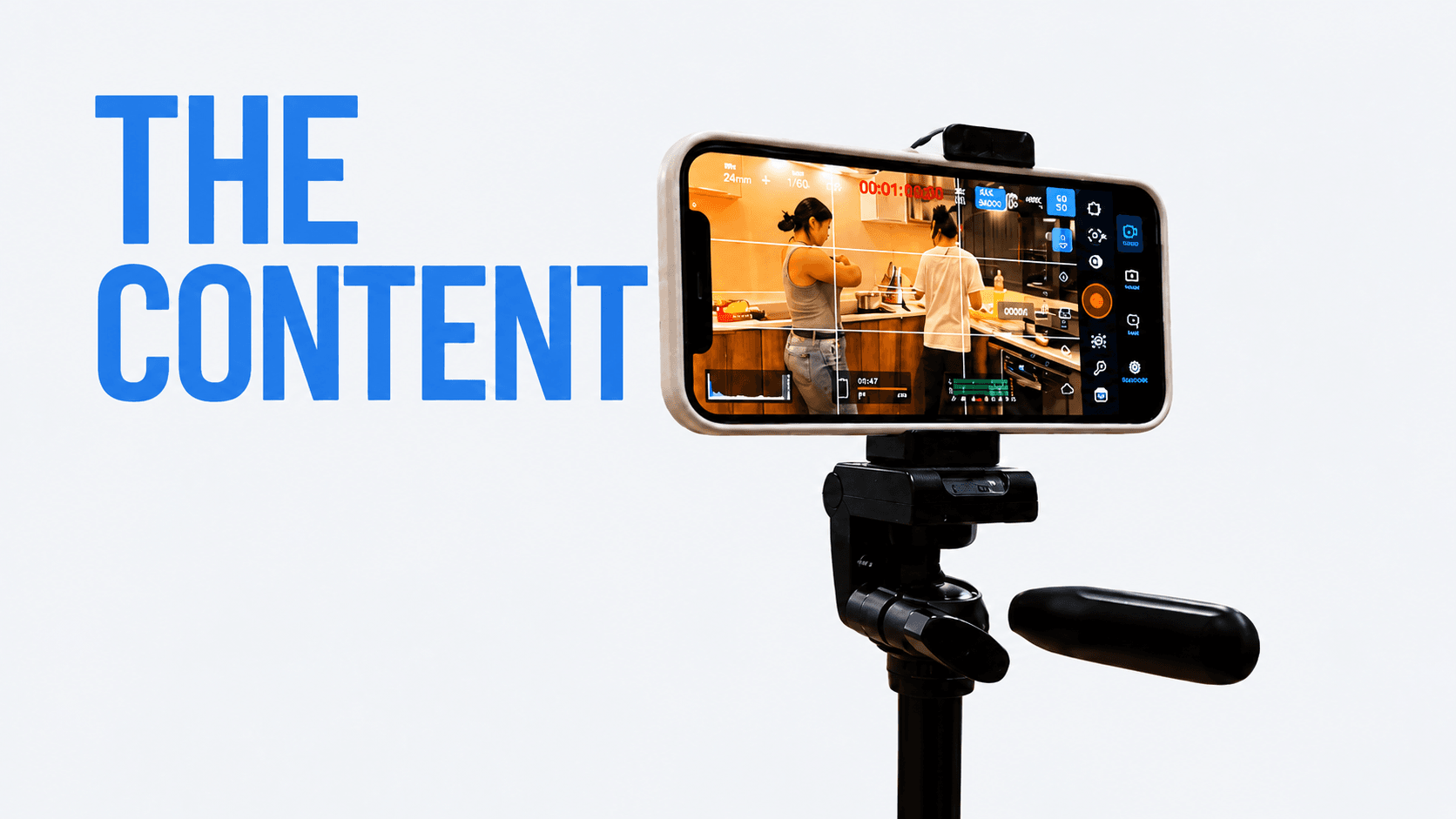
Product videos require more than attractive visuals. The model needs to handle product appearance, lighting, movement, camera direction, and interactions accurately enough to support the advertising concept.
If you are creating a product campaign, generating the same concept across multiple models can help you identify which output best matches your product, creative direction, and production requirements.
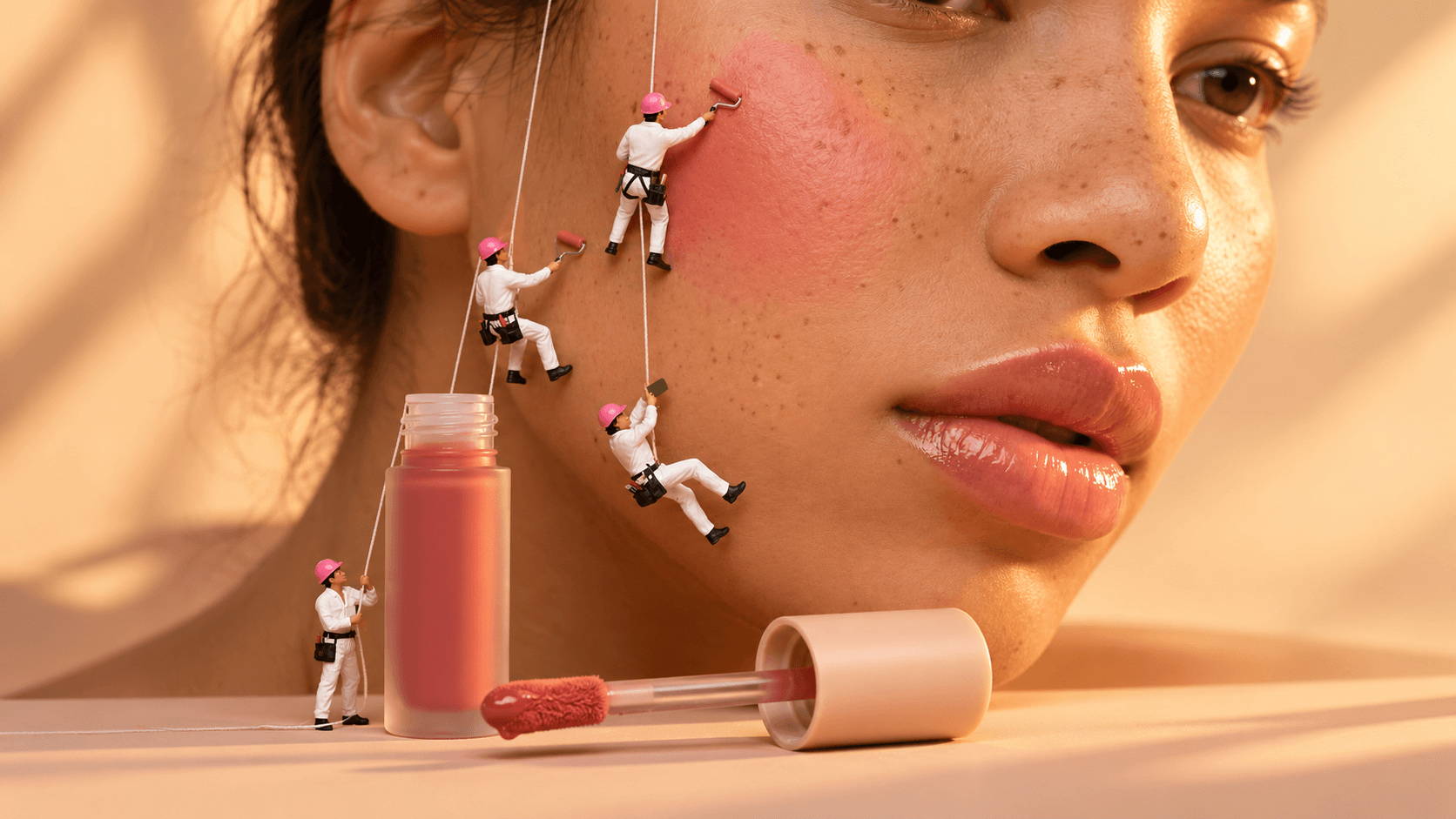
For UGC and Creator Content
UGC-style content often depends on natural human movement, expressions, actions, and social-friendly compositions. When evaluating models for this use case, consider human motion, consistency, scene realism, vertical output, and how quickly you can create additional variations. Instead of choosing a model based purely on reputation, generate the same concept with different models and evaluate the actual results against your content requirements.
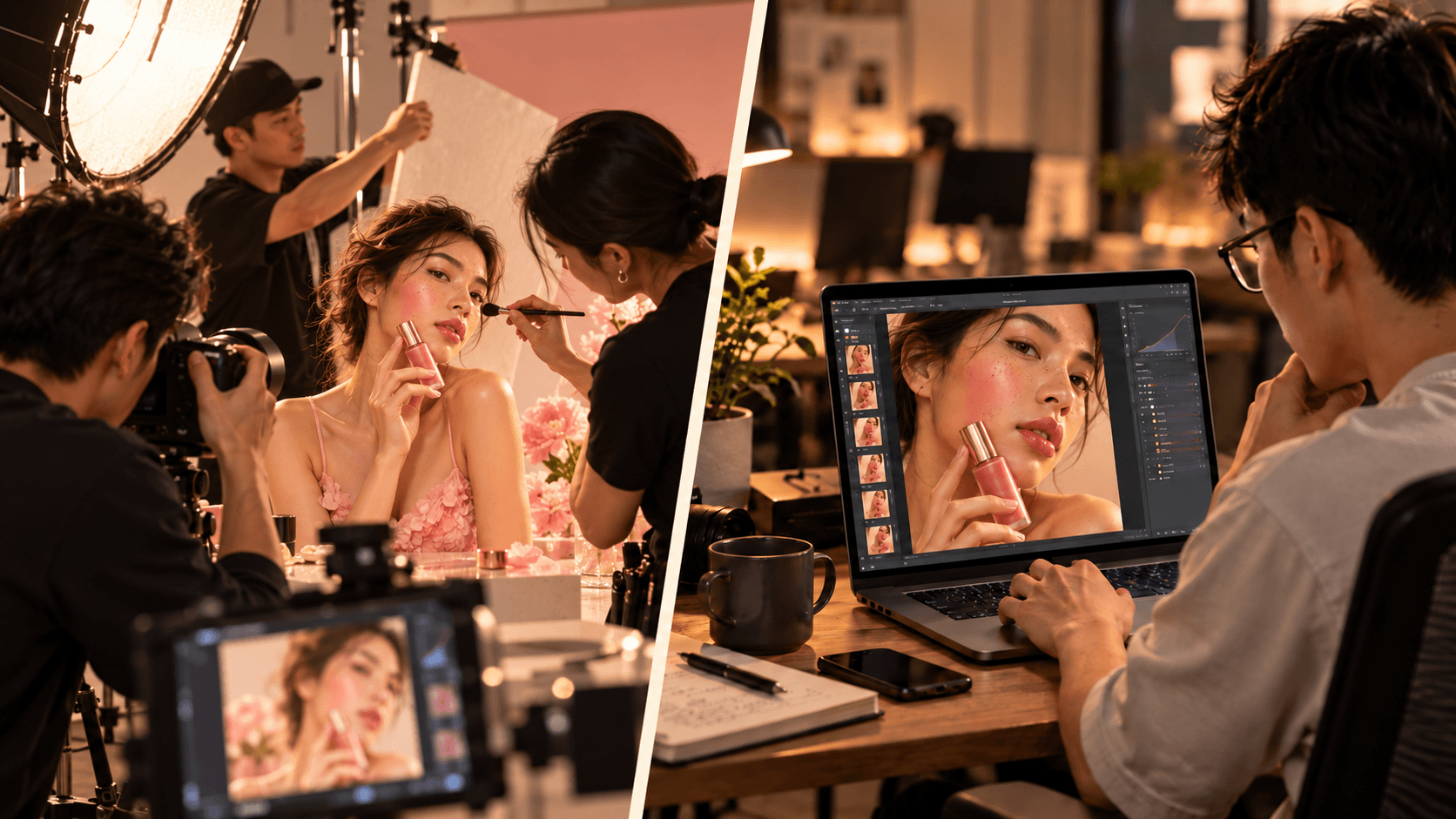
For Agencies and High-Volume Production
Agencies often work across different formats, industries, and creative directions. One client may need a product advertisement, another may need social content, and another may need a cinematic brand video. In this environment, relying on a single AI video model can limit your options. Access to multiple models allows you to select the model that fits each project instead of forcing every concept through the same generation workflow.

Why Use Multiple AI Video Models on 1min.AI?
For creators and businesses working across different types of video content, the advantage is not necessarily finding one model that does everything. It can be more practical to have access to several models and choose the one that fits each project.
That is where a multi-model platform such as 1min.AI becomes useful.
Access Multiple AI Video Models in One Platform
Using different AI video generators separately can create unnecessary friction. You may have to switch between platforms, manage different interfaces, maintain separate accounts, and repeat the same generation process just to compare outputs. With 1min.AI, multiple AI models are available within one workspace, making it easier to move from generate → compare → select → refine without constantly switching platforms. The platform's AI video comparison workflow also demonstrates this approach by comparing Sora, Google Veo in Gemini, and Kling AI using the same prompt.
Reduce the Need for Multiple AI Subscriptions
Different projects may require different AI video capabilities, but accessing those capabilities through separate platforms can mean managing multiple subscriptions, billing cycles, credit systems, and workflows. With 1min.AI, you can access multiple AI capabilities through one platform and a shared credit system. This can reduce the need to maintain separate subscriptions simply because you want to experiment with different AI models. The benefit is not only about subscription management. It also gives you more flexibility to choose a model based on the project instead of choosing a model based on which platform you happen to subscribe to.
Get More Value From Your Credits
AI video creation often involves experimentation. You may generate several versions of the same concept, test different prompts, compare models, and refine the output before reaching the final result. A shared credit system can make this process easier to manage because you can use your available credits across supported AI features rather than maintaining separate credit balances on different platforms.
1min.AI's current pricing information states that credits can be used across its features, with unused credits rolling over and additional credit options available. Depending on the current program and plan, users may also have opportunities to earn additional credits. This makes the platform particularly relevant for users who want to experiment with multiple models without treating every new model as a separate subscription decision.
Compare Models Without Switching Platforms
One of the biggest advantages of a multi-model workflow is being able to compare outputs directly. You can start with the same prompt, generate it with Sora, Veo, and Kling AI, and then compare the results based on visual quality, motion, prompt accuracy, camera control, and suitability for the project.
This is much more practical than generating a video on one platform, opening another service, creating another account or subscription, rewriting the prompt, and repeating the entire process just to see how another model performs.
One Workflow for Testing, Creating, and Refining
A practical multi-model workflow can be as simple as:
Generate → Compare → Select → Refine → Export
This changes the way you approach the question of which AI video generator to use. Instead of asking, “Which model should I use for everything?”, you can ask, “Which model fits this project, and how quickly can I test it?” For creators, marketers, agencies, and businesses producing different types of video content, that flexibility can make the overall workflow much easier to manage.
How to Compare Sora, Veo, and Kling AI on 1min.AI
Reading a comparison table can help you understand the general differences between AI video generators, but the most reliable way to choose a model is to test them with your own creative requirements. A model that works well for one type of video may produce very different results for another prompt, product, character, or visual style. With 1min.AI, you can streamline this comparison by testing available AI video models within the same platform. Instead of rewriting your prompt across different tools and switching between separate interfaces, you can use the same creative concept, generate multiple versions, and compare the results side by side. Here is a practical workflow for comparing AI video models on 1min.AI.
Step 1: Open AI Video Generation
Start by opening the Text-to-Video workflow in 1min.AI. This is where you can turn a written description into an AI-generated video and select from the video models available to your account. Before generating anything, define what you are trying to create. For example, your goal might be a cinematic product advertisement, a TikTok video, a UGC-style clip, or a short brand video. Having a clear objective is important because you are not simply comparing which model creates the most visually impressive video. You are evaluating which model is most suitable for your particular production requirement. For example, if you are creating a product advertisement, you may care more about product consistency, camera movement, and realistic lighting than about cinematic atmosphere alone.
Step 2: Choose an AI Video Model
Select the AI video model you want to test from the models currently available in your 1min.AI workflow. If you are comparing Sora, Veo, and Kling AI, the goal is to keep the testing conditions as consistent as possible. Avoid changing your creative objective between models, because doing so makes it difficult to determine whether differences in the final videos come from the models or from the prompts themselves. You can start with one model, generate the first version, and then repeat the same process with the other available models. The important point is to treat each model as a different way of interpreting the same creative brief, rather than creating three completely different videos.
Step 3: Create a Consistent Prompt
The prompt is one of the most important parts of a fair AI video comparison.
Instead of writing a different prompt for every model, start with the same core prompt and describe the creative requirements as clearly as possible. Your prompt should specify the elements that matter to the final video, such as:
- Subject: What should appear in the video?
- Action: What should the subject do?
- Environment: Where does the scene take place?
- Camera: How should the scene be framed or filmed?
- Lighting: What lighting style should be used?
- Movement: How should the subject or camera move?
- Style: Should the result look cinematic, realistic, commercial, or social-first?
- Format: What aspect ratio or orientation do you need?
For example, instead of writing:
A woman holding a skincare product.
You could create a more controlled test prompt:
A woman in her late 20s holds a premium skincare bottle in a modern bathroom. She lifts the product toward the camera while maintaining natural movement and a confident expression. Soft daylight enters through the window, with a slow camera push-in and realistic product lighting. Premium skincare advertisement, photorealistic style, clean composition.
The more clearly you define the creative objective, the easier it becomes to identify how each model handles the same instructions.
The goal is not to create the longest possible prompt. It is to create a prompt that clearly defines the elements you actually want to evaluate.
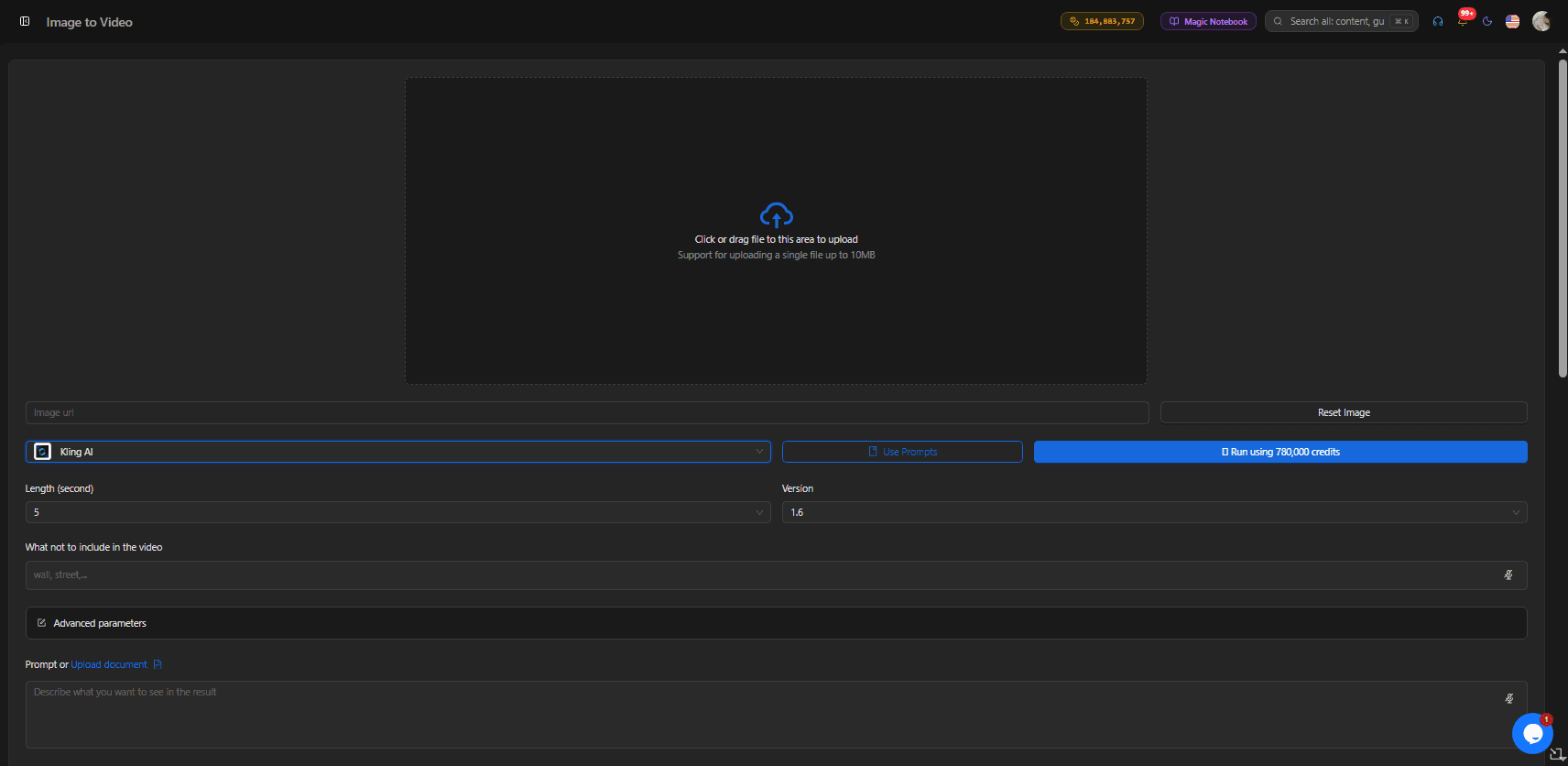
Step 4: Generate the Same Concept With Each Model
Once your prompt is ready, generate the video using each model you want to compare. For a meaningful test, keep the important variables consistent:
Same prompt → Same concept → Same format → Different model
For example:
Prompt A → Sora Prompt A → Veo Prompt A → Kling AI
This allows you to compare how each model interprets the same instructions. If one model produces a more realistic product but another creates more natural movement, that difference becomes much easier to identify when the underlying prompt is the same.
You should also avoid judging a model from a single generation whenever possible. AI video generation can vary between generations, so producing more than one version can give you a better understanding of how consistently a model handles your prompt.
Step 5: Compare the Generated Videos
Once you have your versions, do not judge them only by which one looks the most impressive at first glance. Instead, evaluate each output against the requirements of your project.
- Check Video Quality:
- Look at overall detail, realism, lighting, textures, visual consistency, and whether the generated footage matches the intended style.
- Check Prompt Accuracy
- Compare the final video against your original prompt. Did the model include the correct subject, environment, actions, and visual details? Did it follow the camera instructions?
- A beautiful video that ignores important instructions may be less useful than a slightly less impressive video that accurately follows your creative brief.
2. Check Motion Quality:
- Pay attention to how people, objects, and environments move. Look for unnatural movements, awkward transitions, distorted objects, or interactions that do not make physical sense.
- Check Camera Movement
- If your prompt includes a camera movement, check whether the model actually follows it. For example, you might compare how effectively each model handles a slow push-in, tracking shot, orbit, zoom, or change in perspective.
3. Check Consistency:
- For commercial content, consistency can be critical. Check whether the appearance of the product, character, environment, and important visual elements remains stable throughout the clip.
- Check Generation Efficiency
- If you are producing content at scale, consider how easily you can generate and iterate on different versions. The ability to quickly test another concept can be just as important as the quality of the first generation.
- Check Project Fit
Finally, ask the most important question:
Does this output actually work for the project?
A model may perform well technically but still be unsuitable for your specific campaign, audience, format, or creative direction.
Step 6: Identify the Model That Fits Your Creative Goal
After comparing the outputs, identify which model best matches the requirements of that particular project.
For example, you may find that one model produces the visual style you want, another handles a complex motion sequence more effectively, while another gives you the type of output that works better for your social media content. This is why there is no need to force every project through the same AI video model. Instead, you can build a simple decision process:
Creative brief → Test multiple models → Compare outputs → Select a direction
The model you choose for one project does not necessarily have to be the model you use for your next project.
Step 7: Refine the Selected Version
Once you have identified the model and creative direction that work for your project, refine the prompt rather than starting from scratch.
You might adjust:
- Camera movement
- Subject positioning
- Lighting
- Background details
- Character actions
- Product placement
- Pacing
- Visual style
For example, if the first generation has the right product appearance but the camera movement is too fast, you can modify the prompt to make the movement slower and more controlled.
This turns model comparison into an iterative production process rather than a one-time test.
Generate → Compare → Refine → Generate again
The goal is not simply to find a model that produces a good first draft. It is to find a workflow that consistently helps you move from an initial idea to a usable final video.
Step 8: Use the Same Workflow for Future Projects
Once you have established a comparison process, you can reuse it whenever you start a new video project.
For a product campaign, you might compare models based on product consistency and camera control. For a TikTok video, you might prioritize speed, vertical composition, motion, and visual hooks. For a cinematic concept, you may place greater emphasis on storytelling, atmosphere, and scene composition. The evaluation criteria can therefore change with the project, while the overall workflow remains the same:
Define the creative goal → Write the prompt → Test multiple models → Compare the outputs → Select the right direction → Refine and produce
This approach makes AI video generation less about finding one model that does everything and more about finding the right model for each creative task.
Why this workflow works particularly well with 1min.AI
The biggest advantage is that the comparison process happens within the same platform. You do not have to treat every AI video model as a completely separate workflow. Instead, you can experiment with available models, compare their outputs, and continue refining your chosen direction from one workspace.
For creators and marketers who regularly test different video concepts, this makes multi-model experimentation much more practical than committing to a single AI video generator for every project.
Frequently Asked Questions About AI Video Generators
Which is the best AI video generator: Sora, Veo, or Kling AI?
There is no single model that fits every video project. Sora, Veo, and Kling AI have different capabilities across areas such as visual quality, prompt adherence, motion, camera control, and creative flexibility. The most useful approach is to compare them against the specific requirements of your project.
Can I use Sora, Veo, and Kling AI on one platform?
1min.AI's AI video comparison workflow allows users to compare Sora, Google Veo in Gemini, and Kling AI using the same prompt and evaluation criteria. Because model availability can change, check the current Text-to-Video interface to confirm which models are available to your account.
Do I need separate subscriptions for Sora, Veo, and Kling AI?
A multi-model platform can reduce the need to maintain separate subscriptions for different AI video tools. 1min.AI provides access to multiple AI capabilities through one platform and a shared credit system. The exact availability and access conditions for individual models depend on the current platform and plan.
Which AI video generator is best for product videos?
The right choice depends on your product and creative requirements. Product videos often require accurate product appearance, realistic movement, controlled camera direction, and consistent lighting. Testing the same product concept across multiple models can help you determine which output fits your campaign.
Which AI video generator is best for TikTok and Reels?
For short-form content, consider generation speed, vertical output, visual impact, motion quality, and how easily you can create multiple variations. A multi-model workflow can be useful when you need to test several creative directions quickly.
Can I compare multiple AI video models with the same prompt?
Yes. Using the same prompt across different models is one of the most practical ways to compare their outputs. It allows you to evaluate the models under a consistent creative objective instead of comparing unrelated generations.
👉 Try Text-to-Video on 1min.AI and compare leading AI video models with a single prompt.
Alternatives
Discover the best alternatives to 1minAI and compare features, pricing, and use cases.

1min.AI vs OpenRouter
1min.AI vs. OpenRouter: Compare the ready-to-use AI creation product against the technical API tool. Find out if you need a zero-code creative studio or a coding infrastructure hub.
 Ngoc Hong
1min.AI vs Easy Peasy AI
Looking for an Easy Peasy AI alternative? Compare pricing, free plan, features and reviews of Easy-Peasy.AI vs 1min.AI before you choose.
Ngoc Hong
1min.AI vs Lovart
Compare 1min.AI vs Lovart across features, pricing, credits, brand tools, and use cases to find the right AI platform for your workflow.
Ngoc HongAI Tools
Discover the best AI tools to boost productivity, creativity, and everyday work.

Create Consistent Cartoon Content in Just a Few Steps
Create engaging cartoon videos for TikTok and Reels with 1min.AI. Research ideas, create characters, and turn images into animated videos in 3 simple steps.
 Lien Anh Vu
One Product, 10 UGC Creatives: How AI Makes Content Testing Easier
Create more authentic UGC with an AI UGC video generator, test more creative angles and scale affiliate content without filming every version.
Lien Anh Vu
Top 4 Affordable AI Tools for Startup Founders
Discover the top 4 affordable AI tools for startup founders to validate ideas, build products, create content, and launch faster without overspending.
 Tram Ta
AI Features
Comprehensive AI features that streamline workflows, improve efficiency, and empower teams to achieve more.
Create Consistent Cartoon Content in Just a Few Steps
Create engaging cartoon videos for TikTok and Reels with 1min.AI. Research ideas, create characters, and turn images into animated videos in 3 simple steps.
Lien Anh VuOne Product, 10 UGC Creatives: How AI Makes Content Testing Easier
Create more authentic UGC with an AI UGC video generator, test more creative angles and scale affiliate content without filming every version.
Lien Anh Vu
1minAI: Free AI Grammar Checker
Check grammar for free with 1minAI’s AI grammar checker. Find grammar, spelling, and writing mistakes, improve clarity, and polish your content in seconds.
Tram TaAI Use Cases
A curated collection of AI use cases for business, productivity, and industry-specific applications.
Create Consistent Cartoon Content in Just a Few Steps
Create engaging cartoon videos for TikTok and Reels with 1min.AI. Research ideas, create characters, and turn images into animated videos in 3 simple steps.
Lien Anh VuOne Product, 10 UGC Creatives: How AI Makes Content Testing Easier
Create more authentic UGC with an AI UGC video generator, test more creative angles and scale affiliate content without filming every version.
Lien Anh Vu
Best Time to Post on Instagram: A Practical Guide for Better Engagement
Discover the best time to post on Instagram, including the best days and times for different audiences, plus tips to find the ideal posting schedule for your account.
Tram TaAI Tutorials
Learn how to use AI with practical, step-by-step tutorials.

Black Friday AI Tool Deals in 2026
Discover what Black Friday AI tool deals 2026 has to offer. Find out how to secure the 1min.AI lifetime deal via AppSumo, Dealify, Stack Social, and verify on Trustpilot, Slashdot, and Software Advice.
 Hang Nguyen
Create Consistent Cartoon Content in Just a Few Steps
Create engaging cartoon videos for TikTok and Reels with 1min.AI. Research ideas, create characters, and turn images into animated videos in 3 simple steps.
Lien Anh Vu
[Seedance 2.5 New] Better AI Product Videos, Less Rework in 1min.AI
Use Seedance 2.5 image to video on 1min.AI to create more consistent AI product videos, reduce failed generations, save credits, and improve UGC workflows.
Lien Anh VuAI Guides
Learn AI faster with practical guides, real-world examples, and actionable best practices.

Safely Buy AI Tools Online: 2026 Black Friday Guide
Discover how to find and secure the best Black Friday AI deals online. Learn expert strategies to avoid scams, combat subscription fatigue, and verify software.
Hang NguyenCreate Consistent Cartoon Content in Just a Few Steps
Create engaging cartoon videos for TikTok and Reels with 1min.AI. Research ideas, create characters, and turn images into animated videos in 3 simple steps.
Lien Anh Vu[Seedance 2.5 New] Better AI Product Videos, Less Rework in 1min.AI
Use Seedance 2.5 image to video on 1min.AI to create more consistent AI product videos, reduce failed generations, save credits, and improve UGC workflows.
Lien Anh VuAI Solutions
Browse the best AI solutions for automation, coding, research, productivity, customer support, marketing, and business workflows.
Safely Buy AI Tools Online: 2026 Black Friday Guide
Discover how to find and secure the best Black Friday AI deals online. Learn expert strategies to avoid scams, combat subscription fatigue, and verify software.
Hang NguyenCreate Consistent Cartoon Content in Just a Few Steps
Create engaging cartoon videos for TikTok and Reels with 1min.AI. Research ideas, create characters, and turn images into animated videos in 3 simple steps.
Lien Anh VuOne Product, 10 UGC Creatives: How AI Makes Content Testing Easier
Create more authentic UGC with an AI UGC video generator, test more creative angles and scale affiliate content without filming every version.
Lien Anh VuAI Models
Explore the world's leading AI models in one place.
Create Consistent Cartoon Content in Just a Few Steps
Create engaging cartoon videos for TikTok and Reels with 1min.AI. Research ideas, create characters, and turn images into animated videos in 3 simple steps.
Lien Anh VuOne Product, 10 UGC Creatives: How AI Makes Content Testing Easier
Create more authentic UGC with an AI UGC video generator, test more creative angles and scale affiliate content without filming every version.
Lien Anh Vu[Seedance 2.5 New] Better AI Product Videos, Less Rework in 1min.AI
Use Seedance 2.5 image to video on 1min.AI to create more consistent AI product videos, reduce failed generations, save credits, and improve UGC workflows.
Lien Anh VuAI Comparisons
Compare AI tools, models, and platforms to find the best fit for your needs.

Kling AI Vs Veo 3: Which Model Wins?
Kling AI vs Veo 3: compare motion, native audio, pricing & free tiers to see which AI video generator wins for your project - try both on 1min.AI.
 Trang Tran
[Seedance 2.5 New] Better AI Product Videos, Less Rework in 1min.AI
Use Seedance 2.5 image to video on 1min.AI to create more consistent AI product videos, reduce failed generations, save credits, and improve UGC workflows.
Lien Anh Vu
DeepSeek V4 Pro vs Flash Comparison
Compare DeepSeek V4 Pro vs DeepSeek V4 Flash metrics. Optimize your agentic apps and improve AI fact checking on 1min.ai today.
Ngoc HongAI Integrations
Seamlessly integrate AI with the tools you already use to automate work and boost productivity.

POV: You Have 10+ Posts to Make Every Day
Learn how to build an AI content workflow that helps content creators produce 10+ social media posts a day faster with AI brainstorming, image generation, and content creation.
Lien Anh Vu
How to Use an AI Fashion Video Generator for Fashion Week 2026
Turn Fashion Week 2026 ideas into stunning fashion videos with AI. Learn how to brainstorm, create visuals, and transform images into videos with one simple workflow.
Lien Anh Vu
Stop Switching Between AI Apps: How AI Integration Transforms Employer Branding
Discover how AI integration helps HR teams streamline employer branding by combining AI writing, documents, images, video, and multiple AI models into one workspace.
Tram TaAI for Industries
Find the best AI tools and workflows for healthcare, finance, education, legal, manufacturing, retail, real estate, and more

Best AI Tool for Content Marketing |1minAI
Looking for the best AI tool for content marketing? See how 1minAI helps marketers research, write, repurpose, create visuals, and scale content from one AI workspace.
Tram Ta
7 Low-Cost AI Business Ideas for Your Startup
Explore 7 low-cost AI business ideas you can start with a small budget, from content and video services to AI consulting, reselling, and automation.
Tram Ta
How to Start a One-Person AI Business: 7 Models You Can Run Solo
Learn how to start a one-person AI business with 7 practical models, from AI consulting and content services to automation and software reselling.
Tram TaAI Agents
Discover and run AI agents to automate tasks across your work and daily life.
1minAI: Free AI Grammar Checker
Check grammar for free with 1minAI’s AI grammar checker. Find grammar, spelling, and writing mistakes, improve clarity, and polish your content in seconds.
Tram Ta
AI Agents for Facebook
Use an AI Agent for Facebook to create content, generate images, schedule posts, and publish from your documents and conversations.
Ngoc Hong
AI Agent vs AI Assistant: Which One Actually Saves Designers More Time?
Learn the difference between AI Agent vs AI Assistant and discover which solution helps designers automate repetitive work, reduce revisions, and save more time.
Lien Anh VuAI Workflows
Explore ready-to-use AI workflows for productivity, marketing, sales, support, and more.
Create Consistent Cartoon Content in Just a Few Steps
Create engaging cartoon videos for TikTok and Reels with 1min.AI. Research ideas, create characters, and turn images into animated videos in 3 simple steps.
Lien Anh VuOne Product, 10 UGC Creatives: How AI Makes Content Testing Easier
Create more authentic UGC with an AI UGC video generator, test more creative angles and scale affiliate content without filming every version.
Lien Anh VuPOV: You Have 10+ Posts to Make Every Day
Learn how to build an AI content workflow that helps content creators produce 10+ social media posts a day faster with AI brainstorming, image generation, and content creation.
Lien Anh VuNewsletter
Weekly AI Innovations with 1minAI

🔮 Weekly AI Innovations #140: Deepseek 4.1 Flash & Gemini Upgrades
Explore Deepseek 4.1 Flash and new Gemini models on 1min.ai. Plus, check our update on your Billing - Usage page for better clarity.
Hang Nguyen
🔮 Weekly AI Innovations #136: Grok 4.6 and Smart Data Retention
Discover the latest 1min.ai updates! Upgrade to Grok 4.6 for blazing-fast AI, and check our new Data Retention policies to secure your files today.
Hang Nguyen
🔮 Weekly AI Innovations #139: Dawn of the next-gen AI
Discover the immense power of GPT-6 Astra and Claude Fable 5.1. Unlock next-generation AI models on 1min.ai to solve complex tasks effortlessly.
Hang Nguyen