Best AI Image Upscaler for Freelance Designers

Lien Anh Vu
July 16, 2026
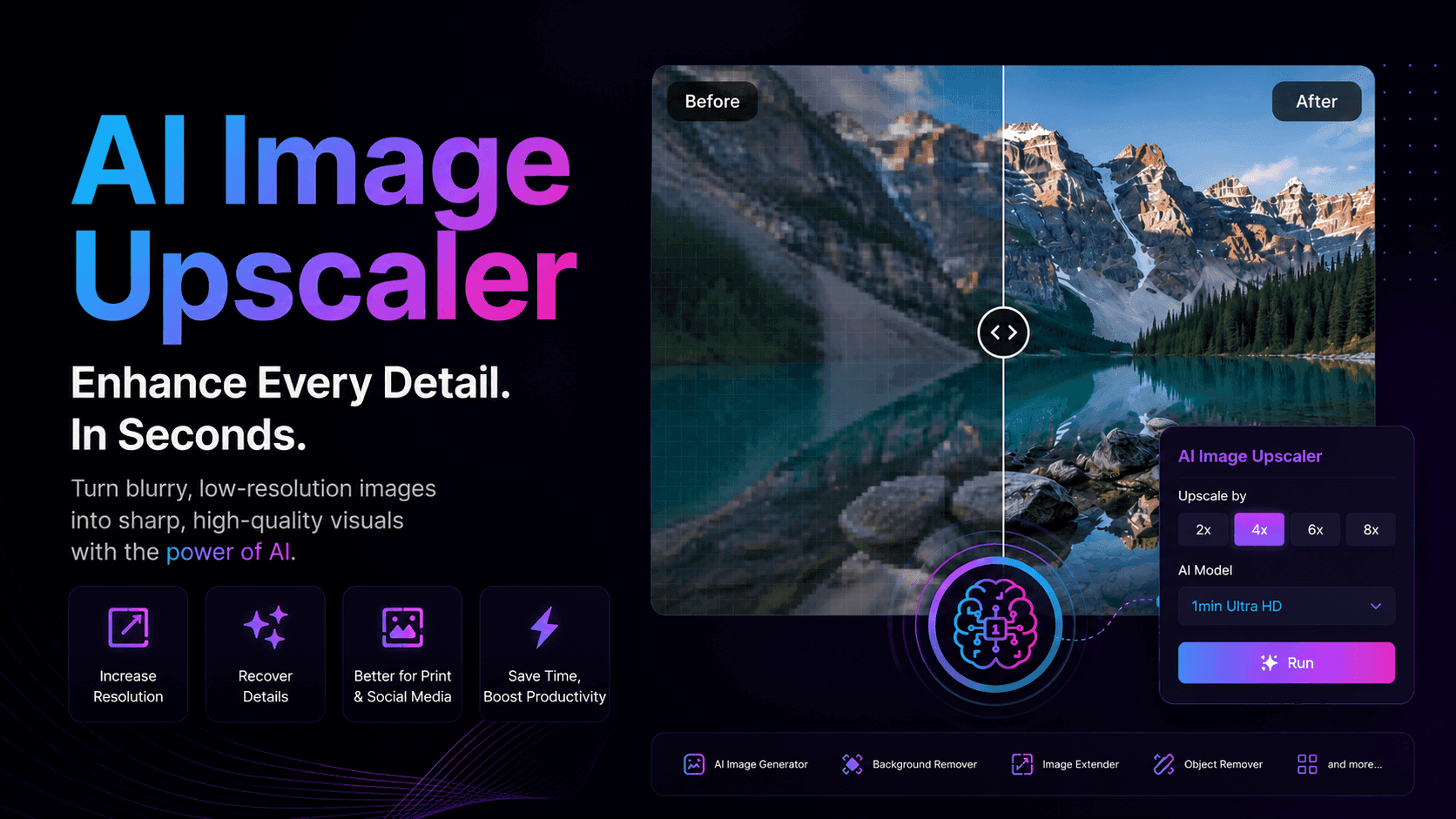
Enhance blurry or low-resolution images in seconds with AI Image Upscaler. Perfect for freelance designers and photographers who need sharper visuals for client presentations, social media, and print, without spending hours editing.
A stunning design can quickly lose its impact if the image quality doesn't keep up. Whether you're working with client-provided assets, AI-generated artwork, or older photos, blurry and low-resolution images can make even the best ideas look unfinished.
For freelance designers and photographers, this often means spending extra time sharpening images manually or recreating visuals from scratch. An AI Image Upscaler offers a faster solution by intelligently enhancing image quality while preserving important details, helping you deliver polished, client-ready visuals with far less effort.
Why Low-Resolution Images Slow Down Creative Work
Client Assets Aren't Always Ready to Use
Not every client has access to high-resolution files. Many send images downloaded from messaging apps, compressed social media posts, screenshots, or outdated photos that have lost detail over time.
These assets may be acceptable for viewing on a phone, but once they're placed into a presentation, website, or marketing campaign, the quality issues become immediately obvious. Blurry edges, visible compression, and pixelated details can reduce the overall impact of an otherwise well-designed project.
As a result, freelancers often spend valuable time trying to improve image quality before they can even begin designing.
AI-Generated Images Still Need Final Refinement
Generative AI has transformed the creative workflow, making it easier than ever to visualize concepts and produce original artwork. However, AI-generated images aren't always ready for professional use straight out of the generator.
Some outputs may appear slightly soft, lack fine textures, or lose clarity when adapted for larger formats such as presentations, banners, or printed materials. Designers frequently need one final enhancement step to make these images look polished enough for client delivery.
Without proper upscaling, even a great AI-generated concept can feel unfinished.
Traditional Image Enlargement Doesn't Create New Detail
Many people assume increasing an image's dimensions automatically improves its quality. Unfortunately, that's not how traditional resizing works.
Conventional scaling simply stretches the existing pixels, making images appear blurrier and revealing unwanted pixelation. Logos become soft, product photos lose texture, and fine details disappear, especially when preparing visuals for print or large displays.
For creative professionals, this often means manually sharpening images, rebuilding missing details, or searching for a better source file, all of which consume valuable production time.
Every Extra Editing Step Slows Down Your Workflow
Freelancers rarely work on just one project at a time. A typical week may involve multiple clients, revision requests, and tight deadlines across different platforms.
When every project includes manual image enhancement, those extra minutes quickly add up to hours each week. Instead of focusing on creativity, designers spend their time fixing technical issues that could have been automated.
The longer these repetitive tasks take, the fewer projects freelancers can complete and the more difficult it becomes to maintain both quality and profitability.
How AI Image Upscaler Solves These Problems
Increase Resolution Without Sacrificing Quality
AI Image Upscaler enlarges images while preserving important details such as edges, textures, lighting, and facial features. Instead of producing the soft, blurry appearance associated with conventional resizing, AI generates a higher-resolution version that looks more natural and visually consistent.
Whether you're preparing a product mockup, a branding presentation, or marketing materials, sharper images immediately improve the overall quality of your work.
Recover Details That Were Lost Through Compression
Images downloaded from websites, social media platforms, or messaging apps often suffer from compression artifacts and reduced sharpness.
AI Image Upscaler helps restore clarity by reconstructing fine details that traditional editing tools struggle to recover. Hair, fabric textures, product surfaces, and small design elements become noticeably cleaner, helping your visuals look closer to the original quality.
Deliver Professional Visuals Across Every Platform
Creative work rarely stays in one format. The same image might be used in a client presentation today, a website banner tomorrow, and a printed brochure next week.
With AI-enhanced resolution, you can confidently reuse your visuals across multiple channels without worrying about pixelation or inconsistent image quality.
Whether you're creating content for:
- Client presentations
- Social media campaigns
- E-commerce product pages
- Portfolio websites
- Marketing materials
- Print-ready designs
high-resolution images help maintain a professional appearance everywhere your work is displayed.
Reduce Time Spent on Repetitive Editing
Instead of opening Photoshop to manually sharpen every image, AI Image Upscaler automates one of the most repetitive steps in the creative workflow.
With just a few clicks, designers can improve image quality and move directly into layout, branding, or content creation. The result is a faster production process, fewer interruptions, and more time available for creative thinking rather than technical corrections.
For freelancers working under tight deadlines, saving even a few minutes per project can translate into significant productivity gains over time.
Why Choose 1min.AI Image Upscaler
Finding an AI image upscaler isn't difficult—finding one that fits seamlessly into your creative workflow is.
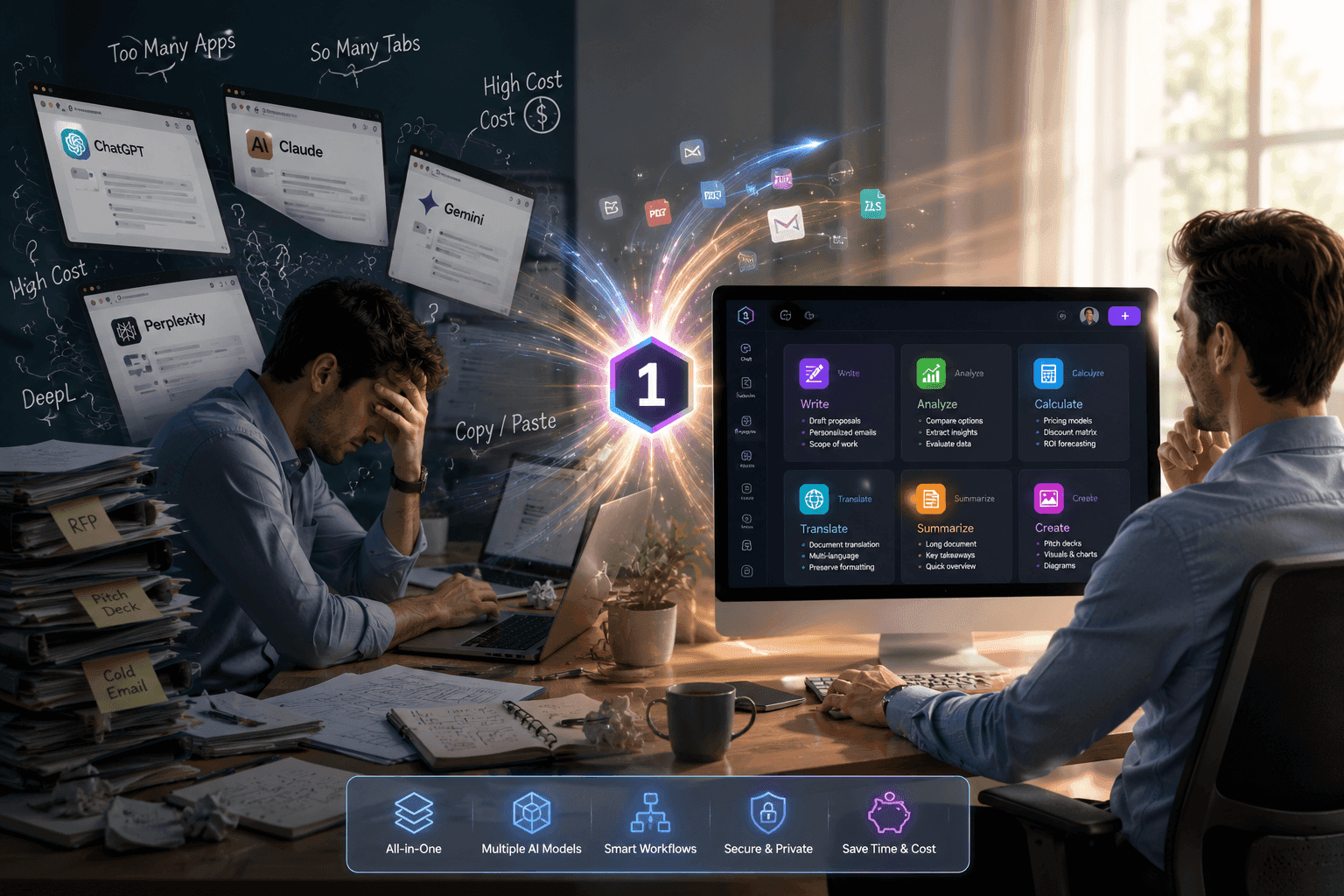
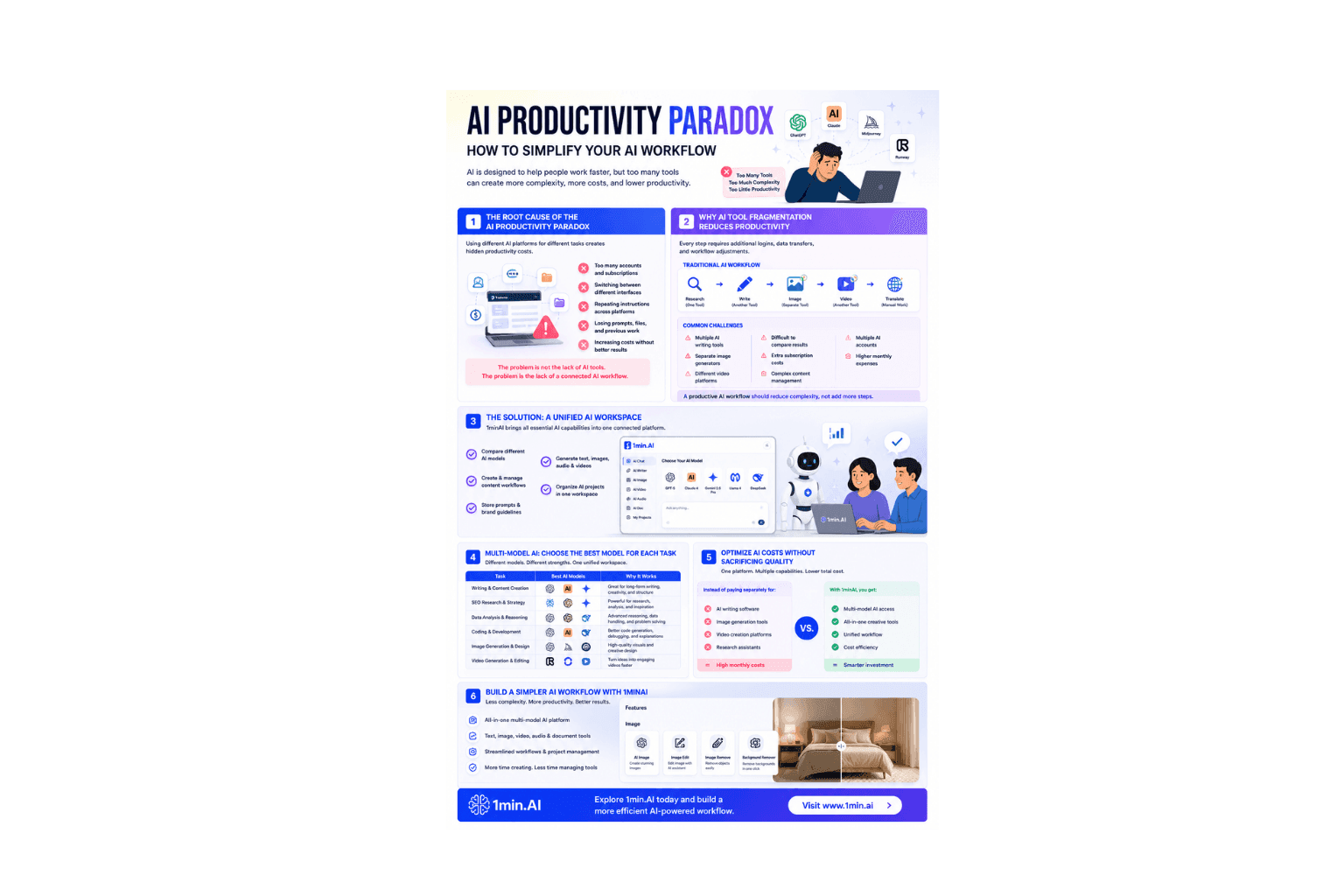
Many standalone upscaling tools only solve one problem: increasing image resolution. Once that's done, you still need to switch to another platform for background editing, image generation, object removal, or other creative tasks. Constantly moving between different applications slows down your workflow and increases subscription costs.
1min.AI brings everything together in a single workspace, allowing freelance designers and photographers to move from image enhancement to complete visual editing without changing platforms.
With 1min.AI Image Upscaler, you can:
- Enhance blurry or low-resolution images in seconds while preserving important details and textures.
- Access multiple leading AI models from one platform, giving you the flexibility to choose the best model for different creative tasks.
- Continue editing immediately using AI Image Generator, Background Remover, Image Extender, Object Remover, and many other AI-powered tools without exporting files between applications.
- Keep your entire creative workflow in one place, making it easier to manage projects while reducing the need for multiple software subscriptions.
- Save valuable production time, allowing you to focus more on design decisions and client communication instead of repetitive editing.
Whether you're preparing a client presentation, improving AI-generated artwork, restoring old photos, or creating print-ready assets, 1min.AI Image Upscaler helps you produce cleaner, sharper, and more professional visuals with less effort.
How to Upscale an Image with 1min.AI
Getting started only takes a few clicks.
Step 1: Sign in to Your 1min.AI Account
Log in to your 1min.AI account and open the dashboard to access all AI tools in one workspace.
Step 2: Open the AI Image Upscaler Tool
Navigate to the AI Image Upscaler tool from the Image Tools section.
Step 3: Upload Your Image and Choose Your Settings
Upload the image you'd like to enhance. Then select your preferred upscaling model or resolution settings based on your project needs.
Step 4: Click "Run" and Download the Enhanced Image
Click Run, and within seconds, 1min.AI will generate a sharper, higher-resolution version of your image. Preview the result and download it when you're satisfied.
🎥 Watch the short demo below to see how a low-resolution image is transformed into a sharper, more professional-quality visual in just a few seconds: https://youtu.be/V90ISTFfaDA
👉 Try AI Image Upscaler on 1min.AI today and deliver sharper, more impressive visuals with less effort: https://app.1min.ai/image-upscaler