Grok Bot 1.0 Explained: What It Does and Use Cases

Trang Tran
12 November 2026
What is Grok Bot 1.0? Learn its features, pricing and use cases, plus how to use Grok models in 1min.AI for drafting, research and code.
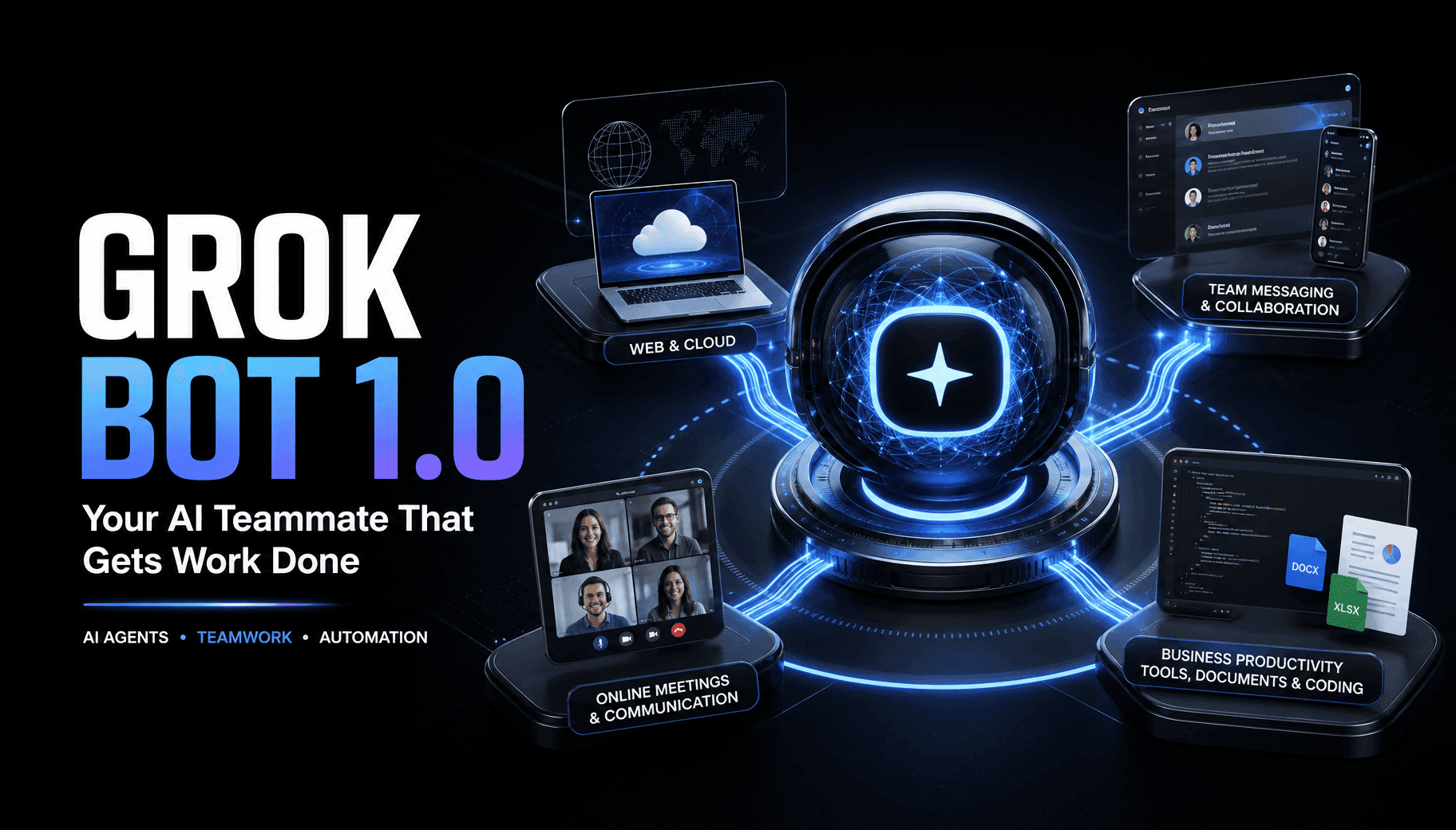
Grok Bot 1.0 is xAI’s AI teammate: a persistent agent that works inside your apps, joins team chats and meetings, and finishes tasks on its own. It launched on November 2, and you can create a Bot for yourself, share it with your team, or bring it into Slack, Microsoft Teams and video calls. This guide covers what it is, its features, use cases, access and trade-offs. At the end, you will also see how to use Grok models in 1min.AI for everyday drafting, research and code.
Grok Bot 1.0 at a glance
| Item | Details |
|---|---|
| Made by | xAI (SpaceXAI) |
| Type | AI agent (“AI teammate”), not a standalone language model |
| Works in | Desktop and iOS apps, Slack, Microsoft Teams, Google Meet, Zoom |
| Main idea | One shared Bot that learns from your team and acts inside real tools |
What Is Grok Bot 1.0?
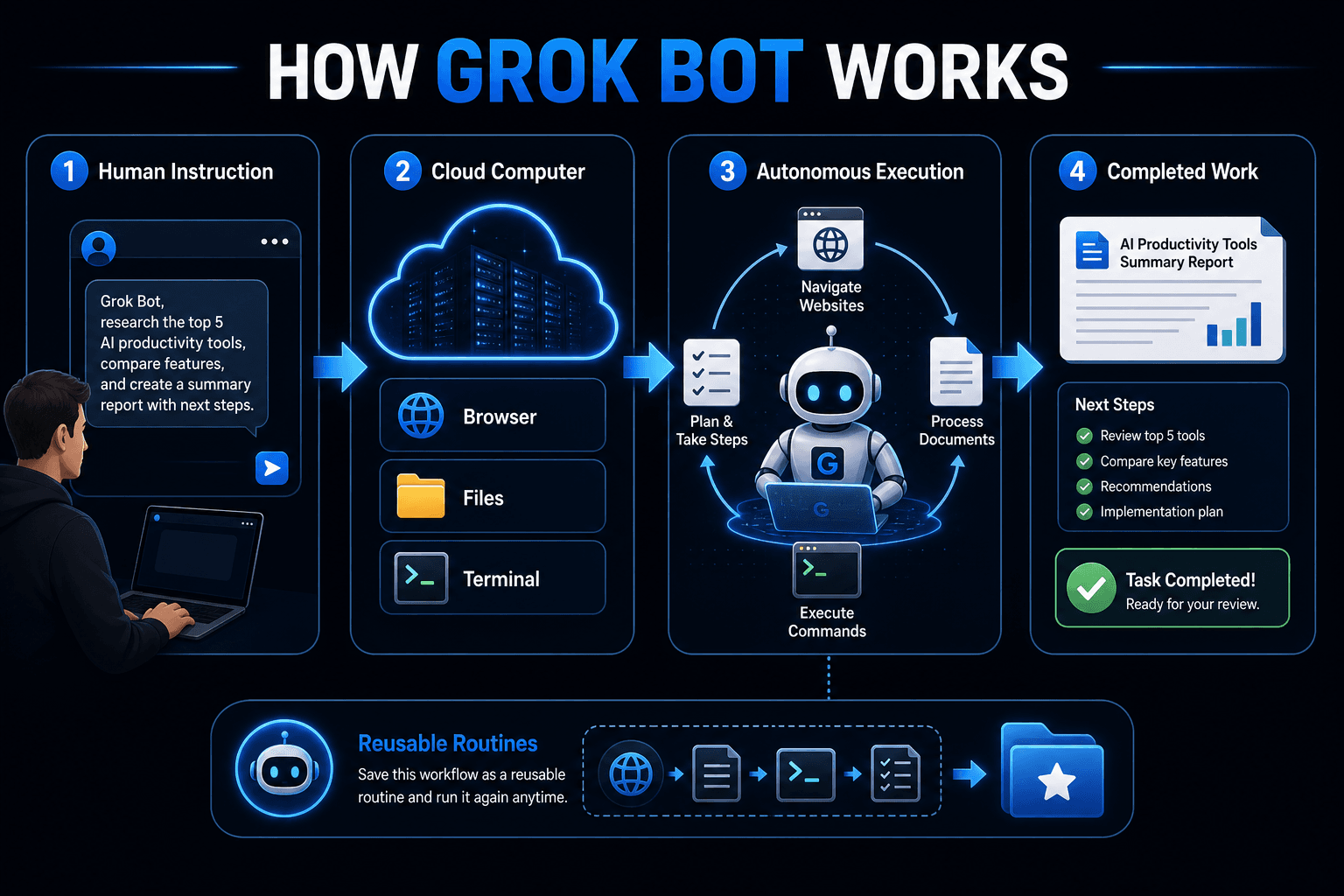
Grok Bot 1.0 is a major update to xAI’s AI teammates. In the Grok Bot app and docs, a Bot is a single persistent, named agent, one AI teammate. You message it like a colleague, hand it real work, and it comes back when something needs your approval.
Do not confuse it with GrokBot/1.0, a crawler user agent xAI documented for general crawling. This article is about the product.
How Grok Bot Works
Each Bot runs on its own persistent cloud computer with a browser, filesystem and terminal, so it can sign in to apps and websites the way a person would and keep working while your laptop is closed. You can also show a Bot a workflow once, and it saves the steps as a routine to repeat.
What Changed in Version 1.0
According to xAI’s announcement and launch coverage, 1.0 focuses on three areas:
- Collaboration: Team Bots that follow group conversations and reuse earlier context.
- Initiative: Bots that spot unfinished work and prepare materials before being asked.
- Harder jobs: better browser reliability, plus documents, presentations and shared editable Pages.
Grok Bot 1.0 Features
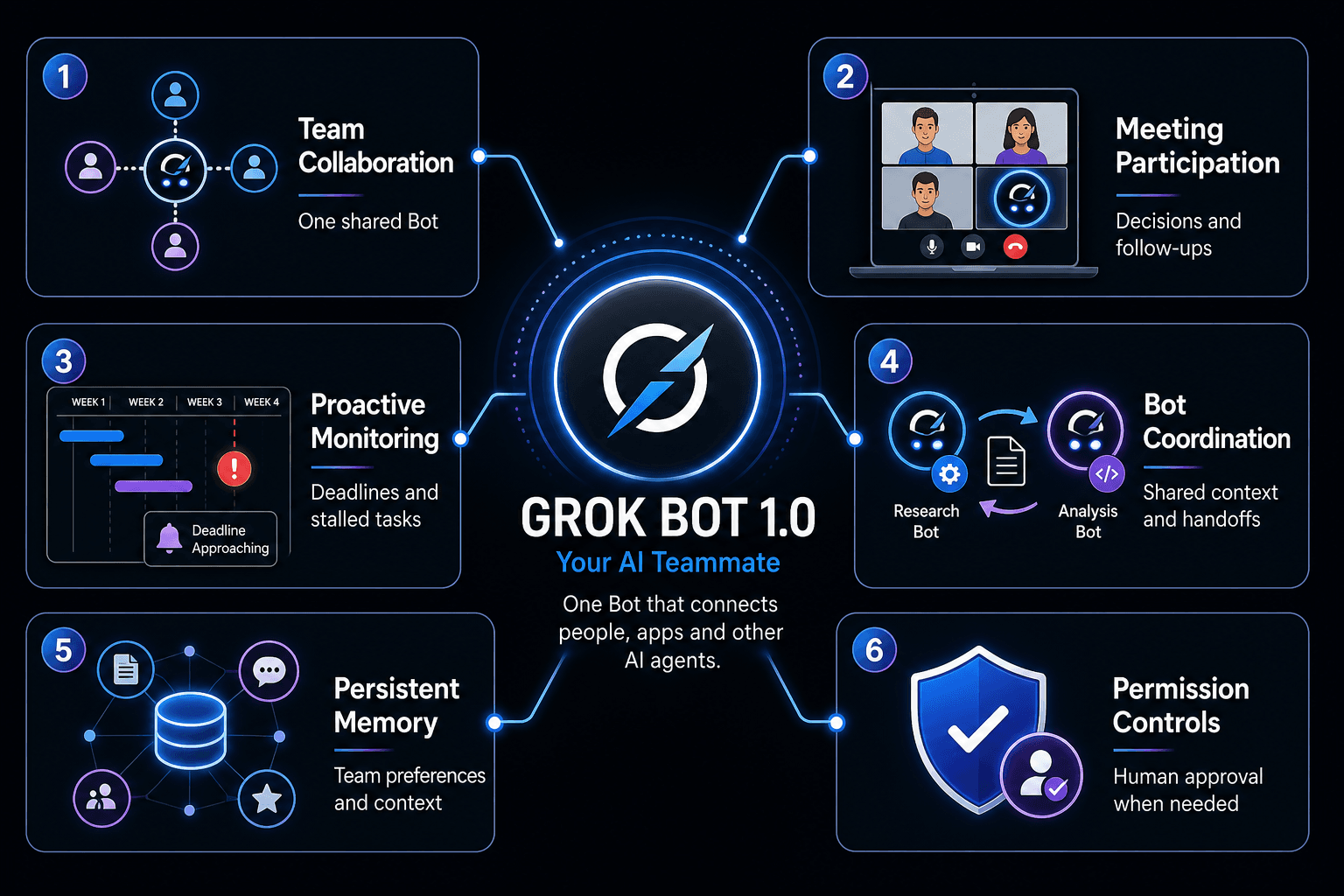
- Team Bots: one Bot shared by many people across Slack and Microsoft Teams.
- Meeting participation: Bots join Google Meet, Zoom or Teams calls through the call chat, track decisions and follow up.
- Proactive monitoring: projects, deadlines and stalled handoffs get flagged.
- Bot-to-Bot coordination: specialist Bots pass work and context to each other.
- Memory: Bots keep context on how your team likes work done.
- Safeguards: Bots respect individual permissions and ask before sensitive actions.
- Integrations: Gmail, Google Calendar and GitHub, plus private tool access through Tailscale.
Grok Bot 1.0 Use Cases
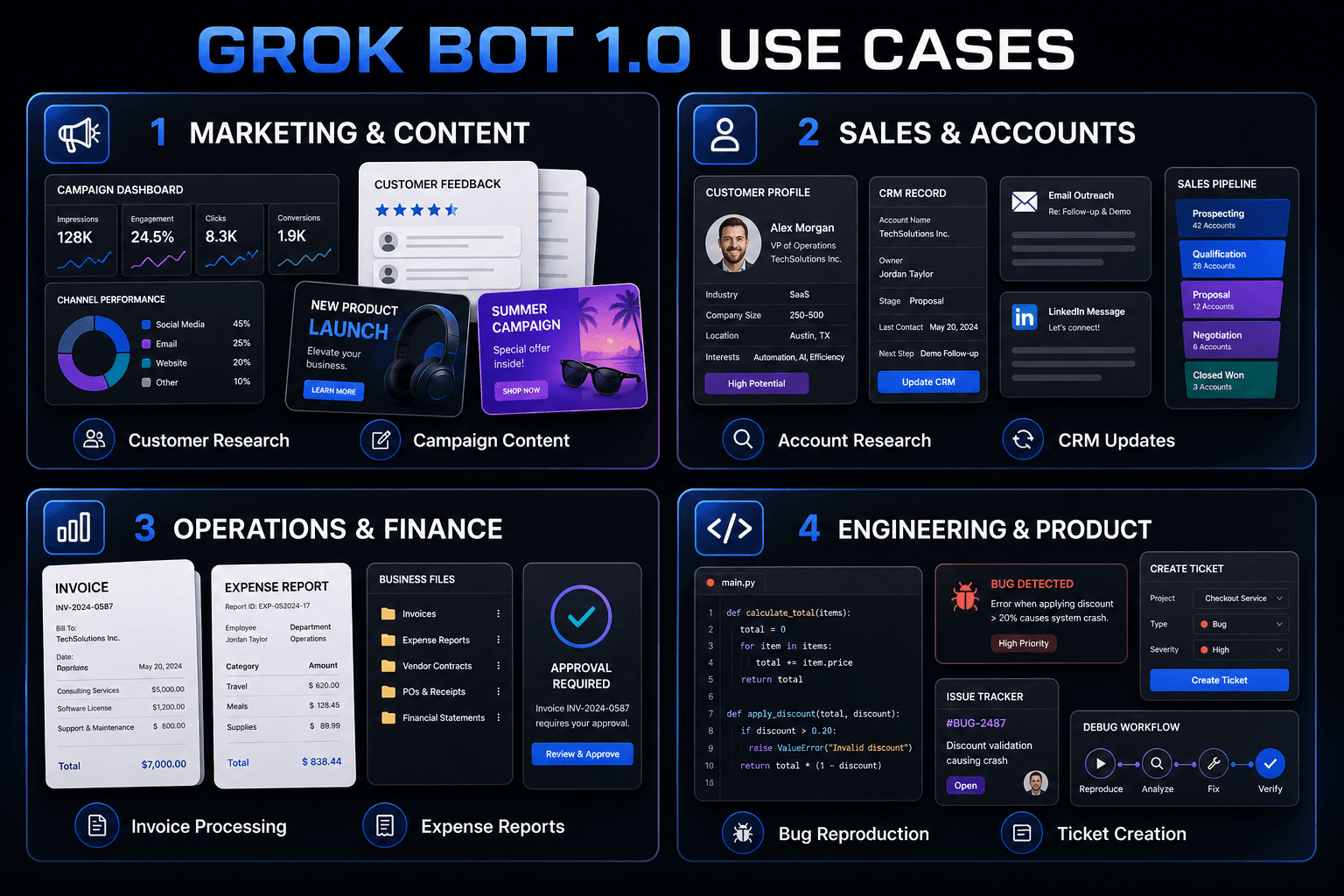
xAI’s own teams use Bots across several functions. Ready-made templates include a feedback-clustering Bot, an overnight morning-digest Bot and an inbox-triage Bot.
Marketing and Content
A research Bot gathers customer feedback during a launch, then hands off to a copy Bot that updates campaign materials once the team approves the direction.
Sales and Account Teams
A sales Bot researches accounts overnight, drafts email and LinkedIn messages in each seller’s voice, updates CRM notes and lands a Monday pipeline summary.
Operations and Finance
An ops Bot processes invoices from Gmail, seats new hires and files expense reports, flagging anything that needs a person.
Engineering and Product
An engineering Bot reproduces a bug in the product UI, files the ticket and passes the fix to a debugging Bot.
Grok Bot 1.0 Pricing and Access
Grok Bot has its own usage allowance, separate from other Grok plans. Access depends on eligible subscriptions. Team Bots are offered on Team and Enterprise plans, and Meetings also support Ultra. Enterprise administrators can switch Meetings on in settings. Check xAI’s pricing page for the latest terms.
Grok Bot 1.0 Review: Strengths and Things to Check
Strengths
- Shared by a whole team instead of tied to one person.
- Finishes work inside the actual tool, not just in a chat window.
- Runs in parallel and keeps going without supervision.
Things to check
- Bots work by signing into your online accounts, so decide what access each Bot should have.
- Reliability and efficiency gains are company claims, not independent test results.
- It is built for ongoing, multi-step work. If most of your day is drafting, rewriting, summarizing, research and code, a Grok model in a chat workspace may already cover it.
Use Grok Models in 1min.AI for Everyday Tasks
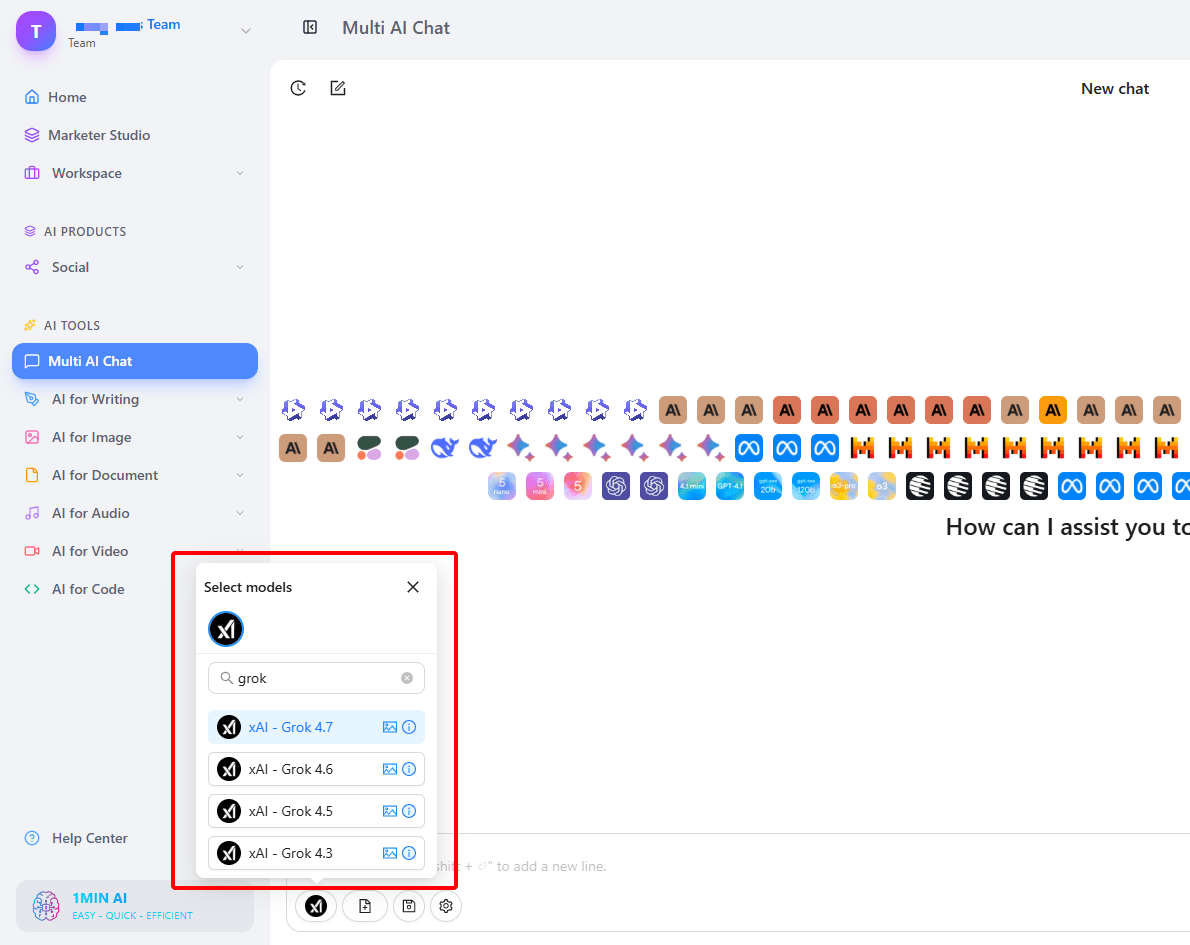
To be clear, 1min.AI does not offer Grok Bot 1.0. What 1min.AI offers is Grok 4.7, 4.6, 4.5 and 4.3 inside its AI workspace, which suits the daily writing and research jobs people often plan to hand to an agent. You can start with a free trial and see how it fits your workflow.
Multi AI Chat
Select a Grok model in Multi AI Chat to plan a launch, tighten a message or turn rough notes into next steps. This Grok chat walkthrough shows the basic flow.
A starter prompt: “Act as a launch manager. Here are our notes: [paste]. Write a one-page brief, a list of open risks and next steps for each owner.”
Writing and Research Tools
Grok models also run inside Keyword Research, Content Generator, Rewriter, Content Expander, Content Shortener, Content Translator, Paraphraser, Summarizer and Grammar Checker. Paste a meeting transcript into Summarizer for decisions and owners. Turn raw campaign numbers into a client-ready story:
Code and Documents
Code Generator, Document Translator and Presentation Generator support Grok models too. Developers can look at developer-friendly API access, and anyone moving between languages can translate code between languages quickly.
Agent-Style Workflows
If you want to see how agent-style automation looks on 1min.AI, start with these agent-style workflows, then watch this short explainer on single-agent and multi-agent setups:
1min.AI has earned SourceForge and Slashdot Top Business Software badges and an Excellent rating on Trustpilot. This guide reflects xAI’s published launch material and the Grok models currently available in 1min.AI.
FAQ
What is Grok Bot 1.0?
It is xAI’s AI teammate: a shared agent with its own cloud computer that works in your apps, chats and meetings.
Is Grok Bot 1.0 a language model?
No. It is an agent product. Grok models are the language models you prompt directly in chat and writing tools.
Is Grok Bot 1.0 available in 1min.AI?
No. 1min.AI offers Grok 4.7, 4.6, 4.5 and 4.3 models, not the Grok Bot 1.0 agent.
Which 1min.AI tools support Grok models?
Multi AI Chat, Keyword Research, Content Generator, Rewriter, Content Expander, Content Shortener, Content Translator, Paraphraser, Summarizer, Grammar Checker, Document Translator, Presentation Generator and Code Generator.
Try Grok on 1min.AI
You do not need an agent setup to put Grok to work. Open Multi AI Chat, pick a Grok model and begin with your free trial. One real task will tell you more than any feature list.
- #Information
Alternatives
Discover the best alternatives to 1minAI and compare features, pricing, and use cases.

1min.AI vs OpenRouter
1min.AI vs. OpenRouter: Compare the ready-to-use AI creation product against the technical API tool. Find out if you need a zero-code creative studio or a coding infrastructure hub.
 Ngoc Hong
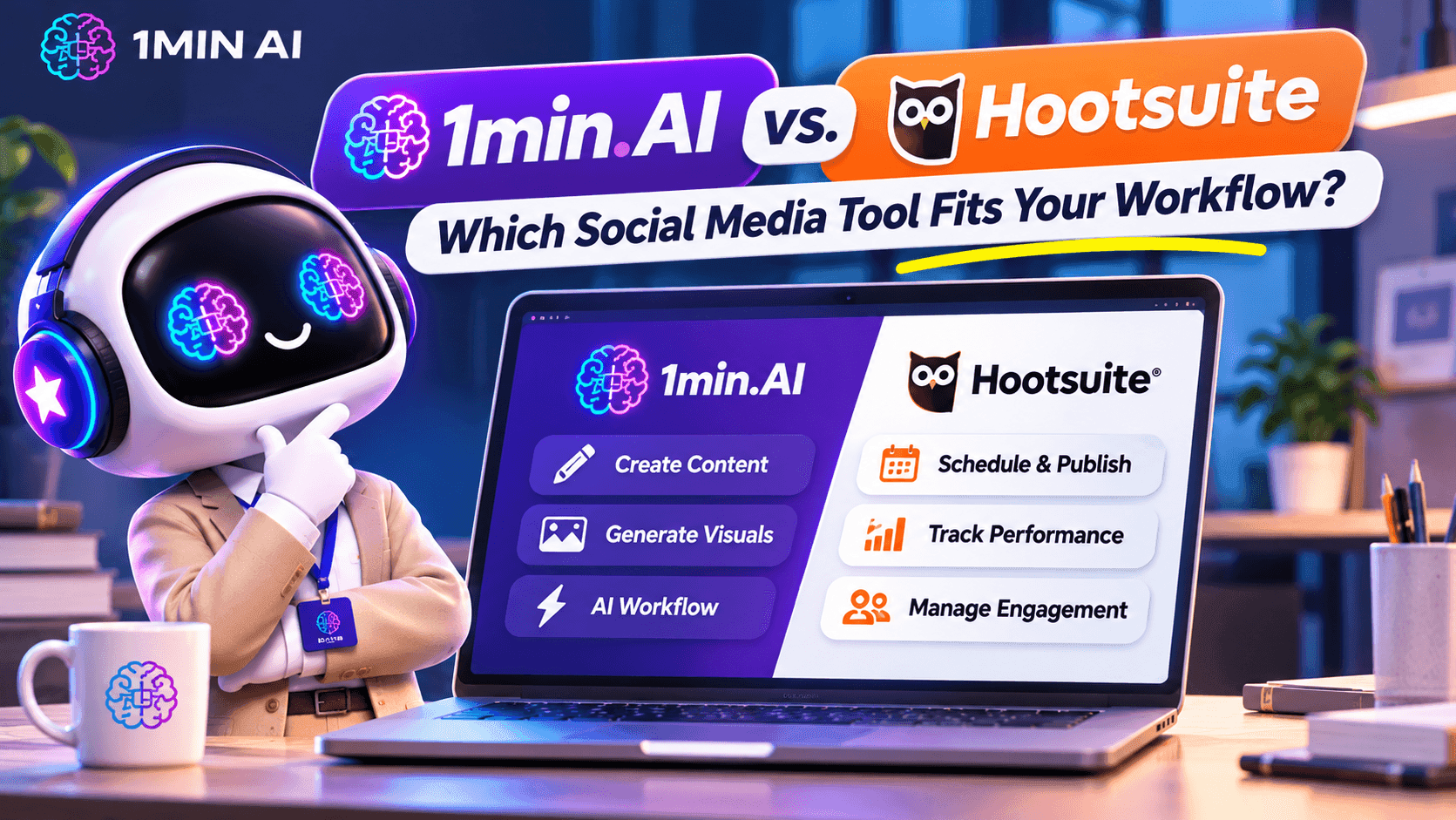
1min.AI vs. Hootsuite: Which Social Media Tool Fits Your Workflow?
Compare 1min.AI vs. Hootsuite to explore their AI content creation, social media publishing, analytics, pricing, and collaboration features. Find the right tool for your workflow.
 Uyen Hoang

1min AI vs Buffer
Compare 1min.AI vs Buffer for Facebook content creation, AI writing, image generation, scheduling, pricing, and everyday marketing workflows.
Ngoc HongAI Tools
Discover the best AI tools to boost productivity, creativity, and everyday work.
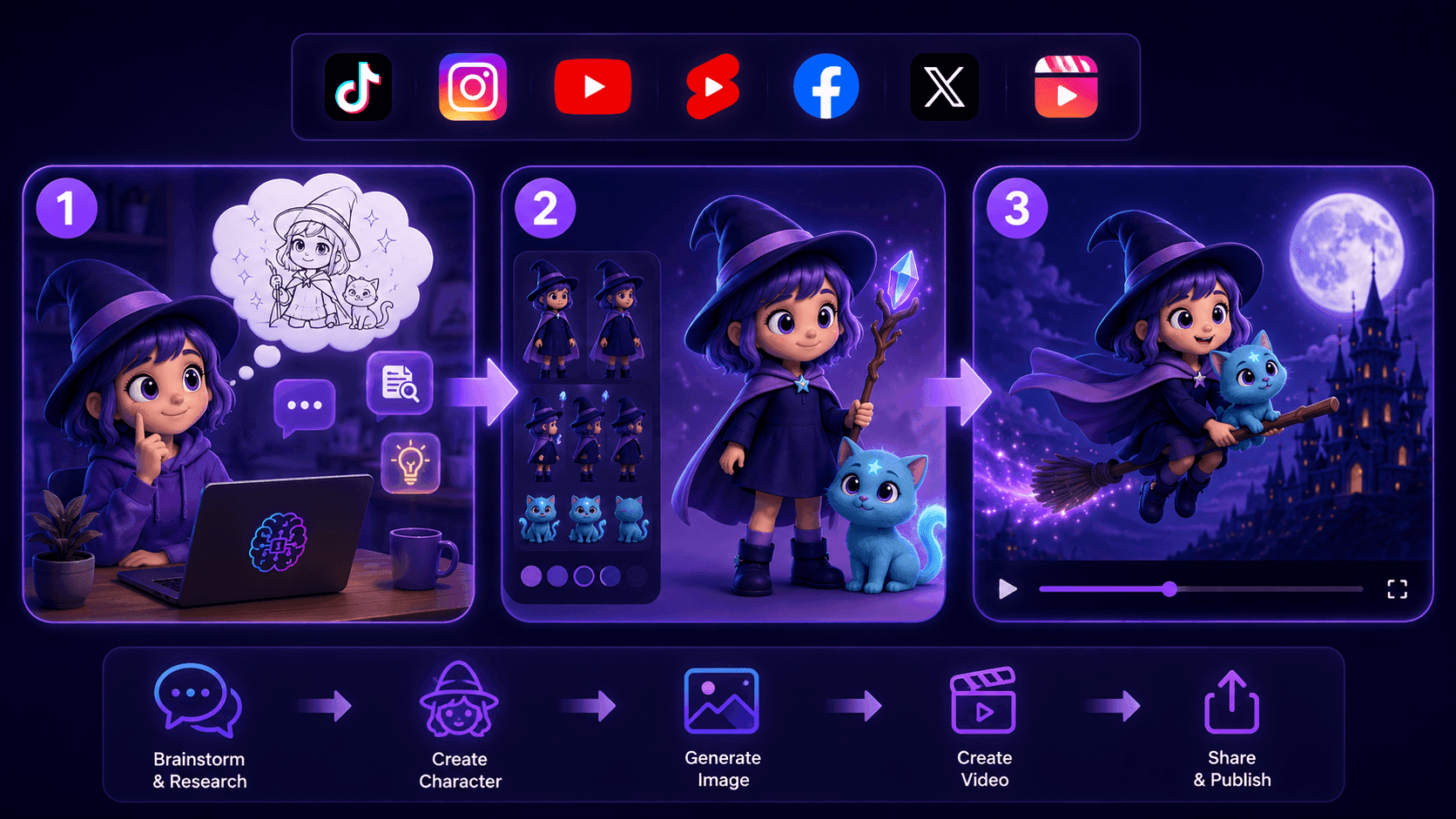
Create Consistent Cartoon Content in Just a Few Steps
Create engaging cartoon videos for TikTok and Reels with 1min.AI. Research ideas, create characters, and turn images into animated videos in 3 simple steps.
 Lien Anh Vu
One Product, 10 UGC Creatives: How AI Makes Content Testing Easier
Create more authentic UGC with an AI UGC video generator, test more creative angles and scale affiliate content without filming every version.
Lien Anh Vu
Top 4 Affordable AI Tools for Startup Founders
Discover the top 4 affordable AI tools for startup founders to validate ideas, build products, create content, and launch faster without overspending.
 Tram Ta
AI Features
Comprehensive AI features that streamline workflows, improve efficiency, and empower teams to achieve more.
Create Consistent Cartoon Content in Just a Few Steps
Create engaging cartoon videos for TikTok and Reels with 1min.AI. Research ideas, create characters, and turn images into animated videos in 3 simple steps.
Lien Anh VuOne Product, 10 UGC Creatives: How AI Makes Content Testing Easier
Create more authentic UGC with an AI UGC video generator, test more creative angles and scale affiliate content without filming every version.
Lien Anh Vu
1minAI: Free AI Grammar Checker
Check grammar for free with 1minAI’s AI grammar checker. Find grammar, spelling, and writing mistakes, improve clarity, and polish your content in seconds.
Tram TaAI Use Cases
A curated collection of AI use cases for business, productivity, and industry-specific applications.
Create Consistent Cartoon Content in Just a Few Steps
Create engaging cartoon videos for TikTok and Reels with 1min.AI. Research ideas, create characters, and turn images into animated videos in 3 simple steps.
Lien Anh VuOne Product, 10 UGC Creatives: How AI Makes Content Testing Easier
Create more authentic UGC with an AI UGC video generator, test more creative angles and scale affiliate content without filming every version.
Lien Anh Vu
Best Time to Post on Instagram: A Practical Guide for Better Engagement
Discover the best time to post on Instagram, including the best days and times for different audiences, plus tips to find the ideal posting schedule for your account.
Tram TaAI Tutorials
Learn how to use AI with practical, step-by-step tutorials.
Black Friday AI Tool Deals in 2026
Discover what Black Friday AI tool deals 2026 has to offer. Find out how to secure the 1min.AI lifetime deal via AppSumo, Dealify, Stack Social, and verify on Trustpilot, Slashdot, and Software Advice.
 Hang Nguyen
Create Consistent Cartoon Content in Just a Few Steps
Create engaging cartoon videos for TikTok and Reels with 1min.AI. Research ideas, create characters, and turn images into animated videos in 3 simple steps.
Lien Anh Vu
[Seedance 2.5 New] Better AI Product Videos, Less Rework in 1min.AI
Use Seedance 2.5 image to video on 1min.AI to create more consistent AI product videos, reduce failed generations, save credits, and improve UGC workflows.
Lien Anh VuAI Guides
Learn AI faster with practical guides, real-world examples, and actionable best practices.

Safely Buy AI Tools Online: 2026 Black Friday Guide
Discover how to find and secure the best Black Friday AI deals online. Learn expert strategies to avoid scams, combat subscription fatigue, and verify software.
Hang NguyenCreate Consistent Cartoon Content in Just a Few Steps
Create engaging cartoon videos for TikTok and Reels with 1min.AI. Research ideas, create characters, and turn images into animated videos in 3 simple steps.
Lien Anh Vu[Seedance 2.5 New] Better AI Product Videos, Less Rework in 1min.AI
Use Seedance 2.5 image to video on 1min.AI to create more consistent AI product videos, reduce failed generations, save credits, and improve UGC workflows.
Lien Anh VuAI Solutions
Browse the best AI solutions for automation, coding, research, productivity, customer support, marketing, and business workflows.
Safely Buy AI Tools Online: 2026 Black Friday Guide
Discover how to find and secure the best Black Friday AI deals online. Learn expert strategies to avoid scams, combat subscription fatigue, and verify software.
Hang NguyenCreate Consistent Cartoon Content in Just a Few Steps
Create engaging cartoon videos for TikTok and Reels with 1min.AI. Research ideas, create characters, and turn images into animated videos in 3 simple steps.
Lien Anh VuOne Product, 10 UGC Creatives: How AI Makes Content Testing Easier
Create more authentic UGC with an AI UGC video generator, test more creative angles and scale affiliate content without filming every version.
Lien Anh VuAI Models
Explore the world's leading AI models in one place.
Create Consistent Cartoon Content in Just a Few Steps
Create engaging cartoon videos for TikTok and Reels with 1min.AI. Research ideas, create characters, and turn images into animated videos in 3 simple steps.
Lien Anh VuOne Product, 10 UGC Creatives: How AI Makes Content Testing Easier
Create more authentic UGC with an AI UGC video generator, test more creative angles and scale affiliate content without filming every version.
Lien Anh Vu[Seedance 2.5 New] Better AI Product Videos, Less Rework in 1min.AI
Use Seedance 2.5 image to video on 1min.AI to create more consistent AI product videos, reduce failed generations, save credits, and improve UGC workflows.
Lien Anh VuAI Comparisons
Compare AI tools, models, and platforms to find the best fit for your needs.
Kling AI Vs Veo 3: Which Model Wins?
Kling AI vs Veo 3: compare motion, native audio, pricing & free tiers to see which AI video generator wins for your project - try both on 1min.AI.
 Trang Tran
[Seedance 2.5 New] Better AI Product Videos, Less Rework in 1min.AI
Use Seedance 2.5 image to video on 1min.AI to create more consistent AI product videos, reduce failed generations, save credits, and improve UGC workflows.
Lien Anh Vu
DeepSeek V4 Pro vs Flash Comparison
Compare DeepSeek V4 Pro vs DeepSeek V4 Flash metrics. Optimize your agentic apps and improve AI fact checking on 1min.ai today.
Ngoc HongAI Integrations
Seamlessly integrate AI with the tools you already use to automate work and boost productivity.
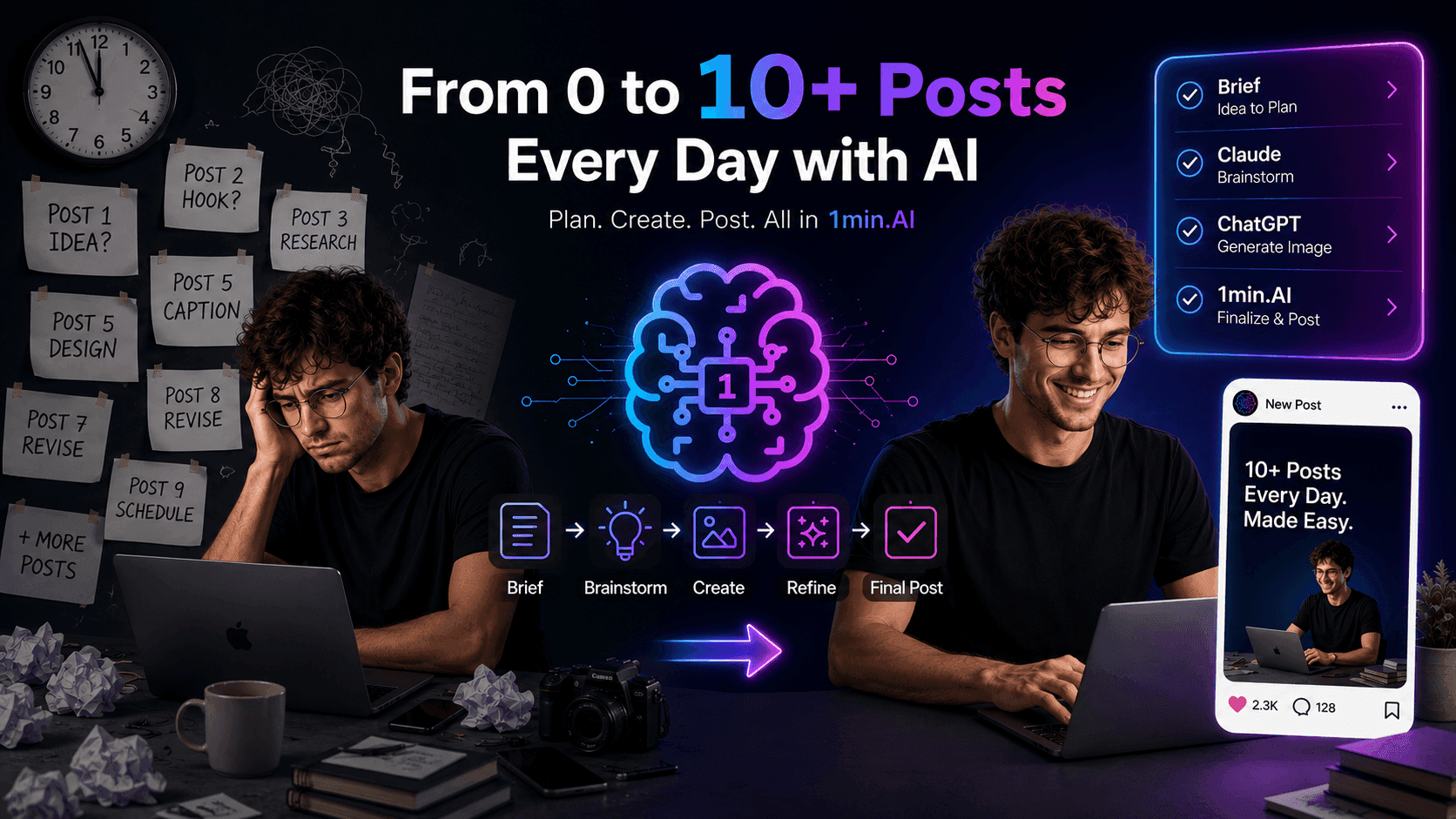
POV: You Have 10+ Posts to Make Every Day
Learn how to build an AI content workflow that helps content creators produce 10+ social media posts a day faster with AI brainstorming, image generation, and content creation.
Lien Anh Vu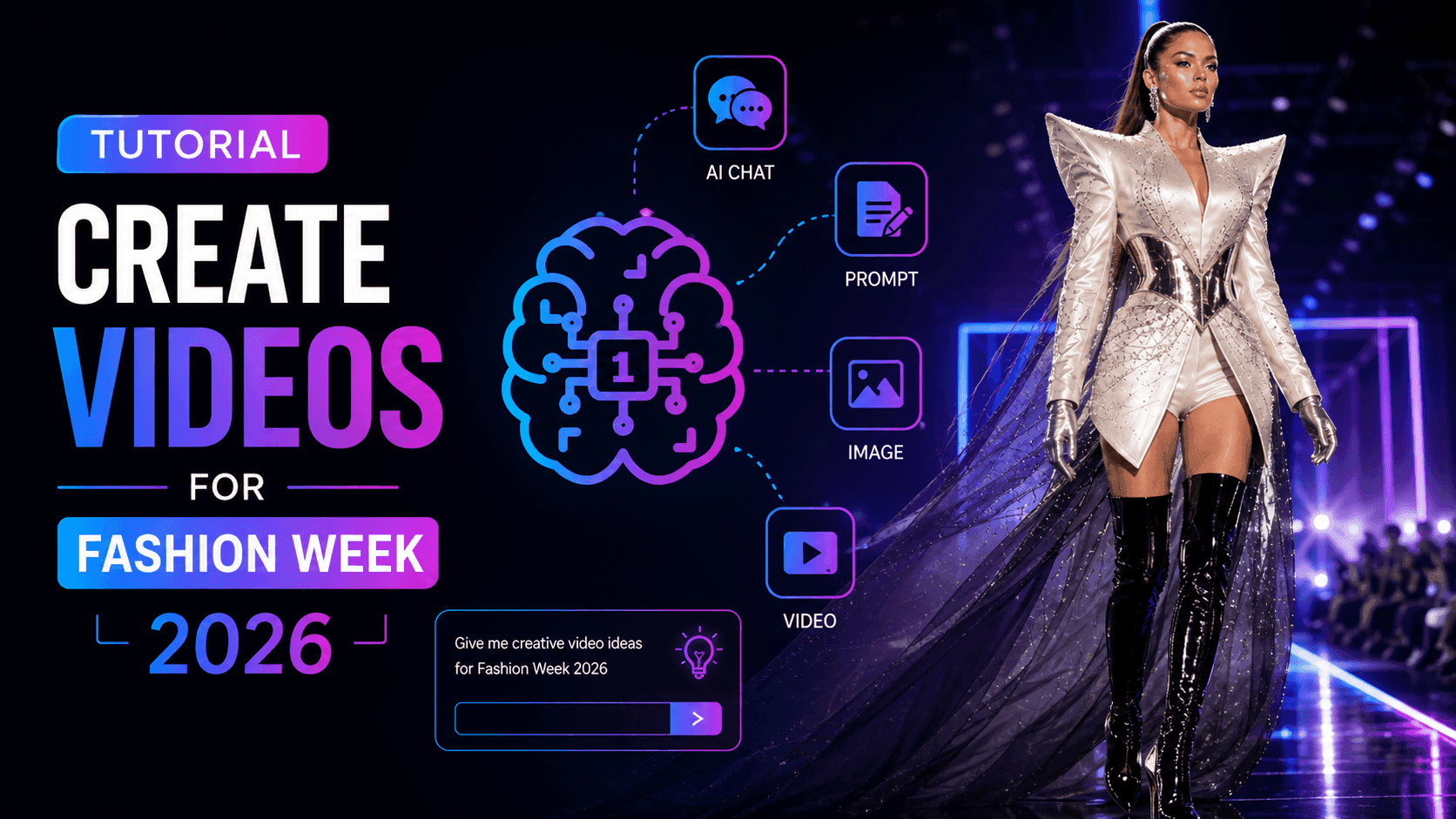
How to Use an AI Fashion Video Generator for Fashion Week 2026
Turn Fashion Week 2026 ideas into stunning fashion videos with AI. Learn how to brainstorm, create visuals, and transform images into videos with one simple workflow.
Lien Anh Vu
Stop Switching Between AI Apps: How AI Integration Transforms Employer Branding
Discover how AI integration helps HR teams streamline employer branding by combining AI writing, documents, images, video, and multiple AI models into one workspace.
Tram TaAI for Industries
Find the best AI tools and workflows for healthcare, finance, education, legal, manufacturing, retail, real estate, and more
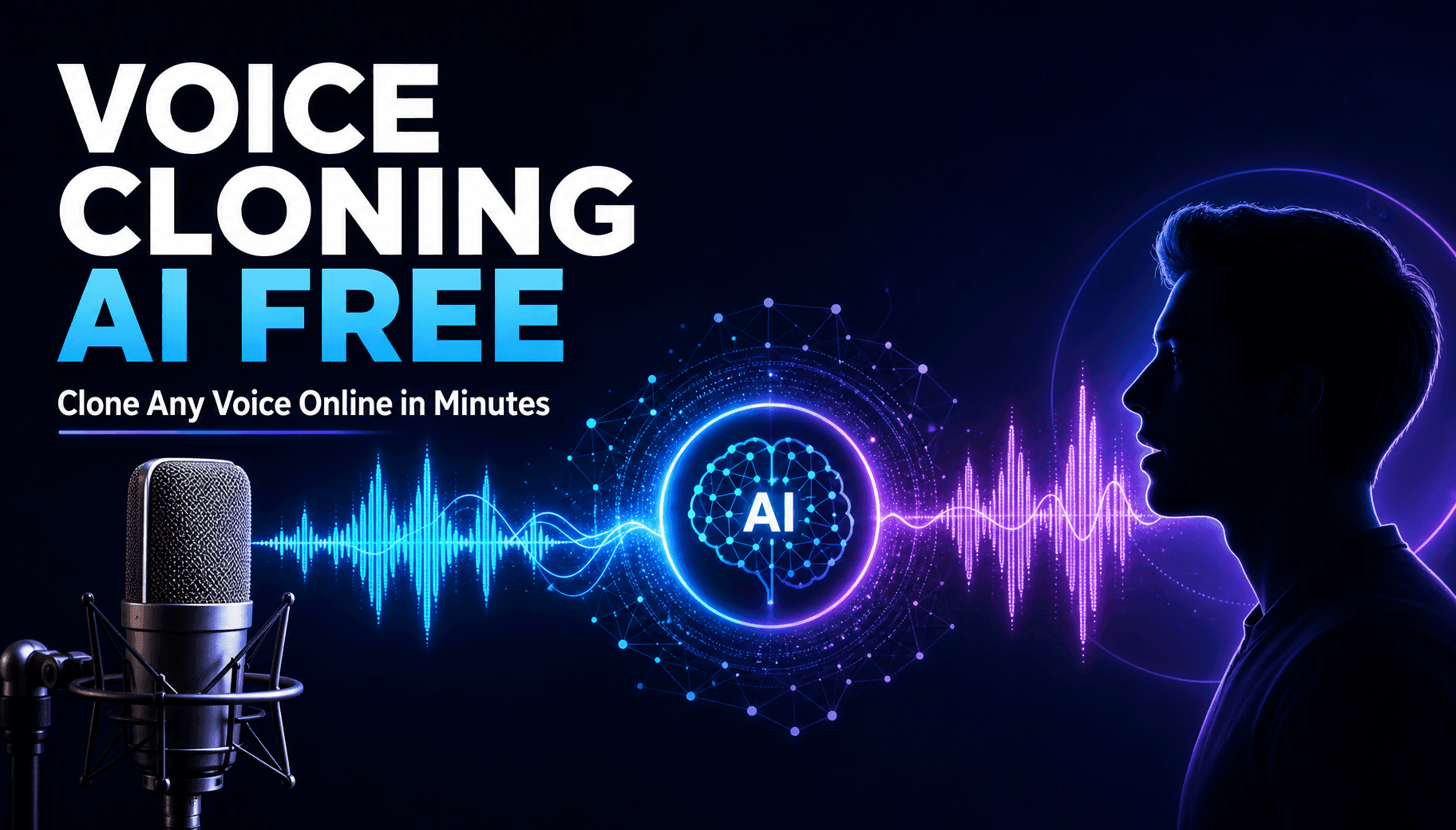
Voice Cloning AI Free: How to Clone Any Voice Online in Minutes
Try voice cloning AI free with 1min.AI. Upload a 5-second clip, pick an ElevenLabs model, choose from 32 languages, and turn text to speech in your own voice.
Trang Tran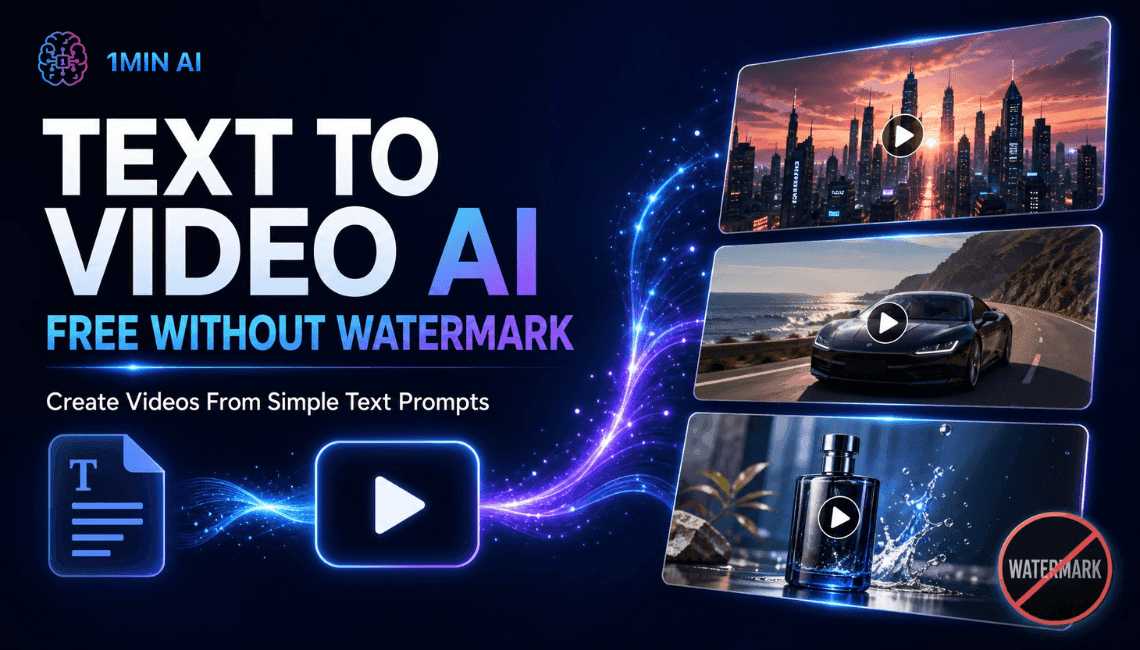
Text To Video AI Free Without Watermark Online
Create text to video AI free without watermark online with 1min.AI. Pick top models, turn prompts into HD clips, and download clean videos fast. Try it free.
Trang Tran
Free AI Image Editor With Prompt No Restrictions
Looking for a free AI image editor with prompt no restrictions? Edit backgrounds, objects and text by typing, no watermark. Try 1min.AI’s flexible editor now.
Trang TranAI Agents
Discover and run AI agents to automate tasks across your work and daily life.
1minAI: Free AI Grammar Checker
Check grammar for free with 1minAI’s AI grammar checker. Find grammar, spelling, and writing mistakes, improve clarity, and polish your content in seconds.
Tram Ta
AI Agents for Facebook
Use an AI Agent for Facebook to create content, generate images, schedule posts, and publish from your documents and conversations.
Ngoc Hong
AI Agent vs AI Assistant: Which One Actually Saves Designers More Time?
Learn the difference between AI Agent vs AI Assistant and discover which solution helps designers automate repetitive work, reduce revisions, and save more time.
Lien Anh VuAI Workflows
Explore ready-to-use AI workflows for productivity, marketing, sales, support, and more.
Create Consistent Cartoon Content in Just a Few Steps
Create engaging cartoon videos for TikTok and Reels with 1min.AI. Research ideas, create characters, and turn images into animated videos in 3 simple steps.
Lien Anh VuOne Product, 10 UGC Creatives: How AI Makes Content Testing Easier
Create more authentic UGC with an AI UGC video generator, test more creative angles and scale affiliate content without filming every version.
Lien Anh VuPOV: You Have 10+ Posts to Make Every Day
Learn how to build an AI content workflow that helps content creators produce 10+ social media posts a day faster with AI brainstorming, image generation, and content creation.
Lien Anh VuNewsletter
Weekly AI Innovations with 1minAI

🔮 Weekly AI Innovations #145: X Content Agent & GPT 6.1 Terra on 1min.ai
Scale viral reach with the X Content Agent on 1min.ai. Discover an end-to-end 4-stage pipeline with zero token burn, plus the launch of GPT 6.1 Terra.
Hang Nguyen
🔮 Weekly AI Innovations #144: LinkedIn Content Agent: Complete B2B Publishing Pipeline
Scale B2B influence with the LinkedIn Content Agent on 1min.ai. Discover an end-to-end 4-stage pipeline with zero redundant token burn and 1-click publishing.
Hang Nguyen
🔮 Weekly AI Innovations #143: Update GPT-6, GPT-6.1 & Ideogram 4.0
Access GPT-6 Sol, Luna, GPT-6.1 Sol, and Ideogram 4.0 on 1min.ai. Boost typography accuracy to 98.4% and cut reasoning latency by 45% in one platform.
Hang Nguyen