DeepSeek API: A Complete Guide to Getting Started and Building AI Applications

Tram Ta
10 November 2026
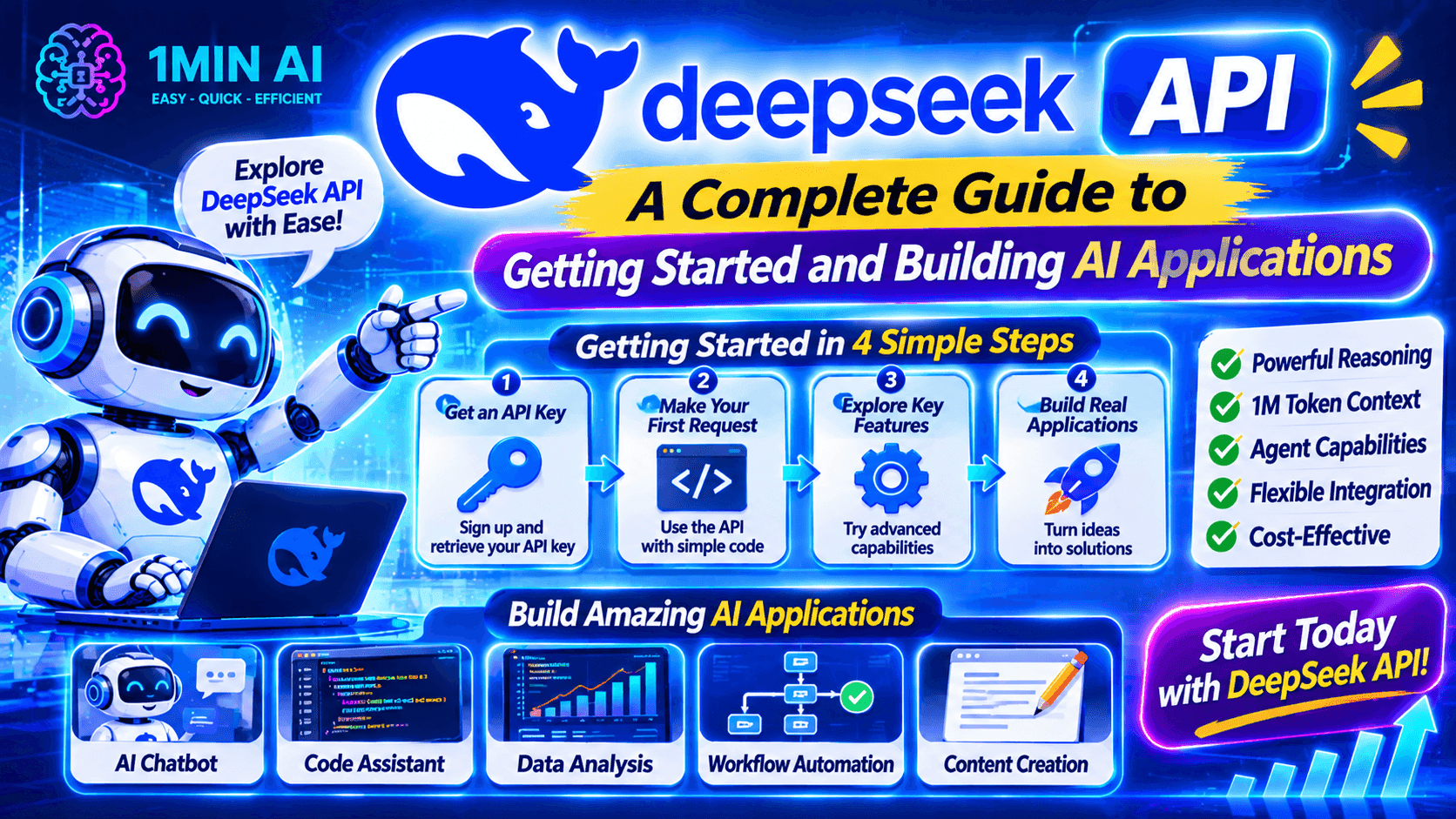
Learn how to use the DeepSeek API, get your API key, make your first request, and build AI applications. Explore DeepSeek models and developer tools with 1minAI.
AI APIs make it possible for developers to add powerful language models to their own applications without building an AI model from scratch.
One option worth exploring is the DeepSeek API. It gives developers programmatic access to DeepSeek models for tasks such as text generation, reasoning, coding assistance, structured output, and tool calling.
Whether you're building a chatbot, developing an AI coding assistant, or experimenting with autonomous agent workflows, the DeepSeek API provides a way to connect AI capabilities to your software.
But how do you get started? Which model should you choose? How do you create an API key and send your first request?
This guide walks through the essential steps, with practical examples and tips for developers. We'll also explore how 1minAI can help you discover AI APIs and build AI-powered workflows.
What Is the DeepSeek API?
The DeepSeek API is a developer interface that allows applications to communicate with DeepSeek AI models through programmatic requests.
Instead of opening a chatbot and manually entering prompts, developers can send requests from their own applications and receive model-generated responses.
For example, you could integrate the DeepSeek API into:
- A customer support chatbot.
- An AI writing assistant.
- A code-generation application.
- A document summarization tool.
- A research assistant.
- An AI agent that uses external tools.
The API supports an OpenAI-compatible format, making it easier for developers familiar with the OpenAI SDK to adapt their existing code.
DeepSeek also provides an Anthropic-compatible API format, giving developers additional integration options.
Key Features of the DeepSeek API
1. Access to DeepSeek models
Developers can access DeepSeek's supported models through API requests. The current model identifiers include:
deepseek-flash: Serves the latest DeepSeek Flash release.deepseek-v4-pro: Provides access to the current V4 Pro model.
These identifiers point to model versions documented by DeepSeek. Check the official model documentation before selecting one for a new project.
2. OpenAI-compatible API format
The DeepSeek API uses an OpenAI-compatible interface for common chat-completion requests.
This means developers can often reuse familiar SDKs and request structures by changing the API base URL and model identifier.
3. Thinking and non-thinking modes
Supported models provide thinking and non-thinking modes.
- Non-thinking mode is useful for straightforward tasks where you want a direct response.
- Thinking mode is useful for tasks that benefit from additional reasoning.
Developers can configure reasoning effort where supported.
4. Tool calling
The API supports function-based tool calling.
This allows a model to request an external function, such as searching a database or retrieving information from another service. Your application executes the function and sends the result back to the model.
5. Structured output
DeepSeek supports JSON output, which is useful when an application needs predictable data rather than free-form text.
For example, you can ask a model to return product information, task lists, or categorized results in JSON format.
6. Streaming responses
Streaming allows an application to receive generated content progressively rather than waiting for the entire response.
This can make chat interfaces feel more responsive, especially when generating longer answers.
DeepSeek API Models: Which One Should You Use?
Choosing the right model is one of the first decisions when integrating an API.
DeepSeek's current API documentation lists two main model identifiers.
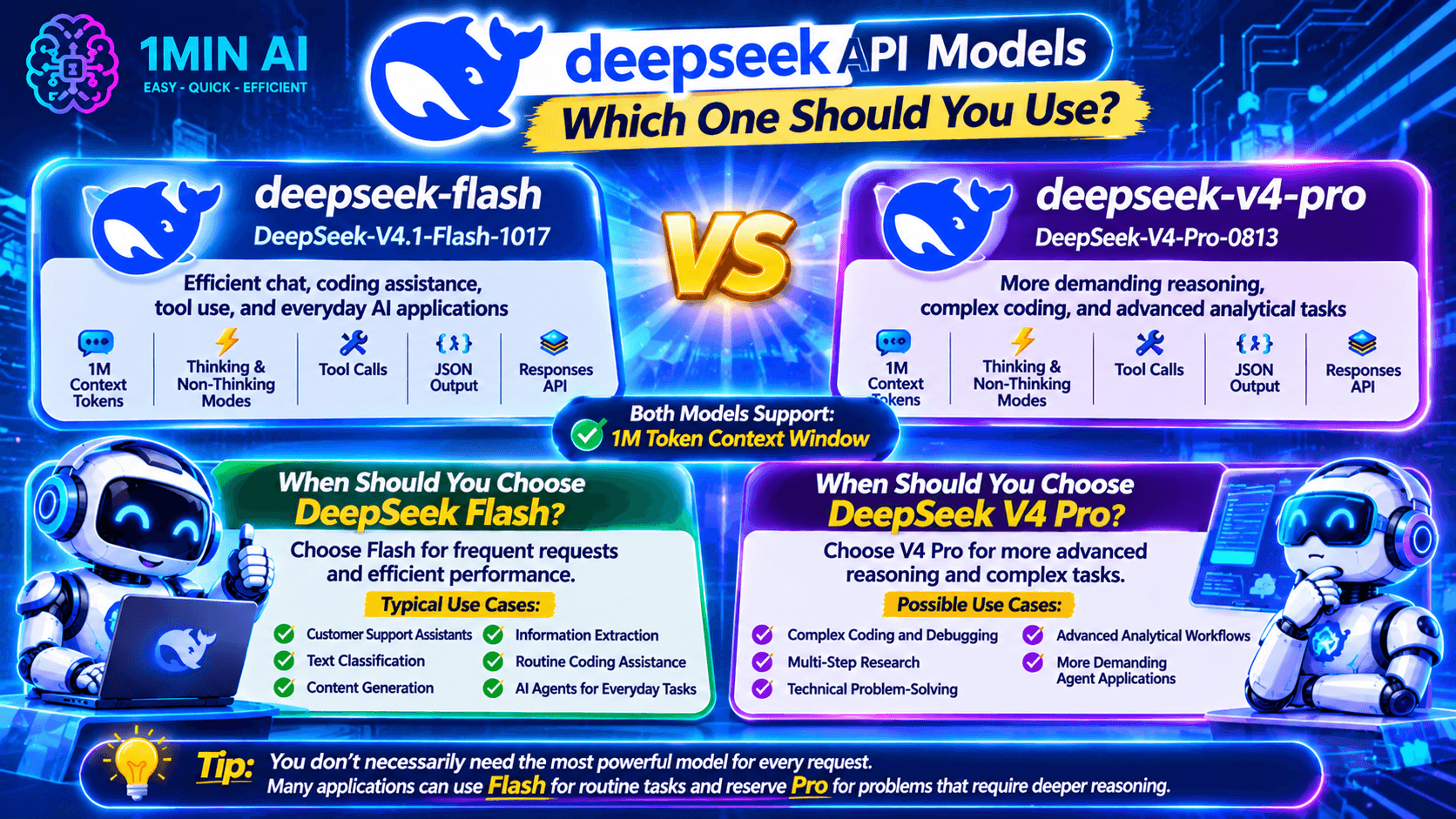
| Model identifier | Model version | Best suited for |
|---|---|---|
deepseek-flash | DeepSeek-V4.1-Flash-1017 | Efficient chat, coding assistance, tool use, and everyday AI applications |
deepseek-v4-pro | DeepSeek-V4-Pro-0813 | More demanding reasoning, complex coding, and advanced analytical tasks |
Both models support a 1-million-token context window, thinking and non-thinking modes, tool calls, JSON output, and the Responses API.
When Should You Choose DeepSeek Flash?
Choose Flash when your application needs frequent AI requests and efficient performance.
Typical use cases include:
- Customer support assistants.
- Text classification.
- Content generation.
- Information extraction.
- Routine coding assistance.
- AI agents handling everyday tasks.
When Should You Choose DeepSeek V4 Pro?
Choose V4 Pro when your application needs more advanced reasoning for difficult tasks.
It may be suitable for:
- Complex coding and debugging.
- Multi-step research.
- Technical problem-solving.
- Advanced analytical workflows.
- More demanding agent applications.
Tip: You don't necessarily need to use the most capable model for every request. Many applications can use Flash for routine tasks and reserve Pro for problems that require deeper reasoning.
How to Get a DeepSeek API Key
Before making API requests, you need an API key.
An API key is a credential that identifies and authorizes your application when communicating with the DeepSeek API.
Follow these steps to get started.
Step 1: Create a DeepSeek Platform Account
Visit the official DeepSeek platform and sign in or create an account.
Go to the API platform:
https://platform.deepseek.com/
Step 2: Open the API Keys Section
After signing in, navigate to the API key management section.
This is where you can create and manage the credentials used by your applications.
Step 3: Generate a New API Key
Select the option to create a new API key.
Give it a recognizable name so you can identify which project uses it.
Step 4: Copy and Secure Your API Key
Copy the generated key and store it securely.
Important security practices:
- Never publish your API key in public code repositories.
- Avoid placing secret keys directly in frontend JavaScript.
- Use environment variables or a secure secrets manager.
- Rotate keys if you suspect they have been exposed.
- Use separate keys for different applications when appropriate.
Once you have your key, you're ready to make your first API request.
How to Use DeepSeek API for AI Agent Development
One of the most interesting applications of the DeepSeek API is building AI agents.
An ordinary chatbot generates responses based on user input. An AI agent can use connected tools to perform additional steps, retrieve information, and work toward completing a task.
DeepSeek supports function-based tool calling, allowing developers to connect models to external functions.
DeepSeek API Pricing: How Much Does It Cost?
DeepSeek uses token-based API pricing. Your cost depends on the model, the number of input and output tokens, and whether input tokens are served from the cache.
The current published pricing for the main V4 API models is:
| Model | Input – cache miss | Input – cache hit | Output |
|---|---|---|---|
| DeepSeek V4.1 Flash | $0.15 / 1M tokens off-peak | $0.003 / 1M tokens off-peak | $0.60 / 1M tokens off-peak |
| DeepSeek V4 Pro | $0.66 / 1M tokens off-peak | $0.022 / 1M tokens off-peak | $1.98 / 1M tokens off-peak |
Peak-period rates are higher. DeepSeek publishes separate peak and off-peak pricing, so check its official pricing page before estimating your application budget.
What Is a Token?
A token is a unit of text processed by an AI model. It can represent a word, part of a word, a number, or punctuation.
API usage generally includes:
- Input tokens: Instructions, conversation history, and other information sent to the model.
- Output tokens: The text or structured response generated by the model.
- Cached input tokens: Previously processed input that can qualify for a reduced rate when caching applies.
For example, a chatbot that receives long conversation histories may consume more input tokens than a simple question-and-answer application.
How to Reduce DeepSeek API Costs
Here are several practical ways to manage your API spending:
- Choose the right model: Use Flash for routine tasks and reserve Pro for more demanding requests.
- Keep prompts focused: Remove unnecessary instructions and repeated context.
- Manage conversation history: Send only the relevant information needed for the current request.
- Use caching where appropriate: Take advantage of supported prompt caching for repeated prefixes.
- Set output limits: Configure maximum output tokens based on your application's needs.
- Monitor usage: Track token consumption and API spending as your application grows.
For current model identifiers and rates, refer to the official DeepSeek Models & Pricing documentation.
DeepSeek API vs. 1minAI API: What's the Difference?
If you're exploring AI development, you may come across both DeepSeek's API and 1minAI's developer API resources.
They serve related but different purposes.
| Comparison | DeepSeek API | 1minAI API |
|---|---|---|
| Provider | DeepSeek | 1minAI |
| Main purpose | Programmatic access to DeepSeek models | Access to AI capabilities available through the 1minAI ecosystem |
| Model access | DeepSeek-supported models | Models and tools supported by 1minAI |
| Integration | Direct API integration | Integration through 1minAI's developer services |
| Best for | Developers building directly with DeepSeek | Developers exploring multiple AI capabilities through one platform |
If you want to work directly with DeepSeek models, its official API is the natural starting point.
If you want to explore a broader set of AI capabilities, 1minAI also provides developer-focused resources.
For example, explore:
Check each service's current documentation for supported models, API access conditions, pricing, and usage limits.
Explore More AI Agent Workflows with 1minAI
The DeepSeek API gives developers a way to connect AI models to software. But building a complete agent workflow can require more than an API connection.
You may also need a model interface, connected tools, workflow instructions, and a way to organize tasks.
1minAI offers several AI agent-related experiences worth exploring.
1. Try 1minAI DeepSeek Super Agent
Visit 1minAI DeepSeek Super Agent to explore a DeepSeek-focused agent experience.
This is a useful starting point if you want to experiment with AI-powered task workflows without building an entire agent application from scratch.
Check the page for its current capabilities and usage conditions.
2. Explore Multi AI Chat and AI Agents
Visit 1minAI Multi AI Chat & AI Agent to discover broader AI assistant and agent workflows.
Comparing different models can help you evaluate their responses and find an approach that works for your task.
3. Automate Social Media Workflows
AI agents can also support recurring marketing activities.
Explore 1minAI AI Agent for Social Media Management to see how AI can assist with content planning and social media workflows.
This is particularly relevant for marketers, creators, and small business owners.
4. Discover More AI Agents
You can also explore the 1minAI AI Agents page to discover other agent-related applications.
Think about repetitive work in your daily routine. Research, writing, planning, and organizing information are all potential areas where AI assistance may help.
Frequently Asked Questions
1. What is the DeepSeek API used for?
The DeepSeek API allows developers to integrate DeepSeek AI models into their own applications. Common use cases include chatbots, coding assistants, content generators, document analysis tools, and AI agents.
2. Is the DeepSeek API free?
DeepSeek API access uses token-based pricing. It is not the same as using a free chat interface. Check DeepSeek's official pricing page for current rates and any available credits or promotions.
3. How do I get a DeepSeek API key?
Create an account on the official DeepSeek platform, navigate to API key management, generate a key, and store it securely. You can then use it to authenticate your API requests.
4. Is the DeepSeek API compatible with OpenAI?
Yes. DeepSeek provides an OpenAI-compatible API format. Developers can use familiar OpenAI SDKs by configuring the DeepSeek base URL and selecting a supported DeepSeek model.
5. Can I use DeepSeek API with Python?
Yes. You can use the OpenAI Python SDK with the DeepSeek API by configuring the API key and base URL. The example in this guide demonstrates a basic chat-completion request.
Final: Start Building with the DeepSeek API
The DeepSeek API gives developers a practical way to integrate advanced AI capabilities into their applications.
From chatbots and coding assistants to document analysis and tool-powered agents, it provides building blocks for a wide range of AI projects.
To get started, create your API key, choose a supported model, and make a simple request. Once the basic integration works, you can explore streaming, structured output, and tool calling to build more advanced workflows.
If you want to explore more AI development possibilities, check out the 1minAI AI API Aggregator for Developers, the Free AI API for Developers, and the available 1minAI AI Agents.
Start with one useful application, test it carefully, and build from there.
- #Commerce
Alternatives
Discover the best alternatives to 1minAI and compare features, pricing, and use cases.

1min.AI vs OpenRouter
1min.AI vs. OpenRouter: Compare the ready-to-use AI creation product against the technical API tool. Find out if you need a zero-code creative studio or a coding infrastructure hub.
 Ngoc Hong
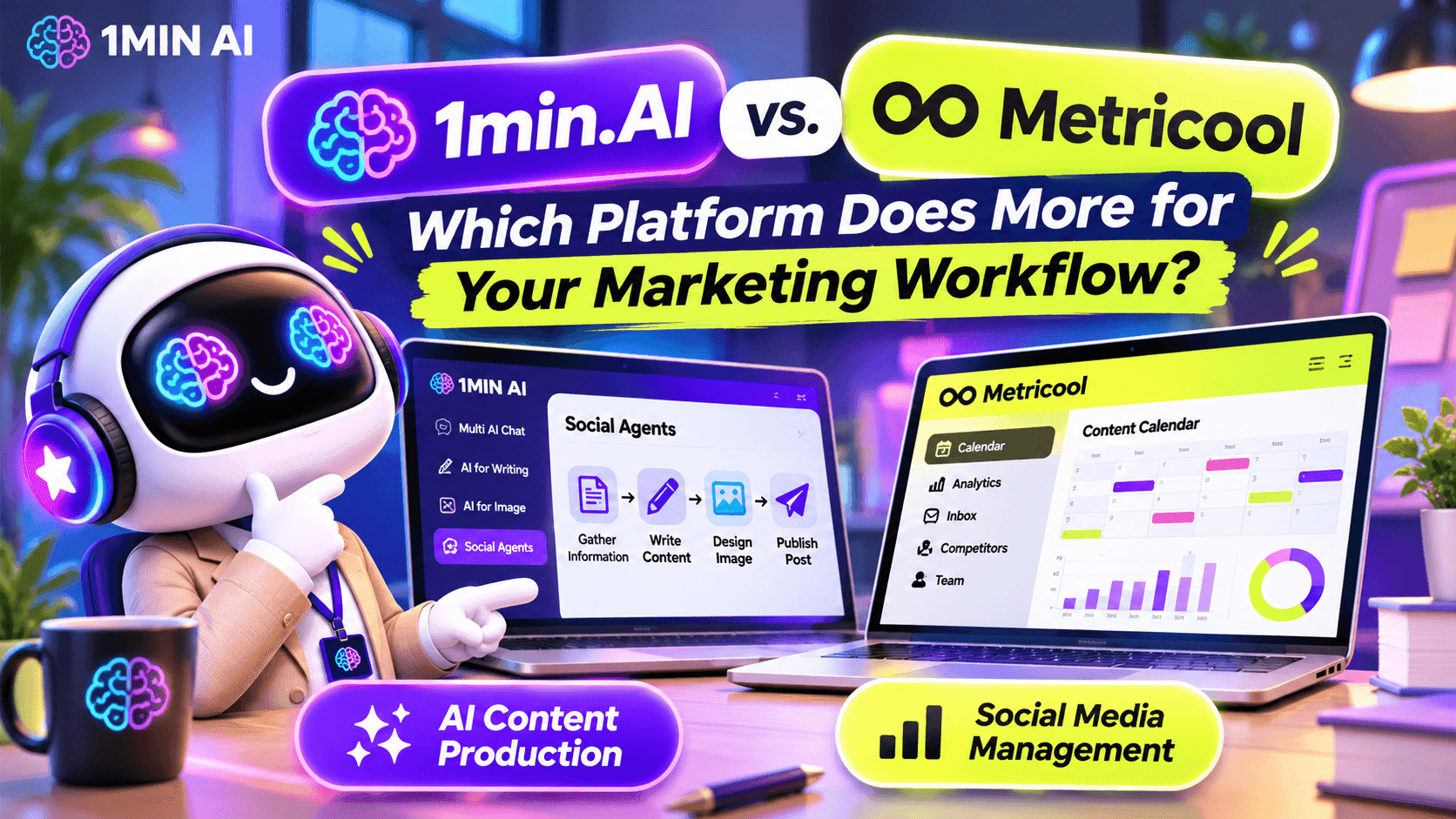
1min.AI vs. Metricool: Which Platform Does More for Your Marketing Workflow?
Compare 1min.AI vs. Metricool across content creation, visual production, scheduling, analytics, MCP, and pricing to find the right platform for your marketing workflow.
1min.AI vs. Hootsuite: Which Social Media Tool Fits Your Workflow?
Compare 1min.AI vs. Hootsuite to explore their AI content creation, social media publishing, analytics, pricing, and collaboration features. Find the right tool for your workflow.
AI Tools
Discover the best AI tools to boost productivity, creativity, and everyday work.
Top 4 Affordable AI Tools for Startup Founders
Discover the top 4 affordable AI tools for startup founders to validate ideas, build products, create content, and launch faster without overspending.
 Tram Ta
Turn “Make It Better” Into Better Content With AI
Use AI to turn vague client feedback into clear revisions, reduce unnecessary edits, and deliver better content faster.
 Lien Anh Vu
Free AI X Comment
Create funny, witty, or insightful comments for Twitter with our AI-powered Twitter Comment Generator. Boost your engagement and stand out in the crowd!
 Trang Tran
AI Features
Comprehensive AI features that streamline workflows, improve efficiency, and empower teams to achieve more.
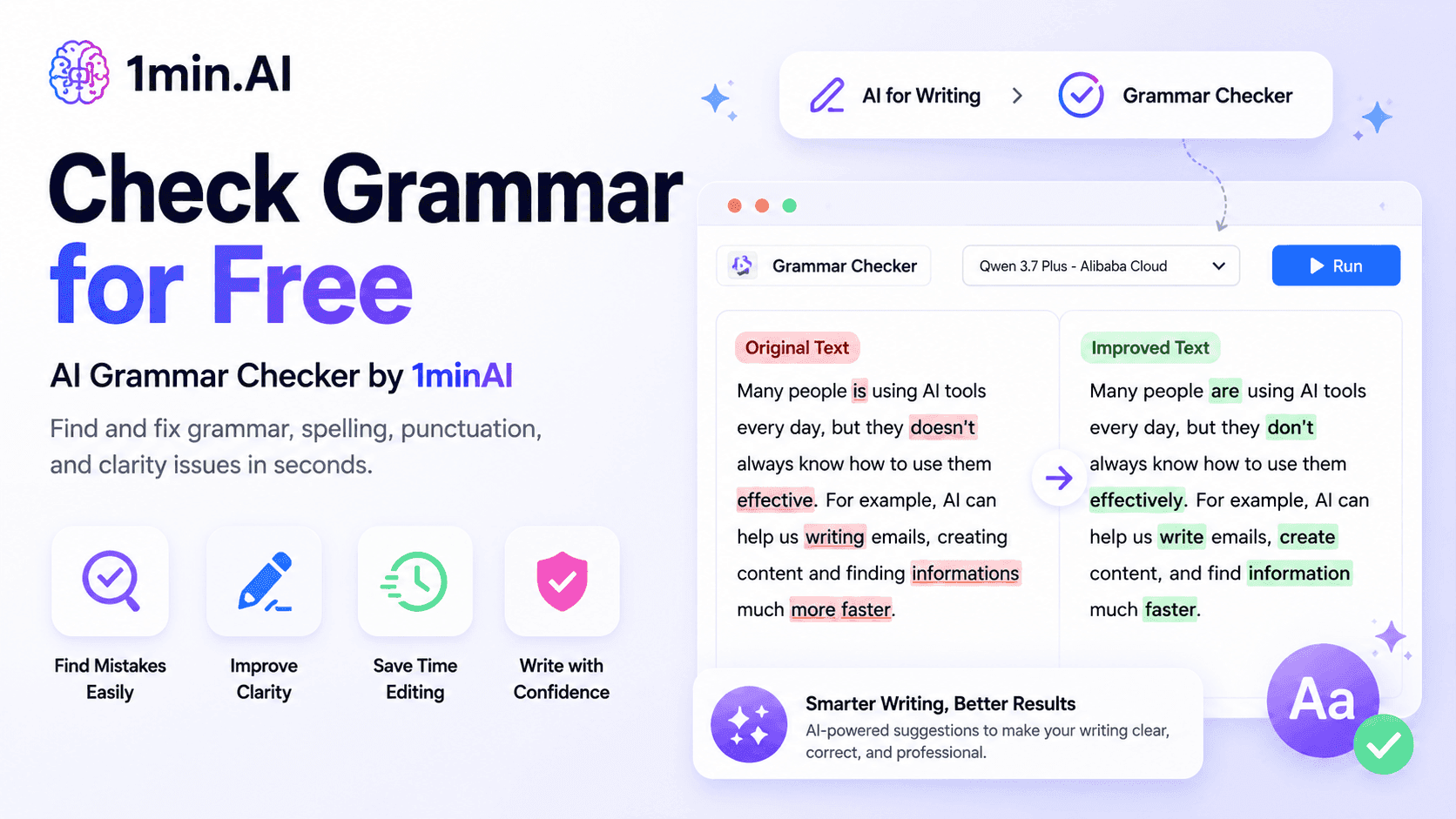
1minAI: Free AI Grammar Checker
Check grammar for free with 1minAI’s AI grammar checker. Find grammar, spelling, and writing mistakes, improve clarity, and polish your content in seconds.
Tram Ta
Build a Portfolio Website Faster with 1min.AI
Learn how freelance creatives can use 1min.AI to plan, write, design, and generate a professional portfolio website faster, even without strong coding skills.
Lien Anh VuFree AI X Comment
Create funny, witty, or insightful comments for Twitter with our AI-powered Twitter Comment Generator. Boost your engagement and stand out in the crowd!
Trang TranAI Use Cases
A curated collection of AI use cases for business, productivity, and industry-specific applications.
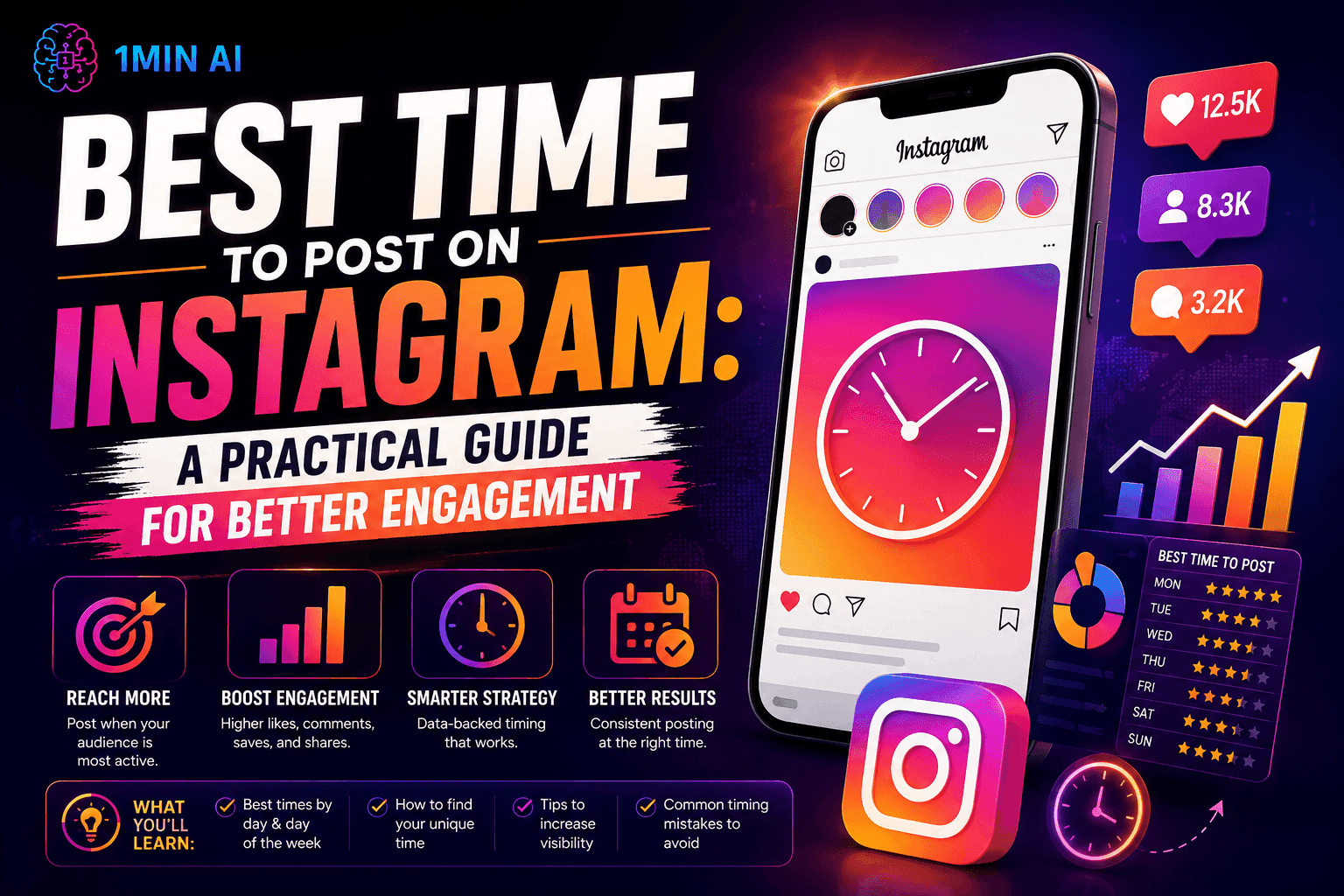
Best Time to Post on Instagram: A Practical Guide for Better Engagement
Discover the best time to post on Instagram, including the best days and times for different audiences, plus tips to find the ideal posting schedule for your account.
Tram TaTurn “Make It Better” Into Better Content With AI
Use AI to turn vague client feedback into clear revisions, reduce unnecessary edits, and deliver better content faster.
Lien Anh VuBuild a Portfolio Website Faster with 1min.AI
Learn how freelance creatives can use 1min.AI to plan, write, design, and generate a professional portfolio website faster, even without strong coding skills.
Lien Anh VuAI Tutorials
Learn how to use AI with practical, step-by-step tutorials.
Black Friday AI Tool Deals in 2026
Discover what Black Friday AI tool deals 2026 has to offer. Find out how to secure the 1min.AI lifetime deal via AppSumo, Dealify, Stack Social, and verify on Trustpilot, Slashdot, and Software Advice.
 Hang Nguyen
Turn “Make It Better” Into Better Content With AI
Use AI to turn vague client feedback into clear revisions, reduce unnecessary edits, and deliver better content faster.
Lien Anh Vu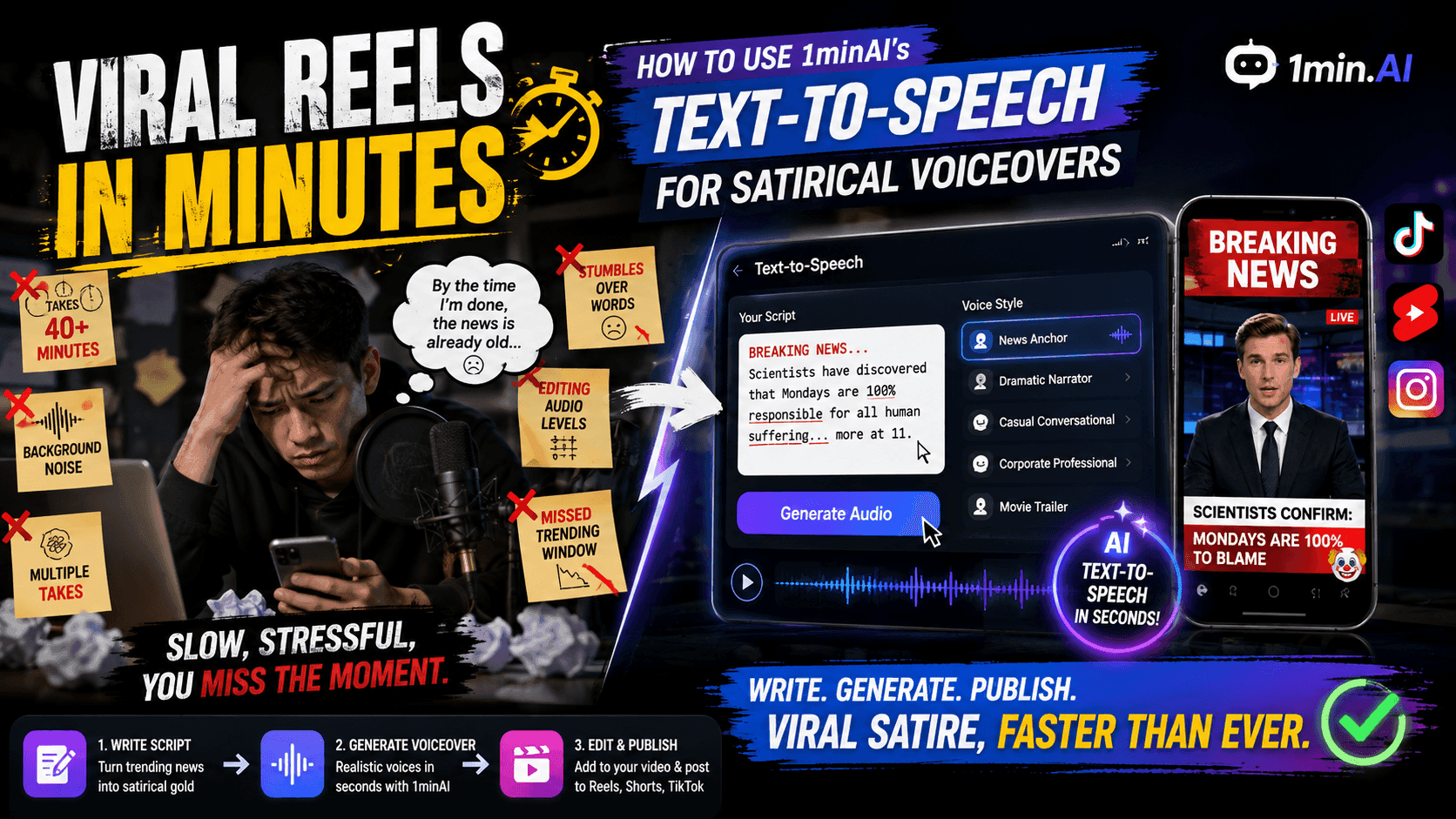
Viral Reels in Minutes: How to Use 1minAI’s Text-to-Speech for Satirical Voiceovers
Learn how satirical page admins use 1minAI’s Text-to-Speech feature to generate instant news anchor and dramatic voiceovers for TikToks, Shorts, and Instagram Reels.
AI Guides
Learn AI faster with practical guides, real-world examples, and actionable best practices.

Safely Buy AI Tools Online: 2026 Black Friday Guide
Discover how to find and secure the best Black Friday AI deals online. Learn expert strategies to avoid scams, combat subscription fatigue, and verify software.
Hang Nguyen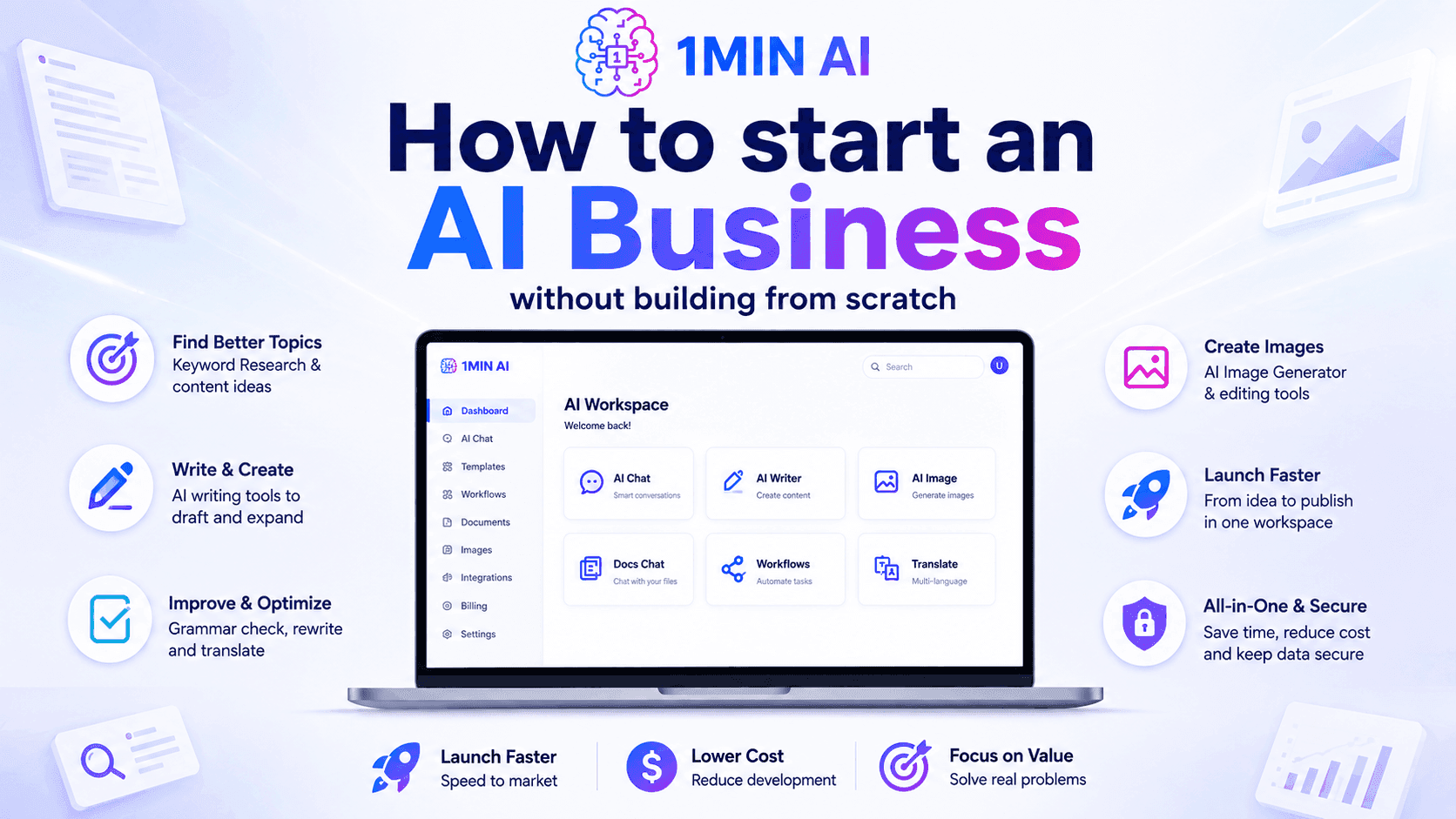
How to start an AI business without building from scratch
Learn how to start an AI business, validate your idea, and launch faster without building costly AI infrastructure from scratch.
Ngoc Hong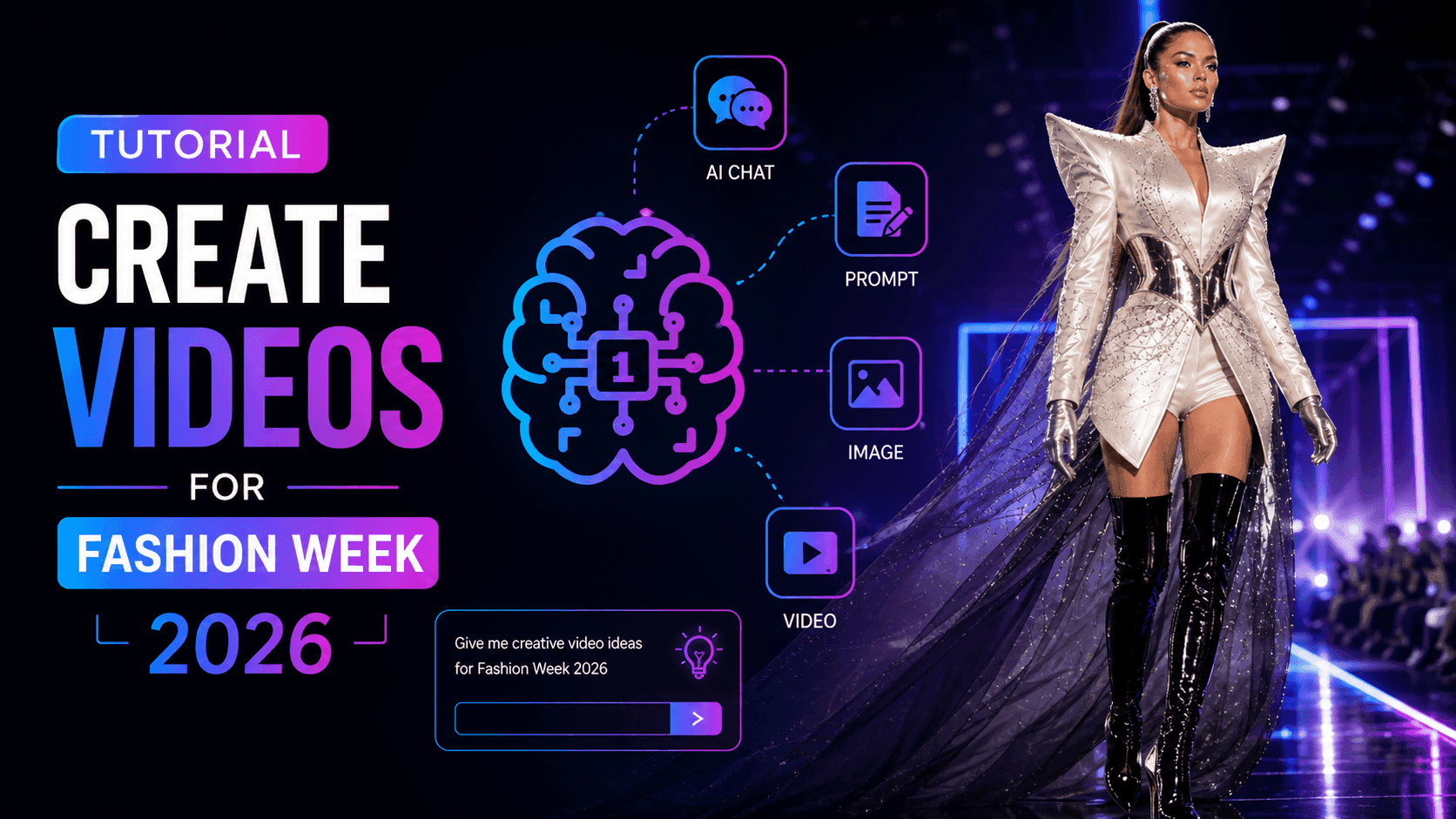
How to Use an AI Fashion Video Generator for Fashion Week 2026
Turn Fashion Week 2026 ideas into stunning fashion videos with AI. Learn how to brainstorm, create visuals, and transform images into videos with one simple workflow.
Lien Anh VuAI Solutions
Browse the best AI solutions for automation, coding, research, productivity, customer support, marketing, and business workflows.
Safely Buy AI Tools Online: 2026 Black Friday Guide
Discover how to find and secure the best Black Friday AI deals online. Learn expert strategies to avoid scams, combat subscription fatigue, and verify software.
Hang Nguyen
Free AI Tattoo Generator: Custom Designs
Turn any idea into a custom tattoo design with 1min.AI's free AI tattoo generator. Describe your idea, pick a style, and download in seconds.
Trang TranTurn “Make It Better” Into Better Content With AI
Use AI to turn vague client feedback into clear revisions, reduce unnecessary edits, and deliver better content faster.
Lien Anh VuAI Models
Explore the world's leading AI models in one place.
Free AI Chat With Claude Fable 5.2 On 1min.AI
Free AI chat with Claude Fable 5.2 on 1min.AI. Compare Fable 5.2 vs Opus 5.5, see Fable 5.2 benchmarks, and start chatting in minutes.
Trang Tran
GPT-6.2 Sol: Specs, Pricing & Free Access
Explore GPT-6.2 Sol specs, pricing, and how it compares with GPT-6.1 Sol and Claude Opus 5.5, then try it free in 1min.AI Multi AI Chat.
Trang Tran
GPT 6.2 Astra: Pricing, Benchmarks & Free Access
GPT 6.2 Astra release date, pricing, Reddit feedback and Opus 5.5 comparison. See what it does best and chat with it on 1min.AI for free.
Trang TranAI Comparisons
Compare AI tools, models, and platforms to find the best fit for your needs.
Gemini 4 Neon vs Hydrogen: Specs, Price & Picks
Gemini 4 Neon vs Hydrogen, Carbon and Argon: compare price, benchmarks and use cases to pick the right model, then test them side by side on 1min.AI.
Trang Tran
Kling AI Vs Veo 3: Which Model Wins?
Kling AI vs Veo 3: compare motion, native audio, pricing & free tiers to see which AI video generator wins for your project - try both on 1min.AI.
Trang Tran
DeepSeek V4 Pro vs Flash Comparison
Compare DeepSeek V4 Pro vs DeepSeek V4 Flash metrics. Optimize your agentic apps and improve AI fact checking on 1min.ai today.
Ngoc HongAI Integrations
Seamlessly integrate AI with the tools you already use to automate work and boost productivity.
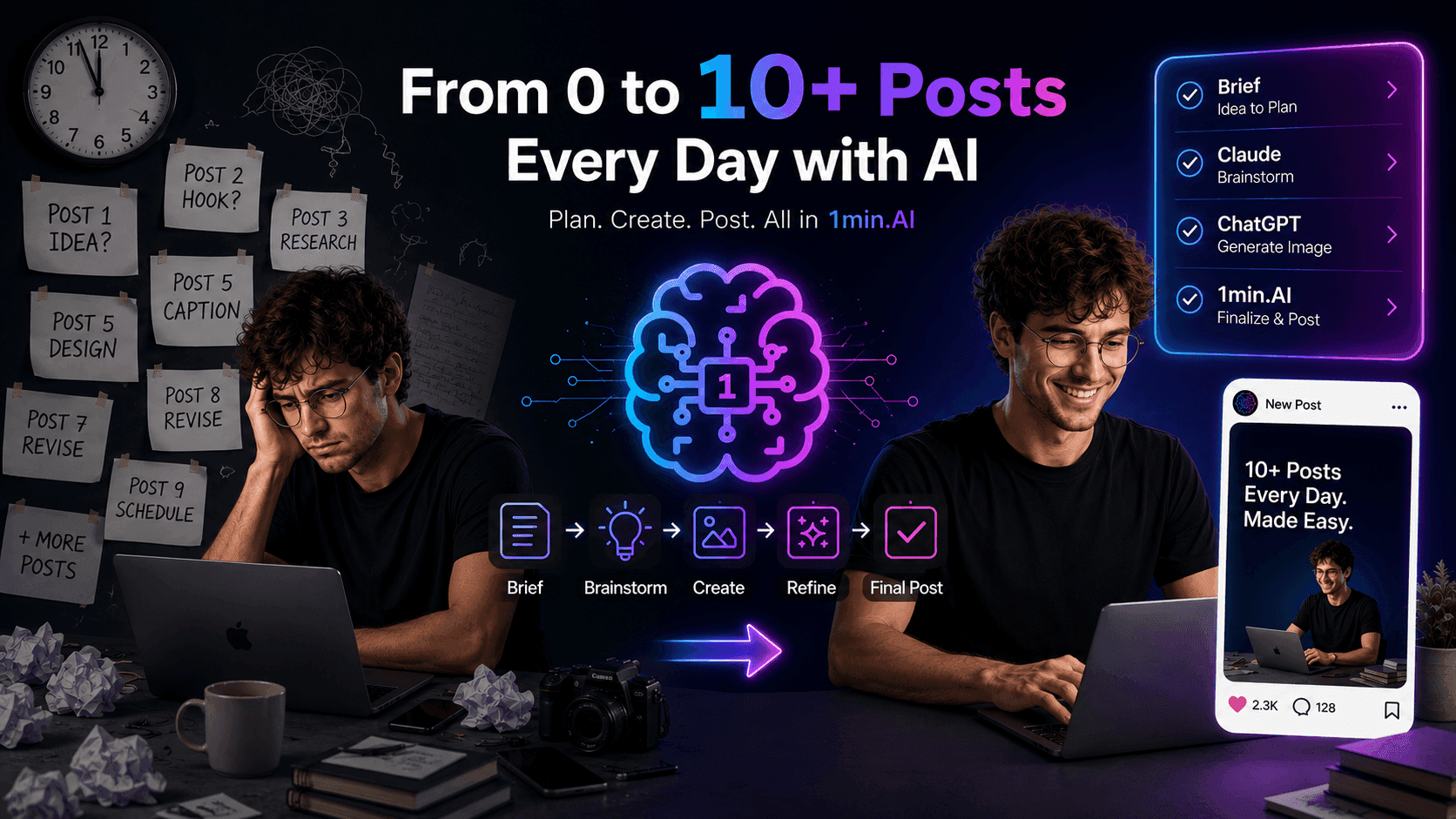
POV: You Have 10+ Posts to Make Every Day
Learn how to build an AI content workflow that helps content creators produce 10+ social media posts a day faster with AI brainstorming, image generation, and content creation.
Lien Anh Vu
Stop Switching Between AI Apps: How AI Integration Transforms Employer Branding
Discover how AI integration helps HR teams streamline employer branding by combining AI writing, documents, images, video, and multiple AI models into one workspace.
Tram Ta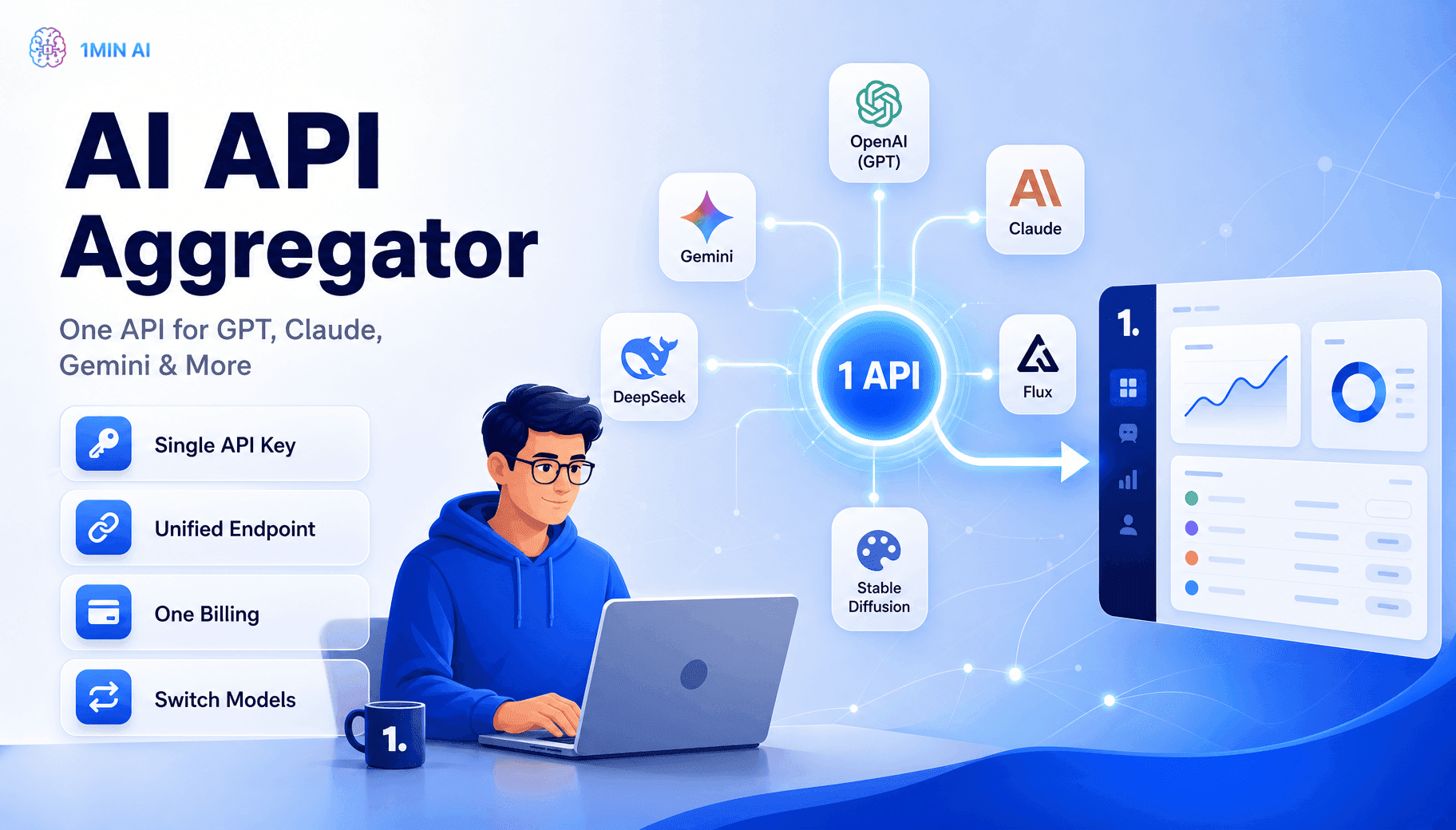
AI API Aggregator Explained For Developers
An AI API aggregator gives developers one unified API to call multiple AI models, cutting integration time and vendor lock in.
Trang TranAI for Industries
Find the best AI tools and workflows for healthcare, finance, education, legal, manufacturing, retail, real estate, and more

ChatGPT Trending Photo Prompts to Copy and Paste
Explore chatgpt trending photo prompt ideas you can copy and paste. Create viral AI portraits, collages, and aesthetic photos with ease.
Trang TranTry Image To Video AI With Prompt Online Free
Try image to video AI with prompt online free, no login and no watermark. Upload a photo, type the motion you want, and get a short video in minutes.
Trang Tran
No Photoshoot? Create AI Fashion Videos With Seedance 2.5
No photoshoot needed! Create stunning AI fashion videos with Seedance 2.5 on 1min.AI using outfit references, cinematic prompts, and surreal scenes.
Lien Anh VuAI Agents
Discover and run AI agents to automate tasks across your work and daily life.
1minAI: Free AI Grammar Checker
Check grammar for free with 1minAI’s AI grammar checker. Find grammar, spelling, and writing mistakes, improve clarity, and polish your content in seconds.
Tram Ta
AI Agents for Facebook
Use an AI Agent for Facebook to create content, generate images, schedule posts, and publish from your documents and conversations.
Ngoc Hong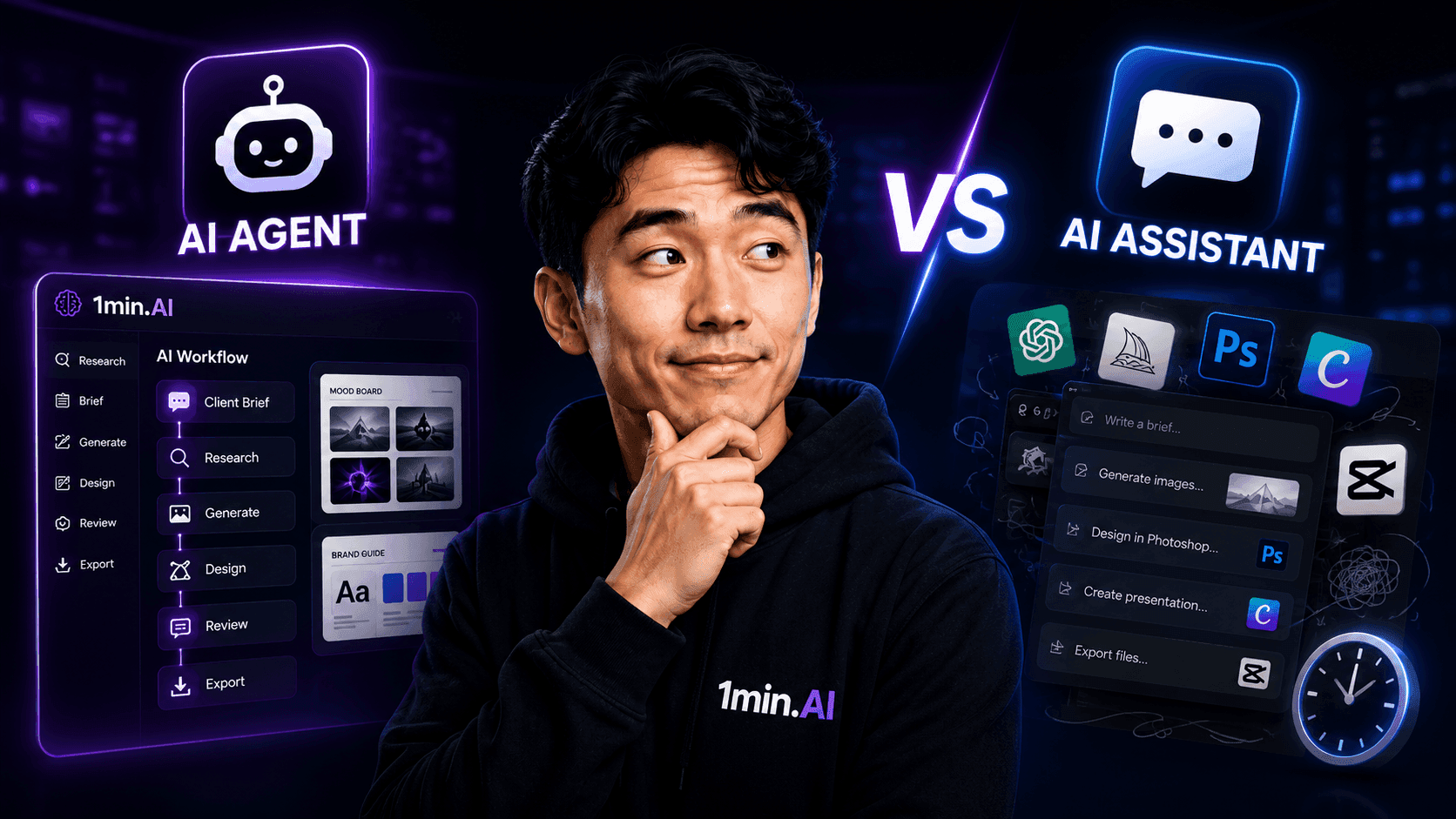
AI Agent vs AI Assistant: Which One Actually Saves Designers More Time?
Learn the difference between AI Agent vs AI Assistant and discover which solution helps designers automate repetitive work, reduce revisions, and save more time.
Lien Anh VuAI Workflows
Explore ready-to-use AI workflows for productivity, marketing, sales, support, and more.
POV: You Have 10+ Posts to Make Every Day
Learn how to build an AI content workflow that helps content creators produce 10+ social media posts a day faster with AI brainstorming, image generation, and content creation.
Lien Anh VuHow to Use an AI Fashion Video Generator for Fashion Week 2026
Turn Fashion Week 2026 ideas into stunning fashion videos with AI. Learn how to brainstorm, create visuals, and transform images into videos with one simple workflow.
Lien Anh Vu
One Product, 10 UGC Creatives: How AI Makes Content Testing Easier
Create more authentic UGC with an AI UGC video generator, test more creative angles and scale affiliate content without filming every version.
Lien Anh VuNewsletter
Weekly AI Innovations with 1minAI
🔮 Weekly AI Innovations #146: Mistral 3.5, Qwen Image & Cohere A+ are ready on 1min.ai
Deploy Mistral Large 3, Qwen Image 3.0, and Cohere Command A+ on 1min.ai. Boost RAG accuracy and cut visual generation latency in one unified AI workspace.
Hang Nguyen
🔮 Weekly AI Innovations #145: X Content Agent & GPT 6.1 Terra on 1min.ai
Scale viral reach with the X Content Agent on 1min.ai. Discover an end-to-end 4-stage pipeline with zero token burn, plus the launch of GPT 6.1 Terra.
Hang Nguyen
🔮 Weekly AI Innovations #144: LinkedIn Content Agent: Complete B2B Publishing Pipeline
Scale B2B influence with the LinkedIn Content Agent on 1min.ai. Discover an end-to-end 4-stage pipeline with zero redundant token burn and 1-click publishing.
Hang Nguyen