
How to Create Christmas Social Media Content with 1minAI
Uyen Hoang
20 November 2026
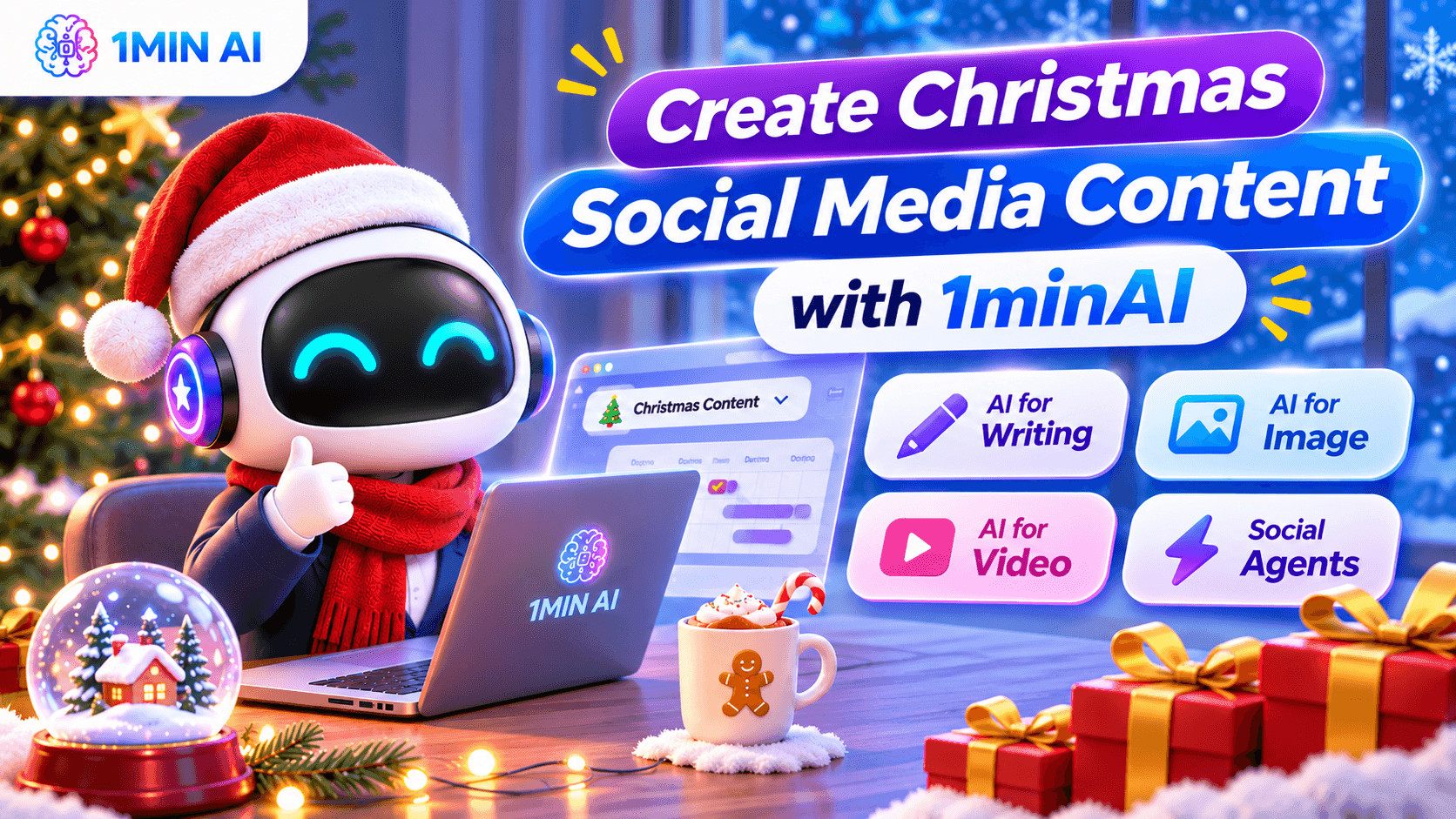
Learn how to use 1minAI to research Christmas trends, generate social media ideas, write captions, create festive images and videos, and manage holiday content.
Christmas is one of the busiest periods for social media managers. Brands need to prepare holiday campaigns, promote seasonal products, share festive messages, and maintain audience engagement across multiple platforms. However, creating a successful Christmas campaign involves much more than publishing a few holiday greetings. Social media managers need to research seasonal trends, brainstorm creative concepts, write captions, design visuals, produce videos, and organize a consistent publishing schedule.
The opportunity is worth preparing for. According to Sprout Social's 2026 Q3 Pulse Survey, 46% of surveyed consumers identified social media as a source of holiday gift inspiration. This makes Christmas content an important part of how brands introduce products, communicate promotions, and influence purchasing decisions during the holiday season.
Yet producing enough content can quickly become overwhelming. A social media manager may need to create a Christmas content calendar, develop multiple campaign concepts, prepare different caption variations, design promotional graphics, and adapt the same campaign for Facebook, Instagram, TikTok, and other channels. Using separate applications for each task can make the process fragmented and leave less time for creative planning.
AI tools can help accelerate content production, but generating more posts does not necessarily mean creating better content. Generic Christmas captions, repetitive promotional messages, and visuals that look similar across different brands can make a campaign less distinctive. Social media managers still need to maintain their brand voice, choose relevant creative directions, and ensure that every post serves a clear communication objective.
This is where an integrated AI workspace can make a difference. With 1minAI, social media managers can use AI for Writing to develop Christmas campaign ideas and captions, AI for Image to create festive visuals, AI for Video to produce seasonal videos, and Social Agents to support platform-specific content workflows. Instead of switching between multiple applications, they can manage different parts of the Christmas content creation process within one workspace.
Plan Your Christmas Social Media Campaign with AI
Before creating individual posts, social media managers need a clear campaign direction. A Christmas campaign may include promotional announcements, gift guides, product showcases, entertaining content, and customer appreciation posts. Without a plan, these activities can easily become disconnected, resulting in repetitive content or an inconsistent brand message.
1minAI can support the planning process through Multi AI Chat and AI for Writing. Multi AI Chat allows users to explore a prompt across different available AI models, making it useful for brainstorming campaign concepts, comparing creative directions, and developing different approaches to a Christmas marketing strategy.
For example, a social media manager can start with a prompt such as:
Act as a social media strategist. Develop a Christmas social media campaign for a skincare brand targeting young adults. Suggest five campaign themes, content pillars, and post ideas for Instagram, Facebook, and TikTok. Include a mix of promotional, educational, entertaining, and community-focused content.
By testing the prompt across different AI models, users can explore alternative ideas and compare their suggestions before choosing a direction. The selected ideas can then be developed further using AI for Writing.
Create a Christmas Content Calendar
Once the campaign direction is clear, the next step is to organize the ideas into a publishing plan. A Christmas content calendar helps social media managers distribute different content types throughout December and coordinate the production of captions, images, and videos.
For example, a skincare brand could organize its Christmas content around the following themes:
| Timeline | Content Theme | Example Post |
|---|---|---|
| Early December | Build anticipation | Christmas countdown and holiday collection teaser. |
| December 8–14 | Product discovery | Christmas gift guide and product recommendations. |
| December 15–21 | Campaign promotion | Festive bundles, special offers, and product demonstrations. |
| December 22–25 | Community connection | Customer appreciation, behind-the-scenes moments, and Christmas greetings. |
| After Christmas | Maintain engagement | Thank-you messages, customer stories, and year-end highlights. |
Social media managers can use Content Generator in AI for Writing to turn this plan into more detailed post ideas, campaign descriptions, or a draft content calendar. They can also use Content Expander to develop short campaign concepts into more detailed content briefs.
The calendar should remain flexible enough to accommodate timely trends and audience responses. Its purpose is to provide a clear production plan, not to limit creative adjustments throughout the campaign.
Create Christmas Social Media Content with 1minAI
After defining the campaign direction, social media managers can move into content production. This is where 1minAI's different AI capabilities become useful, helping users turn campaign ideas into written posts, festive visuals, and short-form videos.
Generate Christmas Post Ideas and Captions with AI for Writing
Writing multiple Christmas captions can be challenging, especially when each post needs a different message and tone. A gift guide requires clear product recommendations, while a Christmas greeting should feel warm and personal. Promotional content, meanwhile, needs to communicate the offer and encourage audiences to take action.
With AI for Writing, users can develop these different types of content through several writing features:
| 1minAI Feature | How Social Media Managers Can Use It |
|---|---|
| Keyword Research | Explore relevant keywords and topics to support seasonal content planning. |
| Content Generator | Generate Christmas post ideas, campaign captions, promotional copy, and content drafts. |
| Rewriter | Create alternative versions of a caption or adjust its wording and tone. |
| Content Expander | Develop a short Christmas campaign idea into a more detailed post. |
| Content Shortener | Condense longer copy into shorter captions for social media. |
| Grammar Checker | Review grammar and wording before publishing. |
For example, a social media manager preparing a Christmas gift guide can use Content Generator to draft a caption introducing the selected products. If the first version sounds too promotional, Rewriter can help explore a warmer or more conversational approach. Content Shortener can then help create a more concise version for a platform where a shorter caption better suits the format.
Here is an example prompt to get started:
Write an engaging Instagram caption for a Christmas gift guide featuring five skincare products. Use a warm, festive, and friendly tone. Highlight the value of each product as a gift, include a clear call to action, and avoid generic holiday phrases. Keep the caption concise and suitable for a beauty brand targeting young adults.
The generated caption can be refined further based on the brand's tone of voice, product details, and campaign objective. This helps social media managers use AI as a writing assistant while retaining control over the final message.
Create Festive Graphics with AI for Image
Visual content is essential to a Christmas social media campaign. Brands may need promotional banners, gift guide graphics, countdown images, product showcases, and festive illustrations. Producing all these assets manually can take considerable time, particularly when the team needs multiple creative variations.
1minAI's AI for Image provides several features that can support this process. The Image Generator can turn text descriptions into visual concepts, while Image Variator can help explore different versions of an existing image. Other tools, such as Image Upscaler, Background Remover, and Background Replacer, can support image refinement and editing.
Here are some practical ways to use these features for Christmas campaigns:
| Christmas Content | 1minAI Feature | Possible Application |
|---|---|---|
| Christmas campaign graphics | Image Generator | Create festive visual concepts based on a text prompt. |
| Alternative campaign designs | Image Variator | Explore different visual directions using an existing image. |
| Product promotional images | Background Remover | Remove an unwanted background from a product image. |
| Festive product compositions | Background Replacer | Replace the background with a Christmas-themed setting. |
| Improve image quality | Image Upscaler | Enhance an image's resolution for further use. |
For example, a social media manager promoting a Christmas gift set can use Image Generator to explore a festive background featuring Christmas decorations, gift boxes, and seasonal colors. If the brand already has product photography, Background Remover and Background Replacer can help create a different composition without starting with an entirely new product image.
A useful prompt for generating a Christmas visual could be:
Create a premium Christmas campaign visual for a skincare gift set. Place the product at the center, surrounded by elegant gift boxes, subtle Christmas ornaments, and warm festive lighting. Use a sophisticated color palette of deep green, champagne gold, and cream. Keep the composition clean, modern, and suitable for an Instagram promotional post.
To maintain brand consistency, provide clear instructions about the visual style, color palette, product appearance, and intended format. Always review generated images before publishing, particularly when they include product packaging, logos, or text.
Turn Christmas Campaign Ideas into Videos with AI for Video
Short-form videos can help brands demonstrate products, introduce seasonal collections, and communicate Christmas campaign messages in a more dynamic format. However, producing videos for multiple social platforms can require additional time for recording, editing, and adapting creative assets.
With AI for Video, social media managers can explore different ways to turn written concepts and existing visuals into video content. For example, Text to Video can generate video content from a written description, while Image to Video can turn a still image into a video concept.
These features can be useful for creating:
- Christmas product showcase videos.
- Animated festive campaign visuals.
- Holiday collection introductions.
- Christmas-themed promotional clips.
- Short visual content for Instagram Reels, TikTok, and Facebook Reels.
For example, a brand that already has a Christmas promotional graphic can use Image to Video to explore an animated version for short-form social content. Alternatively, Text to Video can help develop a visual concept for a Christmas campaign teaser from a written prompt.
The resulting video should be reviewed for visual consistency, product accuracy, and suitability for the intended platform. Social media managers may also need to adjust the format, pacing, and accompanying caption before publishing.
Create Christmas Audio and Music for Social Content
Audio can also contribute to the atmosphere of a Christmas campaign, particularly when producing short-form videos or festive promotional content. Social media managers may need background music, voiceovers, or sound effects to complement their visual assets.
1minAI's AI for Audio offers several features that can support these creative tasks:
| 1minAI Feature | How It Can Support Christmas Content |
|---|---|
| Music Generator | Create original music concepts for festive campaign videos. |
| Text to Speech | Turn a written Christmas campaign script into a voiceover. |
| Voice Changer | Experiment with different voice styles for creative content. |
| Text to Sound | Generate sound effects based on text descriptions. |
| Speech to Text | Convert spoken audio into text for further content editing. |
For example, a social media manager creating a Christmas product video could use Music Generator to explore a festive background track. Text to Speech can also help turn a short promotional script into a voiceover without recording it manually.
Before using generated audio in a campaign, review whether it matches the brand's intended atmosphere and check the applicable usage rights and platform requirements.
Manage Your Christmas Social Media Workflow with 1minAI Social Agents
Creating captions, images, and videos is only part of a social media manager's responsibilities. They also need to organize content for different channels and manage the steps leading to publication. When a Christmas campaign runs across several platforms, coordinating these activities can become another time-consuming task.
1minAI Social Agents provides a dedicated workspace with platform-specific agents, including X Content Agent, Instagram Content Agent, Threads Content Agent, LinkedIn Content Agent, and Facebook Content Agent.
Social media managers can select an agent based on the platform they want to work with. For example, a team preparing a Christmas campaign for Instagram can explore Instagram Content Agent, while a business focusing on Facebook communication can use Facebook Content Agent.
The Social Agents workflow is organized around four stages:
- Gather Information: Collect information to establish the direction of the content.
- Write Content: Develop written content for the selected social platform.
- Design Image: Create an accompanying visual.
- Post to Social: Move the content toward social publishing.
This structure helps users understand how different content activities fit together. Instead of managing every stage as an isolated task, they can follow the available Agent Flow and review the output as the workflow progresses.
For example, a social media manager preparing a Christmas gift guide can begin by gathering relevant product information, move on to writing the post, create an accompanying visual, and then proceed to the social publishing stage. Users can also review the available run options to rerun an individual step or continue the workflow from a selected stage.
The exact workflow and publishing settings depend on the selected agent and its configuration. Review the generated content, social account settings, and publishing details before confirming any action.
Build a More Efficient Christmas Content Workflow with 1minAI
A successful Christmas social media campaign requires more than a collection of festive posts. Social media managers need to research relevant topics, develop creative concepts, write captions, create visual assets, produce videos, and coordinate publishing across multiple platforms. Without a clear workflow, these tasks can quickly become difficult to manage during an already busy marketing season.
1minAI brings these content creation capabilities together in one workspace. From brainstorming campaign ideas with Multi AI Chat and writing captions with AI for Writing to creating festive graphics with AI for Image, producing videos with AI for Video, and organizing social content through Social Agents, users can explore different tools throughout the campaign production process.
The goal is not to let AI make every creative decision. Social media managers still need to define the campaign direction, maintain brand consistency, review generated assets, and understand what their audiences want to see. AI can support the production process and help them explore more creative possibilities without losing control over the final content.
Make your Christmas campaign easier to plan and create. Explore 1minAI and bring your holiday social media ideas to life.
Frequently Asked Questions
How can AI help create Christmas social media content?
AI can support different parts of Christmas content production, including brainstorming campaign ideas, writing captions, generating festive images, creating short videos, and producing audio. With 1minAI, social media managers can explore these tasks through AI for Writing, AI for Image, AI for Video, AI for Audio, and Multi AI Chat.
What are the best Christmas social media post ideas for brands?
Brands can create Christmas countdowns, gift guides, seasonal promotions, behind-the-scenes content, tutorials, giveaways, customer stories, interactive posts, campaign videos, and holiday greetings. The best mix depends on the brand's audience, industry, and campaign objectives.
How can social media managers maintain a consistent brand voice when using AI?
Start with clear brand guidelines, including the intended tone, target audience, key messages, and words or phrases to avoid. Use AI-generated content as a first draft, then review and adjust the wording to reflect the brand's personality. Features such as Rewriter and Grammar Checker can support the editing process.
Can 1minAI help create Christmas images and videos?
Yes. AI for Image includes Image Generator and Image Variator for exploring visual concepts and variations. AI for Video includes Text to Video and Image to Video, which can support the creation of video content from written descriptions or existing images.
How can social media managers manage content across different platforms?
They can start with one campaign concept and adapt it into platform-specific formats, such as Instagram carousels, Facebook posts, and short-form videos. 1minAI Social Agents provides platform-specific agents that help organize content creation workflows for supported social platforms.
Alternatives
Discover the best alternatives to 1minAI and compare features, pricing, and use cases.

1min.AI vs OpenRouter
1min.AI vs. OpenRouter: Compare the ready-to-use AI creation product against the technical API tool. Find out if you need a zero-code creative studio or a coding infrastructure hub.
 Ngoc Hong
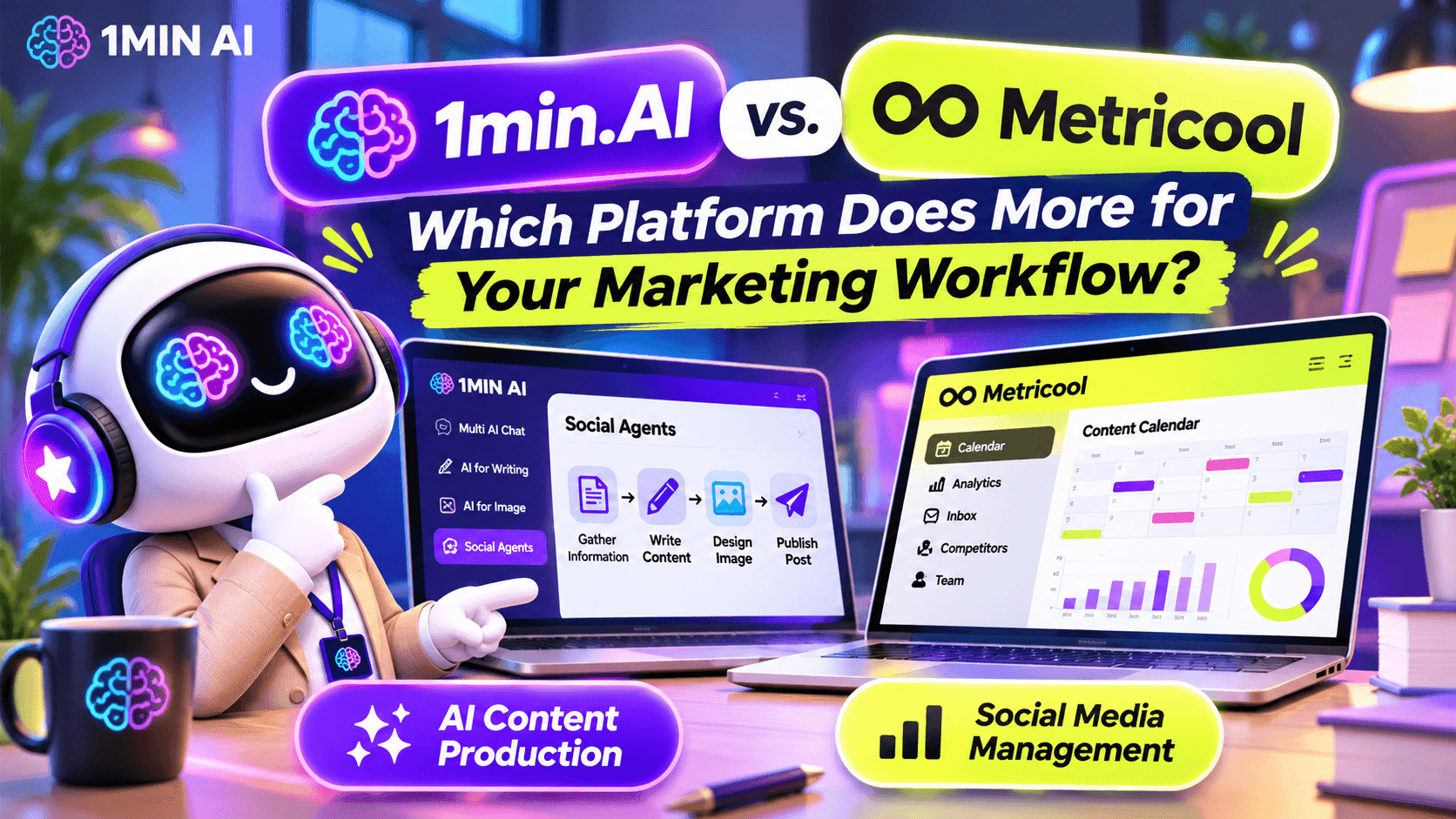
1min.AI vs. Metricool: Which Platform Does More for Your Marketing Workflow?
Compare 1min.AI vs. Metricool across content creation, visual production, scheduling, analytics, MCP, and pricing to find the right platform for your marketing workflow.
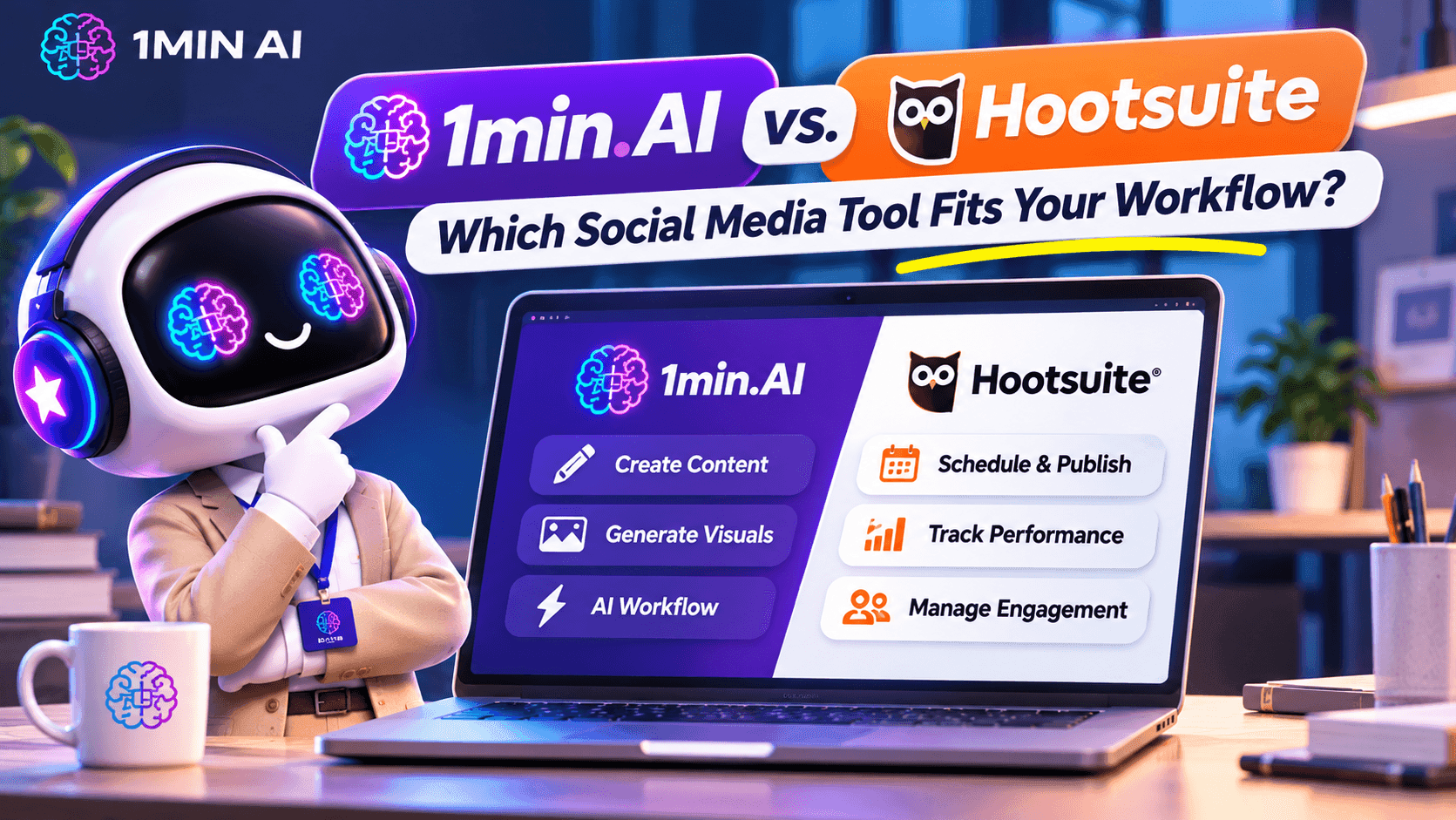
1min.AI vs. Hootsuite: Which Social Media Tool Fits Your Workflow?
Compare 1min.AI vs. Hootsuite to explore their AI content creation, social media publishing, analytics, pricing, and collaboration features. Find the right tool for your workflow.
AI Tools
Discover the best AI tools to boost productivity, creativity, and everyday work.
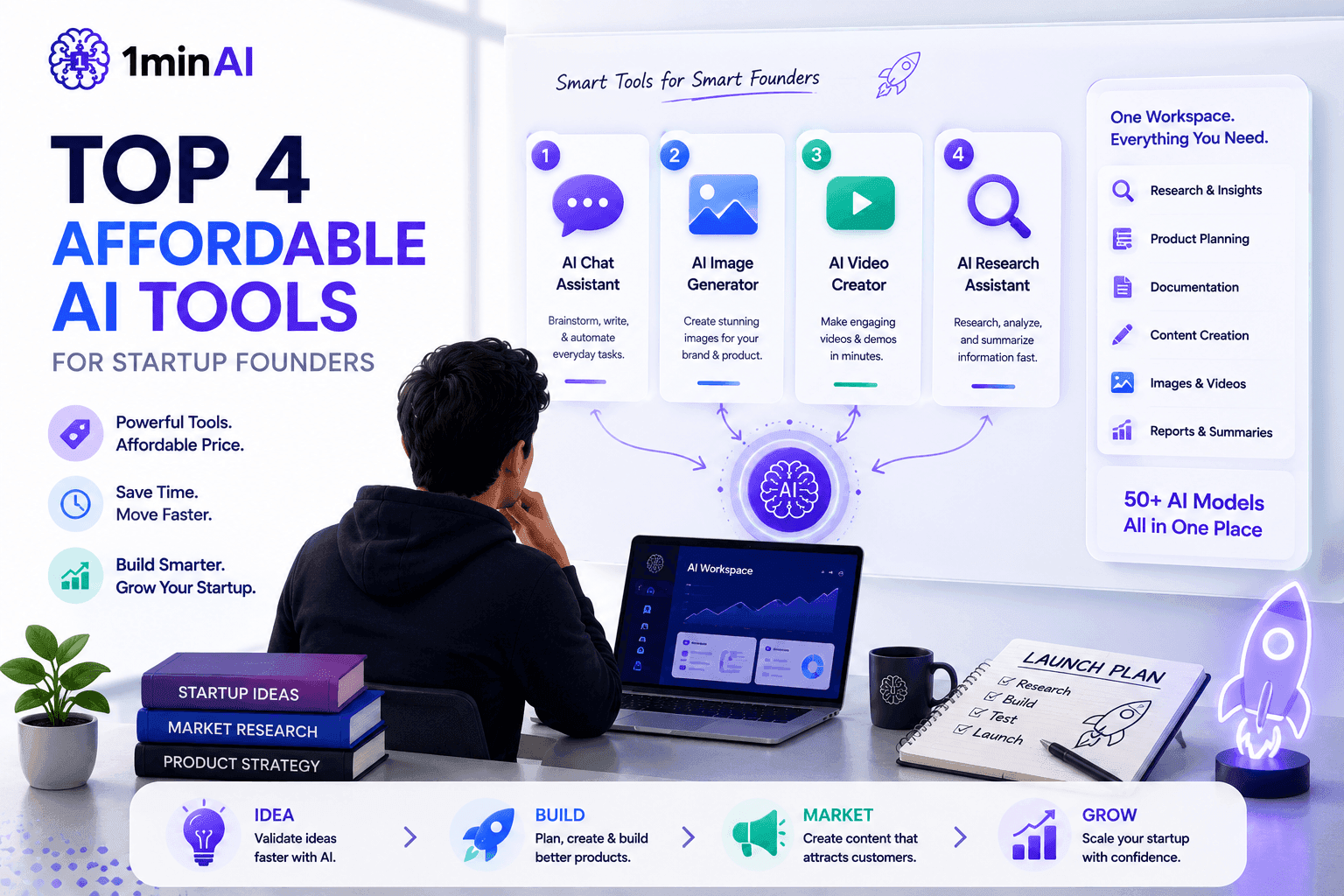
Top 4 Affordable AI Tools for Startup Founders
Discover the top 4 affordable AI tools for startup founders to validate ideas, build products, create content, and launch faster without overspending.
 Tram Ta
Turn “Make It Better” Into Better Content With AI
Use AI to turn vague client feedback into clear revisions, reduce unnecessary edits, and deliver better content faster.
 Lien Anh Vu
Free AI X Comment
Create funny, witty, or insightful comments for Twitter with our AI-powered Twitter Comment Generator. Boost your engagement and stand out in the crowd!
 Trang Tran
AI Features
Comprehensive AI features that streamline workflows, improve efficiency, and empower teams to achieve more.
1minAI: Free AI Grammar Checker
Check grammar for free with 1minAI’s AI grammar checker. Find grammar, spelling, and writing mistakes, improve clarity, and polish your content in seconds.
Tram Ta
Build a Portfolio Website Faster with 1min.AI
Learn how freelance creatives can use 1min.AI to plan, write, design, and generate a professional portfolio website faster, even without strong coding skills.
Lien Anh VuFree AI X Comment
Create funny, witty, or insightful comments for Twitter with our AI-powered Twitter Comment Generator. Boost your engagement and stand out in the crowd!
Trang TranAI Use Cases
A curated collection of AI use cases for business, productivity, and industry-specific applications.
Best Time to Post on Instagram: A Practical Guide for Better Engagement
Discover the best time to post on Instagram, including the best days and times for different audiences, plus tips to find the ideal posting schedule for your account.
Tram TaTurn “Make It Better” Into Better Content With AI
Use AI to turn vague client feedback into clear revisions, reduce unnecessary edits, and deliver better content faster.
Lien Anh VuBuild a Portfolio Website Faster with 1min.AI
Learn how freelance creatives can use 1min.AI to plan, write, design, and generate a professional portfolio website faster, even without strong coding skills.
Lien Anh VuAI Tutorials
Learn how to use AI with practical, step-by-step tutorials.
Black Friday AI Tool Deals in 2026
Discover what Black Friday AI tool deals 2026 has to offer. Find out how to secure the 1min.AI lifetime deal via AppSumo, Dealify, Stack Social, and verify on Trustpilot, Slashdot, and Software Advice.
 Hang Nguyen
Turn “Make It Better” Into Better Content With AI
Use AI to turn vague client feedback into clear revisions, reduce unnecessary edits, and deliver better content faster.
Lien Anh Vu
Viral Reels in Minutes: How to Use 1minAI’s Text-to-Speech for Satirical Voiceovers
Learn how satirical page admins use 1minAI’s Text-to-Speech feature to generate instant news anchor and dramatic voiceovers for TikToks, Shorts, and Instagram Reels.
AI Guides
Learn AI faster with practical guides, real-world examples, and actionable best practices.

Safely Buy AI Tools Online: 2026 Black Friday Guide
Discover how to find and secure the best Black Friday AI deals online. Learn expert strategies to avoid scams, combat subscription fatigue, and verify software.
Hang Nguyen
How to start an AI business without building from scratch
Learn how to start an AI business, validate your idea, and launch faster without building costly AI infrastructure from scratch.
Ngoc Hong
How to Use an AI Fashion Video Generator for Fashion Week 2026
Turn Fashion Week 2026 ideas into stunning fashion videos with AI. Learn how to brainstorm, create visuals, and transform images into videos with one simple workflow.
Lien Anh VuAI Solutions
Browse the best AI solutions for automation, coding, research, productivity, customer support, marketing, and business workflows.
Safely Buy AI Tools Online: 2026 Black Friday Guide
Discover how to find and secure the best Black Friday AI deals online. Learn expert strategies to avoid scams, combat subscription fatigue, and verify software.
Hang Nguyen
Free AI Tattoo Generator: Custom Designs
Turn any idea into a custom tattoo design with 1min.AI's free AI tattoo generator. Describe your idea, pick a style, and download in seconds.
Trang TranTurn “Make It Better” Into Better Content With AI
Use AI to turn vague client feedback into clear revisions, reduce unnecessary edits, and deliver better content faster.
Lien Anh VuAI Models
Explore the world's leading AI models in one place.
Free AI Chat With Claude Fable 5.2 On 1min.AI
Free AI chat with Claude Fable 5.2 on 1min.AI. Compare Fable 5.2 vs Opus 5.5, see Fable 5.2 benchmarks, and start chatting in minutes.
Trang Tran
GPT-6.2 Sol: Specs, Pricing & Free Access
Explore GPT-6.2 Sol specs, pricing, and how it compares with GPT-6.1 Sol and Claude Opus 5.5, then try it free in 1min.AI Multi AI Chat.
Trang Tran
GPT 6.2 Astra: Pricing, Benchmarks & Free Access
GPT 6.2 Astra release date, pricing, Reddit feedback and Opus 5.5 comparison. See what it does best and chat with it on 1min.AI for free.
Trang TranAI Comparisons
Compare AI tools, models, and platforms to find the best fit for your needs.
Gemini 4 Neon vs Hydrogen: Specs, Price & Picks
Gemini 4 Neon vs Hydrogen, Carbon and Argon: compare price, benchmarks and use cases to pick the right model, then test them side by side on 1min.AI.
Trang Tran
Kling AI Vs Veo 3: Which Model Wins?
Kling AI vs Veo 3: compare motion, native audio, pricing & free tiers to see which AI video generator wins for your project - try both on 1min.AI.
Trang Tran
DeepSeek V4 Pro vs Flash Comparison
Compare DeepSeek V4 Pro vs DeepSeek V4 Flash metrics. Optimize your agentic apps and improve AI fact checking on 1min.ai today.
Ngoc HongAI Integrations
Seamlessly integrate AI with the tools you already use to automate work and boost productivity.
POV: You Have 10+ Posts to Make Every Day
Learn how to build an AI content workflow that helps content creators produce 10+ social media posts a day faster with AI brainstorming, image generation, and content creation.
Lien Anh Vu
Stop Switching Between AI Apps: How AI Integration Transforms Employer Branding
Discover how AI integration helps HR teams streamline employer branding by combining AI writing, documents, images, video, and multiple AI models into one workspace.
Tram Ta
AI API Aggregator Explained For Developers
An AI API aggregator gives developers one unified API to call multiple AI models, cutting integration time and vendor lock in.
Trang TranAI for Industries
Find the best AI tools and workflows for healthcare, finance, education, legal, manufacturing, retail, real estate, and more
ChatGPT Trending Photo Prompts to Copy and Paste
Explore chatgpt trending photo prompt ideas you can copy and paste. Create viral AI portraits, collages, and aesthetic photos with ease.
Trang TranTry Image To Video AI With Prompt Online Free
Try image to video AI with prompt online free, no login and no watermark. Upload a photo, type the motion you want, and get a short video in minutes.
Trang Tran
No Photoshoot? Create AI Fashion Videos With Seedance 2.5
No photoshoot needed! Create stunning AI fashion videos with Seedance 2.5 on 1min.AI using outfit references, cinematic prompts, and surreal scenes.
Lien Anh VuAI Agents
Discover and run AI agents to automate tasks across your work and daily life.
1minAI: Free AI Grammar Checker
Check grammar for free with 1minAI’s AI grammar checker. Find grammar, spelling, and writing mistakes, improve clarity, and polish your content in seconds.
Tram Ta
AI Agents for Facebook
Use an AI Agent for Facebook to create content, generate images, schedule posts, and publish from your documents and conversations.
Ngoc Hong
AI Agent vs AI Assistant: Which One Actually Saves Designers More Time?
Learn the difference between AI Agent vs AI Assistant and discover which solution helps designers automate repetitive work, reduce revisions, and save more time.
Lien Anh VuAI Workflows
Explore ready-to-use AI workflows for productivity, marketing, sales, support, and more.
POV: You Have 10+ Posts to Make Every Day
Learn how to build an AI content workflow that helps content creators produce 10+ social media posts a day faster with AI brainstorming, image generation, and content creation.
Lien Anh VuHow to Use an AI Fashion Video Generator for Fashion Week 2026
Turn Fashion Week 2026 ideas into stunning fashion videos with AI. Learn how to brainstorm, create visuals, and transform images into videos with one simple workflow.
Lien Anh Vu
One Product, 10 UGC Creatives: How AI Makes Content Testing Easier
Create more authentic UGC with an AI UGC video generator, test more creative angles and scale affiliate content without filming every version.
Lien Anh VuNewsletter
Weekly AI Innovations with 1minAI
🔮 Weekly AI Innovations #146: Mistral 3.5, Qwen Image & Cohere A+ are ready on 1min.ai
Deploy Mistral Large 3, Qwen Image 3.0, and Cohere Command A+ on 1min.ai. Boost RAG accuracy and cut visual generation latency in one unified AI workspace.
Hang Nguyen
🔮 Weekly AI Innovations #145: X Content Agent & GPT 6.1 Terra on 1min.ai
Scale viral reach with the X Content Agent on 1min.ai. Discover an end-to-end 4-stage pipeline with zero token burn, plus the launch of GPT 6.1 Terra.
Hang Nguyen
🔮 Weekly AI Innovations #144: LinkedIn Content Agent: Complete B2B Publishing Pipeline
Scale B2B influence with the LinkedIn Content Agent on 1min.ai. Discover an end-to-end 4-stage pipeline with zero redundant token burn and 1-click publishing.
Hang Nguyen