
Turn Your Christmas Photos into Videos for Free with 1min.AI
Uyen Hoang
22 November 2026
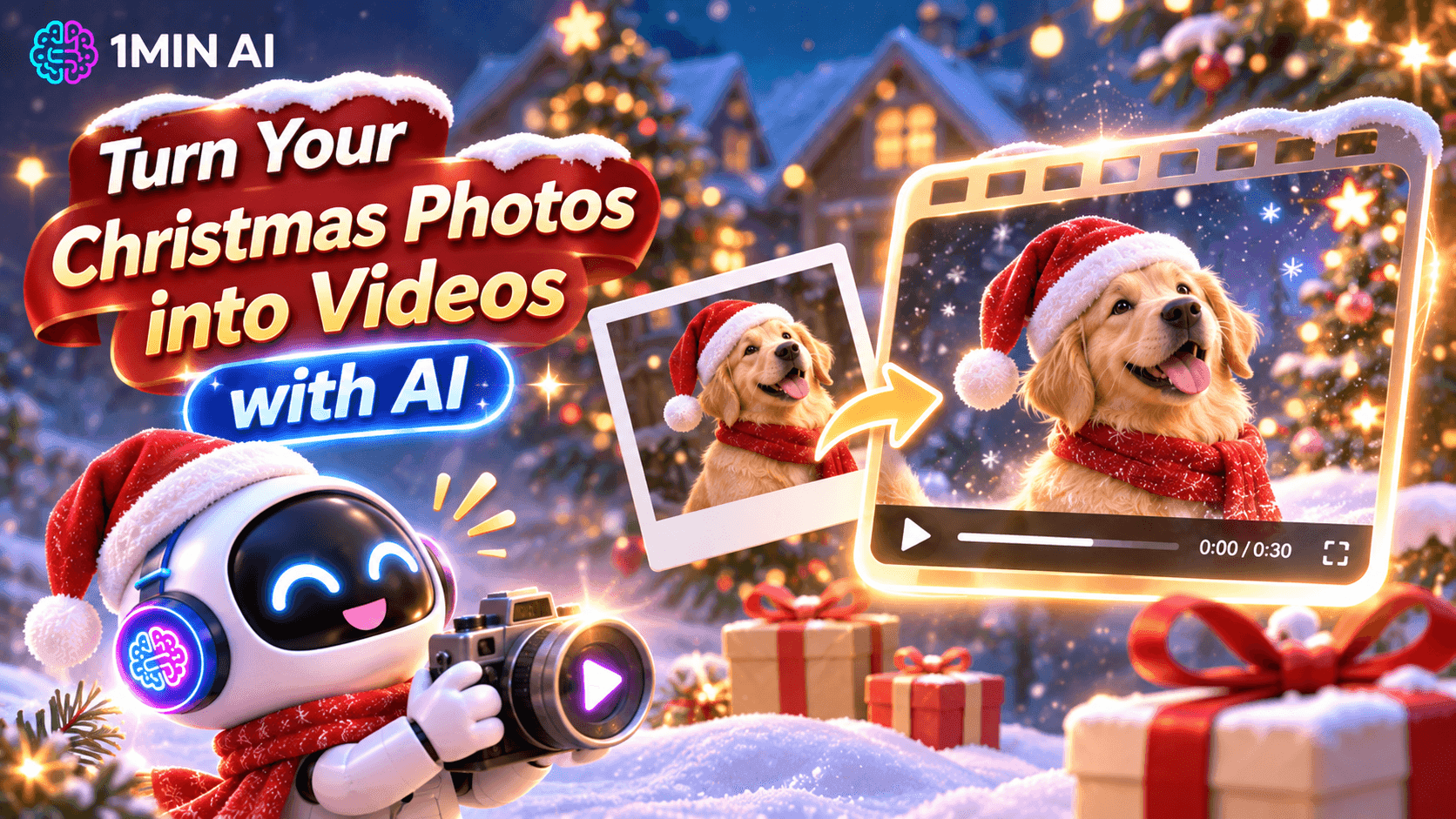
Turn your Christmas photos into festive videos for free with 1min.AI. Add snowfall, sparkling lights, and cinematic motion with AI Image to Video.
You probably have plenty of Christmas photos saved on your phone, from family gatherings and decorated Christmas trees to pictures of your pets. But instead of sharing another static photo this holiday season, why not turn one into a short video?
With Image to Video on 1min.AI, you can upload an existing photo and describe the movement you want to see. Add gentle snowfall, make Christmas lights sparkle, or create a cinematic camera movement to give your favorite holiday pictures a fresh look. It's an easy way to explore AI Christmas video creation without starting from scratch.
In this guide, you will learn how to turn Christmas photos into videos, explore creative Christmas video ideas, and use ready-to-copy prompts to create festive videos with AI.
What Can You Create from a Christmas Photo?
A single Christmas photo can become the starting point for different types of holiday videos. With an AI image to video generator, you can add motion, animate background elements, or create a different atmosphere depending on your original image and prompt.
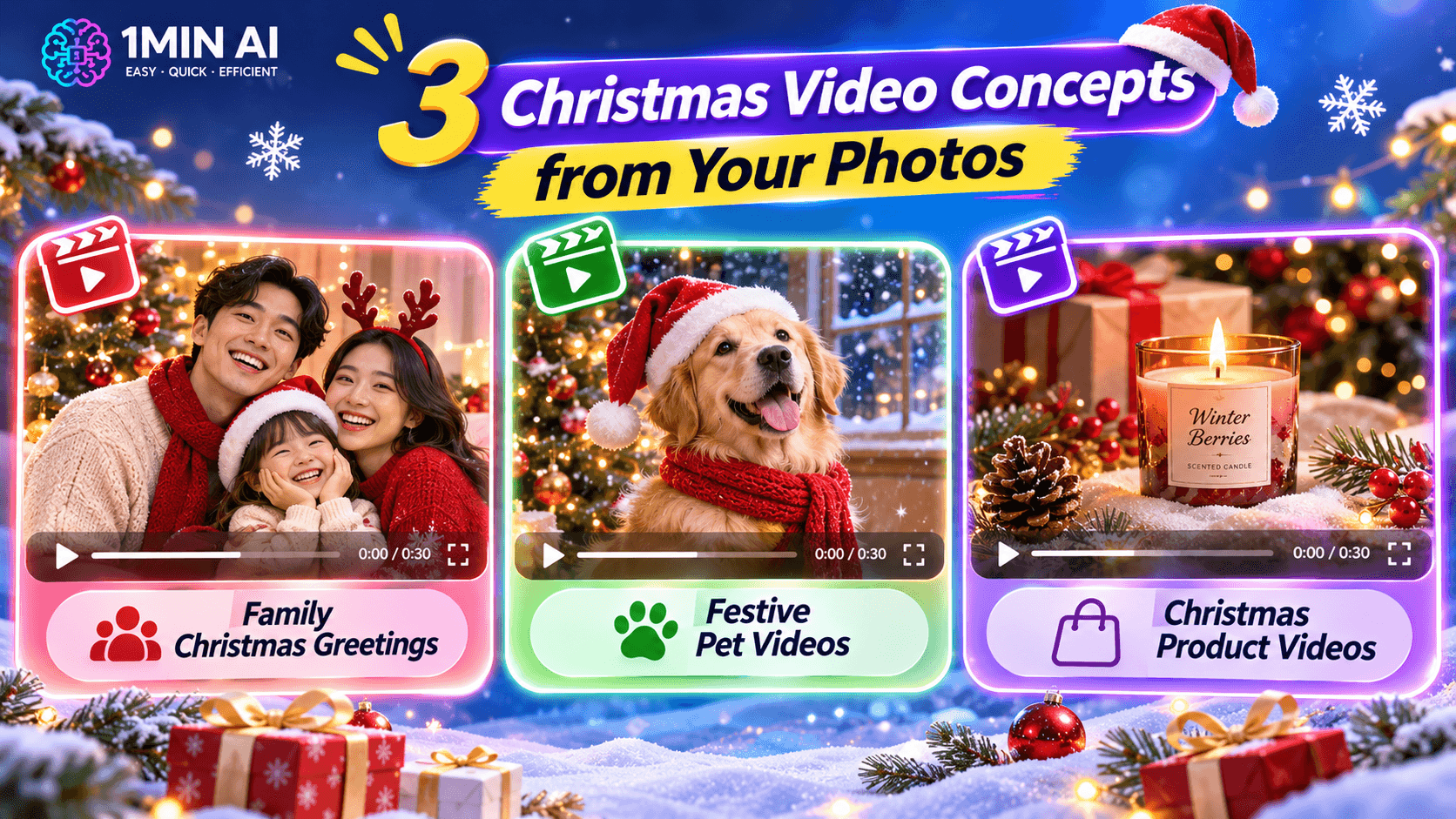
Family Christmas Greetings
Turn a family portrait into a short Christmas greeting video with subtle movements, glowing decorations, and a warm holiday atmosphere. It's a creative alternative to a traditional Christmas card that you can share with friends and family.
Festive Pet Videos
Bring your dog or cat's Christmas photos to life with gentle movements, twinkling Christmas lights, or a cozy snowy background. These AI Christmas videos can be fun to share on Instagram, TikTok, or other social media platforms.
Christmas Product Videos
Transform product photos into short festive promotional videos. Add seasonal lighting, subtle snowfall, or smooth camera movements to create Christmas marketing content for your products without filming a new video.
How to Turn Your Christmas Photos into Videos with 1min.AI
You don't need to film a new clip to create a Christmas video. With 1min.AI's Image to Video feature, you can use an existing picture as the starting frame and guide the AI with a text prompt to generate movement.
Step 1. Choose a Photo for Your Christmas Video
Start by selecting a photo you want to animate. It could be a family Christmas portrait, a picture of your pet, a decorated Christmas tree, or a product photo you want to use for a holiday campaign.
For better results, choose an image with a clear subject, good lighting, and a composition that gives the AI enough visual information to work with. A high-quality image can help your AI Christmas video look more natural, although the final result will still depend on the model you use.
Step 2. Open Image to Video on 1min.AI
Go to 1min.AI and navigate to AI for Video → Image to Video. Upload your chosen Christmas photo to use as the starting frame for your video.
Depending on the model available, you may be able to adjust settings such as video duration or resolution before generating. Explore the available options to find the output that best fits your Christmas video idea.
Step 3. Write a Christmas Video Prompt
The prompt tells the AI how to animate your photo. Instead of simply asking it to make the image look festive, describe the movement of the subject, background animation, camera direction, and overall atmosphere.
Here are some free AI Christmas video prompts you can copy and try with your own images.
Prompt 1. Animate a Family Christmas Photo
Animate this family Christmas portrait with subtle, natural movements. The family members gently smile and move naturally while warm fairy lights twinkle on the Christmas tree in the background. Add a soft cinematic camera push-in and a cozy holiday atmosphere. Preserve the original faces, clothing, and overall composition.
Prompt 2. Create a Christmas Pet Video
Bring this pet photo to life in a cozy Christmas setting. The pet gently turns its head and blinks while soft snow falls outside the window. Christmas tree lights sparkle in the background. Keep the pet's original appearance and proportions as consistent as possible. Warm, playful holiday atmosphere.
Prompt 3. Add a Magical Snowfall Effect
Create a cinematic Christmas scene from this image. Soft snowflakes gently fall through the scene, warm golden lights twinkle in the background, and the camera slowly moves closer to the main subject. Maintain the original composition and subject appearance. Dreamy, peaceful winter atmosphere.
Prompt 4. Turn a Product Photo into a Christmas Advertisement
Create an elegant Christmas product video using this image as the starting frame. The camera slowly moves toward the product while warm golden lights sparkle in the background. Add subtle falling snow and soft reflections. Keep the product's shape, packaging, and label as consistent as possible.
Step 4. Generate and Review Your Video
Once your prompt is ready, generate the video using your selected model and settings. Review the result to see whether the movement, subject appearance, background, and camera direction match your original idea.
If your first generation doesn't look quite right, adjust the prompt instead of rewriting everything. A few targeted changes can help improve your AI-generated Christmas video.
| What needs improvement | How to refine your prompt |
|---|---|
| Subject changes appearance | Ask the model to preserve the original subject's features and proportions. |
| Movement looks exaggerated | Specify subtle, slow, and natural movement. |
| Background changes too much | Ask the model to maintain the original background and composition. |
| Scene feels static | Describe a specific action or camera movement. |
| Too many visual effects | Remove unnecessary effects and focus on one or two main movements. |
Experiment with different prompts and available models until you find an output that fits your idea. Even small changes in camera direction or movement descriptions can make a difference.
5 Christmas Video Ideas You Can Try with AI
Looking for more inspiration? Here are five Christmas video ideas you can create using your photos and an AI video generator.
1. A Christmas Greeting from Your Family
Animate a family portrait with subtle movements, glowing decorations, and a gentle camera push-in. Turn it into a dynamic digital Christmas card to send to loved ones.
2. Your Pet's First Christmas
Use a photo of your dog or cat to create a festive pet video. Add gentle head movements, twinkling lights, or falling snow to create a cozy Christmas scene that is perfect for TikTok and Instagram Reels.
3. A Christmas Tree That Comes to Life
Start with a photo of your decorated Christmas tree. Animate the lights, add a soft glow, and introduce a slow camera movement to make the scene feel more magical.
4. A Festive Product Showcase
If you run a small business, turn your product photos into short Christmas promotional videos. Seasonal lighting, gentle snowfall, and smooth camera movements can help make your product content more festive for holiday campaigns.
5. A Magical Winter Scene
Use a snowy landscape, a Christmas street, or a cozy cabin photo to create a cinematic winter video. Add falling snow, warm window lights, or a gentle zoom to create a peaceful holiday atmosphere without filming outdoors.
Tips for Getting Better Results from an AI Christmas Video Generator
Creating a Christmas video from a photo is simple, but the prompt can significantly affect the result. Keep these tips in mind when using an AI photo to video tool.
- Start with a clear image: Choose a photo with a visible subject and good lighting to give the model a better starting point.
- Give the AI one main action: Avoid describing too many movements at once. Focus on one primary action, such as blinking, smiling, snowfall, or lights twinkling.
- Be specific about camera movement: Use descriptions like "slow camera push-in," "gentle pan," or "static camera with moving background elements" instead of vague instructions.
- Preserve important details: Ask the AI to maintain faces, clothing, product packaging, and the original composition. Keep in mind that AI may still change some details during generation.
- Choose the right video format: Consider whether you want a vertical video for TikTok and Reels or a landscape video for YouTube and other platforms, depending on the available settings.
Can You Create Christmas Videos for Free with 1min.AI?
Yes, you can explore free usage options on 1min.AI to create AI-generated Christmas videos from your photos. The Image to Video feature uses credits, and the cost may vary depending on the selected model and settings.
Before generating, check the credit requirement displayed for your chosen model and your available account balance. If you're trying a free AI Christmas video maker for the first time, start with a simple prompt and refine your result instead of generating multiple variations immediately.
This way, you can experiment with different Christmas video ideas while making the most of your available credits.
Give Your Christmas Photos a New Look with 1min.AI
Your favorite Christmas photos don't have to remain static. With Image to Video on 1min.AI, you can turn memorable pictures into festive videos by adding motion, camera movements, and seasonal effects.
Whether you're creating a family Christmas greeting, a funny pet video, a magical winter scene, or a product showcase for your holiday campaign, start with a photo and a clear idea of how you want it to move.
Try Image to Video on 1min.AI and turn your Christmas photos into festive videos to share this holiday season!
Alternatives
Discover the best alternatives to 1minAI and compare features, pricing, and use cases.

1min.AI vs OpenRouter
1min.AI vs. OpenRouter: Compare the ready-to-use AI creation product against the technical API tool. Find out if you need a zero-code creative studio or a coding infrastructure hub.
 Ngoc Hong
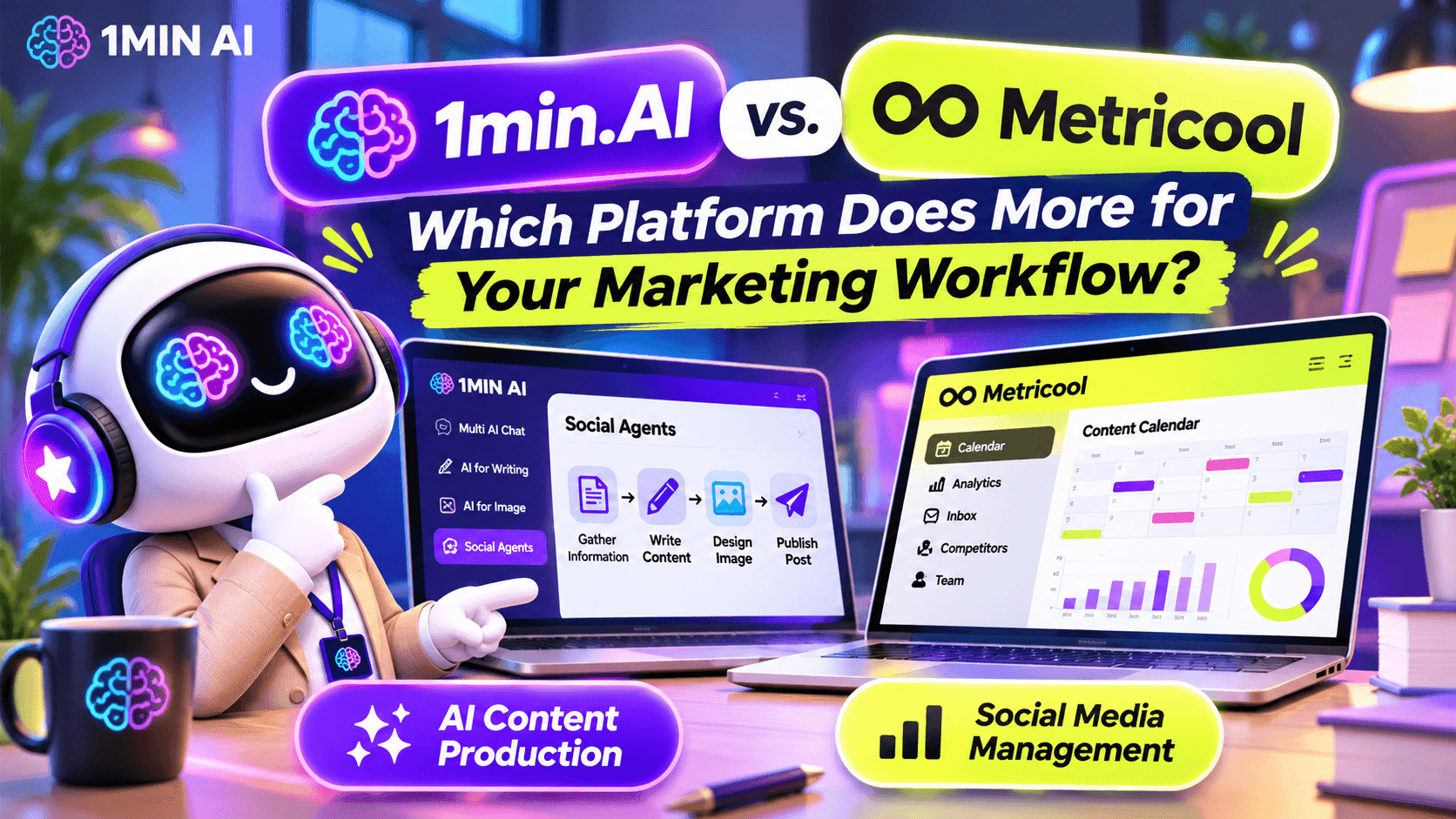
1min.AI vs. Metricool: Which Platform Does More for Your Marketing Workflow?
Compare 1min.AI vs. Metricool across content creation, visual production, scheduling, analytics, MCP, and pricing to find the right platform for your marketing workflow.
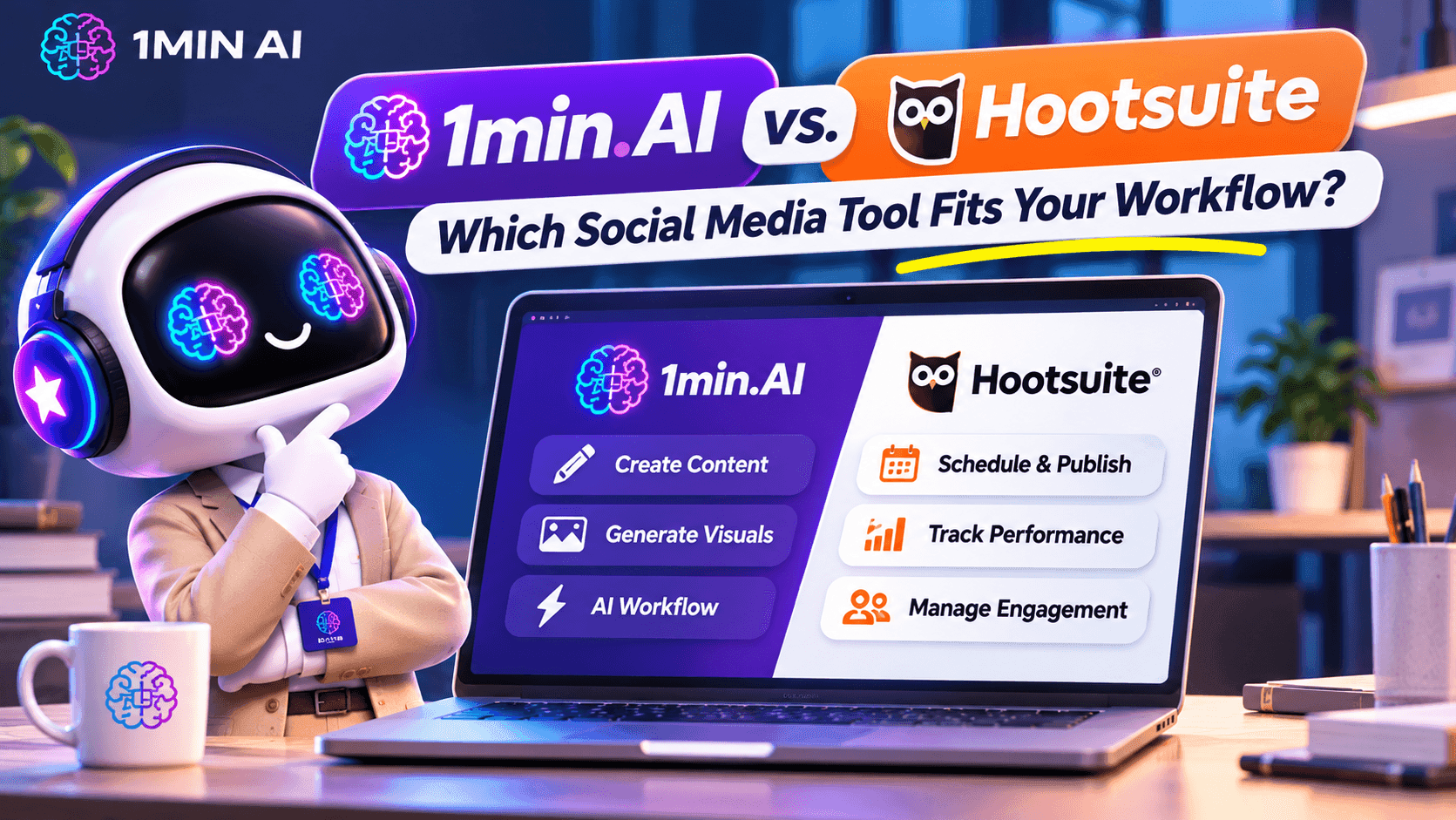
1min.AI vs. Hootsuite: Which Social Media Tool Fits Your Workflow?
Compare 1min.AI vs. Hootsuite to explore their AI content creation, social media publishing, analytics, pricing, and collaboration features. Find the right tool for your workflow.
AI Tools
Discover the best AI tools to boost productivity, creativity, and everyday work.
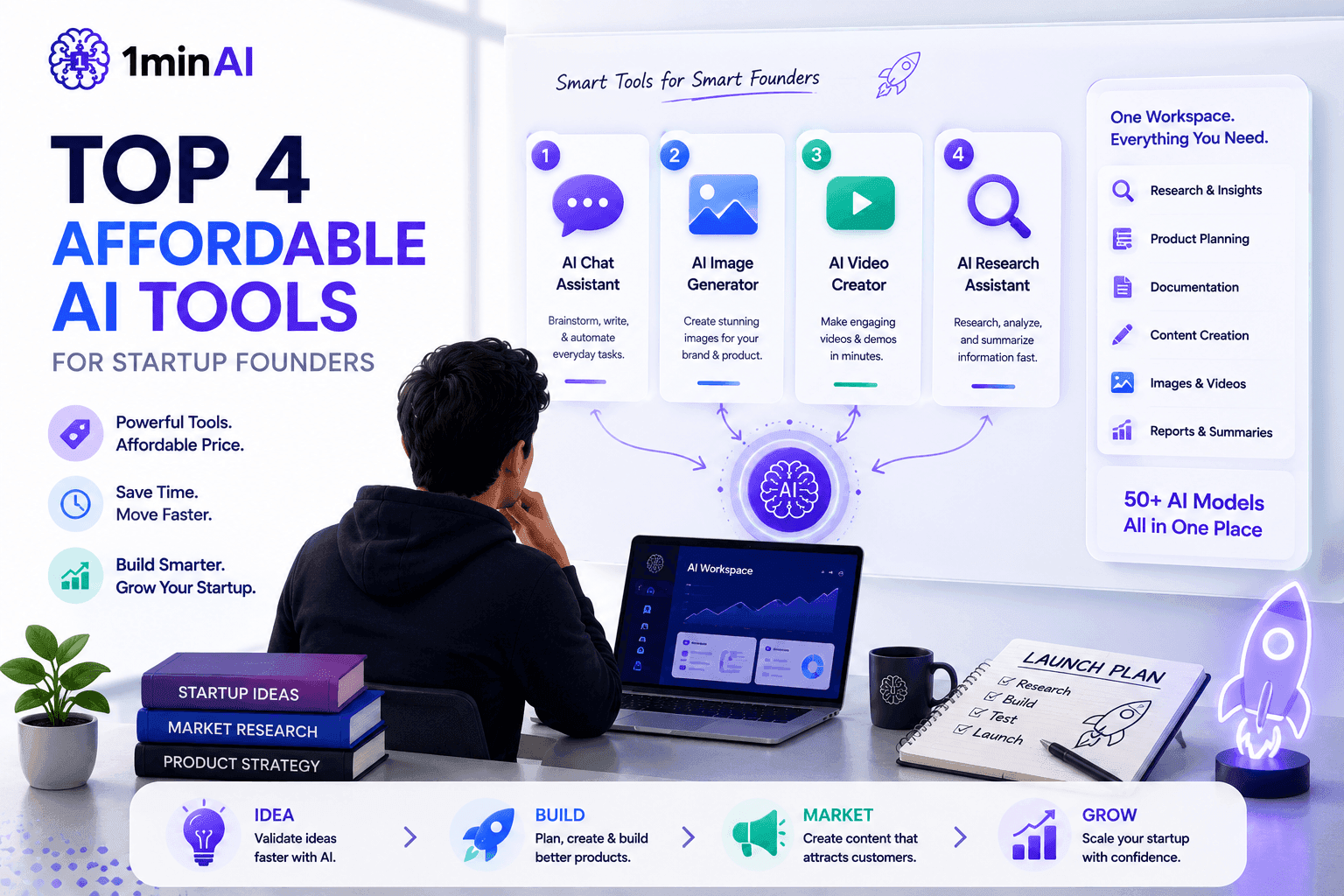
Top 4 Affordable AI Tools for Startup Founders
Discover the top 4 affordable AI tools for startup founders to validate ideas, build products, create content, and launch faster without overspending.
 Tram Ta
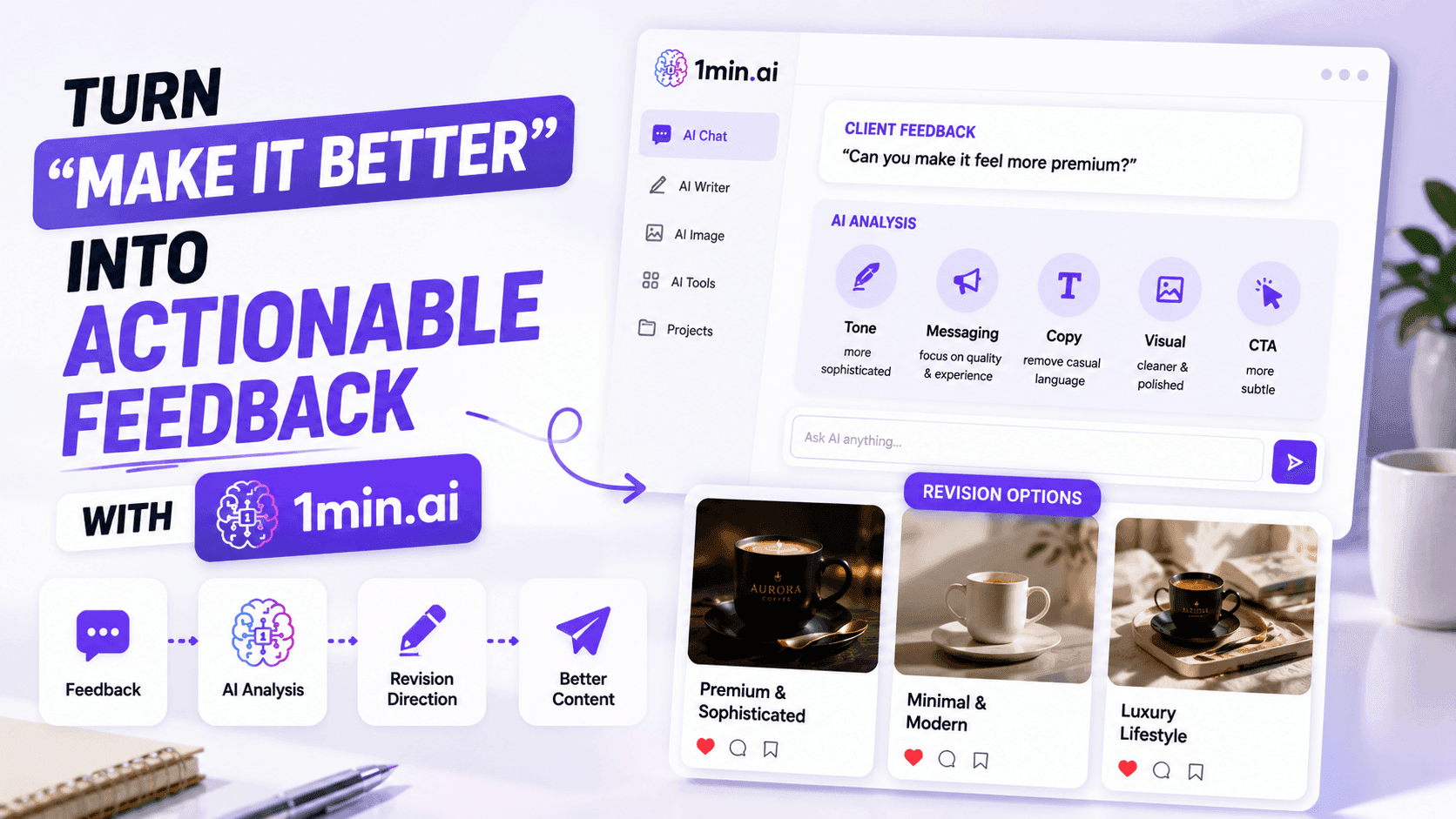
Turn “Make It Better” Into Better Content With AI
Use AI to turn vague client feedback into clear revisions, reduce unnecessary edits, and deliver better content faster.
 Lien Anh Vu
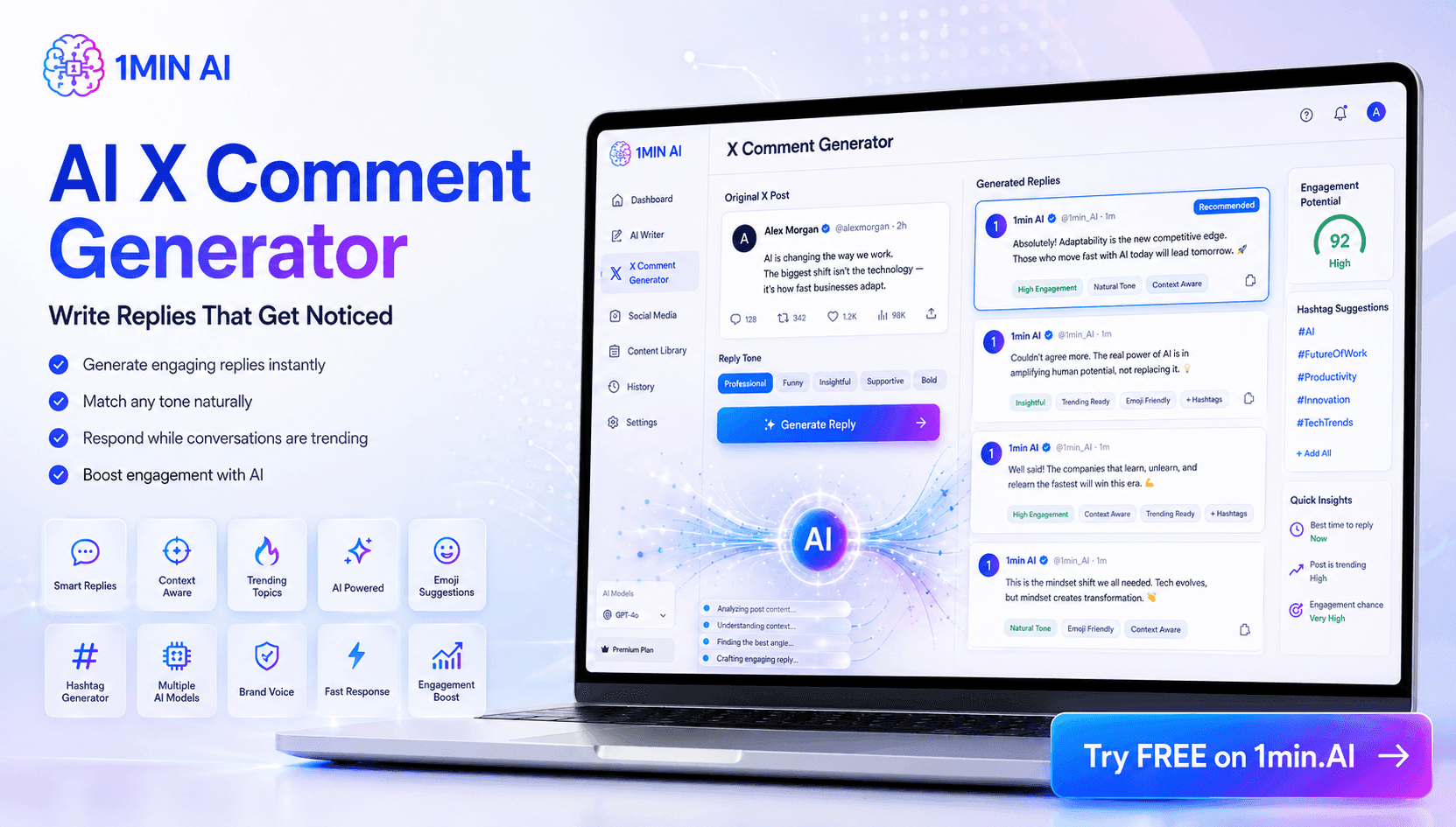
Free AI X Comment
Create funny, witty, or insightful comments for Twitter with our AI-powered Twitter Comment Generator. Boost your engagement and stand out in the crowd!
 Trang Tran
AI Features
Comprehensive AI features that streamline workflows, improve efficiency, and empower teams to achieve more.
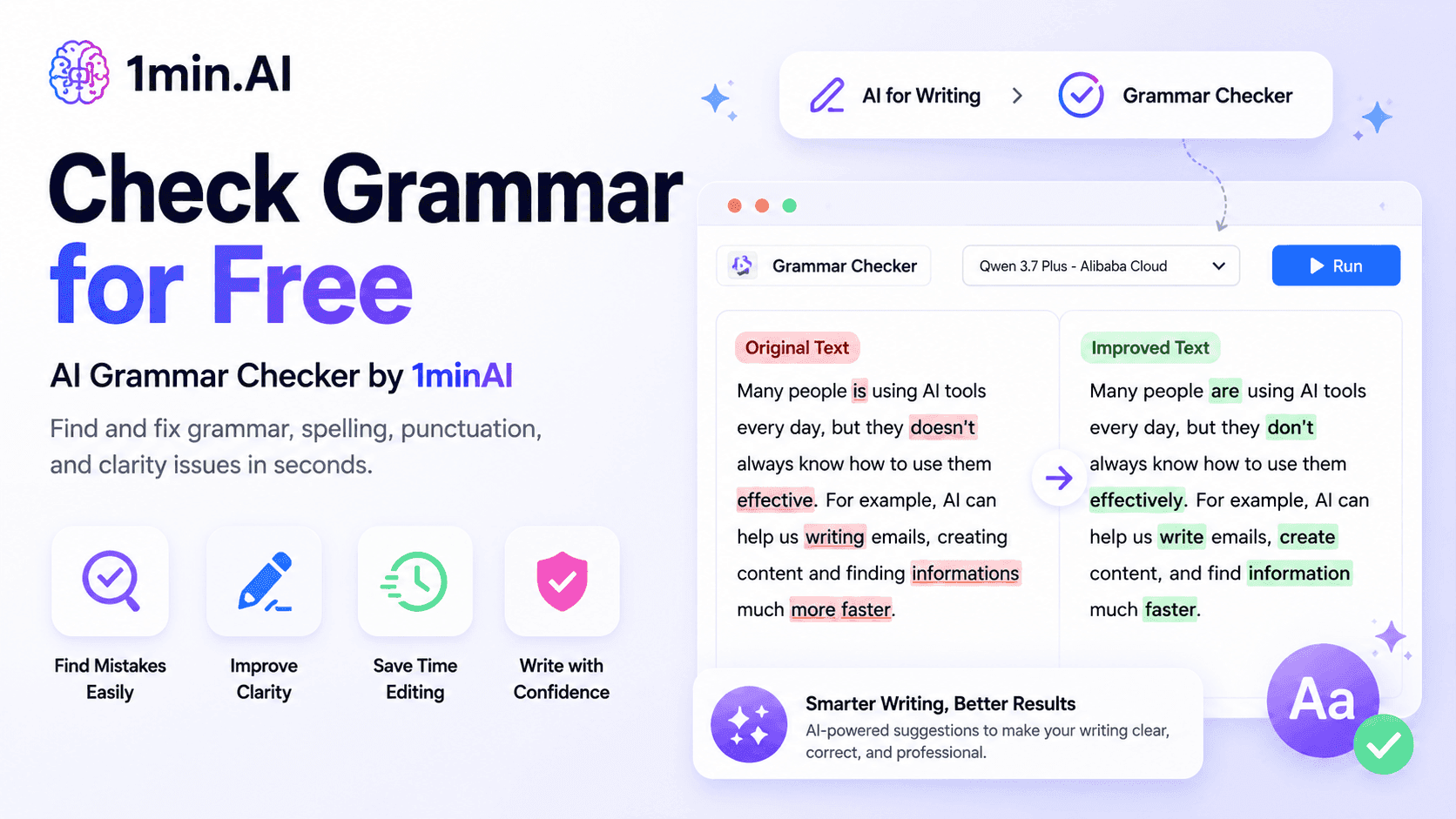
1minAI: Free AI Grammar Checker
Check grammar for free with 1minAI’s AI grammar checker. Find grammar, spelling, and writing mistakes, improve clarity, and polish your content in seconds.
Tram Ta
Build a Portfolio Website Faster with 1min.AI
Learn how freelance creatives can use 1min.AI to plan, write, design, and generate a professional portfolio website faster, even without strong coding skills.
Lien Anh VuFree AI X Comment
Create funny, witty, or insightful comments for Twitter with our AI-powered Twitter Comment Generator. Boost your engagement and stand out in the crowd!
Trang TranAI Use Cases
A curated collection of AI use cases for business, productivity, and industry-specific applications.
Best Time to Post on Instagram: A Practical Guide for Better Engagement
Discover the best time to post on Instagram, including the best days and times for different audiences, plus tips to find the ideal posting schedule for your account.
Tram TaTurn “Make It Better” Into Better Content With AI
Use AI to turn vague client feedback into clear revisions, reduce unnecessary edits, and deliver better content faster.
Lien Anh VuBuild a Portfolio Website Faster with 1min.AI
Learn how freelance creatives can use 1min.AI to plan, write, design, and generate a professional portfolio website faster, even without strong coding skills.
Lien Anh VuAI Tutorials
Learn how to use AI with practical, step-by-step tutorials.
Black Friday AI Tool Deals in 2026
Discover what Black Friday AI tool deals 2026 has to offer. Find out how to secure the 1min.AI lifetime deal via AppSumo, Dealify, Stack Social, and verify on Trustpilot, Slashdot, and Software Advice.
 Hang Nguyen
Turn “Make It Better” Into Better Content With AI
Use AI to turn vague client feedback into clear revisions, reduce unnecessary edits, and deliver better content faster.
Lien Anh Vu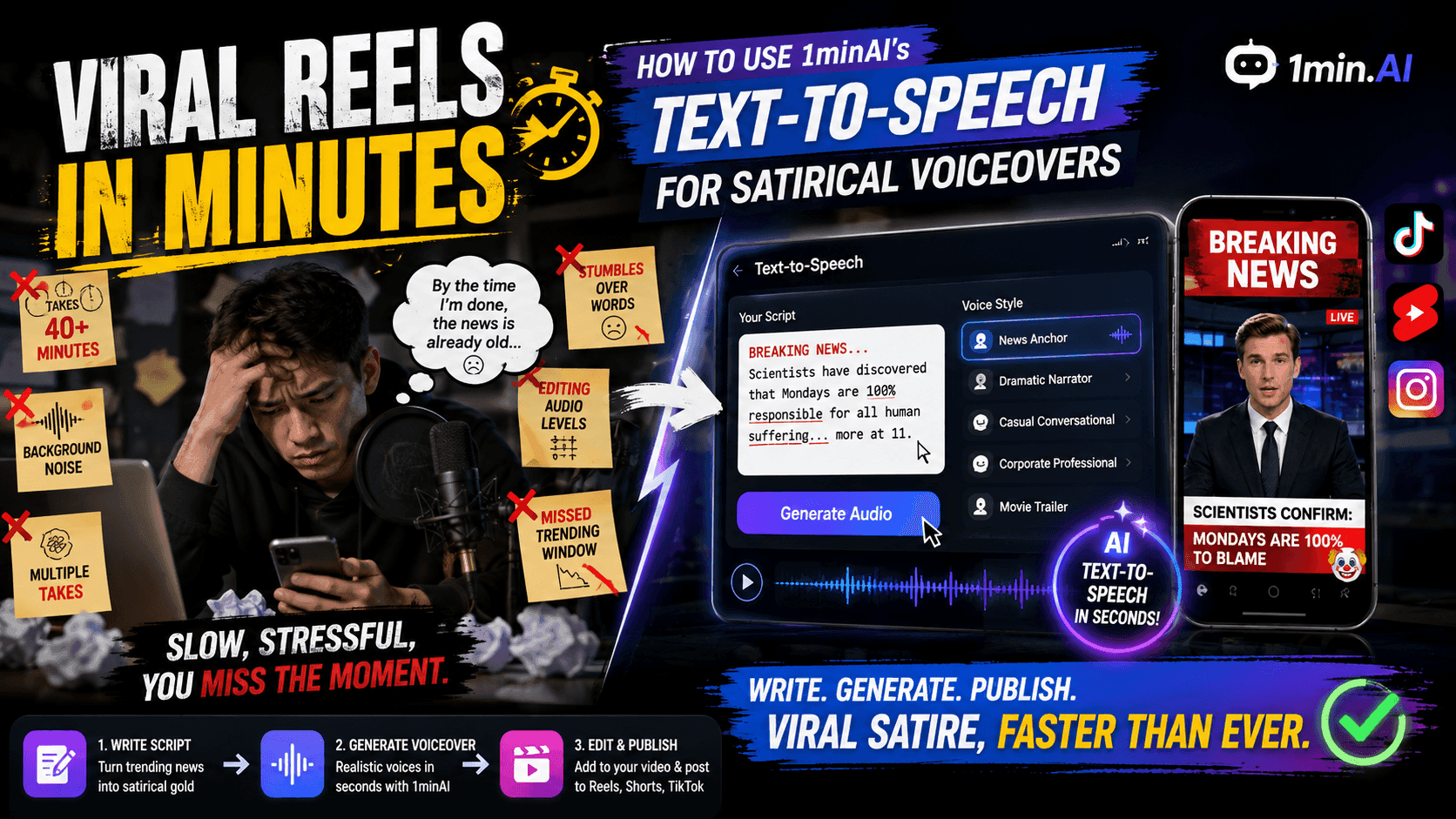
Viral Reels in Minutes: How to Use 1minAI’s Text-to-Speech for Satirical Voiceovers
Learn how satirical page admins use 1minAI’s Text-to-Speech feature to generate instant news anchor and dramatic voiceovers for TikToks, Shorts, and Instagram Reels.
AI Guides
Learn AI faster with practical guides, real-world examples, and actionable best practices.

Safely Buy AI Tools Online: 2026 Black Friday Guide
Discover how to find and secure the best Black Friday AI deals online. Learn expert strategies to avoid scams, combat subscription fatigue, and verify software.
Hang Nguyen
How to start an AI business without building from scratch
Learn how to start an AI business, validate your idea, and launch faster without building costly AI infrastructure from scratch.
Ngoc Hong
How to Use an AI Fashion Video Generator for Fashion Week 2026
Turn Fashion Week 2026 ideas into stunning fashion videos with AI. Learn how to brainstorm, create visuals, and transform images into videos with one simple workflow.
Lien Anh VuAI Solutions
Browse the best AI solutions for automation, coding, research, productivity, customer support, marketing, and business workflows.
Safely Buy AI Tools Online: 2026 Black Friday Guide
Discover how to find and secure the best Black Friday AI deals online. Learn expert strategies to avoid scams, combat subscription fatigue, and verify software.
Hang Nguyen
Free AI Tattoo Generator: Custom Designs
Turn any idea into a custom tattoo design with 1min.AI's free AI tattoo generator. Describe your idea, pick a style, and download in seconds.
Trang TranTurn “Make It Better” Into Better Content With AI
Use AI to turn vague client feedback into clear revisions, reduce unnecessary edits, and deliver better content faster.
Lien Anh VuAI Models
Explore the world's leading AI models in one place.
Free AI Chat With Claude Fable 5.2 On 1min.AI
Free AI chat with Claude Fable 5.2 on 1min.AI. Compare Fable 5.2 vs Opus 5.5, see Fable 5.2 benchmarks, and start chatting in minutes.
Trang Tran
GPT-6.2 Sol: Specs, Pricing & Free Access
Explore GPT-6.2 Sol specs, pricing, and how it compares with GPT-6.1 Sol and Claude Opus 5.5, then try it free in 1min.AI Multi AI Chat.
Trang Tran
GPT 6.2 Astra: Pricing, Benchmarks & Free Access
GPT 6.2 Astra release date, pricing, Reddit feedback and Opus 5.5 comparison. See what it does best and chat with it on 1min.AI for free.
Trang TranAI Comparisons
Compare AI tools, models, and platforms to find the best fit for your needs.
Gemini 4 Neon vs Hydrogen: Specs, Price & Picks
Gemini 4 Neon vs Hydrogen, Carbon and Argon: compare price, benchmarks and use cases to pick the right model, then test them side by side on 1min.AI.
Trang Tran
Kling AI Vs Veo 3: Which Model Wins?
Kling AI vs Veo 3: compare motion, native audio, pricing & free tiers to see which AI video generator wins for your project - try both on 1min.AI.
Trang Tran
DeepSeek V4 Pro vs Flash Comparison
Compare DeepSeek V4 Pro vs DeepSeek V4 Flash metrics. Optimize your agentic apps and improve AI fact checking on 1min.ai today.
Ngoc HongAI Integrations
Seamlessly integrate AI with the tools you already use to automate work and boost productivity.
POV: You Have 10+ Posts to Make Every Day
Learn how to build an AI content workflow that helps content creators produce 10+ social media posts a day faster with AI brainstorming, image generation, and content creation.
Lien Anh Vu
Stop Switching Between AI Apps: How AI Integration Transforms Employer Branding
Discover how AI integration helps HR teams streamline employer branding by combining AI writing, documents, images, video, and multiple AI models into one workspace.
Tram Ta
AI API Aggregator Explained For Developers
An AI API aggregator gives developers one unified API to call multiple AI models, cutting integration time and vendor lock in.
Trang TranAI for Industries
Find the best AI tools and workflows for healthcare, finance, education, legal, manufacturing, retail, real estate, and more
ChatGPT Trending Photo Prompts to Copy and Paste
Explore chatgpt trending photo prompt ideas you can copy and paste. Create viral AI portraits, collages, and aesthetic photos with ease.
Trang TranTry Image To Video AI With Prompt Online Free
Try image to video AI with prompt online free, no login and no watermark. Upload a photo, type the motion you want, and get a short video in minutes.
Trang Tran
No Photoshoot? Create AI Fashion Videos With Seedance 2.5
No photoshoot needed! Create stunning AI fashion videos with Seedance 2.5 on 1min.AI using outfit references, cinematic prompts, and surreal scenes.
Lien Anh VuAI Agents
Discover and run AI agents to automate tasks across your work and daily life.
1minAI: Free AI Grammar Checker
Check grammar for free with 1minAI’s AI grammar checker. Find grammar, spelling, and writing mistakes, improve clarity, and polish your content in seconds.
Tram Ta
AI Agents for Facebook
Use an AI Agent for Facebook to create content, generate images, schedule posts, and publish from your documents and conversations.
Ngoc Hong
AI Agent vs AI Assistant: Which One Actually Saves Designers More Time?
Learn the difference between AI Agent vs AI Assistant and discover which solution helps designers automate repetitive work, reduce revisions, and save more time.
Lien Anh VuAI Workflows
Explore ready-to-use AI workflows for productivity, marketing, sales, support, and more.
POV: You Have 10+ Posts to Make Every Day
Learn how to build an AI content workflow that helps content creators produce 10+ social media posts a day faster with AI brainstorming, image generation, and content creation.
Lien Anh VuHow to Use an AI Fashion Video Generator for Fashion Week 2026
Turn Fashion Week 2026 ideas into stunning fashion videos with AI. Learn how to brainstorm, create visuals, and transform images into videos with one simple workflow.
Lien Anh Vu
One Product, 10 UGC Creatives: How AI Makes Content Testing Easier
Create more authentic UGC with an AI UGC video generator, test more creative angles and scale affiliate content without filming every version.
Lien Anh VuNewsletter
Weekly AI Innovations with 1minAI
🔮 Weekly AI Innovations #146: Mistral 3.5, Qwen Image & Cohere A+ are ready on 1min.ai
Deploy Mistral Large 3, Qwen Image 3.0, and Cohere Command A+ on 1min.ai. Boost RAG accuracy and cut visual generation latency in one unified AI workspace.
Hang Nguyen
🔮 Weekly AI Innovations #145: X Content Agent & GPT 6.1 Terra on 1min.ai
Scale viral reach with the X Content Agent on 1min.ai. Discover an end-to-end 4-stage pipeline with zero token burn, plus the launch of GPT 6.1 Terra.
Hang Nguyen
🔮 Weekly AI Innovations #144: LinkedIn Content Agent: Complete B2B Publishing Pipeline
Scale B2B influence with the LinkedIn Content Agent on 1min.ai. Discover an end-to-end 4-stage pipeline with zero redundant token burn and 1-click publishing.
Hang Nguyen