
Free AI Tools for Artist

Uyen Hoang
21 de agosto de 2026
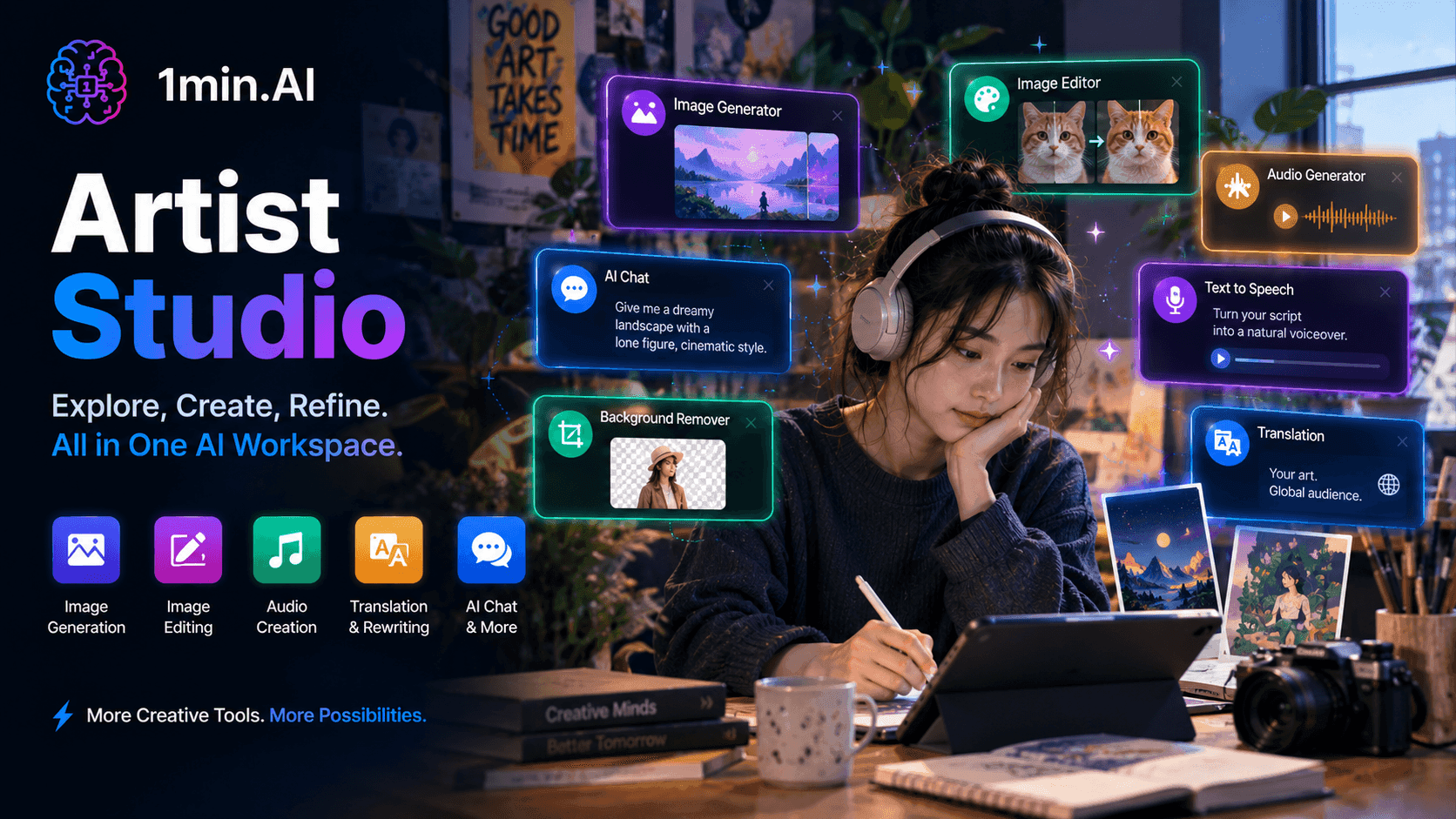
Artist Studio brings image generation, editing, audio creation, and creative tools into one AI workspace, so artists can explore ideas, refine their work, and create finished pieces without switching between different tools.
Making art rarely happens in a single step. An idea can start as a rough concept, turn into a visual reference, become an illustration, and then need editing, variations, or supporting audio before it is ready to share. When every part of that process lives in a different tool, creative momentum gets interrupted.
1min.AI puts the creative workflow in one free workspace instead of making artists switch between separate apps: develop an idea, generate visuals, edit an existing image, create audio, translate or rewrite supporting text, and refine the result without leaving the platform.
✨ 1min.AI Offers Artists
Turning Ideas Into Visuals
| Tool | Where It Fits Into Your Day |
|---|---|
| Image Generator | Turn a rough concept, visual reference, or written description into an original image to explore a direction before committing to it |
| AI Chat | Develop concepts, explore visual directions, brainstorm compositions, or work through an idea that has not fully taken shape yet |
| Image Upscaler | Increase the resolution of an artwork or generated image when a piece needs to be displayed at a larger size without starting again |
| Search and Replace | Change a specific element in an image by describing what needs to be different, useful when an artwork is close but one detail needs fixing |
| Background Remover | Isolate a subject from its background when an artwork needs to be reused in a new composition or creative format |
Developing and Refining the Work
| Tool | Where It Fits Into Your Day |
| Image Inpaint | Modify part of an existing image while keeping the rest of the composition intact, so a small change does not mean rebuilding the whole piece |
| Image Outpaint | Extend an existing image beyond its original boundaries when you need a wider composition, new framing, or additional visual space |
| AI Image Editor | Make visual adjustments and experiment with different versions without moving the artwork into another editing workflow |
| Multi AI Chat | Compare different creative interpretations or directions when you want more than one perspective before deciding where to take a piece |
| Rewriter | Refine an artist statement, project description, caption, or exhibition copy so the words support the artwork without overshadowing it |
Bringing More Than Visuals Into the Creative Process
| Tool | Where It Fits Into Your Day |
| Text to Speech | Turn a script, narration, or creative concept into voiceover for an art video, presentation, or social content |
| Speech to Text | Turn spoken ideas, interviews, or recorded notes into text that can be developed into project descriptions or creative concepts |
| Music Generator | Create an original musical layer for visual work, short films, installations, or social content without searching for a separate music tool |
| Audio Inpaint | Adjust or repair parts of an audio track when the sound needs to fit a visual project more closely |
| Translator | Adapt artwork descriptions, artist statements, or project information for international audiences without recreating the text from scratch |
💫 How It Works
The workflow starts with the idea, not the tool.
Start with what you're imagining
Describe the concept, upload an existing image, or bring in a rough reference. You don't need to know exactly what the final piece will look like before you begin.
Explore different directions
Generate visual variations, experiment with compositions, or use AI Chat to develop the idea further. The point is to explore without turning every experiment into hours of manual work.
Refine the piece
Once you have a direction, edit the image, replace individual elements, extend the canvas, remove the background, or upscale the result. You can keep adjusting the work instead of starting over whenever one part isn't right.
Build the world around the artwork
Add music, voiceover, captions, descriptions, or translated text when the final project needs more than a single image. The artwork remains at the center while the supporting content is created around it.
A rough visual idea can go from a few words to a finished image, refined composition, supporting audio, and publish-ready presentation without moving between a collection of creative tools.
🎯 Key Benefits for Artists
More room to experiment
Generating variations and exploring different visual directions makes experimentation less expensive in both time and effort. You can test an idea before deciding whether it deserves a deeper commitment.
Small changes don't mean starting over
Image Inpaint, Search and Replace, and AI Image Editor let you work on the part that needs fixing instead of rebuilding an entire composition because of one unwanted detail.
Your canvas can grow with the idea
Outpainting gives an existing image more room when the original frame no longer fits the composition. A piece doesn't have to stay limited by the dimensions it started with.
From visual concept to complete creative piece
An artwork may eventually need music, narration, captions, a project description, or translated text. Having those capabilities in the same workspace means the supporting work doesn't require a separate production pipeline.
Creative exploration stays flexible
Multi AI Chat gives you another way to challenge an initial direction, compare interpretations, or develop an idea from different angles before settling on a final approach.
Less time spent on technical cleanup
Removing a background, increasing resolution, replacing an element, or extending an image can take attention away from the creative work. These tasks become part of the same workflow instead of separate production chores.
The artist still makes the decisions
AI can help generate possibilities, but it doesn't decide what the work should mean or which version is worth keeping. The creative direction, taste, and final judgment remain with the artist.
Art is not about producing an image as quickly as possible. It is about exploring an idea until it becomes something you want to show. What 1min.AI removes is some of the repetitive work between those two points, giving artists more freedom to experiment, refine, and build on what they create.
Alternativas
Descubre las mejores alternativas a 1minAI y compara características, precios y casos de uso.

1min.AI vs OpenRouter
1min.AI vs. OpenRouter: Compara el producto de creación de IA listo para usar con la herramienta técnica de API. Descubre si necesitas un estudio creativo sin código o una infraestructura para desarrolladores.
 Ngoc Hong
1minAI vs Chatgot
Compara 1minAI vs Chatgot. Explora funciones, modelos de IA, precios, herramientas multimedia y descubre qué asistente de IA se adapta mejor a tu flujo de trabajo
Ngoc Hong
1min.AI vs. Lovart
1min.AI vs. Lovart: Compara el versátil estudio multimedia (Video, Código, Clonación de voz) con el agente de diseño de IA especializado (Visuales, Creación de menús). Descubre por qué 1min.AI ofrece el mejor valor a largo plazo y mayor profundidad para creadores serios.
Ngoc HongHerramientas de IA
Descubre las mejores herramientas de IA para aumentar la productividad, la creatividad y el trabajo diario.
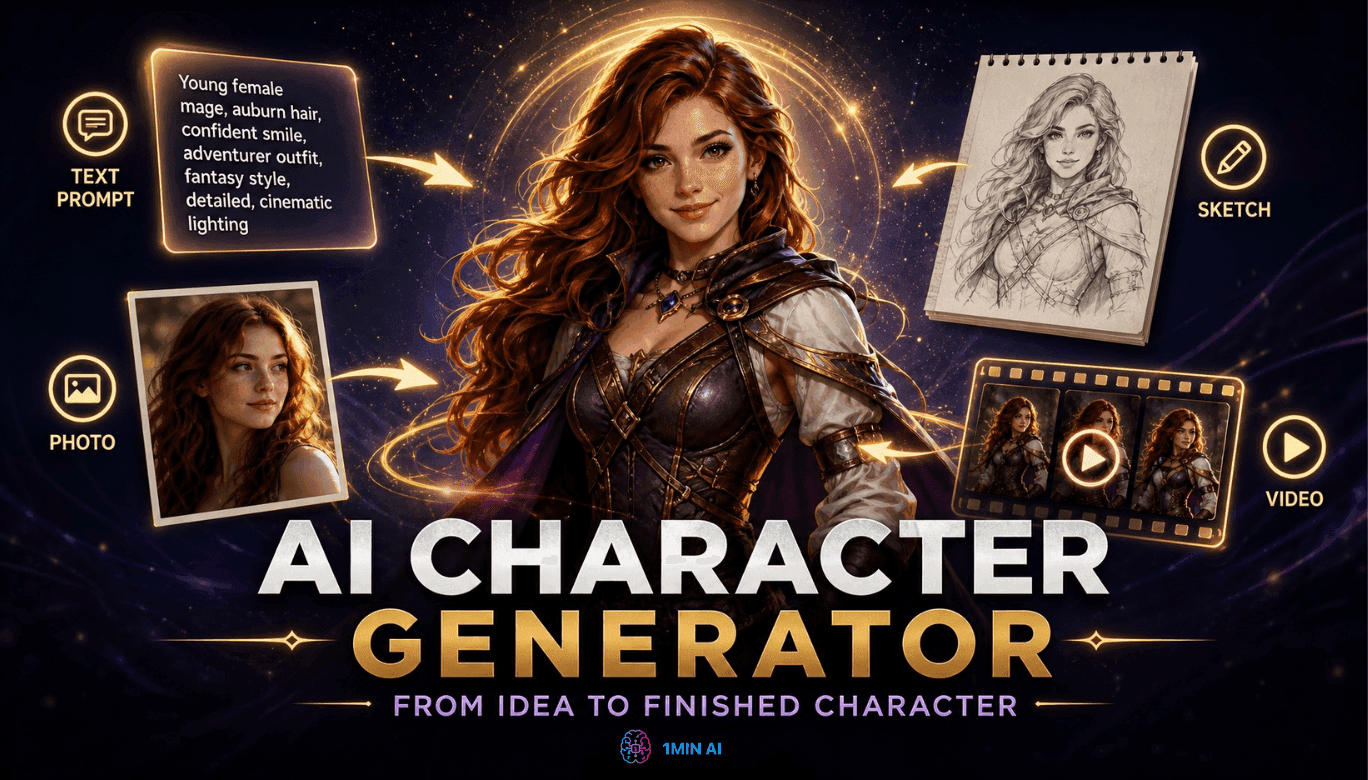
Generador gratis de personajes con IA - Sin registro
Genera un personaje con IA gratis a partir de texto o de una foto. Prueba el generador de personajes con IA de 1min.AI con múltiples modelos, sin necesidad de saber diseño.
 Trang Tran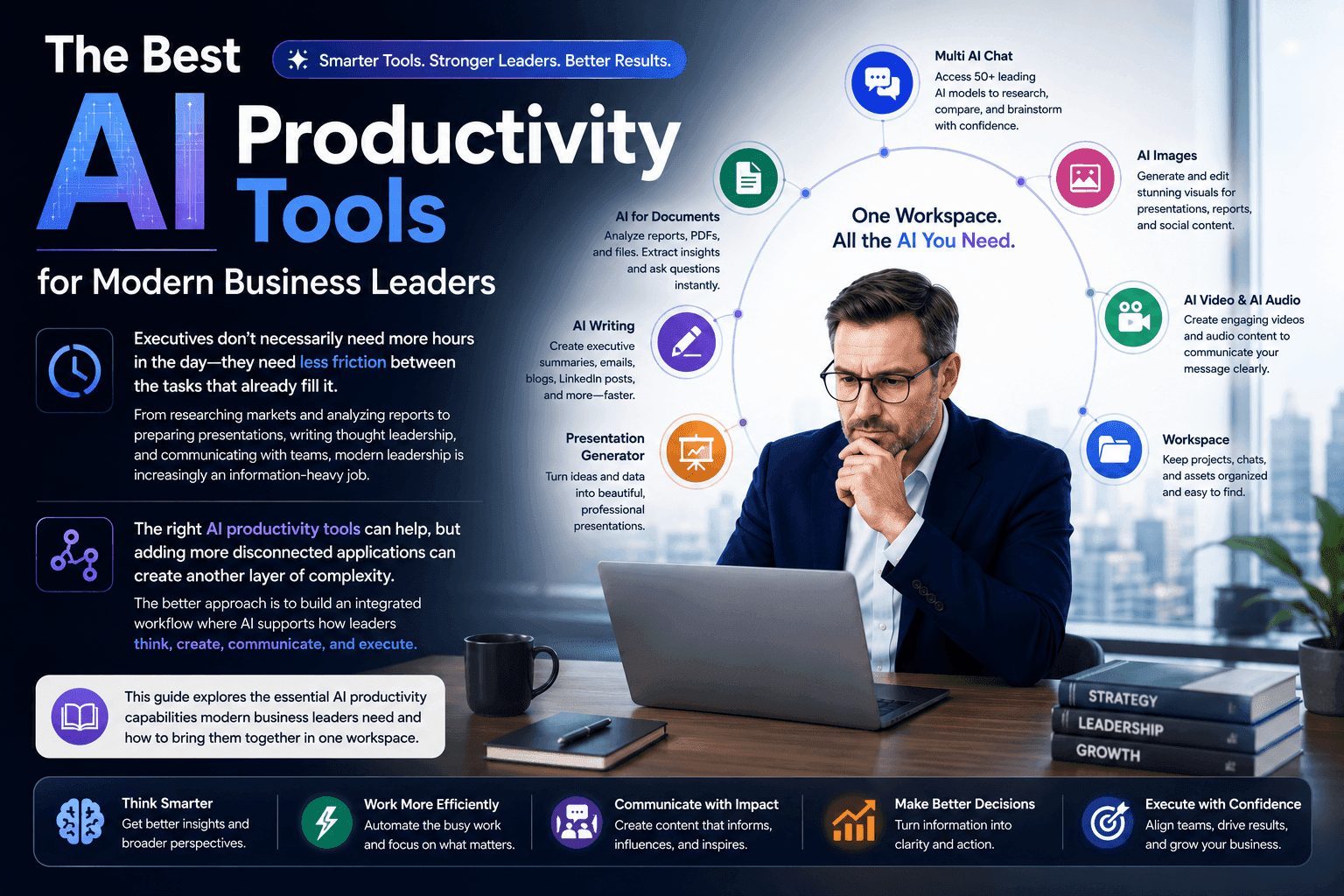
Las mejores herramientas de productividad con IA para líderes empresariales modernos
Descubre las mejores herramientas de productividad con IA para líderes empresariales para investigar, escribir, analizar, presentar y optimizar los flujos de trabajo diarios con 1minAI.
 Tram Ta
POV: Tienes más de 10 publicaciones que hacer cada día
Aprende a crear un flujo de trabajo de contenido con IA que ayuda a los creadores de contenido a producir más de 10 publicaciones al día más rápido con lluvia de ideas, generación de imágenes y creación de contenido con IA.
 Lien Anh Vu
Funciones de IA
Funciones de IA completas que agilizan los flujos de trabajo, mejoran la eficiencia y permiten a los equipos lograr más.
Generador gratis de personajes con IA - Sin registro
Genera un personaje con IA gratis a partir de texto o de una foto. Prueba el generador de personajes con IA de 1min.AI con múltiples modelos, sin necesidad de saber diseño.
Trang Tran
Chat gratis con o4-mini Deep Research - OpenAI
Investiga más rápido con o4-mini Deep Research de OpenAI. Analiza múltiples fuentes, sintetiza hallazgos y genera informes completos con el modelo de investigación de IA rápido y rentable de OpenAI.
 Uyen Hoang
Free AI Tools for Artist
Artist Studio brings image generation, editing, audio creation, and creative tools into one AI workspace, so artists can explore ideas, refine their work, and create finished pieces without switching between different tools.
Uyen HoangCasos de uso de IA
Una colección curada de casos de uso de IA para negocios, productividad y aplicaciones específicas por industria.

Mejor hora para publicar en Instagram: una guía práctica para mejorar la interacción
Descubre la mejor hora para publicar en Instagram, incluidos los mejores días y horas para distintas audiencias, además de consejos para encontrar el horario ideal de publicación para tu cuenta.
Tram Ta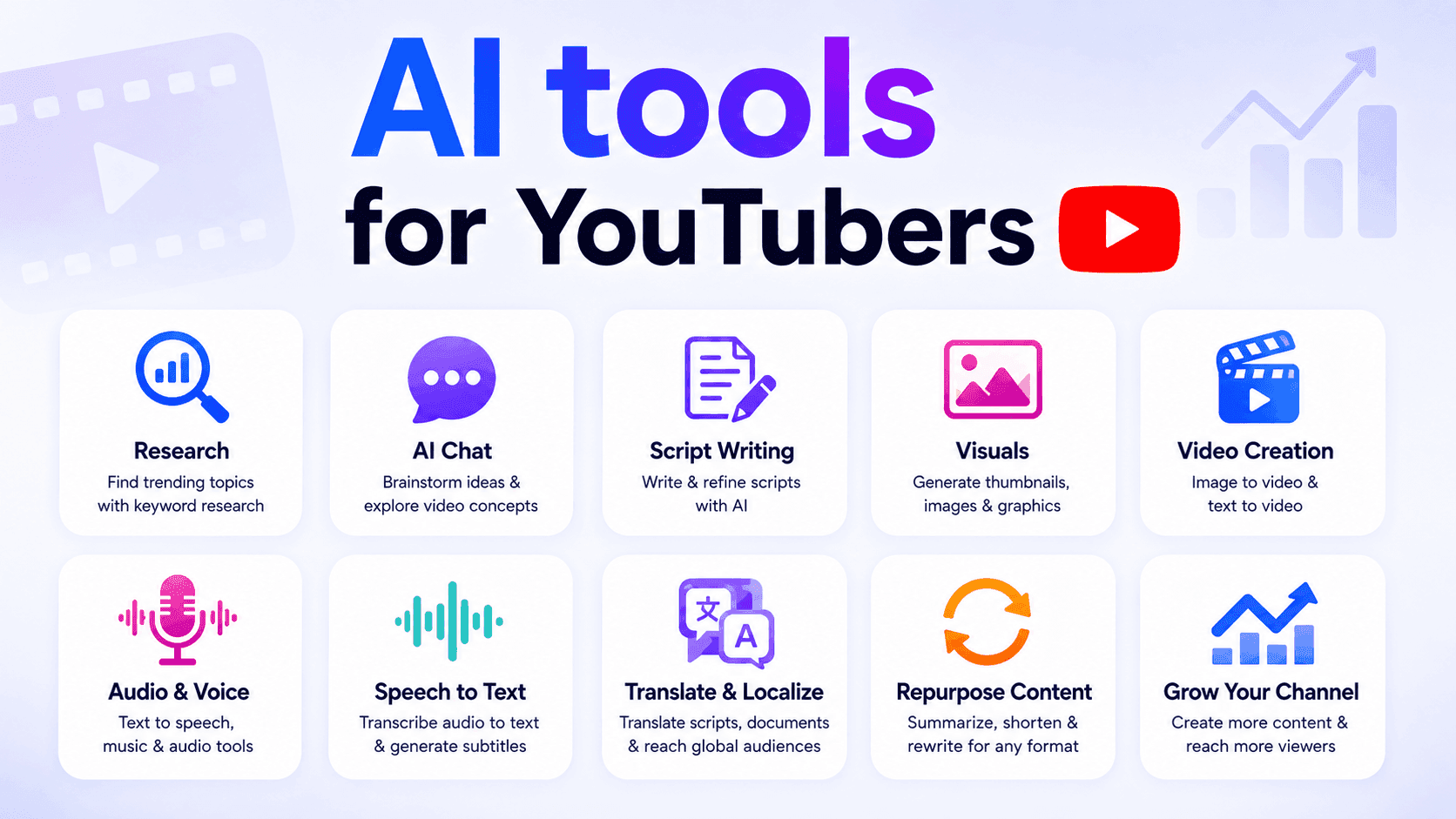
Herramientas de IA para YouTubers
Descubre herramientas de IA para YouTubers para investigar temas, escribir guiones, crear visuales, traducir videos, generar audio y reutilizar contenido.
Ngoc Hong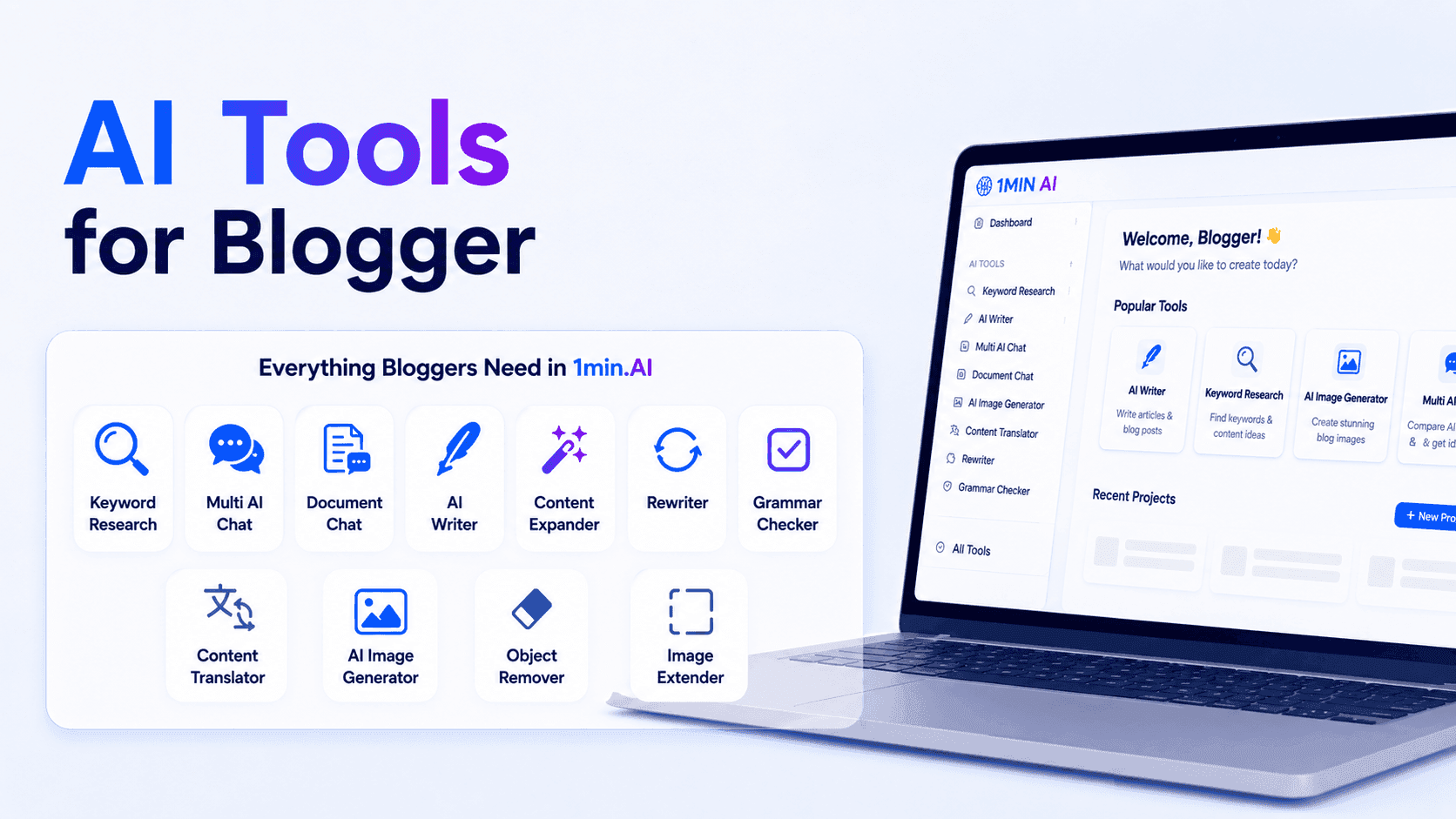
Herramientas de IA para bloggers
Descubre herramientas de IA para bloggers para investigar palabras clave, escribir contenido SEO, editar artículos y crear visuales más rápido con 1min.AI.
Ngoc HongTutoriales de IA
Aprende a usar la IA con tutoriales prácticos paso a paso.
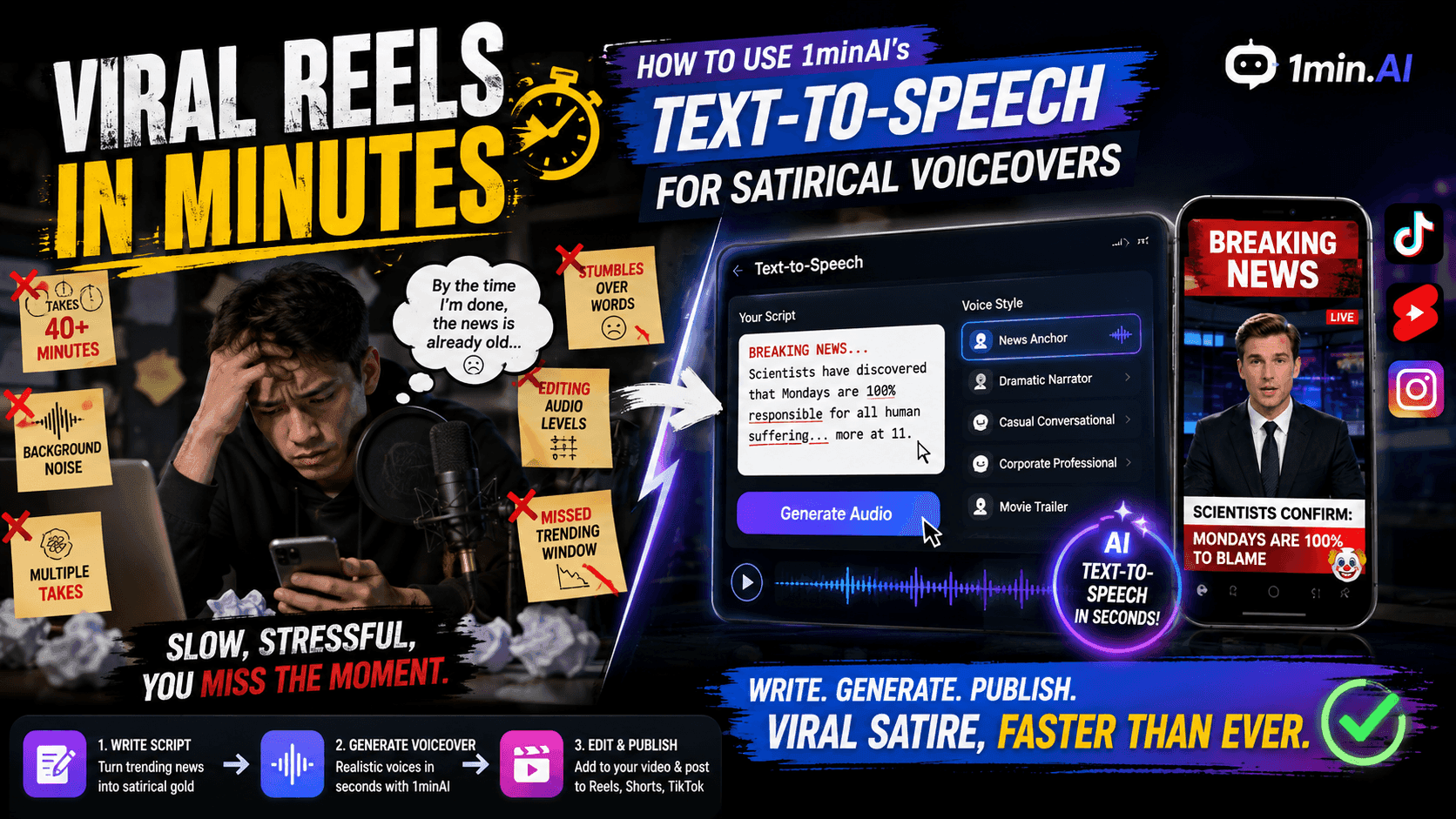
Reels virales en minutos: cómo usar el texto a voz de 1minAI para voces en off satíricas
Descubre cómo los administradores de páginas satíricas usan la función de texto a voz de 1minAI para generar al instante voces de presentador de noticias y voces dramáticas para TikToks, Shorts y Reels de Instagram.
Uyen Hoang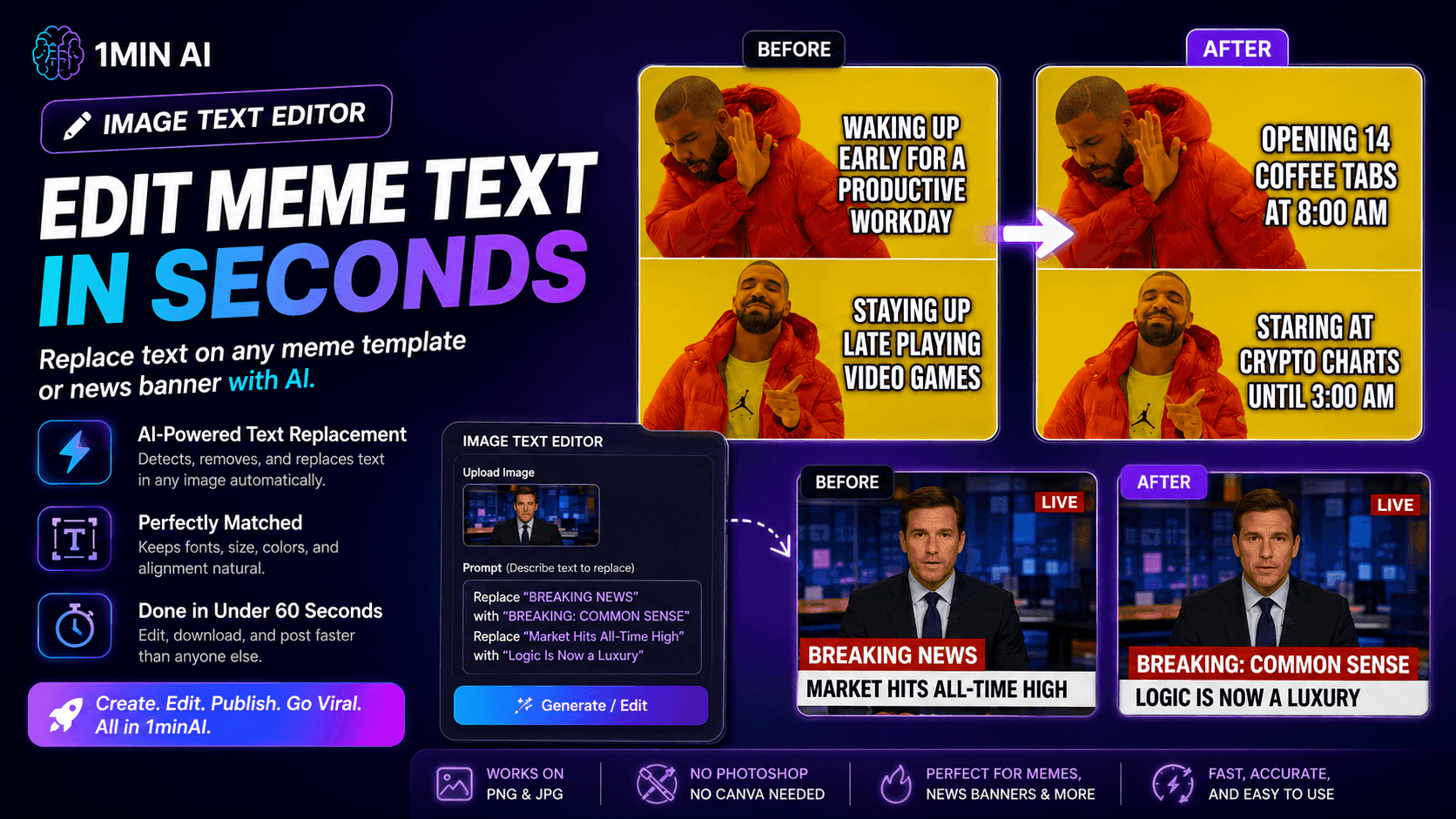
Sin Photoshop: Cómo usar el Editor de Texto en Imágenes de 1minAI para personalizar memes al instante
Deja de perder tiempo abriendo Photoshop o Canva para editar captions de memes. Aprende cómo el Editor de Texto en Imágenes de 1minAI reemplaza texto en cualquier plantilla de meme o banner de noticias en segundos.
Uyen Hoang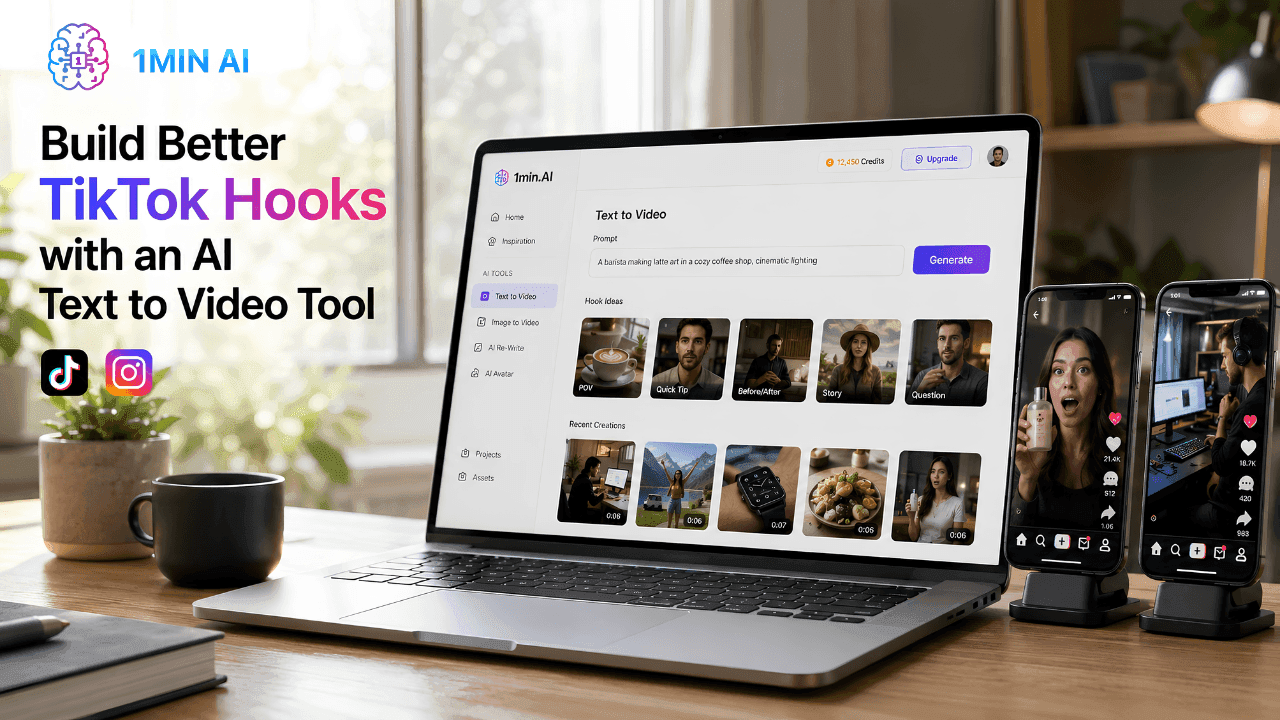
Crea mejores 'ganchos' para TikTok con una herramienta de IA de texto a video
Crea 'ganchos' de video que detengan el scroll más rápido con 1min.AI Texto a Video. Convierte las indicaciones de texto en videos cortos atractivos para TikTok, Reels, anuncios y exhibiciones de productos.
Lien Anh VuGuías de IA
Aprende IA más rápido con guías prácticas, ejemplos del mundo real y mejores prácticas aplicables.
Deja de cambiar entre herramientas de IA: mejor crea un solo flujo de trabajo de IA
Descubre por qué cambiar entre herramientas de IA retrasa a los creadores y aprende cómo un solo flujo de trabajo de IA puede simplificar la creación de contenido, aumentar la productividad y reducir el agotamiento.
Lien Anh Vu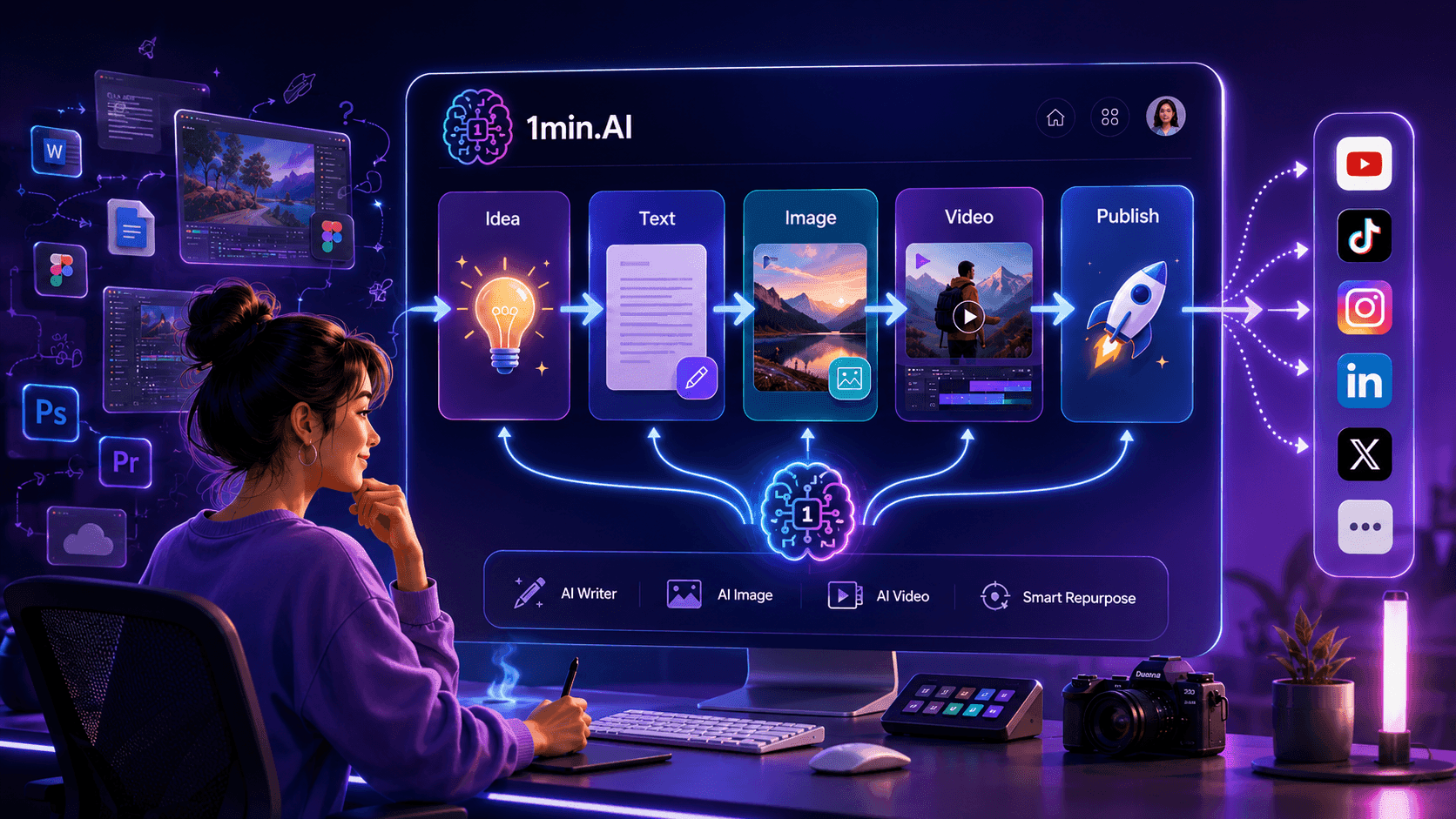
Cómo el Chat Multia-IA ayuda a los creadores de contenido a generar mejor contenido
Deja de cambiar entre herramientas de IA solo para comparar respuestas. Descubre cómo el Chat Multia-IA de 1min.AI ayuda a los creadores a generar mejores ideas, comparar perspectivas y crear contenido más sólido de forma más rápida.
Lien Anh Vu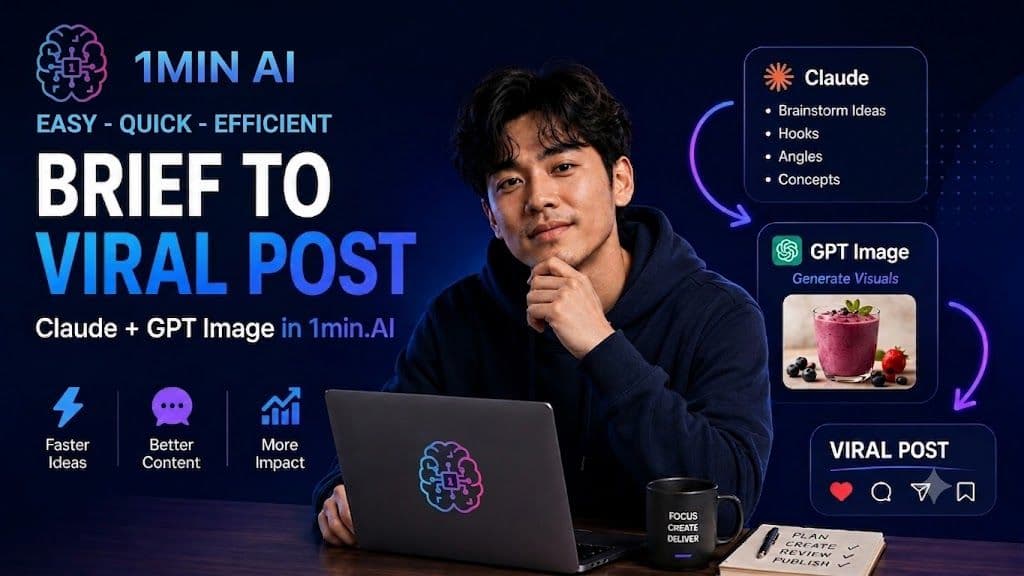
Flujo de trabajo de contenido con IA para freelancers: del brief a una publicación viral en 1min.AI
Descubre un flujo de trabajo simple de contenido con IA para freelancers. Usa Claude para generar ideas y la creación de imágenes de ChatGPT para convertir un brief de cliente en una publicación pulida para redes sociales más rápido.
Lien Anh VuSoluciones de IA
Explore las mejores soluciones de IA para automatización, codificación, investigación, productividad, atención al cliente, marketing y flujos de trabajo empresariales.
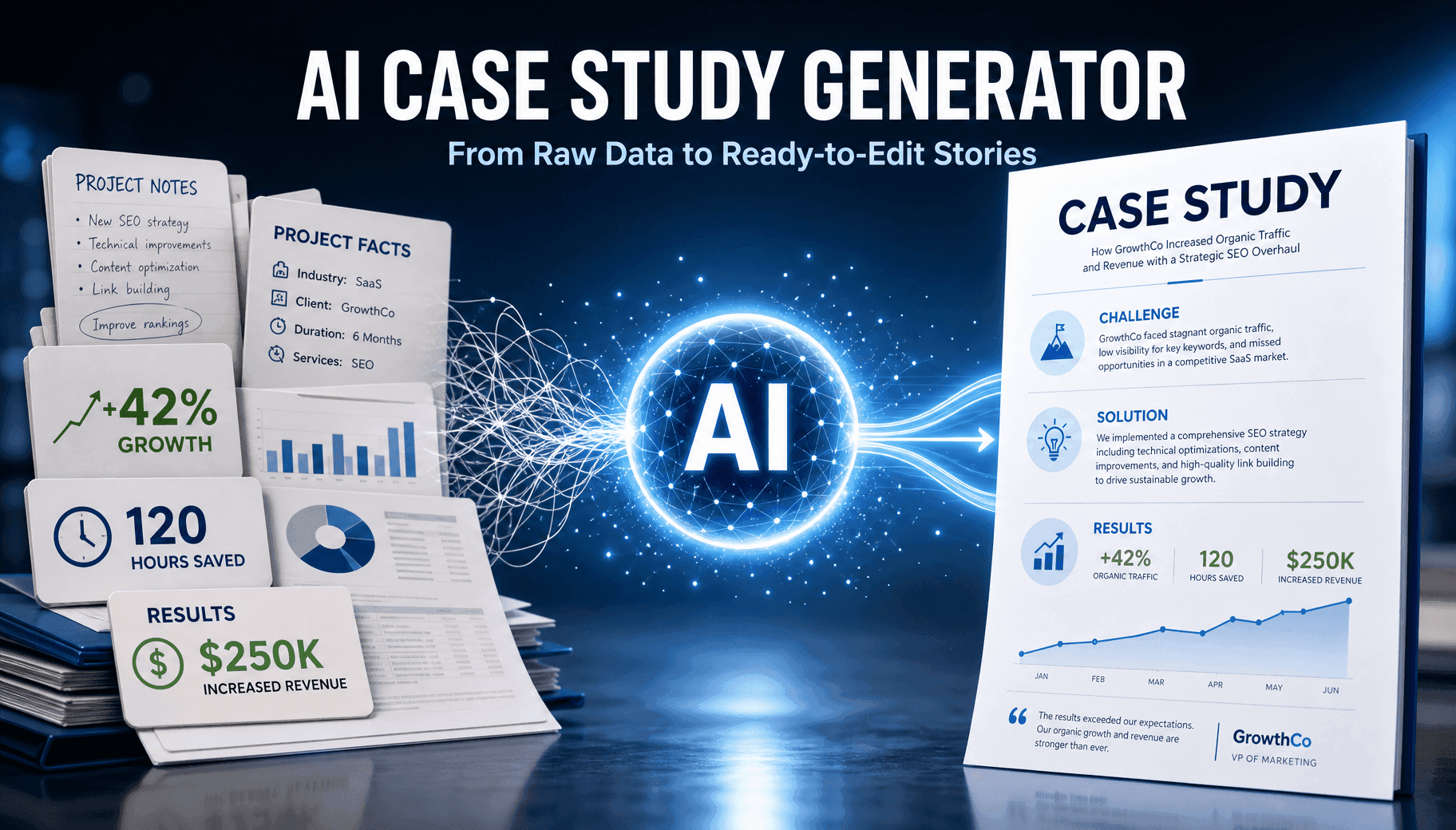
Generador gratuito de casos de estudio con IA en línea
Crea un caso de estudio profesional a partir de métricas en bruto en minutos con el creador gratuito de casos de estudio con IA de 1min.AI, diseñado para equipos de ventas B2B y social selling.
Trang TranCómo el Chat Multia-IA ayuda a los creadores de contenido a generar mejor contenido
Deja de cambiar entre herramientas de IA solo para comparar respuestas. Descubre cómo el Chat Multia-IA de 1min.AI ayuda a los creadores a generar mejores ideas, comparar perspectivas y crear contenido más sólido de forma más rápida.
Lien Anh VuCrea mejores 'ganchos' para TikTok con una herramienta de IA de texto a video
Crea 'ganchos' de video que detengan el scroll más rápido con 1min.AI Texto a Video. Convierte las indicaciones de texto en videos cortos atractivos para TikTok, Reels, anuncios y exhibiciones de productos.
Lien Anh VuModelos de IA
Explora los modelos de IA líderes del mundo en un solo lugar.
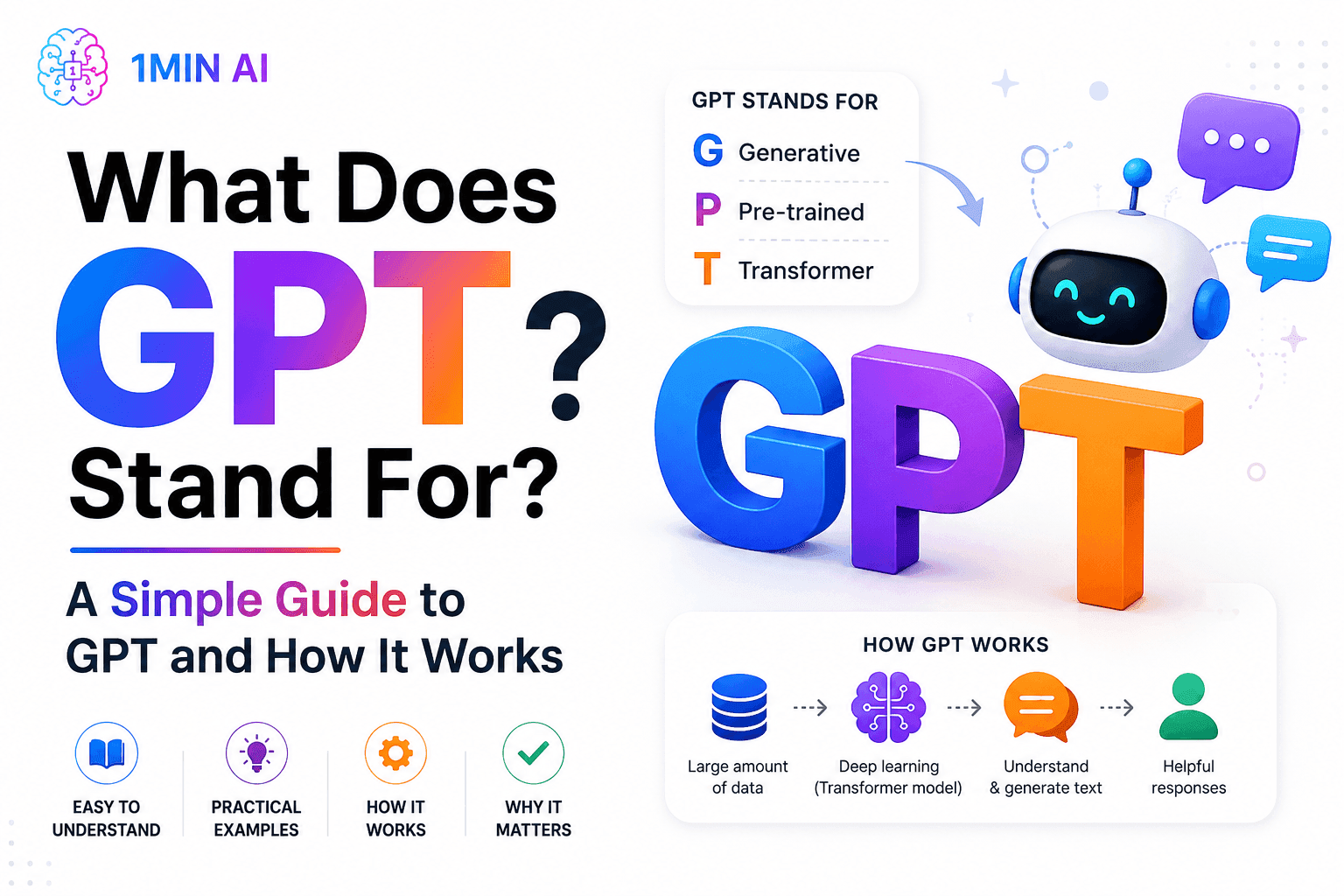
¿Qué significa GPT? Una guía simple sobre GPT y cómo funciona
¿Qué significa GPT? Aprende qué quiere decir GPT, cómo funciona la tecnología Generative Pre-trained Transformer y por qué los modelos GPT son importantes para la IA moderna.
Tram Ta
Chat gratis con IA de xAI - Grok 3 Mini
Chatea con Grok 3 Mini para razonamiento rápido con IA, matemáticas, programación, lógica y resolución estructurada de problemas dentro de 1minAI.
Uyen Hoang
Chat de IA gratis con xAI - Grok 4
Chatea con Grok 4 para razonamiento avanzado, búsqueda web en tiempo real, programación, comprensión visual y resolución de problemas complejos dentro de 1minAI.
Uyen HoangComparaciones de IA
Compara herramientas, modelos y plataformas de IA para encontrar la que mejor se adapte a tus necesidades.

Black Friday vs. Cyber Monday: Por qué Black Friday es el evento principal
¿Black Friday o Cyber Monday, cuál tiene mejores ofertas? Descubre por qué Black Friday es el evento principal y cómo aprovechar las ventas relámpago de última oportunidad de Cyber Monday.
 Hang Nguyen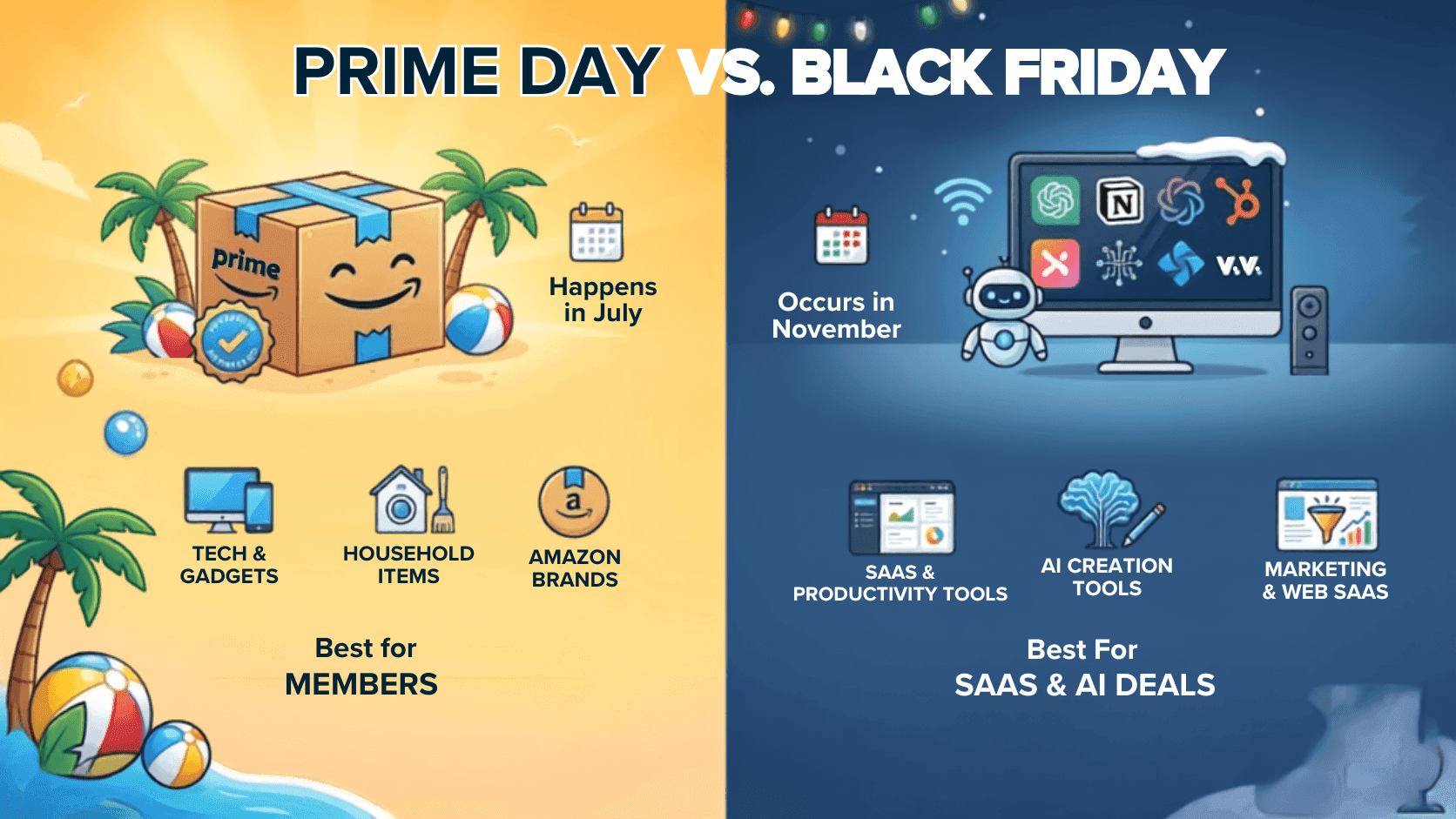
¿Son mejores las ofertas del Black Friday que las del Prime Day?
¿Son mejores las ofertas del Black Friday que las del Prime Day? Comparamos descuentos promedio, ofertas de tecnología, promociones de SaaS y estrategias de compra para ayudarte a decidir cuándo comprar.
Hang Nguyen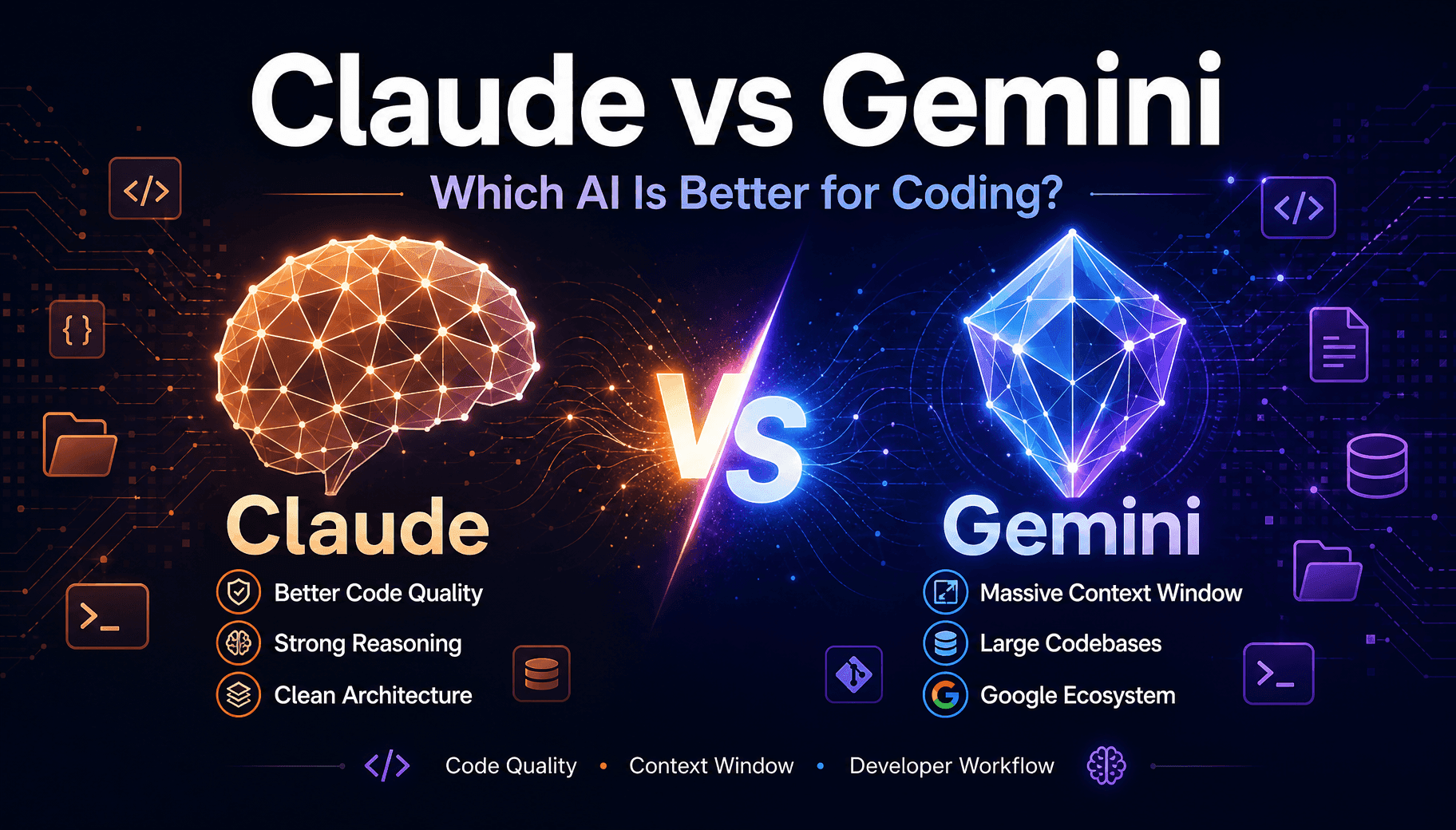
Claude vs Gemini para programación: ¿Cuál gana?
Comparación de Claude y Gemini para programación según calidad de código, ventana de contexto y herramientas de desarrollo. Descubre cuál encaja en tu stack, o usa ambos dentro de 1min.AI.
Trang TranIntegraciones de IA
Integra la IA de forma fluida con las herramientas que ya usas para automatizar tareas y aumentar la productividad.
POV: Tienes más de 10 publicaciones que hacer cada día
Aprende a crear un flujo de trabajo de contenido con IA que ayuda a los creadores de contenido a producir más de 10 publicaciones al día más rápido con lluvia de ideas, generación de imágenes y creación de contenido con IA.
Lien Anh Vu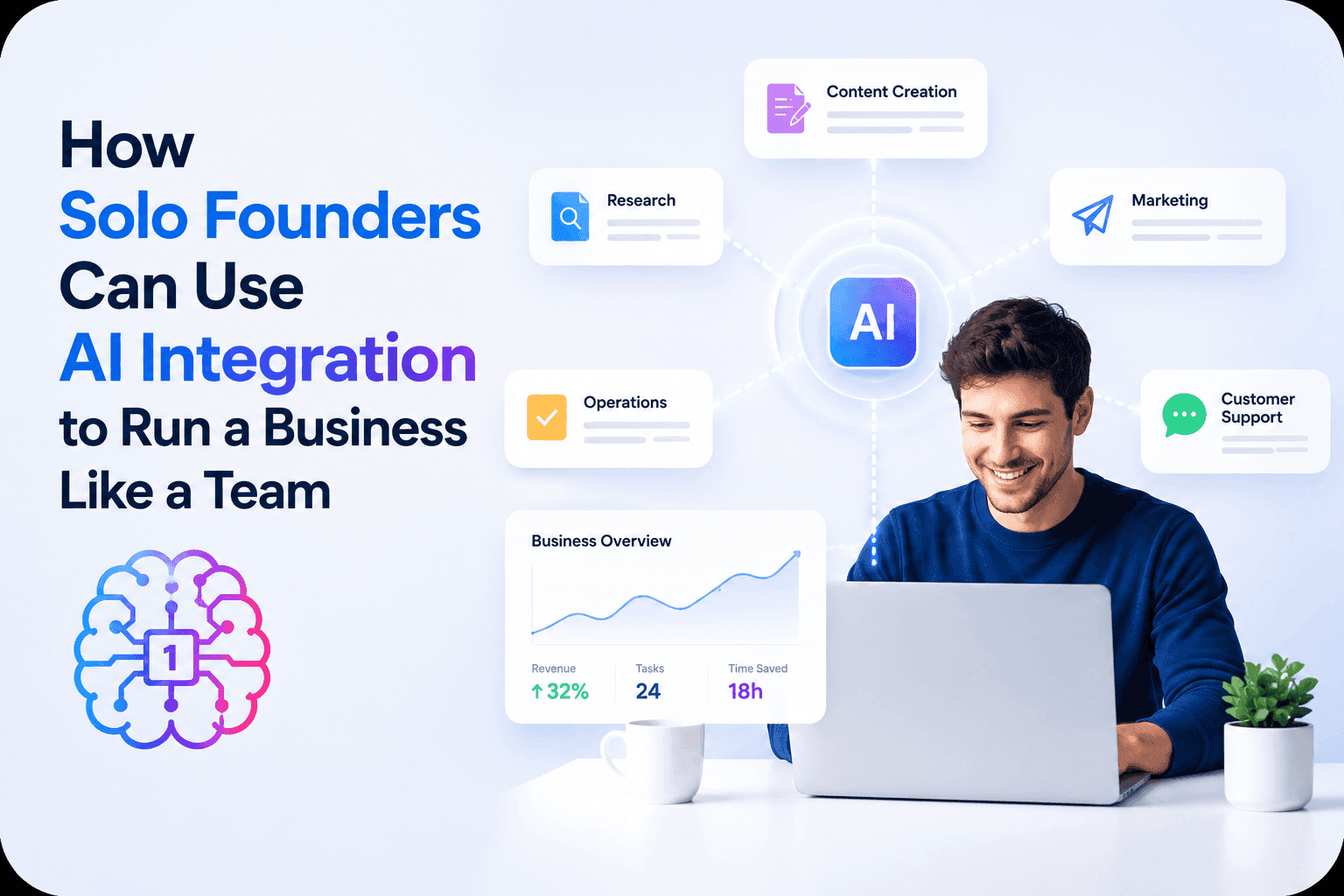
Cómo los fundadores en solitario pueden usar la integración de IA para dirigir un negocio como un equipo
Descubre cómo la integración de IA ayuda a los fundadores en solitario a manejar investigación, contenido, trabajo creativo, documentos y tareas de negocio desde un solo espacio de trabajo de IA.
Tram TaFlujo de trabajo de contenido con IA para freelancers: del brief a una publicación viral en 1min.AI
Descubre un flujo de trabajo simple de contenido con IA para freelancers. Usa Claude para generar ideas y la creación de imágenes de ChatGPT para convertir un brief de cliente en una publicación pulida para redes sociales más rápido.
Lien Anh VuIA para Industrias
Encuentre las mejores herramientas y flujos de trabajo de IA para atención médica, finanzas, educación, legal, manufactura, comercio minorista, bienes raíces y más.
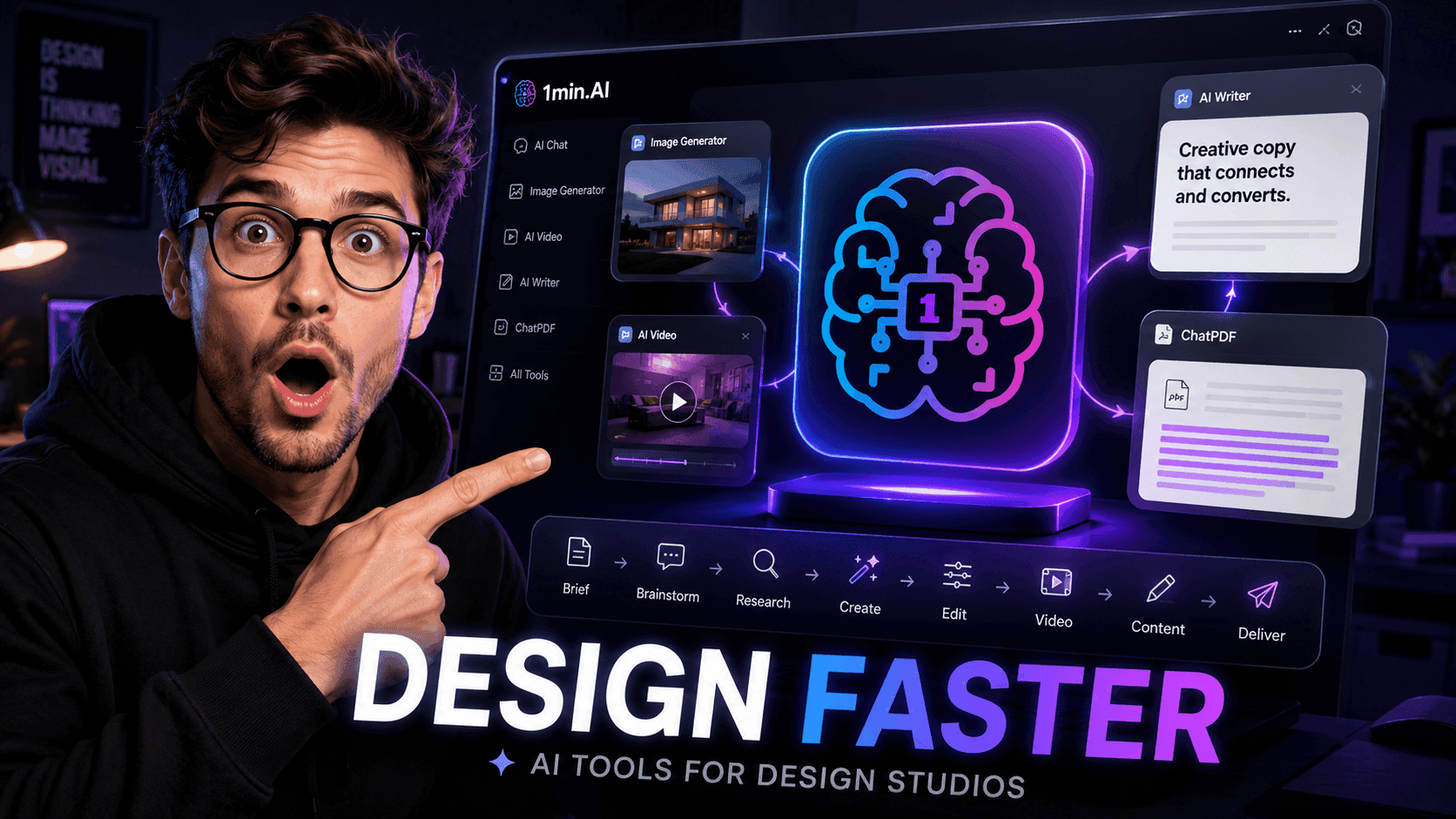
Herramientas de IA gratis para estudios de diseño para potenciar el trabajo creativo
Descubre herramientas de IA gratis para estudios de diseño para idear conceptos, crear visuales, generar videos, escribir contenido y optimizar flujos creativos con 1min.AI.
Lien Anh Vu
Herramientas de IA gratis para fotógrafos para elevar el trabajo creativo
Descubre herramientas de IA gratis para fotógrafos para editar imágenes, crear visuales y videos, desarrollar contenido y agilizar los flujos de trabajo con clientes con 1min.AI.
Lien Anh Vu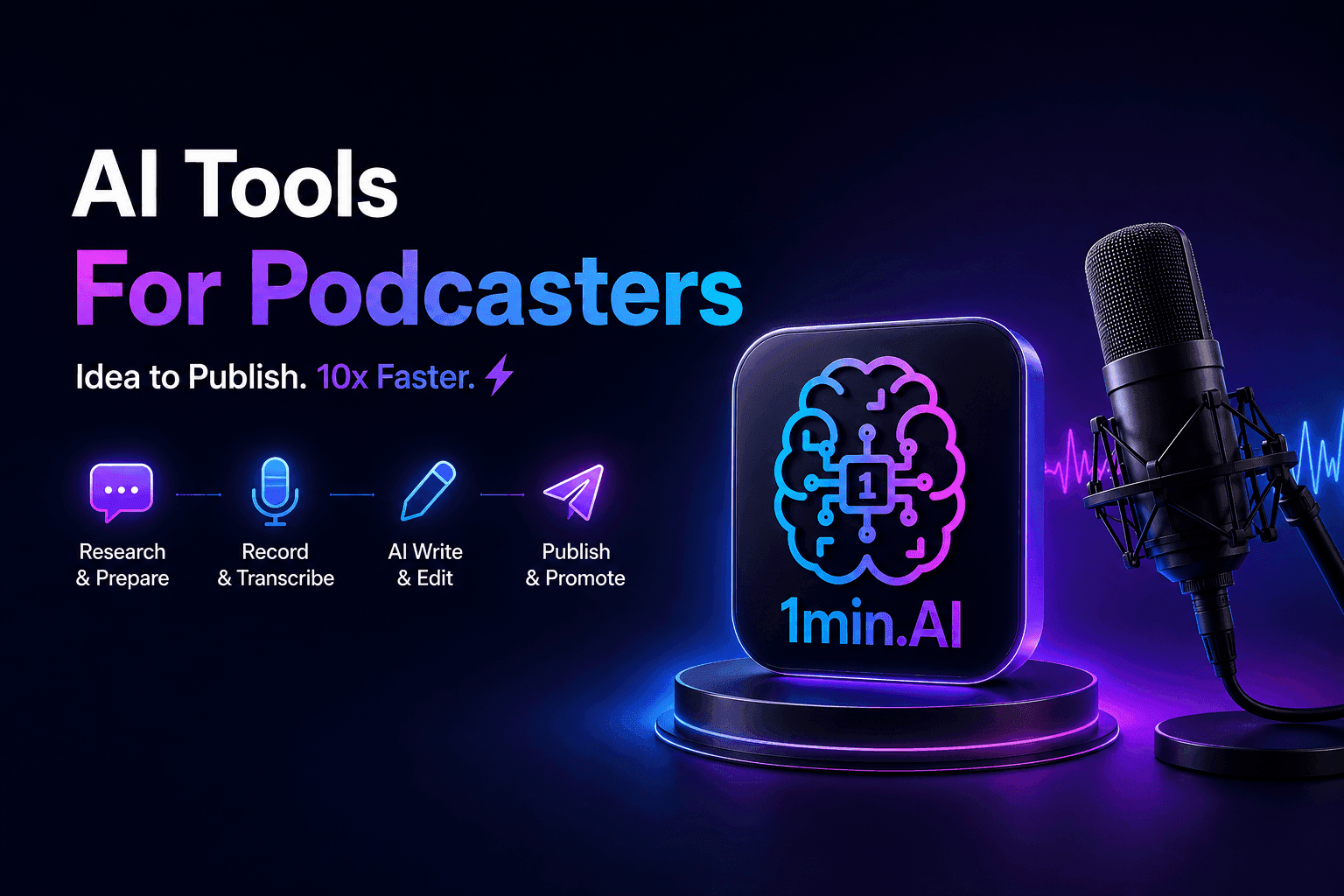
Herramientas de IA gratis para podcasters para crear mejor contenido
Descubre herramientas de IA gratis para que los podcasters investiguen temas, generen ideas, transcriban episodios, creen videos, escriban notas del programa y reutilicen contenido con 1min.AI.
Lien Anh VuAgentes de IA
Descubre y ejecuta agentes de IA para automatizar tareas en tu trabajo y vida diaria.
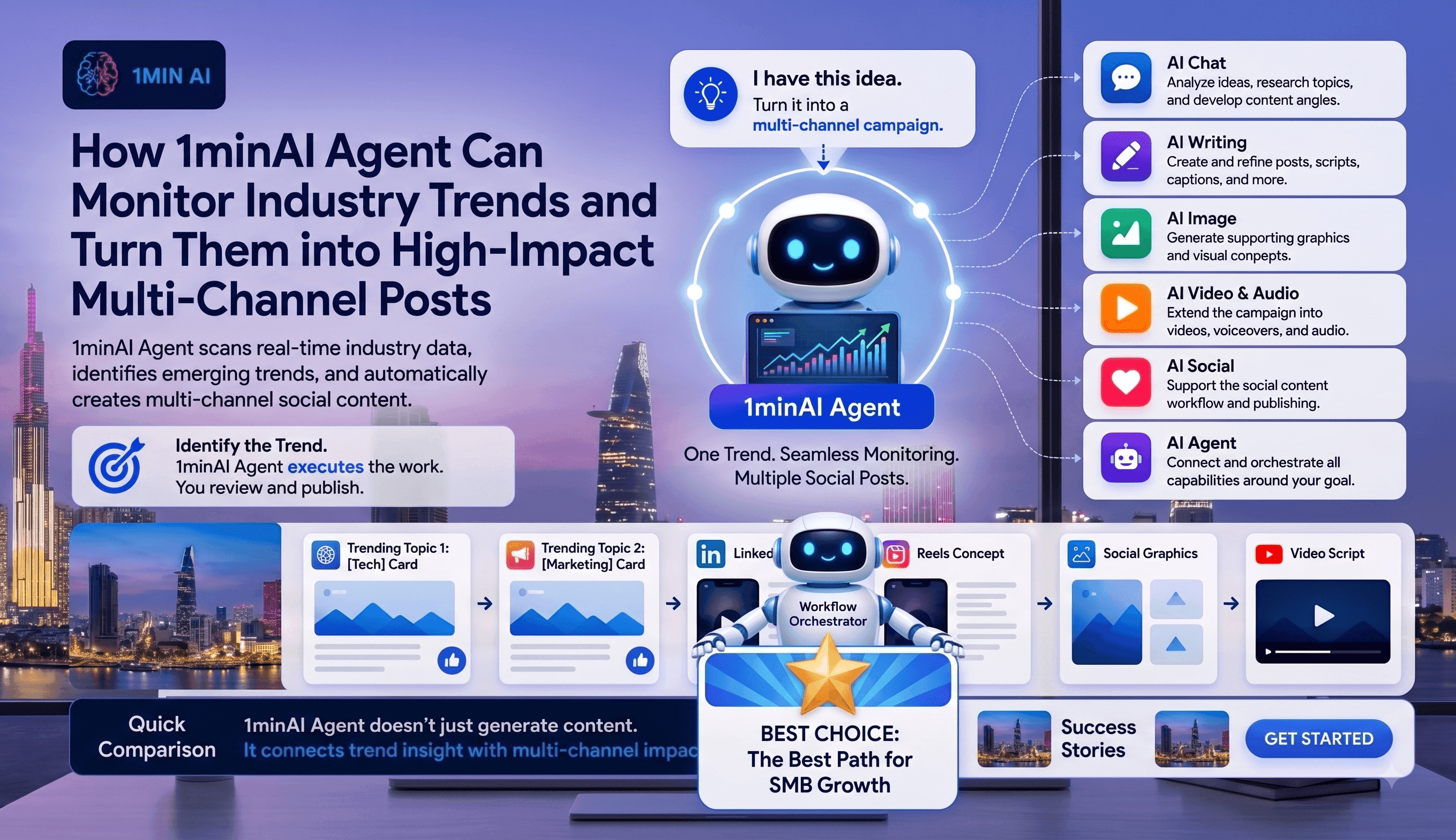
Cómo 1minAI Agent puede monitorear tendencias de la industria y convertirlas en publicaciones para redes sociales
Descubre cómo los agentes de IA pueden rastrear tendencias de la industria, investigar noticias, generar contenido social y agilizar la publicación con 1minAI Agent.
Tram Ta
Cómo los ejecutivos pueden construir una marca personal en piloto automático con un agente de IA
Aprende cómo los ejecutivos pueden usar 1minAI Agent para investigar tendencias, crear estrategias de contenido, gestionar calendarios editoriales y escalar su marca personal.
Tram Ta
De una idea en LinkedIn a una campaña multicanal: automatiza tu flujo de contenido con AI Agent
Convierte una idea de LinkedIn en una campaña multicanal con 1minAI Agent. Crea publicaciones, videos, visuales y contenido social desde un solo flujo de trabajo conectado.
Tram TaFlujos de trabajo de IA
Explore flujos de trabajo de IA listos para usar para productividad, marketing, ventas, soporte y más.
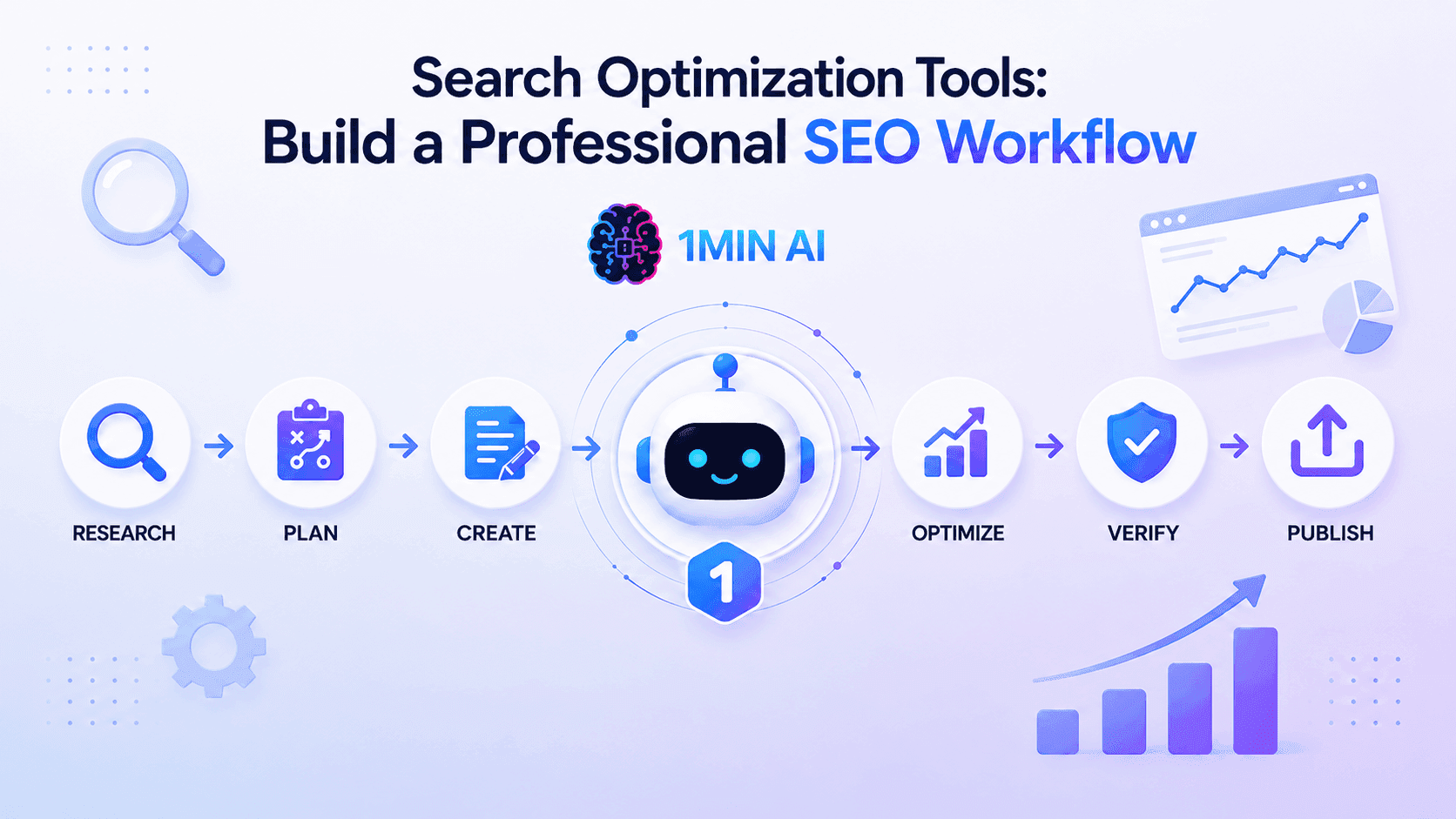
Herramientas de optimización de búsqueda: crea un flujo de trabajo SEO profesional
Descubre cómo las herramientas de optimización de búsqueda agilizan la investigación de palabras clave, el SEO de mapa temático, la creación de contenido, la optimización y la automatización del flujo de trabajo SEO.
Ngoc HongPOV: Tienes más de 10 publicaciones que hacer cada día
Aprende a crear un flujo de trabajo de contenido con IA que ayuda a los creadores de contenido a producir más de 10 publicaciones al día más rápido con lluvia de ideas, generación de imágenes y creación de contenido con IA.
Lien Anh Vu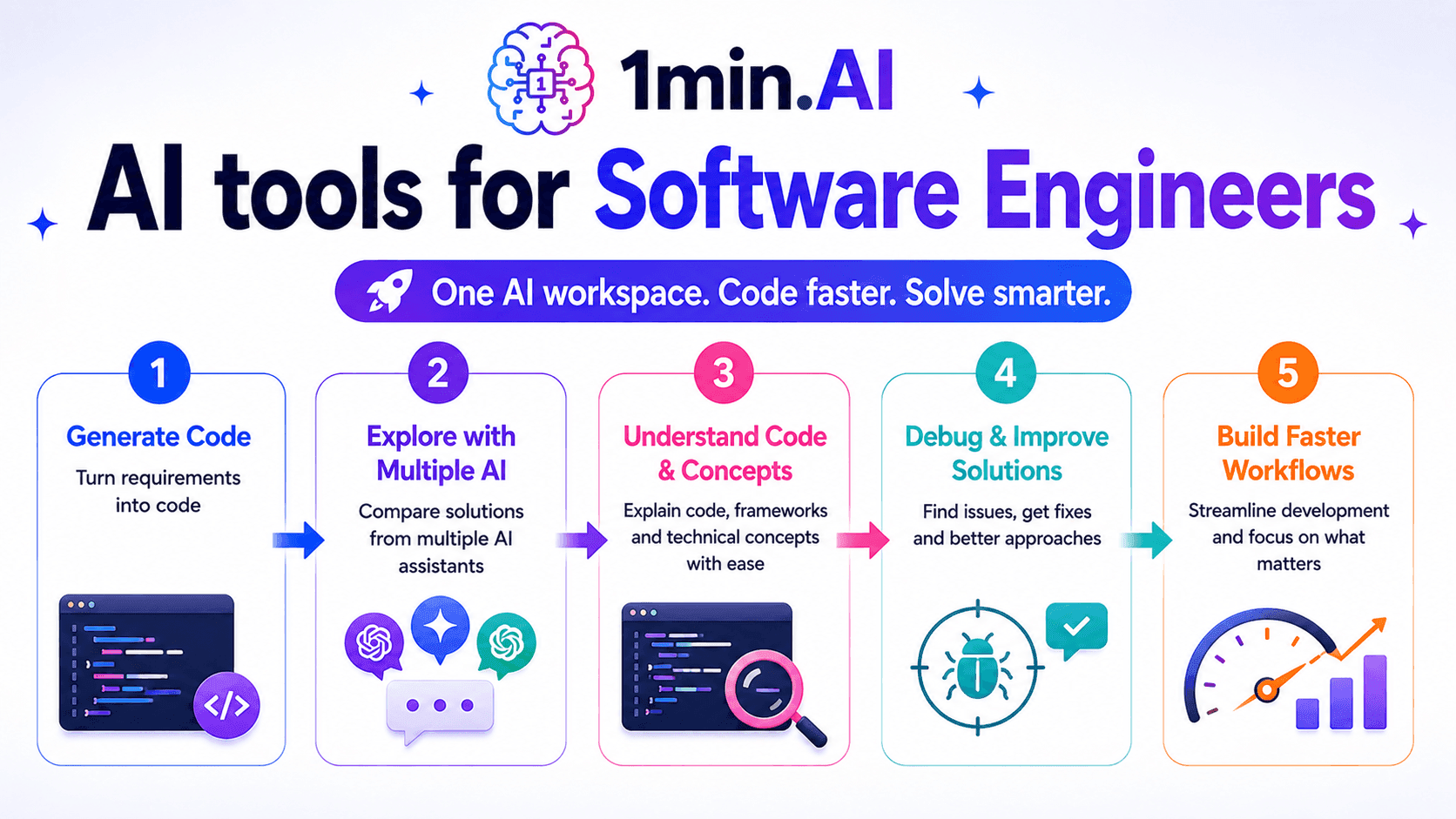
Herramientas de IA para ingenieros de software
Descubre herramientas de IA para ingenieros de software para generar código, depurar problemas, entender conceptos técnicos y agilizar el desarrollo con 1min.AI.
Ngoc HongBoletín
Innovaciones semanales en IA con 1minAI
🔮 Novedades semanales de IA #133: Gana créditos y más con AI Social
Explora la eficiencia de código abierto de DeepSeek V4 y Grok 4.3 y 4.5 de xAI para razonamiento avanzado y programación ultrarrápida en 2026.
Hang Nguyen
🔮 Innovaciones semanales de IA #132: DeepSeek V4 y Grok 4.3, 4.5 de xAI
Explora la eficiencia open source de DeepSeek V4 y Grok 4.3 y 4.5 de xAI para razonamiento avanzado y codificación ultrarrápida en 2026.
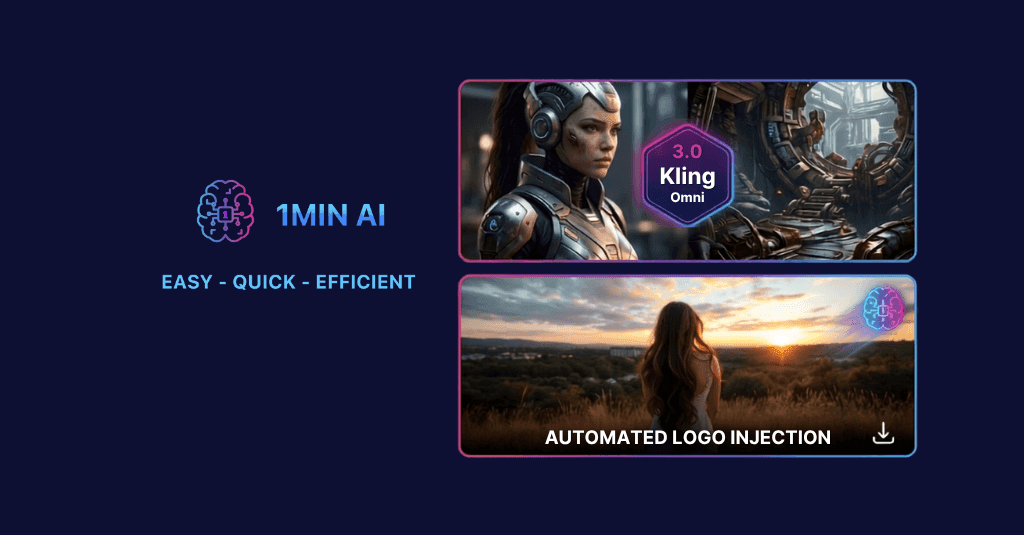
🔮 Innovaciones semanales de IA #131: Kling 3.0 y automatización de inserción de logotipos
Mejora tu flujo de trabajo con los modelos de video Kling 3.0 y 3.0 Omni de 1min.AI y la nueva función de Inserción de Logotipos de AI Social.
Hang Nguyen