
Free AI Tools for Artist

Uyen Hoang
21. August 2026
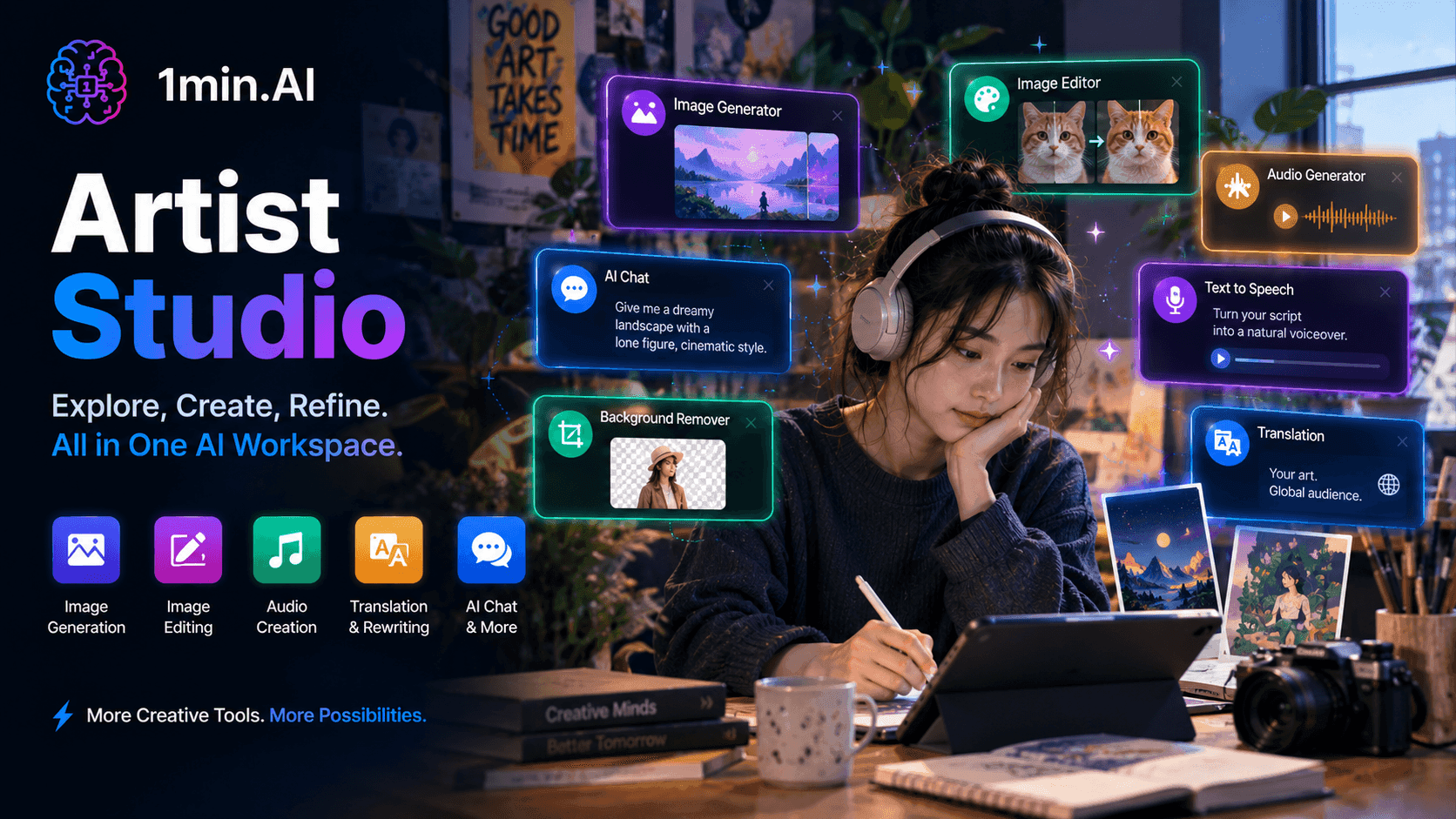
Artist Studio brings image generation, editing, audio creation, and creative tools into one AI workspace, so artists can explore ideas, refine their work, and create finished pieces without switching between different tools.
Making art rarely happens in a single step. An idea can start as a rough concept, turn into a visual reference, become an illustration, and then need editing, variations, or supporting audio before it is ready to share. When every part of that process lives in a different tool, creative momentum gets interrupted.
1min.AI puts the creative workflow in one free workspace instead of making artists switch between separate apps: develop an idea, generate visuals, edit an existing image, create audio, translate or rewrite supporting text, and refine the result without leaving the platform.
✨ 1min.AI Offers Artists
Turning Ideas Into Visuals
| Tool | Where It Fits Into Your Day |
|---|---|
| Image Generator | Turn a rough concept, visual reference, or written description into an original image to explore a direction before committing to it |
| AI Chat | Develop concepts, explore visual directions, brainstorm compositions, or work through an idea that has not fully taken shape yet |
| Image Upscaler | Increase the resolution of an artwork or generated image when a piece needs to be displayed at a larger size without starting again |
| Search and Replace | Change a specific element in an image by describing what needs to be different, useful when an artwork is close but one detail needs fixing |
| Background Remover | Isolate a subject from its background when an artwork needs to be reused in a new composition or creative format |
Developing and Refining the Work
| Tool | Where It Fits Into Your Day |
| Image Inpaint | Modify part of an existing image while keeping the rest of the composition intact, so a small change does not mean rebuilding the whole piece |
| Image Outpaint | Extend an existing image beyond its original boundaries when you need a wider composition, new framing, or additional visual space |
| AI Image Editor | Make visual adjustments and experiment with different versions without moving the artwork into another editing workflow |
| Multi AI Chat | Compare different creative interpretations or directions when you want more than one perspective before deciding where to take a piece |
| Rewriter | Refine an artist statement, project description, caption, or exhibition copy so the words support the artwork without overshadowing it |
Bringing More Than Visuals Into the Creative Process
| Tool | Where It Fits Into Your Day |
| Text to Speech | Turn a script, narration, or creative concept into voiceover for an art video, presentation, or social content |
| Speech to Text | Turn spoken ideas, interviews, or recorded notes into text that can be developed into project descriptions or creative concepts |
| Music Generator | Create an original musical layer for visual work, short films, installations, or social content without searching for a separate music tool |
| Audio Inpaint | Adjust or repair parts of an audio track when the sound needs to fit a visual project more closely |
| Translator | Adapt artwork descriptions, artist statements, or project information for international audiences without recreating the text from scratch |
💫 How It Works
The workflow starts with the idea, not the tool.
Start with what you're imagining
Describe the concept, upload an existing image, or bring in a rough reference. You don't need to know exactly what the final piece will look like before you begin.
Explore different directions
Generate visual variations, experiment with compositions, or use AI Chat to develop the idea further. The point is to explore without turning every experiment into hours of manual work.
Refine the piece
Once you have a direction, edit the image, replace individual elements, extend the canvas, remove the background, or upscale the result. You can keep adjusting the work instead of starting over whenever one part isn't right.
Build the world around the artwork
Add music, voiceover, captions, descriptions, or translated text when the final project needs more than a single image. The artwork remains at the center while the supporting content is created around it.
A rough visual idea can go from a few words to a finished image, refined composition, supporting audio, and publish-ready presentation without moving between a collection of creative tools.
🎯 Key Benefits for Artists
More room to experiment
Generating variations and exploring different visual directions makes experimentation less expensive in both time and effort. You can test an idea before deciding whether it deserves a deeper commitment.
Small changes don't mean starting over
Image Inpaint, Search and Replace, and AI Image Editor let you work on the part that needs fixing instead of rebuilding an entire composition because of one unwanted detail.
Your canvas can grow with the idea
Outpainting gives an existing image more room when the original frame no longer fits the composition. A piece doesn't have to stay limited by the dimensions it started with.
From visual concept to complete creative piece
An artwork may eventually need music, narration, captions, a project description, or translated text. Having those capabilities in the same workspace means the supporting work doesn't require a separate production pipeline.
Creative exploration stays flexible
Multi AI Chat gives you another way to challenge an initial direction, compare interpretations, or develop an idea from different angles before settling on a final approach.
Less time spent on technical cleanup
Removing a background, increasing resolution, replacing an element, or extending an image can take attention away from the creative work. These tasks become part of the same workflow instead of separate production chores.
The artist still makes the decisions
AI can help generate possibilities, but it doesn't decide what the work should mean or which version is worth keeping. The creative direction, taste, and final judgment remain with the artist.
Art is not about producing an image as quickly as possible. It is about exploring an idea until it becomes something you want to show. What 1min.AI removes is some of the repetitive work between those two points, giving artists more freedom to experiment, refine, and build on what they create.
Alternativen
Entdecken Sie die besten Alternativen zu 1minAI und vergleichen Sie Funktionen, Preise und Anwendungsfälle.

1min.AI vs. OpenRouter
1min.AI vs. OpenRouter: Vergleichen Sie das sofort einsatzbereite KI-Erstellungsprodukt mit dem technischen API-Tool. Finden Sie heraus, ob Sie ein kreatives Zero-Code-Studio oder einen Infrastruktur-Hub für die Programmierung benötigen.
 Ngoc Hong
1minAI vs Chatgot
Vergleiche 1minAI mit Chatgot. Entdecke Funktionen, KI-Modelle, Preise, Multimedia-Tools und finde heraus, welcher KI-Assistent am besten zu deinem Workflow passt

1min.AI vs. Jarvis AI
Vergleichen Sie 1min.AI mit Jarvis AI, um herauszufinden, welche KI-Plattform besser für Schreiben, Forschung, Automatisierung und Inhaltserstellung ist. Finden Sie den besten KI-Assistenten für Ihren Workflow.
Ngoc HongKI-Tools
Entdecken Sie die besten KI-Tools, um Produktivität, Kreativität und die tägliche Arbeit zu steigern.
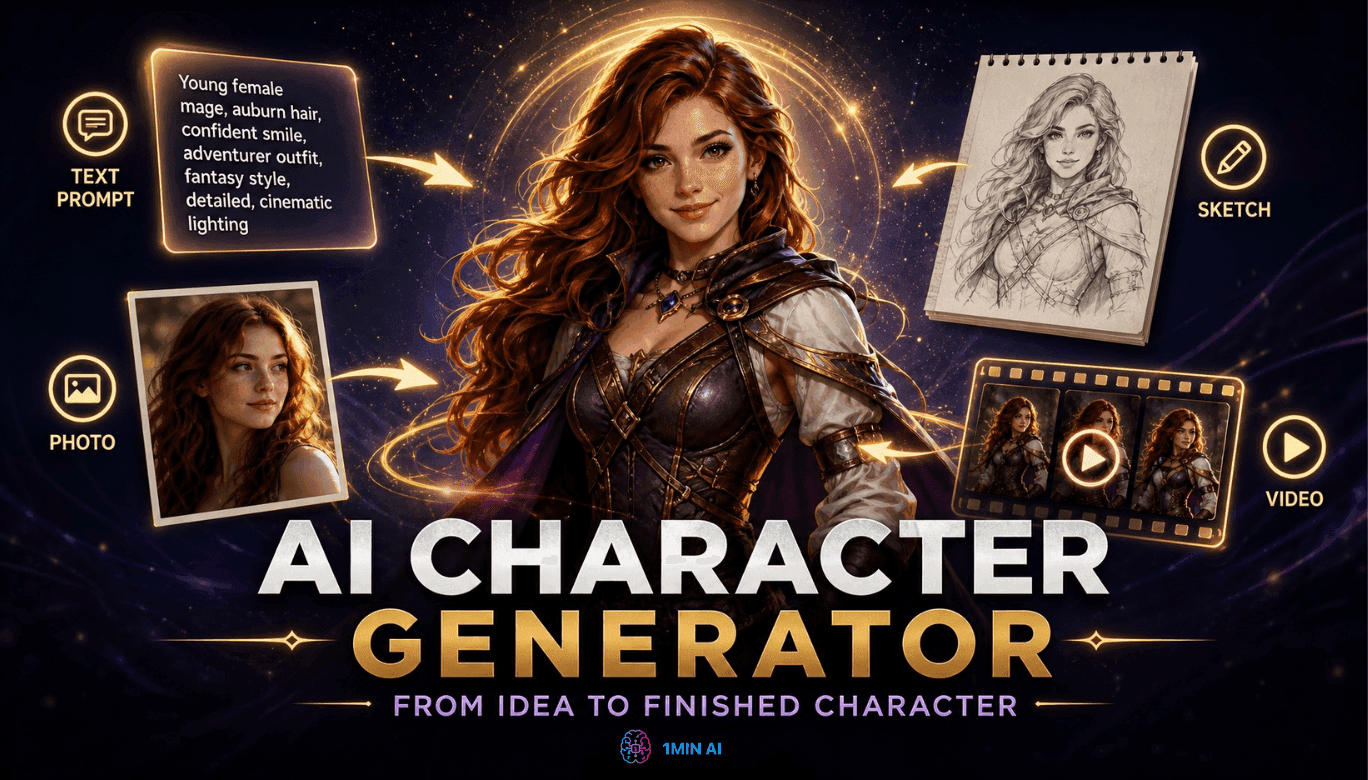
Kostenloser KI-Charakter-Generator - Keine Anmeldung
Erstelle kostenlos einen KI-Charakter aus Text- oder Fotovorgaben. Probiere den KI-Charakter-Generator von 1min.AI mit mehreren Modellen, ganz ohne Designkenntnisse.
 Trang Tran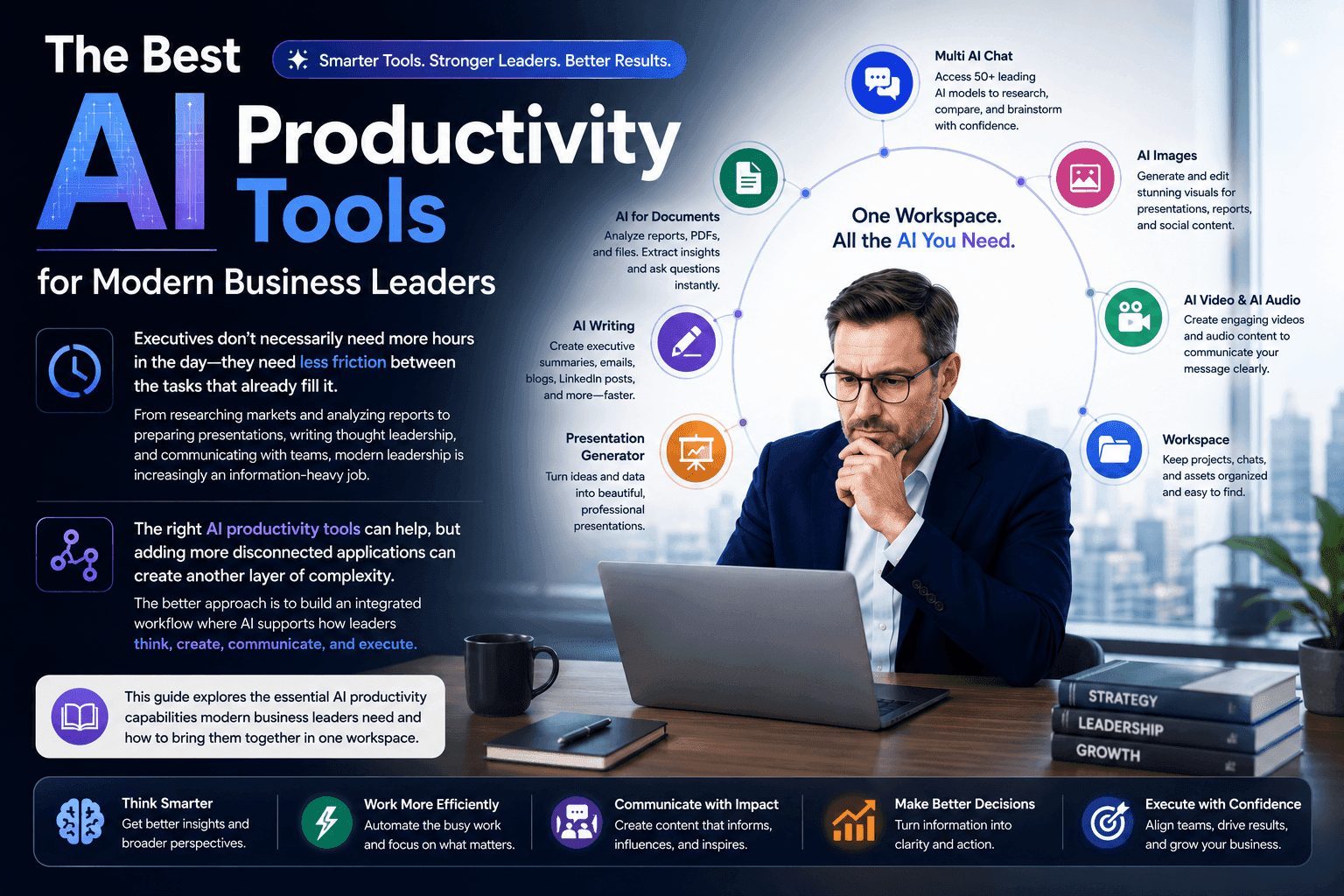
Die besten KI-Produktivitätstools für moderne Unternehmensleiter
Entdecken Sie die besten KI-Produktivitätstools für Führungskräfte, um zu recherchieren, zu schreiben, zu analysieren, zu präsentieren und tägliche Workflows mit 1minAI zu optimieren.
 Tram Ta
POV: Du musst jeden Tag 10+ Beiträge erstellen
Erfahre, wie du einen AI-Content-Workflow aufbaust, der Content-Creators hilft, mit KI-Brainstorming, Bildgenerierung und Content-Erstellung schneller 10+ Social-Media-Beiträge pro Tag zu produzieren.
 Lien Anh Vu
KI-Funktionen
Umfassende KI-Funktionen, die Arbeitsabläufe optimieren, die Effizienz verbessern und Teams befähigen, mehr zu erreichen.
Kostenloser KI-Charakter-Generator - Keine Anmeldung
Erstelle kostenlos einen KI-Charakter aus Text- oder Fotovorgaben. Probiere den KI-Charakter-Generator von 1min.AI mit mehreren Modellen, ganz ohne Designkenntnisse.
Trang Tran
Kostenloser Chat mit o4-mini Deep Research - OpenAI
Recherchiere schneller mit o4-mini Deep Research von OpenAI. Analysiere mehrere Quellen, fasse Erkenntnisse zusammen und erstelle umfassende Berichte mit OpenAIs schnellem, kosteneffizientem KI-Recherchemodell.
 Uyen Hoang
Free AI Tools for Artist
Artist Studio brings image generation, editing, audio creation, and creative tools into one AI workspace, so artists can explore ideas, refine their work, and create finished pieces without switching between different tools.
Uyen HoangAnwendungsfälle für KI
Eine kuratierte Sammlung von Anwendungsfällen für KI in den Bereichen Wirtschaft, Produktivität und branchenspezifische Anwendungen.

Beste Zeit zum Posten auf Instagram: Ein praktischer Leitfaden für mehr Engagement
Entdecken Sie die beste Zeit zum Posten auf Instagram, einschließlich der besten Tage und Uhrzeiten für verschiedene Zielgruppen, plus Tipps, um den idealen Veröffentlichungsplan für Ihren Account zu finden.
Tram Ta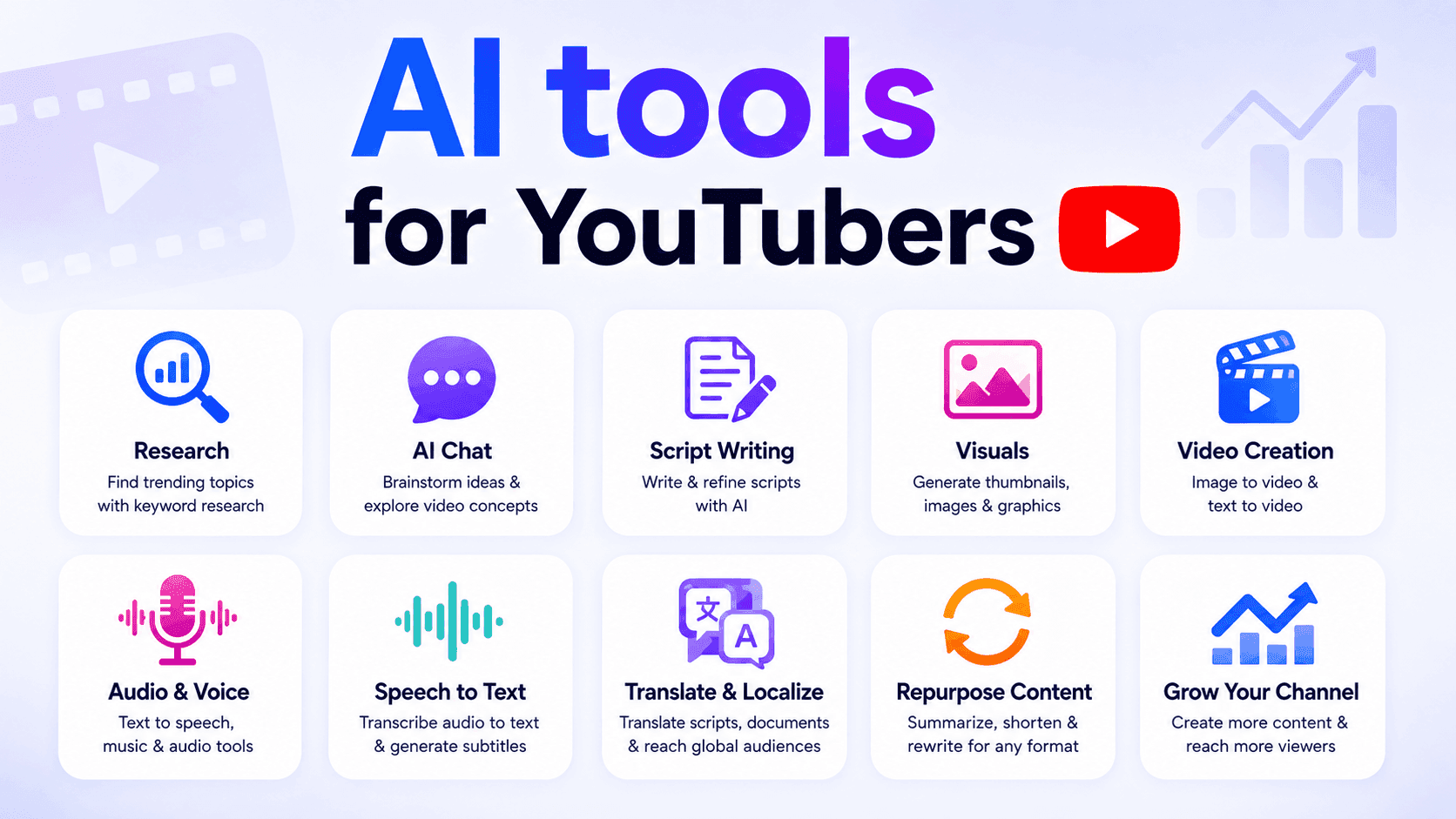
KI-Tools für YouTuber
Entdecke KI-Tools für YouTuber, um Themen zu recherchieren, Skripte zu schreiben, visuelle Inhalte zu erstellen, Videos zu übersetzen, Audio zu generieren und Inhalte neu zu verwerten.
Ngoc Hong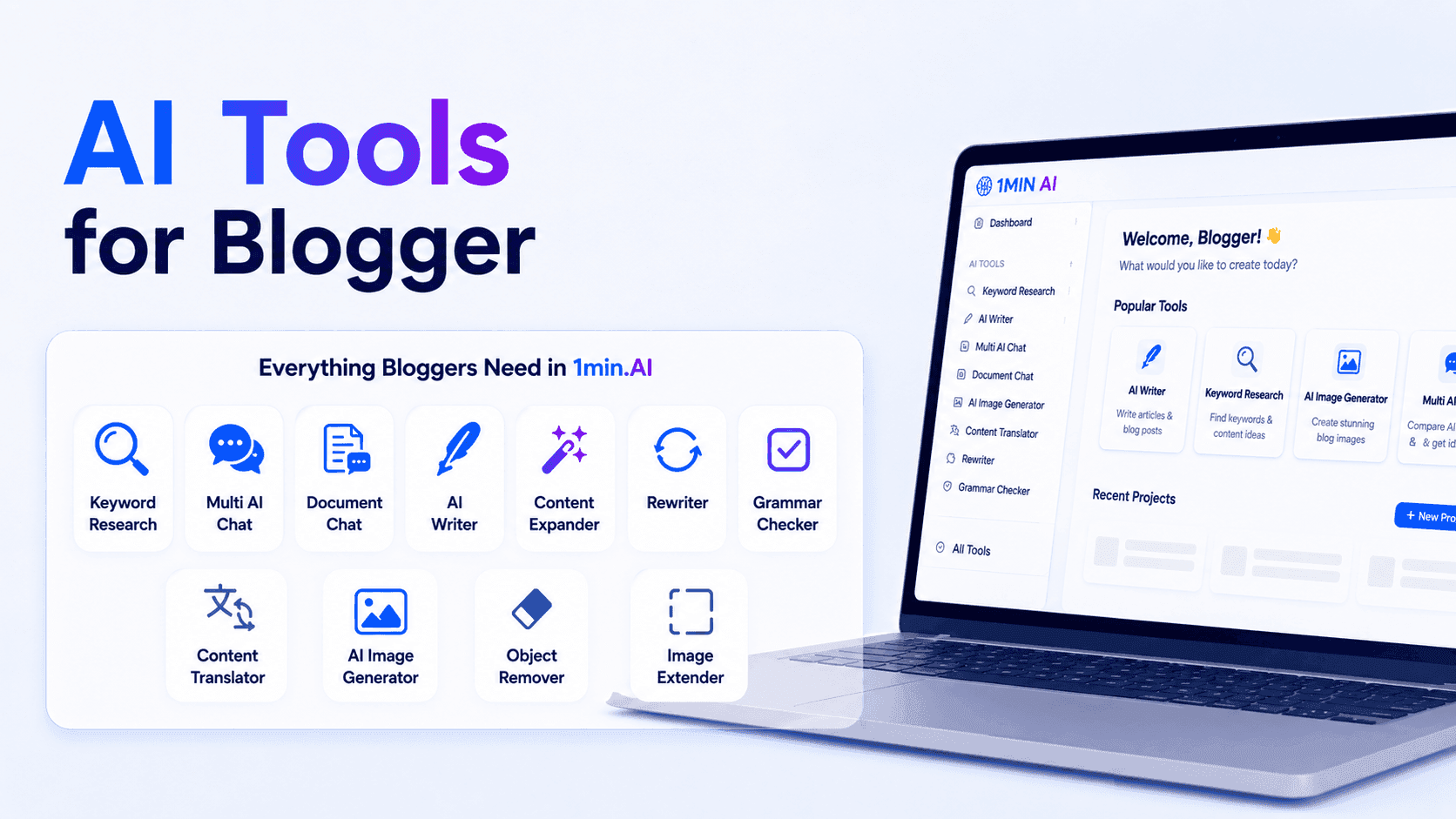
KI-Tools für Blogger
Entdecke KI-Tools für Blogger, um Keywords zu recherchieren, SEO-Inhalte zu schreiben, Artikel zu bearbeiten und schneller Bilder mit 1min.AI zu erstellen.
Ngoc HongKI-Tutorials
Erfahren Sie, wie Sie KI mit praktischen Schritt-für-Schritt-Anleitungen nutzen können.
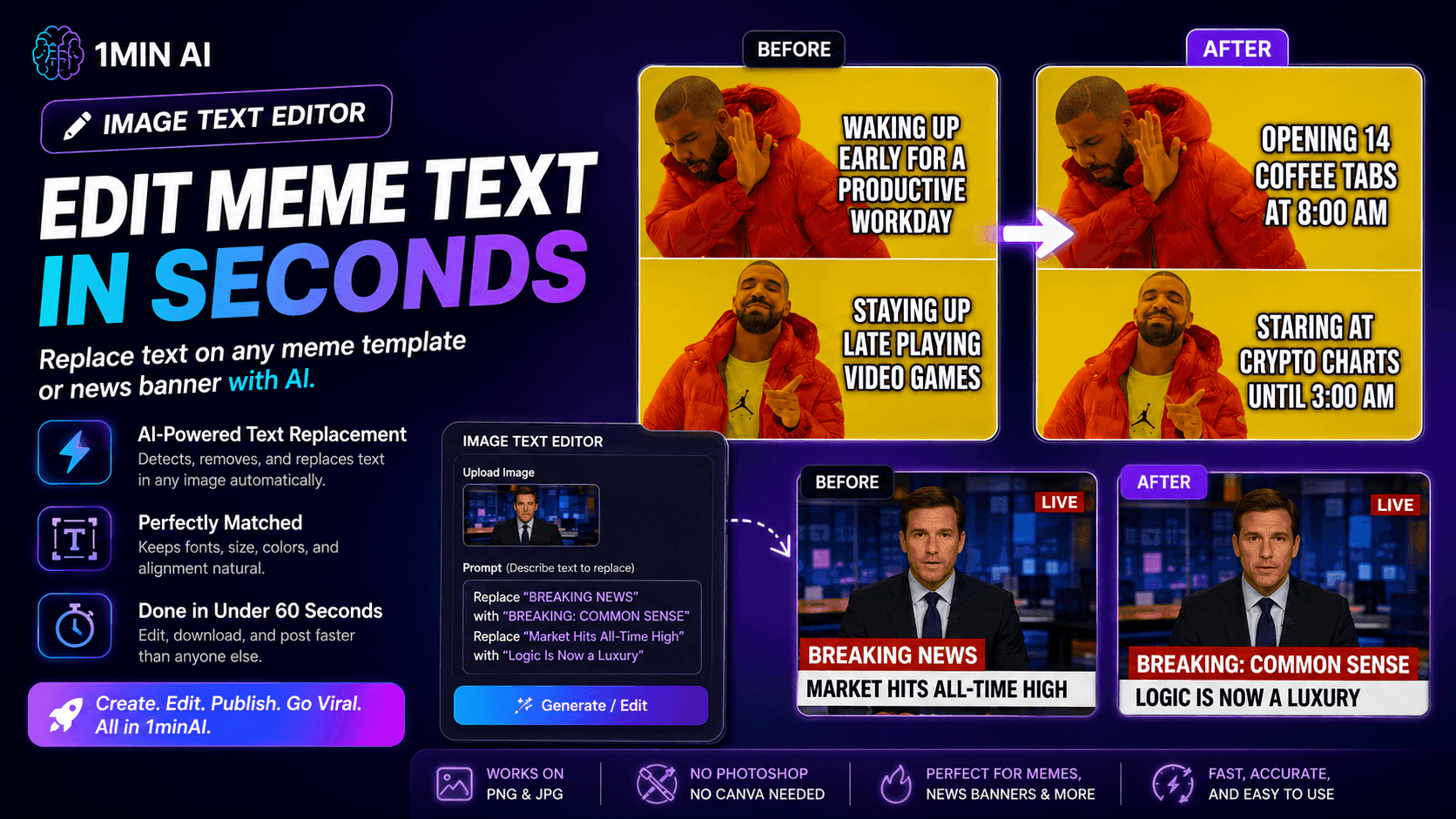
Kein Photoshop nötig: So nutzen Sie 1minAIs Image Text Editor für sofortige Meme-Anpassungen
Verschwenden Sie keine Zeit mehr mit Photoshop oder Canva, um Meme-Captions zu bearbeiten. Erfahren Sie, wie 1minAIs Image Text Editor Text auf jeder Meme-Vorlage oder jedem News-Banner in Sekunden ersetzt.
Uyen Hoang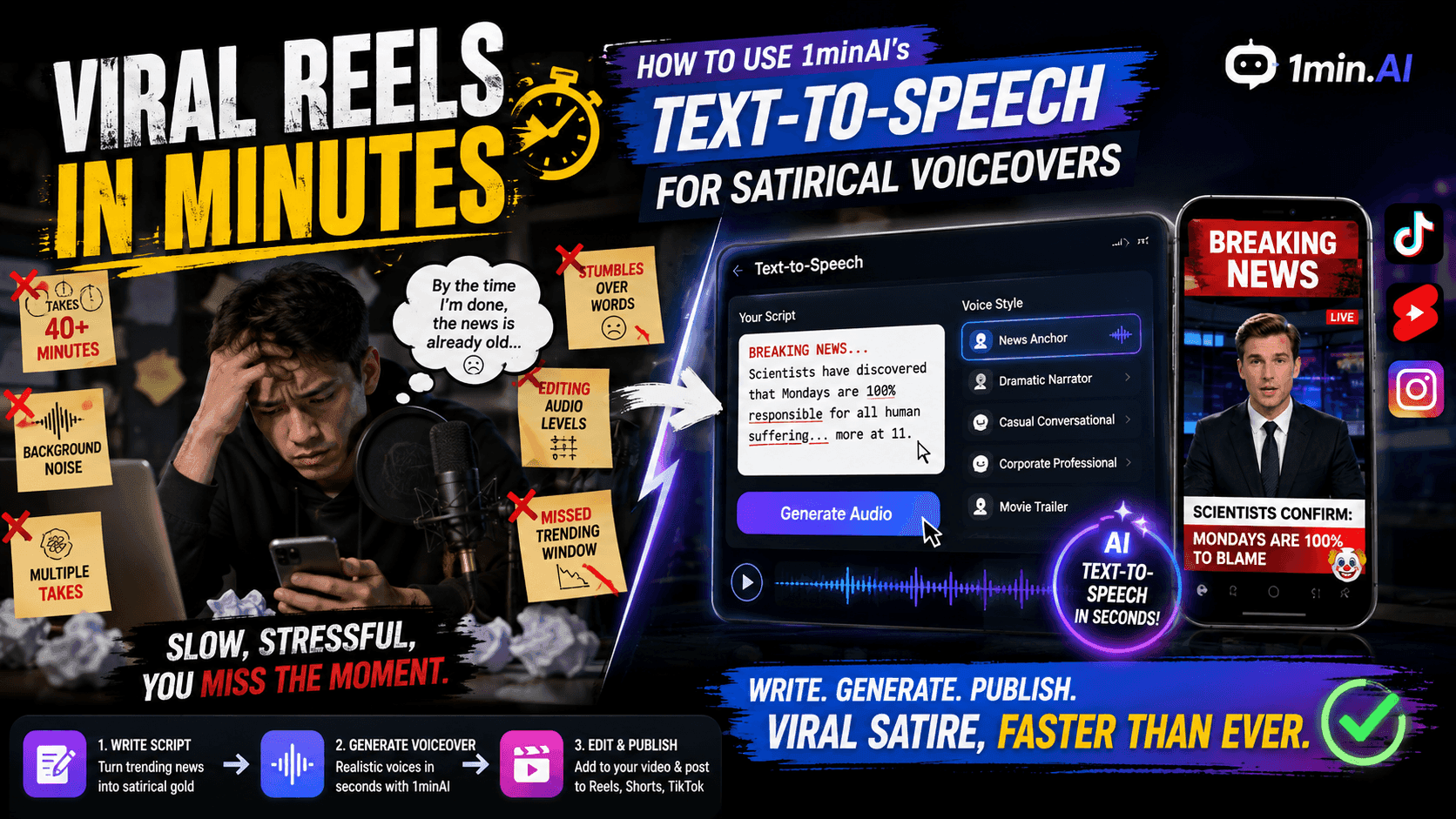
Virale Reels in Minuten: So nutzt du den Text-to-Speech von 1minAI für satirische Voiceovers
Erfahre, wie Admins satirischer Seiten die Text-to-Speech-Funktion von 1minAI nutzen, um sofortige Sprecher- und dramatische Voiceovers für TikToks, Shorts und Instagram Reels zu erstellen.
Uyen Hoang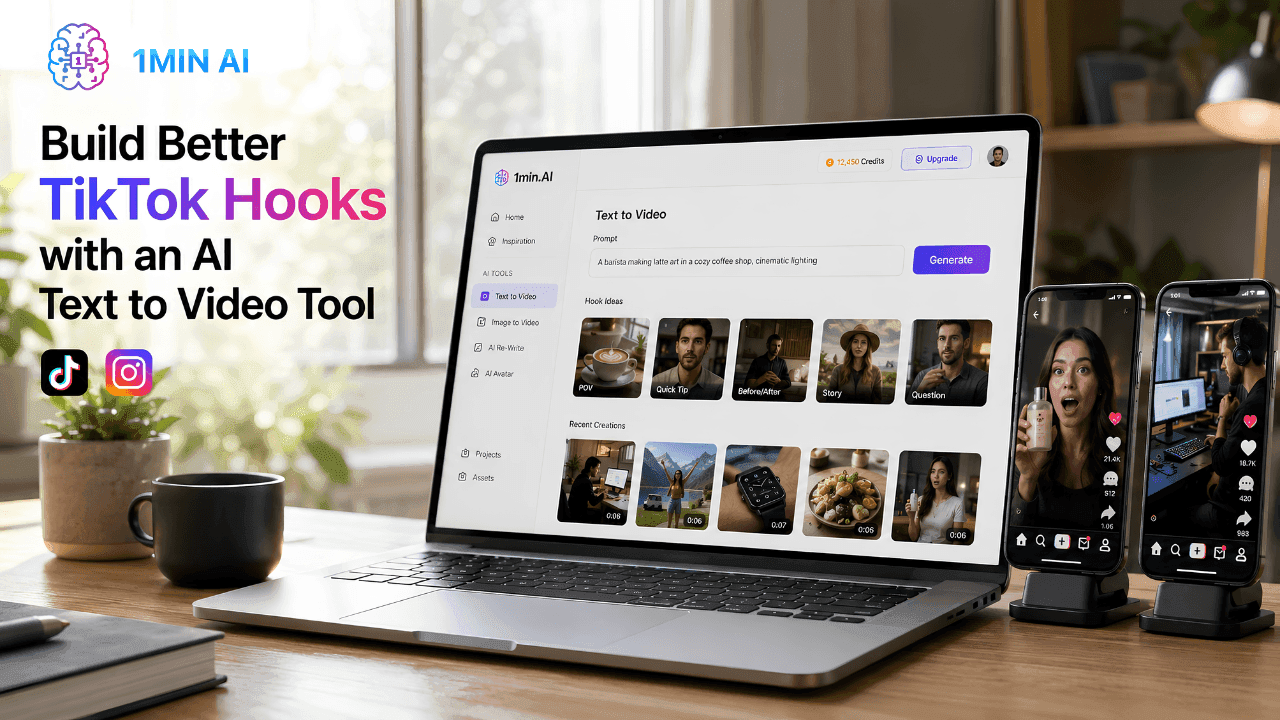
Bessere TikTok-Hooks mit einem KI-Text-zu-Video-Tool erstellen
Erstellen Sie mit 1min.AI Text-zu-Video schneller Video-Hooks, die zum Scrollen anhalten. Verwandeln Sie Textaufforderungen in ansprechende Kurzvideos für TikTok, Reels, Anzeigen und Produktpräsentationen.
Lien Anh VuKI-Leitfäden
Lernen Sie KI schneller mit praktischen Leitfäden, realen Beispielen und umsetzbaren Best Practices.
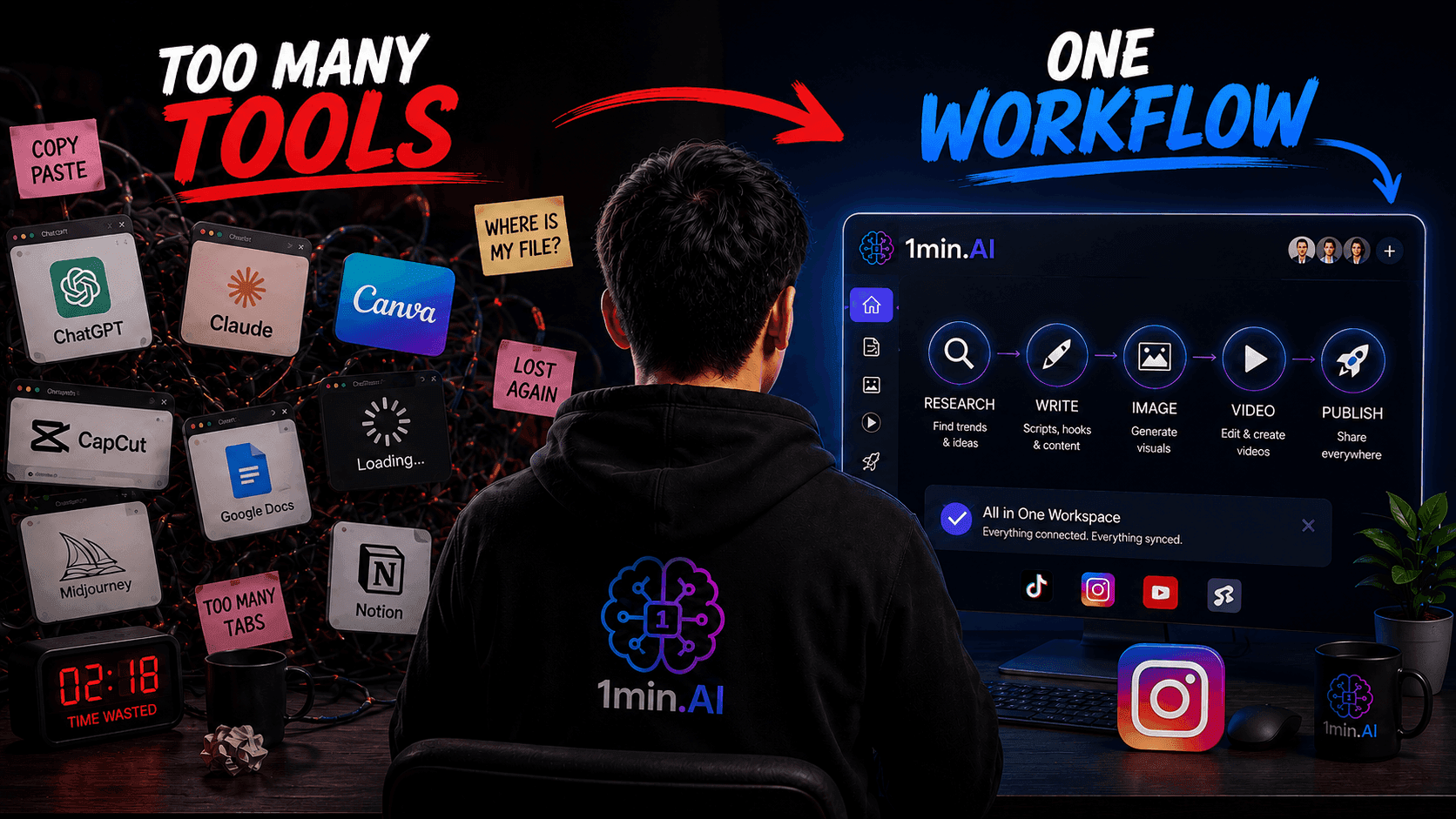
Hör auf, zwischen KI-Tools zu wechseln: Baue stattdessen einen einzigen KI-Workflow
Entdecke, warum das Wechseln zwischen KI-Tools Kreative ausbremst, und erfahre, wie ein KI-Workflow die Content-Erstellung optimieren, die Produktivität steigern und Burnout reduzieren kann.
Lien Anh Vu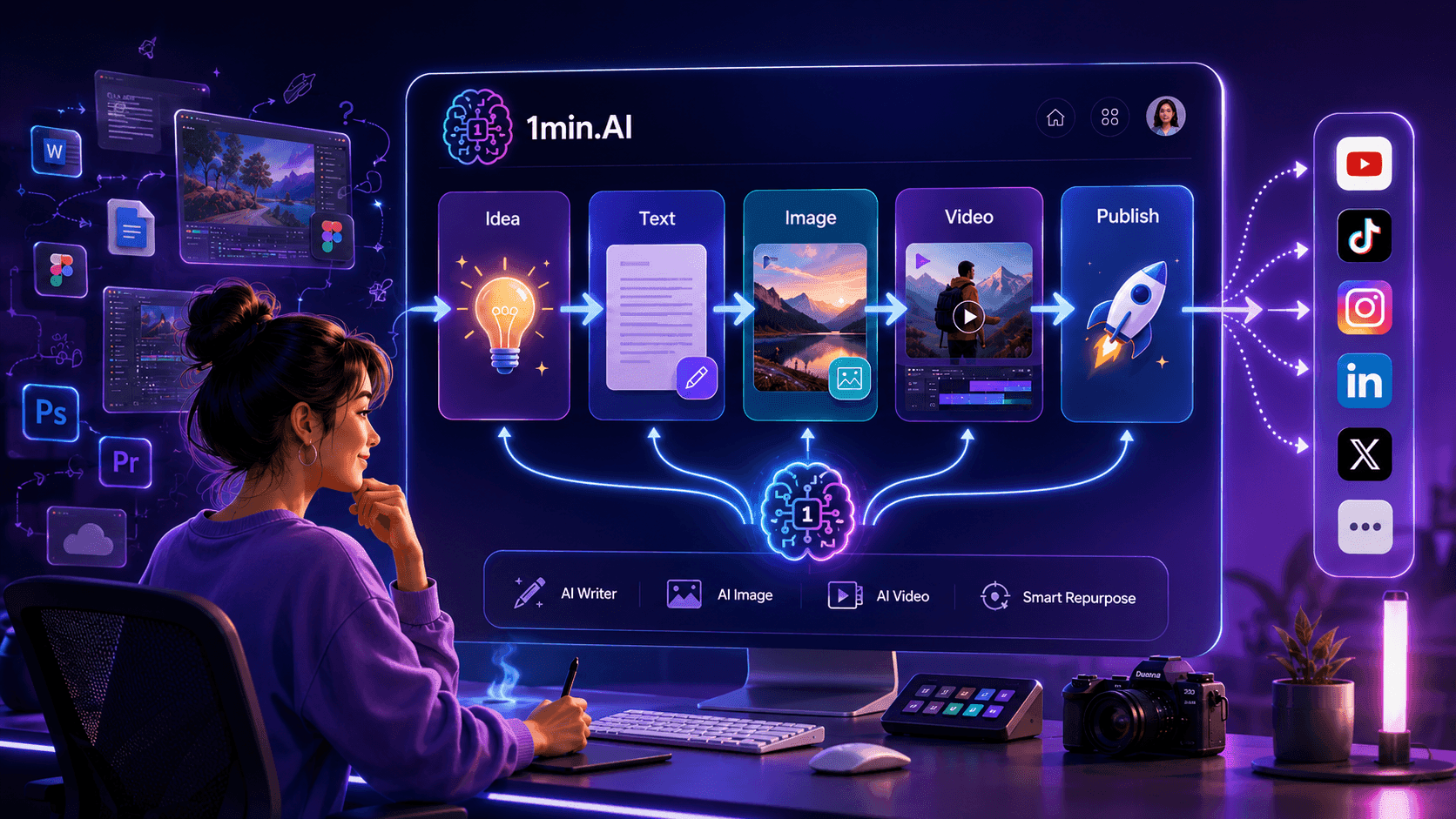
Wie Multiple AI Chat Content Creators hilft, besseren Inhalt zu erstellen
Hören Sie auf, ständig zwischen KI-Tools zu wechseln, nur um Antworten zu vergleichen. Entdecken Sie, wie 1min.AI Multiple AI Chat Kreativen hilft, bessere Ideen zu generieren, Perspektiven zu vergleichen und schneller stärkere Inhalte zu erstellen.
Lien Anh Vu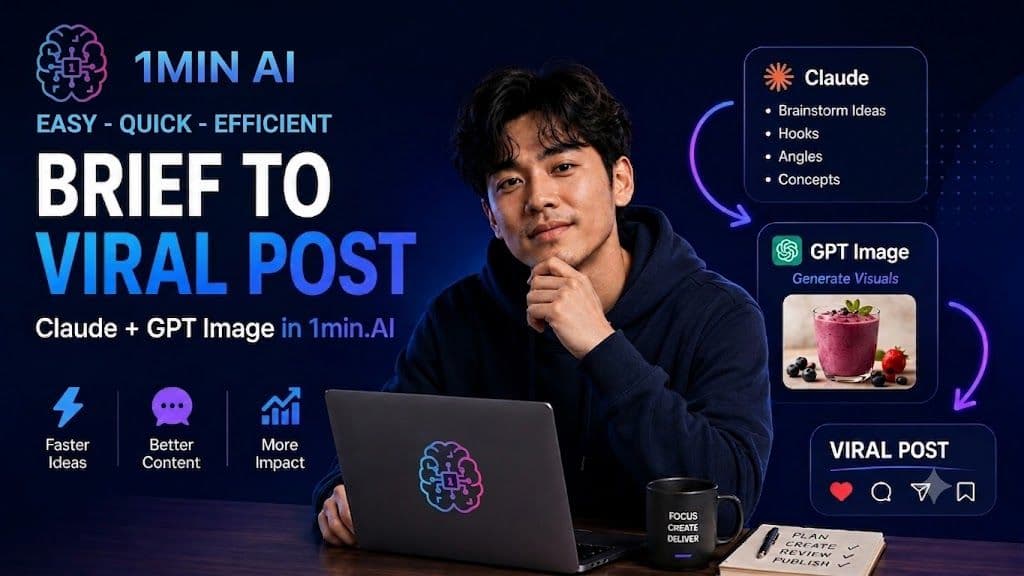
KI-Content-Workflow für Freelancer: Vom Brief zum viralen Post in 1min.AI
Entdecke einen einfachen KI-Content-Workflow für Freelancer. Nutze Claude fürs Brainstorming und die Bildgenerierung von ChatGPT, um ein Kundenbriefing schneller in einen ausgefeilten Social-Media-Post zu verwandeln.
Lien Anh VuKI-Lösungen
Entdecken Sie die besten KI-Lösungen für Automatisierung, Codierung, Forschung, Produktivität, Kundenservice, Marketing und Geschäftsabläufe.
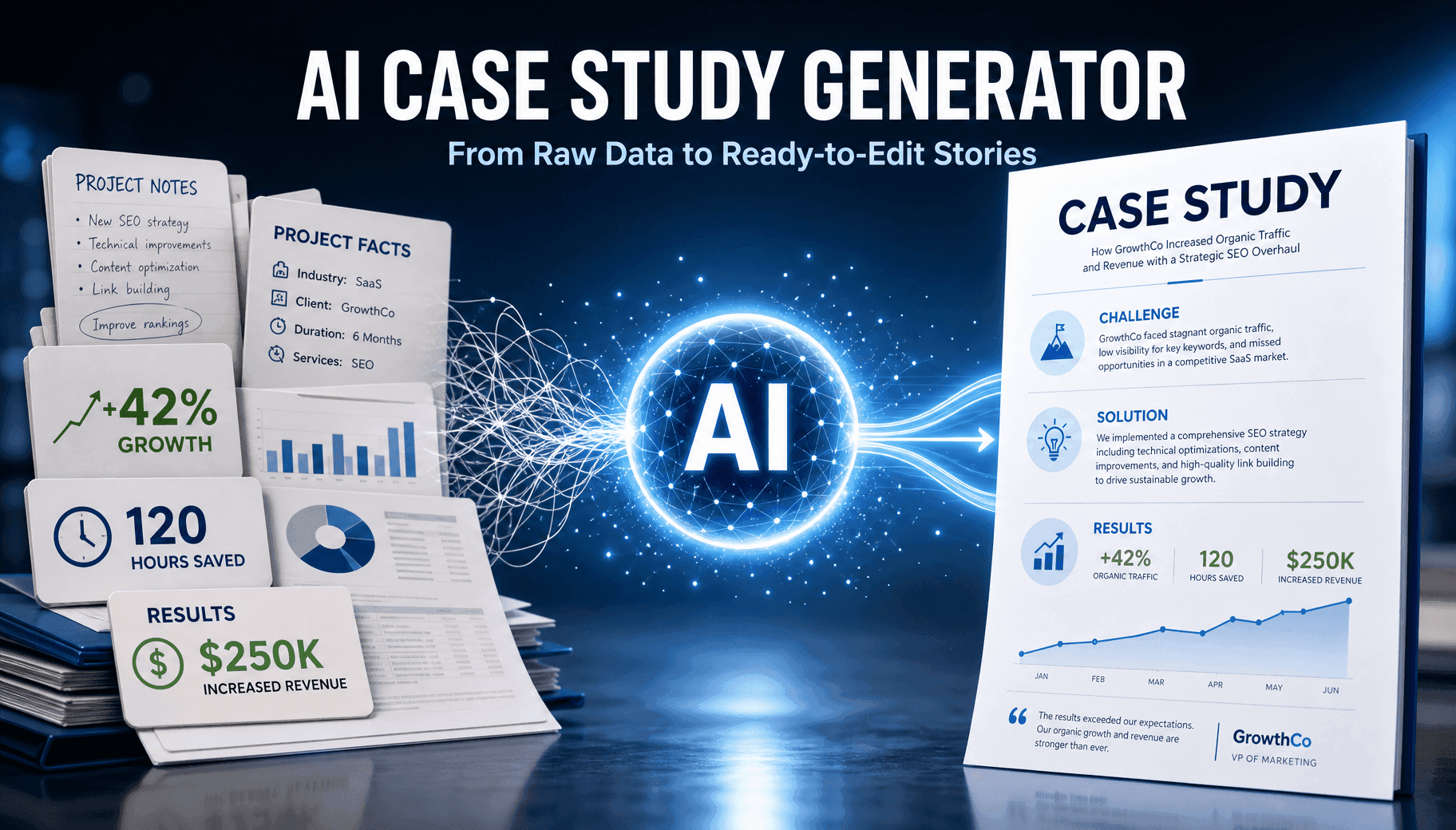
Kostenloser KI-Fallstudien-Generator online
Erstellen Sie in wenigen Minuten aus Rohdaten eine professionelle Fallstudie mit dem kostenlosen KI-Fallstudien-Builder von 1min.AI, entwickelt für B2B-Vertrieb und Social-Selling-Teams.
Trang TranWie Multiple AI Chat Content Creators hilft, besseren Inhalt zu erstellen
Hören Sie auf, ständig zwischen KI-Tools zu wechseln, nur um Antworten zu vergleichen. Entdecken Sie, wie 1min.AI Multiple AI Chat Kreativen hilft, bessere Ideen zu generieren, Perspektiven zu vergleichen und schneller stärkere Inhalte zu erstellen.
Lien Anh VuBessere TikTok-Hooks mit einem KI-Text-zu-Video-Tool erstellen
Erstellen Sie mit 1min.AI Text-zu-Video schneller Video-Hooks, die zum Scrollen anhalten. Verwandeln Sie Textaufforderungen in ansprechende Kurzvideos für TikTok, Reels, Anzeigen und Produktpräsentationen.
Lien Anh VuKI-Modelle
Entdecken Sie die weltweit führenden KI-Modelle an einem Ort.
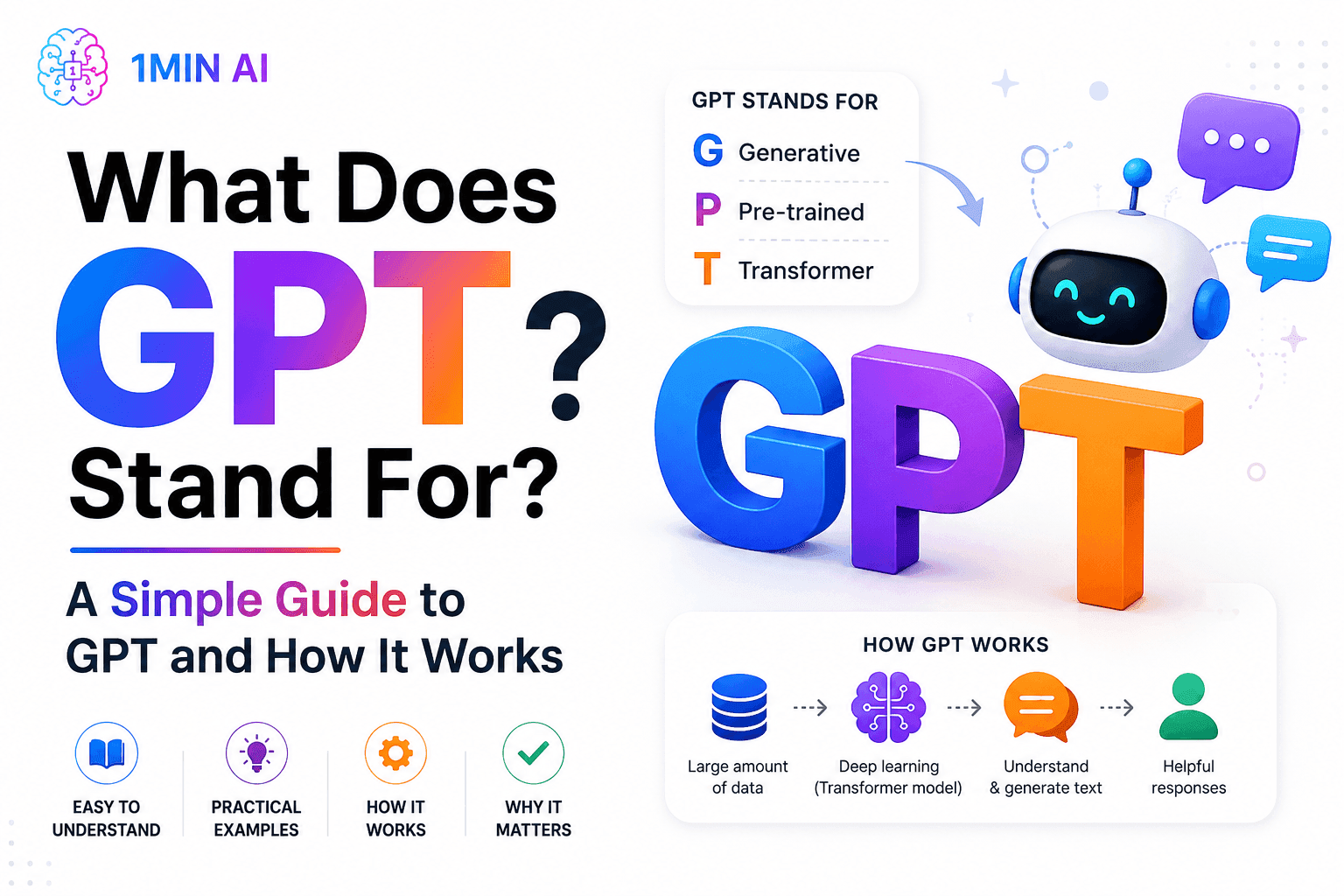
Wofür steht GPT? Ein einfacher Leitfaden zu GPT und seiner Funktionsweise
Wofür steht GPT? Erfahre, was GPT bedeutet, wie Generative Pre-trained Transformer-Technologie funktioniert und warum GPT-Modelle für moderne KI wichtig sind.
Tram Ta
Kostenloser KI-Chat mit Qwen3 VL Plus
Chatte mit Qwen3 VL Plus für fortschrittliches Bild- und Videoverständnis, visuelles Schlussfolgern, OCR, räumliche Analyse und multimodale KI-Unterstützung in 1minAI.
Uyen Hoang
Kostenloser KI-Chat mit xAI - Grok 3 Mini
Chatte mit Grok 3 Mini für schnelle KI-Reasoning-Aufgaben, Mathematik, Coding, Logik und strukturiertes Problemlösen in 1minAI.
Uyen HoangKI-Vergleiche
Vergleichen Sie KI-Tools, -Modelle und -Plattformen, um die beste Lösung für Ihre Anforderungen zu finden.

Black Friday vs. Cyber Monday: Warum Black Friday das Hauptevent ist
Black Friday oder Cyber Monday – wo gibt es die besseren Deals? Erfahre, warum Black Friday das Hauptevent ist und wie du die letzten Cyber-Monday-Flash-Sales erwischst.
 Hang Nguyen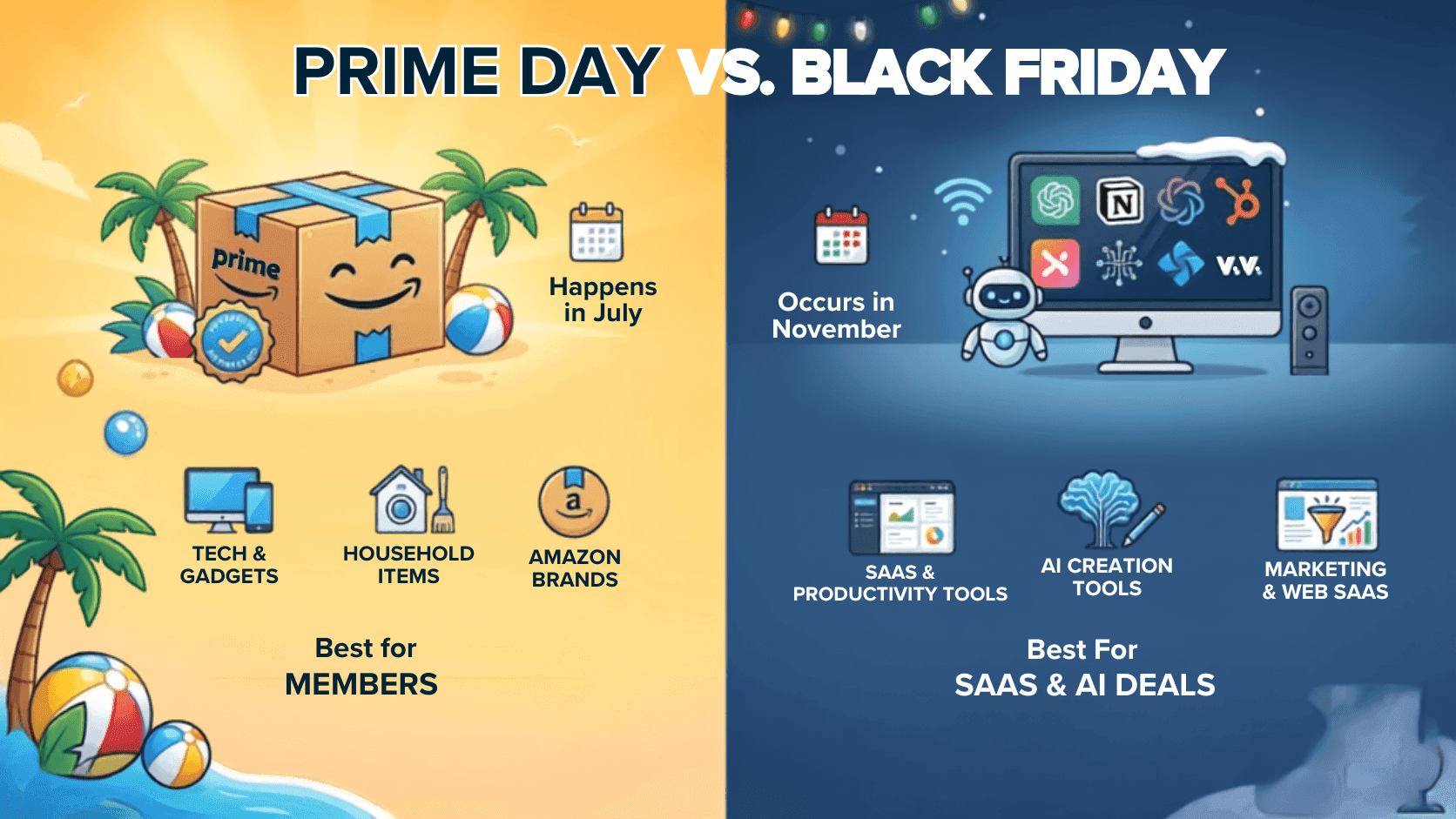
Sind Black-Friday-Angebote besser als Prime Day?
Sind Black-Friday-Angebote besser als Prime Day? Wir vergleichen durchschnittliche Rabatte, Technik-Deals, SaaS-Angebote und Einkaufsstrategien, damit du entscheidest, wann du kaufen solltest.
Hang Nguyen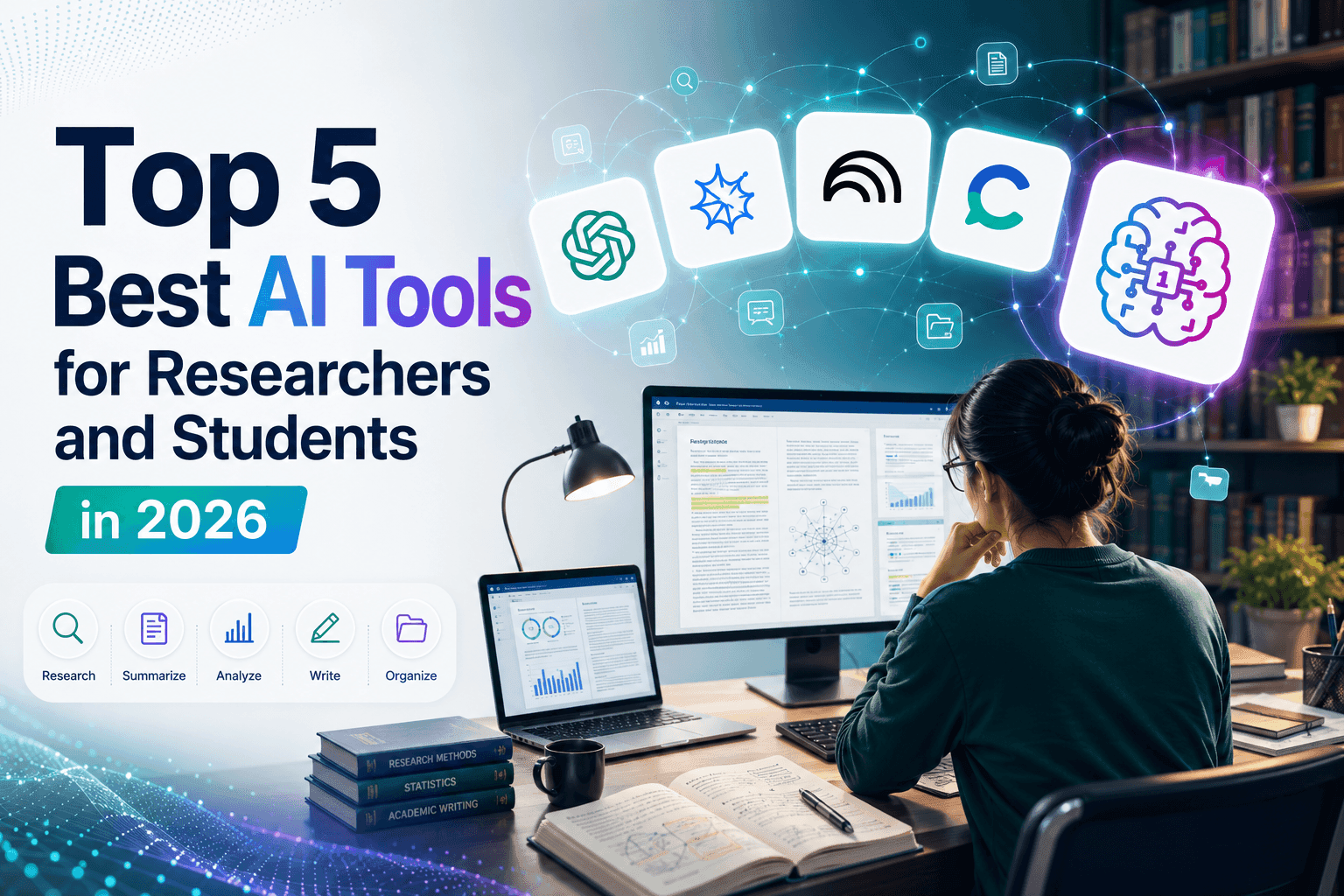
Die 5 besten KI-Tools für Forscher und Studenten im Jahr 2026
Entdecken Sie die besten KI-Tools für Forscher und Studenten, um Arbeiten zusammenzufassen, das wissenschaftliche Schreiben zu verbessern, PDFs zu analysieren und Forschungsabläufe zu optimieren.
Tram TaKI-Integrationen
Integrieren Sie KI nahtlos in die Tools, die Sie bereits nutzen, um Arbeitsabläufe zu automatisieren und die Produktivität zu steigern.
POV: Du musst jeden Tag 10+ Beiträge erstellen
Erfahre, wie du einen AI-Content-Workflow aufbaust, der Content-Creators hilft, mit KI-Brainstorming, Bildgenerierung und Content-Erstellung schneller 10+ Social-Media-Beiträge pro Tag zu produzieren.
Lien Anh Vu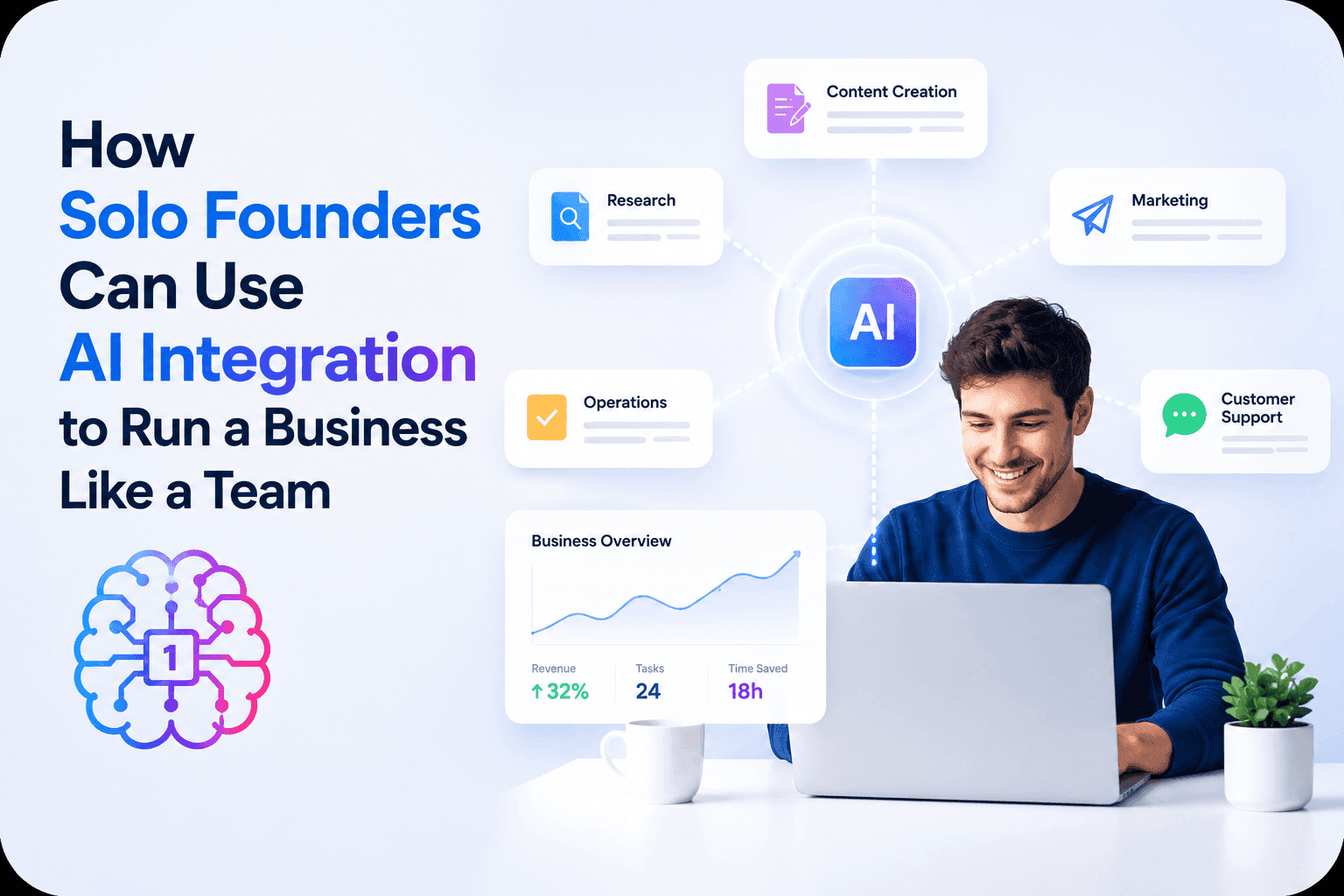
Wie Solo-Gründer mit KI-Integration ein Unternehmen wie ein Team führen können
Erfahren Sie, wie KI-Integration Solo-Gründern hilft, Recherche, Content, kreative Arbeit, Dokumente und Business-Aufgaben in einem KI-Arbeitsbereich zu bewältigen.
Tram TaKI-Content-Workflow für Freelancer: Vom Brief zum viralen Post in 1min.AI
Entdecke einen einfachen KI-Content-Workflow für Freelancer. Nutze Claude fürs Brainstorming und die Bildgenerierung von ChatGPT, um ein Kundenbriefing schneller in einen ausgefeilten Social-Media-Post zu verwandeln.
Lien Anh VuKI für Industrien
Finden Sie die besten KI-Tools und Workflows für Gesundheitswesen, Finanzen, Bildung, Recht, Fertigung, Einzelhandel, Immobilien und mehr.
Kostenlose KI-Tools für Fotografen, um kreative Arbeit auf das nächste Level zu heben
Entdecke kostenlose KI-Tools für Fotografen, um Bilder zu bearbeiten, Visuals und Videos zu erstellen, Inhalte zu entwickeln und Kunden-Workflows mit 1min.AI zu optimieren.
Lien Anh Vu
Kostenlose KI-Tools für Designstudios zur Steigerung kreativer Arbeit
Entdecken Sie kostenlose KI-Tools für Designstudios, um Ideen zu brainstormen, Visuals zu erstellen, Videos zu generieren, Inhalte zu schreiben und kreative Workflows mit 1min.AI zu optimieren.
Lien Anh Vu
Kostenlose KI-Tools für Podcaster, um bessere Inhalte zu erstellen
Entdecken Sie kostenlose KI-Tools für Podcaster, um Themen zu recherchieren, Ideen zu generieren, Episoden zu transkribieren, Videos zu erstellen, Shownotes zu schreiben und Inhalte mit 1min.AI wiederzuverwenden.
Lien Anh VuKI-Agenten
Entdecken und nutzen Sie KI-Agenten, um Aufgaben in Ihrem Arbeitsalltag und Privatleben zu automatisieren.
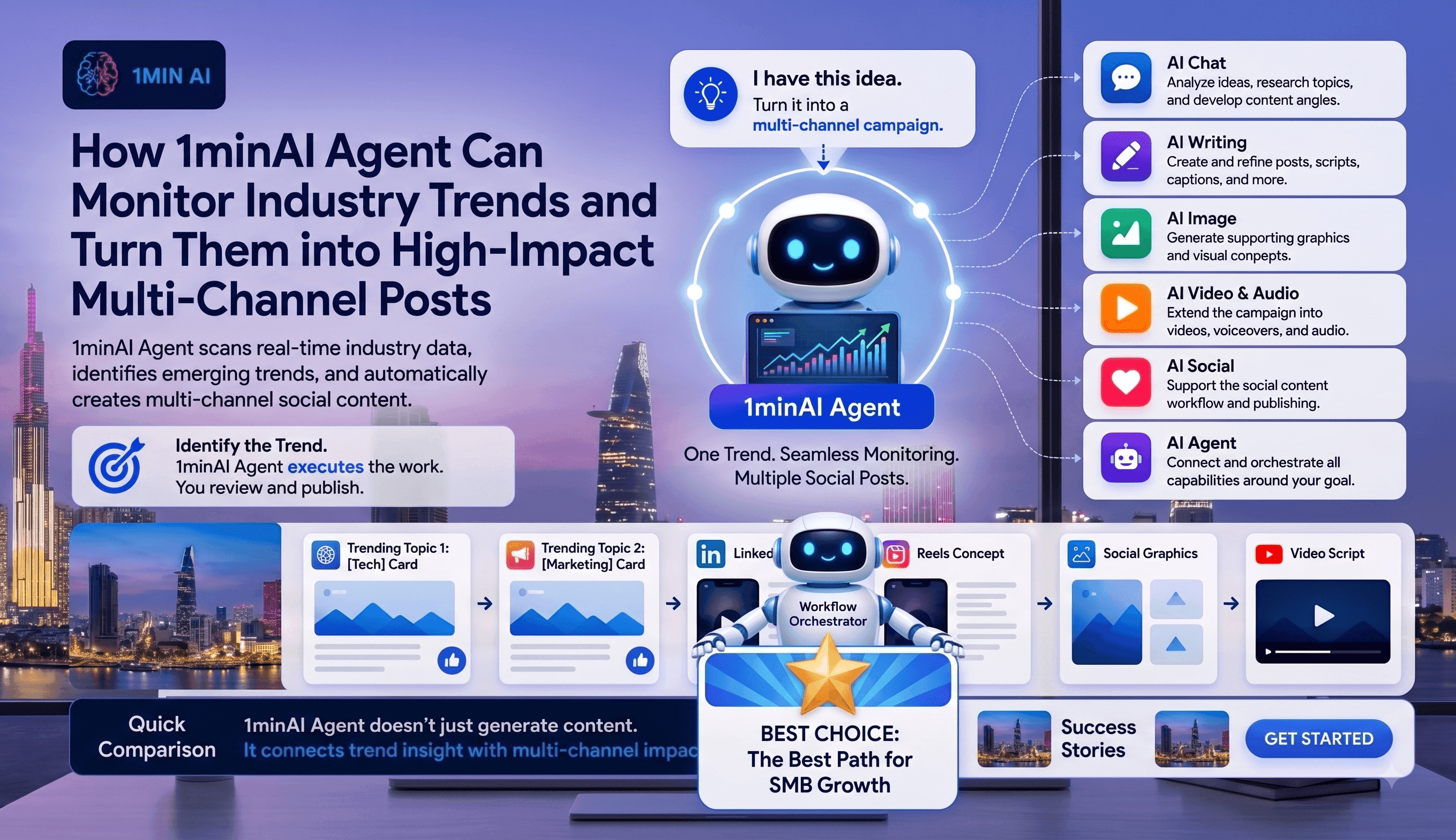
Wie der 1minAI Agent Branchentrends überwacht und in Social Posts verwandelt
Entdecken Sie, wie KI-Agenten Branchentrends verfolgen, Nachrichten recherchieren, Social Content generieren und das Publishing mit dem 1minAI Agent vereinfachen.
Tram Ta
Wie Führungskräfte mit KI-Agenten eine persönliche Marke im Autopilot aufbauen können
Erfahren Sie, wie Führungskräfte 1minAI Agent nutzen können, um Trends zu recherchieren, Content-Strategien zu entwickeln, Redaktionskalender zu verwalten und Personal Branding zu skalieren.
Tram Ta
Von der LinkedIn-Idee zur Multi-Channel-Kampagne: Automatisiere deinen Content-Workflow mit dem KI-Agenten
Verwandle eine LinkedIn-Idee mit 1minAI Agent in eine Multi-Channel-Kampagne. Erstelle Posts, Videos, Visuals und Social Content aus einem verbundenen Workflow.
Tram TaKI-Workflows
Entdecken Sie gebrauchsfertige KI-Workflows für Produktivität, Marketing, Vertrieb, Support und mehr.
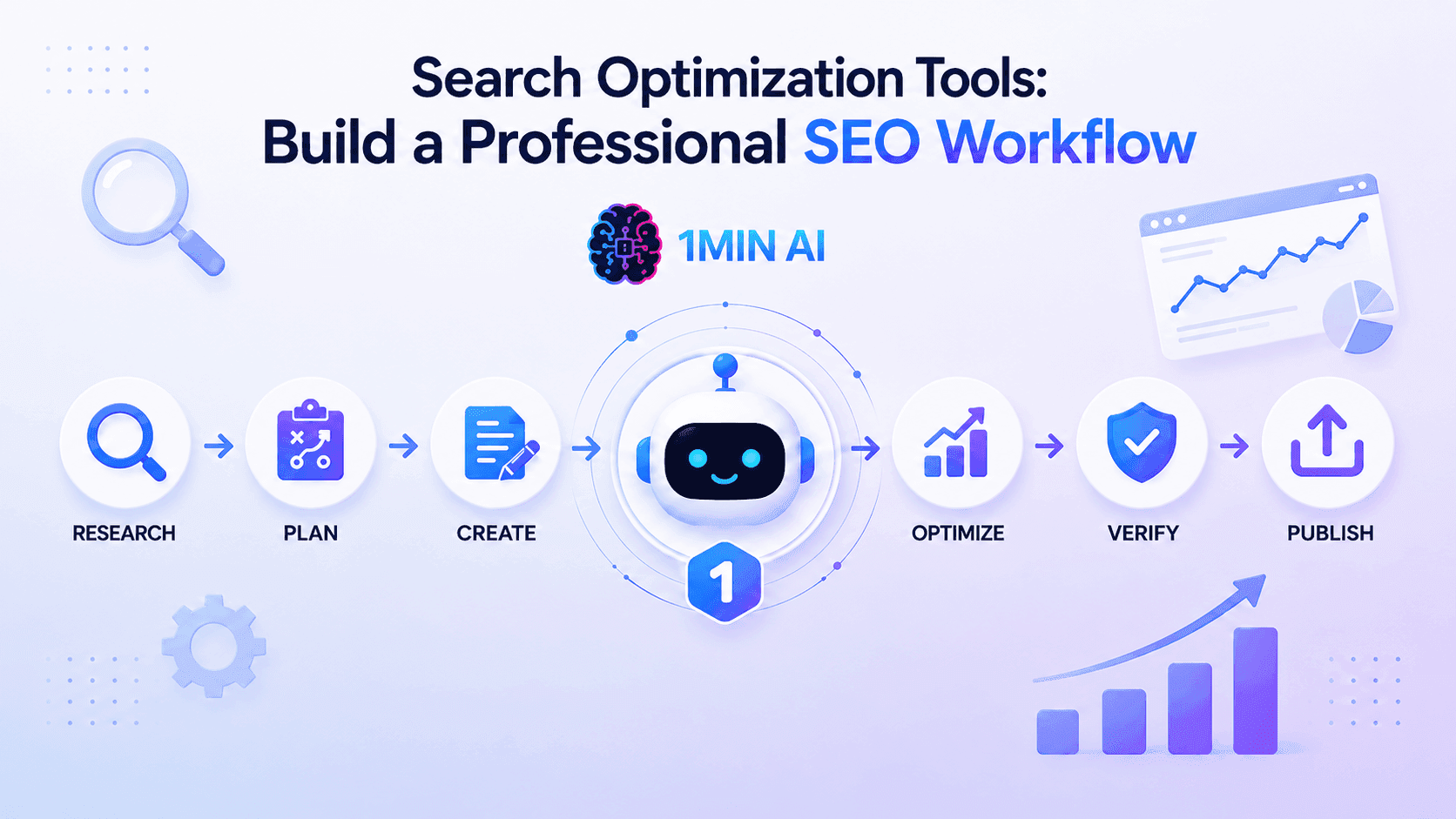
Suchoptimierungstools: Bauen Sie einen professionellen SEO-Workflow auf
Entdecken Sie, wie Suchoptimierungstools Keyword-Recherche, topical map SEO, Content-Erstellung, Optimierung und SEO-Workflow-Automatisierung vereinfachen.
Ngoc HongPOV: Du musst jeden Tag 10+ Beiträge erstellen
Erfahre, wie du einen AI-Content-Workflow aufbaust, der Content-Creators hilft, mit KI-Brainstorming, Bildgenerierung und Content-Erstellung schneller 10+ Social-Media-Beiträge pro Tag zu produzieren.
Lien Anh Vu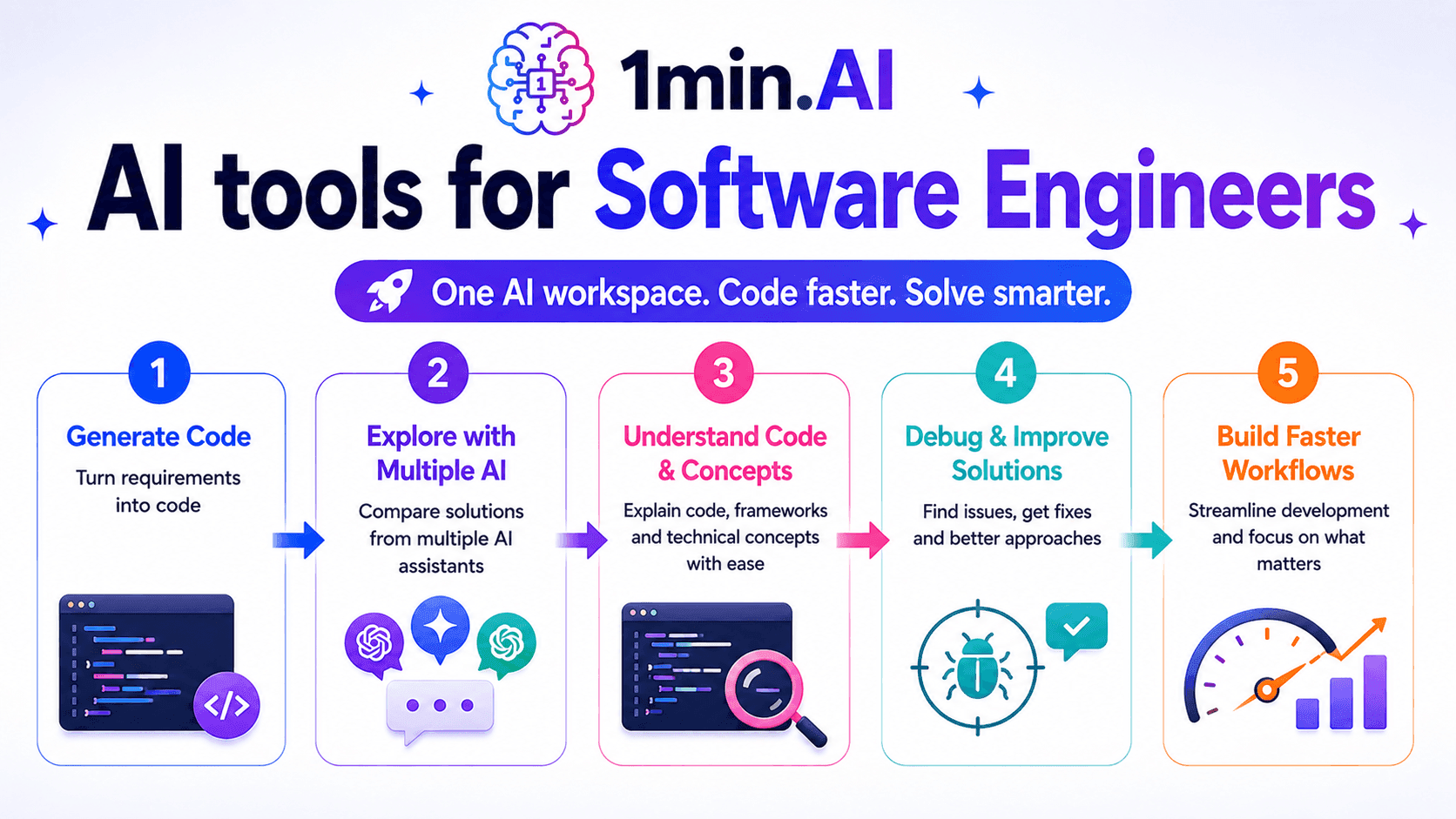
KI-Tools für Software Engineers
Entdecken Sie KI-Tools für Software Engineers, um Code zu generieren, Probleme zu debuggen, technische Konzepte zu verstehen und die Entwicklung mit 1min.AI zu optimieren.
Ngoc HongNewsletter
Wöchentliche KI-Innovationen mit 1minAI
🔮 Wöchentliche KI-Innovationen #133: Verdiene Credits und mehr mit AI Social
Entdecke die Open-Source-Effizienz von DeepSeek V4 und xAIs Grok 4.3 & 4.5 für fortgeschrittenes Reasoning und ultraschnelles Coding im Jahr 2026.
Hang Nguyen
🔮 Wöchentliche KI-Innovationen #132: DeepSeek V4 & xAIs Grok 4.3, 4.5
Entdecke die Open-Source-Effizienz von DeepSeek V4 und xAIs Grok 4.3 & 4.5 für fortgeschrittenes Reasoning und ultraschnelles Coding im Jahr 2026.
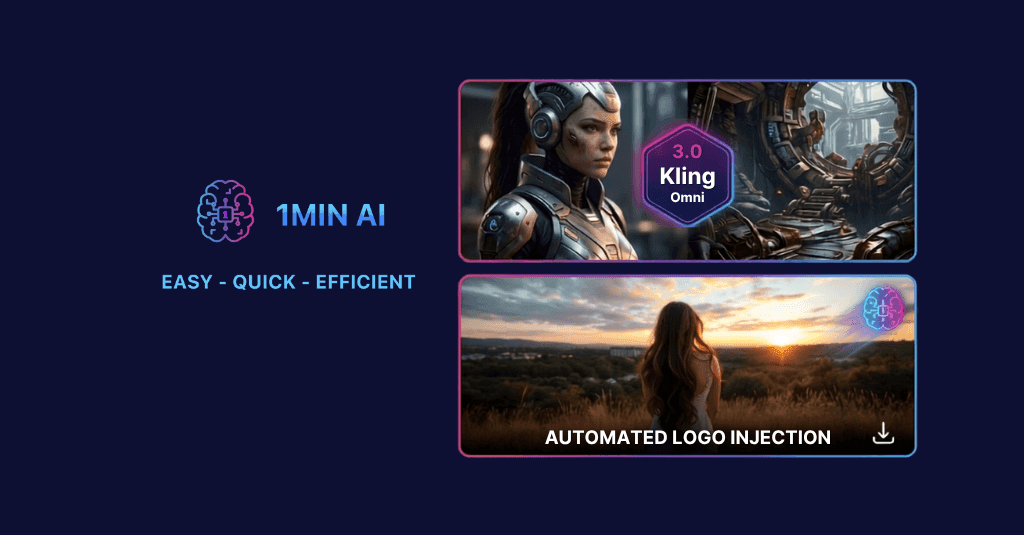
🔮 Wöchentliche KI-Innovationen #131: Kling 3.0 & Automatische Logo-Einblendung
Verbessere deinen Workflow mit den neuen Videomodellen Kling 3.0 & 3.0 Omni von 1min.AI und der neuen Logo-Injection-Funktion von AI Social.
Hang Nguyen